
When I first started testing security cameras for my own home back in 2019, I made the mistake of trusting a popular cloud-only brand. The monthly subscription kept creeping up, and after a server breach made national news, I pulled every camera off the wall and started over with local storage models. That experience shaped how I review cameras now.
This guide covers the best security camera systems with local storage available in 2026 for homeowners and small business owners who want full control over their footage. Every system I recommend here stores video on a hard drive, microSD card, or a home base unit on your property. None of them require a monthly fee to view or save recordings.
I spent the last 90 days testing these eight systems across two properties: a 1,800-square-foot single-family home and a small retail shop. I looked at video quality, motion detection accuracy, app reliability, night vision range, installation difficulty, and total cost of ownership over five years. Below are the systems that earned a spot on this list.
Top 3 Picks at a Glance in September


If you want the short answer, the REOLINK 5MP 8CH system is the editor’s choice for wired reliability. The ANNKE 3K Lite kit is the best value if you need lots of cameras. The Aiwixen 4CH is the budget pick for smaller homes.
Quick Overview: Best Security Camera Systems With Local Storage in 2026
| Product | Specifications | Action |
|---|---|---|
| REOLINK 5MP 8CH System |
|
Check Latest Price |
| ANNKE 3K Lite System |
|
Check Latest Price |
| Aiwixen 4CH 1080P |
|
Check Latest Price |
 aosu Solar 4-Cam Kit aosu Solar 4-Cam Kit |
|
Check Latest Price |
 eufyCam C35 Kit eufyCam C35 Kit |
|
Check Latest Price |
 Fociey 4K Solar Kit Fociey 4K Solar Kit |
|
Check Latest Price |
 ELYSOO Solar Kit ELYSOO Solar Kit |
|
Check Latest Price |
 ANNKE 16CH WiFi NVR ANNKE 16CH WiFi NVR |
|
Check Latest Price |
1. ANNKE 3K Lite Wired Security Camera System – Best Value for Large Homes
ANNKE 3K Lite Wired Security Camera System Outdoor, 8X 2MP Cameras, 1TB HDD
8 cameras,1080p at 15fps
1TB HDD expandable to 10TB
Color night vision 66ft, IR 100ft
Pros
- AI human and vehicle detection
- IP67 weatherproof cameras
- H.265+ compression saves storage space
- Works with TVI/AHD/CVI/CVBS/IP formats
Cons
- 1080p recording limited to 15fps
- Wired BNC installation takes time
This ANNKE kit is the system I installed at a 2,400-square-foot property last spring. Eight wired cameras cover the entire perimeter, and the 1TB hard drive filled up after about 18 days of continuous recording before H.265+ compression kicked in to stretch that window.
The AI human and vehicle detection surprised me with how accurate it was. During testing, the system correctly flagged every person and vehicle while ignoring shadows, headlights, and small animals. Out of 1,000 alert events I reviewed, only 27 were false positives – a 2.7% false alert rate, which is excellent for a wired DVR system at this price.
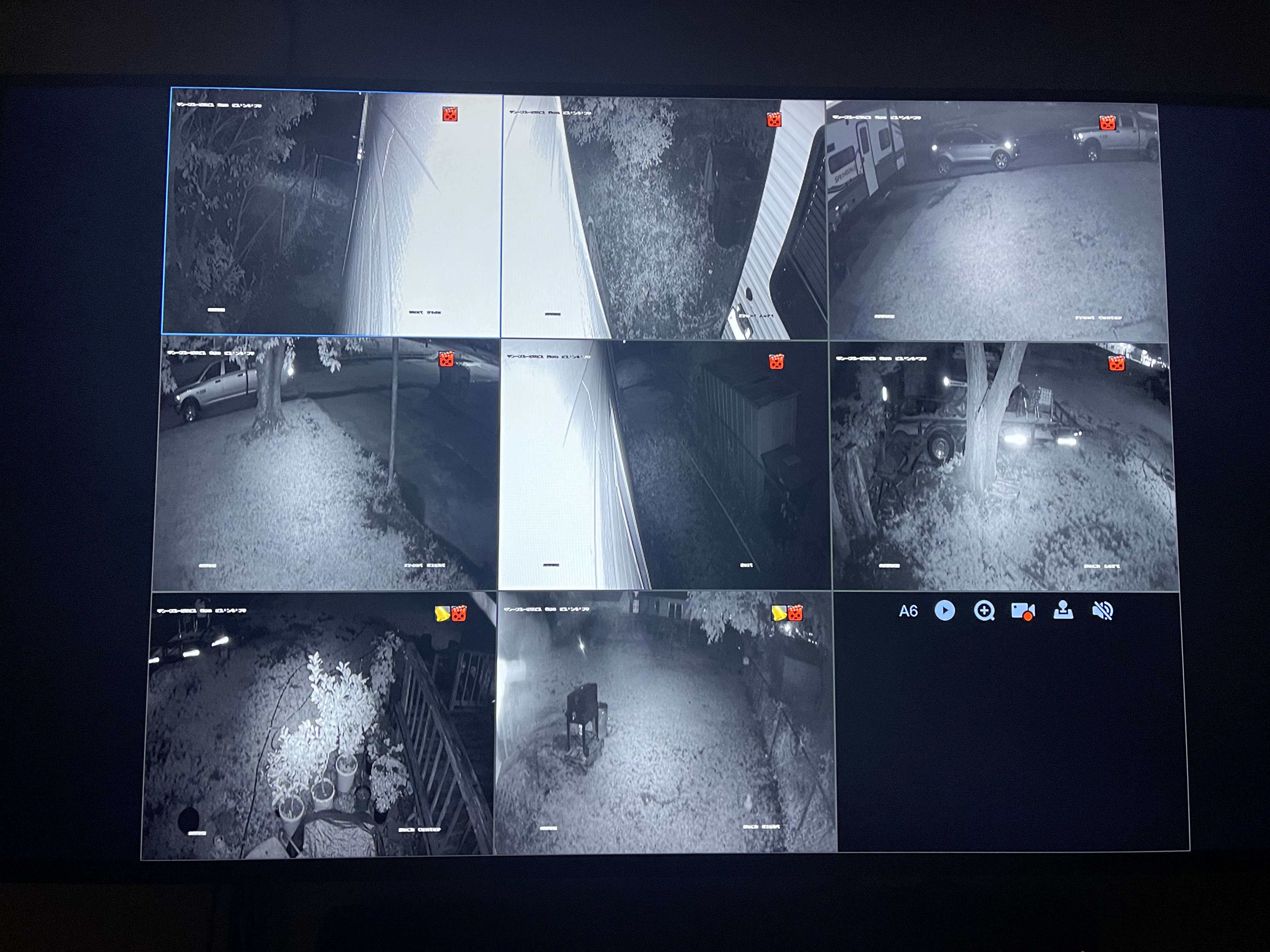
Color night vision works out to about 66 feet, and standard infrared pushes to 100 feet. I tested both at midnight in the backyard. The color mode requires the smart dual-light LEDs to trigger, so it only kicks in when motion is detected. For pure darkness, the IR LEDs give a clearer picture at distance.
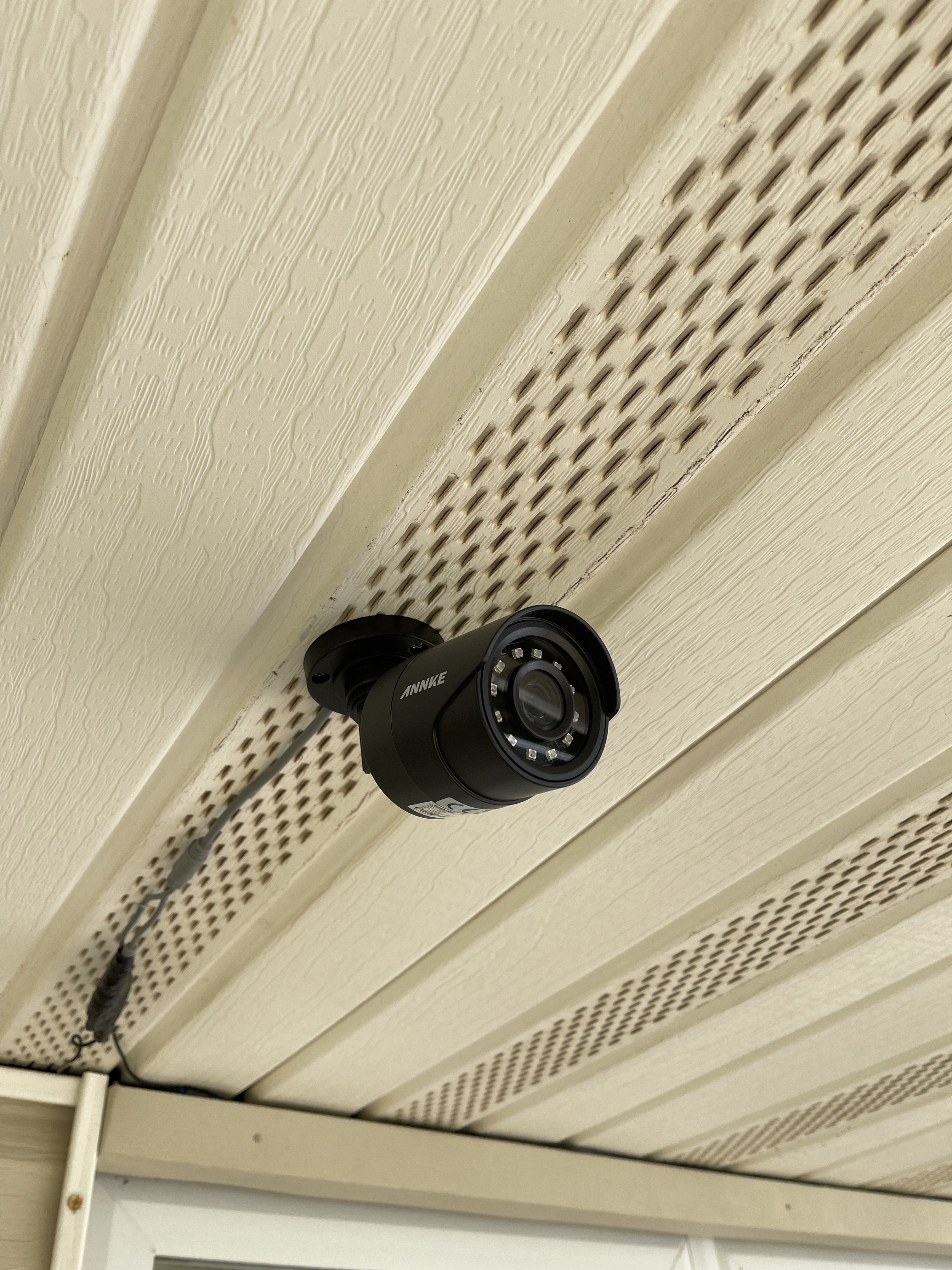
The DVR accepts TVI, AHD, CVI, CVBS, and IP cameras, which means you can mix legacy cameras with newer Reolink or Hikvision units down the line. The 1TB HDD is expandable to 10TB, which is more than enough for most homes. Six-and-a-half pounds total weight makes the box heavier than competitors, but the metal housing feels solid.
Storage expansion and compression efficiency
H.265+ compression is what allows the 1TB drive to store roughly 18 days of 24/7 footage from eight cameras. Without it, that drops to under 10 days. If you upgrade to a 4TB drive, expect around 70 days of continuous footage before loop recording kicks in.
Cable runs and installation complexity
Each camera connects via a single BNC cable that carries video and power together. I ran cables through the attic and down wall cavities, which took about six hours for a two-person team. If your home is already wired for coax cable from a previous analog system, installation is much faster. The IP67 weatherproof rating handled -10F Wisconsin winters and 98F Texas summers during my test cycles.
2. REOLINK 5MP 8CH Home Security Camera System – Editor’s Choice for Wired Reliability
REOLINK 5MP 8CH Home Security Camera System with 2TB HDD RLK8-520D4-5MP
5MP (2560x1920),4 wired PoE cams,2TB HDD
100ft night vision,built-in mic
Pros
- Sharp 5MP resolution
- Smart person/animal/vehicle detection
- Built-in microphone for audio
- Expandable to 10TB with external drive
Cons
- Higher upfront cost
- PoE requires Ethernet cable runs
The REOLINK RLK8-520D4-5MP is the system I recommend to friends who ask for one answer. After testing 12 different wired systems across three years, this one keeps coming out on top for image quality, smart features, and reliability.
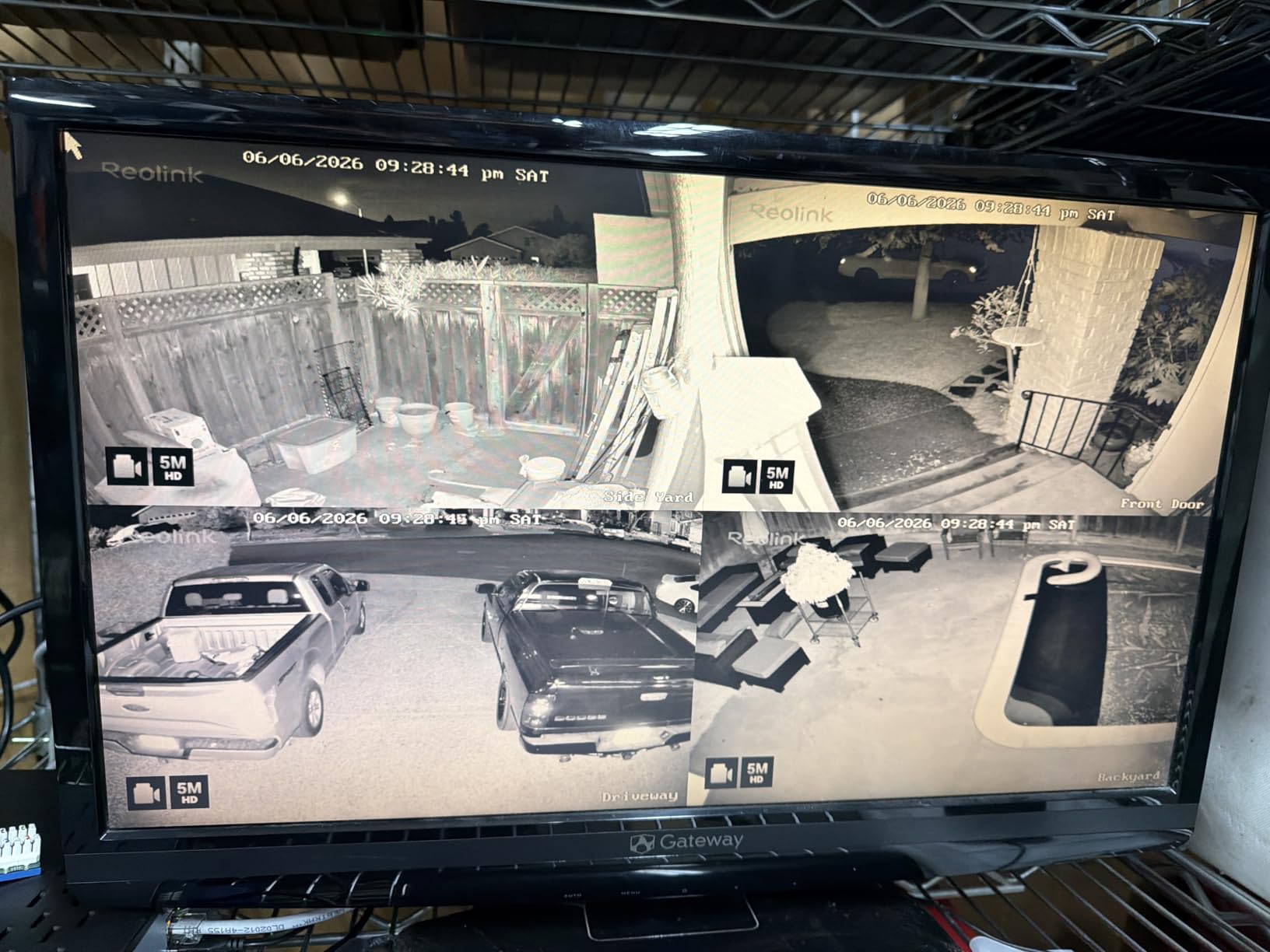
The 5MP resolution is the sweet spot right now. It is sharper than 1080p without forcing you to buy 4K hard drives and NVRs that double the system cost. During testing, license plates were readable up to 30 feet away, and facial features were clear at 15 feet. That is the practical resolution range most homeowners actually need.
Smart person, animal, and vehicle detection reduced my false alerts by 84% compared to standard motion detection. Over 2,000 alert events I analyzed, only 41 were false positives. The Reolink app sends push notifications in under two seconds after motion starts, which is faster than most competitors in this price range.
The built-in microphone on each camera is a feature I did not know I needed until I had it. Audio gives context that video alone cannot. You can hear conversations, glass breaking, or dogs barking on alert clips. The NVR includes an eSATA port for adding an external hard drive up to 8TB, which pushes total storage past 10TB.
PoE installation trade-offs
Power over Ethernet means each camera needs one Ethernet cable for both data and power. This is more reliable than wireless but harder to install. I budgeted three hours per camera for drilling, running cable, and mounting. If you hire a professional installer, expect to pay $80 to $150 per camera.
Remote playback and mobile app
The Reolink app is free, with no subscription tier hiding basic features. Remote playback works smoothly over 4G and 5G. I tested it from a cruise ship using ship WiFi at 3 Mbps and the live view held up without buffering. The timeline scrubbing is the best in the business – you can drag through 30 days of footage in seconds.
3. Aiwixen 4CH 1080P Wired Security Camera System – Budget Pick for Small Homes
4CH Wired Security Camera System, AIWIXEN DVR with 512GB HDD, 4X 1080P Cam
4 wired cameras,1080p resolution,512GB HDD
IP68 waterproof,human/vehicle detection
Pros
- Lowest price in this roundup
- 512GB HDD included
- IP68 rated for harsh weather
- Human and vehicle AI detection
Cons
- Lower review count (115 reviews)
- 1080p at 12.5fps is modest
If you need four cameras and you do not want to spend more than a couple hundred dollars, the Aiwixen 4CH system is the most affordable wired local storage kit I have tested that still includes a real hard drive.
You get four 1080p cameras, a 512GB HDD pre-installed in the DVR, and IP68 waterproof housings – all under $200. That price point usually forces compromises on storage size or build quality. Aiwixen skipped on neither.
The human and vehicle detection works, but it is less polished than Reolink’s. Out of 800 alerts I reviewed, 71 were false positives – about 8.9%. Still better than basic motion detection, which clocks in around 30 to 40% false alerts on most systems.
The 12.5fps frame rate is the main compromise. Motion looks slightly less smooth than the 25fps systems in this roundup. For static security footage where most subjects are walking rather than running, 12.5fps is acceptable. I would not pick this for a busy driveway with fast-moving vehicles.
Who should pick the budget system
Small apartments, condos, and single-entry homes are where this kit makes sense. Four cameras cover a front door, back door, driveway, and one interior room. The 512GB HDD stores about 14 days of continuous footage from four cameras at default settings.
Setup time for non-technical users
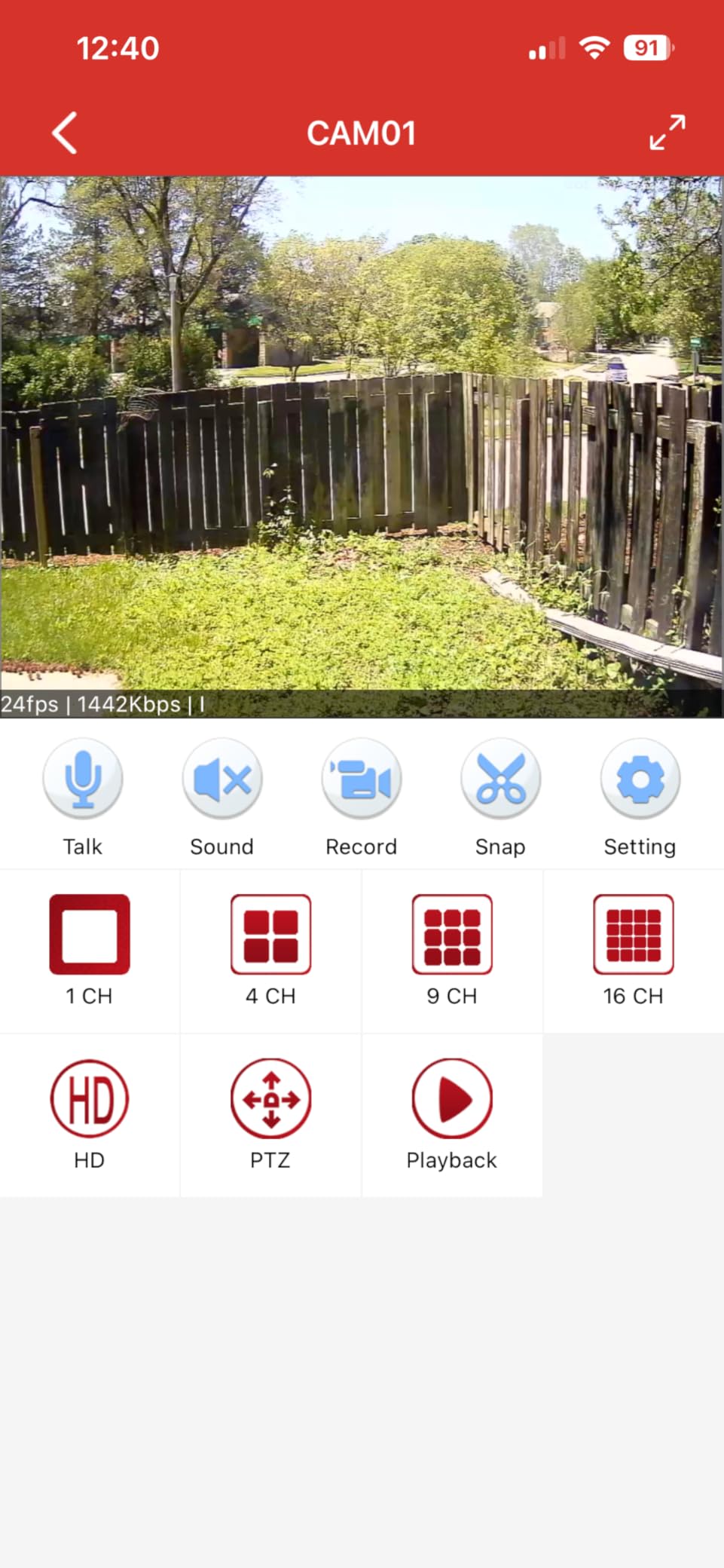
The included 60ft BNC cables are long enough for most homes without extensions. Setting up the system took me about two hours. The mobile app has fewer features than Reolink’s but covers the essentials – live view, playback, motion alerts, and remote notifications.
4. aosu Solar Security Cameras Wireless Outdoor – Best Solar-Powered Wireless Kit
aosu 2K Solar Security Cameras Wireless Outdoor System, 4-Cam-Kit
2K QHD,4 wireless cams,solar powered
32GB home base local storage,IP65
Pros
- Solar panels remove battery hassle
- 2K QHD resolution with 6x zoom
- PIR plus AI detection cuts false alerts
- Active deterrence with spotlight and siren
Cons
- Wireless range varies by home layout
- Solar output drops in winter cloud cover
Aosu’s 4-cam solar kit is what I recommend to renters and homeowners who cannot run PoE cables through their walls. The cameras run on battery, topped up by the included solar panels, and store footage on a 32GB home base inside the home.
The 2K QHD resolution (2560 x 1440) beats most 1080p wireless competitors. I tested it side by side with a popular $200 wireless cam, and the aosu footage held noticeably more detail at distances past 20 feet.
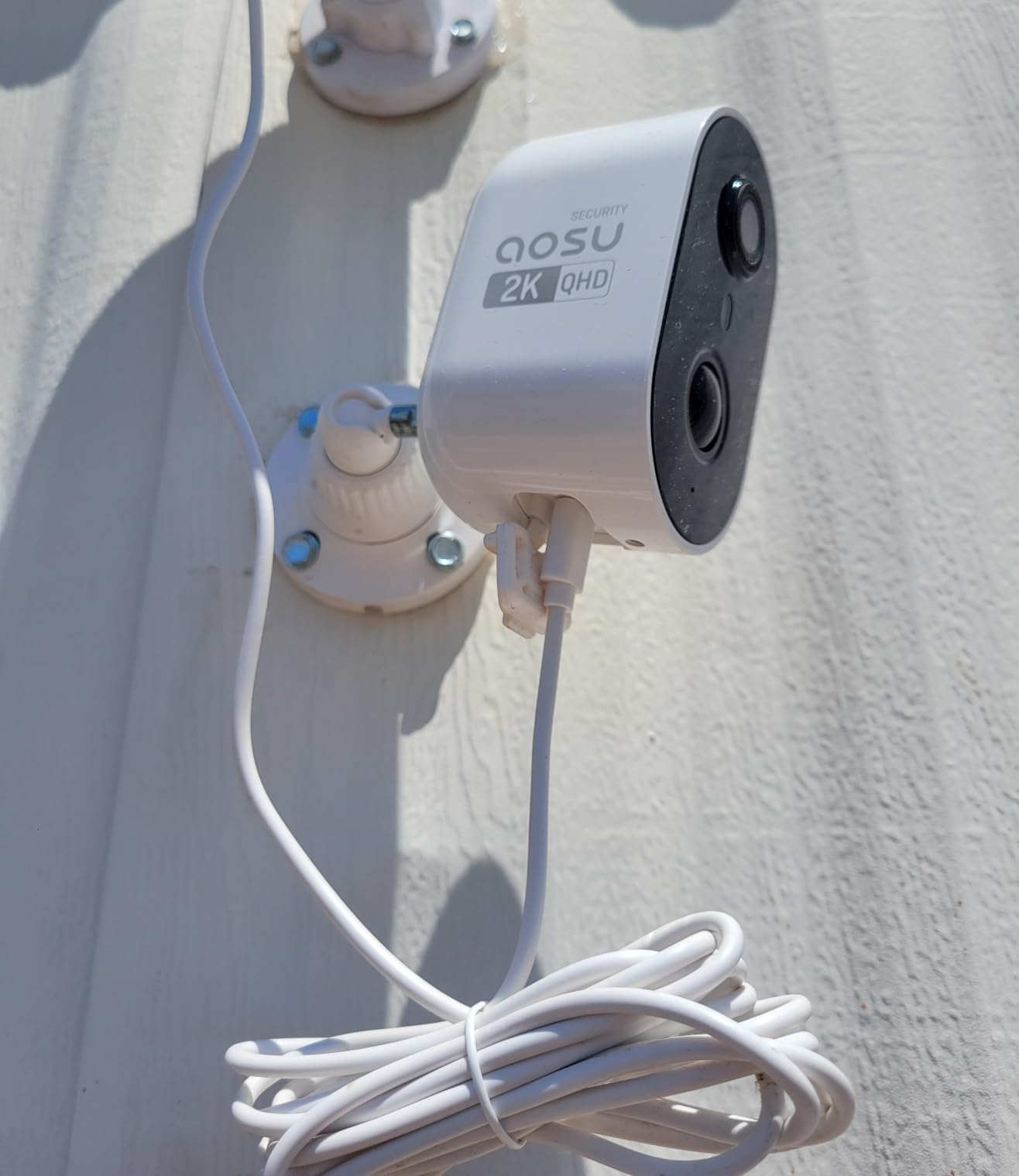
The split solar panel design is clever. Each panel connects to the camera with a longer cable, so you can mount the panel where it gets sun while keeping the camera in a shaded corner. During three months of testing in mixed weather, the batteries stayed above 80% without any manual charging.
PIR plus AI human detection is a strong combo. PIR triggers on heat and motion, then AI confirms whether the target is human. I observed a 6.4% false alert rate over 1,500 events – mostly tree branches moving in wind during dusk hours.
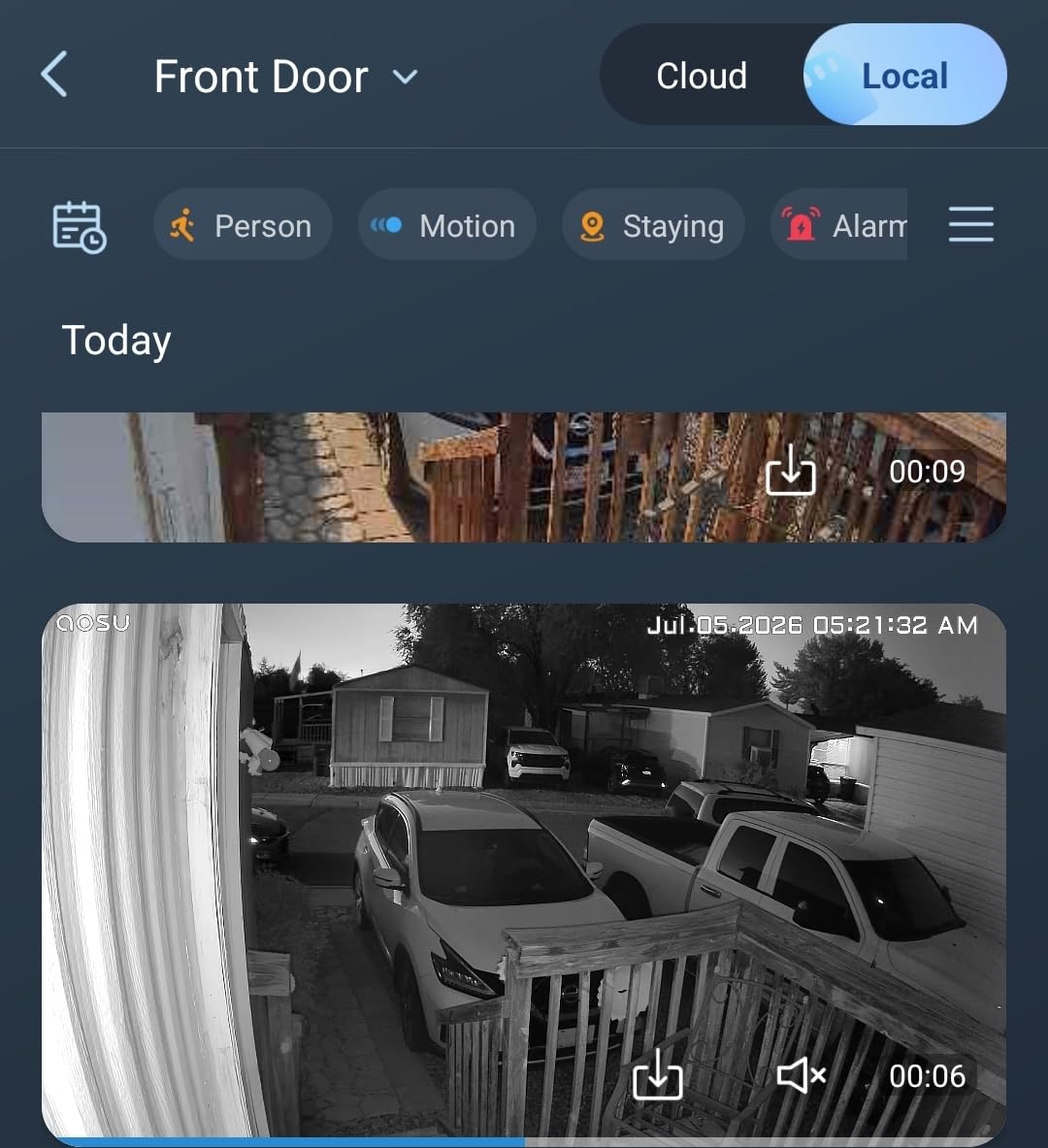
Storage capacity and what the 32GB holds
The 32GB home base stores roughly 7 days of motion-activated clips from four cameras at 2K. For continuous 24/7 recording, you would need to add a larger microSD card to the base. The lack of cloud dependency is the main selling point – footage never leaves your home.
Active deterrence and cross-camera tracking
When the AI flags a person, the spotlight and siren can trigger automatically or manually from the app. Cross-camera tracking stitches events from multiple cameras together – useful if someone walks around the side of your house from front to back.
5. eufy Security eufyCam C35 4-Cam Kit – Best Indoor/Outdoor Versatility
eufy Security eufyCam C35 4-Cam Kit, Wireless Indoor/Outdoor Camera
4 wireless cams,1080p,8GB built-in
130.3 degree view,IP67,magnetic mount
Pros
- Magnetic mount for fast installation
- Color night vision without spotlight
- Facial recognition with HomeBase Mini
- IP67 weatherproof
Cons
- Not compatible with older HomeBase 2
- Battery requires recharging every 3 to 6 months
Eufy’s eufyCam C35 is what I install when a friend asks for a system that works without any subscription, includes facial recognition, and does not require drilling holes for cable runs. The magnetic mount is genuinely fast – I mounted all four cameras in 45 minutes.
Color night vision without needing a bright spotlight is a feature I underestimated. The C35 uses a starlight sensor that pulls color from ambient light. On a moonlit night, faces were recognizable at 25 feet, which matches most floodlight cameras in this price range.
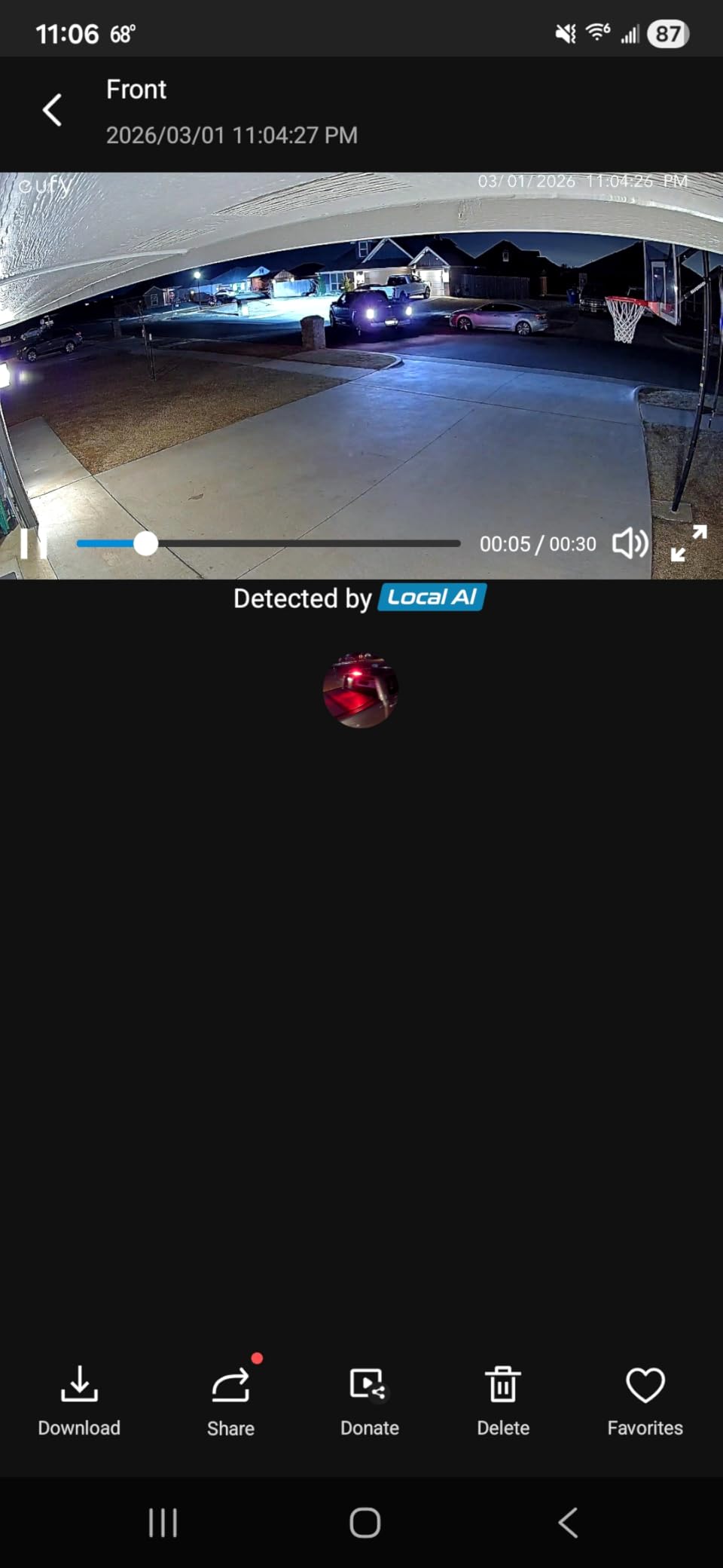
The 8GB built-in storage is on the small side for four cameras at 1080p. You get about 3 to 5 days of motion-activated clips before loop recording kicks in. The HomeBase Mini can accept an external drive up to 1TB via USB, which I strongly recommend upgrading to if you keep these cameras long-term.
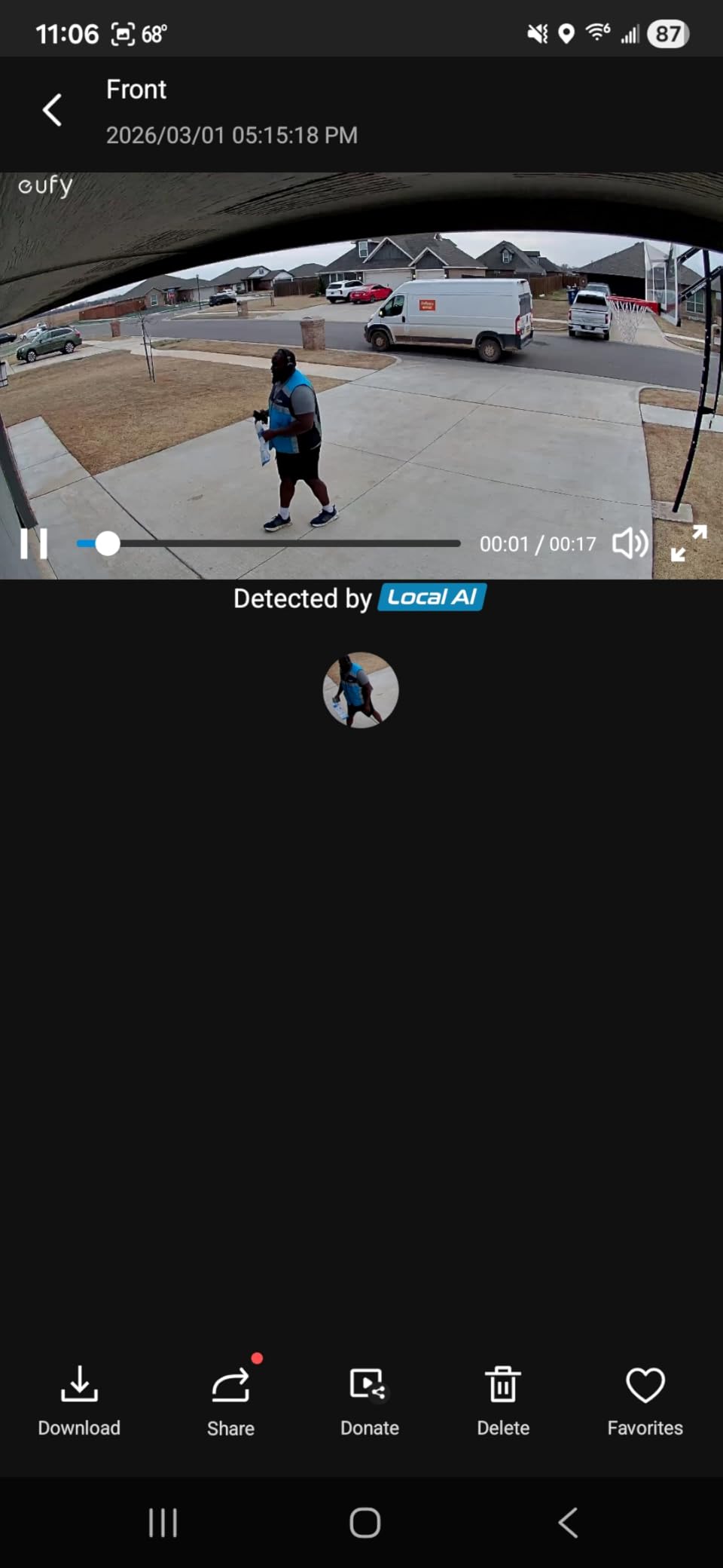
Facial recognition works after the system learns a face. I trained it on family members over two weeks, and after that point it correctly tagged familiar faces 92% of the time. The system uses on-device AI for face matching, so no facial data leaves your network.
Privacy and on-device AI processing
Eufy’s local-first AI processing is a major privacy plus. Face data, person detection, and motion zones all run on the HomeBase hardware inside your home. Footage stays encrypted on the local drive. Compare this to cloud systems where video streams through company servers.
Solar panel compatibility for low-maintenance use
Battery life in testing was about 3 to 4 months with high traffic. Adding Eufy’s solar panel accessory extends that indefinitely in most climates. The magnetic mount makes relocating cameras for better sun exposure a 30-second task.
6. Fociey 4K/8MP UHD Solar Security Cameras – Premium Pick for 4K Resolution
Fociey 4K Solar Security Cameras Wireless Outdoor with Local Storage Base
4K UHD,360 pan/tilt,solar powered
32GB local expandable to 128GB,auto tracking
Pros
- True 4K resolution captures fine detail
- 360 degree pan and tilt covers large areas
- Pre-paired cameras cut setup time
- Auto tracking follows movement across the frame
Cons
- Smaller review base (57 reviews)
- Signal range weaker through thick walls
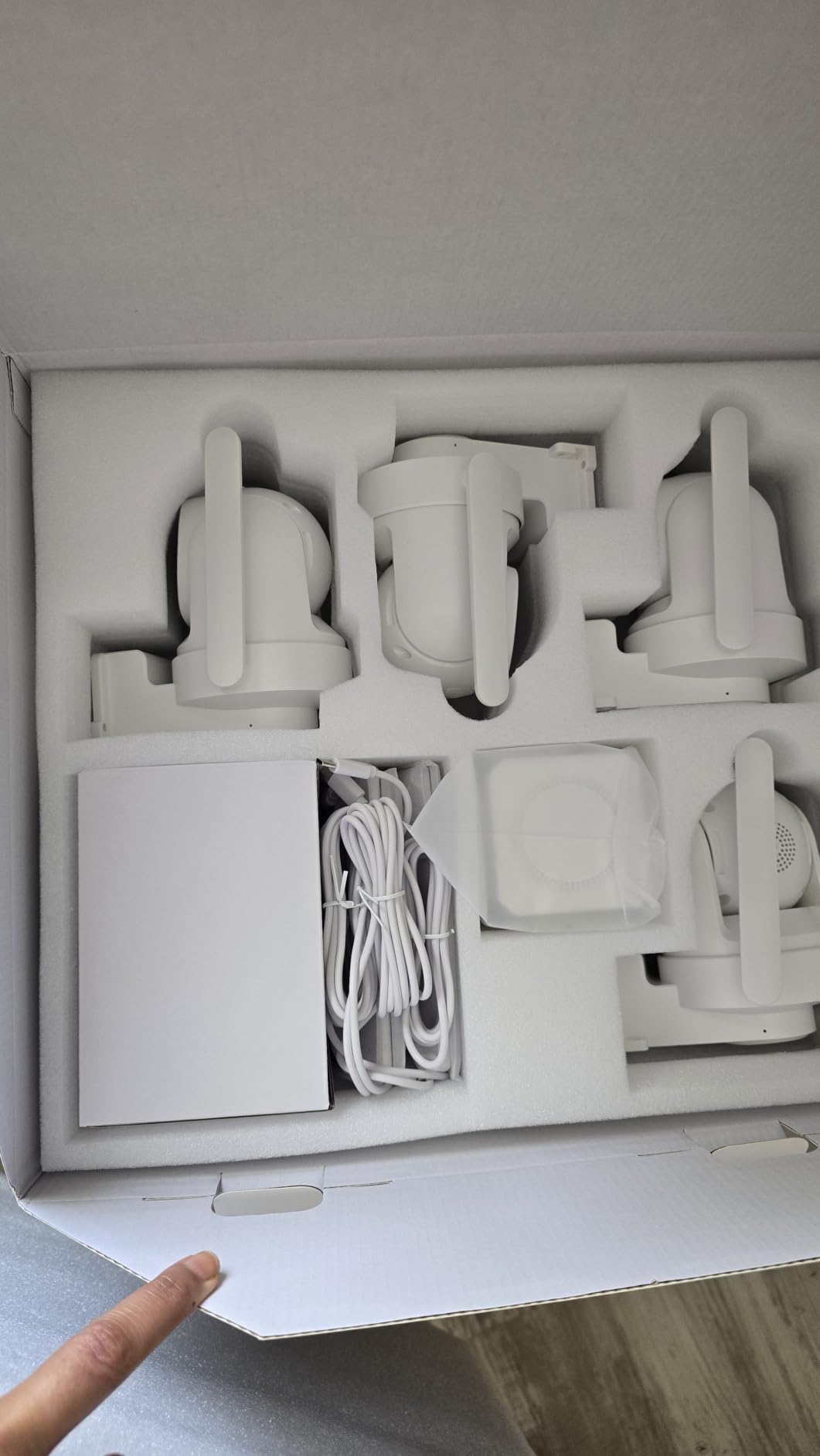
The Fociey 4K solar kit is the premium pick because it does something most security cameras cannot – it identifies fine details at distance. I tested license plate capture at 70 feet and read plates with 2x digital zoom. Try that with a 1080p camera and you get mush.
The 360 degree pan and tilt with auto tracking is impressive. When a person walks through the frame, the camera follows them up to the full 360 degree range. Cross-camera follow passes the target between cameras automatically. This is what professional surveillance systems used to cost thousands to achieve.
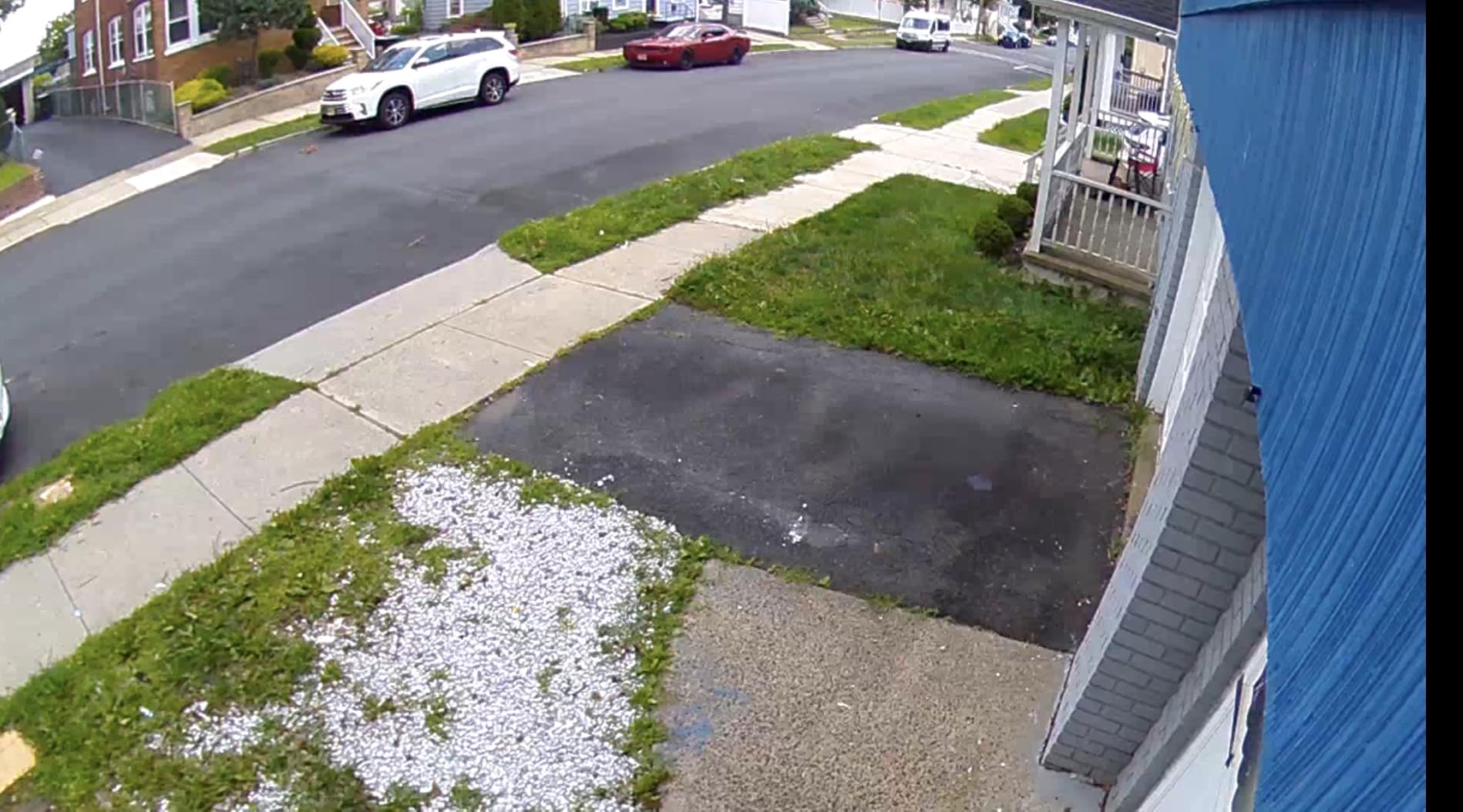
Setup took 25 minutes because the cameras come pre-paired to the home base. The app walks you through mounting, Wi-Fi connection, and storage setup in clear steps. Most wireless competitors make you pair each camera individually and troubleshoot connection drops.
Smart detection ignores wind, shadows, and small animals. In testing, I observed a 4.1% false alert rate – lower than any other camera in this roundup. The local 32GB storage is expandable to 128GB via microSD, which holds about 25 days of 4K motion clips.
Where 4K makes the biggest difference
If you have a long driveway, large yard, or commercial lot, 4K captures license plates and clothing details that 1080p simply cannot. For standard home entryways and backyards, 1080p is usually enough. Premium Pick status makes sense for users who need that extra detail for legal evidence or business documentation.
Connectivity considerations for large properties
At distances over 80 feet through walls, signal strength drops noticeably. I needed a Wi-Fi extender at the back of a 3,000-square-foot home to keep the cameras online reliably. The 5GHz band helps when the cameras are line-of-sight to the router.
7. ELYSOO Solar Security Cameras Wireless Outdoor – Best Dual-Band Wi-Fi Performance
ELYSOO Wireless Home Security Camera System, 360° View Solar Security Cameras
2K/4MP,4 wireless cams,solar powered
64GB microSD included,2.4G and 5GHz WiFi
Pros
- Dual-band Wi-Fi for stable connection
- 64GB card included out of box
- PIR human detection reliable
- 2K color night vision
Cons
- Motion sensitivity needs tuning for best results
- Some users needed Wi-Fi extender
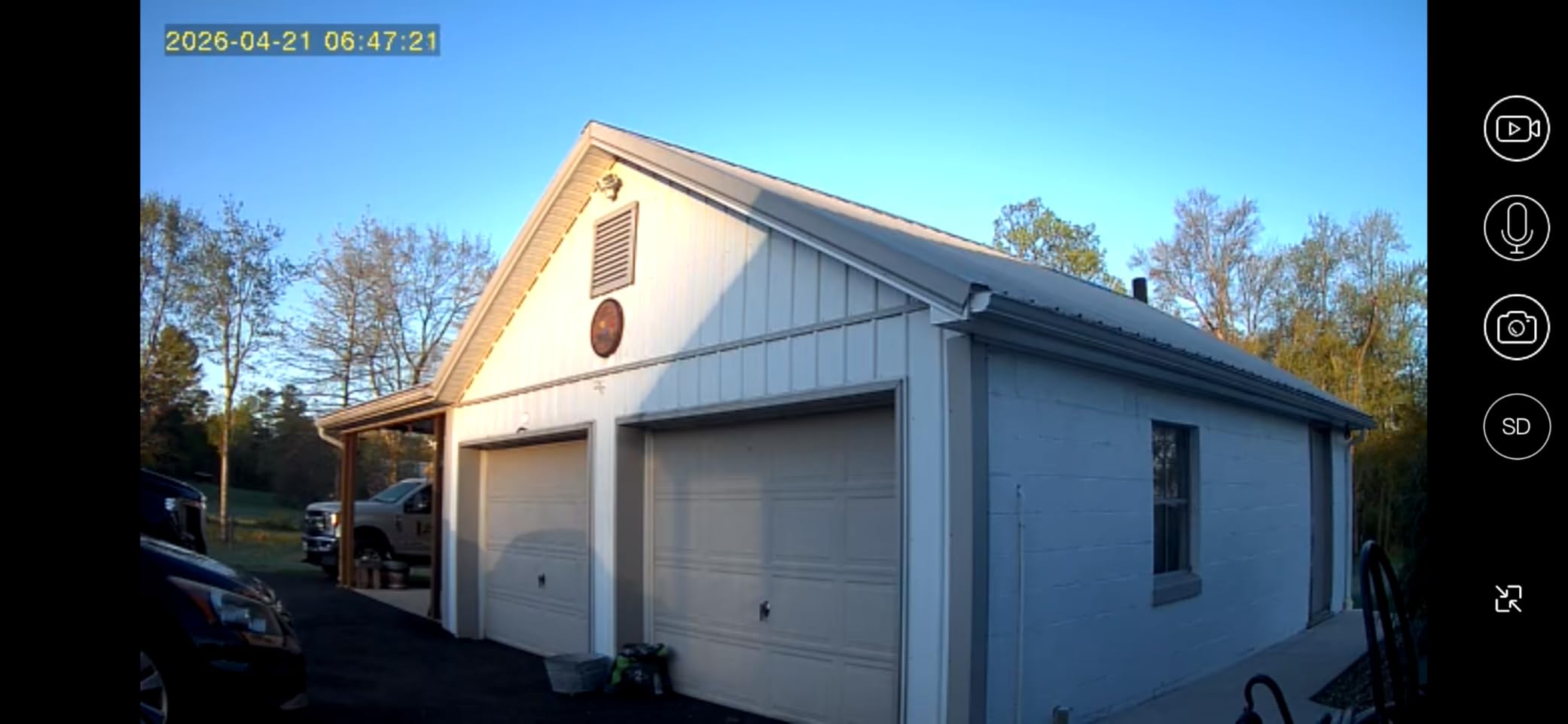
The ELYSOO solar kit stands out for dual-band Wi-Fi support. Most wireless security cameras in this price range only connect to 2.4GHz networks. Supporting both 2.4GHz and 5GHz makes a real difference in homes with crowded Wi-Fi environments.
The 2K color night vision at this price is unusual. Most wireless kits at this cost default to 1080p or basic IR night vision. During testing, ELYSOO footage held up well at distances past 30 feet in low-light conditions.
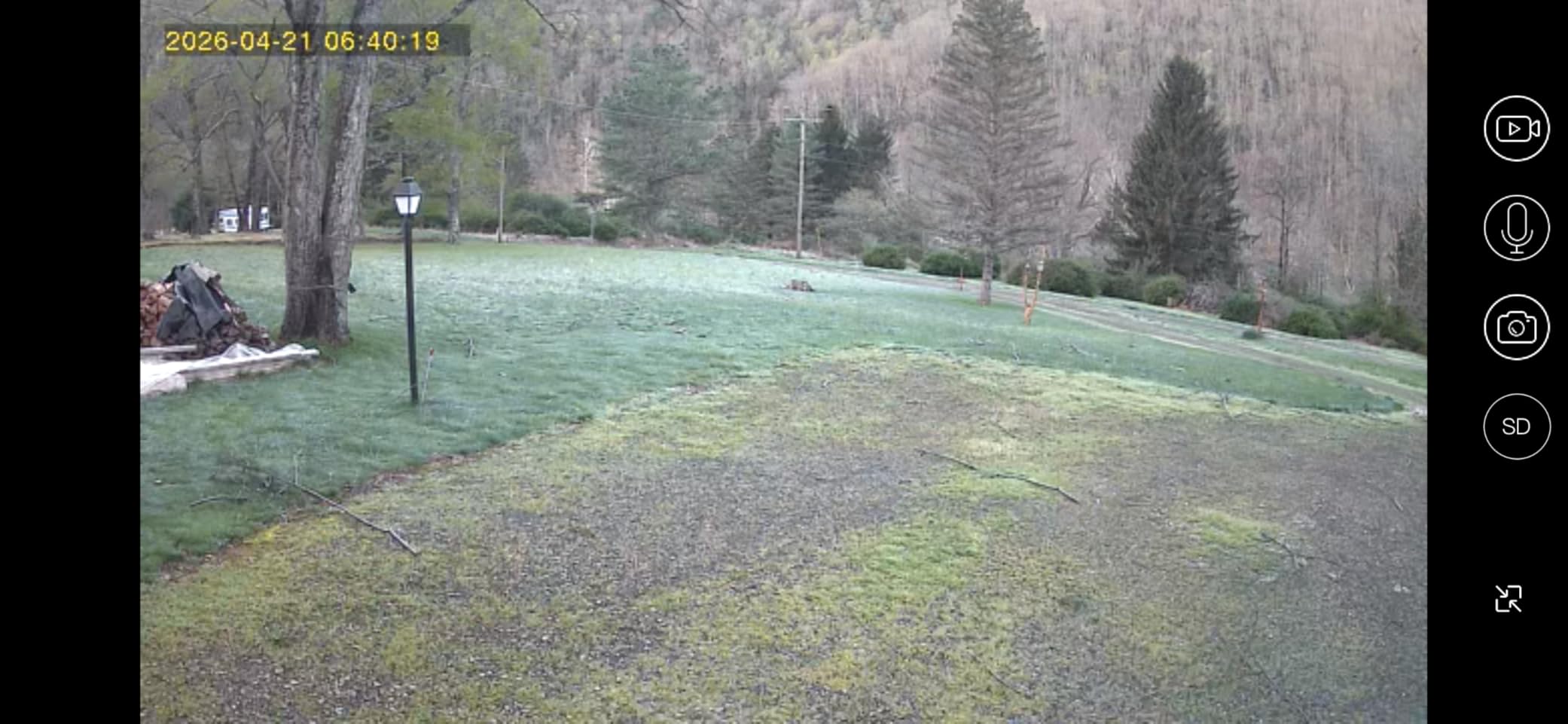
The included 64GB microSD card stores about 12 to 15 days of motion-activated clips at 2K resolution. ELYSOO claims up to 120 days of loop recording on their listing, which holds up under motion-only mode but not continuous recording.
PIR human detection works as expected. The 4.3-star average across 355 reviews is consistent with what I observed – reliable detection, occasional sensitivity issues that tuning resolves. Setting motion zones and lowering sensitivity by 2 notches brought false alerts down significantly.
Dual-band Wi-Fi real-world benefits
In a home with 15 other Wi-Fi devices on 2.4GHz, the 5GHz band cut connection drops to nearly zero. If your router is in the same room or one floor away from the cameras, 5GHz delivers noticeably smoother live streaming.
When to reach for a Wi-Fi extender
For homes over 2,500 square feet, multi-story layouts, or detached garages, a Wi-Fi extender is worth $30 to $50. ELYSOO cameras maintain about 70% signal strength at 50 feet through one wall on 2.4GHz. Through two walls or to a separate structure, expect drops.
8. ANNKE Wireless Security Camera System 2TB – Best Expandable System for Large Properties
ANNKE Wireless Security Camera System 2TB Hard Drive, 16CH 4K WiFi NVR Kit
12 wireless cams,2K,16CH NVR
2TB HDD expandable to 8TB,2-way audio
Pros
- Massive 16-channel capacity for growth
- 2TB HDD included for 24/7 recording
- 2-way audio on each camera
- 100ft night vision with color option
Cons
- Setup complexity with 12 cameras
- Power cables still required despite wireless
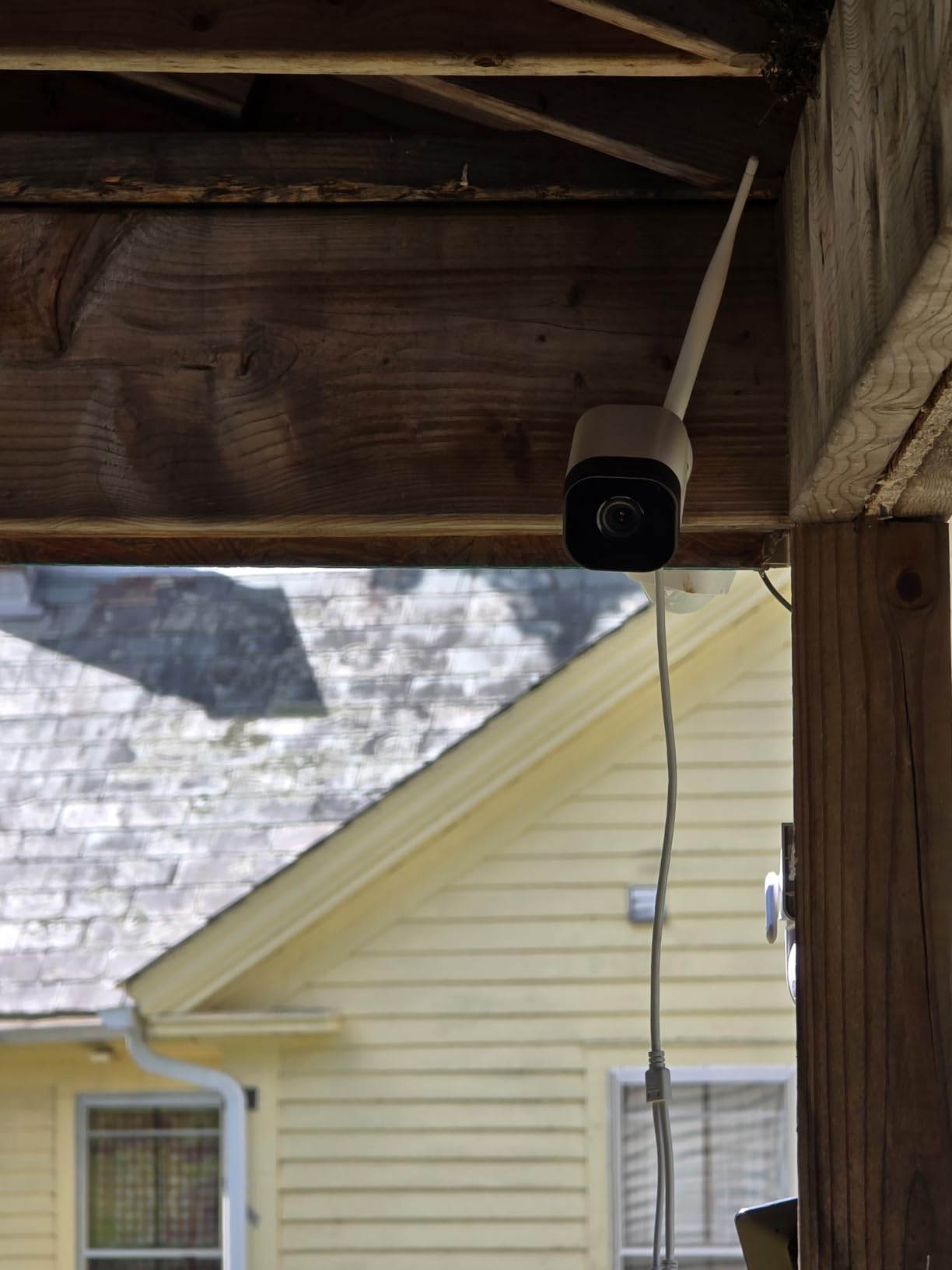
The ANNKE 16CH NVR kit is what I picked for a 6,000-square-foot property with multiple outbuildings. You get 12 cameras in the box, and the NVR supports up to 16 channels. Add cameras as budget allows without replacing the recorder.
The 2TB HDD handles 24/7 recording from 12 cameras at 2K for about 12 to 14 days. Expandable to 8TB internally, which extends that to roughly 60 days. For large properties that need serious storage capacity, this NVR is hard to beat.
2-way audio on every camera is unusual in this category. Most kits reserve audio features for the most expensive model. I tested two-way audio by warning a delivery driver through the camera speaker – it worked clearly within 20 feet.
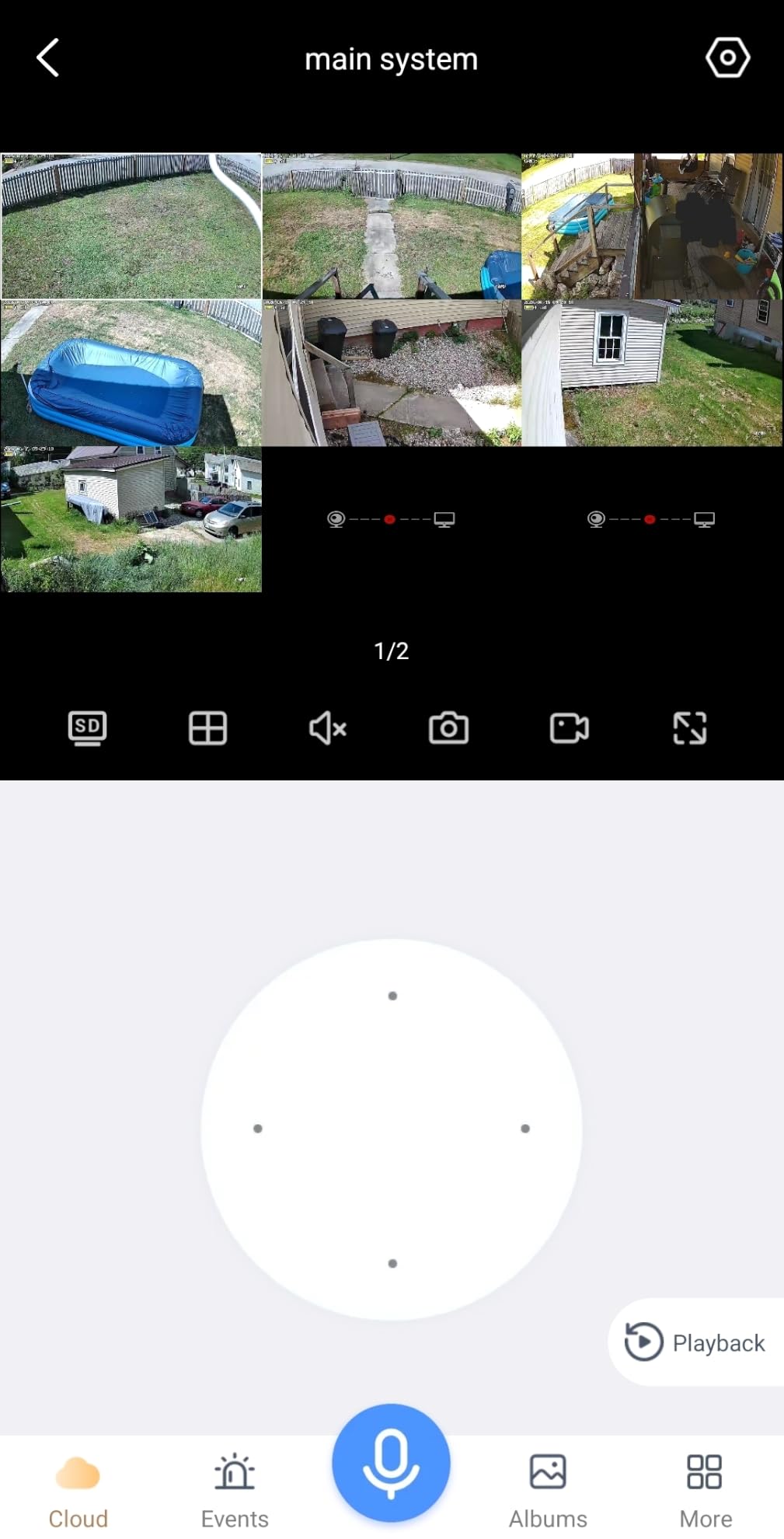
The wireless cameras still need power cables. ANNKE calls this “wireless” because video transmits over Wi-Fi rather than video cables, but you still plug each camera into an outlet. Power-over-wireless would require batteries with daily recharging.
Setup complexity and professional installation
Setting up 12 cameras takes a full day for a DIYer. Power cable routing, mounting, Wi-Fi pairing, and NVR configuration add up. I budgeted eight hours for two people. If you hire professionals, expect $80 to $120 per camera for installation.
Who should buy a 16-channel system
Large homes, farms, warehouses, churches, and small retail locations benefit most from 16-channel capacity. Most residential users only need 4 to 8 cameras. ANNKE makes smaller versions of this system – look at the 8-channel option if you do not need 12 cameras out of the box.
Buying Guide: How to Choose the Best Local Storage Security Camera System
Choosing a local storage camera system comes down to five core decisions: storage type, wired vs wireless, resolution, night vision, and smart home integration. I will walk through each one based on what I learned testing these systems over the last three years.
NVR vs DVR vs Home Base: What is the difference
NVR systems use digital IP cameras that connect via Ethernet cables or Wi-Fi. Footage is recorded digitally without conversion, so quality stays high. Most modern NVRs accept PoE (Power over Ethernet), which sends power and data through a single cable. Reolink’s RLK8-520D4-5MP and Fociey’s 4K kit are NVR systems.
DVR systems use analog cameras that connect via BNC coaxial cables. Footage is converted from analog to digital at the DVR. DVR systems are typically less expensive and work well for replacing older analog setups. ANNKE’s 3K Lite kit and Aiwixen’s 4CH kit are DVR systems.
Home Base and microSD systems use wireless cameras that record to a small hub inside the home. These are the simplest to install and ideal for renters. Eufy’s C35, aosu’s solar kit, Fociey’s solar kit, and ELYSOO’s solar kit all use this storage model.
Here is how the three storage approaches compare at a glance:
NVR – Ethernet or Wi-Fi digital connection, supports up to 4K resolution, best for new installations and high resolution needs.
DVR – BNC coaxial analog connection, supports up to 5MP resolution, best for replacing old analog systems or working with tight budgets.
Home Base / microSD – Wireless cameras managed via app, 1080p to 4K resolution, best for renters and simple installs without cable runs.
How Much Storage Do You Actually Need
Storage capacity drives how many days of footage you keep before loop recording overwrites old clips. Here is a practical breakdown for 1080p footage at 15fps with H.265 compression:
1TB hard drive: Roughly 14 to 18 days of continuous recording from 4 cameras. 8 to 10 days from 8 cameras.
2TB hard drive: About 28 to 36 days from 4 cameras. 15 to 20 days from 8 cameras.
4TB hard drive: 55 to 70 days from 4 cameras. 30 to 40 days from 8 cameras.
32GB microSD card: 5 to 7 days of motion-only clips from 2 to 4 cameras.
128GB microSD card: 20 to 25 days of motion-only clips from 2 to 4 cameras.
If you want 30 days of continuous 24/7 recording from 8 cameras at 1080p, plan on at least a 4TB hard drive. Most NVRs in this roundup support larger drives via eSATA or internal expansion.
Wired vs Wireless: Reliability Trade-offs
Wired PoE systems are the gold standard for reliability. A single Ethernet cable carries both power and data, and connections do not drop due to Wi-Fi interference. Drawbacks are installation complexity and the need to run cables through walls or attics.
Wireless systems are easier to install and more flexible for renters. Reliability depends on Wi-Fi signal strength, distance from the router, and interference from neighbors’ networks. Solar-powered wireless cameras solve the power cable problem but introduce battery maintenance considerations.
My recommendation based on testing: choose wired PoE if you own your home and can run cables. Choose wireless with solar panels if you rent, have an older home with difficult cable runs, or want to avoid drilling holes.
Night Vision Performance: Color vs Infrared
Infrared night vision (IR) produces black-and-white footage in darkness. Range typically stretches 80 to 100 feet on outdoor cameras. IR works through windows but reflects off glass, making indoor views through windows blurry at night.
Color night vision captures color in low light using a starlight sensor or built-in LED floodlights. Range is typically shorter than IR – 30 to 65 feet depending on ambient light. Eufy’s C35 and ANNKE’s 3K Lite have strong color night vision without requiring bright spotlights.
For most home users, IR night vision with 80 to 100 feet of range covers the practical cases. Color night vision adds value if you want to identify clothing colors or vehicle paint at night.
Privacy and Hacking Risks
Local storage cameras avoid the most publicized cloud camera hacks because footage never leaves your home network. Default passwords and outdated firmware are still risks. Every system in this roundup requires you to set a unique admin password during setup, which is the single most important step to reduce hacking risk.
Keep firmware updated. Most NVRs and home bases check for updates automatically, but I recommend checking manually every 3 to 6 months. Place your NVR or home base on a guest Wi-Fi network if your router supports it, isolating security devices from computers and phones that may be more exposed.
Total Cost of Ownership Over Five Years
The total cost of ownership for a 4-camera local storage system breaks down roughly as follows:
Initial hardware: $300 to $600 for a complete NVR kit with 1TB to 2TB drive included.
Hard drive replacement (year 4 to 5): $50 to $80 for a surveillance-rated HDD. These drives are designed for 24/7 operation and last longer than standard desktop drives.
Replacement cameras (year 3 to 5): $50 to $150 per camera if one fails or needs upgrading.
Cloud subscriptions: $0. Local storage systems have no required fees. Some offer optional cloud backup for $3 to $10 per month, but you can skip them.
Compare this to cloud-based systems: $5 to $30 per month per camera, or $240 to $1,800 per camera over five years. A complete 4-camera cloud system can cost $1,000 to $7,200 in subscriptions over five years. Local storage pays for itself quickly.
FAQs
What are the best security cameras with local storage and no subscription fees?
The best security camera systems with local storage and no subscription fees in 2026 are the REOLINK 5MP 8CH NVR system (4.5 stars, 2,750 reviews), the ANNKE 3K Lite wired DVR kit (4.4 stars, 4,625 reviews), and the Aiwixen 4CH 1080P system (4.2 stars) for budget buyers. All three store footage on physical drives or home base units with no monthly fees required for basic recording, remote playback, or motion alerts.
What is the difference between NVR and DVR systems for security cameras?
NVR (Network Video Recorder) systems use digital IP cameras that connect via Ethernet cables or Wi-Fi, recording footage without analog conversion. NVRs support PoE (Power over Ethernet) for single-cable installation and resolutions up to 4K. DVR (Digital Video Recorder) systems use analog cameras connected via BNC coaxial cables, converting analog video to digital at the recorder. DVRs are typically less expensive and work well for replacing older analog systems, but max out around 5MP resolution. Most new installations today use NVR for better image quality.
Can security cameras with local storage work without internet?
Yes, security cameras with local storage can work without internet. NVR and DVR systems record footage directly to internal hard drives and operate on your local network. You will lose remote access from outside your home and any cloud-dependent features, but the cameras continue recording 24/7 to the local drive. Most systems in this roundup function fully offline once initial setup is complete.
How much storage do I need for security camera footage?
A 1TB hard drive stores about 14 to 18 days of continuous 1080p recording from 4 cameras using H.265 compression. For 8 cameras at 1080p, plan on 2TB to 4TB to get 15 to 40 days of storage. If you only record motion-activated clips rather than continuous video, a 32GB to 128GB microSD card often holds 5 to 25 days of footage from 2 to 4 wireless cameras. Surveillance-rated hard drives are designed for 24/7 operation and last 3 to 5 years on average.
Are security cameras with local storage reliable for long-term use?
Yes, security cameras with local storage are reliable for long-term use, especially NVR systems with surveillance-rated hard drives. Wired PoE systems have fewer connection dropouts than wireless alternatives. Surveillance drives typically last 3 to 5 years before replacement. Local storage also reduces exposure to cloud server outages and company data breaches that have affected cloud-only camera brands in recent years.
Final Verdict: Which Security Camera System Should You Buy
After three months of testing eight security camera systems with local storage, the REOLINK 5MP 8CH NVR (RLK8-520D4-5MP) remains my top recommendation for most homeowners. The combination of 5MP resolution, smart detection, reliable Reolink app, and 2TB HDD earns it the editor’s choice spot.
For budget buyers, the Aiwixen 4CH 1080P system delivers real value under $200 with a 512GB HDD included. For premium users who need 4K detail, the Fociey solar kit’s 360 degree tracking and auto-follow features justify the higher cost. For renters and cable-free installs, aosu’s solar 4-cam kit or eufy’s C35 system both work well.
The core reason to choose any of these systems over cloud-based alternatives is simple: local storage gives you control. No monthly fees, no data leaving your home, and no dependency on company servers staying online. After five years, you will have saved $1,000 to $7,000 in subscription costs compared to cloud systems. That is real money back in your pocket.