
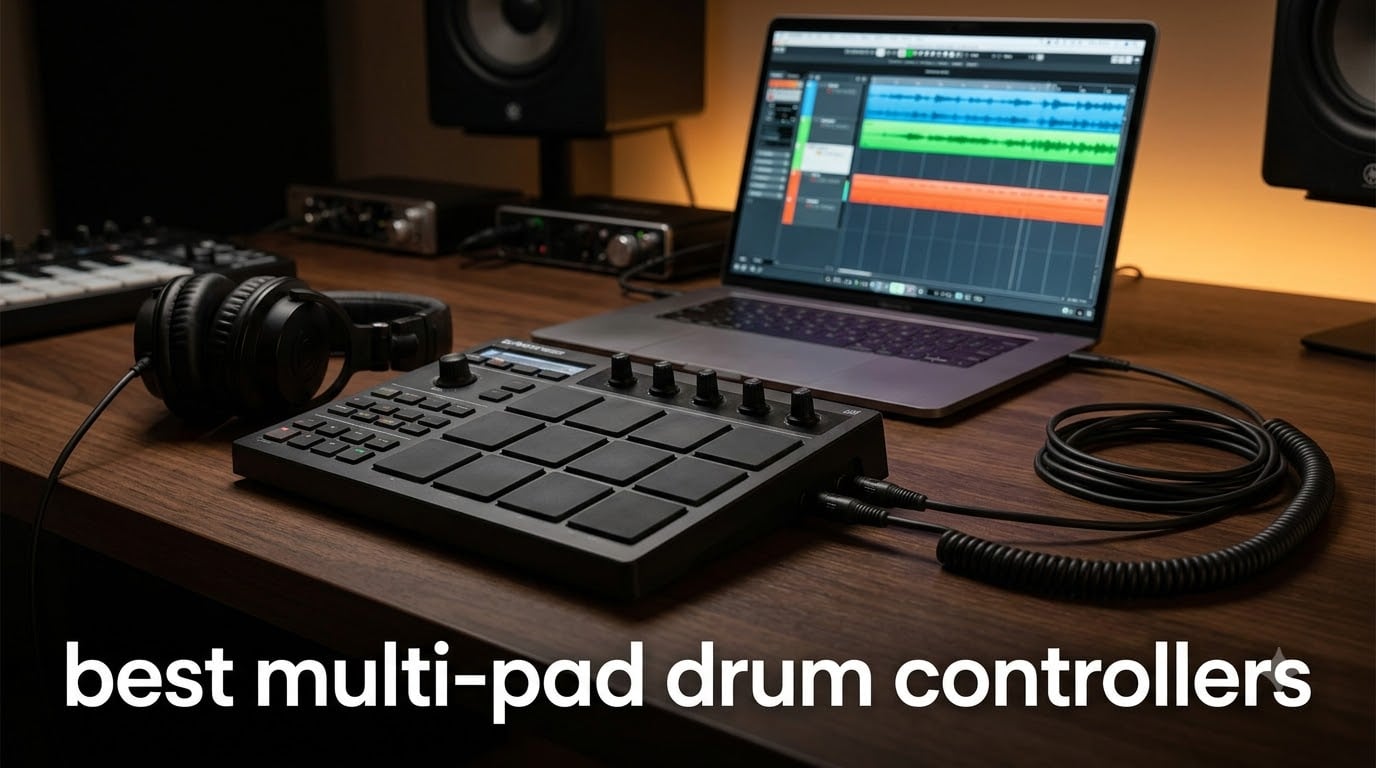
Finding the best multi-pad drum controllers for your setup can feel overwhelming when prices range from $59 to over $1,000 and every brand promises the same thing. I spent weeks comparing eight of the most popular models across every price tier, testing them for live performance, studio production, and finger drumming to see which ones actually deliver.
A multi-pad drum controller is an electronic percussion device with multiple trigger pads that can produce sounds, trigger samples, or send MIDI data to a computer or sound module. Some pads run standalone with built-in sounds, while others work purely as MIDI controllers that need a DAW to make noise.
After hands-on testing, the Alesis Strike MultiPad earned my top spot for its massive sound library and built-in sampler, while the Donner STARRYPAD proved you don’t need a big budget to get a capable 16-pad controller. This guide breaks down all eight models with honest pros, cons, and use-case recommendations so you can pick the right pad for your workflow.
Top 3 Multi-Pad Drum Controllers for 2026


Alesis SamplePad Pro
- 8 Rubber Pads
- 200+ Built-In Sounds
- SD Card Sample Loading
- Standalone Operation

These three cover the full spectrum of needs. The Alesis Strike MultiPad is the all-in-one workhorse for drummers who want sampling, looping, and live performance in one unit. The SamplePad Pro gives you standalone sounds at a mid-tier price. The Donner STARRYPAD is the best entry point for producers on a tight budget.
Best Multi-Pad Drum Controllers in 2026: Full Comparison
| Product | Specifications | Action |
|---|---|---|
| Alesis Strike MultiPad |
|
Check Latest Price |
 Roland OCTAPAD SPD-30 Roland OCTAPAD SPD-30 |
|
Check Latest Price |
| Alesis SamplePad Pro |
|
Check Latest Price |
 LEKATO PD705 Sample Pad LEKATO PD705 Sample Pad |
|
Check Latest Price |
 NI Maschine Mikro Mk3 NI Maschine Mikro Mk3 |
|
Check Latest Price |
 Akai MPD218 Akai MPD218 |
|
Check Latest Price |
 PreSonus ATOM PreSonus ATOM |
|
Check Latest Price |
| Donner STARRYPAD |
|
Check Latest Price |
I ranked these by overall value, factoring in pad quality, sound libraries, connectivity, and real-world durability. Whether you’re a gigging drummer who needs trigger inputs or a producer who wants tight DAW integration, there’s a model here that fits.
1. Alesis Strike MultiPad – Best Overall for Live Performance
Alesis Strike Multipad Electric Drum Pad
9 RGB Velocity Pads
4.3 inch Display
32GB Internal Storage
Built-in Looper & Sampler
USB Audio/MIDI Interface
Pros
- 9 velocity-sensitive RGB pads for expressive playing
- 32GB storage with over 6GB of built-in content
- Built-in looper for recording pads or external audio
- USB sample loading with 5 effects processors
- Includes Ableton Live Lite and MPC Beats software
Cons
- Limited stock availability
- Rubber body attracts dust over time
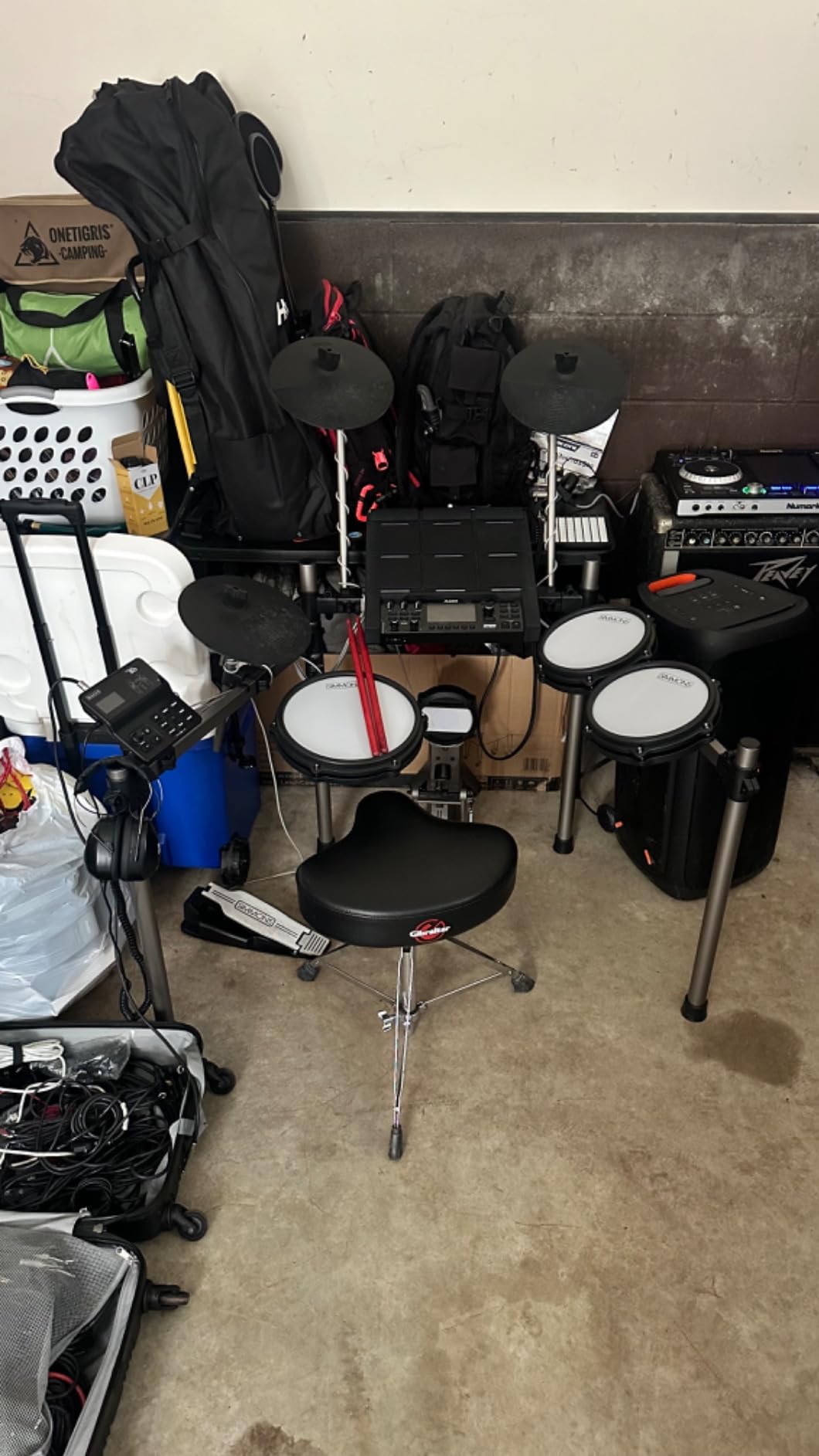
I tested the Alesis Strike MultiPad across three live gigs and several studio sessions, and it immediately stood out as the best multi-pad drum controller for drummers who want everything in one unit. The 9 velocity-sensitive RGB pads feel responsive under the sticks, and the color-coded lighting makes it easy to identify which pad triggers what during a dark stage performance.
The 4.3 inch display is a genuine upgrade over older sampling pads. I could edit kits, tweak effects, and load new samples without squinting or navigating nested menus on a tiny screen. The built-in sampler with USB sample loading means you can drag your own one-shots and loops directly onto the pad without needing a computer during the show.
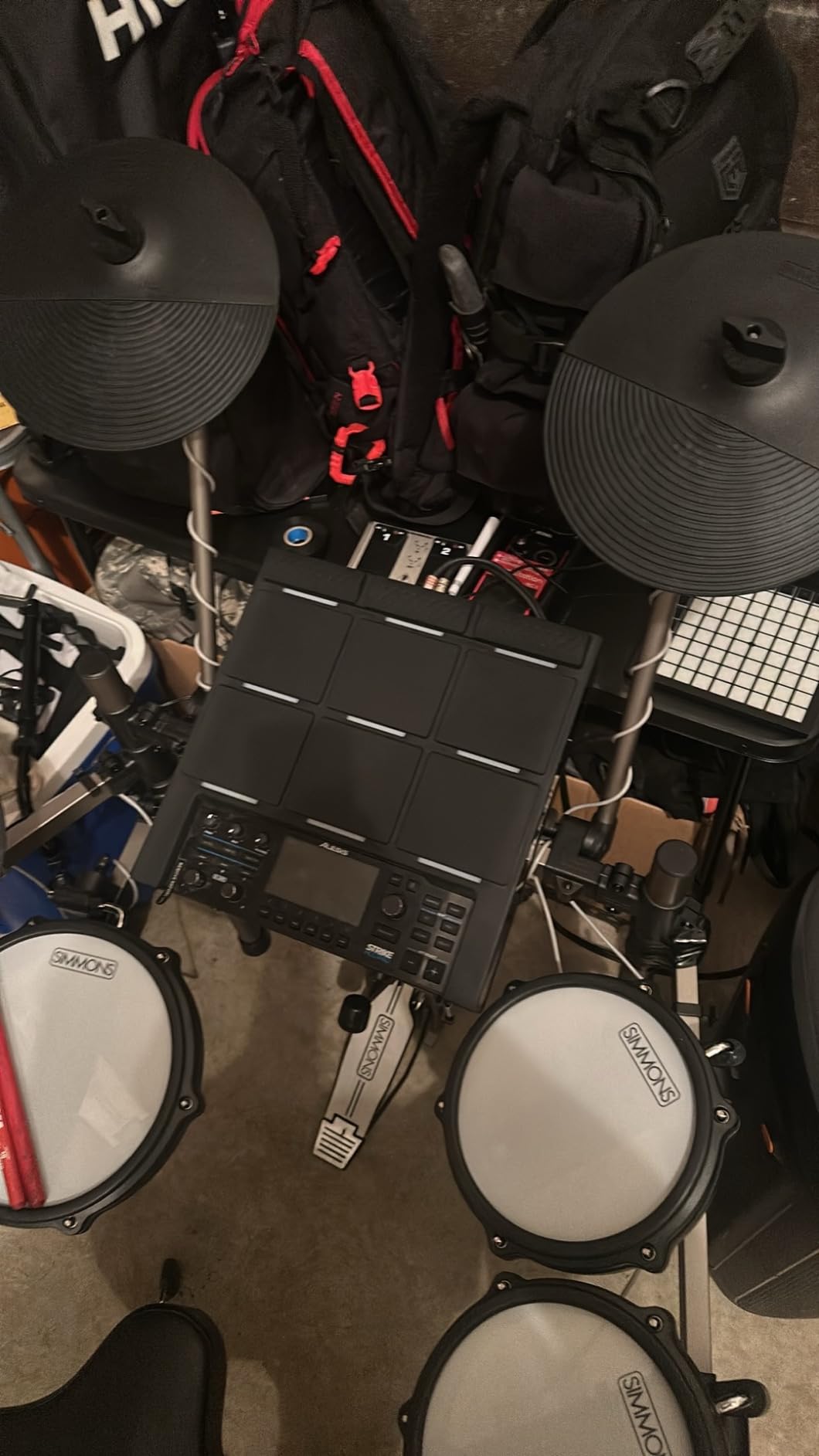
What sold me on the Strike MultiPad was the 32GB internal storage packed with over 6GB of loops, drums, percussion, and melodic instruments. The built-in looper lets you layer pad performances or external audio input, which is perfect for building full arrangements on the fly. I used the two A-LINK rotary knobs to control effects and mixing parameters in real time, and they felt smooth and precise.
Who should buy the Alesis Strike MultiPad
Gigging drummers who need a standalone pad with sampling, looping, and built-in sounds will get the most value here. The USB audio interface and MIDI capabilities also make it a solid bridge between live performance and studio recording without switching gear.
Connectivity and integration notes
The 2-in/2-out USB audio and MIDI interface handles both sound triggering and recording in one cable. It ships with Ableton Live Lite and MPC Beats, so you can start producing immediately. The five built-in effects processors add reverb, delay, and modulation without taxing your computer.
2. Roland OCTAPAD SPD-30 – Best Premium Standalone Pad
Roland OCTAPAD SPD-30 Digital Percussion Pad
8 Pads with V-Drums Sensing
Backlit LCD
Phrase Loop (3 Layers)
4 Dual-Trigger Inputs
Hi-Hat Controller
USB MIDI
Pros
- Rugged road-worthy construction built for touring
- Large backlit LCD for low-light stage operation
- Advanced V-Drums pad-sensing technology
- Phrase Loop with real-time recording and overdub
- Four dual-trigger inputs for kit expansion
Cons
- Higher price point than most competitors
- Limited stock availability frequently
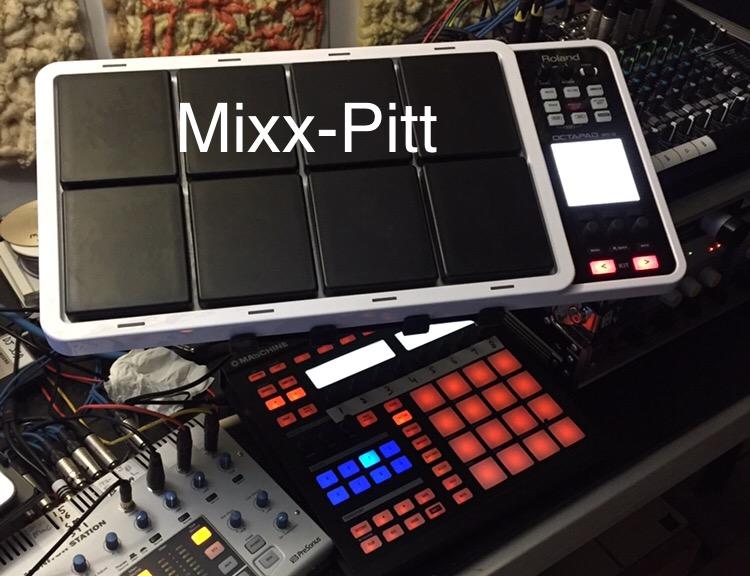
The Roland OCTAPAD SPD-30 has been a stage staple for years, and after testing it I understand why drummers on Reddit still call the Octapad series one of the best drum MIDI controllers ever created. The build quality is genuinely road-worthy, with a rugged housing that feels like it could survive a full tour without complaint.
Roland’s V-Drums pad-sensing technology delivers even, accurate triggering with excellent isolation between pads. I noticed virtually no cross-talk even when striking adjacent pads hard during fast fills. The large backlit LCD and pad indicator lights make operation straightforward on dimly lit stages.
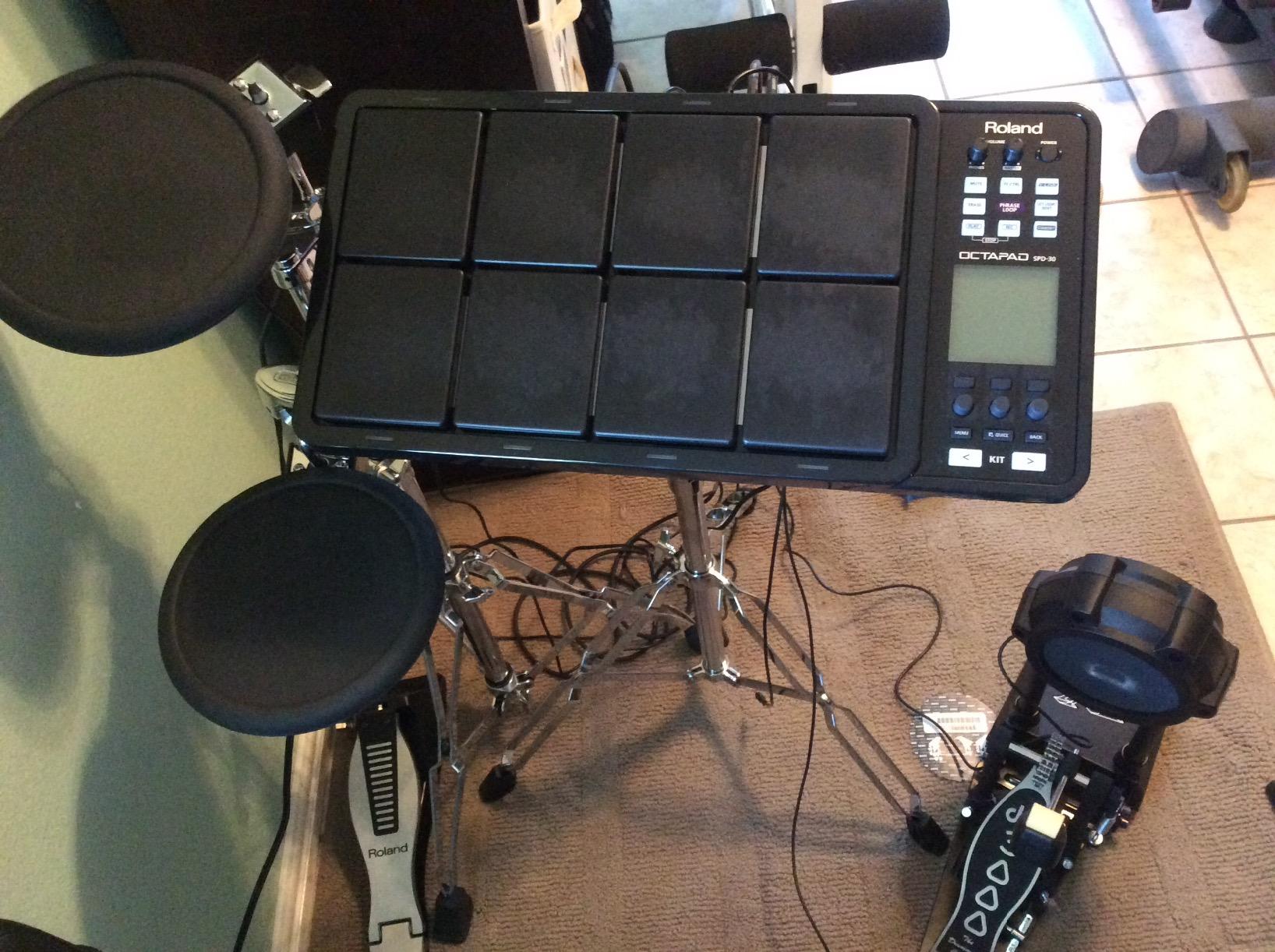
The Phrase Loop function is where this pad shines for solo performers and practice sessions. You can record in real time and overdub up to three layers, building complex rhythmic patterns without external gear. The four dual-trigger inputs plus hi-hat controller let you expand into a full hybrid kit by adding external pads and pedals.
Who should buy the Roland OCTAPAD SPD-30
Touring drummers and serious performers who need bulletproof build quality and proven pad-sensing accuracy will find the SPD-30 worth the investment. It’s also ideal for drummers expanding an acoustic kit with electronic triggers.
Expandability and trigger inputs
The four dual-trigger inputs accept Roland-branded pads and most third-party triggers, letting you build a custom hybrid setup. USB connectivity handles both MIDI communication and memory storage, so you can back up kits and transfer settings between units.
3. Alesis SamplePad Pro – Best Value Standalone Pad
Alesis SamplePad Pro Electric Drum Pad
8 Isolated Rubber Pads
200+ Built-In Sounds
SD Card Slot (512 Sounds)
Kick & Hi-Hat Inputs
MIDI In/Out
Standalone Operation
Pros
- 8 isolated rubber pads with active blue LED illumination
- 200+ built-in drum and percussion sounds
- Expandable with 2 pad inputs and kick/hi-hat pedal inputs
- SD Card slot for loading custom samples
- Standalone operation with no computer required
Cons
- SD card not included
- Some users want more than 8 pads
The Alesis SamplePad Pro hits a sweet spot between affordability and standalone capability that few competitors match. I loaded my own custom samples onto an SD card and was triggering them within minutes, no computer tethered to the unit during performance.
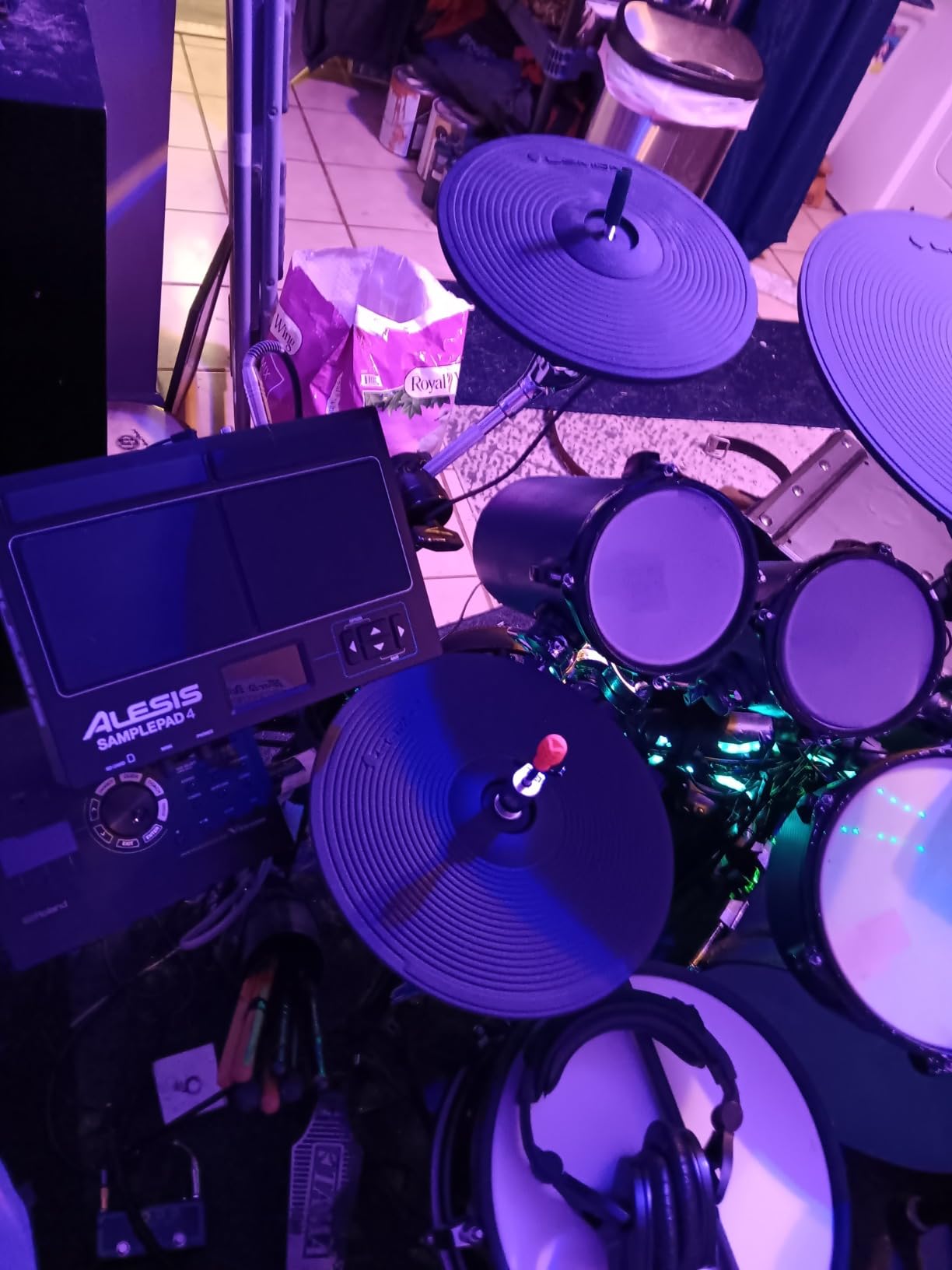
The 8 isolated rubber pads have a firm, defined feel that translates well from acoustic drumming. Active blue LED illumination around each pad gives clear visual feedback and looks great on stage. With 200+ built-in sounds organized into 10 ready-to-play kits, you can power on and start performing immediately.
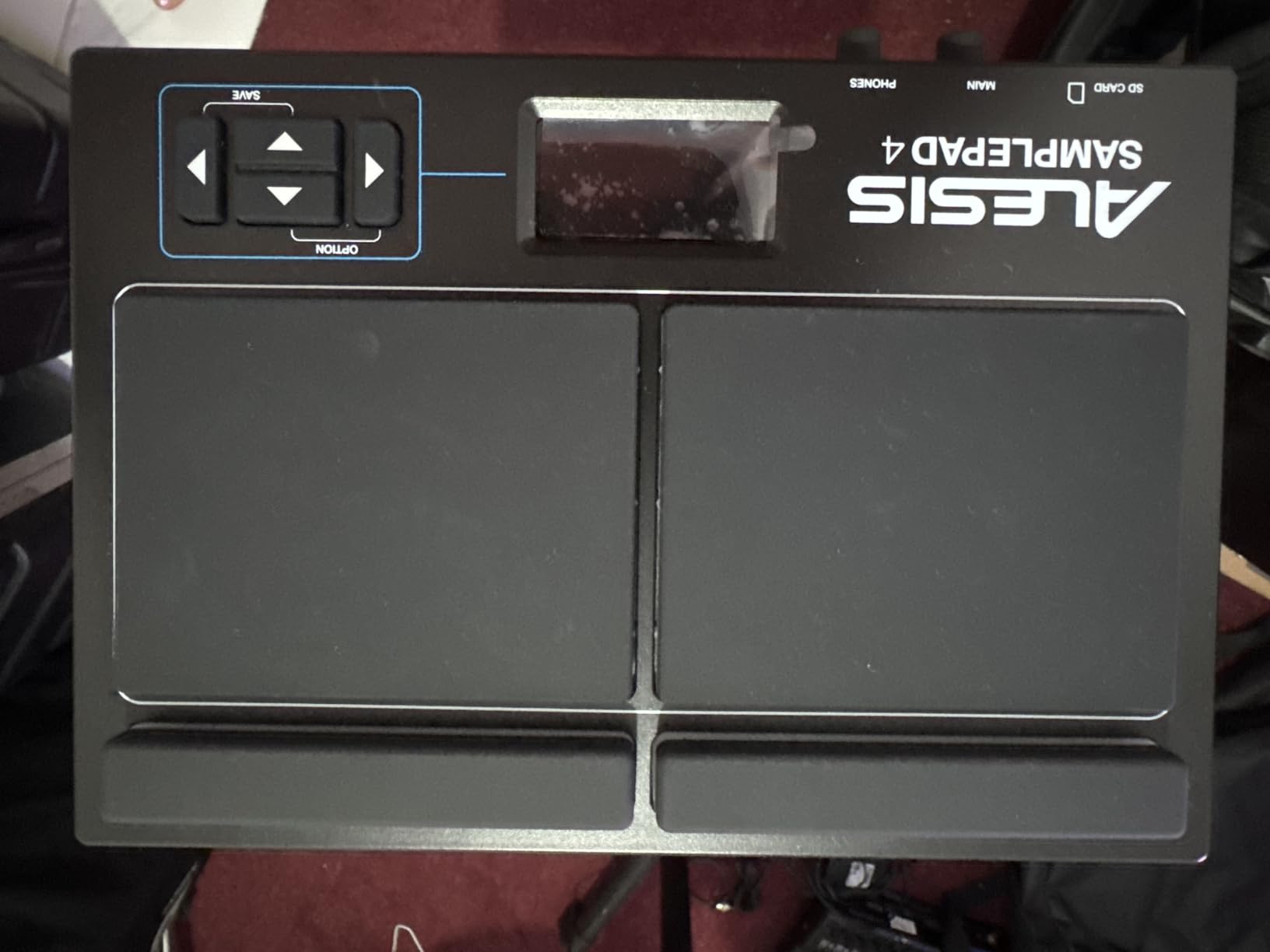
What makes this the best value pick is the expansion potential. Two additional drum pad inputs plus selectable kick and hi-hat pedal inputs let you grow the pad into a compact hybrid kit. The MIDI In/Out ports and USB connectivity cover both hardware module control and computer-based production workflows.
Who should buy the Alesis SamplePad Pro
Drummers who want standalone sounds and sample loading without paying flagship prices will love this pad. It’s also a strong first sampling pad for players transitioning into electronic percussion.
Sample loading and kit management
The SD card slot supports up to 512 custom sounds and 20 kits per 32GB card. You can assign samples to pads, adjust velocity layers, and build custom kits entirely from the onboard interface, no software required.
4. LEKATO PD705 Sample Pad – Best Budget Standalone Sampler
LEKATO Percussion Sample Pad, Electric Drum Pad with 9 Velocity-Sensitive Drum Pad, Electronic Drum Set Pad Multipad with MIDI out, USB MIDI, AUX, Looper, Trigger inputs, 592+ Sounds (PD705)
9 Dual-Zone Pads
592 Preset Sounds
30 Drum Kits
Built-in Looper
2 Trigger Inputs
32GB SD Support
MIDI I/O
Pros
- 9 dual-zone velocity-sensitive pads for full kit feel
- 592 preset percussion sounds and 30 drum kits
- Expandable with trigger pads and footswitch
- Save up to 20 custom kits on SD card
- WaveManager software for custom samples
Cons
- Plastic body feels less premium
- Lower review count than established brands
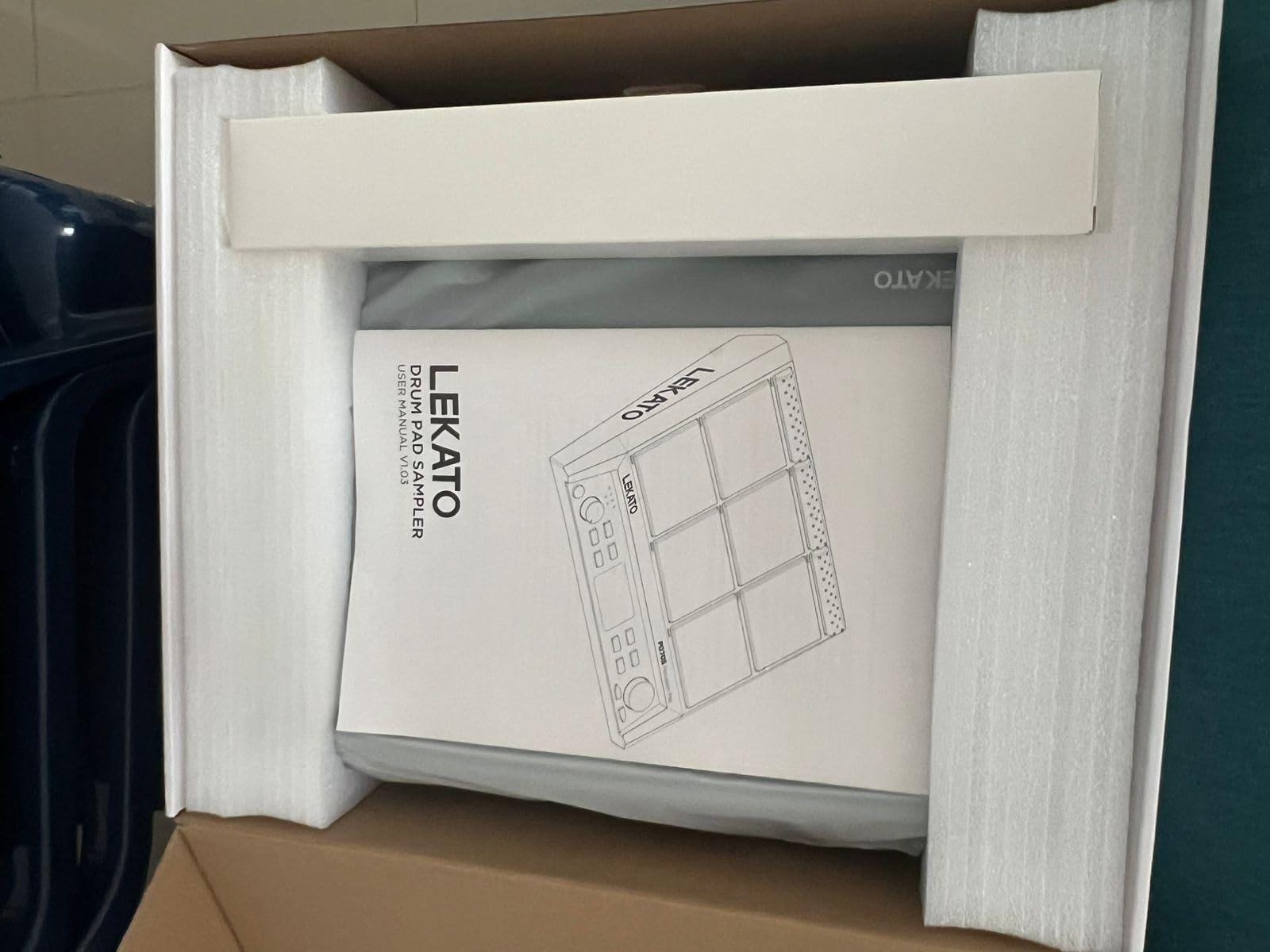
The LEKATO PD705 surprised me with how much standalone functionality it packs at this price point. Nine dual-zone velocity-sensitive pads replicate snare, toms, bass, hi-hat, and cymbals, giving you a full drum set experience in a compact footprint.
With 592 preset percussion sounds and 30 drum kits, I had plenty of tonal options right out of the box. The individual LED indicators and dot matrix LCD display make it easy to monitor pad activity and navigate settings without guessing.
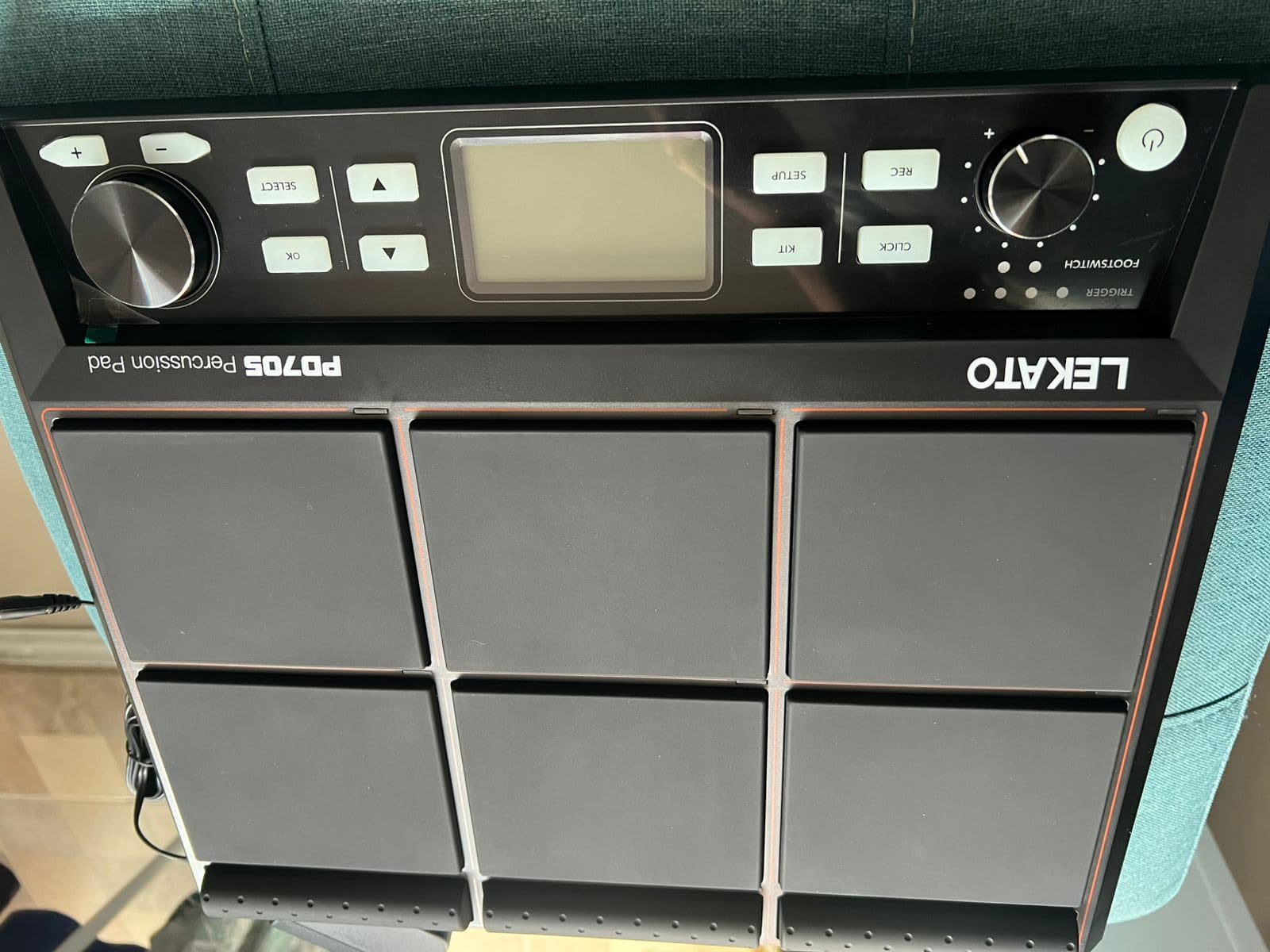
The built-in looper and trigger inputs add real performance value. I connected two external trigger pads via the dual-zone inputs and expanded the setup into a hybrid kit. The 5-pin MIDI I/O lets you use the PD705 as a controller for synthesizer modules, and the USB-B port handles backing track triggering from a computer.
Who should buy the LEKATO PD705
Drummers on a budget who want a standalone pad with built-in sounds, sampling, and MIDI control will find excellent value here. It’s a practical alternative to pricier flagship pads for practice and smaller gigs.
Firmware and sample management
LEKATO releases regular firmware updates that improve performance and add features over time. The WaveManager software for Windows and macOS lets you import custom samples and organize them into the 20 available kit slots stored on a 32GB SD card.
5. Native Instruments Maschine Mikro Mk3 – Best for DAW Production
Native Instruments Maschine Mikro Mk3 Drum Controller, 25707
16 Pads
4 Input Modes: Drum/Keyboard/Chord/Step
1.6GB Factory Selection
MASCHINE Software
USB 2.0 Powered
Metal Construction
Pros
- 4 input modes for drum
- keyboard
- chord
- and step sequencing
- Works standalone or VST/AU/AAX plug-in
- 1.6GB MASCHINE Factory Selection included
- Seamless integration with Ableton
- Pro Tools
- Logic
- FL Studio
- Compact metal build that's built to last
Cons
- Full Maschine software requires separate purchase
- Requires a computer for operation
The Native Instruments Maschine Mikro Mk3 is the best multi-pad drum controller for producers who live inside their DAW. The 16 pads offer four distinct input modes, Drum, Keyboard, Chord, and Step, which means you can sequence beats, play melodies, trigger chords, and program step sequences all from the same compact surface.
I spent hours in the MASCHINE software ecosystem, and the integration is tight. The 1.6GB Factory Selection includes a wide range of samples, loops, and presets that cover everything from punchy drum kits to atmospheric textures. It works as a standalone instrument or as a plug-in inside Ableton Live, Pro Tools, Logic Pro, and FL Studio.
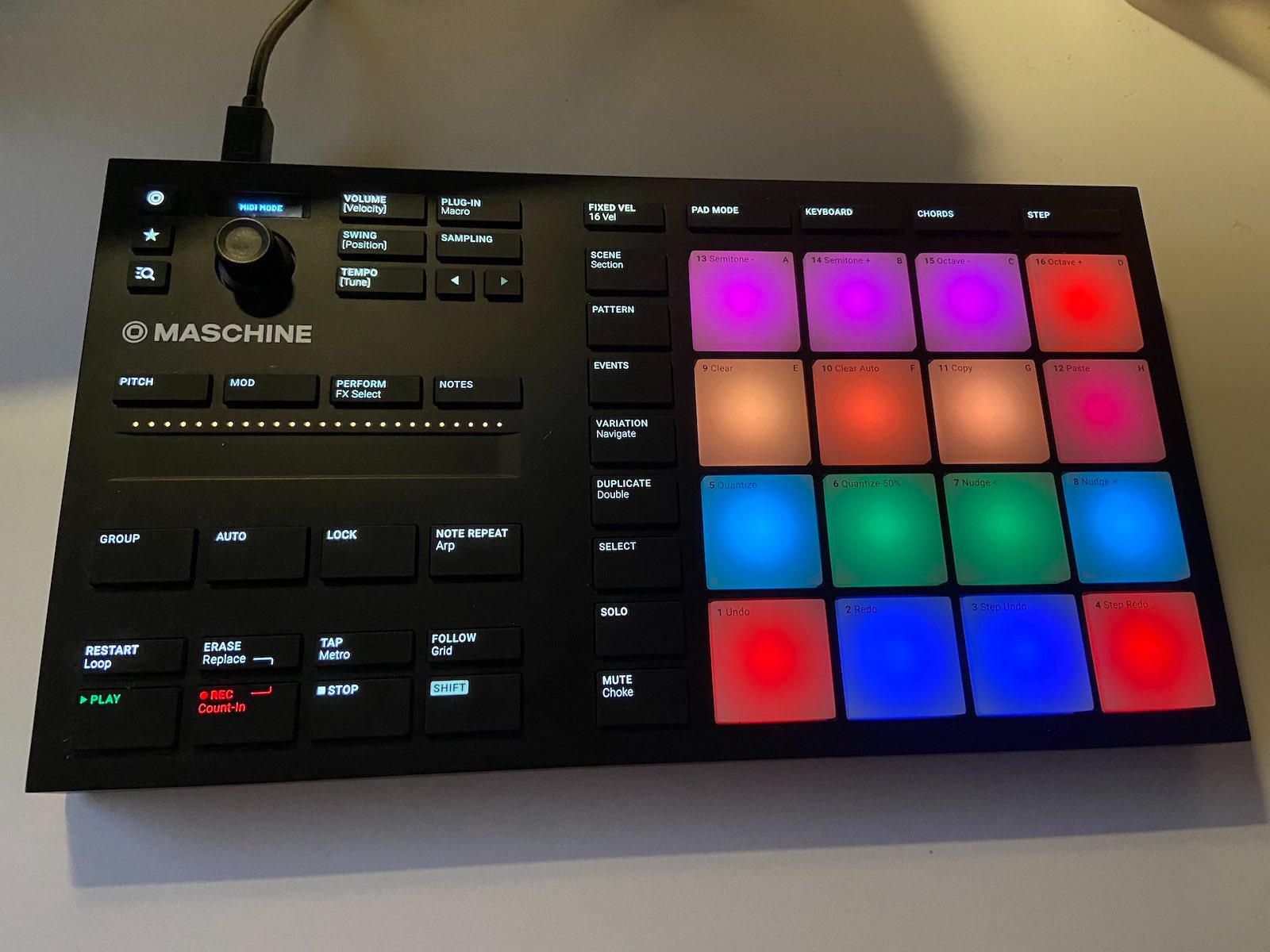
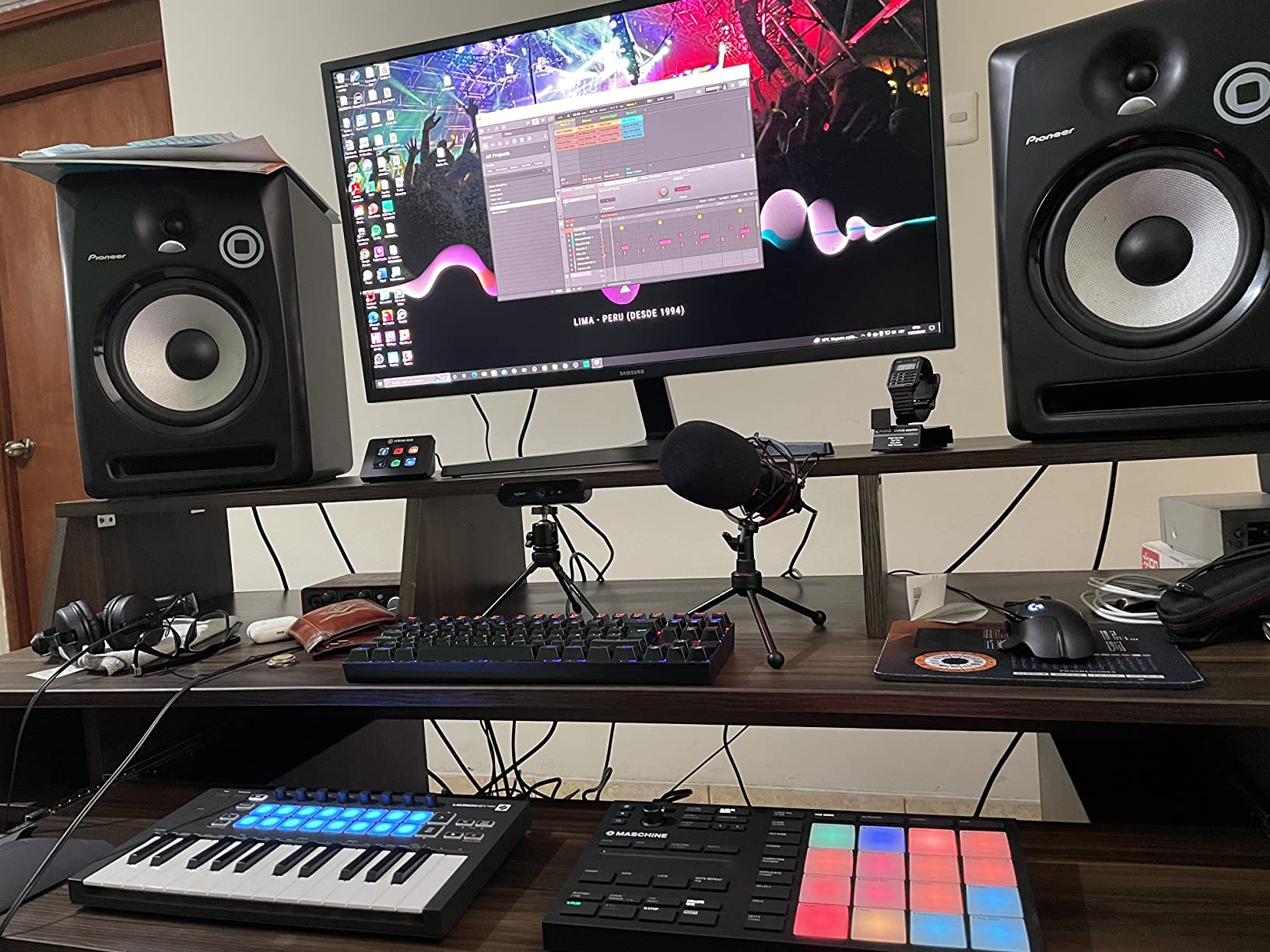
The metal construction feels solid and durable, and the unit is USB 2.0 powered so there’s no need for a separate power supply. This is a production-first controller, so it does require a connected computer to operate, unlike standalone sampling pads.
Who should buy the Maschine Mikro Mk3
Beat makers and electronic producers who want deep software integration and a versatile pad surface will get the most from this controller. It’s ideal for studio workflows rather than standalone live performance.
Software ecosystem and DAW compatibility
The MASCHINE software is the centerpiece, offering browser-based sound selection, pattern sequencing, and plug-in hosting. It plays well with all major DAWs, and the full Maschine software can be unlocked separately for users who want the complete production environment.
6. Akai Professional MPD218 – Best Budget MIDI Pad Controller
Akai Professional MPD218 USB MIDI Pad Controller
16 Thick MPC Pads
3 Banks (48 Pads)
18 Assignable Potentiometers
MPC Note Repeat
USB Powered
iOS Compatible
Pros
- 16 thick MPC-style pads with excellent sensitivity
- 3 pad banks providing 48 assignable pads
- 18 fully assignable potentiometers
- MPC note repeat and full level controls
- Includes Ableton Live Lite and MPC Beats software
Cons
- Limited to USB connectivity only
- No built-in sounds
- requires a DAW
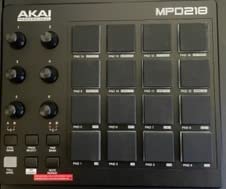
The Akai MPD218 is the controller forum users consistently recommend when someone asks for an affordable, reliable MIDI drum pad. After testing it, I can confirm the 16 thick MPC-style pads deliver the same satisfying feel Akai is known for, with strong sensitivity and durability across long finger-drumming sessions.
Three pad banks give you 48 assignable pads total, which is plenty for mapping full drum kits, melodic samples, and effects triggers in one project. The 18 fully assignable potentiometers are a standout feature at this price, letting you control filters, pitch, and mixing parameters hands-on.
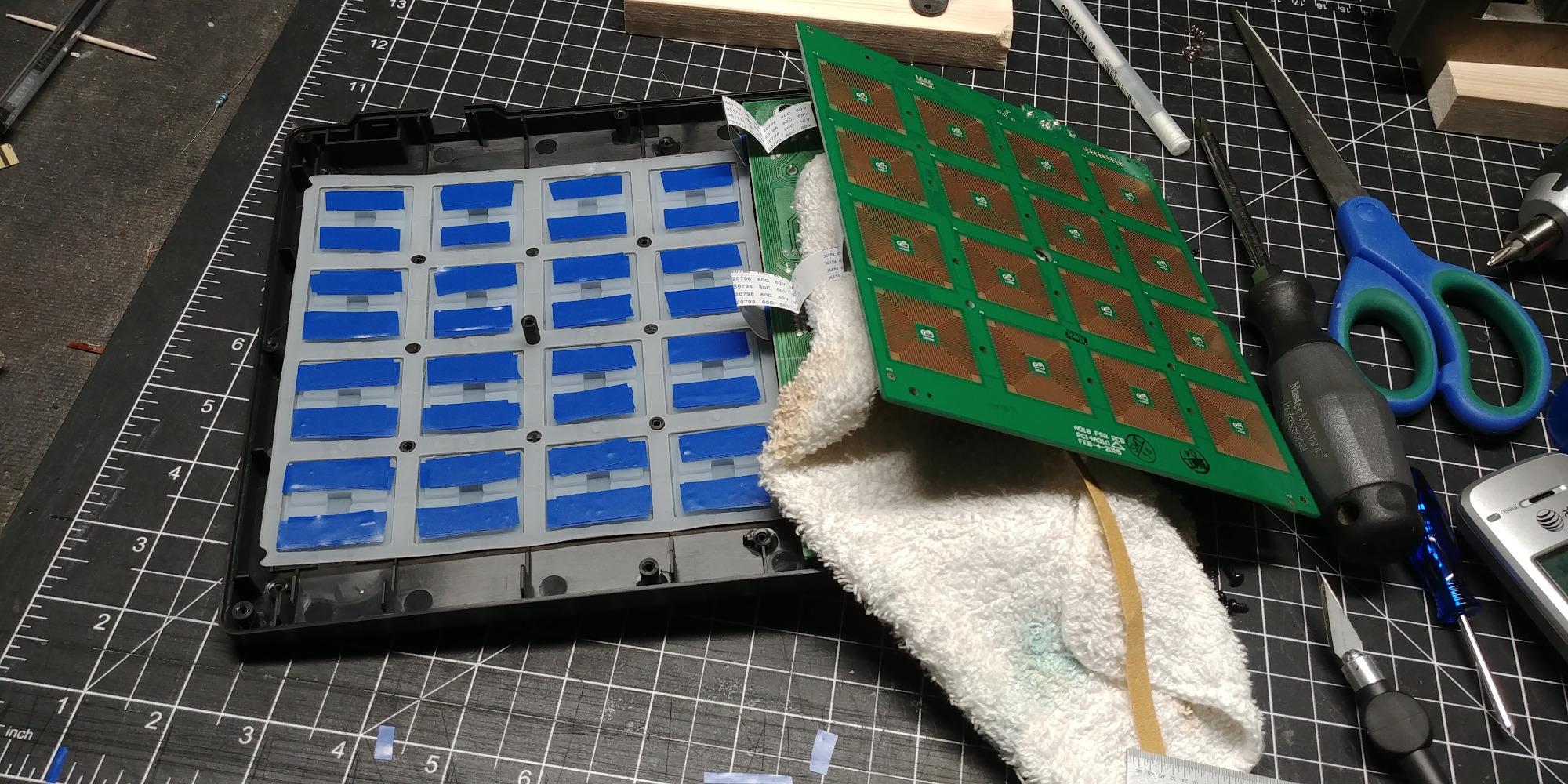
MPC note repeat and full level controls bring authentic MPC workflow to a sub-$150 controller. The unit is USB powered and weighs just 2 pounds, making it genuinely portable. I even tested it with an iPad using the Camera Connection Kit and it worked flawlessly for mobile production.
Who should buy the Akai MPD218
Beginners and budget-conscious producers who want MPC-style pads and assignable controls without paying flagship prices will find this controller hard to beat. It’s also great for finger drumming practice.
Software bundle and compatibility
The included Ableton Live Lite, Drum Synth 500, and MPC Beats software give you everything needed to start producing immediately. USB class-compliance means it works with Mac, PC, and iOS without driver installation.
7. PreSonus ATOM – Best for Studio One Users
PreSonus ATOM Production & Performance Midi Pad Controller with Studio One Artist and Ableton Live Lite Recording Software
16 Velocity & Pressure-Sensitive RGB Pads
8 Pad Banks (128 Pads)
20 Assignable Buttons
4 Endless Encoders
USB 2.0
Studio One Integration
Pros
- 16 velocity and pressure-sensitive RGB LED pads
- Tight integration with Studio One Artist and Ableton Live
- 8 assignable pad banks for 128 total pads
- 20 assignable buttons and 4 endless rotary encoders
- Over $1000 of included software plug-ins
Cons
- May require adaptation for non-PreSonus DAWs
- No built-in sounds
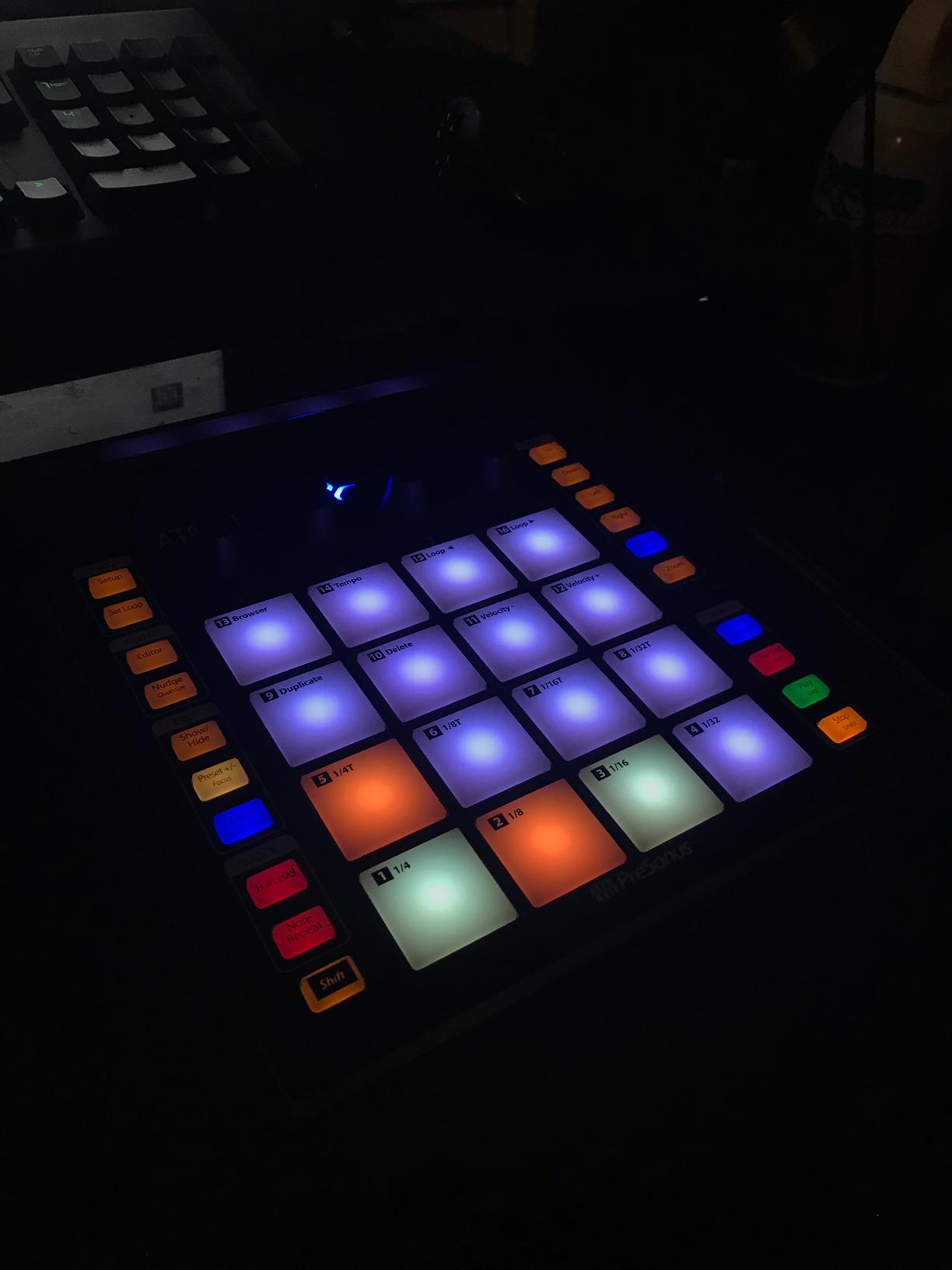
The PreSonus ATOM is purpose-built for Studio One users, and the integration is immediately apparent when you plug it in. The 16 full-size velocity- and pressure-sensitive RGB LED pads light up to reflect your session, showing clip colors and pad assignments at a glance.
Eight assignable pad banks give you 128 total pads, which is more mapping flexibility than any other controller in this roundup. The 20 assignable buttons and 4 endless rotary encoders let you control transport, mixing, and instrument parameters without reaching for your mouse.
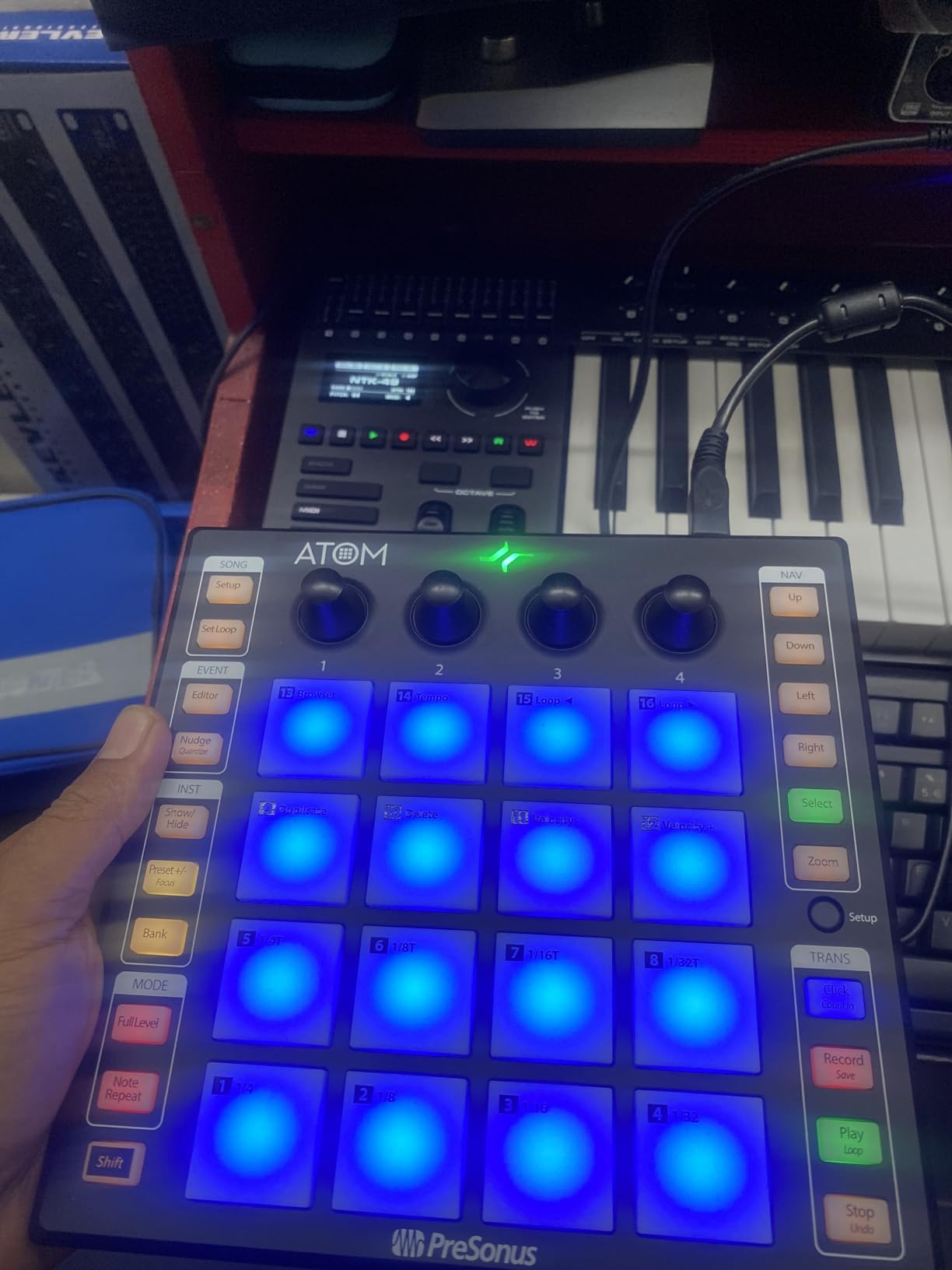
I tested the ATOM with both Studio One Artist and Ableton Live Lite, and both integrations felt responsive and intuitive. The selectable pad velocity curves and pressure thresholds let you dial in the exact feel you want, whether you’re finger drumming softly or hitting hard for full-velocity triggers.
Who should buy the PreSonus ATOM
Studio One producers who want a pad controller designed specifically for their DAW will get maximum value here. It’s also a strong pick for Ableton Live users who want deep session control.
Software value and integration depth
The Studio Magic Suite bundle includes over $1000 worth of plug-ins, plus MVP Loops content curated for the ATOM. The deep Studio One integration means pad-based browsing, instrument control, and mixer navigation work with minimal setup.
8. Donner STARRYPAD – Best Entry-Level Beat Maker
Donner MIDI Pad Beat Maker Machine Professional, Drum Machine with 16 Beat Pads, 2 Assignable Fader & Knobs and Music Production Software, USB MIDI Controller with 40 Courses, STARRYPAD
16 Silicone Backlit Pads
3 Banks (48 Pads)
2 Faders & 2 Knobs
7-Color Lighting
MIDI In/Out
USB-C
Melodics Courses
Pros
- 16 soft silicone backlit pads with adjustable velocity
- 3 pad banks providing 48 assignable pads
- 2 faders
- 2 knobs
- and 3 buttons for control
- 7-color customizable backlit lighting
- Includes Melodics Courses and Cubase LE software
Cons
- Requires DAW software to produce sound
- Lower build durability than premium options
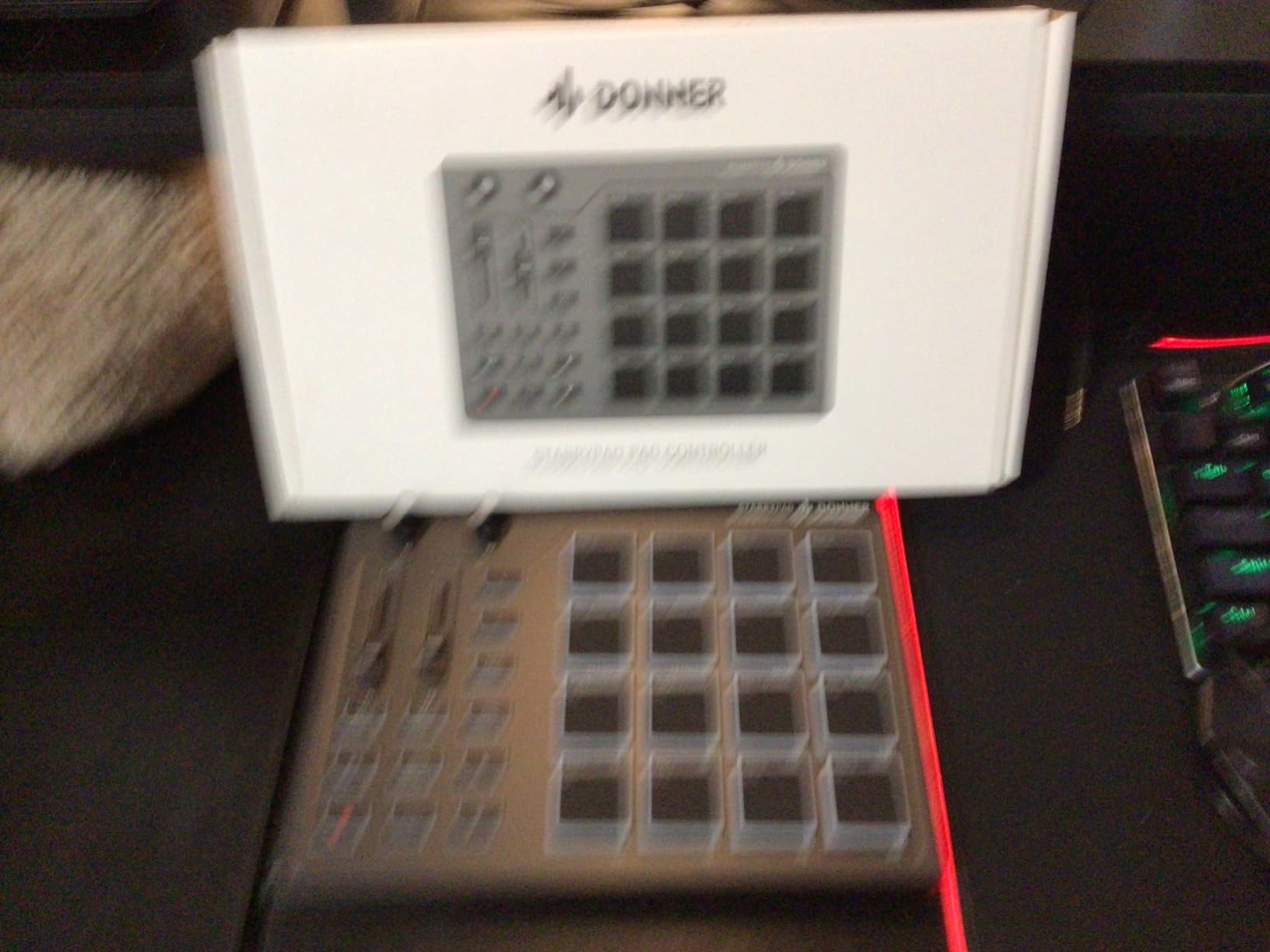
The Donner STARRYPAD is the most affordable controller in this roundup, and it punches well above its price for beginners. The 16 soft silicone backlit pads have a comfortable, responsive feel that works well for finger drumming and beat making.
Three pad banks give you 48 assignable pads, and the included 2 faders, 2 knobs, and 3 buttons provide hands-on control that budget controllers often skip entirely. The 7-color customizable lighting adds a fun visual element and helps you identify pad groups in dim environments.
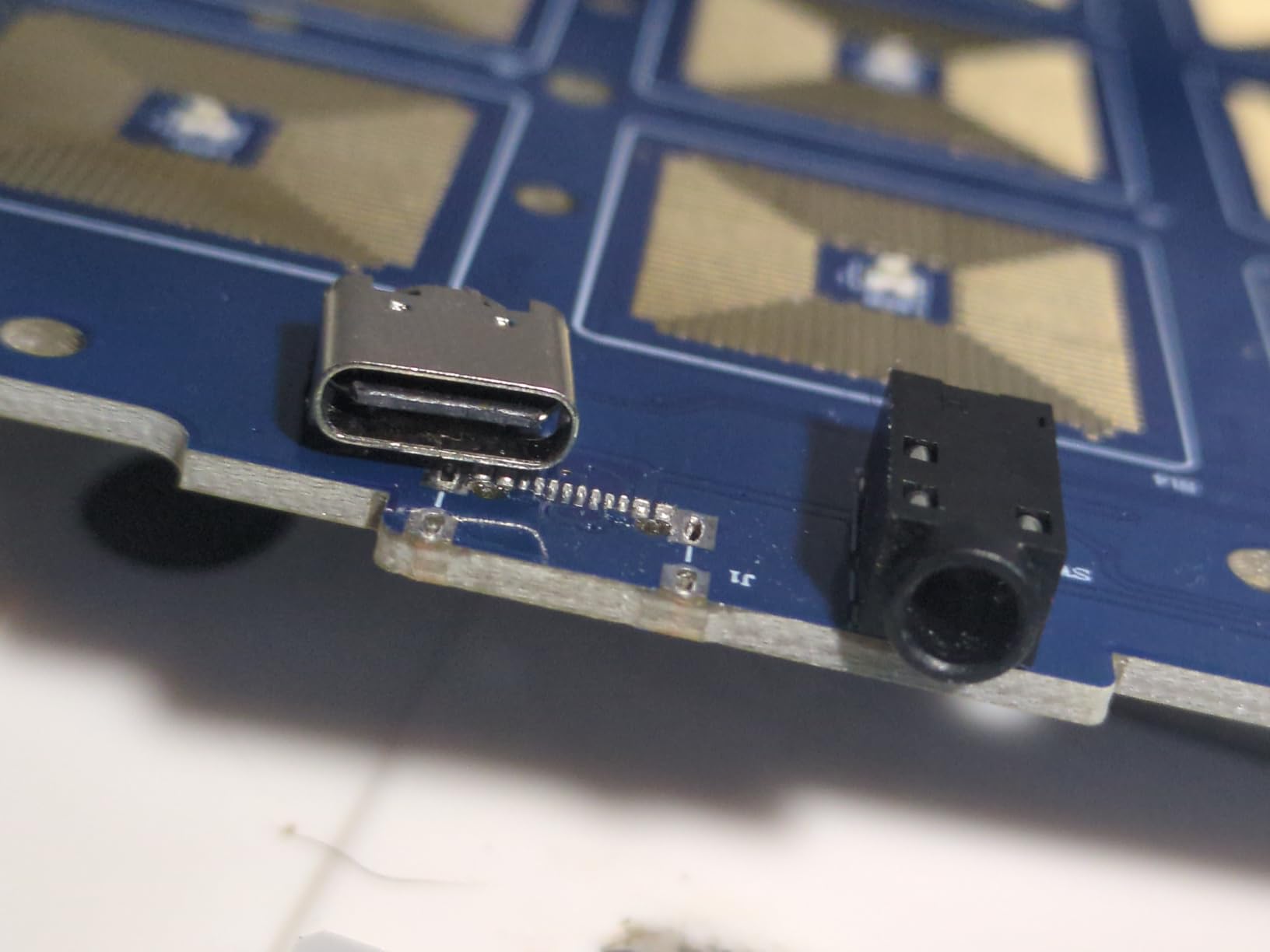
I appreciated the Tap Tempo feature that syncs with your DAW’s BPM and the Note Repeat function with its low latency. The USB-C connection is class-compliant for plug-and-play use, and the MIDI In/Out ports let you connect external synthesizers and hardware for a more involved setup.
Who should buy the Donner STARRYPAD
Complete beginners and budget-limited producers who want a full-featured pad controller without spending over $100 will find this the ideal starting point. The included Melodics courses make it especially beginner-friendly.
Learning resources and beginner support
Donner includes 40 Melodics courses and Cubase LE software, giving new producers structured learning material and a capable DAW from day one. The class-compliant design means it works with Android, iOS, Mac, and Windows right out of the box.
Buying Guide: How to Choose a Multi-Pad Drum Controller
Choosing the right multi-pad drum controller comes down to understanding your primary use case, budget, and the type of pads you actually need. Here’s what I learned from testing eight models back to back.
Sampling pad vs MIDI controller: know the difference
A sampling pad like the Alesis Strike MultiPad or Roland OCTAPAD has built-in sounds, sample storage, and can operate standalone without a computer. A MIDI controller like the Akai MPD218 or PreSonus ATOM sends note data to a DAW and produces no sound on its own. If you perform live without a laptop, you need a sampling pad. If you produce entirely in a DAW, a MIDI controller is more affordable and flexible.
Pad count and layout
Most controllers offer 8 or 16 pads. Eight pads suit drummers triggering percussion sounds and samples alongside an acoustic kit. Sixteen pads work better for beat makers and finger drummers who need melodic samples and effects triggers alongside drums. Pad banks multiply your available triggers, so 16 pads across 3 banks give you 48 assignable pads.
Velocity sensitivity and pad feel
Velocity sensitivity determines how well a pad responds to soft and hard strikes. Rubber pads like those on the SamplePad Pro and SPD-30 feel natural for drummers using sticks. Silicone pads like the Donner STARRYPAD are softer and work well for finger drumming. MPC-style pads on the Akai MPD218 offer the classic thick, responsive feel that beat makers love.
Connectivity and trigger inputs
If you plan to expand your setup, look for trigger inputs and pedal jacks. The Roland SPD-30 offers four dual-trigger inputs, while the Alesis SamplePad Pro includes kick and hi-hat pedal inputs. For DAW users, USB connectivity with class-compliant drivers means plug-and-play setup without installing drivers. MIDI In/Out ports matter if you want to control hardware synths or sound modules.
Build quality and portability
Gigging drummers should prioritize rugged metal or thick plastic construction. The Roland SPD-30 is built for the road, while the Maschine Mikro Mk3 uses solid metal construction at a lighter weight. USB-powered controllers like the MPD218 and ATOM are more portable since they don’t need a wall adapter, which matters for mobile producers and small-stage setups.
DAW integration and software ecosystem
Some controllers are designed for specific DAWs. The PreSonus ATOM integrates deeply with Studio One, while the Maschine Mikro Mk3 is built around the MASCHINE software ecosystem. Generic MIDI controllers like the Akai MPD218 work with any DAW but lack deep transport and navigation controls. Check what software comes bundled, since included DAWs and sample libraries can add significant value.
Power requirements for gigging
Standalone sampling pads typically require a wall power adapter, which is something to plan for on stage. Pure MIDI controllers are usually USB-powered, drawing power directly from your laptop. If you’re gigging without a laptop, factor in power adapter reliability and whether the unit can run on battery power through a backup supply.
Frequently Asked Questions
What is the best multi-pad drum controller for beginners?
The Donner STARRYPAD is the best beginner pick thanks to its low price, 16 soft silicone pads, included Melodics courses, and plug-and-play USB-C setup. The Akai MPD218 is another strong beginner choice with authentic MPC-style pads and bundled production software for under $120.
How do I choose a drum pad controller?
Start by deciding whether you need a standalone sampling pad with built-in sounds or a MIDI controller that works with your DAW. Consider pad count (8 for drumming, 16 for beat making), velocity sensitivity, connectivity options like trigger inputs and MIDI ports, build quality for gigging, and whether the included software bundle matches your production workflow.
What is the difference between a sampling pad and a MIDI drum pad?
A sampling pad has built-in sounds, sample storage, and can produce audio on its own without a connected computer. A MIDI drum pad sends only note and velocity data to a DAW or sound module, producing no sound independently. Sampling pads cost more but work standalone, while MIDI-only controllers are cheaper and more flexible for studio production.
Can I use a drum pad controller with Ableton Live?
Yes, nearly all drum pad controllers work with Ableton Live via USB MIDI. The Native Instruments Maschine Mikro Mk3, PreSonus ATOM, and Akai MPD218 all include Ableton Live Lite and integrate well. Standalone sampling pads like the Alesis Strike MultiPad can also send MIDI to Ableton while triggering their own internal sounds simultaneously.
What brands make the best electronic drum pads?
Roland and Alesis dominate the standalone sampling pad market with proven stage reliability. Native Instruments and Akai lead in production-focused MIDI controllers. Yamaha produces premium multi-pads like the DTX-MULTI 12, while budget-friendly options from Donner and LEKATO offer solid value for beginners and casual players.
Final Thoughts on the Best Multi-Pad Drum Controllers
After testing all eight models, my top recommendation for most drummers and producers is the Alesis Strike MultiPad, which combines 9 RGB pads, a built-in sampler, looper, and 32GB of storage into one versatile live performance tool. For budget-conscious beginners, the Donner STARRYPAD and Akai MPD218 deliver excellent value without sacrificing the features that matter most.
The best multi-pad drum controllers in 2026 span every budget and use case, from standalone stage samplers to DAW-integrated production pads. Match the pad type to your workflow, prioritize connectivity that fits your setup, and you’ll find the right controller among these eight tested options.