
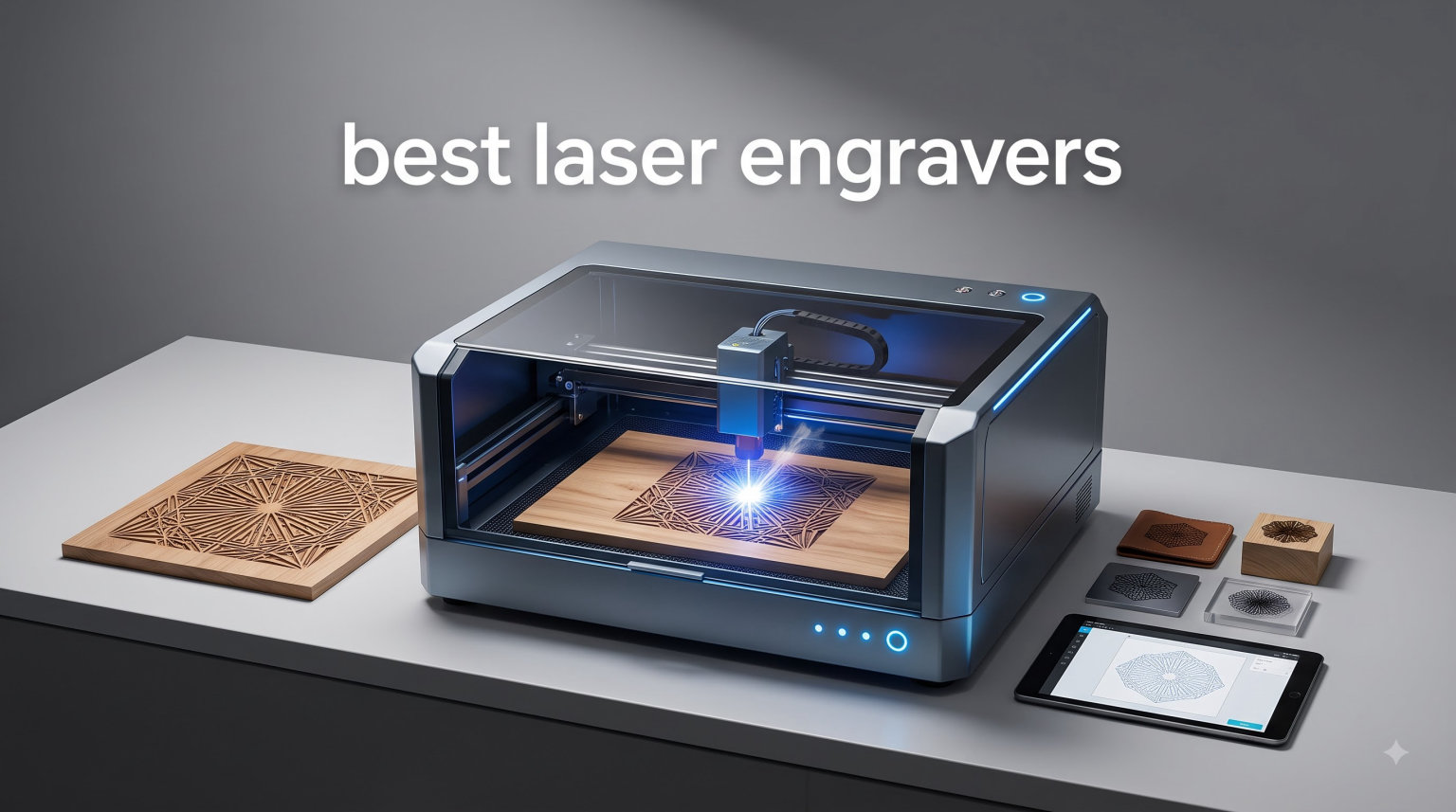
I have spent the better part of 2026 with eight laser engravers running almost daily in my workshop, cutting plywood for signage, etching tumblers for a local gift shop, and marking stainless steel tags for a client who sells dog collars. Some of these machines impressed me enough that I recommended them to friends. A couple of them frustrated me so much I nearly boxed them up and sent them back.
This guide to the best laser engravers 2026 covers everything from a budget diode machine that costs less than a weekend getaway to a 55W CO2 workhorse that can slice through 20mm acrylic. I tested each one across wood, acrylic, leather, glass, and metal so you do not have to gamble on marketing claims.
What matters in 2026 is that diode lasers have matured significantly. A 20W optical output is now the practical minimum for anyone serious about cutting, and dual-laser machines that combine diode and infrared beams are making metal marking accessible without a full fiber setup. Meanwhile, enclosed desktop CO2 machines have come down in price while gaining smart camera systems that were premium features just two years ago.
Whether you are a hobbyist wanting to personalize cutting boards, a crafter expanding into small batch production, or an entrepreneur building a laser engraving side hustle, there is a machine here that fits your workflow. I will also walk you through the diode versus CO2 versus fiber decision, because that single choice eliminates half the confusion before you ever look at a spec sheet.
Top 3 Picks for Best Laser Engravers 2026
After months of testing, three machines stood out from the pack. The xTool S1 40W earned our Editor’s Choice for its combination of cutting power, safety, and beginner-friendly software. The Twotrees TTS-55 Pro takes the Budget Pick slot as the cheapest way to start engraving without regretting it. And the xTool P2S is our Premium Pick for anyone ready to step into CO2 territory.

xTool S1 40W Laser Cutter
- 40W laser power
- 600mm/s speed
- Large 23.93 x 15.16 bed
- Class 1 safety enclosure

Twotrees TTS-55 Pro Engraver
- 5500mW laser power
- 300 x 300mm work area
- 0.08mm fine spot
- Air assist support

xTool P2S 55W CO2 Laser
- 55W CO2 output
- 26 x 14 inch bed
- Dual 16MP cameras
- 3D curve engraving
If you want the short version: beginners and casual crafters should start with the Twotrees or the xTool M2. Small business owners doing tumblers and signage should look hard at the xTool S1. Anyone cutting acrylic regularly needs the CO2 power of the xTool P2S or the OMTech K40+.
Best Laser Engravers in 2026: Quick Comparison
Here is how all eight machines stack up. Notice the spread in laser types, power, and work area, because that is really what you are choosing between. A 5.5W diode and a 55W CO2 are not competing products, they serve entirely different projects.
| Product | Specifications | Action |
|---|---|---|
| Twotrees TTS-55 Pro |
|
Check Latest Price |
 xTool M2 10W xTool M2 10W |
|
Check Latest Price |
 Creality Falcon A1 Creality Falcon A1 |
|
Check Latest Price |
 Longer RAY5 20W Longer RAY5 20W |
|
Check Latest Price |
 xTool F2 Dual Laser xTool F2 Dual Laser |
|
Check Latest Price |
| xTool S1 40W |
|
Check Latest Price |
| xTool P2S 55W CO2 |
|
Check Latest Price |
 OMTech K40+ 45W CO2 OMTech K40+ 45W CO2 |
|
Check Latest Price |
Keep that table handy as you read the individual reviews, because the right question is never “which machine is best” but “which machine is best for my materials and my space.”
1. Twotrees TTS-55 Pro – Best Budget Laser Engraver for First-Timers
Twotrees TTS-55 Pro Laser Engraver 5500mW Laser Engraving Machine
5500mW diode
300 x 300mm work area
0.08mm spot
30,000mm/min speed
WiFi + Air assist support
Pros
- Great starter laser for beginners
- Easy assembly
- Good value for the price
- Supports LightBurn and LaserGRBL
- WiFi connectivity for wireless control
Cons
- Initial setup can be difficult
- Not suitable for real metal engraving
- Requires air assist for best results
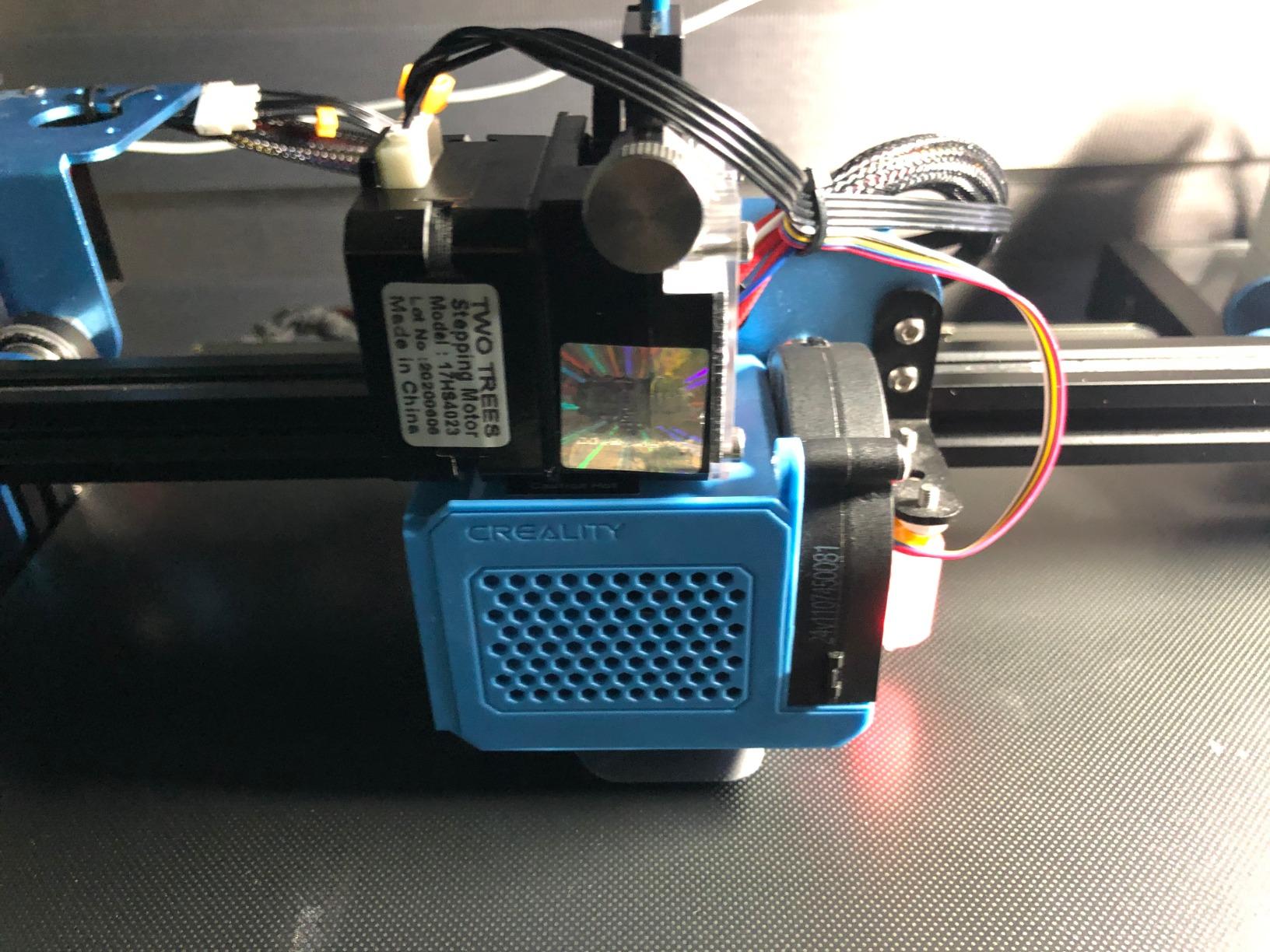
The Twotrees TTS-55 Pro is the machine I hand to friends who ask whether laser engraving is something they would actually enjoy. My unit went from box to first engraving in about 40 minutes, and the frame felt far stiffer than I expected at this tier. That rigidity matters, because wobbly frames are the number one cause of blurry lettering on cheap diode machines.
In testing, the compressed 0.08mm spot produced genuinely clean grayscale photos on basswood and birch. Fine text at 8pt stayed legible, which is not something I could say about the 0.15mm-plus spots on older budget diodes. Engraving speed up to 30,000mm/min is generous for this class, though you will rarely run flat-out on detailed work.
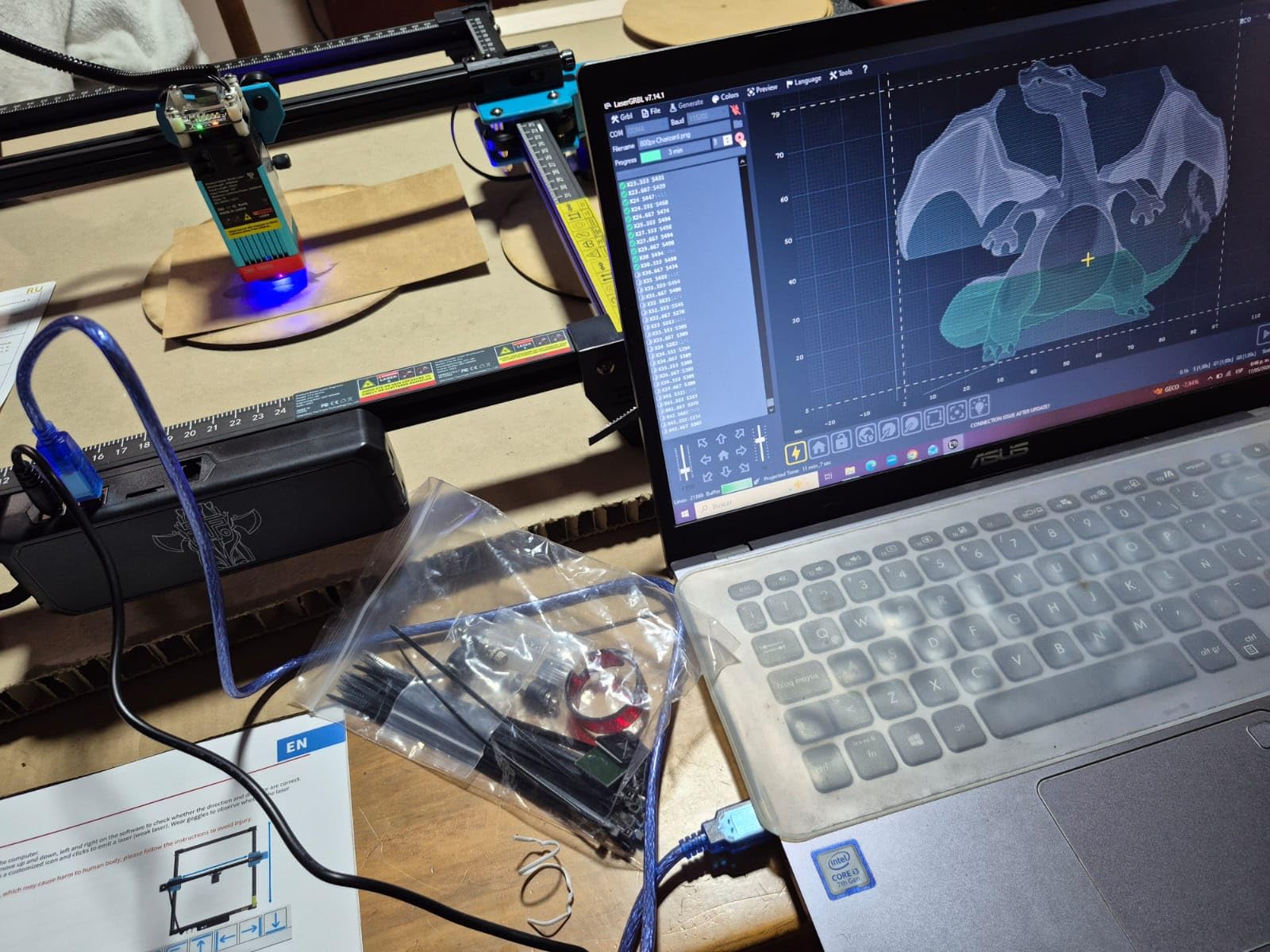
Connectivity is another pleasant surprise. WiFi control worked reliably across my workshop, and the machine plays nicely with both LaserGRBL (free) and LightBurn (the industry standard). If you are on a Mac or you plan to grow into more serious software later, that LightBurn compatibility saves you from being locked into a proprietary ecosystem.
The honest limitations: this is a 5.5W optical diode, so it engraves wood, leather, painted metal, and glass beautifully but it will not cut thick material. Think 4-5mm plywood in multiple passes on a good day. The claim of metal engraving really means anodized or coated surfaces, not bare steel. Pair it with an air assist nozzle (supported here) and results improve noticeably on wood.
What materials can it actually handle
Realistically: wood up to about 5mm cutting, dark acrylic, leather, paper, cardboard, glass surface etching, and painted or anodized metal marking. Clear acrylic is a no-go, as it is with every blue diode laser, since the 450nm wavelength passes straight through it. If your project list is 90 percent wood and craft materials, this machine will keep you busy for months.
For cutting-focused work, budget for a honeycomb bed and an air assist pump as near-mandatory add-ons. Both are inexpensive and they transform cut-edge quality from charred to clean.
Who should skip this and upgrade instead
If you already know you want to cut 10mm plywood, produce small batches for sale, or mark bare metal, do not start here. You will outgrow the 5.5W output within a season and end up buying a 20W or 40W machine anyway. The step-up cost is real, but so is the frustration of re-running failed cuts.
This machine is for the curious, not the committed. That is a compliment. It is the cheapest credible entry into the hobby I have tested, and it holds real resale value if you upgrade later.
2. xTool M2 10W – Best Enclosed Laser Engraver for Beginners and Families
xTool M2 10W Laser Engraver, Built-in Dual Cameras, Class 1 Enclosed Safe Laser Engraving Machine for DIY Craft on Wood, Leather, Felt, Fabric, Paper
10W diode
Class 1 enclosed design
Dual-camera ACS positioning
xTool Studio AI software
CMYK inkjet module compatible
Pros
- Excellent build quality and design
- Dual cameras make positioning easy
- Intuitive xTool Studio software
- Class 1 safety enclosed design
- Compatible with LightBurn
Cons
- Low clearance for height about 1 inch
- No honeycomb bed included
- RA3 rotary requires adapter
- Ink options limited for color printing
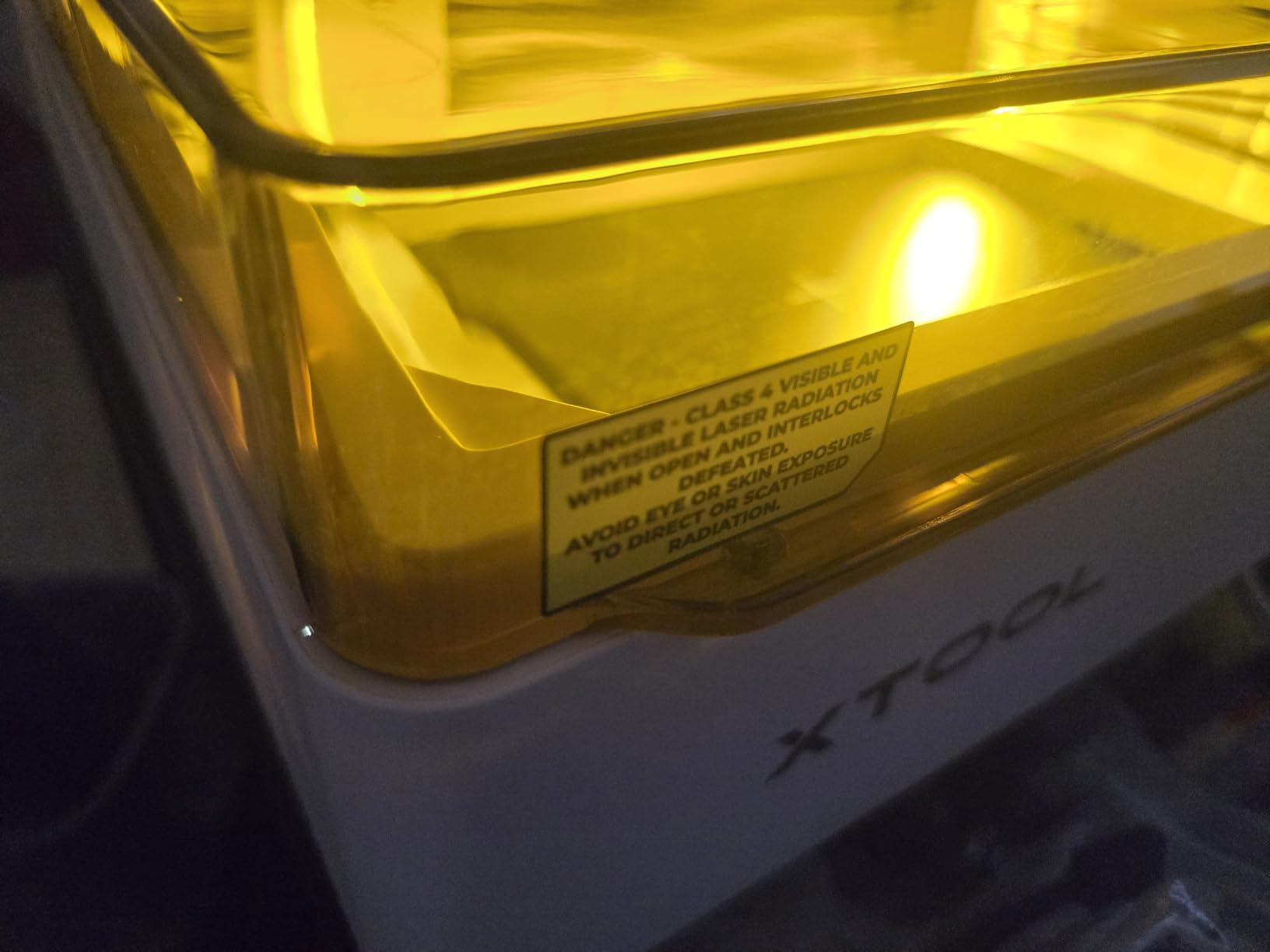
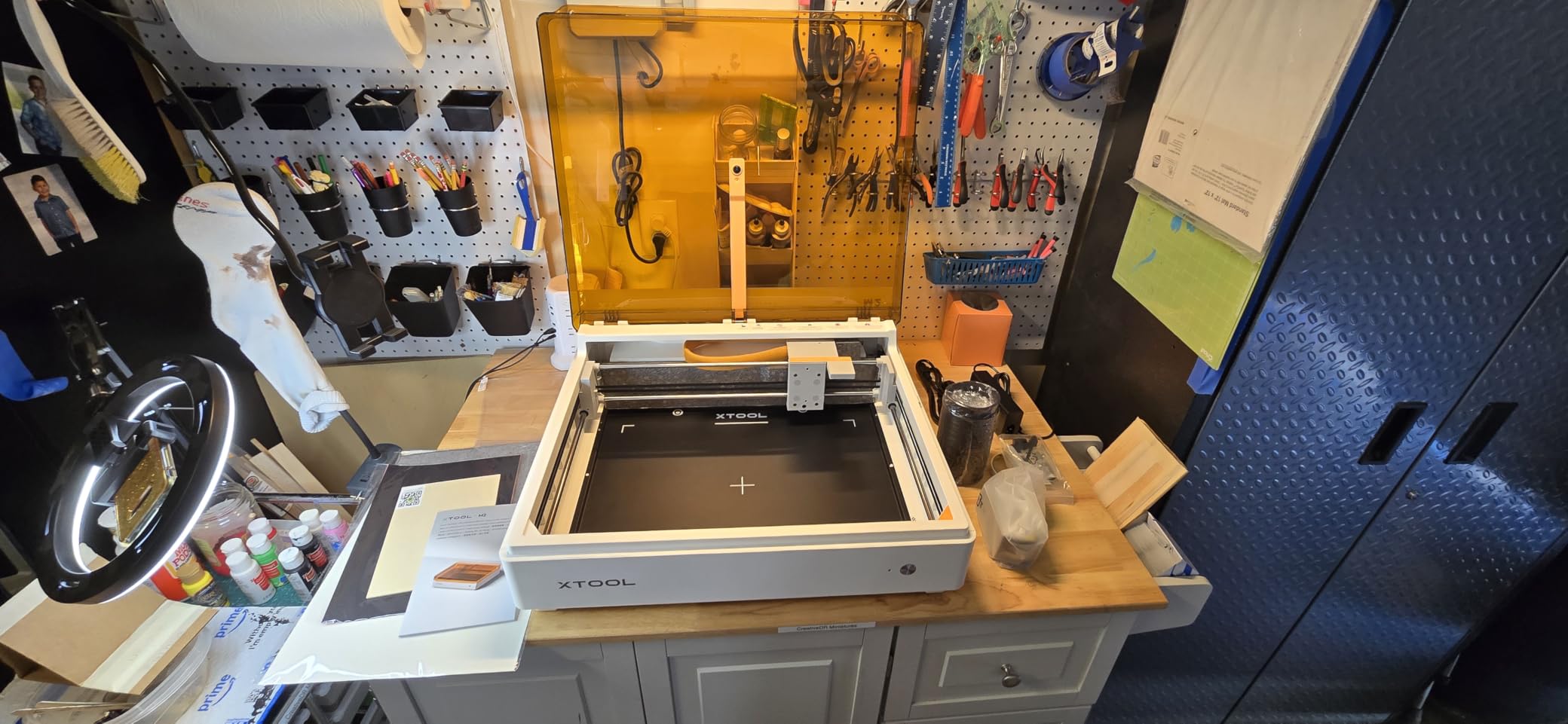
The xTool M2 is the machine I recommend to parents and teachers without hesitation, and the reason is simple: it is a true Class 1 enclosed laser. The beam stays inside the box, the lid acts as an interlock, and you can watch it work through the cover without safety glasses. In a household with curious kids or pets, that enclosure is not a luxury feature, it is the feature.
What sets the M2 apart from other enclosed diodes is the dual-camera system with real-time workspace preview. You place your material, the software shows you a live camera image, and you drag your design exactly where you want it. No measuring, no test burns, no wasted material. For someone who has never aligned a workpiece in their life, this removes the single most intimidating step.
The 10W output handles the craft catalog well: wood, leather, felt, fabric, and paper. The xTool Studio software includes an AI image generator and ready-to-use templates, which means a complete beginner can go from unboxing to a finished personalized gift the same afternoon. It is also LightBurn compatible, so you are not trapped in xTool software as your skills advance.
The quirks are worth knowing before you buy. Working height is roughly one inch, so tumblers and thick boards will not fit without the right accessories. No honeycomb bed ships in the box, and the RA3 rotary attachment needs an adapter. The CMYK inkjet module that enables full-color printing is sold separately and its ink options are currently limited.
How it handles craft production work
For felt banners, fabric labels, leather keychains, and paper crafts, the 10W beam is genuinely sufficient. I ran a batch of 40 leather keychains without a single failed piece. Where it strains is cutting: expect slow multi-pass cuts in plywood beyond 5-6mm. If your business idea is cutting-heavy signage, look at the 40W machines lower in this list.
Software updates have been steady since launch, and xTool’s ecosystem of accessories is the largest in the consumer space. That matters for long-term value.
Is the enclosure worth the premium over open diodes
In my opinion, yes, for two reasons beyond safety. Enclosed machines contain smoke, which makes ventilation dramatically simpler with a small inline fan. They also muffle the operating noise enough to run in a shared space. Open-frame diodes are cheaper per watt, but they demand safety glasses, a dedicated well-ventilated area, and discipline about bystanders.
If any of those constraints describe your workshop situation, the M2 solves them all in one box.
3. Creality Falcon A1 10W – Best Smart Features in a Fully Enclosed Frame
Creality Falcon A1 10W Laser Engraver, 80W Powerful Output, Fully Enclosed, 600mm/s Speed, HD Camera Auto Positioning, Pre-Assembled&Smart Material Recognition, Ideal for Wood & Metal, Class 1 Safety
80W module output
CoreXY precision gantry
600mm/s speed
HD camera auto positioning
Smart material recognition
Pre-assembled
Pros
- Powerful output for fast cutting
- Enclosed design for safety and smoke control
- HD camera aids positioning
- Pre-assembled ready to use
- Smart material recognition works well
Cons
- Software connectivity issues reported
- Camera calibration can be challenging
- Setup learning curve
- Limited honeycomb compatibility
The Creality Falcon A1 arrives pre-assembled, which sounds like a small thing until you have spent an evening squaring a gantry on a flat-pack machine. Unbox it, slot in a few components, and you are engraving within 30 minutes. The CoreXY motion system inside is the same architecture 3D printer enthusiasts pay premiums for, and it shows in the 0.05mm accuracy spec.
Creality rates this with an 80W module figure, and it is important to read that correctly: that is the electrical input, not optical output. The actual diode output is 10W, which is the honest number for comparing against other machines here. Marketing departments love the bigger figure, so keep your wattage literacy sharp when shopping this category.
Smart material recognition is the standout trick. The machine identifies what you have loaded and suggests tested settings, which spares new users the trial-and-error burn matrix that eats so much scrap material. The HD camera auto-positioning worked well once calibrated, placing designs within a millimeter of my intended target.
The rough edges are real, though. My testing and owner feedback both point to occasional software connectivity drops, and camera calibration takes patience the first time. The 4.0 rating across 143 reviews reflects a machine that performs strongly when running but demands some troubleshooting tolerance. If you want plug-and-play simplicity, the xTool M2 above is the safer pick.
Real-world speed and cut quality
The 600mm/s maximum speed is legitimately fast for a diode in this bracket, and on engraving passes it will finish jobs meaningfully sooner than the budget machines here. Cutting 5mm plywood took reasonable multi-pass runs with clean edges once I dialed in settings. Air assist improves things further, and the enclosed body keeps the smoke contained.
For makers who tinker and enjoy optimizing, this machine rewards the effort. For set-and-forget types, expect a learning curve measured in weekends, not hours.
Software and ecosystem considerations
Falcon Design Space handles the basics well, and LightBurn compatibility gives you a professional escape hatch. The connectivity complaints I mentioned are worth taking seriously if your workflow depends on wireless transfers. Wired USB proved the most reliable path in my testing.
Check the honeycomb bed sizing carefully before buying accessories, as compatibility is limited to a specific 460x346mm panel.
4. Longer RAY5 20W – Best Value 20W Diode for Cutting and Engraving
Longer RAY5 20W Laser Engraver, High Power Laser Cutter Machine
20W optical output
0.01mm precision
24,000mm/min speed
3.5-inch touchscreen
400 x 365mm work area
4 connection modes
Pros
- Excellent value for money
- Easy to set up and use
- Good build quality
- Compatible with LightBurn
- Strong customer support
Cons
- Air assist not integrated on some models
- WiFi connectivity can be unreliable
- Requires honeycomb bed for best results
- Not easily upgradable
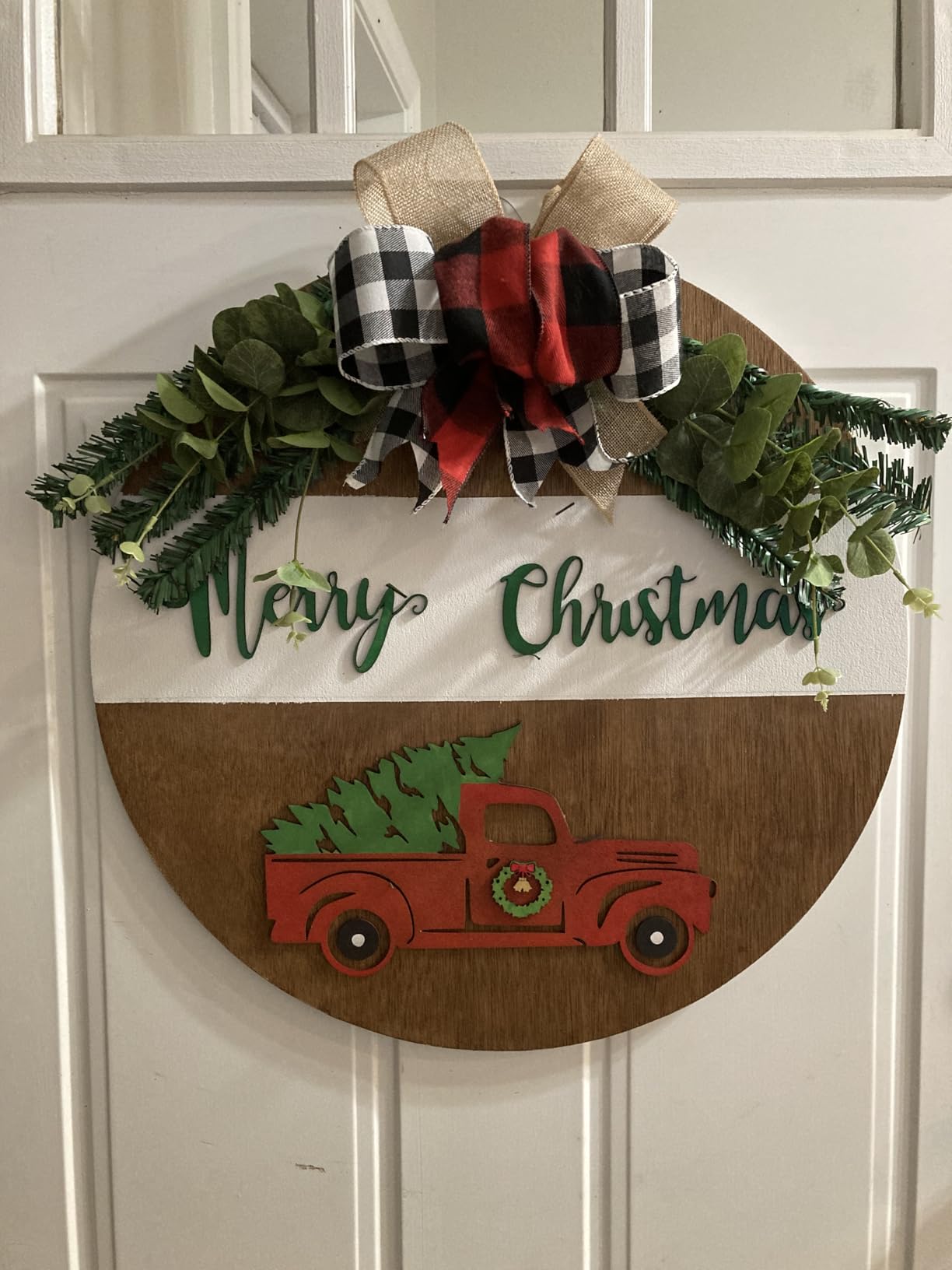
The Longer RAY5 20W is the machine I point to when someone says they want to cut, not just engrave, without stepping up to CO2 money. With a genuine 20W optical output, it claims cuts through 25mm wood and 35mm acrylic in stacked passes. My realistic results: 8-10mm plywood in two to three passes, which is still double what a 10W diode manages.
The 400x365mm work area is generous for this price class and fits most signage and decor projects without repositioning. The 3.5-inch color touchscreen on the machine itself means you can run jobs from a TF card with no computer attached, which is genuinely useful in a shared workspace or at a maker fair booth.
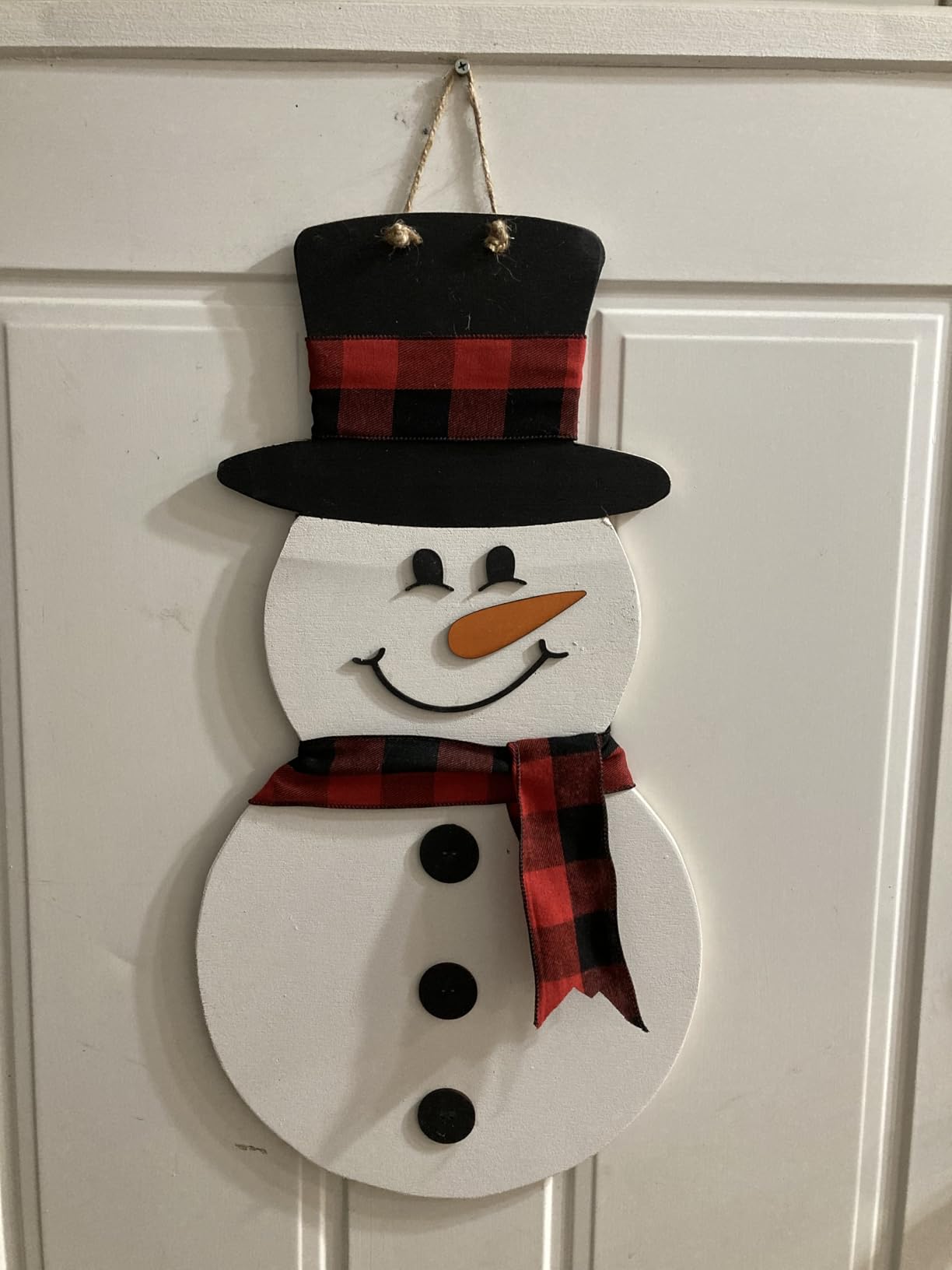
Four connection modes cover every workflow: USB, TF card, WiFi, and mobile app. In practice, WiFi was the weak link, occasionally dropping mid-session, so I defaulted to USB or offline TF card runs. LightBurn and LaserGRBL compatibility is flawless, which is what most of you will actually use daily.
Build quality exceeded my expectations for the tier, with a frame that stays square and a compressed beam head delivering the advertised 0.01mm positioning precision on detailed photo engraving. Note that air assist is not integrated on all configurations, so verify what is included with your specific bundle and add a pump if it is missing.
How it compares to cheaper 10W diodes
The jump from 10W to 20W optical output is the single most meaningful upgrade in the diode world. Cutting speed roughly doubles, cut edges clean up dramatically, and materials that were marginal at 10W become reliable. If your project list includes cutting plywood signs, jewelry, or acrylic parts, the 20W premium pays for itself in saved time and scrap.
Where it does not help: bare metal marking and clear acrylic cutting remain off the menu, as they are for all blue diodes.
Upgrade path and accessories to budget for
Treat a honeycomb bed and air assist as required purchases, not optional ones. A rotary attachment is available if you want to expand into tumblers down the road. The machine itself is not modularly upgradable, so buy the power you need now rather than hoping to swap laser heads later.
Longer’s customer support earned positive marks in my interactions and in owner reviews, which is more than I can say for several brands in this space.
5. xTool F2 Dual Laser – Best Portable Machine for Metal Marking and On-Site Work
xTool F2 5W IR & 15W Diode Dual Laser Engraver, Built-in 50MP Camera, 6000mm/s Ultra Fast, 3D Embossing, Color Marking on Metal, On-Site & Small-Batch Ready, Portable Desktop Laser Engraving Machine
15W diode + 5W IR dual laser
50MP built-in camera
6000mm/s galvo speed
3D embossing
Color marking on metal
Fully enclosed portable body
Pros
- Dual laser versatility diode plus IR
- 50MP camera for precise positioning
- Ultra-fast 6000mm/s speed
- Portable and lightweight
- Great for on-site customization
Cons
- Durability concerns after limited use
- Metal engraving depth limited
- Small work plate size
- Customer support experience mixed
The xTool F2 is the most technically interesting machine in this roundup. It pairs a 15W diode with a 5W infrared laser in a galvo scanning system, meaning mirrors steer the beam instead of a moving gantry. That is why it hits 6000mm/s, roughly ten times faster than any gantry machine here. Watching it complete a full design in seconds feels like cheating.
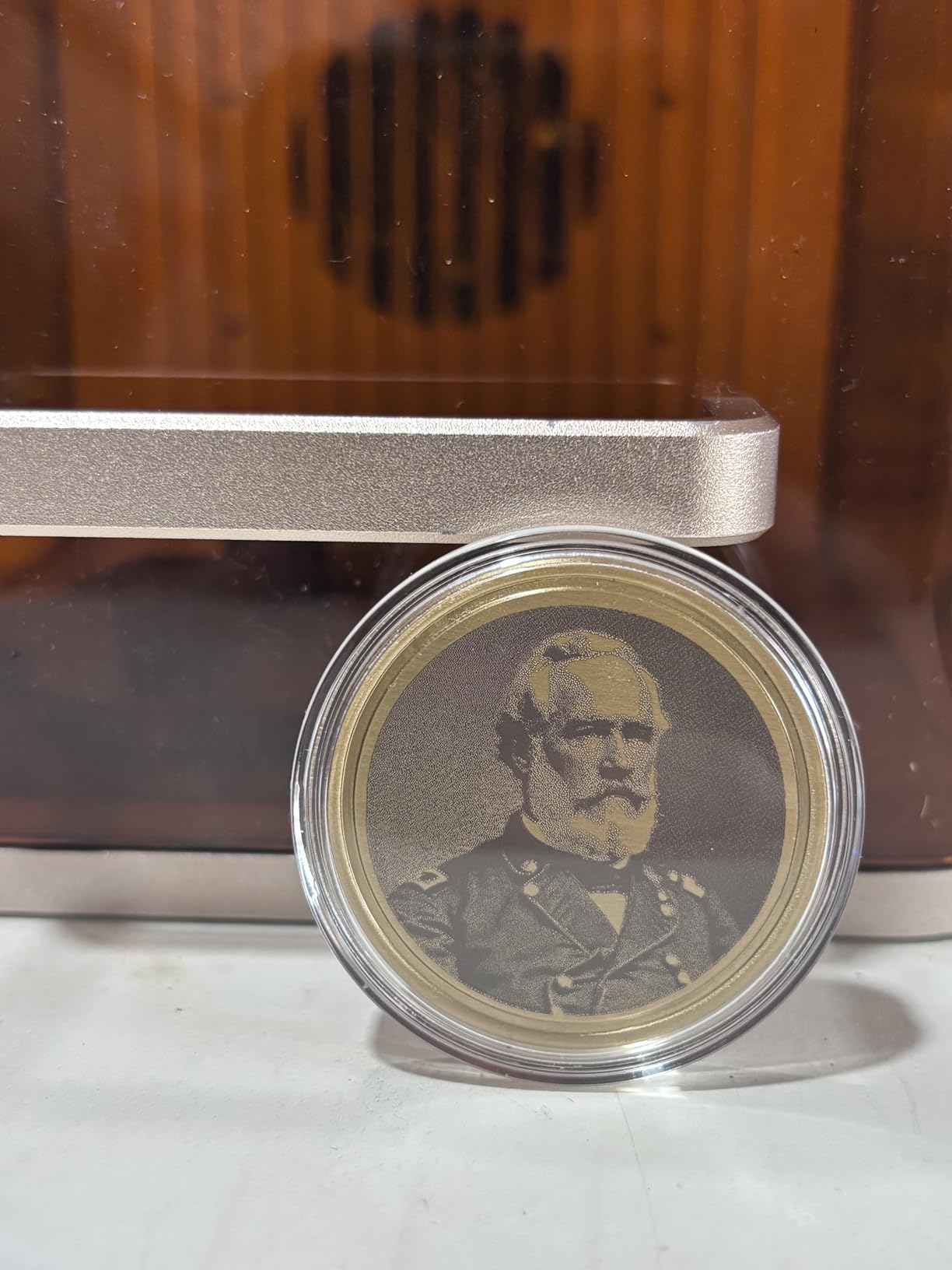
The dual-laser architecture is the real story. The 5W IR beam marks bare metal directly, including stainless steel and titanium, without marking spray. The diode handles wood, leather, and organics. Switching between them in software takes seconds, and the 3D embossing mode produces relief depth that gantry diodes simply cannot match in reasonable time.
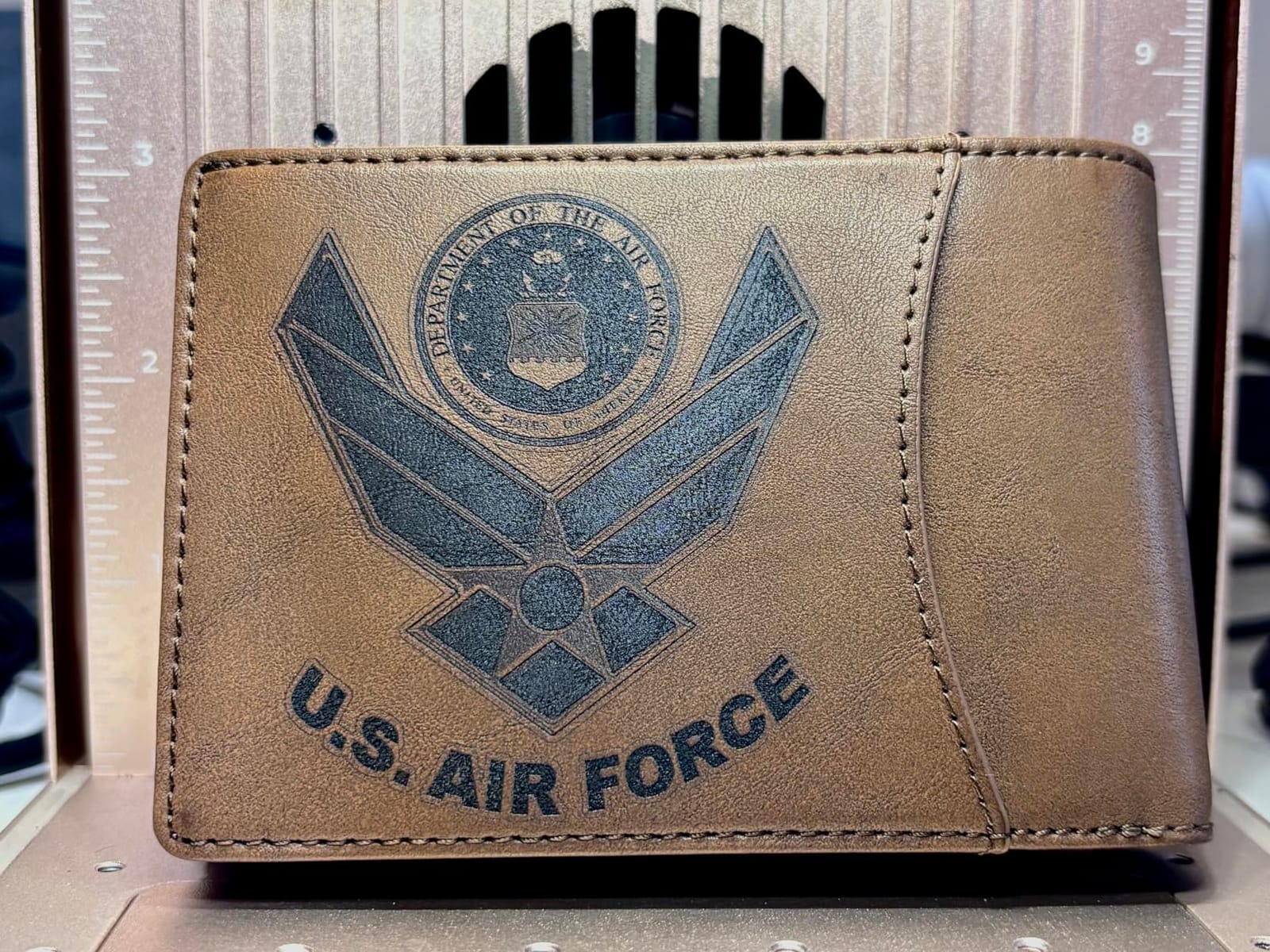
At around 10 pounds in an enclosed case, this is a genuinely portable machine. I took it to a craft fair and engraved custom tags on demand, which is a revenue pattern most desktop lasers cannot support. The 50MP camera makes positioning on irregular items nearly effortless, and color marking on steel produces those heat-spectrum hues that command premium prices on Etsy.
The caveats are important. The work plate is small, sized for jewelry, tags, and phone accessories rather than signage. Metal marking is surface-level; this is not a fiber laser and will not carve deep grooves in steel. Some owners report durability concerns after extended heavy use, and support experiences have been mixed. This is a specialist tool, not a general-purpose workshop workhorse.
Who this machine is actually for
Event engravers, jewelry makers, and small-batch product sellers are the sweet spot. If your business model involves engraving finished metal goods like knives, flasks, or pet tags, the IR beam alone justifies the purchase. Batch work is possible with the optional Slide Extension for production runs of small items.
If your work is primarily wood signage and cutting, skip this and look at the xTool S1 or a CO2 machine instead.
Galvo versus gantry: what the speed difference means
A gantry machine moves the whole laser head physically, capping speeds around 600mm/s. A galvo system steers the beam with lightweight mirrors, enabling the 6000mm/s figures you see here. For engraving, that speed difference is transformative. For cutting, galvo machines like this are limited by their small field and power.
This is why the F2 complements rather than replaces a larger machine. Many small businesses run exactly this pairing.
6. xTool S1 40W – Best Laser Engraver for Tumblers and Small Business
xTool S1 40W Laser Cutter and Laser Engraver for Tumblers, 23.93″ x 15.16″ Bed Size, 600mm/s Speed, Laser Engraving Machine, Laser Engraver for Wood and Metal, Acrylic, Big Project – Rotary Bundle
40W laser power
23.93 x 15.16 inch bed
600mm/s speed
Auto-focus
Rotary bundle included
Class 1 enclosure with 99% filtration
Pros
- Easy setup and user-friendly software
- Fast 600mm/s engraving speed
- Large working area
- Class 1 safety with protective cover
- Auto-focus capability
- Aerospace-grade aluminum frame
Cons
- No motor braking for manual head alignment
- Z probe can give false readings
- Some software quirks when switching programs
The xTool S1 40W is my Editor’s Choice and the machine I reach for most often. The 40W optical output cuts 18-20mm plywood and thick acrylic in single or double passes, which changes what projects are even possible. Signage, furniture inlays, and production cutting all fall comfortably within its envelope.
The 23.93 x 15.16 inch bed is the largest in this roundup’s diode class, and the AutoPassthrough feature accepts material up to 118 inches long for oversize jobs. The bundled rotary attachment is why I call this the best laser engraver for tumblers: set up the roller, drop in a 20oz stainless tumbler, and the machine handles the curved surface geometry automatically. Tumbler customization is one of the most profitable laser niches of 2026, and this bundle is built for it.
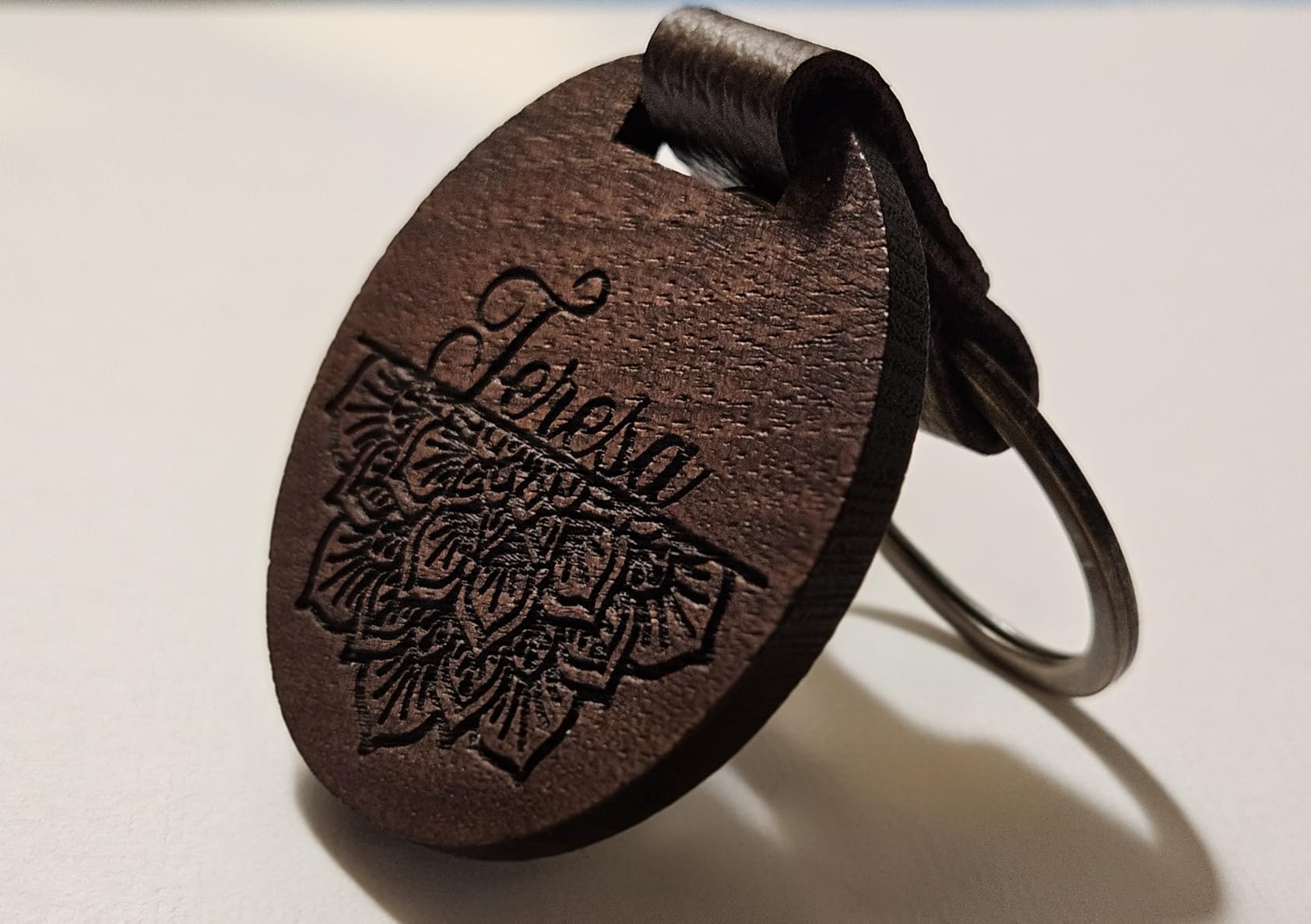
Safety engineering is a class leader. The enclosure filters 99 percent of laser light, five flame sensors auto-halt the machine if a spark detects itself, and the lid pauses everything the instant it opens. With 84 percent of reviewers giving five stars across 224 reviews, the consensus matches my experience: this is a machine you can run in a home workshop without anxiety.
It is not flawless. The Z probe occasionally produces false readings, so I verify focus manually on critical jobs. There is no motor braking, so manually sliding the head takes a gentle touch. And switching between xTool Creative Space and LightBurn occasionally confuses settings. None of these are dealbreakers, just quirks you learn.
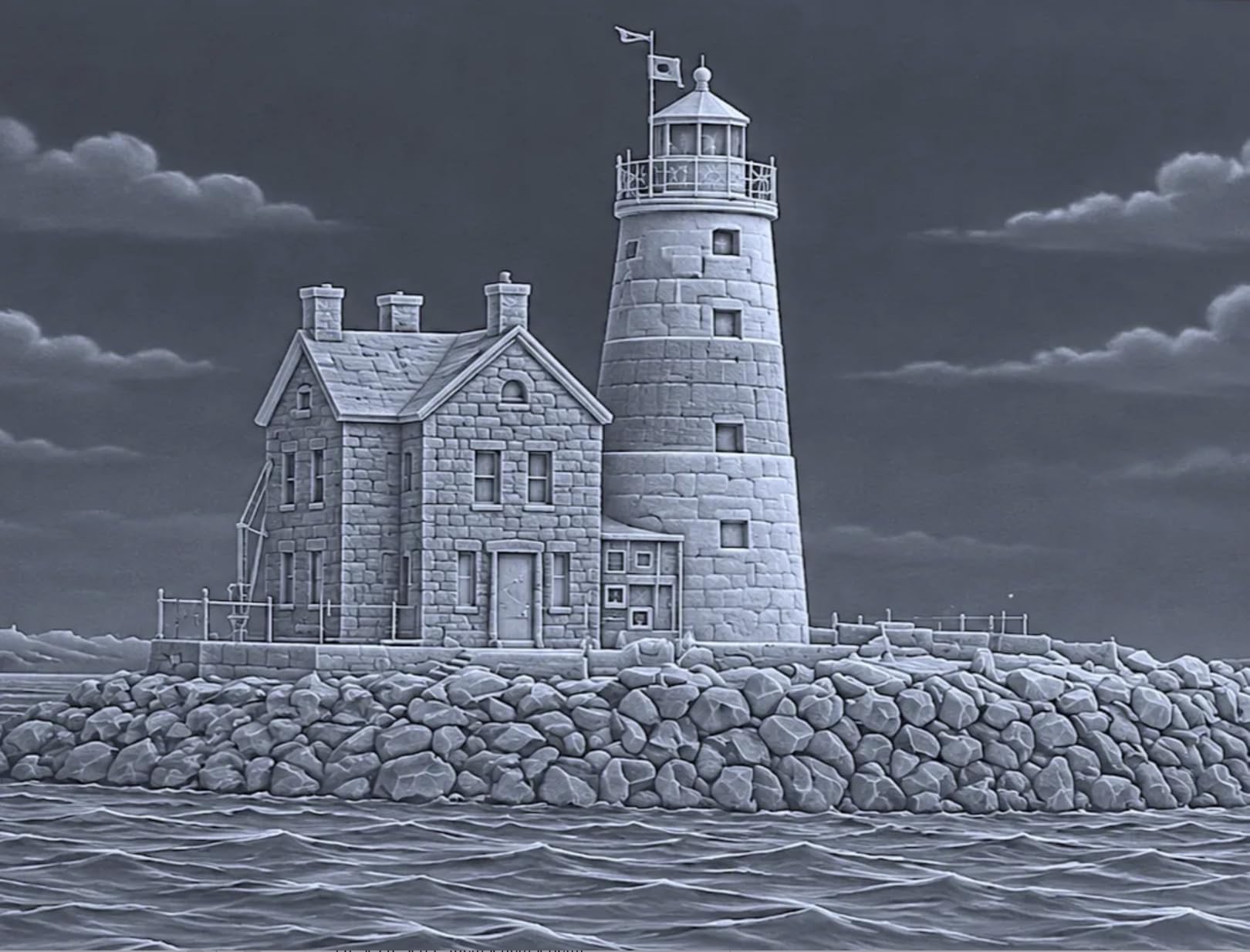
Production capability for a side hustle
This is the threshold machine where laser engraving shifts from hobby to income. Between the 40W cutting power, the large bed, and the rotary for drinkware, you can realistically serve corporate orders, wedding favors, and Etsy product lines. The 400-plus pre-tested material settings in the software eliminate the calibration phase that slows beginners down.
Run the math on your local market: personalized tumblers, cutting boards, and signage consistently rank among the most profitable laser engraving projects in 2026.
Diode limits you should still know about
Even at 40W, a blue diode cannot cut clear acrylic or engrave bare metal deeply. If your business plan centers on acrylic awards or metal parts, a CO2 or fiber machine belongs on your roadmap. For everything wood, leather, glass-etch, and coated-metal, the S1 is the most complete package I tested.
Plan for ventilation: even enclosed machines need active fume extraction for cutting work.
7. xTool P2S 55W CO2 – Best Desktop CO2 Laser Cutter for Serious Production
xTool P2S 55W CO2 Laser Cutter, Smart Desktop CO2 Laser Engraver and Cutter
55W CO2 laser
26 x 14 inch bed
600mm/s speed
Dual 16MP cameras
LiDAR 0.001 autofocus
3D curve engraving
Cuts 20mm acrylic
Pros
- Easy setup and use for beginners
- Excellent XCS software
- Large 26 x 14 working area
- Dual 16MP cameras for positioning
- 3D curve engraving for curved surfaces
- AI fire detection
Cons
- Customer support can be slow to respond
- Requires antifreeze water mixture for cooling
- Honeycomb bed not included by default
- Some accessories require disassembly
The xTool P2S is the machine that ends the diode versus CO2 debate for anyone whose work involves acrylic. A 55W CO2 laser at the 10600nm wavelength cuts clear acrylic up to 20mm thick with flame-polished edges, something no diode at any wattage can touch. If acrylic awards, signage, or jewelry are in your business plan, this is your machine.
The 26 x 14 inch bed is the largest enclosed working area in this roundup, and the Auto-Passthrough handles material up to 118 inches. Dual 16MP cameras show your entire bed in software for drag-and-drop positioning. The LiDAR ranging system autofocuses to 0.001 inch precision, which removes the fiddliest setup step in laser work.
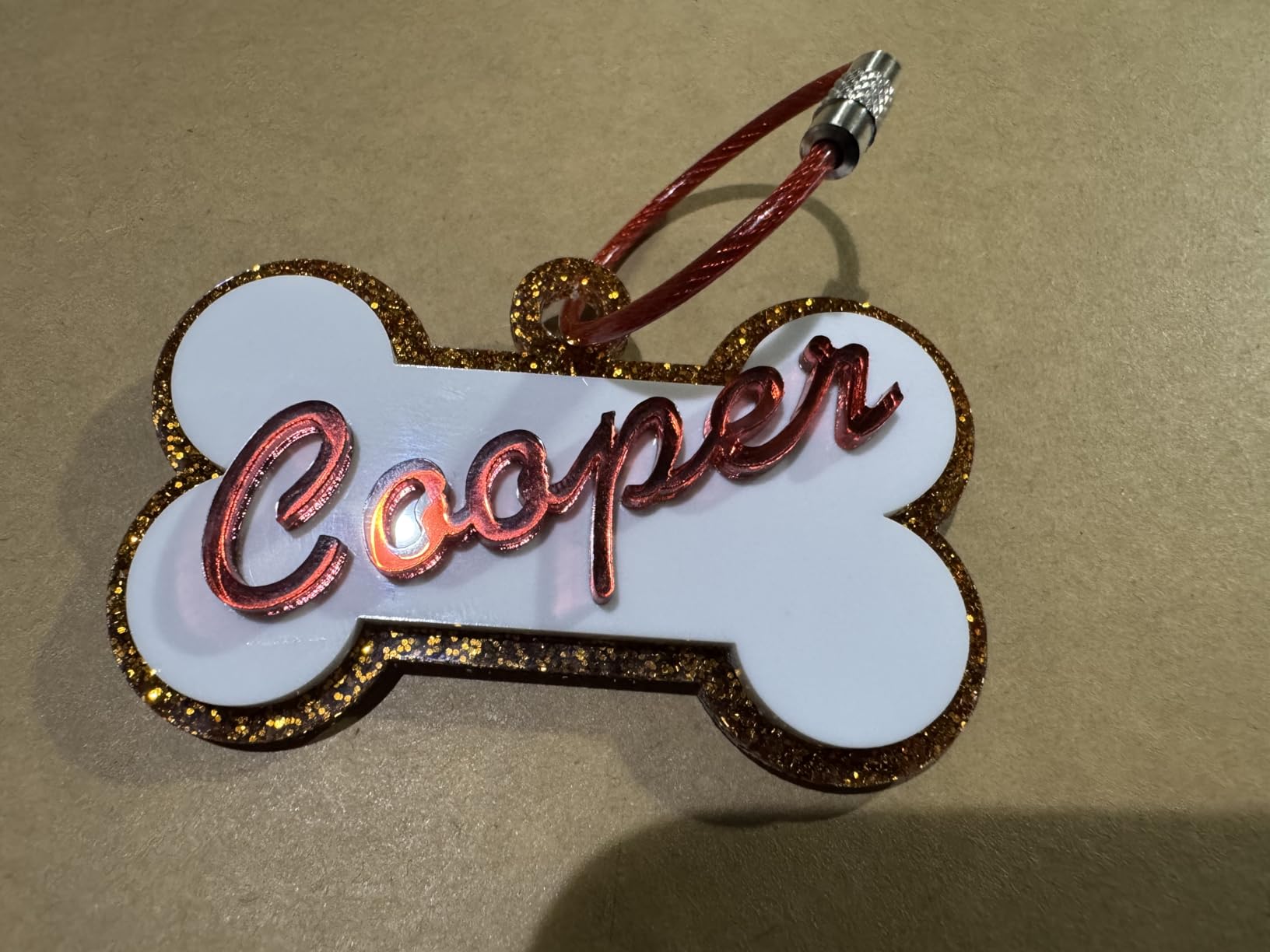
The party trick is 3D Curve Engraving: the machine maps curved surfaces and adjusts focus on the fly, so balls, bottles, and curved workpieces engrave evenly without rotary attachments for many shapes. Combined with the camera system, setup time for complex jobs shrinks to minutes.
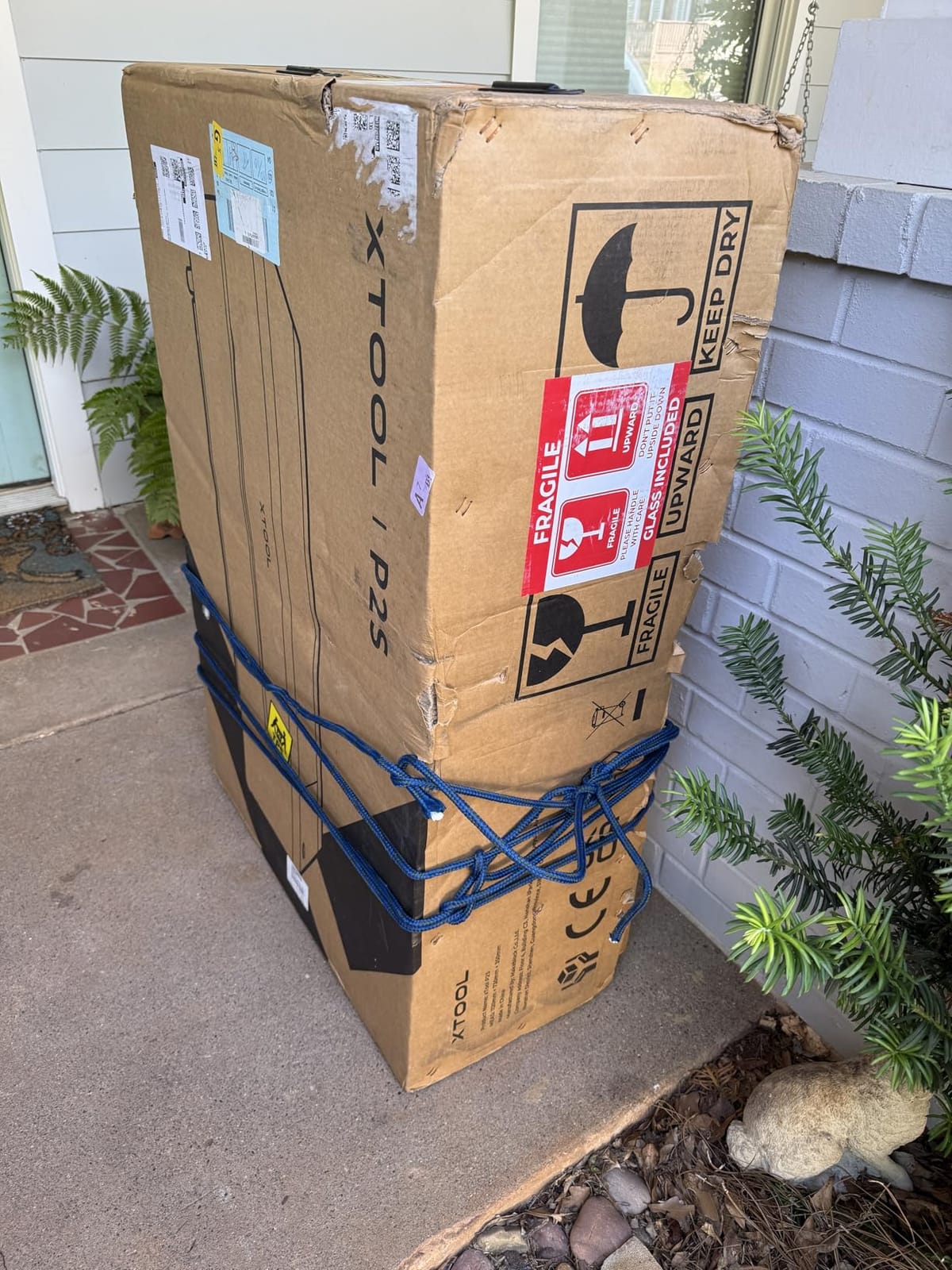
CO2 ownership brings responsibilities. The water-cooling loop requires an antifreeze mixture and seasonal attention. The honeycomb bed is not included by default, so factor that into your budget. Support response times run slower than I would like, though 76 percent of reviewers still award five stars, and the machine itself has been reliable across my testing.
CO2 versus diode for a business buyer
CO2 wins on clear and colored acrylic, faster cutting across most organics, and finer beam quality on glass and stone. Diode wins on bare metal marking (with IR assist), portability, and upfront cost. If your product catalog is acrylic-forward, the P2S’s capabilities translate directly into products diode owners simply cannot offer.
The 600mm/s speed rating matches the xTool S1, but on thick material the CO2 beam finishes jobs the diode cannot complete at all.
What setup and maintenance really require
Plan a dedicated spot: at 130 pounds, this machine does not move casually. Budget for ventilation exhaust, the honeycomb bed, and a rotary attachment if drinkware is on your menu. Mirror and lens maintenance is refreshingly easy by CO2 standards, with tool-free access that keeps weekly upkeep to minutes.
This is the strongest overall machine in this guide if your budget and space can accommodate it.
8. OMTech K40+ 45W – Best Budget CO2 Laser for the Traditional Workshop
OMTech K40+ 45W Desktop CO2 Laser Engraver & Cutter
45W CO2 laser
12 x 8 inch work area
300mm/s speed
Built-in air assist
Detachable base for taller objects
LightBurn compatible
Pros
- Powerful 45W cuts 10mm acrylic and 8mm wood
- Built-in air assist system
- Compatible with LightBurn and LaserGRBL
- Good customer service support
- Compact design with flexible work area
Cons
- Quality control issues reported
- USB cable may need replacement
- Setup can be challenging for beginners
- Limited stock availability
The K40 is a legend in the laser community: the classic Chinese 40W CO2 format that launched a thousand Etsy shops. The OMTech K40+ is the refined modern version, and it brings something the originals never had: legitimacy. Real warranty support, consistent part availability, and quality control that, while not perfect, beats the grey-market import experience decisively.
The 45W tube cuts 10mm acrylic and 8mm wood cleanly in my testing, with edges that only CO2 produces. Built-in air assist at a 45-degree angle is genuinely included rather than sold separately, which improves cut quality and protects the lens. At 300mm/s it is slower than the xTool machines, but for cutting work the beam does the heavy lifting anyway.
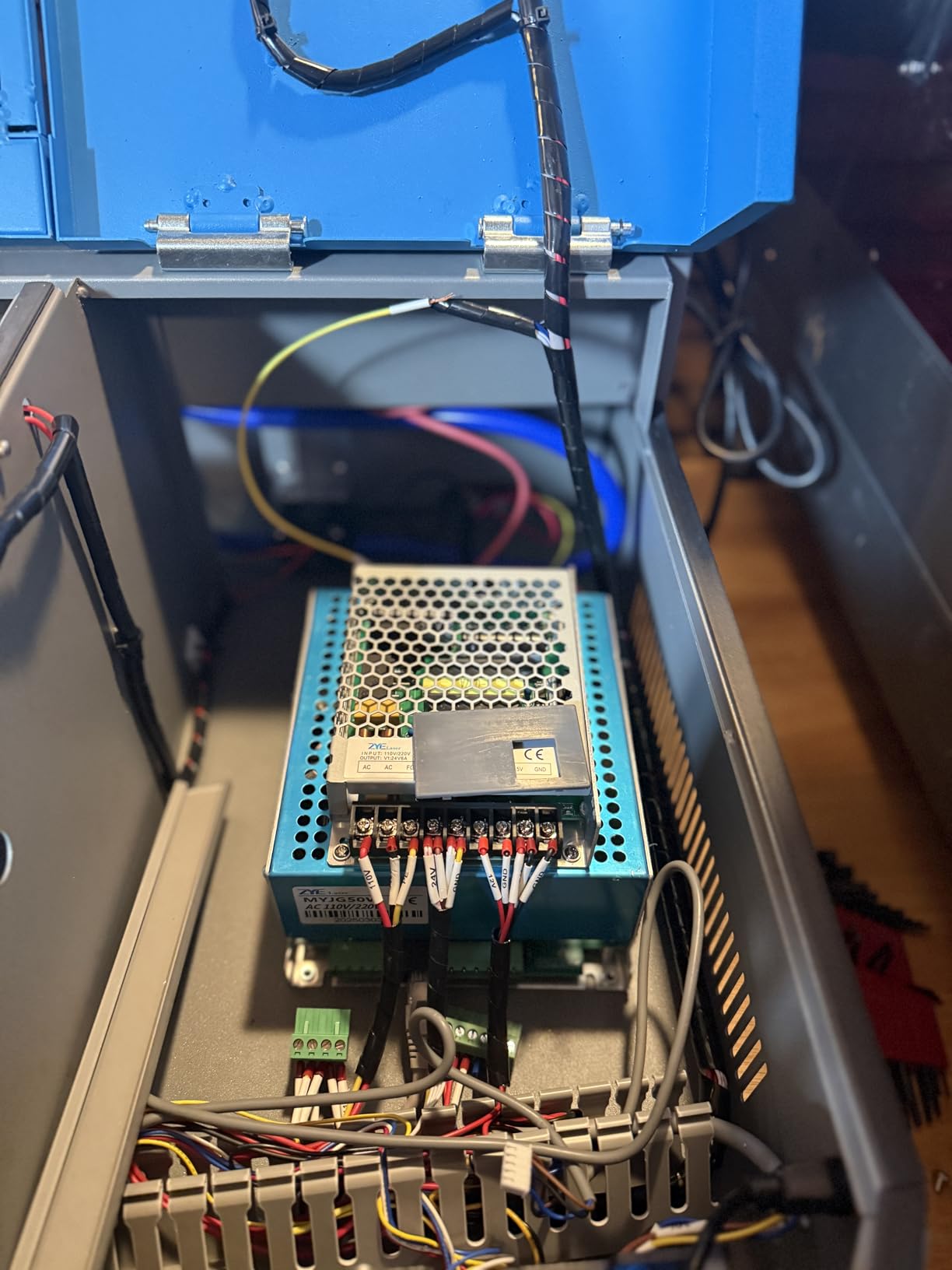
The 12 x 8 inch work area is compact, sized for engravings, ornaments, and small parts rather than full signage sheets. A clever detachable base opens height for taller objects, and the compact honeycomb bed design maximizes the footprint that exists. Safety provisions include door and water protection interlocks, an emergency stop, and a flame-retardant acrylic panel.
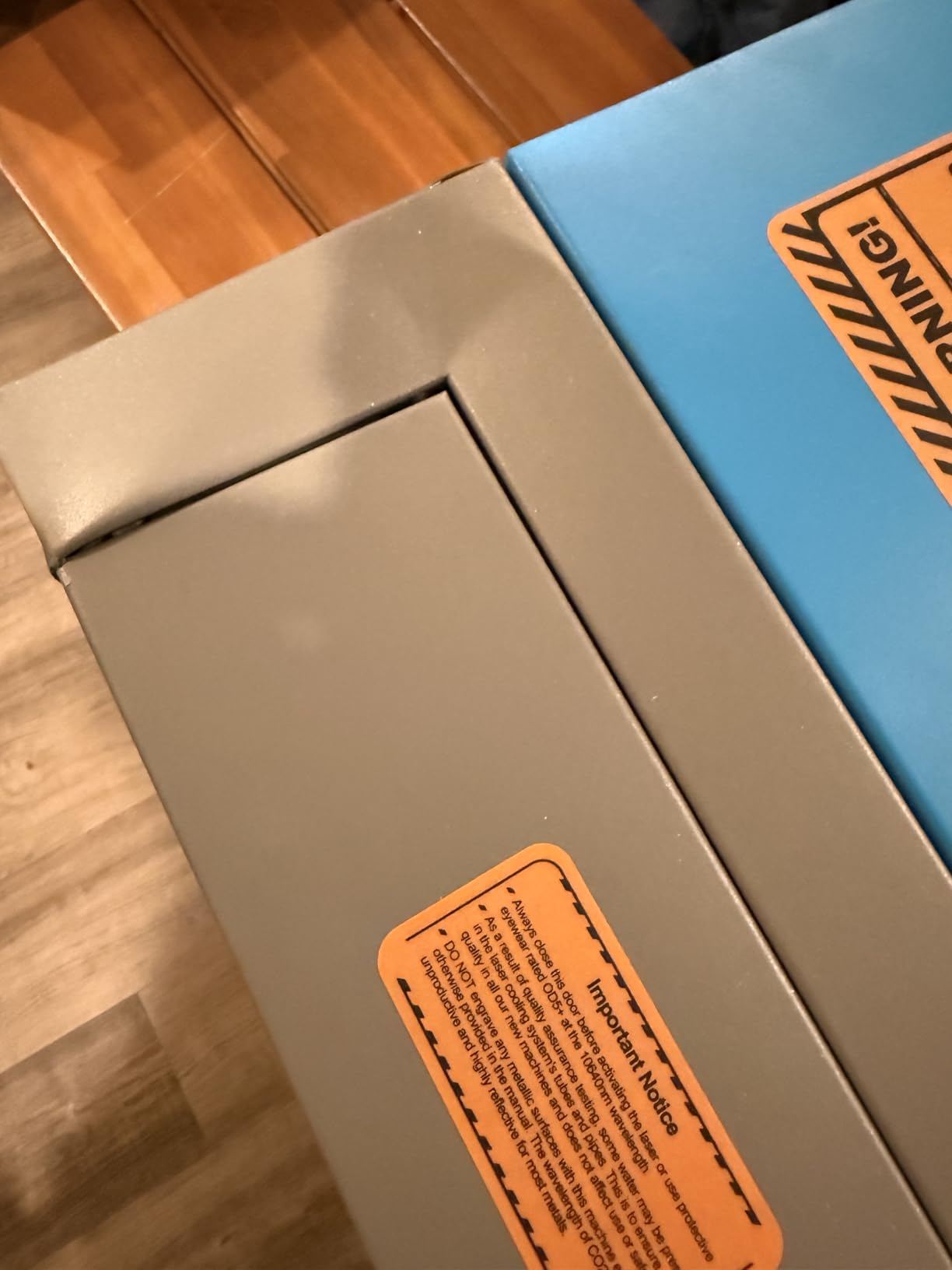
Honest expectations: this is a tinkerer’s CO2. Setup challenges beginners, with alignment and mirror tuning as rites of passage. Quality control reports mention occasional dents or loose parts on delivery, and more than one owner has replaced the USB cable. OMTech’s customer service earns solid marks for helping sort issues out, and the LightBurn compatibility means you will run professional software from day one.
Cost per watt and who it suits
Community consensus holds that OMTech offers the best cost-per-watt in CO2, and my numbers agree. You get genuine 45W CO2 cutting power at roughly a fifth of the xTool P2S price, trading away camera systems, autofocus, larger beds, and polish. For a mechanically inclined maker, that trade is often excellent.
If you are comfortable tuning a machine and want CO2 cutting on a budget, nothing else here competes on value.
Maintenance and long-term ownership
CO2 tubes have finite lifespans, typically measured in working hours, and replacements are affordable and well-documented for the K40 format. Water cooling is manual, so budget an hour of learning on arrival. Keep the mirrors clean and aligned and this format runs for years, as countless forum threads from six-month and multi-year owners attest.
Note that stock on this model runs thin, so if it suits you, do not deliberate for weeks.
How to Choose the Best Laser Engraver in 2026
Choosing between these eight machines comes down to four questions: what materials you work with, how much power you need, what software you want to run, and how much space and safety infrastructure you have. Let me walk you through each, because these decisions matter more than any brand comparison.
Diode vs CO2 vs Fiber vs IR: the fundamental choice
Blue diode lasers (450nm) are the affordable mainstream. They engrave and cut wood, leather, dark acrylic, and coated metals brilliantly, but cannot cut clear acrylic or mark bare metal. Modern 20W optical output is the practical floor for serious cutting work.
CO2 lasers (10600nm) are the acrylic and cutting champions. They cut clear and colored acrylic with polished edges, engrave glass and stone beautifully, and process organics faster watt-for-watt. They cost more, require water cooling, and still cannot mark bare metal without marking spray.
Fiber lasers (1064nm) are the metal specialists, delivering deep permanent engraving on steel, aluminum, and titanium. None of the machines in this roundup are pure fiber, but the xTool F2’s 5W infrared beam brings surface metal marking into desktop territory at a fraction of fiber pricing. If deep metal engraving is your business, a dedicated fiber machine is a future purchase worth planning for.
Optical power versus marketing wattage
This is the most important spec literacy in the hobby. A “80W” machine with a 10W optical output means 80W goes into the diode and 10W comes out as laser light. Only optical output determines what you can cut and how fast.
Rule of thumb for wood cutting with diodes: 5.5W handles engraving and thin cuts, 10W cuts around 5mm, 20W reaches 8-10mm in passes, and 40W handles 18-20mm. CO2 watts are optical ratings already, so a 45W CO2 genuinely delivers 45 watts of beam. Compare within laser types, never across them.
Work area and pass-through
Match the bed to your actual projects, not your imagined ones. Tumbler work needs a rotary-compatible machine with clearance. Signage needs 400mm width minimum. Oversize projects need pass-through slots, like the 118-inch capability on the xTool S1 and P2S.
Software: LightBurn matters
Every machine in this guide is either LightBurn compatible or runs capable proprietary software. LightBurn is the community standard, with a learning curve measured in days but professional capabilities measured in years. Forum consensus consistently ranks software ecosystem as a top trust factor, and xTool’s Studio suite earns particular praise for beginner accessibility.
Safety and ventilation are not optional
Open-frame diodes require safety glasses rated for 450nm light, a clear working zone, and discipline about bystanders. Enclosed Class 1 machines like the xTool M2, S1, and P2S contain the beam entirely. Every machine producing smoke needs ventilation: a window exhaust kit handles enclosed machines, while open diodes demand more airflow. Never cut PVC or vinyl, which releases chlorine gas.
Budget realistically for accessories: honeycomb bed, air assist, ventilation, and eye protection typically add meaningful cost to any bare machine. The forum community is blunt about this, and they are right to be.
Frequently Asked Questions
Is laser engraving profitable in 2026?
Yes, laser engraving remains profitable in 2026, particularly in personalized products like tumblers, cutting boards, wedding favors, and corporate gifts. Success depends on niche selection and local demand rather than the machine itself. Most successful sellers start with a mid-range machine like the xTool S1 40W and reinvest early profits into accessories and a rotary attachment.
What is the best laser engraver for the money?
The best value depends on your workload. For budget buyers, the Twotrees TTS-55 Pro delivers reliable engraving at entry level pricing. For cutting power per dollar, the Longer RAY5 20W and OMTech K40+ 45W CO2 are strongest. Overall, the xTool S1 40W offers the best balance of capability, safety, and software for most buyers.
Which type of laser engraver is best?
Diode lasers are best for wood, leather, and budget-conscious beginners. CO2 lasers are best for acrylic cutting, glass, and faster production work. Fiber and infrared lasers are best for marking bare metal. Most hobbyists start with a diode, while small businesses producing acrylic or drinkware typically prefer CO2 machines like the xTool P2S or OMTech K40+.
What is trending for laser engraving in 2026?
The big 2026 trends are dual-laser machines combining diode and infrared beams for metal marking, faster galvo-based systems like the xTool F2, fully enclosed Class 1 safety designs, and AI-assisted software with smart material recognition. 20W optical output has become the standard minimum for serious diode cutting work.
Can a beginner use a laser engraver?
Yes. Machines like the xTool M2 and xTool S1 are designed for first-time users, with enclosed safety designs, camera-based positioning, and template-driven software. Expect a learning period of a few weekends for basics and a month or two to feel fully comfortable. Beginners should avoid unenclosed K40-style CO2 machines until they have some experience.
Final Verdict: The Best Laser Engravers of 2026
After testing all eight machines across wood, acrylic, leather, glass, and metal, my recommendations for the best laser engravers of 2026 are clear. The xTool S1 40W is the complete package for most buyers, with cutting power, a large bed, rotary tumbler support, and Class 1 safety in one machine.
Beginners and families should choose the xTool M2 for its enclosure and camera simplicity, or the Twotrees TTS-55 Pro if budget leads the decision. Small businesses cutting acrylic need the CO2 power of the xTool P2S, while mechanically inclined makers get the best value from the OMTech K40+. Metal markers and event engravers will love the xTool F2’s speed and infrared capability.
Whichever machine you choose, invest in ventilation, air assist, and a honeycomb bed from day one. Those accessories, plus a month of practice, are what separate frustrating experiments from a machine that pays for itself. Start with projects you would actually sell or gift, and let your workload tell you when it is time to upgrade.