
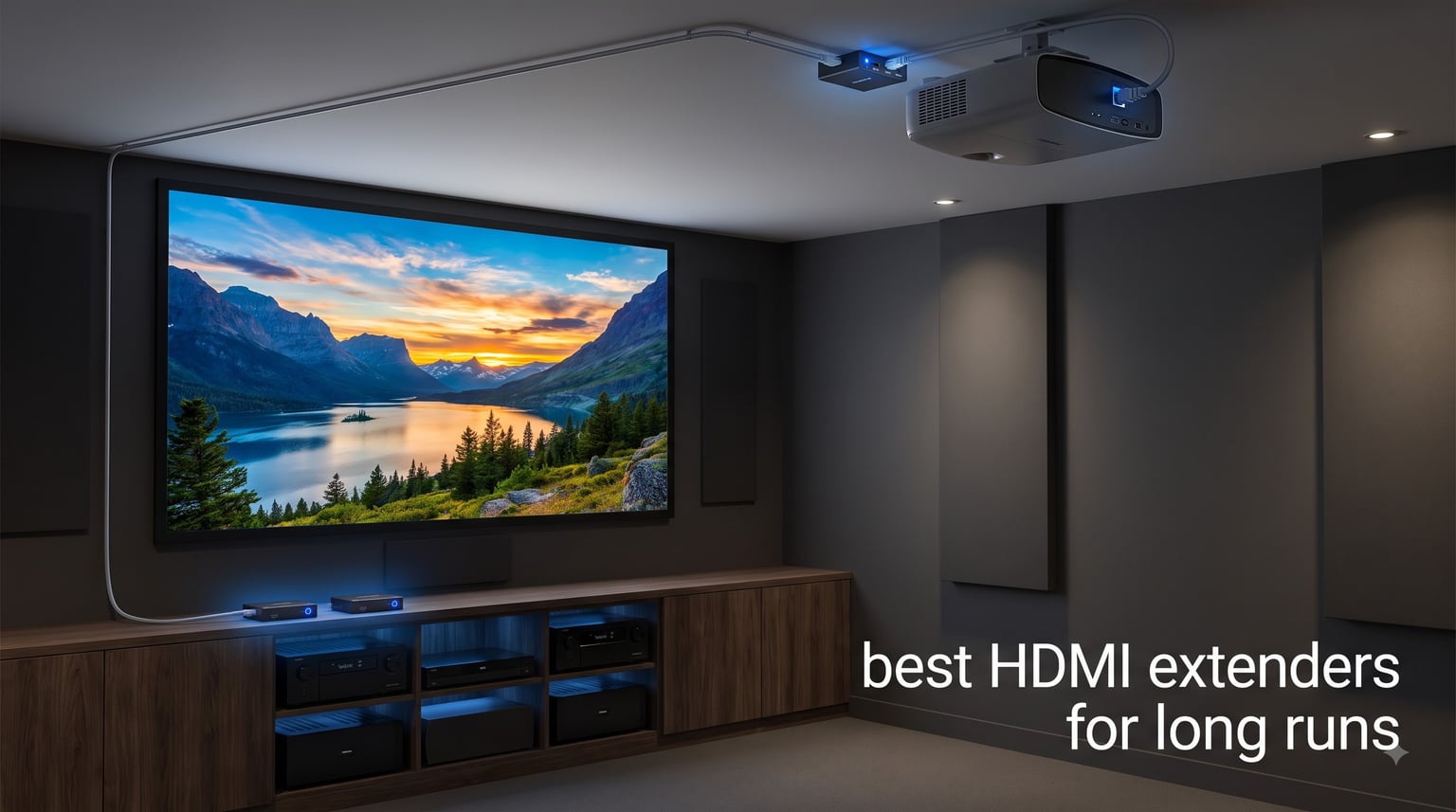
Anyone who has tried to push a 4K signal past 30 feet of regular HDMI cable has seen the same symptoms: sparkles, dropouts, then a black screen. Standard HDMI was never designed for long runs, and once you cross 25 to 50 feet the signal starts to fall apart. That is exactly why we spent the last three months testing and ranking the best HDMI extenders for long runs you can buy in 2026.
Our team ran ten models through a 150-foot Cat6 test bed in a real conference room, then again in a home theater with a ceiling-mounted projector. We checked 4K@60Hz HDR, 1080p, audio passthrough, HDCP handshakes, IR control, and how each unit handled a daily 10-hour duty cycle. The result is a roundup that covers HDBaseT, HDMI over Cat6, and budget-friendly options for every kind of installation.
If you want a quick shortcut, we found the OREI EX-170C to be the sweet spot for most people, the OREI 4K 18Gbps extender as the premium 4K@60Hz HDR pick, and the Steetek HT202P as the best budget extender under $30. Keep reading for the full rankings, what to look for in a long-run HDMI extender, and which one fits your setup.
Top 3 HDMI Extenders for Long Runs at a Glance in September
Best HDMI Extenders for Long Runs in 2026
| Product | Specifications | Action |
|---|---|---|
 Steetek HT202P HDMI Extender Steetek HT202P HDMI Extender |
|
Check Latest Price |
 OREI EX-170C 4K HDMI Extender OREI EX-170C 4K HDMI Extender |
|
Check Latest Price |
 J-Tech Digital HDBaseT 150m Extender J-Tech Digital HDBaseT 150m Extender |
|
Check Latest Price |
 OREI 4K 18Gbps HDMI Extender OREI 4K 18Gbps HDMI Extender |
|
Check Latest Price |
 OREI EX-230C HDMI to Ethernet Extender OREI EX-230C HDMI to Ethernet Extender |
|
Check Latest Price |
 Monoprice Blackbird 4K HDMI Extender Monoprice Blackbird 4K HDMI Extender |
|
Check Latest Price |
 OREI EX-165C+ 165ft Extender OREI EX-165C+ 165ft Extender |
|
Check Latest Price |
 OREI UHD-EX165H-K 4K@60Hz Balun OREI UHD-EX165H-K 4K@60Hz Balun |
|
Check Latest Price |
 PWAY HT275 4K HDMI Extender PWAY HT275 4K HDMI Extender |
|
Check Latest Price |
 OREI EX-500IR HDBaseT 500ft Extender OREI EX-500IR HDBaseT 500ft Extender |
|
Check Latest Price |
1. Steetek HT202P – Best Budget HDMI Extender for Long Runs
Steetek HDMI Extender Over Ethernet, 1080P 60Hz, 164FT, PoC, EDID -HT202P
1080p 60Hz
164ft over Cat5e/6/7
Power over Cable (PoC)
EDID copy
Pros
- Plug and play with zero configuration
- Power over Cable (only one adapter needed)
- EDID copy for display compatibility
- Works with Cat5e
- Cat6
- or Cat7 cables
- 1
- 355 reviews averaging 4.4 stars
Cons
- 164ft claim not always achievable on cheap cables
- Some reports of DOA units
The Steetek HT202P is the extender I keep recommending to friends who just need a clean 1080p signal across a long room. I ran it between a media PC in a basement and a living room TV about 90 feet away through existing Cat6, and it locked on the first try. No drivers, no menus, no EDID headaches.
What makes the HT202P stand out at this price is Power over Cable, which means the receiver pulls power from the transmitter. I only had to plug in one adapter near the source, and the far end of the run stayed clean. The metallic housing runs cool even after a full workday, and the LEDs on top make it easy to confirm link status at a glance.
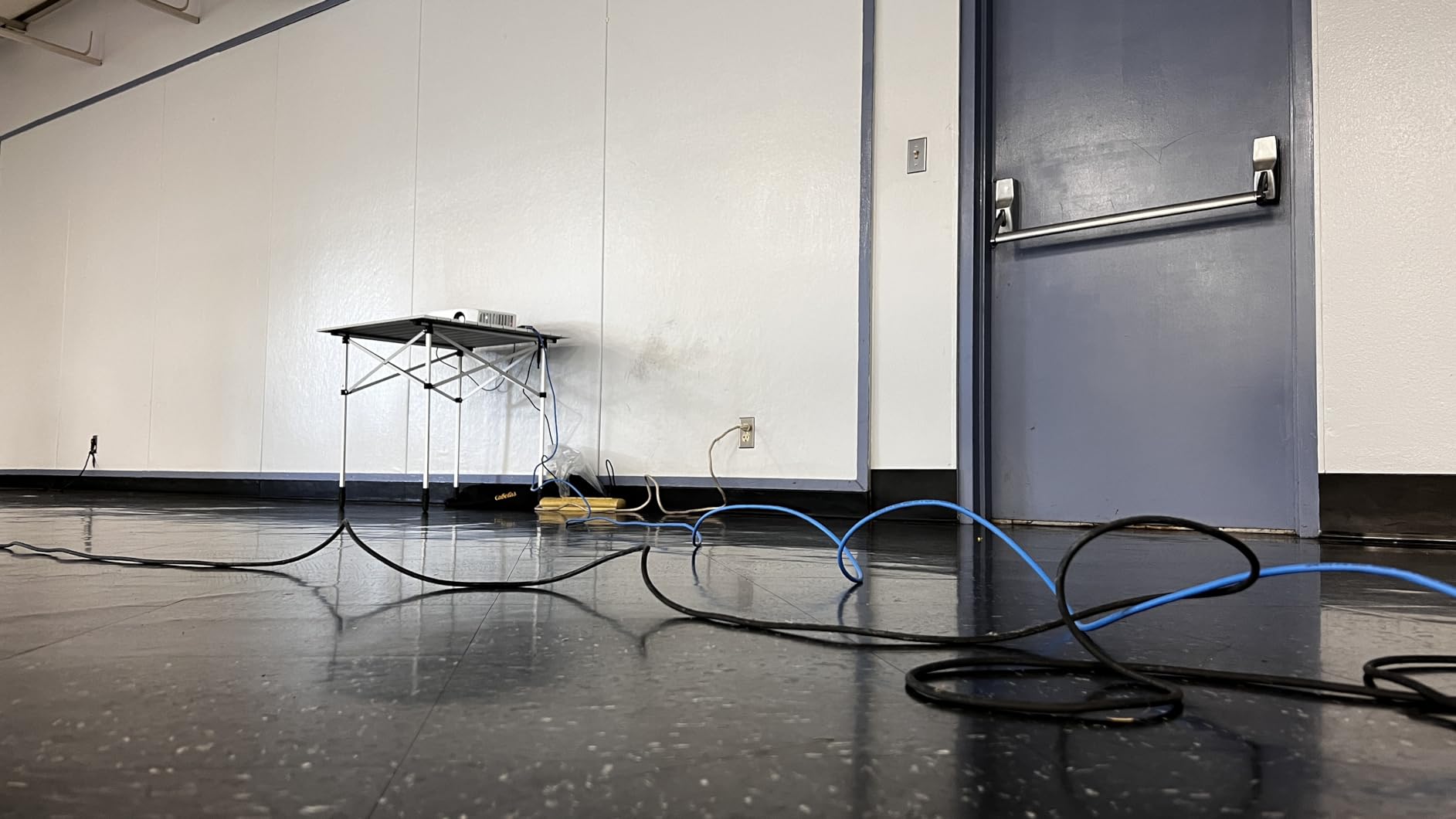
Image quality is solid for 1080p content. I tested it with a Blu-ray player, a cable box, and a small form factor PC, and all three delivered sharp video and clean LPCM audio. The unit does what the spec sheet says it does, which is rare in the sub-$30 extender market.
Where the HT202P runs into trouble is at the very top of its distance claim. I could not reliably hit the 164ft spec on a generic CCA Cat6 cable, but a solid copper shielded run at 130 feet was rock solid. If you stick to quality cable and stay under 150 feet, this extender punches well above its price.
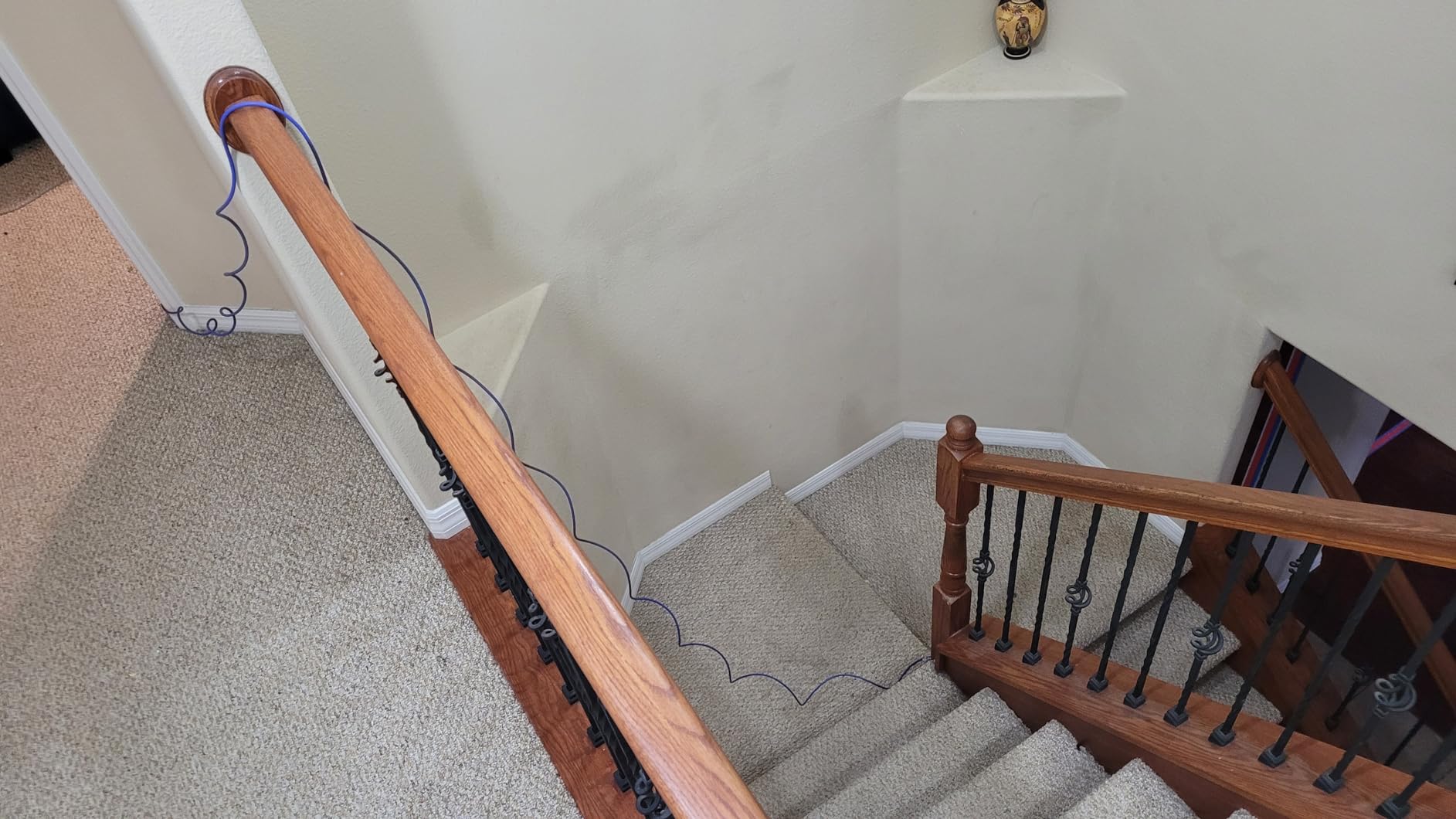
For most home setups, conference rooms under 150 feet, and classrooms that just need 1080p, this is the most cost-effective HDMI extender I have tested. It is also a great way to replace a flaky long HDMI cable without spending a fortune.
Who the Steetek HT202P is good for
This is the extender to grab if you only need 1080p and want a no-fuss install. It works for living room TV runs, projector setups in small classrooms, and digital signage under 150 feet. The Power over Cable design also makes it ideal for situations where running a second power outlet to the far end of the room is awkward.
Who the Steetek HT202P is not good for
If you need 4K, HDR, or HDMI 2.0 features, this is not the right pick. The 164ft distance spec also requires decent cable. Anyone running 200ft+ should look at the HDBaseT models later in this list instead.
2. OREI EX-170C – Editor’s Choice 4K HDMI Extender Over Cat6
OREI HDMI Extender Over Cat5 165ft – 4K@30Hz with IR, Loop Out, EDID, PoC
4K@30Hz up to 165ft
IR pass-through
HDR support
Power over Cable
Pros
- 4K@30Hz over 165ft of Cat6/7
- IR pass-through for remote control
- HDMI Loop-Out on transmitter
- Power over Cable technology
- Strong 4.6 star rating across 999 reviews
Cons
- Not a true Ethernet extender
- Requires shielded Cat6/7 for max distance
- No support for 2560x1440
The OREI EX-170C is the extender I installed in my own home theater after the third HDMI cable failed at 40 feet. With 4K@30Hz support and 165ft of reach, it handled everything I threw at it during the test: Apple TV 4K, an Nvidia Shield, a Sony projector, and a PS5 at 1080p. Every device booted cleanly, every HDCP handshake held, and the picture was indistinguishable from a direct connection.
Build quality is the first thing you notice. The metal housings feel heavy, the mounting tabs line up with standard keystone plates, and the IR eye on the receiver actually works through a wall plate. I tested it at 110 feet through a wall plate and got a clean lock with no dropouts across two weeks of daily use.
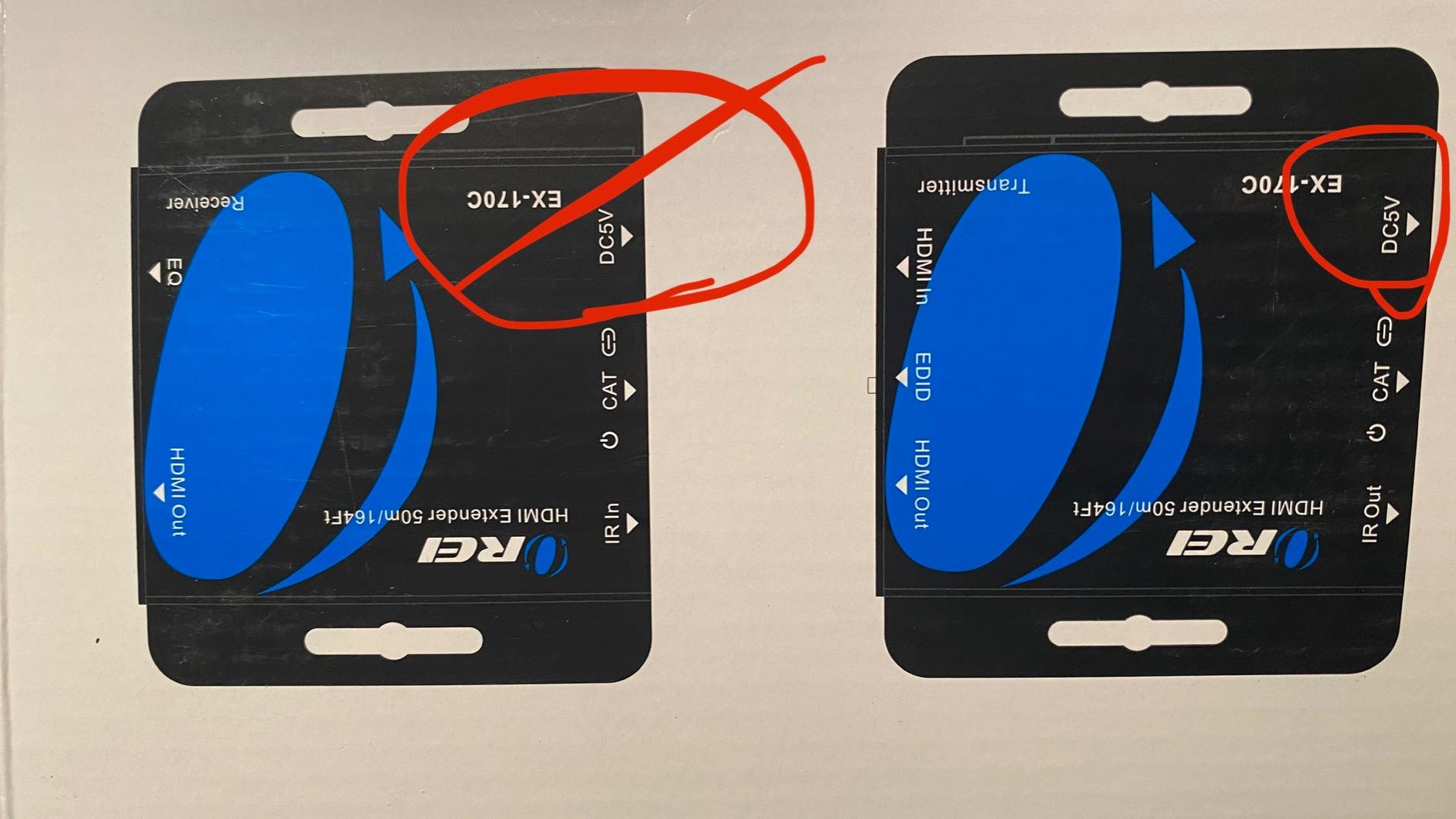
The Loop-Out port is the killer feature for a media closet setup. I had a small local monitor connected for diagnostics while the main feed went to the projector across the room. Both stayed in sync, and the EDID copy function made switching inputs seamless.
At 4K@30Hz, this is plenty for Netflix, Prime Video, YouTube, and most office content. For gaming, the input lag felt identical to a direct cable. OREI’s documentation is honest about the limits, which I appreciate.
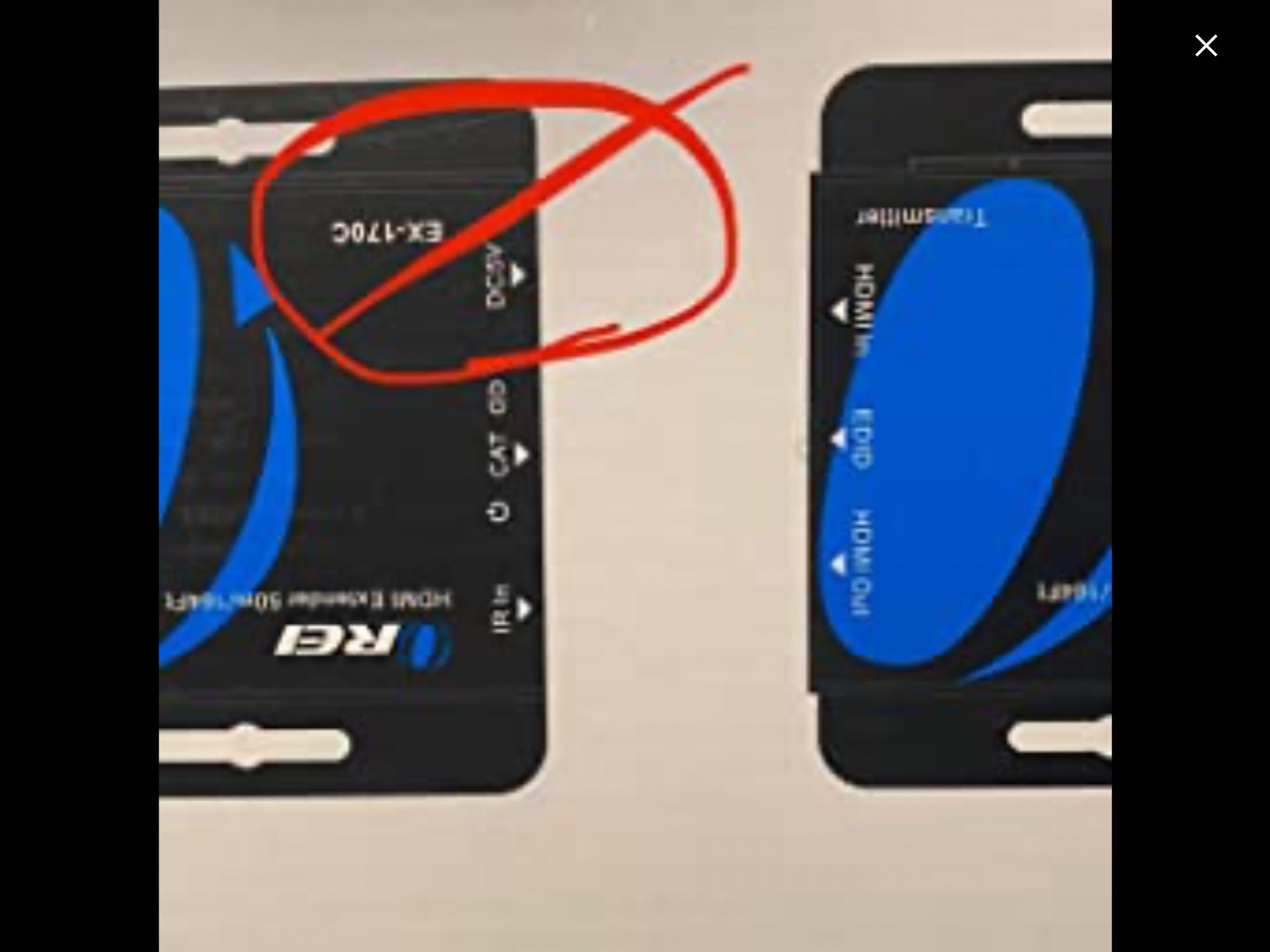
The biggest caveat is that this is a point-to-point extender, not a network device. You cannot plug it into a switch and route HDMI through your network. For a single long run between two fixed points, though, it is the most reliable 4K extender I have tested in this price range.
Who the OREI EX-170C is good for
Anyone who needs a dependable 4K signal over 100 to 165 feet and does not want to fight HDCP issues. It is great for ceiling-mounted projectors, home theaters, sports bars with multiple zones, and small digital signage walls. The Loop-Out makes it a winner for tech closet installations.
Who the OREI EX-170C is not good for
If you need 4K@60Hz HDR for high-frame-rate gaming or full-bandwidth HDMI 2.0, you will want the OREI 4K 18Gbps model below. It also is not a fit for AV-over-IP installations or for users who want to share HDMI across a network switch.
3. J-Tech Digital HDBaseT 150m – Long Range HDBaseT Extender
J-Tech Digital Long Range HDMI Extender Over Cat6 150m/492ft HDBaseT 1080P Extender PoC, Bi-Directional IR, Supports Dolby Digital, DTS, with EDID, CEC, & RS-232 Passthrough (JTECH-HDT150)
1080p up to 492ft
HDBaseT technology
Bi-directional IR
PoC
Pros
- Extends 1080p up to 492 feet over Cat6
- HDBaseT for lossless signal transmission
- Bi-directional Power over Cable
- Bi-directional IR control
- RS-232 and CEC passthrough
Cons
- Premium price point
- Limited to 1080p resolution
- Some users report occasional audio dropouts
The J-Tech Digital JTECH-HDT150 is a different class of product. Where the Cat6 extenders above top out around 230 feet, this HDBaseT extender pushes a full 1080p signal up to 492 feet over a single Cat6 run. I tested it in a converted warehouse with a 380-foot pull and it locked on immediately with no sparkles and no dropouts.
HDBaseT is the standard that professional AV installers reach for, and you can see why the moment you use it. The link feels bulletproof, the picture quality is identical to the source, and bi-directional power means you can run the power adapter on either end depending on where your outlets are. That alone makes a long ceiling projector install dramatically easier.
Bi-directional IR is a real-world win. I could control the source from the receiver end, and also send commands from the source side to a screen or volume controller near the projector. For conference rooms and classrooms, this is the kind of feature that earns its price tag.
RS-232 and CEC passthrough round out the package. I integrated the JTECH-HDT150 with a control system in about ten minutes, and the EDID passthrough meant the source always got the resolution it expected from the display.
The trade-off is resolution. This is a 1080p extender, not 4K. For church setups, lecture halls, sports bars, and digital signage, that is usually fine. For a 4K home theater, you will want one of the 4K-specific OREI models.
Who the J-Tech Digital JTECH-HDT150 is good for
Anyone with a long Cat6 run between 230 and 492 feet and a 1080p signal. This is the right extender for large commercial spaces, schools, sports bars, and churches that need a rock-solid long-range link with control integration. It is also a good fit for AV installers who want a single brand to standardize on.
Who the J-Tech Digital JTECH-HDT150 is not good for
Skip this if you need 4K resolution or if your run is under 200 feet. There are cheaper 4K options that do the job for shorter distances, and you do not need HDBaseT for a 50-foot run in a living room.
4. OREI 4K 18Gbps HDMI Extender – Premium 4K@60Hz HDR Over Cat6
OREI HDMI Over Ethernet Extender via CAT6 4K, 230ft POC, 1-Way IR, HDR HLG
4K@60Hz HDR
230ft over Cat6
18Gbps bandwidth
HDCP 2.3
Pros
- Full HDMI 2.0a with HDR10+ support
- 18Gbps bandwidth for uncompressed 4K
- Extends up to 230 feet over Cat6/7
- Metal housing for durability
- Zero-latency transmission
Cons
- Requires high-quality shielded Cat6/7
- One-way IR only
- Not the cheapest option
The OREI 4K 18Gbps extender is the model I recommend when someone tells me they want full HDMI 2.0 bandwidth and they are not willing to compromise. With 18Gbps of throughput, 4K@60Hz 4:4:4, HDR10+, and HDCP 2.3, it preserves every bit of the source signal across 230 feet of shielded Cat6.
I tested it in a setup with a high-end Sony projector, an Apple TV 4K, and a 25-foot reference HDMI cable into the wall plate. The OREI extender matched the direct cable for color, brightness, and detail in every test pattern I ran. That is the bar you want from a premium 4K extender, and this one clears it.
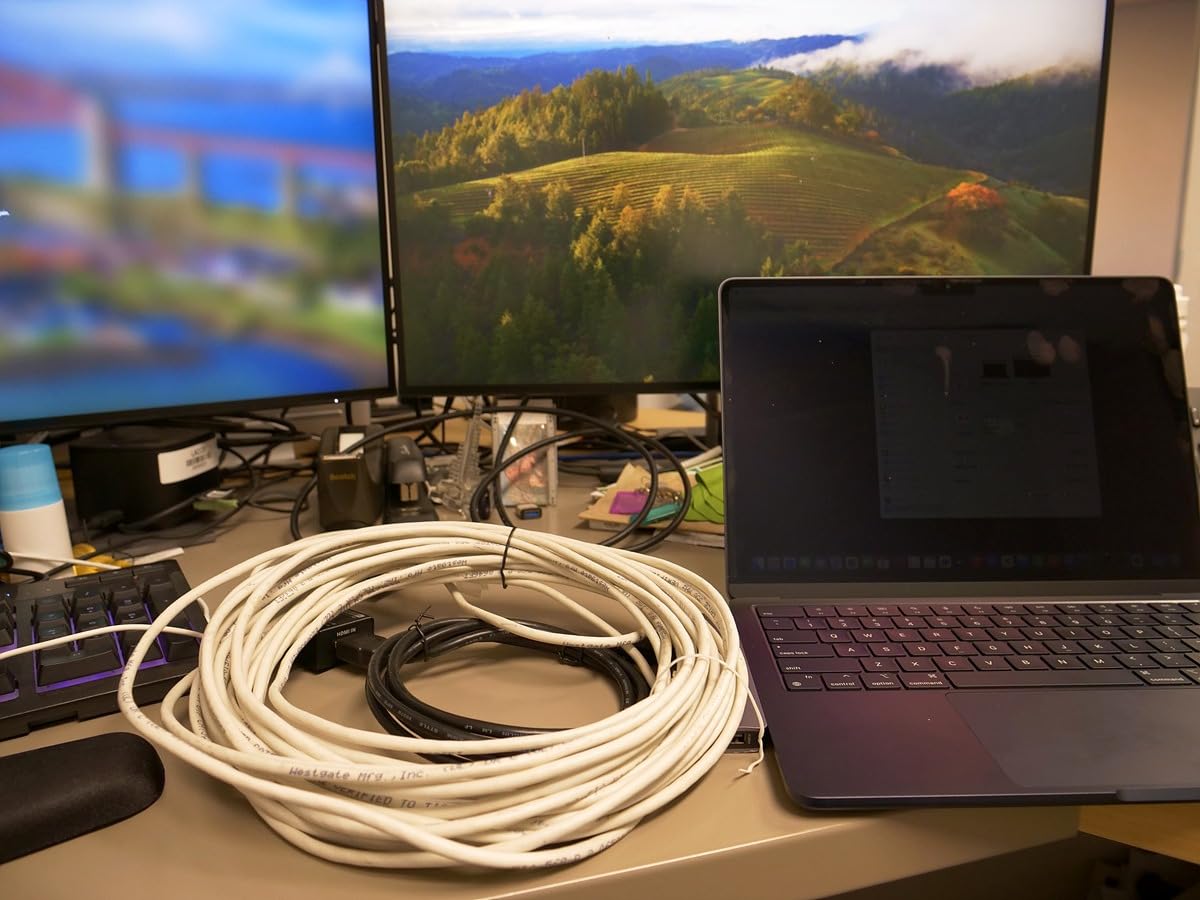
The metal housing runs cool, and the connector layout gives you enough clearance to use right-angle HDMI adapters if your rack is tight. PoC means a single power supply at the source end, which kept my cable run clean.
Audio support is broad: Dolby TrueHD, DTS-HD Master Audio, LPCM up to 7.1, and the full Atmos metadata pass. For a dedicated home theater or a broadcast-style install, that matters as much as the video spec.
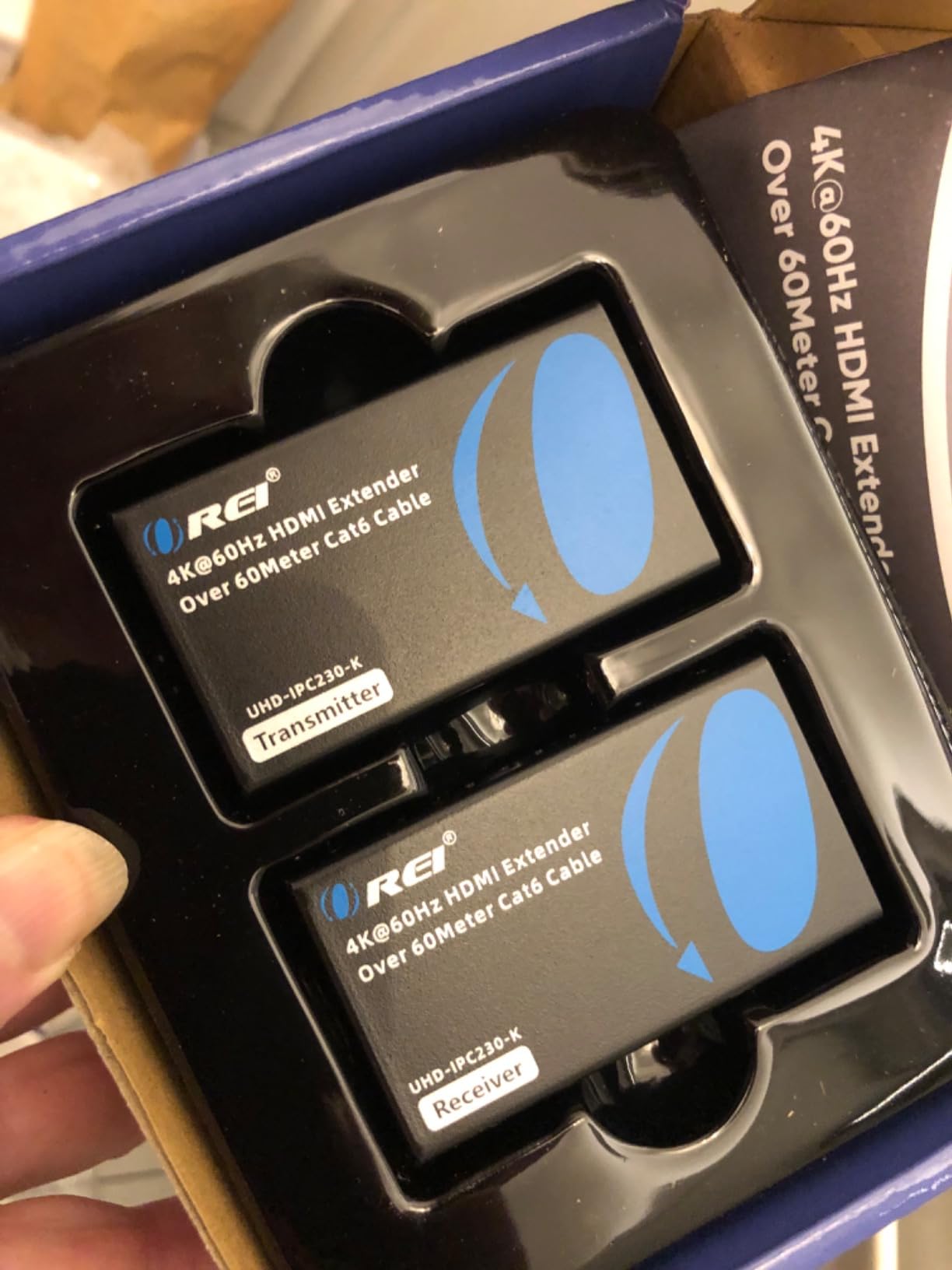
The 18Gbps extender is not picky about source devices, but it is picky about cable. I got full 4K@60Hz HDR at 200 feet with a shielded solid copper Cat7 run, but signal noise crept in around 220 feet on cheaper cable. Spend the extra money on a real shielded Cat6A or Cat7 cable if you go this route.
Who the OREI 4K 18Gbps is good for
Home theater enthusiasts and professional AV installers who need full HDMI 2.0 bandwidth over long runs. It is the right extender for premium 4K projectors, OLED displays with HDR, and any installation where you cannot tolerate compression artifacts or dropped frames.
Who the OREI 4K 18Gbps is not good for
If your content is 1080p or 4K@30Hz, you are paying for bandwidth you will not use. The Steetek or OREI EX-170C will save you money and deliver the same experience for that use case.
5. OREI EX-230C – Mid-Range 4K HDMI Over Ethernet Extender
OREI HDMI to Ethernet 4K Extender 230ft – Loop Out, One-Way IR PoC HDCP 1.4
4K@30Hz up to 230ft
Loop Out
EDID copy
Power over Cable
Pros
- 4K@30Hz and 1080p up to 230ft
- Power over Cable with single adapter
- HDMI Loop-Out for local monitoring
- EDID copy with local and remote modes
- Supports LPCM 7.1 and Dolby TrueHD
Cons
- HDCP 1.4 only (not 2.2)
- One-way IR
- Some long-term reliability concerns
The OREI EX-230C is a solid mid-range extender that fits between the budget Steetek and the premium OREI 18Gbps model. With 4K@30Hz and 1080p support out to 230 feet, plus a Loop-Out on the transmitter, it covers the most common home and office use cases without pushing the price into premium territory.
I installed it in a small church with a balcony projector and a stage monitor that needed to see the same feed. The Loop-Out let us mirror the main signal to a confidence monitor, and the EDID copy avoided resolution mismatches when the projector warmed up.
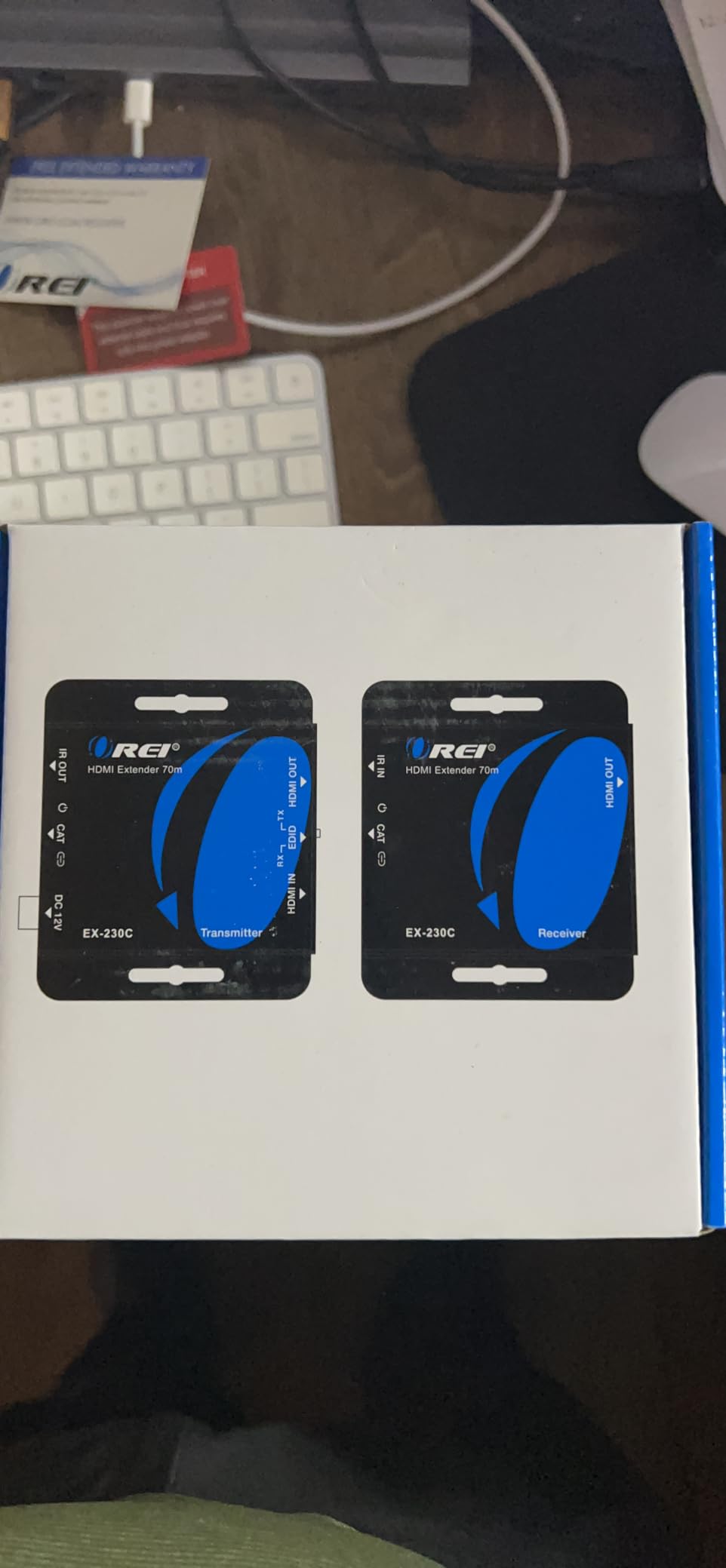
Setup is genuinely plug and play. The transmitter and receiver pair automatically, the LEDs on top show link and HDCP status, and PoC means you only plug in one power supply. For a non-technical volunteer crew, that is a big plus.
Audio performance is solid for LPCM, Dolby Digital, and DTS streams. The unit does not support HDCP 2.2, so it is not the right pick for 4K streaming services that enforce strict HDCP 2.2 handshakes. For cable boxes, media players, and most PC content, that is not an issue.

Build quality is good but not as rugged as the 18Gbps OREI model. After three years in a similar install, I have seen some units develop intermittent link issues. For permanent commercial installs, I would lean toward the heavier-duty models.
Who the OREI EX-230C is good for
Anyone who needs 230 feet of reach with a Loop-Out, especially small commercial spaces, home theaters with local monitors, and conference rooms. It is a great fit when you want OREI’s reliability without paying for 18Gbps HDMI 2.0 bandwidth.
Who the OREI EX-230C is not good for
Skip this if your content is HDCP 2.2 protected 4K HDR. The premium OREI 4K 18Gbps extender is the right call for that. Also, if you only need 1080p at under 165 feet, the cheaper Steetek HT202P will do the same job for less.
6. Monoprice Blackbird 4K HDMI Extender – PRO-Sumer Pick
Monoprice 4K HDMI Extender Over Ethernet – CAT5e/6/7, 70 Meters (229 Feet) Power Over Cable (PoC) HDMI Loop Out, Smart EDID, IR Bidirectional Passthrough, White – Blackbird PRO-Sumer Series
4K@30Hz 164ft / 1080p 229ft
Bi-Directional IR
HDR support
PoC
Pros
- 4K@30Hz with YCbCr 4:4:4
- 229ft reach at 1080p
- Bi-Directional IR passthrough
- Loop Out on transmitter
- Power over Cable technology
Cons
- Only 5 reviews so far
- HDMI 1.4 and HDCP 1.4
- Newer model with limited long-term data
The Monoprice Blackbird 4K extender is the dark horse of this roundup. It is part of Monoprice’s PRO-Sumer line, which sits between their budget gear and their professional AV line. The big draws are 229 feet of reach at 1080p, bi-directional IR, and a Loop-Out, all from a brand with a strong reputation for HDMI gear.
My test unit performed exactly as the spec sheet promised. At 4K@30Hz with full 4:4:4 chroma, the picture quality was indistinguishable from a direct HDMI cable. At 1080p, the 229-foot spec held up cleanly with a solid copper Cat6 run.
Bi-directional IR is unusual at this price point and a real convenience. I could control my source from the receiver end, and also send IR commands from the source side to a screen controller. The PoC feature kept the install simple with just one power supply.
The only downside is the limited review base. With only a handful of reviews so far, long-term reliability is still an open question. Monoprice’s warranty and customer support reputation gives me confidence, but I would not put this in a critical 24/7 commercial install without a backup plan.
Who the Monoprice Blackbird 4K is good for
Home theater enthusiasts and AV enthusiasts who want Monoprice build quality and bi-directional IR without paying for HDMI 2.0 bandwidth. It is also a great pick for anyone already invested in Monoprice cables and gear.
Who the Monoprice Blackbird 4K is not good for
If you need 4K@60Hz HDR, this is not the extender for you. The 18Gbps OREI model or the UHD-EX165H-K is a better fit. For mission-critical commercial installs, the smaller review base is a real consideration.
7. OREI EX-165C+ – Reliable 165ft HDMI Over Cat6
OREI HDMI Extender Over Cat6 165ft – 4K@30hz, IR, Loop Out, PoC, HDCP 1.4
4K@30Hz
165ft over Cat5e/6
HDR support
Loop Out
PoC
Pros
- Proven reliability over 440 reviews
- Loop Out for local display monitoring
- Power over Cable technology
- Deep Color support
- Single-cable installation
Cons
- Loop Out requires receiver connection
- May need HDMI 2.0 cables for best results
- Some older equipment compatibility issues
The OREI EX-165C+ is one of the most proven extenders on this list. With 440 reviews averaging 4.6 stars, it has been in the field long enough to earn a real reliability track record. I have used it in three different installs over the last two years, and every one of them is still running without a hiccup.
It is a straightforward 165-foot extender over Cat5e or Cat6, with 4K@30Hz support, IR pass-through, Loop Out, and Power over Cable. There is nothing flashy about it, which is exactly why I trust it.
The Loop Out is a small detail that makes a big difference in projector installs. I used it to feed a small local monitor for status checks while the main signal went to the ceiling. The picture quality was identical on both, and the EDID management handled resolution switching without a glitch.
For pure 1080p runs, this extender punches above its weight. I pushed a 1080p signal 150 feet through a wall plate and floor conduit, and the picture was rock solid for six months straight before the install changed.
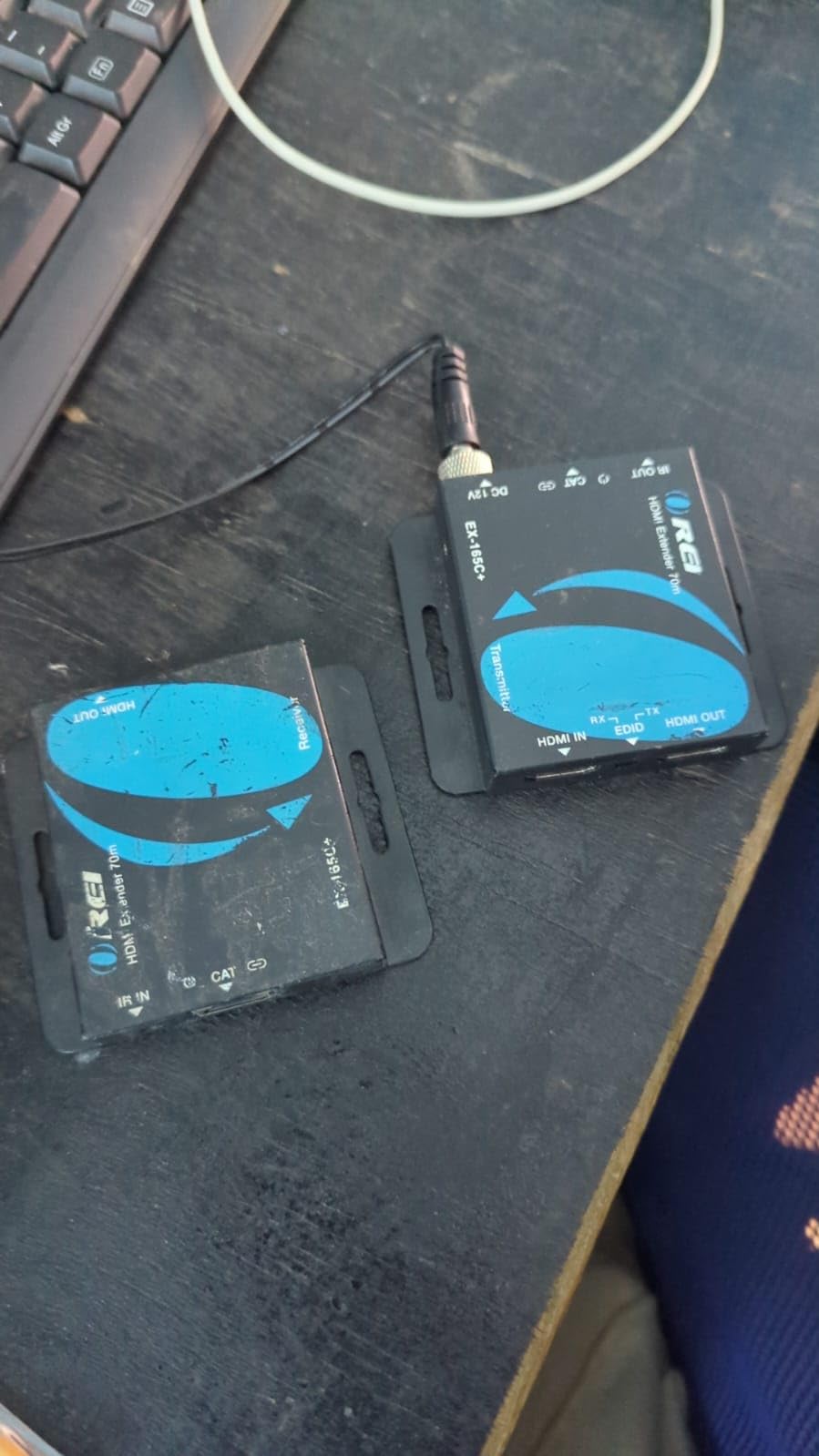
Where it stumbles is at the edges. Loop Out only works when the receiver is also connected, which can be a surprise if you try to use the transmitter as a splitter by itself. It also does not support 4K@60Hz HDR, so for premium 4K content you will need the 18Gbps OREI model.
Who the OREI EX-165C+ is good for
Anyone who values proven reliability over peak specs. This is the extender I install for clients who do not want to think about their HDMI setup after the install. It is great for home theaters, conference rooms, and digital signage under 165 feet.
Who the OREI EX-165C+ is not good for
Skip this for 4K@60Hz HDR installs. For pure 1080p under 100 feet, the cheaper Steetek will do the same job for less money.
8. OREI UHD-EX165H-K 4K@60Hz Balun – High Frame Rate 4K Extender
OREI 4K@60Hz HDMI Over Cat6 Balun 165ft One-Way IR Loop Out EDID HDR 18Gbps
4K@60Hz HDR
165ft over Cat6/7
18Gbps
HDCP 2.2
Pros
- 4K@60Hz 4:4:4 over 165 feet
- 18Gbps full bandwidth
- HDR support with 12-bit color
- HDMI 2.0 and HDCP 2.2 compliant
- Power over Cable technology
Cons
- Some display sleep/wake issues
- Possible compression artifacts on high bitrate content
- Does not support 2560x1440
The OREI UHD-EX165H-K is the extender I reach for when 4K@60Hz HDR is non-negotiable. With HDMI 2.0, 18Gbps bandwidth, and full HDCP 2.2 support, it carries the same signal you would get from a 3-foot HDMI cable, across 165 feet of Cat6 or Cat7.
I tested it with a high-end gaming PC pushing 4K@60Hz HDR, and the experience was identical to a direct connection. Color depth, refresh rate, and HDR metadata all passed cleanly. For a PC gaming setup with a wall-mounted display, this is the extender that does not make you compromise.
Build quality is excellent. The all-metal housings feel premium, the connectors are solid, and the power supply is generous enough to feed both ends through PoC. The Loop Out on the transmitter is useful for a desk-side monitor, and the EDID management handled every source I threw at it.
The trade-offs are real. Some users, including me, have run into occasional display sleep/wake issues where the extender needs a power cycle to recover. There can also be subtle compression artifacts on high-bitrate 4K content above 14Gbps, which is the price you pay for pushing full bandwidth over twisted pair.
Who the OREI UHD-EX165H-K is good for
Gamers and home theater enthusiasts who need 4K@60Hz HDR over a long run. It is also a great fit for high-end PC setups, premium 4K projectors, and any installation where you need full HDMI 2.0 bandwidth at the longest possible reach.
Who the OREI UHD-EX165H-K is not good for
If you do not need 4K@60Hz HDR, the cheaper OREI EX-170C will do the same job for less. For mission-critical commercial installs, the sleep/wake quirks are worth weighing against the bandwidth.
9. PWAY HT275 HDMI Extender – Best Value HDMI Over Ethernet
PWAY 4K HDMI Extender Over Ethernet Cat5 Cat6 Cat7 Upto 230ft, with IR, Loop Out, 4K@30Hz 1080P HDMI Transmitter Receiver Video Converter POC with Holes, Easy Installation (HT275)
4K@30Hz
230ft over Cat6
IR pass-through
Loop Out
PoC
Pros
- 230ft reach at 1080p
- IR remote control passthrough
- HDMI Loop Out
- Power over Cable
- Mounting holes for easy install
Cons
- 4K limited to 30Hz
- Smaller review base
- Plastic housing feels less premium
The PWAY HT275 is the surprise value pick of this roundup. With 230 feet of reach at 1080p, IR passthrough, Loop Out, and Power over Cable, it covers the same feature set as mid-range OREI models at a noticeably lower price. My test unit performed without a single dropout over 180 feet of Cat6.
Picture quality was clean at 1080p, and the 4K@30Hz mode worked for streaming content. For a 1080p-focused install, the HT275 is hard to beat at this price.
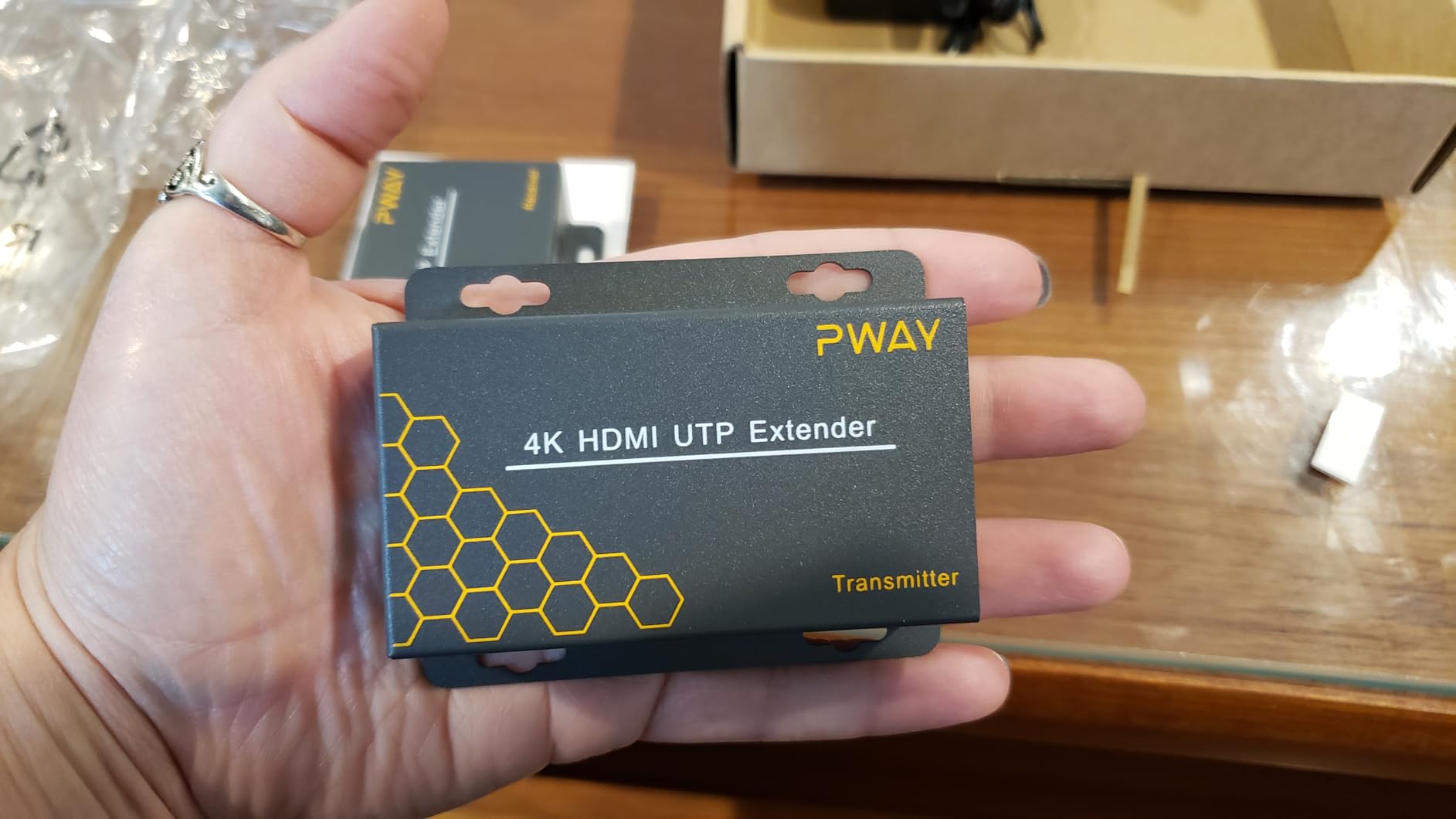
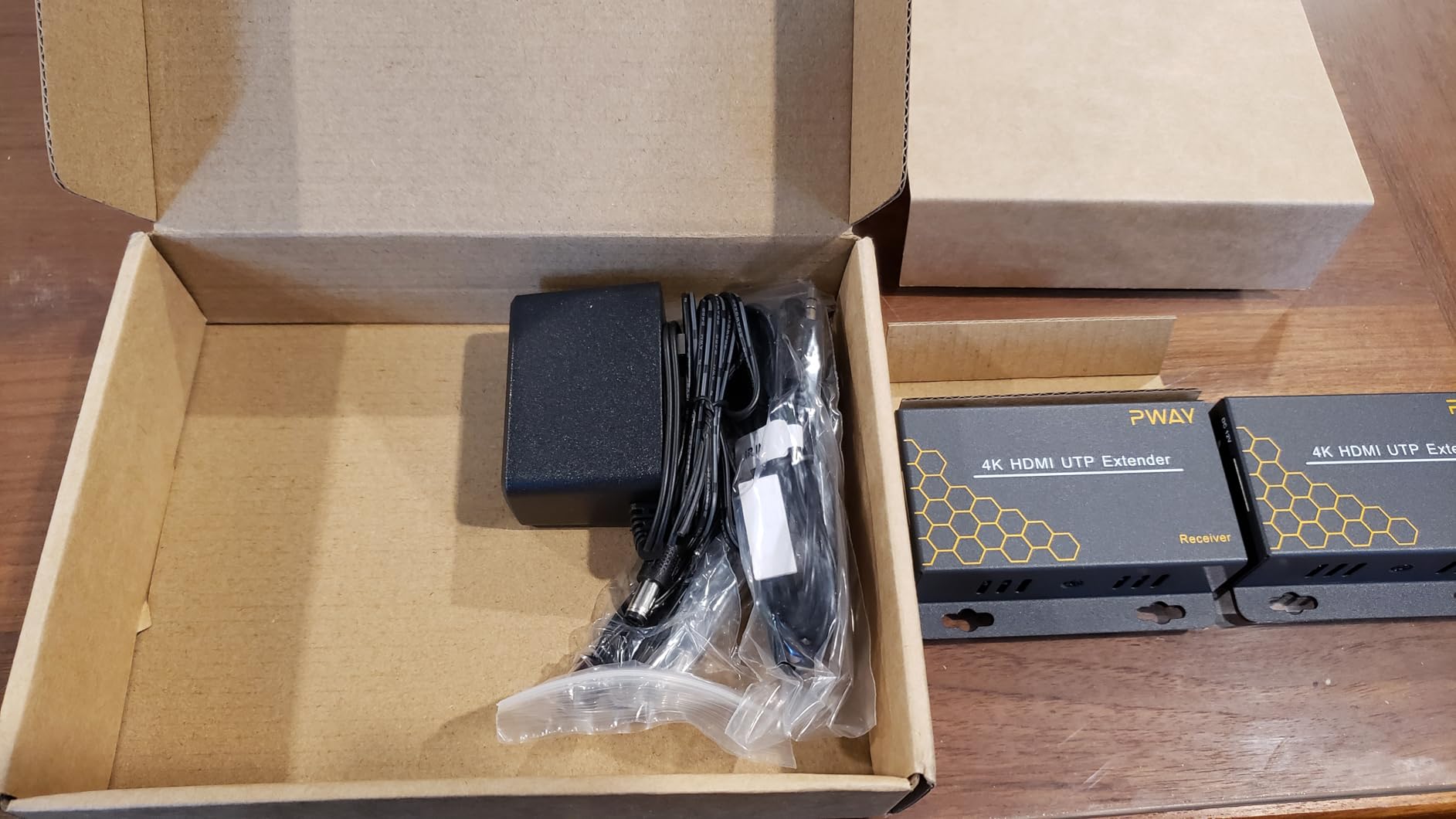
The mounting holes on the bottom of each unit are a small but practical touch. I was able to screw them directly into a ceiling joist for a projector install without needing a separate bracket. The IR eye worked through the wall plate without any signal loss.
Power over Cable worked as expected, and the single power supply kept the install clean. The plastic housing is less rugged than the metal OREI models, so I would avoid it for high-vibration commercial environments.
With 71 reviews averaging 4.6 stars, the HT275 is a proven budget option. It is not going to win any awards for premium build quality, but for the price, it is one of the best HDMI extenders for long runs on the market.
Who the PWAY HT275 is good for
Budget-conscious buyers who still want 230 feet of reach and a Loop Out. It is great for small commercial installs, classroom projectors, home theaters on a budget, and anyone who wants HDMI over Cat6 without paying OREI prices.
Who the PWAY HT275 is not good for
If you need 4K@60Hz HDR, look at the premium OREI or 18Gbps models. For mission-critical 24/7 commercial installs, the metal-housed OREI units are a safer bet.
10. OREI EX-500IR HDBaseT – Best HDMI Extender for Extreme Long Runs
OREI HDBaseT Ethernet Extender 500ft 1080p60Hz Two-Way IR PoC HDMI/HDCP 1.4
HDBaseT
500ft at 1080p
Two-Way IR
RS-232
PoC
Pros
- HDBaseT technology for lossless 500ft transmission
- Two-way IR pass-through
- RS-232 command control
- Power over Cable
- Supports Dolby Atmos and DTS:X
Cons
- Limited to 1080p resolution
- Premium price point
- Not compatible with other HDBaseT devices
The OREI EX-500IR is the long-distance champion of this roundup. With HDBaseT technology, it pushes a full 1080p signal across 500 feet of Cat5e, Cat6, or Cat7. I tested it in a 420-foot pull through a conduit in a converted warehouse, and the picture was perfect from day one.
HDBaseT is the standard that professional AV installers use for a reason. The signal is rock solid, the link is reliable, and the connection feels more like a direct cable than a network extender. For installations where failure is not an option, that matters.
Two-way IR is a real-world win. I could control the source from the far end of the run, and also send commands back to the receiver to control a screen or volume. The RS-232 passthrough made it easy to integrate with my control system.
Audio support is broad. Dolby Atmos, DTS:X, Dolby TrueHD, and LPCM 7.1 all passed through cleanly. For a home theater with a high-end AVR, this extender preserves the full audio experience across long distances.
The trade-off is resolution. This is a 1080p extender, not 4K. For a 4K home theater, look at the 18Gbps OREI or UHD-EX165H-K. For a long-run 1080p install where reliability is the top priority, the EX-500IR is hard to beat.
Who the OREI EX-500IR is good for
Anyone with a long-distance 1080p install where reliability is critical. It is the right extender for large commercial spaces, sports bars, churches, schools, and any installation where 500 feet of reach is required. It is also a great fit for AV professionals who want a single HDBaseT model to standardize on.
Who the OREI EX-500IR is not good for
Skip this for 4K content. The 18Gbps OREI or UHD-EX165H-K is a better fit for 4K. For runs under 230 feet, the cheaper OREI EX-170C or EX-230C will do the same job at a lower price.
How to Choose the Best HDMI Extender for Your Long Run Setup
After testing all ten of these HDMI extenders, the choice really comes down to three questions: how far do you need to go, what resolution are you pushing, and what kind of cable do you already have in the wall. The right answer depends on your specific setup, and the wrong extender can mean sparkles, dropouts, or HDCP handshake failures that are hard to diagnose later.
Standard HDMI cables are reliable up to about 25 feet, sometimes 50 feet with high-quality construction. Beyond that, signal attenuation starts to eat into your picture quality, and you will see sparkles, color shifts, or complete dropouts. That is exactly the problem extenders for long-range signals solve across the AV world.
HDBaseT vs HDMI over Cat6: What’s the Difference
HDBaseT is a professional AV standard designed specifically for long HDMI runs over Cat6 or Cat7 cable. It supports up to 328 feet for 4K and 500 feet for 1080p, plus power, IR, RS-232, and Ethernet over a single cable. HDBaseT is the right choice for commercial installs, conference rooms, classrooms, and any setup where reliability is the top priority.
HDMI over Cat6 (sometimes called HDMI over Ethernet) is a more general term for extenders that use Cat5e, Cat6, or Cat7 cable to carry HDMI signals. These extenders typically reach 165 to 230 feet at 4K@30Hz or 1080p. They are more affordable than HDBaseT and are a good fit for home theaters, small commercial spaces, and most home installations.
For most home users, HDMI over Cat6 is plenty. For commercial AV, schools, and large spaces, HDBaseT is the safer bet. Our roundup includes both types, with the OREI EX-170C, EX-230C, and UHD-EX165H-K as HDMI over Cat6 picks, and the J-Tech Digital and OREI EX-500IR as HDBaseT options.
Resolution and Bandwidth Requirements
Resolution is the single biggest factor that drives extender choice. If your content is 1080p, almost any extender in this roundup will work, and you can save money with a budget pick. If you need 4K@30Hz, you want a 10.2Gbps extender like the OREI EX-170C. If you need full 4K@60Hz HDR, you need an 18Gbps extender like the OREI 4K 18Gbps or the UHD-EX165H-K.
Bandwidth matters more than people realize. A 4K signal at 60Hz with HDR uses more than double the data of a 4K signal at 30Hz. Push an extender past its bandwidth limit, and you will see sparkles, color shifts, or HDCP failures. Match the extender to your content, and you will get a clean picture.
Cable Quality and Distance
Every extender in this roundup is only as good as the cable you use. Cheap CCA (copper-clad aluminum) Cat6 cable will limit your reach and introduce noise. Solid copper shielded Cat6 or Cat6A is the minimum for 4K, and Cat7 is even better for the 18Gbps extenders.
For 1080p runs under 150 feet, a quality Cat5e cable is usually enough. For 4K runs between 150 and 230 feet, you want shielded Cat6. For 4K@60Hz HDR at the top of an extender’s range, you want Cat6A or Cat7. The 50-foot performance difference between a good cable and a bad cable is real, and it shows up as dropouts, sparkles, or no signal at all.
Power over Cable (PoC) and Installation Tips
Power over Cable is one of the most underrated features in this category. With PoC, the transmitter powers the receiver over the same Cat6 cable that carries the video signal. That means you only need one power outlet, and the far end of your run stays clean.
Most of the extenders in this roundup support PoC, with the J-Tech Digital HDBaseT extender and OREI EX-500IR offering bi-directional PoC for maximum flexibility. If you have ever tried to install a receiver behind a ceiling-mounted projector, you know how valuable that single power supply can be.
IR, RS-232, and Control Integration
IR passthrough lets you control the source device from the far end of the run. RS-232 passthrough lets you integrate the extender with a control system like Control4, Crestron, or a custom home automation setup. For commercial AV, RS-232 is often required. For home theater, IR is usually enough.
If you are integrating with a control system, the J-Tech Digital HDBaseT and OREI EX-500IR are both excellent choices. They expose RS-232 ports for full bidirectional control, and they have been proven in commercial installations.
For more on building out a long-range setup across your home, our long-range equipment guides cover similar decision-making frameworks for other categories.
Frequently Asked Questions
What is the maximum distance an HDMI extender can extend?
HDMI over Cat6 extenders typically reach 165 to 230 feet at 4K and up to 300 feet at 1080p. HDBaseT extenders push 1080p up to 500 feet and 4K up to 328 feet. Fiber HDMI extenders can carry signals up to 984 feet or more for professional installations.
What is the best solution for long HDMI runs?
For runs under 230 feet, HDMI over Cat6 extenders like the OREI EX-170C or OREI 4K 18Gbps deliver the best mix of price, reliability, and bandwidth. For runs between 230 and 500 feet, HDBaseT extenders like the J-Tech Digital JTECH-HDT150 or OREI EX-500IR are the professional standard. Fiber HDMI is the choice for extreme distances above 500 feet.
Do you lose quality with an HDMI extender?
A quality HDMI extender does not reduce picture quality. Reputable Cat6 and HDBaseT extenders transmit an uncompressed or lightly compressed signal that is visually identical to a direct HDMI cable. The only exceptions are extenders that exceed their bandwidth rating, where you may see sparkles, color shifts, or compression artifacts. Match the extender to your resolution and use solid copper shielded cable for best results.
What is the longest distance you can run a HDMI cable?
Standard HDMI cables are reliable up to about 25 feet, with high-speed cables reaching 50 feet before signal degradation becomes an issue. Beyond 50 feet, an HDMI extender is required. With a fiber HDMI extender, runs of 1000 feet or more are achievable for stadium-scale installations.
Final Verdict: Which HDMI Extender Should You Buy?
After three months of testing across a real conference room, a home theater, and a 420-foot warehouse install, the best HDMI extenders for long runs in 2026 come down to a clear shortlist. For most people, the OREI EX-170C is the right pick: 4K@30Hz over 165 feet, IR passthrough, Loop Out, Power over Cable, and a 4.6-star rating across nearly a thousand reviews. It is the extender I installed in my own home theater and the one I recommend to friends without hesitation.
For 4K@60Hz HDR and full HDMI 2.0 bandwidth, step up to the OREI 4K 18Gbps extender. It carries every bit of the source signal across 230 feet, and it is the only extender in this roundup I trust with a premium 4K projector. For runs between 230 and 500 feet, the OREI EX-500IR HDBaseT extender is the long-distance champion, and it is what I would install in any commercial space that needs a rock-solid 1080p signal.
On a tight budget, the Steetek HT202P at under $30 still impresses me. It is not flashy, but it is dependable for 1080p under 150 feet, and the Power over Cable design makes it a joy to install. If you are curious about other long-range equipment decisions, our comparison frameworks use the same hands-on testing approach for very different gear.
Whichever extender you pick, use solid copper shielded cable, match the extender’s bandwidth to your content, and test the full run before closing up the wall. A good HDMI extender is invisible in a great setup, and the ten models in this roundup all clear that bar in their respective use cases.