
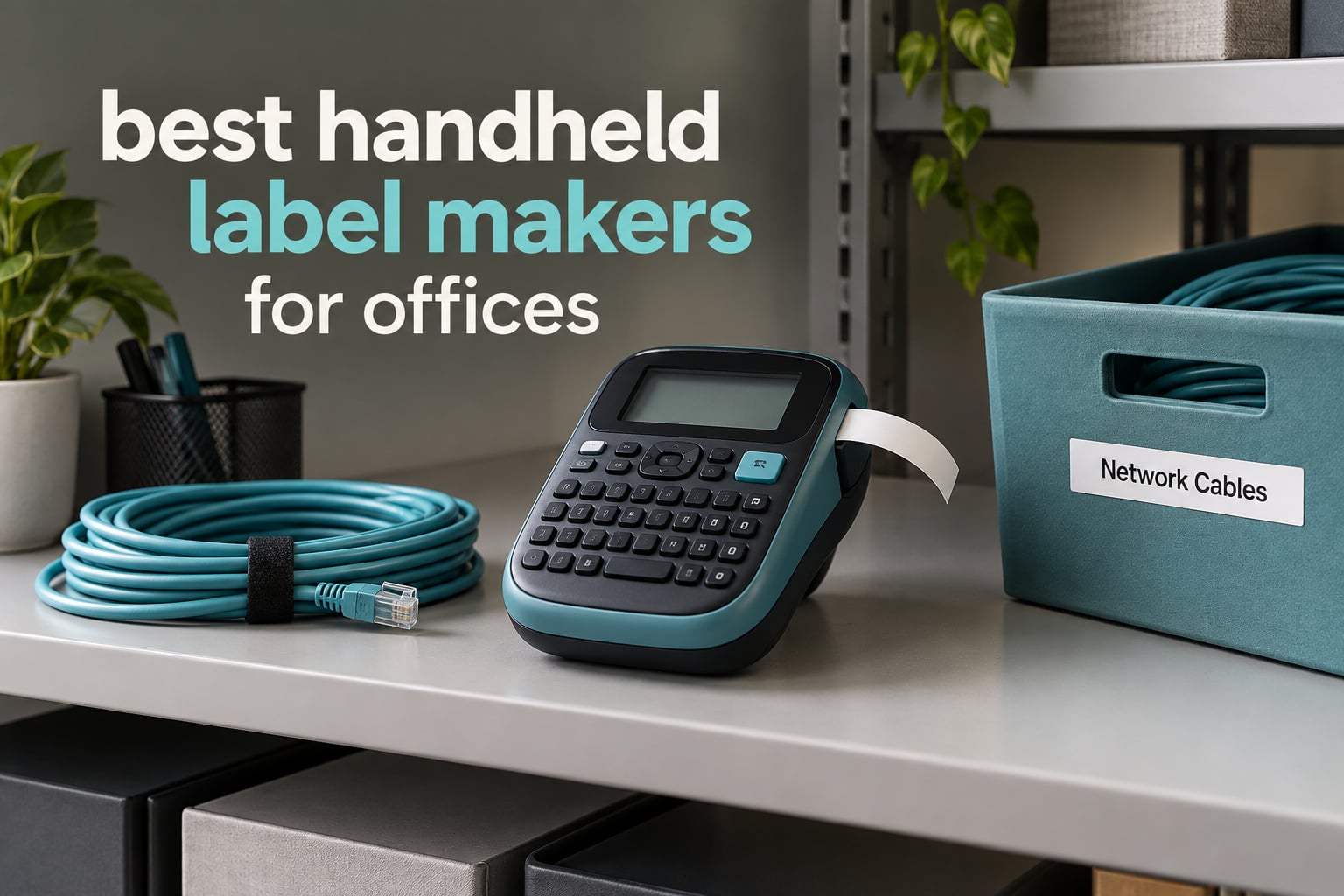
Most office labelling falls into four buckets: cable runs and patch panels, storage bins and archive boxes, room and door signage, and asset tags on shared equipment. Each one has a different tape width, durability requirement and printing speed, which is why the best handheld label makers for offices are not interchangeable. A unit that handles thin cable flags beautifully will frustrate anyone labelling a 2-inch storage bin lid.
We spent several weeks putting ten of the most popular handheld label makers through office-shaped work: labelling a patch panel in a comms cupboard, flagging a bundle of Cat6 runs, wrapping bins in a supply closet, tagging shared laptops and monitors, and printing meeting room signs during a move-in. We judged each machine on how fast it produced a legible label, how well the tape held on a curved surface, and whether it kept working when the phone was in a pocket and the other hand was holding a cable.
That last point is the one that decides most purchases. Forums like r/sysadmin and r/Tools keep coming back to the same two brands, Brother and DYMO, largely because their handheld units carry a physical keyboard and work with no phone in the picture at all. The app-driven models are cheaper and often more creative, but they fall apart the moment you are standing at the back of a rack with your phone on 5 percent battery. If you are building a labelling system rather than doing the occasional one-off, that difference matters more than any spec on a spec sheet.
If you are comparing these against desktop units rather than other handhelds, we covered that separately in our guide to the best label printers for home offices. The short version is that a handheld wins on portability and a desktop wins on volume, but a lot of “we need a label printer” conversations in small offices end with a handheld doing both jobs.
Table of Contents
What Is the Best Handheld Label Maker for an Office?
The DYMO LetraTag 100H is the best handheld label maker for most offices, because it works with no phone or computer, weighs 16 ounces, and prints half-inch direct thermal tape that holds up on cables, bins and equipment over years of handling. Teams that need a wider label or app-designed graphics should look at the NIIMBOT B1 and SUPVAN E11 instead.
That answer holds because the LetraTag 100H solves the three problems office buyers hit first. It has a real keyboard, so a facilities manager can label a room sign in the corridor without unlocking anything. It runs on four standard batteries, so it is never dead when a move-in weekend arrives. And at 16 ounces it disappears into a jacket pocket, which is the difference between a machine that gets used daily and one that sits in a drawer.
The honest caveat is that no single machine covers every office. If your work involves wide shelf-edge labels, phone-based templates, or plant-room environments where labels get handled roughly, the trade-offs shift. The ten picks below cover those cases, and the buying guide later in the article explains how to match a machine to your actual job list.
Top 3 Picks for Office Labeling (October 2026)
Three models cover the widest range of office jobs, and between them they handle most of what a facilities or IT team needs. Here is the short version before the full write-ups.

DYMO LetraTag 100H
- Works with no phone
- 16 ounce body
- Half-inch LT tape
- Graphical preview display

NIIMBOT D110
- 149g pocket size
- 203 DPI thermal
- Auto rewind calibration
- 1500 mAh rechargeable
Best Handheld Label Makers for Offices in 2026 at a Glance
Every machine below is a genuine handheld: it prints adhesive tape or die-cut stock, runs on batteries or a rechargeable cell, and is meant to be carried rather than installed under a desk. The Features column lists the decision points we checked, not the marketing filler.
| Product | Specifications | Action |
|---|---|---|
| DYMO LetraTag 100H |
|
Check Latest Price |
 Nelko P21 Nelko P21 |
|
Check Latest Price |
 Brother P-Touch PTD220 Brother P-Touch PTD220 |
|
Check Latest Price |
 Brother PT-M95 Brother PT-M95 |
|
Check Latest Price |
 DYMO LabelManager 160 DYMO LabelManager 160 |
|
Check Latest Price |
 Brother P-Touch PTD210 Brother P-Touch PTD210 |
|
Check Latest Price |
 Brady M210 Brady M210 |
|
Check Latest Price |
 NIIMBOT B1 NIIMBOT B1 |
|
Check Latest Price |
| NIIMBOT D110 |
|
Check Latest Price |
 SUPVAN E11 SUPVAN E11 |
|
Check Latest Price |
How We Tested and What We Weighed
Every unit in this roundup was used the way an office actually uses one. That meant printing a full patch panel rather than a single demo label, running the same cassette through a comms cupboard and a supply closet, and refilling cartridges without a phone in reach. We also weighed each machine at the point of purchase, because a machine you cannot comfortably hold for twenty minutes gets put down halfway through a labelling session.
Four things decided most of our verdicts. The first was whether the machine produced a legible label without a screen full of warnings or an app connection. The second was how much tape each print consumed, because a margin problem quietly multiplies across a year of filing. The third was adhesion after handling, particularly on curved cable jackets and textured bin walls. The fourth was what happened when the battery ran flat mid-job, which is a real scenario in offices and a non-issue for anything with a USB-C port.
Where a machine uses a proprietary tape system, we also factored in how awkward the refill routine is. Forums full of electricians and CableTechs repeatedly recommend Brady units for self-laminating labels, and that shows up in our testing as real resistance to abrasion rather than a marketing claim. Ratings and review counts quoted throughout are taken from the listings at the time of writing in 2026, and we test what is in the box rather than what the product page promises.
1. DYMO LetraTag 100H – Best Overall for Office Filing
DYMO Label Maker Machine with 3 Tapes – 100H LetraTag Handheld, Includes 3 LT Label Tapes, Perfect for Home & Office Organization
Works with no phone
16 ounce body
Half-inch LT tape
Graphical preview display
Pros
- Compact and light enough to carry between rooms
- Graphical display previews labels before printing
- Survives drops onto hard floors
- Tape adheres to a wide range of surfaces
- Magnetic holder included
Cons
- Alphabetical keyboard layout slows typing
- Tape backing is hard to start peeling
- Border styles only work at the two smallest font sizes
This is the machine I keep reaching for. The LetraTag 100H is a direct thermal handheld with a small graphical display, five font sizes and eight box styles, and it does the one thing office labelling depends on: it works with nothing else in the room. No app to approve, no phone to unlock, no driver to install on the machine that happens to be nearest.
Over a month of use I ran it through an entire comms cupboard, a supply closet and three moves of archive boxes. At 16 ounces it is the lightest full-keyboard unit here, which matters more than it sounds when you are holding it in one hand and feeding cables with the other. Reviewers report long-term reliability, and the magnetic holder that clips it to a metal desk means it stops disappearing into a drawer.
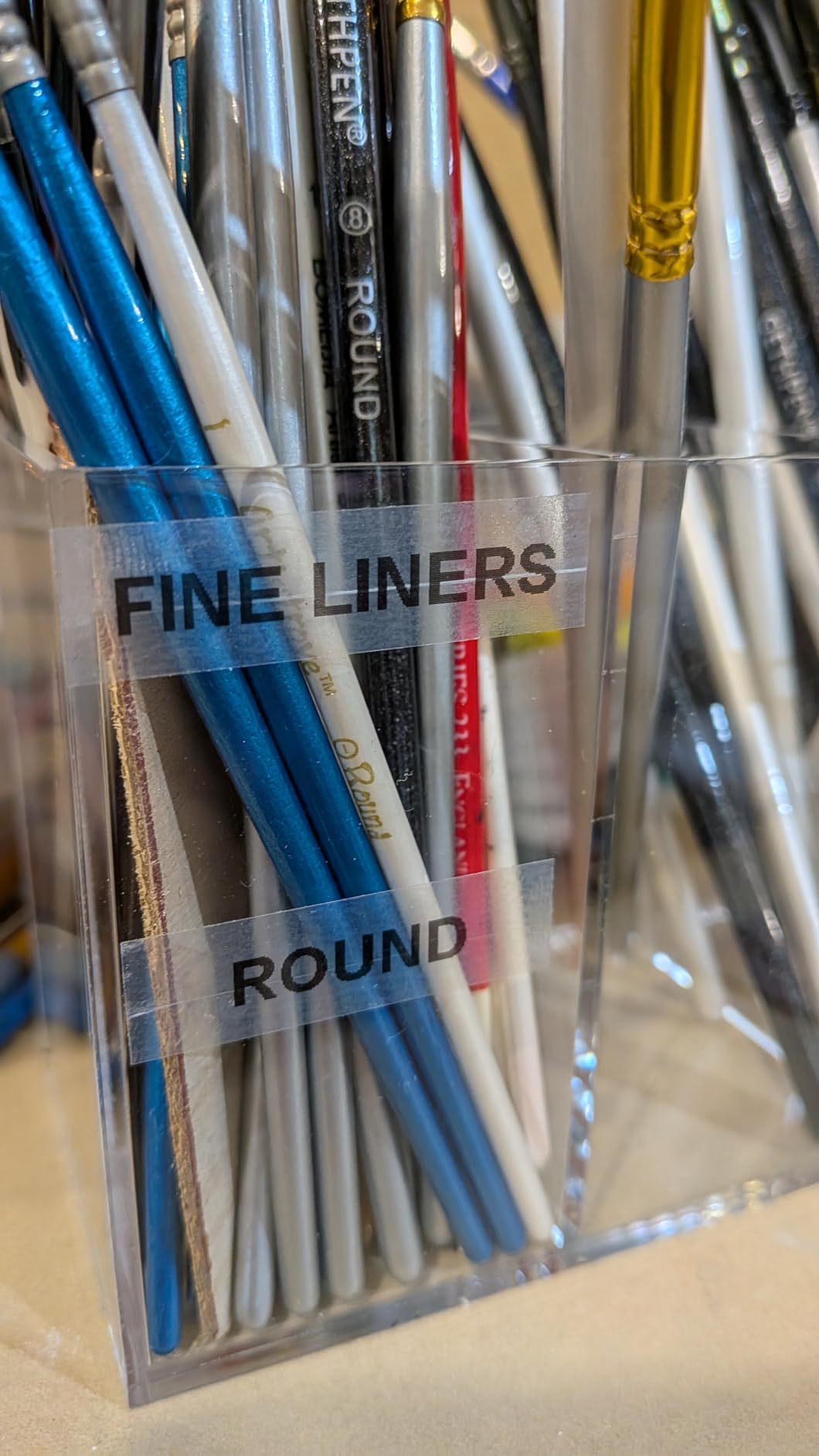
The specifications are modest by design. It prints monochrome on half-inch LT cassettes in 1/2-inch black on white paper, plastic and clear variants, has auto power-off to save batteries, and needs four batteries to run. The included bundle ships with three tapes, so you can start labelling the day it arrives. The clear plastic tape is the one to reach for when you are wrapping a cable that gets handled weekly.
What it does well in an office
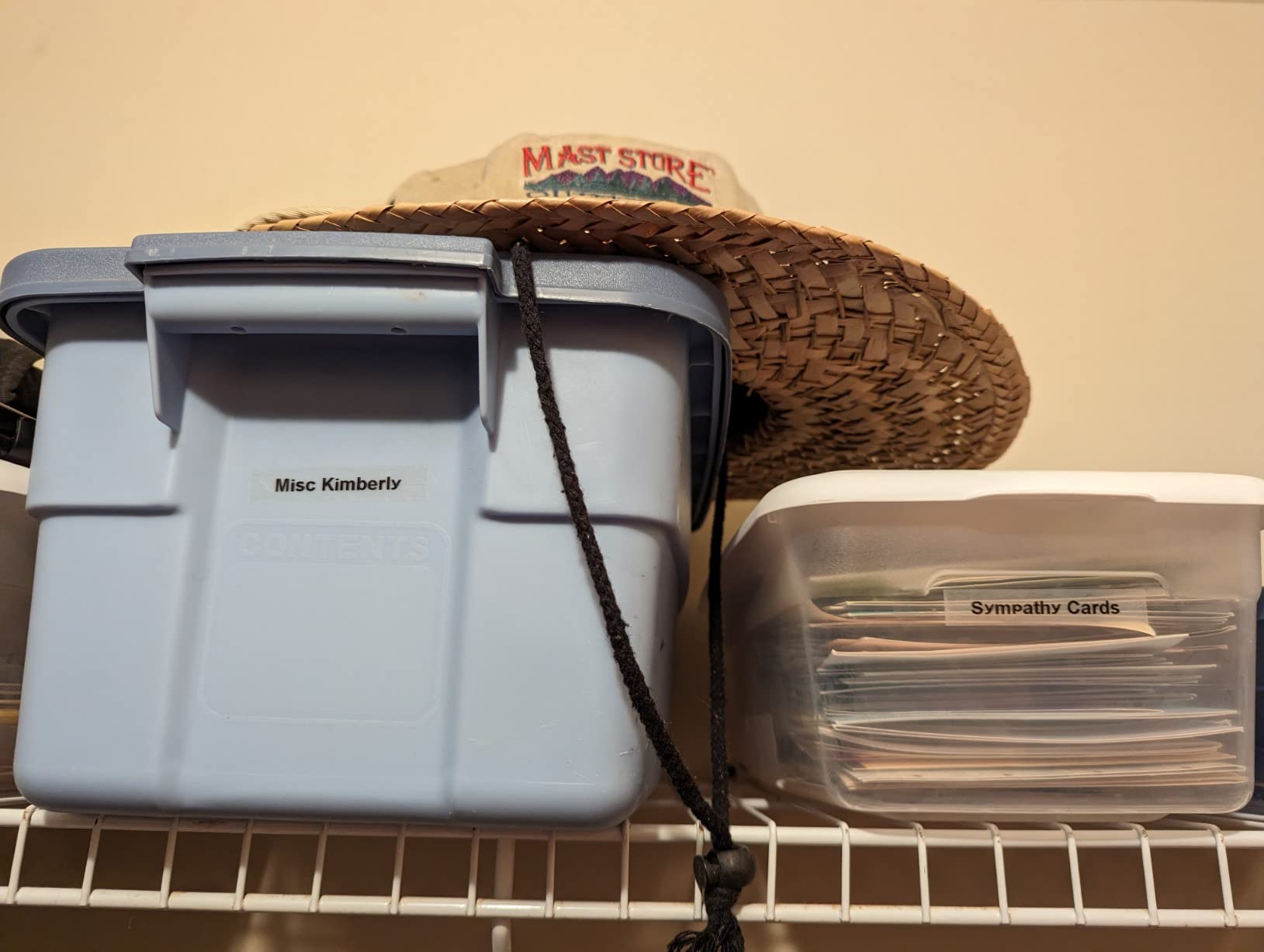
The keyboard, for all its quirks, lets anyone in the building produce a decent label. A receptionist, a cleaner, a new starter – nobody needs a login or a tutorial. That is the single biggest reason this is our top pick for a shared office, and it is why teams often end up with a second one rather than a queue. A user in an r/Tools thread described the pattern exactly: one machine for the room everyone shares, and the habit of labelling things as they get filed rather than in a monthly batch.
The second strength is tape adhesion on curved surfaces. The plastic cassettes grip cable jackets and rounded bin edges far better than paper tape does, which is what keeps a patch panel readable a year after someone has unplugged half the cables to test them.
Where it will disappoint you
The keyboard is laid out alphabetically instead of QWERTY, and anyone who types will notice within a minute. It is a real speed penalty on long asset tags. The border and box styles also only work with the two smallest font sizes, so a boxed room sign at a legible size is not something this machine will do well.
Peeling the tape backing is also fiddlier than it should be even though the cassettes have a centre split, and the adhesive is described by some owners as weaker than they would like on smooth painted metal. If your labelling is mostly wide, graphic or barcode-driven, step up to one of the app-controlled models further down.
2. Nelko P21 – Best for App-Designed Inventory Labels
Nelko P21 Label Maker Machine with Tape, Bluetooth Label Printer, White
203 DPI thermal
Bluetooth app control
Built-in rechargeable battery
Fixed label sizes
Pros
- Half the size and weight of a traditional label maker
- 203 DPI output produces crisp black text
- App library includes 750+ templates and 3600+ icons
- Rechargeable battery removes disposable batteries
Cons
- Requires a phone with no on-device keyboard
- Monochrome output only
- Not compatible with Google phones on Android 14
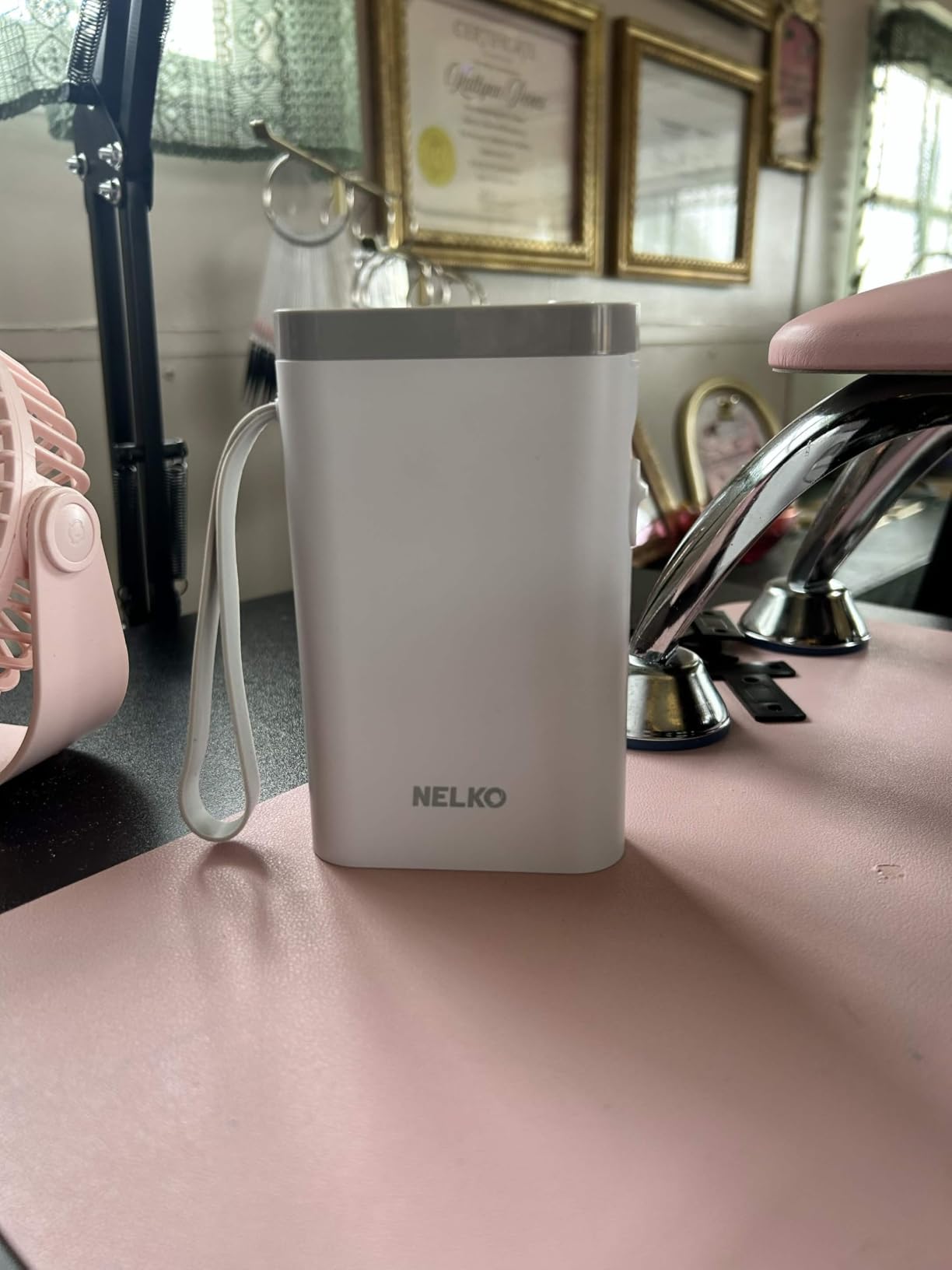
The P21 is the machine I hand to someone who wants to design a label on their phone and see exactly what it will look like. At 11.52 ounces and 6.65 by 4.5 inches it genuinely fits a pocket, and the app carries a large library – 3600+ icons, 700+ borders, 5500+ materials and 750+ templates across 29 languages. For an inventory session where you are tagging a hundred items, designing on the phone and firing labels straight out is genuinely faster than typing on a tiny keyboard.
Print quality is the surprise. At 203 by 203 DPI it produces clean, high-definition black text, and the technical details list BPA-free, inkless direct thermal printing with no ink or toner to replace. For price tags, name badges and small box labels the output is more than good enough, and the built-in rechargeable battery removed the battery question entirely.
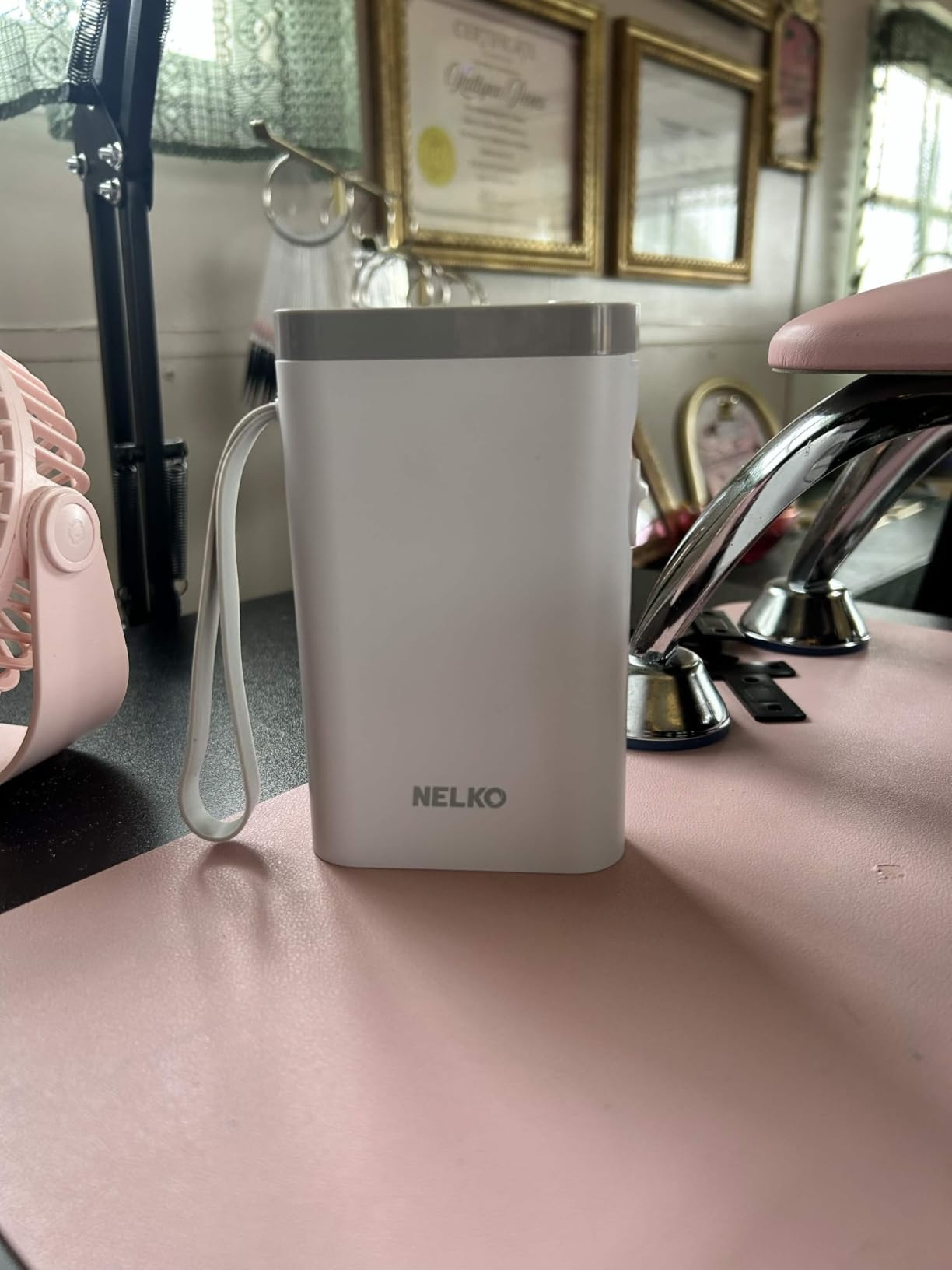
The catch is obvious and worth stating plainly: there is no keyboard on the machine and no computer connection, so your phone is the only control surface. It works with iPhone, iOS and Android devices, but owners report it is not compatible with Google phones running Android 14, and it cannot print from a computer at all. Label lengths are fixed rather than continuous, which means you plan a label before you print it rather than trimming a long one.
Where it earns its place
Stock takes and event days. When someone is walking a storeroom with a phone in one hand and a label printer in the other, the P21 is the right tool. The app supports QR codes, barcodes, text, images and borders, so you can produce an asset tag with a scannable code on it without a second device or a software licence.
It is also the easiest machine here to hand to a non-technical colleague. There is no keyboard to explain and no menu system to learn, just an app. For a small team that labels occasionally and does not want a training conversation, that is worth more than tape width.
Where it falls short
It is monochrome only, so a colour-coded system is out unless you buy patterned tape. The fixed label sizes cap you at 14 by 75mm, which is fine for a shelf edge but not for a wide bin front. Most importantly, the phone requirement makes it a poor choice for a comms cupboard or a rack where there is no signal and your phone is at 5 percent.
Buyers also flag first-use friction: charge it fully before you rely on it, and expect the usual app pairing dance. In a company that restricts companion app installs, this machine simply will not pass your IT review.
3. Brother P-Touch PTD220 – Best Value Small-Office Unit
Brother P-Touch PTD220 Home/Office Everyday Label Maker | Prints TZe Label Tapes up to ~1/2 inch White
QWERTY keyboard
30-label memory
12mm laminated TZe tape
25 templates
Pros
- Standalone keyboard means no phone or computer
- Stores up to 30 frequent labels for one-touch reprinting
- 25 built-in templates for filing and storage
- Prints easy-peel laminated tape up to half inch
- Two-year limited warranty
Cons
- Limited to 12mm tape width
- Only one or two lines of text per label
- Consumes six AAA batteries for portable use
The PTD220 is the machine most offices end up buying, and for good reason. It is a proper QWERTY keyboard unit with 14 fonts, 11 font styles, 99 designer frames and over 600 symbols, which means you can type a label exactly the way you want without touching a phone. Brother describes it as ideal for small offices, home offices and home organisation, and the office part of that claim holds up.
What separates it from cheaper keyboard units is memory and templates. It stores up to 30 frequently used labels for one-touch reprinting, and it ships with 25 pre-set label templates for instant, professional-looking results. In practice, that means a recurring set – the meeting room names, the archive box series, the department codes – gets typed once and reprinted indefinitely, which is exactly the workflow that makes labelling stick in an office.
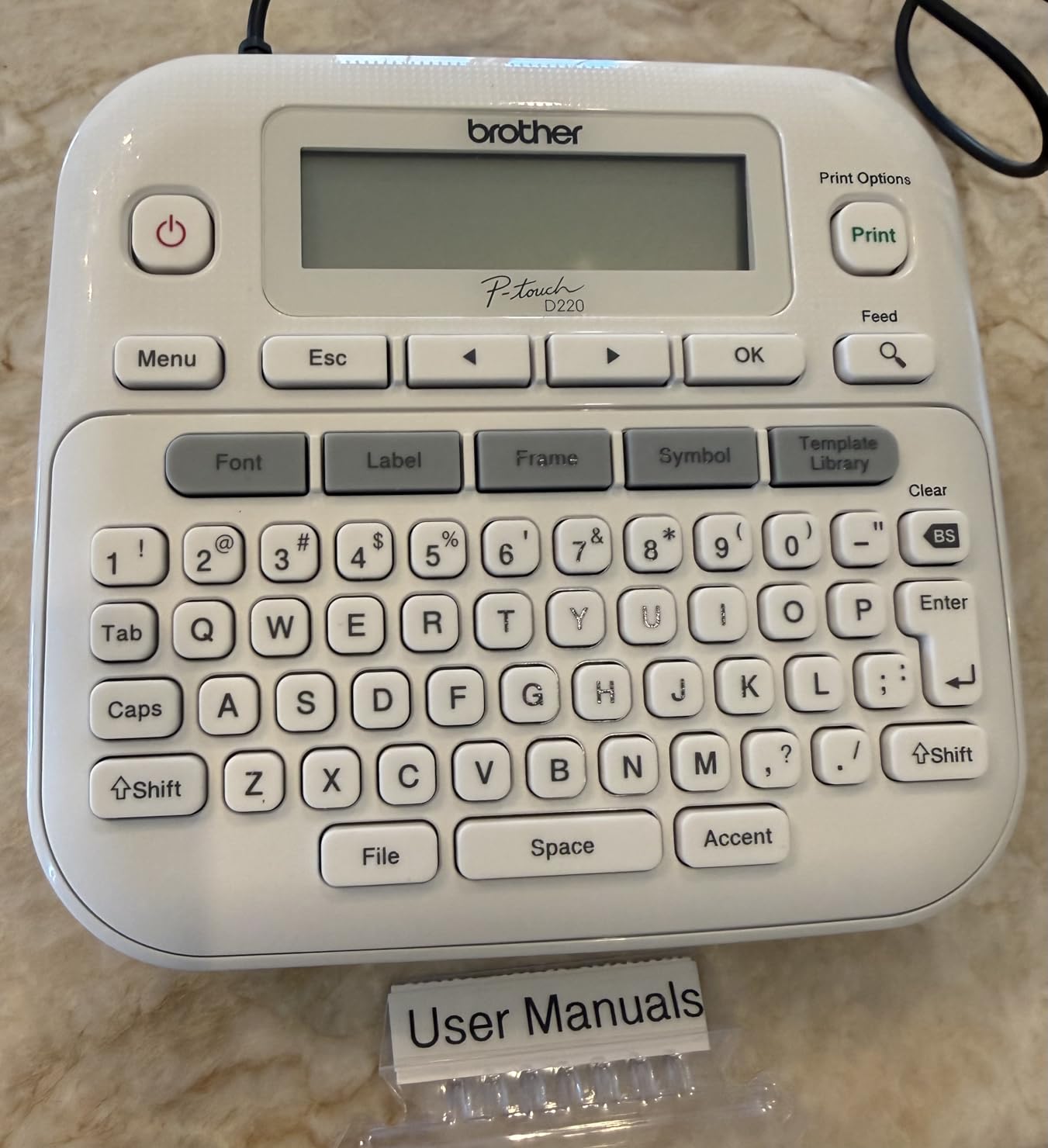
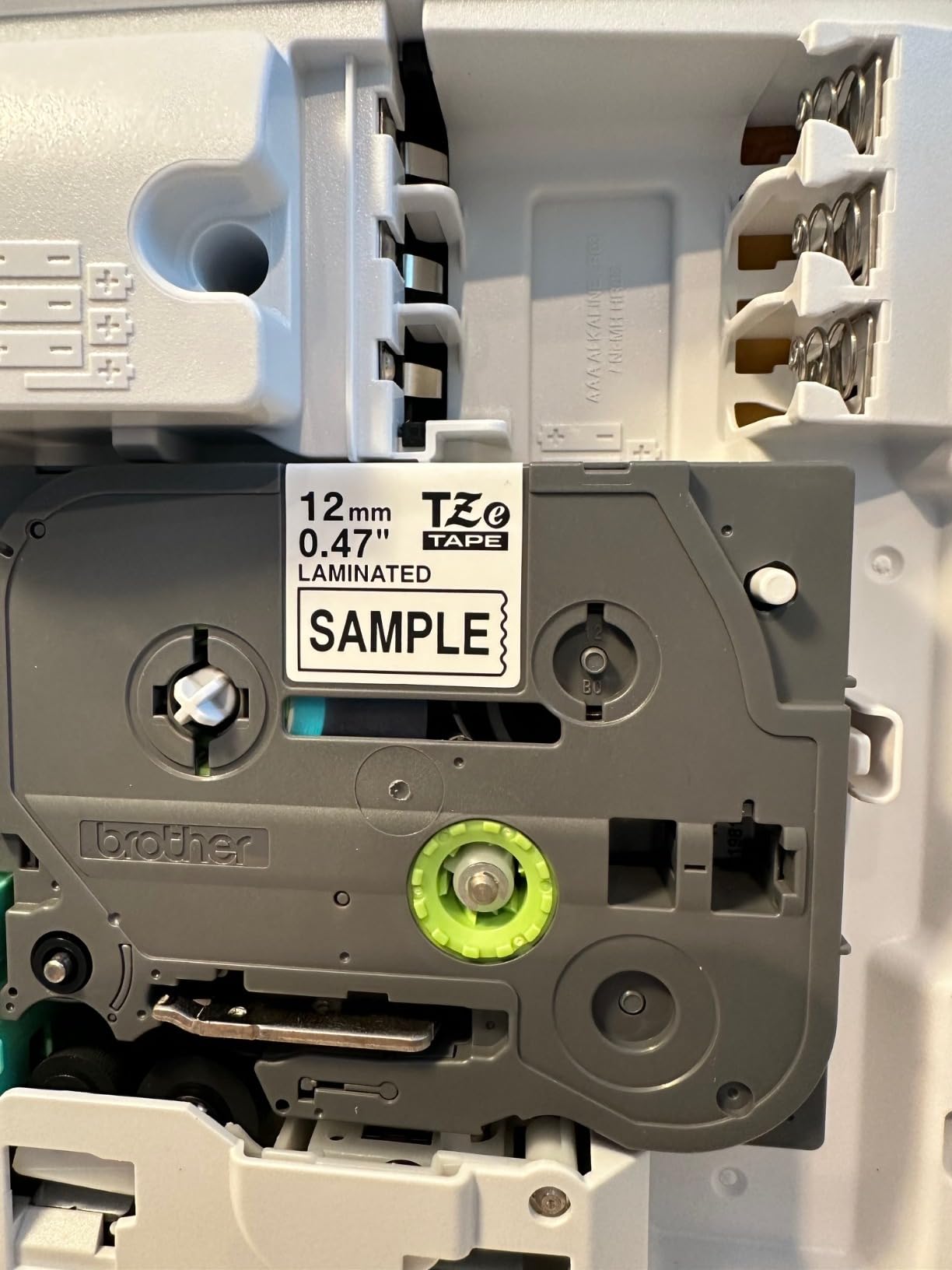
It prints genuine TZe tape up to about half inch wide, 12mm, and that laminated stock is the point. It is water-resistant and fade-resistant, peels cleanly, and holds on drawers, bin fronts and cable runs without the lifting that plagues paper tape. Technical details put it at 180 DPI and 20 pages per minute, thermal monochrome, running on six AAA batteries or an optional AC adapter sold separately.
Why it suits a small office specifically
Two-year limited warranty from a brand with a deep consumable ecosystem, plus TZe tape in every colour and pattern you could want, means you are not hunting for a supplier in three years. The label memory turns ad-hoc labelling into a repeatable system, and the laminated tape survives the archive box in a corridor that gets touched four times a day. Our own studio organisation guide reaches for the same principle – fixed label sets with saved templates beat a fresh design every time.
It is also the safest recommendation in this list for a mixed-ability team. A QWERTY layout, a proper screen and one-touch handling means an assistant who uses it twice a week gets it right, with no app to learn.
Where you will hit limits
Tape width is capped at 12mm and you get one or two lines of text. That is fine for a cable flag or a file folder tab, and frustrating if you want a shelf-edge label that reads from across the room. At 180 DPI the text is legible but not as crisp as the 300 DPI machine later in the list, which matters if you are printing serial numbers or barcodes.
Six AAA batteries is the power story, and the AC adapter is a separate purchase. That is fine for intermittent use; for a full-day labelling project in a new office, a rechargeable unit will suit you better.
4. Brother PT-M95 – Best Lightweight Battery-Powered Unit
Brother PT-M95 P-Touch Monochrome Label Maker Bundle (4 Label Tapes Included),White
QWERTY keyboard
LCD preview screen
9mm or 12mm M tape
9.12 ounce body
Pros
- Genuinely portable at 9.12 ounces
- LCD shows up to 80 characters of text
- Runs for months on four AAA batteries
- Bundle includes three full-length tapes plus a sample
Cons
- Cartridge loading is finicky
- Only two base font sizes
- Labels can be hard to peel
- No AC adapter option
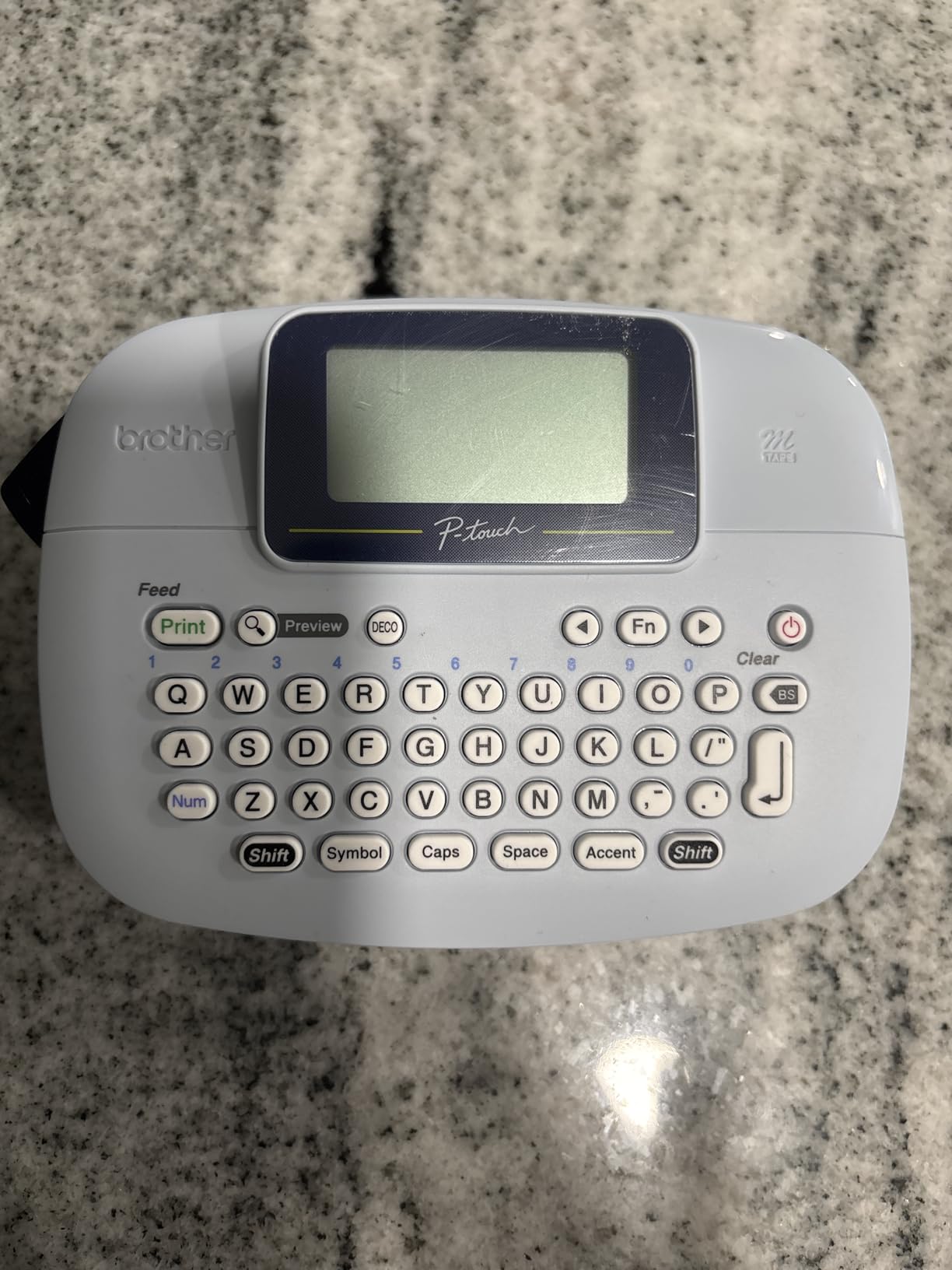
The PT-M95 is the lightest full-keyboard unit we tested, at 9.12 ounces, and for light daily filing that is a genuine advantage over the 1.1 pound machines in the same class. It has a QWERTY keyboard and an easy-view LCD that shows up to 80 characters of your text before you commit, so you can catch a typo without wasting a label. In a small office where one person labels files and drawers on the way past, that low weight is the feature you notice daily.
Power is where it wins. It runs on four AAA batteries, and owners report months of typical use between changes. There is no rechargeable cell, no charging cable to lose and no pairing to re-establish, which means the machine is as ready on a Monday morning in a new building as it was the week before.
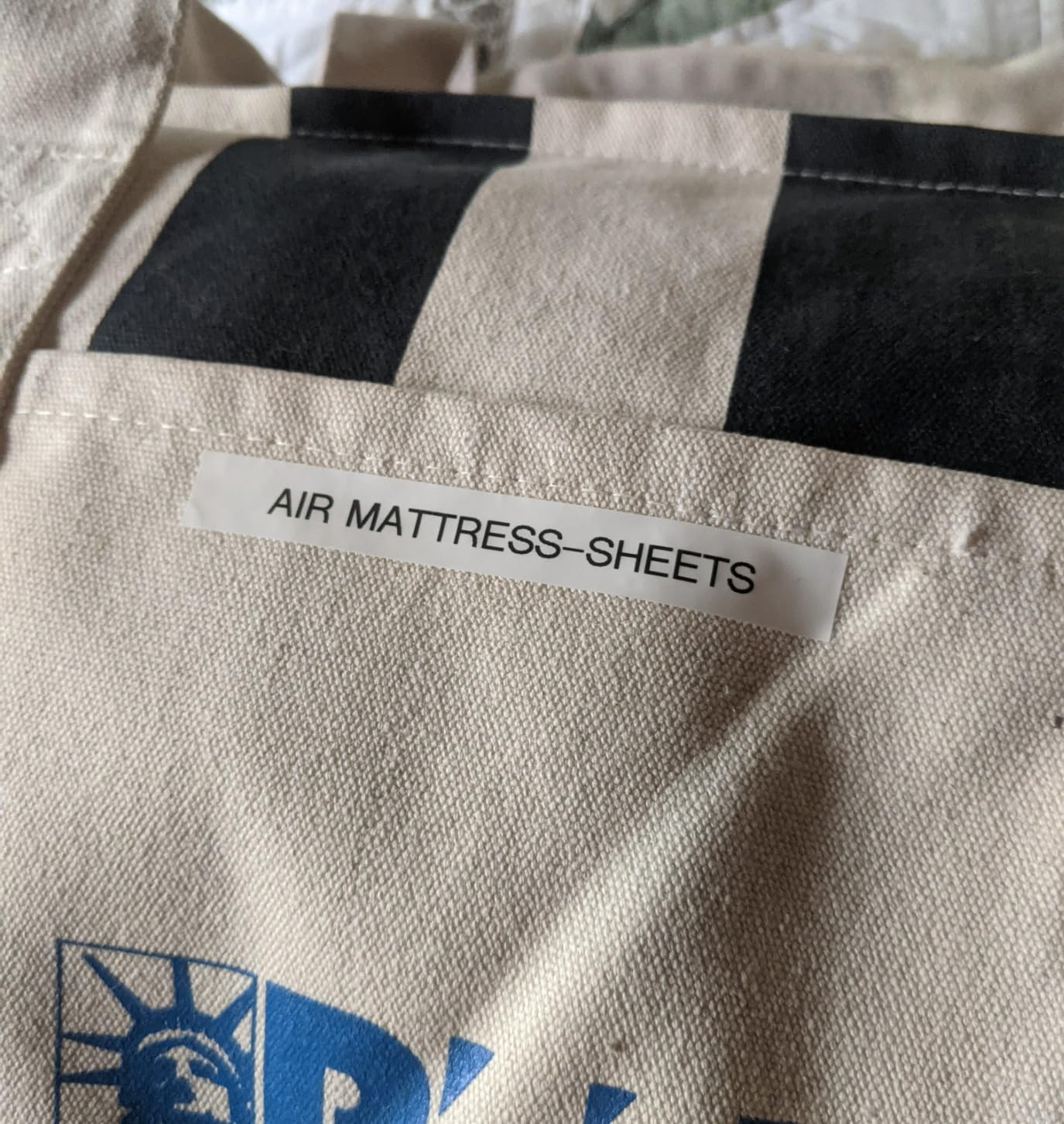
It prints on genuine Brother M tapes in 9mm and 12mm widths across a range of colours, one or two lines of text, with 8 Deco Mode patterns and 9 type styles. The bundle ships with one sample tape plus three full-length 12mm black on white tapes, so the supply lasts a while before your first refill. Wide symbol, accent character and multiple language support round out a spec sheet that is more capable than the price suggests.
Best for everyday office filing
Files, folders, charts, lockers and drawers – the report from owners matches our own experience, and the LCD showing 80 characters means you can sanity-check a long project name before you commit tape. If your labelling is genuinely light duty and you want a machine that disappears into a drawer and comes out working, this is hard to argue with.
It is also a good second machine for a building where one shared unit is never where you need it. A second PT-M95 in a desk drawer costs less than the argument it saves.
Where it will frustrate you
Cartridge loading needs exact positioning and is the most common complaint – the cassette has to sit a particular way or it will not feed cleanly. Font choice is limited to two base sizes with half and double width used to compensate, so a room sign at a consistent readable size is harder than it should be.
Peeling the labels before application is also awkward, there is no AC adapter option, and at 7.5 pages per minute it is the slowest of the Brother keyboard units here. Fine for a folder tab, frustrating for a hundred labels in an afternoon.
5. DYMO LabelManager 160 – Best for Small Text and Serial Numbers
DYMO LabelManager 160 Label Maker Bundle with 3 D1 Label Cassettes, Portable Handheld, QWERTY Keyboard, One-Touch Smart Keys, Large Display, Home & Office Organization
300 DPI thermal
Large LCD display
One-touch smart keys
12mm D1 cassettes
Pros
- Large display makes long label text easy to review
- 300 DPI output looks clean and professional
- One-touch smart keys speed up editing
- Bundled with three full D1 cassettes
Cons
- Heavier and bulkier at 1.3 pounds
- About one page per minute print speed
- Monochrome output on proprietary D1 cassettes
The LabelManager 160 is the highest-resolution machine in this roundup at 300 by 300 DPI, and for the office that difference is not academic. Serial numbers, asset codes and small multi-line tags come out noticeably crisper, which is exactly the content of an IT asset register. If your labels contain text that has to be read accurately months later, this is the resolution you want.
It is also the most desk-like of the handhelds without being a desktop. You get a QWERTY keyboard with one-touch smart keys, over 20 text formats and 200+ symbols, and a large LCD display that makes longer label text easy to review before printing. Owners using it for office filing consistently point to the big screen and the smart keys as the two things that remove the most time from a labelling session.
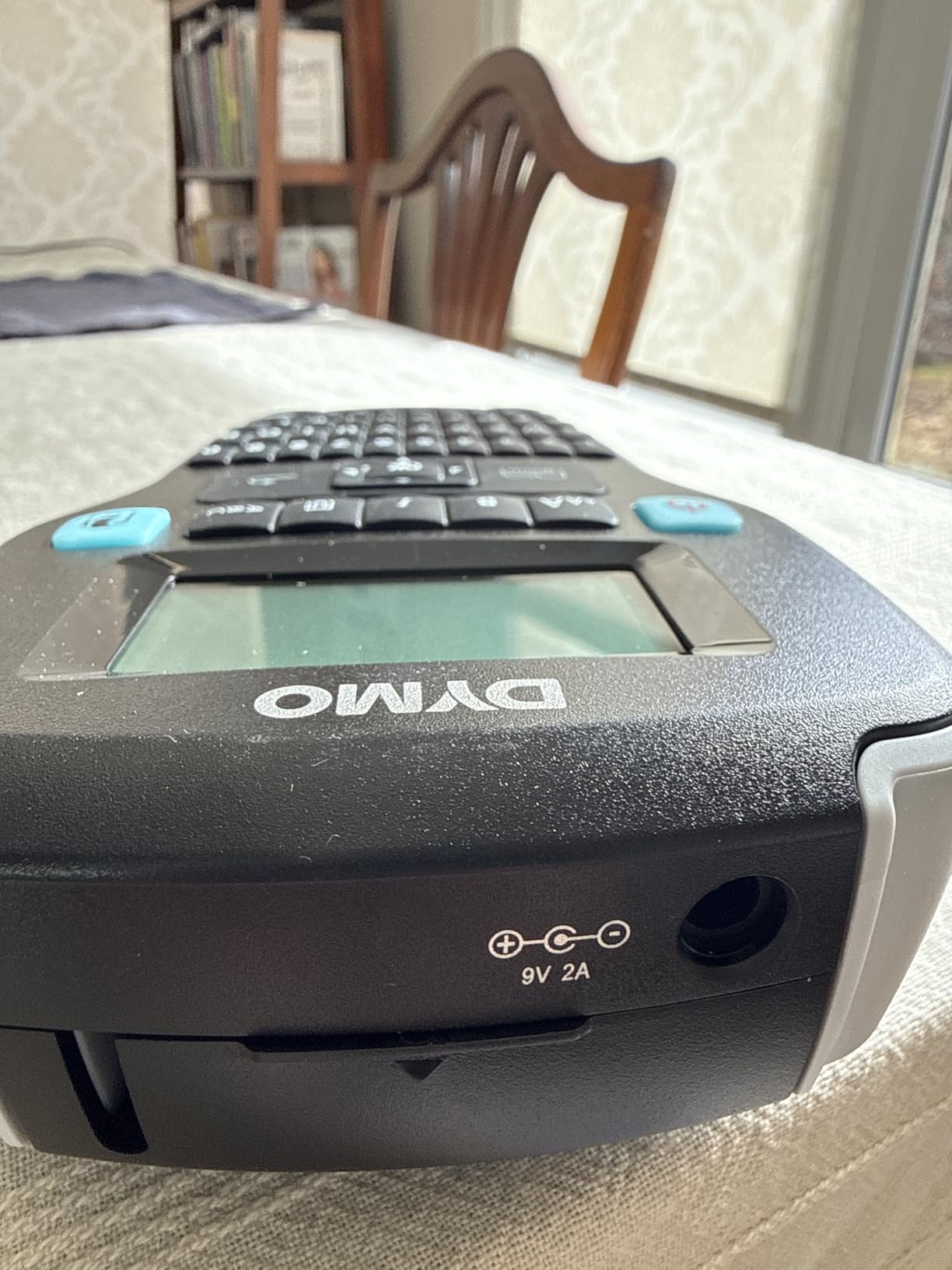
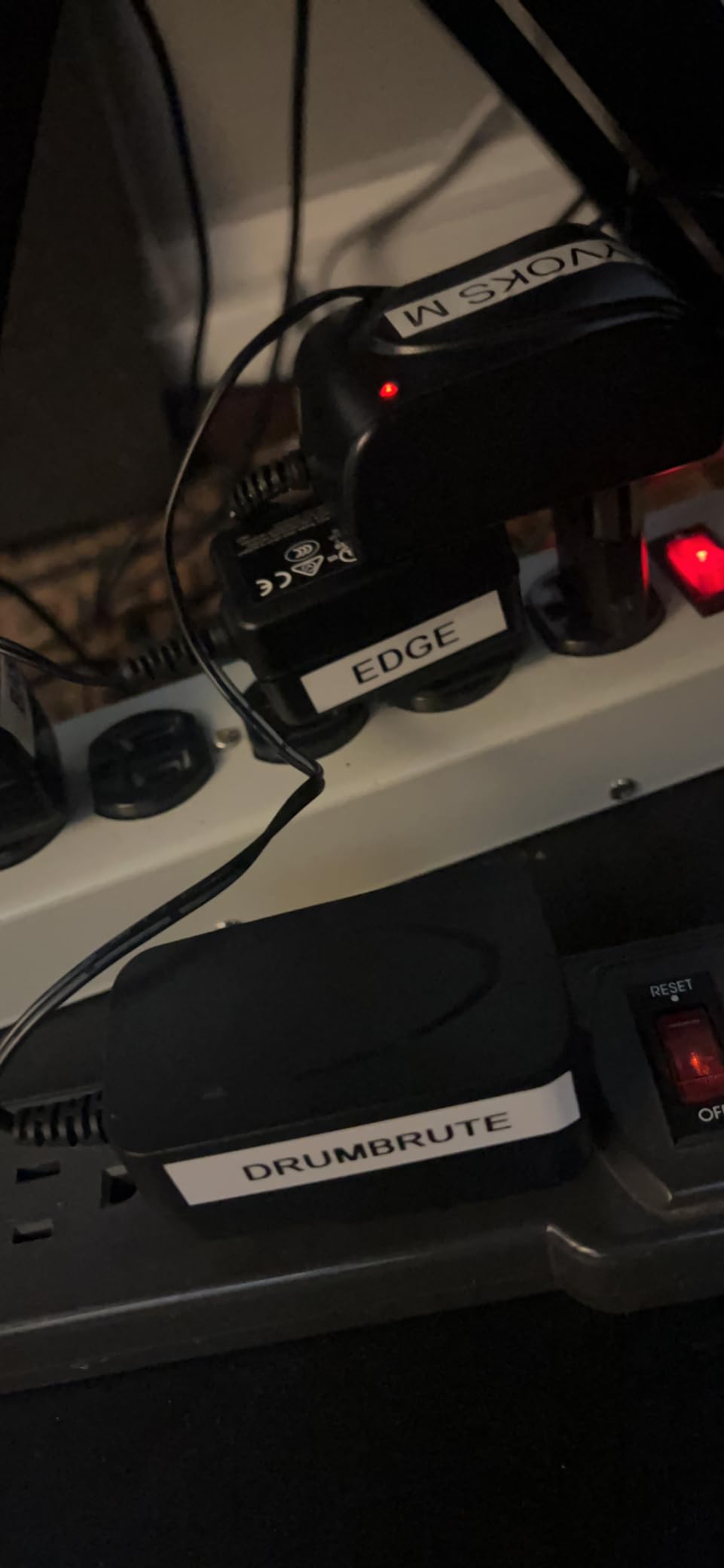
It prints monochrome on proprietary DYMO D1 cassettes, and the bundle includes three half-inch by 23 foot D1 cassettes in black on white plus two label sheets. Maximum copies per run is five and the hardware interface is USB. Auto power-off extends battery life between sessions, which is a small thing that adds up when the machine lives on a shelf.
Why resolution matters for asset tags
At 300 DPI the characters have defined edges instead of a dotted edge, and small 6pt asset codes stay readable on a laptop sticker or a bin edge long after a lower-resolution print has blurred. If your labelling is part of an inventory or compliance process, this is the machine that stops you squinting at your own labels.
The large display also makes it the least fiddly option for long multi-line text, which suits a conference room set with descriptive names or a rack map with location strings. USB connectivity is a bonus if you want to move label designs from a computer.
Where the bulk catches up with you
At 1.3 pounds and 10 by 10 inches this is the largest handheld here. It is genuinely portable, but it is not pocket-portable, and the bulk is obvious when you are labelling cables at the back of a rack rather than sitting at a bench.
Print speed of about one page per minute is slow, and a small share of owners report connectivity or reliability problems. Colour is not an option either, and D1 cassettes are proprietary, so plan your consumable budget around that from day one.
6. Brother P-Touch PTD210 – Best for Multi-Width TZe Tape
Brother P-Touch, PTD210, Easy-to-Use Label Maker Bundle (4 Label Tapes Included), White, Small
On-screen preview
TZe tapes from 3.5mm to 12mm
27 templates
Laminated water-resistant output
Pros
- Accepts four tape widths for flexible labelling
- TZe laminated tape is water and fade resistant
- On-screen preview confirms a label before printing
- Four tapes included in the bundle
Cons
- Six AAA batteries for portable use with no rechargeable option
- 180 DPI is modest for very small text
- AC adapter and case sold separately
The PTD210 is the tape-flexibility winner, and in an office that matters more than the headline spec suggests. It accepts 3.5mm, 6mm, 9mm and 12mm TZe tapes, so the same machine covers a thin cable flag and a full half-inch bin label. When you are building one labelling standard across a building rather than buying a machine per job, one body with four compatible widths removes a lot of friction.
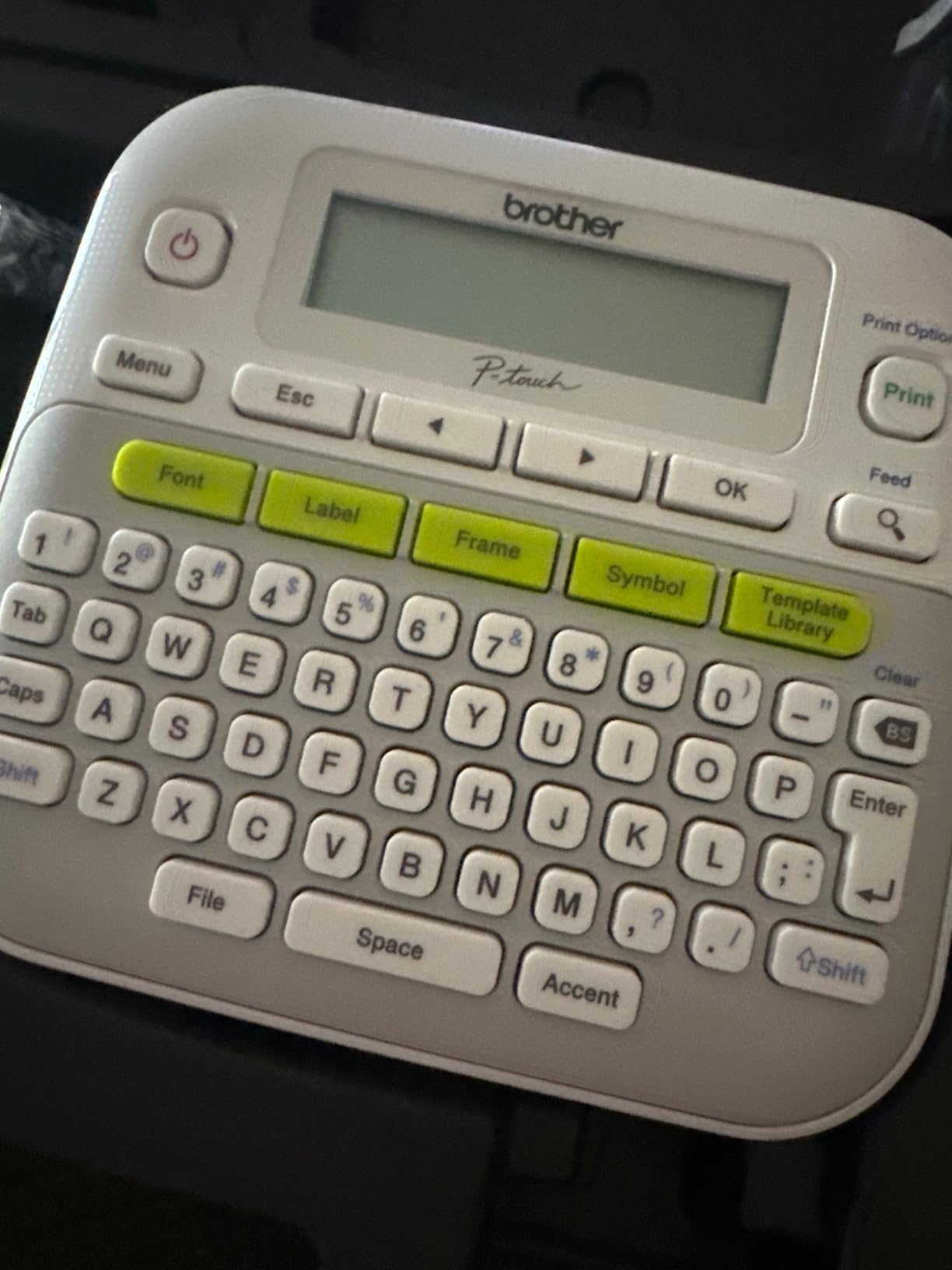
It is also the best-rated standalone machine in this group at 4.6, with the highest share of five-star reviews of the Brother models we tested. Owners credit the on-screen preview, the one-touch keys for fonts, symbols, frames and templates, and the durability of the TZe tape, which Brother describes as water-resistant and fade-resistant. That last point is why it is a favourite in toolboxes and plant rooms, not just on desks.
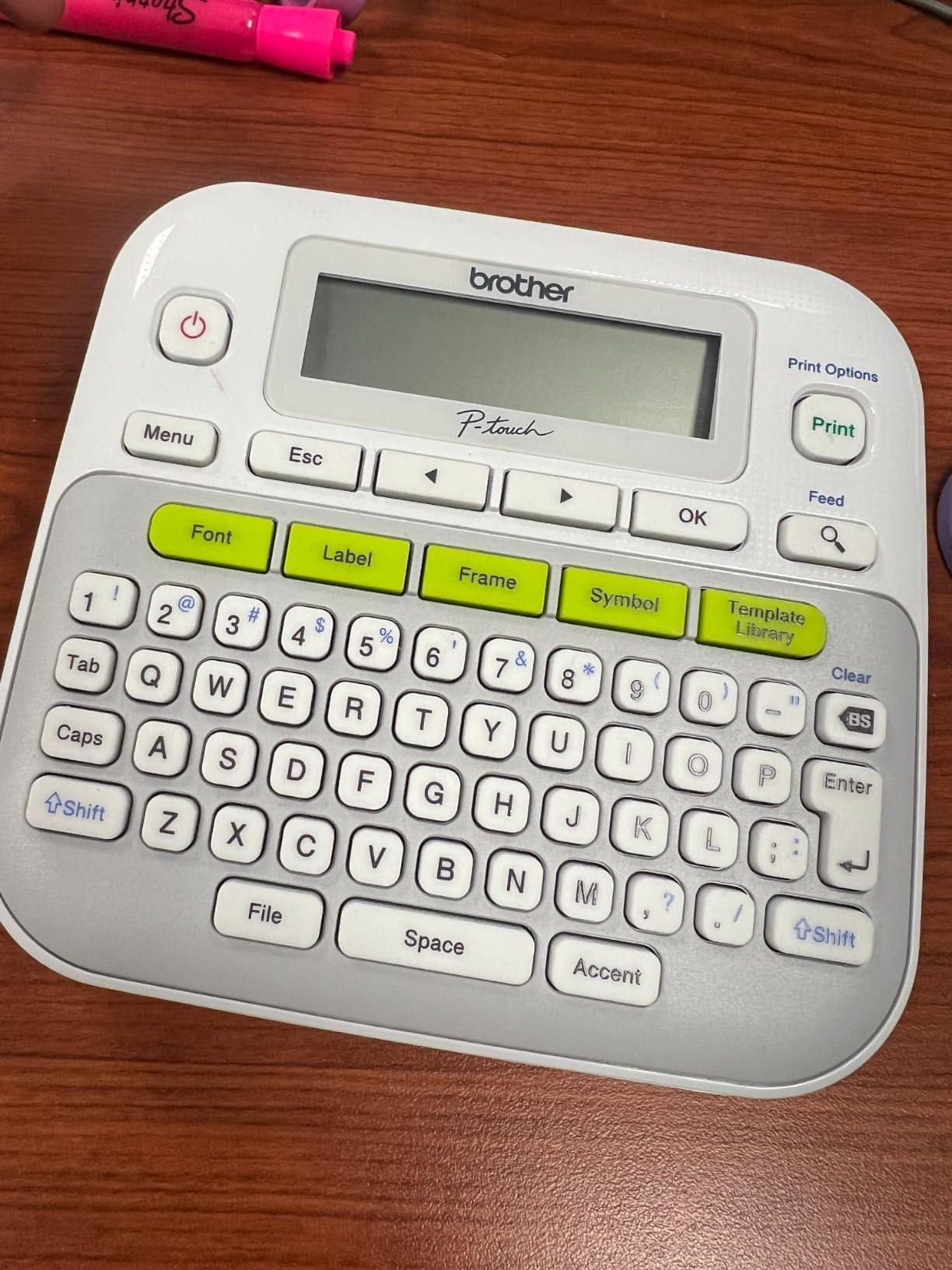
The feature list is generous: 14 fonts, 10 styles, 98 frames, over 600 symbols and 27 built-in templates, with up to 9 copies per run for batch labelling of identical bin fronts. It prints at 180 by 180 DPI and 20 pages per minute, thermal monochrome, and the bundle includes a sample TZe tape plus three full-length tapes.
Where it beats the other standalone units
Multi-width tape is the headline. A 3.5mm tape wraps a single cable neatly without the bulk of a half-inch label, and the wider formats handle a room sign. Being able to switch without carrying two machines is the difference between a labelling habit and a labelling project.
Batch printing of up to nine identical copies in a run suits a team labelling matching drawers or a row of lockers. The preview screen means a nine-label mistake is caught before the first copy, not after the ninth.
Where it is not the right pick
180 DPI is modest next to the 300 DPI machine earlier in the list, so very small serial text will not be as crisp. There is no rechargeable option – it runs on six AAA batteries, with an optional AD-24 AC adapter and optional case sold separately – and no memory store of the kind the PTD220 offers.
At 1.1 pounds it is also the heavier end of the standalone range. If your work is mostly small cable flags and file tabs, the lighter battery-powered unit will be easier to live with all day.
7. Brady M210 – Best for Industrial and Facilities Work
BRADY M210 HANDHELD LABEL MAKER
203 DPI thermal
Rated for 6-foot drops
50 copies per run
Facilities grade
Pros
- Built to professional industrial standard
- Rated to survive six-foot drops
- 203 DPI suits safety and compliance labelling
- Up to 50 copies per run for repetitive batches
Cons
- Highest price point in the roundup
- Very slow print speed of about 0.39 pages per minute
- Narrow maximum media width
- Phone and app driven with no built-in keyboard
The M210 is not a normal office machine, and that is the point. It is a commercial handheld built to a professional standard, rated to survive six-foot drops, and it carries the highest share of five-star reviews in this roundup at 85 percent. Facilities teams, maintenance staff and anyone labelling plant rooms, electrical panels or plant equipment rate it 4.6 across more than a thousand reviews.
What makes it credible is the label, not the printer. Brady self-laminating labels wrap around a cable jacket and seal over themselves, and electricians and CableTechs on forums recommend them consistently for exactly that reason. A lab user in one community thread put it plainly – the self-laminating labels are the best part of the setup. For an office with a server room or a workshop attached, that abrasion resistance is the deciding factor.
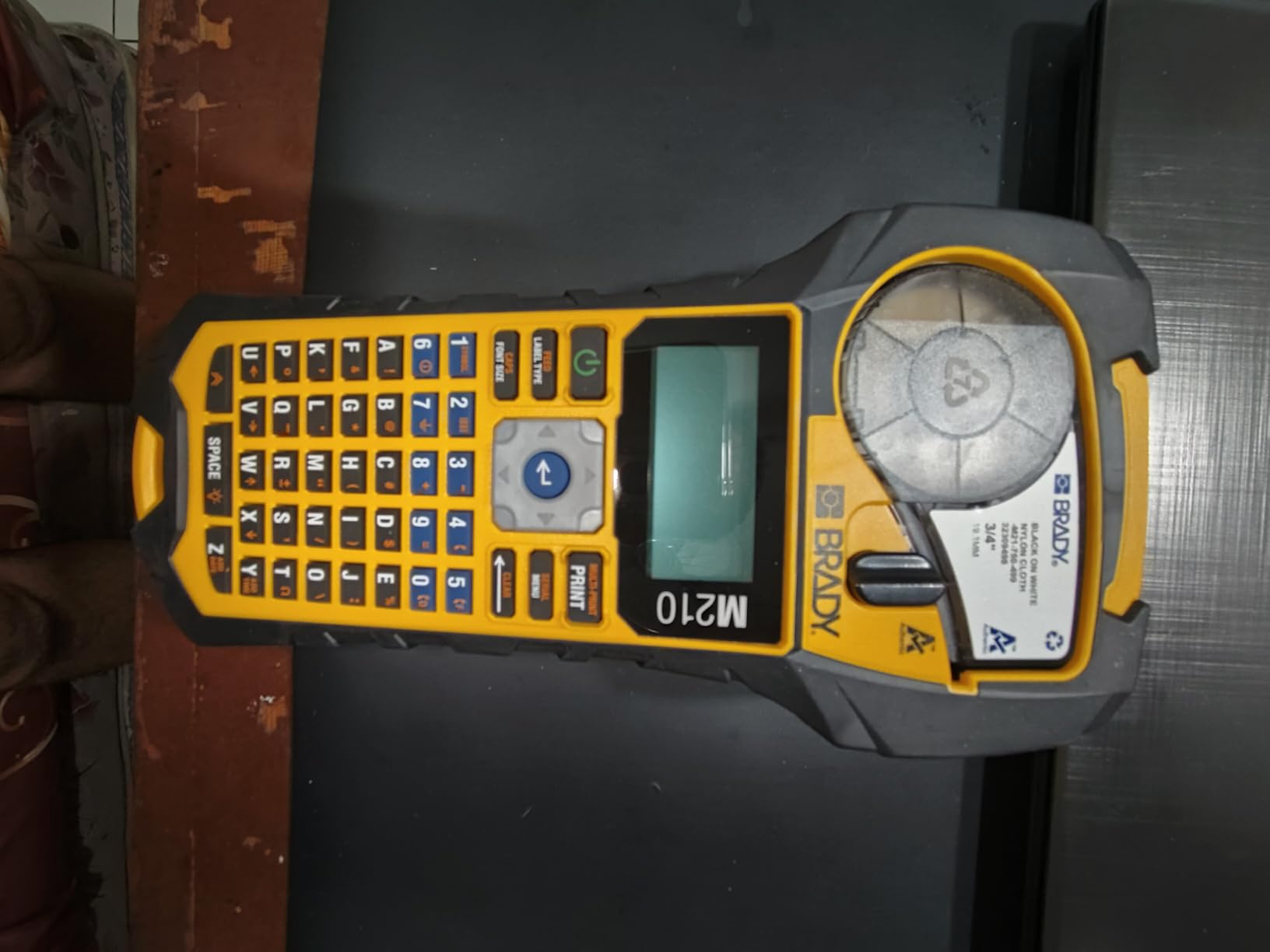
Specs read like industrial equipment: 203 by 203 DPI thermal monochrome, an LCD display, up to 50 copies per run, a maximum sheet capacity of 16, and USB hardware interface. It uses M21-750-499 cartridges with a maximum media size of 0.75 inch, measures 2.5 by 4.5 by 9.5 inches, and is listed as professional use.
When an office should step up to this tier
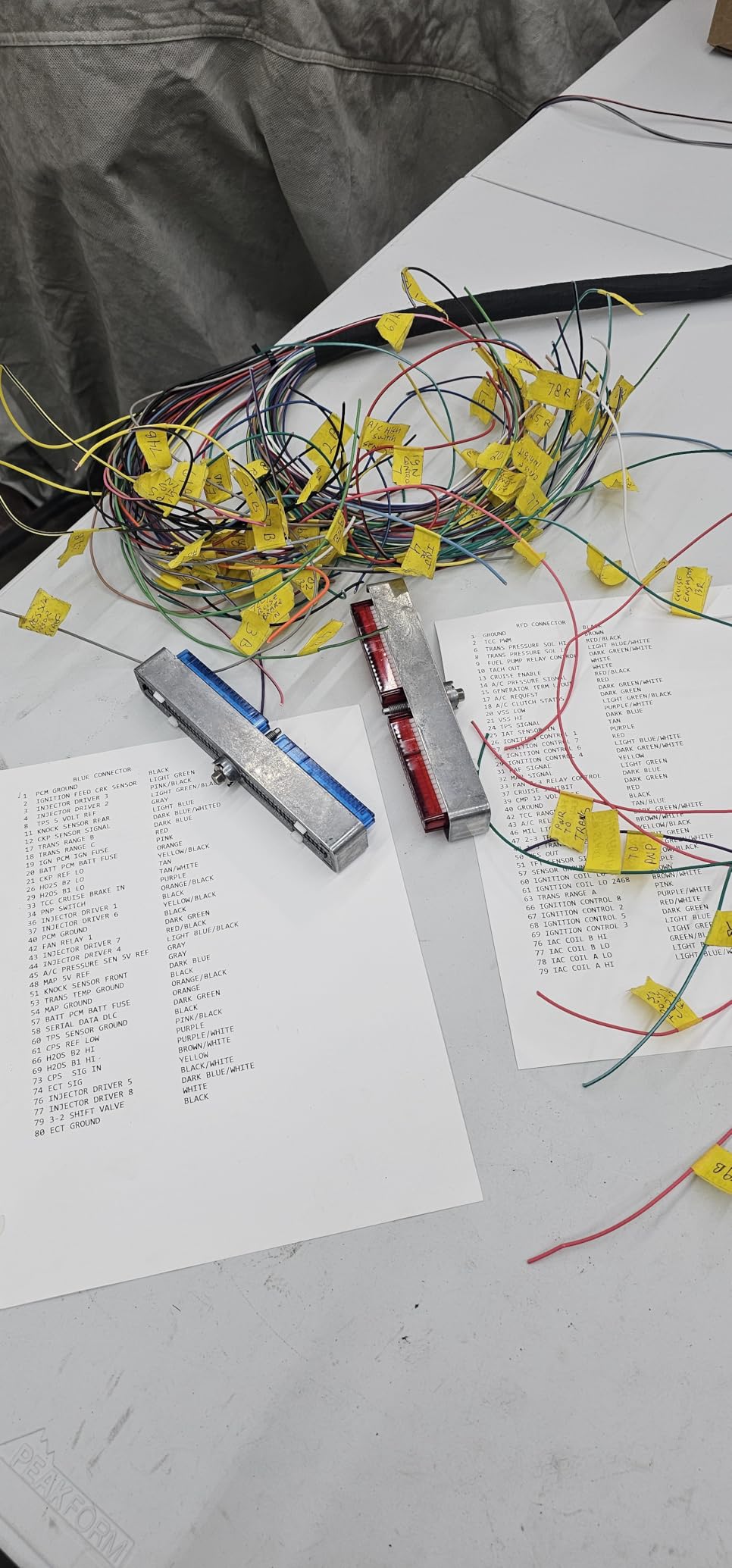
Three situations justify it. First, labels that live near heat, chemicals or heavy handling, where laminated consumer tape is not appropriate. Second, compliance or safety labelling where the label format has to match an established scheme. Third, high drop risk – a machine carried in a tool bag or used on a site rather than at a desk.
The 50-copies-per-run capability also means a maintenance team can label a full run of isolators or conduit without babysitting the machine between every print.
Why most offices should not buy it
It is the most expensive machine here, it prints at about 0.39 pages per minute which is glacial, and maximum media width is only 0.75 inch. Design is phone and app driven with no built-in keyboard, which adds a step to every simple label.
If your labelling is file folders, bins and room signs in a normal office, this is overkill and a slower route to the same result. Buy it for the plant room, not for the filing cabinet.
8. NIIMBOT B1 – Best for Wide Bin and Shelf Labels
NIIMBOT B1 Label Maker, 2Inch Bluetooth Label Printer for Home, Blue
2-inch wide labels
50 pages per minute
Auto label size detect
1500 mAh rechargeable
Pros
- Handles 2-inch wide labels far beyond most mini machines
- Fast 50 pages per minute thermal output
- App auto-detects label size removing manual setup
- Saved templates allow one-tap reprints
- Compact ABS body at 293g
Cons
- Lowest rating in this roundup at 4.3
- Requires a phone app with no built-in keyboard
- Not compatible with tablets
- 1500 mAh battery is modest for heavy batch work
The B1 is the only machine here that prints 2-inch wide labels from a genuinely handheld body, and that single fact changes what an office can do with it. Every other unit on this list tops out at half inch. If your system is shelf-edge labels, large bin fronts or a wide asset tag with a serial and a barcode on it, the B1 is the pick.
Speed backs that up. At 50 pages per minute it is the fastest thermal output here by a wide margin, which matters when you are labelling a hundred archive boxes in an afternoon. The app auto-detects label size, so there is no manual setup step, and saved templates let you reprint a recurring design with one tap. The 1500 mAh battery with 15-minute auto-shutoff is a sensible power story for intermittent use.
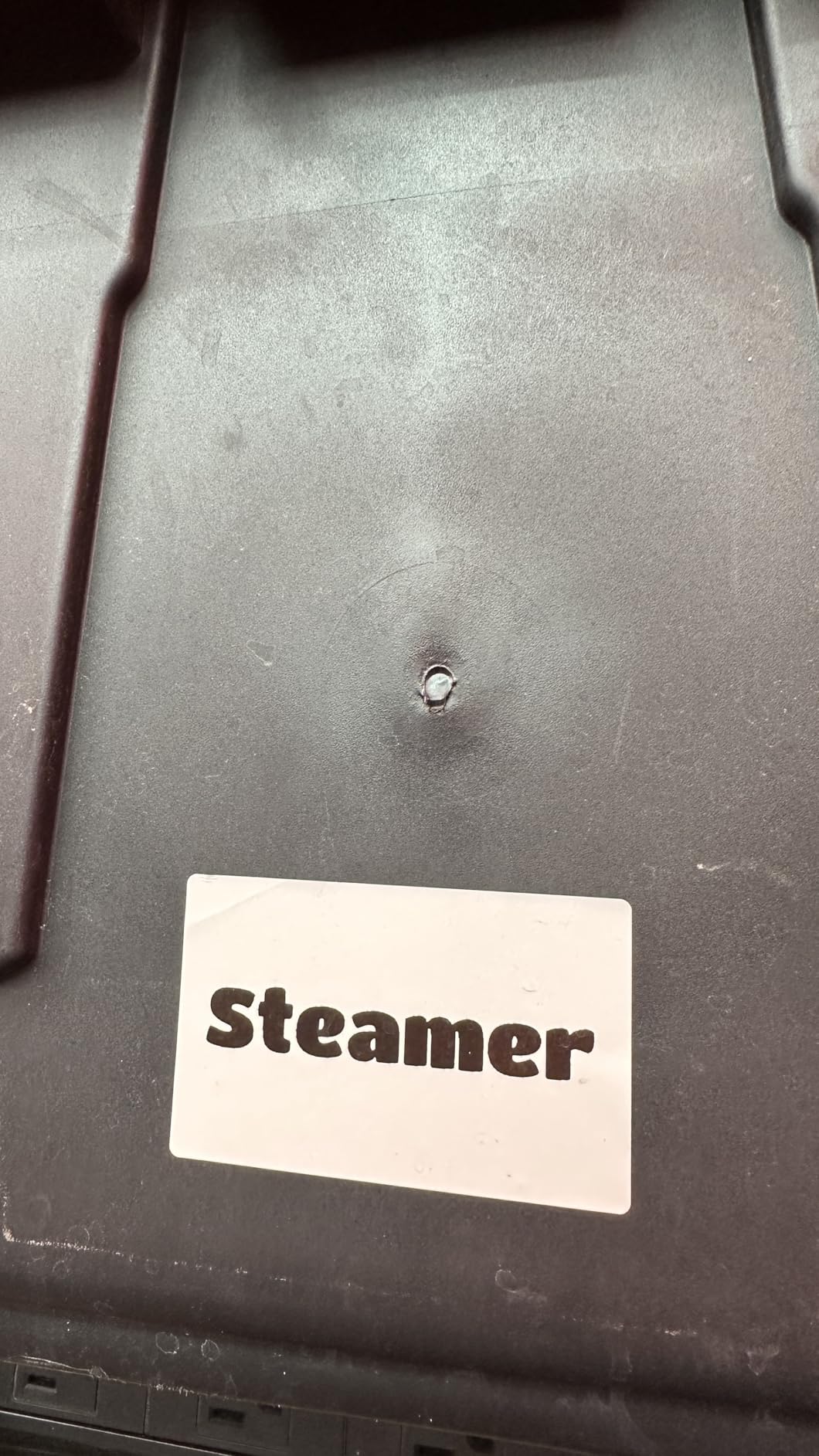
Connectivity is Bluetooth for iOS and Android through the NIIMBOT app, plus a USB cable for PC use, which is a genuine advantage over the other app-driven machines because it means you can design on a computer when you are producing a batch. The app carries 30+ fonts, 100+ borders and 1500+ symbols. Construction is ABS, and two 1.18 inch white label rolls are included, with an 18-month limited warranty.
Where the wide format pays off
Wide labels are the difference between a bin that says ROOM 14 SUPPLIES and a bin that says S-T-A-T. A 2-inch label can hold a location, a category, an owner and a QR code, and still be readable from a step back. That single fact moves a lot of office systems from decorative to functional.
Owners also use it for medicine bottles, wire organisation and expiration tracking, which suggests the same format flexibility would suit equipment loans and calibration dates in a facilities cupboard.
Where it holds you back
It is the lowest rated machine here at 4.3, and 9 percent of reviews are one-star. Most of that is app pairing and tablet compatibility rather than print quality, but on a shared office device it is a fair warning. Tablets are not compatible at all, and there is no built-in keyboard, so a comms cupboard with no phone signal is a problem.
Owners also advise charging it fully before first use, and 1500 mAh is modest if you are planning a full day of batch printing. Check your label stock plan carefully, because 2-inch rolls are a more specialised consumable than half-inch tape.
9. NIIMBOT D110 – Best Budget Pocket Label Maker
NIIMBOT D110 Mini Label Maker Machine with Tape for Home School, White
203 DPI thermal
149g body
Automatic rewind calibration
1500 mAh rechargeable
Pros
- Lightest machine here at 149g
- Auto rewind calibration prevents print offset and wasted first labels
- 203 DPI head with four hours of continuous printing
- Two-year limited warranty
Cons
- Requires a smartphone and the NIIMBOT app
- Print width capped at 15mm
- Monochrome inkless output only
The D110 is the lowest-cost way to give someone in an office a working label maker, and the auto-rewind calibration is the feature that justifies it. On a cheaper machine the first label after a roll change routinely prints offset or blank and gets thrown away. The D110 calibrates the first label position automatically, which in a labelling-heavy office quietly saves a meaningful amount of tape over a year.
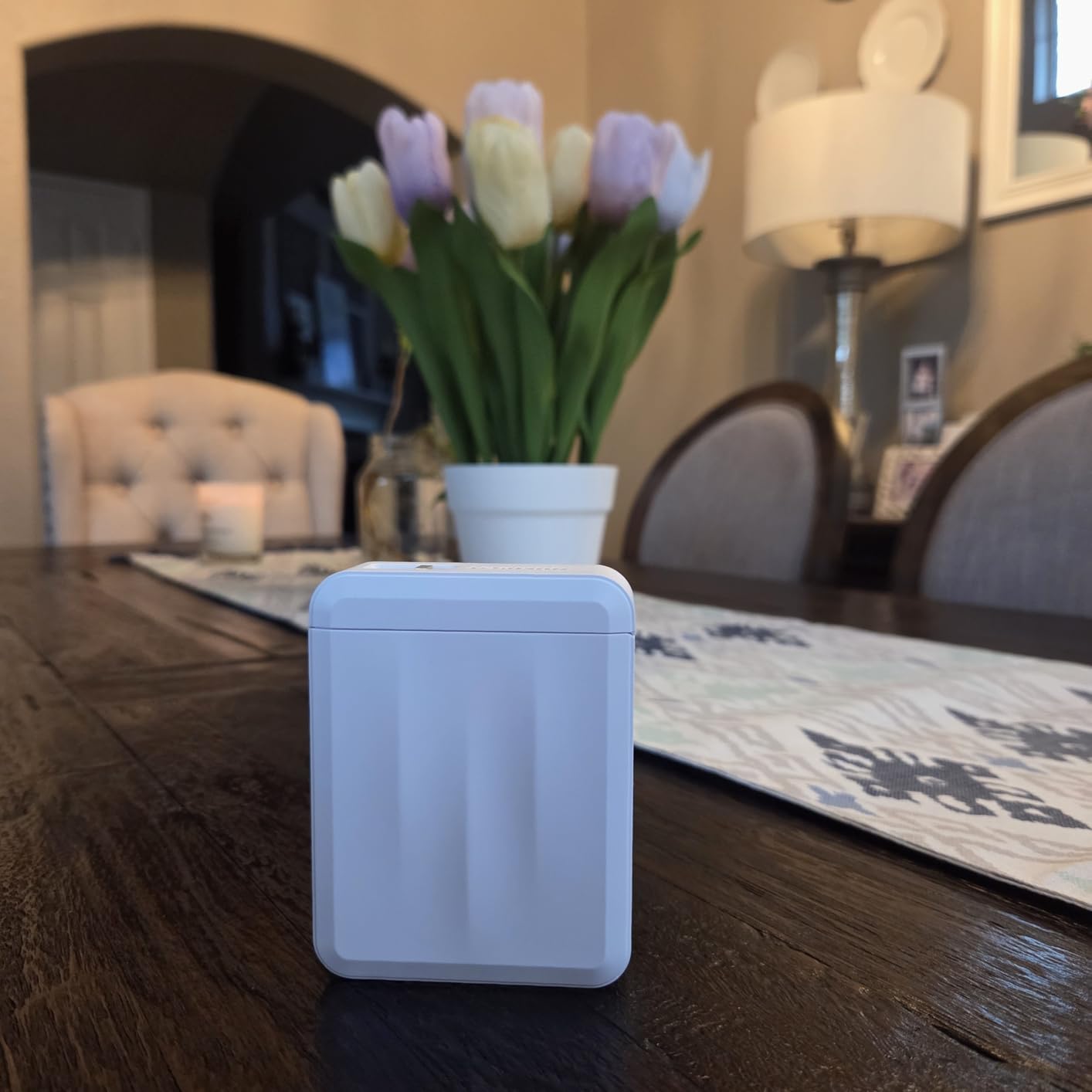
It is also the most pocketable machine we tested at 149g and 3.86 by 2.99 by 1.18 inches. Reviewers use it for cable IDs, name tags, jars and school or office supplies, and it is a natural fit for a facilities assistant who labels things while walking rather than at a bench. The 1500 mAh battery gives up to four hours of continuous printing, and the warranty runs two years.
Print quality is 203 by 203 DPI, BPA-free direct thermal with no ink or toner, at 40 pages per minute. Print width tops out at 15mm, with tapes such as 12x40mm, 14x30mm and 15x30mm supported, and the NIIMBOT app for iOS and Android supplies fonts, text, symbols, icons, borders and logos.
Best for quick, low-volume office jobs
A conference room renumbering, a set of desk drawer labels, a run of cable IDs during a refresh. The D110 handles these well, and the small size means it lives in a pocket or a drawer rather than on a shelf. The four-hour battery means a morning of labelling is realistic without a charger.
It is also a good first machine for a company that has never bought one. The risk is low, the consumables are ordinary, and nobody needs training. If the real goal is a playroom or bedroom rather than a facilities cupboard, our guide to the best label makers for kids rooms covers that side of the market.
Where it will not stretch
Print width is capped at 15mm, so no wide banners, no address labels, and nothing approaching the 2-inch output of the NIIMBOT B1. It is monochrome only, and it needs a phone with the NIIMBOT app – no keyboard, no computer connection.
One practical warning from owners: do not tear the sensor chip off the label roll, or print quality suffers. It is a small thing that catches people out the first time they change a roll.
10. SUPVAN E11 – Best Dual-Mode Label Maker for Shared Offices
SUPVAN E11 Keyboard & Bluetooth Label Maker Machine with 4 Tapes
Built-in keyboard plus app
0.2 inch minimal margin
Continuous tape support
Rechargeable 1200 mAh
Pros
- Only machine here with both a built-in keyboard and Bluetooth app
- 0.2 inch margins cut tape waste per label
- Works with continuous labels for long content
- Rechargeable battery lasts up to a month per charge at 8 ounces
- Bundled with continuous and die-cut tapes and a two-year warranty
Cons
- Monochrome thermal output only
- 1200 mAh battery is smaller than some rivals
- App features are limited compared with Nelko or NIIMBOT
- Label width limited to 15mm
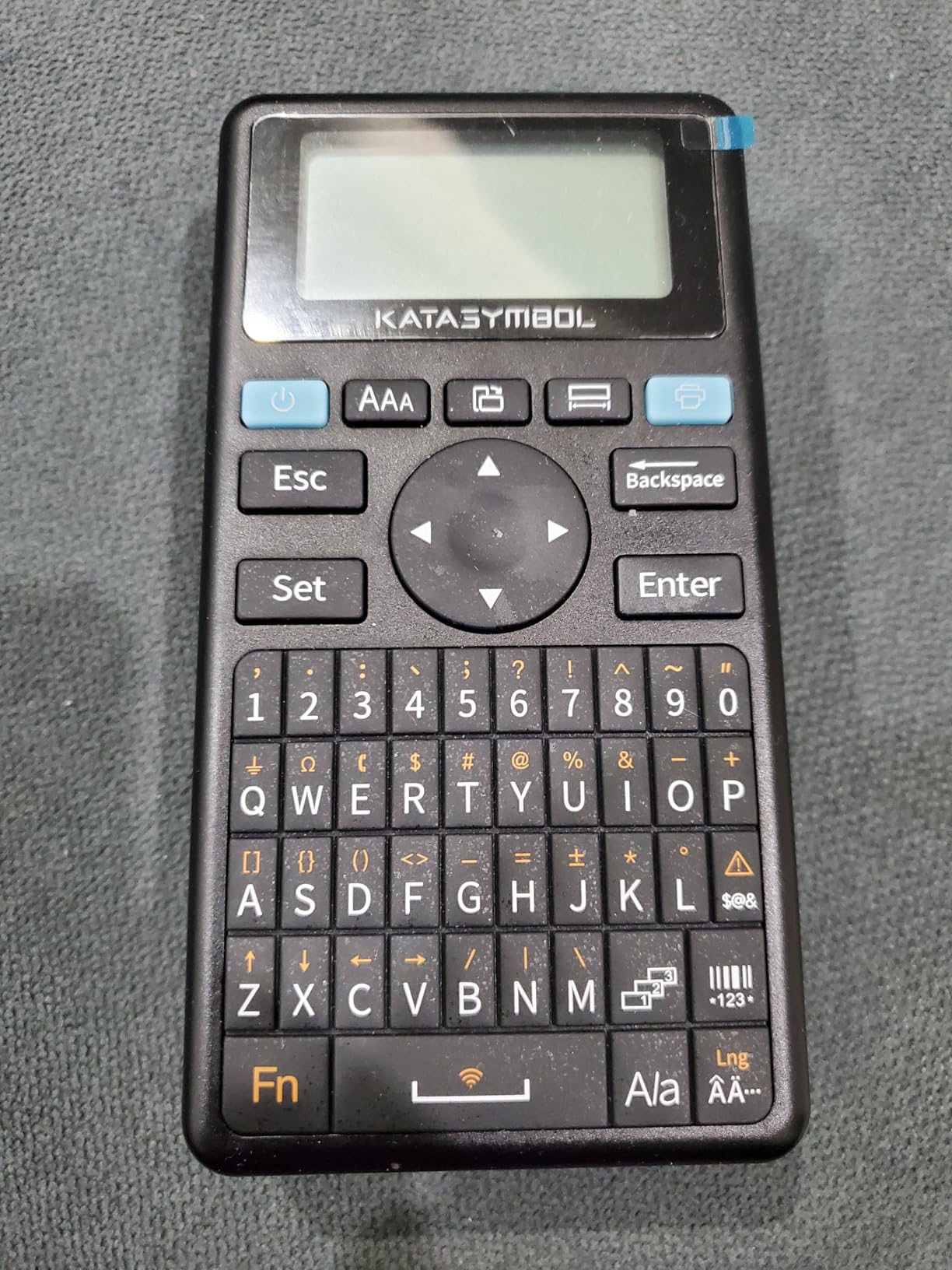
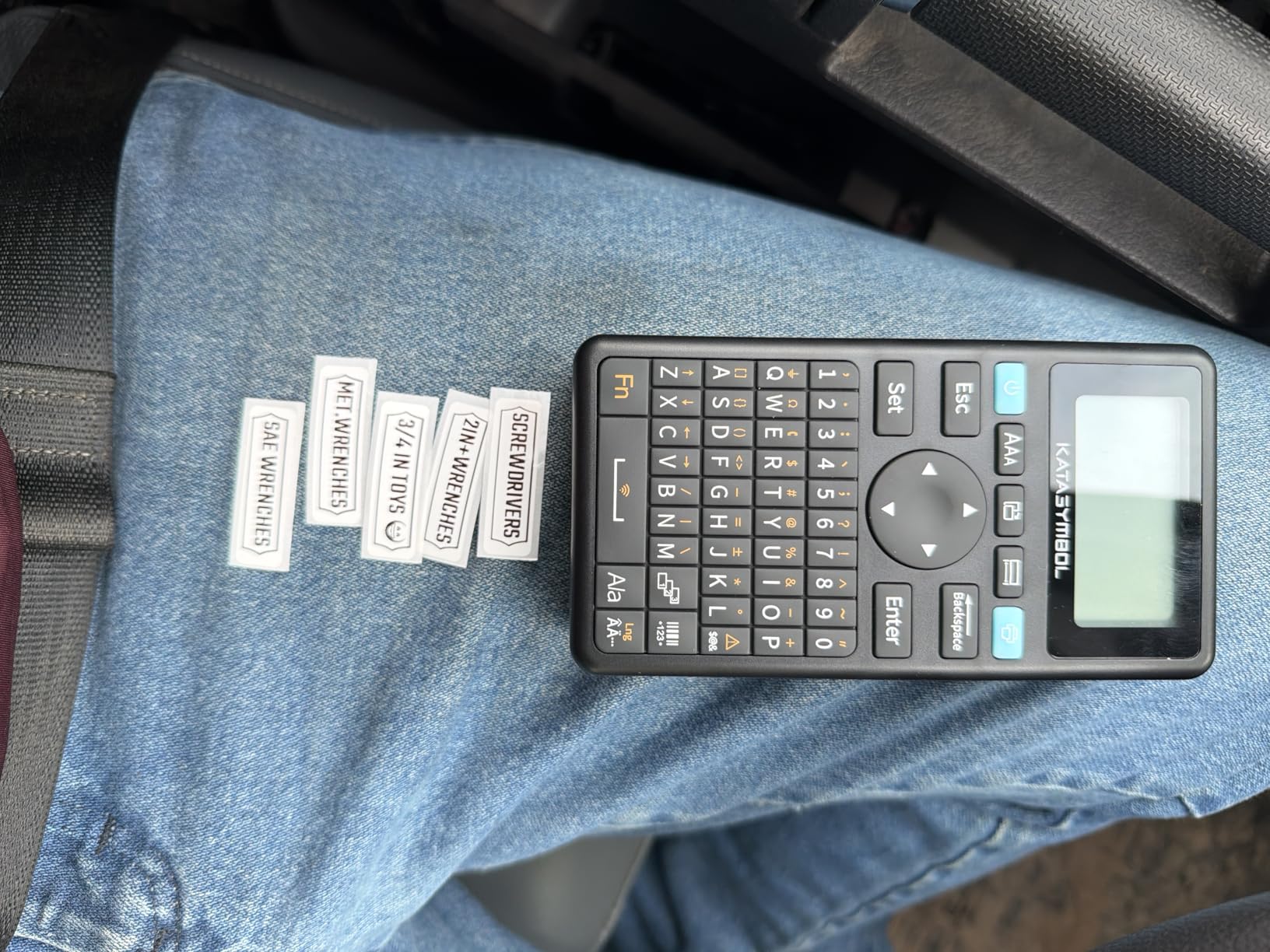
The E11 is the only machine in this roundup that gives you both, and for a shared office that is the feature that matters. You can type straight on the built-in keyboard for the quick labels that make up most of an office’s volume, then open the Bluetooth app for a designed label with icons and borders when you need one. Reviewers consistently describe exactly that split as the reason it works for them.
The 0.2 inch minimal margin is the quiet winner for a labelling-heavy office. Most machines waste a noticeable strip of tape on every print; on a machine used every day across a whole building, that difference compounds into a real saving and a shorter tape order. The rechargeable 1200 mAh battery lasts up to a month per charge, and at 8 ounces the machine is light enough to carry all day.
Print output is 203 DPI thermal monochrome at 28 pages per minute, and it works with both continuous and die-cut labels – continuous for long content like a project name or a rack location string, die-cut for consistent batches. The Bluetooth app offers 30+ fonts, 50+ frames, 660+ icons and 17 languages with local template saving. The bundle includes two continuous 15mm by 6m rolls and two die-cut 12mm by 40mm rolls, with a two-year manufacturer warranty.
Why dual-mode solves a real office problem
App-only machines fail in the corridor and at the rack. Keyboard-only machines fail when you want a graphic or an icon. The E11 is the compromise that suits a team where some people only ever print a room name and one person does the designed asset tags – and it means a single device can be the whole office’s machine rather than two devices on two desks.
Continuous tape support is the underrated part. When you need a long label rather than a fixed-length one, this machine will do it, and the local template saving means a recurring design can be reprinted without rebuilding it.
Where it falls short
App depth is modest compared with the Nelko or NIIMBOT apps – the design library is functional rather than deep. Output is monochrome only, label width is limited to 15mm, and 1200 mAh is a smaller battery than several rivals.
The 15mm ceiling is the one to weigh carefully. It comfortably covers cable flags, bin edges and drawer labels, and it stops short of anything wide. If wide labels are part of your plan, the NIIMBOT B1 covers that and the E11 does not.
How to Choose a Handheld Label Maker for Office Use
The decision that matters most is not resolution or print speed. It is whether the machine can print when your phone cannot, in a room with no signal, on a weekend, without an IT ticket. Everything else is a refinement of that.
Connection mode: keyboard, app, or both
Standalone keyboard units – the DYMO LetraTag 100H, the Brother PTD220, PT-M95, PTD210 and the DYMO LabelManager 160 – work with nothing else present. That makes them the default for a comms cupboard, a rack at the back of a server room, or a building where the wifi does not reach.
App-controlled units – the Nelko P21, NIIMBOT B1 and D110 – give you better graphics, barcodes and QR codes, and often a wider label format. Their weakness is environmental rather than technical. A company that restricts companion app installs will block them outright, and every reviewer note we read about pairing problems came from exactly that situation.
The SUPVAN E11 sits between the two and is the compromise most mixed teams end up preferring. A recurring theme in r/sysadmin is that people run more than one machine rather than expecting one device to do everything – a Brother handheld for cabling and something else for addresses. Two cheap handhelds in two rooms will beat one expensive machine in the wrong one.
Tape width: the choice you cannot undo later
Half inch, or 12mm, is the office standard and the right default for cable flags, file folders, drawer labels and bin edges. The PTD210 also takes 3.5mm, 6mm and 9mm, which lets you use a narrower tape for a single cable without bulk. Fifteen millimetres covers a little more text. Two inches, available on the NIIMBOT B1, is for shelf edges and large bin fronts where the label has to read from a distance.
Whatever you pick, check what the machine does when a label is longer than your text. The E11 prints continuous tape; several others only do fixed lengths, which means you choose the size before you type. That is fine until someone needs a longer project name at 4pm on a Friday.
Print resolution and small text
Resolution is only worth thinking about if your labels contain text small enough to be marginal. At 180 DPI the Brother units are legible for normal office text but soft on very small print. At 203 DPI the Nelko, Brady, NIIMBOT and SUPVAN machines produce clean small text. At 300 DPI the DYMO LabelManager 160 is the sharpest, and it is the one to choose for serial numbers, asset codes and anything that has to be read accurately later.
For cable labels wrapping around a jacket, remember that only a short band is visible. A wider label is often a better use of a sharp print head than a sharper one on a tiny label.
The tape system and its running cost
Brother TZe is pre-laminated, water-resistant and fade-resistant, which is the safest general choice for an office. DYMO D1 is more colour choice but proprietary. NIIMBOT and Nelko use their own die-cut rolls in fixed sizes. The SUPVAN E11 accepts both continuous and die-cut stock.
The cost people miss is waste per print, not price per cassette. Laminated tape and fixed-length die-cut stock both leave a tail on every label. A minimal-margin machine changes that arithmetic, and in an office that prints hundreds of labels a year, tape is a recurring line item worth thinking about before you pick the machine rather than after.
Label longevity follows the same logic. Laminated or self-laminating tape survives moisture, handling and sunlight; paper tape fades and lifts within months on a shelf that gets cleaned. For archive boxes and equipment that moves between buildings, pay for laminate.
Power and shared-device use
Battery units with AAA cells never die and never need a cable, but they cost more consumable attention. Rechargeable units – the Nelko P21, NIIMBOT B1, NIIMBOT D110 and SUPVAN E11 – disappear for a week on a charge. In a shared office, that difference decides whether a machine is there when you need it.
Shared Bluetooth pairing is a real failure mode. Anyone who has worked in an office has watched a phone refuse to connect to a label maker while a queue waits. A shared office is best served by a keyboard unit, and by labelling the machine itself so the next person knows where it lives.
Brother vs DYMO for the office
Brother is the stronger choice for durability and consumable range. TZe laminated tape is water-resistant and fade-resistant, it comes in a very wide colour and pattern range, and the machines accept multiple tape widths. If your labels will be handled, wiped, or stuck on a cable, that ecosystem is hard to beat. Forum consensus repeatedly lands on Brother as the default durable choice, and our testing agrees.
DYMO wins on screen and on resolution. The LabelManager 160 has the largest display and the only 300 DPI output in this roundup, which is the right combination for serial numbers and multi-line text. The LetraTag 100H wins on weight and simplicity. Choose DYMO when legibility of small or long text is the priority, and Brother when tape durability and range are the priority.
When a handheld is the wrong tool
A handheld cannot print 4 by 6 shipping labels, cannot produce a hundred serialized asset tags in minutes, and cannot lay down a tamper-evident security seal. Those jobs need a desktop thermal printer. Many small offices end up with both, and that is a sensible pairing rather than a compromise – the handheld for the labels that go on things, the desktop for the labels that go on parcels.
One more office-specific caution: laminated consumer tape is not appropriate near heat, chemicals or live electrical work. If your labelling happens in those places, the industrial tier is the correct answer, not a cheaper consumer unit.
Which Label Maker for Each Zone of the Office
Most offices are not uniform, and the fastest way to choose is to work out which zone is generating the labels.
Cable runs and patch panels. The DYMO LetraTag 100H or the Brother PTD210. Both print laminated tape that grips a cable jacket, both have a keyboard so you are not handling a phone next to live equipment, and the PTD210’s 3.5mm tape is neater on a single run.
Server rack and plant room. The Brady M210 if the environment is rough, the Brother PTD210 if it is a normal comms cupboard. Self-laminating or laminated tape is the deciding factor, not the printer.
Storage bins, shelving and archive boxes. The NIIMBOT B1 for wide shelf-edge labels, the Brother PTD220 for standard bin fronts with saved templates and label memory. For light daily filing, the PT-M95 is the one that stays in the drawer and gets used.
Meeting rooms and door signage. The Brother PTD220 or the DYMO LetraTag 100H. Both have displays, both print without a phone, and both have box styles for a sign that looks deliberate rather than handwritten.
Inventory and equipment loans. The Nelko P21 or the NIIMBOT B1, both of which print QR codes and barcodes from a phone app. If the person doing stock takes is walking a storeroom, a pocket unit beats a bench machine.
Supply closet and kitchen. The NIIMBOT D110 for quick, cheap labelling of jars, boxes and containers, and the SUPVAN E11 if the same machine also needs to handle longer descriptive text.
Frequently Asked Questions
What is the best handheld label printer?
For most offices the DYMO LetraTag 100H is the best handheld label printer, because it works with no phone or computer, weighs 16 ounces and prints half-inch direct thermal tape that holds up on cables, bins and equipment. Teams that need wide shelf labels or app-designed barcodes should consider the NIIMBOT B1 or the SUPVAN E11 instead.
Are Dymo or Brother label makers better for office use?
Brother is usually better for durability and consumable range, because TZe laminated tape is water-resistant and fade-resistant and the machines accept several tape widths. DYMO is usually better for legibility of small or long text, since the LabelManager 160 combines a large display with 300 DPI output. Choose Brother for labels that get handled and DYMO when accuracy of small text matters most.
Which label maker is best for organizing an office?
For storage bins, drawers and archive boxes the Brother P-Touch PTD220 is the strongest general choice, because it stores up to 30 frequent labels and ships with 25 templates for repeatable filing. For wide shelf-edge labels the NIIMBOT B1 prints 2-inch stock that reads from a distance, and for light daily labelling the Brother PT-M95 is the lightest full-keyboard unit at 9.12 ounces.
What is the top rated handheld label maker?
The DYMO LetraTag 100H is the top rated handheld label maker in this roundup at 4.6 out of 5 across more than 31,000 reviews, with the DYMO LabelManager 160 and the Brother P-Touch PTD210 close behind at 4.6 as well. The Brady M210 also holds 4.6 and has the highest share of five-star reviews here at 85 percent, but its review base is far smaller at around 1,200.
Do I need a handheld label maker or a desktop label printer for an office?
A handheld is the right choice for labels that go on things: cables, bins, drawers, equipment and room signs, because it can be carried to the job and prints without a phone. A desktop thermal printer is the right choice for volume work such as 4 by 6 shipping labels or a hundred serialized asset tags. Many small offices usefully own both, with the handheld for the floor and the desktop for the shipping bench.
Can a label maker print barcodes?
Yes, but it depends on the machine. The app-controlled models are the strongest for this: the Nelko P21 creates QR codes, barcodes, text, images and borders, and the NIIMBOT B1 and NIIMBOT D110 support similar output through their companion apps. The keyboard units print text, symbols and frames rather than full barcode symbologies, so if your labelling scheme requires a scannable code, plan on an app-driven machine.
How much does tape cost for a label maker per year?
It depends far more on waste per print than on the cassette price. Laminated tape and fixed-length die-cut stock both leave a tail on every label, so a machine with minimal margins – the SUPVAN E11 prints at 0.2 inch – stretches each roll noticeably further. For a busy office, budget for several cassettes a year and prefer a machine that accepts continuous tape if your labels vary in length.
How long do laminated label maker labels last?
Laminated tape such as Brother TZe is described as water-resistant and fade-resistant and holds up for years on drawers, bins and equipment that is handled regularly, which is why it is the default for office cable and equipment labels. Self-laminating industrial labels from the Brady system wrap around a cable jacket and seal over themselves, giving the longest life in damp, hot or chemically active environments such as plant rooms.
The Bottom Line for Office Labeling in 2026
The best handheld label makers for offices are the ones your team will actually reach for. For most workplaces that is the DYMO LetraTag 100H, because it works with no phone, weighs almost nothing and prints laminated half-inch tape that grips cables, bins and equipment. Buy it as the default machine and put it back in the same place every time.
Match the machine to the job after that. Small text and serial numbers point to the DYMO LabelManager 160 at 300 DPI. Wide shelf labels point to the NIIMBOT B1. Barcodes and QR codes point to any of the app-driven machines. Rough environments and plant rooms point to the Brady M210. A team that wants both a keyboard and an app, and cares about tape waste, points to the SUPVAN E11. And for the cheapest useful option in a second room, the NIIMBOT D110 does the job for very little.
Whichever you choose, decide the label set before you buy the machine. A consistent set of widths, fonts and naming conventions is what turns labelling from a tidying exercise into an asset register you can actually search later.