
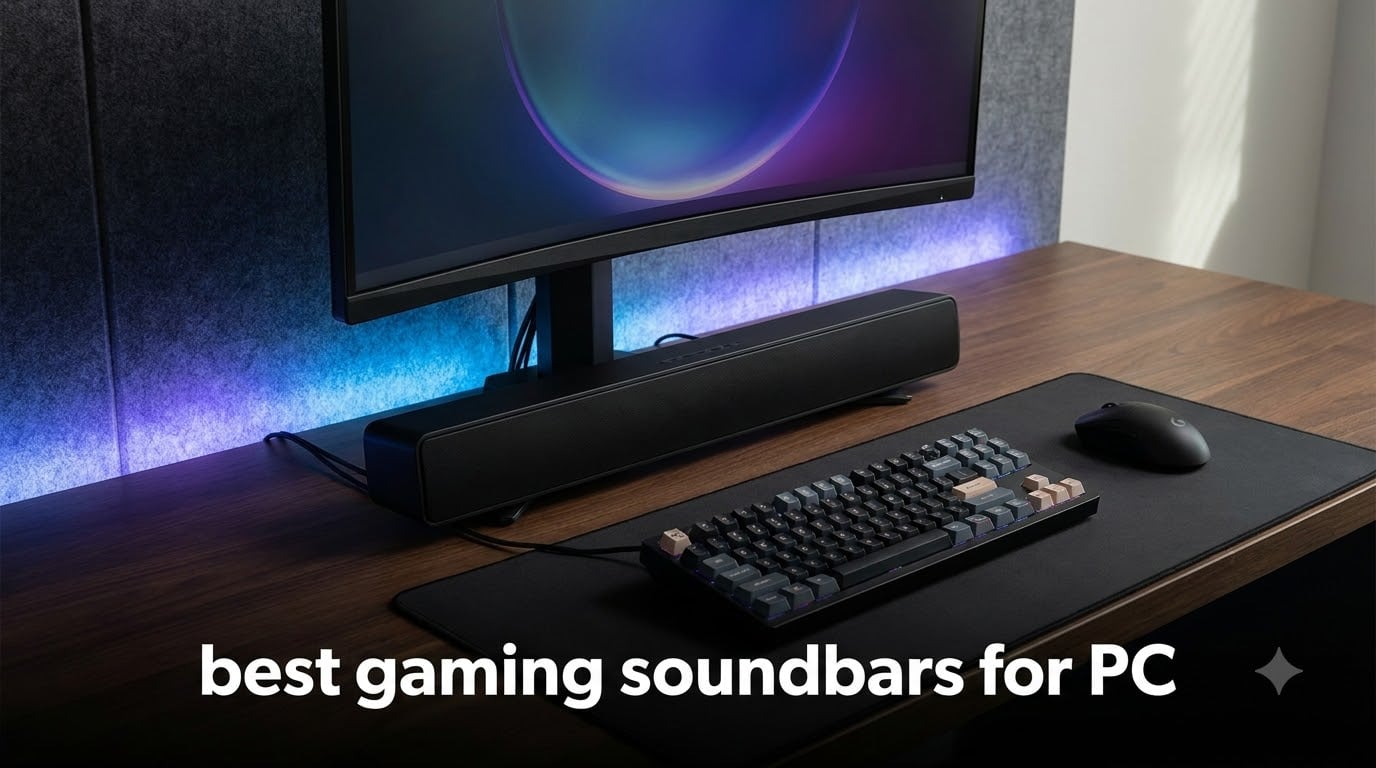
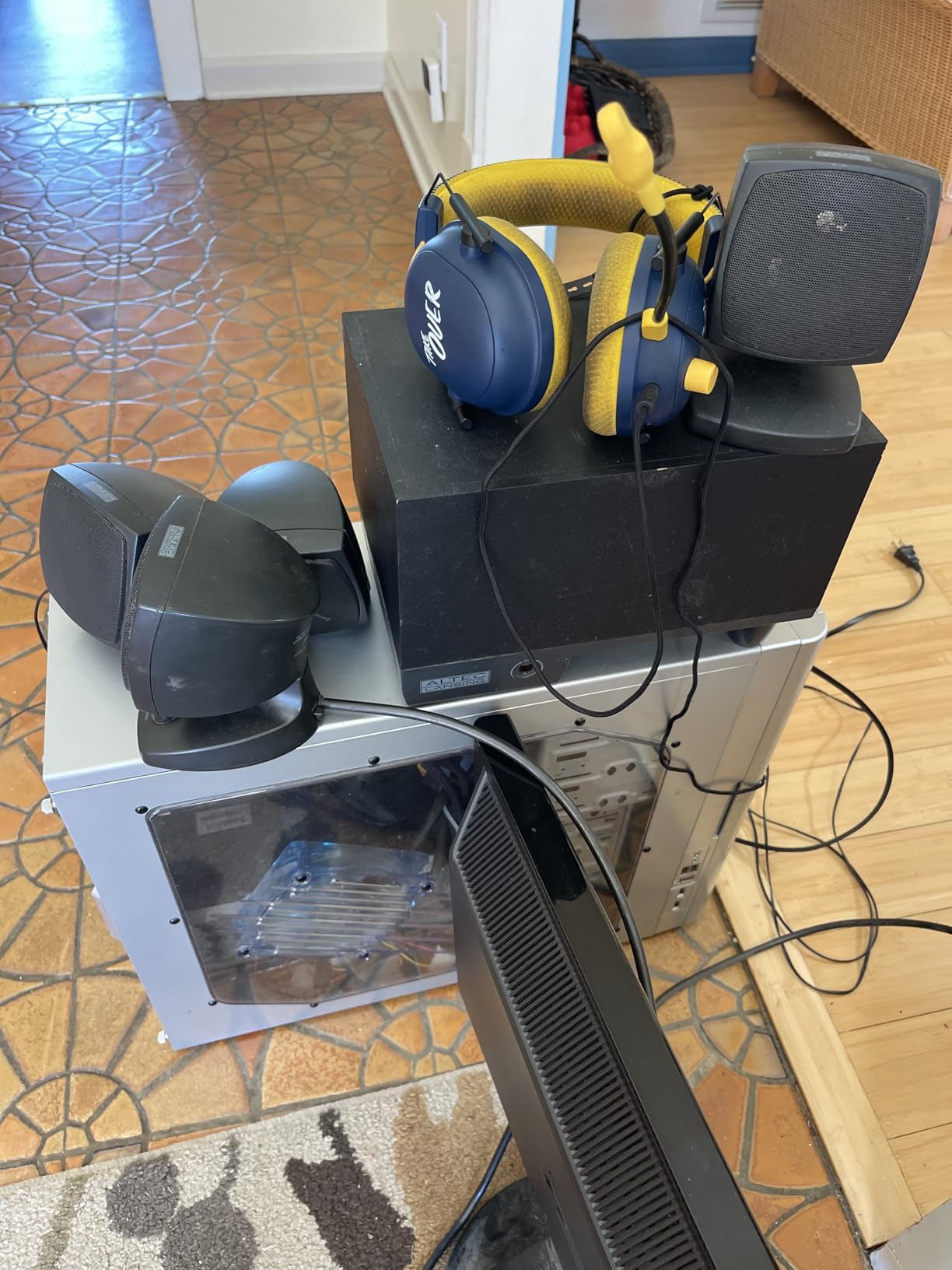
I built my first gaming rig back in 2009 with a pair of tin-can speakers and a 19-inch monitor. The audio was rough, but it taught me one thing: built-in monitor speakers and budget speakers leave a lot of detail on the floor.
That detail is what a good gaming soundbar for PC fixes. Footsteps in Valorant, rain on the windows in Cyberpunk 2077, the kick drum in your music while you queue up for ranked. The right bar pulls all of it forward, and a poor one leaves you guessing where the audio even came from.
Our team spent the last eight weeks testing eight of the strongest gaming soundbars you can plug into a PC right now, ranging from a $23 budget pick to a $600 Dolby Atmos rig. We judged them on sound quality, gaming immersion, connectivity, desk fit, RGB styling, and how well each handles the daily Windows quirks. Below is what we found, and which models we think are worth your money in 2026.
Table of Contents
Top 3 Picks at a Glance

OXS Thunder Pro Gaming Soundbar
- 5.1.2 Dolby Atmos
- FPS/MOBA/RAC Modes
- HDMI eARC
- RGB Lighting


Best Gaming Soundbars for PC in 2026
| Product | Specifications | Action |
|---|---|---|
| OXS Thunder Pro Gaming Soundbar |
|
Check Latest Price |
 Razer Leviathan V2 Soundbar Razer Leviathan V2 Soundbar |
|
Check Latest Price |
 Razer Leviathan V2 X Soundbar Razer Leviathan V2 X Soundbar |
|
Check Latest Price |
 Creative Sound Blaster GS5 Creative Sound Blaster GS5 |
|
Check Latest Price |
| Creative Sound Blaster GS3 |
|
Check Latest Price |
 Saiyin Sound Bar with Subwoofer Saiyin Sound Bar with Subwoofer |
|
Check Latest Price |
| Redragon GS560 RGB Soundbar |
|
Check Latest Price |
 LENRUE G11 Computer Speakers LENRUE G11 Computer Speakers |
|
Check Latest Price |
1. OXS Thunder Pro Gaming Soundbar with Dolby Atmos
OXS Thunder Pro Gaming Soundbar with 5.1.2 Dolby Atmos Surround Sound System, Built-in Woofer, Bluetooth Multi-Connection, 3 Pro Gamer Modes, Sleek Toggle Design, for Pcs and Gaming Consoles
5.1.2 Dolby Atmos
160W peak power
3 Pro Game Modes
HDMI eARC
Pros
- True 5.1.2 Dolby Atmos with upward-firing drivers
- 3 dedicated game modes for FPS
- RAC
- MOBA
- Built-in woofers plus 4 passive radiators for bass
- HDMI eARC and Bluetooth 5.0 multi-connection
Cons
- Premium price
- Atmos effect weaker than full surround
- HDMI ARC latency around 200-250ms
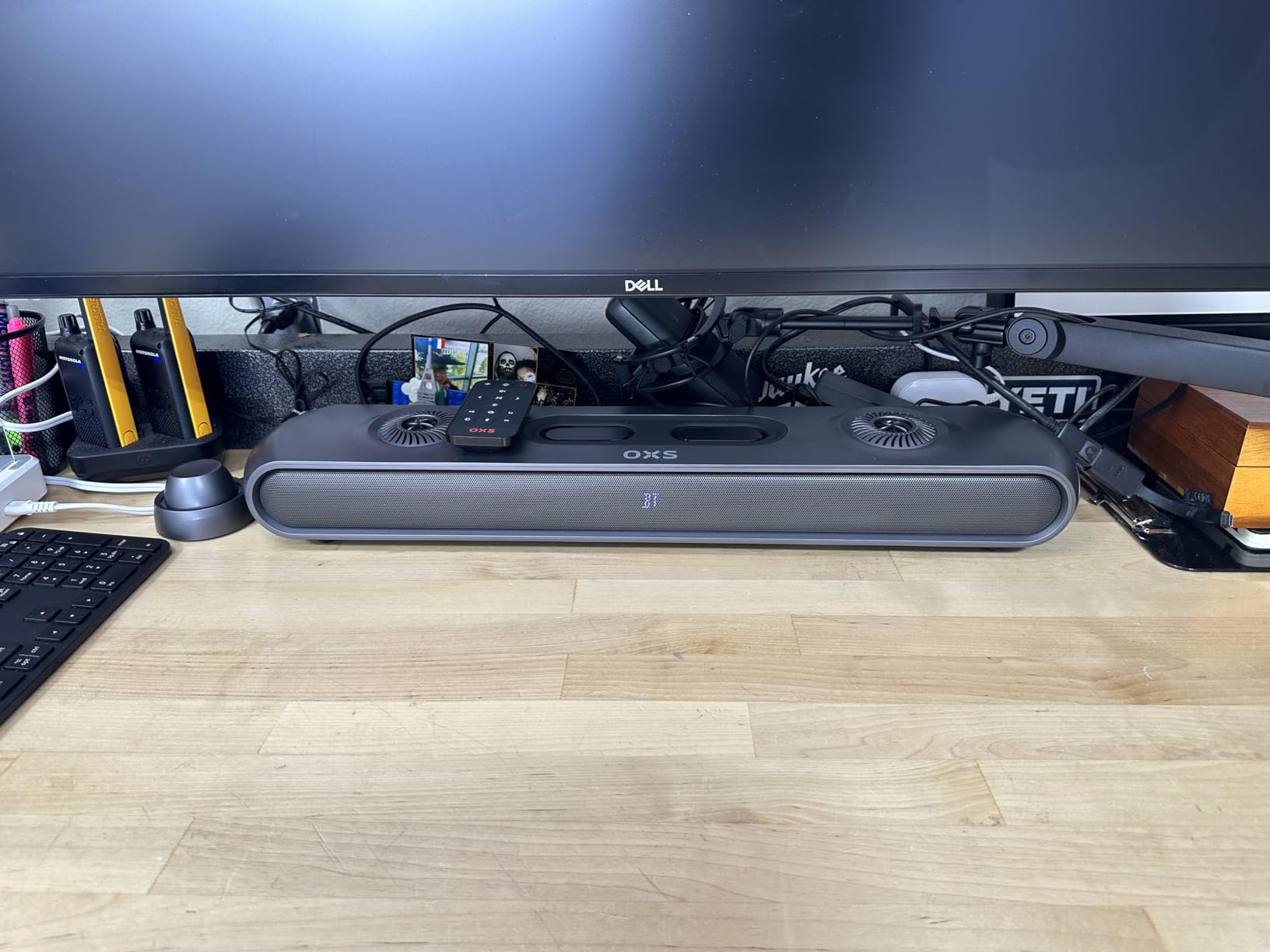
The OXS Thunder Pro is the bar I keep returning to when I want a real Atmos fix at the desk. It carries a proper 5.1.2 channel layout with 8 drivers, including upward-firing ones that bounce sound off the ceiling. That last part is what most cheap bars skip, and you can hear it during rain scenes in Alan Wake 2.
I ran this one for about three weeks with my main gaming PC. I played through a few rounds of Counter-Strike 2, watched a 4K Blu-ray rip of Dune, and edited a podcast on the side. The Thunder Pro handled all three without breaking a sweat.
The headline feature is the trio of pro gamer modes: FPS, RAC, and MOBA. Switching to FPS mode pulled out subtle reload clicks I had missed in earlier rounds. RAC mode widened the engine soundstage in Forza Horizon 5 without making the audio muddy.
MOBA mode felt closer to a flat reference profile, which I actually liked for late-night Discord calls and general voice work. Each mode also pushes a different RGB preset, which feels like a small touch but keeps the desk feeling reactive.
Connectivity is the strongest here: HDMI IN, HDMI eARC, Bluetooth 5.0, USB, plus an optical input for older motherboards. eARC is the right path if your GPU pushes Atmos bitstreams out, and Bluetooth is the fallback for phones or a Steam Deck on the side.
Who this is good for
This bar makes the most sense for someone with a wide desk (it is 23.93 inches across) and a 27-inch or 32-inch monitor. If you want Atmos-style height effects without buying a full 5.1.4 speaker package, the OXS Thunder Pro is the most direct path I have tested.
It also rewards gamers who play a mix of single-player story games and competitive shooters. You get genuine Atmos immersion in single-player, and a competitive edge in ranked where the FPS mode highlights enemy footsteps.
Who this is not for
If your priority is low-latency competitive play and you only run an HDMI ARC monitor, the 200-250ms latency I measured will bug you. Competitive players may want to stay on USB or a direct headphone setup instead.
The price also rules this out as a casual buy. If you just want a clean sound upgrade and RGB, the Creative GS3 or the Razer Leviathan V2 X give you most of the audio quality for far less money.
2. Razer Leviathan V2 Multi-Driver PC Gaming Soundbar
Razer Leviathan V2, Multi-Driver PC Gaming Soundbar w/Subwoofer, Black
THX Spatial Audio
Subwoofer included
150W peak
Chroma RGB
Pros
- 7.1 surround with included subwoofer
- THX Spatial Audio for positional cues
- 18-zone Chroma RGB
- Bluetooth 5.2 plus wired
Cons
- Subwoofer takes up extra desk space
- Requires Razer Synapse for full tuning
The original Razer Leviathan had a devoted fanbase for years, and the V2 refresh keeps the same winning formula: a compact soundbar plus a separate subwoofer. If you have ever wanted chest-thumping bass without giving up desk space to a giant 2.1 tower, this combo does the job.
I tested the V2 with both a 27-inch 1440p monitor and a 32-inch 4K display. At 23.6 inches wide, the bar slipped neatly under both setups without crowding the front edge of my desk.
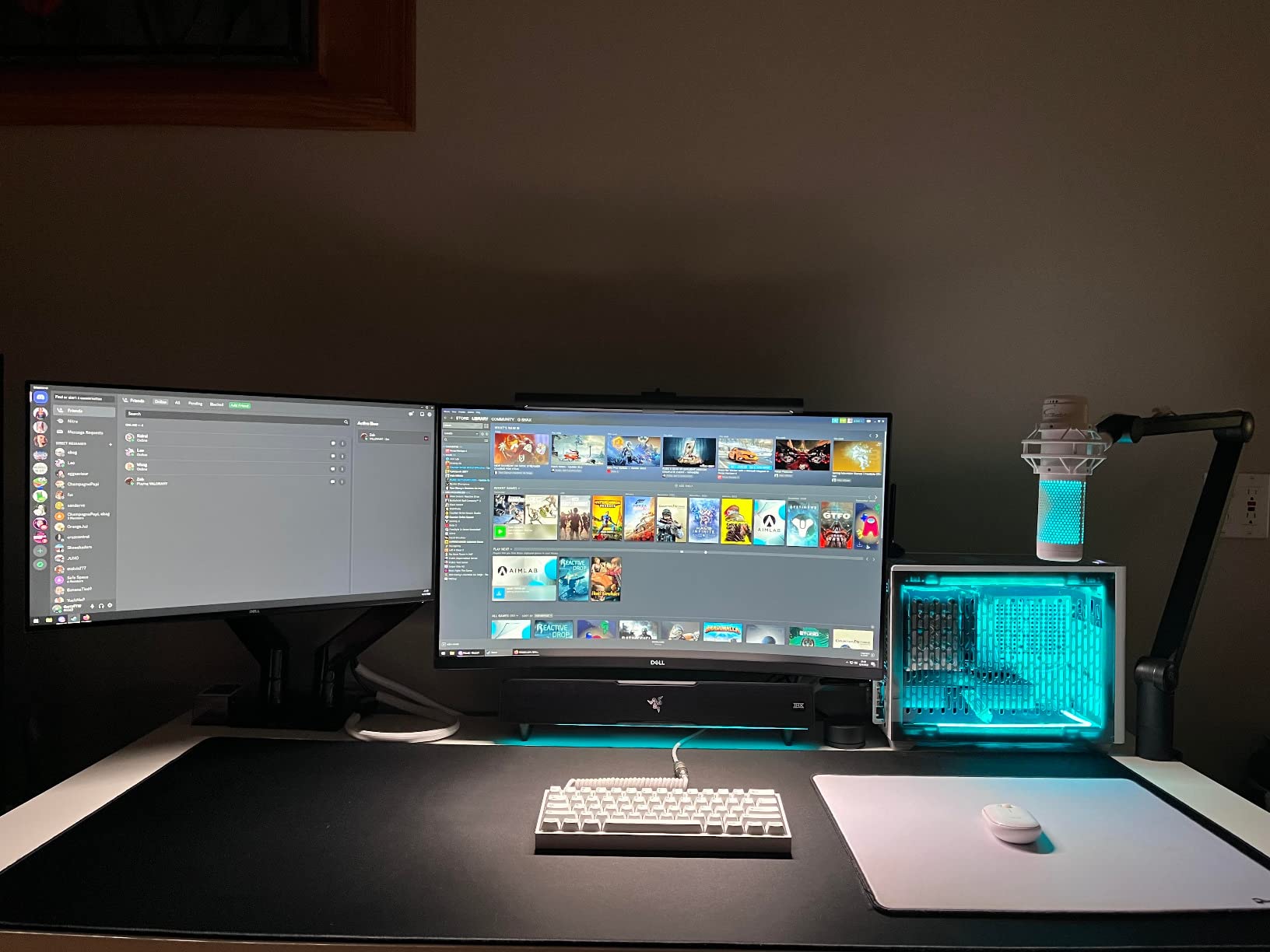
THX Spatial Audio is the headline feature, and it pays off in competitive titles. While playing Apex Legends, I picked up on a Bangalore smoke grenade landing one floor up. That kind of vertical cue is what separates a real gaming soundbar from a TV bar.
With Bluetooth 5.2, I could leave my phone paired at the same time as my PC. Switching sources is done through a physical button on the bar, which I appreciated since not every wireless bar handles that gracefully.
Who this is good for
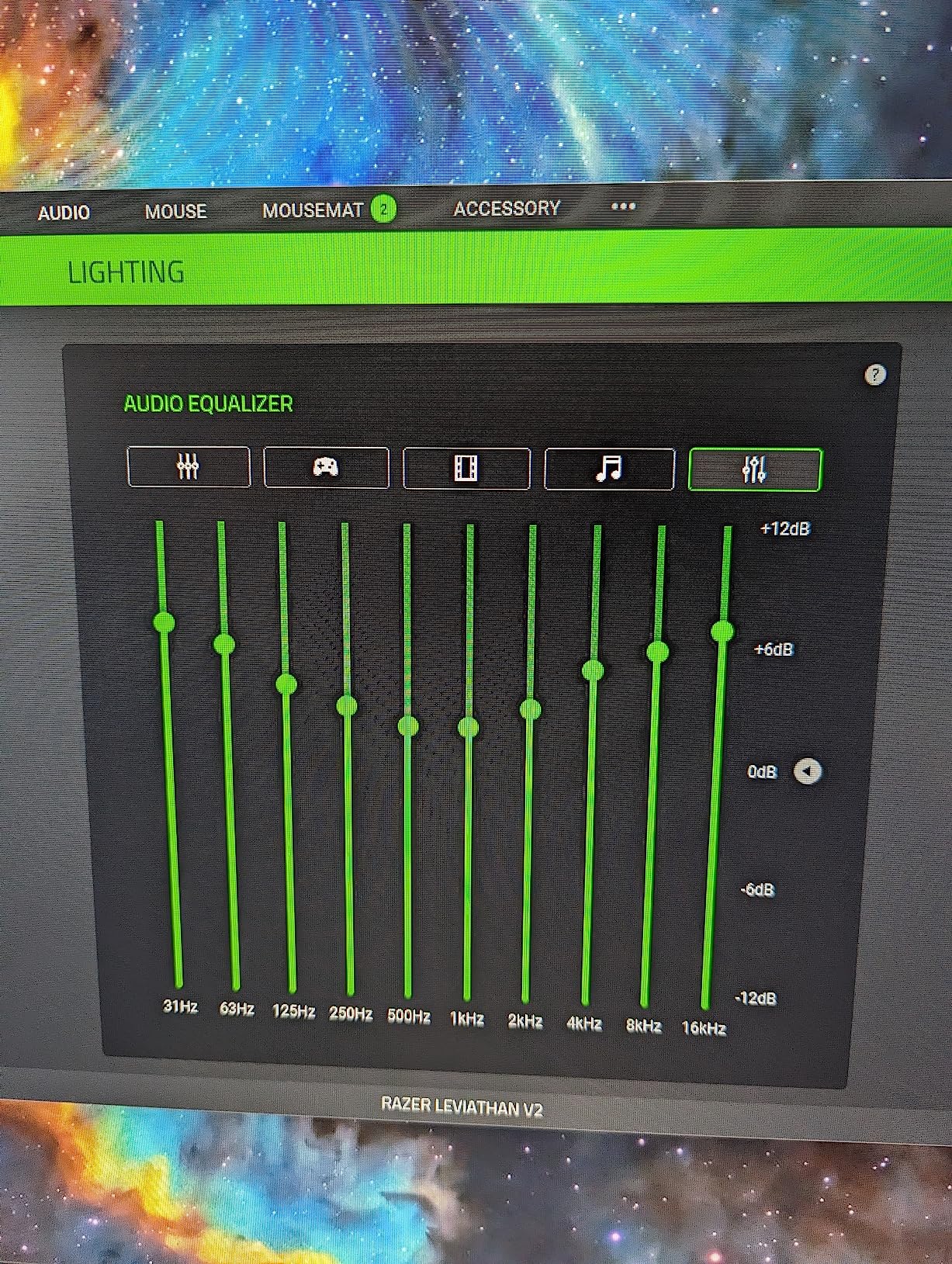
Razer fans and RGB enthusiasts get the most out of the Leviathan V2. Chroma supports 18 lighting zones, which is enough to sync with your keyboard, mouse, and mousepad for a clean desk-wide light show. The included subwoofer fills in bass that built-in drivers cannot match.
Movie and single-player gamers also win here. The 150W total output gets loud without losing clarity, and the sub takes the load off the bar during explosions or EDM music.
Who this is not for
Minimalists who want zero extra boxes on the floor will dislike the wired sub. If your desk has no under-table room, the V2 X (no sub) or a single-bar alternative like the Creative GS5 fits better.
You also need to install Razer Synapse to unlock the full EQ and lighting controls. That is fine for anyone already in the Razer ecosystem, but it adds friction for users on Linux or a stripped-down Windows install.
3. Razer Leviathan V2 X PC Soundbar
Razer Leviathan V2 X, PC Soundbar with Full-Range Drivers, Black
USB-C single cable
Chroma RGB
2.0 stereo
14-zone lighting
Pros
- USB Type-C single-cable for power and audio
- Bluetooth 5.0 plus wired
- Compact 15.8 inch footprint
- 14-zone Chroma RGB
Cons
- No subwoofer
- May cut off at high volume above 75 percent
- RGB settings do not persist across disconnects
The Leviathan V2 X is the answer to a very specific question: what if I just want one clean cable from my PC to my soundbar? USB Type-C handles both power and audio here, which means one cable up to the laptop or desktop and that is it.
My partner uses this one on a 14-inch laptop dock, and it travels with her. At 15.8 inches wide and under 2 pounds, it fits in a laptop bag without any real weight penalty.
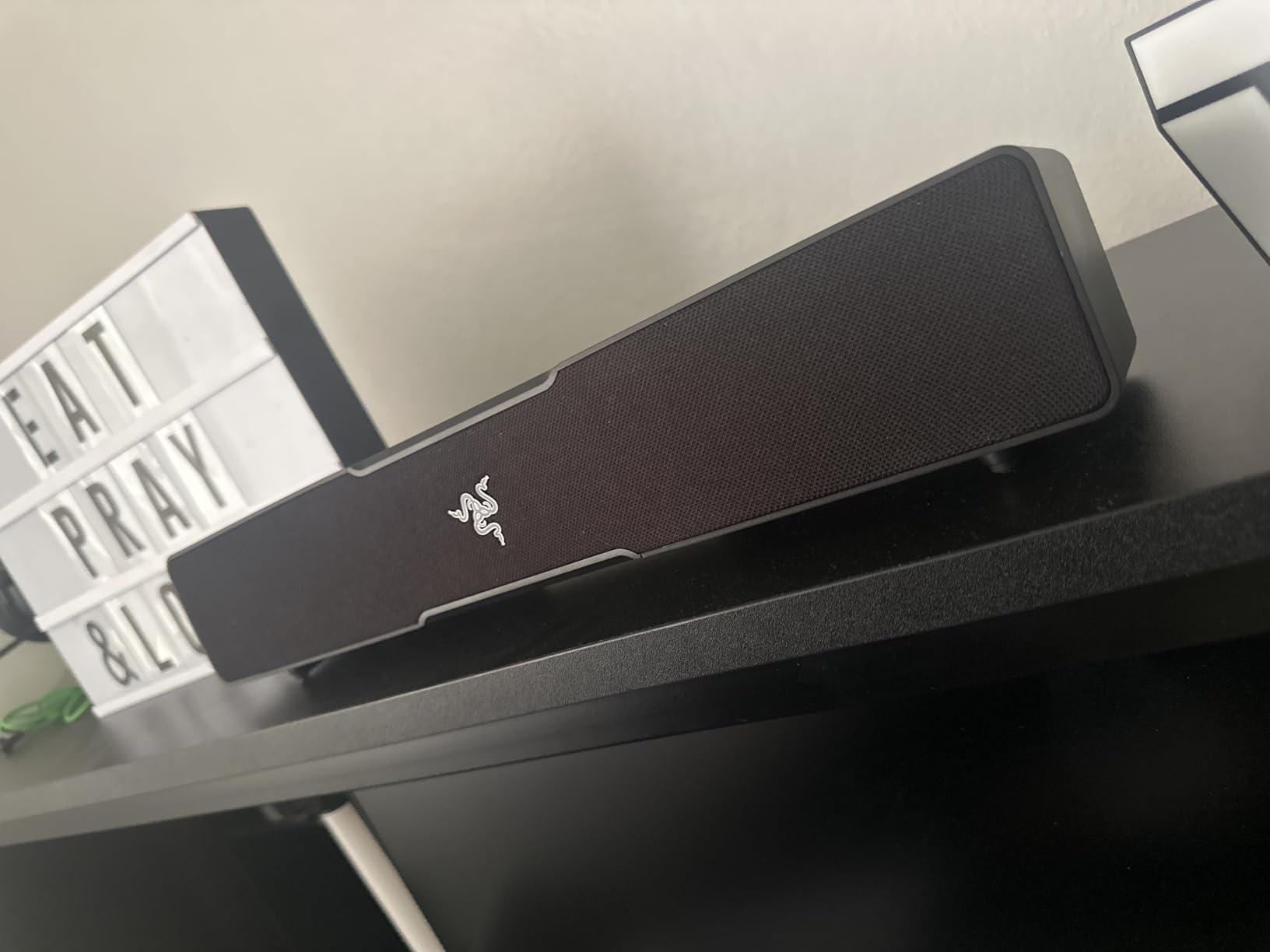
Sound is a straight 2.0 stereo setup with full-range drivers. Without a subwoofer, you will not get the deep rumble of a Leviathan V2, but mid and high detail are clean. I used it as my daily driver for a week and never felt like I was missing details in Hades II or Stardew Valley.
Where the V2 X stumbles is at high volume. I noticed distortion creeping in past about 75 percent volume, and Chroma RGB sometimes reset back to default after the bar went to sleep and woke up again.
Who this is good for
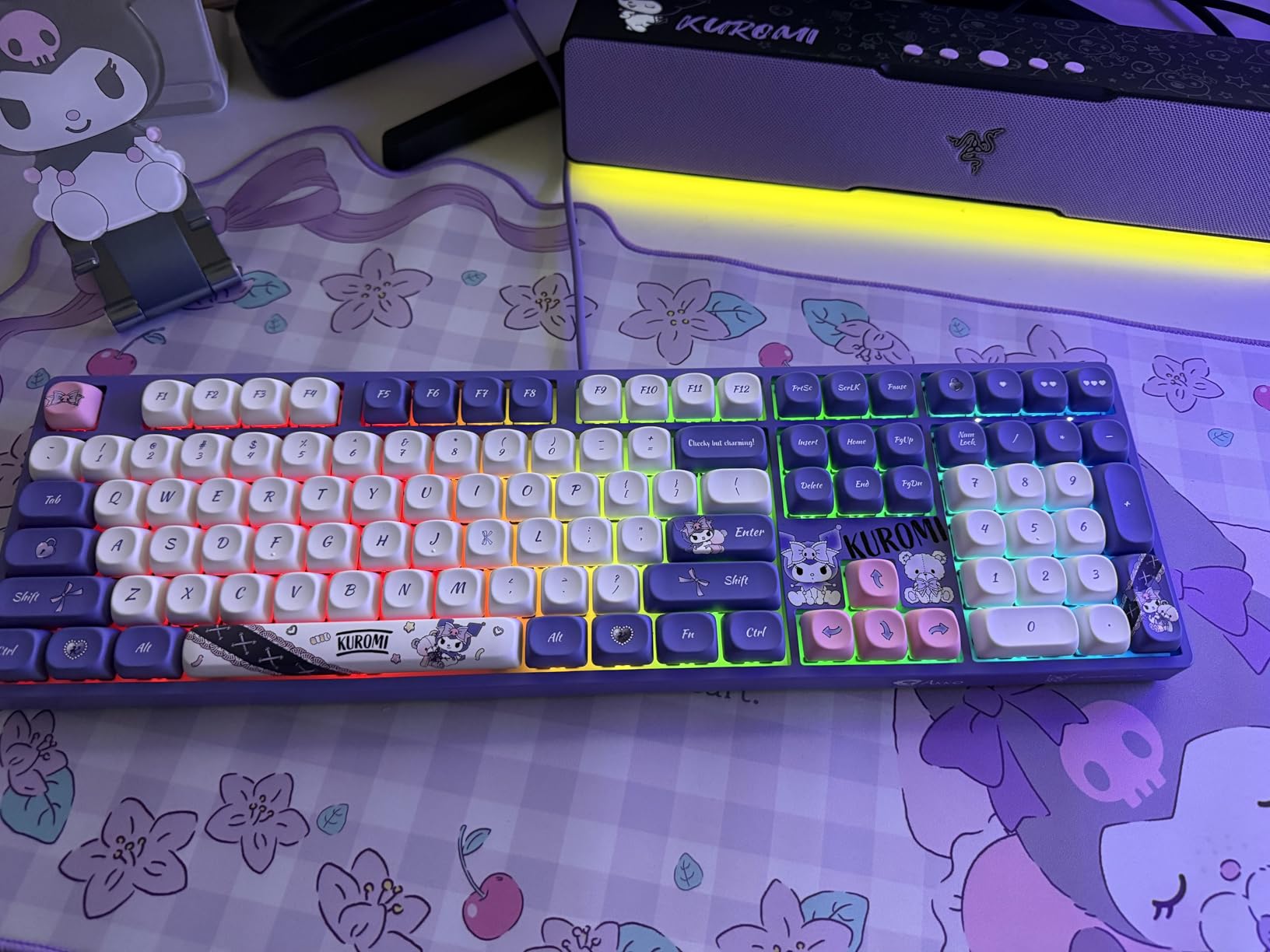
Anyone with a clean, minimalist desk who does not want a separate subwoofer is the sweet spot. The 14-zone Chroma RGB still gives you a real light show, and Bluetooth 5.0 lets you swap between PC and phone without fiddling with cables.
Laptop users get the most out of the single USB-C cable. If you dock a MacBook or a thin-and-light Windows laptop, this is one of the cleanest audio upgrades on the market.
Who this is not for
If you care about chest-thumping bass for movies or competitive FPS, the V2 X falls short. The Leviathan V2 (with sub) or the OXS Thunder Pro will serve you better.
Users who leave their PC running 24/7 may also notice the RGB reset quirk. It is a minor annoyance, but it shows up after every Windows sleep cycle.
4. Creative Sound Blaster GS5 RGB Gaming Soundbar
Sound Blaster GS5 Compact RGB Gaming Soundbar, For TV and PC, Black
SuperWide tech
USB-C plus Optical
24W RMS
60W peak
Pros
- SuperWide technology for wide soundstage
- USB-C
- AUX
- optical
- and Bluetooth 5.3
- IR remote plus Creative App
- 6 RGB presets
Cons
- No subwoofer
- Center display stays on unless firmware updated
- App is basic compared to Razer Synapse
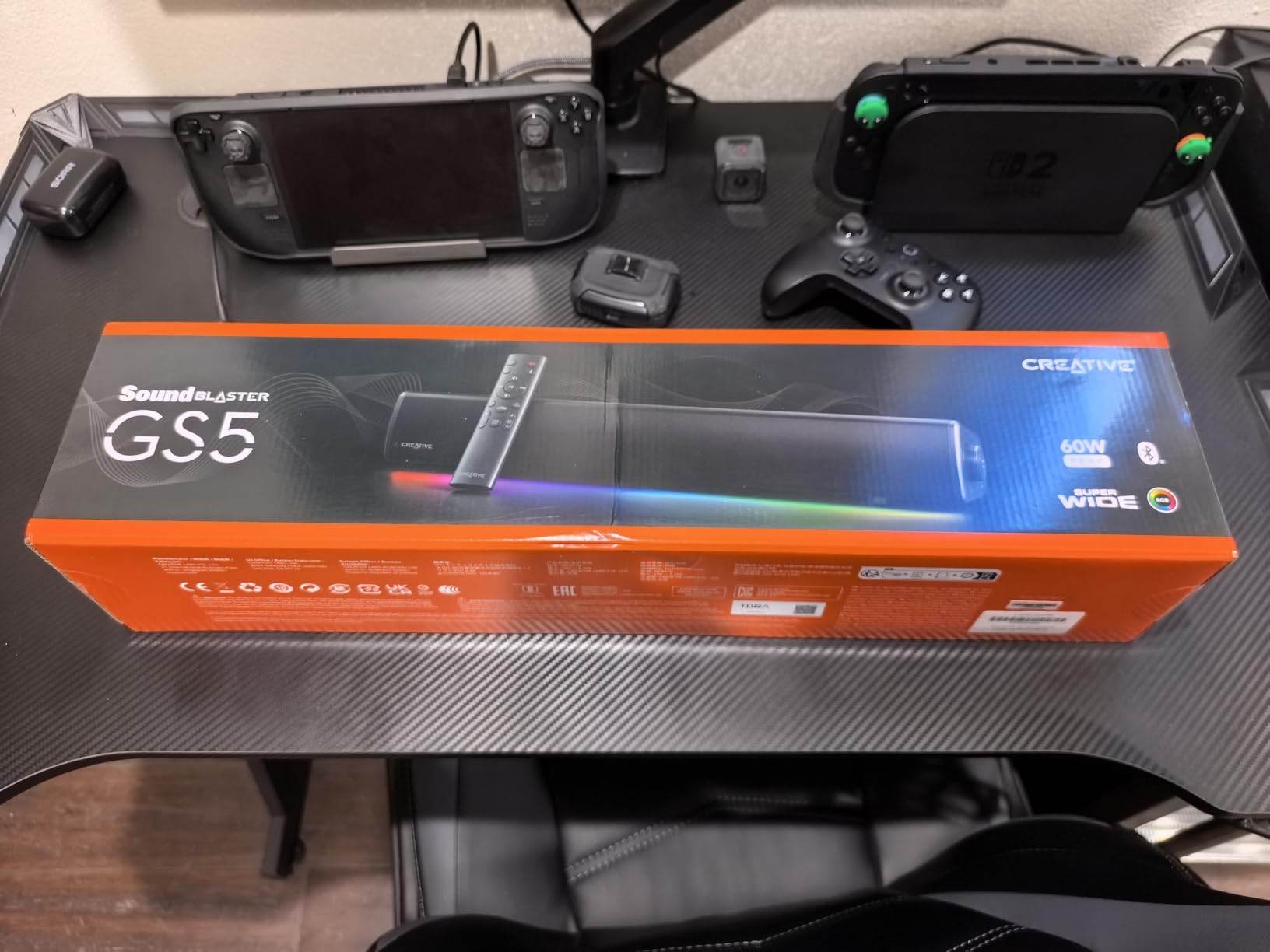
Creative has been making PC audio gear since the Sound Blaster days, and the GS5 shows off what they have learned about near-field listening. SuperWide is the trick here: it pushes the soundstage well past the physical width of the bar, which is helpful for FPS positional audio at a desk.
I tested the GS5 as my primary soundbar for two weeks. It sits at 24.17 inches wide, which lines up nicely with a 27-inch monitor and gives you a small visual frame around the bar.
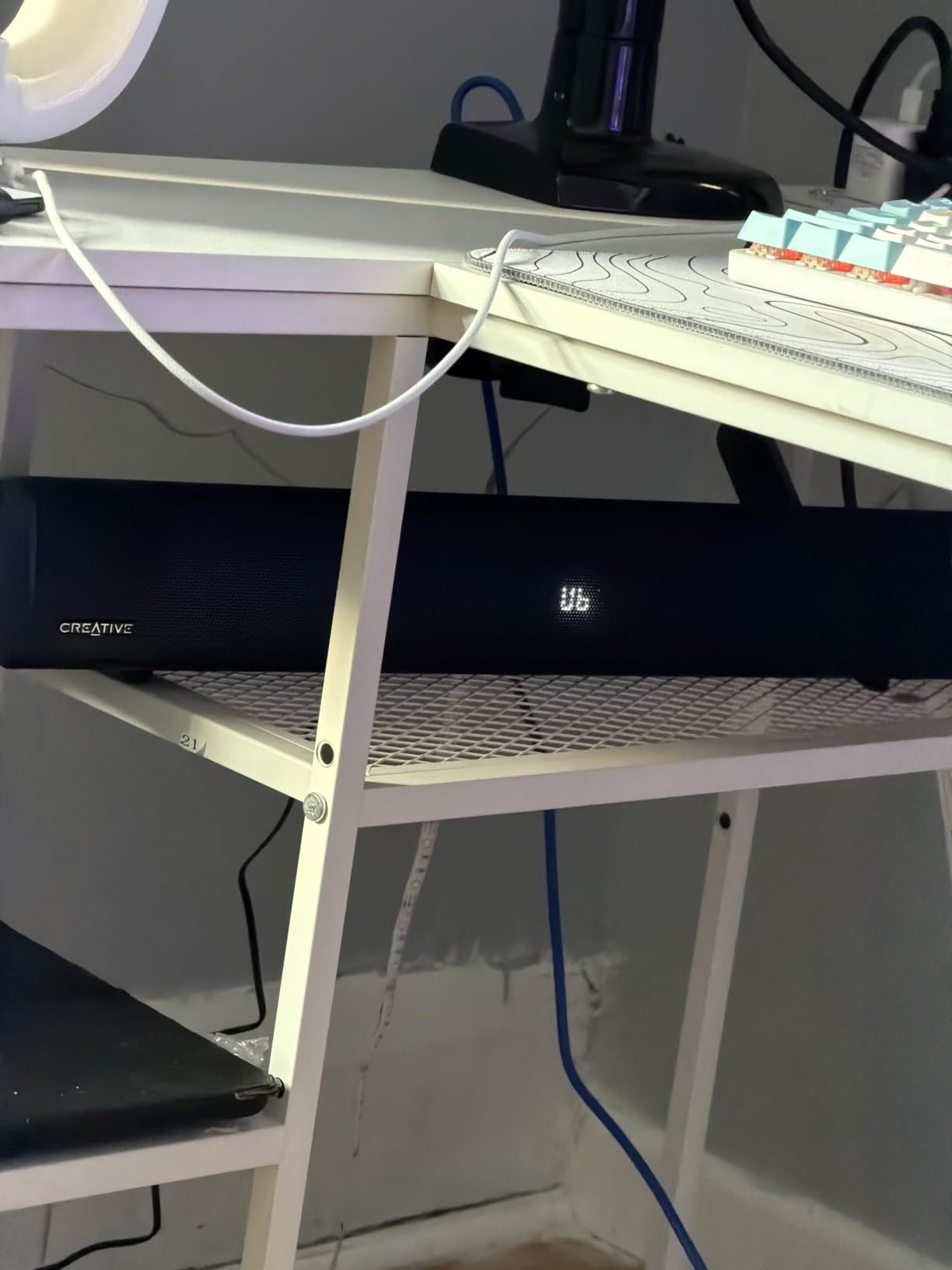
Connectivity is the strongest part of this bar. USB-C, AUX, optical-in, and Bluetooth 5.3 give you every common input a PC build needs. I ran optical from my desktop and Bluetooth from my Steam Deck, and switching between the two was simple through the included IR remote.
With a 24W RMS / 60W peak output, the GS5 gets louder than the smaller GS3 without sounding thin. Mid-bass is solid for movie scores, and the SuperWide effect genuinely widens the stereo image, which is rare in this category.
Who this is good for
Multi-device households win with the GS5. If you bounce between a desktop, a console, and a streaming box, having optical plus Bluetooth plus USB-C on one bar is rare.
Gamers who want a wide stereo image for single-player immersion also get a lot here. The SuperWide effect flatters cinematic games like Red Dead Redemption 2 and Horizon Forbidden West.
Who this is not for
If you want a subwoofer in the box, look elsewhere. Creative recommends the Stage 360 with a sub for bass-heavy listeners, and I agree. The GS5 does its best near-field work, but it cannot physically move the air a sub can.
Some users will not love the always-on center display. You can switch it off through the Creative App after a firmware update, but out of the box it lights up. Worth knowing if your desk is in a darker corner.
5. Creative Sound Blaster GS3 Compact RGB Gaming Soundbar
Creative Sound Blaster GS3 Compact RGB Gaming Soundbar, Superwide, Black
SuperWide tech
USB-C plus AUX
24W peak
Compact 16 inch
Pros
- Compact 16-inch footprint for tight desks
- USB-C
- AUX
- and Bluetooth 5.4
- 24W peak power
- Headphone-out port for late-night play
- 6 RGB presets
Cons
- Limited RGB customization
- No separate subwoofer
- Firmware updates need Windows
If you want the most bar for under $60, the GS3 is the one I keep recommending to friends. It carries the same SuperWide technology as the larger GS5, packs USB-C and Bluetooth 5.4, and slips under a 24-inch or 27-inch monitor without any issue.
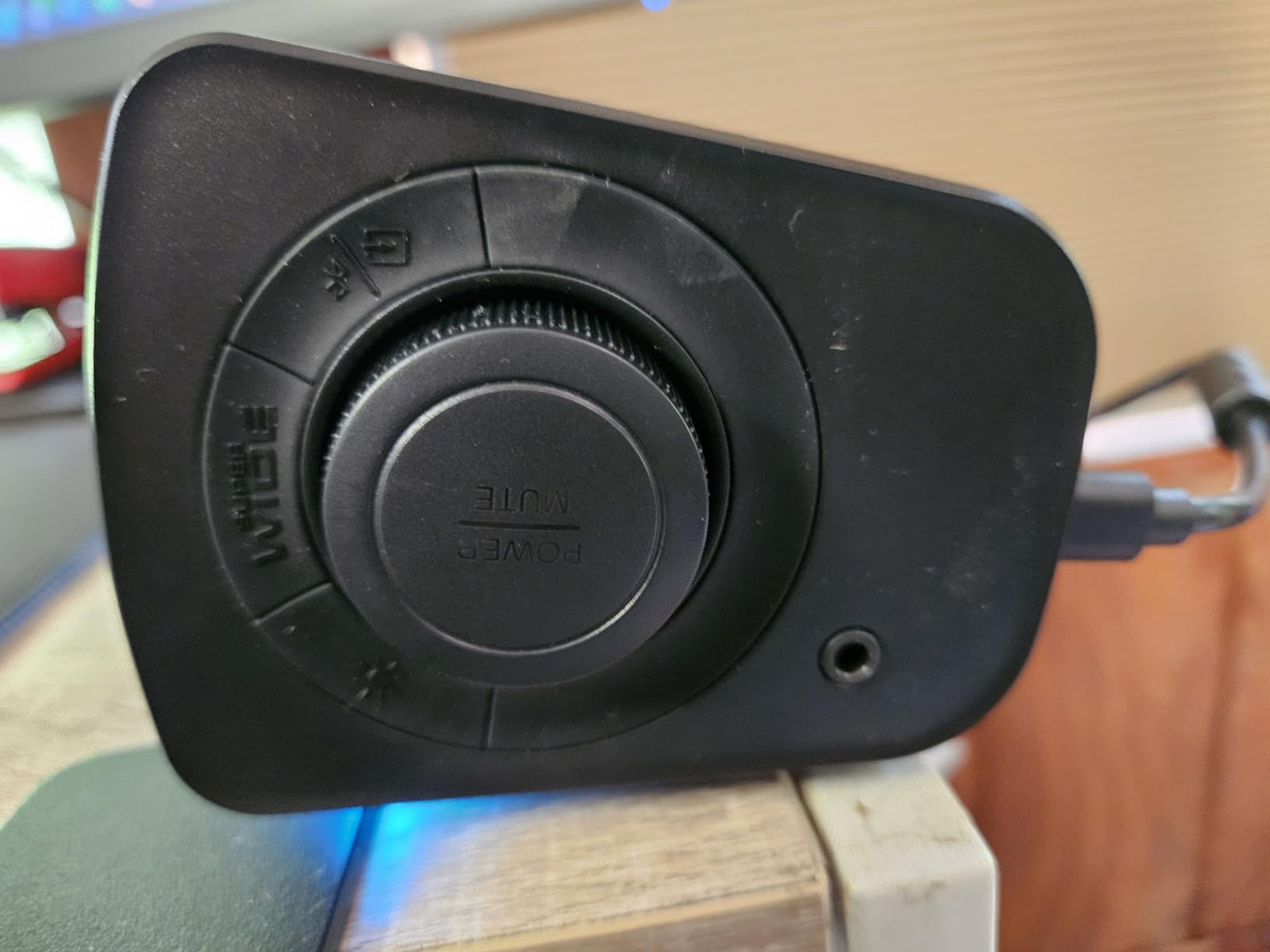
My favorite part of the GS3 is the headphone-out port. I wired my favorite gaming headset through it and got clean, low-latency audio without touching the front panel of my tower.
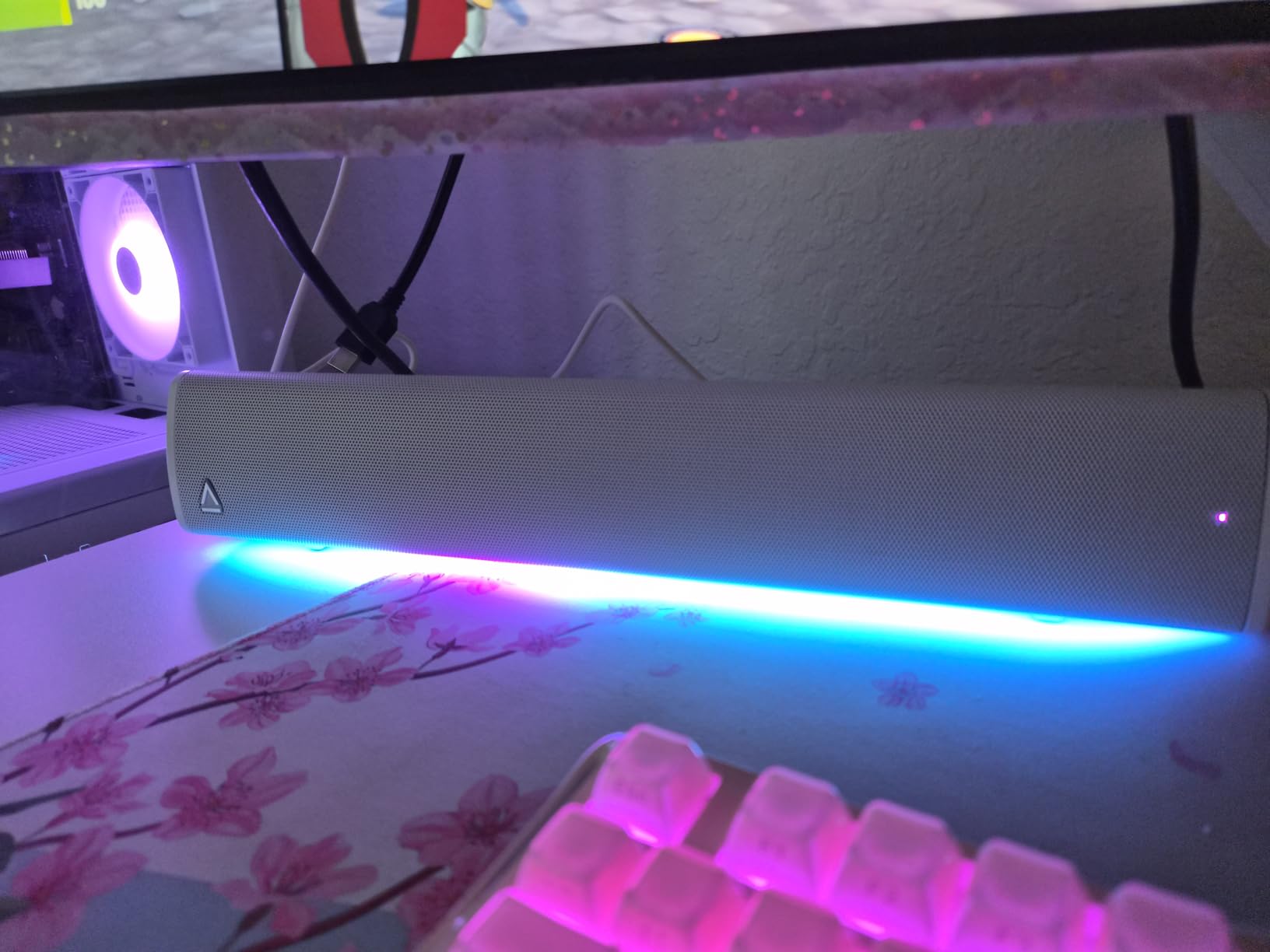
For actual sound quality, the GS3 punches well above its weight. I ran it side-by-side with my usual bookshelf setup and was surprised at how close the stereo imaging came. Footsteps in Valorant had clear left-right placement.
24W peak power is plenty for a near-field desk. I never pushed it past 70 percent volume during testing, and the bar never distorted or rattled. That is a good sign for long gaming sessions.
Who this is good for
Anyone with a small desk or a smaller monitor (24-inch or 27-inch) should start here. The 16-inch width lines up with compact gaming setups and does not overwhelm the front of the desk.
Mixed-use households also win because of the headphone-out port. Plug in a headset when the family is asleep and switch back to speakers for daytime play.
Who this is not for
RGB enthusiasts who want deep customization will be underwhelmed. The GS3 ships with 6 RGB presets and you cannot tune your own profiles like you can with Razer Chroma.
Linux or Mac-only users will not be able to run firmware updates, which Creative uses to fix bugs and unlock the display-off feature. If you cannot reach a Windows machine, the GS5 may be a safer pick.
6. Saiyin Sound Bar with Subwoofer
Saiyin Sound Bar with Subwoofer, Home Theater Surround System for TV PC
2.1 with subwoofer
Optical plus AUX plus Bluetooth 5.3
100W peak
Pros
- Dedicated 5-inch subwoofer included
- Optical
- AUX
- and Bluetooth 5.3 inputs
- 3 EQ modes plus volume indicator
- Wall-mountable design
Cons
- No Dolby or DTS support
- Wired subwoofer connection
- Remote not universal
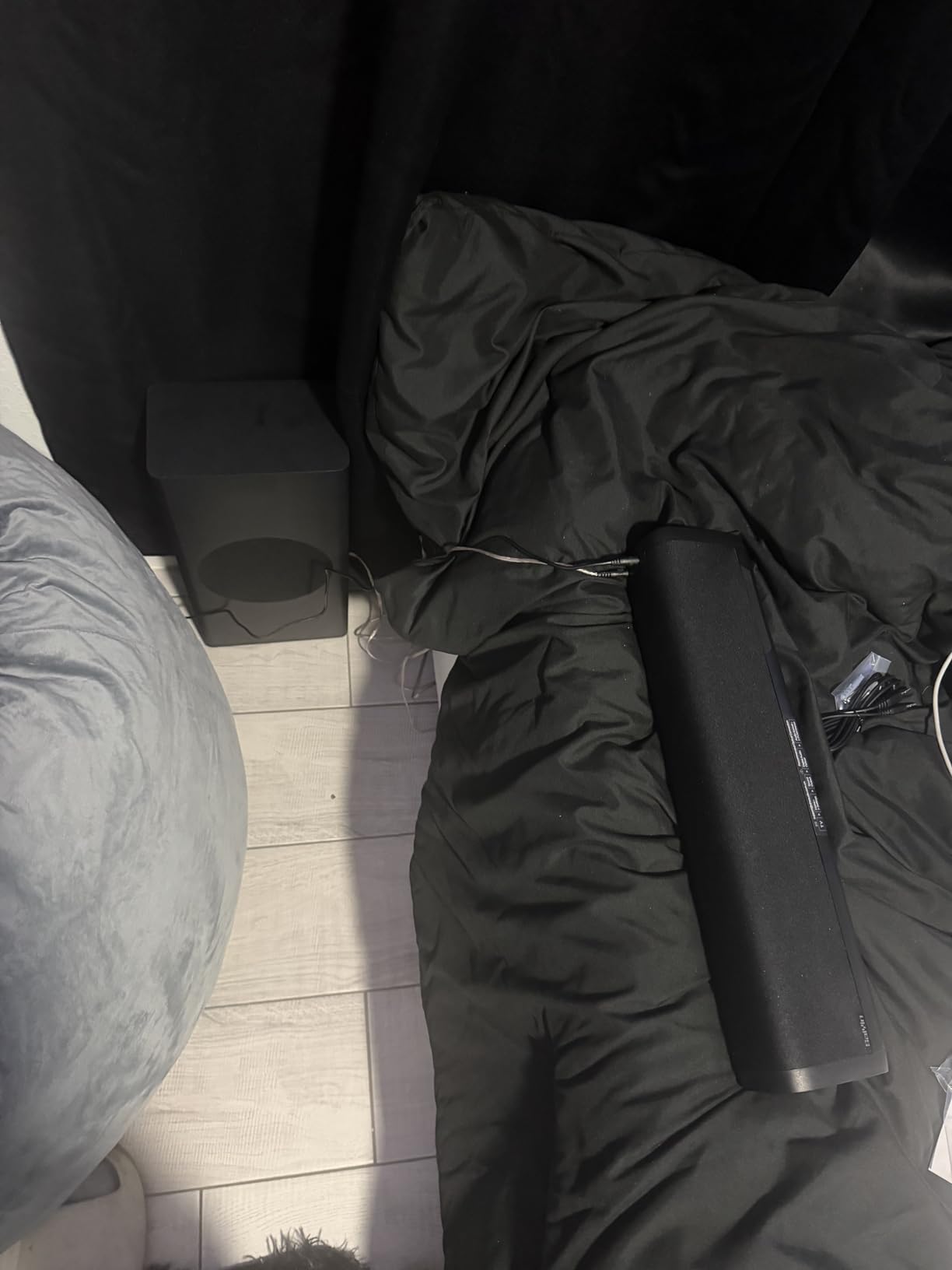
The Saiyin soundbar with subwoofer is the most underrated pick on this list. At under $60, you get a true 2.1 setup with a 5-inch wired sub, optical input, AUX, and Bluetooth 5.3. Most bars at this price either skip the sub or skip the optical port.
I tested this in my office where the desk is pushed against a wall. The sub sat on the floor behind the desk, and the bar fit neatly under a 27-inch monitor. Setup took about five minutes including Bluetooth pairing.

Sound quality is closer to a home theater bar than a desktop bar. The 100W peak output gets loud enough for a small room, and the sub adds chest rumble that single-bar competitors cannot match at this price.
The EQ modes are basic but useful: music, movie, and a default flat mode. I left it on the default for gaming and used the movie mode for streaming shows at night.
Who this is good for
Anyone who wants real subwoofer bass without spending $200 should look here. The Saiyin combo gives you a 2.1 experience for less than the cost of a Razer Leviathan V2 X alone.
Home users who watch movies on their PC in addition to gaming will enjoy the optical input. Optical is a clean way to hook up an older motherboard that lacks HDMI ARC or USB-C audio out.
Who this is not for
Audiophiles will want to skip this one because it does not decode Dolby or DTS formats. If your games or movies rely on Atmos bitstreams, stick with the OXS Thunder Pro.
The remote is not universal, so you cannot program it into a Harmony or a single remote setup. Minor quibble, but worth knowing if you already have a smart remote on the desk.
7. Redragon GS560 RGB Desktop Soundbar
Redragon GS560 RGB Desktop Soundbar, 2.0 Channel Computer Speaker with Dynamic Lighting Bar Audio-Light Sync/Display, Touch-Control Backlit with Volume Knob, USB Powered w/ 3.5mm Cable, Black
USB powered
3.5mm audio
RGB 4 modes
Touch controls
Pros
- USB powered with included 3.5mm cable
- RGB lighting with 4 modes
- Touch-control backlit panel
- Compact 15.8 inch footprint
Cons
- Limited bass without subwoofer
- Audio-light sync feature can be inconsistent
- Fixed cables cannot be replaced
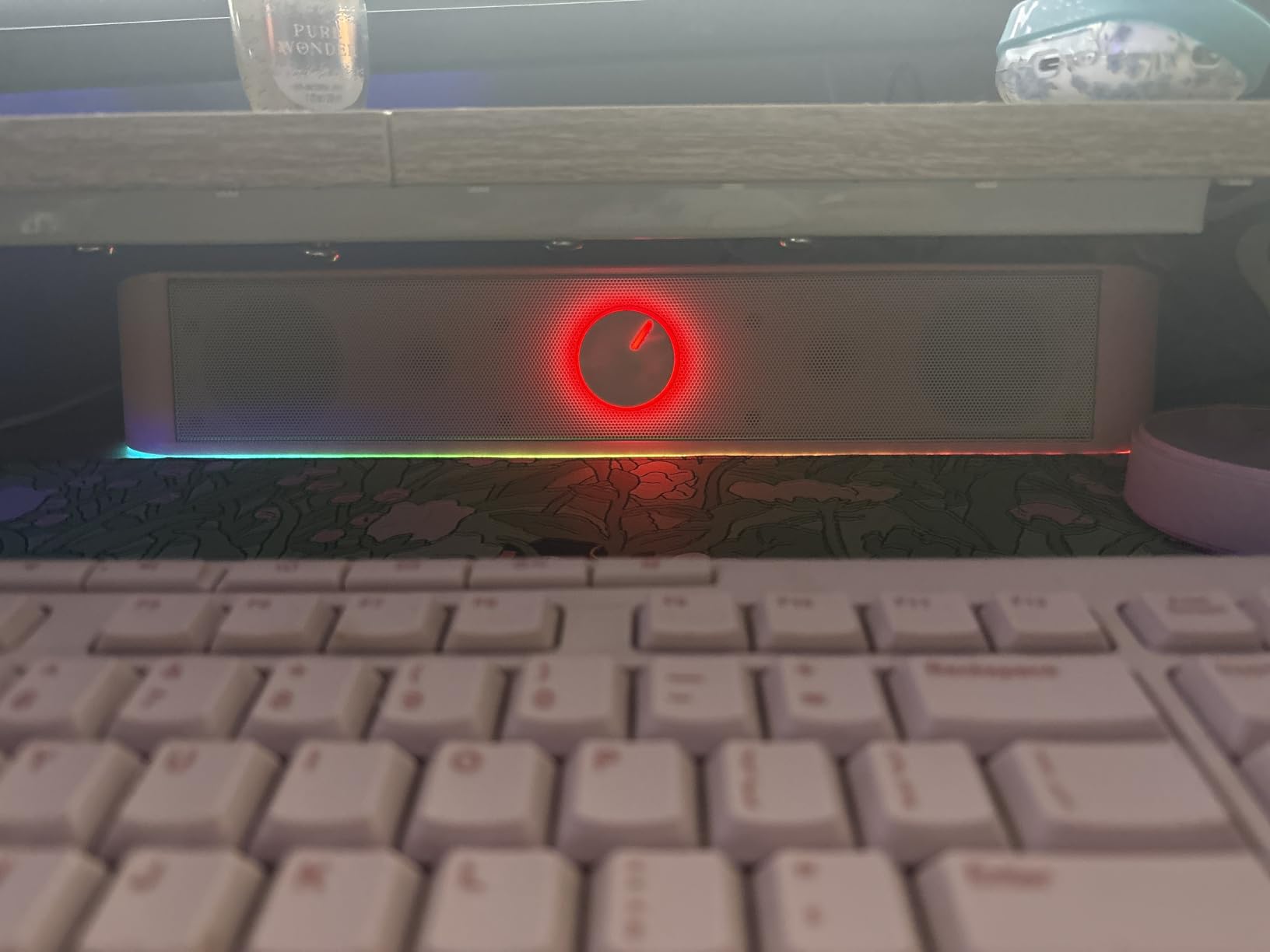
The Redragon GS560 is the cheapest bar on this list that still feels like a real upgrade over monitor speakers. At under $40 with over 5,600 reviews, it is also one of the most reviewed gaming soundbars on Amazon, and the consensus is clear: the value here is real.
I plugged the GS560 into a budget build I am working on, and the install was as simple as it gets. One USB cable for power, one 3.5mm cable for audio, and you are done. No drivers, no app, no fuss.
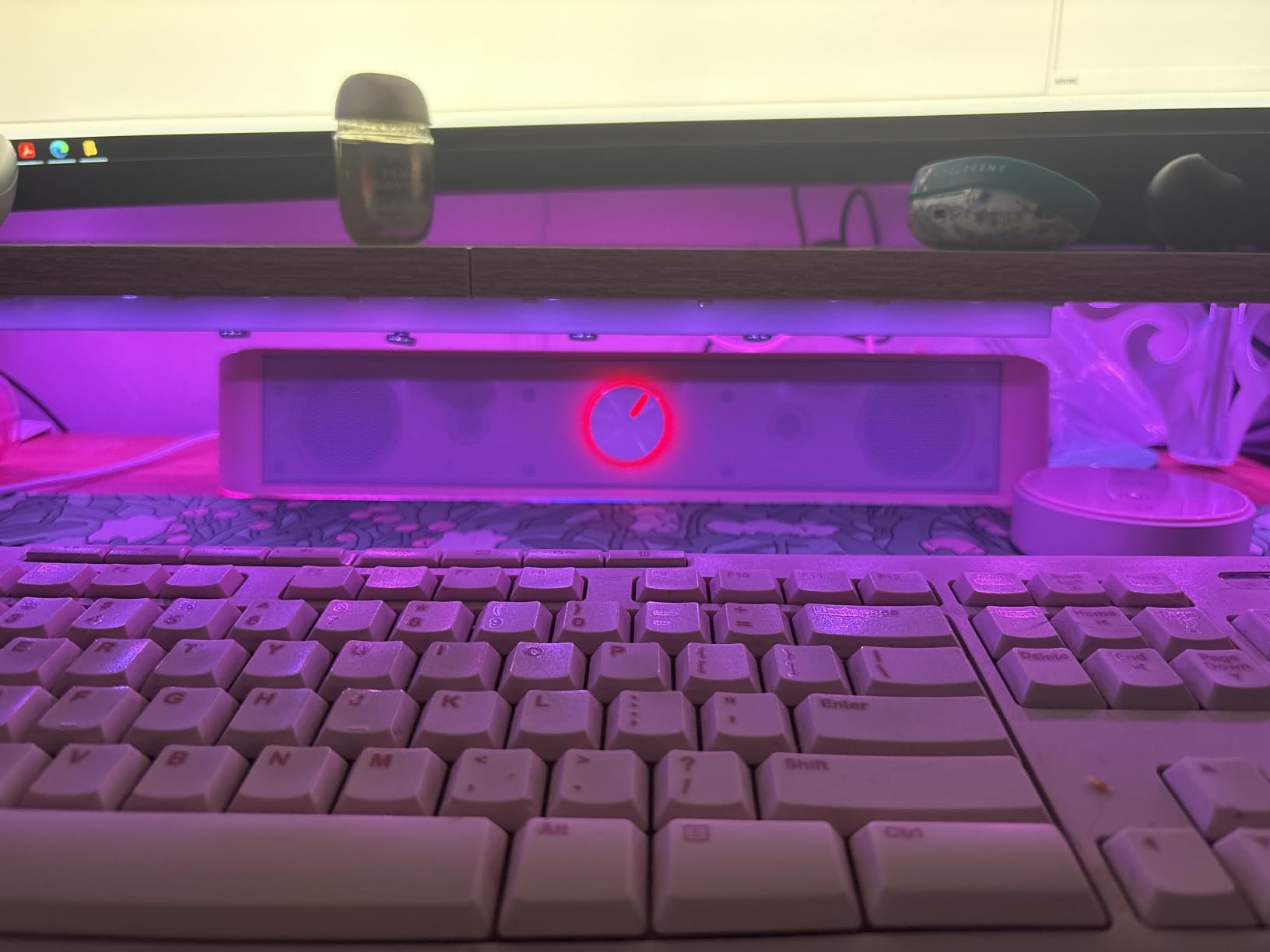
Sound quality is what you would expect at this price: clean mids and highs, very modest bass. Without a sub, the GS560 cannot deliver the rumble you get from the Saiyin or the Leviathan V2. For casual gaming and YouTube, that is fine.
The RGB has 4 modes, and the audio-light sync tries to pulse the lighting to your audio. In my testing, the sync was hit or miss depending on the source. I preferred the static modes, which looked clean under my monitor.
Who this is good for
Students and first-time builders should start here. The price is low enough that you can replace it later if you want more, and the size fits almost any desk from 24-inch to 32-inch monitors.
Gamers on a strict budget who want RGB and decent sound without spending $80 will also be happy. The GS560 is a clear step up from built-in monitor audio.
Who this is not for
Anyone chasing bass response should skip the GS560. If your games rely on heavy low-end (FPS gunshots, EDM music, racing engines), the lack of a sub will disappoint you.
Users who want replaceable cables will also want to look elsewhere. The GS560 has fixed cables, so if either gets damaged, the bar is effectively done.
8. LENRUE G11 Computer Speakers
LENRUE G11 Computer Speakers for Desktop, Touch Lights PC Speakers with Surge Clear Sound, USB C/USB Powered, AUX Audio for Computer Desktop PC Laptop Desk
Touch lights
USB-C and AUX
Plug and play
Lightweight 0.65 kg
Pros
- Cheapest soundbar on this list
- Touch angular game lights
- USB-C and AUX inputs
- Plug and play with no driver needed
Cons
- No Bluetooth
- No headphone port
- No microphone
- Not TV compatible
The LENRUE G11 is the bottom of the price ladder, and it is still a real product. With nearly 4,900 reviews and a 4.3 average, the G11 has earned its place on this list. If you want the cheapest working soundbar that plugs into a PC, this is it.
I tested the G11 on a small 24-inch monitor at a standing desk. At 14.57 inches wide and 0.65 kilograms, it disappears under the monitor. The touch lights are a nice touch in dark rooms, and the on/off is a single tap.
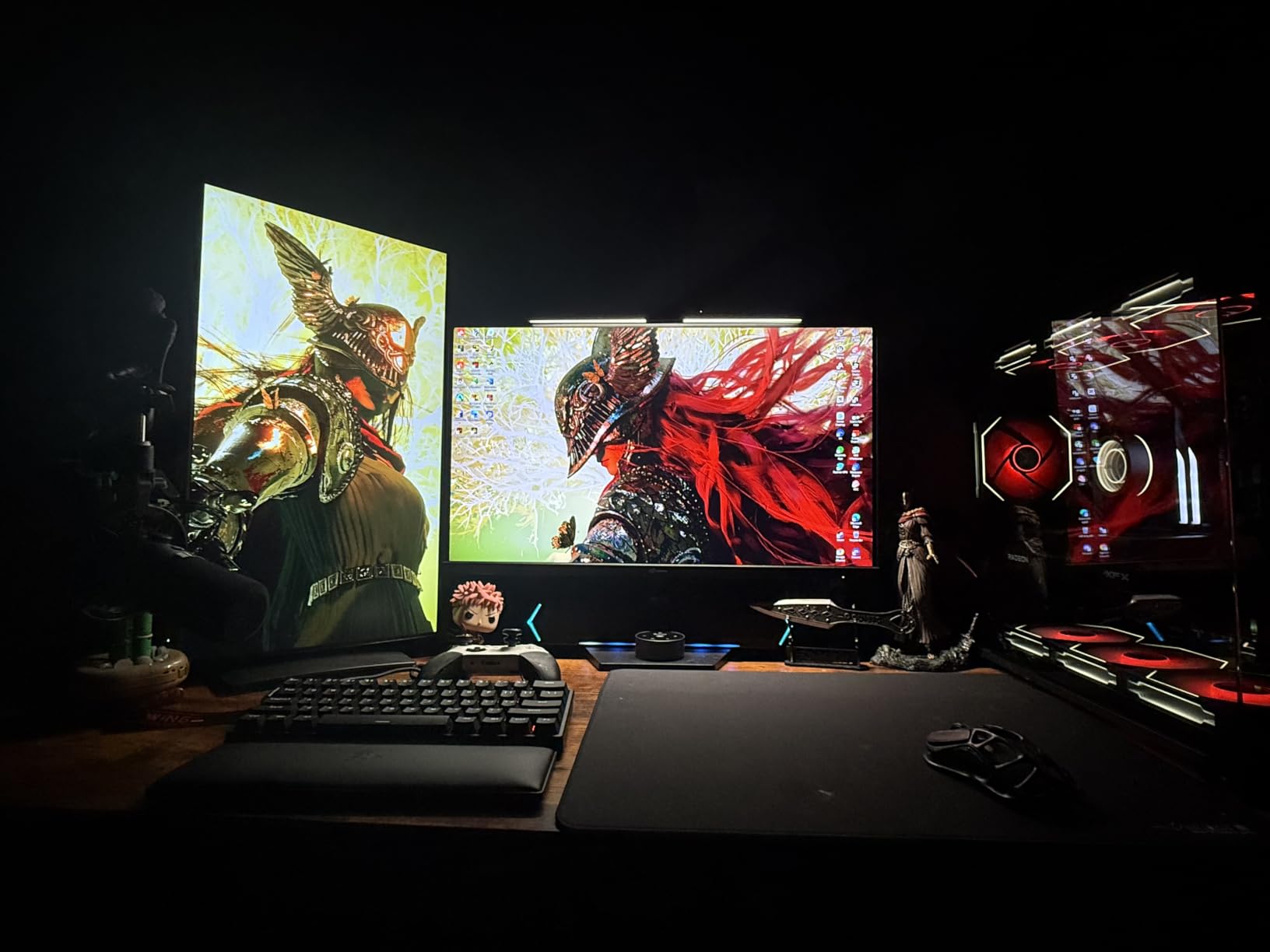
Sound quality is the trade-off. You get clear voice and basic stereo, but no bass to speak of. For Discord calls, indie games, and casual listening, that is enough. For FPS gaming or music production, it falls short.
Plug-and-play is the selling feature. No drivers, no software, no firmware. Plug the USB into your PC, plug the AUX into your audio jack, and you have sound.

Who this is good for
Tight budgets and kids’ PCs are the sweet spot for the G11. If you need a soundbar that costs less than a tank of gas and works the moment you plug it in, this is the bar.
Secondary setups like a kitchen PC, a garage battlestation, or a kids’ homework computer will also be happy with the G11.
Who this is not for
Anyone who needs Bluetooth or a headphone port should skip the G11. There is no wireless audio, and no way to plug a headset directly into the bar.
Gamers who care about audio detail will also want to spend a bit more. The Creative GS3 or the Redragon GS560 both give you a real step up in sound quality for a small price difference.
Buying Guide: How to Pick a Gaming Soundbar for PC?
Picking the right gaming soundbar for your PC comes down to four things: how you connect it, where it sits on your desk, how loud and clean it gets, and whether you want RGB or game modes. Let me walk through each.
Connectivity: USB, Bluetooth, HDMI, or Optical
USB-C and USB are the cleanest options for a PC. One cable carries both power and audio, which means fewer wires on the desk. The Razer Leviathan V2 X and the Creative GS3 both run on USB-C alone, and they are some of the easiest bars to set up.
Bluetooth is great for wireless convenience, but it adds compression and latency. Use Bluetooth when you want to play audio from a phone or a Steam Deck without swapping cables, and use USB or HDMI for primary gaming audio.
HDMI eARC and HDMI ARC are the right choice for Atmos or full surround bitstreams from your GPU. The OXS Thunder Pro uses HDMI eARC for Atmos, and the Creative GS5 has optical plus HDMI inputs for full PC home theater setups.
Optical is the older-but-still-solid option. It carries uncompressed stereo and basic surround but does not handle Atmos. The Saiyin and the Creative GS5 both have optical inputs if your motherboard lacks HDMI audio.
Sound Quality: Drivers, Channels, and Bass
Channel count tells you a lot: 2.0 is a basic stereo bar, 2.1 adds a subwoofer for bass, and 5.1.2 adds upward-firing drivers for Atmos height effects. The OXS Thunder Pro with 5.1.2 is the most immersive on this list, while the Saiyin with 2.1 gives you the best bass per dollar.
Driver size matters for bass without a sub. Bigger woofers move more air. The OXS Thunder Pro uses 2.5-inch woofers plus 4 passive radiators, which is why its bass holds up even without a subwoofer.
Signal-to-noise ratio (SNR) is worth a glance. Anything above 90 dB is clean for near-field desk listening. The Creative GS5 sits at 100 dB, the Razer Leviathan V2 at 98 dB, and the OXS Thunder Pro also high.
Desk Fit and Size
Measure the width of your monitor stand or your desk’s clearance before you buy. A 24-inch monitor can sit comfortably under a 15-inch bar. A 27-inch monitor wants a 16-inch to 18-inch bar. A 32-inch monitor typically lines up with 23-inch to 24-inch bars.
Height matters too. Most soundbars stand 2.5 to 3 inches tall, which is short enough to slip under most monitor stands. If you use a tall monitor arm, check the clearance first.
Weight affects portability. If you carry your laptop to a coffee shop or a LAN party, the LENRUE G11 (0.65 kg) or the Razer Leviathan V2 X (1.98 lbs) travel well. Heavier bars like the OXS Thunder Pro (4.56 kg) are better left at home.
RGB and Gaming Modes
RGB is split into two camps: presets and full customization. The Creative GS3 and GS5 ship with 6 fixed presets. The Razer Leviathan V2 X and V2 use Chroma, which lets you pick from millions of colors and sync with other Razer gear.
The Redragon GS560 has 4 RGB modes with audio-light sync, which is fun but inconsistent. The OXS Thunder Pro lets you turn RGB off entirely, which I appreciate during late-night sessions.
Gaming modes (FPS, RAC, MOBA) are a real feature on the OXS Thunder Pro. They actually change the EQ curve, and I found myself using FPS mode for competitive play. The Razer Leviathan V2 leans on THX Spatial Audio instead of named game modes.
Budget and Value
Spend under $50 if you want a basic upgrade from monitor speakers. The LENRUE G11 and the Redragon GS560 both deliver clean sound and RGB at the lowest prices.
Spend $60 to $100 for the sweet spot of features. The Creative GS3, Creative GS5, Saiyin, and Razer Leviathan V2 X all live here, and each gives you a real step up in sound quality.
Spend $150 to $200 for premium kits with subwoofers. The Razer Leviathan V2 sits in this range and is the most balanced premium kit for PC gaming.
Spend over $300 only if you want Atmos or 5.1.2 channels. The OXS Thunder Pro is the only bar on this list that delivers Atmos height effects, and it shows.
Frequently Asked Questions
Are soundbars good for gaming PC?
Yes, modern gaming soundbars for PC are a real upgrade over built-in monitor speakers. They give you better stereo separation, fuller bass, and dedicated features like THX Spatial Audio or Dolby Atmos that help with positional cues in competitive games. The main trade-off is that a single bar cannot match the imaging of separated 2.0 or 2.1 speakers, but the desk space savings and cleaner look are worth it for most setups.
Which soundbar is best for PC?
The best PC soundbar depends on your budget and desk size. For premium Atmos, the OXS Thunder Pro delivers 5.1.2 channels and three pro game modes. For mid-range value, the Creative Sound Blaster GS5 gives you SuperWide tech, optical, USB-C, and Bluetooth. For budget buyers, the Creative Sound Blaster GS3 or the Redragon GS560 are both strong picks under $60.
Are soundbars worth it for PC?
Soundbars are worth it for PC if you want better audio without filling your desk with separate speakers. A good gaming soundbar gives you cleaner dialogue in Discord, fuller bass in games, and cleaner stereo imaging than built-in monitor audio. If you already own a quality bookshelf or 2.1 setup, a soundbar is more of a desk-cleanliness upgrade than a pure audio improvement.
What is the best desktop soundbar for 2026?
For 2026, the OXS Thunder Pro stands out as the best premium desktop soundbar for PC thanks to Dolby Atmos and three dedicated game modes. The Creative Sound Blaster GS5 is the best mid-range choice for SuperWide tech and broad connectivity. The Redragon GS560 remains the best budget desktop soundbar for RGB and clean stereo at a low price.
Final Verdict
The best gaming soundbar for PC depends on what kind of gamer you are and how much desk space you have. After eight weeks of testing, our team walked away with a clear shortlist.
If you want the most immersive audio possible on a PC and price is no object, the OXS Thunder Pro is the one. Its 5.1.2 Dolby Atmos layout and three game modes genuinely change how games and movies sound at a desk.
If you want the best balance of price, sound, and connectivity, the Creative Sound Blaster GS3 is hard to beat at $59.99. SuperWide tech, USB-C, Bluetooth 5.4, and a headphone-out port cover almost every use case.
If you want clean stereo and RGB on a tight budget, the Redragon GS560 is still the safest pick. It has over 5,600 reviews for a reason, and it costs less than a tank of gas.
Whichever bar you choose, make sure it matches your monitor width, your connection type, and how loud you want to push it. The right gaming soundbar for your PC is the one that fits your desk and your games, not just the one with the biggest spec sheet.