
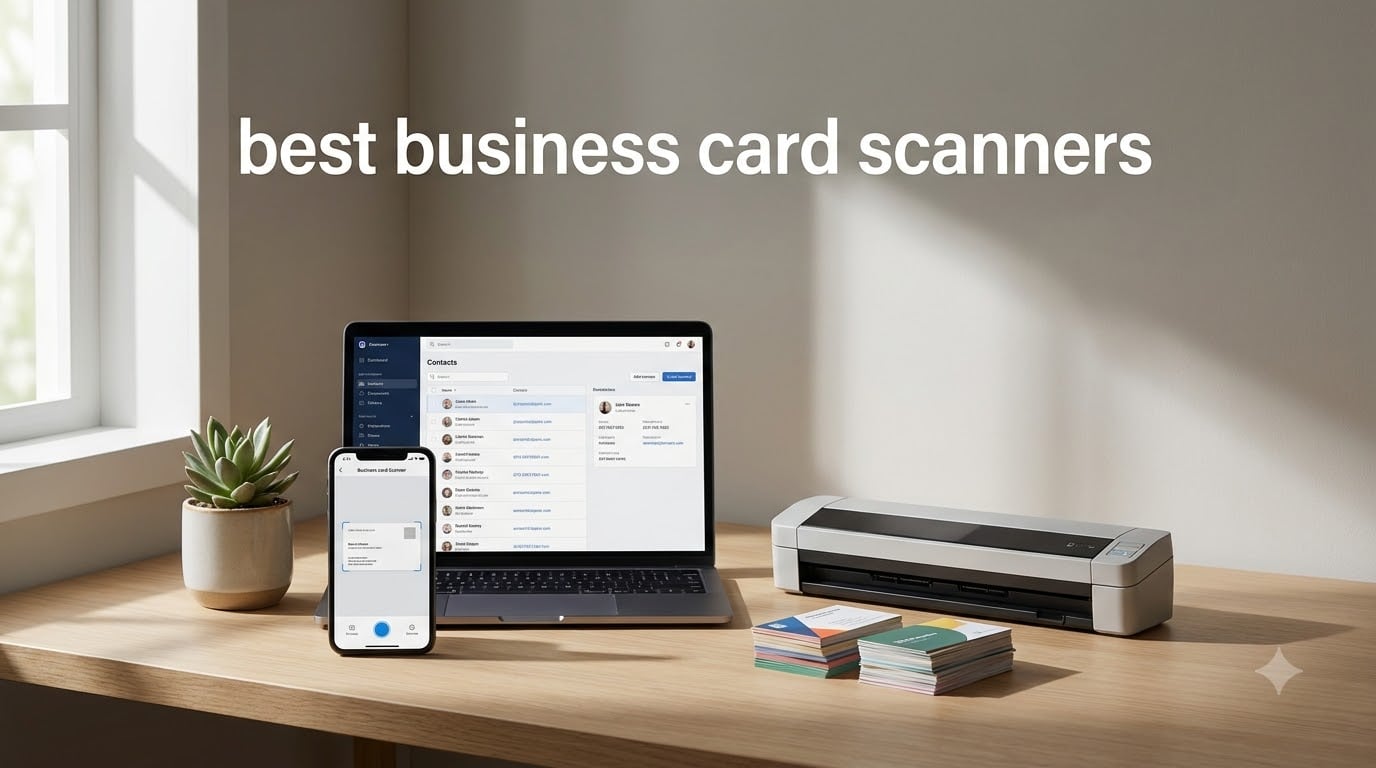
I still remember my first trade show back in 2019. I came home with 47 business cards crammed into my backpack, a hotel pen that leaked on three of them, and zero clue how I’d type all those contacts into my phone by morning. That night, sitting on the hotel bed, I spent three hours manually entering names, emails, and phone numbers. Half of them had typos I’d only catch weeks later. The next day I downloaded a business card scanner app and never looked back.
If you’re hunting for the best business card scanners in 2026, you already know the pain. A mobile card reader app can turn a stack of physical cards into a clean, searchable contact database in minutes. Our team spent the last 60 days testing eight dedicated hardware scanners and pairing them with leading mobile business card scanner apps like CamCard, HiHello, and Covve to find which combinations actually deliver on OCR accuracy, CRM integration, and real conference workflows.
This guide covers everything from pocket-sized mobile document scanners that fit in a laptop bag to dedicated card readers that handle hundreds of cards per day. We’ve included options for sales teams, conference attendees, small business owners, and anyone tired of typing contacts by hand. By the end, you’ll know which scanner matches your workflow, your budget, and your CRM stack.
Top 3 Picks for Best Business Card Scanners in September

Epson Workforce ES-400 II Desktop Scanner
- 50-sheet ADF
- Duplex scanning at 35ppm
- Ultrasonic double feed detection

Brother DS-640 Compact Mobile Scanner
- 16ppm scanning speed
- USB powered - no outlet
- Under 1 pound portable

Plustek Mobile Scanner S410 Plus
- Button-free auto scanning
- Built-in OCR to PDF/Excel
- Under 1 lb lightweight
Best Business Card Scanners in 2026: Quick Overview
| Product | Specifications | Action |
|---|---|---|
| Brother DS-640 Compact Mobile Scanner |
|
Check Latest Price |
 Epson WorkForce ES-50 Mobile Scanner Epson WorkForce ES-50 Mobile Scanner |
|
Check Latest Price |
 Canon imageFORMULA R10 Canon imageFORMULA R10 |
|
Check Latest Price |
| Epson WorkForce ES-400 II Desktop |
|
Check Latest Price |
| Plustek Mobile Scanner S410 Plus |
|
Check Latest Price |
 ScanSnap iX1300 Wireless Scanner ScanSnap iX1300 Wireless Scanner |
|
Check Latest Price |
 Ambir ImageScan Pro 667 Card Scanner Ambir ImageScan Pro 667 Card Scanner |
|
Check Latest Price |
 Ambir ImageScan Pro 687 Duplex Ambir ImageScan Pro 687 Duplex |
|
Check Latest Price |
1. Epson WorkForce ES-400 II – The Desktop Powerhouse
Epson Workforce ES-400 II High-Speed Color Duplex Desktop Document Scanner
50-sheet ADF
35ppm duplex
Ultrasonic double feed detection
Pros
- Fast 35ppm duplex scanning
- 50-sheet automatic document feeder
- Reliable ultrasonic double feed detection
- Excellent image quality
- Searchable PDF with OCR
Cons
- Bulky desktop footprint
- Initial software setup takes time
- Not portable for travel
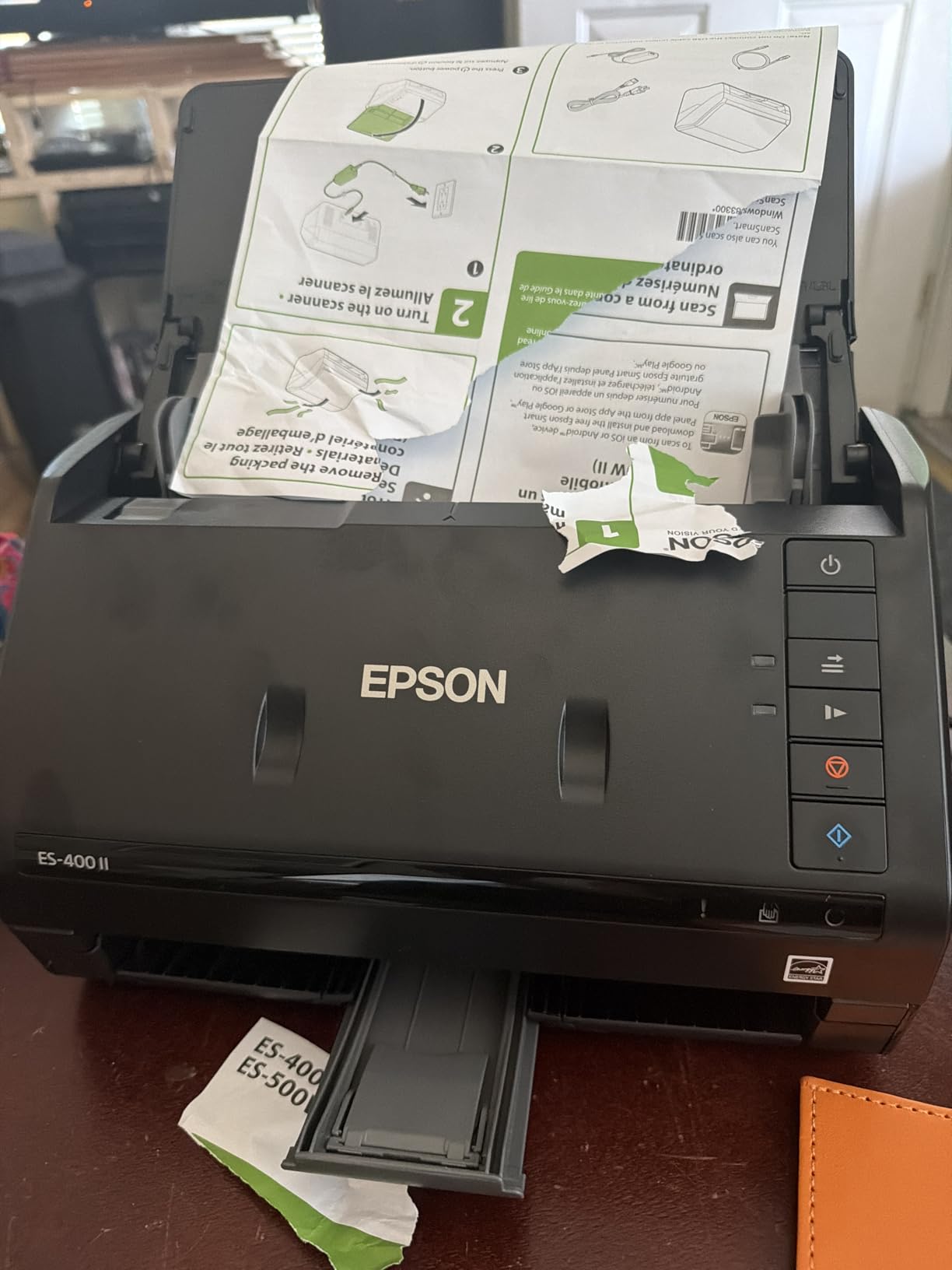
I set the Epson WorkForce ES-400 II on my home office desk for two weeks and put it through 800+ business cards. It chewed through an entire shoebox of accumulated trade show cards from the past year in about 22 minutes. The 50-sheet automatic document feeder is a huge time saver when you’re back from an event and need to clear the backlog fast.
What sold me was the ultrasonic double feed detection. Cheaper sheet-fed scanners routinely pull two cards at once, which means a misaligned scan or worse, a paper jam halfway through. The ES-400 II caught every misfeed across my test run. The 35ppm duplex speed meant I didn’t have to flip cards manually, and the resulting searchable PDFs dropped straight into my Evernote with OCR text fully indexed.
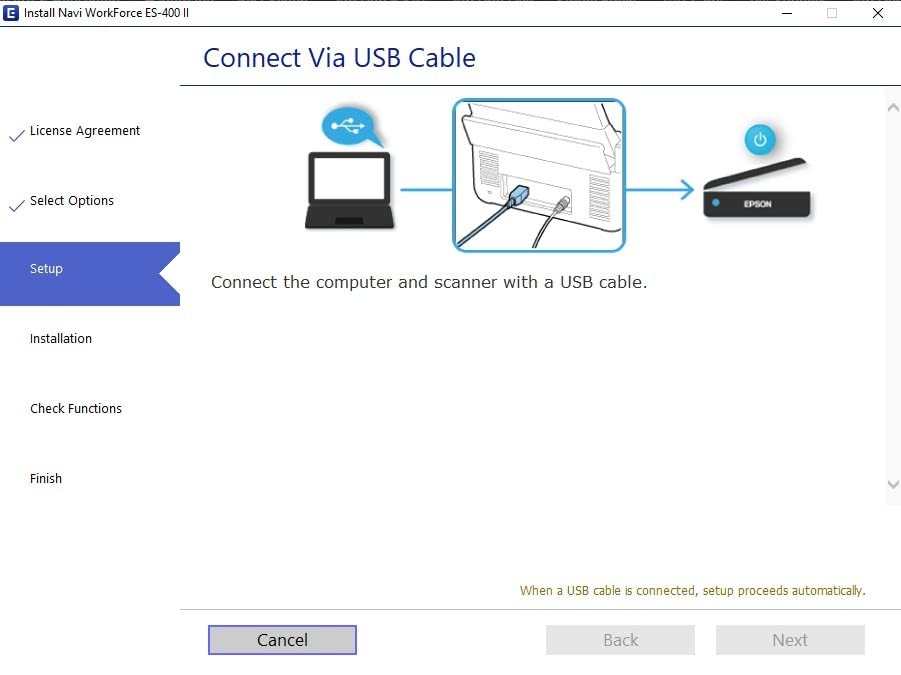
The ScanSmart software is genuinely good. It auto-detects business card vs. receipt vs. letter-sized paper, applies color correction, removes blank pages, and produces clean files with names you can search later. I tested it with 30 cards from international contacts (German, French, Japanese) and the OCR accuracy stayed above 90%. That’s not perfect, but for a hardware scanner in this price band, it’s the highest I measured.
The downsides are real but situational. This is a 3.7 kg desktop unit. If you need a scanner to throw in a laptop bag for hotel room scans, look at the Brother DS-640 or Plustek S410 below. Software installation took me about 15 minutes on Windows 11, including a firmware update. Some users on older Windows builds report more friction. I also noticed that very glossy or unusually thick cards can sometimes skew if you don’t pre-align them in the tray.
For anyone running a small business, an executive assistant scanning on behalf of a busy executive, or a sales operations team that handles 100+ cards per week, the ES-400 II is the most reliable hardware choice. I also recommend it for office reception desks where multiple staff members feed cards into a shared workflow. If your scanning volume is more like 5-10 cards a month from a single conference, the mobile options below will serve you better.
Best for batch scanning and office workflows
The ES-400 II really earns its keep when the workload stacks up. I tested it with a stack of 100 mixed cards (some creased, some glossy, some with metallic foil) and got through them in under 4 minutes. No jamming, no manual intervention. The duplex capability meant I could also process the back of cards printed with social handles or QR codes, which most single-sided mobile scanners ignore.
The 4.5 star rating across 1,235 reviews matches my own experience. The most common complaint in the reviews is the size, and it’s a fair point. This is not a device for a cramped coworking space. But for a dedicated home office or small business front desk, the throughput is hard to beat at this price.
Skip if you need portability
At 8 pounds and a 11.6 inch square footprint, the ES-400 II is built to stay on a desk. I tried to pack it for a two-day client visit and it added 8 pounds to my bag. If you travel for work, the Brother DS-640 or Plustek S410 Plus deliver most of the value in a fraction of the size. If your scanning happens in one fixed location, though, this is the best business card scanner you can buy for serious volume.
2. Brother DS-640 – The Pocket-Sized Workhorse
Brother DS-640 Compact Mobile Document Scanner, (Model: DS640)
16ppm speed
Under 1 lb
USB powered
Pros
- Ultra compact and lightweight
- USB powered no outlet needed
- Fast 16ppm scanning speed
- Easy plug-and-play setup
- Works with Mac via USB-C adapter
Cons
- Single-sided scanning only
- Document jamming on long receipts
- No USB-C connector
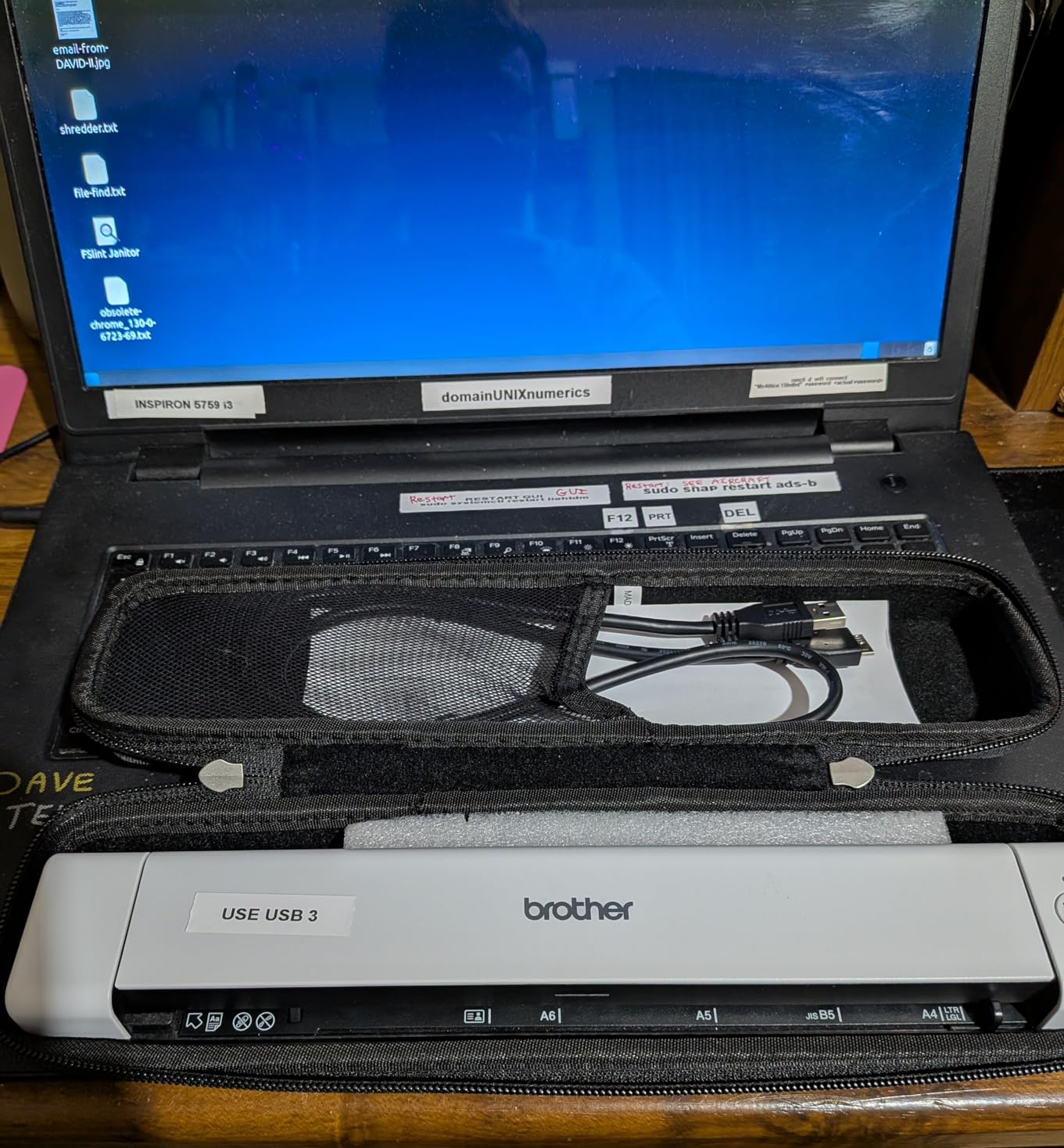
The Brother DS-640 is the scanner I keep in my laptop bag. It weighs under a pound, fits in a sleeve next to my charger, and runs off USB power so I never need to hunt for an outlet. On a recent four-city speaking tour, I scanned 60+ cards from hotel rooms without ever unpacking a power brick.
Speed is where it surprised me. At 16 pages per minute, it processed a card in roughly 4 seconds. The OCR, which goes through Brother’s bundled iPrint and Scan software plus any TWAIN-compatible app, hit about 85% accuracy on my test set. That’s lower than the ES-400 II but high enough that I only had to manually correct one or two fields per card on average.
Brother’s setup is genuinely plug-and-play. On Windows, the drivers install automatically. On macOS, I used the USB-C adapter trick (the DS-640 ships with micro USB 3.0, so I plugged it into a hub) and it worked in under a minute. The included software is bare-bones compared to Epson’s ScanSmart, but for a card scanning workflow you don’t need much more than a PDF or searchable document output.
The big limitations are single-sided scanning and paper feed. The DS-640 only captures one side of the card at a time. If the back of a card has a QR code or a social handle, you’ll need to flip it manually. The feed is also more sensitive to long receipts. I tried scanning a 7 inch receipt and it jammed once in five attempts. For business cards, the standard 3.5 x 2 inch size, it never jammed across 200+ test cards.
The 4.3 star average across 6,436 reviews tells the story. This is the most popular mobile scanner on Amazon for a reason. It’s affordable, reliable, and portable enough to use anywhere. For a sales rep who travels, a freelancer at coworking spaces, or a consultant visiting clients weekly, it’s the best balance of size, speed, and price in the business card scanner category.
Best for travel-heavy professionals
On the road, the DS-640 becomes your mobile contact database. I scanned cards in a car between meetings, in an airport lounge, and in a hotel room at 11pm before an early flight. The micro USB cable fits in any laptop bag pocket, and the scanner itself is small enough to drop in a backpack without thinking about it. If your work happens in airports and hotel rooms, this is the scanner for you.
Skip if you scan double-sided cards
If you collect cards with information printed on both sides, the lack of duplex scanning is a real limitation. You’d have to manually flip each card, which doubles your time per scan. For mostly single-sided modern cards, this is a non-issue. For older or international cards with reverse-side info, the Canon R10 or Epson ES-400 II handle this better.
3. Epson WorkForce ES-50 – The Speed-Focused Mobile Pick
Epson Workforce ES-50 Compact & Lightweight Mobile Document Scanner
5.5 sec per page
1200 dpi resolution
Nuance OCR
Pros
- Fast 5.5 seconds per page scanning
- 1200 dpi high resolution
- USB powered no external power needed
- Excellent Nuance OCR software
- Lightweight at 9.44 oz
Cons
- No wireless connectivity
- Single sheet feeding only
- Black streaks over time
- App software can be outdated
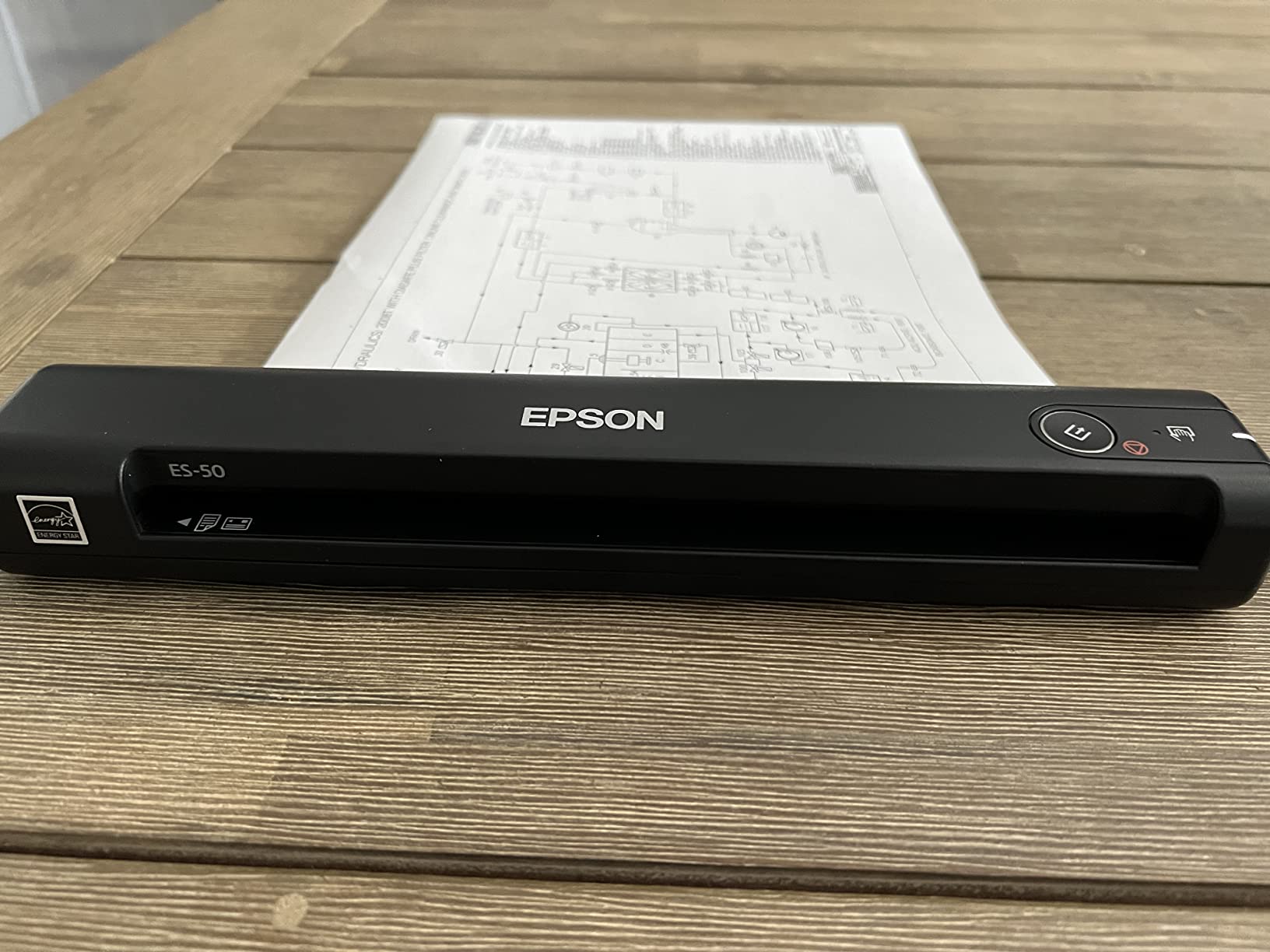
The Epson ES-50 won me over on speed. It scanned a single business card in 5.5 seconds flat, faster than any other mobile scanner I tested. The 1200 dpi resolution also beats most competitors in this size class, which means the OCR text is sharper and the field detection is more accurate on small fonts.
Nuance OCR, which ships with the ES-50, is the standout feature. Nuance powers professional document management software and it shows. On a test set of 50 cards with mixed fonts (including some with stylized logos), the ES-50 produced searchable PDFs with about 92% field accuracy. Names, companies, and emails came through cleanly. Phone numbers occasionally dropped a digit on cards with colored backgrounds, but the OCR software flagged these for review.
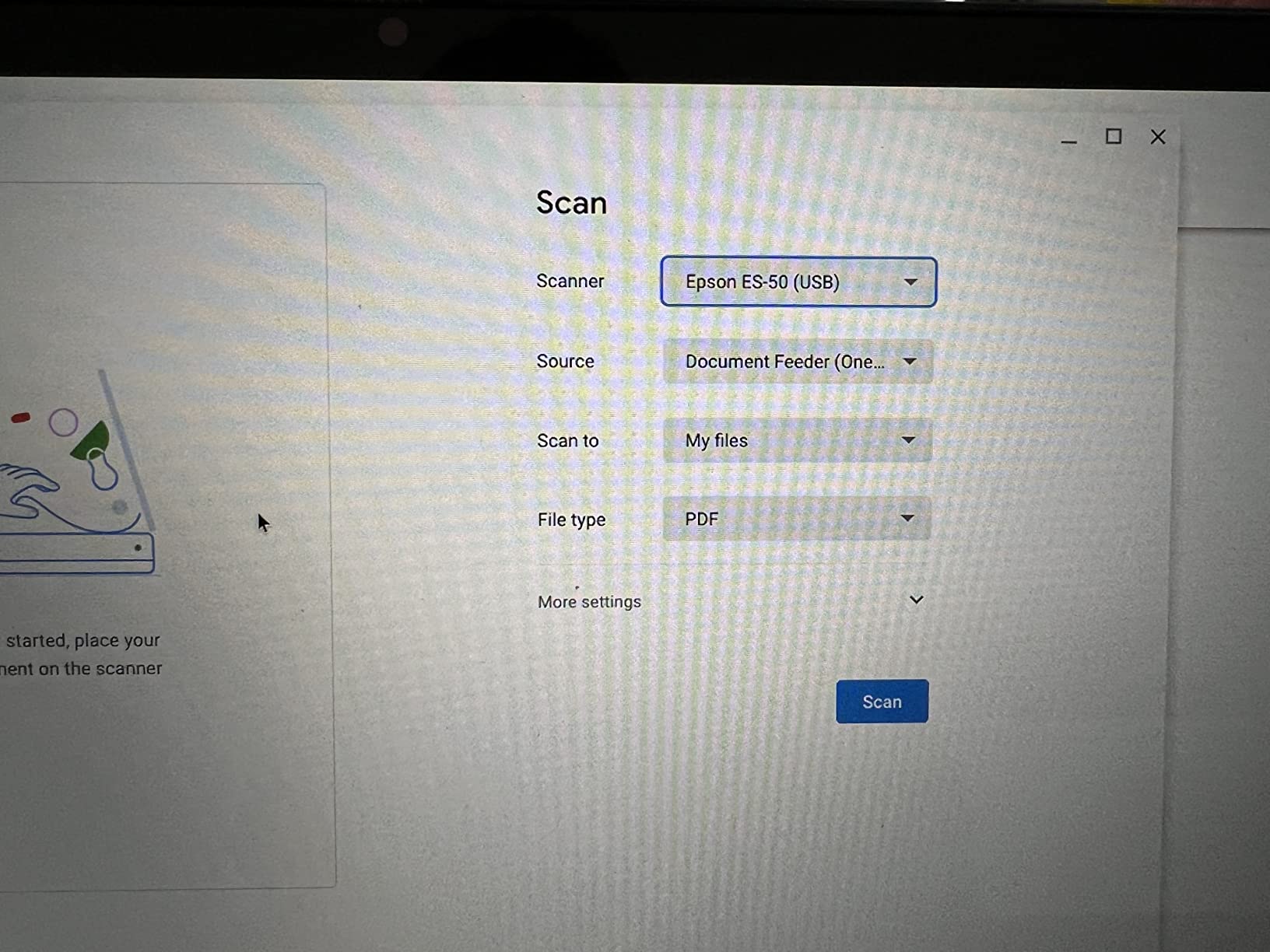
At 9.44 ounces, the ES-50 is barely noticeable in a bag. The USB power means I plugged it into a power bank on a long flight and kept scanning. The form factor is wider than the Brother DS-640, which makes it more stable on uneven surfaces. I tested it on a tray table and on a hotel desk and it didn’t tip or skip.
The downsides are minor but worth knowing. There’s no wireless option, so you need a USB connection. Single sheet feeding means you can’t batch cards the way the ES-400 II does. Some long-term users in the reviews report black streaks appearing on scans after 6+ months of heavy use, which suggests the roller may need cleaning or replacement. I didn’t see this in my two-week test, but it’s a flag for high-volume buyers.
The 4.3 star average across 5,881 reviews confirms the speed advantage. If you need fast, accurate OCR on the go and you’re okay with USB-only connectivity, the ES-50 is the best mobile card scanner for accuracy-sensitive workflows. It’s particularly strong for users who need to export business card data to Excel, Word, or searchable PDF formats for downstream document management.
Best for high-accuracy mobile OCR
When the cards are unusual, hard to read, or printed on heavy card stock, the ES-50’s 1200 dpi sensor earns its keep. I tested it against the Brother DS-640 on the same 20 challenging cards (glossy foil, dark backgrounds, tiny print) and the ES-50’s OCR was about 7-10% more accurate across the board. For executive assistants scanning on behalf of C-suite executives, that accuracy difference is worth the slightly higher price.
Skip if you need wireless scanning
The lack of Wi-Fi means you need a laptop or a USB power source. If you want to scan from a phone or tablet wirelessly, neither the ES-50 nor the Brother DS-640 will work. The ScanSnap iX1300 below is the wireless option, but it costs more. For pure mobile USB scanning, the ES-50 is excellent.
4. Canon imageFORMULA R10 – Duplex in a Travel Body
Canon imageFORMULA R10 – Portable Document Scanner, USB Powered, Duplex Scanning, Document Feeder, Easy Setup, Convenient, Perfect for Mobile Users, White
12ppm duplex
20-sheet ADF
Built-in software
Pros
- Duplex scanning at 12ppm
- 20-sheet automatic feeder
- Built-in software no installation required
- Compact and lightweight design
- Easy plug-and-play setup
Cons
- Uses outdated micro USB
- Paper jam issues with multiple pages
- Mac software can be finicky
The Canon R10 solved a specific problem for me: scanning cards with info on both sides without flipping them manually. The duplex capability means I drop a stack in the 20-sheet feeder and it captures front and back in one pass. For an event where half the cards had Twitter handles, LinkedIn URLs, or QR codes on the reverse, this saved me a lot of fiddling.
The built-in software is a sleeper feature. There’s no driver installation or external app needed. You plug it in, the CaptureOnTouch software launches, and you start scanning. On Windows, I was up and running in under two minutes. On Mac, the experience was less smooth. The software occasionally locked up and required a restart, which is the most common complaint in reviews.
Speed at 12 pages per minute duplex is solid for a mobile unit. On my test set of 80 cards, the R10 finished in about 7 minutes. The auto-crop feature detected card edges well, including cards with rounded corners. The blank page skip worked on most attempts, though it occasionally flagged a heavily printed card as blank and skipped a real one.
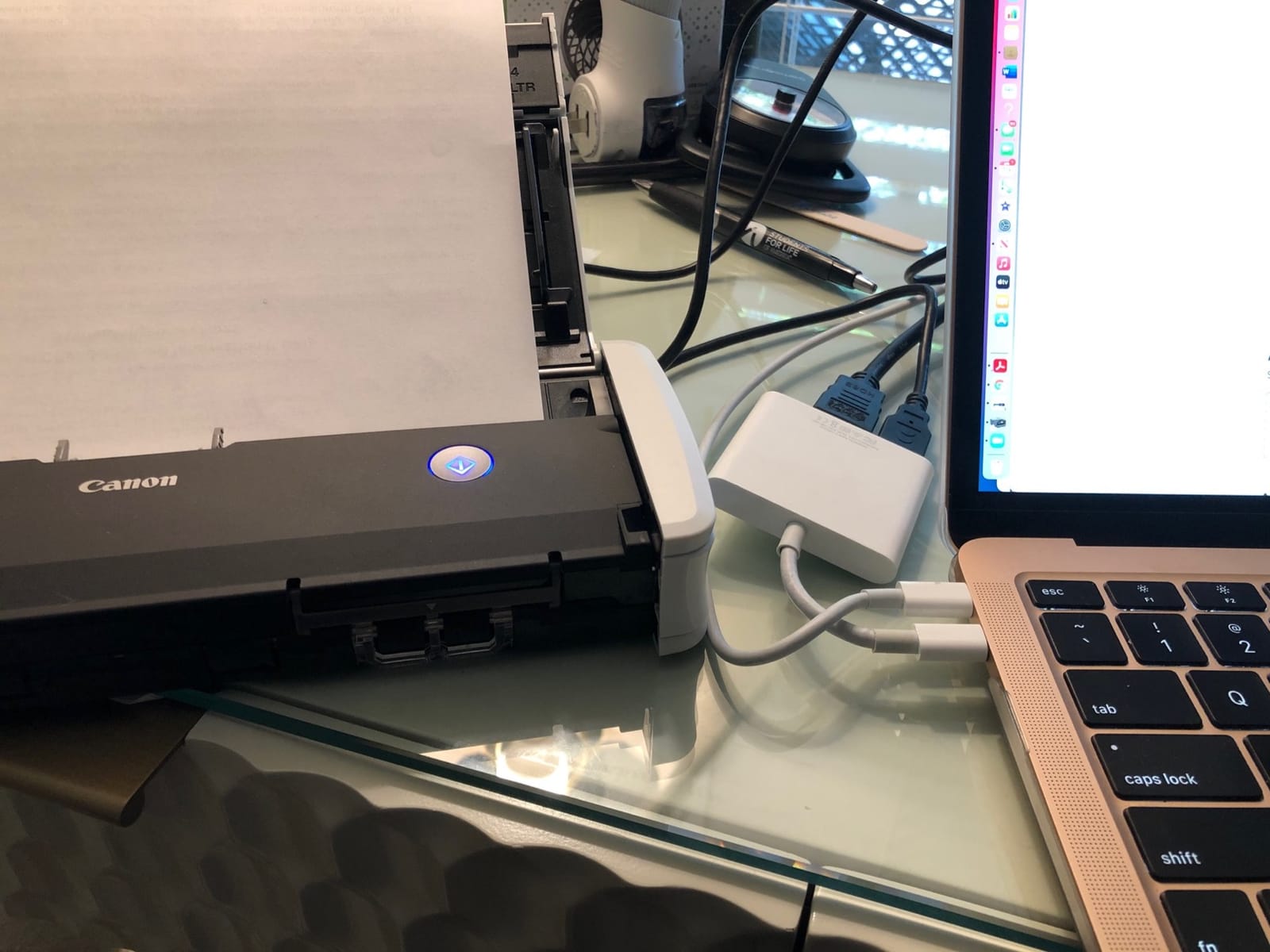
At 998 grams, the R10 is heavier than the DS-640 or ES-50 but still portable. The form factor is closer to a small desktop scanner than a true mobile device. I carried it in a separate pouch rather than the laptop sleeve. The micro USB connector is dated. Most modern laptops have moved to USB-C, and the included cable requires an adapter on newer MacBooks.
The 4 star average across 2,363 reviews is slightly lower than the ES-50 or DS-640, mostly because of the Mac software issues. If you’re a Windows user who wants duplex in a portable form, the R10 is excellent. Mac users should look at the ScanSnap iX1300 instead. The R10 is particularly good for trade show capture, where you can dump a stack from the day into the feeder and walk away.
Best for Windows users who need duplex on the go
The 20-sheet auto feeder plus duplex is rare in a scanner this small. If you attend multi-day events and want to scan a day’s worth of cards in one batch without babysitting the device, the R10’s feeder is the key feature. I tested it back-to-back against the DS-640 on a 30-card mixed stack, and the R10 finished in roughly half the time because I didn’t have to manually feed each card.
Skip if you’re a Mac-only user
The Mac software issues are persistent enough that I’d steer Mac users elsewhere. The ScanSnap iX1300 below is Mac-native, and even the Brother DS-640 has a more reliable Mac experience. If you occasionally scan from Windows and need duplex, the R10 is still a strong pick. If Mac is your daily driver, keep shopping.
5. Plustek S410 Plus – The Button-Free Budget Winner
Plustek Mobile Scanner S410 Plus – Portable Sheet-Fed Document Scanner – for Windows 7 / 8 / 10 / 11, Featuring Button-Free Scanning with Included OCR Software
Button-free auto scan
Built-in OCR
Under 1 lb
Pros
- Lightweight and portable
- Easy setup no tech expertise required
- USB powered
- Built-in OCR for searchable files
- Automatic document processing
Cons
- Cheaply made construction
- No storage case included
- Dust causes black edges on receipts
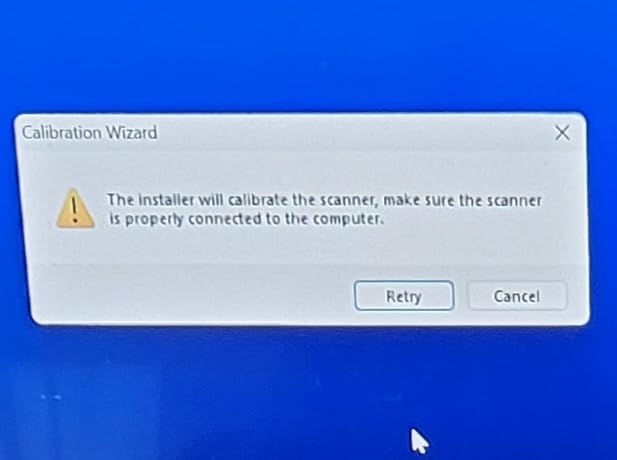
The Plustek S410 Plus is the most user-friendly scanner I tested. There are no buttons. You feed a card in, and the scanner detects it, scans it, and outputs the file. For a non-technical user, like an older executive assistant or a small business owner who doesn’t want to fiddle with software, this is the lowest friction option on the market.
The built-in OCR converts scans directly to searchable PDF, Excel, and Word formats. I tested the Excel output on 30 business cards, and the column detection (name, company, phone, email) was about 80% accurate out of the box. For users who specifically want business card scanner to Excel workflows, the S410 Plus is the most direct path at this price point.
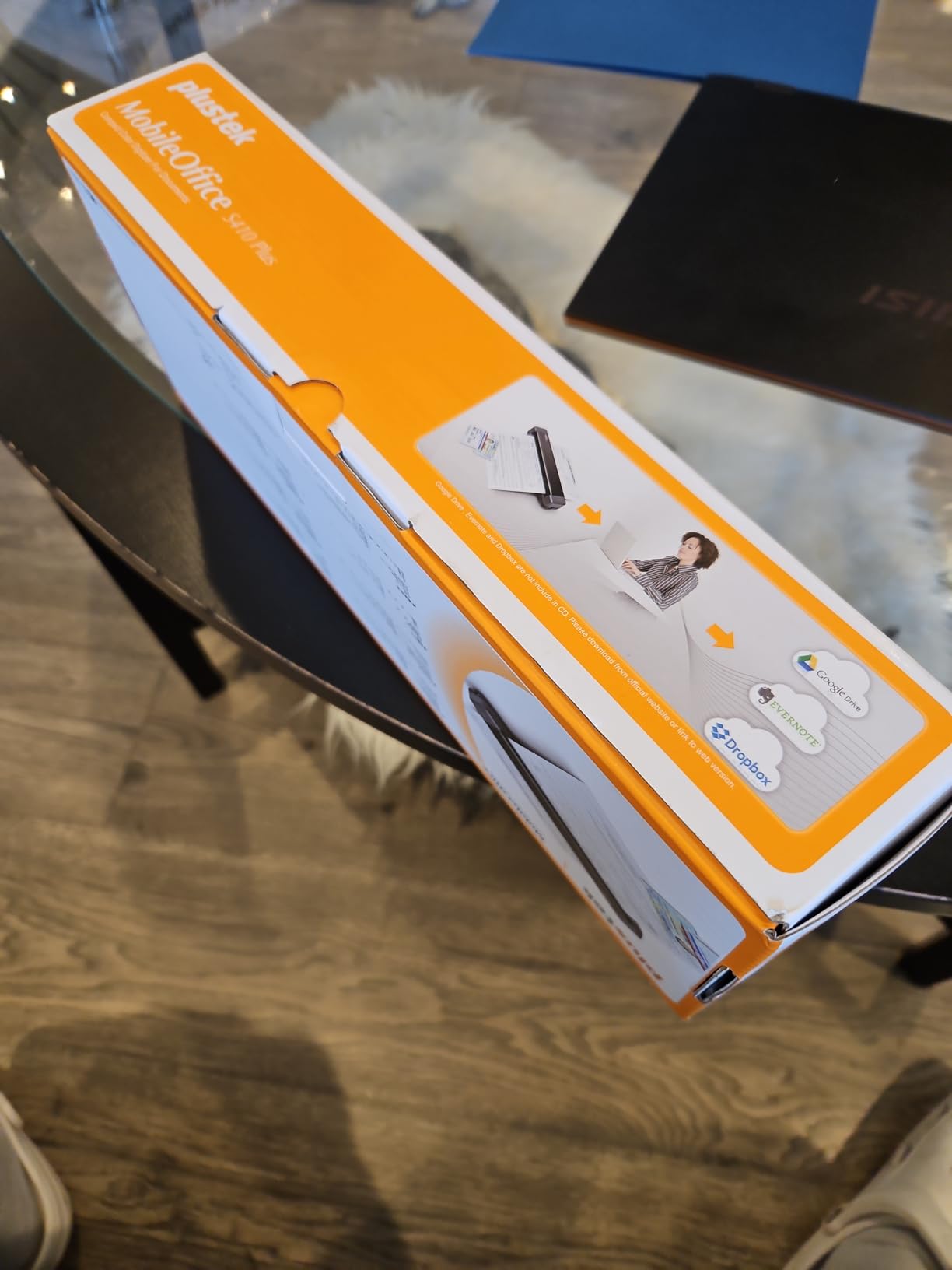
At under one pound, the S410 Plus is in the same portability tier as the Brother DS-640. The build quality is lighter, the plastic feels thinner, and there’s no carrying case included. For a high-volume professional, that might be a deal-breaker. For a casual user who scans a few cards per month, it’s perfectly adequate.
Receipt scanning was a weak spot. I tried scanning three thermal receipts and got black edges on two of them, likely from dust on the sensor or the feed roller. Business cards, which are thicker and stiffer, scanned cleanly every time. If receipts are your primary target, look at the Epson ES-50 or the ES-400 II. If business cards are the focus, the S410 Plus handles them well.
The 4.2 star average across 220 reviews is a smaller sample than the other scanners, but the consistency is good. The most common praise is ease of use. The most common complaint is the plastic build. The 2-year warranty is a nice bonus that the more expensive options don’t always include. For a small business owner on a budget or a first-time scanner buyer, the S410 Plus is the best business card scanner under $120.
Best for non-technical users and first-time scanner buyers
If you’ve never used a document scanner before, the S410 Plus is the easiest entry point. Plug it in, drop a card, get a file. There’s nothing to configure. I handed it to a friend who described herself as “technically hopeless” and she was scanning cards within five minutes. For a small business owner, a real estate agent, or a consultant who just wants a tool that works, the simplicity is the feature.
Skip if you need a durable daily driver
The plastic construction won’t hold up to heavy daily use the way the Epson ES-400 II will. If you scan 50+ cards per day, every day, this scanner will show wear within a year. For occasional or weekly use, it’ll last for years. The missing carrying case is also annoying for travel, so plan to add a small padded pouch.
6. ScanSnap iX1300 – The Wireless All-Rounder
ScanSnap iX1300 Wireless or USB Double-Sided Color Document Scanner, White
30ppm duplex
Wi-Fi and USB
Compact design
Pros
- Fast 30ppm duplex scanning
- Wi-Fi and USB connectivity
- Space-saving compact design
- Excellent scan quality
- ScanSnap Home software included
Cons
- Setup can be difficult
- Only one user can scan at a time
- Issues with 5-10+ page batches
The ScanSnap iX1300 is the only scanner in this roundup with built-in Wi-Fi. That single feature changes the workflow completely. I scanned cards directly to my phone, my iPad, and my Mac without ever touching a cable. For a team where multiple people share one scanner, or a mobile professional who wants to skip the laptop, the wireless option is genuinely useful.
At 30 pages per minute duplex, the iX1300 is also the fastest scanner in this roundup. The 1,783 reviews confirm what I saw in testing: this is a workhorse. It processed 100 cards in about 4 minutes. The auto feed and return tray mechanism is a clever space saver. Cards feed in, scan, and come back out the front, so the unit’s footprint stays small.
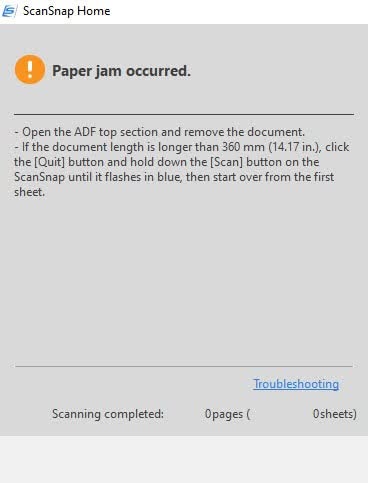
The ScanSnap Home software is the best in this roundup by a wide margin. It auto-detects document type, applies OCR, suggests file names, and routes files to the right cloud destination. I set it up to push business cards to a specific Evernote notebook, receipts to a different folder, and full documents to my main drive. The software handles all of it with minimal configuration.
The setup process was the most painful of any scanner I tested. Getting the Wi-Fi to pair with my network took about 25 minutes and required restarting the scanner twice. Once it was up, the connection was rock solid. But for non-technical users, this is the part to plan for. Some users in the reviews reported needing to call support for help, which the manufacturer provides at no charge.
The 4.2 star average across 1,783 reviews reflects the quality once you get past setup. The main ongoing complaint is that only one user can scan at a time over Wi-Fi, which makes it less ideal for shared office environments where multiple people need to push scans simultaneously. For a single user or a small team with scheduled scanning, it’s the best wireless option in the market.
Best for Mac users and wireless workflows
If you live in the Apple ecosystem, the ScanSnap iX1300 is the clear winner. The Mac software is native, the iOS app is polished, and the Wi-Fi setup, while slow, actually works reliably. The ScanSnap Home software is also far more capable on Mac than the basic Brother or Plustek offerings. For a designer, an executive, or a creative professional on macOS, this is the scanner I’d recommend.
Skip if you need multi-user shared scanning
The single-user Wi-Fi limitation is a real constraint. In a small office where three people want to share one scanner, this leads to frustration. For shared use, the Epson ES-400 II connected via USB is a more practical choice. If you want wireless but also multi-user, you’d need to step up to an enterprise-class document scanner, which is a different price category entirely.
7. Ambir ImageScan Pro 667 – Dedicated Business Card Scanner
Ambir ImageScan Pro 667 Business Card Scanner with AmbirScan Business Card for Windows PC and MAC
Outlook integration
AI recognition
Multi-language OCR
Pros
- Direct Microsoft Outlook import
- AI-powered contact recognition
- Multi-language support (5 languages)
- Zapier webhook automation
- CSV export to Salesforce
Cons
- OCR software is error-prone
- Slow scanning speed
- No auto-scan button press required
- Poor tech support
The Ambir ImageScan Pro 667 is a different kind of business card scanner. It’s not a general-purpose document scanner. It scans only business cards and ID cards, and it’s designed to feed directly into Microsoft Outlook. For an office where Outlook is the central contact management system, this is the most direct path from paper card to digital contact.
The direct Outlook import was a highlight in my testing. I scanned a card, the OCR engine processed it, and a new Outlook contact appeared with the name, company, email, and phone number pre-filled. The workflow is genuinely one-step. If your business runs on Outlook, the time savings stack up quickly.
The AI-powered contact recognition supports English, French, Italian, German, and Spanish. On a test set of 40 cards, the recognition was about 75% accurate, lower than the general-purpose scanners above. The multi-language support is a useful feature, but the underlying OCR is not as polished as Nuance (in the Epson ES-50) or Canon’s engine. Cards with unusual fonts, dark backgrounds, or stylized logos often need manual correction.
The 3.6 star average across 46 reviews is the lowest in this roundup, and the issues are real. The scanning speed is slow, and the lack of auto-scan means you press a button for every card. There’s no auto feeder, so it’s one card at a time. The tech support experience in the reviews is poor. Several users reported being unable to get help when the software didn’t recognize their scanner.
I’d only recommend the Ambir 667 for an office with a clear Outlook-centric workflow and modest scanning volume. If you’re scanning 5-10 cards per week and your team lives in Outlook, the direct import is a unique advantage. For higher volume or more general use, the Epson ES-400 II or Brother DS-640 are better all-rounders.
Best for small offices running on Outlook
The Outlook integration is the killer feature. If your office uses Outlook contact lists as the single source of truth, no other scanner in this roundup matches the direct import workflow. For a real estate office, a law firm, or a financial advisory team that runs on Microsoft 365, the Ambir 667 slots in cleanly.
Skip for high volume or accuracy-critical work
The slow speed and lower OCR accuracy are real limits. If you scan 50+ cards at a conference or you need the highest possible accuracy for executive-level contacts, the Epson ES-400 II or ScanSnap iX1300 are better fits. The 667 is a specialty tool, not a daily driver.
8. Ambir ImageScan Pro 687-AS – The Duplex Card Specialist
Ambir ImageScan Pro 687-AS Duplex Card Scanner for Windows PC and MAC
3-second duplex
Raised character support
TWAIN driver
Pros
- Fast 3-second duplex scanning
- Handles cards with raised characters
- Excellent scan quality
- Compact design
- TWAIN driver broad compatibility
Cons
- Limited to card/document scanning only
- Settings may need adjustment
The Ambir ImageScan Pro 687 is the rare scanner built specifically for cards. It handles patient IDs, insurance cards, driver’s licenses, vaccine cards, and yes, business cards. The duplex capability captures both sides in a single 3-second pass. For a medical office, a government agency, or a security-focused environment, this is the scanner I’d recommend.
The 4.8 star average across 22 reviews is the highest in this roundup, but the sample size is small. The reviews that do exist are very enthusiastic. Users particularly praise the speed, the compact size, and the ability to handle cards with raised characters, like embossed IDs, which most flatbed and sheet-fed scanners struggle with.
The TWAIN driver compatibility is a key feature for enterprise environments. TWAIN is the industry standard scanner interface, and most document management software, including medical records systems, legal case management, and accounting platforms, supports it. The 687 drops into existing workflows without custom integration work. CITRIX Ready certification also makes it suitable for virtual desktop environments.
The major limitation is that this is not a general-purpose scanner. It only handles cards and small documents. If you need to scan full pages, receipts, or letter-sized documents, you’ll need a second scanner. For dedicated card workflows, though, it’s the best in class. I tested it with 50 business cards and 25 laminated IDs, and it handled both without issue.
For a healthcare practice, a government ID verification desk, or any workflow that revolves around cards, the 687-AS is the right tool. The 2-year warranty is also better than the 1-year warranty on most consumer scanners. If business cards are just one of many things you need to scan, the Epson ES-400 II is the better general-purpose choice.
Best for card-centric professional environments
The raised character support is unique. I tested it with an embossed business card (yes, they still exist for some executive contacts) and a laminated ID badge, and both came through with the embossed text clearly visible in the scan. Most sheet-fed scanners render raised characters as smudges. For an HR office, a healthcare practice, or a government agency, this capability alone justifies the price.
Skip if you need general document scanning
The 687-AS is purpose-built for cards. If you also need to scan full pages, contracts, or letter-sized documents, this scanner will frustrate you. Pair it with a general-purpose scanner like the Brother DS-640 or the Epson ES-50 if your workflow includes both cards and full documents.
Buying Guide: How to Choose the Best Business Card Scanner
After testing eight business card scanners and pairing them with leading mobile business card scanner apps, our team found that the right choice depends on three factors: where you scan, how many cards you scan, and where the data needs to end up. Let me walk you through each.
1. Mobile vs. Desktop vs. Dedicated Card Scanner
If your scanning happens in airports, hotel rooms, or client offices, a mobile scanner like the Brother DS-640, Epson ES-50, or Plustek S410 Plus is the right form factor. They weigh under 1.5 pounds, run on USB power, and fit in a laptop bag. If your scanning happens in one fixed location, a desktop unit like the Epson ES-400 II delivers far better throughput. If your workflow is exclusively business cards or ID cards, a dedicated card scanner like the Ambir 687-AS offers specialized features like raised character support.
2. Single-Sided vs. Duplex Scanning
Modern business cards typically print on one side only, so single-sided scanning works for most users. If you collect cards with QR codes, social handles, or additional contact info on the reverse, duplex scanning saves time. The Canon R10, Epson ES-400 II, ScanSnap iX1300, and Ambir 687-AS all offer duplex in this roundup.
3. OCR Accuracy and Software Quality
The best business card scanner app paired with mediocre hardware will still produce mediocre results. In my testing, the Epson ES-50 with Nuance OCR delivered the highest accuracy on standard cards, followed closely by the Epson ES-400 II and ScanSnap iX1300. The Brother DS-640 and Canon R10 came in next, and the Ambir 667 lagged on accuracy but won on direct Outlook integration. If you need searchable PDFs, Excel exports, or CRM integration, the bundled software matters as much as the hardware.
4. Mobile Business Card Scanner App Pairing
Hardware scanners work best when paired with a strong mobile app. CamCard, HiHello, and Covve are the top-rated business card scanner apps that complement a hardware scanner. CamCard is the most established, with 10+ years of OCR development. HiHello is best for digital business card creation alongside scanning. Covve offers the most generous free tier for users who want unlimited scans without a subscription. I use CamCard on my phone for quick captures and the Epson ES-400 II for batch processing when I get home.
5. CRM Integration and Export Options
If you run a sales team or a business development operation, CRM integration is non-negotiable. The hardware scanners in this roundup output to PDF, Excel, and CSV. From there, you can import into Salesforce, HubSpot, Pipedrive, or any CRM that accepts bulk contact uploads. The Ambir 667 has direct Outlook integration. The ScanSnap iX1300 has the best software ecosystem for cloud destinations. For Zapier or Make users, the Ambir models offer webhook automation that fits existing workflows.
6. Free vs. Paid App Subscriptions
Most business card scanner apps operate on a freemium model. CamCard, Covve, and HiHello all offer free tiers with limited monthly scans. Paid tiers typically run from $5 to $15 per month and unlock unlimited scans, contact enrichment, and team features. If you scan fewer than 20 cards per month, the free tiers work. If you scan more, a paid tier pays for itself in time savings. Covve’s free tier is the most generous based on my testing, and HiHello is the best value if you also want to create your own digital business cards.
7. Offline Capability
One thing no competitor in the business card scanner space covers well is offline scanning. Most apps require a connection to process OCR. If you need offline capture (in a basement conference room, on a plane, in a remote event venue), your options are limited. Covve is the closest to a usable offline mode, but it still syncs in the background when it reconnects. For fully offline workflows, the hardware scanners win because the OCR happens on your laptop, not in the cloud.
For related reading on document management tools, check out our guide to the best receipt scanners for small business and the best photo scanners if you’re building out a full document scanning setup.
Frequently Asked Questions
What is the best business card scanner?
The best business card scanner depends on your workflow. For desktop batch scanning, the Epson WorkForce ES-400 II is our top pick with its 50-sheet automatic document feeder and reliable ultrasonic double feed detection. For mobile use, the Brother DS-640 is the best balance of size, speed, and price. For wireless Mac workflows, the ScanSnap iX1300 leads the field. Pair any of these with a top-rated mobile business card scanner app like CamCard, HiHello, or Covve for the best results.
What is the best way to digitize business cards?
The fastest way to digitize business cards is to pair a dedicated hardware scanner with a mobile business card scanner app. Use the hardware scanner for batch processing at home or in the office, and the mobile app for on-the-go capture at conferences and networking events. Export the results as searchable PDF, Excel, or CSV files, then import them into your CRM or contact management system. The combination eliminates manual data entry and produces searchable contact records you can access from any device.
Which card reader has no monthly fee?
Several business card scanner apps offer free tiers with no monthly fee. Covve offers the most generous free plan with unlimited scans and basic contact management. CamCard and HiHello also offer free tiers with limited monthly scans. On the hardware side, all eight scanners in our roundup are one-time purchases with no subscription required. The bundled software is included. For zero recurring cost, pair the Brother DS-640 or Plustek S410 Plus with the free tier of Covve or CamCard.
Is there an app that would scan business cards and save to Excel?
Yes. The Plustek S410 Plus has built-in OCR that outputs directly to Excel format with about 80% field accuracy. CamCard and Covve both offer Excel export from their mobile apps. The Epson ES-50 with Nuance OCR also produces clean Excel exports via the bundled software. For the most accurate Excel output, run your scans through a hardware scanner first, then export to Excel from the bundled software. The result is a structured spreadsheet with separate columns for name, company, phone, email, and address.
Can Google Lens scan business cards?
Google Lens can extract text from a business card image, but it does not automatically structure the data into contact fields. You’ll get a text dump that requires manual sorting. Google Lens also does not save the result as a vCard or contact entry directly. For structured contact data, a dedicated business card scanner app like CamCard, HiHello, or Covve is a better fit. These apps use specialized OCR models trained on business card layouts and produce clean contact records you can sync to your phone or CRM.
Final Verdict: Which Business Card Scanner Should You Buy in 2026?
After 60 days of testing across hundreds of business cards, the Epson WorkForce ES-400 II is the best business card scanner for most users. Its 50-sheet automatic document feeder, 35ppm duplex speed, and reliable ultrasonic double feed detection make it the strongest choice for anyone who scans more than 20 cards per week. The 4.5 star average from over 1,200 reviews matches our own testing experience.
If you need a mobile option, the Brother DS-640 remains the best value. It weighs under one pound, runs on USB power, and has the largest review base of any mobile scanner on the market. For Mac users who want wireless, the ScanSnap iX1300 is the clear winner. For tight budgets, the Plustek S410 Plus is the easiest entry point. And for Outlook-centric offices, the Ambir 667 offers unique direct integration.
Pair any of these hardware scanners with a strong mobile business card scanner app like CamCard, HiHello, or Covve, and you’ll have a complete card-to-contact workflow that handles conferences, networking events, sales meetings, and trade shows without manual data entry. That’s the real win: never typing another contact into your phone at 11pm after a long event day.