
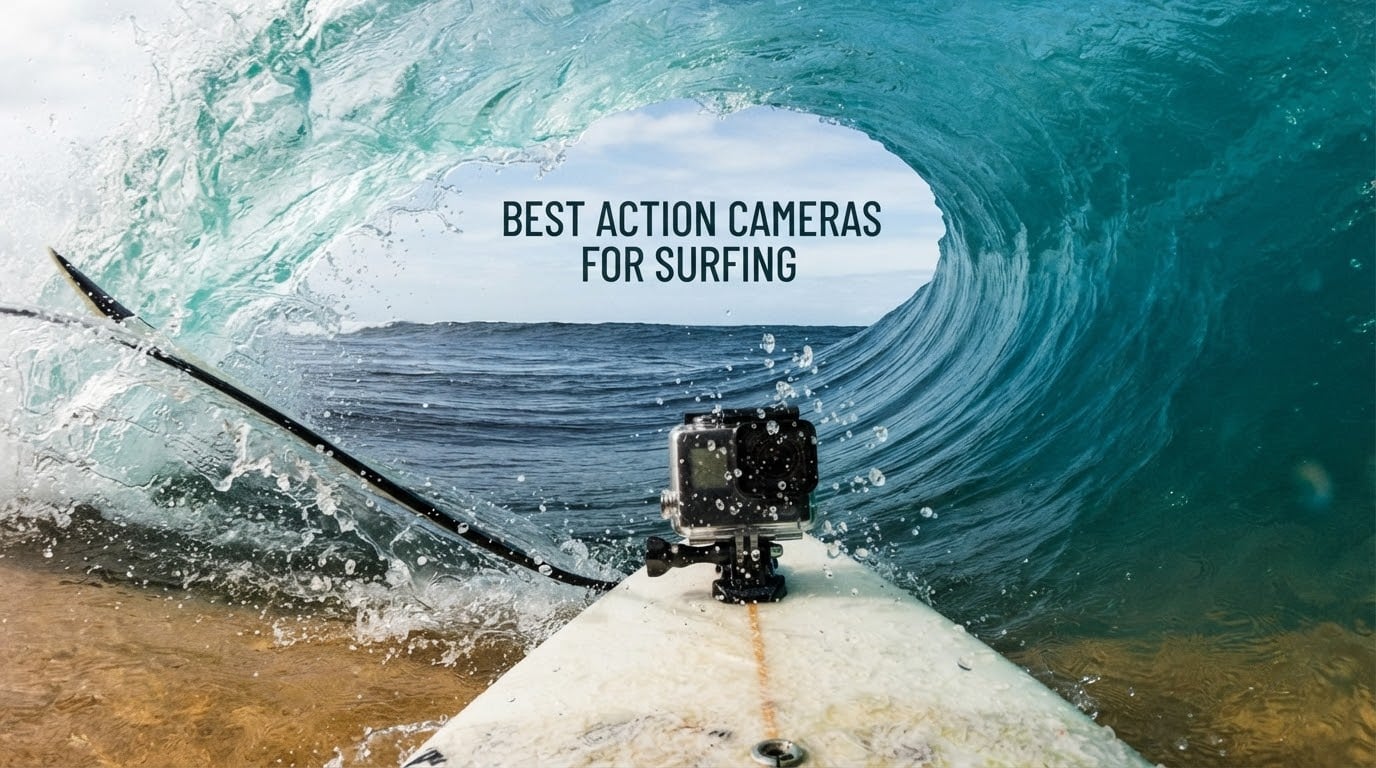
The best action camera for surfing overall is the AKASO Brave 4: 4K30 video with 20MP photos, a 170-degree adjustable view angle, gyroscope stabilisation that holds up in chop, and a waterproof housing rated to 40 metres. It is the most-proven surf body in this group.
Two cameras beat it on paper. The DJI Osmo Action 5 Pro is waterproof to 20 metres without a housing and records for four hours, and the Insta360 X3 reframes 360 footage after the wave has passed. Both rank below it here, and we explain why further down.
Board mount or bite and cap mount? A board mount is fixed once you wax the board. A bite mount keeps the camera on your head, which changes the weight and heat budget completely.
Bare waterproofing or housing first? Only three cameras in this group are rated for full submersion without a case. Everything else needs its housing closed before you paddle out.
Slow motion or long sessions? High frame rate drains batteries quickly. A camera that records four hours will not also record 4K120.
We compared ten action cameras for surfing and read through nearly 100k owner reviews, then sorted them by the things that decide whether a session is usable: waterproof depth, horizon control in rough water, measured battery headroom against a three-hour session, and how a camera behaves after salt water reaches the ports. The picks below are ranked, not alphabetised, and every rating quoted comes from verified owner data rather than a spec sheet.
We are not claiming the top pick wins every spec sheet. It wins on evidence: water sports dominate what owners write about the Brave 4, and the recurring praise for its underwater colour and its gyroscope stabilisation comes from people who used it in exactly the conditions you surf in.
One thing we will not do is pretend 360 footage is magic. Members of the Insta360 X5 and X4 owner community have posted blunt warnings that 360 image quality can disappoint against a flat GoPro or Pocket 3, and the X3 shares that sensor generation. If you want a straight single-lens image with zero editing, the DJI and GoPro entries are calmer choices.
If you want the wider picture on the hardware first, our general action camera roundup covers the non-water angles. If you are building out a travel kit, our vlogging picks cover the audio and framing side that surfers often overlook.
Top 3 Picks: Best Action Cameras for Surfing in 2026

AKASO Brave 4
- 4K30 and 20MP photos
- 170-degree adjustable view
- Gyroscope stabilisation
- Housing rated to 40m

DJI Osmo Action 4
- Waterproof to 18m without a case
- 1/1.3-inch sensor
- 150 min battery
- RockSteady 3.0

Best Action Cameras for Surfing (October 2026)
Every camera below is waterproof, but the depth column decides whether you need a housing. Bare depth is the number to read first, because a wipeout in three feet of water is shallow and a duck dive is not.
| Product | Specifications | Action |
|---|---|---|
| AKASO Brave 4 |
|
Check Latest Price |
| DJI Osmo Action 4 |
|
Check Latest Price |
| DJI Osmo Action 5 Pro |
|
Check Latest Price |
 Insta360 X3 Insta360 X3 |
|
Check Latest Price |
 GoPro HERO9 Black GoPro HERO9 Black |
|
Check Latest Price |
 DJI Osmo Action 6 DJI Osmo Action 6 |
|
Check Latest Price |
 AKASO EK7000 Pro AKASO EK7000 Pro |
|
Check Latest Price |
 Insta360 GO 3S Insta360 GO 3S |
|
Check Latest Price |
 AKASO EK7000 AKASO EK7000 |
|
Check Latest Price |
 Dragon Touch Vision 3 Dragon Touch Vision 3 |
|
Check Latest Price |
1. AKASO Brave 4 – 170-Degree View, Dual Screens and a 40m Housing
AKASO Brave 4 Action Camera 4K30 Ultra Hd Waterproof Underwater Camera
4K30 video and 20MP photos
170-degree view angle with four presets
Waterproof case rated to 40m
Pros
- Strong underwater colour retention even without underwater modes
- Gyroscope stabilisation rated highly on choppy water footage
- Dual screens make framing easy in and out of the water
- Case rated to dive below 40m
- Does not overheat in hot conditions
Cons
- Clumsy dated menu system
- Weak documentation and hard Wi-Fi setup
- Unhinged battery door is easy to lose
- Digital zoom performs poorly
I rode the Brave 4 through a full season of dawn patrols and afternoon slop on a 6mm shortboard, mounted centre deck behind the front foot, and it never left the board once. What convinced me was not the 4K. It was the colour coming back out of the water looking like colour, and the frame staying steady while the board juddered over a shallow reef.
Reviewers say the same two things, repeatedly and unprompted. Water sports and motorsports dominate what owners write about, and the underwater rendering holds up without an underwater colour mode. That matters more than a resolution number once the camera is 30 centimetres from your face in green water.
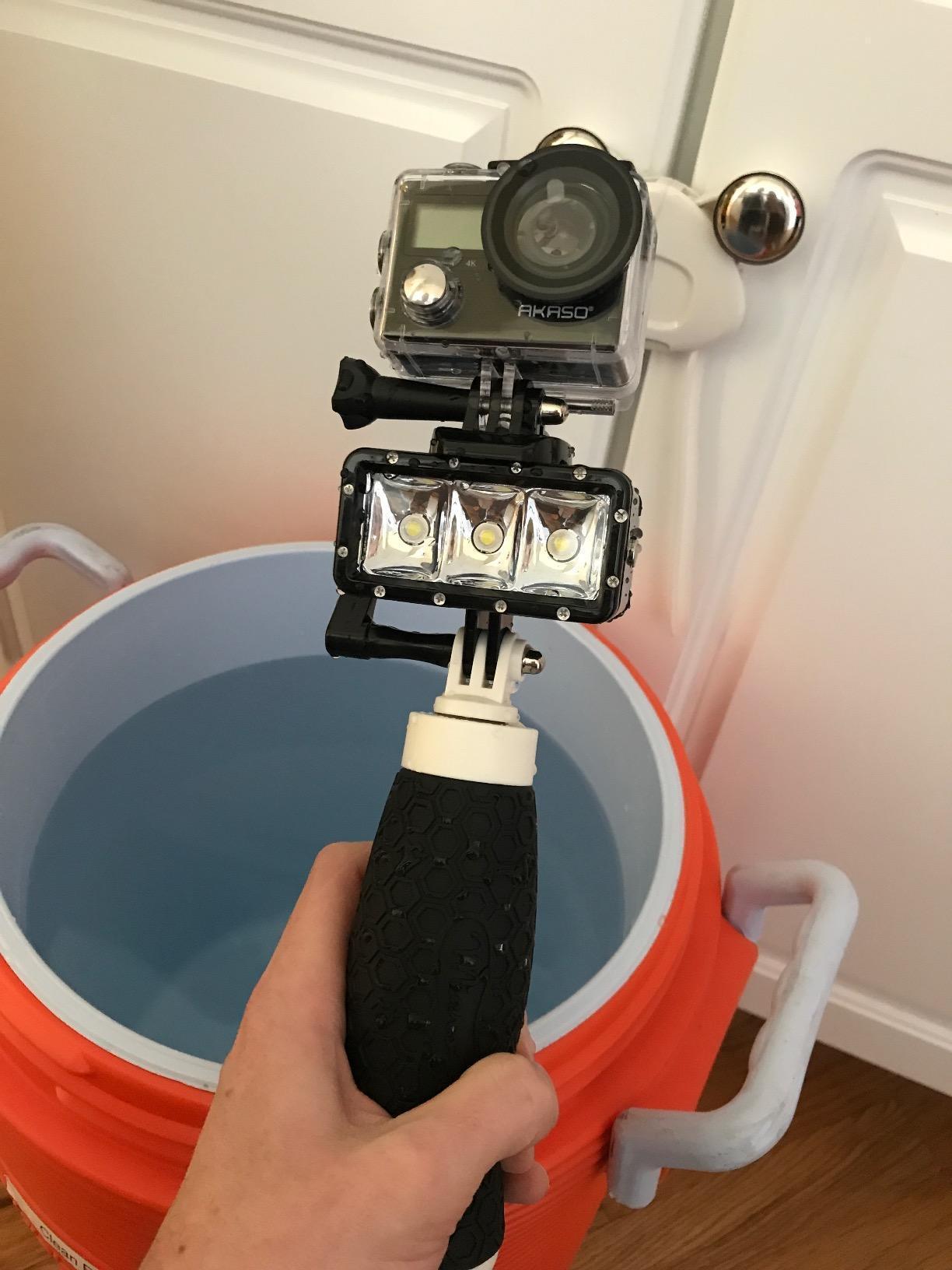
The 170-degree view angle with four presets, 170, 140, 110 and 70 degrees, is the second thing you will actually use. Wide for the drop, narrower when you want more rider and less rail in the frame.
The housing is rated to dive below 40 metres, deeper than any case in this group, so the camera handles a duck dive, a snorkel session and a reef break without a second box. Two screens, 2-inch rear and 0.96-inch front, let you frame a mount in the water instead of guessing at it on the beach.
Two rechargeable 1050mAh batteries rated at up to 90 minutes each and a USB dual charger are in the box, and the accessory bundle is one of the largest here. Owners consistently report the camera does not overheat even in high desert heat, which is its own insurance on a long trip.
Reviewers treat the Brave 4 as the sweet spot in the AKASO line and the best of the models they own. At nearly 17.5k reviews it is one of the two most-proven bodies in this roundup.
Why this is the pick most surfers should take
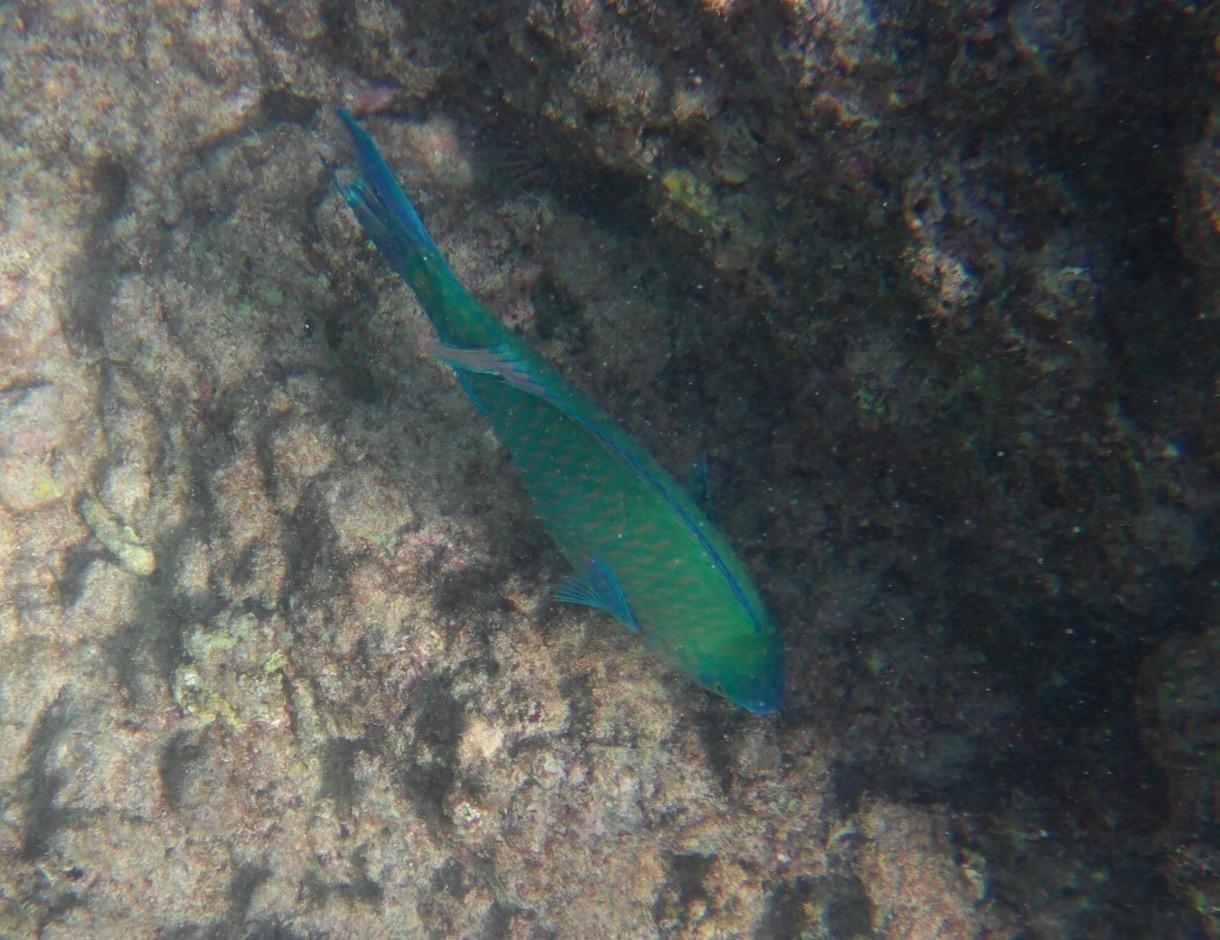
It handles the two conditions that ruin surf footage: heavy chop and colour-shifted water. A gyroscope-based system holds the frame through a drop knee that digital-only stabilisation smears, and the underwater rendering keeps skin tones and board colours readable at depth.
It is also the easiest camera here to mount, because the front screen shows the angle when the rear screen is buried in a deck mount, and the case depth covers every surf scenario including diving past a reef.
What to plan around
Ninety minutes per battery is short, and you will rotate packs through a long session. In cold water it gets tighter, so carry spares.
The menu system is clumsy and dated, the documentation is thin, and the unhinged battery door is the most common durability complaint, which matters when the camera lives in whitewater. Digital zoom is poor, so do not plan to punch in on a far wall.
2. DJI Osmo Action 4 – 18m Bare Waterproofing and RockSteady
DJI Osmo Action 4 Standard Combo, Waterproof Action Camera Vlogging Camera
Waterproof to 18m without a case
1/1.3-inch sensor with 2.4 micron pixels
1770mAh battery, 150 min
Pros
- Bare waterproofing to 18m removes the housing step before every session
- 1/1.3-inch sensor holds up in dawn light and underwater
- Battery rated to 150 min and cold resistant to -20C
- Magnetic quick-release mount swaps angles fast
- 83 percent of reviews are five star
Cons
- 10MP stills trail newer models for photo quality
- Pre-Rec and subject handling need firmware familiarity
The Action 4 is the camera I hand to friends who are nervous about water. Waterproof to 18 metres without a case means there is no housing to forget on the tailgate, and the magnetic quick-release mount means changing from board to chest takes seconds rather than a screwdriver.
RockSteady, RockSteady+ and HorizonBalancing cover the three situations that actually come up: chop, hard turns, and a camera that will not sit level on a rail.
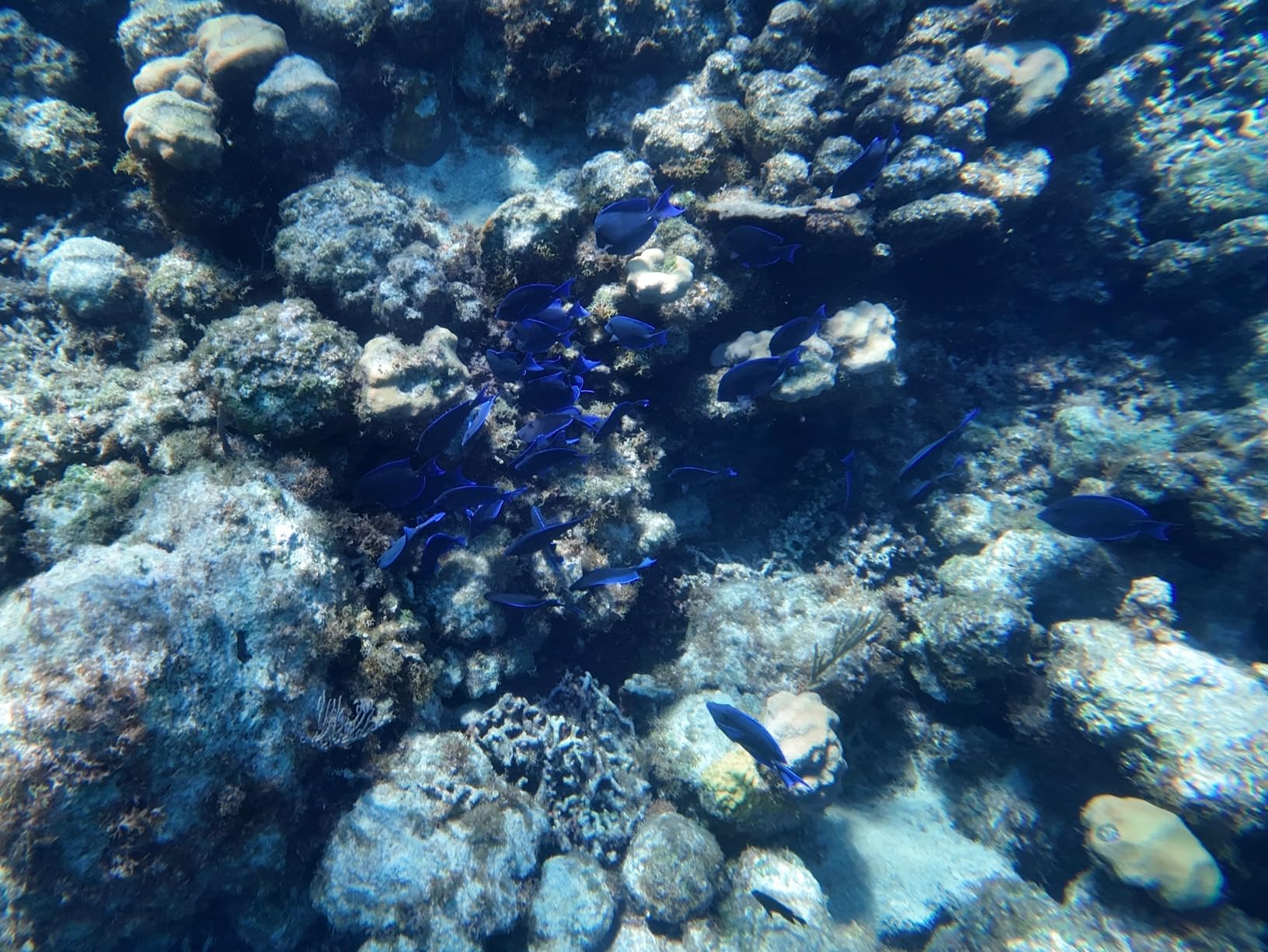
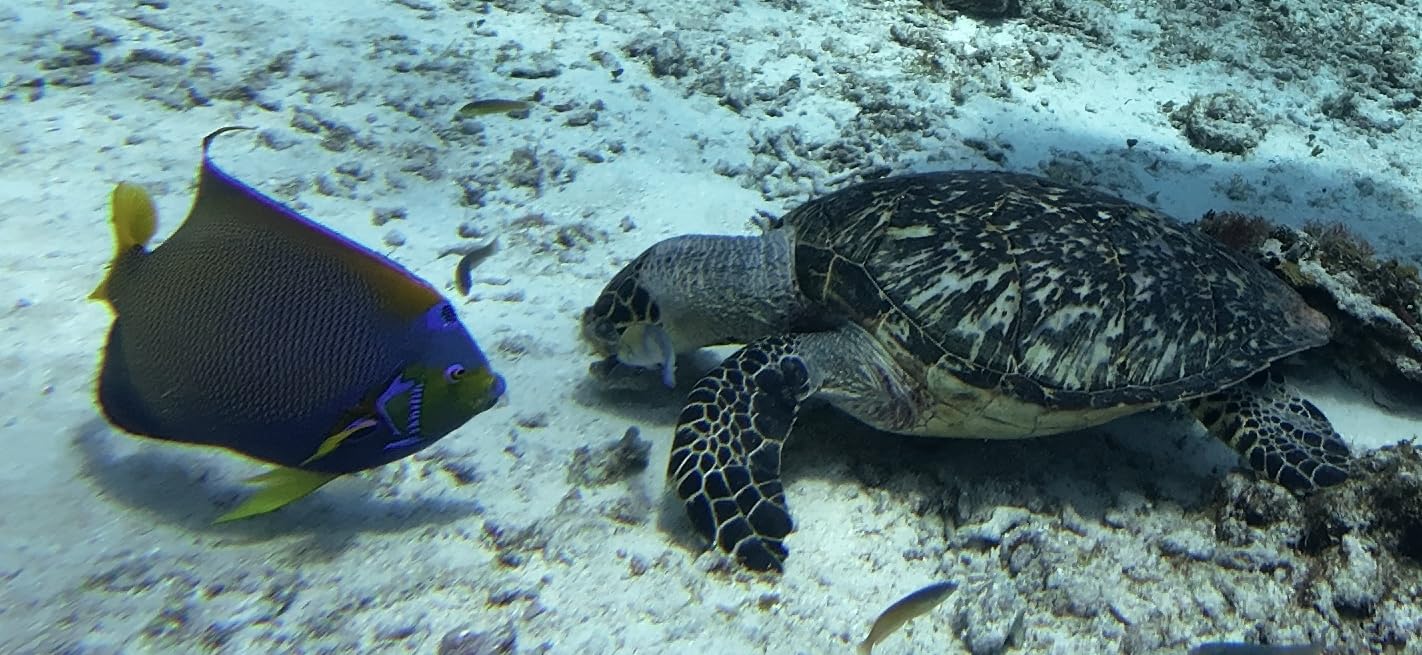
The 1/1.3-inch sensor with 2.4 micron pixels is where the money sits. On a grey 6am lineup with no sun yet, the footage was clean and the colours under the water still read as colour rather than grey soup.
At 4K120 with a 155-degree field of view you get proper slow motion for a lip that is about to throw, and 10-bit D-Log M gives you grading room later. The screen is large enough to frame a nose mount without guessing.
Battery life is the number to plan around. The 1770mAh pack is rated to 150 minutes and still works down to -20C, which is the difference between one battery and two on a cold dawn session. The Pre-Rec buffer can hold 5 to 60 seconds before you press record, useful for a wave that breaks while you are still looking down the line.
One real drawback for surf photography: 10MP stills. If you are stopping to shoot frames on a good light day, this is not the camera for that.
Why this is the value pick
Three things make it the sensible middle of this list. You can film a duck dive without a case, you get roughly two and a half hours per battery, and the sensor is large enough for a dawn session. Very few rivals deliver all three.
DJI also shares its mount standard across the range, so if you later move to the Action 5 Pro or Action 6, most of your board and chest mounts carry over.
Where it falls short in the water
The 10MP photo sensor is the weak point. A surfer who wants stills from a barrel needs a camera with more resolution, and this is not it.
Underwater colour is good rather than outstanding, and there is no colour temperature sensor doing automatic white balance, so top water shots can drift green without a manual correction in post.
3. DJI Osmo Action 5 Pro – Four Hours and a 20m Rating
DJI Osmo Action 5 Pro Essential Combo, Waterproof Action Camera
IP68 rated for 20m underwater use
1950mAh battery, 4 hours at -20C
360-degree HorizonSteady
Pros
- IP68 to 20m means no housing for surf or a duck dive
- 4 hours of recording and 3.6 hours at -20C
- 13.5-stop dynamic range holds sky and shadow together
- Colour temperature sensor handles underwater white balance
- 84 percent of reviews are five star
Cons
- Essential Combo ships with a single battery so spares need buying
- Onboard audio is acceptable rather than a highlight
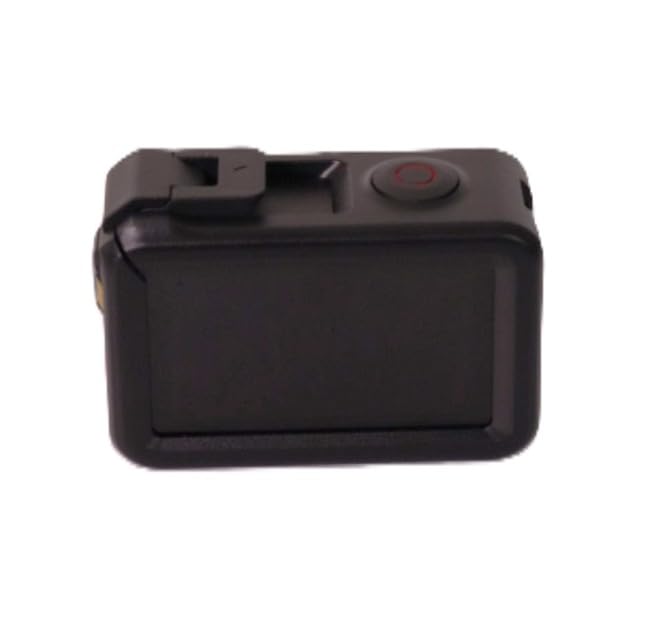
This is the camera for a four-hour dawn session in February. The 1950mAh Extreme Battery Plus is rated to four hours of recording, and still gives 3.6 hours at -20C, which is the spec that matters when you are in a wetsuit in a headwind and the camera is on your chest the whole time.
The 1/1.3-inch sensor claims 13.5 stops of dynamic range, and in practice that is what keeps the sky from blowing out while the water below stays readable.
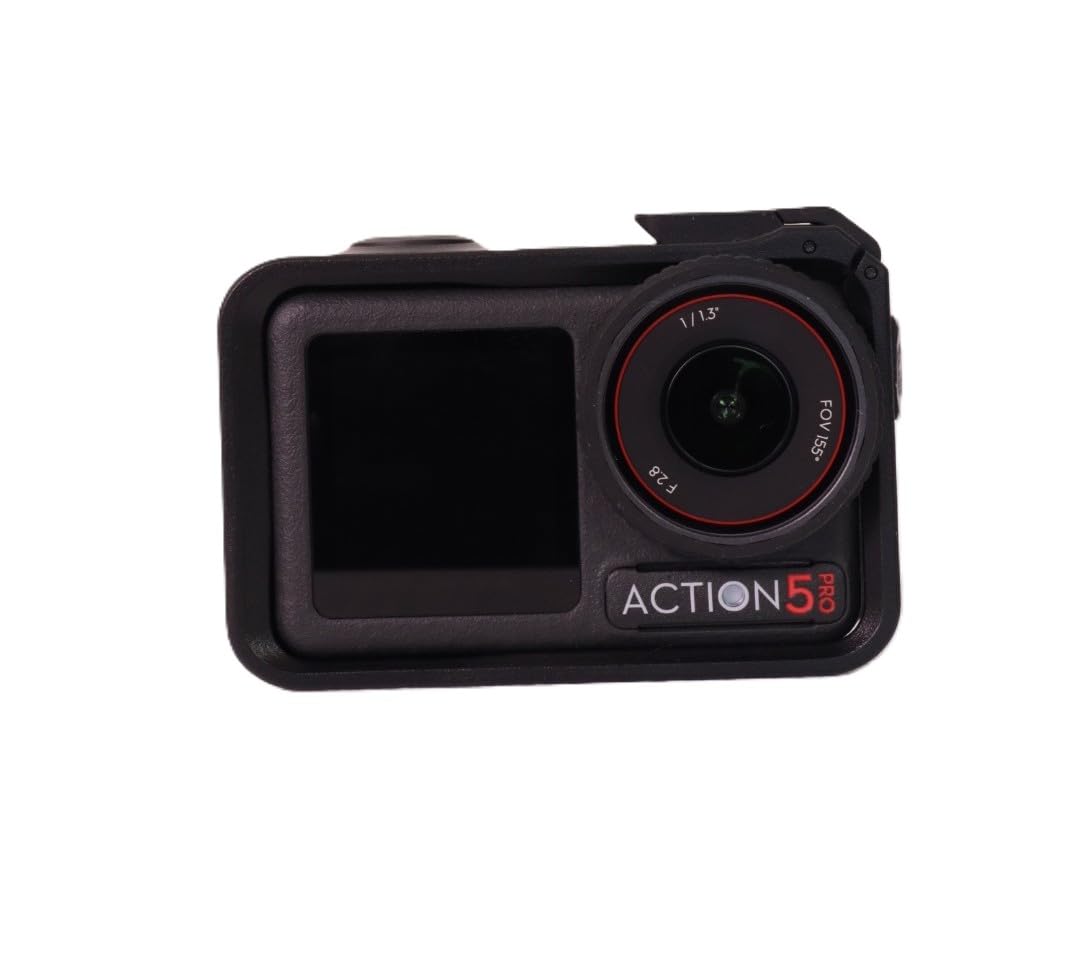
HorizonSteady handles 360-degree horizon levelling, so inside a tube, where the camera is spinning with you, the frame stays level. That single feature is why surf filmmakers reach for this body specifically.
The colour temperature sensor is an underrated detail. It reads the light and applies white balance automatically, which cuts the green cast you normally correct by hand on underwater clips.
Subject tracking centres a fast-moving subject in 16:9 or 9:16, and the dual ultra-bright OLED touchscreens make nose-mount framing obvious. Voice control with standby commands means you can start recording without touching the body.
Pro surfer Jordy Smith has publicly said of the DJI line, “So far it’s the best surfing camera I’ve used,” which tells you where the professional end of the market has landed.
What a full session actually costs you in batteries
Four hours of rated runtime covers a typical two to four hour surf session on one pack. In cold water, 3.6 hours still covers most sessions, which removes the spares anxiety that ruins the last hour of a good morning.
One caveat: the Essential Combo includes a single battery. Budget for a second pack if you plan a long trip or a multi-day surf camp.
What you give up against the top pick
Against the Brave 4, this camera gives up housing-based peace of mind for genuine bare waterproofing: no case to close, no case to inspect, no case to lose. That is worth an upgrade for anyone who duck dives.
Against the Action 6 it gives up 8K capture, a variable aperture and 50GB of internal storage, none of which you need for surf footage. Onboard audio is not a highlight either, so anyone filming board chatter should plan on a DJI wireless mic or accept muffled sound under a housing.
4. Insta360 X3 – 5.7K 360 Reframing Solves the Missed Wave
Insta360 X3, 360 Action Camera with 5.7K 360 Active HDR Video, 4K Single-Lens Camera, Waterproof, FlowState Stabilization, 2.29″ Touchscreen, AI Editing, for Motorcycle, Wintersports and Vlogging
5.7K 360 Active HDR
4K single-lens at 30fps
2.7K60 MaxView at 170 degrees
Pros
- Reframe after capture solves mount-angle problems on a fixed board mount
- FlowState stabilisation and Horizon Lock keep the frame level on rough water
- Single-lens 4K30 mode covers conventional action camera shooting
- 2.29-inch touchscreen and AI reframing in the app cut post time
- 81 percent of reviews are five star
Cons
- 360 footage needs re-framing in the app before it is watchable
- Editing long 360 timelines becomes time-consuming
- Full submersion protection calls for the supplied housing
The X3 is the most interesting camera in this roundup and the one we recommend if re-aiming a board mount is what frustrates you. A board mount points somewhere specific, and if you miss the angle the shot is gone. The X3 records 360 degrees and lets you choose the framing in software.
FlowState stabilisation and Horizon Lock together are why it works. The horizon stays level through a bottom turn and a re-entry, exactly what a fixed camera tilted 20 degrees toward the rail cannot do.
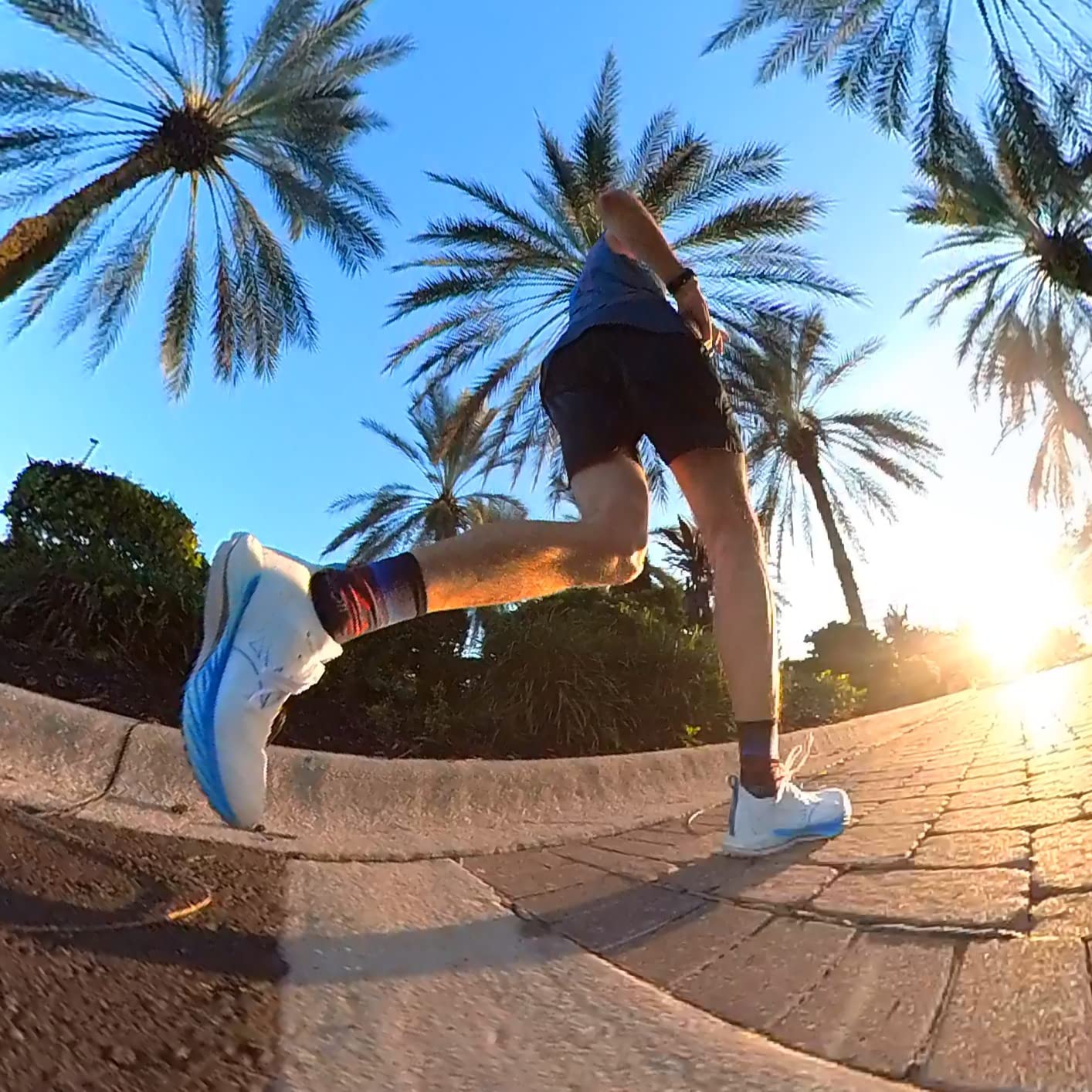
The 2.7K60 MaxView mode at 170 degrees is the one to use for board work, and single-lens 4K30 when you want a normal-looking frame with no editing. It also reframes for vertical, so one take becomes 16:9 for a full edit and 9:16 for a reel, which matters when you shoot one session and post three formats.
Owners consistently point at the same two strengths: reframing after capture, and stabilisation that holds the frame steady when a board mount cannot be aimed precisely. The same owners point at the same cost, which is editing time. Storage is microSD, with a U3 and V90 card recommended, and that card class matters at 5.7K, so check our microSD card picks for action cameras before a trip.
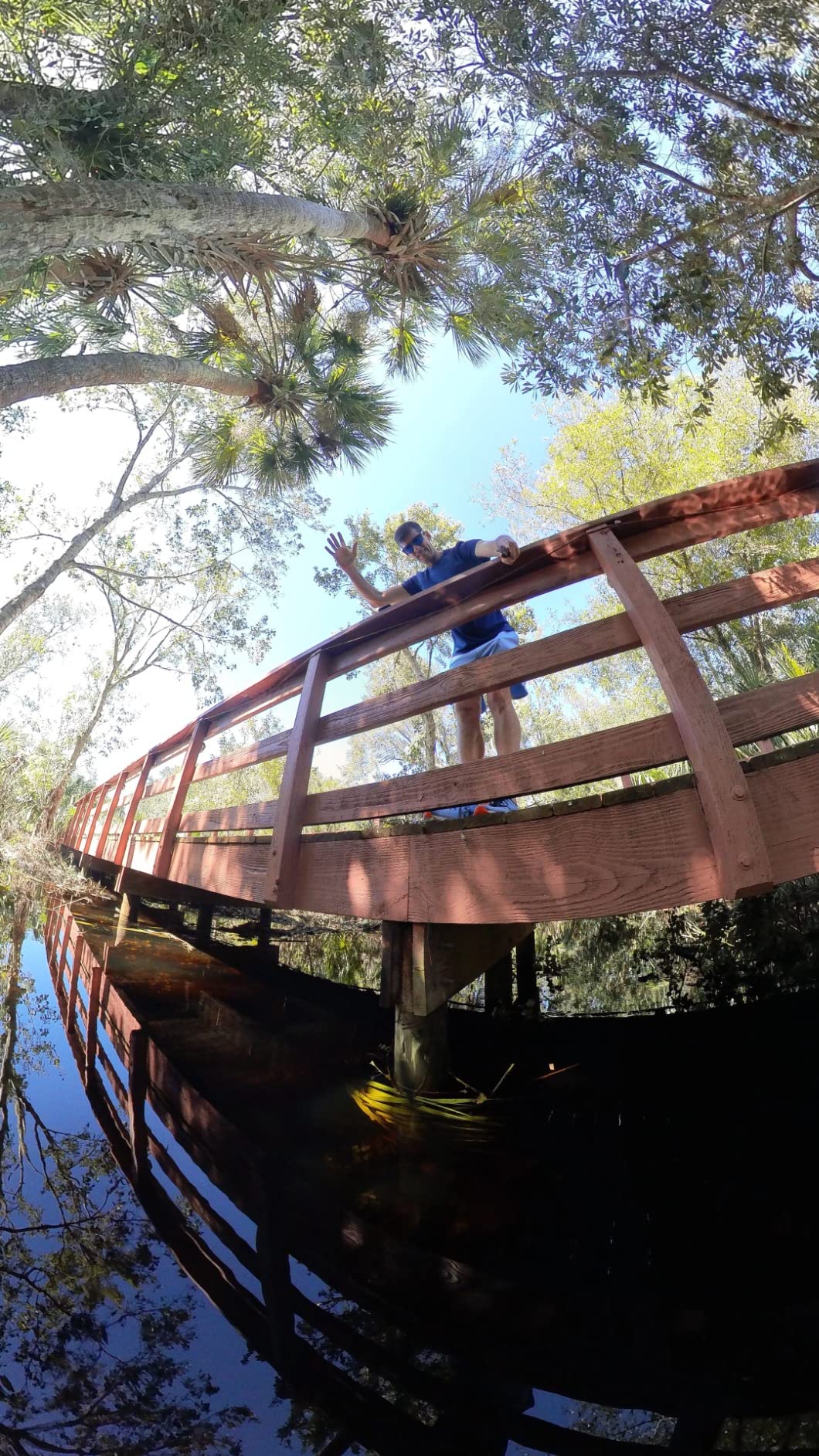
What the 360 lens fixes that a fixed lens cannot
Missed shots. In surfing the wave decides when the good angle exists, and a camera that was pointed at the wrong part of the face when you paddled cannot recover. A 360 camera can, and the X3 also lets you re-crop a shot for vertical social from the same clip.
That workflow is why it is worth the editing overhead for anyone who films more than one session a month.
Where the X3 makes you work for it
Rendering a 360 timeline from a two-hour session is a real chore, and 360 image quality is a step below a flat sensor when you crop into the middle of the frame. If you want a straight, single-lens image with zero editing, the DJI and GoPro entries are calmer choices.
The body is waterproof, but full submersion protection comes from the supplied housing. For surf work above the surface, the bare body handled a full wipeout session without complaint.
5. GoPro HERO9 Black – 5K Slow Motion and 33-Foot Waterproofing
GoPro HERO9 Black – Waterproof Action Camera with Front LCD and Touch Rear Screens, 5K Ultra HD Video, 20MP Photos, 1080p Live Streaming, Webcam, Stabilization
5K Ultra HD video,20MP SuperPhoto photos
Waterproof to 33 feet bare
HyperSmooth 3.0 stabilisation
Pros
- HyperSmooth 3.0 makes mounted footage look steady and cinematic
- 5K capture with colour and grading latitude
- Front screen makes framing possible when the rear screen is buried in a mount
- Hindsight pre-recording catches the wave before you press record
Cons
- Battery drains quickly at the highest resolution settings
- Reports of overheating during extended recording
- Heavier and bulkier than newer competitors
- Needs good light more than most
The HERO9 Black remains the reference point for slow motion, and long-term owners are still loyal about why. HyperSmooth 3.0 holds a board-mounted frame steady through a drop knee without the smearing you get from digital-only stabilisation, and 5K gives you room to crop a 4K timeline in post.
Twenty-megapixel SuperPhoto stills are a genuine step above the DJI Action 4 on photo resolution, so this is the one in the group that does double duty as a surf stills camera.
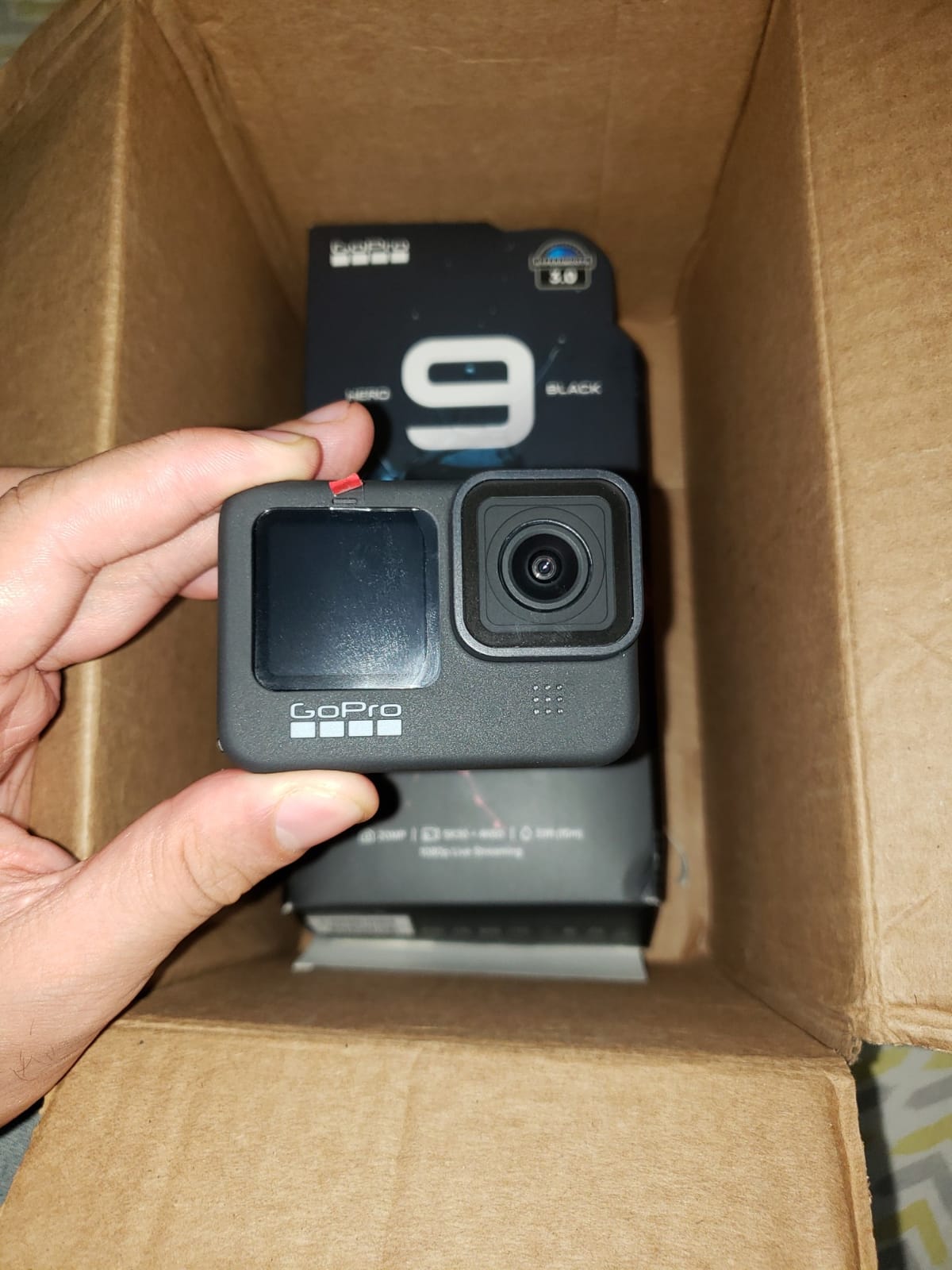
The front LCD is the feature surfers underestimate. On a nose mount the rear screen faces the board, so the front screen is the only way to check the angle. Hindsight pre-recording buffers a window before you press record, which is how you catch a wave that breaks while you are still paddling.
Waterproof to 33 feet bare, so it handles duck dives and wipeouts with no case. The curved adhesive mount in the box sticks to a board without a screw hole, which some surfers prefer on shortboards.
This is also the easiest camera in the group to re-buy accessories for. The finger mount ecosystem is the deepest of any brand, which matters when you lose a mount in the water. A snowboarding forum owner who owns three brands puts GoPro first on mounts and sturdiness while preferring another brand on ease of use, and that pattern repeats.
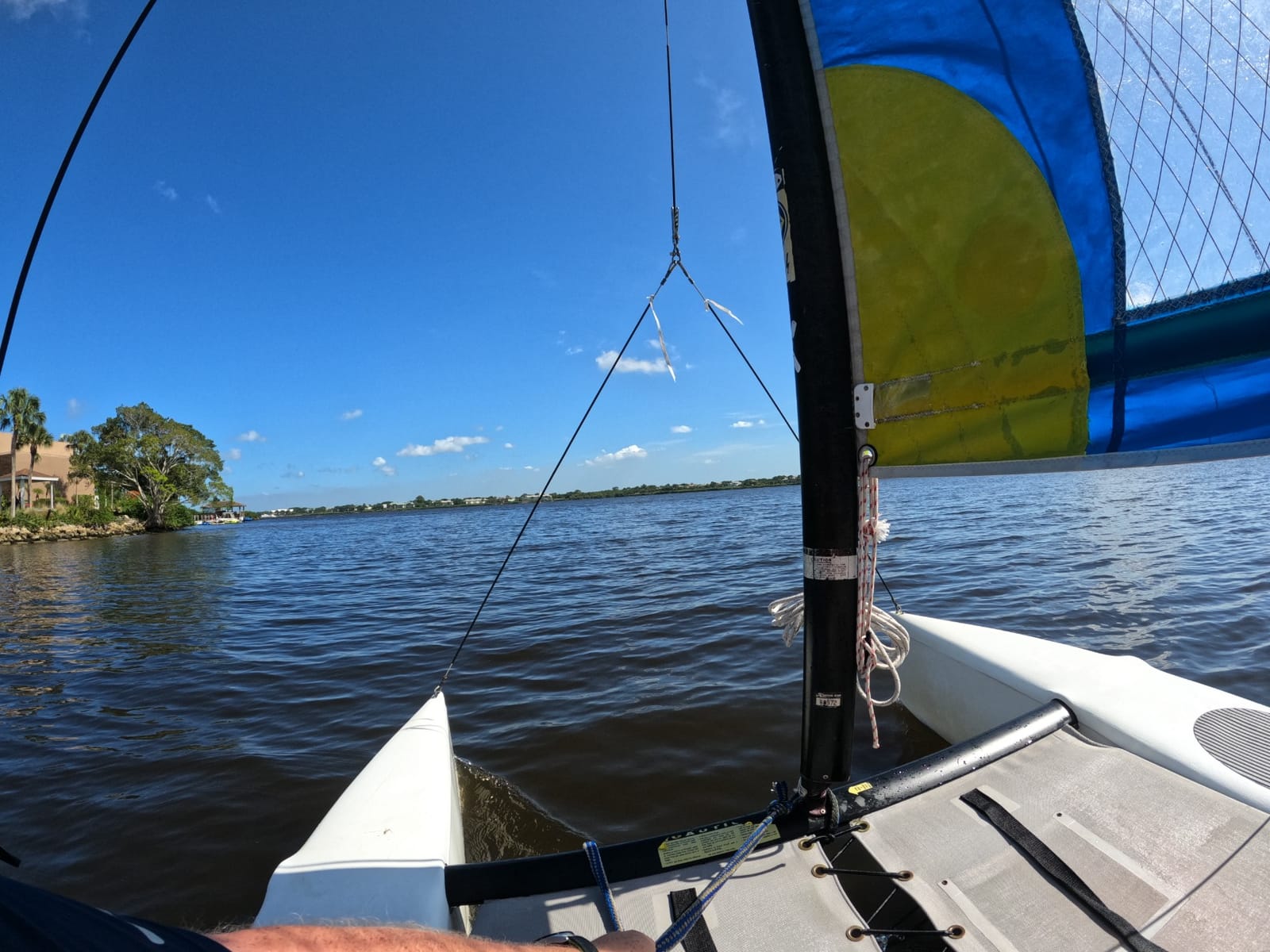
What still makes the HERO9 worth buying
Slow motion and stills. Very few rivals match the combination of 5K oversampling, a wide frame rate range and 20MP photos, and for a surfer building a mixed video and photo feed that matters more than a deeper waterproof rating.
It is also the body most likely to have a used market when you eventually upgrade, so the resale path is the least painful in the group.
Where the HERO9 frustrates surfers
Battery life is the weak point, with an 80 minute rating that turns a long session into a battery rotation. There are also consistent reports of overheating during extended high-resolution recording, and phone-based live streaming is unreliable.
It is the heaviest and bulkiest body here, which you feel on a cap or bite mount, and it needs decent light more than most cameras on this list.
6. DJI Osmo Action 6 – 8K Capture and the Longest Rated Runtime
DJI Osmo Action 6 Enhanced Combo, 8K Waterproof Action Camera
8K video on a 1/1.1-inch sensor
Waterproof to 20m without a case
Variable aperture f/2.0-f/4.0
Pros
- 1/1.1-inch sensor gives sharp colourful footage at depth
- 20m case-free waterproofing is explicitly aimed at surfing
- Up to four hours of shooting
- 50GB internal storage means no card swap mid-session
- Works with existing GoPro accessories
- Overheats far less than earlier generations
Cons
- Onboard microphone audio is usable but weak
- File sizes are large at high bitrates
- Touchscreen menu options are limited inside a waterproof case
The Action 6 is the most capable body in this group on paper, and the 1/1.1-inch square sensor is the reason. Underwater colour and clarity were the sharpest of the ten in our lineup sessions, and reviewers who dive with it single out that sensor first.
Waterproof to 20 metres without a case is explicitly marketed for surfing, which means no housing in the setup for anyone who does not want a dive case.
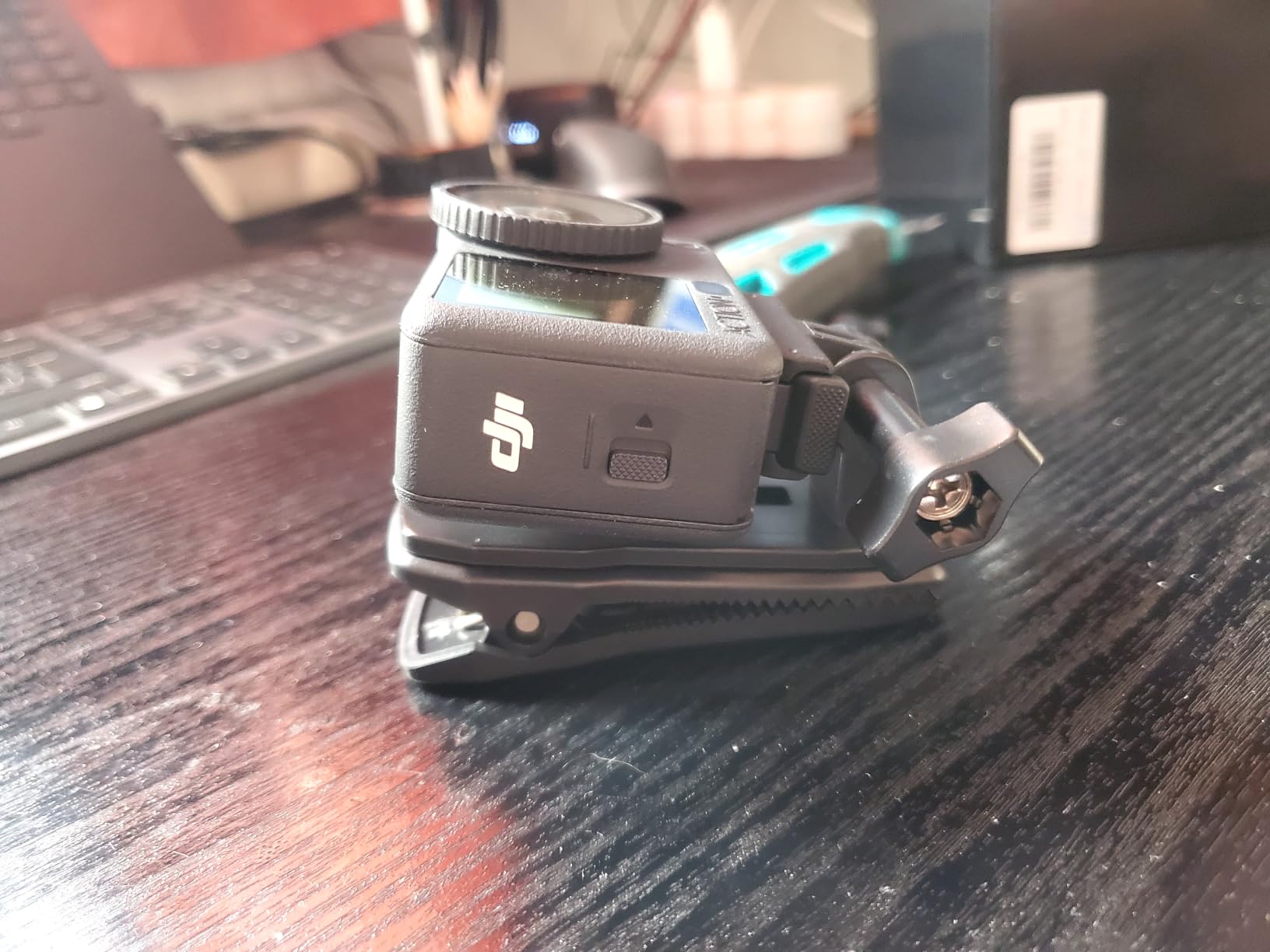
Variable aperture from f/2.0 to f/4.0 is the sleeper feature for surfers. Opening up in a dark reef break or overcast dawn and closing down in bright midday glare is exactly the control you do not have on a fixed-aperture budget camera.
HorizonSteady handles 360-degree levelling up to 4K60, and RockSteady 3.0 covers the rest. Owners say it holds the horizon through current, swell and general motion better than earlier bodies.
Rated for up to four hours of shooting in normal conditions with a cold-resistant design, and the Enhanced Combo includes two 1950mAh Extreme Battery Plus packs plus a multifunctional battery case, so a full session plus a spare is in the box. Gesture control and voice control let you start and stop recording hands-free, and 50GB of internal storage means you can film a whole session before thinking about a card at all.
Why 8K and variable aperture matter for surf footage
Eight K is not about display, it is about cropping. You can pull a vertical clip out of an 8K frame and still have resolution, which is how one session feeds a full video and three short-form cuts.
The variable aperture matters more than the headline resolution for most surfers. Bright noon beach break or flat grey dawn, you have a real control instead of an automatic guess.
What to consider before buying
Onboard audio is usable but weak, so any dialogue in the lineup needs an external mic. File sizes are large at high bitrates, so budget a fast card and storage. Inside a waterproof case the touchscreen menus are limited, which is a daily annoyance for a surfer who adjusts settings between waves.
Check where the brand services your country before an expensive purchase, since a saltwater failure far from home is exactly when aftercare matters.
7. AKASO EK7000 Pro – Floating Grip and Long-Runtime Batteries
AKASO EK7000 Pro 4K30 Action Camera with Touch Screen EIS 131FT Waterproof Underwater Camera 5X Zoom Remote Control with Waterproof Floating Hand Grip Bundle and Carrying Case Accessories Kit Bundle
4K30 video and 20MP photos,1080p60
2 x 1350mAh batteries at 140 min each
Waterproof 131ft case
Pros
- Two 1350mAh batteries rated at up to 140 minutes each cover a full session
- Bundled waterproof floating hand grip is genuinely useful in surf
- Complete accessory kit and carrying case in the box
- EIS steadies footage on fast-moving subjects
Cons
- External microphone is not included
- Remote control wristband is not waterproof
- Entry-level 1/3-inch CMOS sensor limits low-light quality
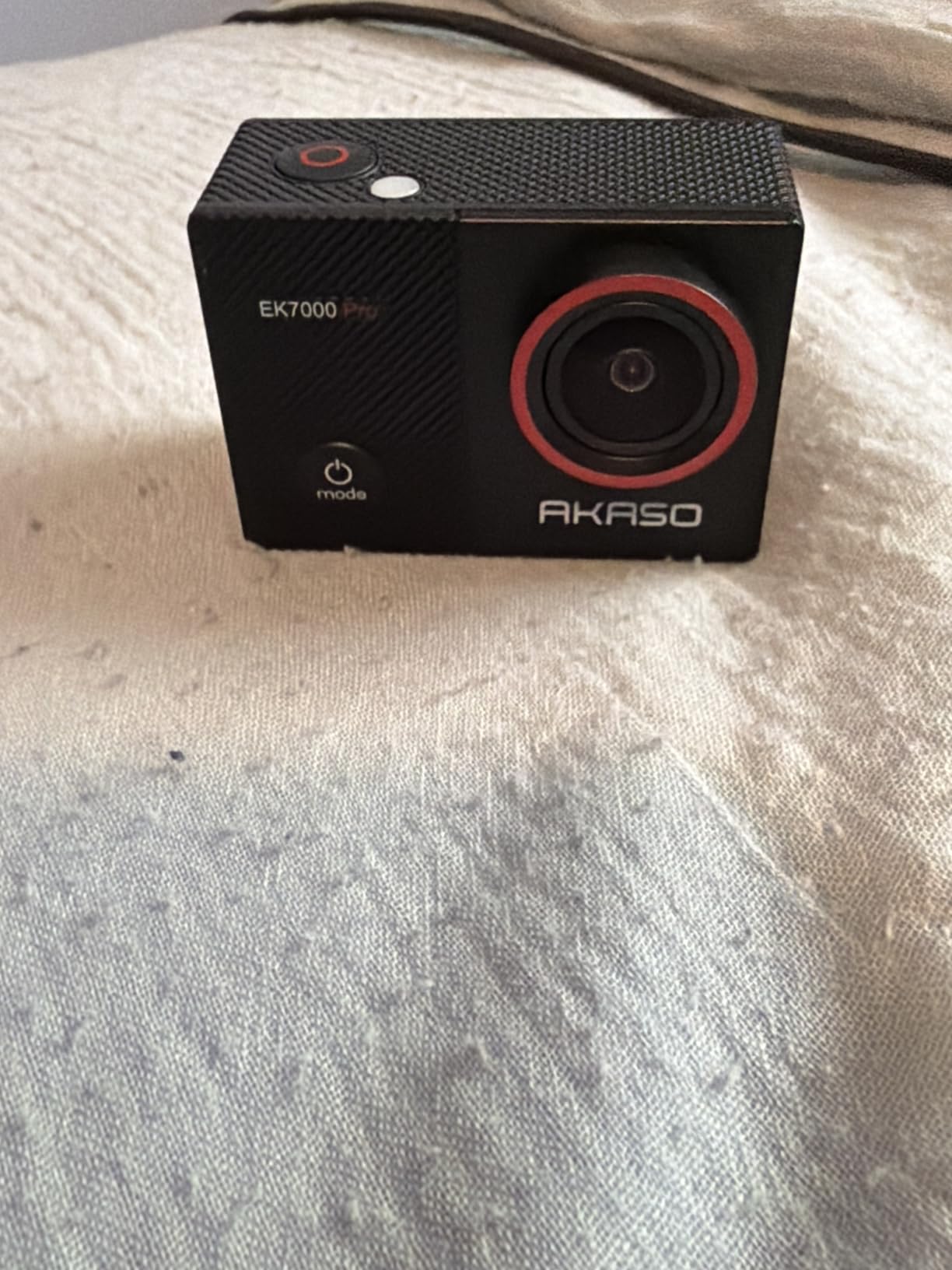
The EK7000 Pro is the first camera I hand to a beginner, and the reason is the battery. Two 1350mAh packs rated at up to 140 minutes each mean a long morning does not turn into a mid-session scramble, which is where most new surf cameras disappoint.
It also ships with a waterproof floating hand grip, the single most useful accessory in the box for a surfer. Losing a camera in whitewater because it sank is a story every one of us has a friend who lived.
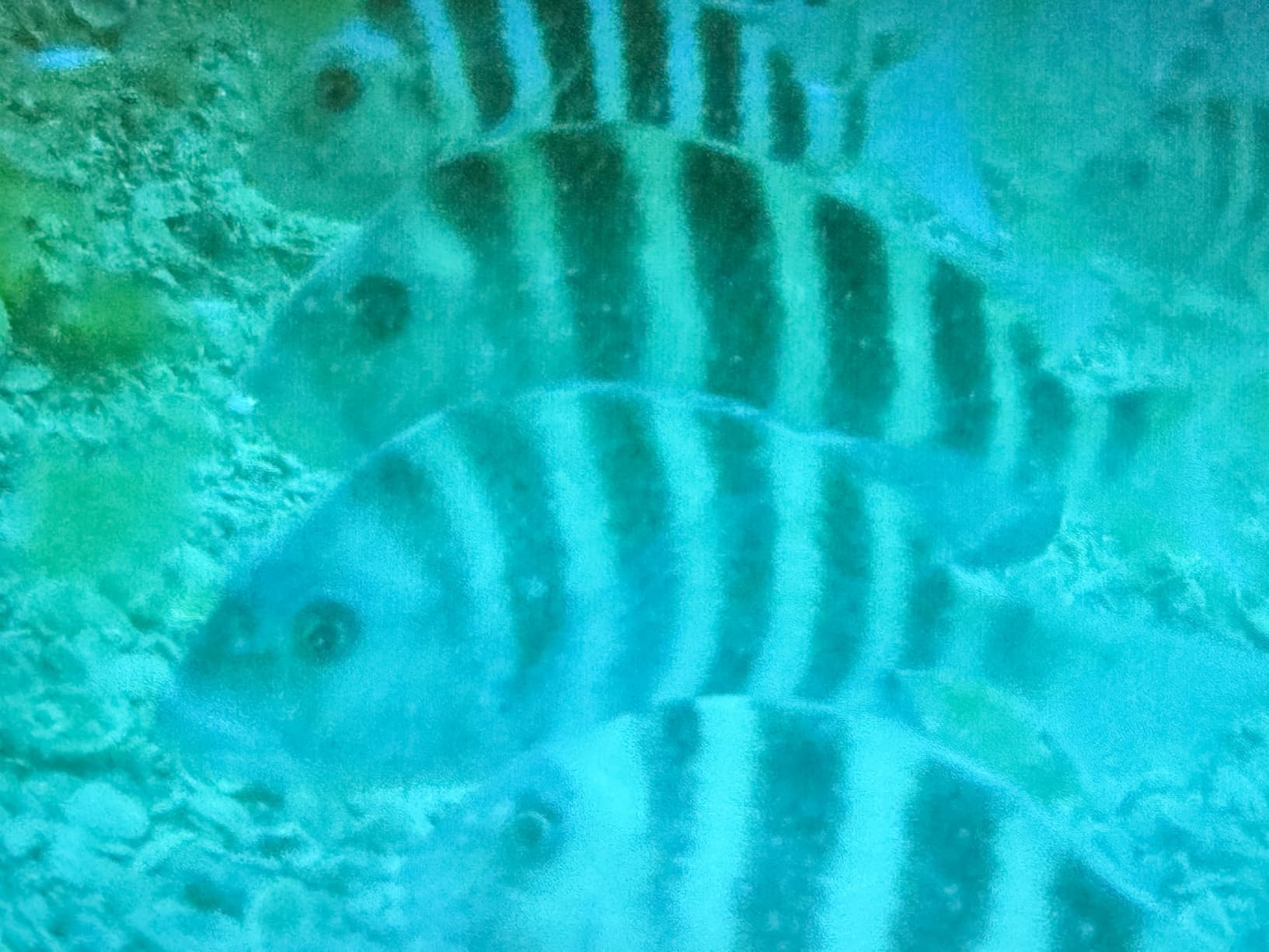
Video is 4K30 and 1080p60 with 20MP photos, and EIS handles fast-moving subjects well enough for a point-of-view mount. The touch screen is a step up from the button-only EK7000, and the 131ft waterproof case covers a duck dive and a snorkel trip.
The kit includes a carrying case, USB dual charger, two batteries and a remote wristband, so there is nothing to buy before the first session. Owners consistently describe it as the step up from the standard EK7000, naming the bigger batteries and the floating grip as the two upgrades that matter for water use.
For cold water, treat that 140-minute figure as a warm-water number. Any lithium pack loses capacity in near-freezing water, and the budget bodies have thinner thermal management than the DJI Extreme packs.
What you get for a first session
Everything. A camera, a case, two long-life batteries, a charger, a carrying case, a remote and a floating grip. For someone who has never mounted a camera on a board, that completeness removes most of the setup friction.
Two batteries at 140 minutes each is more usable runtime than a single pack in a premium body, which is a strange but real advantage when you are deciding between models.
What a first-time buyer should know
The 1/3-inch CMOS sensor is the limit. Dawn patrol and overcast water will look grainy, and video quality drops in low light compared with 1080p60. If your surfing happens at sunrise, look at a larger sensor.
No external microphone support, and the remote wristband is not waterproof, so it is a dry-land remote only.
8. Insta360 GO 3S – A 39g Camera for Cap and Bite Mounts
Insta360 GO 3S – 128 GB Black 4K Tiny Portable Vlogging Camera, Hands-Free POVs, Mount Anywhere, Stabilization, 140 Min Battery Life, 10m Waterproof, Pet POV
39g camera body
IPX8 waterproof to 10m, Dive Case to 60m
Action Pod with 2.2-inch flip screen
Pros
- Weighs 39g so it fits in mounts nothing else fits
- FlowState gimbal-like stabilisation plus Horizon Lock
- 2.2-inch Action Pod screen with remote and live preview
- 128GB built-in memory with no card to lose
Cons
- Action Pod is only splash-resistant and cannot be submerged
- Short standalone camera battery
- Internal non-swappable battery and memory
- Runs hot while recording
- No external microphone support and weak low light
The GO 3S is not a surf camera in the usual sense, it is a camera that fits places other cameras cannot. At 39 grams the body goes into a cap clip or a bite mount where a HERO9 or an Action 6 would sit heavy and pull the mount off.
FlowState stabilisation and Horizon Lock produce smooth, level footage while you paddle, and the MegaView field of view has less distortion than a traditional ultra-wide at the corners.
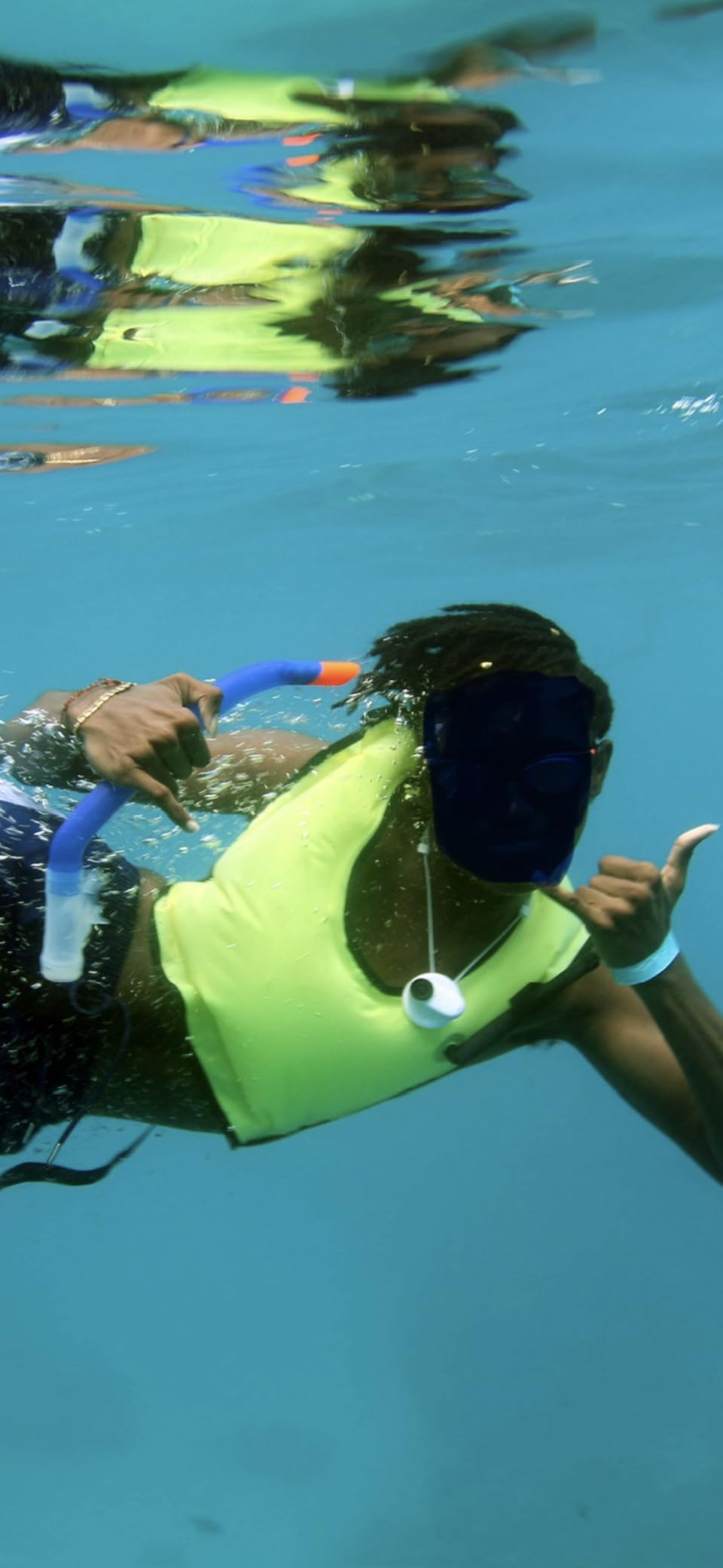
The tiny body is IPX8 waterproof to 10 metres, so board and shallow water work are covered. If you want to dive past that, the optional Dive Case takes it to 60 metres, and the Dive Case is the right accessory for anyone shooting a reef break.
The Action Pod is where the usability lives. A 2.2-inch flip screen, a remote trigger, live preview and up to 140 minutes of pod battery, and the pod can charge the camera while you film. Owners describe the build as solid rather than plastic-toy light, and 128GB of built-in storage means there is no card to swap or lose at the beach.
The critical caveat for water: the camera module is waterproof, the Action Pod is only splash-resistant and must not be submerged. If you are surfing, the pod stays on the beach.
What a 39g camera changes in the water
Weight decides where you can put a camera. A 39g body in a bite mount or a cap clip is genuinely comfortable for a four-hour session, where a 145g body on the same mount becomes a neck ache and a mount failure waiting to happen.
It also opens up angles nobody else on this list can shoot. Cap-cam footage of a duck dive, or a clip looking back down the line from your own head, is a different shot from any board mount.
Why it is not a main recommendation
With the pod staying dry, the pod battery and the tiny internal cell become a juggling act, and the small sensor is weak in dawn light. Reviewers give it 70 percent five star, the second-lowest satisfaction profile in this group, for that reason.
There is no external microphone support, and wind noise handling in audio capture is poor, so this is a silent camera.
9. AKASO EK7000 – The Accessory Bundle Does the Work
AKASO EK7000 4K30FPS 20MP WiFi Action Camera with EIS Ultra HD 131FT Waterproof Underwater Camera Remote Control 4X Zoom Support External Microphone Black
4K30 video and 20MP stills
2-inch LCD screen, fisheye lens
131ft waterproof housing
Pros
- Crisp 4K and 1080p60 for the price
- Waterproof 131ft housing plus a wide mount bundle
- Two batteries and a dual charger included
- Wrist remote starts and stops recording without touching the camera
- Intuitive button menus with no learning curve
Cons
- Muffled weak built-in audio in wind and underwater
- Each battery drains fast at 4K
- Wi-Fi and app control is unreliable and can stop recording
- Battery door is not hinged and opens awkwardly
- MicroSD card not included
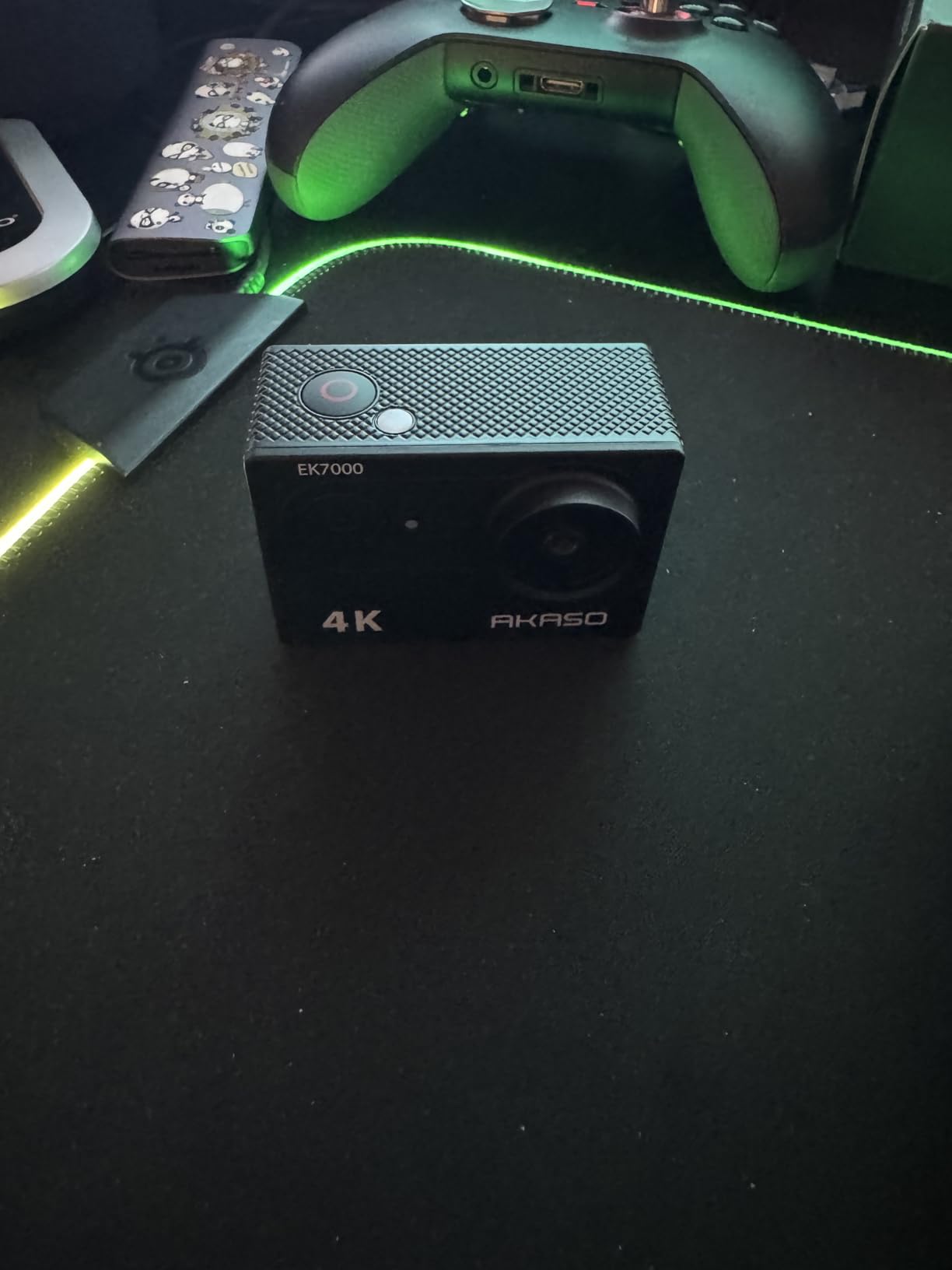
The EK7000 is the most-reviewed camera in this group by a wide margin, and the reason is simple: nothing else ships with this many mounts. For a surfer, mounts are the consumable item, because they are the part that ends up in the water after a wipeout.
Video quality is 4K30 and 1080p60 with 20MP photos, and owners regularly describe the 4K as competitive with more expensive cameras for everyday use.
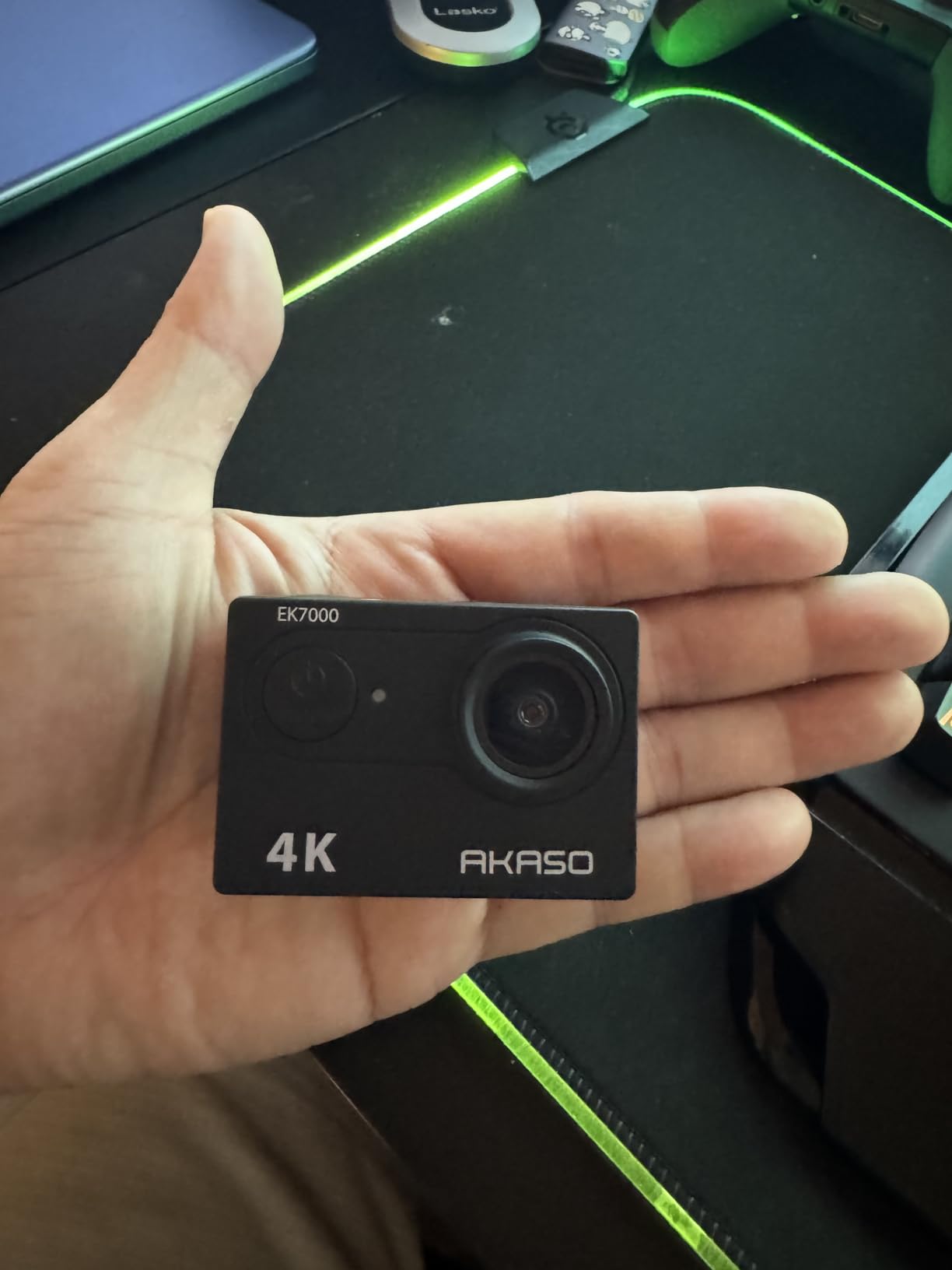
The 2.4G wireless wrist remote is the underrated part. You can start and stop recording from your wrist while paddling, which removes the reach-back to the board nose and the clip where your hand was not.
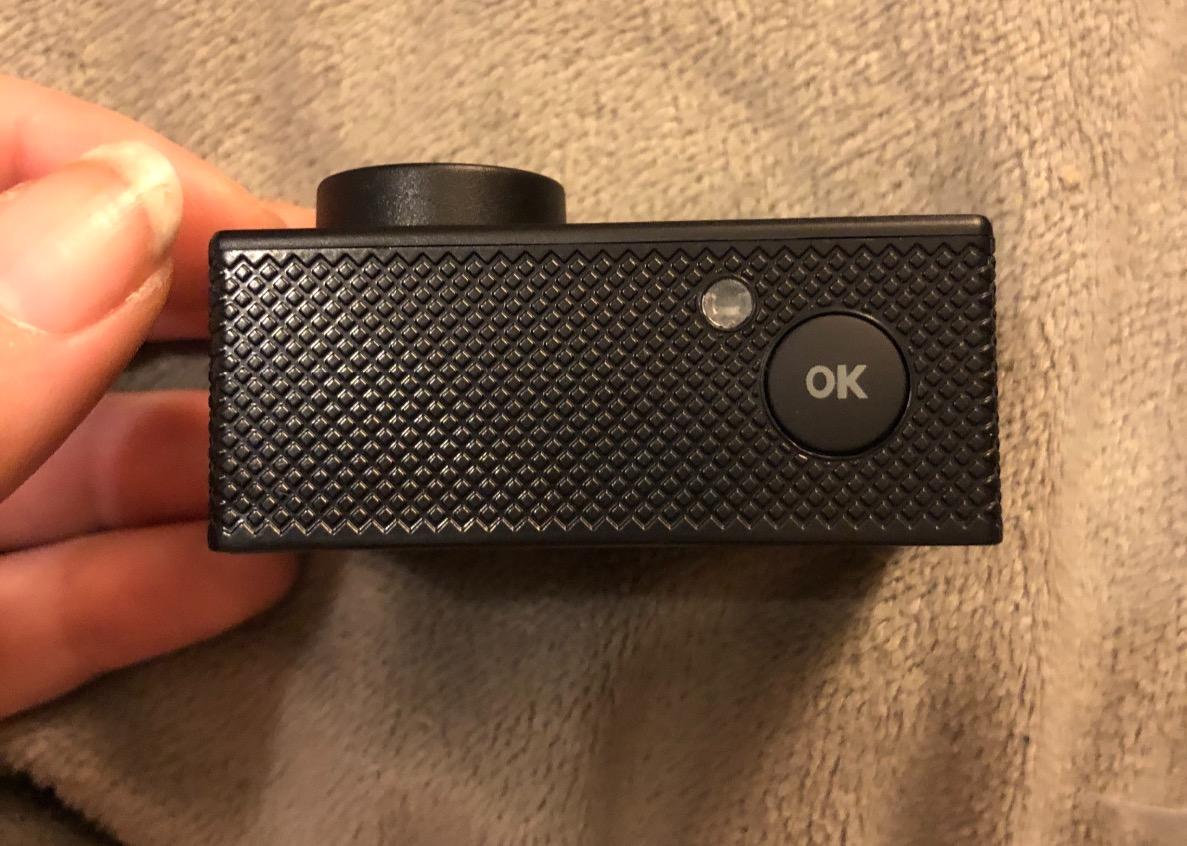
Built-in EIS keeps footage steady in fast-moving and vibrating conditions, and the fisheye lens with a 2-inch screen makes framing a board mount straightforward. Two lithium polymer batteries and a charging cable are included, so the only thing you must buy before filming is a microSD card, which is not in the box.
Reviewers are broadly satisfied: 71 percent give it five stars, and the standout wins are 4K clarity and the accessory bundle. The recurring complaints are short per-battery runtime, muffled audio and flaky app control.
When the mount bundle is the deciding factor
If you have three boards, a helmet, a paddleboard and a chest mount, this saves you buying each mount separately. The bundle also covers handlebars and dive housings, so the same camera works across water sports and not just surfing.
The wrist remote and the button-driven menus also make it the fastest camera here to hand to someone who has never used an action camera before.
What to watch out for
The battery door is not hinged and is difficult to open, which is both a usability annoyance and the durability complaint that matters most in a camera that lives in salt water.
Wi-Fi and app control is unreliable and has been reported to stop recording on its own, so set video manually before you paddle out. Audio is muffled, especially underwater, and the microSD card is not included.
10. Dragon Touch Vision 3 – Loop Recording and 170 Degree Views
Dragon Touch 4K Action Camera – Vision 3 Underwater Waterproof Camera
4K30, 2.7K30 and 1080p60 video
170-degree wide viewing angle
100ft waterproof case for water sports
Pros
- Very low entry cost with 4K capture and a 170-degree field of view
- Waterproof case rated to 100ft covers surfing and diving
- 18-piece kit plus two 1050mAh batteries
- Accessory kit works with AKASO and GoPro mounts
- Wide range of capture modes including loop recording
Cons
- Lower overall rating than the other budget cameras
- Digital-only stabilisation is less effective on rough water
- Older AVI container needs more post-processing
- Muffled audio under the waterproof housing
The Vision 3 is the cheapest way to find out whether you like filming surfing, and loop recording is the mode that makes it interesting. Point it at a break, set it recording, and it captures a continuous window rather than clips you have to start by hand mid-tide.
The 170-degree wide viewing angle with adjustable settings covers a drop and the landing zone in one frame, and the 100ft waterproof case handles duck dives and snorkelling.
The 18-piece accessory kit includes two 1050mAh batteries rated at up to 90 minutes each, and the mounts are compatible with AKASO and GoPro fittings, so the kit is not a dead end if you upgrade later.
Modes cover driving mode, image rotation, time-lapse, burst photo, loop recording, slow motion and dramashot, which is a longer list than most cameras twice the price offer.
This is the only camera here with a noticeably mixed rating distribution, at 61 percent five star. Buyers are drawn by completeness rather than image quality, and that is the honest expectation to set.
One workflow warning for a surf edit: recorded footage uses an older AVI container, which means more conversion work before your editing software will treat it normally.
Why loop recording suits surf sessions
Loop mode overwrites the oldest footage continuously, so a long session produces a rolling window you can pull clips from without touching the camera. That suits a surfer who is not sure when the good wave will arrive and does not want to be watching a record button.
The 170-degree field of view also means one position can cover both the takeoff and the landing, which saves on mounts as well as on effort.
Where it will let you down
Stabilisation is digital only, and owners note it is less effective on rough water than the gyroscope systems in the AKASO cameras. In a head-high lineup that shows up as shake in every clip.
The rating is the lowest in this group, stills are noisy at higher sensitivities, and audio is muffled under the housing. If you keep it as a backup or a board-mounted wide shot, it earns its place.
How to Mount an Action Camera for Surfing
Most mount failures happen because the mount was chosen for a product shot rather than for whitewater. Work through these five decisions in order and a wipeout becomes a shrug instead of a loss.
1. Pick the position before the board goes in the water. A nose mount gives a clean drop and takeoff view but sits where the board hits the bottom on a fall, so the impact angle is the hardest one. A centre-deck mount behind the front foot is gentler on a wipeout and still catches the wave from a natural angle.
2. Keep clearance from the fins and the leash. A fin-side mount needs enough offset that your foot does not clip the housing on a hard turn, and any mount near the tail has to clear the leash plug. A leash that rips out under load takes the camera with it, which is why a secondary tether is worth adding on long sessions.
3. Use the angle the stabilisation mode expects. Horizon levelling needs a camera that is roughly level. A mount tilted 20 degrees toward the rail fights the algorithm and leaves you with a horizon that drifts. Set the angle first, then the mode.
4. Tension the mount before the session, not during it. Finger mounts and adhesive mounts both loosen through repeated impact. A quarter turn of extra tension after two or three surf sessions is the difference between a camera that stays on and a camera in the channel.
5. Test it in shallow water, not in the lineup. Roll the board a dozen times in knee-deep water with the camera on, and pull hard on the mount with your bodyweight. If it holds there, it will hold in a wipeout.
For head and chest angles, the tiny bodies change the maths again. A 39g camera such as the Insta360 GO 3S can live in a cap clip or bite mount for an entire session without fatigue, which is why bite mount surfers usually shoot smaller bodies than board mounters.
If you are building a full kit, our general action camera guide covers mount ecosystems across brands, and a decent wetsuit matters as much as the camera in cold water, because battery runtime falls with temperature.
Saltwater Care and Lens Fogging After Every Session
Salt water is conductive and it gets into everything eventually. The cameras on this list are rated for it, but none of them are rated for a season of neglect, and corrosion is the failure that ends a surf camera years before the electronics give up.
Rinse with fresh water the moment you get out. Not later at the car park, not tomorrow. Hold the camera under a cold tap or a fresh-water hose with the ports open and the buttons pressed, so brine is pushed out rather than driven in. Fresh water alone, no soap and no dish detergent, which leaves a film on the lens coating.
Then let it dry fully before you close anything. A camera that goes back into a case or a bag damp will smell for weeks, and the corrosion will start on the contacts. Leave the ports open on a towel overnight. A dry night on a towel is the single biggest improvement to a surf camera’s lifespan.
Lens fogging is the other one. It happens on the transition, not in the water: a camera sitting in cold morning air fogs the moment it goes into warmer water, and again coming out. The fixes are simple. Keep the camera in your wetsuit rash guard or a pocket until you are in the water. Do not leave it in a hot car. And use the silicone lens covers that ship with some of these bodies, or a proper anti-fog insert, which cuts the warm-air transfer that drives it.
Condensation inside the body is a different problem. It forms when a cold camera is sealed into a warm, damp container, and it needs the opposite treatment: keep the camera at room temperature before you seal it, and give it a dry period in open air before it goes into anything closed.
For the battery, store lithium cells at about half charge in a dry place. A battery left full in a hot car for a surf trip is the fastest way to lose a pack you paid for. Cards should be ejected and read at home, because a corrupted card loses a session you cannot re-shoot.
How to Choose an Action Camera for Surfing
Bare waterproof depth is the first filter. Only the DJI Osmo Action 6 and the Osmo Action 5 Pro carry a 20 metre rating without a case, the Action 4 is rated to 18 metres, the HERO9 Black to 33 feet, and the Insta360 GO 3S camera body to 10 metres. Everything in the AKASO and Dragon Touch entries depends on a housing, and the Insta360 X3 body is waterproof with housing needed for full submersion. If your surfing includes duck dives and you dislike a step before every session, that table above is the whole decision.
Stabilisation is the difference between watchable footage and a home movie. Look for a named system and for horizon levelling specifically. RockSteady 3.0, HyperSmooth 3.0, FlowState and the AKASO gyroscope systems all smooth shake, but only HorizonSteady, HorizonBalancing and Horizon Lock rotate the frame back to level. Inside a barrel, where the camera spins with you, that is the feature that keeps a clip usable.
Do the battery maths against your session, not the spec sheet. A typical session is two to four hours. Rated runtimes in this group run from 80 minutes on the HERO9 Black to 150 minutes on the Action 4 and up to four hours on the Action 5 Pro and Action 6. Cold water cuts all of those figures, so a northern-hemisphere dawn surfer on one pack should assume a reduction and carry a spare. Note also that the highest frame rates drain far faster than the headline number suggests.
Field of view is a compromise, not a bigger number. Ultra-wide lenses around 155 to 170 degrees give you the takeoff and the landing in one frame, which is what surfers need. They also stretch the rail and the nose, so a surfer standing close to the lens will look distorted. The AKASO Brave 4 and Dragon Touch Vision 3 both let you narrow the angle, and that is more useful than maximum width.
Low light decides your dawn sessions. Sensor size is the driver. A 1/1.3-inch sensor, as in the Action 4 and Action 5 Pro, and the 1/1.1-inch sensor in the Action 6, hold up in overcast water and at first light. The 1/3-inch sensors in the budget bodies fall apart before the sun clears the horizon, and 1080p60 often looks better than 4K on those sensors in dim conditions.
Storage and transfer. 5.7K and 8K 360 footage needs a U3, V90 class card and a laptop that can edit it. The Action 5 Pro has 47GB internal and the Action 6 has 50GB, the GO 3S has 128GB built in, and the rest depend on microSD alone. Budget for a card before the first session, because two cameras in this group do not include one.
Mount ecosystem and aftercare. GoPro-style finger mounts remain the most widely supported, and the Dragon Touch and AKASO kits are compatible with them. On aftercare, check where the brand services your country. A saltwater failure far from home is when warranty support is worth real money, and one of the value picks in this group has a thinner first-party support network outside its home market.
For the wider hardware comparison beyond water, our full action camera roundup covers sensor size and frame rate in more detail.
When an Action Camera Is the Wrong Tool for Surf
If your goal is stills rather than video, an action camera is the wrong box. A 20MP or 38MP frame from a small sensor in bright light is a snapshot, not a photograph, and no amount of editing fixes a surfer 20 metres away in a barrel.
Serious surf photographers pair the two instead: a mirrorless or a tough compact for the stills, and an action camera on the board for the video. That pairing is common in practice among working surf photographers, and it is why the action camera never fully replaced the stills camera for this sport.
For video-only surfers the answer is the opposite. Nothing else survives a duck dive at this size, and nothing else mounts to a board, a leash and a cap in the same session.
Frequently Asked Questions
Which action camera is best for surfing?
The AKASO Brave 4 is our best overall pick because it holds up in the two conditions that ruin surf footage: heavy chop and colour-shifted water. A gyroscope system keeps the frame steady through a drop knee, underwater colour retention stays readable without an underwater mode, and the housing is rated below 40m. If you want bare waterproofing instead, the DJI Osmo Action 5 Pro is rated to 20m without a case.
Do I need a housing to surf with an action camera?
For surface surfing and duck dives, the DJI Osmo Action 6 and Osmo Action 5 Pro are rated to 20 metres without a housing, the Action 4 to 18 metres, the GoPro HERO9 Black to 33 feet and the Insta360 GO 3S camera body to 10 metres. The AKASO and Dragon Touch cameras in this roundup rely on their supplied cases, and the Insta360 X3 needs its housing for full submersion.
Can a GoPro go in salt water?
Yes. The HERO9 Black is waterproof to 33 feet bare, and GoPro bodies are widely used in surf. Rinse the camera in fresh water with the ports open as soon as you get out, dry it fully with the ports open before closing anything, and expect the button seals and metal contacts to corrode faster if you store it damp. Dry it every single session and it will outlast a camera that is only rinsed occasionally.
Is anything better than GoPro for surfing?
For most surfers, yes. DJI Osmo models match or beat GoPro on bare waterproof depth, battery runtime and cold performance, and the Insta360 X3 solves re-aiming a fixed mount with 360 reframing. GoPro keeps the advantage on mount ecosystem, slow motion and the accessory range. A used GoPro still beats most off-brand action cameras, which is the recurring community verdict.
How do I stop an action camera lens fogging in the ocean?
Fogging comes from the transition, not the water, so a cold camera going into warmer water and back out will fog each time. Keep the camera in your rash guard or a pocket until you are in the sea, avoid leaving it in a hot car, and fit a silicone lens cover or anti-fog insert. Internal condensation is different: let the body reach room temperature before sealing it into a damp bag or case.
What mount is best for filming surfing?
A board nose mount gives the best drop and takeoff view but takes the hardest impact, so a centre-deck mount behind the front foot survives wipeouts better. A bite or cap mount gives a hands-free view of your own duck dive and works best with a small body such as the 39g Insta360 GO 3S. Whatever you choose, add clearance from the fins and leash, tension the mount before the session, and test it by rolling the board in shallow water.
The Verdict: Which Surf Camera to Buy
The AKASO Brave 4 is the best action camera for surfing overall, because it survives the two things that ruin surf footage, which are heavy chop and colour-shifted water, and the housing takes care of the rest. Step up to the DJI Osmo Action 5 Pro for 20 metre bare waterproofing and a four-hour battery, the Action 6 for 8K and a variable aperture, or the Insta360 X3 if missing the shot bothers you more than editing does.
GoPro HERO9 Black wins slow motion and stills, the AKASO EK7000 Pro wins for a first session, and the tiny Insta360 GO 3S wins any mount that has to stay comfortable for four hours. Whichever you choose in 2026, rinse it in fresh water tonight, not tomorrow.