
If you want one device that handles long reading sessions without a daily charge, the Amazon Kindle Paperwhite 16GB is the best tablet for reading in 2026. It is a 7 inch glare-free e-ink screen with a warm-to-amber frontlight, waterproofing, and a battery measured in weeks rather than hours, and it is the only pick here that almost nobody argues with.
That said, the best tablets for reading question splits into two very different families. Dedicated e-ink readers use reflective pigment cells that hold an image with no power, so they run for weeks, stay readable in sunlight, and never flash a notification at you. LCD and OLED tablets emit light at you, which means sharper colour, full app stores, and faster scrolling, but also glare, a charging cable in your bag, and more eye fatigue over a three-hour chapter.
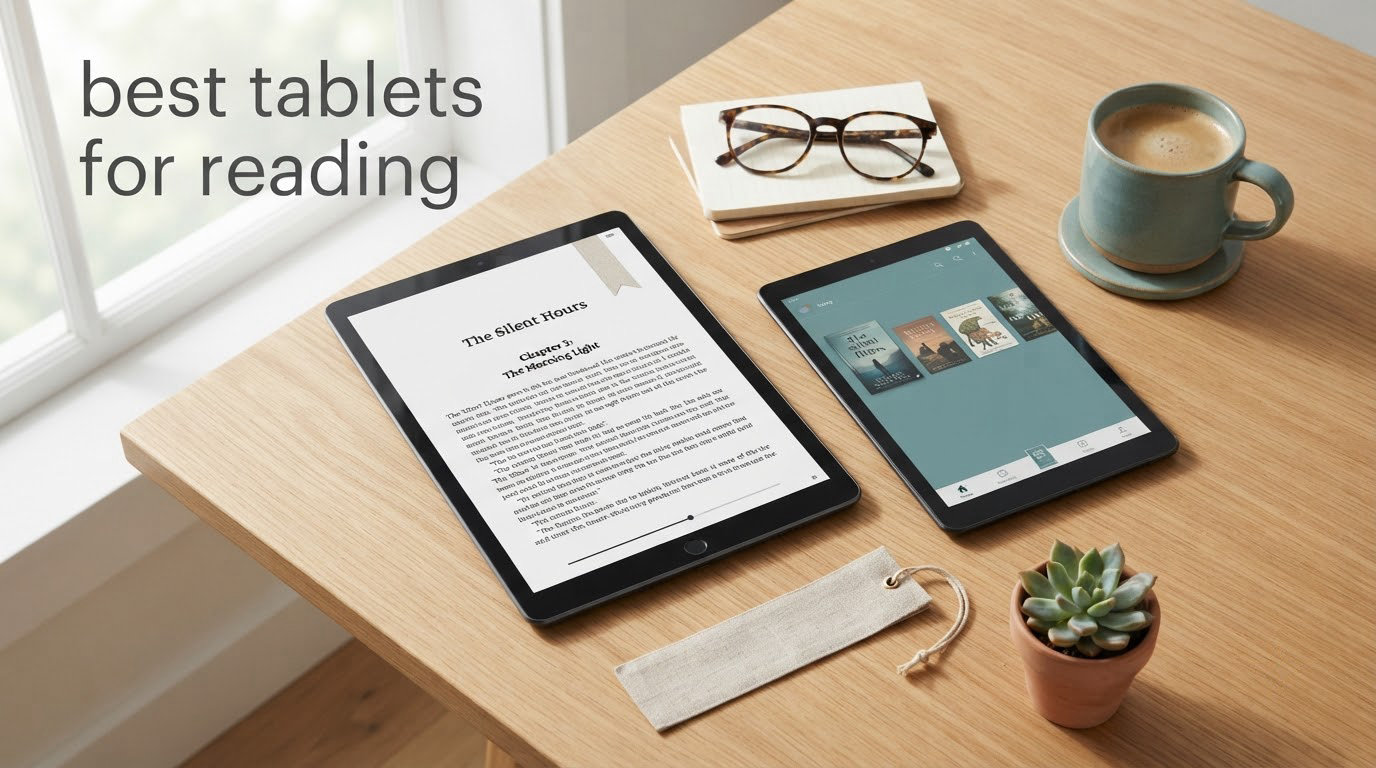
We spent weeks reading on all twelve devices below, side by side, with the same library: novels, comics, a 400-page PDF, and a borrowed library title. The differences that mattered were not processor speed. They were glare, weight in one hand, how the screen behaves in a dark bedroom, and whether the books you already own open on the device at all. If your interest is in adjacent tablet use cases, our guides to the best tablets for music production and the best drawing tablets for beginners tested cover the pen and audio side of the same hardware questions.
Top 3 Picks for Reading in 2026

Kindle Paperwhite 16GB
- 7 inch glare-free e-ink
- Weeks of battery per charge
- Waterproof
- Amazon bookstore

Samsung Galaxy Tab S6 Lite
- 10.4 inch 1920 x 1200 LCD
- S Pen included
- 13 hour battery
- MicroSD expansion

Kobo Libra Colour
- 7 inch Kaleido 3 colour
- Page-turn buttons
- IPX8 waterproof
- OverDrive library
Best Tablets for Reading in October
Every device below is in this table with its ASIN, the specs that actually change the reading experience, and who it suits. The full reviews follow in order.
| Product | Specifications | Action |
|---|---|---|
| Amazon Kindle Paperwhite 16GB |
|
Check Latest Price |
| Samsung Galaxy Tab S6 Lite 10.4 inch |
|
Check Latest Price |
 Apple iPad mini A17 Pro 8.3 inch Apple iPad mini A17 Pro 8.3 inch |
|
Check Latest Price |
 Amazon Kindle Scribe 64GB Amazon Kindle Scribe 64GB |
|
Check Latest Price |
 Samsung Galaxy Tab A7 Lite 8.7 inch Samsung Galaxy Tab A7 Lite 8.7 inch |
|
Check Latest Price |
| Kobo Libra Colour 7 inch |
|
Check Latest Price |
 Kobo Clara Colour 6 inch Kobo Clara Colour 6 inch |
|
Check Latest Price |
 reMarkable Paper Pro with Marker Plus reMarkable Paper Pro with Marker Plus |
|
Check Latest Price |
 Kobo Clara BW 6 inch Kobo Clara BW 6 inch |
|
Check Latest Price |
 TCL NXTPAPER 14 inch 8GB+256GB TCL NXTPAPER 14 inch 8GB+256GB |
|
Check Latest Price |
 BOOX Go Color 7 Gen II BOOX Go Color 7 Gen II |
|
Check Latest Price |
 TCL NXTPAPER 11 Plus 8GB+256GB TCL NXTPAPER 11 Plus 8GB+256GB |
|
Check Latest Price |
1. Amazon Kindle Paperwhite 16GB: Best Overall Reading Tablet
Amazon Kindle Paperwhite 16GB (newest model) – 20% faster, with new 7″ glare-free display and weeks of battery life – Black
7 inch glare-free e-ink
16GB storage
Up to 12 weeks per charge
Waterproof
Pros
- Very fast page turns with no visible lag
- Readable in bright sunlight and dim rooms
- Weeks of battery per charge
- Light one-handed paperback-like body
- Large Kindle Store catalogue plus Kindle Unlimited
Cons
- No support for third-party apps such as Libby
- No colour for graphic novels or illustrated books
- Power button is easy to brush by accident
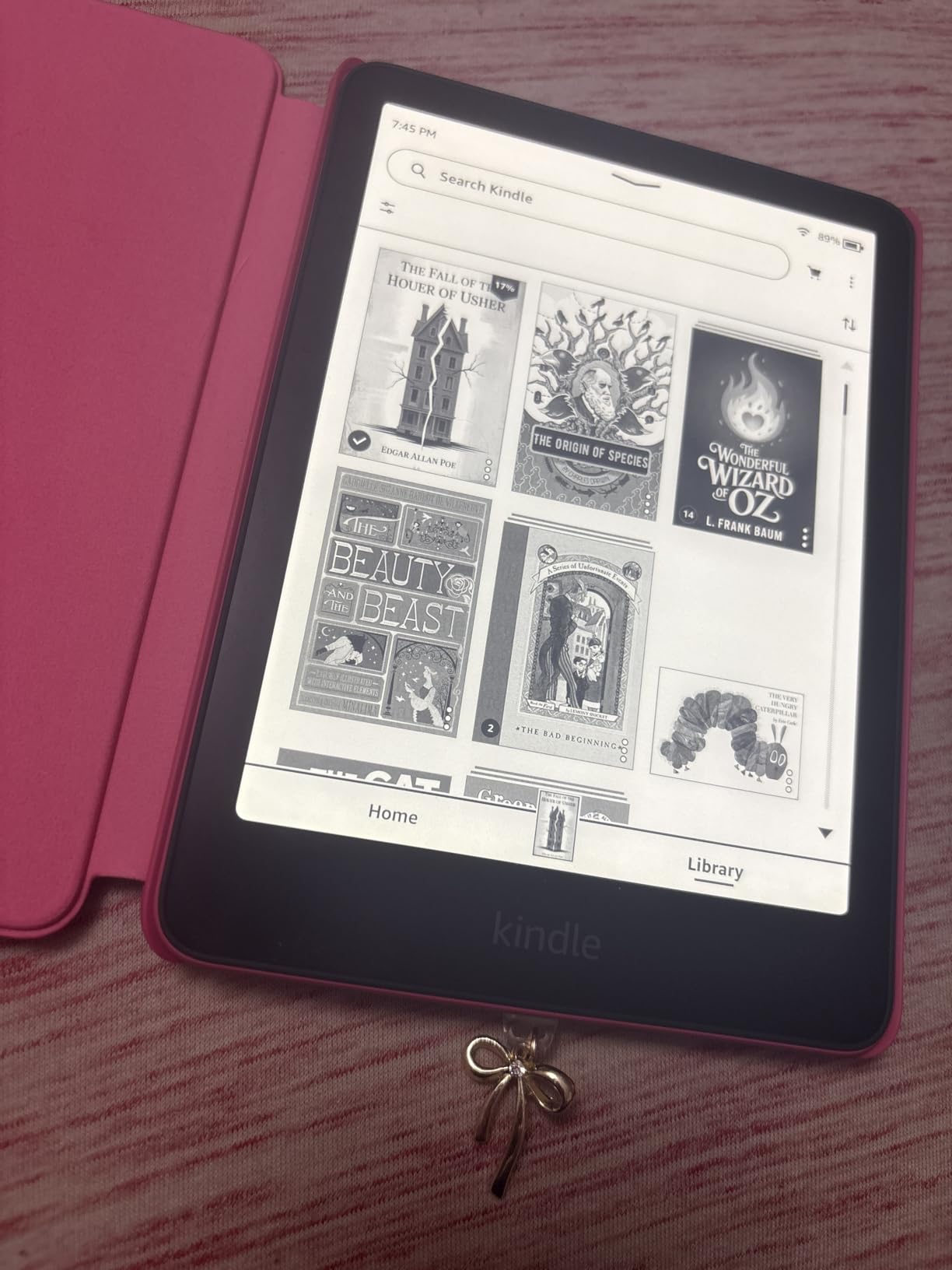
I read a full novel on the Paperwhite in a week and it never once asked for a charger. Page turns are the fastest of any e-ink device I tested in this group, with none of the half-second hesitation that makes a reader glance at a phone instead of the page.
The 7 inch display holds a normal paperback amount of text per screen, and the frontlight slider goes from cool white down to amber for night reading. In direct afternoon sun on a patio the text stayed fully legible without me tilting the device, which no LCD tablet here managed.
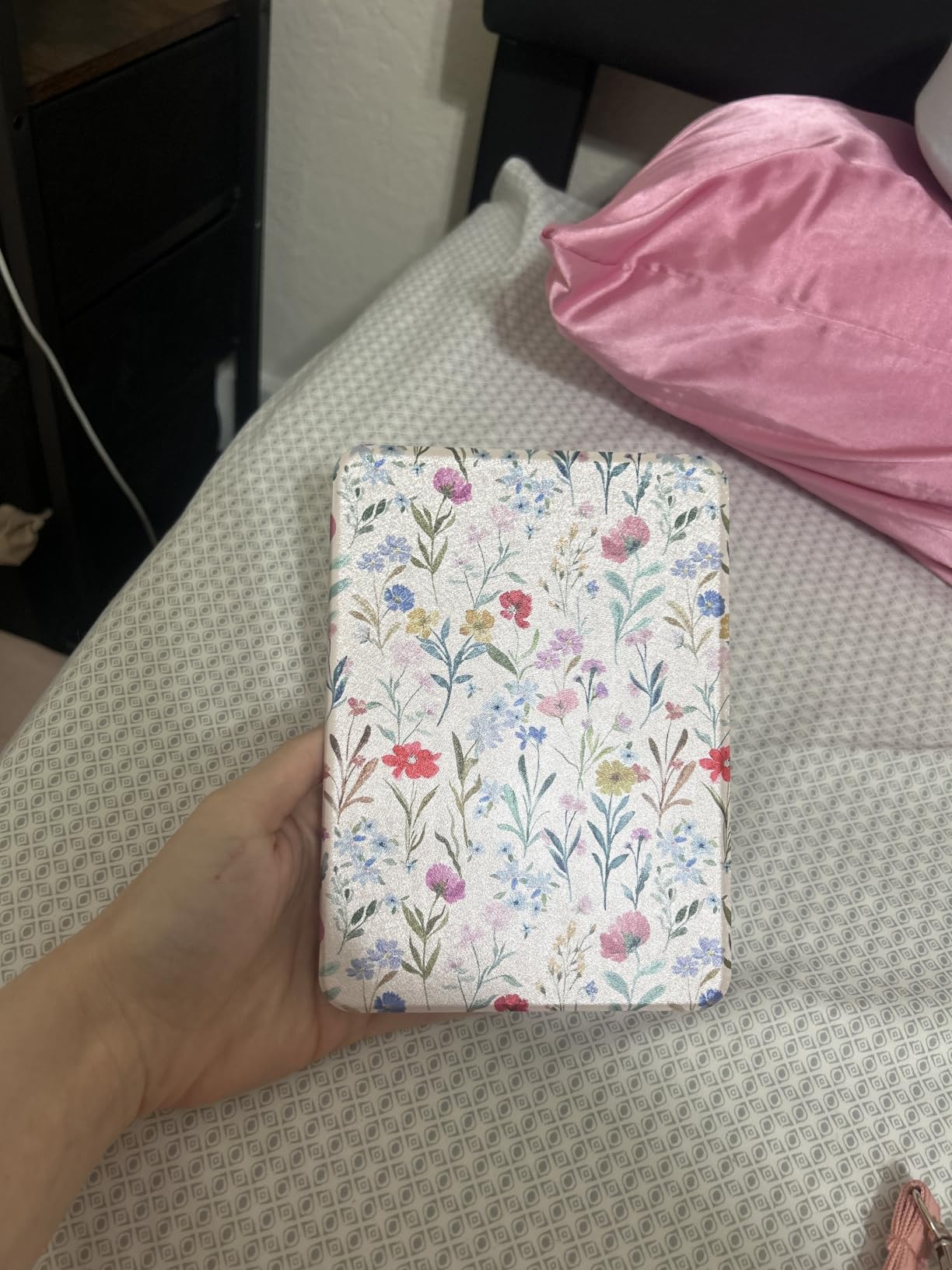
Build quality is the quiet strength here. It is thin, light in one hand, and sealed for poolside and bathside reading, so a splash is not the end of the story. There are no social apps and no notification banners, which is precisely the point.
The Amazon storefront is also the largest of the three ecosystems in this roundup, and Kindle Unlimited covers a lot of the subscription catalogue. The trade-off is lock-in: what you buy through Amazon generally stays inside Amazon unless you strip the DRM yourself, and the device does not run Libby or any other library app.
Who should buy the Paperwhite
Anyone reading fiction for an hour or more a day, anyone reading in bed, and anyone who wants a device they can forget to charge for a month. If your library is already built around Amazon purchases, nothing else in this list will be simpler.
Who should skip it
Comic, manga and graphic novel readers, because there is no colour panel at all. Also skip it if your books live in Kobo, Libby or a Calibre folder, since sideloading a large library onto it is a chore rather than a convenience.
2. Samsung Galaxy Tab S6 Lite: Best Reading Tablet With a Stylus
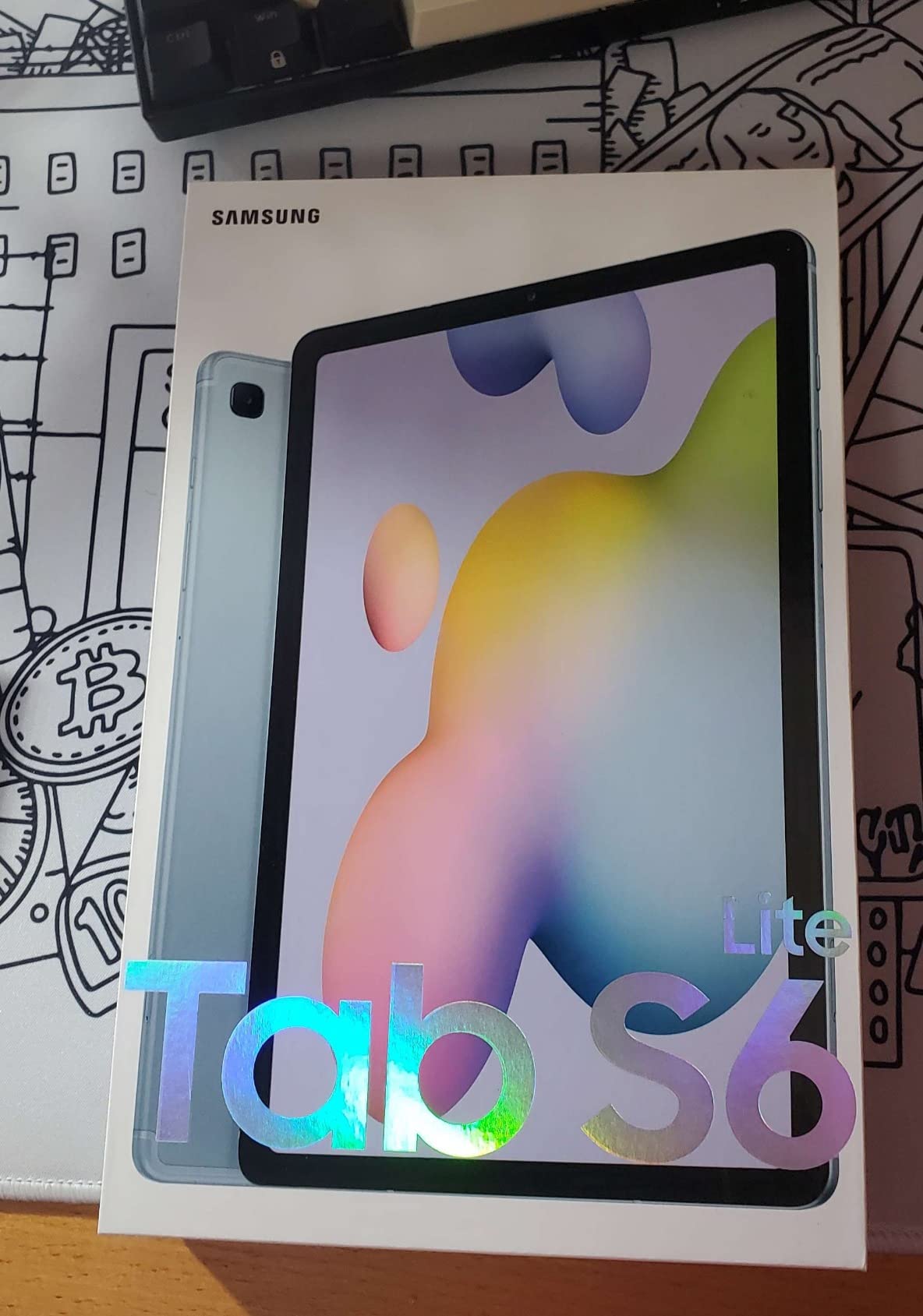
SAMSUNG Galaxy Tab S6 Lite 10.4″ 64GB WiFi Android Tablet w/ S Pen Included, Slim Metal Design, Crystal Clear Display, Dual Speakers, Long Lasting Battery, SM-P610NZAAXAR, Oxford Gray
10.4 inch 1920 x 1200 LCD
4GB RAM and 64GB
S Pen included
Up to 13 hours
Pros
- S Pen included and no charging needed
- Sharp 1920 x 1200 panel
- AKG tuned Dolby Atmos speakers
- A full day of typical use
- Metal body with headphone jack and microSD
Cons
- TFT whites are softer than AMOLED
- Processor stutters under load
- S Pen has slight lag at fast speeds
The Tab S6 Lite is the one device in this list that is genuinely a study tool and a reading tablet at once, and the included S Pen makes annotating a lecture slide or a PDF textbook feel immediate. The pen needs no pairing and no charging, which removes the usual stylus friction.
The 10.4 inch 1920 x 1200 LCD is bright and sharp for reading, and the 16:10 aspect ratio gives you a full page of a PDF without constant pinching. Battery life is measured in hours rather than weeks, but 13 hours of typical use means a day and a half of reading between charges.
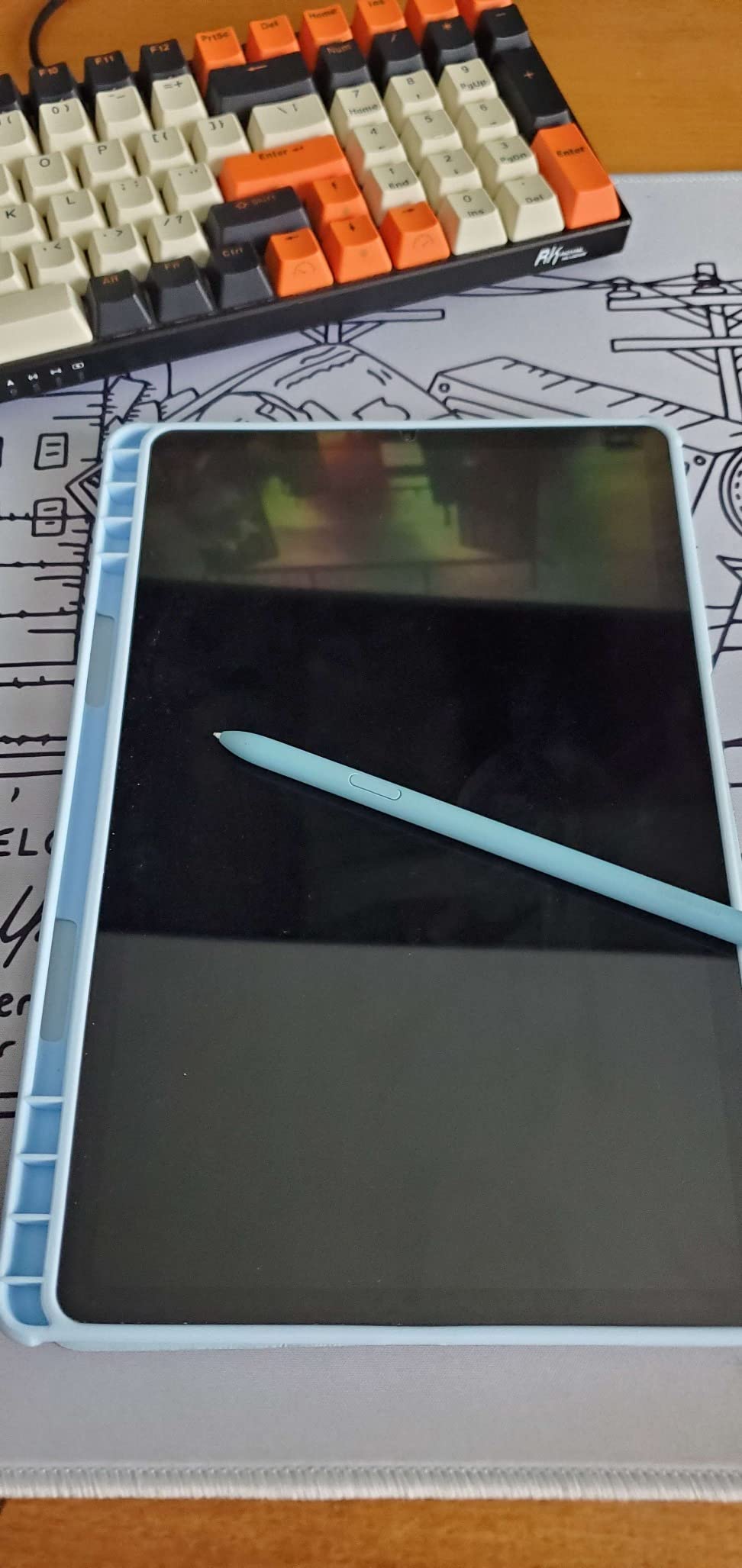
Speakers are tuned by AKG with Dolby Atmos, so audiobooks and podcasts are pleasant without headphones, though the 3.5mm jack is still there if you want them. Storage expands by microSD up to 1TB, and Samsung DeX turns it into a small desktop when you need one.
Being honest about the trade-offs: this is a TFT LCD rather than an AMOLED, so whites look slightly greyer and it is not comfortable for a three-hour novel session in a dark room. The Exynos chip is fine for reading and streaming and stutters when you push it with games or heavy multitasking.
Who should buy the Tab S6 Lite
Students, teachers and anyone who reads documents as much as novels. If handwritten margin notes matter to you, this is a straightforward way to get a pen and a large screen in one device.
Who should skip it
Committed novel readers who want glare-free paper-like text and multi-week battery. Skip it if long evening sessions are your habit and eye comfort is the deciding factor.
3. Kobo Libra Colour: Best Reading Tablet With Page-Turn Buttons
Kobo Libra Colour | eReader | 7” Glare-Free Colour E Ink Kaleido™ 3 Display | Dark Mode Option | Audiobooks | Waterproof | White
7 inch Kaleido 3 colour e-ink
Page-turn buttons
IPX8 waterproof
32GB storage
Pros
- Page-turn buttons and an asymmetric grip
- Colour covers and comics in one device
- Wide tunable frontlight with Dark Mode
- Excellent library borrowing and cloud transfer
- Lightweight and repairable design
Cons
- Colour e-ink text is softer than black and white
- Colour panel runs dark without the frontlight
- Kobo store search trails Amazon
Owners who came from a Kindle with buttons tend to describe the Libra Colour in one word: relief. The asymmetric grip sits properly in the palm, the physical page-turn keys mean your thumb never covers the text, and auto rotation plus a wide mode make it equally at home upright and flat.
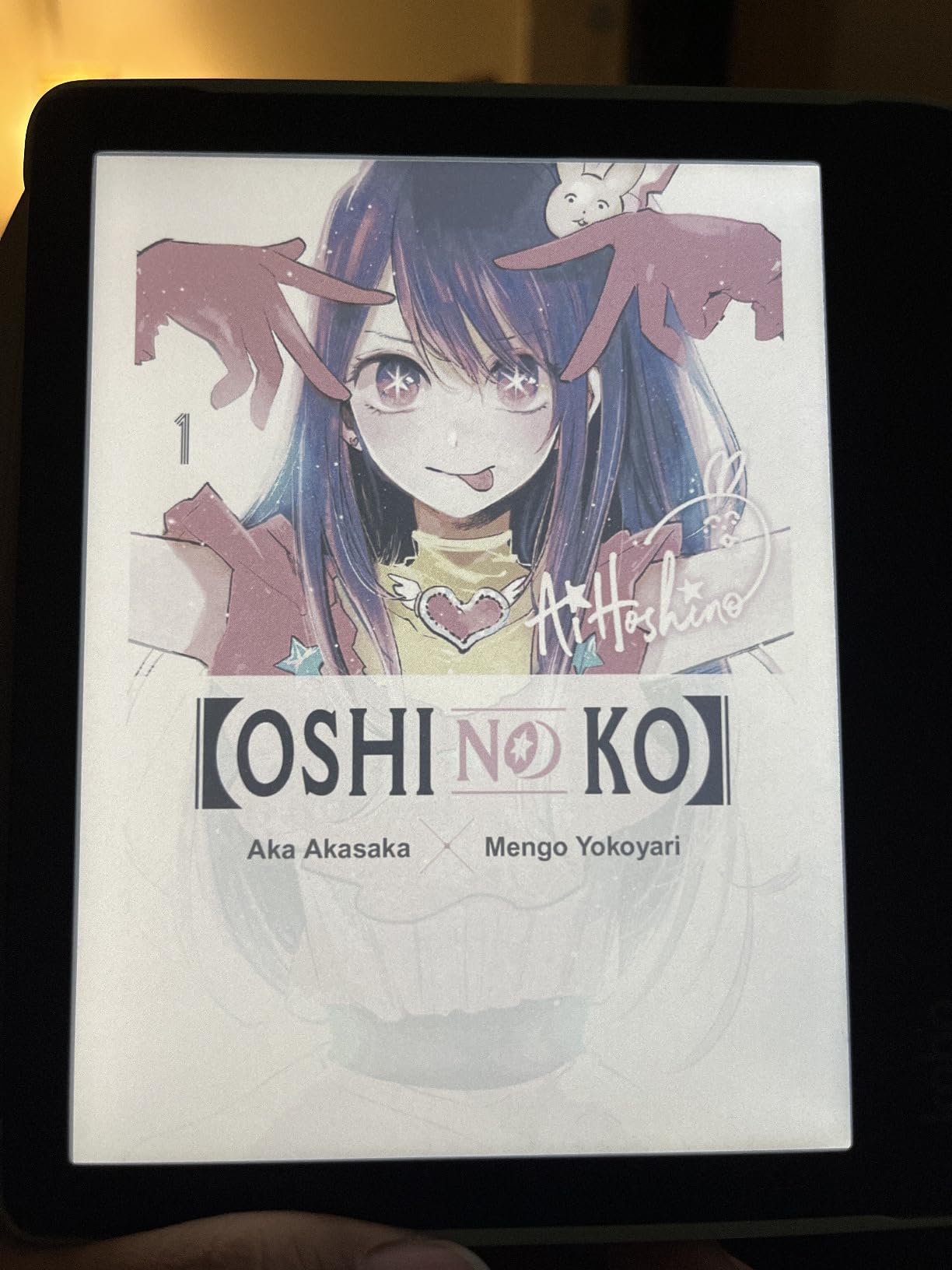
It is also the only device here that gives you colour and buttons in the same 7 inch frame. Covers, graphic novel panels and annotated highlights all render, muted but pleasant, and the ComfortLight PRO slider goes from warm to cool with a Dark Mode for night.
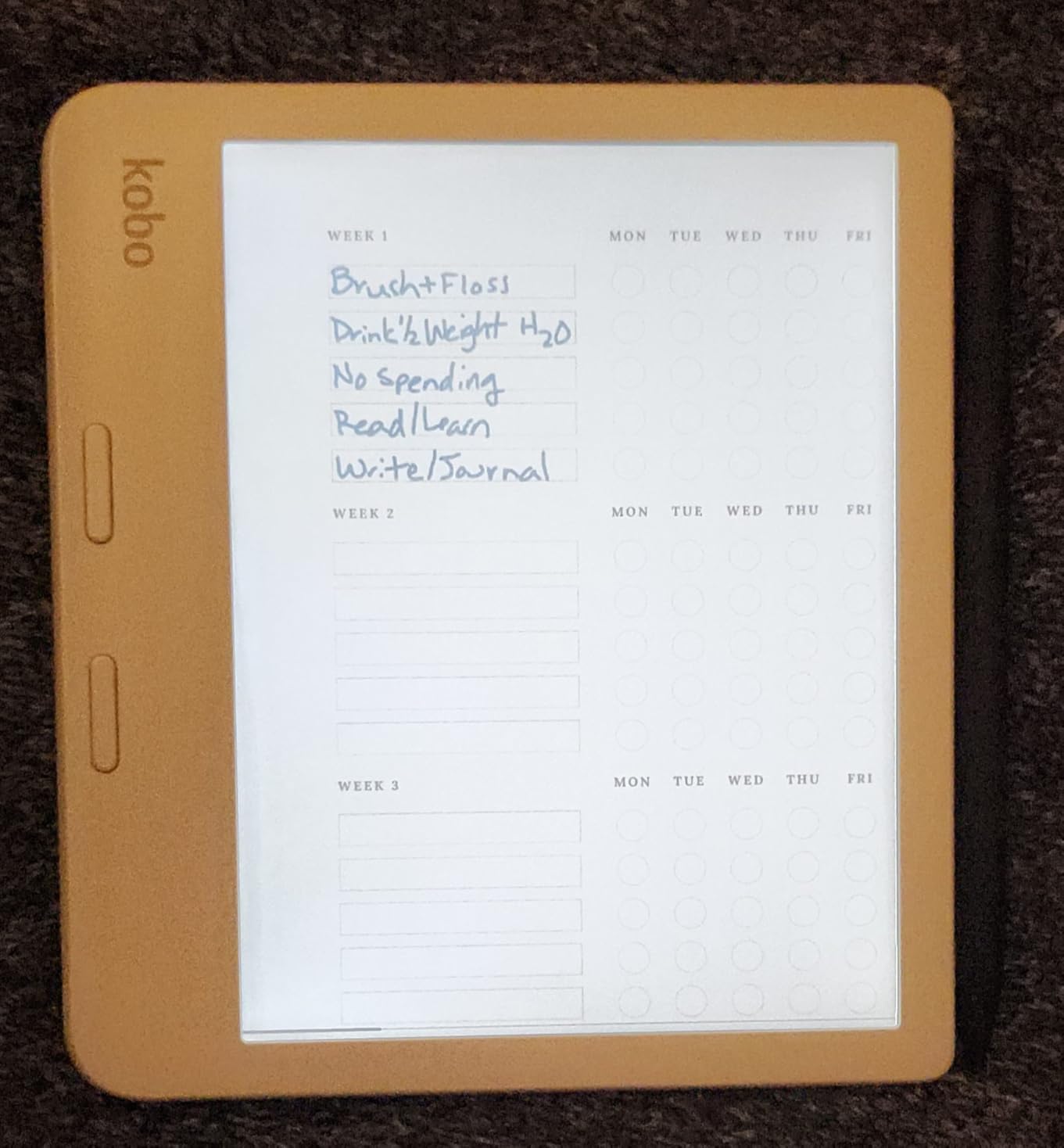
Library access is the sleeper feature. OverDrive borrowing works from the device with a library card, and Dropbox and Google Drive transfer files without a computer, so a Calibre library or public-domain EPUB is easy to move in. It is IPX8 rated for 60 minutes in 2 metres of water.
The compromise is honest and consistent across every colour e-ink device on the market: text is less crisp than on a black-and-white screen, and the panel is darker, so you will run the frontlight more often. 32GB holds a large library, and the Kobo Stylus 2 is sold separately for colour markup.
Who should buy the Libra Colour
Readers of illustrated fiction, comics and light manga, plus anyone who wants colour highlights and library borrowing in the same device. It is also the natural migration path for Kindle owners who want buttons and open formats.
Who should skip it
Long-form text purists who care most about crisp black-on-white page rendering. If your reading is novels and nothing else, the sharper monochrome option further down this list serves you better.
4. Apple iPad mini A17 Pro: Best Reading Tablet for Apple Users
Apple iPad mini (A17 Pro): Apple Intelligence, 8.3-inch Liquid Retina Display, 128GB, Wi-Fi 6E, 12MP Front/12MP Back Camera, Touch ID, All-Day Battery Life — Space Gray
8.3 inch Liquid Retina display
A17 Pro chip
128GB storage
Touch ID and Pencil Pro
Pros
- Compact enough to read one-handed
- Very smooth performance and multitasking
- Low-reflectivity display with True Tone
- All-day battery in a small body
- Works with Apple Pencil Pro
Cons
- Costs more than comparable Android tablets
- Pencil Pro is a separate purchase
- 8.3 inch limits large PDF and split-screen work
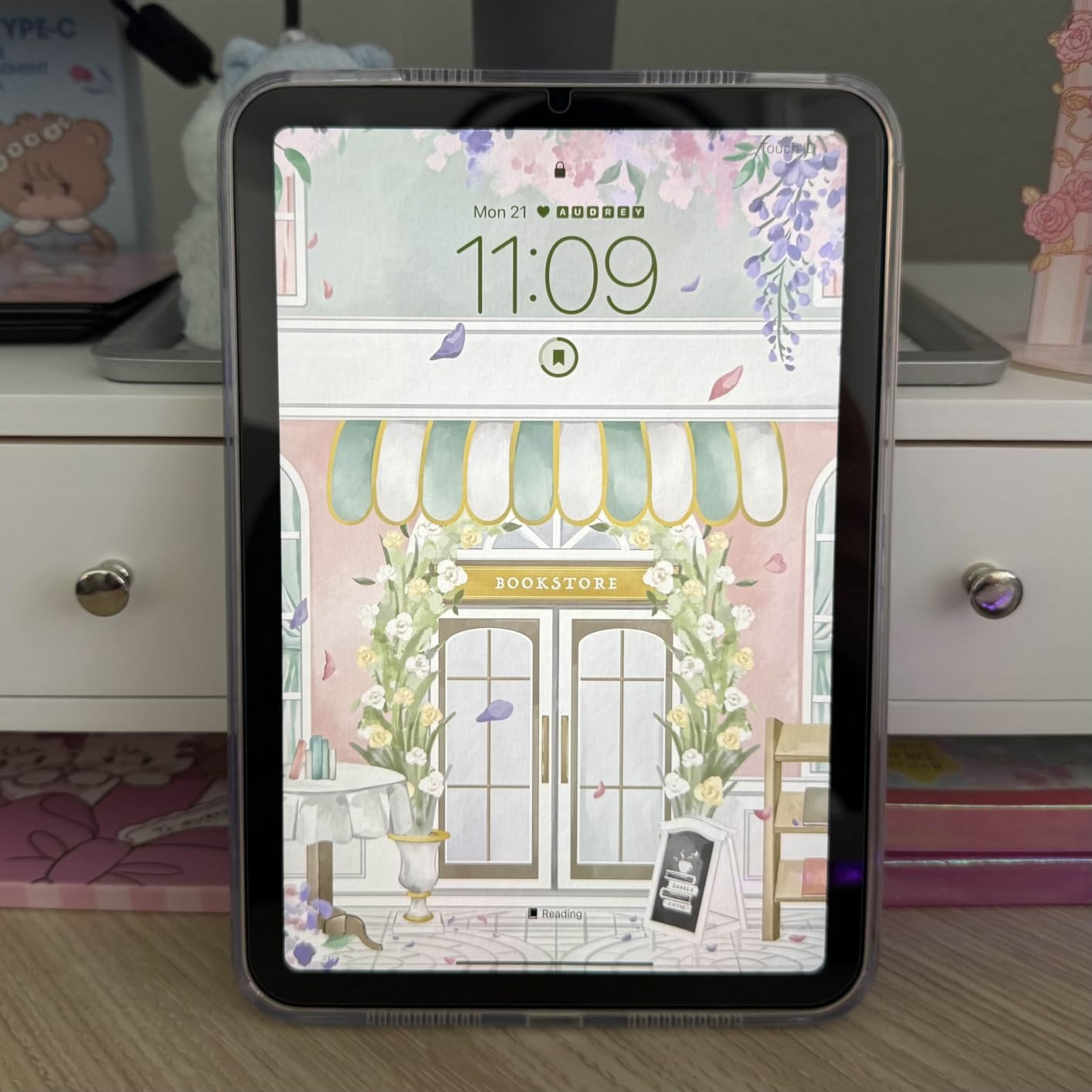
The iPad mini is the best general-purpose tablet for reading that I have carried in a back pocket. At 10.4 ounces and 5.3 by 7.69 inches it is genuinely handheld, and the Liquid Retina display with True Tone and P3 wide colour is the best colour rendering in this roundup by a wide margin.
Because it runs the full iPad app library, every reading app you already use is there alongside Kindle, Kobo, Libby and audiobook clients. The A17 Pro chip keeps page scrolling in a large PDF smooth, which is where smaller tablets usually stumble.
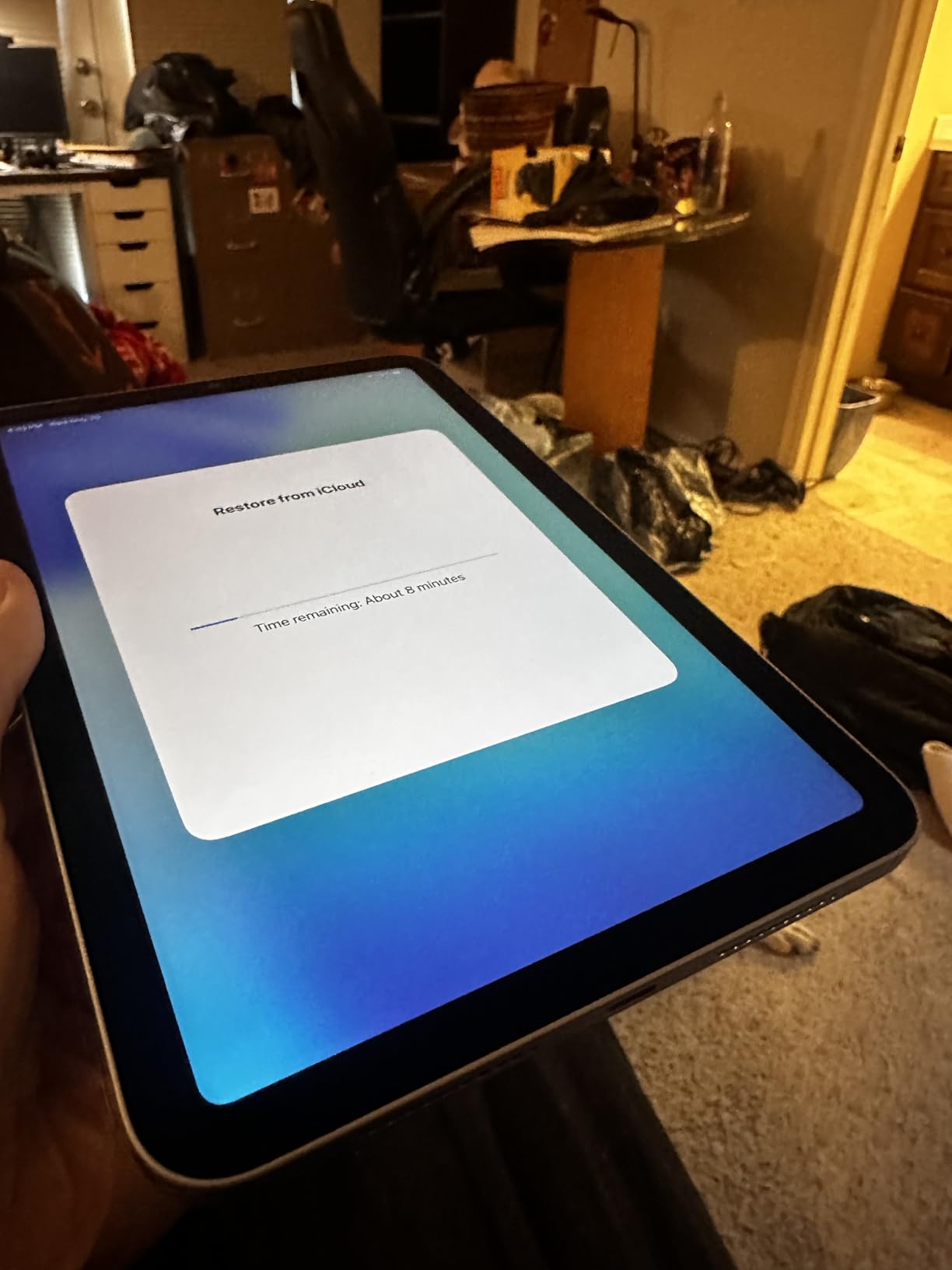
True Tone shifts the screen colour temperature to match the room, and the display has low reflectivity, so it stays usable outdoors. Battery life covers a day of mixed reading, and Touch ID in the top button makes unlocking quick when you pick it up in bed.
The honest drawback is that an emitted-light display is harder on the eyes over a very long night session than any e-ink device here, and the 8.3 inch canvas is cramped for a dense textbook page. Apple Pencil Pro support is excellent, but the pen is an extra cost.
Who should buy the iPad mini
Apple households that want one device for books, magazines, email, video and notes. It is the strongest all-rounder here if you do not mind charging it and do not read for hours in a dark room.
Who should skip it
Readers whose only goal is long-form text, and anyone who wants waterproofing or a battery measured in weeks. It is also the least favourable option if you are building a new library from scratch and cost is the deciding factor.
5. Amazon Kindle Scribe 64GB: Best Reading Tablet for Annotation
Amazon Kindle Scribe (64GB) – Your notes, documents and books, all in one place. With built-in AI notebook summarization. Includes Premium Pen – Metallic Jade
10.2 inch 300 ppi e-ink
Premium Pen included
AI notebook tools
64GB storage
Pros
- Pen feels like pen on paper with no charging
- Handwriting conversion and AI summarisation
- Large 300 ppi page comfortable for reading and writing
- Active Canvas adds space around book pages
- Completely distraction free
Cons
- Premium pricing for an e-ink device
- Bulky for casual one-handed reading
- Locked to the Kindle store for content
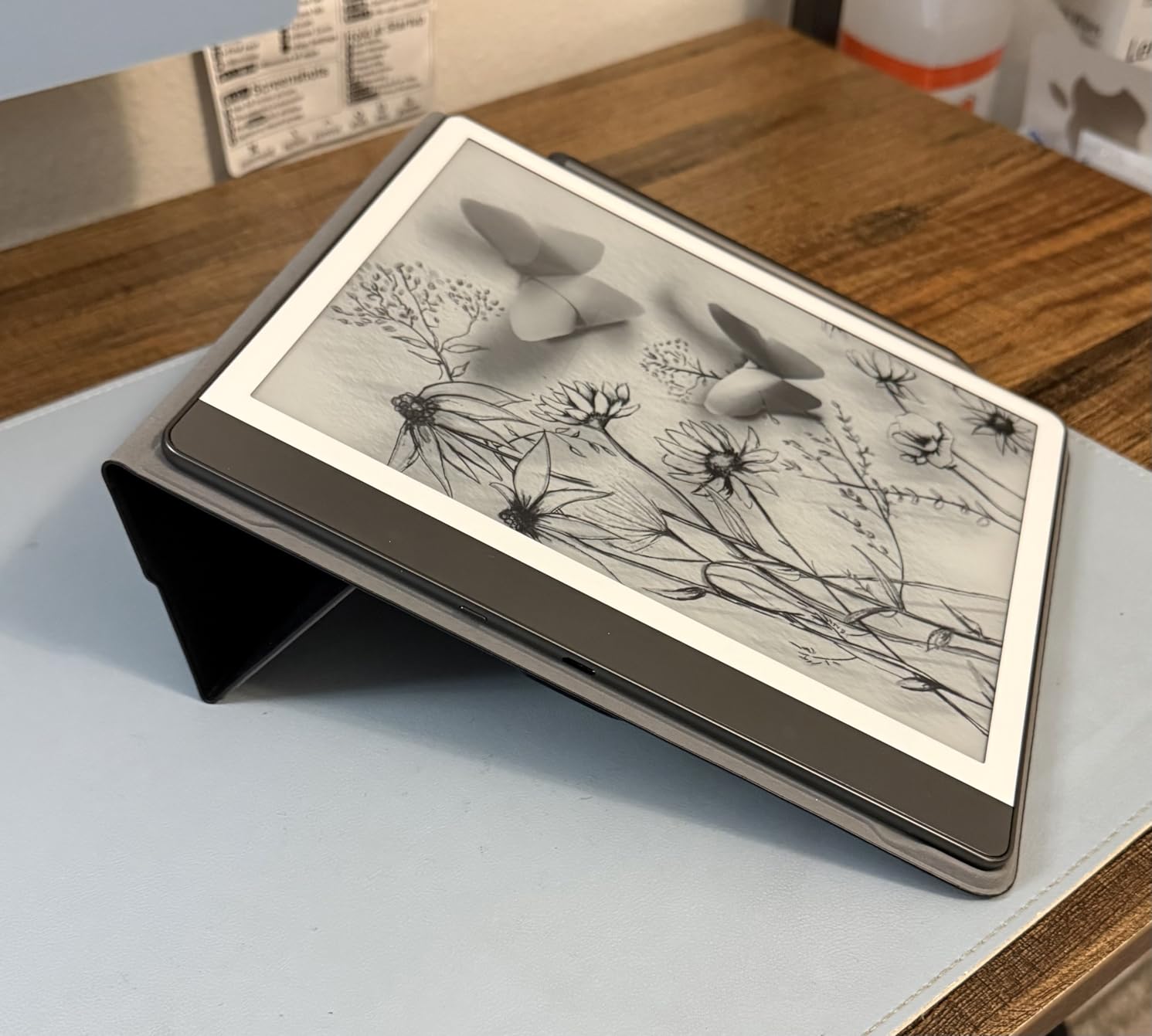
Writing on the Scribe is the closest to paper I have found on a device you can also read on. The included Premium Pen needs no pairing and no charging, and the 10.2 inch 300 ppi panel keeps handwriting lines steady rather than laggy.
Active Canvas is the feature that changes how you use it. The page shrinks and creates blank space around the text, so you can scribble notes beside a chapter without switching apps or squinting at a margin the width of a fingernail.
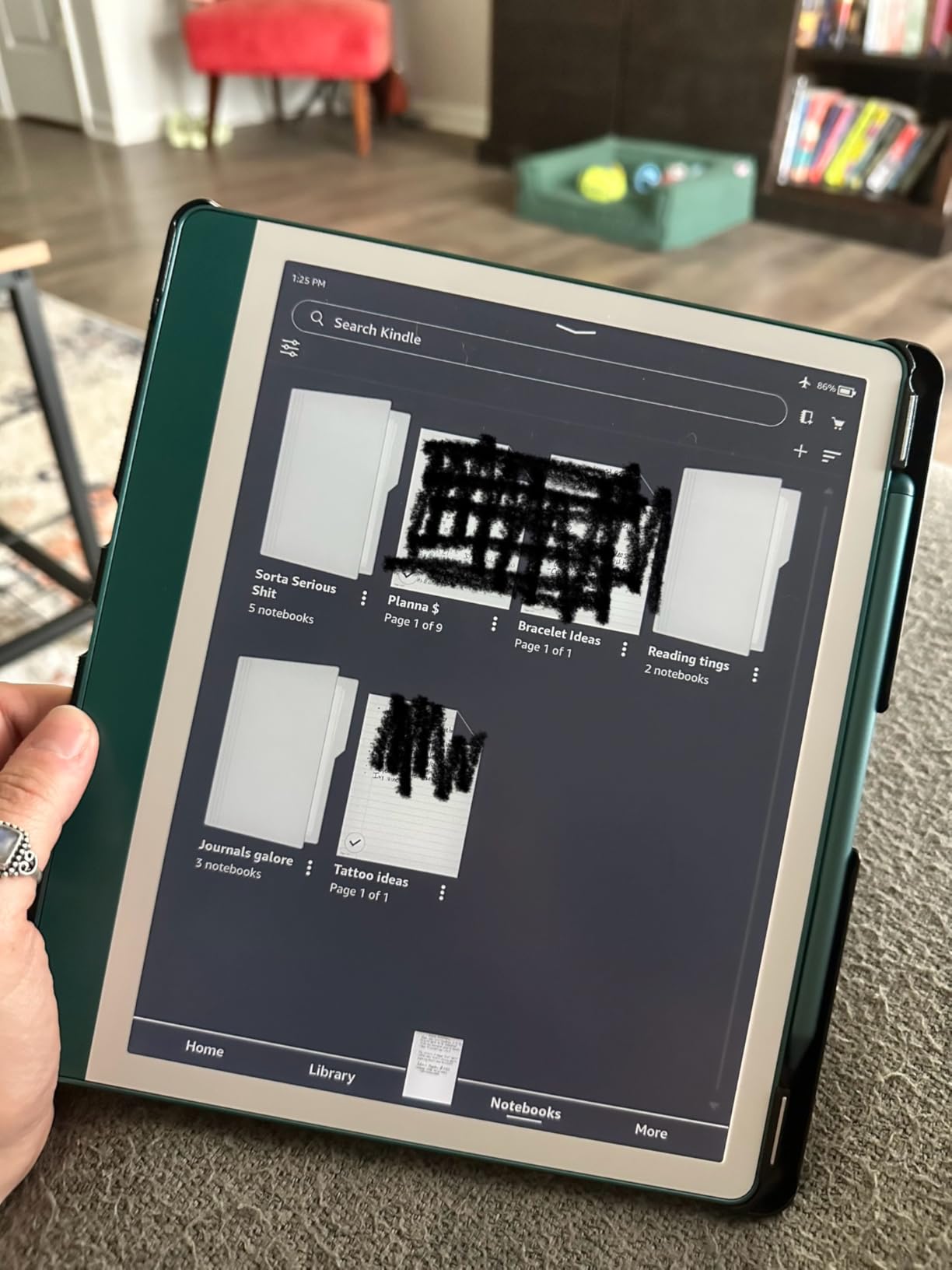
Send to Kindle imports and marks up PDFs and documents, and the built-in notebook tools convert handwriting to text, summarise notes, and rewrite them in a different tone or length. In practice the AI output still needs editing, so treat it as a first draft rather than a finished document.
Battery is quoted in months of reading and weeks of writing, and there are no notifications or social apps to break concentration. The price is higher than a conventional e-reader, and 10.2 inches is a lot of device to hold in one hand on a train.
Who should buy the Scribe
Students, researchers and journal keepers who annotate textbooks, mark up papers and want handwriting that converts to typed notes later. It is a reading tablet that happens to be a notebook.
Who should skip it
Anyone who mostly reads fiction and does not write, since you are paying for a large screen, a pen and AI tools you may never open. Small-screen commuters should look at a 6 inch or 7 inch reader instead.
6. Kobo Clara Colour: Best Reading Tablet for Travel
Kobo Clara Colour | eReader | 6” Glare-Free Colour E Ink Display | Dark Mode Option | Waterproof | Audiobooks | 16GB of Storage | Black
6 inch colour e-ink
16GB storage
IPX8 waterproof
Bluetooth audiobooks
Pros
- Light enough for one-handed long sessions
- Colour makes covers and comics more engaging
- Multi-colour highlighting by chapter
- Week or more of battery per charge
- OverDrive borrowing straight from the device
Cons
- Colour panel is softer than monochrome
- Wireless sideloading is missing on this model
- Slower response than a smartphone or tablet
At 6.14 ounces the Clara Colour is the device I reach for when a trip involves airports and long flights. It fits in a jacket pocket, disappears into a day bag, and the battery has never once run out across a two-week trip of heavy reading.
What separates it from the black-and-white version is the colour: covers, illustrated books and light comics all look meaningfully better, and the multi-colour highlighting lets you tag passages by chapter, which is genuinely useful in a study text.
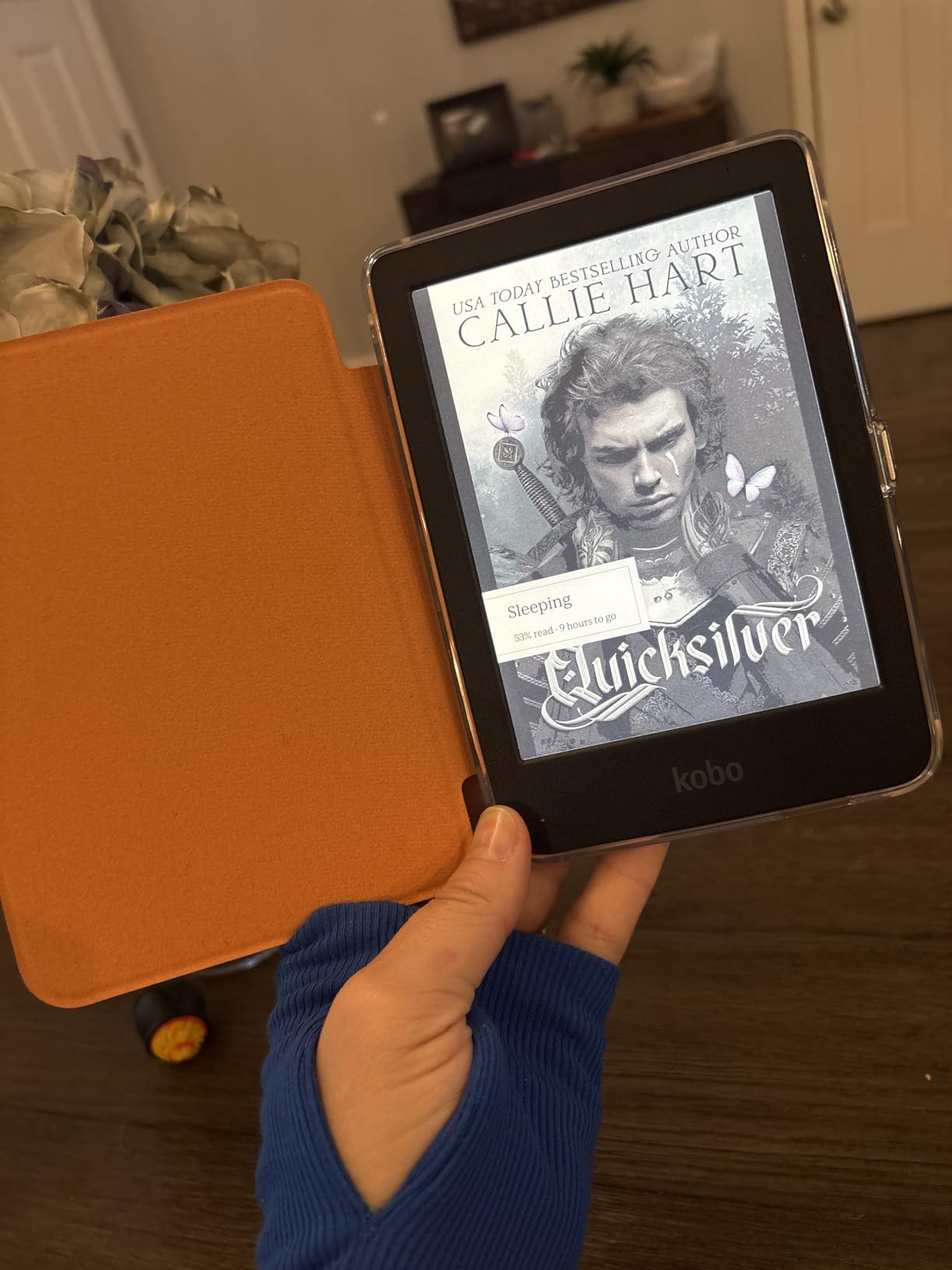
IPX8 waterproofing means pool, bath and beach reading without anxiety. Bluetooth audio supports Kobo audiobooks when you would rather listen on a long walk, and ComfortLight PRO handles brightness, colour temperature and Dark Mode in one control.
Two practical notes. This edition cannot receive files wirelessly by email or send-to-device, so transferring a large sideloaded library needs a computer, and colour e-ink is less crisp than monochrome at this screen size. Responses are slower than any LCD tablet, which is normal for the category.
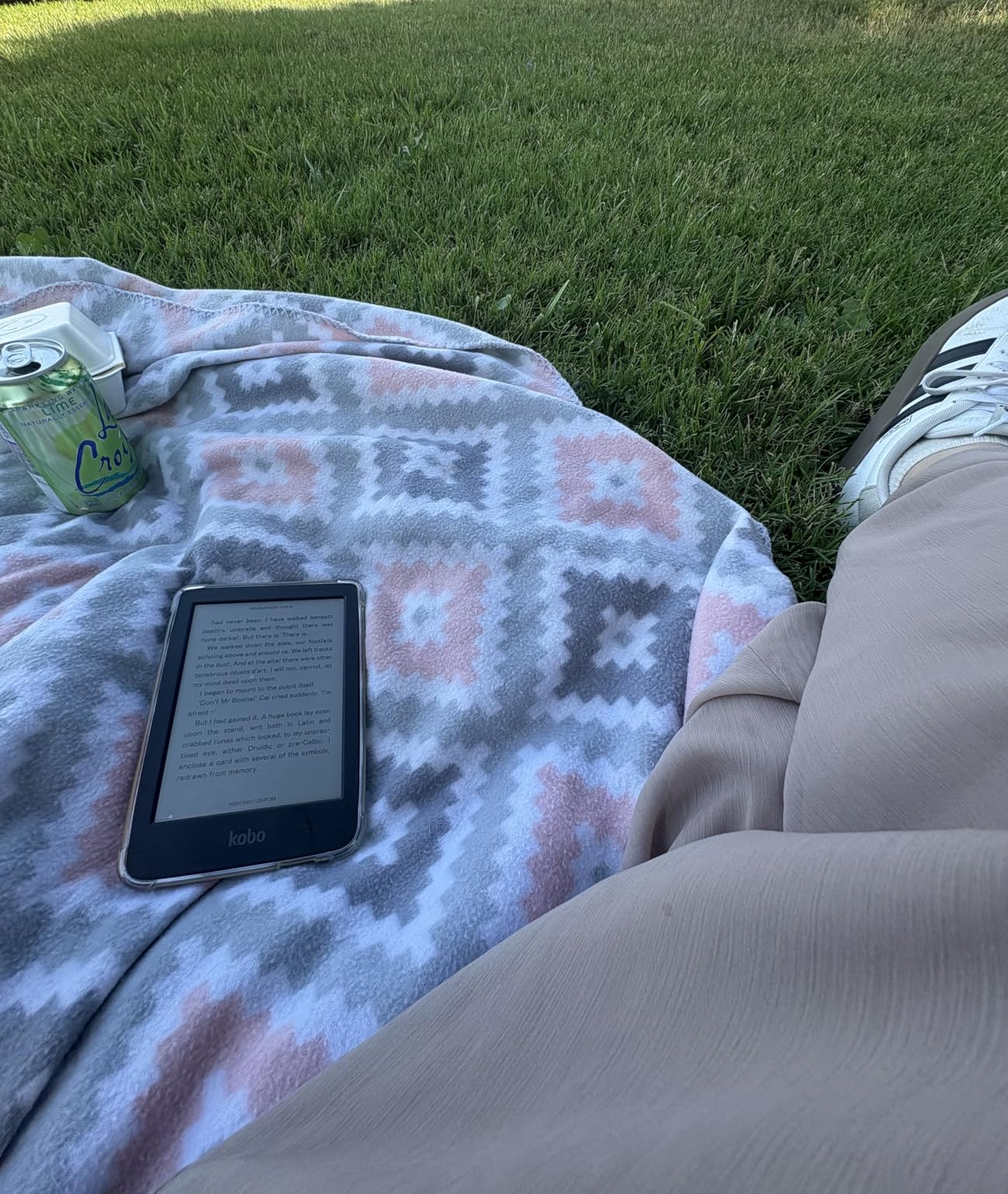
Who should buy the Clara Colour
Commuters, holidaymakers and anyone who reads more in transit than at a desk. The pocketable size and waterproofing make it the most forgiving travel reader in this group.
Who should skip it
People who read dense academic PDFs, since 6 inches with a colour panel is a small page for that. Anyone who wants to sideload a large library without touching a computer should skip this specific edition.
7. Kobo Clara BW: Best Reading Tablet for Crisp Black-and-White Text
Kobo Clara BW | eReader | 6” Glare-Free Touchscreen with ComfortLight PRO | Dark Mode Option | Audiobooks | Waterproof | 16GB of Storage | Black
6 inch E Ink Carta 1300 HD
16GB storage
IPX8 waterproof
Two week battery
Pros
- Exceptionally crisp monochrome text
- Light and comfortable for long sessions
- Weeks of battery with the light turned low
- ComfortLight PRO with Dark Mode
- USB sideloading of DRM-free EPUB and PDF files
Cons
- No wireless file transfer on this edition
- Occasional ghosting on page transitions
- Reported freezing needing a hard reset
If reading novels is the entire job, this is the screen you want. The E Ink Carta 1300 HD panel renders black text on a white background more crisply than any colour e-ink device in this roundup, and the 6 inch body is light enough for a genuinely one-handed grip.
ComfortLight PRO adjusts both brightness and colour temperature, and Dark Mode inverts the page for night reading. Battery life is quoted at around two weeks per charge and stretches further if you keep the frontlight low.
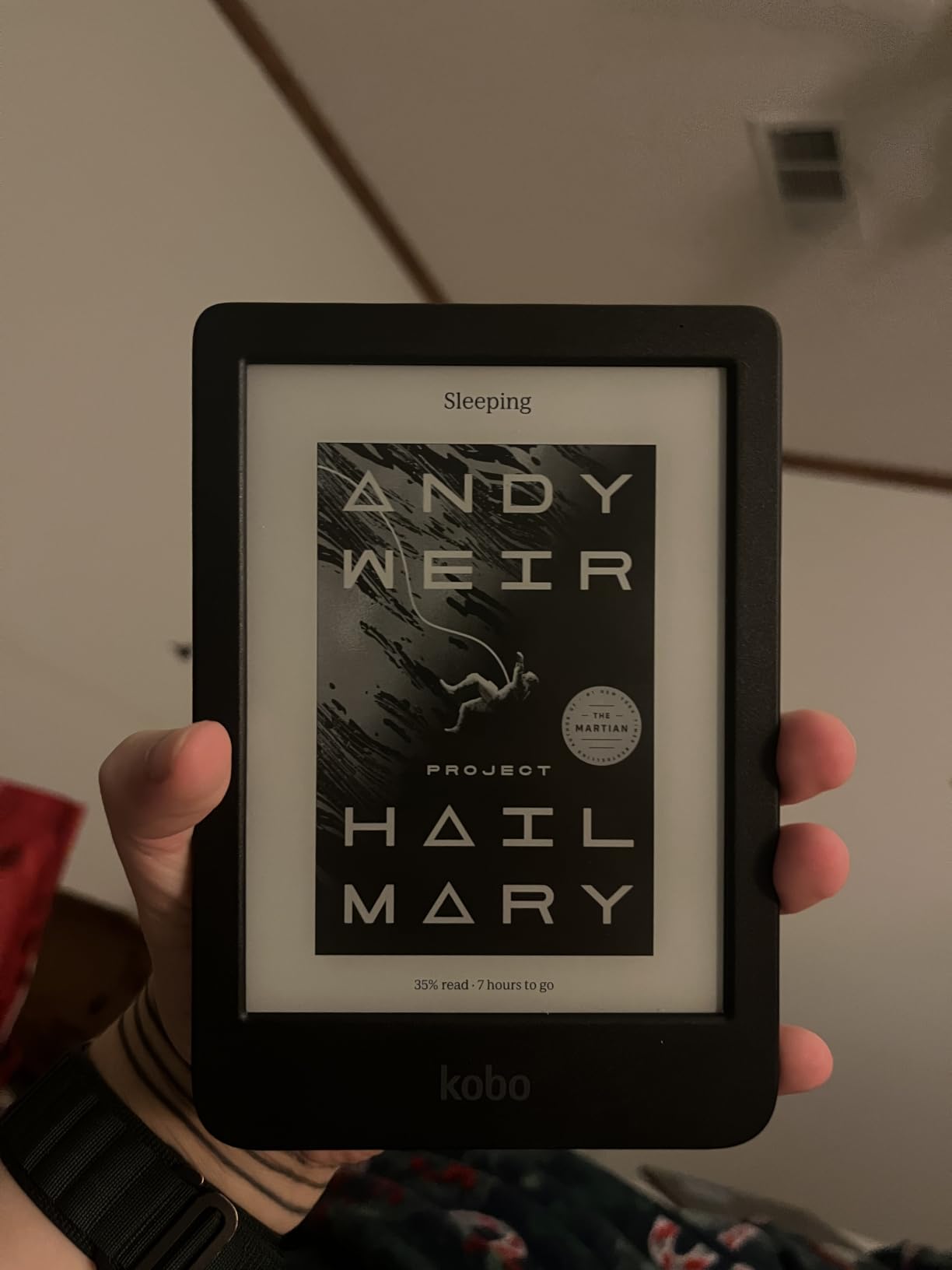
The ecosystem is the reason to pick it. You can sideload DRM-free EPUB, PDF and MOBI files over USB with no Amazon account involved, borrow titles through Libby and OverDrive, and there are no ads or sponsored pages on the screen at all.
Be aware of two recurring complaints. This edition cannot receive documents wirelessly, so transfers go through a computer, and some owners report occasional freezing or ghosting on page transitions that needs a reset. It also has no colour for illustrated material.
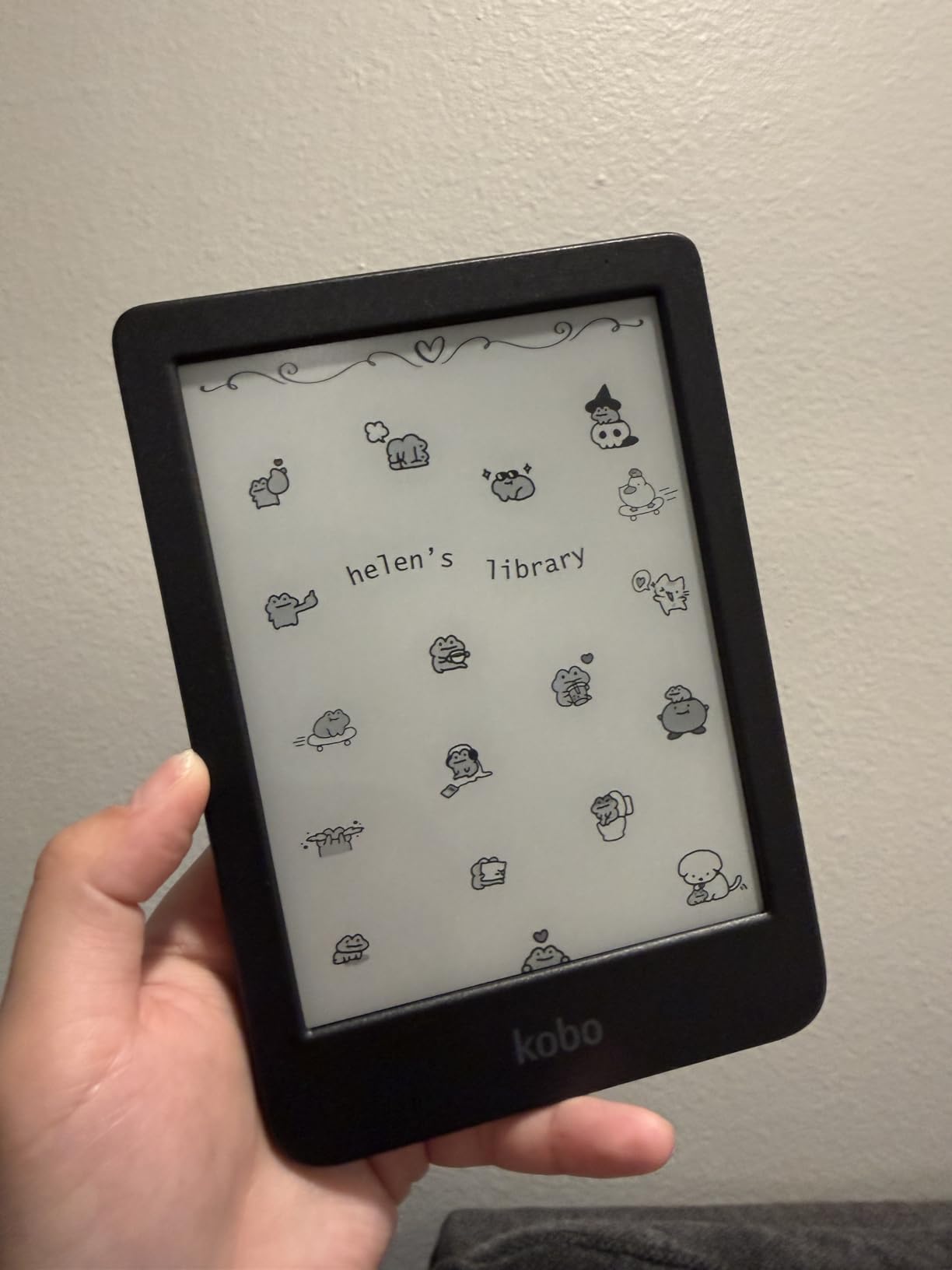
Who should buy the Clara BW
Novel readers, second-language learners and anyone who owns DRM-free files collected over the years. It is also a good first e-reader for a child, being small, sealed and hard to break.
Who should skip it
Comic, manga and graphic novel readers, since there is no colour layer at all. Readers who need to send documents to the device without a computer nearby should choose a different model.
8. TCL NXTPAPER 11 Plus: Best Reading Tablet With a True Anti-Glare Screen
TCL NXTPAPER 11 Plus Android Tablet, 11.5″ 2.2K 120Hz Display, 8+256GB
11.5 inch 2.2K 120Hz anti-glare
T-PEN stylus included
8GB+8GB RAM,256GB
8000 mAh battery
Pros
- Genuine matte anti-glare panel
- Three VersaView display modes
- Responsive 4096 level stylus
- Full day of battery
- Sturdy aluminium body at a budget price
Cons
- Weak graphics for demanding games
- No headphone jack
- No committed Android update path
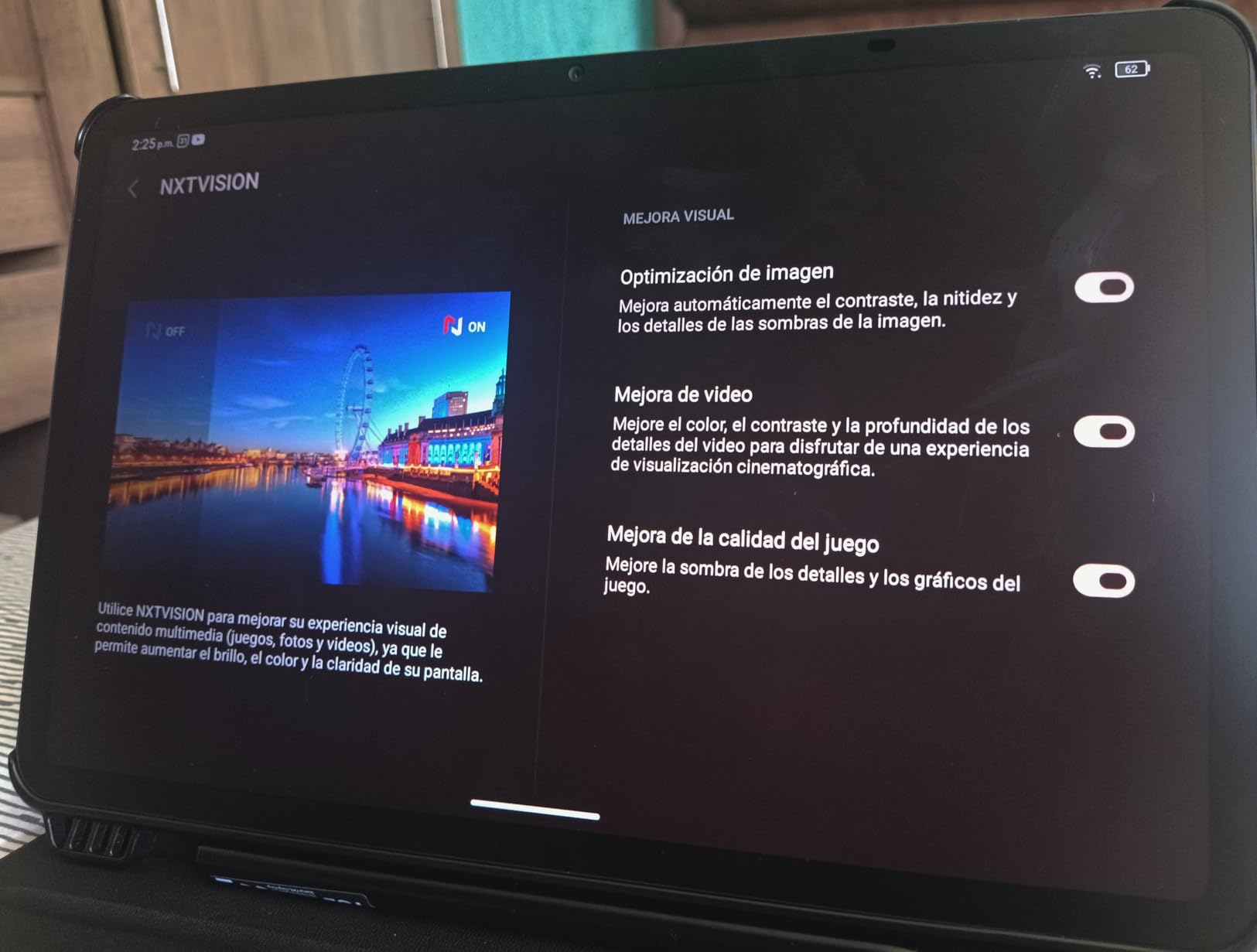
The 11.5 inch NXTPAPER 4.0 panel is one of the few tablet screens here with a true matte anti-glare coating, and it changes reading under a lamp or in a bright room. TUV-certified low blue light and DC dimming also make long evening sessions noticeably easier.
Unlike the e-ink devices, it is an emitted-light display that scrolls smoothly at 120Hz, so PDFs and web articles move the way you expect. The 3-in-1 VersaView modes, switched from the NXTPAPER Key, add an Ink Paper mode that looks remarkably close to a real page.
The included T-PEN has 4096 pressure levels and takes notes without lag, and the adjustable flip cover is in the box. An 8000 mAh battery runs a working day, with 33W charging and 1.5A reverse charging for a phone.
The honest limits are audio and longevity. Quad speakers with DTS are adequate but there is no headphone jack, and buyers are right to be cautious about software support given outdated security patches and no clear update commitment. The bundled case also feels thin.
Who should buy the NXTPAPER 11 Plus
Anyone who wants to read PDFs, textbooks and documents on a large screen without glare, while also taking handwritten notes. It works well as a second display for study or work.
Who should skip it
Readers who want weeks of battery between charges, and anyone who needs a headphone jack or a guaranteed software update path. It is a big tablet to hold in bed for a novel.
9. TCL NXTPAPER 14: Best Reading Tablet for Large Documents
TCL NXTPAPER 14 Android Tablet, 14.3″ 2.4K Paper-Like Display, 8+256GB
14.3 inch 2.4K anti-glare display
T-PEN stylus included
8GB+8GB RAM,256GB
10000 mAh battery
Pros
- Very large anti-glare 2.4K display
- 4096 level T-PEN for notes and drawing
- Three display modes including an ink-paper look
- Many hours of use per charge
- Slim 0.27 inch metal body with stand case
Cons
- No wall charger in the box
- T-PEN lags compared with the Samsung S Pen
- Uncertain long-term software support
At 14.3 inches this is the largest reading surface in the roundup, and it is the one that stops you pinching and zooming through a two-column academic paper. The 2.4K anti-glare panel is easy on the eyes and readable outdoors in daylight.
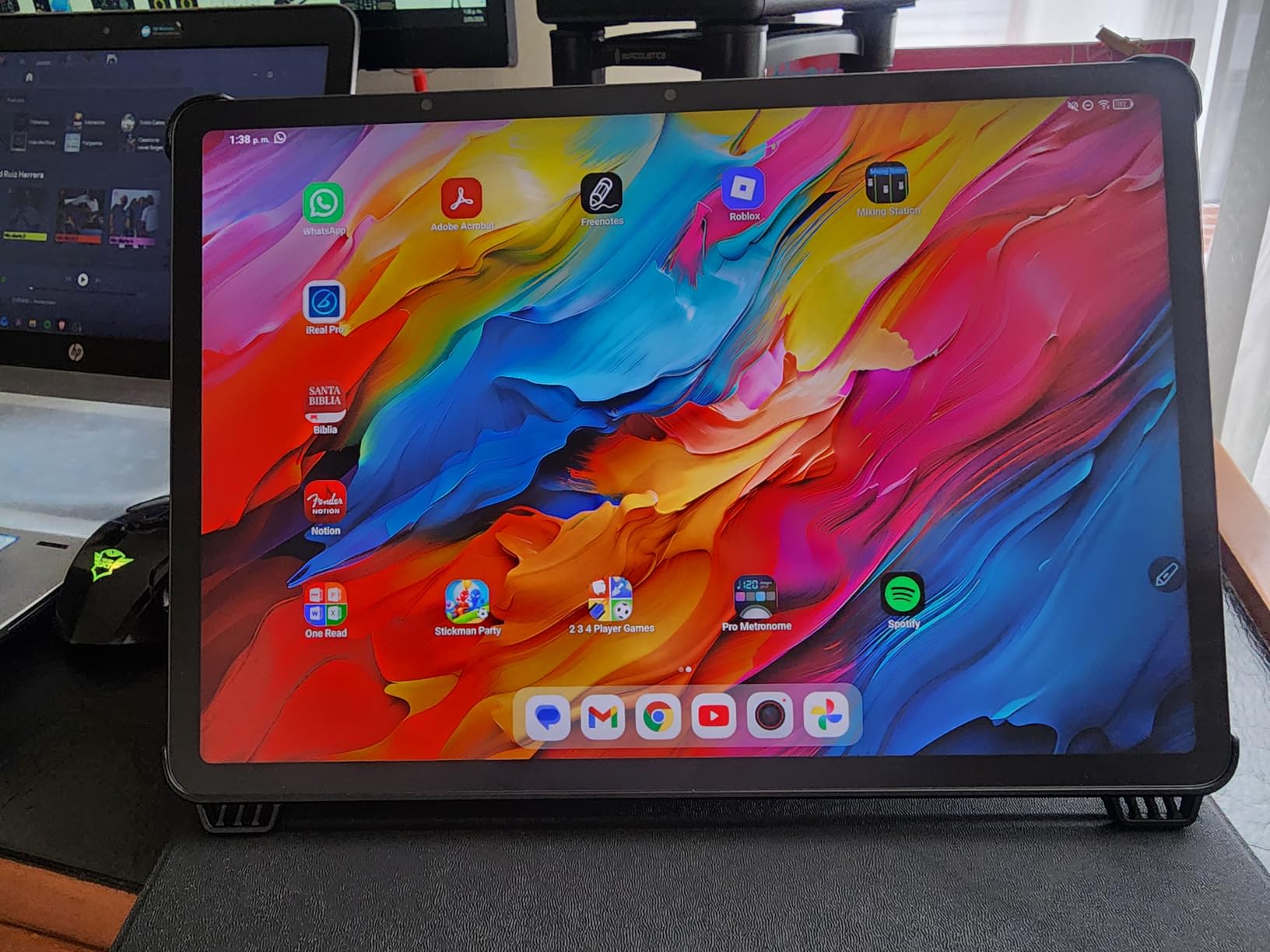
The NXTPAPER Key switches between Standard, Color Paper and Ink Paper modes, and that third mode is a convincing page-like presentation for long text. The included flip case doubles as a stand, so on a desk it behaves like a small monitor you can annotate.
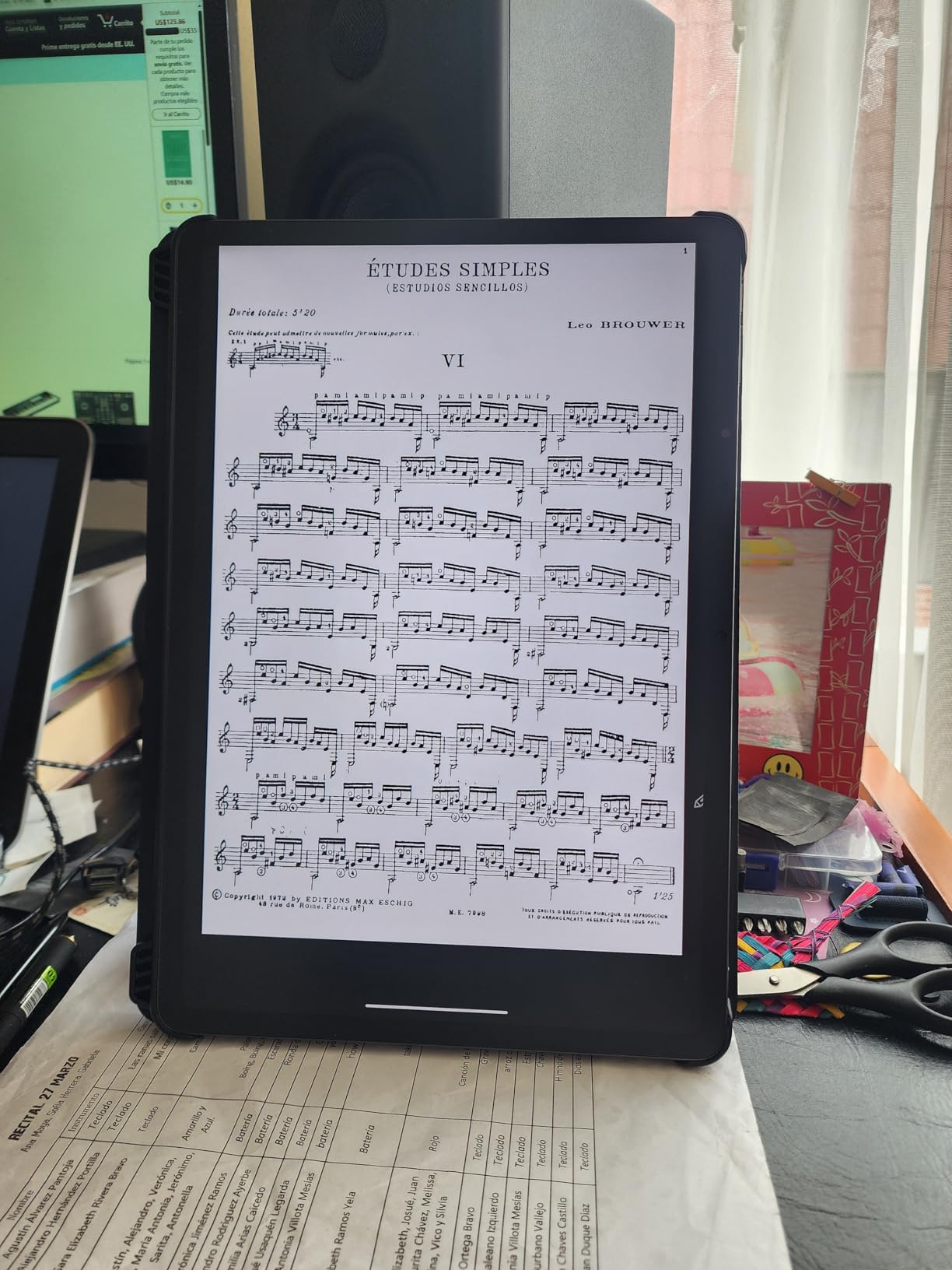
It handles more than reading. The 4096 level T-PEN works for note-taking, sketching and sheet music, and the MediaTek Helio G99 with 8GB RAM plus 256GB of storage has room for a large library of documents and comics.
Do check the box contents: you get a USB-C cable but no wall charger. The stylus shows more input lag than an S Pen, the paper-like display modes are dimmer and softer than the standard panel, and there is no microSD slot, so storage is fixed at purchase.
Who should buy the NXTPAPER 14
Researchers, architects, musicians and students working from large PDFs, manuscripts or sheet music. If page size is your problem, this solves it more directly than any other device here.
Who should skip it
Commuters and one-handed readers. At 1.67 lbs and 12.69 inches wide it is a desk and lap device, not a pocket device, and it needs a charger far more often than an e-ink reader.
10. Samsung Galaxy Tab A7 Lite: Best Budget Reading Tablet
Samsung Galaxy Tab A7 Lite 8.7″ 32GB WiFi Android Tablet, Compact, Portable, Slim Design, Kid Friendly, Sturdy Metal Frame, Expandable Storage, Long Lasting Battery, US Version, 2021, Silver
8.7 inch 1340 x 800 TFT
32GB plus microSD
3GB RAM
5100 mAh battery
Pros
- Compact 8.7 inch body easy for small hands
- Sturdy metal frame for daily knocking about
- Good colour depth for the price
- Full Google app access
- Headphone jack and microSD expansion
Cons
- Battery drains fast on standby
- Sluggish on heavy web pages and multitasking
- Only 32GB of internal storage
The Tab A7 Lite is the value pick here, and for a first tablet for a child it is hard to argue with. The 8.7 inch body is small enough for small hands, and the metal frame survives the drop-and-scuff reality of everyday use far better than a glass-front budget device.
Unlike a locked-down media tablet, it runs standard Android apps, so Kindle, Kobo, Libby and Google Play Books all install normally. Storage expands by microSD up to 1TB and the 3.5mm jack is welcome for audiobooks.
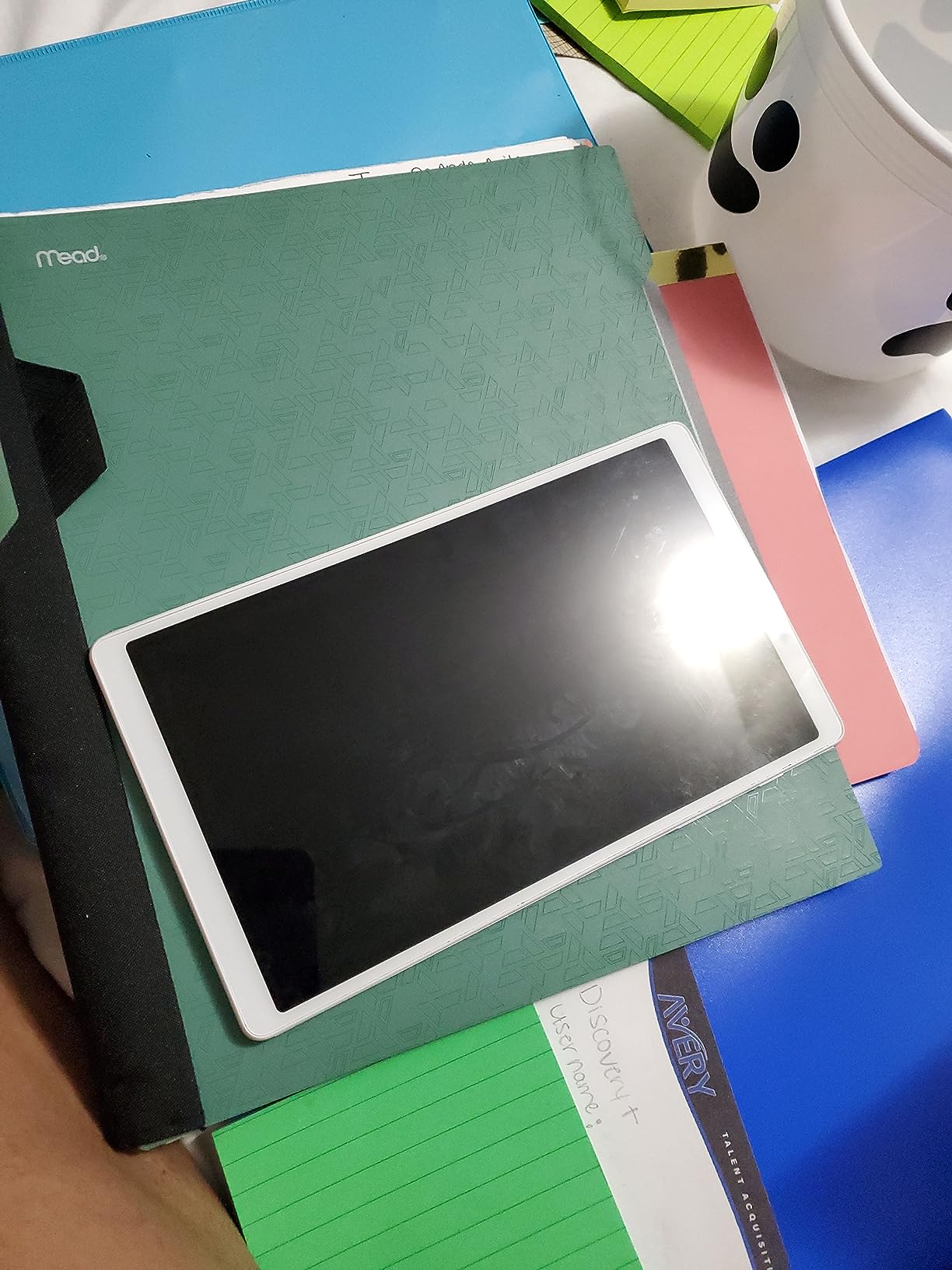
At 1340 x 800 the screen is not the sharpest here, but colour depth and viewing angles are good for reading illustrated material. The 5100 mAh battery handles a school day of light reading comfortably.
The most repeated complaint is standby drain, which is the same as saying you should expect to charge it more often than an e-ink reader. The 3GB of RAM and MediaTek chip also chug on heavy web pages, and the 8MP camera is basic outside perfect light.
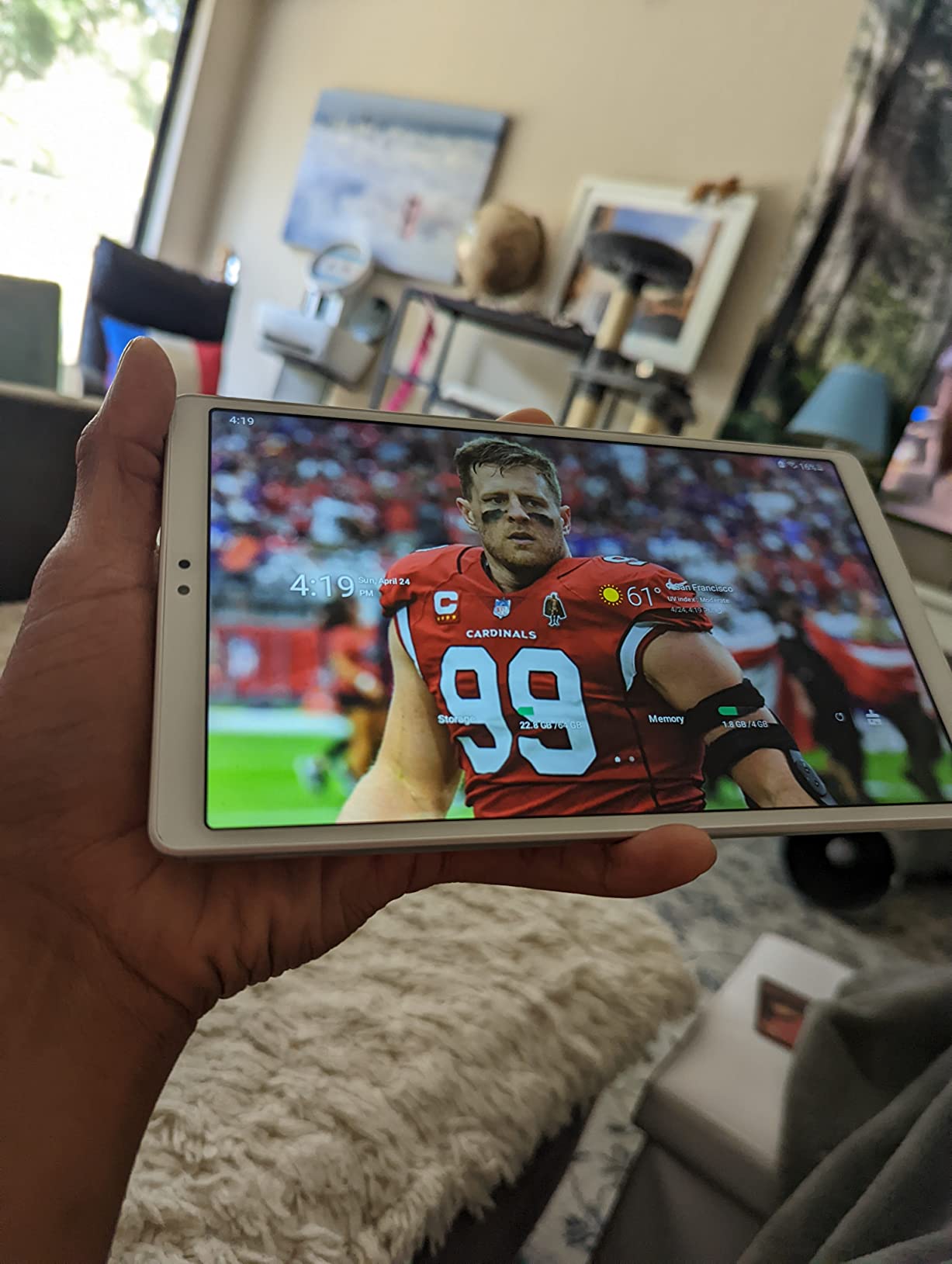
Who should buy the Tab A7 Lite
Parents buying a first tablet, students on a tight budget, and anyone who wants full app access for reading without a premium price. It also pairs neatly with a Galaxy phone through Samsung One UI.
Who should skip it
Avid readers who want to charge once and read for a month, and anyone reading dense PDFs who needs a sharper panel. The 8.7 inch screen also shows its age on text-heavy pages.
11. BOOX Go Color 7 Gen II: Best Reading Tablet for Every File Format
BOOX Tablet Go Color 7 Gen II E Ink Tablet Support Active Stylus InkSense (Black)
7 inch Kaleido 3 colour e-ink
Page-turn buttons
Android 13,4GB RAM
Broad format support
Pros
- Compact 7 inch body with page-turn buttons
- Very wide document and comic format support
- Android 13 with third-party apps and microSD
- Frontlight colour temperature control
- Multiple refresh modes to reduce ghosting
Cons
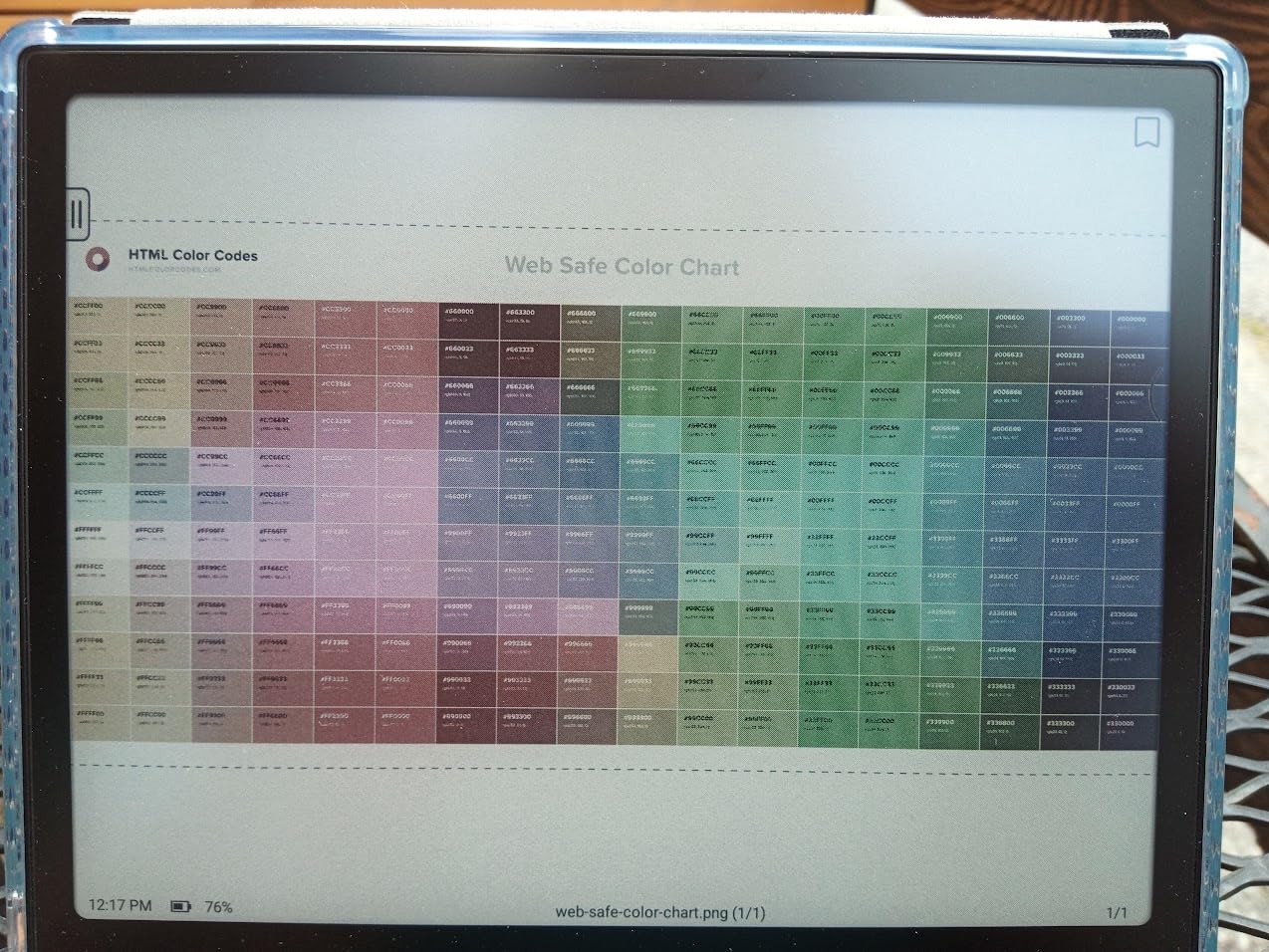
- Colour panel is dark and grey versus LCD
- Ghosting still visible on colour content
- Active stylus sold separately and not included
No other e-ink device here opens what you already have. The format list covers PDF, CAJ, DJVU, CBR, CBZ, EPUB, EPUB3, AZW3, MOBI, TXT, DOC, DOCX, FB2, CHM, RTF, HTML, ZIP, PRC, PPT and PPTX, which matters enormously if your library is a mixed folder rather than one store.
It runs Android 13 with third-party app support, a microSD slot, page-turn buttons, Wi-Fi, Bluetooth and a microphone. At roughly 195 g and 6.4 mm thick it is genuinely pocketable, and the frontlight offers warm-to-cool colour temperature adjustment.
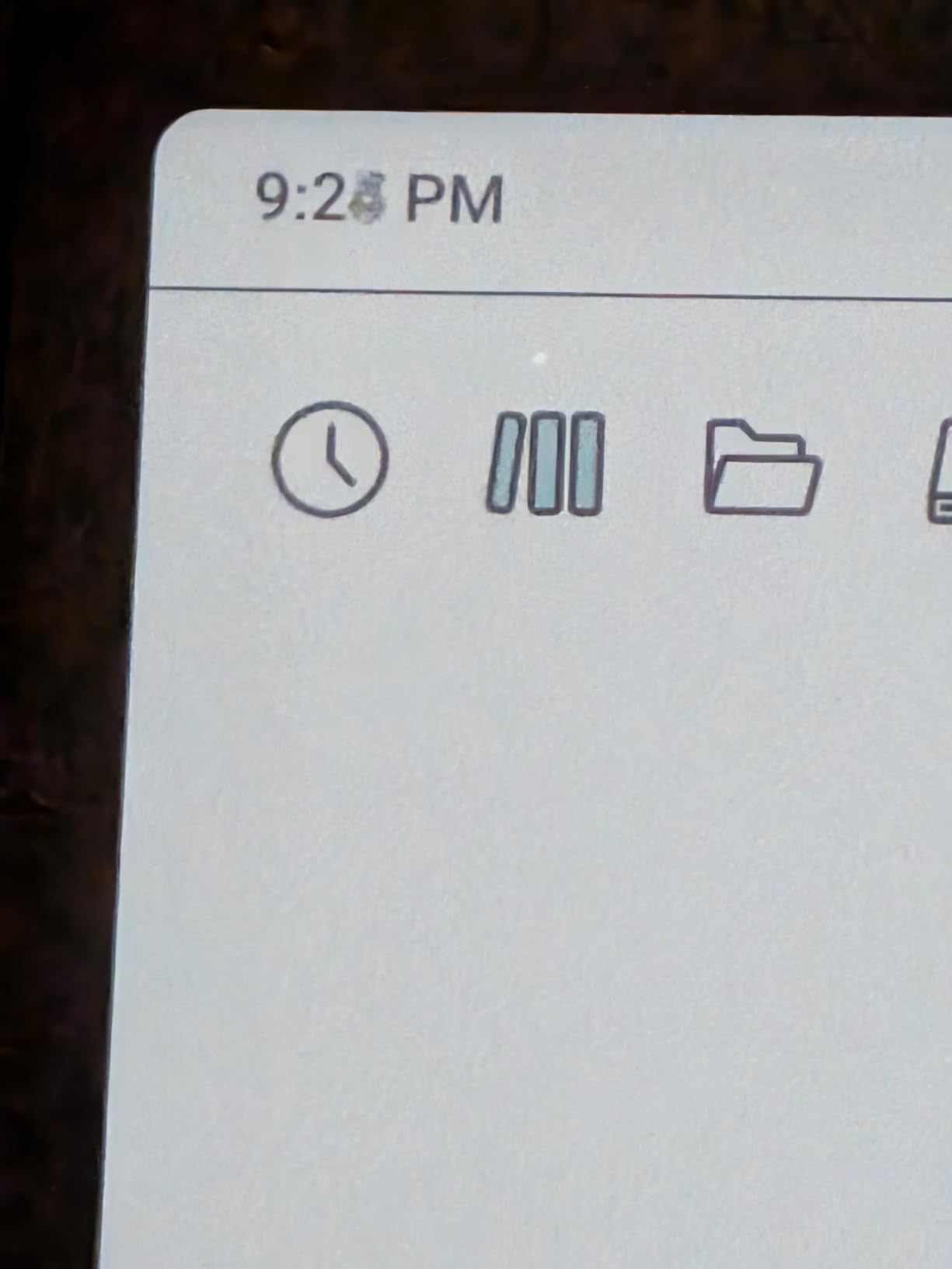
Refresh modes including HD, Balanced, Fast, Ultrafast and Regal let you trade sharpness against ghosting on colour content, which is useful when you know what you are reading. DRM-free Kindle formats open, which closes the usual ecosystem gap.
The rating reflects real frustrations. The Kaleido 3 panel is dark and grey next to any LCD, it runs at 300 ppi in black-and-white but 150 ppi in colour, and ghosting remains visible even on Regal. The InkSense stylus is not included and EMR styluses are not supported.
Who should buy the BOOX Go Color 7
People with a mixed, sideloaded library, or who read academic, technical and comic formats in one place. It is also the e-ink option for anyone who wants an app store on an e-ink screen.
Who should skip it
Readers who want the crispest possible text and the simplest possible experience. The lowest rating in this group comes from the display quality and the extra cost of the stylus, not from the format handling.
12. reMarkable Paper Pro: Best Reading Tablet for Handwriting
reMarkable Paper Pro with Marker Plus
11.8 inch Canvas Color e-ink
Marker Plus in the box
64GB storage
Two week battery
Pros
- Paper-like writing feel with natural friction
- Large 11.8 inch canvas for notes and reading
- Low-glare display readable outdoors
- About two weeks of battery per charge
- Clean interface with folders and tags
Cons
- Premium pricing and limited app ecosystem
- Colour e-ink resolution below LCD
- Maker Plus tips wear and cost extra
Writing on the Paper Pro feels closer to pen on paper than anything else I tested, with natural friction and low latency that makes long handwriting sessions bearable. The Marker Plus arrives in the box with a built-in eraser and six spare tips.
At 11.8 inches on a 4:3 canvas it is a genuine page shape, which suits PDFs, textbooks and handwritten notes far better than a 16:10 tablet. Direct PDF markup, folders and tags, and handwriting-to-text conversion cover the study workflow properly.
The low-glare display is readable outdoors in natural light and the adjustable reading light handles darker conditions. Battery life is quoted at roughly two weeks per charge, so it still charges far less often than an LCD tablet.
Buyers raise the same points consistently. It is expensive, the software ecosystem is limited compared with an Android tablet, the colour panel resolution sits well below LCD or OLED, and the Marker Plus is a proprietary replacement cost with tips that wear over time.
Who should buy the Paper Pro
People who write as much as they read: students, sketchers and diarists who want a large paper-like canvas and a distraction-free interface with almost two weeks of battery.
Who should skip it
Comic and magazine readers who want sharp colour, and buyers who need apps or a long update path. At 1.2 pounds it is also a large object to hold one-handed for a novel.
E-ink vs LCD: Which Display Is Better for Reading?
If your reading is novels, e-ink wins on almost every axis that matters. Reflective e-ink cells hold an image with no power behind them, so there is no backlight, no glare and no eye strain from staring into an illuminated panel, and the battery only draws when you turn a page.
The same physics creates the limitations. E-ink refreshes slowly, so a fast swipe shows ghosting, and colour e-ink drops to roughly 150 ppi in colour to make room for the colour layer. On a sunny patio the reflective screen is perfectly legible where an LCD washes out or becomes a mirror.
LCD and OLED tablets invert those trade-offs. They are sharper, faster, colour-accurate and app-capable, which is why they dominate comics, magazines, textbooks and multitasking, but they emit light directly, reflect whatever is in front of them, and need charging most days.
Our practical rule: choose e-ink for long-form text and long sessions, choose LCD or OLED for illustrated material and anything that needs apps. If you want colour without the LCD glare, a colour e-ink panel is the middle path, and you should accept softer text and a darker panel as the price.
How to Choose a Tablet for Reading: Buying Guide
Screen first. For text, anything at 300 ppi in black and white will look excellent. For colour, compare the LCD models against colour e-ink with realistic expectations, because the colour e-ink panels here run darker and softer than an LCD showing the same page.
Weight and grip decide whether you actually read on the device. Anything above about 500 g gets tiring one-handed in bed, and page-turn buttons plus an asymmetric grip are the single most requested feature in reader communities. Look for a wide margin you can hold without covering the text.
Ecosystem decides what you can read. Kindle books stay on Kindle devices, Kobo books stay in the Kobo store, and library loans generally come through OverDrive. If your books are scattered across several platforms, an Android e-ink tablet with a microSD slot is the most forgiving choice.
File formats matter if you sideload. EPUB and PDF are near-universal, MOBI is legacy, and comic formats like CBZ and CBR matter for manga. DRM is the catch: purchased books are usually locked to the store that sold them, so plan to buy from wherever you also borrow from.
Battery life depends on the display. E-ink devices measured in weeks can be stretched further by turning the frontlight down, disabling Wi-Fi and Bluetooth, and dropping the refresh rate. A claim of several weeks on an e-ink device assumes a reader with the light at a low setting.
Durability is worth checking before you commit. Every e-ink device here is sealed to IPX8 except the two larger LCD tablets, and the anti-glare models above are the safest for a bag with no sleeve. For stylus work, our drawing tablet guide covers pen latency in more detail, and the best tablets for musicians roundup covers the audio side.
Frequently Asked Questions
Which tablet is better for reading?
A dedicated e-ink reader is better for long-form reading, because the reflective screen needs no backlight, shows no glare, and lasts weeks between charges. An LCD or OLED tablet is better for comics, magazines, textbooks and anything that needs apps. If novels are your main reading, choose e-ink; if you read illustrated material or want one device for everything, choose LCD.
Is a Kindle or iPad better for reading?
A Kindle is better for reading books: e-ink is easier on the eyes over long sessions, battery life runs in weeks, and there are no notifications. An iPad is better for magazines, comics and colour, and it runs every reading app with fast page scrolling. Pick the Kindle for novels and the iPad for illustrated material or multi-purpose use.
Is it better to read books on a Kindle or a tablet?
For novels and non-fiction, the Kindle is the better device because the e-ink screen reflects light rather than emitting it, so it stays comfortable in a dark room and readable in sunlight. A general-purpose tablet wins on colour accuracy, app access and speed. The deciding question is whether you want one device for everything or the best possible text experience.
Which is better for reading, an eReader or a tablet?
An e-reader wins on battery life, sunlight readability, eye comfort and price, because e-ink holds an image without power. A tablet wins on colour, speed, apps and multitasking. Most people who read for hours daily end up owning an e-reader for books and keeping a tablet for everything else.
Is Boox better than Kindle or Kobo?
BOOX is better when your library is spread across formats and platforms, because it runs Android, accepts microSD cards and opens PDF, EPUB, AZW3, MOBI, DJVU and comic files including DRM-free Kindle titles. Kindle is better for the Amazon catalogue and monochrome text sharpness, and Kobo is better for library borrowing, open formats and page-turn buttons. BOOX is a Chinese brand, so factor in firmware and support when choosing.
Can I read Kindle books on a Kobo or another tablet?
Not directly, because Kindle purchases carry DRM and are tied to the Amazon account. You can borrow Kindle Unlimited titles on an Android or iOS tablet using the Kindle app, and sideloaded DRM-free files open on Kobo and BOOX devices over USB. Buying the same title from Kobo or borrowing it through Libby sidesteps the lock-in entirely.
Verdict: Which Reading Tablet Should You Buy?
The Amazon Kindle Paperwhite 16GB remains the best tablet for reading in 2026 for most people, because nothing else here combines a 300 ppi class glare-free page, weeks of battery, waterproofing and a store large enough to find any novel in. Buy it for reading and leave it alone.
Choose a Kobo if you want page-turn buttons, library borrowing and open formats, or add a colour e-ink panel for comics. Choose an LCD or OLED tablet only when colour accuracy, speed or apps come before glare-free comfort, and add the Samsung Galaxy Tab S6 Lite if a stylus for annotation is part of the plan.
Whichever you pick, test it with the books you actually read, in the room you actually read in. Our reviews of the best tablets for music production and the best drawing tablets for beginners follow the same hands-on approach if you want the wider picture.