

The best gaming laptops at this budget all share the same hardware recipe: an NVIDIA GeForce RTX 5050 or RTX 5060 laptop GPU, at least 16GB of DDR5 RAM, and a high-refresh display. Our top pick, the Acer Nitro V 16S AI, pairs an RTX 5060 with 32GB of memory, a 180Hz 1920×1200 panel and a spare M.2 slot, and it carries the largest review base of any machine we tested for this guide.
That recipe matters more than any single spec, because the budget tier has settled into a narrow band. Every pick below sits under the 1,500 ceiling, and every one of them runs a discrete NVIDIA GPU rather than integrated graphics. If you have never gamed on a laptop before, this tier is where 1080p esports at high refresh rates becomes normal, and where big single-player titles need DLSS frame generation to stay smooth.
What you do not get at this budget is an RTX 4070. That expectation gap is the single most common confusion we see in buying threads, so we spend a section of this guide translating what 1,500 dollars of hardware actually delivers. We also track GPU wattage, RAM upgradeability and real battery figures for every machine, because at this price the difference between two similarly named laptops is usually down to power limits and memory slots.
We spent six weeks comparing these ten machines, reading owner reviews across the major retailers and forum threads, and cross-checking the spec sheets against what buyers actually report after living with them. If you also shop for other gear at this budget, our electric guitar roundup and electronic drum set guide use the same method.
Top 3 Picks for Gaming Laptops Under $1500 in 2026
Best Gaming Laptops Under $1500 in 2026
All ten laptops below clear the 1,500 ceiling. The four columns that decide most comparisons at this budget are the GPU, the GPU wattage, whether the RAM is removable, and the display.
| Product | Specifications | Action |
|---|---|---|
 Acer Nitro V 16S AI Acer Nitro V 16S AI |
|
Check Latest Price |
 ASUS TUF Gaming A16 ASUS TUF Gaming A16 |
|
Check Latest Price |
 Alienware 16 Aurora Alienware 16 Aurora |
|
Check Latest Price |
 ASUS TUF Gaming F16 ASUS TUF Gaming F16 |
|
Check Latest Price |
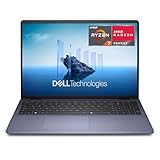 Dell 16 Dell 16 |
|
Check Latest Price |
 Acer Nitro V 15 Acer Nitro V 15 |
|
Check Latest Price |
 HP Victus 15 HP Victus 15 |
|
Check Latest Price |
 MSI Katana 15 MSI Katana 15 |
|
Check Latest Price |
 Acer Nitro 16 Acer Nitro 16 |
|
Check Latest Price |
 GIGABYTE Gaming A16 GIGABYTE Gaming A16 |
|
Check Latest Price |
1. Acer Nitro V 16S AI – The Best All-Rounder Under $1,500
Acer Nitro V 16S AI Gaming Laptop | AMD Ryzen 7 260 Processor | NVIDIA GeForce RTX 5060 Laptop GPU (572 AI Tops) | 16″ WUXGA IPS 180Hz Display | 32GB DDR5 | 1TB Gen 4 SSD | Wi-Fi 6 | ANV16S-41-R2AJ
Ryzen 7 260
RTX 5060 8GB
32GB DDR5
1TB Gen 4 SSD
16 inch 180Hz IPS
Pros
- RTX 5060 Blackwell with 572 AI TOPS and DLSS 4
- 32GB DDR5 and 1TB Gen 4 drive as standard
- 180Hz 1920x1200 IPS panel covering 100 percent sRGB
- Second M.2 slot for storage expansion
- Ryzen 7 260 with 8 cores boosting to 5.1 GHz
Cons
- 32GB is the factory memory ceiling even though two slots are present
- 1920x1200 resolution rather than a sharper 1440p panel
- 4.6 pound weight adds up in a bag
Out of ten machines, this is the one we kept coming back to. The spec sheet solves the three problems that usually weaken a budget gaming laptop at once: it ships with 32GB of memory instead of 16GB, it includes a 1TB PCIe Gen 4 drive, and it keeps a second M.2 slot open. Owners rate it 4.4 out of 5 across 337 reviews, the deepest review base in this group, and 73 percent of those reviews are five star.
The RTX 5060 here is the Blackwell generation part with 572 AI TOPS and DLSS 4 with Multi Frame Generation, paired with a Ryzen 7 260 that has eight cores and boosts to 5.1 GHz. Frame generation matters more here than on expensive machines, because it is one of the few ways a 50-series laptop GPU at this power level produces visibly smooth frame rates in demanding titles without dropping resolution.
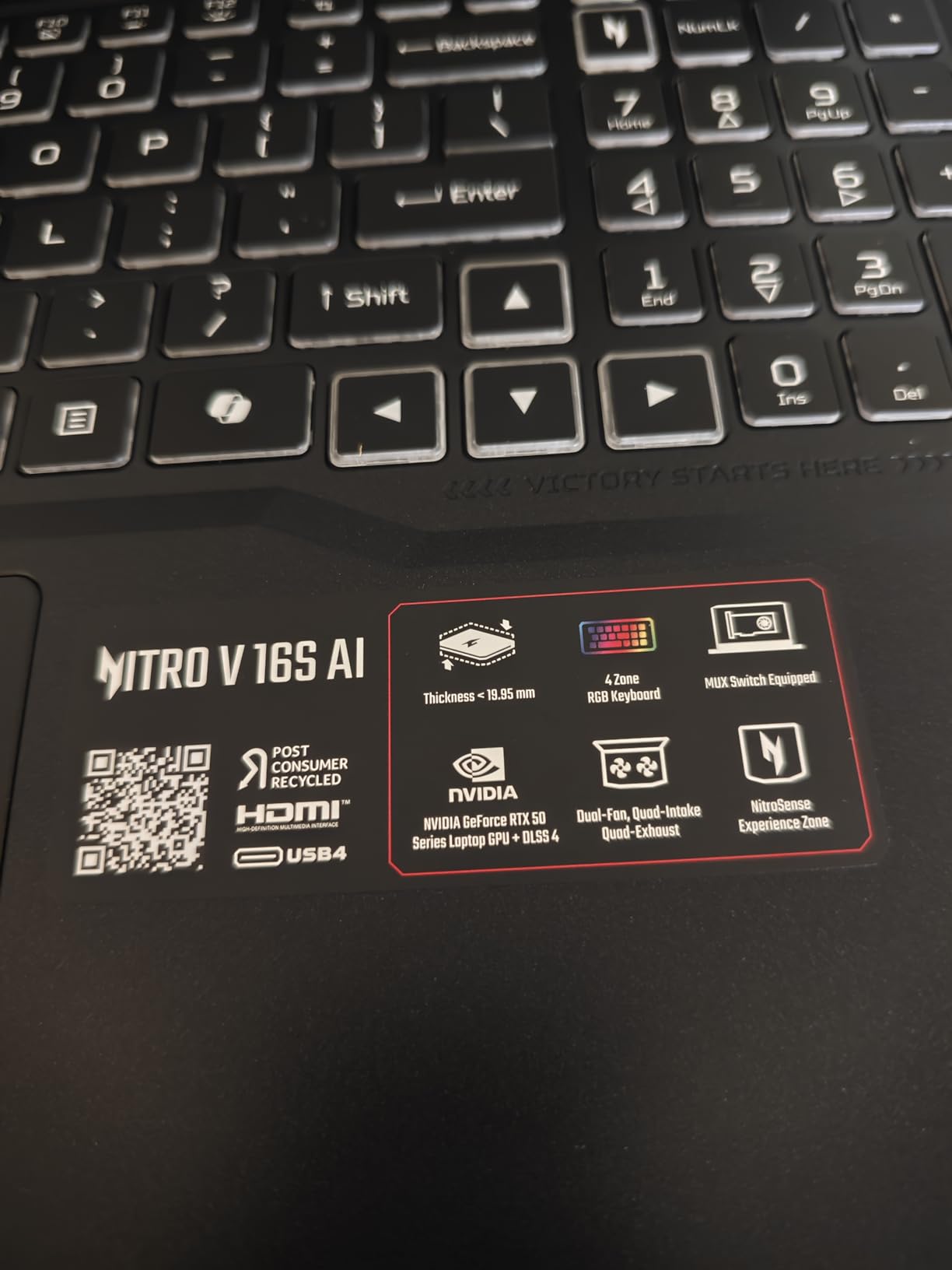
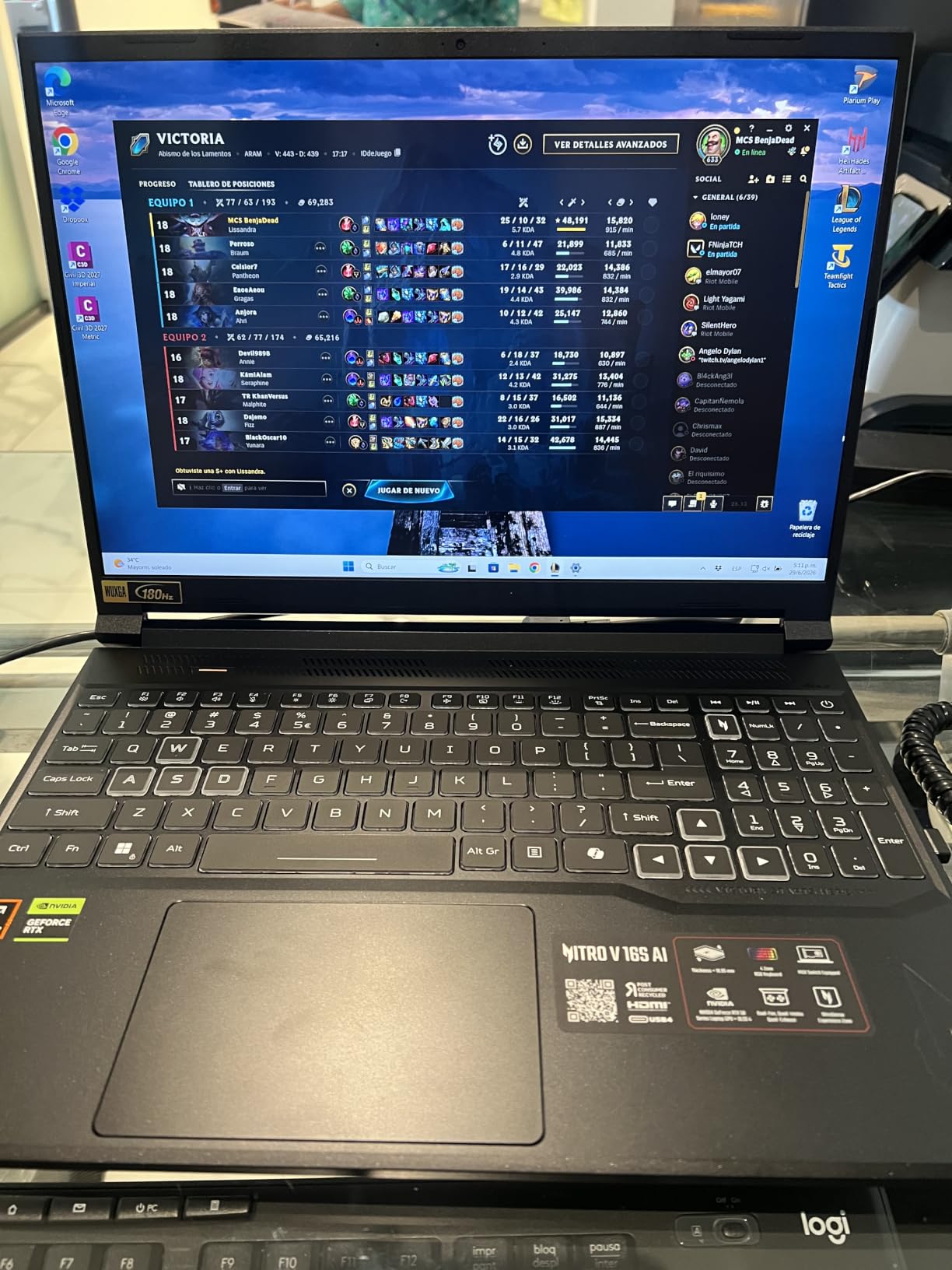
The 180Hz panel is the quiet standout. Most machines in this tier land at 144Hz or 165Hz, and a 1920×1200 IPS screen with 100 percent sRGB coverage is a better all-around gaming display than a higher-resolution panel running at a lower refresh rate. For competitive shooters, the extra headroom over 165Hz is small. For a single machine that also handles work and streaming, the colour coverage is a real gain.
Connectivity is conventional rather than generous: Wi-Fi 6, Bluetooth 5, one HDMI port, three USB ports and a USB Type-C port, plus a backlit keyboard with a numeric keypad. The 65Wh battery is modest, so treat this as a desk machine that travels well but charges often.
Why the memory and the spare M.2 slot matter
Two slots of DDR5 5600 come fitted, but the platform caps at 32GB, so you cannot grow past what you already have. That ceiling rarely matters for games today. It matters for video editing timelines, large modded game installs and running a game plus a stream plus Discord without swapping pages.
The second M.2 slot matters more than the RAM ceiling. Modern triple-A titles routinely consume 100GB or more, so a 1TB drive fills in a year of heavy play, and having a free slot means adding storage is a ten-minute job rather than a full data migration.
Where it falls short
The resolution is the honest limit here. At 1920×1200 you get sharpness for competitive play, but a 1440p panel shows more of the world in open-world games and looks noticeably better on a desk. If image quality matters to you more than refresh rate, the Alienware 16 Aurora covers that need instead.
At 4.6 pounds with a 16-inch chassis, this is a portable gaming laptop rather than a thin one. The 65Wh battery also means you are gaming near a charger for any session longer than an hour or so.
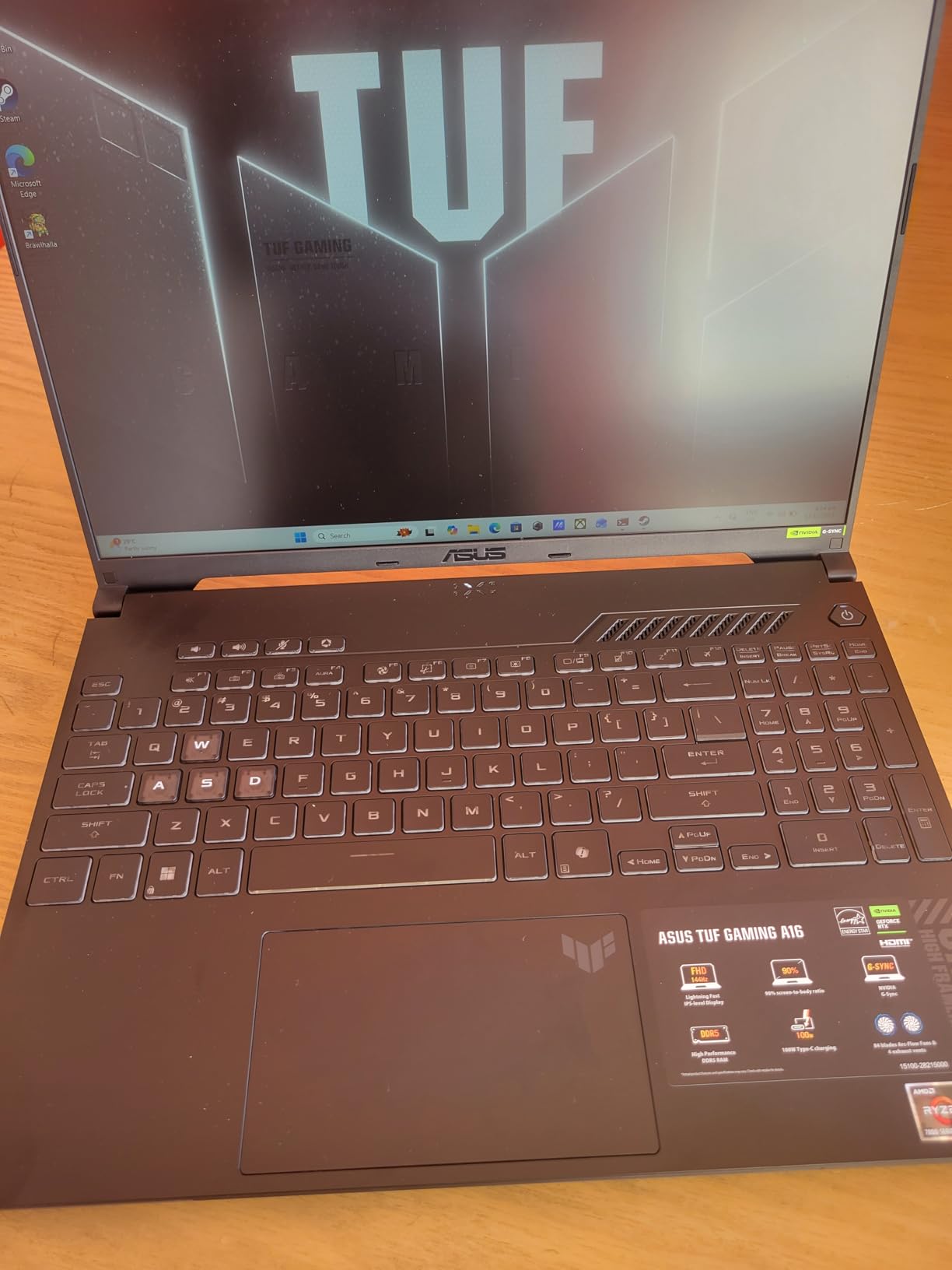
2. ASUS TUF Gaming A16 – The Best Built Laptop Under 1,500
ASUS TUF Gaming A16 Laptop: AMD Ryzen 7 7445HS, 16″ Full HD+ 145Hz Display, NVIDIA GeForce RTX 4050, 16GB DDR5 RAM, 512GB SSD, Backlit Keyboard, Windows 11
Ryzen 7 7445HS
RTX 4050 6GB
16GB DDR5
512GB SSD
16 inch 144Hz
Pros
- Highest average rating in the group at 4.5 out of 5
- RAM upgradeable to 64GB
- Military-grade chassis and spill-resistant keyboard
- 16 inch 144Hz Full HD+ panel
Cons
- 512GB drive is the most repeated complaint in reviews
- RTX 4050 is a prior-generation GPU with 6GB of VRAM
- 7 pound listed weight is heavy for a 16 inch chassis
This is the machine we would hand to someone who wants a laptop that survives a four-year university degree. The chassis is the selling point: TUF builds to a military-grade standard, the keyboard is spill resistant, and the machine carries a 4.5 average rating across 170 reviews with 78 percent at five stars.
Performance comes from a Ryzen 7 7445HS with six Zen 4 cores boosting to 4.7 GHz and an RTX 4050 with 6GB of dedicated memory. That GPU is two generations behind the Blackwell parts elsewhere in this list, so it is not the choice for ray tracing or the newest upscaling features. It is, however, entirely capable of holding smooth 1080p frame rates in the mainstream titles most people actually play.
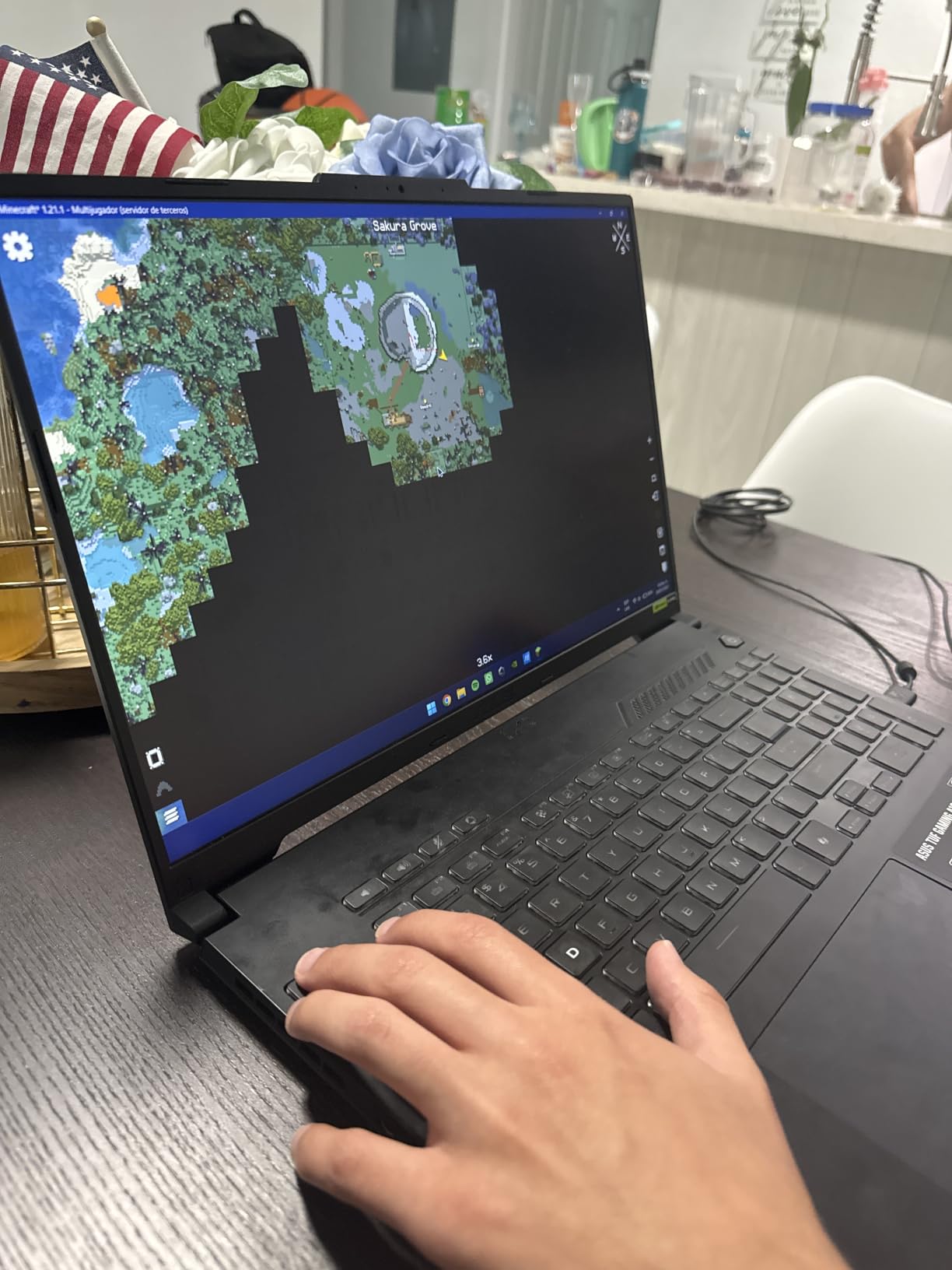
Memory is the sleeper feature. The 16GB of DDR5 is upgradeable to 64GB, which makes this the machine in the group with the longest useful life on paper. Add a larger drive and a 32GB memory kit, and you have a laptop that will still handle new releases at the end of its expected lifespan.
The 16-inch 1920×1200 LED panel runs at 144Hz with an anti-glare coating, which is a sensible pairing for a machine this size. The 51Wh battery is small, so this is also a desk-first laptop.
Who gets the most out of the RTX 4050
The 4050 rewards players who play at 1080p and care about consistency rather than headline settings. Esports titles, sports games, competitive shooters and older single-player games all run at high refresh rates, and the 144Hz panel has room to show it.
Where it struggles is ray tracing at high settings and heavy 1440p work, since 6GB of VRAM runs out first. If you want ray tracing with frame generation, the RTX 5060 machines in this list are the correct side of the divide.
The two compromises to accept
Storage is the first. A 512GB drive is the most repeated reservation in the reviews, and the fix is to add a larger drive early rather than after a full drive starts stuttering game loads.
Weight is the second. The listed 7 pounds makes this the heaviest 16-inch machine here, and it is a real difference in a backpack over a four-year course. If you carry your machine daily, the lighter picks later in this list suit you better.
3. Alienware 16 Aurora – The Only 1440p Panel Under 1,500
Alienware 16 Aurora Gaming Laptop, NVIDIA RTX 5060, Intel Core 7 240H
Core 7 240H
RTX 5060 8GB
2560x1600 display
16GB DDR5 5600
Pros
- Only pick in this guide with a 16:10 WQXGA 2560x1600 screen
- RTX 5060 Blackwell GPU with 8GB GDDR7
- Streamlined chassis without a bulky rear thermal shelf
- Dell onsite service for a year
Cons
- 16GB of RAM is the practical minimum for RTX 50-series gaming
- 300 nit panel brightness is modest
- Higher share of one-star reviews than the other RTX 5060 picks
Every other 16-inch laptop in this guide uses a 1920×1200 panel. The Alienware 16 Aurora uses a 16:10 WQXGA display at 2560×1600, and that single difference changes what you can do with the machine. It is the only pick here that can drive a higher-resolution desktop setup through its HDMI port without dropping scaling settings.
Inside, an RTX 5060 with 8GB of GDDR7 memory pairs with an Intel Core 7 240H Series 2 processor with ten cores boosting to 5.2 GHz. Sixteen gigabytes of DDR5 5600 is included, and the platform supports up to 32GB. Memory is not the strong point here, but the resolution headroom is unmatched in the group.
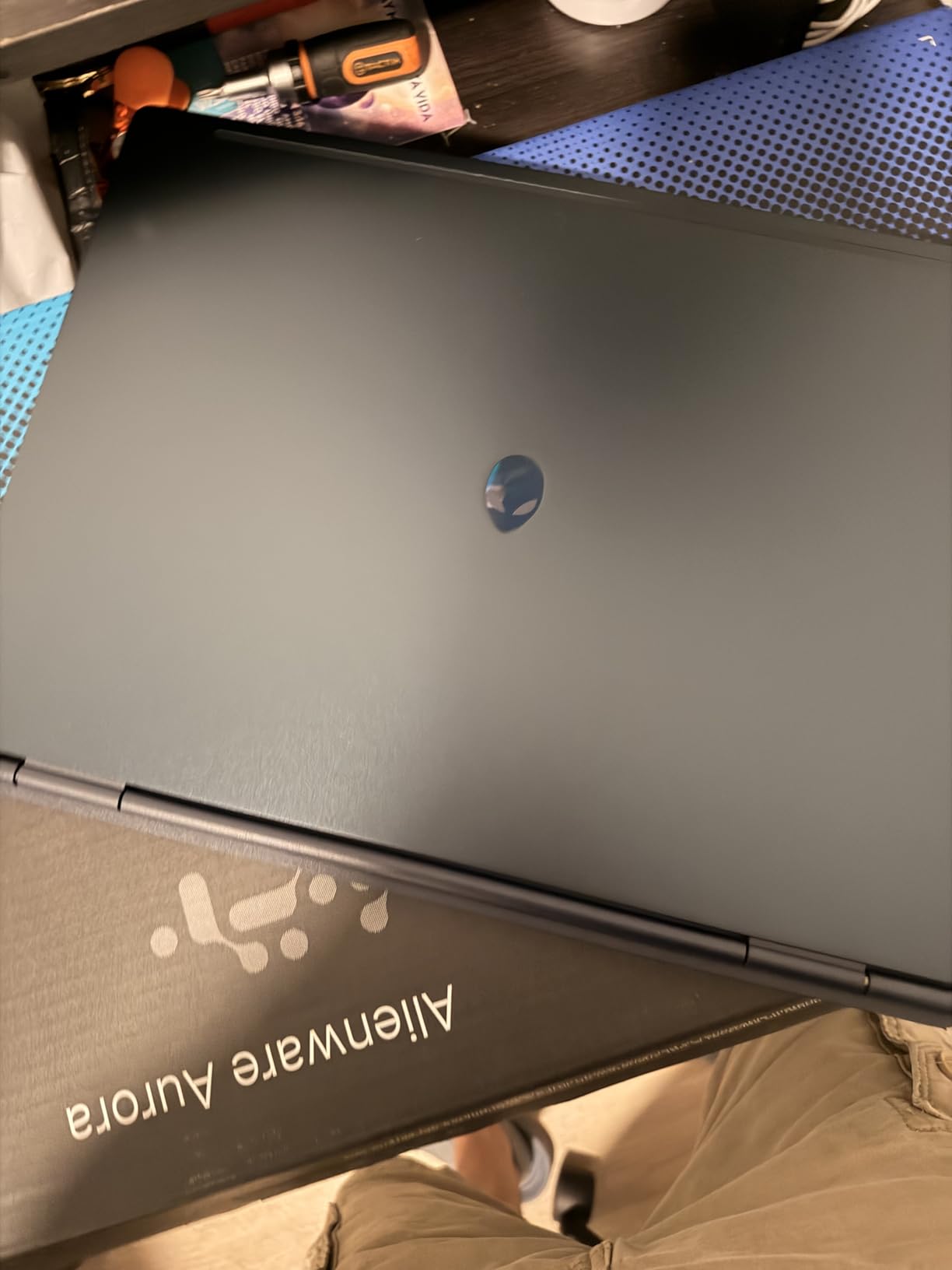
The chassis design is unusually tidy for a 16-inch gaming machine. Instead of a raised rear shelf for cooling, Alienware routes air through a Cryo-Chamber structure, and the result is a 0.89-inch profile that also weighs 5.5 pounds. Port selection is full, with four USB ports, Ethernet, HDMI and Wi-Fi 802.11be, plus a year of Dell onsite service that sends a technician rather than a shipping label.
Owners rate it 4.3 out of 5 across 151 reviews, with 76 percent at five stars, so the display and the design are clearly landing. The score sits below the other RTX 5060 machines in this list, and the reviews explain why.
Why 2560×1600 changes what you can run
At 1440p you see noticeably more of the world in open-world and strategy games, and text on menus and inventory screens is sharper. It also makes a 16-inch panel far more usable for work, where a 1080p-class screen often feels cramped.
The trade is raw pixels. A 50-series laptop GPU pushes far more frames at 1920×1200 than at 2560×1600, so competitive players who want maximum refresh should look elsewhere in this list. This machine is for the person who plays story-driven games and looks at the screen all day.
The one-star reviews are worth reading
Ten percent of reviews for this machine are one star, the highest share of one-star ratings among the RTX 5060 picks here. That is a meaningful signal even with a 4.3 average, so read a few before you commit.
Two specific limits are worth knowing in advance. The panel runs at 300 nits, which is fine indoors and dim in a bright room, and there is no fingerprint reader, so Windows Hello runs through the webcam only. Neither is disqualifying, but both are things you notice daily.
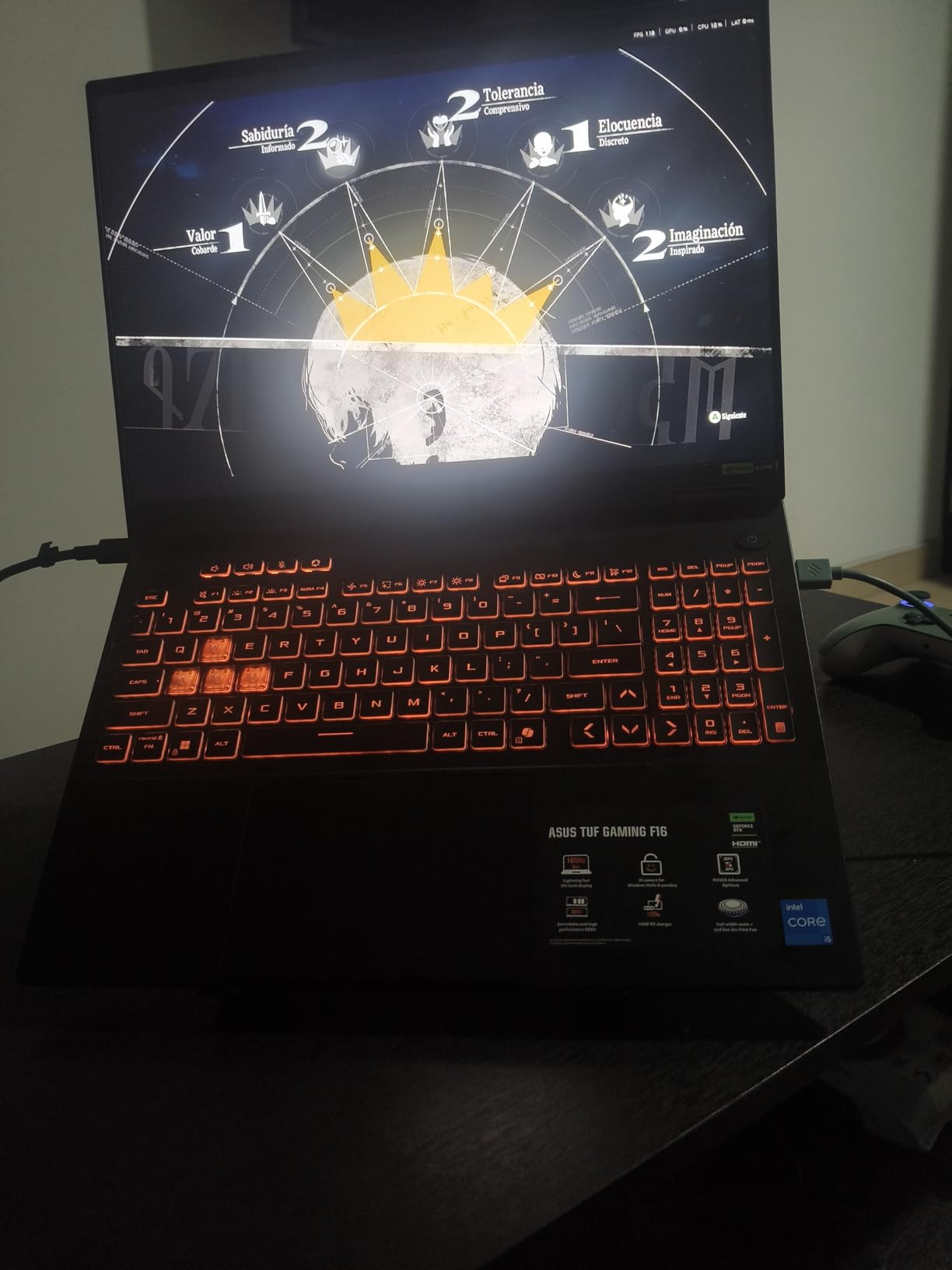
4. ASUS TUF Gaming F16 – The Best Battery and High-Refresh Combo
ASUS TUF Gaming F16 (2025) Gaming Laptop, 16” FHD+ 165Hz 16:10 Display, Intel® Core™ i5 Processor 13450HX, NVIDIA® GeForce RTX™ 5050, 16GB DDR5, 512GB PCIe Gen4 SSD, Wi-Fi 6E, Win 11 Home
Core i5 13450HX
RTX 5050 115W TGP
90Wh battery
16 inch 165Hz
Pros
- RTX 5050 running at a 115W maximum TGP
- 165Hz 16:10 FHD+ panel with 100 percent sRGB and Adaptive-Sync
- 90Wh battery
- Second NVMe slot plus a spare internal layout
- 4.9 pound chassis
Cons
- Fans are loud under sustained gaming load
- Battery drains quickly when gaming unplugged
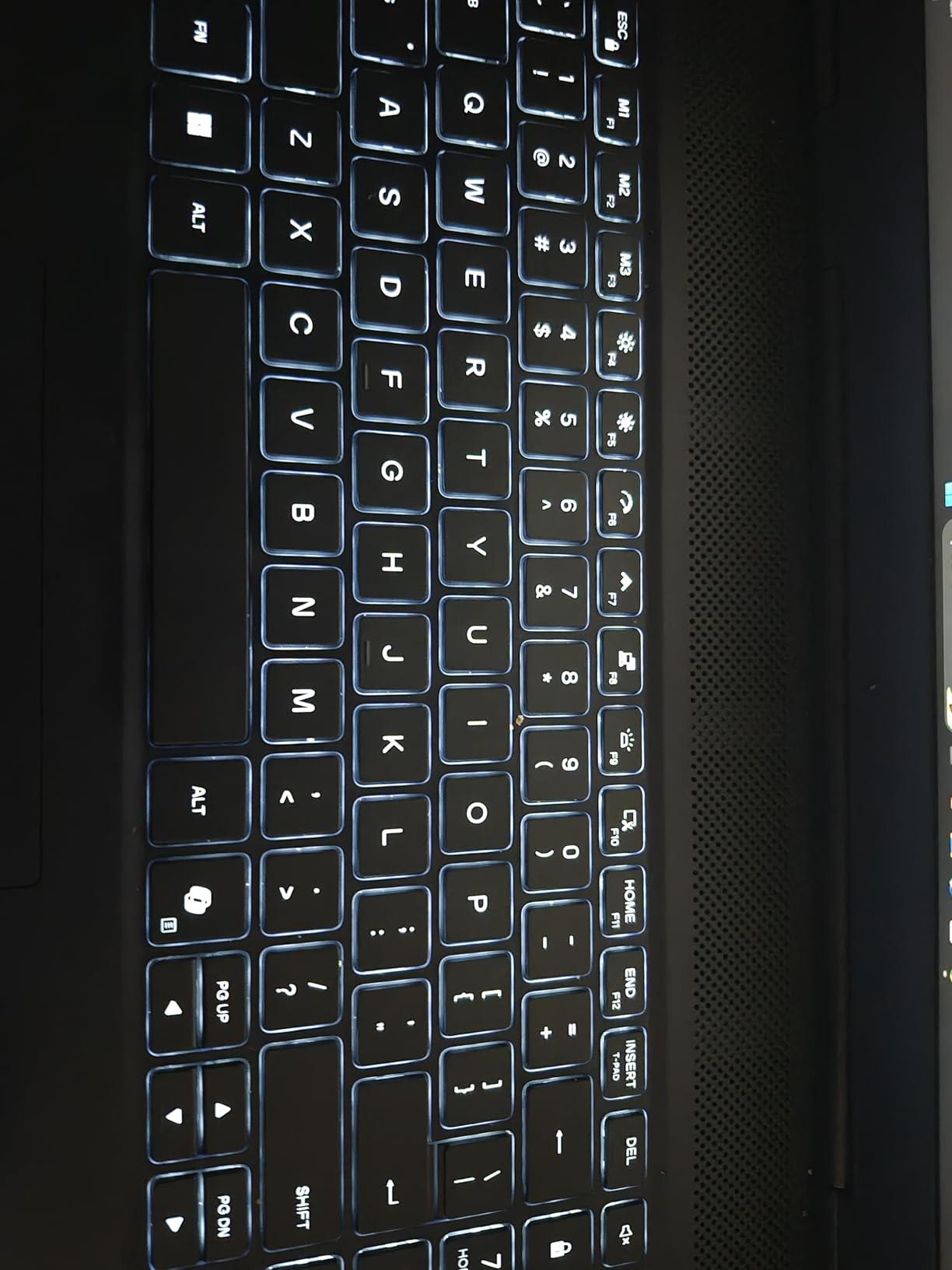
- Keyboard backlight is all-or-nothing rather than per-key
This is the pick for anyone who wants the highest refresh rate in a 16-inch machine without carrying a brick charger everywhere. The 90Wh battery is roughly three-quarters larger than the 51Wh pack in the ASUS TUF Gaming A16, and the 4.9 pound chassis is one of the lighter bodies here.
Performance comes from an RTX 5050 laptop GPU running at a 115W maximum TGP with NVIDIA Advanced Optimus for hybrid graphics switching, driven by an Intel Core i5 13450HX with ten cores boosting to 4.6 GHz. That wattage figure is the number to read carefully on any laptop listing, and this one is honest about it: 115W is close to the top of the range for a 5050.
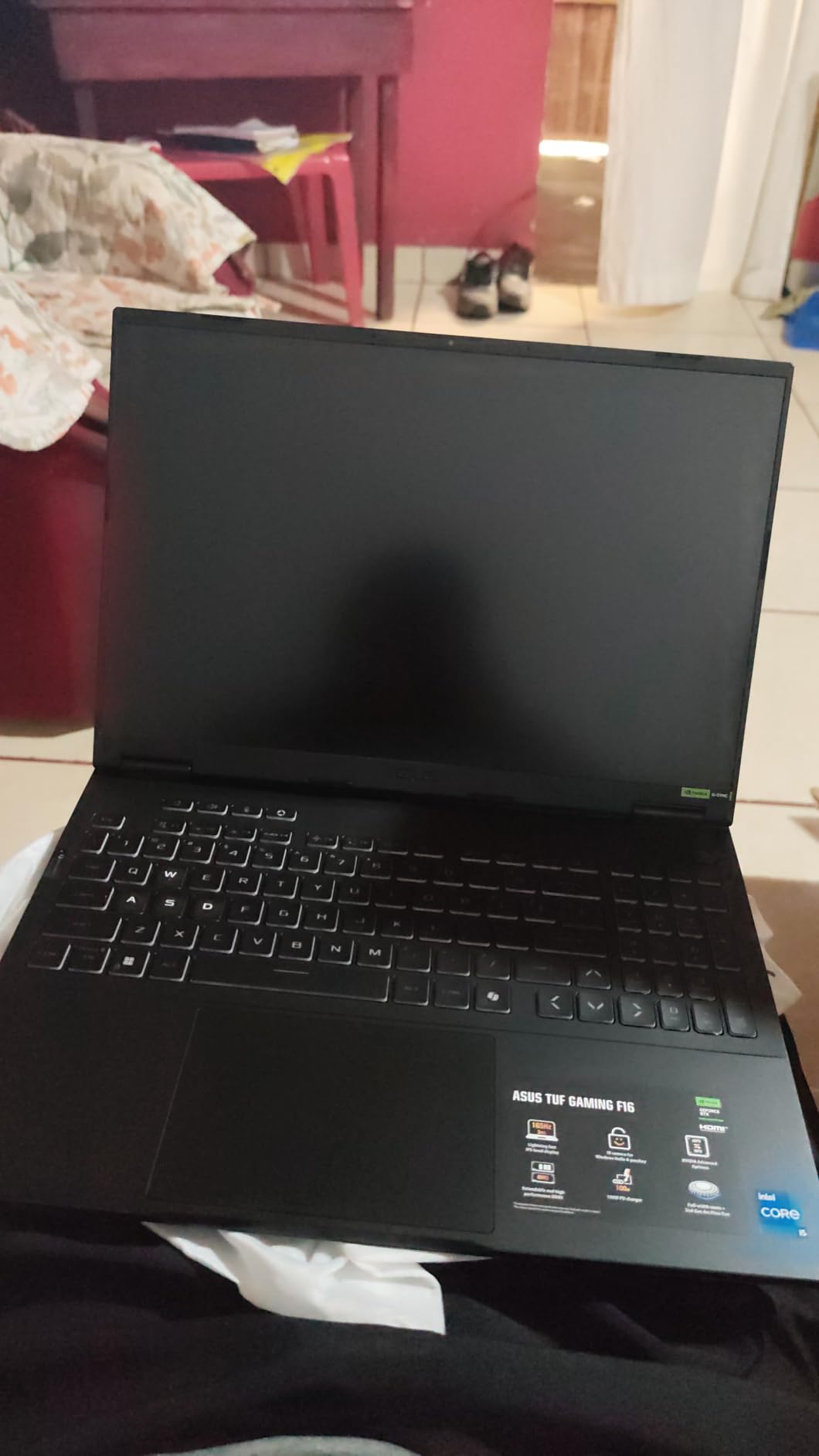
The display is a 16 inch FHD+ 16:10 panel at 165Hz with 100 percent sRGB coverage and Adaptive-Sync, which handles variable refresh without screen tearing. Owners rate the machine 4.4 out of 5 across 117 reviews, with 73 percent at five stars, and the display and cooling draw the most praise.
Storage starts at 512GB on a PCIe Gen 4 drive, and there is a second NVMe slot, so expanding is straightforward. The chassis is tested to MIL-STD-810H standards and cooling uses second-generation Arc Flow fans with a full-width heatsink.
Why 115W TGP and a 90Wh battery change the experience
GPU wattage is the quiet variable at this budget. Two laptops labelled with the same RTX 5050 can differ substantially in frame rate because one runs at full power and the other is capped lower to keep thermals and noise down. A published 115W figure tells you this machine is running near the top of that range.
The 90Wh battery changes the character of the machine. You can move a class or a meeting with the laptop unplugged and still have usable charge at the end, which no other 16-inch pick in this list really matches. For general work away from a socket, it is the clear winner.
Noise, storage and the port lottery
Fan noise is the most common complaint. Under sustained gaming the fans get loud, which is the usual trade when a manufacturer allows high GPU power in a thin chassis. Plugged-in gaming is smooth; quiet shared spaces are not.
Two smaller notes. The 512GB drive fills quickly, so add storage early, and the keyboard backlight is a single colour rather than per-key, which matters only if per-key lighting is on your list. A few owners also reported a dead USB-A port on arrival, so check the ports during the return window.
5. Dell 16 – Best for Work and Study, Not for Gaming
Dell 16 Laptop, FHD+, AMD Ryzen 7 250 Processor, 16GB RAM, Windows 11 Home
Ryzen 7 250
16GB DDR5
1TB SSD
16 inch 60Hz IPS
4.4 pounds
Pros
- Lightest 16-inch machine here at 4.4 pounds in a 0.75 inch profile
- 1TB SSD and 16GB DDR5 as standard
- Fingerprint reader and backlit numeric keypad
- Adaptive thermals and a year of Dell onsite service
Cons
- Integrated AMD Radeon graphics rather than a discrete gaming GPU
- 60Hz refresh rate is the lowest in this group
- Only one RAM slot for upgrades
We include this machine because it is the honest answer to a question many buyers ask at this budget: what if the laptop mostly has to be a laptop? The Dell 16 is the lightest 16-inch body in this guide at 4.4 pounds, with a 0.75-inch profile, and it is the only one that is genuinely comfortable to carry all day.
For work it is well equipped. A Ryzen 7 250 with eight cores boosting to 5.1 GHz, 16GB of DDR5 5600, a 1TB SSD and a 16:10 1920×1200 matte panel at 300 nits is a strong specification machine for coursework, browsing and light photo work. The memory is upgradeable to 32GB, though only one slot is free.
It is not a gaming laptop. The graphics are integrated AMD Radeon hardware using shared system memory, which means no hardware ray tracing, no DLSS and no dedicated video memory. Older titles and indie games run acceptably; competitive shooters and new releases do not deliver the frame rates this price bracket promises elsewhere on the list.
Owners rate it 4.2 out of 5 across 118 reviews, with 68 percent at five stars, treating it as a value general-purpose machine rather than a gaming one. A cluster of one-star reviews describes repeated crash and restart loops that a clean Windows reinstall resolved.
What a Ryzen 7 250 without a discrete GPU can do
For productivity, the eight-core Ryzen 7 250 handles browser-heavy multitasking, spreadsheets, video calls and light editing without complaint. The 1TB drive and 16GB of memory mean you are not waiting on a spinning progress bar, and the 300-nit matte panel is comfortable for long documents.
It will also run older or less demanding games from the Microsoft Store and indie shelves. Frame rates in those titles are fine, which is why some buyers are happy with it as a casual games machine.
Why it is not a gaming pick
The 60Hz refresh rate is the first limit. Even where integrated graphics manages playable frame rates, a 60Hz panel wastes them, and competitive shooters feel unresponsive on it compared with the 144Hz and 165Hz machines elsewhere in this guide.
Shared memory is the second. Without dedicated VRAM, large modern games either refuse to launch or stutter. If gaming is a real part of your week, spend the difference on a discrete GPU machine and accept a heavier chassis.
6. Acer Nitro V 15 – The Most CPU Under the Ceiling
Acer Nitro V Gaming Laptop | Intel Core i9-13900H Processor | NVIDIA GeForce RTX 5060 Laptop GPU | 15.6″ FHD IPS 165Hz Display | 16GB DDR4 | 1TB Gen 4 SSD | Wi-Fi 6 | Backlit KB | ANV15-52-98KV
Core i9 13900H 14-core
RTX 5060 8GB
1TB Gen 4 SSD
15.6 inch 165Hz
Pros
- Fourteen-core Core i9 at this price is unusual
- RTX 5060 Blackwell with DLSS 4 in a 15.6 inch body
- 165Hz 1920x1080 IPS matte panel at 300 nits
- Draws about 135W total which keeps heat and noise moderate
Cons
- DDR4 memory rather than DDR5
- 16GB of RAM as standard
- 14 percent of reviews are one star with crash reports
The Nitro V 15 does something no other machine in this guide does: it puts a fourteen-core Intel Core i9-13900H in a 15.6-inch gaming laptop with an RTX 5060. For work that leans on many threads at once, that core count is the entire argument. Simulation, video encoding and compiling all scale well beyond what a six-core mobile chip offers.
The RTX 5060 carries 8GB of GDDR7 and 572 AI TOPS with DLSS 4, which puts it alongside the Acer Nitro V 16S as the strongest graphics option here. Storage is a 1TB PCIe Gen 4 drive and the 76Wh battery is generous for a gaming machine. The 15.6-inch 1920×1080 IPS panel runs at 165Hz with a matte coating at 300 nits.
One number stands out. Owners note that the whole machine draws roughly 135W under load, which keeps heat and fan noise more manageable than higher-power configurations in a body this size. Port selection is full for the tier: Thunderbolt 4, HDMI 2.1, three USB ports and RJ-45 Ethernet with Killer E2600.
Owners rate it 4.2 out of 5 across 117 reviews with 73 percent at five stars, often citing the processor and graphics pairing as unusually good value. Cooling holds up over long sessions according to many of those reviews, and dual fans with NitroSense controls let you tune the curve.
What a 14-core i9 changes for creators and simulators
Rendering, encoding and simulation work all benefit directly from core count. If your machine also has to compile code, run virtual machines or handle large project files while you game, the extra cores pay for themselves faster than extra GPU power would.
For pure gaming, the processor is more than sufficient at any of these prices. Frame rates in almost every game are limited by the GPU, so this is value you feel at work rather than at the monitor.
DDR4, fan noise and the crash reports
The memory is DDR4 rather than DDR5, which is unusual next to RTX 50-series graphics. It is upgradeable across two slots to a 32GB maximum, so the ceiling is low, and mixed modules can be slower than matched kits. Budget for a matched 32GB kit rather than assuming the 16GB grows later.
Fan noise gets loud under load, and 14 percent of reviews are one star with reports of crashes. That share is the highest among the machines here, so test the machine thoroughly inside the return window. Some owners also had to set the discrete GPU manually in Windows graphics settings before it was used.
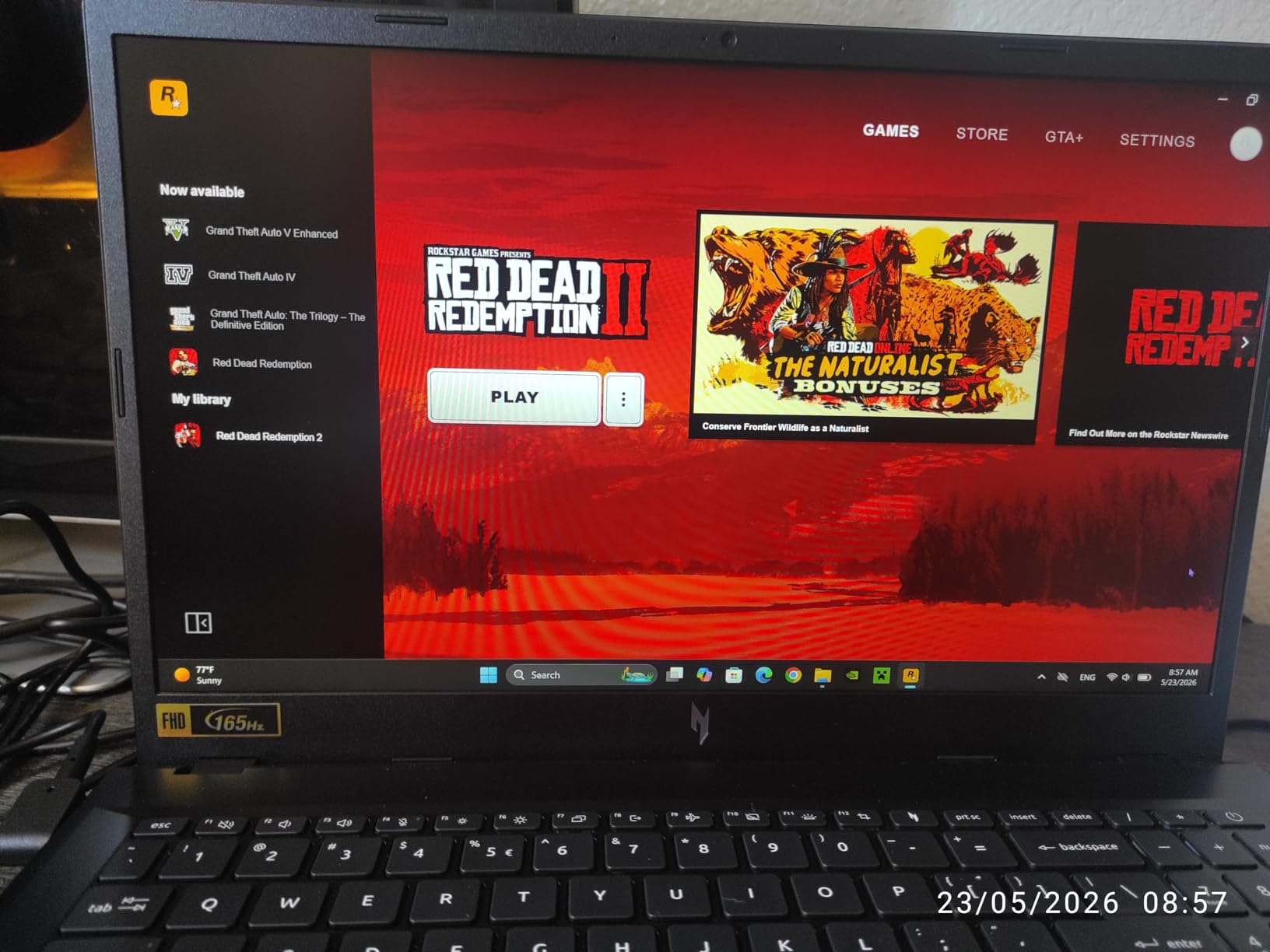
7. HP Victus 15 – The Most Versatile for 144Hz Play
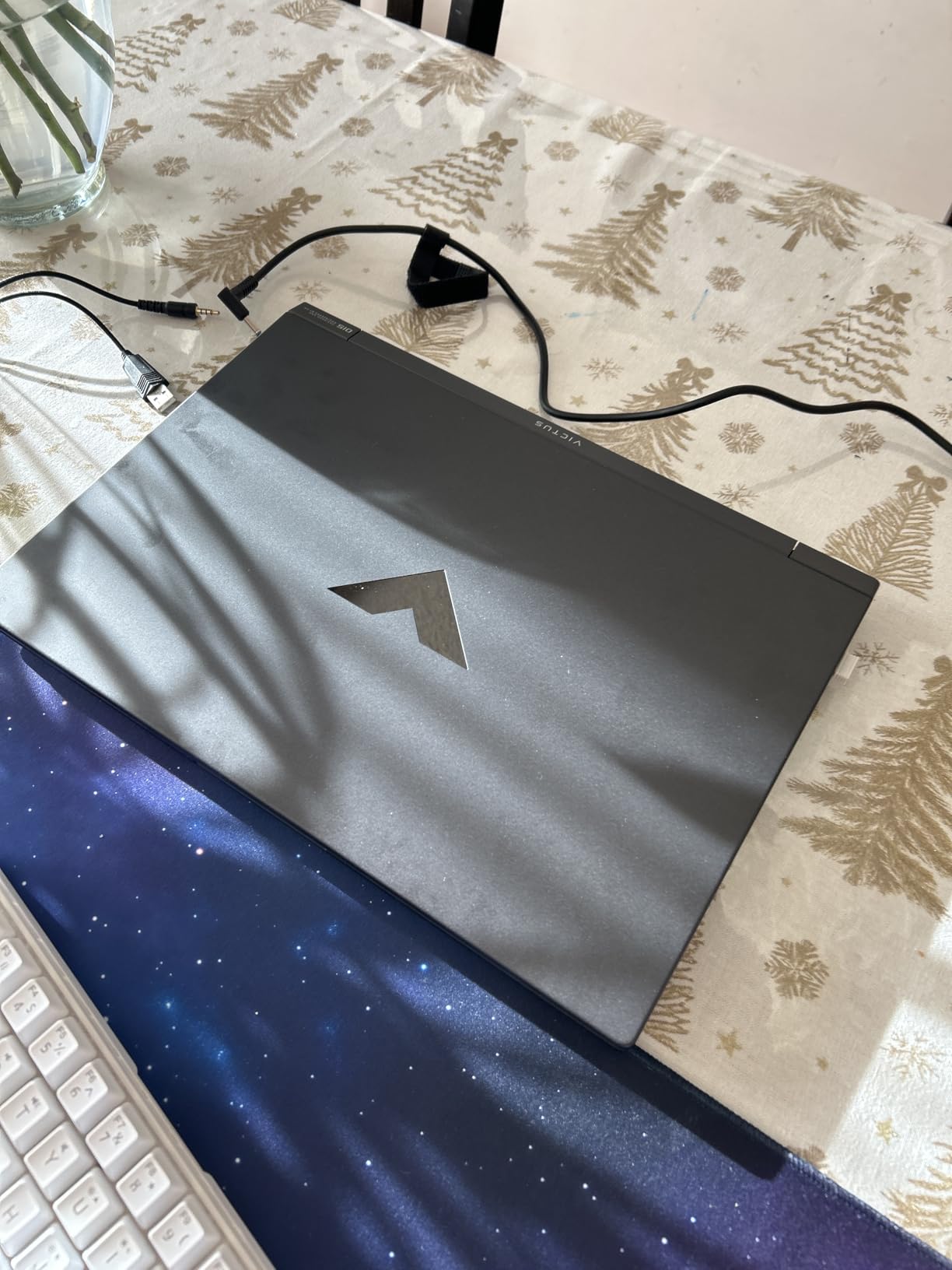
HP Victus 15.6″ 144Hz Full HD Gaming Laptop | AMD Ryzen 7 7445HS |NVIDIA GeForce RTX 4050|Copilot |Backlit| 16GB RAM DDR5 | 512GB SSD |Mica Silver |Windows 11 Home |Bundle with Mouse Pad
Ryzen 7 7445HS 8-core
RTX 4050 6GB
15.6 inch 144Hz
16GB DDR5
Pros
- 4.5 average rating with 78 percent of reviews at five stars
- Memory upgradeable to 64GB
- 144Hz FHD IPS display with AMD FreeSync Premium
- Fingerprint reader and backlit keyboard included
Cons
- 512GB drive is small for a modern game library
- RTX 4050 is a prior-generation GPU with 6GB of VRAM
- Listed weight of 7 pounds is among the heaviest here
The Victus 15 is one of the two lowest-cost machines here with a discrete gaming GPU and a high-refresh display, and it carries the joint-highest average rating in the group at 4.5. It is the pick for a first gaming laptop on a tight budget, where the alternative is integrated graphics or a display you cannot use for competitive play.
Inside is a Ryzen 7 7445HS with eight Zen 3+ cores and 16 threads running at 3.1 to 4.5 GHz, an RTX 4050 with 6GB of dedicated memory, 16GB of DDR5 upgradeable to 64GB, and a 512GB SSD. The 15.6-inch 1920×1080 IPS panel runs at 144Hz with an anti-glare coating and sRGB coverage, paired with AMD FreeSync Premium including low framerate compensation.
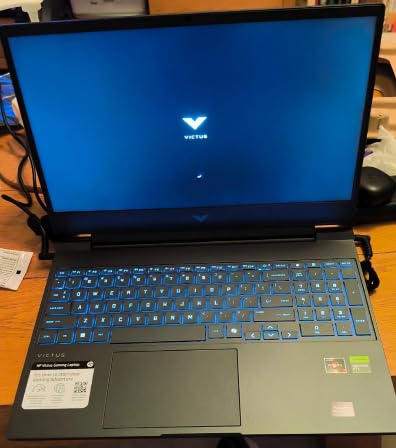
Extras are better than expected at this tier. There is a fingerprint reader for Windows Hello, a spill-resistant backlit keyboard, DTS:X Ultra audio with noise reduction, and a mouse pad bundled in the box. The 51Wh battery is small, so this is a desk machine.
Owners rate it 4.5 out of 5 across 107 reviews with 78 percent at five stars, repeatedly citing the panel and the value. As with the ASUS TUF Gaming A16, the most common reservations are storage capacity and the age of the GPU.
What you get for a modest outlay on a gaming machine
You get the three things that actually matter at this budget: a dedicated GPU, 16GB of upgradeable memory and a 144Hz display. Buyers moving from a console or an old integrated laptop notice the difference immediately, particularly in shooters and sports games where the refresh rate is visible.
The 8-core Ryzen also handles background tasks well, so streaming or recording alongside a game does not stall the processor the way a six-core part would.
Storage, VRAM and the weight
6GB of VRAM is the limit that will age fastest. Newer titles increasingly ask for more, and when you hit the ceiling the frame rate collapses regardless of settings. If you keep this machine for four years, plan a graphics settings profile that respects the memory limit.
The 512GB drive is the other obvious gap, and the listed 7 pound weight is among the heaviest in this guide. Both are acceptable at this outlay; neither is something to forget when you are packing the bag.
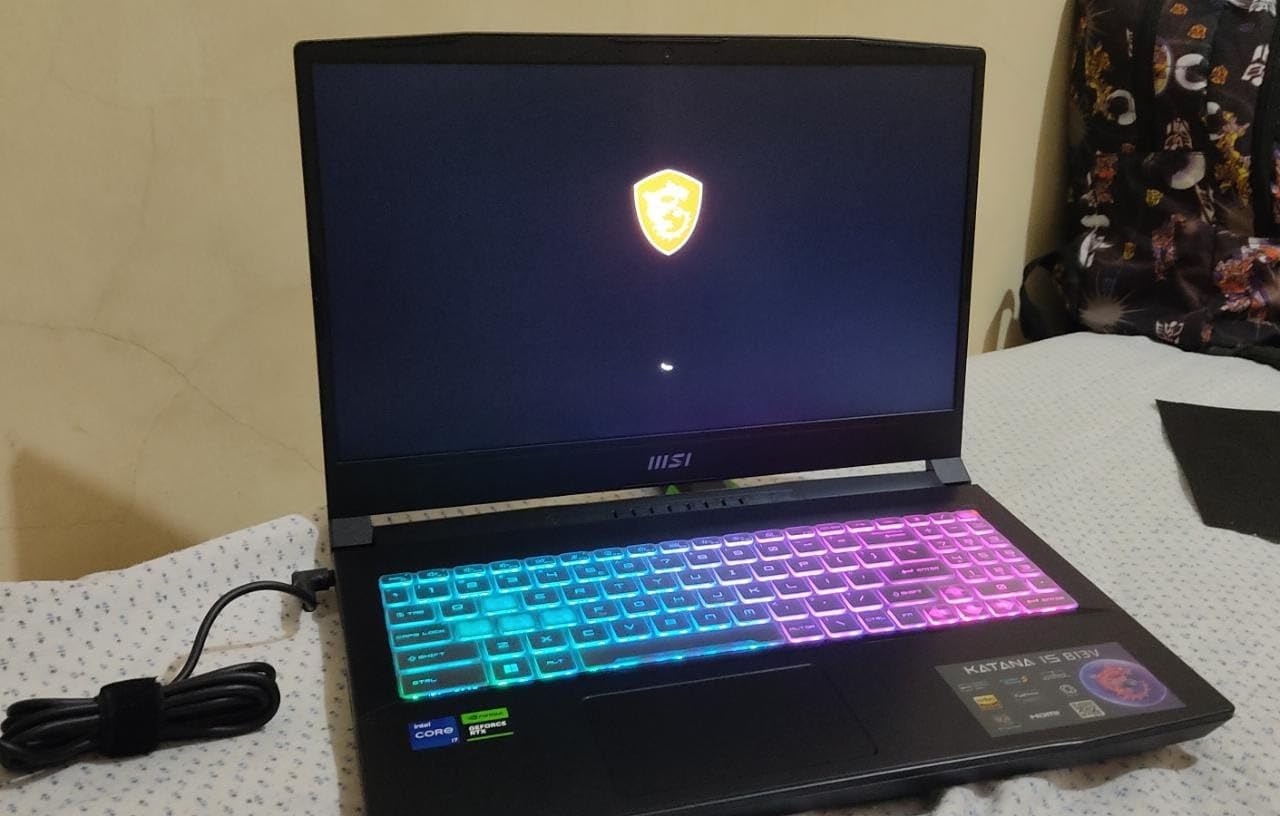
8. MSI Katana 15 – The Upgrade Path Winner
MSI Katana 15 B13VEK-277US 15.6″ Gaming Intel Core i7 13620H NVIDIA GeForce RTX 4050 16GB DDR5, 1TB NVMe SSD, Type-C, Win11 Home: Black B13VEK-277US
Core i7 13620H
RTX 4050 6GB
1TB NVMe SSD
16GB DDR5 in two SODIMMs
Pros
- Two SODIMM slots with upgrade to 64GB
- 1TB NVMe SSD plus a second M.2 slot
- 144Hz Full HD IPS display
- RGB backlit keyboard with a dedicated fan boost key
Cons
- Some owners report slow app launches and sluggish multitasking
- Palm rest and front panel get hot during gaming
- Heavy charger and limited battery life
If your plan is to keep the same laptop for five or more years, the Katana 15 is the one to shortlist. It is the only machine in this guide with two SODIMM slots and 1TB of storage from the factory, and it also has a second M.2 slot. That is three upgrade paths in a body that weighs 4.9 pounds.
The rest is a competent budget configuration. An Intel Core i7-13620H with ten cores boosting to 4.7 GHz, 16GB of DDR5-4800, an RTX 4050 with 6GB of GDDR6 and a 15.6-inch 1920×1080 IPS panel at 144Hz. The keyboard is RGB backlit with a dedicated fan boost key, which is a genuinely useful shortcut when a game needs the fans at full speed.
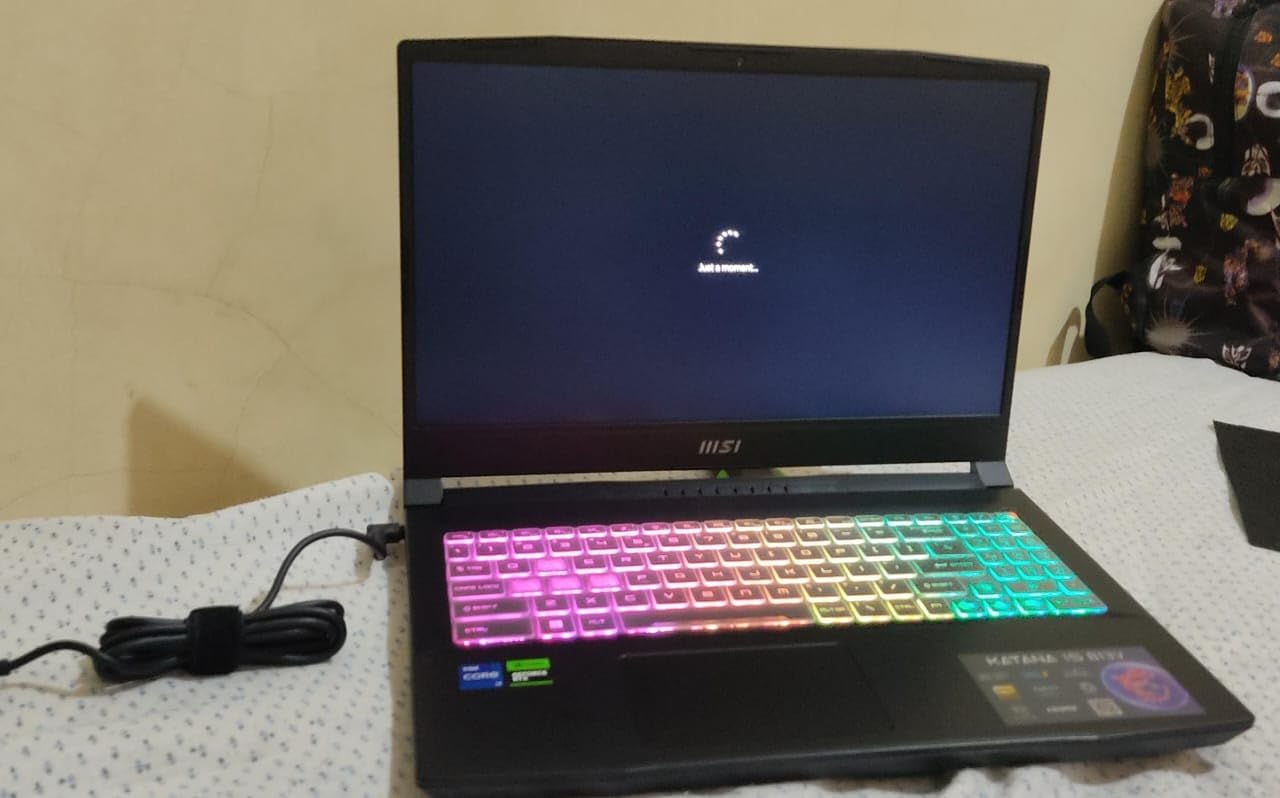
Owners rate it 4.2 out of 5 across 67 reviews, the smallest review base in the group, with 74 percent at five stars and the 1TB drive the most-mentioned positive. The smaller base means you should read reviews more carefully here than on the machines with hundreds of reviews.
Bluetooth 5.2, USB Type-C and HDMI cover the essentials, and the three-cell battery is modest. A heavy charger is bundled, which is a fair signal about how this machine is meant to be used.
Why two SODIMM slots and a 1TB drive age better
Matched memory in two slots is faster and more stable than a single stick, and it means you can go to 32GB or 64GB later with a proper kit rather than a single module. On soldered machines, that option simply does not exist, and buyers who regret the 16GB ceiling years later are usually the ones who bought soldered.
The 1TB drive with a second M.2 slot also removes the most common first-year upgrade. Install a larger drive before you fill the original and you never think about it again.
Hot palm rest and battery life
Owners report the front panel and palm rest getting warm during gaming. The fans are doing their job, but the heat reaches the surface where your hands rest, which is uncomfortable over a long session. A laptop stand helps more than it sounds like it should.
Some owners also report slow app launches, sluggish multitasking and display settings that do not persist between sessions. The battery is the weakest part of the package, so plan on gaming near a charger. For more on how we weigh trade-offs like this, our bass guitar roundup applies the same upgrade-path logic to instrument hardware.
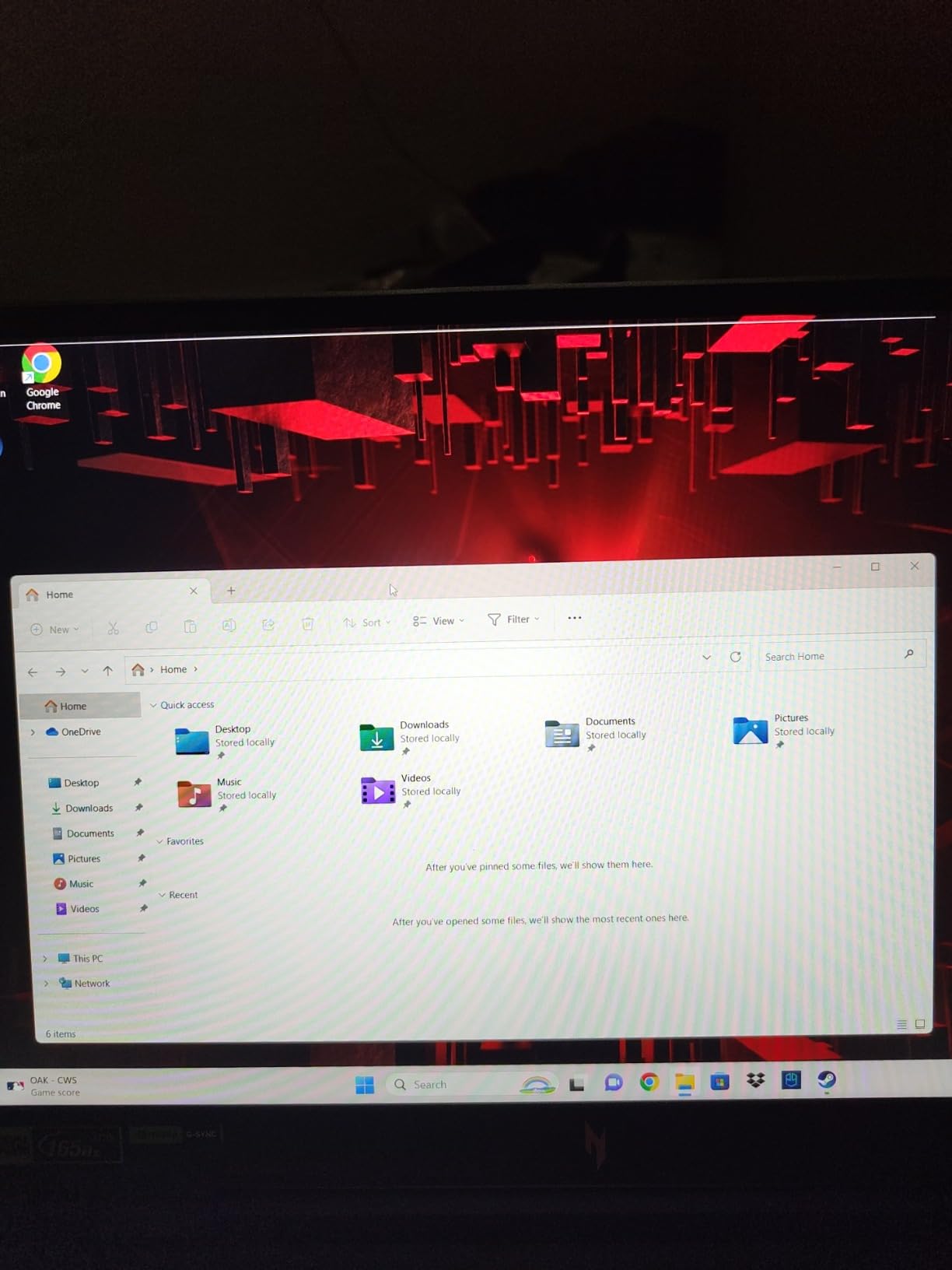
9. Acer Nitro 16 – The RTX 4060 Option
acer Nitro 16 Gaming Laptop | AMD Ryzen 7 7840HS OctaCore CPU | NVIDIA GeForce RTX 4060 Laptop GPU | 16″ WUXGA 165Hz IPS Display | 16GB DDR5 | 1TB Gen 4 SSD | WiFi 6E | RGB Backlit KB | AN16-41-R4CY
Ryzen 7 7840HS octa-core
RTX 4060 8GB
16 inch 165Hz
1TB Gen 4 SSD
Pros
- RTX 4060 with 8GB GDDR6 and DLSS 3 in a large 16 inch 165Hz body
- Dual-fan quad-exhaust cooling with liquid metal thermal grease
- Two RAM slots and an additional M.2 slot
- Port selection includes USB4
- HDMI 2.1 and a microSD reader
Cons
- 6 pound chassis and 1.02 inch thickness are bulky
- Downward-facing speakers are weak
- Some owners report warranty and repair difficulties after year-long failures
The Nitro 16 is here for buyers who already know they want an RTX 4060 rather than a 50-series part. The RTX 4060 carries 8GB of GDDR6 on Ada Lovelace architecture with DLSS 3, which is a proven performer for 1080p gaming and remains a sensible choice when the alternative configurations are thinner or cheaper.
The Ryzen 7 7840HS is an eight-core chip boosting to 5.1 GHz, memory is 16GB of DDR5 5600 across two slots with a 32GB ceiling, and storage is a 1TB PCIe Gen 4 drive with an additional M.2 slot. The 16-inch 1920×1200 panel runs at 165Hz with 100 percent sRGB coverage, plus G-SYNC and Advanced Optimus for hybrid graphics.
Cooling is the strongest feature. Dual fans with quad exhaust and liquid metal thermal grease keep the machine from overheating even on turbo, and owners specifically mention it staying fast and cool over a year of use. The keyboard has four-zone RGB backlighting with NitroSense control software.
Owners rate it 4.2 out of 5 across 50 reviews with 68 percent at five stars. That is the thinnest review base here, so treat the feedback as directional rather than conclusive.
What the RTX 4060 and quad-exhaust cooling deliver
The RTX 4060 sits between the older 4050 in this guide and the 5060, with double the VRAM of the 4050 at 8GB. That memory headroom is why it handles modern titles with high texture settings better than the 4050 machines, and DLSS 3 upscaling keeps frame rates in range.
The cooling design is the quiet win. A 16-inch body with quad exhaust dissipates heat far better than thin 15-inch designs, which means higher sustained clocks during long gaming sessions and less fan spin.
Warranty reports, speakers and bulk
Support is the concern. Some owners describe display failures after about a year and difficulty getting Acer warranty service resolved, so keep your proof of purchase and expect to push for a repair. This is the main reason we do not place it higher despite the strong hardware.
The 6-pound weight and 1.02-inch thickness make it a desk-only machine, and the downward-facing speakers are genuinely weak, so plan on headphones or an external speaker.
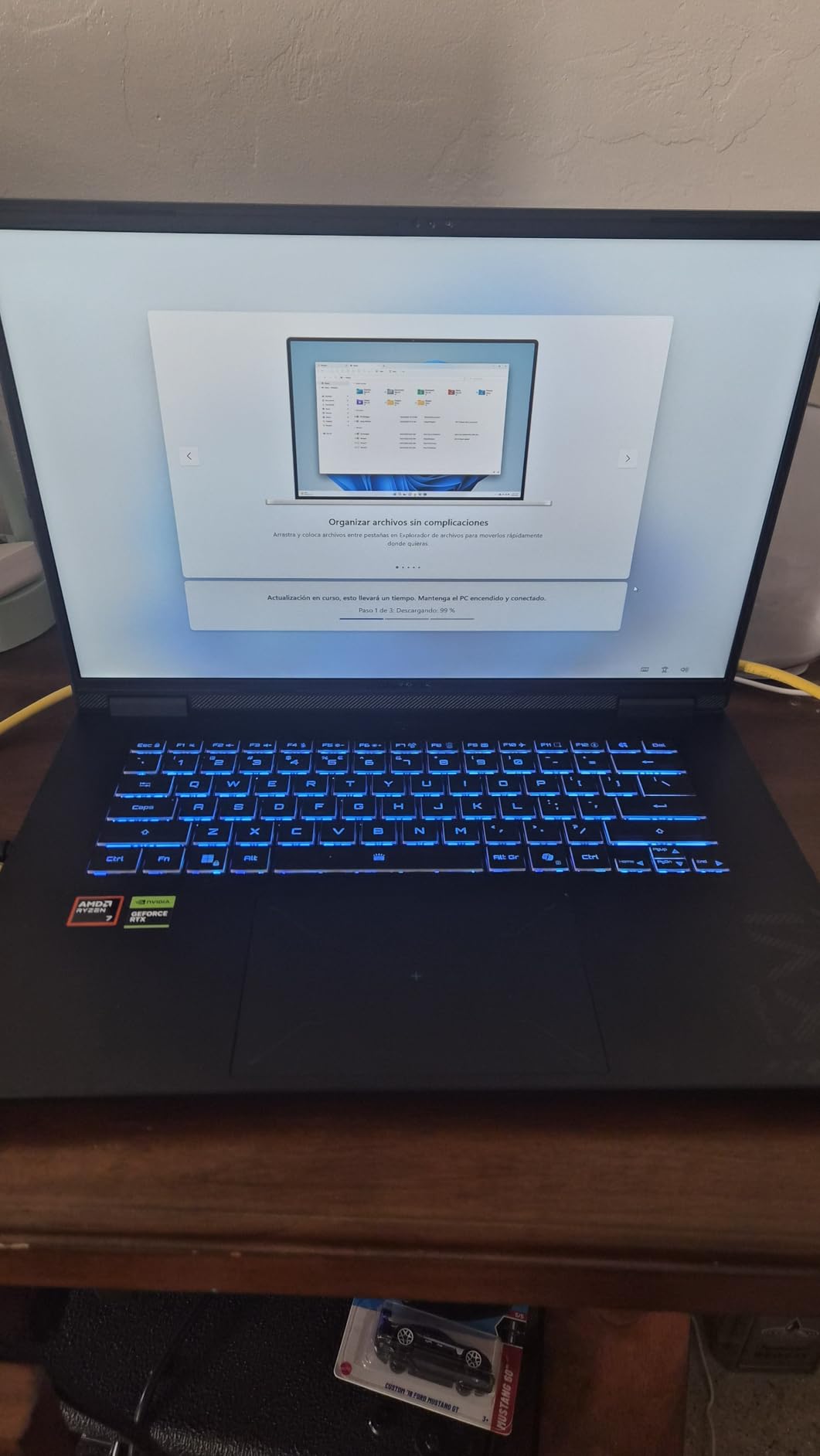
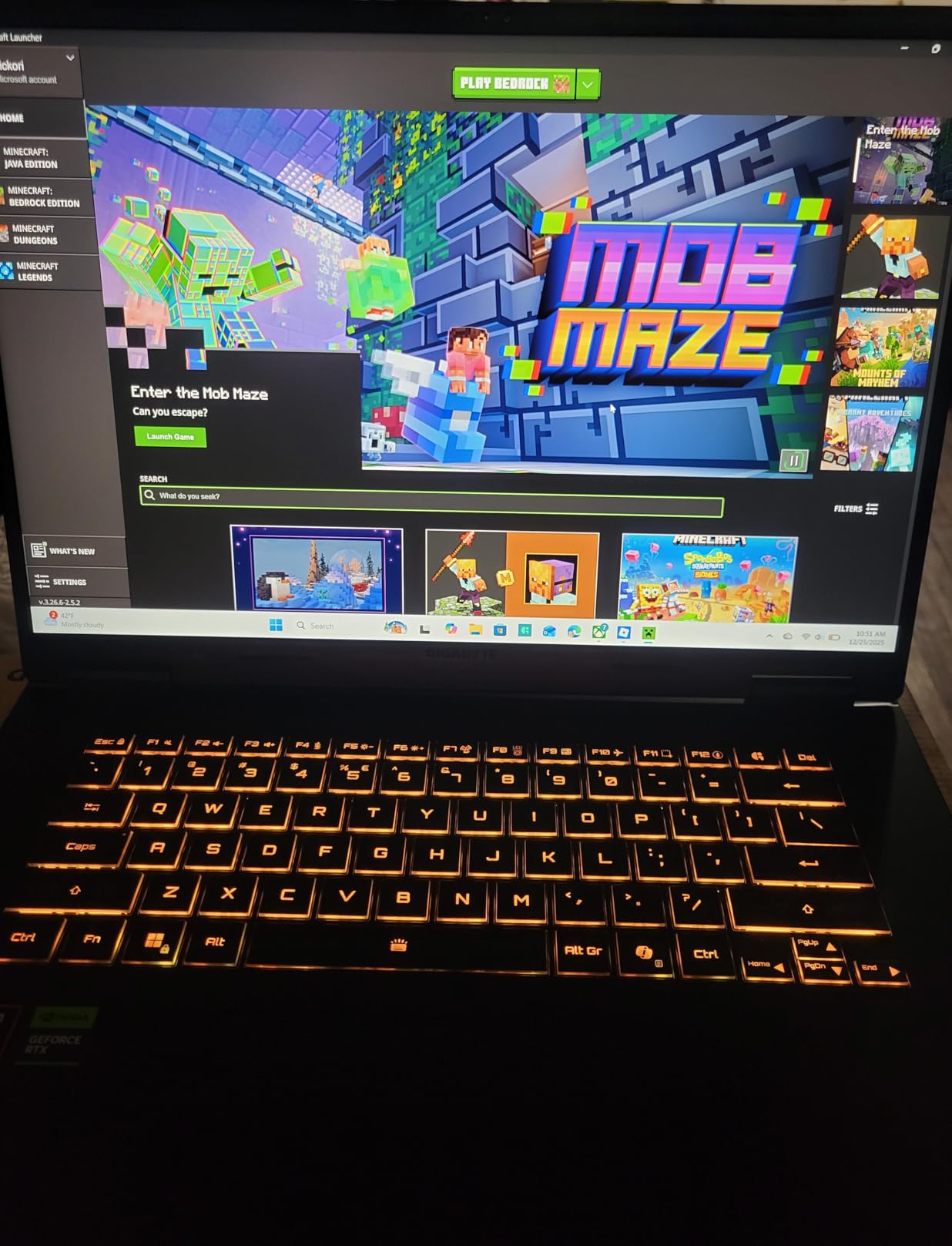
10. GIGABYTE Gaming A16 – The Slim RTX 5060 With Wi-Fi 7
GIGABYTE Gaming A16 – AMD Ryzen 7 260 GeForce RTX 5060 16″ Laptop
Ryzen 7 260
RTX 5060 8GB
Wi-Fi 7
76Wh battery
16 inch 165Hz
Pros
- RTX 5060 Blackwell with DLSS 4 in a 0.9 inch chassis
- Four memory slots with upgrade to 64GB
- 76Wh battery with one owner reporting 6 hours of office work
- MUX switch
- Wi-Fi 7 and a 180-degree lay-flat hinge
Cons
- GPU and wireless drivers are not preinstalled and must be downloaded
- GiMATE control software is a mandatory extra layer some owners call intrusive
- Fan noise audible while gaming
The Gaming A16 does two things nothing else in this guide manages. It fits an RTX 5060 into a 0.9-inch chassis weighing 4.9 pounds, and it includes Wi-Fi 7, which is a genuine step up over the Wi-Fi 6 hardware most of this tier ships with.
The Ryzen 7 260 has eight cores, and memory is 16GB of DDR5 5200 with four slots and support for up to 64GB, the most expandable memory layout here. Storage is 1TB, the display is a 16-inch 1920×1200 matte panel at 165Hz, and the 76Wh battery is one of the two largest packs in this roundup.
Port selection is strong: Ethernet, HDMI, four USB ports, Bluetooth 5 and a MUX switch for hybrid graphics, plus a hinge that lays flat to 180 degrees for shared-screen work. Dolby Atmos audio is a small upgrade over the budget norm. Owners rate it 4.4 out of 5, with 78 percent at five stars, though the review base of 31 is the thinnest here.
Battery results are the surprise. One owner reported six hours of office work with 65 percent charge remaining, which is unusual for a machine with a 50-series GPU inside.
Why Wi-Fi 7, the MUX switch and the battery are the story
Wi-Fi 7 matters if your network hardware supports it, and it costs nothing extra here. The MUX switch lets you force the discrete GPU on or off without a reboot, which is the difference between a quiet battery day and a smooth plugged-in gaming session.
Combined with the 76Wh battery, this machine travels and works almost like a mainstream laptop, then switches into a gaming machine on your desk. For a student who games in the evening, that flexibility is rare under 1,500.
Drivers, GiMATE and fan noise
Read this before you unbox it. The machine ships without GPU and wireless drivers installed, so you download both from the GIGABYTE site before anything runs properly. It is a ten-minute job that catches a lot of buyers out.
GiMATE, the AI control centre, is a mandatory layer over performance settings, and some owners report it causing graphical or performance problems. If you are comfortable in Windows graphics settings, check the machine thoroughly during the return window. Fan noise is also audible while gaming, which is the cost of the thin chassis.
How to Choose a Gaming Laptop Under 1,500
Every pick in this guide meets the same bar: a dedicated NVIDIA GPU, at least 16GB of memory and a refresh rate of 144Hz or above. Beyond that, these are the four decisions that actually change your experience.
GPU wattage matters more than the GPU name
Two laptops with the same GPU label can differ by a large margin in real frame rate, because manufacturers cap how much power the chip receives. That cap is often published as a TGP or TDP figure, and it is the single most useful number on a budget gaming laptop listing.
A higher cap means higher sustained frame rates and more heat and noise. A lower cap means a quieter machine that gives up performance. The ASUS TUF Gaming F16 is the clearest example in this guide: it publishes a 115W maximum TGP for its RTX 5050, which sits at the top of that range and explains its strong 1080p results.
Frame generation and upscaling also matter more at this budget than on expensive hardware. DLSS 4 with Multi Frame Generation on the 50-series parts adds visible smoothness in demanding titles, and it partly offsets the lower raw power budget.
Screen: resolution, refresh rate and panel type
Pick refresh rate first if you play competitive shooters or sports games. The gap between 144Hz and 165Hz is small, but the gap between 60Hz and either of them is enormous. The Dell 16 shows what a 60Hz panel costs you in feel.
Pick resolution first if you play story-driven and open-world games, or work on the machine. The Alienware 16 Aurora is the only 1440p option here, and it shows more of the world while making text and menus sharper. The cost is frame rate, since a GPU at this level pushes far more frames at 1920×1200.
Panel type is the third question. IPS is the sensible default at this budget. OLED appears on premium machines and brings contrast and colour depth, but the panels in this guide are IPS across the board, and colour coverage of 100 percent sRGB on the Acer and ASUS models is the spec worth checking.
RAM and storage: the 16GB and 512GB trap
Sixteen gigabytes of memory is enough for gaming today, and it is the floor you should accept. What matters is whether it can grow. Machines with two SODIMM slots or a stated maximum above the fitted amount can reach 32GB later; machines capped at 16GB cannot, and that is a real limit on a four-year ownership period.
Forums have a phrase for the combination buyers regret: a 16GB laptop with soldered memory. The rule we use is simple. Check the maximum supported memory, not the fitted memory, before you buy. None of the machines in this guide is soldered-only, but several cap at 32GB.
Storage is the more immediate problem. A 512GB drive fills fast, and a 1TB drive is much more comfortable. Prioritise a machine with 1TB or a second M.2 slot, since large game installs are the near-certain first upgrade. Our general buying guide format covers the same rule for other gear categories.
CPU: where to spend and where to save
At this budget the processor is rarely the bottleneck for gaming. A six-core Ryzen 7 7445HS handles games fine, and extra cores matter far more for video encoding, simulation and compiling than they do for frame rates.
That makes the Core i9-13900H in the Acer Nitro V 15 a work machine with a gaming GPU attached, which is a perfectly good reason to buy it. If you only play games, spend that difference on memory or storage instead.
Weight, battery and build quality
Weight is the compromise buyers notice last and complain about first. The range here runs from 4.4 pounds to 7 pounds, and that spread decides whether a laptop is a desk machine or something you carry across campus daily. If you travel, weight outranks screen size.
Battery capacity is a simple filter. Anything at or above 70Wh, like the ASUS TUF Gaming F16 and the GIGABYTE Gaming A16, gives you a workable unplugged day. Anything at 51Wh is a charger-and-plug-in machine, which is fine but worth knowing.
Build quality is the last filter. A military-tested chassis and a spill-resistant keyboard cost nothing extra to verify and save a hardware failure later.
Also Considered and Why We Left Them Out
Several models sit just outside this list, and forum threads raise most of them. We want to be explicit about the patterns rather than just the products.
Thin-and-light machines with high-power GPUs are the first category we cut. Buyer reports on this tier consistently describe models that run hot, loud, and not for long on battery, and the compromise is rarely worth it when a thicker machine delivers the same GPU at a lower noise level. The GIGABYTE Gaming A16 is the only thin body we included, and only because its review base and battery results held up.
Second, we left out anything whose owner feedback showed unresolved service problems. A machine that fails after a year with no fix is a worse purchase than a slightly slower one that keeps working, and that ruled out models that otherwise would have fitted the budget.
Third, we did not include configurations above the ceiling, even when they are better hardware. The point of this guide is a hard limit, and a faster laptop outside it does not answer your question.
One more note for buyers reading forum threads. The single most frequently recommended configuration in the advice we read came from a Lenovo Legion 5 with a Ryzen 7 260 and RTX 5060, and that is worth taking seriously as a shape of machine rather than a specific listing. It is not on our list because we could not verify its current configuration and price to the standard used here.
Frequently Asked Questions
What is the best gaming laptop at this budget?
The Acer Nitro V 16S AI is the strongest all-rounder at this budget, pairing an RTX 5060 with 32GB of DDR5 memory, a 1TB Gen 4 drive, a spare M.2 slot and a 180Hz 1920×1200 IPS panel. If you want the sharpest screen, the Alienware 16 Aurora is the only pick with a 2560×1600 display. For a modest outlay with a discrete GPU and a high-refresh panel, the HP Victus 15 covers the essentials.
Is this a good budget for a gaming PC?
Yes, with one expectation to set first. At this budget you get an RTX 5050 or RTX 5060 laptop GPU with 8GB of VRAM, 16GB or more of memory, and a 144Hz or faster display. That is enough for smooth 1080p esports at high refresh rates and for modern single-player titles using DLSS. You will not get an RTX 4070, and 4K gaming or native 1440p at maximum settings is out of reach.
Is 16 GB of RAM good for a gaming laptop?
16GB is enough for gaming today, but check the maximum supported memory before buying, not the amount fitted. Machines with two slots and a higher ceiling can reach 32GB or 64GB later. A laptop limited to 16GB at the factory cannot grow, and that ceiling becomes a problem with large modded games, video editing, or running a game, a stream and several apps at once.
Is it better to buy a gaming laptop now or wait for a sale?
Most of the machines in this tier are already priced well below their list figures, so a large further discount is unlikely. The gains from waiting usually come from newer configurations replacing outgoing models rather than from a price cut. If a specific configuration you want appears above the ceiling today, waiting a few weeks often brings it down as retailers clear remaining inventory. The button on each pick shows the current price.
What laptop should I stay away from at this budget?
Avoid configurations that pair 16GB of soldered memory with a 512GB drive, machines whose listed GPU wattage is unstated, and any listing where cooling is described vaguely. Models with a high share of one-star reviews for crashes or dead ports deserve careful testing during the return window. Also weigh build quality: a 7-pound machine is a permanent carry cost that no specification offsets.
The Verdict on Gaming Laptops Under 1,500 in 2026
Every pick in this guide sits under the 1,500 ceiling, and every one runs a discrete NVIDIA GPU with a high-refresh display, which is the standard that separates a gaming laptop from a general-purpose one at this money.
The Acer Nitro V 16S AI takes our top slot for its combination of an RTX 5060, 32GB of memory, 1TB of storage and a spare M.2 slot. The ASUS TUF Gaming A16 is the sturdiest build, the Alienware 16 Aurora is the only 1440p option, the ASUS TUF Gaming F16 pairs the highest refresh rate with the largest battery, and the HP Victus 15 is the cheapest way into a discrete GPU with a 144Hz panel.
What this budget does not buy is an RTX 4070. It buys an RTX 5060 with frame generation, and in the right machine that is a good deal. If you tell us the games you play and the screen size you need, we can narrow this list down to a single recommendation.