
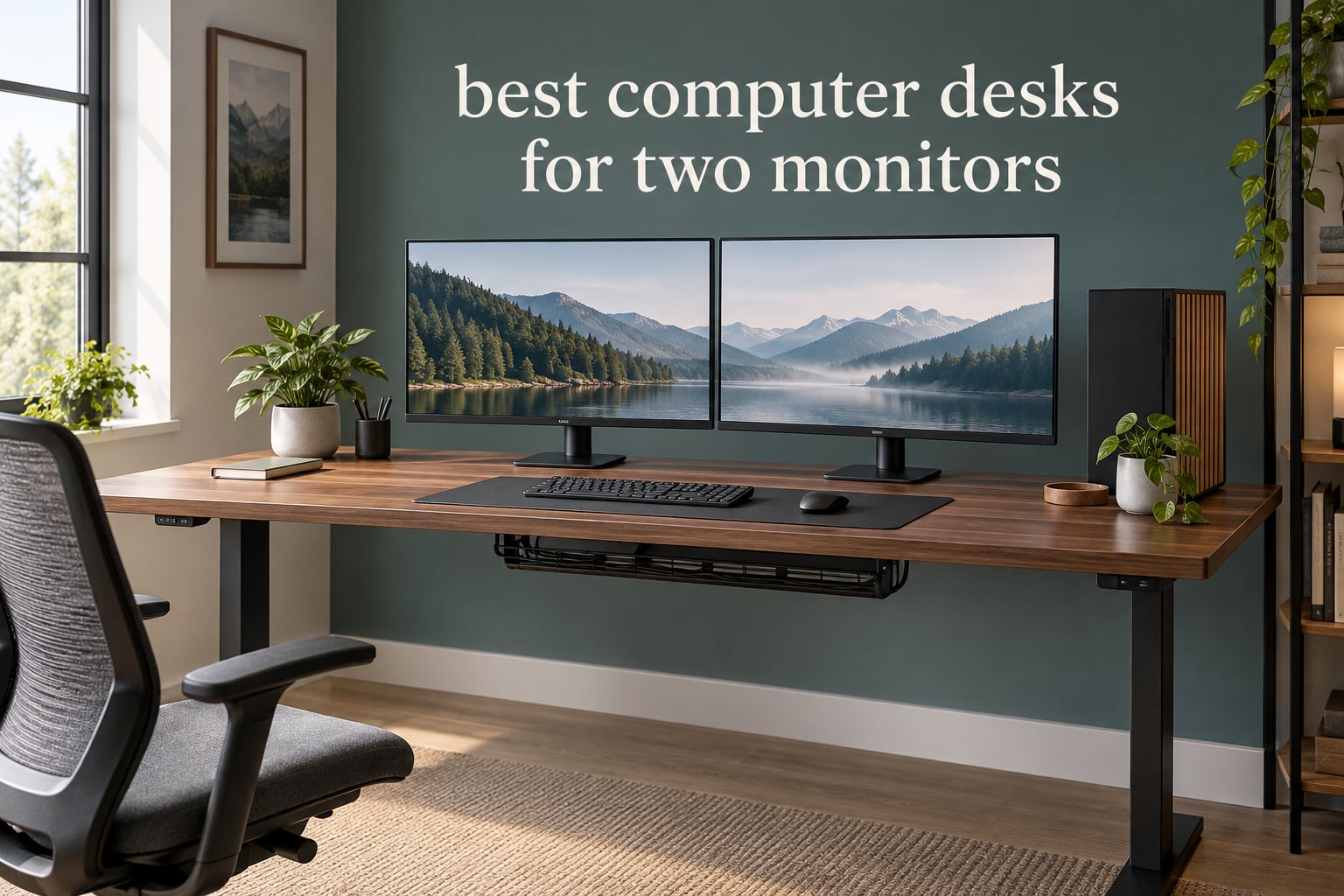
If you run two screens all day, the desk is the part of the setup that decides whether the rest works. A computer desk for two monitors should be at least 55 inches wide and 24 to 30 inches deep. For two 32-inch screens, step up to 60 to 70 inches of width.
We spent weeks comparing ten desks that show up in real dual-monitor rooms: developer setups, editing suites, trading desks, dorm rooms and shared family offices. We looked at width, depth, height range, load capacity, top thickness, cable routing and how each one handles the weight question nobody mentions, which is whether a PC tower can live on the surface instead of the floor.
This guide covers the best computer desks for two monitors across ten use cases, from a fixed 55-inch steel-frame desk to a 71-inch electric sit-stand frame with a 37-inch deep surface. Sizes, ratings and specifications come straight from the manufacturer listings and the thousands of owner reviews behind each product.
Top 3 Picks: Best Computer Desks for Two Monitors in 2026
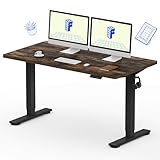
FLEXISPOT EN1 Standing Desk
- 55 x 28 inch seamless top
- Electric 28.1 to 45.7 inch range
- 176 lb capacity
- 4 memory presets

SHW Mission 55-Inch Desk
- 55 x 24 inch steel frame
- 110 lb capacity
- 5-year warranty
- Fast 15-20 minute assembly

Veken 55 Inch Electric Desk
- 55 inch wide
- 28.3 to 46.5 inch lift range
- Quiet motor under 52 dB
- Built-in cable management
Best Computer Desks for Two Monitors in 2026 at a Glance
Every desk below holds two monitors side by side with a keyboard and mouse in front of them. The differences are depth, height range and how much weight the frame carries.
| Product | Specifications | Action |
|---|---|---|
| FLEXISPOT EN1 Standing Desk |
|
Check Latest Price |
| SHW Mission 55-Inch Desk |
|
Check Latest Price |
| Veken 55 Inch Electric Standing Desk |
|
Check Latest Price |
 AODK 79 Inch L Shaped Desk AODK 79 Inch L Shaped Desk |
|
Check Latest Price |
 OffiGo 55 Inch U Shaped Desk OffiGo 55 Inch U Shaped Desk |
|
Check Latest Price |
 FEZIBO 71 x 37 Inch Standing Desk FEZIBO 71 x 37 Inch Standing Desk |
|
Check Latest Price |
 Grandder 55 x 32 Inch Standing Desk Grandder 55 x 32 Inch Standing Desk |
|
Check Latest Price |
 AODK 55 Inch Gaming Desk AODK 55 Inch Gaming Desk |
|
Check Latest Price |
 Tribesigns Two Person Desk Tribesigns Two Person Desk |
|
Check Latest Price |
 IBF 55 Inch Computer Desk IBF 55 Inch Computer Desk |
|
Check Latest Price |
How Wide and Deep a Desk Do Two Monitors Really Need?
Two 27-inch monitors are roughly 24 inches of screen width side by side, before you add bezels, arms and hand clearance. Two 32-inch screens push that closer to 28 inches. Once you add a keyboard, a mouse and any reach room for your forearms, 55 inches wide is the practical floor for 27-inch monitors and 60 to 70 inches is the comfortable range for 32-inch monitors.
You will find 48 inches quoted as the minimum width in several ergonomics guides. That number works only if both monitors sit on arms, and even then the keyboard ends up tight against your forearms. Treat 48 inches as the absolute lower bound and 55 inches as the honest starting point.
Depth is where most buyers go wrong, and reviewers call it out repeatedly. A 23-inch-deep desk pushes the screens close to your face and forces you to hunch over the keyboard. Aim for 24 inches as a minimum, 28 to 32 inches if you use a large monitor base or an audio interface, and 36 inches or more if you are running an ultrawide panel.
Load capacity is the calculation nobody publishes. Two monitors on stands run roughly 30 to 40 pounds together. Add monitor arms, a mid-tower at around 30 pounds, speakers and a keyboard, and you pass 90 pounds. Our rule: if the tower goes on the desk, buy a frame rated for at least 150 pounds, and go higher if you also raise the desk while the load is on it.
If your room is the constraint rather than your screen size, start with a footprint check. Measure the wall or wall corner you plan to use, then check the overall width and depth in the listing rather than the usable top width, which is often narrower because the frame and trim eat into it.
1. FLEXISPOT EN1 Standing Desk – Best Overall for Two Monitors
FLEXISPOT EN1 One-Piece Standing Desk, Electric Adjustable with 4 Memory Presets, 176 LBS Capacity, Stable & Quiet, Seamless Desktop for Home Office & Dual Monitors, 55″x28″ Rustic Brown
55 x 28 inch seamless top
Electric 28.1-45.7 inch range
176 lb capacity
4 presets
Pros
- Seamless one-piece top resists sagging
- Quiet electric adjustment
- 28 inch depth beats typical 24 inch desks
- Handles heavy multi-monitor and tower loads
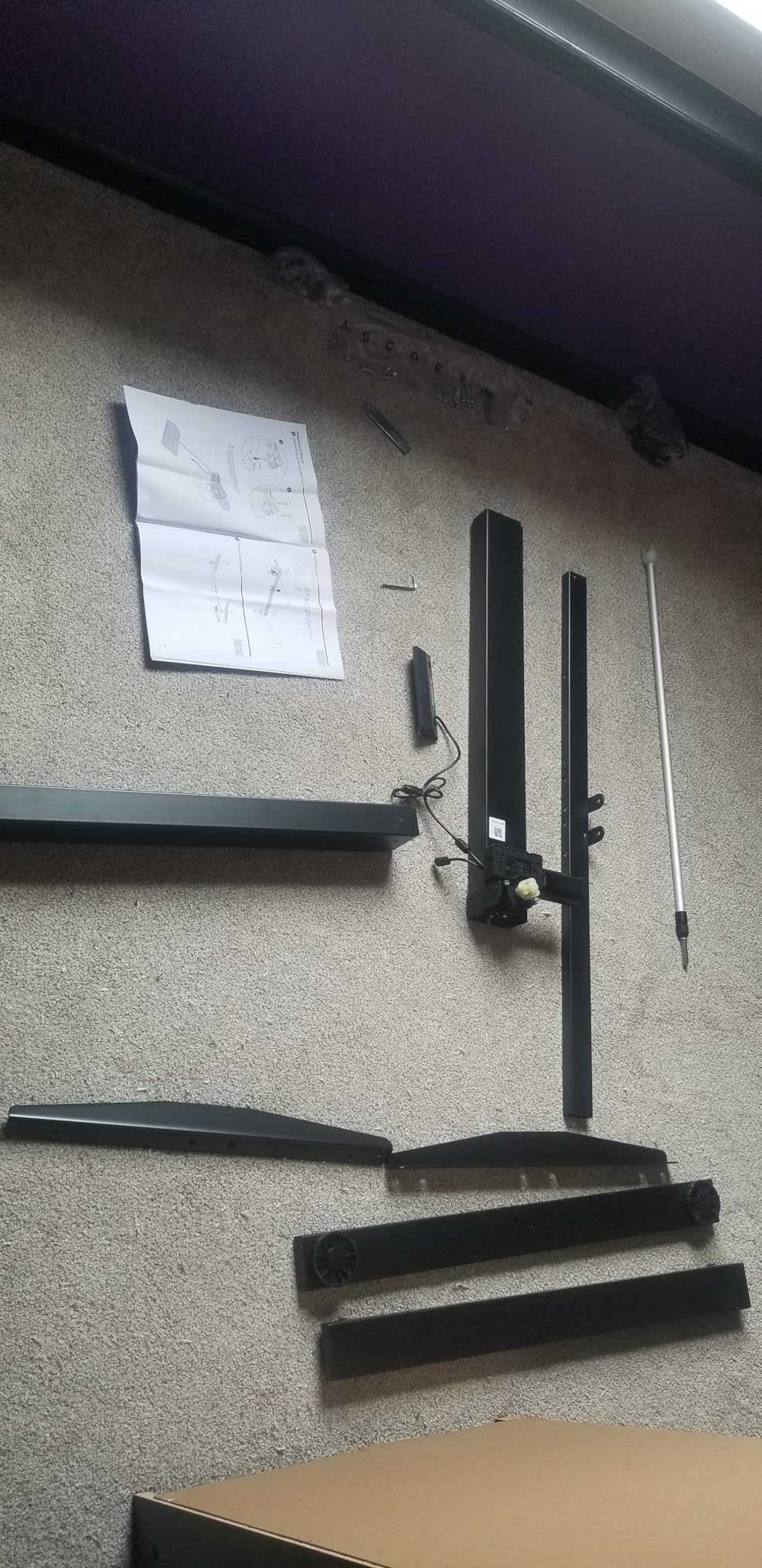
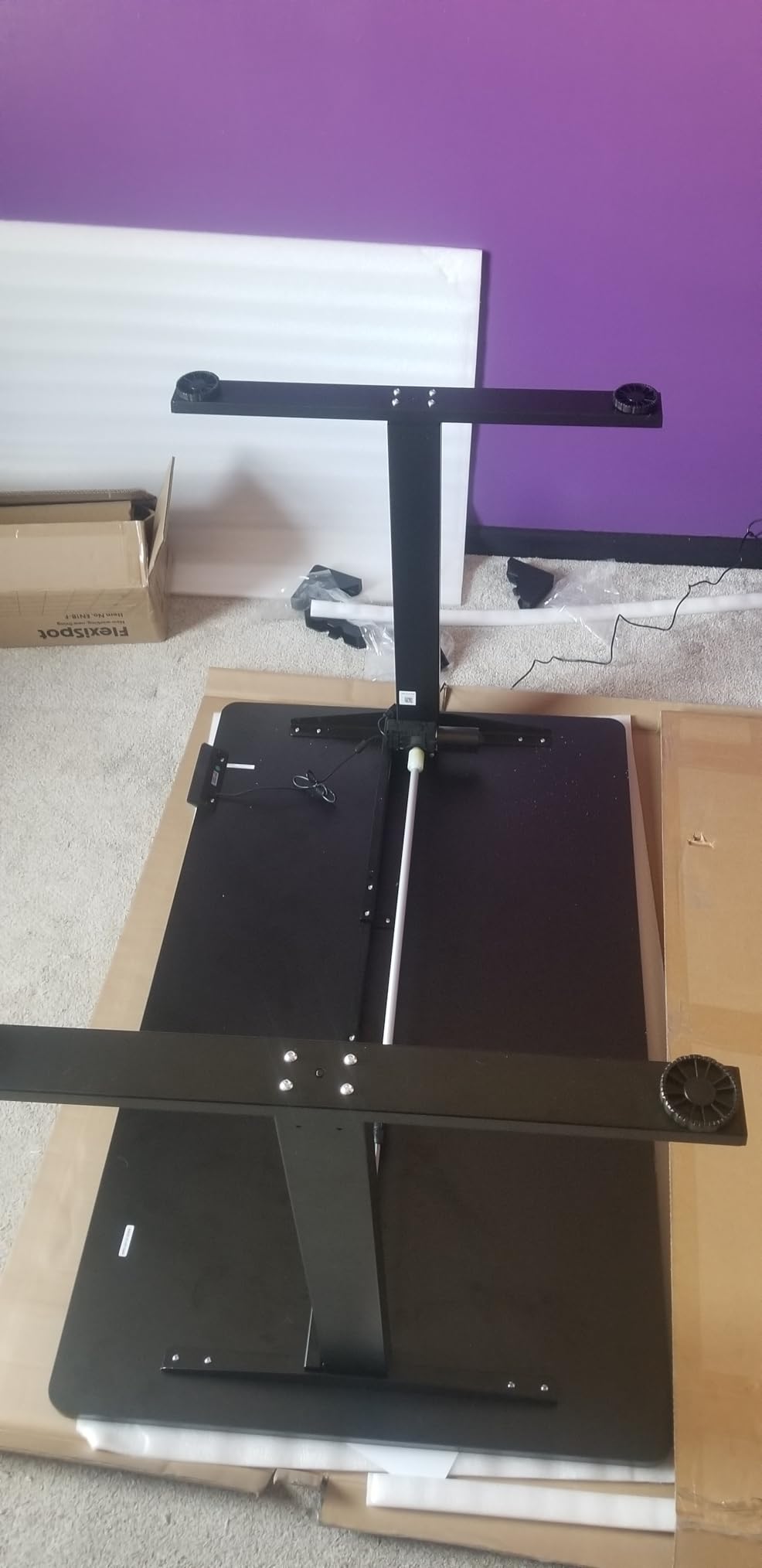
- Quick assembly
Cons
- No integrated cable management
- Fingerprint-prone finish
- Single-motor base tops out near 47-48 inches
The FLEXISPOT EN1 is the desk we kept coming back to across every layout we tried. The 55 by 28 inch top is deeper than most desks in its class, and that extra four inches of depth is the difference between comfortable and hunched when two monitors sit on weighted stands rather than arms.
The desktop is a single piece of engineered wood one inch thick with no centre seam, which means no ridge to catch a forearm and no joint that can flex under a tower. The frame is alloy steel rated to 176 pounds, comfortably above the weight of two monitors, arms and a mid-tower combined.
Height runs from 28.1 to 45.7 inches on electric adjustment, with four memory presets you can reach without looking. Owners across more than twelve thousand reviews describe the motor as quiet and the movement as smooth, which matters if you share a room with someone on calls.
Rustic brown is the finish here, and it is worth knowing that the surface shows fingerprints readily. Wiping it takes a few seconds, but if you dislike that, the darker finishes in this category hide it better.
What the EN1 gets right for a two-monitor setup
The 28-inch depth means a 27-inch monitor can sit 20 to 25 inches back from your eyes without the screen touching the keyboard tray zone. That is the single most-cited comfort factor in dual-monitor setups, and this desk delivers it at a width most manufacturers reserve for smaller screens.
At 176 pounds of rated capacity you have room for a tower, two monitors and audio gear without the frame complaining. Owners describe carrying heavy multi-monitor configurations without visible wobble, which is the thing that separates a desk that feels solid from one that feels hollow under load.
Where the EN1 falls short
There is no integrated cable management. With two monitors you will have at least four cables crossing the back edge, so budget for an under-desk tray or clamp-on cable arm. This is a solvable gap, but it is not free.
The single-motor base tops out in the high forties, so very tall users will not get a full range of standing heights. If you are near six foot six, test the top position before buying.
2. SHW Mission 55-Inch Desk – Best Value Dual Monitor Desk
SHW Mission 55-Inch Home Office Computer Desk, Walnut
55 x 24 inch fixed-height top
110 lb capacity
Powder-coated steel frame
5-year warranty
Pros
- Assembles in about 15-20 minutes
- Largest review base in the group
- Sturdy frame under heavy load
- Clean mission styling
- 5-year limited warranty
Cons
- Fixed 28 inch height with no adjustment
- Low leg clearance for taller users
- Trim can block C-clamp monitor mounts
The SHW Mission is the desk most dual-monitor buyers end up with, and for a straightforward reason: it does the sizing math correctly and nothing else. Fifty-five inches wide holds two 27-inch monitors with a keyboard in front, and the open under-desk layout leaves your legs clear.
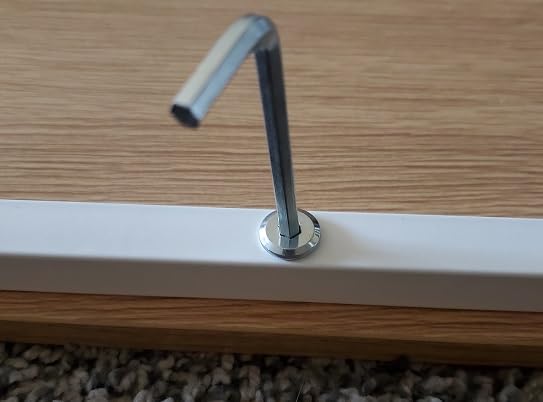
Assembly is the standout. Owners consistently report 15 to 20 minutes with a single Allen key, and the frame is powder-coated alloy steel that does not shake under load. More than thirty thousand ratings give this desk the widest feedback base in our group, which means its weaknesses are well documented rather than hidden.
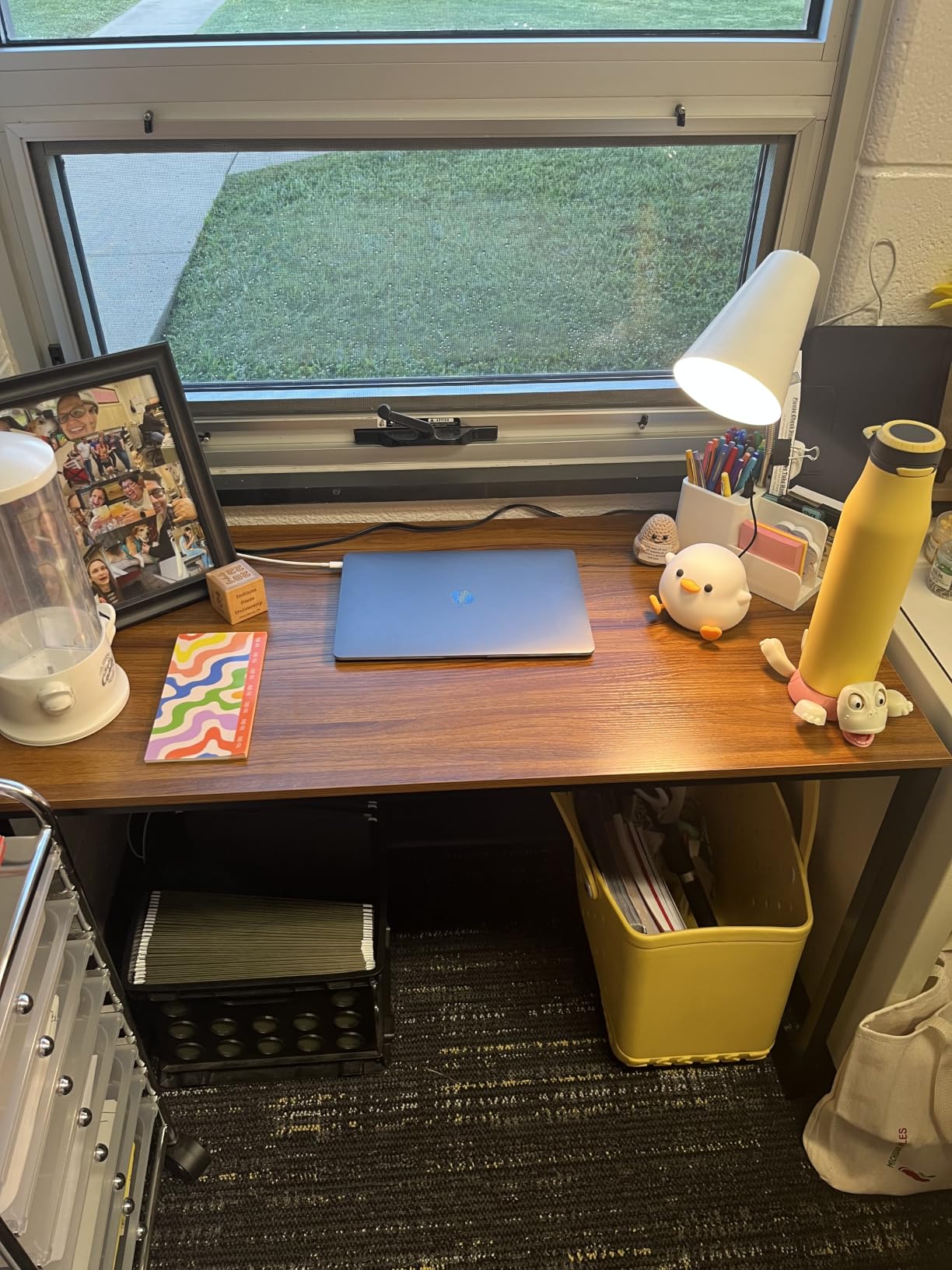
The walnut-toned engineered wood top is one inch thick, which is thicker than most fixed desks at this width. There is no drawer, no shelf and no cable tray, which keeps the price down and the footprint shallow.
One practical note before you commit: the frame trim along the front edge can stop some C-clamp monitor mounts from gripping properly. If you plan to use arms, check the clamp range against the listed 24-inch depth or use a grommet mount instead.
Why this fixed desk still makes sense
Not everyone needs to change height. If you sit at a desk all day and never switch positions, a fixed 28-inch-height steel frame removes a motor, a control box and a power cord from the equation, and removes the wobble question entirely.
The 110-pound capacity covers two monitors on stands, a keyboard, speakers and a laptop, and owners report that a 55-inch surface fits a desktop tower plus two monitors with room to spare.
Who should pass on the Mission
Taller users hit the leg clearance limit. At a fixed 28-inch height with a cross-brace frame, anyone around five foot five or more will feel the brace, and there is no way to raise the surface.
If your setup involves any height change during the day, or if you already know you want sit-stand in a year, skip this one. It does not grow with you.
3. Veken 55 Inch Electric Standing Desk – Quiet Motor for Shared Rooms
Veken 55 Inch Large Electric Standing Desk, Gaming Table, White
55.12 x 23.6 inch desktop
28.3-46.5 inch lift range
Motor under 52 dB
154 lb capacity
Pros
- Wide surface for multiple monitors and gear
- Quiet motor for shared rooms
- Built-in cable management
- Assembly in 10-30 minutes
- 4 memory presets
Cons
- Only 23.6 inches deep
- Two-board top with a visible seam
- 0.6 inch top is thinner than 1 inch rivals
The Veken is the most accommodating electric desk in this group for a household where someone else is on video calls nearby. The motor is rated under 52 decibels, and reviewers consistently confirm it stays quiet through the full lift range.
It is also one of the few desks here that ships with cable management built in rather than treating it as an accessory. A cable tray and clip keep monitor and power cords off the floor, which is exactly the clutter two monitors create.
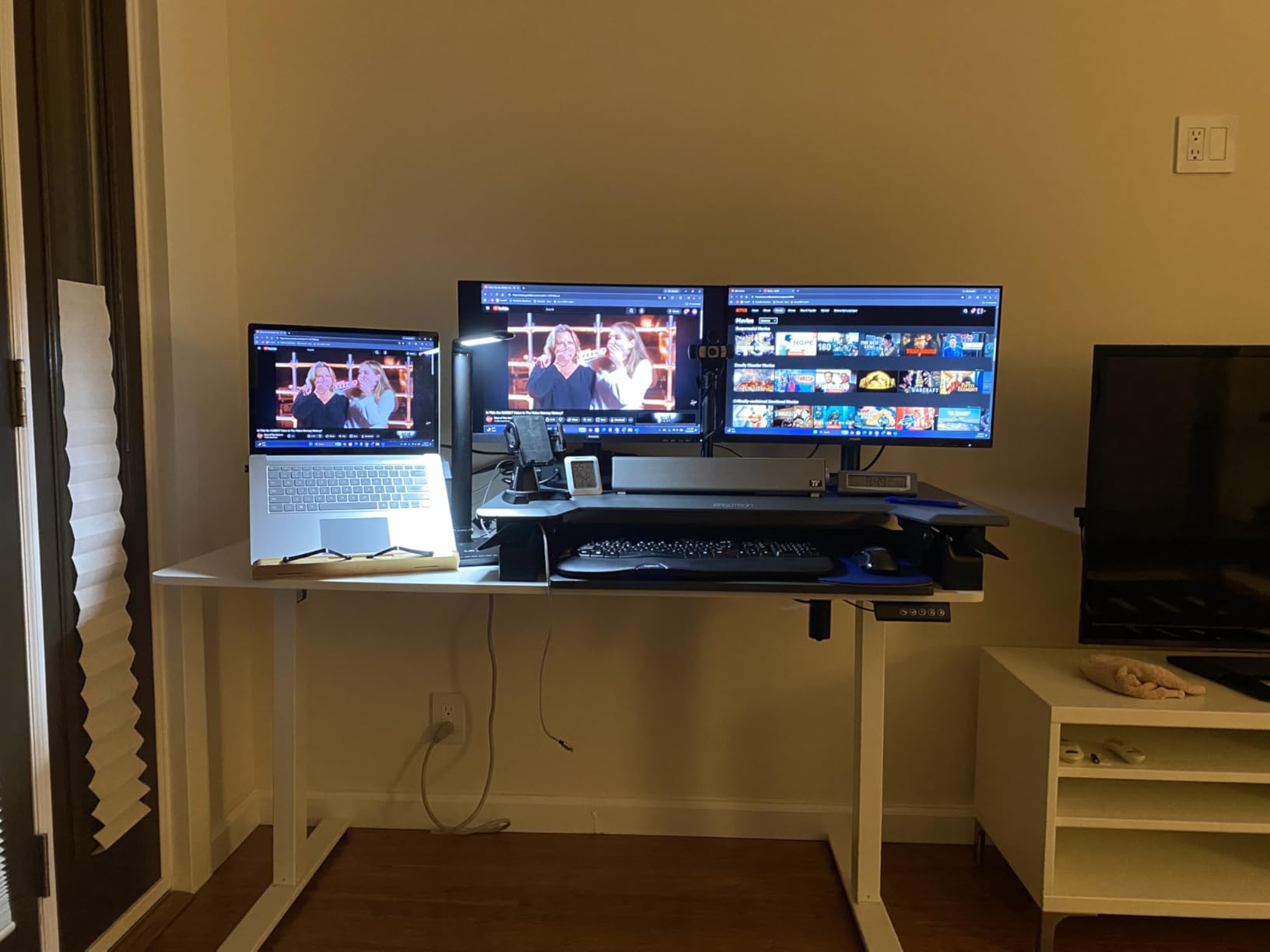
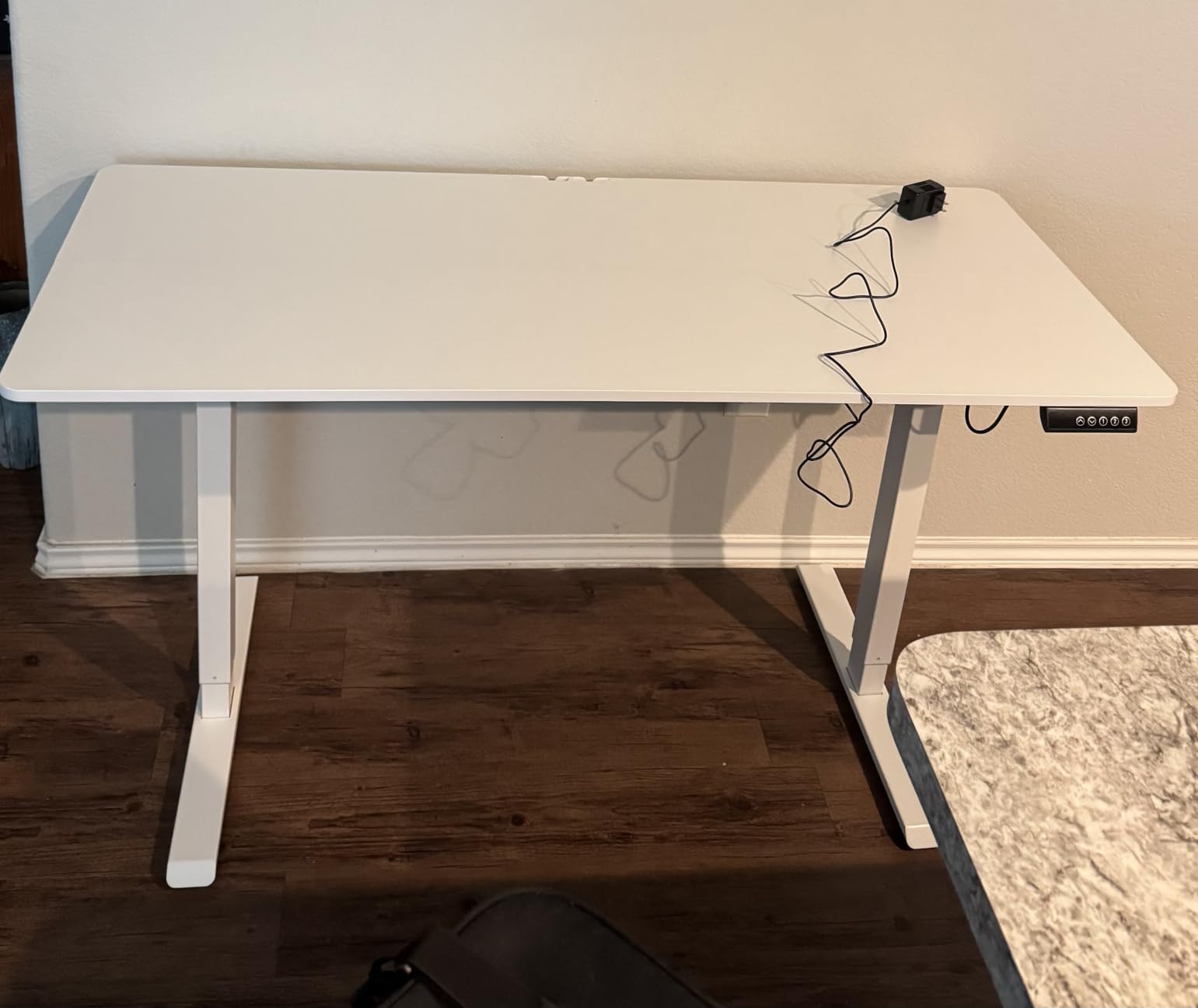
The frame is carbon steel rated to 154 pounds and stays stable at full extension according to owners. Height runs 28.3 to 46.5 inches with four presets, and assembly takes roughly 10 to 30 minutes with the included hardware.
The white finish and clean styling suit a bedroom office or a study, and the desk ranks at the top of its category in office products, which tells you how many people are ordering it.
Where the Veken earns its place
Built-in cable management is a genuine time saver when four monitor cables plus power strips are involved. Most competitors in this class leave that entirely to you.
A 154-pound rating gives you room for a tower and two monitors while the desk is raised, which is where lighter frames tend to feel nervous. This one holds.
The depth is the compromise
The desktop is 23.6 inches deep, shallower than the FLEXISPOT EN1 and much shallower than the FEZIBO and Grandder options. With weighted monitor bases you will be working with less front-to-back room than you would like.
The top is also made from two boards with a visible seam down the middle, and the 0.6-inch thickness is thinner than the one-inch surfaces on the higher-end standing desks. If you rest your forearms hard across the centre, you may notice the seam.
4. AODK 79 Inch L Shaped Desk – Best Corner Layout for Two Monitors
AODK 79 inch L Shaped Desk with 5 Drawers, LED Light & 2 Power Outlets
79 inch L-shaped surface
5 drawers and 6 open shelves
2 power hubs with outlets and USB
LED strip
Pros
- Huge L-shaped surface for a multi-monitor array
- Serious storage with 5 drawers and 6 shelves
- Two power hubs cut cable clutter
- LED strip with 10 colors and 10 modes
- Reversible for either corner
Cons
- Fixed height with no adjustment
- 18.9 inch depth crowds large monitor bases
- Fabric drawers sag under heavy filing loads
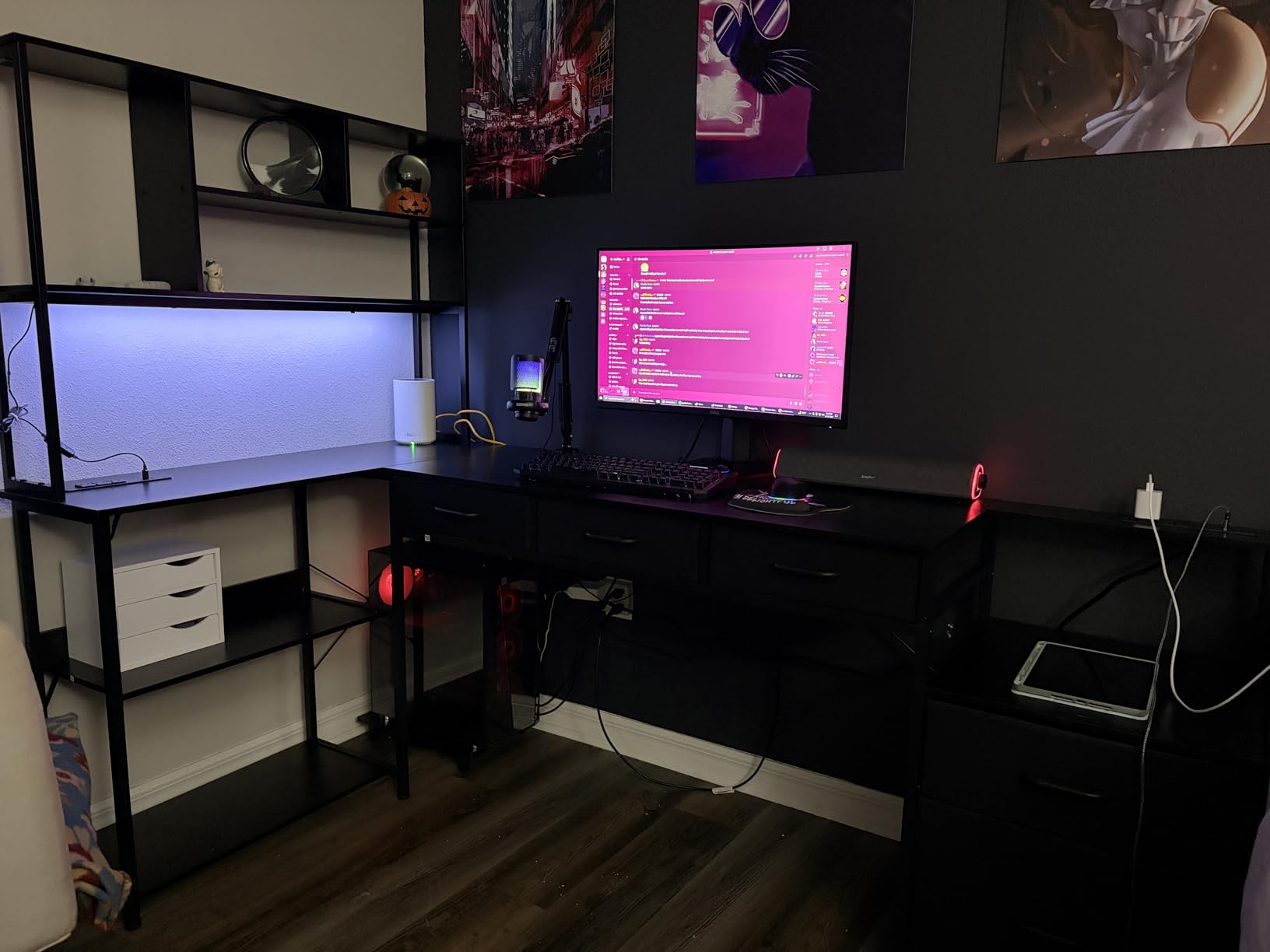
The AODK 79-inch L-shaped desk solves the problem competitors ignore: what to do when you want a very wide monitor array but not a 79-inch straight slab across the room. Wrapping the surface into a corner gives you the same edge length in roughly half the wall space.
Storage is the headline feature and it is genuine. Five fabric drawers, including a letter, A4 and legal file drawer, sit alongside six open shelf tiers and a dedicated CPU stand. That is a working setup for someone who wants the tower on the desk rather than on the floor, which comes up constantly in setup communities.
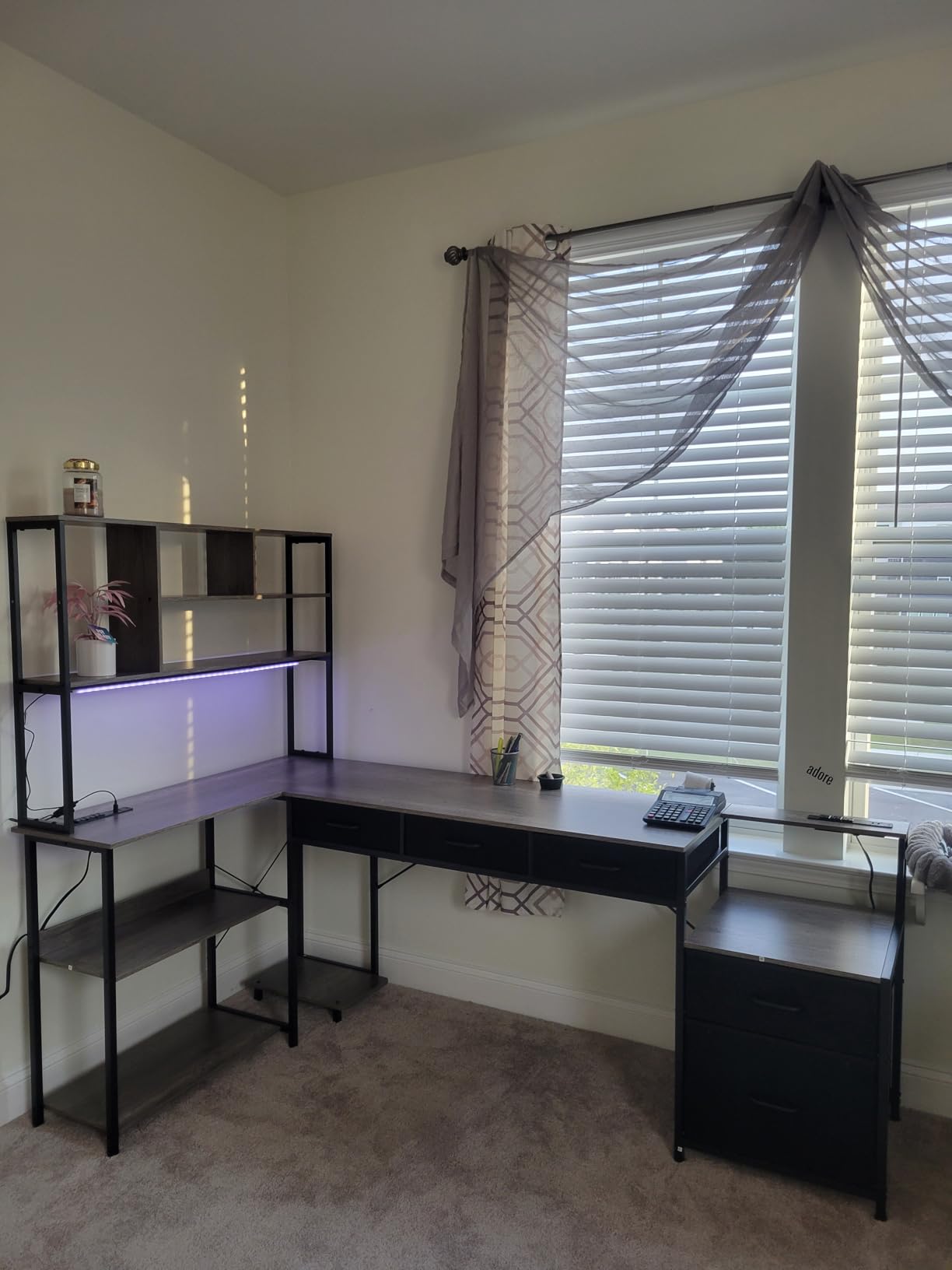
Two built-in power hubs each carry three AC outlets and two USB ports, so you can plug in monitors and peripherals without a separate power strip. An LED light strip offers ten colours and ten dynamic modes, which matters more for gaming rooms than for offices but is part of why this desk shows up in dorm setups.
The layout reverses, so you can put the long return on either side of the corner. That single feature decides whether the desk fits your room or fights it.
Who this corner layout works for
Anyone building a wide screen array without a 79-inch straight run of wall. Two 32-inch monitors plus a laptop and audio interface fit comfortably along the main section, with the return acting as a gear shelf.
The CPU stand and file drawer solve the storage problem that usually pushes a tower onto the floor. Keeping the tower on the desk also keeps signal cables short.
Where the L-shape works against you
The depth is 18.9 inches, which is shallow. Large monitor bases will crowd the back edge, and a wide screen angled inward pushes its corners close to the frame.
Height is fixed with no adjustment mechanism, and the fabric drawers sag under heavy filing loads. If you mostly store paper rather than gear, that is fine. If you archive documents, it is not.
5. OffiGo 55 Inch U-Shaped Desk – Built-In Power and Monitor Stand
OffiGo 55 Inch U Shaped Electric Standing Desk with Keyboard Tray, White
55.1 x 29.1 inch U-shaped top
28.3-46.5 inch electric range
154 lb capacity
Pros
- U-shaped footprint adds usable surface
- Monitor stand sized for two monitors
- 154 lb carbon steel frame
- Outlets and USB ports plus keyboard tray
- 4.7 stars across 565 ratings
Cons
- Only 3 memory presets
- 0.6 inch top is thinner than 1 inch rivals
- Two-person assembly recommended
The OffiGo is the only desk in this group with a built-in full-size monitor stand designed to hold two monitors. For a first dual-monitor setup, that removes the shopping list item most people forget, which is two arms or two risers.
The U-shaped footprint wraps both corners of the user, so your keyboard and mouse sit in the middle with gear on either side. That 29.1-inch depth is deeper than most dual-corner designs and gives real front-to-back room for large bases and an audio interface.
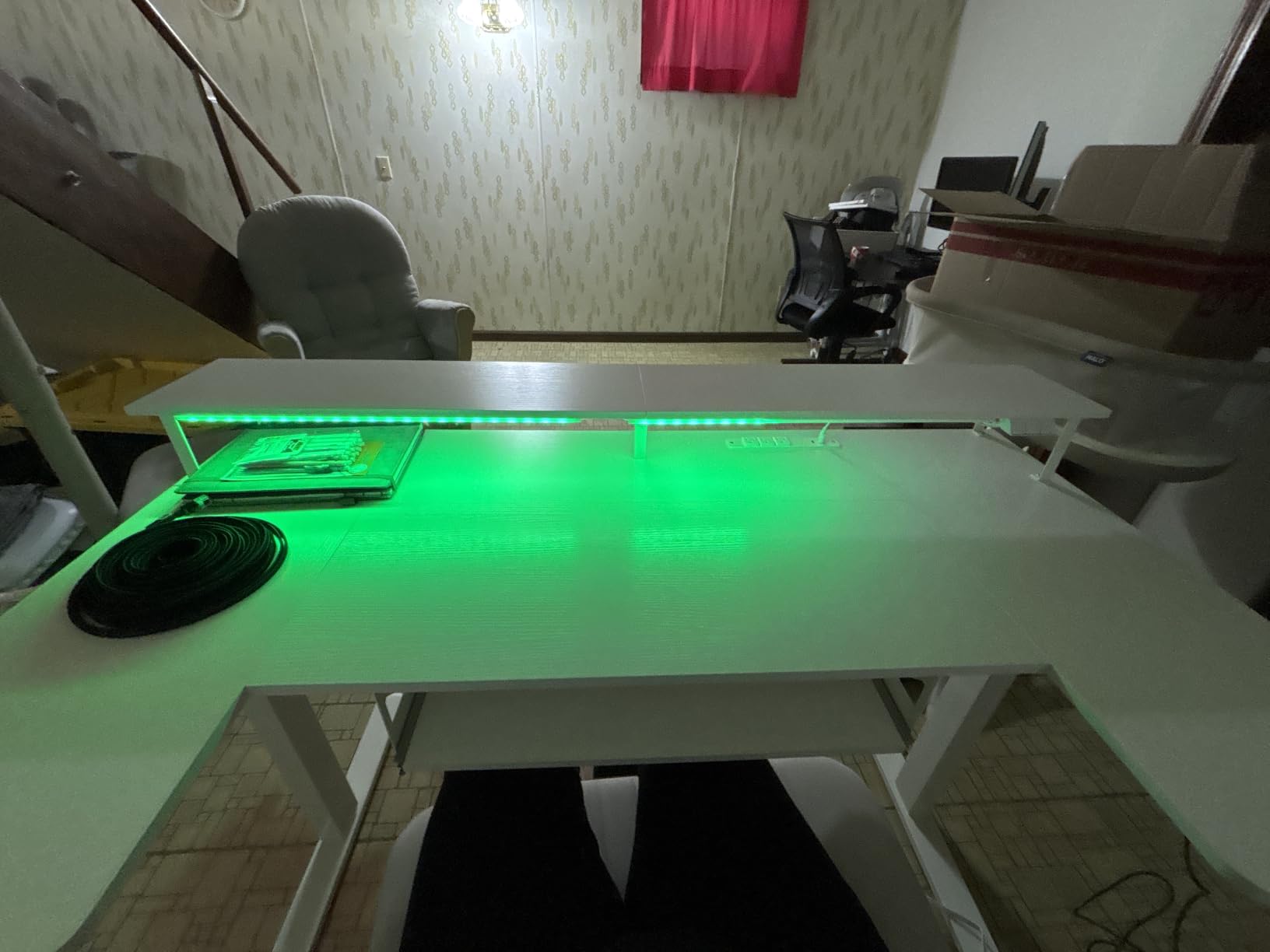
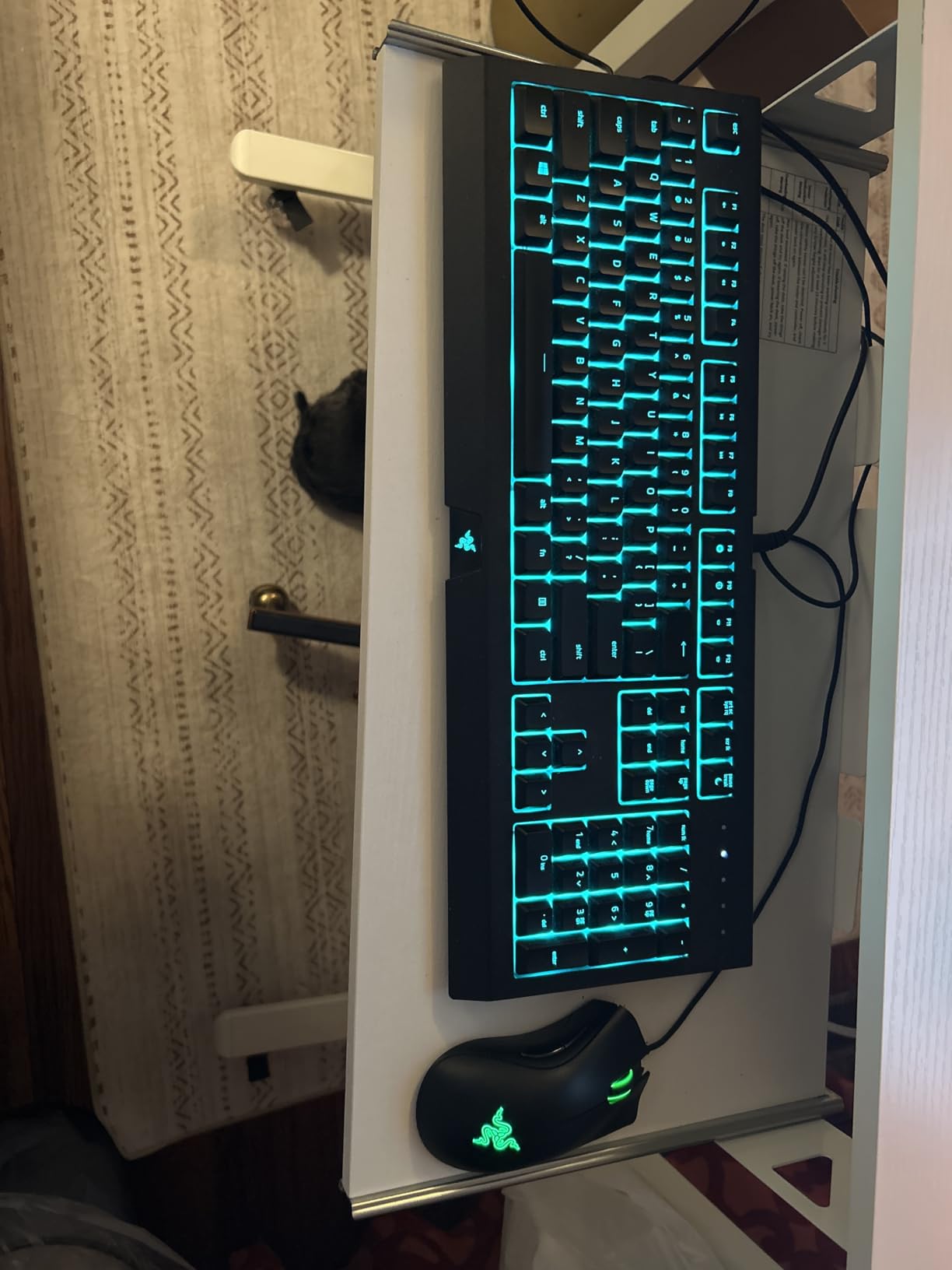
Height adjusts electrically from 28.3 to 46.5 inches on a carbon steel frame rated to 154 pounds. Three AC outlets and two USB ports are built into the desk, alongside a keyboard tray, two headphone hooks and an LED strip with ten colours and ten modes.
Reviewers hold up the shape and the integrated stand as the reason for the 4.7-star average, the highest among the electric models here. Assembly is guided with labelled parts, though most owners use two people.
What makes this stand out
A stand sized for two monitors means both screens sit at the same height without hunting for risers. On a desk that also rises, that consistency is worth a lot, because you can raise the desk and the screens go with it.
The three presets are fewer than most rivals offer, which is a small annoyance if you want more than three saved heights. Outlets and USB ports in the frame remove the power strip from the floor.
Where the OffiGo is not the answer
The 0.6-inch top is thinner than the one-inch surfaces on the standing-desk options in the higher categories. If you clamp heavy arms to the edge, check the clamp compatibility first.
Two-person assembly is the practical caveat. If you are setting this up alone in a small room, plan the build time accordingly, because the U-shape is awkward to rotate into place solo.
6. FEZIBO 71 x 37 Inch Standing Desk – Deep Surface for Ultrawide Setups
FEZIBO 71 x 37 Inch Large Electric Standing Desk 1″ Thick Desktop, Black
71 x 37 inch desktop
220 lb dual crossbeam frame
28.3-46.5 inch range
18W USB-C charging
Pros
- 37 inch depth handles ultrawide plus towers and printers
- 1 inch FSC-certified top resists scratches
- Dual crossbeam frame stays stable when raised
- Quiet motor under 50 dB
- Monitor-arm friendly with clamp support
Cons
- Very heavy and needs two people to assemble
- Some units arrive with finish blemishes
- Slight lateral wobble when rocked
The FEZIBO is the largest desk we tested and the only one that comfortably fits an ultrawide panel alongside two additional screens. Seventy-one inches wide by 37 inches deep gives you a 79.6-inch working diagonal to organise, with room for monitors, tower, printer and audio gear on the same surface.
Stability is the standout. The integrated dual crossbeam and thickened alloy steel frame are rated to 220 pounds, the highest capacity of any electric desk here, and owners describe it showing no wobble at standing height with heavy equipment loaded.
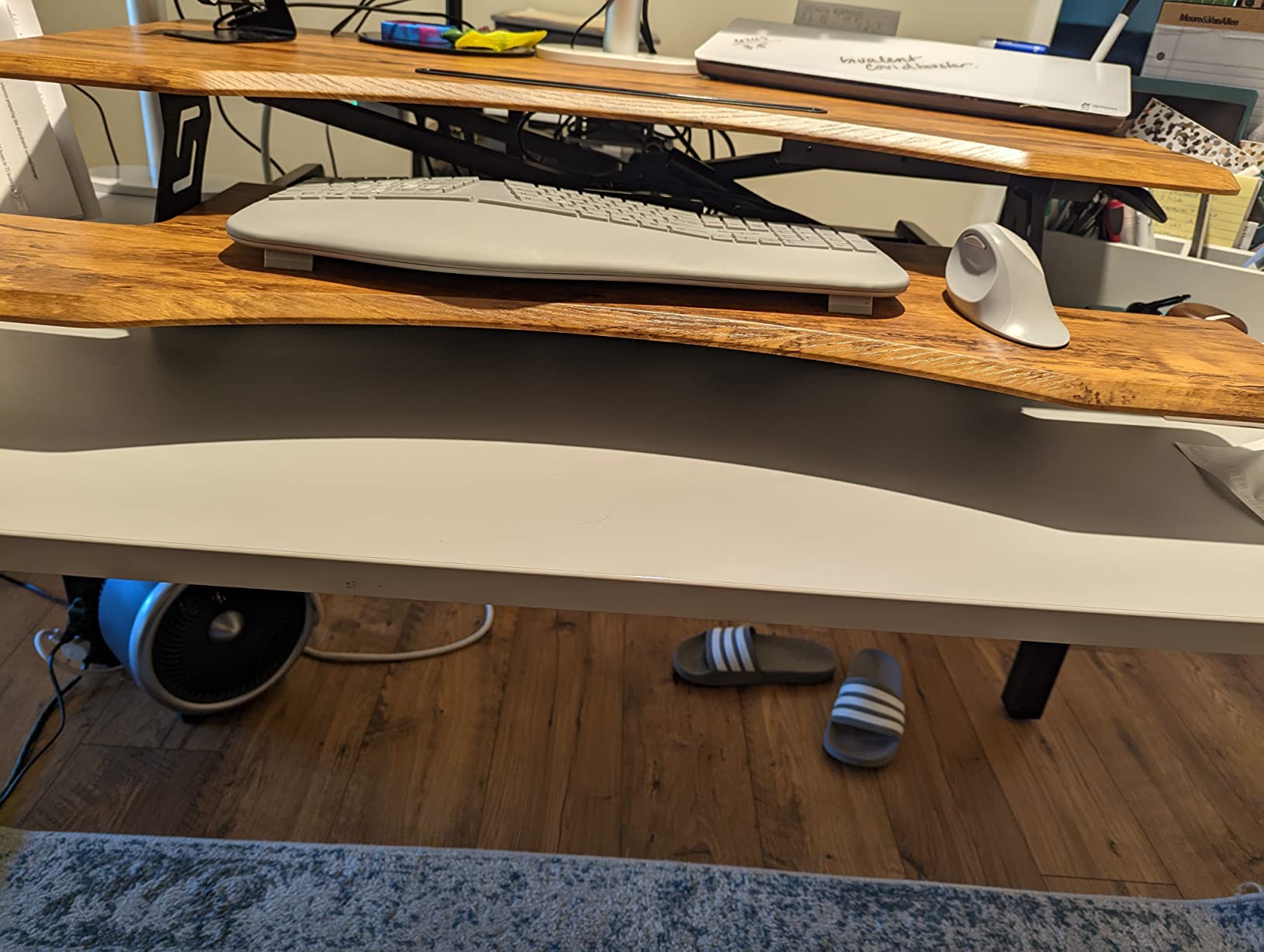
The top is a three-piece one-inch FSC-certified engineered wood surface described as scratch and stain resistant. A built-in 18W USB-C port with Power Delivery 3.0 fast charging handles a laptop without a separate charger brick on the desk.
The motor adjusts from 28.3 to 46.5 inches under 50 decibels with three presets, and the clamp mount support means monitor arms attach without splitting the difference between grommet and edge mounting.
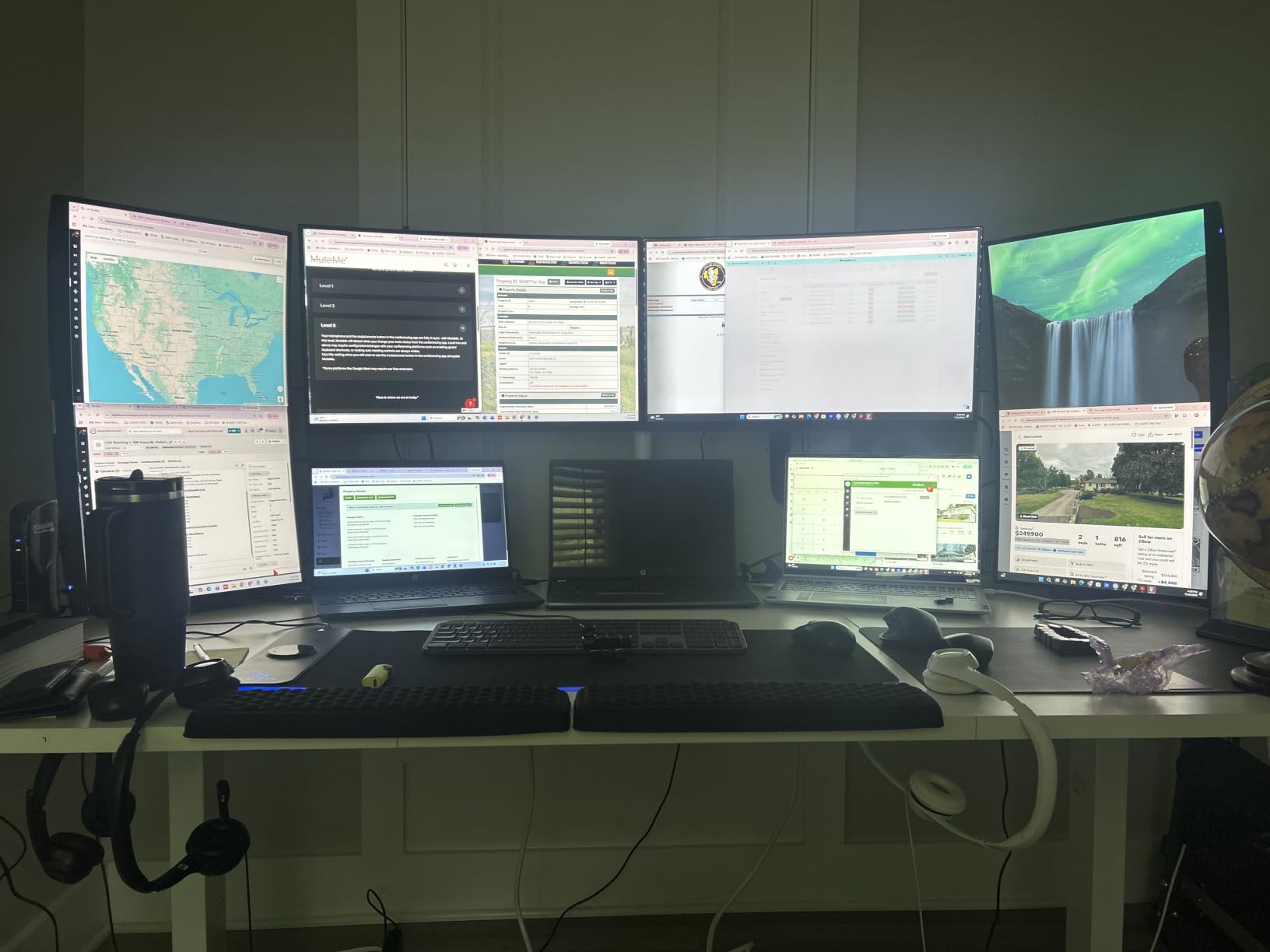
Why depth is the feature here
A 37-inch surface changes what is possible. A 49-inch ultrawide can sit at a proper viewing distance with a tower beside it and a keyboard in front of both, rather than the screen hovering a few inches from your nose.
If you edit video, mix audio or run a printer on the same desk as two monitors, this is the only pick in the group where nothing has to go on the floor. The 220-pound rating also means the frame tolerates the full load raised.
What to know before the two-person build
This desk is heavy and bulky, and two people are recommended for assembly. The desktop and frame come in two packages, so check both arrived before you start taking things out of boxes.
Owners report isolated finish blemishes in the centre of a top piece, and the brass screw inserts in the pressed wood strip if they are over-torqued. There is also slight lateral movement if you rock the desk side to side, which is normal at this size but worth knowing.
7. Grandder 55 x 32 Inch Standing Desk – Built for Long Viewing Distance
Grandder 55×32 Extra-Deep Electric Standing Desk, Wide Desktop Fits 49″ Ultrawide Monitor+Dual Screens, 176 lbs Capacity, 2 Memory Presets, Anti Collision, Computer Desk for Home Office & Gaming, Oak
55 x 31.5 inch extra-deep top
28-45.6 inch electric range
176 lb steel frame
Pros
- 31.5 inch depth suits ultrawide plus secondary screens
- 176 lb T-shaped frame holds without wobble
- Anti-collision sensor protects cables and gear
- Quiet operation under 45 dB
- Built for dual-monitor and creative work
Cons
- Only 2 memory presets
- Smallest review base at 137 ratings
- Highest one-star share of the group at 8%
The Grandder answers a specific complaint that appears again and again from dual-monitor owners: desks are wide but shallow, so the screens end up too close. At 31.5 inches deep, four inches more than a standard 55-inch desk, it is designed so a 49-inch ultrawide can sit 22 to 24 inches from your eyes with room left over.
The frame is industrial-grade steel with T-shaped legs rated to 176 pounds, tested through 55,000 lift cycles. Owners describe it holding a loaded setup without wobble, which is the first thing to check on any sit-stand desk.
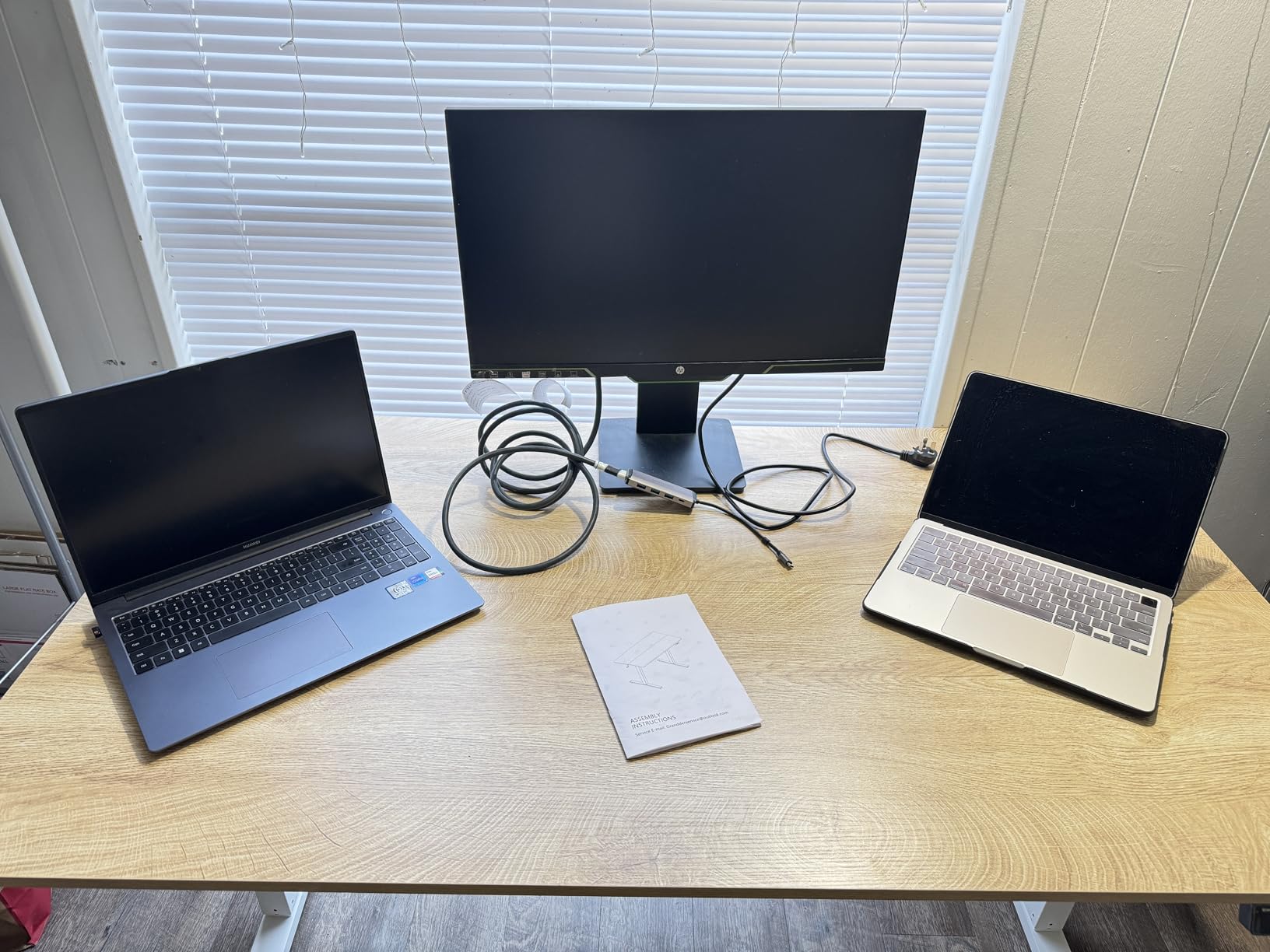
Height runs 28 to 45.6 inches on electric adjustment, and anti-collision technology stops and reverses the desk when it detects an obstacle. That matters more than it sounds when a cable drape or a tower is in the travel path.
Operation stays under 45 decibels, making it one of the quieter frames we looked at, and the desk weighs 42 pounds, which is manageable for two people at assembly.
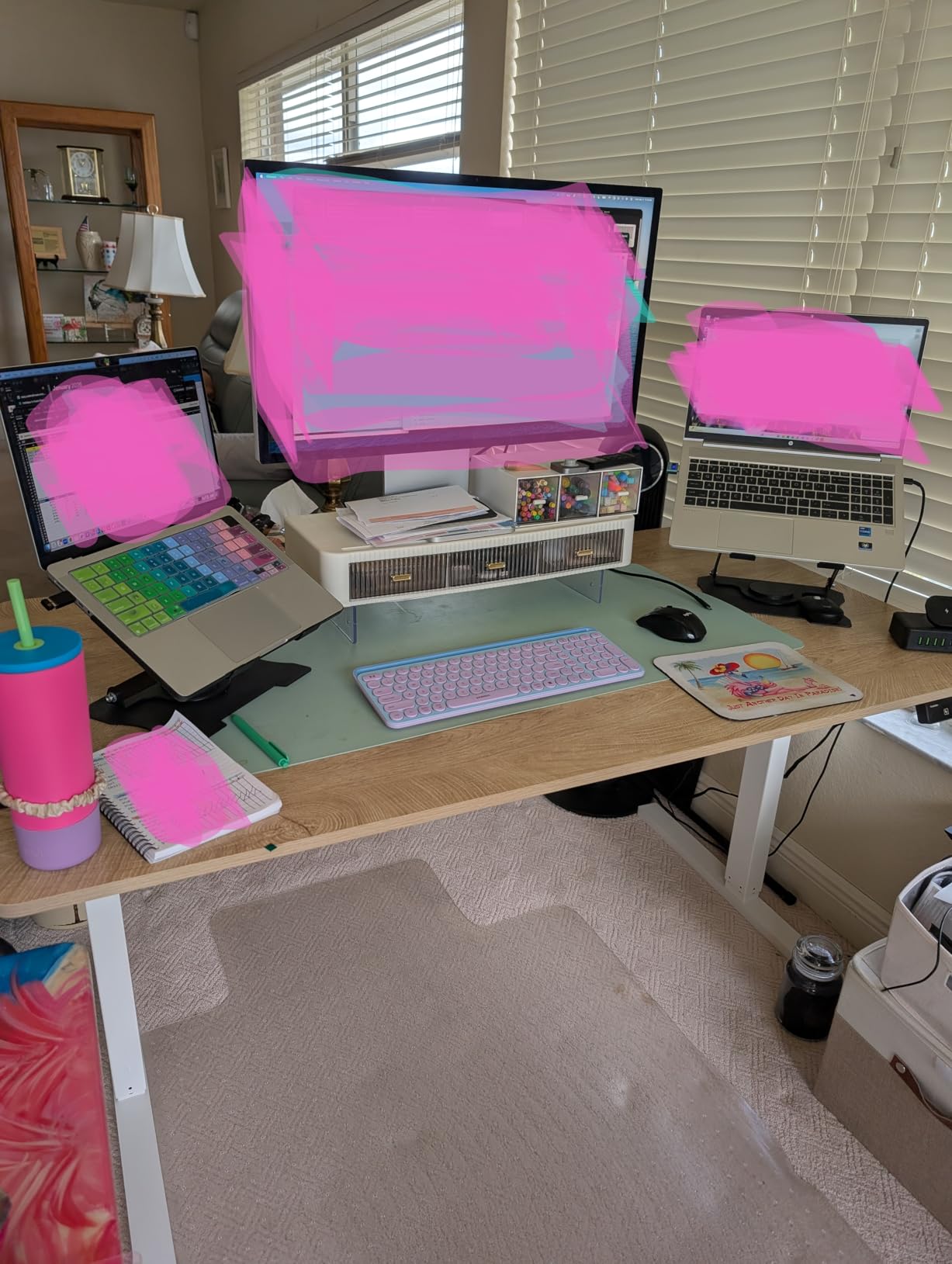
When the extra depth pays off
The depth is the whole argument. If you use a large ultrawide, a curved panel or a wide monitor arm with a heavy head, 31.5 inches lets you pull the screen back to where your eyes want it instead of hunching toward it.
It is also a good fit for a 55-inch footprint in a room that cannot take a 71-inch desk. You get most of the depth benefit without the wall space cost.
Points to weigh before buying
Two memory presets is the fewest in this group, so you are limited to two saved heights. You can still sit or stand manually, but the presets are where you will feel it.
The 137-rating review base is the smallest here, so long-term durability data is thinner than the others, and the one-star share is the highest at 8%. Treat the frame claims as promising rather than proven over years, and check the desk early if anything feels off.
8. AODK 55 Inch Gaming Desk – Budget Gaming Frame for Two Screens
AODK 55 Inch Gaming Desk with LED Lights & CPU Stand, Carbon Fiber Black
54.3 x 18.9 inch top
Adjustable monitor shelf
LED strip with 10 modes
Pros
- Monitor shelf raises screens to a better viewing height
- Reversible shelf holds a CPU and controllers
- Carbon fiber top resists scratches and wipes clean
- LED strip with 10 static and 10 dynamic modes
- Light at 31.3 pounds for one-person assembly
Cons
- Shallow 18.9 inch depth
- Fixed 34.2 inch height with no adjustment
- Listed weight capacity of 33 lbs is the lowest here
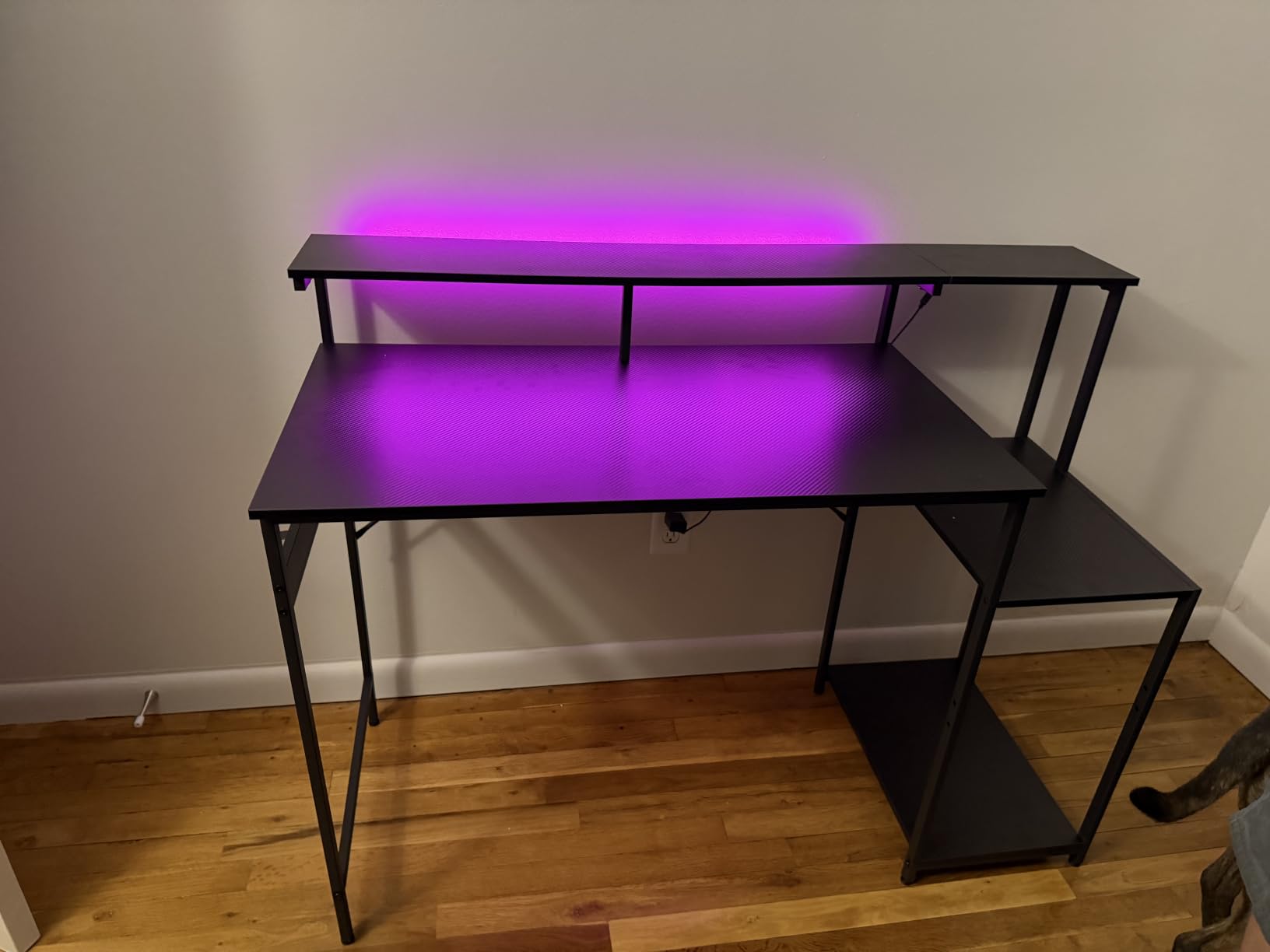
The AODK gaming desk takes a different approach to monitor placement. Instead of standing the screens on the surface, a full-length shelf holds them at an adjustable height, which gets both screens closer to eye level without risers or arms.
That shelf frees the desktop for controllers, a keyboard and a headset, and a reversible storage shelf installs on either side with two height settings. The lower tier is sized to take a CPU tower, so the machine can live on the desk rather than the floor.
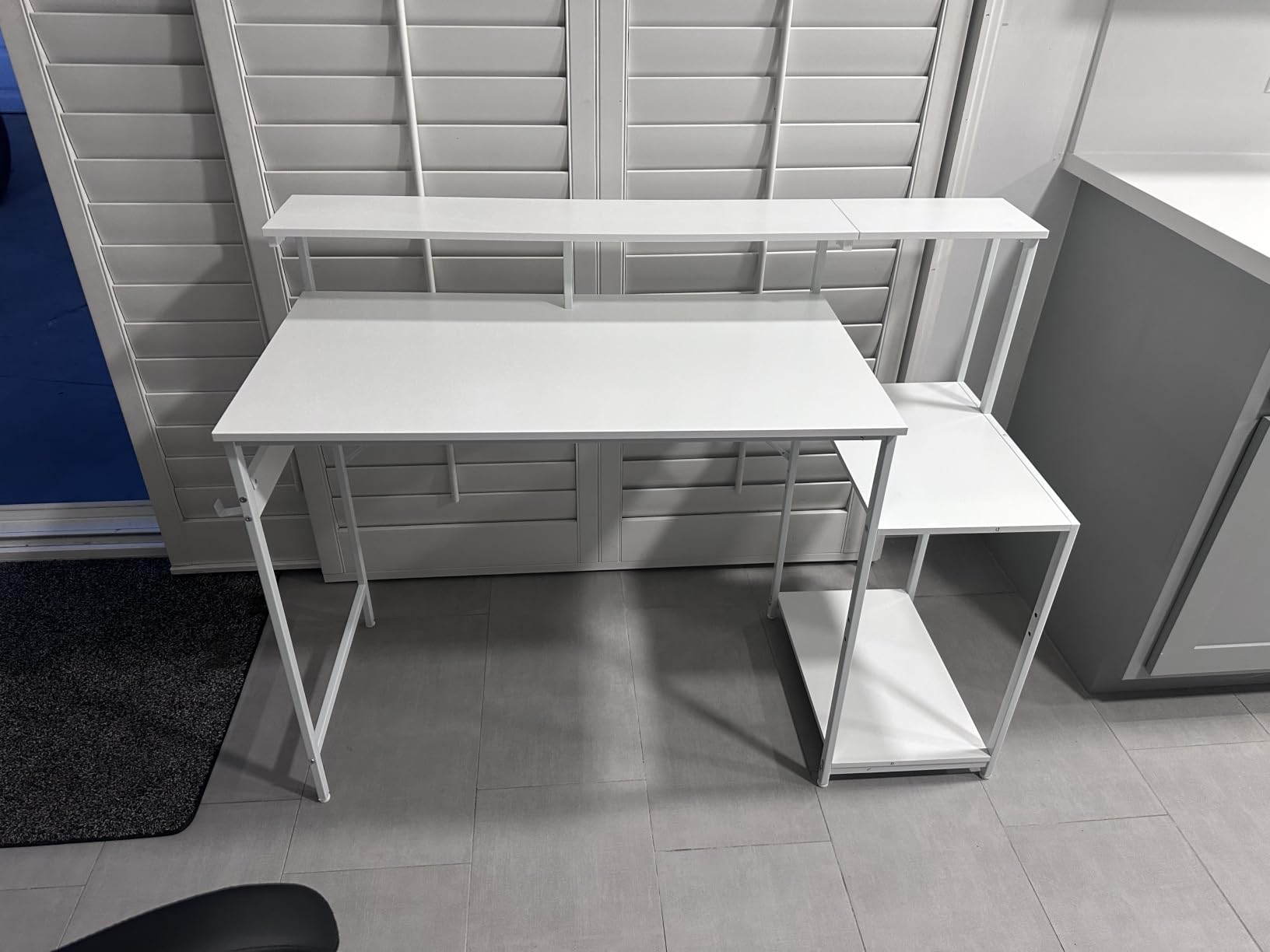
The carbon fiber textured top is scratch resistant, waterproof and easy to wipe, which is the practical benefit over wood if you eat at the desk or have a humid room. An LED strip under the monitor shelf offers ten static colours and ten dynamic modes.
At 31.3 pounds it is the lightest desk here and one person can assemble it. Reviewers like the shelf height and the storage layout, particularly for dorm rooms and shared gaming spaces.
Why the monitor shelf approach works
Two screens at eye level is the whole point of a dual-monitor desk, and the shelf gets them there without buying two arms. It also keeps the desktop clear, which matters when a keyboard, mouse, controllers and a headset are all competing for space.
The reversible CPU shelf is a nice touch for gaming, where the tower is often the heaviest thing in the room. Keeping it on the desk shortens video and power cables.
The limits you should know about
The 18.9-inch depth is the shallowest surface in this group. With two monitors on a shelf you will want to push the screens back, and this top does not give you much room to do it.
Height is fixed at roughly 34.2 inches with no adjustment, and the listed weight capacity of 33 pounds is the lowest figure on this list. That number does not leave room for a tower plus two monitors plus controllers, so check what is actually on the desk before loading it up.
9. Tribesigns Two Person Desk – Best Shared Desk for Two Monitors
Tribesigns Two Person Desk with Monitor Stand, 78.74″ Long Double Computer Office Desk with Storage Shelves, Large Gaming Study Writing Table Workstation for Home Office (Rustic Brown)
78.74 x 27.56 inch surface
350 lb steel frame
2 monitor stands included
Pros
- Splits into two full workstations or one huge array
- 27.56 inch depth beats most gaming and corner desks
- Two monitor stands and four shelves included
- Highest weight capacity here at 350 pounds
- Adjustable leg pads for uneven floors
Cons
- Fixed height with no adjustment
- 83.8 pounds is heavy and needs two people to move
- 0.59 inch top is thinner than the standing-desk options
The Tribesigns double desk answers a use case that most roundups skip: two people in one room who each run two monitors. Seventy-eight point seven four inches wide splits cleanly into two workstations, and the 350-pound steel frame is the strongest rating in this group by a wide margin.
Each side gets a two-tier open shelf where the lower tier is sized for a CPU, and two monitor stands are included. If you are pairing a partner, a sibling or a child for shared study or work hours, both setups get hardware without a second purchase.
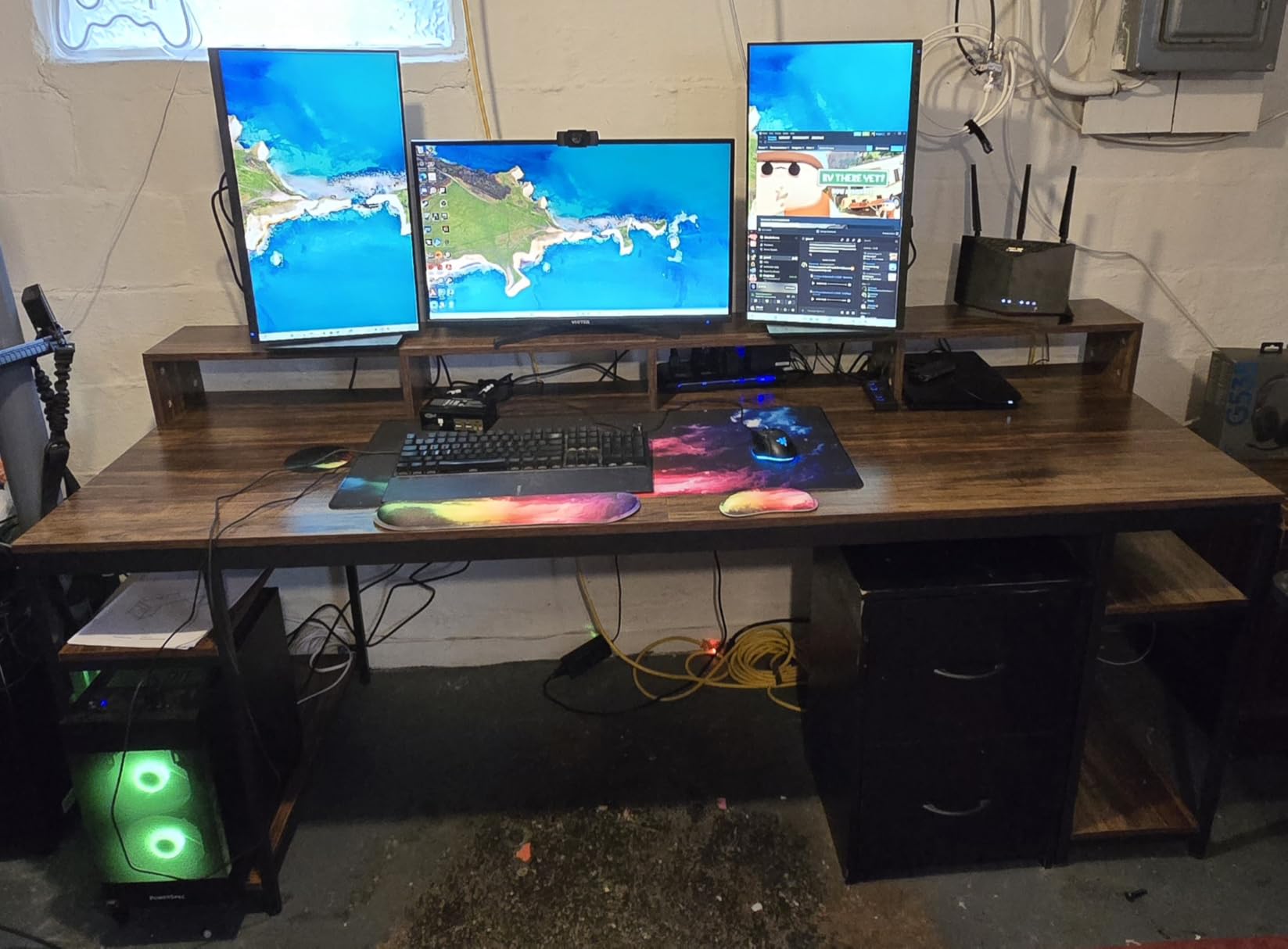
At 27.56 inches deep it is deeper than most corner and gaming desks in this roundup, which is a real advantage when both users run full-size monitors on stands rather than arms.
Adjustable leg pads handle uneven floors, and numbered parts with clear instructions keep assembly straightforward. The rustic brown top and black steel frame suit a home office or a study.
When two people is the right answer
A shared desk beats two small desks when the room is short on wall space. You get 157 inches of combined working width from one surface, which no single desk here matches.
The 350-pound rating is about 100 pounds more than the next highest frame in this group, so it absorbs two towers, four monitors and two sets of peripherals without complaint.
The single-user trade-off
If only one person uses it, 78.74 inches of width is more than most rooms can absorb, and the desk weighs 83.8 pounds, which means two people for any move. Check your floor space before committing.
Height is fixed, the integrated monitor stands do not adjust, and the 0.59-inch top is thinner than the one-inch surfaces on the standing desks here. Under a heavy keyboard and mouse rest it still works, but it is not the same feel.
10. IBF 55 Inch Desk – Best for a PC Tower Beside Two Monitors
IBF 55 in Computer Desk, Home Office Work Study Writing Desk, Rustic Brown
55 x 23 inch fixed-height top
1.57 inch thick surface
300 lb capacity
Open storage bay for a CPU
Pros
- Highest rating in the group at 4.8 stars
- Fits two 32-inch curved monitors plus a tower
- 1.57 inch top feels substantial and rigid
- 300 lb capacity with no visible wobble
- One-person assembly with labelled parts
Cons
- Fixed height with no adjustment
- 23 inch depth is shallow
- Under-desk storage is one undivided bay
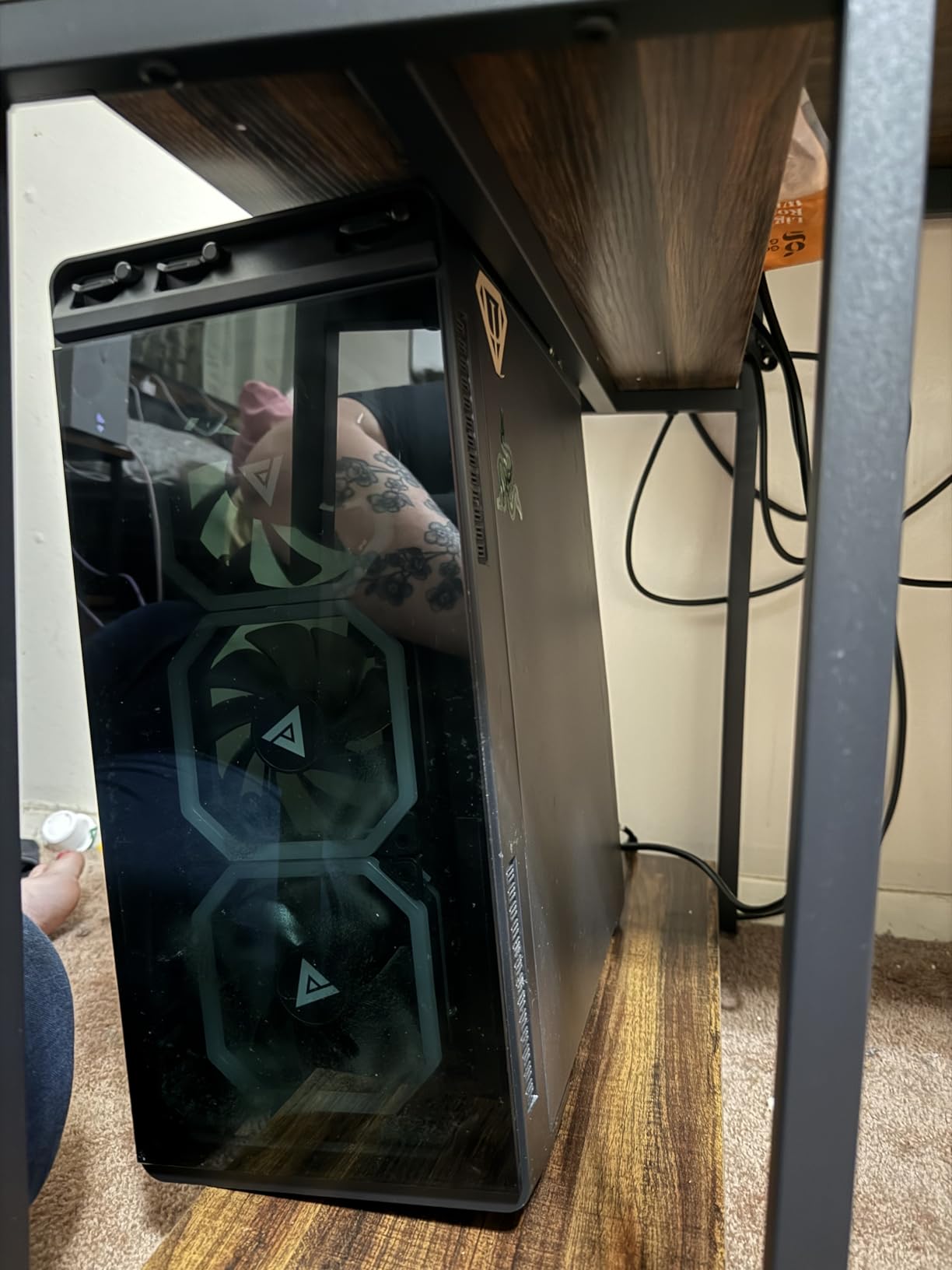
The IBF is the answer to the question that shows up over and over in setup communities: where does the PC tower go? It has an open storage bay underneath sized for a mainframe, and at 55 inches wide there is still room on top for two 32-inch curved monitors.
The 4.8-star average is the highest rating in this group, and owners describe the desk as sturdy and attractive with a thick 1.57-inch top that feels noticeably more solid than the standard one-inch surface. That thickness is what keeps a wide desktop from flexing under a tower.

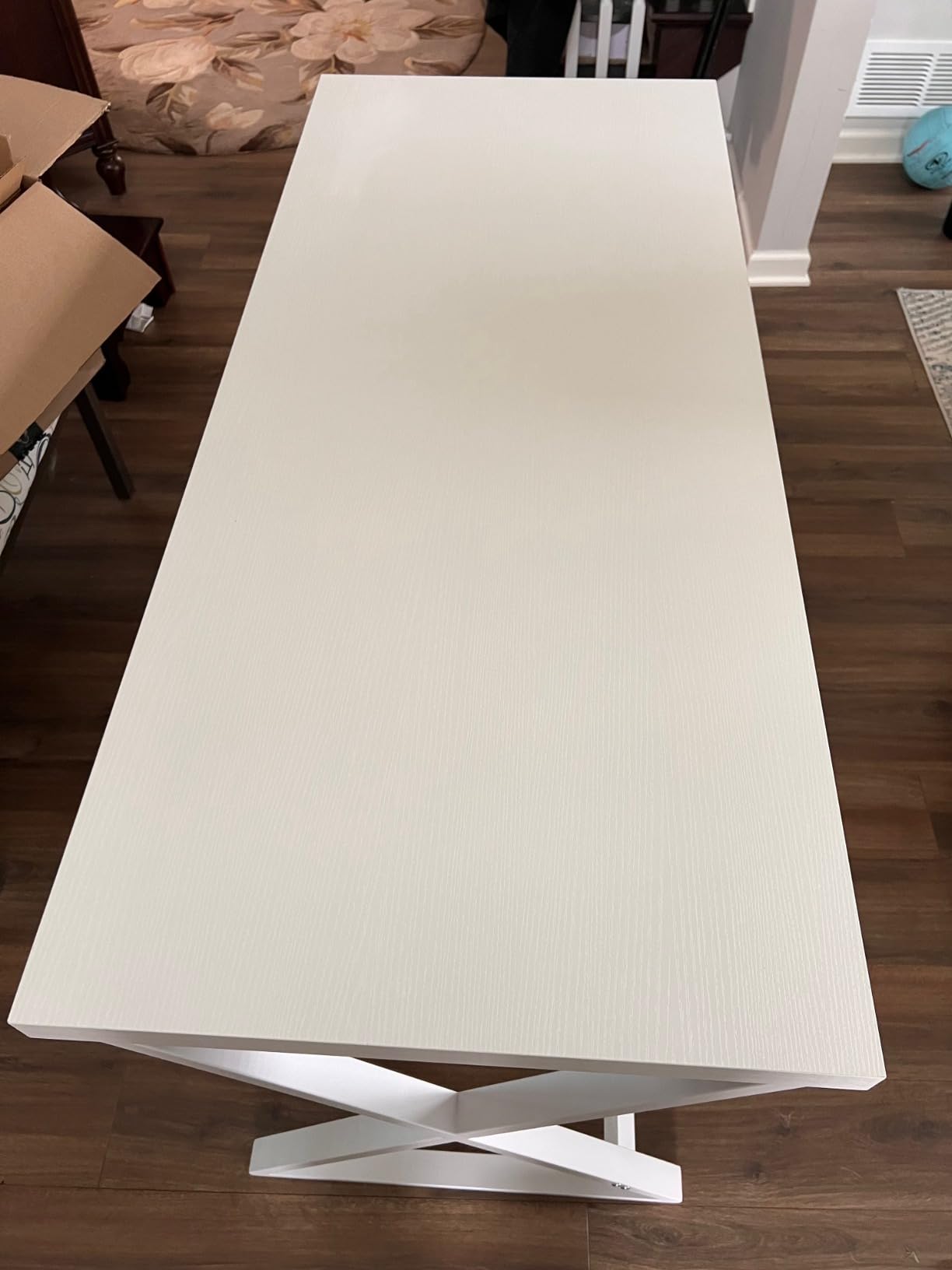
The black metal frame with X-shaped legs is rated to 300 pounds, and reviewers report a solid, non-wobbly feel. Assembly is a one-person job with labelled pieces, hardware, tools and instructions included.
The rustic brown distressed finish suits a home office that is not a dedicated studio, and the same desk works as a gaming, executive or small workstation surface depending on what you put on it.
What the IBF does better than most
The top thickness matters more than most buyers think. A 1.57-inch surface resists the point pressure that comes from a heavy keyboard, a tower and monitor arms all pushing on the same span of desk.
Owners specifically report fitting two 32-inch curved screens plus a tower, which is the exact configuration people ask about. At 300 pounds, the capacity covers it with margin.
Where you give something up
Depth is 23 inches, so you will want monitor arms to pull the screens back to a comfortable viewing distance. That is an extra purchase, though arms are cheap and a clamp-mounted pair transforms the ergonomics.
Height is fixed, and the storage below is a single undivided bay rather than drawers or shelves. The engineered wood can feel hollow if you lean hard on the front edge, which is a minor issue in normal use.
How to Buy a Desk for Two Monitors: Width, Depth, Load and Cable Management
Start with the number that cannot be negotiated: total width. Two 24-inch monitors need roughly 50 inches of usable surface, two 27-inch monitors need 55, and two 32-inch monitors need 60 to 70. Below 48 inches you will be angling screens aggressively inward and pushing your elbows off the edge.
Depth is the second number and it is where underbuyers lose. Anything under 24 inches forces the screens close to your face. If you use monitor stands with heavy bases, or work with an audio interface or a keyboard tray, add four to eight inches beyond the minimum.
Then check load capacity against a real number. Two monitors on arms, a tower, speakers, a keyboard and a mouse land near 100 pounds before you add a laptop. For a fixed desk, 200 pounds or more gives headroom. For an electric desk, the rating has to cover the load while raised, and we would not go below 150 pounds for a dual-monitor plus tower configuration.
Monitor placement decides whether you need arms or risers. Arms recover desk depth and let you set each screen independently, which matters most on the shallow 55-inch desks. Integrated risers and monitor shelves cost you desktop space but cost nothing extra at the start. On desks deeper than 28 inches, stands work fine.
Cable management is a real buying criterion once two monitors are involved. Four display cables plus power strips create a mess behind a desk with no routing. The Veken, OffiGo and AODK desks include built-in routing or power hubs; everything else needs an under-desk tray and clamp-on cable arms.
Speakers are the other half of a two-monitor desk, and they compete for the same surface area. If the desk doubles as a listening or editing station, our guides to computer speakers for music and 2.1 computer speaker systems cover desk footprint, separation distance and where to place the tweeters relative to your screens.
If you also run a laptop, treat that as a third screen. A laptop on a stand at the centre with two external monitors angled in on either side works well on a 55-inch desk, but only if the laptop sits behind the keyboard rather than beside it. The deeper surfaces, particularly the 37-inch FEZIBO, make this genuinely comfortable.
Layout matters as much as size. Side by side is neutral and works for equal use. An inward angled V keeps your neck straighter if both screens are used constantly. A vertical plus horizontal arrangement suits a tall secondary display for code or chat. Whatever you pick, keep the top edge of each screen at or just below eye level and view from roughly 20 to 30 inches away with a slight tilt.
Finally, check the room before the box arrives. Measure the wall or corner, subtract the space your chair needs to roll in, and compare that against the overall dimensions rather than the usable top width, which is usually several inches narrower. Our larger picks are for people who have genuinely measured.
If you are still working through the options, our guides to computer desks for small bedrooms and gaming desks for large monitors go deeper on the room-size and screen-size questions. For anything that rises, our roundup of sit-stand desks for dual monitors covers frame stability in more detail.
Frequently Asked Questions
What size desk should I get for two monitors?
For two 27-inch monitors, 55 inches wide and 24 to 30 inches deep is the practical minimum. Two 32-inch monitors need 60 to 70 inches of width. Anything under 48 inches forces the screens inward and the keyboard too close, which causes neck and shoulder strain over a full workday.
What is the best computer desk to fit two monitors?
The FLEXISPOT EN1 is the best overall pick: a 55 by 28 inch seamless top, electric adjustment from 28.1 to 45.7 inches, and a 176-pound frame that handles two monitors, arms and a tower. The SHW Mission is the best fixed-height option, and the FEZIBO 71 by 37 inch desk wins if you run an ultrawide alongside other screens.
Is a desk 48 inches wide enough for two monitors?
Only with monitor arms. Two 27-inch screens take about 24 inches of panel width plus bezels, and 48 inches leaves nothing for a keyboard, mouse or forearm support once arms are fitted. Treat 48 inches as an absolute lower bound and 55 inches as the honest starting point for a comfortable setup.
How much weight capacity do I need for a PC tower and two monitors?
Two monitors on arms run 30 to 40 pounds, a mid-tower adds roughly 30, and speakers and peripherals push the total past 90 pounds. If the tower lives on the desk, buy a frame rated for at least 150 pounds, and more if you raise an electric desk with that load on it.
What is the best desk setup for two monitors and a laptop?
Put the laptop on a stand at the centre rear with two external monitors angled inward on either side, which keeps three screens in your field of view without turning your head. A 55-inch desk works for this if the screens use arms, and a deeper 31 to 37 inch surface removes the crowding entirely.
Final Verdict: Which Desk Should You Buy for Two Monitors?
The FLEXISPOT EN1 is the best computer desk for two monitors overall. Its 28-inch depth, one-inch seamless top and 176-pound alloy steel frame cover the two things that actually go wrong on a dual-monitor desk: not enough front-to-back room and not enough strength under load.
Pick the SHW Mission if you want a fixed-height steel desk and nothing more complicated, the FEZIBO 71 by 37 inch if you run an ultrawide or want everything on one surface, the AODK 79-inch L-shaped desk if your room is a corner, and the Tribesigns double desk if two people need two workstations. If the tower stays on the desk, the IBF’s 300-pound frame and 1.57-inch top are built for it.
Whatever you choose, measure the wall first and check the overall dimensions, not just the usable top width. A desk that is actually 4 inches narrower than the listing suggests will decide your whole experience. These picks are updated for 2026, and each one carries thousands of owner reviews you can read before you commit.