
A thermal label maker for small business is one of the cheapest tools you can buy that immediately changes how a shop runs. It prints shipping labels, product barcodes, price tags and bin labels on demand, with no ink, no toner and no per-label platform fee. We went through twelve of the current leaders, read the review patterns closely and sorted them into the three groups that actually matter: shipping printers for 4×6 media, portable label makers for work away from a desk, and desktop taggers for product and inventory labels.
The short version: if your printer sits next to a packing station all day, the Rollo X1038 is the one to beat. If you need it to travel or print from a phone, the Phomemo M110 and Phomemo 241BT cover those two jobs. If you mostly need tidy product tags rather than shipping labels, the SUPVAN E11 and DYMO LabelManager 160 handle that job for a fraction of the money. Our studio organization label maker guide covers the same trade-off for people labeling rooms and gear rather than parcels.
One thing we noticed while reading thousands of reviews: the complaints are rarely about print quality. They are about Bluetooth pairing on desktops, app subscriptions that lock saved designs, and people buying a 4×6 shipping printer when they actually needed a small tagger, or the other way round. We built the buying guide below around those failure points, and we flagged the compatibility caveats on every pick rather than burying them.
Top 3 Picks for Small Business Label Printing (October 2026)
Three machines cover most small businesses in 2026. The Rollo X1038 is the wired workhorse that never drops a connection mid-batch. The JADENS JD268BT is the wireless 4×6 printer for anyone who does not want a USB cable running across the bench. The SUPVAN T50M Pro is the cheap, app-driven tagger for product labels and QR codes.

Rollo X1038 USB 4×6 Printer
- 203 DPI at 150mm/s
- USB wired
- Labels 1.57-4.1 inch wide
- Auto label detection

JADENS JD268BT Wireless Printer
- 203 DPI Japanese print head
- Bluetooth and USB
- Labels 1.57-4.1 inch wide
- Phone app fallback

SUPVAN T50M Pro Label Maker
- 203 dpi output
- Prints 0.75 to 2 inch wide labels
- Free app editor
- Auto size recognition
Every pick below is scored on the same four things: whether barcodes scan first time, whether the connection survives a full order day, what the label media costs you over a year, and whether a first-time owner can set it up without calling anyone for help.
Best Thermal Label Makers for Small Business in 2026
This table is the short version of the whole roundup. The full reasoning, who each unit suits and where each one falls down is in the individual sections below.
| Product | Specifications | Action |
|---|---|---|
| Rollo X1038 USB Shipping Label Printer |
|
Check Latest Price |
| JADENS JD268BT Bluetooth 4×6 Printer |
|
Check Latest Price |
| SUPVAN T50M Pro Label Maker |
|
Check Latest Price |
 Phomemo M110 Portable Label Printer Phomemo M110 Portable Label Printer |
|
Check Latest Price |
 Nelko PL70e-BT 4×6 Printer Nelko PL70e-BT 4×6 Printer |
|
Check Latest Price |
 Phomemo 241BT 4×6 Printer Phomemo 241BT 4×6 Printer |
|
Check Latest Price |
 Brother PT-M95 P-Touch Label Maker Brother PT-M95 P-Touch Label Maker |
|
Check Latest Price |
 SUPVAN E11 Keyboard Label Maker SUPVAN E11 Keyboard Label Maker |
|
Check Latest Price |
 DYMO LabelManager 160 DYMO LabelManager 160 |
|
Check Latest Price |
 MUNBYN ITPP130B 4×6 Printer MUNBYN ITPP130B 4×6 Printer |
|
Check Latest Price |
 KNAON Y813BT 4×6 Printer KNAON Y813BT 4×6 Printer |
|
Check Latest Price |
 NULLTONEX Y813 4×6 Printer NULLTONEX Y813 4×6 Printer |
|
Check Latest Price |
1. Rollo X1038 USB Shipping Label Printer – Best Overall for a Packing Station
Rollo USB Shipping Label Printer – Commercial Grade 4×6 Thermal Printer
203 DPI at 150mm/s
USB wired
Labels 1.57-4.1 inch wide
2.2 lb, one year warranty
Pros
- Prints one 4x6 label per second at 150mm/s
- 203 DPI output with barcodes that scan reliably
- Works with FedEx UPS USPS ShipStation Shippo ShipWorks Amazon Shopify Etsy and eBay
- Auto label detection with no manual calibration
Cons
- USB only so it must sit beside a laptop or desktop
- Higher entry cost than the wireless alternatives
The Rollo X1038 is the printer I would put behind a small business packing station without hesitating. It pushes a 4×6 label per second at 203 DPI, takes media from 1.57 to 4.1 inches wide, and is the most proven unit here at 4.6 stars across more than 16,000 reviews. The complimentary Rollo Ship app sits alongside it for discounted carrier rates, though you are not obliged to use it.
The design is deliberately plain. There is no screen, no app dependency and no wireless radio, which is exactly why it has stayed dependable. A wired machine cannot lose a pairing when the computer sleeps, and a browser-based or app-based print path cannot silently update out from under you mid-batch.
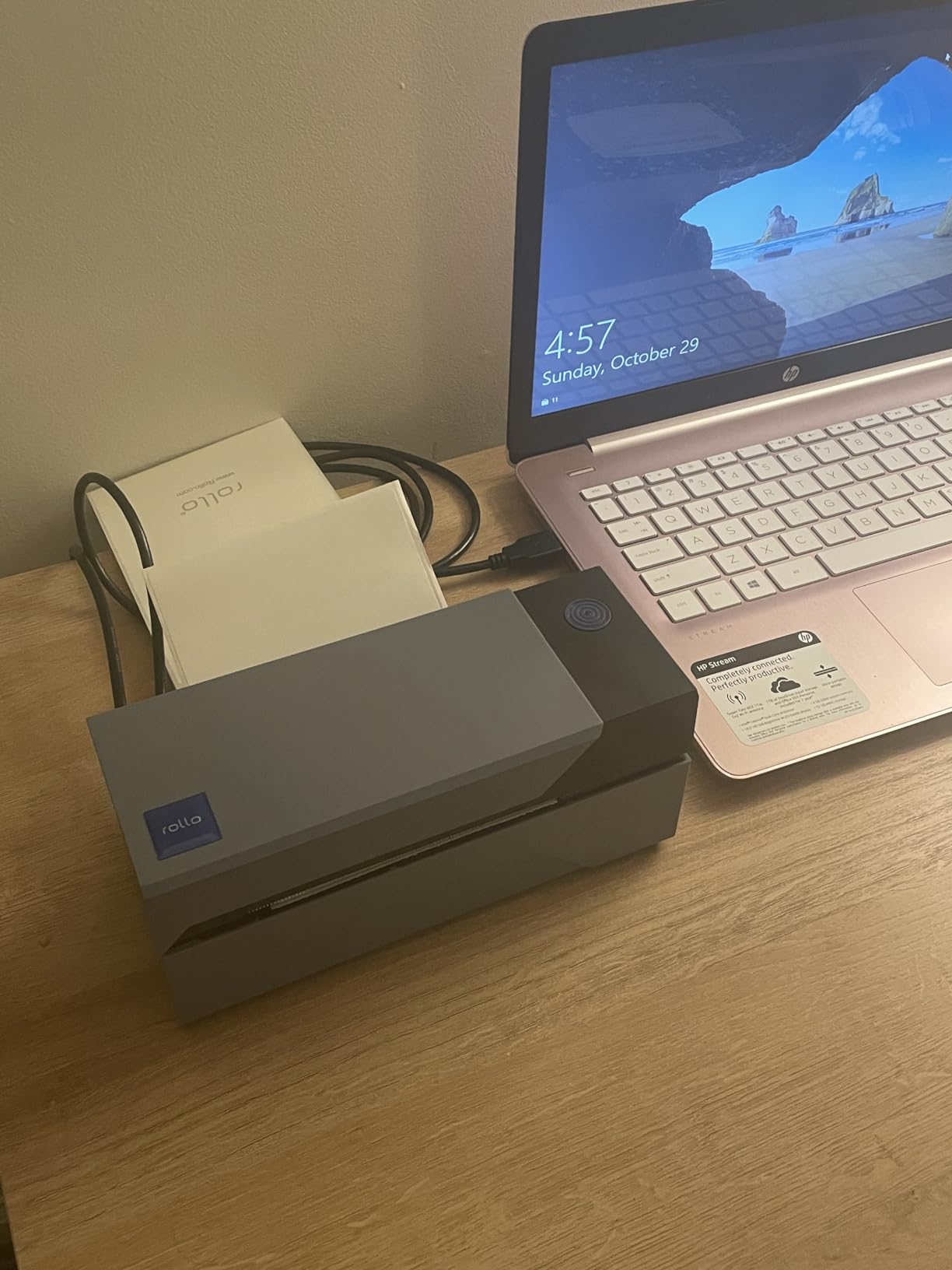
At 2.2 pounds and 4 by 8 by 4 inches it takes up almost no bench space, so you can put it on a shelf beside a scale and a tape gun rather than carving out a printer cabinet. Reviewers consistently describe the 203 DPI output as sharp enough that carriers and barcode scanners read the labels without complaint.
Label handling is automatic. The gap sensor detects the media, so you load fanfold or roll stock and start printing rather than dialing in a calibration profile first. That single feature does more for a first-time owner than any amount of app polish on a competing unit.
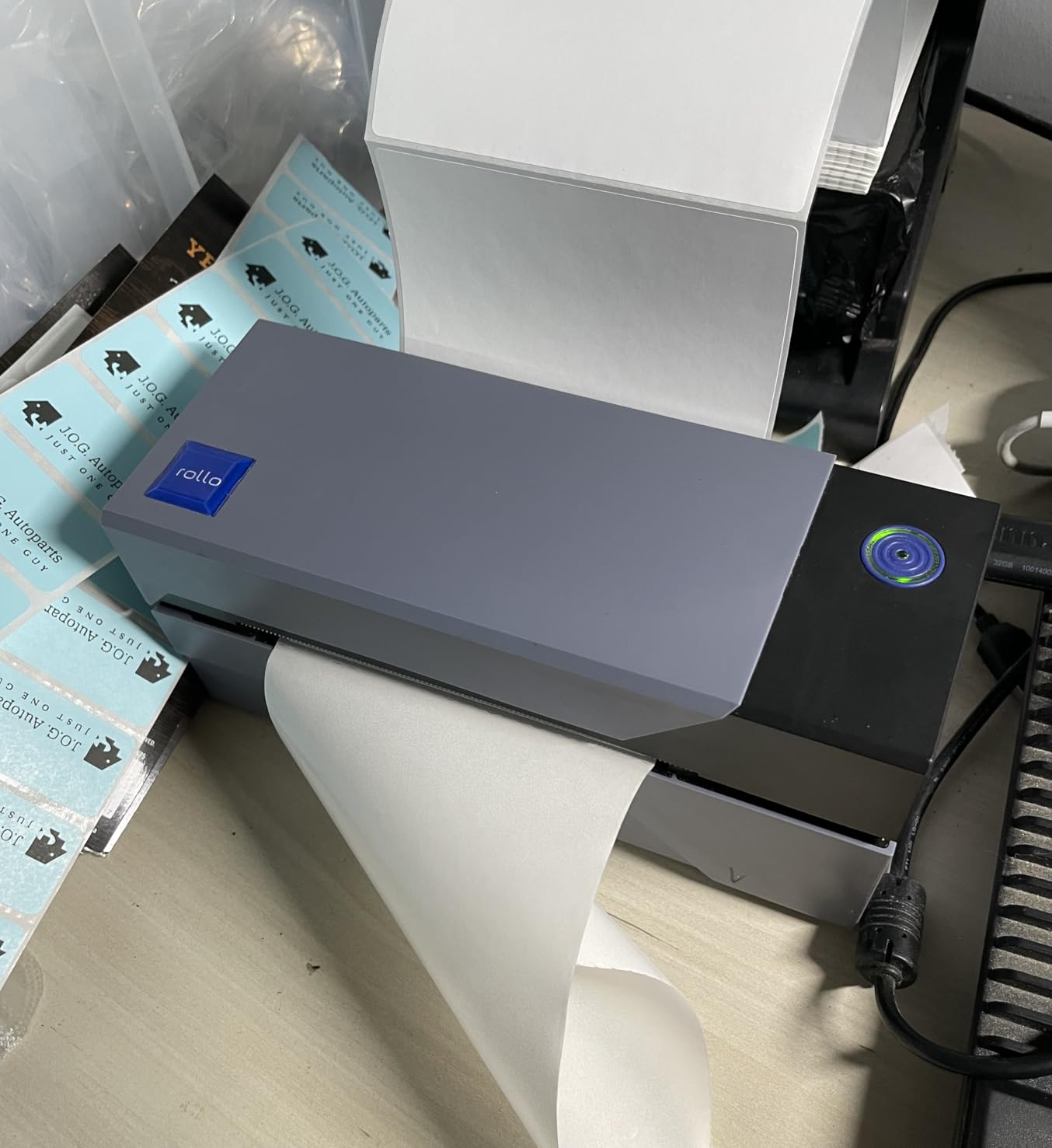
Best fit for a permanent packing station
If your computer is already a fixed part of the packing workflow, the wired design is an advantage rather than a limitation. Merchants printing 50 to 200 labels a day will finish a batch before a Bluetooth connection would have finished negotiating with itself, and the one year limited warranty covers the first year of normal use.
It also doubles as a general custom label maker, since anything within the 1.57 to 4.1 inch width range will print, including smaller address and product labels alongside your 4×6 shipping stock.
Where it will frustrate you
If your labeling happens away from a desk, this is the wrong machine. There is no Bluetooth, Wi-Fi or battery, so a market stall, a pop-up shop or a warehouse aisle without a laptop nearby means carrying paper labels instead.
The sticker price also sits above the wireless 4×6 options, and at 203 DPI it is fine for shipping barcodes but not the choice for dense small text or photographic product images. Our small business laser cutter guide covers the alternative for signage and engraved-looking tags where thermal output is too plain.
2. JADENS JD268BT Bluetooth Printer – Best Wireless 4×6 Value
JADENS Bluetooth Thermal Shipping Label Printer, Wireless 4×6 Label Printer
203 DPI Japanese print head
Bluetooth and USB
Labels 1.57-4.1 inch wide
One year warranty
Pros
- Crisp 203 DPI labels with barcodes that scan cleanly
- Fast enough to keep up with a busy dispatch session
- Compact footprint that suits a small desk shipping station
- Companion app holds a 4.7 star rating with responsive support
Cons
- Desktop Bluetooth pairing fails on some PCs so the phone app is the workaround
- Occasional jams or off-center prints on sticker media
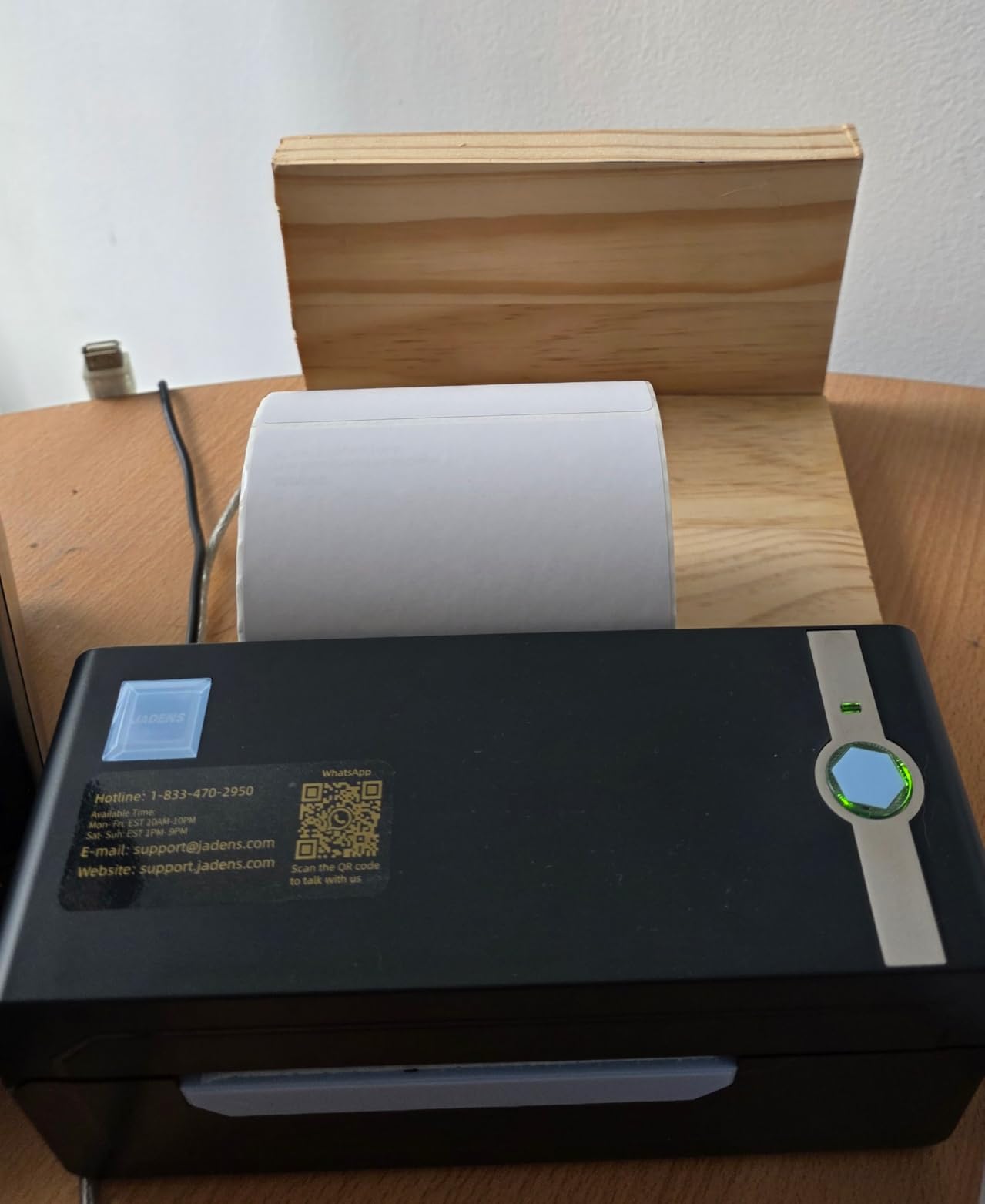
The JADENS JD268BT is the wireless 4×6 printer to beat if you want a cable-free packing station on a sensible budget. It uses a Japanese 203 DPI thermal print head, works with both fanfold and roll labels from 1.57 to 4.1 inches wide, and holds a 4.4 star average across more than 9,000 reviews.
It supports 4×6, 3×3, 3×2 and 2×1 label formats plus circle labels, which makes it more versatile than the 4×6-only units further down this list. iOS and Android printing runs through the Jadens Printer app, while Windows 8 and Mac can print over Bluetooth or over USB.
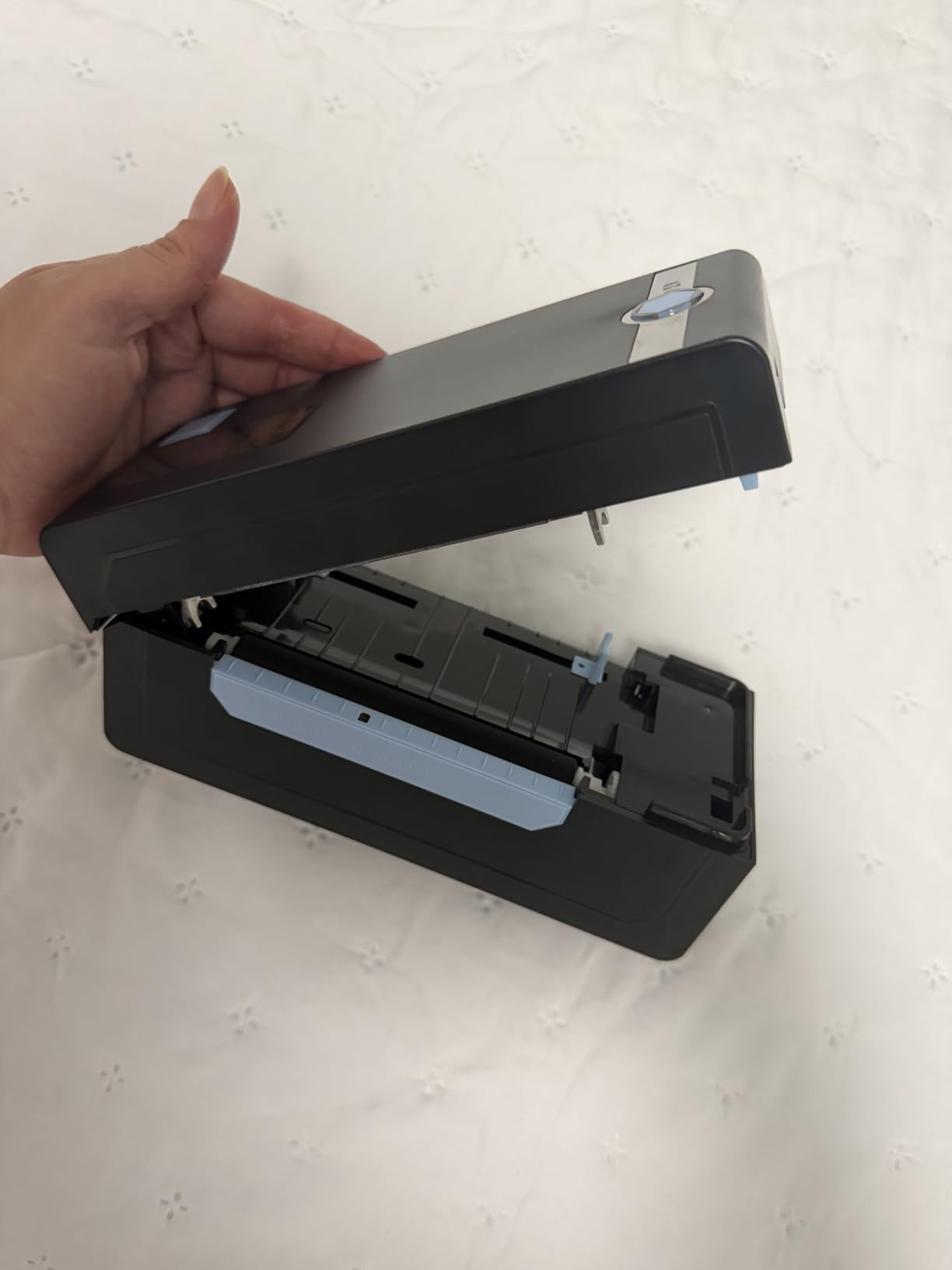
Reviewers like the balance here. The print speed keeps up with a dispatch session without a full industrial machine, and the footprint at 5.91 by 9.06 by 5.91 inches fits on a small desk where a larger unit would not. The app’s own 4.7 star rating and the after-sales support response are both called out repeatedly as reasons people recommend it to friends.
A USB stick ships in the box with drivers, instruction videos and troubleshooting videos, which quietly solves most of the setup anxiety a first-time owner has. You can also choose from blue, white or pink housings if the unit is going to sit in customer view.
Best fit for a wireless dispatch desk
Etsy and Shopify sellers moving 20 to 100 parcels a day get the right trade-off: a 4×6 thermal printer that a phone can drive without being tethered to one laptop. It lists compatibility with eBay, Amazon, Shopify, Endicia, ShipStation, ShippingEasy, Shippo, ShipWorks and Ordoro, so the platform side rarely becomes the blocker.
If your shipping labels mostly come from marketplace and carrier platforms rather than a custom design, the phone app path is the one you will use, and it works.
Where it will frustrate you
Desktop Bluetooth pairing fails on some PCs, and the workaround is to print from the phone app instead. That is a real annoyance when your packing station is built around a desktop monitor and you would rather not hold a phone all afternoon.
There are also isolated reports of jamming and off-center printing on sticker media, which is worth knowing if your labels are die-cut vinyl rather than standard thermal stock. The one year limited warranty is shorter than some models here that offer two years.
3. SUPVAN T50M Pro – Best Budget Label Maker for Product Tags
SUPVAN T50M Pro Bluetooth Label Maker Machine with Tape, Black
203 dpi
Labels 0.75-2 inch wide
App editing with no subscription
433 g, one year warranty
Pros
- Entry-level cost with a 4.4 star average across nearly 7900 reviews
- Ranked number 3 in Desktop Label Printers
- Free app editor with 30+ fonts
- 50+ frames and 660+ icons
- Crisp 203 DPI output for product tags
- QR codes and barcodes
Cons
- Two inch media limit rules out shipping-size labels
- USB-C cable handles power and data only and app editing is required
The SUPVAN T50M Pro is the cheapest way for a small business to print its own product labels, barcodes and QR codes, and it is the one we recommend to bakers, candle makers, soap sellers and anyone labeling jars rather than parcels. It prints 203 dpi output on media from three-quarter inch to 2 inches wide, and the app editor is free with no registration wall.
That last point matters more than it sounds. Several competing app ecosystems put their best templates, icons and fonts behind a paid membership, and a small business printing 20 price tags a day should not be renting its label design library. Here you get 30+ fonts, 50+ frames and 660+ icons at no cost.
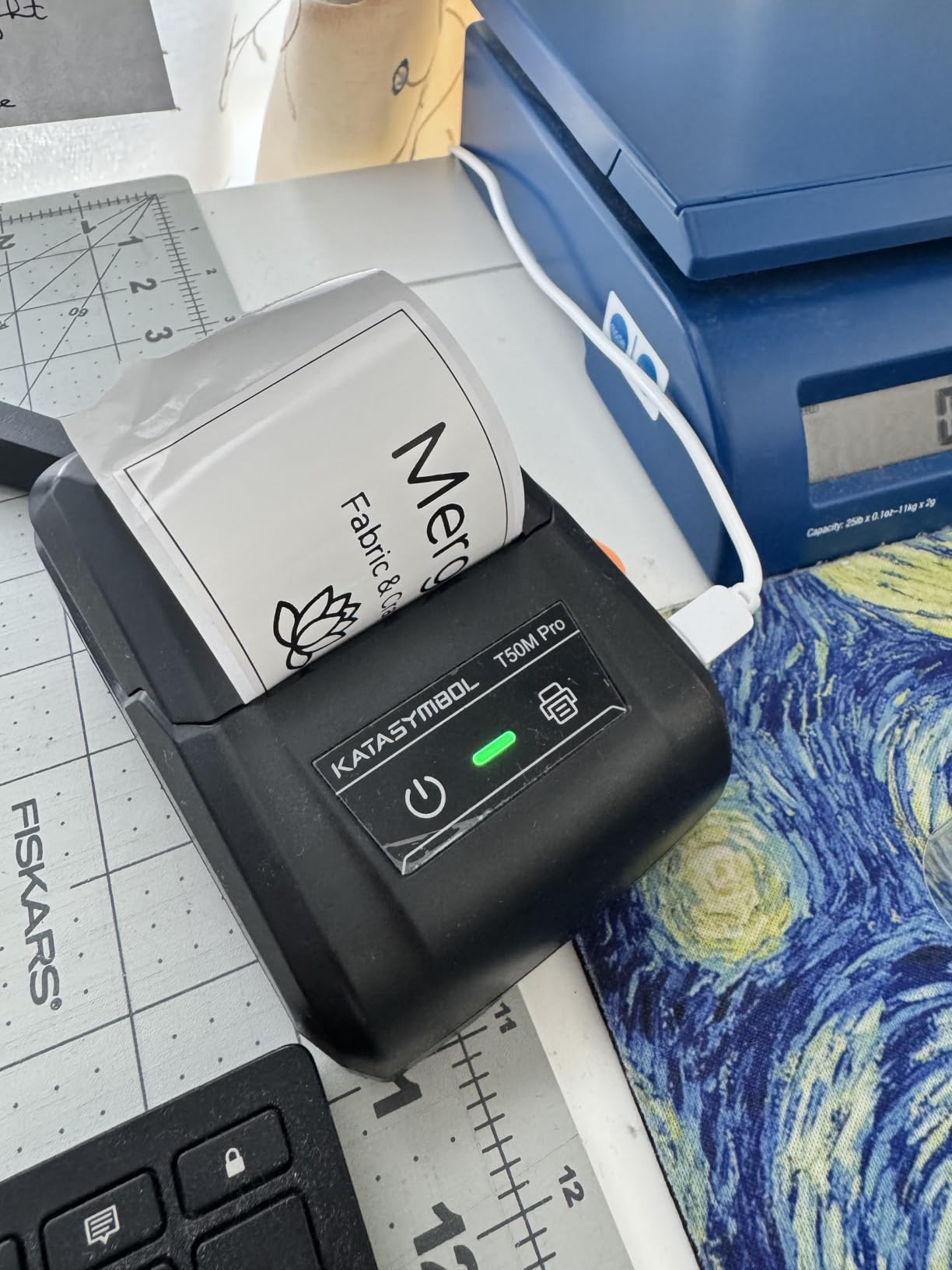
Auto label size recognition means the printer works out the media size itself rather than making you register every new roll in the app, which removes the most common beginner frustration. It handles square, round, address, cable, jewelry and file label formats, so one machine covers a surprisingly wide range of small business packaging.
At 433 grams and 5.9 by 2.6 by 4.3 inches it is small enough for a side table, and high resolution image processing keeps logos and QR codes readable at tag size.
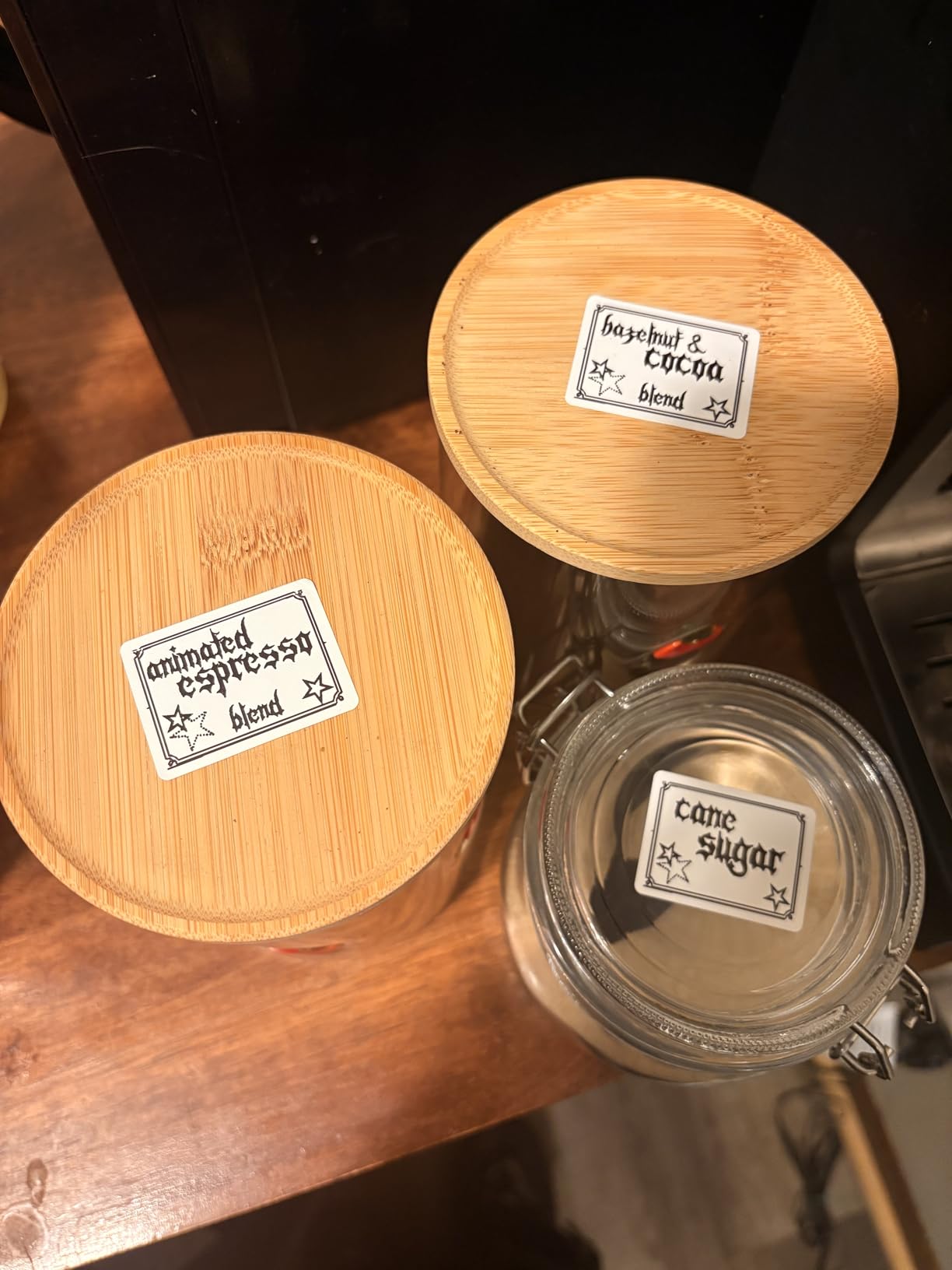
Best fit for product tags, jars and boxes
If your labels are 2 inches wide or narrower, this is the right tool and the price leaves room in the budget for a second printer elsewhere. Product barcodes, ingredient lists, candle batch numbers, bakery tags and bakery-style price stickers all print clearly at 203 dpi.
It is also a good companion to a 4×6 shipping printer rather than a replacement: you can keep a Rollo or Phomemo for parcels on the packing bench and a T50M Pro for the shelf tags at the counter.
Where it will frustrate you
The two inch media ceiling is hard and absolute. If you buy this hoping to print 4×6 shipping labels, you will be returning it, and the buyer confusion in that direction is one of the most common mistakes we see in this category.
Workflow is app-first: the USB-C cable carries power and data, but most editing happens in the phone app rather than on a desktop, so batch work is slower than a machine with a real desktop print path.
4. Phomemo M110 – Best Portable Label Maker for Markets and Pop-Ups
Phomemo M110 Label Makers, Portable Bluetooth Thermal Printer with Display
203 dpi
20-50mm label width
Bluetooth 4.0 at 33 feet
1500 mAh battery, 222.8 g
Pros
- Fits in a bag at under 230 g for mobile labeling
- Quiet Bluetooth pairing with a simple app
- 1500 mAh battery carried a full labeling session on one charge
- Handles pantry goods
- candles and small-business packaging
Cons
- Not for shipping labels and no color output
- Many app templates and fonts sit behind a paid membership
- Only one small test roll included
The Phomemo M110 is the thermal label maker to pack in a bag if your business sells away from a desk. It weighs 222.8 grams, measures 4.48 by 2.44 by 3.43 inches, and runs off a 1500 mAh battery, so farmers market stalls, craft fairs and pop-up shop weekends do not need a power socket.
It has a built-in display, which is rare at this size and genuinely useful: you can see what you are about to print before you commit tape. The Print Master app adds custom templates and Excel batch printing, and the OCR feature converts text from a photo into editable text in about four seconds, which saves real time when you are copying details off a supplier sheet.
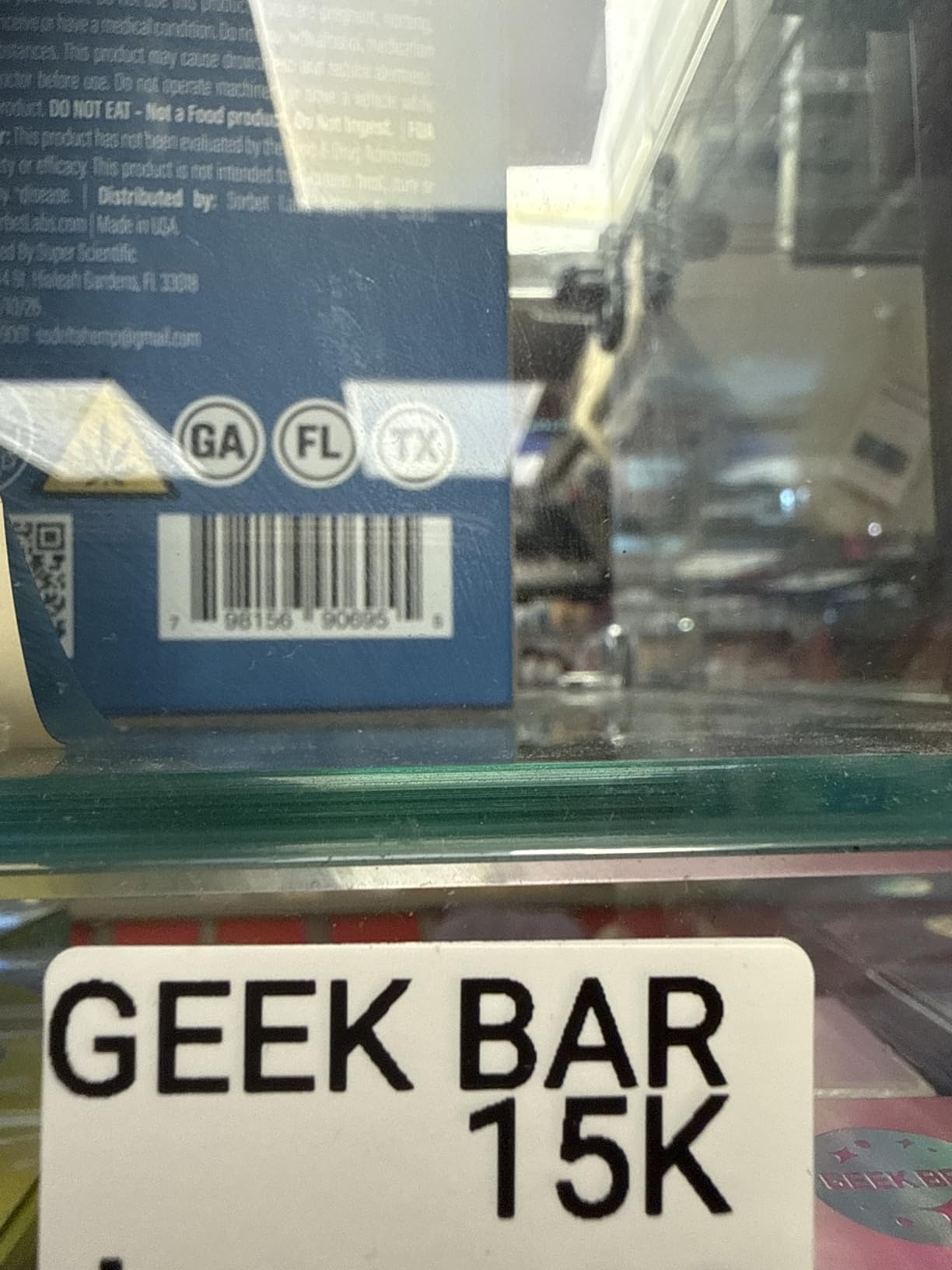
Bluetooth 4.0 reaches up to 33 feet and connects in about two seconds, which is fast enough that you can pair on arrival at a stall. Six color options including blue, pink, orange and gray mean it does not look out of place at a customer-facing table.
Reviewers consistently praise battery life: one charge carried a heavy labeling session without a swap. The 20mm to 50mm media width range covers address labels, pantry jars, candle wraps and small packaging inserts.
Best fit for mobile and display use
Market vendors, salon and studio owners, and anyone labeling on the spot rather than at a bench will get the most from it. The screen removes the guesswork of app-only printers, and if you have our kids room label maker guide workflow in mind, this is the same job at a business scale.
It is also a reasonable second machine for a shop that already has a 4×6 shipping printer, because the two jobs do not overlap.
Where it will frustrate you
It is not a shipping label printer. Fifty millimeter media is the ceiling, so a 4×6 parcel label is simply not possible, and the output is black and white only.
The paid membership in the app is the other catch: some of the headline templates, icons and fonts are reserved for paying members, and only a single small test roll is included in the box. A related but separate quirk that catches people out: if the label roll sits too tightly on the spindle, it will stack-print, so load it loosely.
5. Nelko PL70e-BT – Best for Fast 4×6 Batches
Nelko Bluetooth Thermal Shipping Label Printer, 4×6 Thermal Label Printer
203 DPI
150 mm/s, up to 72 labels per minute
Bluetooth app plus USB
1.4 kg, 500 sheet capacity
Pros
- Up to 72 four-by-six labels per minute with clear 203 DPI output
- Compact enough for a small desk while supporting 500 sheet capacity
- Works with Amazon
- eBay
- Shopify
- USPS
- UPS
- Etsy
- PayPal and Poshmark
- Auto paper return and self test reduce setup guesswork
Cons
- Most devices print through the Nelko app rather than a direct Bluetooth link
- Mac users are limited to USB and cannot pair over Bluetooth
- Black and white thermal output only
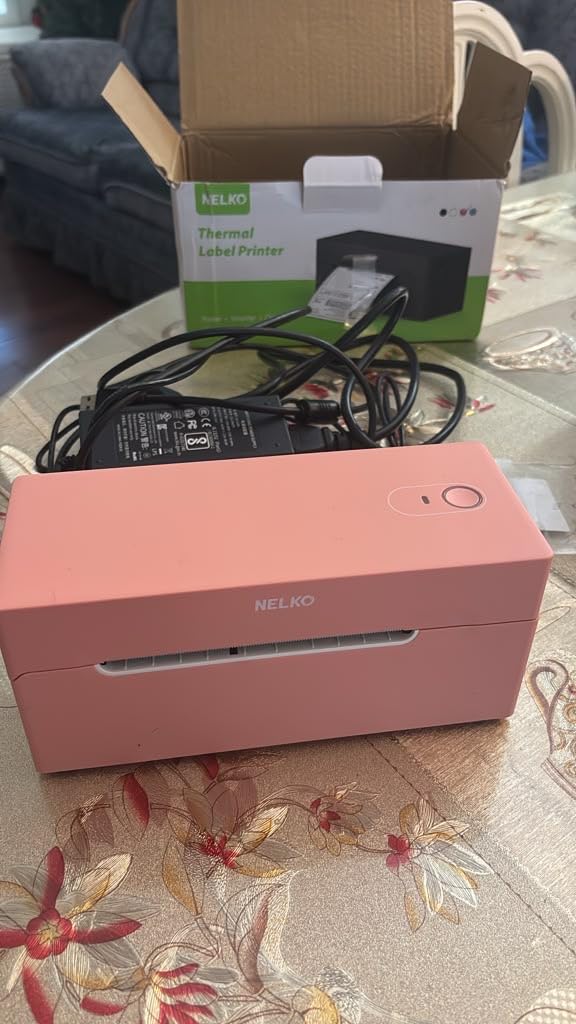
The Nelko PL70e-BT is built for the merchant who prints in waves rather than one parcel at a time. It runs at 150 mm/s, which is up to 72 four-by-six labels per minute, and holds 500 sheets of media so you are not reloading between a morning batch and an afternoon batch.
Auto paper return, auto detection and an intelligent self-test are the features that matter to a first-time owner. Each one removes a decision from the printing process, so a jam or a misloaded roll gets flagged before a customer parcel is sitting half-labeled.
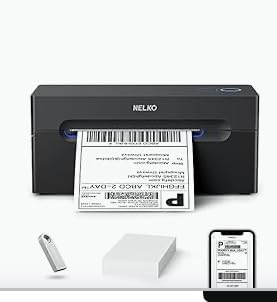
At 1.4 kg and 9 by 5 by 6 inches it is a substantial desktop unit, and it needs a real surface, but it is still small enough for a home office. It sits at number 8 in the Desktop Label Printers category, and the 4.3 star average across more than 5,900 reviews reflects a machine people recommend for speed and size rather than for features.
The platform list is broad: Amazon, eBay, Shopify, USPS, UPS, Etsy, PayPal and Poshmark, with 50 four-by-six thermal labels and a USB-C cable for Mac included in the box, plus drivers and tutorial videos on the included USB stick.
Best fit for a high-volume shipping desk
Anyone clearing 100 or more labels a day, or running a weekly fulfillment session where a hundred orders land at once, will feel the 72 labels per minute figure most. The 500 sheet capacity means one load covers a large batch and the auto paper return positions labels correctly for the next print.
It handles fanfold and roll labels from 1.54 to 4.1 inches wide, so you can mix 4×6, 3×2, 3×1 and 2×1 formats on the same machine without changing anything but the roll.
Where it will frustrate you
The app dependency is the main friction. Most devices print through the Nelko app rather than a direct Bluetooth connection, and Mac owners are limited to USB with no Bluetooth pairing at all, so plan your Mac workflow around the cable before you buy.
Output is black and white only, and the included test labels are a small sample rather than a working supply. Our receipt scanner guide for small business covers the other half of a counter setup if you are building out a full point-of-sale station.
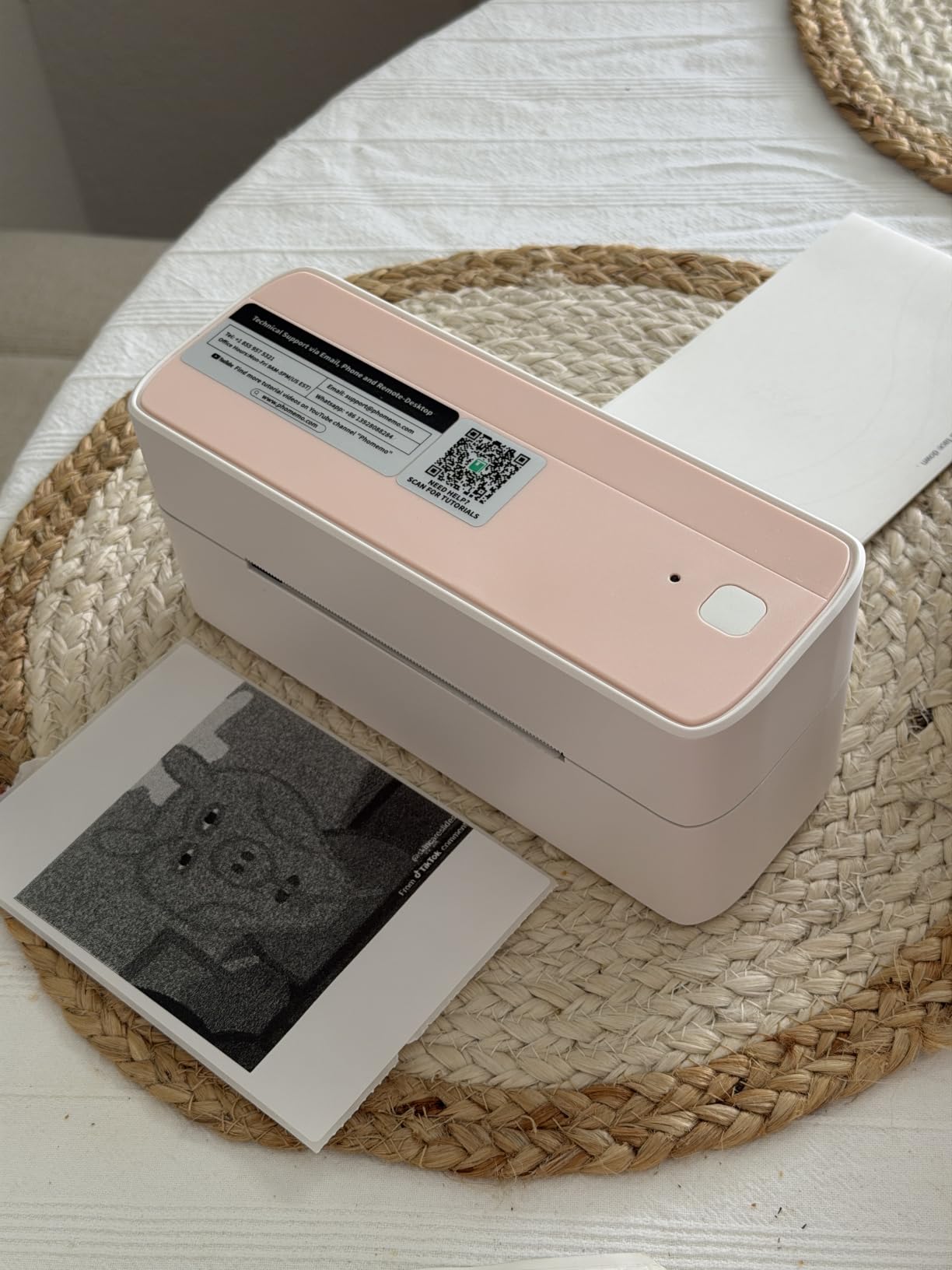
6. Phomemo 241BT – Best for Printing From Phone and Computer
Phomemo Bluetooth Thermal Label Printer, 241BT Label Printer & 20Pcs Labels
203 x 203 DPI
150 mm/s, 72 labels per minute
Bluetooth and USB
Media 1-4.6 inch, OLED display
Pros
- Roughly 72 four-by-six labels per minute with no jams in use
- Prints from a phone over Bluetooth or a computer over USB
- Quiet operation in a compact home office footprint
- Handles branded and third-party labels without fuss
Cons
- Labelife free trial expires and saved designs can become unprintable
- Advanced app features and extra fonts are paywalled
- Black and white thermal output only
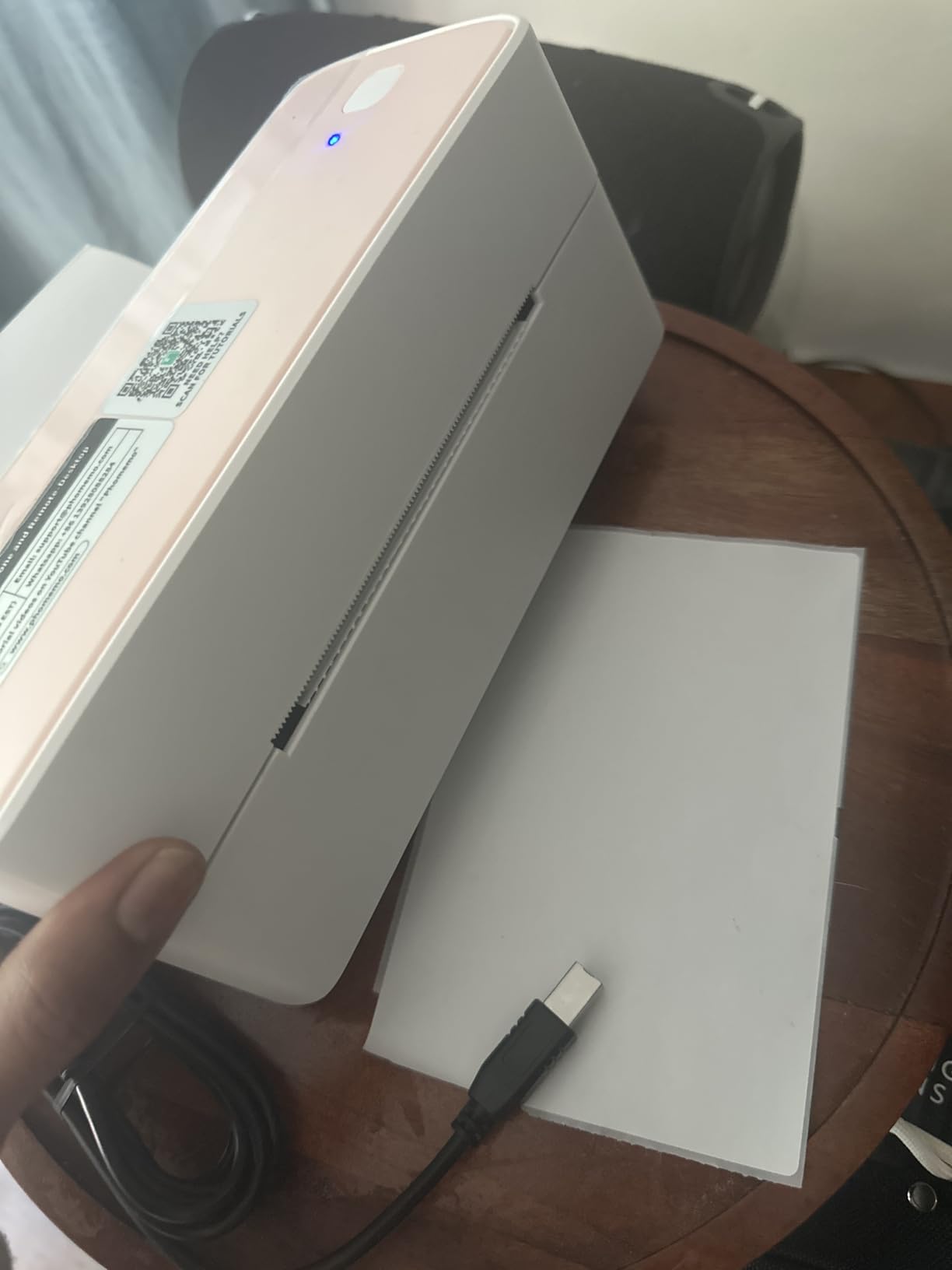
The Phomemo 241BT is the most flexible 4×6 printer here because it takes both paths seriously: Bluetooth from the Labelife app for phone work, and USB for Windows, Mac, Chrome OS and Linux. It prints at 150 mm/s, up to 72 four-by-six labels per minute, and takes media from 1 inch to 4.6 inches wide.
The OLED display shows what is queued before it prints, which is a small thing that makes a big difference when you are standing at a packing bench with a phone in one hand. In our use the output came out quiet and consistently clean, and 500 sheet capacity keeps the reload count down.
It handles branded and third-party labels without fuss, which matters because a printer that only accepts one manufacturer’s media is a recurring expense disguised as a compatibility feature. Compatibility is listed for eBay, Shopify, Amazon, Etsy, UPS, USPS and FedEx, and support responses have been reported within a day.
At 720 grams and 6.3 by 8.66 by 4.41 inches it fits a home office without dominating it, and six housing colors are offered including green, gray and purple.
Best fit for mixed phone and desktop workflows
Sellers who print a custom return address from a phone at the counter and then run a batch from a laptop in the back will use both connection paths every day, and this is the printer built for that. Six operating systems supported natively also makes it a safe pick for a shop with a mixed device fleet.
Speed-wise it sits alongside the Nelko, so it also works well for a 100-label fulfillment session.
Where it will frustrate you
The Labelife subscription is the documented problem in this model’s reviews. The free trial expires, and some designs you have already created can become unprintable without a subscription, which is a genuine business risk if you build branded labels once and reuse them for months.
Advanced app features and extra fonts are paywalled too, the output is black and white only, and the power and data ports at the rear sit close to the label feed path, so leave a little clearance behind the unit.
7. Brother PT-M95 P-Touch – Best Wireless-Free Handheld Labeler
Brother PT-M95 P-Touch Monochrome Label Maker Bundle (4 Label Tapes Included),White
One or two lines of text
9mm and 12mm M tapes
4 AAA batteries
9.12 oz with LCD and keyboard
Pros
- QWERTY layout and 80 character screen make typing labels fast
- Months of daily use from four AAA batteries
- Brother M tapes are widely available and easy to source
- Crisp output that adheres well without smudging
Cons
- Cartridges need exact positioning to seat properly
- Only two font sizes
- Non-laminated tapes are hard to peel before sticking
The Brother PT-M95 is the oldest and least clever machine in this roundup, and it is here because reliability still wins some jobs. It prints one or two lines of text at 7.5 characters per second from a physical QWERTY keyboard, with an easy-view LCD showing up to 80 characters. No app, no pairing, no account, no updates.
It runs on four AAA batteries and weighs 9.12 ounces, so it goes from a filing cabinet to a workshop shelf without a thought. The bundle includes one sample and three full-length black-on-white 12mm tapes, and genuine Brother M tapes are available in 9mm and 12mm widths across multiple colors.
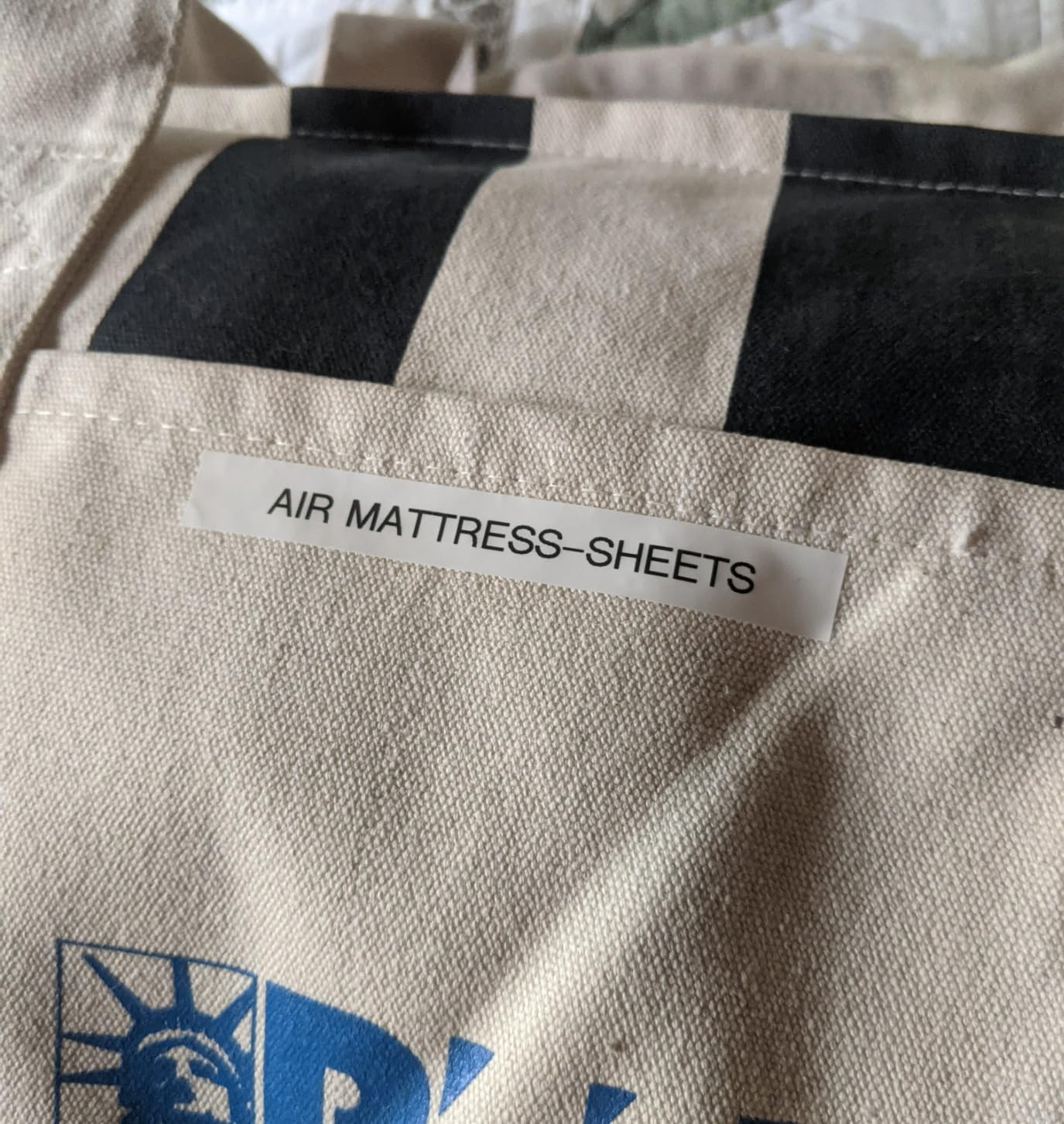
Typing on a physical keyboard is the quiet advantage over app-only taggers: you can key an address or a batch code at speed without unlocking a phone, and eight Deco Mode patterns, nine type styles and 126 basic plus 84 pictograph symbols cover most small business labeling needs. It supports nine languages and stores up to three label files in memory.
At 4.5 stars across more than 4,000 reviews, the complaints are consistent and minor: cartridges are finicky to seat, there are only two font sizes, and non-laminated tape is hard to peel.
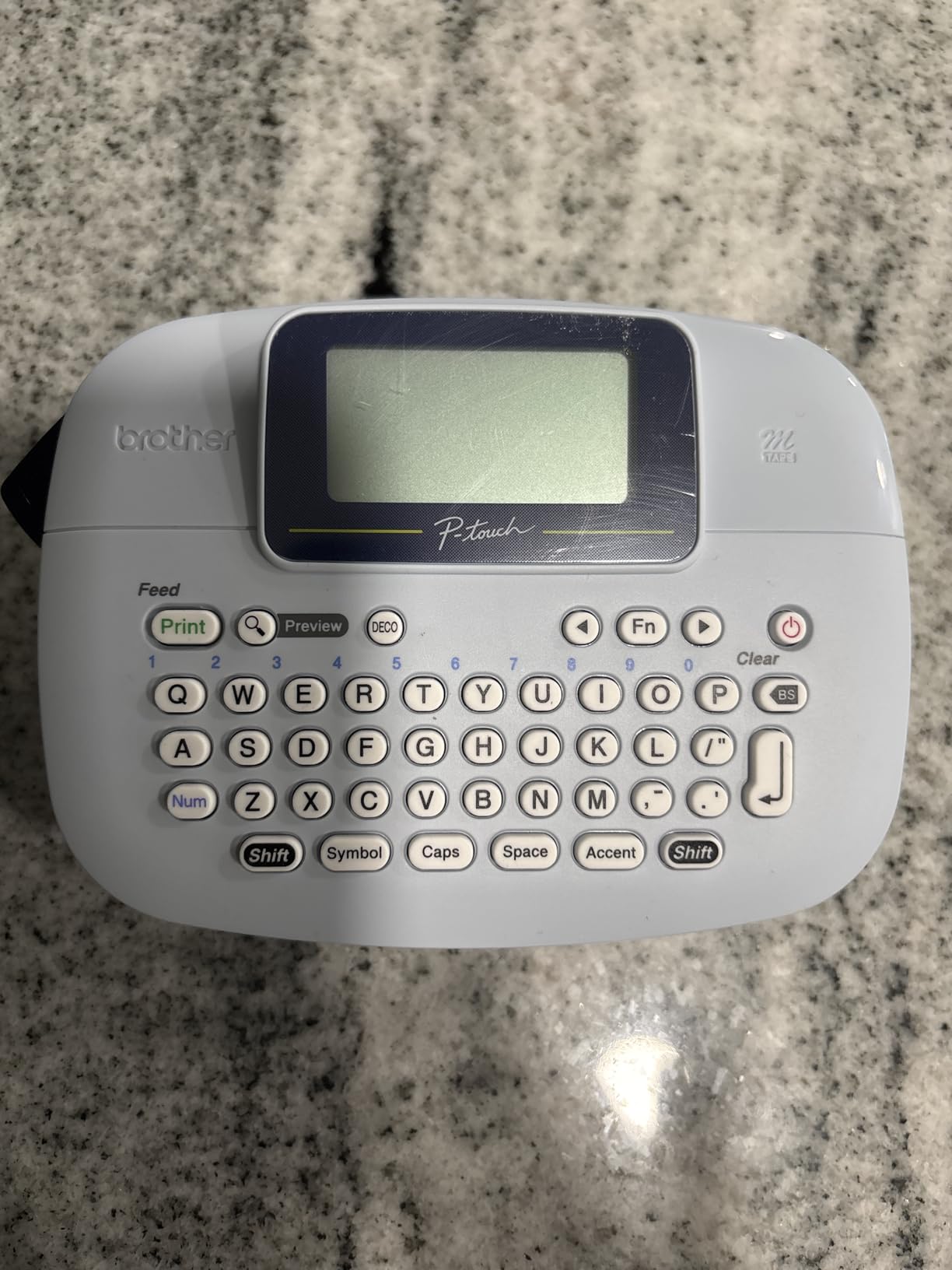
Best fit for asset tags and shop organization
Cable runs, shelf numbers, tool drawers, equipment tags and client labels in a studio or salon are all jobs where a two-line, battery-powered handheld is the right tool. A shop that wants zero software decisions will find nothing to configure here, which is the appeal.
It is also the fallback that keeps working when the network does not, useful alongside a network-dependent printer.
Where it will frustrate you
It cannot print barcodes for shipping, cannot print anything wider than 12mm and cannot print a logo in any real detail, because the mechanism is a dot matrix print head rather than a thermal head. Anything requiring a real shipping label is out of scope.
Tape loading needs exact positioning, and if you buy non-laminated tape you will be fighting the roll every time. The one year limited warranty and the absence of any AC adapter option are worth noting if you plan a heavy daily workload.
8. SUPVAN E11 – Best for Repeated Batch Typing
SUPVAN E11 Keyboard & Bluetooth Label Maker Machine with 4 Tapes
203 dpi
15mm tape width
1200 mAh battery, one month per charge
8 oz with keyboard
Pros
- Ranked number 1 in Label Makers with a 4.5 star average
- Physical keyboard makes repetitive labeling faster than app-only models
- 1200 mAh battery runs up to a month per charge
- 0.2 inch print margin wastes far less tape
- All app fonts
- frames and icons are free with no subscription
Cons
- 15mm maximum media width limits label size
- No shipping label capability
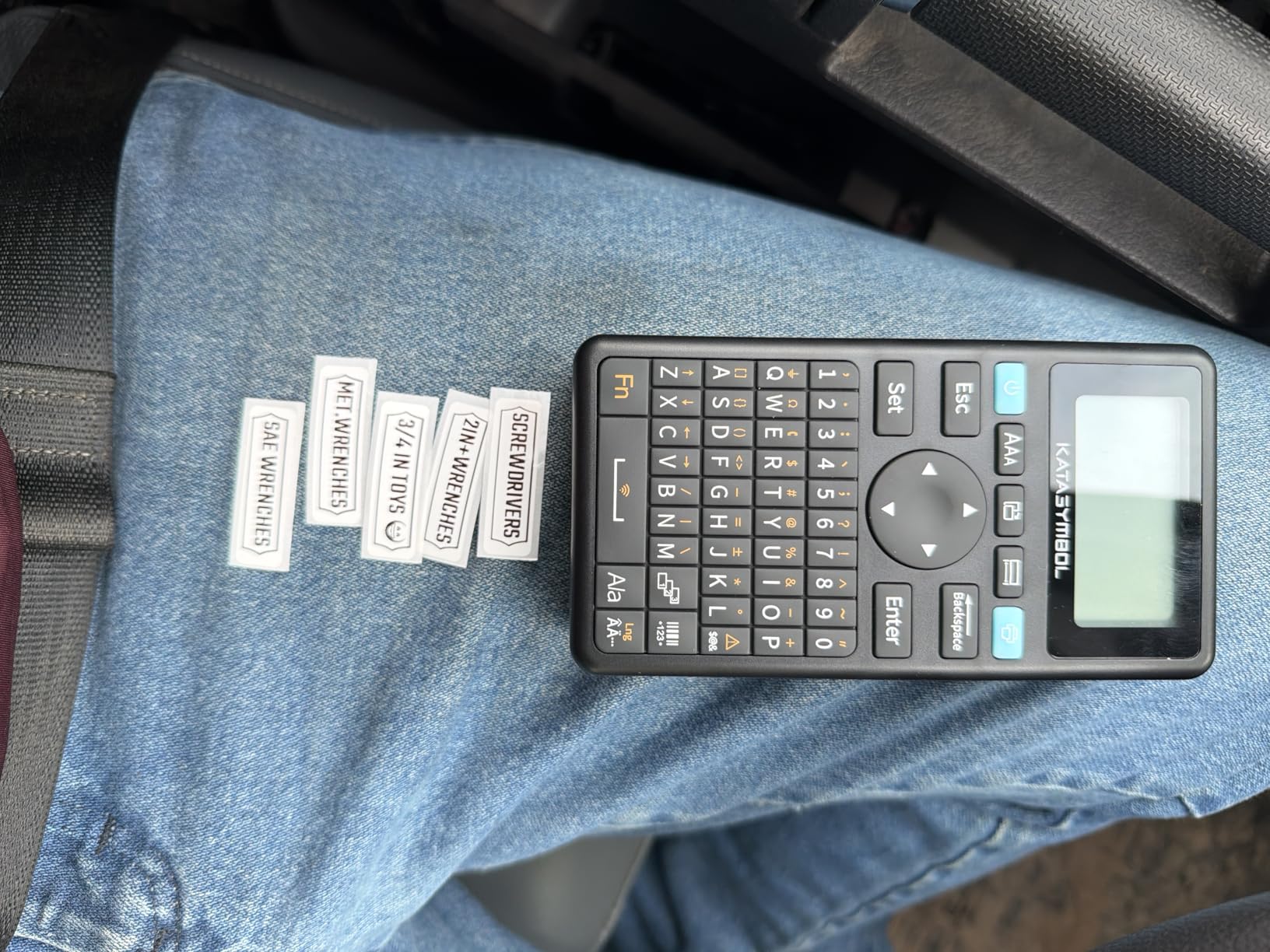
The SUPVAN E11 is the handheld tagger we would suggest to a small business that types the same kind of label dozens of times a week. It has a physical keyboard for direct printing plus Bluetooth app editing, so you get keyboard speed for repetitive labels and full design capability when you need graphics, and it ranks number 1 in the Label Makers category.
Two details set it apart from most handhelds. The 1200 mAh battery runs up to a month of use per charge, and the 0.2 inch minimal margin is roughly one-fifth the size of typical competitors, so each label consumes noticeably less tape. Over a year of daily product tagging, that difference adds up.
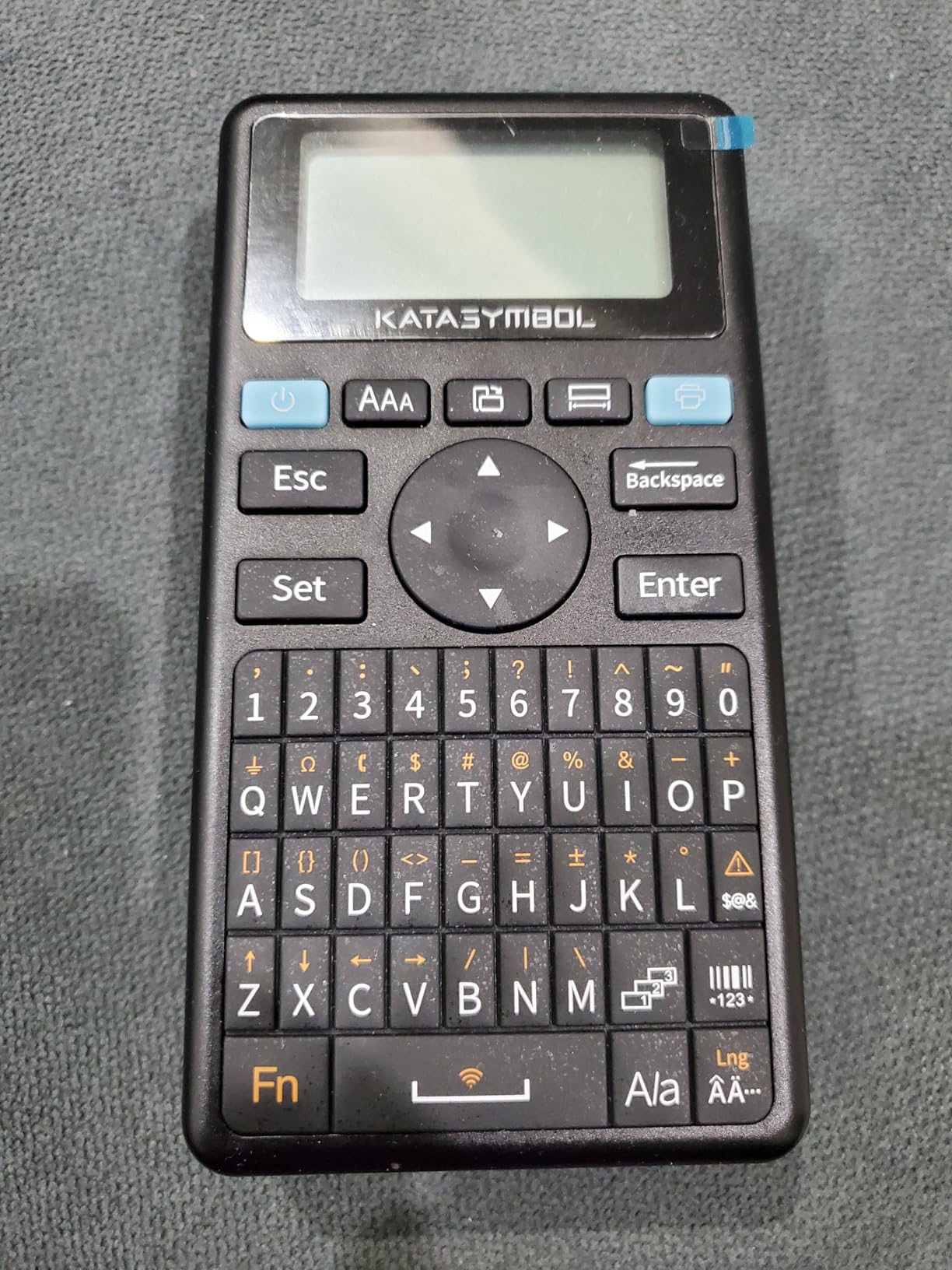
The app library of 30+ fonts, 50+ frames and 660+ icons is entirely free with no subscription, which is the opposite of the Phomemo approach. Seventeen built-in languages are supported, and it handles both continuous and die-cut labels.
At 8 ounces and 5.8 by 3.1 by 1.5 inches it is a genuinely flat unit that fits a drawer, and the two year manufacturer warranty is the longest coverage on any handheld here.
Best fit for high-count, low-width labeling
Jars, candles, bakery boxes, cable runs, spice racks, apartment turnover keys and sample sizes are all 15mm-friendly jobs. If you print the same label fifty times in a row, the keyboard alone justifies the machine, because each one takes seconds rather than a phone unlock and a template reload.
The free asset library also means you can hand a staff member the app without adding a software line item to the month.
Where it will frustrate you
Fifteen millimeter media is a hard ceiling. If your future plans involve wider product stickers, barcodes or any shipping label at all, you will outgrow it quickly and should be looking at the SUPVAN T50M Pro or a 4×6 unit instead.
There is no shipping label capability, no color output and no 4×6 path, so this is a tagger that lives alongside a shipping printer rather than replacing one.
9. DYMO LabelManager 160 – Best for Product Tag Styling
DYMO LabelManager 160 Label Maker Bundle with 3 D1 Label Cassettes, Portable Handheld, QWERTY Keyboard, One-Touch Smart Keys, Large Display, Home & Office Organization
300 x 300 dpi
12mm D1 cassettes, three included
1.3 lb handheld unit
20+ text formats and 200+ symbols
Pros
- Compact portable handheld form factor
- QWERTY keyboard with one-touch smart keys for editing
- Over 20 text formats and 200+ symbols
- Automatic power off extends battery life
Cons
- No Bluetooth and labels are typed on the device
- D1 cassette format is proprietary to DYMO
- Not designed for 4x6 shipping labels
The DYMO LabelManager 160 is the pick for businesses whose labels are mostly text with a bit of styling: jar contents, cable tags, shelf labels and client names. It lists 300 x 300 dpi output, more than 20 text formats and over 200 symbols, driven from a QWERTY keyboard with one-touch smart keys for common text styles.
Unlike an app-based tagger, the screen shows the label as you type it, so there is no phone in the loop. Automatic power-off extends battery life, and the silver handheld body at 1.3 pounds is comfortable to carry around a stockroom.
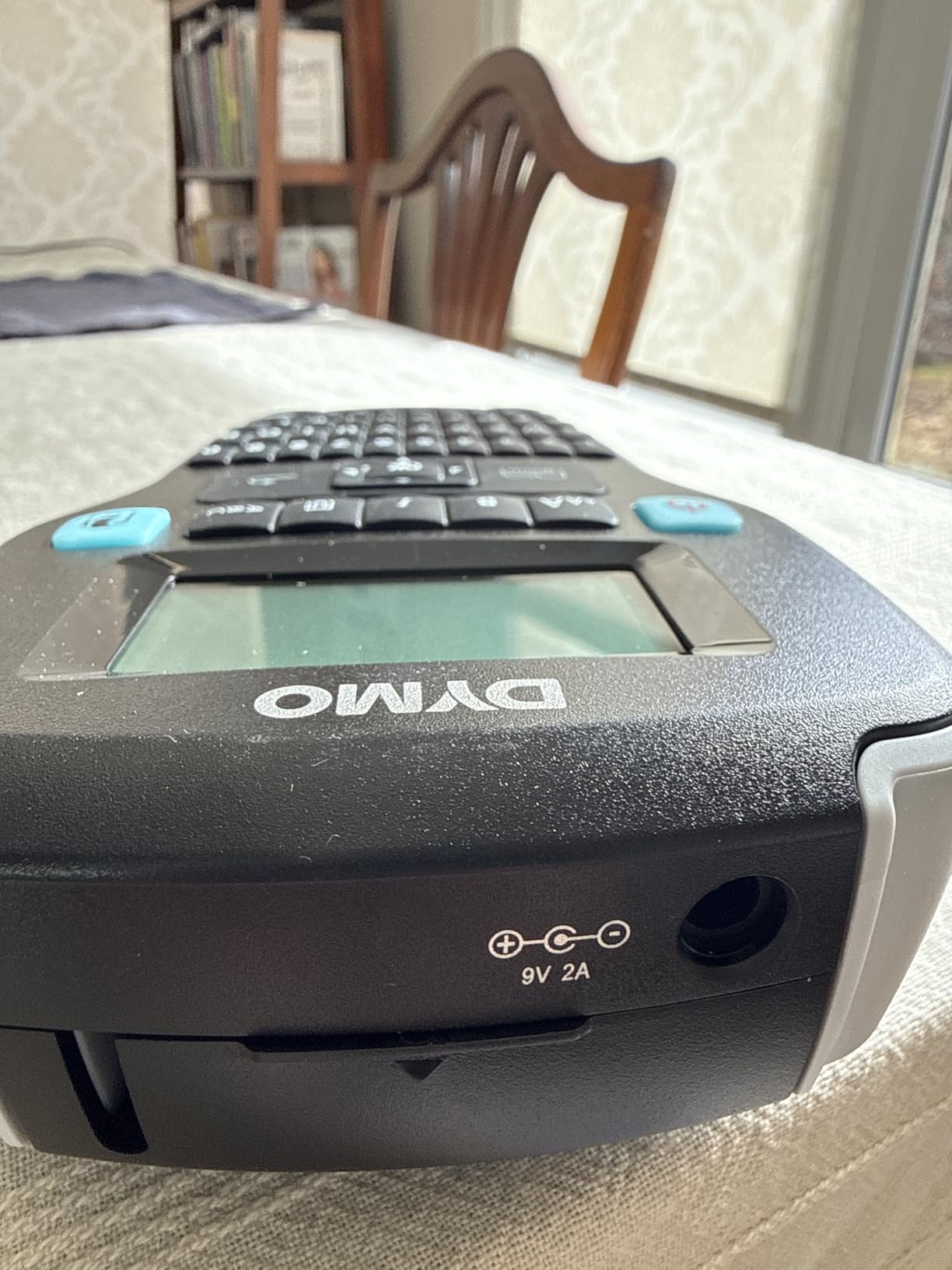
The bundle is generous for a starter unit: three 12mm by 23ft D1 cassettes in black on white, plus two DYMO label sheets. Genuine DYMO Label Tapes are the intended media and are available in quarter inch, three-eighth inch and half inch widths, so consumables are easy to reorder.
It holds a 4.4 star average across more than 4,000 reviews, with the keyboard and formatting options doing most of the work in the ratings.
Best fit for styled text labels on a budget
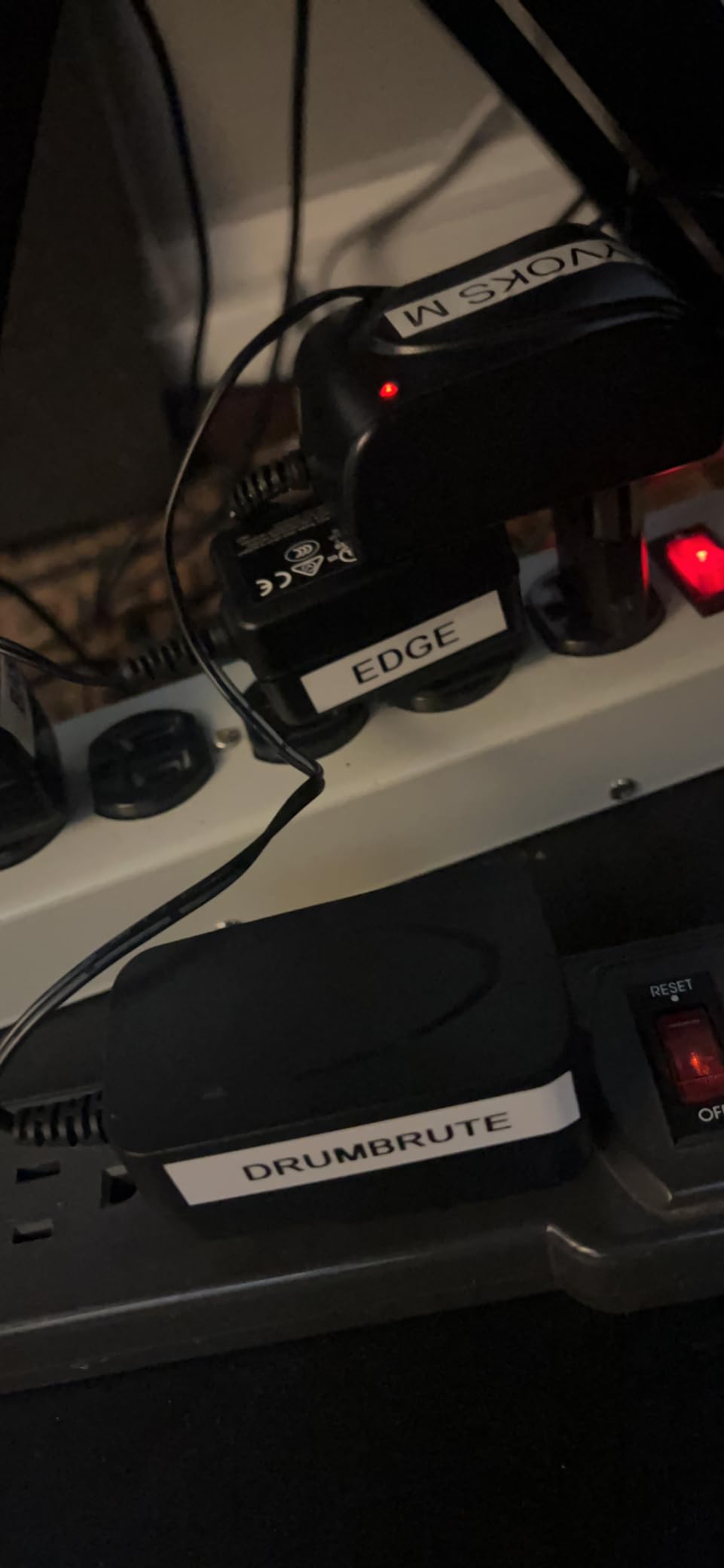
A retail counter, a craft studio or a home business packaging station that mainly needs readable, well-laid-out text labels will be happy here. The one year manufacturer limited warranty is standard for the category, and the bundle gives you enough tape to see whether you actually like the workflow before committing to consumables.
For anyone who also needs to scan documents alongside labels, our small business receipt scanner picks cover that side of a counter workflow.
Where it will frustrate you
There is no Bluetooth and no wireless printing; everything is typed on the device. That is the point for some people and a hard stop for others, because you cannot import a product list from a spreadsheet or design a label in an app and send it over.
The D1 cassette format is proprietary to DYMO, so you are locked into one consumable brand, and the unit is simply not designed for 4×6 shipping labels. If you need shipping plus tags, budget for a second machine.
10. MUNBYN ITPP130B – Best for Design Templates
MUNBYN Bluetooth Thermal Label Printer, Wireless 4×6 Shipping Label Printer
203 dpi
Labels 1.57-4.3 inch wide
MUNBYN Print app plus Chrome editor
2.3 lb with two year warranty
Pros
- 203 dpi output for shipping
- pricing
- QR and barcode labels
- Three step connect
- design and print with no desktop software install
- Library of 2000+ templates
- 3500+ elements and 80+ fonts
- Supports specialty multicolor gradient and rainbow label series
Cons
- May not work with UPS thermal paper and MUNBYN labels are recommended
- Desktop Bluetooth printing requires Google Chrome
- Black and white thermal output only
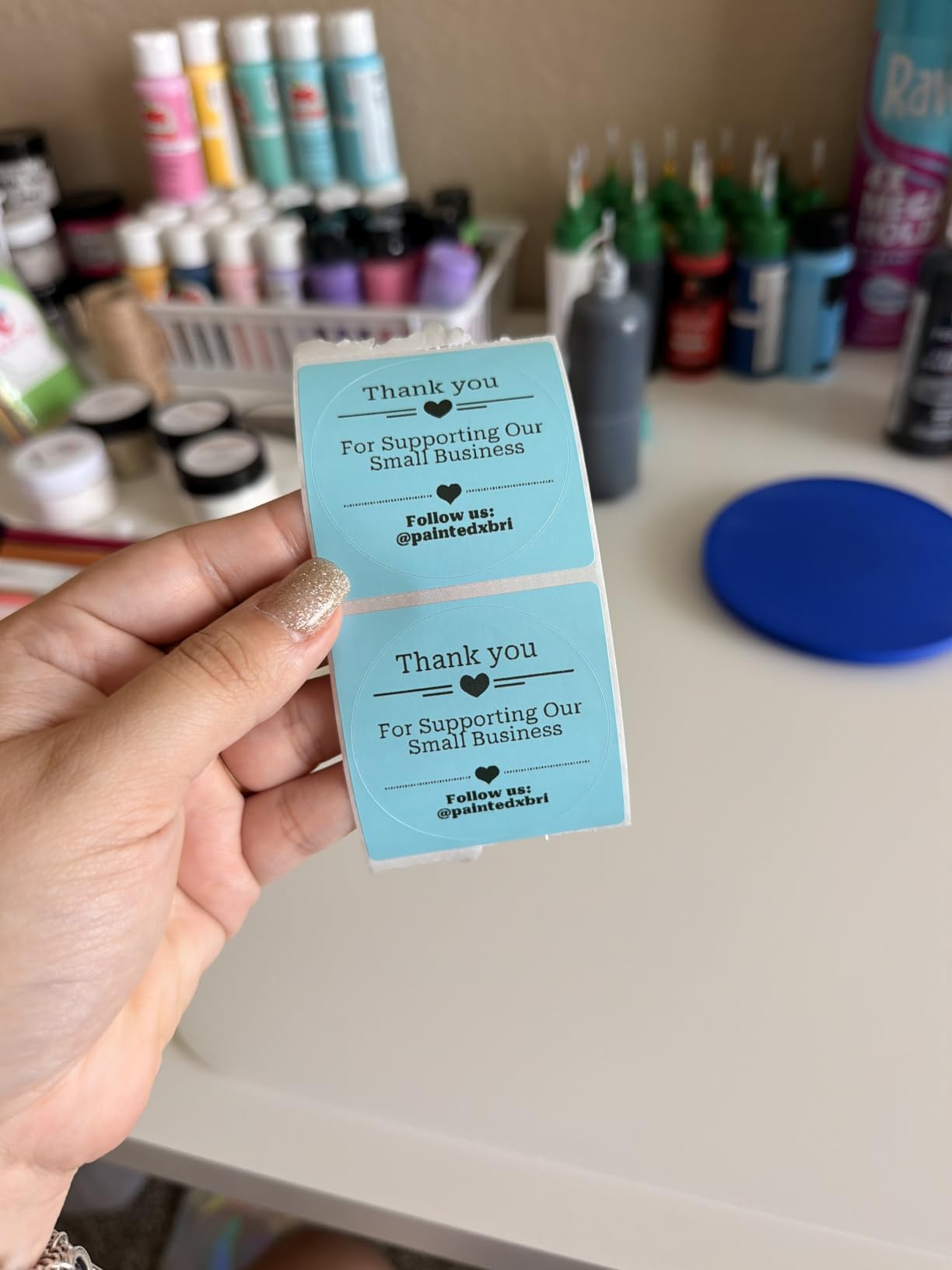
The MUNBYN ITPP130B is the pick when label design matters as much as label speed. The MUNBYN Print app for phones plus a Chrome-based Munbyn Editor on desktop give you a library of 3,500+ elements, 2,000+ templates and 80+ fonts, with PDF and TXT import and OCR built in.
That library is genuinely different from the competition. It supports specialty label series including multicolor gradient, rainbow and morandi stock, so a small business can produce branded packaging labels rather than plain white rectangles, and 203 dpi output handles shipping, pricing, QR and barcode labels from 1.57 to 4.3 inches wide.
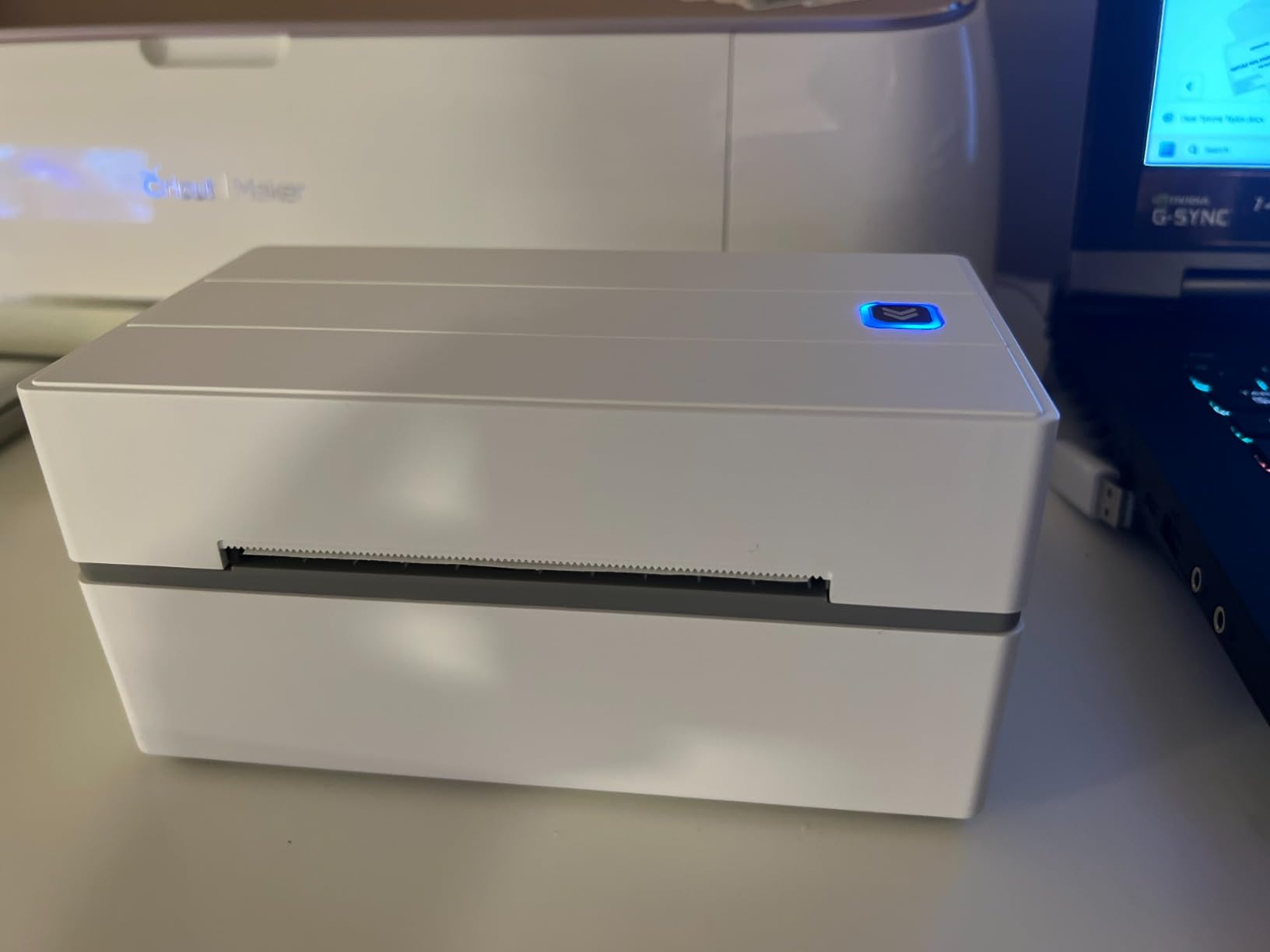
Setup is three steps: connect, design, print, with no desktop software installation. At 2.3 pounds and 8 by 6.88 by 4.72 inches it is a portable-feeling unit that still handles 4×6 media, and it comes with a two year manufacturer warranty, the joint longest here alongside the KNAON.
It lists compatibility with the major shipping platforms and marketplaces, so the software side is the least likely to be your bottleneck.
Best fit for branded product and packaging labels
Shops that want their own design language on stock, delis, bakeries and candle makers will get more out of the template library than out of raw print speed. The specialty label series is the reason to pick it over an otherwise similar 4×6 unit.
The Chrome-based desktop editor also keeps the workflow browser-based, which means no installer to maintain across several packing stations.
Where it will frustrate you
UPS thermal paper compatibility is the documented caveat: the printer may not work with it, and MUNBYN branded labels are recommended. If UPS labels are a core part of your carrier mix, test a roll before you commit.
Desktop Bluetooth printing requires Google Chrome rather than a native app, which is fine on a managed laptop and awkward everywhere else, and the output is black and white only regardless of the color label stock.
11. KNAON Y813BT – Best for Tight Desk Spaces
KNAON Bluetooth Thermal Shipping Label Printer, 4×6 Portable Thermal Address Label Printer for Small Business, Compatible with iPhone,Android,Windows,Mac–Works with Etsy Shopify USPS&More, White
203 dpi
Up to 180 mm/s
Paper widths 1.5-4.2 inch
2.8 lb with two year warranty
Pros
- Prints quickly with sharp
- smudge-free 4x6 labels that scan at the post office
- Compact 7.17 by 3.9 by 3.43 inch footprint stores anywhere
- Buyers report working within five minutes of setup
- Library of 3000+ templates
- 5000+ icons and 100+ fonts
Cons
- Windows 11 native driver support is unreliable
- Bluetooth pairing can be lost after sleep or restart
- Only one device can stay connected at a time
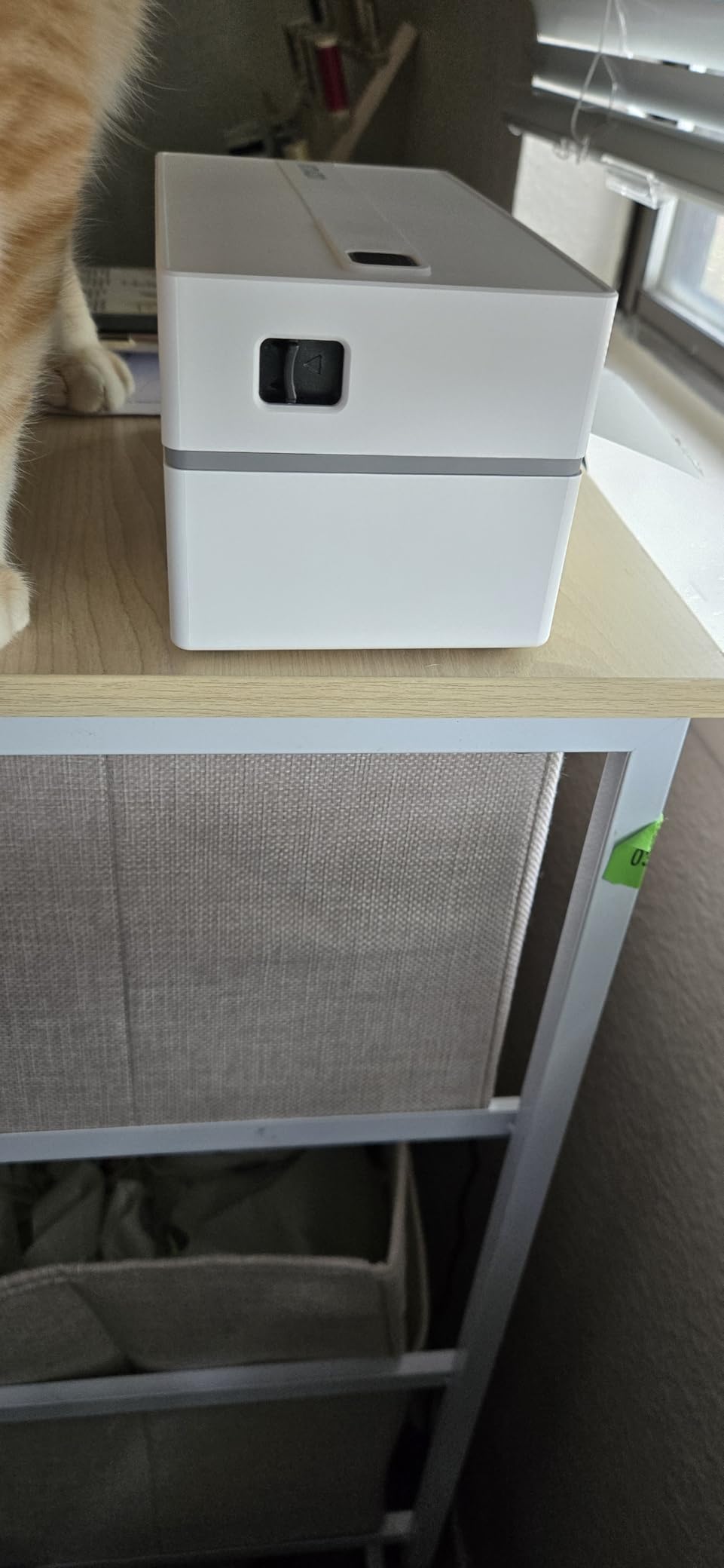
The KNAON Y813BT is the 4×6 printer to consider if desk space is the constraint. Its footprint of 7.17 by 3.9 by 3.43 inches stores anywhere, yet it prints up to 180 mm/s on paper widths from 1.5 to 4.2 inches and outputs 203 dpi labels sharp and smudge-free enough to scan first time at the post office counter.
Setup speed is the other draw. Multiple buyers report a working printer within five minutes, helped by the built-in USB drive carrying drivers and tutorial videos, and the FlashLabel Pro app covering iOS, Android, Windows and macOS with 3,000+ templates, 5,000+ icons and 100+ fonts. It ranks number 2 in Desktop Label Printers.
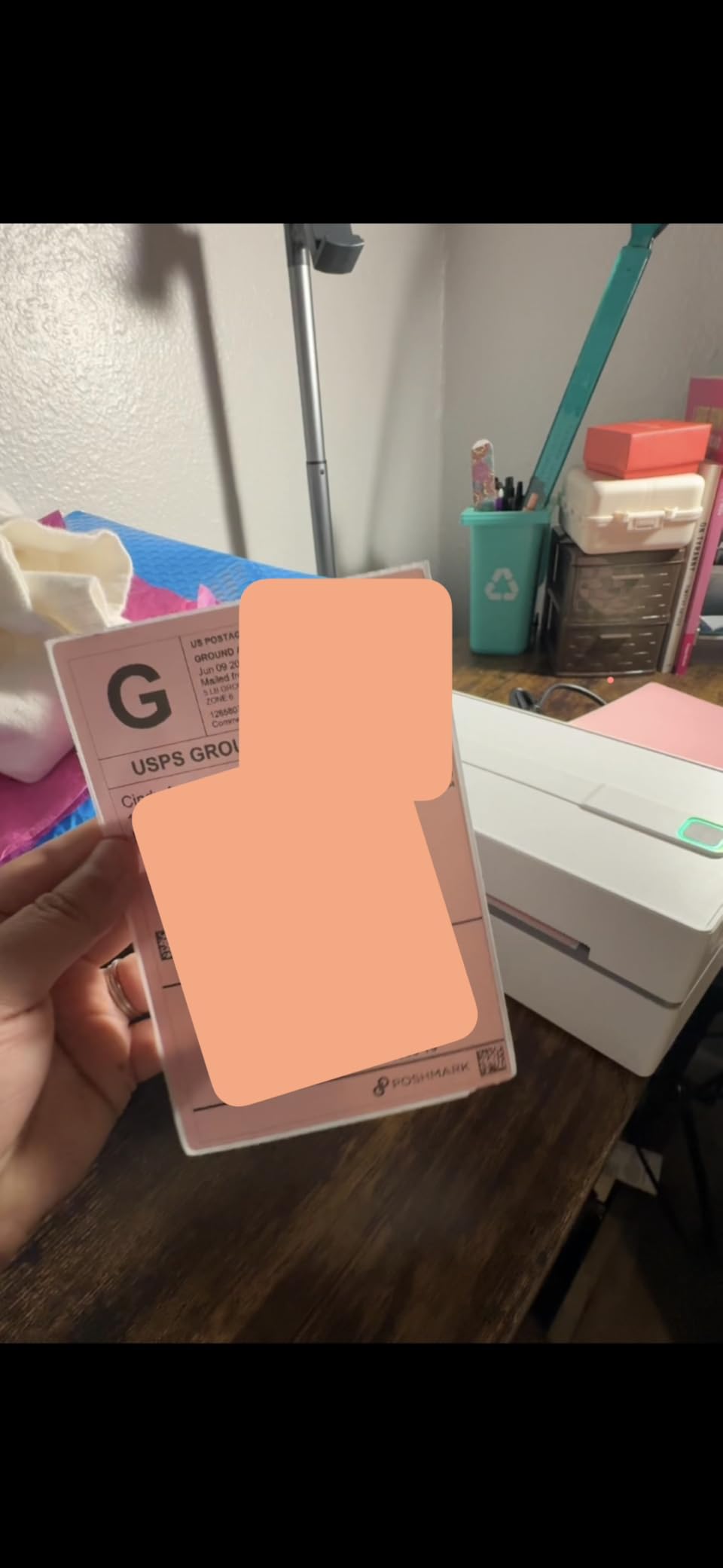
Compatibility is wide for a machine at this tier: Amazon, eBay, Shopify, USPS, UPS, Etsy, PayPal, Poshmark and DHL are all listed, and ten test labels are included. The two year manufacturer warranty is longer than most competitors offer.
Most reviews are five star, which is worth reading carefully because this category’s problems cluster in specific models rather than spreading evenly.
Best fit for a shared or small workspace
A home office, a market stall office or a shop counter with limited bench room gets a full 4×6 thermal printer out of a very small volume of desk space. The library size means a first-time owner can produce a branded label without outside design help.
It is also a reasonable second unit for a shop that needs 4×6 labels in two places, since it pairs from a phone as well as a computer.
Where it will frustrate you
Windows 11 native driver support is unreliable, and you may need a third-party driver download. Bluetooth pairing can be lost after sleep or restart, which on a Windows 11 laptop is an irritation several reviewers document in detail.
Only one device can stay connected at a time, and since there is no color output and app image rotation only works on PDFs, treat it as a functional black-and-white workhorse rather than a design tool.
12. NULLTONEX Y813 – Best for Quiet, Fast Printing
Thermal Shipping Label Printer 4×6 Bluetooth Label Maker for Small Business
203 x 203 dpi
150mm/s, 72 labels per minute
Bluetooth and USB
Labels 1.57-4.3 inch wide
Pros
- Very fast printing that users describe as nearly instantaneous
- Quiet operation in a compact desk-friendly design
- Black and white thermal output with no ink or toner cost
- FlashLabel Pro works reliably on Android and iOS
- Built-in print head overheat protection for long runs
Cons
- Bluetooth connection to a phone can drop and need reconnection
- Some users report feeding several blank labels behind each printed one
- Phone printing takes extra steps compared with the laptop workflow
The NULLTONEX Y813 is a straightforward 4×6 machine that gets the fundamentals right: 203 by 203 dpi at up to 150mm/s, which works out to 72 labels per minute, label widths from 1.57 to 4.3 inches, and Bluetooth plus USB connectivity. The FlashLabel Pro app carries 1,800+ templates and 300+ fonts and works offline, which matters more in a stockroom with poor signal than you would expect.
It is quiet, and for a shared office or a front counter that is a genuine quality-of-life difference. Built-in print head overheat protection is designed for long runs, and 25 sheets of 4×6 labels are included so you can test with real stock before committing to an order.
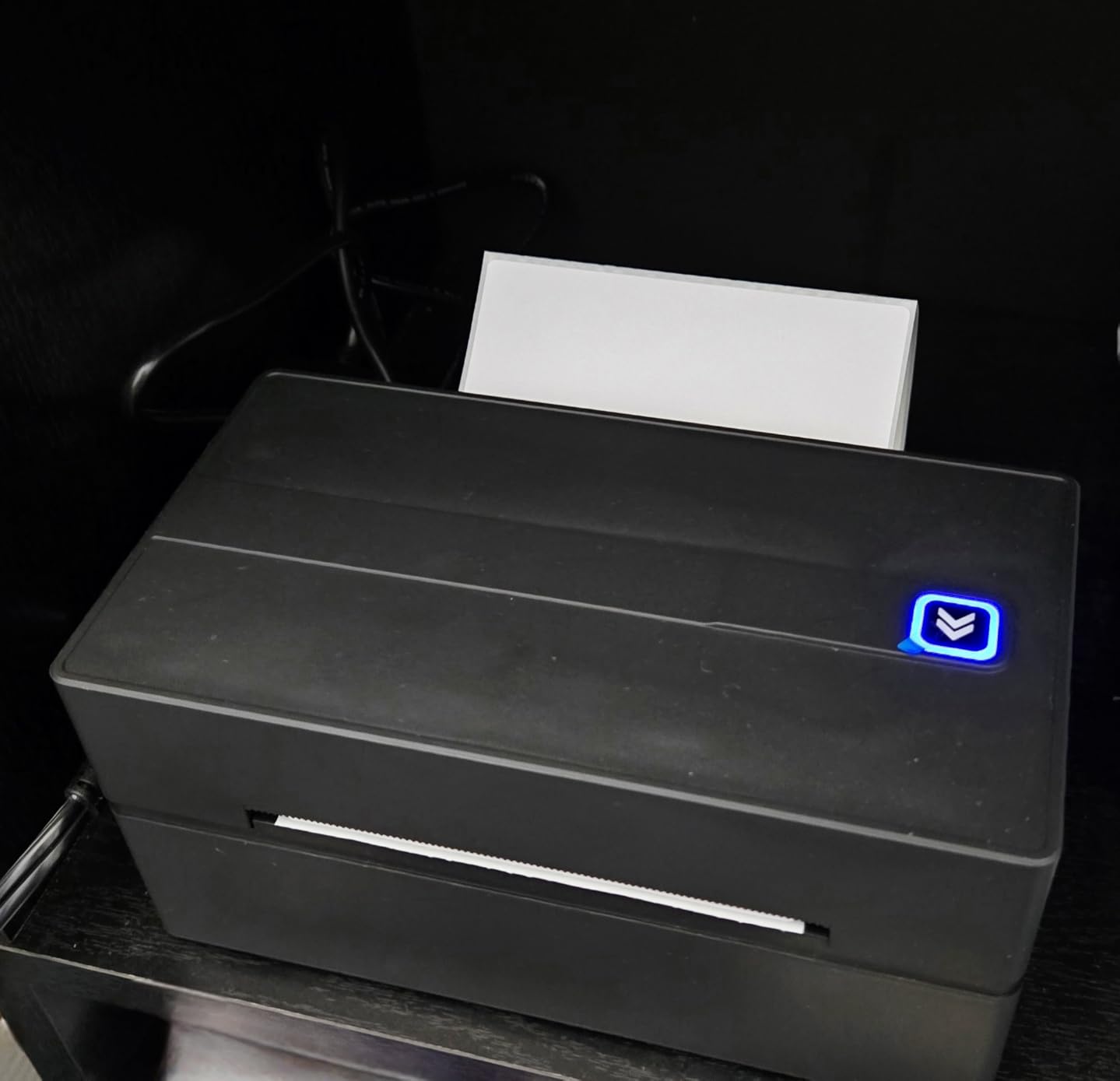
Compatibility covers Amazon, Shopify, Etsy, USPS, UPS, FedEx and DHL, and reviewers note the matte finish and quick support responses on label feeding issues. It holds a 4.4 star average across just under 2,000 reviews, the smallest review pool in this roundup, so treat the rating with a little more caution than the ten-thousand-review units above.
Support responds quickly to questions, which matters if your business depends on one machine and something goes wrong mid-week.
Best fit for a shop printing all day in a quiet space
If you run a retail counter or back office where printer noise is noticeable and you print through most of the day, the speed and quiet combination here is useful. Offline app capability also keeps label design working when the internet does not.
At 3 pounds and 8.08 by 4.73 by 6.9 inches it is a full-size desktop unit, so give it a proper spot rather than a shelf.
Where it will frustrate you
Bluetooth to a phone can drop and need reconnection, and printing from a phone takes extra steps compared with the laptop workflow, so set up on the computer and treat the wireless path as backup.
Some users report several blank labels feeding behind each printed one, which wastes media and time on a busy batch. Output is black and white only, and the limited warranty is thinner than the two year coverage offered by the KNAON and MUNBYN.
How to Choose a Thermal Label Maker for Small Business
Every machine above is a direct thermal printer. That single design decision settles most of the buying question, so start there and work down through the factors that actually change your day-to-day experience.
Direct thermal or thermal transfer: which one you actually need
A direct thermal printer burns text into a chemically coated label with a heated print head. There is no ink, no toner and no ribbon, so the running cost is the label stock itself and nothing else. That simplicity is why every unit in this roundup is direct thermal.
A thermal transfer printer instead melts a wax or resin ribbon onto the label, which costs more to buy and takes longer to run but produces output that resists heat, moisture, sunlight and abrasion. For a packing station printing shipping labels, direct thermal is the right call. For a bakery, garden center or anything that sits in a freezer or on a sunlit shelf, thermal transfer or a laminated tape labeler is the safer long-term choice.
USB, Bluetooth, Wi-Fi or Ethernet: matching the connection to your workflow
USB is the most reliable connection and the least flexible. If your computer never moves and the printer lives beside it, wired is the right answer, and it is why the Rollo X1038 is our top pick despite looking like the least modern option on the list.
Bluetooth suits a packing bench that shares one printer between a phone and a laptop, and it is the standard in this price range. Wi-Fi or Ethernet only appear on commercial and industrial machines, and they earn their keep when several devices across a warehouse need to print to one unit.
Check the operating system support before you commit, not after. Several machines here restrict Bluetooth on Mac to USB only, and the MUNBYN requires Chrome for desktop Bluetooth printing. Our thermal carafe comparison is a reminder that the word thermal covers more than one category, and the mechanism matters more than the label.
4×6 shipping labels or small product labels: match the media to the job
Four-by-six inch media is the shipping standard, and any printer that takes 1.5 inches of width or more will handle it. The entire first six picks in this roundup are 4×6 shipping printers. If your labels are smaller, you are shopping in a different category, and the media width ceiling is the number to check first.
Under 2 inches wide: the SUPVAN T50M Pro, which prints 0.75 to 2 inch labels with a free app editor. At 15mm: the SUPVAN E11, the Phomemo M110 at 20 to 50mm, and the Brother PT-M95 and DYMO LabelManager 160 at 12mm cassettes. Buying a 4×6 machine for product tags wastes money; buying a tagger for parcels wastes a return.
203 dpi vs 300 dpi: when the resolution upgrade pays for itself
203 dpi is the industry default and is more than enough for shipping barcodes, addresses and price tags. Barcodes need roughly 150 dpi minimum to scan reliably, so 203 dpi leaves a real margin.
Higher resolution matters when labels carry dense small text, ingredient lists, nutrition panels or fine graphics. The DYMO LabelManager 160 lists 300 by 300 dpi output, which is the right instinct for text-heavy tags, though the gain matters more in print quality than in any measured speed difference.
Cost per label and total cost of ownership
This is where the sticker price stops being the story. A generic fanfold 4×6 label from an open supplier costs a couple of cents. A printer-brand version of the same label typically costs roughly double. Proprietary cartridge formats such as DYMO D1 tapes sit several times higher again, and they also remove your ability to buy in bulk from anywhere else.
Do the math on your own volume. At 20 labels a day you are looking at roughly 7,300 labels a year. At 50 a day it is closer to 18,000. Multiply by the per-label cost difference and the printer choice becomes a rounding error next to the media decision, which is the argument for buying any of the open-standard direct thermal machines in this list and keeping your own supply of labels.
The reverse logic applies to the handhelds. A tape-based label maker is only cheap if you buy the right cartridge, and a narrow 15mm tape costs more per meter than a wide 4×6 label. Know your format before you compare cartridge prices.
Shopify, Etsy, Amazon, Square and POS compatibility
Almost every unit here lists the major marketplaces and carriers: Amazon, eBay, Shopify, Etsy, USPS, UPS, FedEx, DHL, ShipStation and PayPal. That listing is necessary but not sufficient, because the real question is whether your specific platform can send a label to your specific setup.
Shopify, Etsy, eBay, Amazon Seller Central and ShipStation all generate standard 4×6 thermal labels, so any of the 4×6 printers here will work with them. Square and other point-of-sale systems usually require you to print custom product or shelf labels rather than shipping labels, which points you toward the taggers and toward app-based editors. Check the platform’s supported printer list before you buy, and buy from a first-party listing so returns and support run through the brand rather than a reseller.
Bluetooth pairing fixes for the most common failures
Pairing is the most consistent complaint in this category, and almost all of it is fixable. First, forget the printer on your phone and in your Bluetooth settings, then power cycle both devices before pairing again. A stale pairing is the most common cause of a printer that connects but never prints.
Second, if the printer will not pair from a desktop, print from the phone app instead, which is the standard workaround on the JADENS and works on most of the budget tier. Third, if a Mac is involved, check whether Bluetooth is supported at all on that model, because on some units Mac is USB only by design. Fourth, disable USB selective suspend in your power settings if the connection dies after sleep, and keep the printer powered rather than switching it off between batches.
If none of that works, fall back to USB. Every machine in this roundup that lists Bluetooth also lists USB, so a cable is your safety net, and it is a good reason to keep one near the packing station.
Print head care, calibration and label storage
Thermal print heads have a rated life measured in kilometres of printed label, and most failures come from dust, adhesive residue and heat. Wipe the head with isopropyl alcohol on a lint-free swab every few hundred rolls, and never use a sharp object to lift debris.
If output fades along one edge, run the auto media detection or self-test rather than turning up darkness blindly, since an over-dark setting is the usual cause of a print head that dies early. Store label rolls flat, out of direct sunlight and away from heat, and roll them rather than folding them, because creases cause jams long before the stock fades.
How many labels a day your business actually needs
Under 20 labels a day, a wired desktop unit is enough and a handheld is a sensible second machine for tags. Between 20 and 100, a wireless 4×6 printer pays for itself quickly, and portability becomes worth considering if you sell away from a desk. At 100 or more, prioritize print speed, media capacity and auto features over wireless convenience.
There is also a case for not buying yet. If you ship a handful of parcels a week, the label fee your platform charges is cheaper than a machine plus a year of media, and the honest advice is to revisit when the volume justifies it.
Frequently Asked Questions
Is Munbyn or Phomemo better?
It depends on the job. MUNBYN is the stronger choice for branded design work, with 3,500+ elements, 2,000+ templates and specialty label series, though desktop Bluetooth printing runs through Chrome. Phomemo is stronger for speed and mixed phone and computer workflows, with the 241BT printing up to 72 four-by-six labels per minute over both Bluetooth and USB. Choose MUNBYN if label design is your priority, and Phomemo if throughput and device flexibility matter more.
What is the best label printing machine for a small business?
For a shop that prints shipping labels all day next to a computer, the Rollo X1038 is the best overall pick, printing a 4×6 label per second at 203 DPI over USB. If you need wireless, the JADENS JD268BT is the best value 4×6 option. If you mostly need product tags and QR codes rather than parcels, the SUPVAN T50M Pro handles 0.75 to 2 inch labels with a free app editor.
Is it worth buying a thermal label printer?
It is worth it once you are printing more than a few dozen labels a week, because a platform label fee and a print-your-own label differ by cents each. The maths matters: at 20 labels a day you buy roughly 7,300 labels a year, and saving several cents per label covers the printer and a year of media. Below that volume, the per-label platform fee is usually cheaper than owning a machine.
Which is better, Munbyn or Rollo?
Rollo is the better all-round shipping machine. The X1038 prints at 150mm/s with a one year warranty and the largest review base in this roundup at more than 16,000 reviews, and its wired design cannot lose a connection mid-batch. MUNBYN is the better design machine, with a much larger template and element library plus specialty label stock and a two year warranty, but it is browser-based on desktop and may not work with UPS thermal paper.
Do thermal label printers need ink?
No. A direct thermal printer uses a heated print head to darken a chemically coated label, so there is no ink, no toner and no ribbon to buy. The only consumable is the label itself. The exception is thermal transfer printing, where a wax or resin ribbon is melted onto the label for longer-lasting, weather-resistant output, and that adds a consumable cost per label.
Can I use any brand of labels with my thermal printer?
Usually, yes. All of the open-standard 4×6 printers in this roundup take standard fanfold or roll media within their stated width range, so you can buy labels from any supplier at generic prices. The exceptions are the tape-based handhelds: the DYMO LabelManager 160 uses proprietary D1 cassettes. The MUNBYN also carries a caveat that it may not work with UPS thermal paper and recommends its own label series.
Why does my Bluetooth thermal printer keep disconnecting?
Almost always a stale pairing, a sleep timer or a device limitation. Forget the printer in your Bluetooth settings on every device, power cycle both ends, then pair again. If the desktop will not pair, print from the phone app instead, which is the standard workaround. On Mac, check the model first because some printers are USB only by design. On Windows, disabling USB selective suspend in the power settings stops drops after sleep.
Should I buy a USB or Bluetooth thermal label printer?
Buy USB if your computer and printer share a bench, because a wired connection cannot drop mid-batch and needs no pairing. Buy Bluetooth if the printer is shared between a phone and a laptop, or if you want to print from a phone at a counter, accepting that desktop pairing is less reliable on some models. Whichever you choose, keep a USB cable nearby, since every wireless printer here also supports wired printing as a fallback.
The Best Thermal Label Maker for Your Business
After working through twelve machines, the honest answer is that the best thermal label maker for small business is the one whose media width matches your labels and whose connection matches your bench. For most shops printing parcels every day, the Rollo X1038 remains the pick we would buy, because a wired machine that cannot lose its connection is worth more than wireless convenience at a packing station.
If you need wireless, start with the JADENS JD268BT for value or the Phomemo 241BT for speed across phone and computer. If your work happens away from a desk, the Phomemo M110 is the one to pack. If your labels are product tags rather than parcels, the SUPVAN E11 and SUPVAN T50M Pro do that job for a fraction of the money, and the DYMO LabelManager 160 covers styled text labels if you prefer typing on a device screen.
Whatever you pick, buy open-standard media and keep your own supply of labels, because over a year the consumables decide the real cost. If you are still deciding how many labels a day you actually print, the volume tiers above will make the answer in about a minute.