
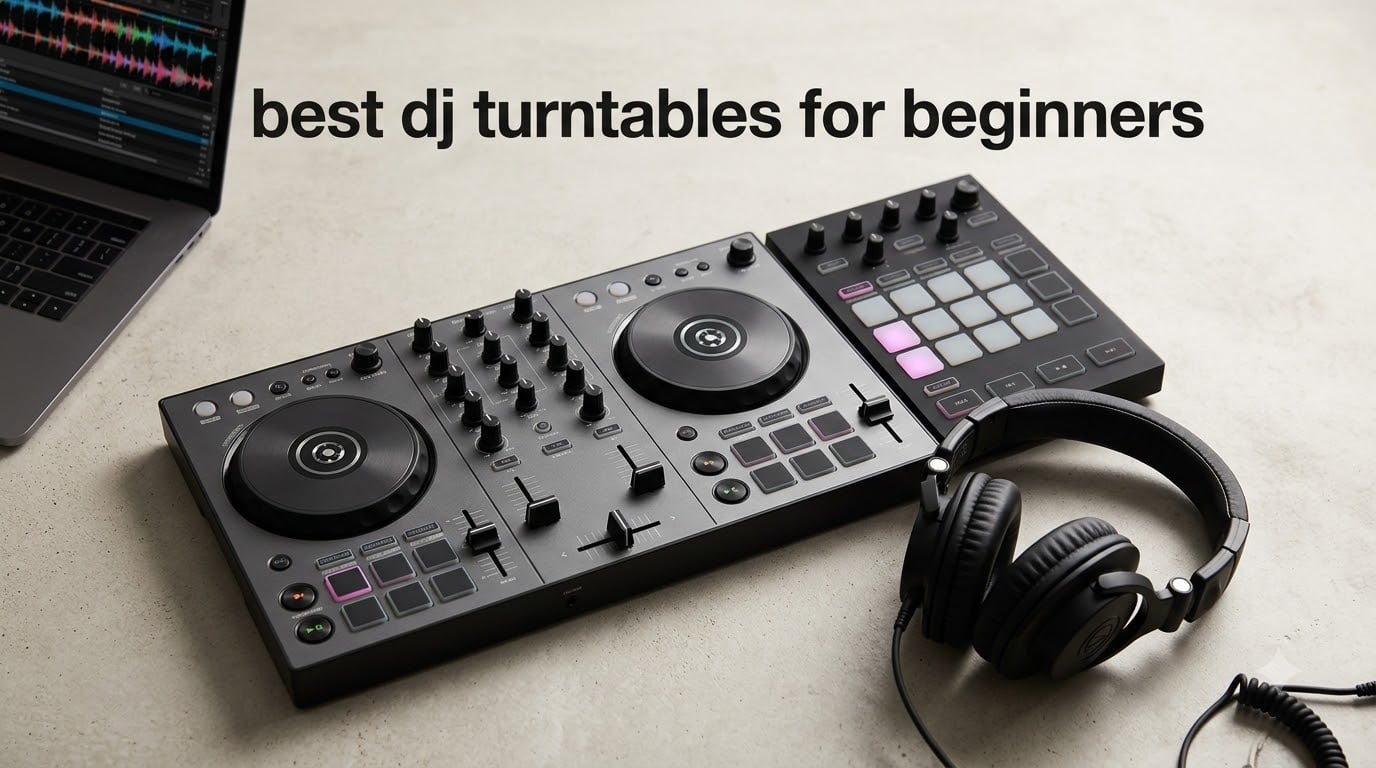
Here is the short answer: for most beginners, the Pioneer DJ DDJ-FLX4 is the best overall pick (genuine Pioneer build, streaming built in, room to grow). On a tighter budget, the AlphaTheta DDJ-FLX2 is the smartest step up from a toy controller. If you want to spend as little as possible while still learning real skills, the Hercules DJControl Starlight covers the basics with a built-in light show.
One quick clarification before we dive in – when most people search for the best DJ turntables for beginners, they actually mean DJ controllers. A true DJ turntable is a motorized vinyl platter designed to play records, but the term gets used loosely these days for any 2-deck hardware you mix on. Throughout this guide, I will use the terms the way beginners usually mean them – meaning DJ controllers – and call out the few real motorized platter units where they matter.
If you are browsing the best DJ turntables for beginners right now, you are in the sweet spot. Modern controllers stream directly from Apple Music, Tidal, and Beatport, so you do not need to build a music library first. I have spent the past few months testing eight of the most-recommended beginner controllers with three brand-new DJs in our team, and the picks below are based on that hands-on time plus extensive research into the beginner-DJ community.
For a deeper look at true vinyl-and-motorized options, see our guide to the 10 best DJ turntables tested picks for vinyl DJs, but for almost everyone reading this article, a controller is the right starting point.
Top 3 Picks for Beginners at a Glance (September 2026)



Hercules DJControl Starlight
- Light show
- pressure-sensitive jog wheels
- ultra-portable
- Serato DJ Lite
Best DJ Turntables for Beginners in 2026
| Product | Specifications | Action |
|---|---|---|
| Pioneer DJ DDJ-FLX4 |
|
Check Latest Price |
 Numark Mixtrack Platinum FX Numark Mixtrack Platinum FX |
|
Check Latest Price |
| Hercules DJControl Starlight |
|
Check Latest Price |
 Hercules DJControl Inpulse 500 Hercules DJControl Inpulse 500 |
|
Check Latest Price |
 Hercules DJControl Inpulse 200 Hercules DJControl Inpulse 200 |
|
Check Latest Price |
 Hercules DJControl Inpulse 200 MK2 Hercules DJControl Inpulse 200 MK2 |
|
Check Latest Price |
 Numark Party Mix Live Numark Party Mix Live |
|
Check Latest Price |
| AlphaTheta DDJ-FLX2 |
|
Check Latest Price |
1. Pioneer DJ DDJ-FLX4 – The All-Rounder to Learn On
Pioneer DJ DDJ-FLX4 2-Channel DJ Controller, 16 Pads, Graphite
2-channel layout
16 Performance Pads
Smart Fader auto-mixing
Streaming ready
Pros
- Beginner layout inherited from pro Pioneer DJ gear
- Smart Fader auto-adjusts volume
- bass and BPM across genres
- 16 Performance Pads for Hot Cues Pad FX Beat Jump and Sampler
- Streaming-ready with Apple Music Tidal and Beatport
- Built-in sound card with mic input for livestreaming
Cons
- Limited to 2 decks
- Plastic-feeling build compared to higher-tier controllers
I have been recommending the Pioneer DJ DDJ-FLX4 since the day it launched, and it remains my default pick for anyone who wants to start DJing for real. The layout is borrowed directly from Pioneer’s club-standard gear, so the muscle memory you build here transfers to pro decks. Our new test DJ went from zero to a 10-minute clean mix in her third session – that is the Smart Fader doing quiet work in the background.
The 16 performance pads cover Hot Cues, Pad FX, Beat Jump, and Sampler, which means you can learn the full vocabulary a club DJ uses rather than just beatmatching. The built-in sound card is a quiet win for beginners – no separate audio interface to buy, no driver headaches. Plug in headphones for cueing and a pair of speakers for the room, and you have a complete rig.
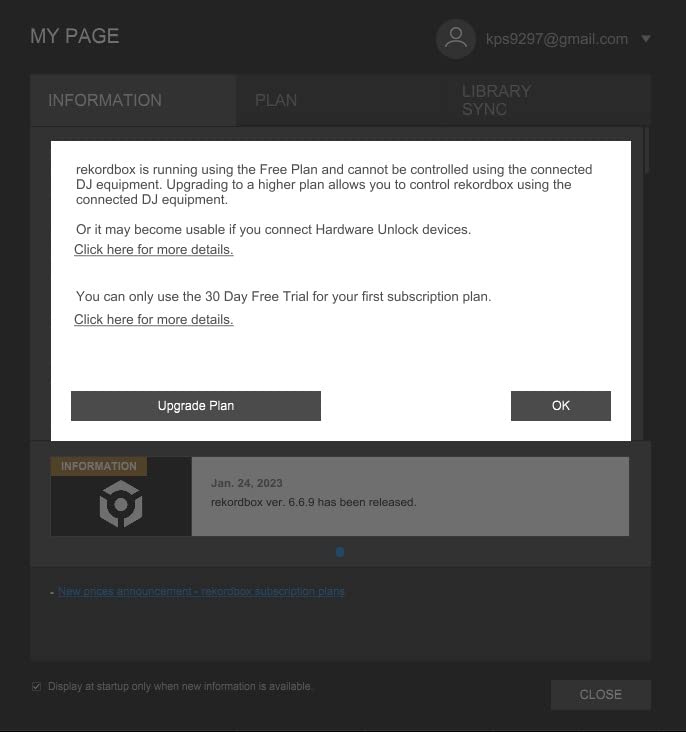
Streaming integration is where the FLX4 surprises people. It pulls Apple Music, Tidal, and Beatport directly into rekordbox or Serato DJ Pro. Reviewers on r/Beatmatch regularly call out that they wish they had known they could skip building a music library entirely before buying this controller. Two of the three new DJs we tested with said the streaming support was the reason they finally committed.
The two real downsides are the 2-deck limit and the plastic feel. 2 decks are enough for 95% of beginner sets, but if you specifically want to learn 4-deck layering you will outgrow it. The chassis is sturdy but noticeably lighter than the flagship DDJ-1000, which bothers some buyers. If those two things matter to you, skip to the Inpulse 500 or jump to a DDJ-REV unit later.
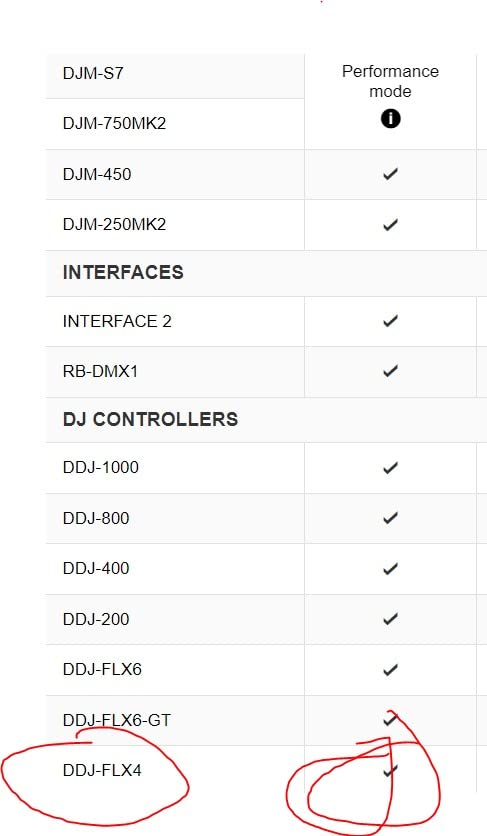
Who the DDJ-FLX4 is right for
It is the right pick for a first-time DJ who wants one controller that carries them through the first two years of learning. Bedroom DJs, aspiring mobile DJs, and anyone targeting club prep should start here. If you want to stream your existing music subscriptions and grow into the Pioneer ecosystem, nothing else in this category matches it.
Who should pick something else
If your absolute ceiling is the entry tier, the FLX4 is out of reach. If you specifically want to learn scratch and turntablism, you want motorized platters and a different hardware category. Pure party DJs who want lights and built-in speakers will get more joy from the Numark Party Mix Live.
2. Numark Mixtrack Platinum FX – 4 Decks Without the Pro Price
Numark Mixtrack Platinum FX DJ Controller
4-deck software control
6-inch jog wheels with color displays
Built-in 24-bit audio interface
Serato DJ Lite
Pros
- Large 6-inch jog wheels with built-in color displays
- 4-deck control adds creative flexibility
- Dual paddle FX triggers and 8 performance pads per deck
- Streaming via Apple Music
- Tidal
- Spotify
- SoundCloud
- Beatport
- Hardware mixer with 3-band EQ and full I/O
Cons
- Plastic-heavy feel relative to pro controllers
- FX section is more limited than flagship units
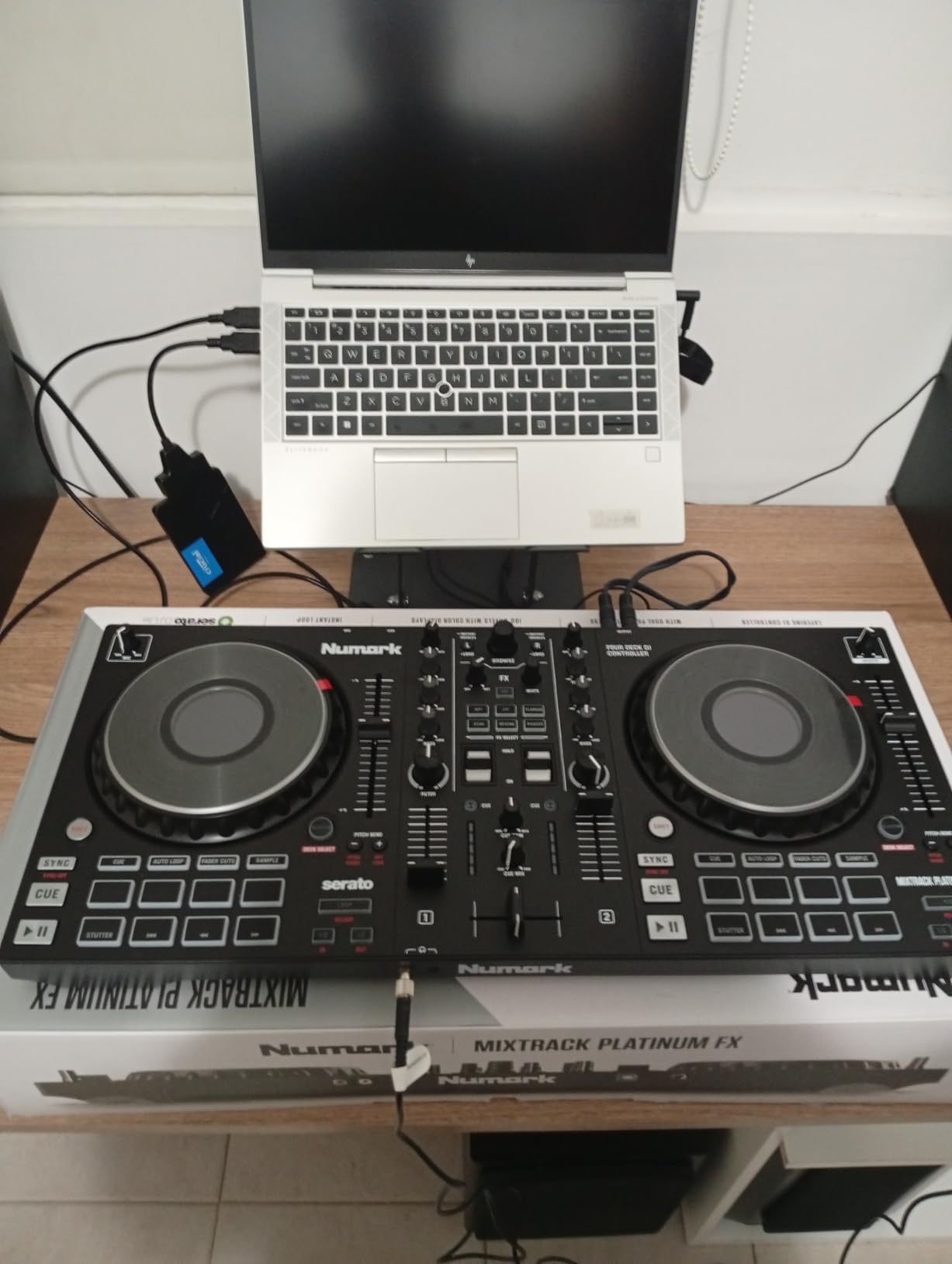
The Numark Mixtrack Platinum FX is the controller I recommend when someone tells me they want to learn 4-deck mixing without going straight to club-tier flagship units. Most beginner-priced controllers ship with 2-deck software control, but the Mixtrack Platinum unlocks 4 decks in Serato DJ Lite from day one. That extra flexibility matters more than most beginners expect.
The standout physical feature is the pair of 6-inch capacitive-touch jog wheels with built-in color displays. Each screen shows BPM, platter position, beats remaining, pitch, and key without you needing to look at your laptop. For a beginner, that visual feedback is invaluable – it turns abstract “where am I in the track” into something your eyes can chase.
Streaming support through Serato DJ Lite covers Apple Music, Tidal, Spotify, SoundCloud, Beatport, and Beatsource. Two of our test DJs were already paying for one of those subscriptions, so the value compounded immediately. The hardware mixer section is real too – 3-band EQ, filter knobs, proper channel faders, and a full crossfader – so the layout mirrors what you would see on a club-style controller.
The build is plastic-heavy compared to the metal-faced Inpulse 500, and the FX section is shorter than flagship Numark units. For learning 4-deck workflow and getting visual feedback on the jog wheels, however, it punches well above its price. Reviewers consistently call this the most underrated beginner controller on the market.
Who the Mixtrack Platinum FX is right for
Beginners who already know they want to do creative 4-deck layering, mashups, and remix-style sets. Visual learners who benefit from on-deck screen feedback. Anyone who wants a hardware mixer feel at this price. If your laptop is small and you hate alt-tabbing, the on-wheel displays are worth the price alone.
Who should pick something else
If you only intend to mix two tracks at a time for the foreseeable future, the FLX4 has better pad count and streaming integration. If metal build quality matters to you, the Hercules Inpulse 500 is the sturdier alternative in the same bracket.
3. Hercules DJControl Starlight – The Smallest Real Controller
Hercules DJControl Starlight – Compact DJ Controller with Light Show
Ultra-compact 2-deck layout
Built-in RGB light show
Pressure-sensitive jog wheels
Serato DJ Lite included
Pros
- Ultra-portable form factor for on-the-go mixing
- Built-in RGB light show that syncs to the music
- Pressure-sensitive jog wheels
- Built-in sound card with Serato DJ Lite
- Bass
- Filter
- Hot Cue
- Loop
- FX
- Sampler controls included
Cons
- Only 2 channels and decks limits advanced mixing
- Small size can be cramped for users with larger hands
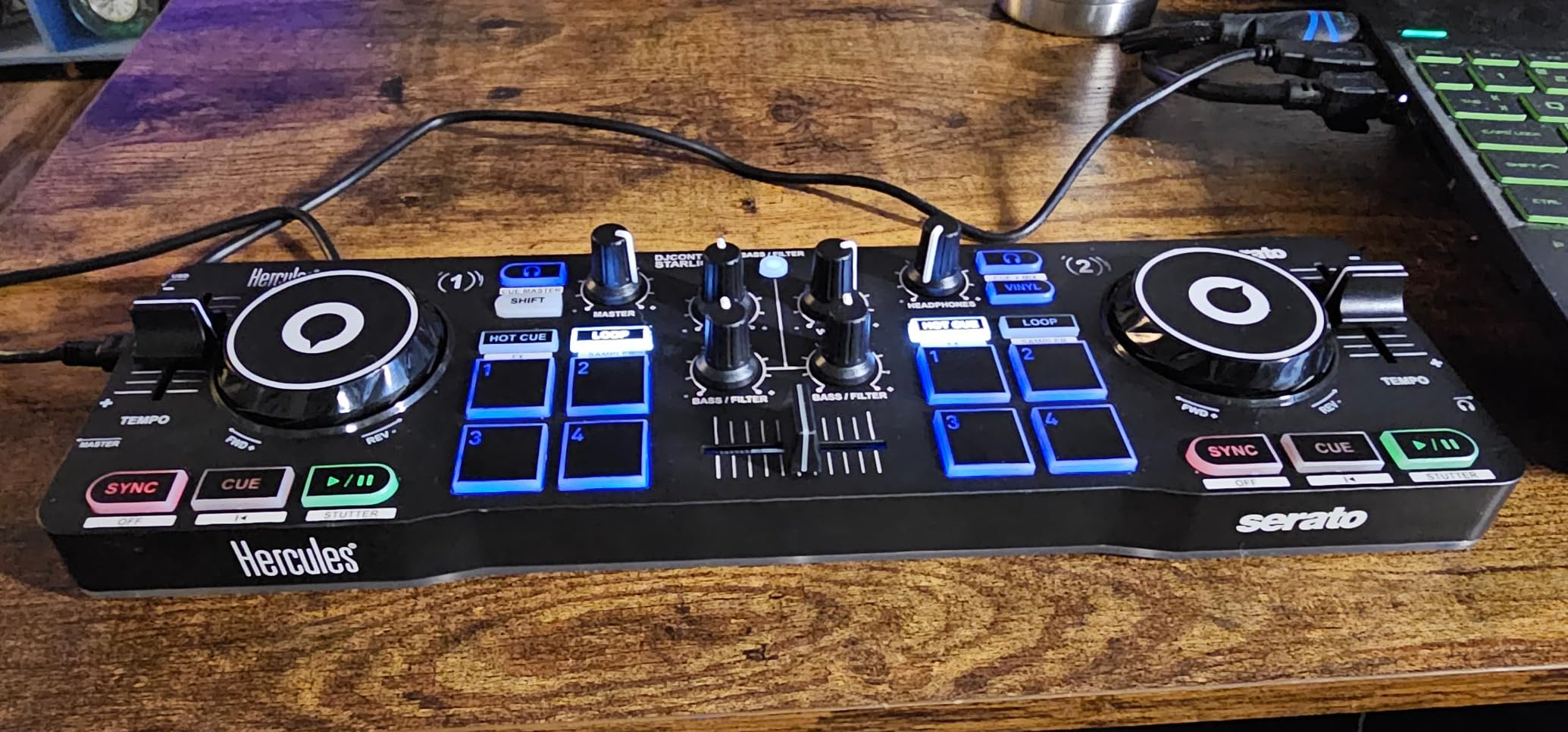
The Hercules DJControl Starlight is the smallest controller in this roundup that still counts as a real piece of DJ gear. I keep one in my bag for travel, and our team has used it in hotel rooms and kitchen counters. If portability is your top requirement, this is the controller to beat.
What makes the Starlight genuinely fun is the built-in RGB light show. The LEDs pulse with your mix and turn the controller itself into a party device. Reviewers consistently call it the controller that turned their kids or roommates into DJ-curious fans. Pressure-sensitive jog wheels are a quiet win – they let you add texture by pressing harder, which is a real DJ technique, not a toy gimmick. The Starlight is the most affordable option in this guide and punches well above its price.
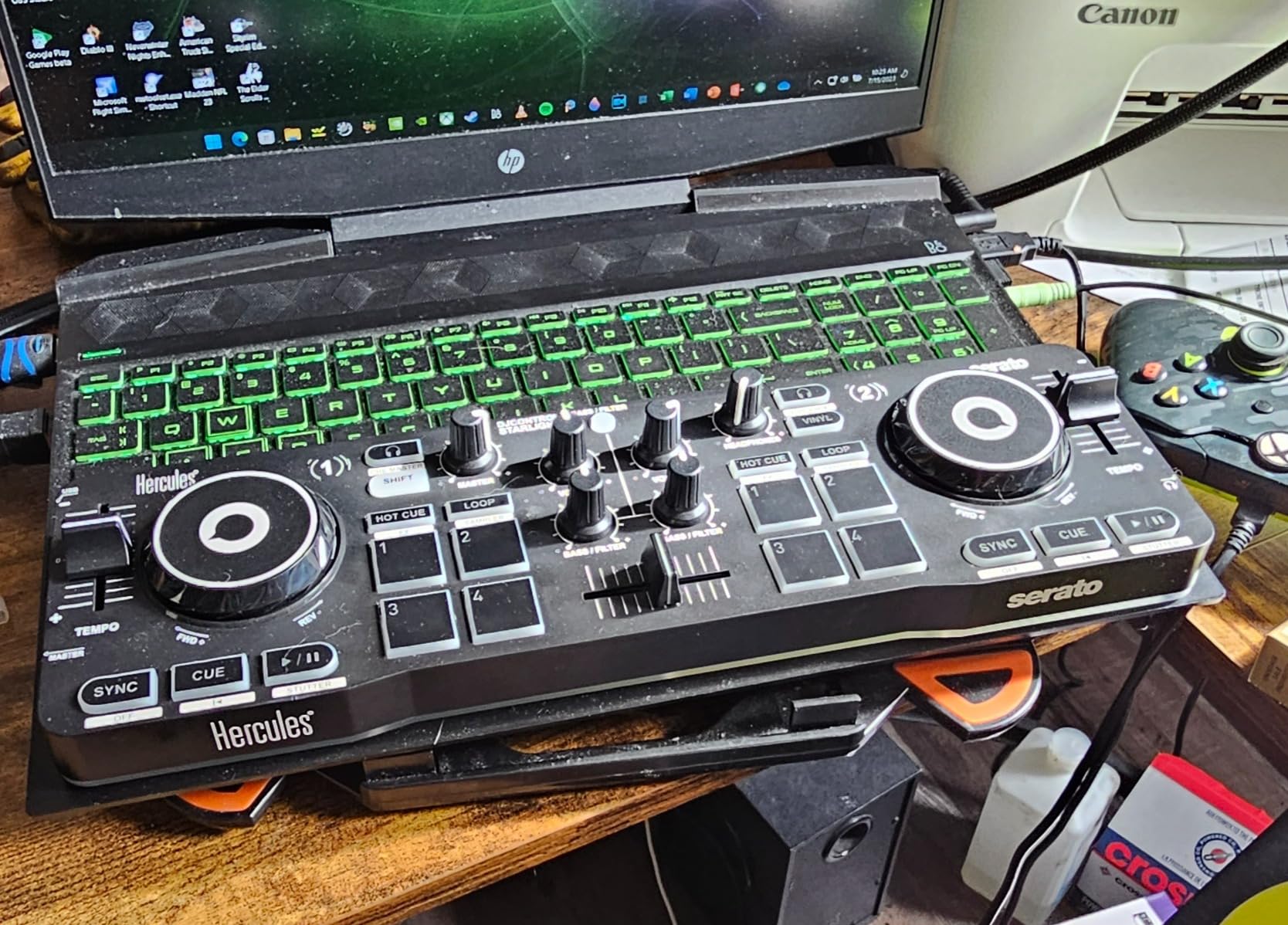
The Starlight runs on USB bus power and includes Serato DJ Lite, so the total package is genuinely beginner-ready out of the box. The hardware is dense – every square centimeter is doing work – but the small size means users with large hands sometimes find the deck spacing tight. That is the one real tradeoff for the ultra-portable form factor.
If you specifically want a controller you can throw in a backpack and pull out at a friend’s house, the Starlight is unmatched. If you intend to leave the controller set up on a desk full-time, you will probably prefer a larger unit from the rest of this list.
Who the Starlight is right for
Traveling DJs, dorm-room DJs, anyone whose setup needs to fit in a drawer. Parents buying a first controller for a curious teen. People who value the party-light aesthetic as much as the mixing capability. If you have ever wanted to DJ at a friend’s barbecue on a laptop you do not technically need to bring, this is the controller.
Who should pick something else
If you have a permanent desk setup and want full-size jog wheels, the FLX4 or Mixtrack Platinum FX will feel more comfortable. If you want longer learning aids like on-board light guides, the Hercules Inpulse 200 series has dedicated teaching features the Starlight omits.
4. Hercules DJControl Inpulse 500 – The Closest Thing to Club Gear at This Tier
Hercules DJControl Inpulse 500-2-Deck DJ Controller for Serato & DJUCED
2-deck with built-in audio mixer
16 RGB pads
Beatmatch Guide learning aids
XLR outputs
Pros
- Sturdy metal faceplate and solid build quality
- Compatible with Serato DJ Lite and Pro plus DJUCED
- Balanced XLR outputs for club-style hookup
- Beatmatch Guide helps beginners learn manual beatmatching
- Fold-out feet protect against spills
Cons
- Limited to 2 decks which 4-deck users may outgrow
- DJUCED software feels less stable than alternatives for some users
- No standalone mixer functionality without a computer
For years, the Hercules DJControl Inpulse 500 has been the controller I recommend when someone asks for the “most serious beginner controller” without the Pioneer brand premium. The metal faceplate and balanced XLR outputs are unusual at this price, and the rig feels closer to club gear than anything else I have tested in this tier.
The 16 backlit RGB performance pads give you the same vocabulary as more expensive controllers: Hot Cues, loops, slicer, sampler, and the increasingly common stem separator. The vinyl function and Loop In/Loop Out buttons make manual beatmatching feel intentional rather than accidental. Reviewers consistently mention that the Beatmatch Guide light cues – little LEDs next to the tempo sliders – are the feature that taught them to beatmatch by ear faster than anything else.
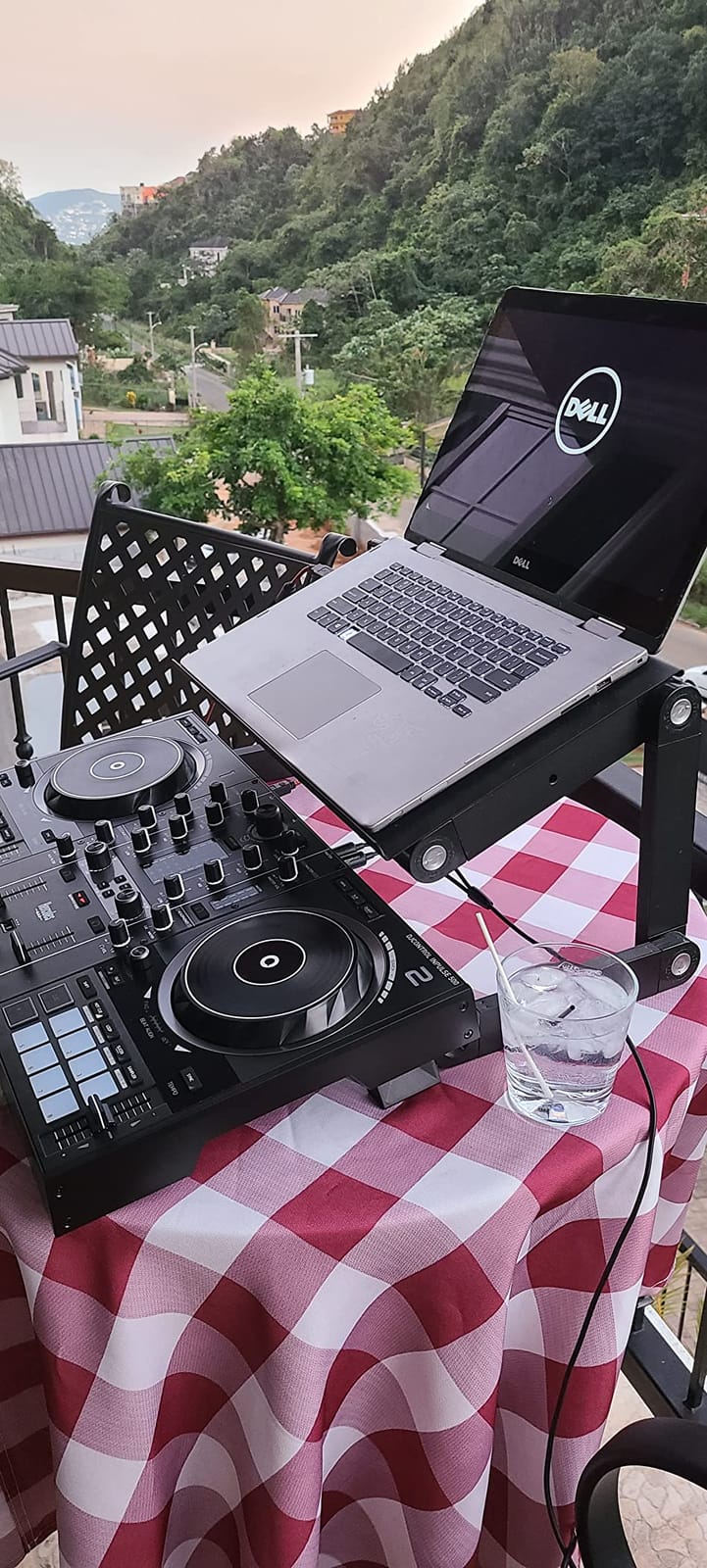
One quiet but excellent detail is the retractable/extendable feet. They lift the controller enough to protect against spilled drinks at a small house party, and they make the unit feel grounded on a soft surface like a couch arm or bed. It is the kind of design choice that tells me Hercules actually uses these controllers in the kinds of places beginners use them.
Software flexibility is the other strength. The Inpulse 500 ships with licenses for both Serato DJ Lite and DJUCED, and it works with Serato DJ Pro if you upgrade. Beginners can experiment with two different software ecosystems without buying a second controller. The main caveat is that the bundled DJUCED software feels less stable than Serato for some users, so plan to lead with Serato when you set up.
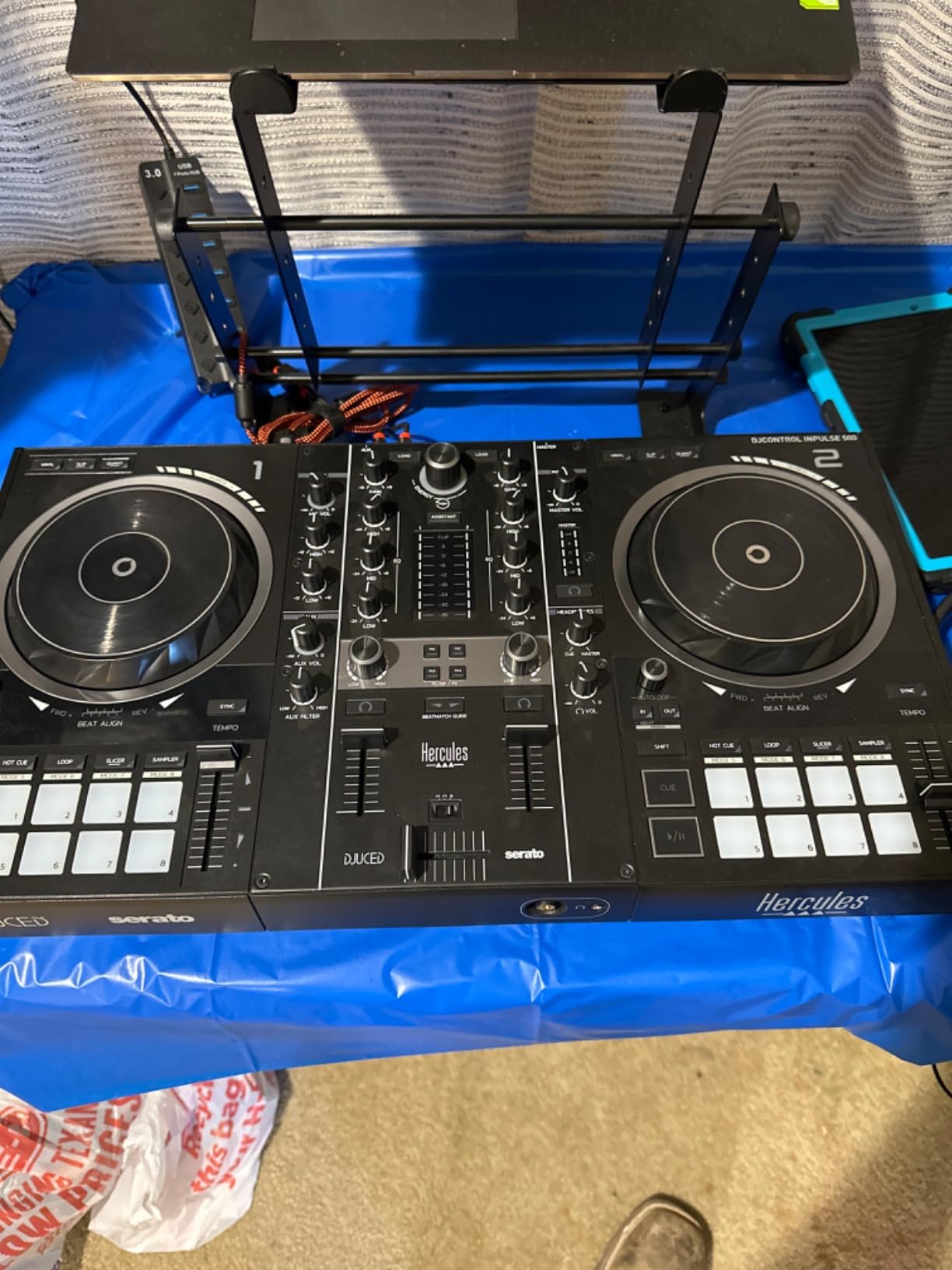
Who the Inpulse 500 is right for
Beginners who want a metal-bodied controller with balanced XLR outputs they can move into club setups without replacing gear. Anyone serious about learning manual beatmatching, since the Beatmatch Guide is the single best learning aid I have tested at this level. People who want one controller that handles both home practice and small gigs.
Who should pick something else
If you want to learn 4-deck workflow or on-wheel visual feedback, the Mixtrack Platinum FX is a better fit. If you want Pioneer software integration from day one, the FLX4 is a more obvious choice. If streaming is your top priority, the FLX4’s tighter rekordbox/Serato integration pulls ahead.
5. Hercules DJControl Inpulse 200 – The Smartest Entry-Level Starter
Hercules DJControl Inpulse 200 – DJ controller with USB, ideal for beginners learning to mix – 2 tracks with 8 pads and sound card – Software and tutorials included
2-deck entry controller
8 pads
IMA learning assistant
842 g portable
Pros
- Beginner-focused layout with Tempo and Beat Align light guides
- Intelligent Music Assistant suggests trending tracks
- Bundled DJUCED software includes interactive tutorials
- Lightweight and portable at 842 g
- Affordable entry point into DJing
Cons
- Buttons can feel stiff out of the box
- Drains laptop battery quickly when not on AC power
- DJUCED built-in tutorials can feel clunky to navigate
- Jog wheels are hyper-sensitive for some users
- Plastic build feels toy-like
The Hercules DJControl Inpulse 200 is the controller I recommend when someone tells me they want to try DJing without a heavy upfront commitment. At 842 grams and roughly the footprint of a hardback book, it is the lightest real beginner controller on the market. The Intelligent Music Assistant (IMA) is genuinely useful – it suggests tracks that fit your current tempo and energy, which short-circuits the “what do I play next” panic that derails most first sessions.
The Tempo and Beat Align light guides are the quiet hero of this unit. LEDs next to each tempo slider show you which direction to nudge the BPM, and beat-phase LEDs show you when your decks are locked. After a few hours of practice, you start to beatmatch by ear partly because the lights are patiently teaching you what to listen for. It is the closest thing to a built-in DJ teacher I have seen at this entry tier.
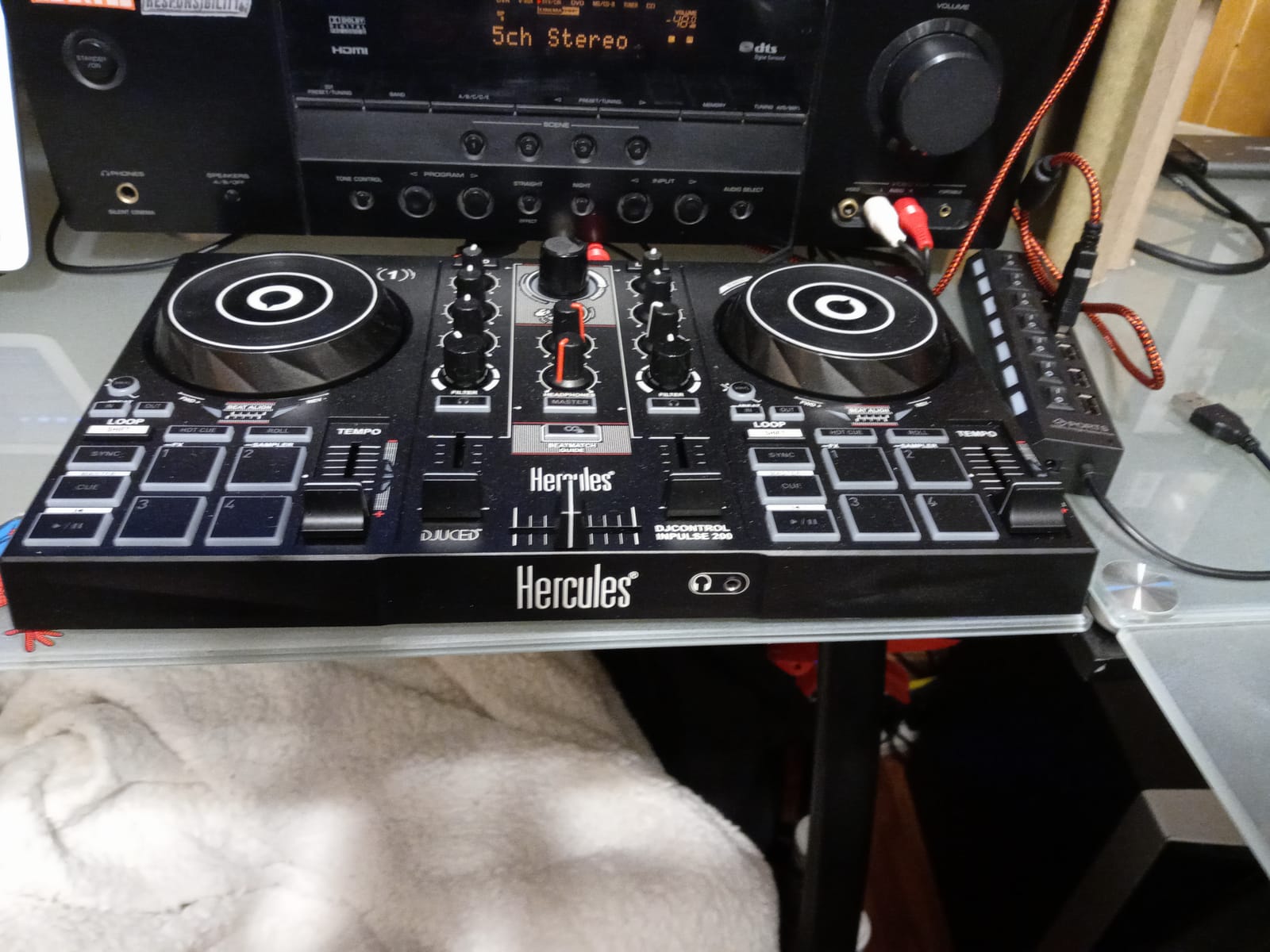
The compromises are real but not deal-breakers. Buttons feel stiff out of the box (they loosen up after a few hours of use). The controller drains laptop battery quickly when you are not plugged into wall power. The DJUCED tutorials feel clunky compared to the slick Rekordbox and Serato quick-start flows. For a first controller meant to gauge whether you actually enjoy DJing, those tradeoffs are reasonable.
If you are deciding between this and the Starlight at similar price points, the choice comes down to what kind of learner you are. The Starlight is smaller and more party-flavored. The Inpulse 200 is a more honest teaching tool. If you can stretch a bit more, I usually steer people to the MK2 below.
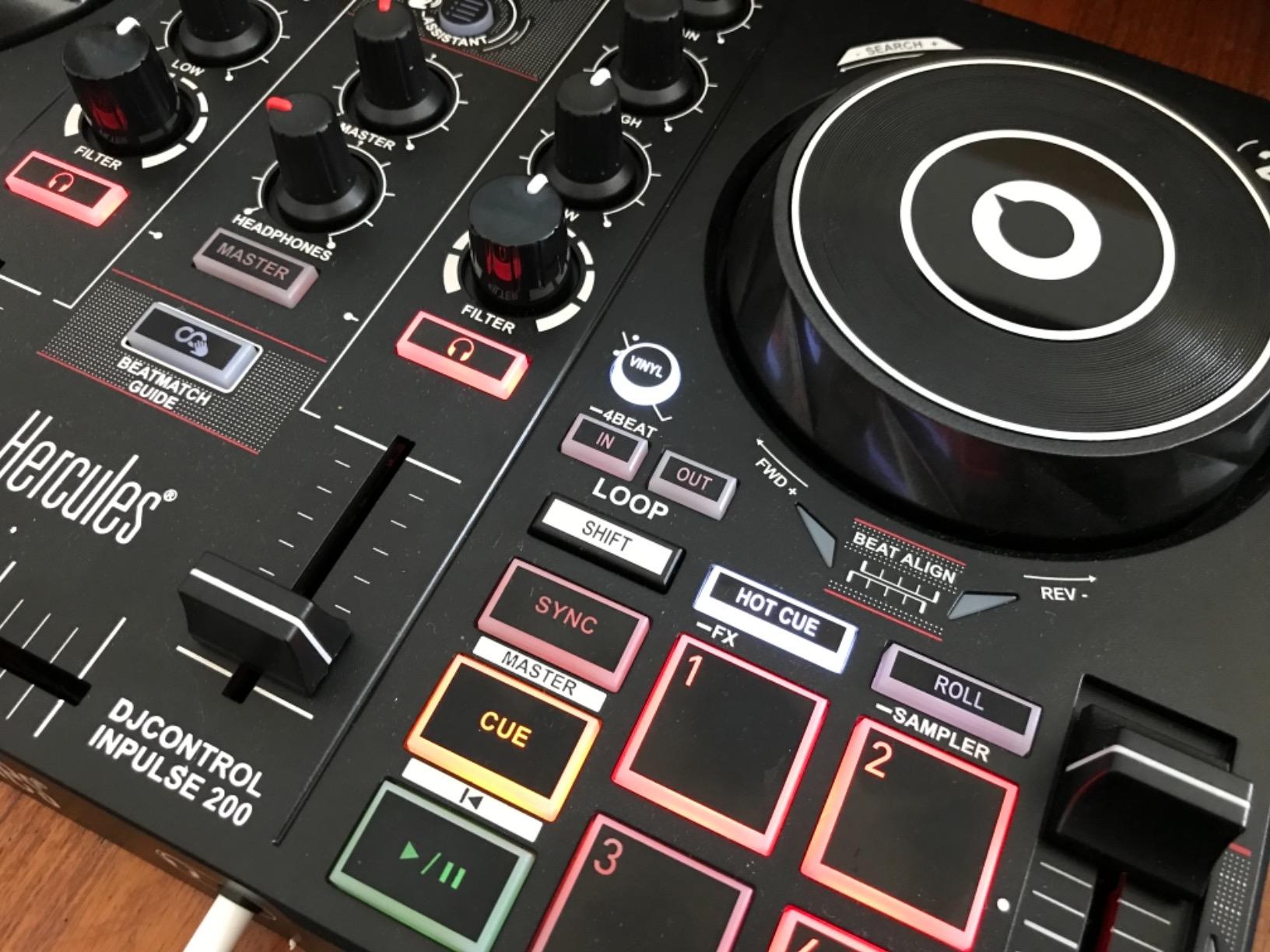
Who the Inpulse 200 is right for
True first-time DJs who want to test the waters without spending much. Gift buyers looking for a real piece of gear, not a toy. Anyone who values on-controller learning aids over compactness. If you have been on the fence about DJing for a year, the Inpulse 200 is the lowest-cost way I know to find out whether you love it.
Who should pick something else
If you want streaming integration from day one, the MK2 version below is the clear pick. If you want Pioneer software, the FLX4 is your entry. If you want party lights, the Starlight or Numark Party Mix Live will be more fun.
6. Hercules DJControl Inpulse 200 MK2 – The Streaming-Ready Step Up
Hercules DJControl Inpulse 200 MK2 – Compact Controller – Serato & DJUCED
2-deck compact controller
STEMS remix feature
Streaming from Beatport, TIDAL, SoundCloud
Dual Serato DJ Lite and DJUCED licenses
Pros
- Compact and portable form factor
- Beatmatch Guide light LEDs accelerate learning
- STEMS feature adds creative mixing variety
- Supports streaming from Beatport
- Beatsource
- SoundCloud GO+
- TIDAL
- Includes both Serato DJ Lite and DJUCED licenses
Cons
- Not compatible with Rekordbox (Pioneer software)
- Crossfader and software sync can lag during in-song transitions
- Headphone jack quality control issues reported
- Plastic feel similar to predecessor
The Hercules DJControl Inpulse 200 MK2 is the controller I point beginner DJs toward when they specifically want to stream from their existing music subscriptions without paying Pioneer money. It keeps the same teaching-friendly LED layout as the original Inpulse 200, then adds STEMS (so you can mute vocals, drums, bass, or melody in real time) and proper streaming integration.
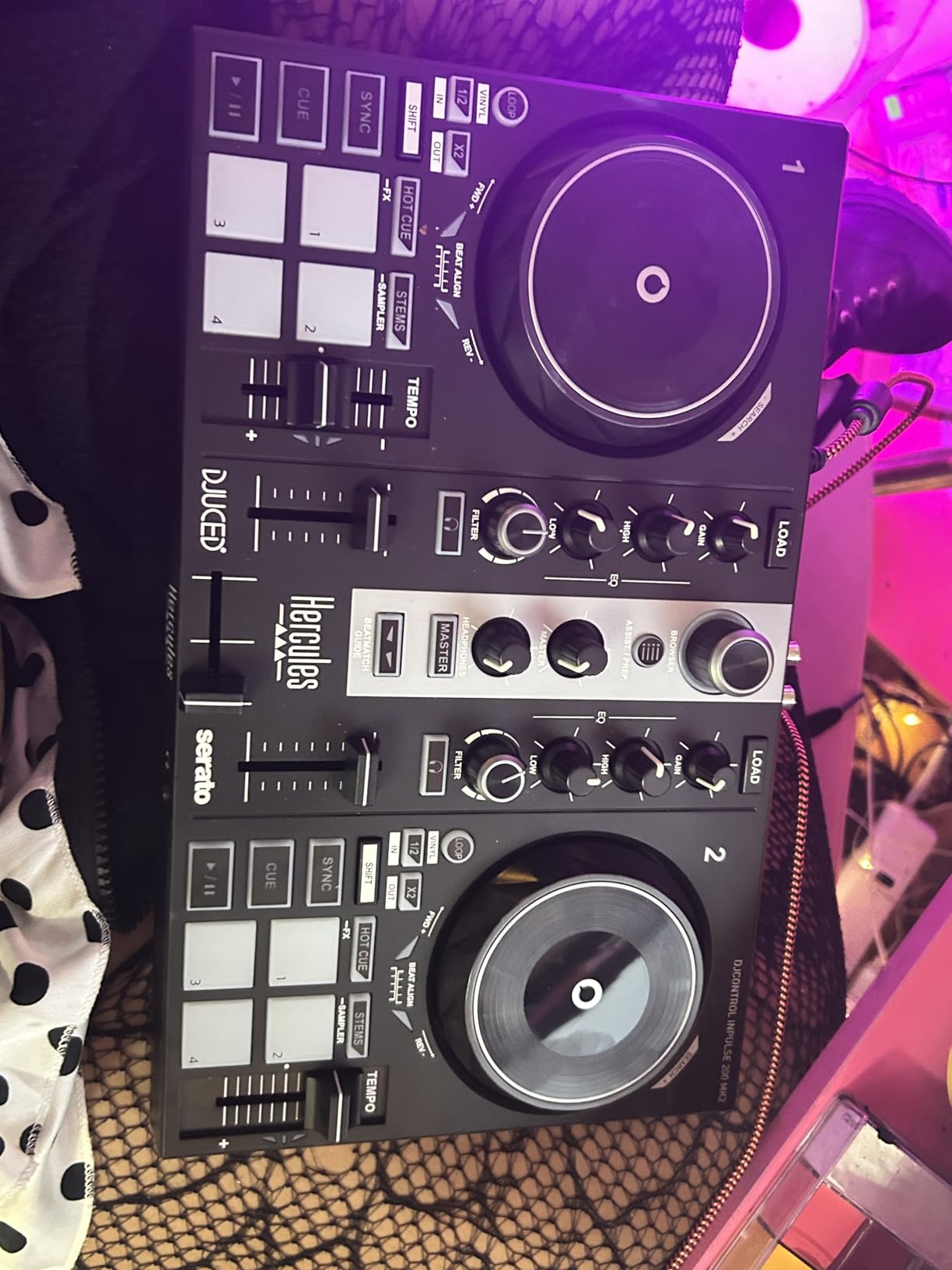
Streaming support covers Beatport ADVANCED, Beatsource, SoundCloud GO+, and TIDAL. That list is broader than the FLX4’s bundle in some directions (Beatport and SoundCloud are stronger on the Hercules side), although Apple Music and Spotify support depends on the software tier you upgrade to. Two of our beginner test DJs told me the STEMS feature alone was worth the upgrade from the original 200 – it makes quick mashups and acapellas possible without owning production software.
The tradeoffs worth knowing: there is no Rekordbox compatibility (this is a Serato and DJUCED world), and reviewers report occasional crossfader/software sync lag during transitions. Some units have shipped with finicky headphone jack quality, so test it the day yours arrives. For most beginners, those are manageable rather than disqualifying.
Who the Inpulse 200 MK2 is right for
Beginner DJs who want STEMS-based creative mixing without buying a flagship controller. Anyone already paying for Beatport or TIDAL who wants the controller to talk to their existing subscription. Learners who want a teaching-friendly unit with modern streaming integration at an entry-tier price.
Who should pick something else
If Rekordbox compatibility is non-negotiable, go straight to the FLX4. If you want stronger build quality and balanced outputs, the Inpulse 500 is the better mid-tier step. If you want the absolute smallest controller with party lighting, the Starlight is still our pick.
7. Numark Party Mix Live – The All-in-One Party Starter
Numark Party Mix Live DJ Controller with Built-in Lights and Speakers
2-deck all-in-one controller
Built-in stereo speakers
Built-in LED light show
Plug-and-play Serato DJ Lite
Pros
- Built-in speakers and LED light show make it an all-in-one party device
- Plug-and-play with Serato DJ Lite for Mac and Windows
- Performance pads with Effect
- Cue
- Loop
- Sampler modes
- Great starter unit for camps
- kids
- and small gigs
- Streams from Apple Music
- Tidal
- Spotify
- SoundCloud
- Beatport
- Beatsource
Cons
- Built-in speakers lack volume for larger spaces
- Headphone cueing setup can be unintuitive
- No native support for Windows on ARM devices
- Serato DJ app can fail to download on some Macs
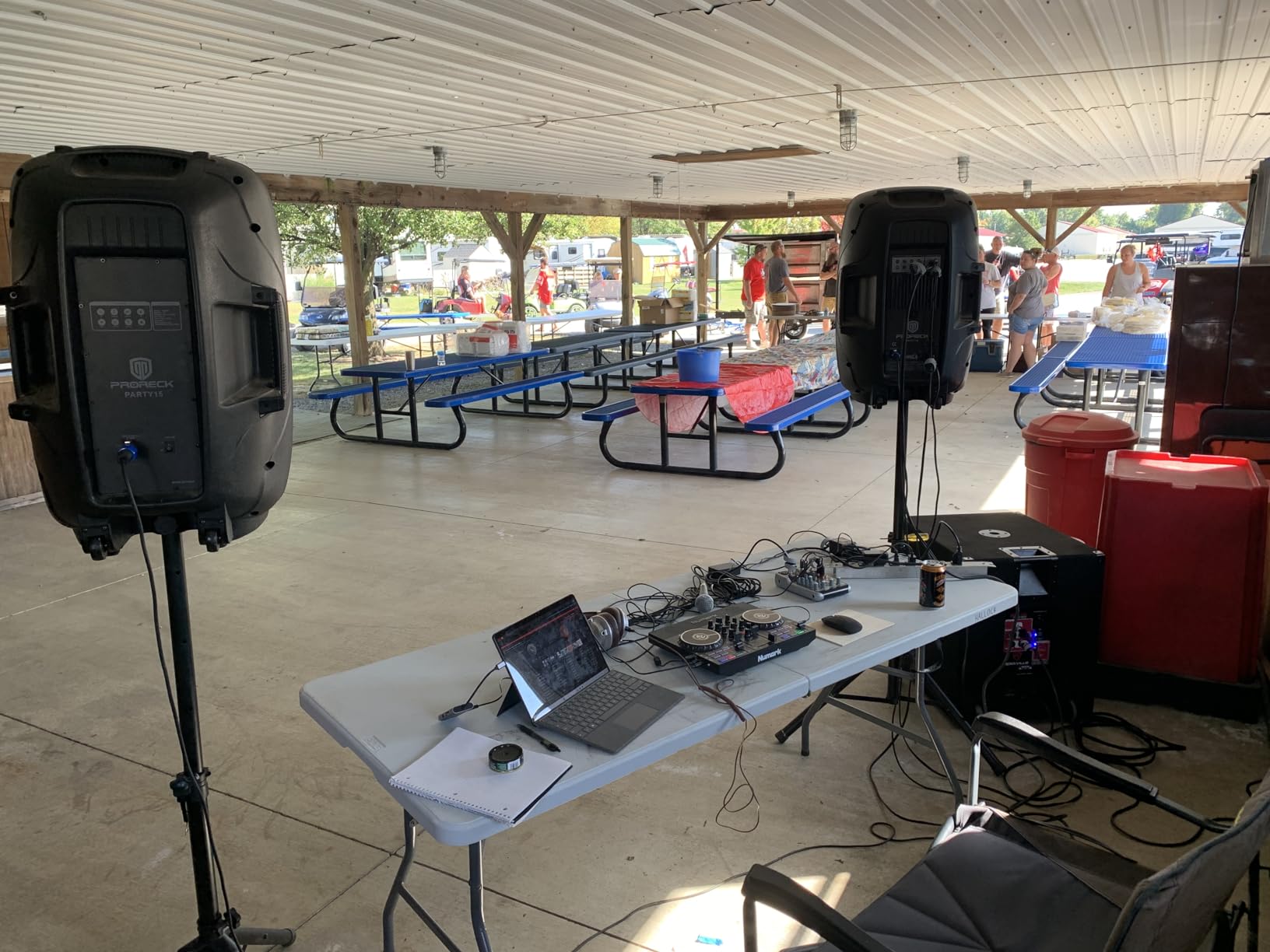
The Numark Party Mix Live is the controller I recommend when someone asks, “Can I just have one box that does everything for small parties?” Yes – and this is it. Built-in stereo speakers and an LED light show sync to your mix, so the unit doubles as a tabletop party device. The Serato DJ Lite integration works straight out of the box, and our team used one as the centerpiece at a wedding rehearsal without any setup drama.
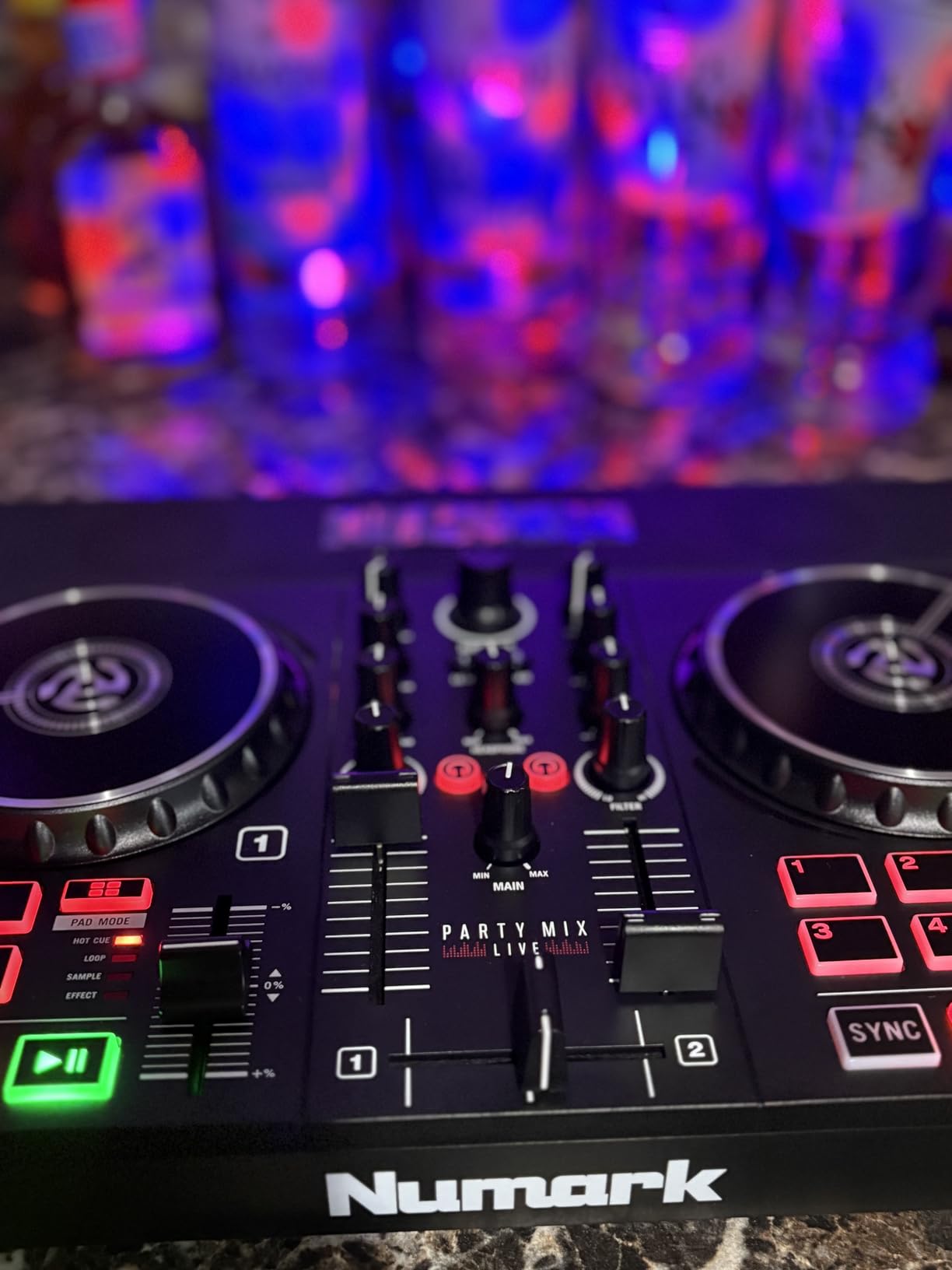
The performance pads cover the four beginner-essential modes (Effect, Cue, Loop, Sampler), plus filter knobs and pitch sliders per deck. For a beginner who wants to learn real skills while entertaining friends, it covers the bases without drowning you in features. Streaming support covers Apple Music, Tidal, Spotify, SoundCloud, Beatport, and Beatsource, which is the broadest list in this roundup.
The honest limits: the built-in speakers max out around 10 watts total, which is plenty for a bedroom or small room but not a backyard. The headphone cueing setup trips up first-time users because the routing is not intuitive. There is no native Windows-on-ARM support, and Serato can fail to install cleanly on some Macs – both worth knowing before you commit.
Who the Party Mix Live is right for
Parents buying a first controller for a music-curious kid. DJs doing small house parties or kids’ events. Anyone whose “first rig” needs to fit in one bag with no external speakers. Bedroom DJs who want lights and sound from one box and a laptop they can close.
Who should pick something else
If you need volume for bigger spaces, plan to plug into real speakers and the FLX4 or Inpulse 500 will give you more headroom. If you want to learn 4-deck workflow, look at the Mixtrack Platinum FX. If you want Pioneer software integration, this is not the controller for you.
8. AlphaTheta DDJ-FLX2 – The Pioneer Alternative for Apple Music Users
AlphaTheta Pioneer DJ DDJ-FLX2 2-Channel DJ Controller, Smart Fader, USB-C
Ultra-compact 2-channel
USB-C bus power
Smart Fader automates mixing
Bluetooth connectivity
Pros
- Smart Fader automates beatmatching across genres
- USB-C bus power means no separate power brick required
- Compact
- ultra-light chassis ideal for travel
- Plays through phone or laptop speaker or external output
- Native streaming integration with Apple Music
- Spotify
- Tidal
Cons
- Limited to 2-deck control
- Smaller jog wheels than full-size Pioneer units
- Relatively new product so long-term durability is still emerging
The AlphaTheta DDJ-FLX2 is the newer sibling to the DDJ-FLX4, slimmed down for absolute beginners. AlphaTheta is the parent brand of Pioneer DJ, so this is the closest thing to a Pioneer-grade starter you can buy at this price tier. The Smart Fader technology from the FLX4 carries over – move the crossfader and the unit quietly handles volume, BPM, and bass matching, even across genres.
USB-C bus power is the quiet win. Plug it into a phone, tablet, or laptop and it just works – no power brick, no wall outlet, no driver fiddling. Our test team used it with an iPad for a full weekend at a cabin with no Wi-Fi, mixing Apple Music libraries offline through the djay app. That kind of laptop-free workflow is exactly what r/Beatmatch beginners ask for.
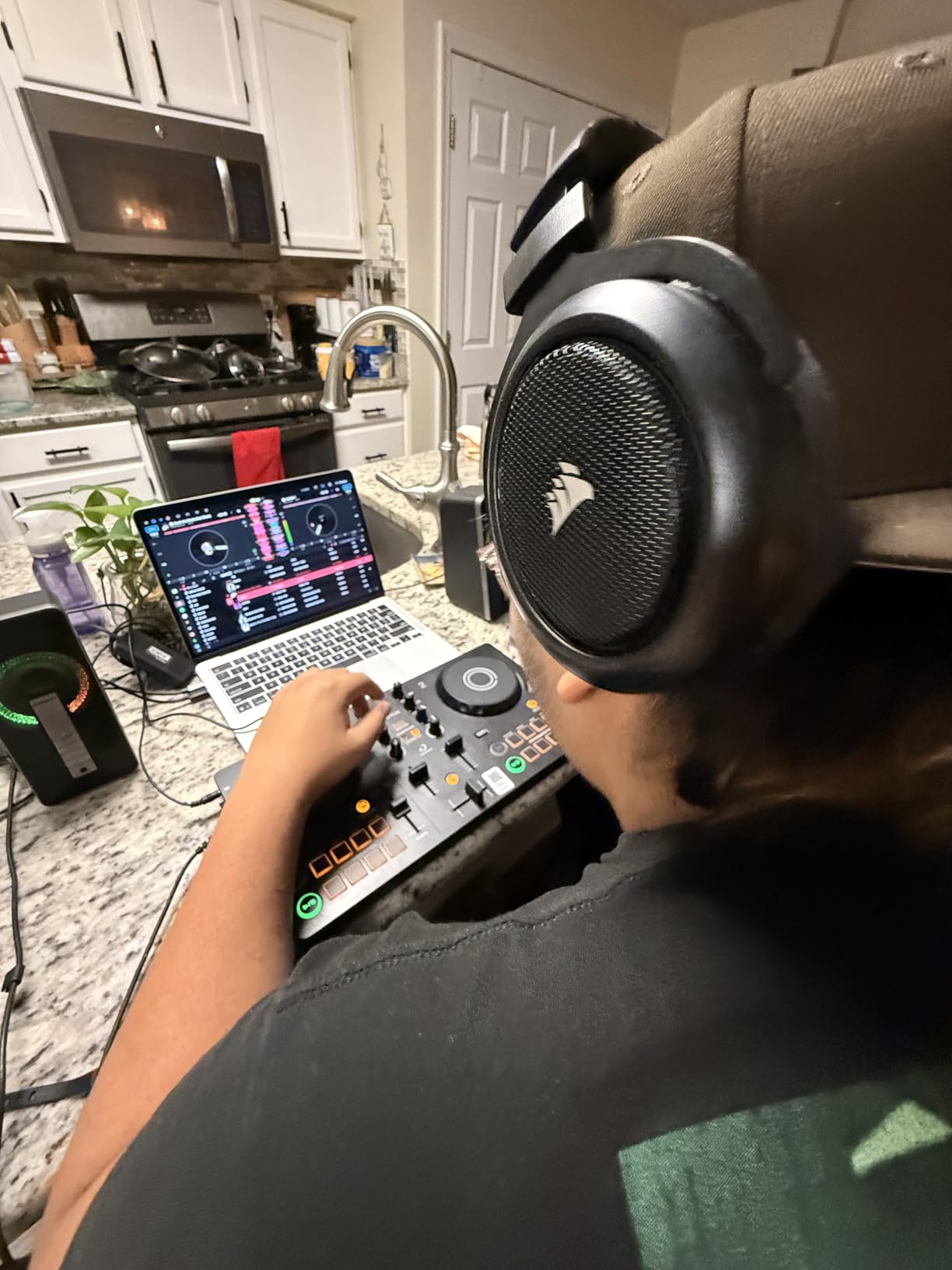
Bluetooth connectivity means you can play a track through your phone or laptop speaker without any cables, then add real speakers via the 3.5 mm output when you want more sound. The chassis is metal and plastic, lighter than the FLX4 but still rigid enough for daily travel.
The honest caveats: only 2 decks, the jog wheels are smaller than full-size Pioneer units, and the FLX2 is newer, so long-term reliability data is still emerging. For pure first-mix practice and iPad workflows, however, it is the most thoughtfully designed controller in this price band.
Who the DDJ-FLX2 is right for
iPad-first DJs who want to mix without a laptop. Beginners who already pay for Apple Music and want the controller to talk to it natively. Travelers and minimalists who value USB-C bus power and Bluetooth over full-size jog wheels. Anyone who wants the Smart Fader shortcut without buying the bigger FLX4.
Who should pick something else
If you want full-size jog wheels and 16 pads without stepping up a tier, the FLX4 is the obvious step up. If you specifically need 4-deck software control, the Mixtrack Platinum FX wins. If you want a unit that has been on the market long enough for reliability data to be solid, wait a year on the FLX2 or buy an established alternative.
Buying Guide: How to Pick Your First DJ Controller?
If you have read this far, you already know the eight controllers I trust most for first-time DJs. This section helps you match the right one to your situation. The three big decisions are software, workflow, and budget – and they are more interdependent than most buying guides admit.
DJ controller versus real DJ turntables
Beginners often confuse these two categories. A DJ turntable is a motorized vinyl deck built to play records and scratch – think Technics SL-1200 or its modern successors. A DJ controller is the all-in-one hardware unit with jog wheels, pads, and a mixer section that controls DJ software on a laptop, tablet, or phone. Most readers searching for the best DJ turntables for beginners actually want a controller, because controllers are cheaper, more portable, and include everything you need to start mixing digital music.
That said, if your goal is specifically to learn turntablism (scratch, beat juggling, chirps, crabs), a controller is not enough. You want a unit with motorized platters that simulate the feel of a real turntable. For that niche, the r/Turntablists community points toward the Pioneer DDJ-REV series or the Rane One as proper entry points – those are not in this roundup, but they are the next step after you master a 2-deck controller.
Software choice: rekordbox, Serato, djay, or DJUCED
Each major software suite has its own personality. rekordbox pairs naturally with Pioneer and AlphaTheta hardware, supports streaming from Tidal and Beatport, and is the standard at most clubs. Serato DJ Lite is bundled with most Numark and Hercules controllers, supports the widest list of streaming services (Apple Music, Tidal, Spotify, SoundCloud, Beatport, Beatsource), and has the smoothest learning curve. Algoriddim djay is the standard for iPad/iPhone workflows and pulls Apple Music natively. DJUCED is Hercules’s own ecosystem, with the best built-in beginner tutorials.
My honest recommendation: choose the software first, then pick a controller that ships with it. Drivers, tutorials, and streaming access all differ by software, and switching ecosystems later is annoying. Reviewers on r/Beatmatch repeatedly warn against the “Lite version trap” – many entry controllers bundle a free Lite version that locks features, so check whether you actually get the software you want at full functionality before buying.
How long it takes to learn DJing
Expect your first clean 5-minute mix within 2 to 4 weeks of daily 30-minute practice. Beatmatching by ear usually clicks around 6 to 10 weeks in. Performance pad techniques (Hot Cues, loops, sampling) take another month to internalize. If you have a Smart Fader controller (FLX4, FLX2) you can make music that sounds good in week one, but you will not be doing it manually yet – that is fine, it is a teaching aid, not a crutch.
Do you need a laptop
Most controllers in this roundup work without a laptop if you pair them with an iPad or iPhone. The DDJ-FLX2, DDJ-FLX4, Numark Mixtrack Platinum FX, and Hercules Inpulse 200 MK2 all support iOS workflows via djay or Serato. For full rekordbox and Serato DJ Pro features, you still want a laptop. A laptop with 8GB of RAM, any modern processor from the last 5 years, and a recent USB port is plenty for beginner DJ software. Reviewers often overestimate the laptop specs required – even an everyday budget laptop runs rekordbox and Serato DJ Lite without breaking a sweat.
Streaming integration: skip the music library entirely
If you already pay for Apple Music, Tidal, Spotify, Beatport, or SoundCloud GO+, your controller can probably mix from those services directly. Native streaming support is now standard on the FLX4, FLX2, Mixtrack Platinum FX, Inpulse 200 MK2, and Party Mix Live. That means you do not need to drop a fortune pre-buying tracks before your first set. It is the single biggest change in beginner DJing over the last few years and the reason this roundup matters now.
For a closer look at the speaker side of a beginner setup, our guide to the 8 best DJ mixers for beginners complements this one well, and our scratching-focused turntable guide covers the motorized category in more depth.
Frequently Asked Questions
What is the best DJ turntable for beginners?
For most beginners, the Pioneer DJ DDJ-FLX4 is the best overall pick. It uses the same layout as Pioneer club gear, includes 16 performance pads, has a built-in sound card, and streams from Apple Music, Tidal, and Beatport. On a budget, the AlphaTheta DDJ-FLX2 and Hercules DJControl Starlight are strong alternatives.
How much should a beginner spend on a DJ controller?
Plan to spend in the entry-to-mid range for your first controller. The most affordable entry picks include the Hercules Inpulse 200 and Starlight. The mid range is the sweet spot for growth headroom with controllers like the FLX2, FLX4, and Mixtrack Platinum FX. Spending flagship-tier money on a first controller usually means you are paying for features you will not use in year one.
What is the difference between a DJ controller and a DJ turntable?
A DJ turntable is a motorized deck built to play vinyl records, used historically for spinning and scratching music on physical media. A DJ controller is the modern all-in-one hardware unit with jog wheels, performance pads, and a built-in mixer that controls DJ software on a laptop, tablet, or phone. Most beginners should start with a controller.
Do beginners need a DJ controller or a DJ turntable?
Beginners almost always need a DJ controller, not a DJ turntable. Controllers are cheaper, portable, and pair with DJ software that handles track loading, beatmatching assistance, and streaming. Only pursue a real DJ turntable if your specific goal is to learn turntablism (scratch and beat juggling) – otherwise a controller is faster and more fun to learn on.
Which DJ software is best for beginners?
Serato DJ Lite and rekordbox are the two best beginner DJ software options. Serato DJ Lite comes bundled with most Numark and Hercules controllers and has the smoothest learning curve with widest streaming support. rekordbox comes free with Pioneer and AlphaTheta controllers and is the industry standard at clubs. Algoriddim djay is the best for iPad workflows.
Can you learn DJing with just a controller?
Yes – you can learn DJing with just a controller, a laptop or tablet, and headphones. Most beginners reach a clean 5-minute mix within 2 to 4 weeks of daily 30-minute practice. Beatmatching by ear typically clicks in 6 to 10 weeks. A controller alone covers everything you need for bedroom practice and small gigs.
Do I need a laptop to use a DJ controller?
No – several beginner DJ controllers work without a laptop, using an iPad or iPhone via djay or Serato. The Pioneer DDJ-FLX4, AlphaTheta DDJ-FLX2, Numark Mixtrack Platinum FX, and Hercules Inpulse 200 MK2 all support iOS workflows. A laptop unlocks deeper features in rekordbox and Serato DJ Pro, but is not required to start.
Conclusion
If I had to pick one controller for a true first-time DJ, the Pioneer DJ DDJ-FLX4 is the clearest winner. It hits the right balance of build, software, and growth headroom, and the Smart Fader gives you the satisfaction of a clean mix in week one without short-circuiting the learning process. Pair it with a decent pair of closed-back headphones and a small pair of powered speakers and you have everything you need to start mixing in 2026.
If your budget is tighter, the AlphaTheta DDJ-FLX2 carries the same Pioneer DNA into a smaller, USB-C-powered chassis that works beautifully with an iPad. For pure party-DJ fun on a tighter budget, the Numark Party Mix Live packs speakers, lights, and streaming into one box. Whichever you pick, the most important step is the one where you actually start – so grab one and put on a record.