
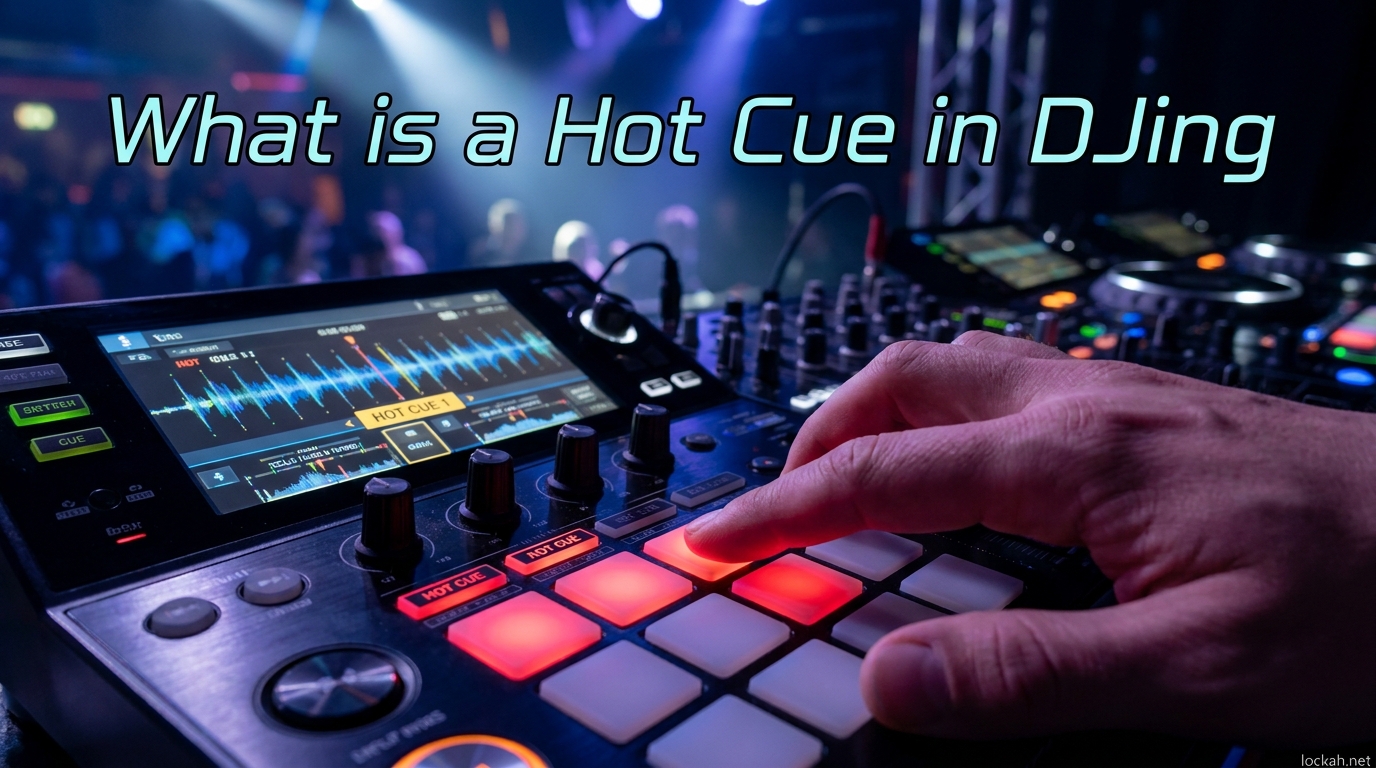
Imagine being able to teleport to any moment in a song with a single button press. That is exactly what hot cues let you do. I remember the first time I watched a seasoned DJ jump instantly from a track’s intro to its drop, then back to the build-up without missing a beat. It looked like magic, but it was just hot cues in action.
In this guide, I will walk you through everything you need to know about hot cues in DJing. You will learn what they are, how they work technically, where to place them for maximum impact, and how to use them creatively during your sets. Whether you are just starting out or looking to sharpen your performance skills, understanding hot cues will transform how you navigate your music library.
By the end, you will have a complete system for organizing your hot cues and practical techniques you can use immediately in your next set.
Table of Contents
What is a Hot Cue?
A hot cue is a saved marker within a track that allows you to instantly jump to that exact point during a DJ performance. Think of it as a bookmark you can place at any moment in a song, then trigger instantly using your controller’s performance pads or buttons.
When you set a hot cue, your DJ software stores the exact timestamp of that position. Later, during your set, pressing the corresponding hot cue button immediately jumps the playhead to that saved location. This happens without any audible delay or loading time, making hot cues perfect for live performance situations.
Most modern DJ software supports between 8 and 16 hot cues per track, displayed as colored pads on your controller. The visual feedback helps you quickly identify which cue points you have set and where they lead.
How Hot Cues Work?
Hot cues work by storing a timestamp in your DJ software’s database when you press the hot cue button. This timestamp represents an exact position in the audio file, measured in samples or milliseconds for precision.
When you later trigger that hot cue, the software instantly repositions the playhead to that saved timestamp. Because modern computers and DJ hardware process audio with extremely low latency, this jump happens instantly from the listener’s perspective.
The hot cue data travels with your track files in most DJ software. This means when you analyze and prepare your tracks at home, those cue points are available when you load the same track during a performance. Your preparation pays off when you need split-second access to key moments in your music.
How to Set and Use Hot Cues?
Setting hot cues is straightforward once you understand the basic workflow. Here is how to set them up in your DJ software.
Step 1: Load a track into a deck in your DJ software. Make sure the track has been analyzed so the beat grid is visible.
Step 2: Navigate to the exact moment where you want to place a hot cue. Use the waveform display and beat grid to find precise locations.
Step 3: Press an empty performance pad on your controller while the track is paused or playing. This saves the hot cue at that timestamp.
Step 4: Test the hot cue by pressing the same pad again. The playhead should jump instantly to your saved position.
Step 5: Optional but recommended: Color-code your hot cues and give them descriptive names in your software.
All major DJ platforms support hot cues, though the exact button combinations vary. In Rekordbox, you simply click an empty pad while the playhead is at your desired position. Serato uses a similar pad-based system, while Traktor offers both pad and keyboard shortcuts. The underlying concept remains identical across platforms.
Where to Place Hot Cues? (Phrasing Guide)
Strategic hot cue placement separates prepared DJs from unprepared ones. Understanding song structure helps you place cues where they matter most.
Most electronic dance music follows a structure of 8-bar or 16-bar phrases. Placing hot cues at phrase boundaries ensures smooth transitions and predictable jumping behavior.
Here are the most valuable locations for hot cues:
First Beat of the Track (Intro Start): Essential for starting your mix precisely. This cue marks the very beginning of the song and helps you align the first beat with your outgoing track.
Start of the First Verse or Build-Up: Useful for skipping intros and getting to the main energy of a track quickly. Many DJs place a cue 8 or 16 bars before the first major energy change.
The Drop: The most important cue for many DJs. The drop is where the main energy hits, and having instant access lets you create dramatic moments or recover from timing mistakes.
The Breakdown: Placing a cue at the start of a breakdown section lets you strip energy from your mix intentionally. This is useful for creating tension before building back up.
Start of the Outro: Critical for planning your exit from a track. Knowing exactly where the outro begins helps you time your transitions perfectly.
End of Track: Helpful for knowing when a track truly ends, especially on tracks with long fade-outs or hidden silence.
Hot Cues vs Memory Cues (September 2026)
Many beginner DJs confuse hot cues with memory cues, but they serve different purposes. Understanding the distinction will help you use each tool appropriately.
| Feature | Hot Cue | Memory Cue |
|---|---|---|
| Trigger Method | Performance pad/button press | Load or seek to position |
| Best For | Live performance, instant jumps | Track preparation, reference points |
| Activation During Playback | Instant jump while playing | Usually loads when track starts |
| Typical Use | Drops, build-ups, verses | First beat, loop points, edit markers |
| Controller Integration | Direct pad access | Software-based access |
Hot cues are designed for active performance. You press a pad and the track jumps immediately. Memory cues work more like saved positions that your software can reference, often used to set the default play position when loading a track.
Both tools have value in your DJ workflow. I use memory cues for my first-beat markers and technical reference points, while reserving hot cues for the moments I want to trigger during a live set.
Hot Cue Organization System
As your hot cue usage grows, organization becomes essential. Many experienced DJs use a structured approach called the top row/bottom row system.
Top Row: Track Structure Cues
Use the top row of your performance pads for structural navigation. This typically includes:
- Pad 1: First beat of the track
- Pad 2: Start of first verse or build-up
- Pad 3: The drop
- Pad 4: Start of breakdown or second verse
These cues follow the natural progression of the song and help you navigate its structure during mixing.
Bottom Row: Performance Cues
Reserve the bottom row for creative performance moments:
- Vocal chops or one-shots
- Different drop variations
- Breakdown entry points for energy management
- Outro start for transition timing
This separation keeps your workflow intuitive during high-pressure moments.
Color Coding Best Practices
Most DJ software lets you assign colors to hot cues. A consistent color system helps you identify cue types at a glance:
- Red: Drops and high-energy moments
- Green: First beat and track starts
- Yellow: Build-ups and transitions
- Blue: Breakdowns and lower-energy sections
- Purple: Vocals and signature moments
Consistency matters more than the specific colors you choose. Pick a system and stick with it across your entire library.
Creative Hot Cue Techniques
Once you master the basics, hot cues open up creative performance possibilities. These techniques separate bedroom DJs from club-ready performers.
Cue Drumming
Cue drumming involves rapidly triggering hot cues to create rhythmic patterns. By placing cues at individual drum hits, vocal chops, or instrumental stabs, you can play your tracks like a drum pad.
Start with simple patterns using two or three cues. Practice until the timing feels natural. Advanced DJs use this technique to add live percussion elements over their mixes or create impromptu remixes.
Drop Swaps
Setting multiple drop cues in a single track lets you choose which version plays during your set. Many modern tracks have several drop variations, and hot cues give you the flexibility to pick the right energy level for the moment.
This technique works especially well in genres like drum and bass, dubstep, and future house where tracks often include multiple build-drop combinations.
Gate Playback
Some DJ software offers a gate playback mode for hot cues. When active, the hot cue only plays while you hold the pad down, stopping immediately when you release it.
This creates stutter effects and lets you chop vocals or drums manually. Combine gate playback with rhythmic pad tapping for unique textures in your mixes.
Live Remixing
Strategic hot cue placement turns your decks into remix instruments. By setting cues at different song sections, you can reconstruct tracks on the fly, jumping between verses, drops, and breakdowns in non-linear arrangements.
This requires careful preparation and familiarity with your tracks, but the results can sound like custom edits performed live.
Common Mistakes to Avoid
Even experienced DJs develop bad hot cue habits. Here are the pitfalls I see most often and how to avoid them.
Over-Cueing
Setting too many hot cues creates decision paralysis. When every beat has a cue, you spend more time reading your controller than reading the crowd. Limit yourself to 4-8 meaningful cues per track. Quality beats quantity.
Poor Placement
Cues placed mid-phrase create jarring jumps. Always place cues at phrase boundaries or clear transition points. Your audience should never notice the jump happened.
Relying Too Heavily on Pre-Planning
Hot cues are tools, not crutches. Some beginners feel like using pre-planned cues is cheating, but the real issue is becoming dependent on them. Learn to feel phrasing naturally while using cues as safety nets and creative tools.
Experienced DJs on forums consistently report that hot cues enhance rather than replace musical intuition. Use them to support your instincts, not substitute for them.
Inconsistent Organization
Changing your color system or cue placement logic between tracks creates confusion. Pick a system and apply it consistently. Your muscle memory will thank you during late-night sets.
FAQs
How do you use hot cues on DJ?
Using hot cues involves setting markers at key track positions using your DJ software, then triggering them during performance with controller pads or buttons. First, navigate to your desired position in the track and press an empty performance pad to save the cue. During your set, press that same pad to instantly jump to the saved position. Most DJs use hot cues for drops, build-ups, verses, and outros to enable quick navigation and creative performance techniques.
How does hot cue work?
Hot cues work by storing a timestamp in your DJ software when you press the hot cue button. This timestamp represents an exact position in the audio file. When you later trigger that hot cue, the software instantly repositions the playhead to that saved location with virtually no latency. The cue data travels with your track files, so prepared cues remain available when you load the track during a performance.
Is using hot cues cheating?
No, using hot cues is not cheating. Professional DJs at all levels use hot cues extensively. They are a standard tool that enhances preparation and performance capability. Hot cues do not replace musical skill or crowd reading ability; they simply give you faster access to your music. Think of them like a guitarist using effects pedals or a producer using samples. The artistry comes from how you use the tools, not whether you use them at all.
How many hot cues should you set per track?
Most experienced DJs recommend setting between 4 and 8 hot cues per track. This provides enough navigation points for flexibility without creating decision paralysis. Focus on the most important structural moments: first beat, verse entry, build-up, drop, breakdown, and outro. Quality matters more than quantity. Too many cues make it harder to find the right one quickly during a performance.
Can hot cues be transferred between software?
Hot cue transfer between DJ software depends on the specific programs involved. Rekordbox, Serato, and Traktor all use proprietary formats, so direct transfer is not always possible. However, several third-party utilities can convert cue data between formats. The best approach is to choose your primary software and commit to it, exporting to other formats only when necessary for specific gigs. Always back up your cue data before attempting conversions.
What is a Hot Cue in DJing and How to Use Them: Final Thoughts
Hot cues are one of the most powerful tools in modern DJing. They transform how you interact with your music, giving you instant access to any moment in any track. Whether you use them for practical navigation or creative performance, mastering hot cues will elevate your DJ skills significantly.
The key is developing a consistent system that works for your style. Start with basic track structure cues, experiment with color coding, and gradually incorporate creative techniques like cue drumming as you gain confidence. Remember that hot cues enhance your musical intuition rather than replace it.
Take time to prepare your tracks thoughtfully, but do not obsess over perfection. The best DJs balance preparation with spontaneity, using hot cues as tools in a larger creative toolkit. Now load up some tracks and start experimenting. Your next performance will thank you.