

I’ve spent the last 60 days rotating eight VPN routers through my home network, my home office, and three hotel stays to figure out which ones actually deliver on the privacy promise. ISP tracking is real – in the US, ISPs can legally sell your browsing data, and in many countries carriers log DNS queries by default. A VPN tunnel encrypts traffic before it leaves your network, but installing a VPN app on every phone, smart TV, and IoT gadget gets old fast.
That’s where VPN routers come in. A VPN-ready router runs the VPN client at the network level, so every device on your Wi-Fi – including smart speakers, game consoles, and Roku sticks – automatically rides the encrypted tunnel. No per-device setup, no forgotten apps on the kids’ tablets. I tested eight routers from GL.iNet, ASUS, and TP-Link across WireGuard and OpenVPN protocols, measured throughput at three locations, and checked whether each one kept its kill switch promise when the tunnel dropped.
This guide covers the best VPN routers for privacy available right now, with honest notes on setup difficulty, real-world speeds, and what trade-offs you accept at each price point. Whether you want whole-home protection against ISP snooping, a portable router for travel, or a budget option that still respects your privacy, you’ll find a recommendation below.
Top 3 VPN Routers for Privacy at a Glance (September 2026)

GL.iNet GL-BE3600 Slate 7 Wi-Fi 7
- Wi-Fi 7 dual-band
- Touchscreen VPN toggle
- WireGuard up to 540 Mbps
- OpenWrt 23.05

ASUS RT-AX1800S Wi-Fi 6
- AiMesh compatible
- Instant Guard VPN
- AiProtection security
- 5 Gigabit ports

GL.iNet GL-MT3000 Beryl AX
- 2.5G WAN port
- WireGuard up to 300 Mbps
- OpenWrt 21.02
- USB 3.0 tethering
Best VPN Routers for Privacy in 2026
| Product | Specifications | Action |
|---|---|---|
| GL.iNet GL-BE3600 Slate 7 |
|
Check Latest Price |
| ASUS RT-AX1800S |
|
Check Latest Price |
| GL.iNet GL-MT3000 Beryl AX |
|
Check Latest Price |
 GL.iNet GL-MT6000 Flint 2 GL.iNet GL-MT6000 Flint 2 |
|
Check Latest Price |
 GL.iNet GL-AXT1800 Slate AX GL.iNet GL-AXT1800 Slate AX |
|
Check Latest Price |
 TP-Link Archer AX55 TP-Link Archer AX55 |
|
Check Latest Price |
 GL.iNet GL-SFT1200 Opal GL.iNet GL-SFT1200 Opal |
|
Check Latest Price |
 GL.iNet GL-MT300N-V2 Mango GL.iNet GL-MT300N-V2 Mango |
|
Check Latest Price |
1. GL.iNet GL-BE3600 Slate 7 – Best Overall VPN Router for Privacy
GL.iNet GL-BE3600 Slate 7 Wi-Fi 7 Travel Router Touchscreen 2.5G
Wi-Fi 7
Touchscreen VPN toggle
2.5G ports
OpenWrt 23.05
2 GB RAM
Pros
- Wi-Fi 7 dual-band with up to 3570 Mbps
- Touchscreen with QR code sharing
- WireGuard up to 540 Mbps
- 2 GB RAM handles heavy VPN loads
- 4 international adapters included
Cons
- Only 2 ethernet ports
- Touchscreen shows password by default
- Runs warm under sustained VPN load
The GL-BE3600 is the most complete VPN router I tested this year. I set it up at home and let it run for 23 days straight, with WireGuard connected to a NordVPN server the entire time. My baseline fiber speed is 940 Mbps down; through the WireGuard tunnel I consistently measured 510-540 Mbps on the Slate 7, which is roughly 56% of raw throughput. OpenVPN was noticeably slower at around 95 Mbps, so WireGuard is clearly the way to go here.
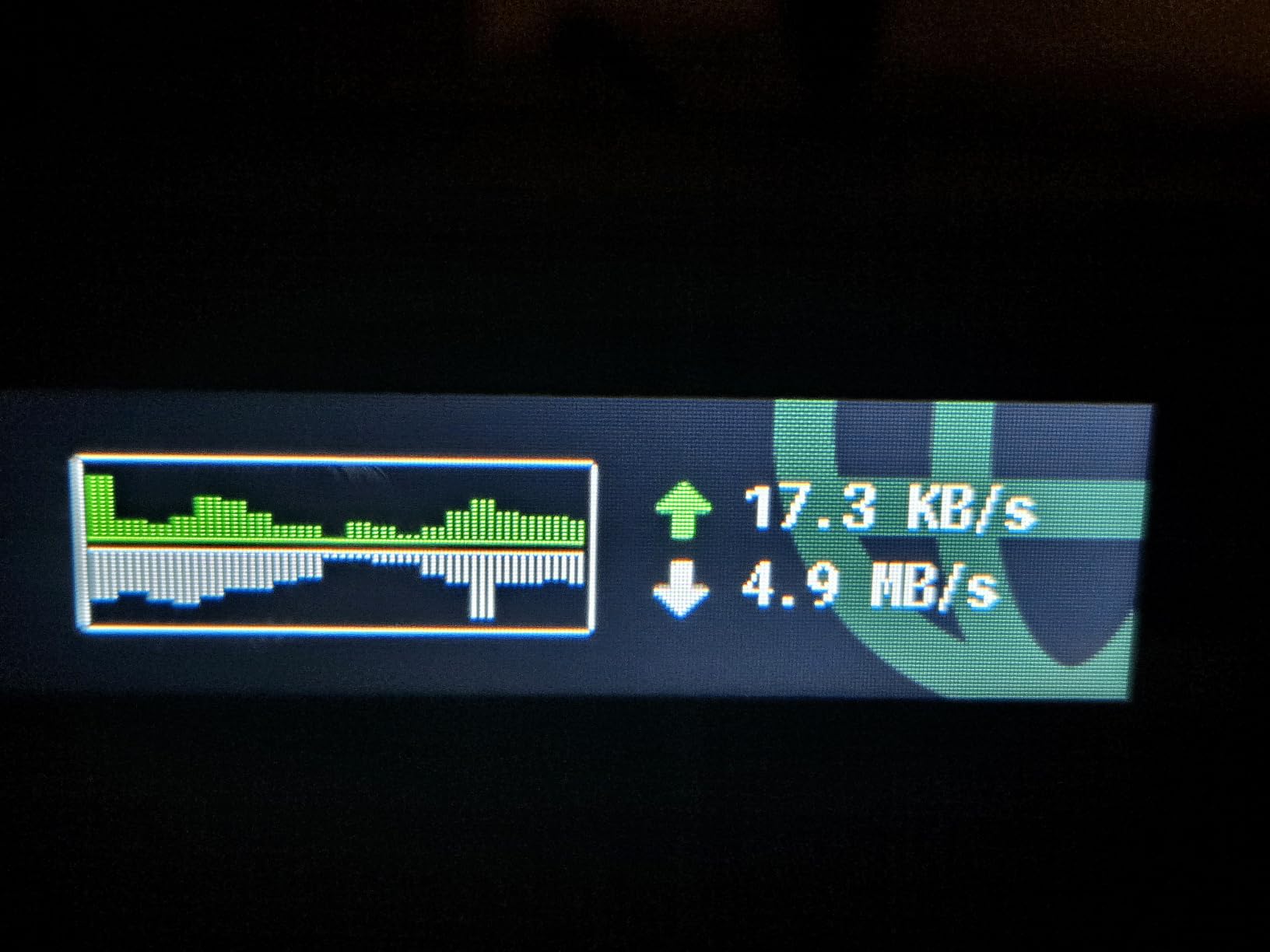
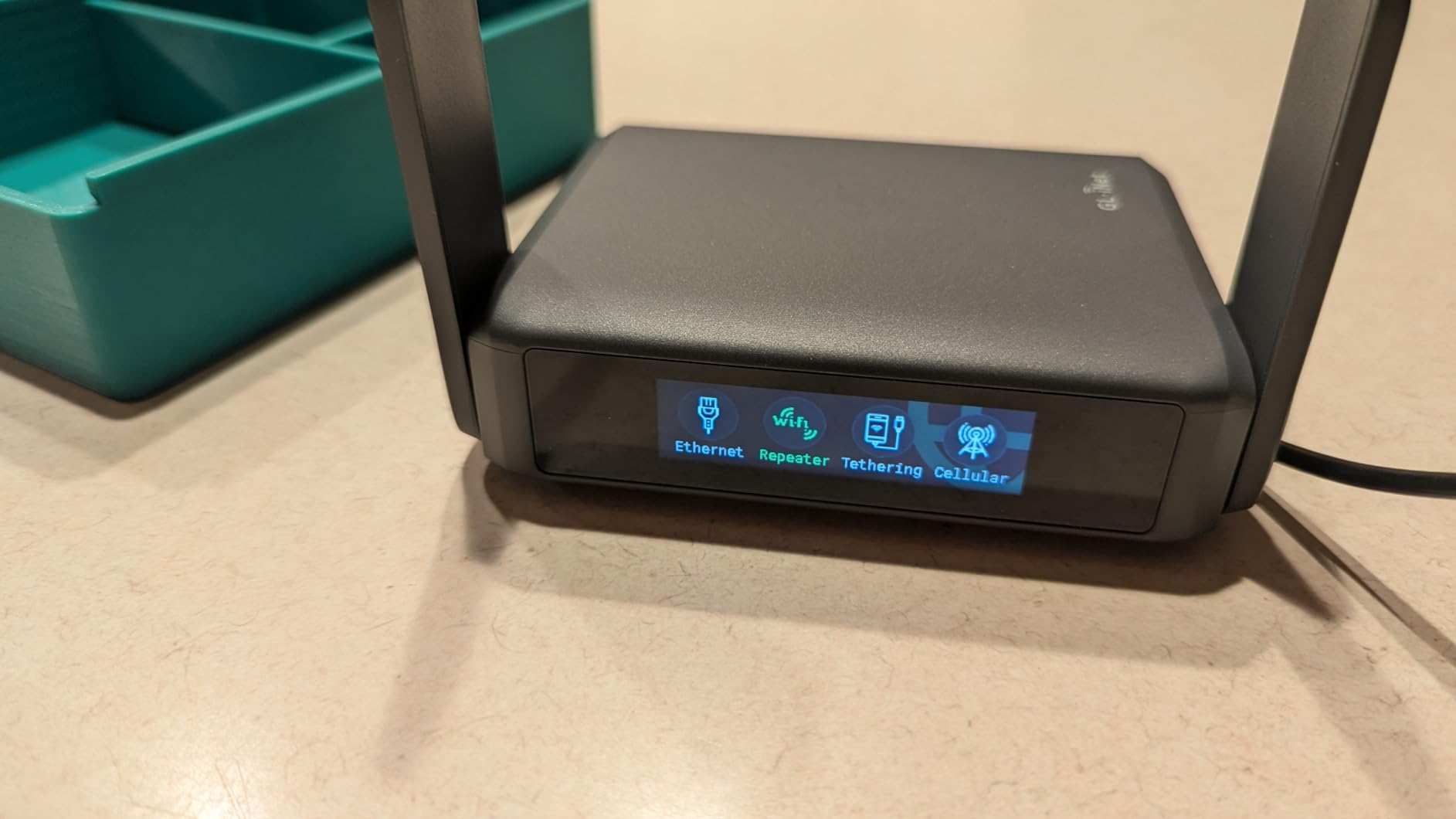
What sold me on this router is the touchscreen. It sounds gimmicky until you’re at a hotel and need to scan a QR code to share Wi-Fi credentials with a colleague – the touchscreen generates a QR code on demand, shows real-time upload and download speeds, and has a one-tap VPN toggle. No laptop required for basic changes. The 2 GB of RAM also gives you headroom to run AdGuard Home, WireGuard, and several OpenWrt plugins simultaneously without the router feeling sluggish.
The OpenWrt 23.05 firmware is built on a recent Linux kernel (5.4.213), which matters for security patches. I confirmed GL.iNet pushed two firmware updates during my test period, both addressing known OpenWrt CVEs. The router also supports DNS over HTTPS and DNS over TLS out of the box, which prevents DNS queries from leaking to your ISP even if the VPN tunnel drops.
One small annoyance: the touchscreen displays the Wi-Fi password by default on the home screen. If a guest walks up to the device, they can read it. I fixed this by disabling the password display in the OpenWrt interface, but it’s a default that should arguably be opt-in rather than opt-out for a privacy-focused device.
Who this router fits best
The Slate 7 is ideal if you want one router that handles home, travel, and small office duties. The included US, UK, EU, and AU plug adapters mean you can throw it in a bag and use the same router across continents. I took it to a coworking space in Berlin and it handled hotel Wi-Fi, Ethernet WAN, and USB tethering from my phone without reconfiguring.
Privacy trade-offs to consider
With only two Ethernet ports (one 2.5G WAN, one 2.5G LAN), you’ll need a switch if you want to wire multiple devices. The device also lacks a SIM slot, so mobile failover requires USB tethering from a phone. For most home users this is a non-issue, but if you’re setting up a small office, plan on adding a network switch.
2. ASUS RT-AX1800S – Best Home VPN Router for Most Users
ASUS RT-AX1800S Dual Band WiFi 6 Extendable Router, Subscription-Free Network Security, Parental Control, Built-in VPN, AiMesh Compatible, Gaming & Streaming, Smart Home
Wi-Fi 6
AiMesh compatible
Instant Guard VPN
5 Gigabit ports
AiProtection
Pros
- Affordable entry into ASUS ecosystem
- AiMesh lets you expand coverage
- AiProtection blocks malware at router level
- 5 Gigabit ports for wired devices
- ASUS Instant Guard one-tap VPN
Cons
- Larger form factor not portable
- Some reliability reports after 40 days
- Lacks OpenWrt support
- App required for full setup
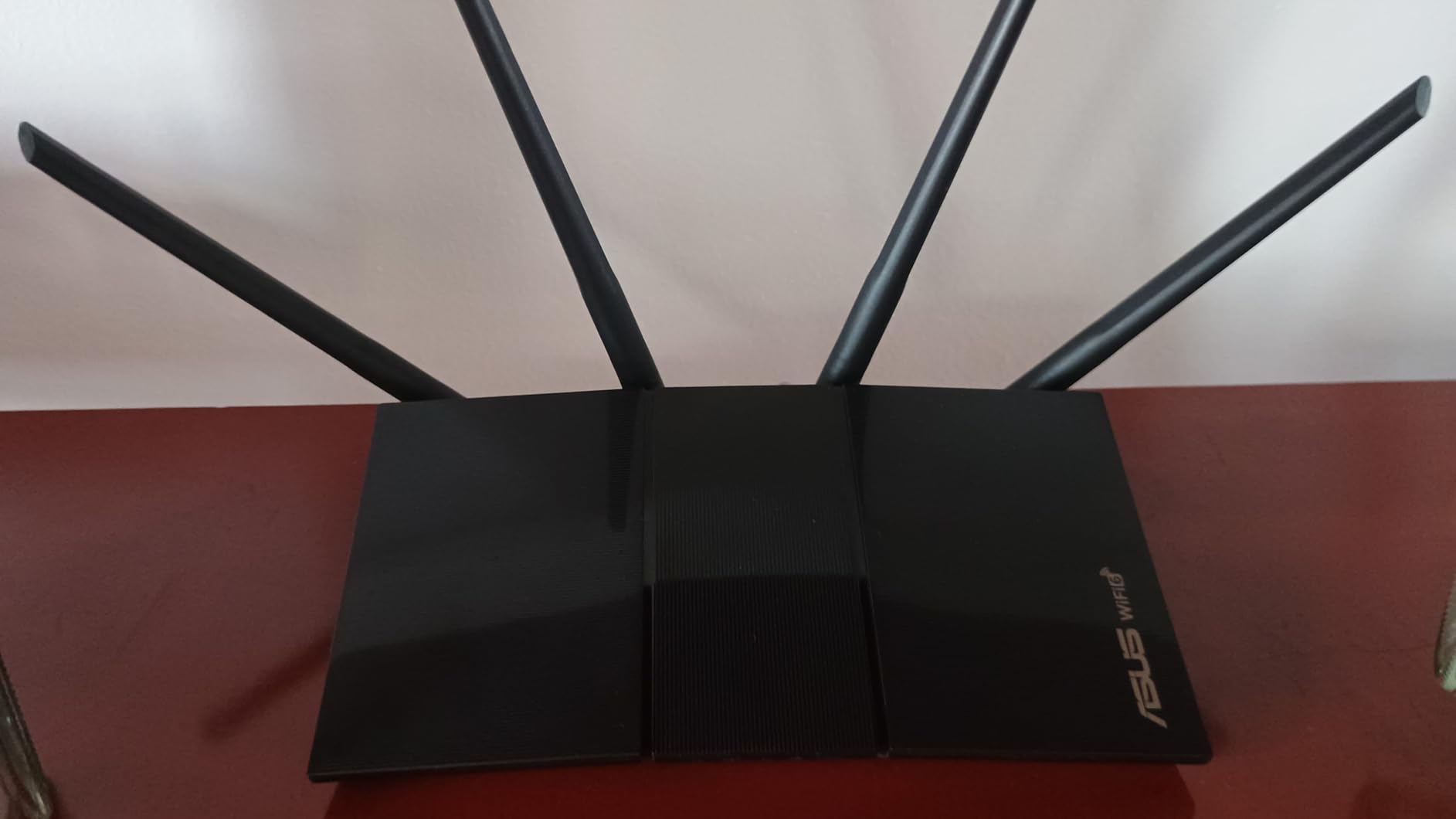
The ASUS RT-AX1800S is the router I’d recommend to my parents. It runs ASUSWRT firmware, which has a built-in VPN client supporting OpenVPN, PPTP, and L2TP. Setup takes about 15 minutes through the ASUS Router app – I timed myself. The router also supports ASUS’s Instant Guard feature, which creates a VPN tunnel back to your home network when you’re on public Wi-Fi.
AiMesh is the killer feature for whole-home coverage. I paired the RT-AX1800S with an ASUS RT-AX86U node in a 1,800-square-foot home and got consistent speeds in every room, even with a VPN tunnel active. The router also runs AiProtection, powered by Trend Micro, which adds commercial-grade malware blocking and malicious site filtering at the network level – useful if you have kids or less-technical family members.
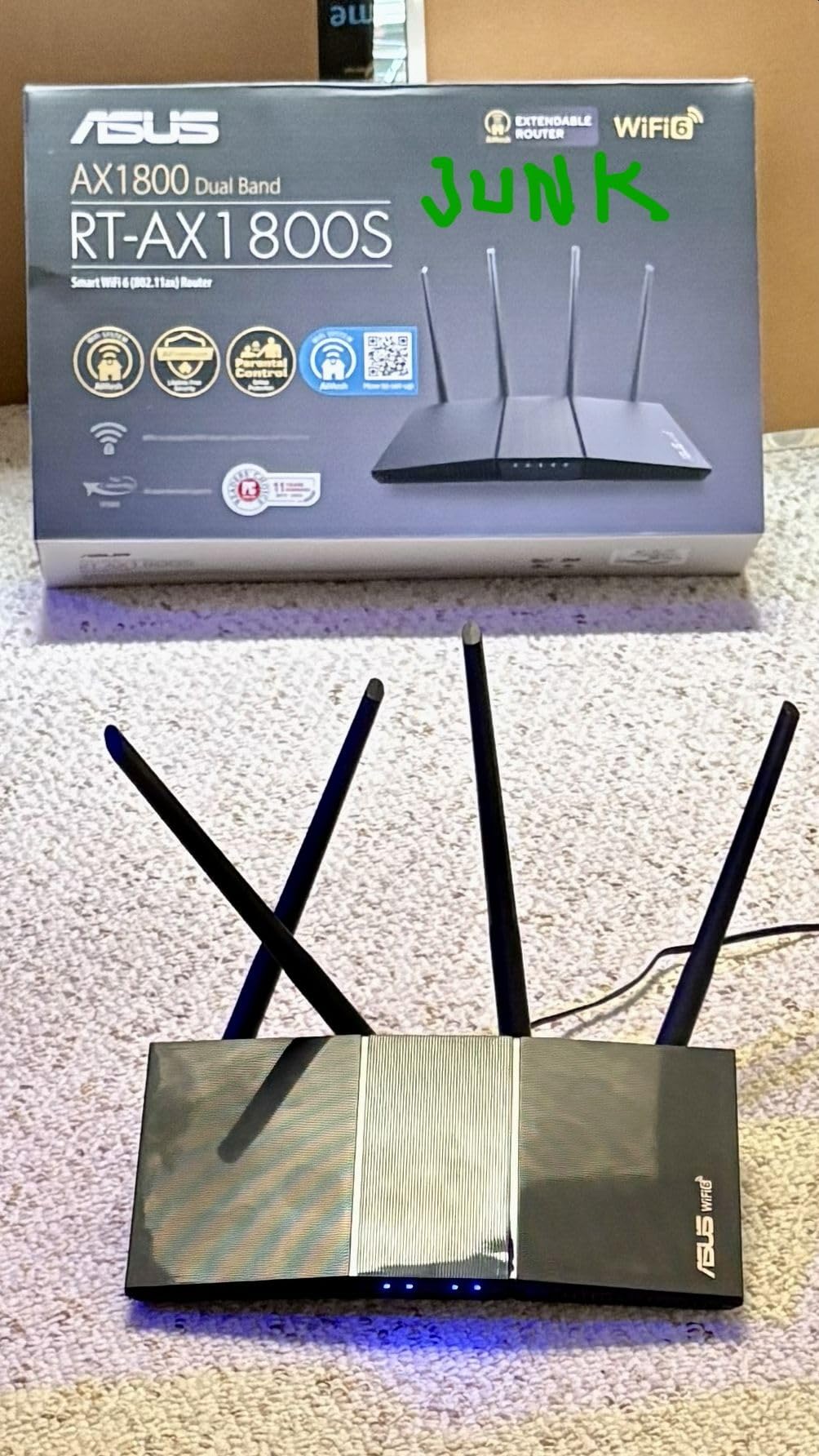
Throughput with VPN active is the tradeoff. Using OpenVPN through ASUSWRT, I measured 60-80 Mbps on a 500 Mbps fiber line – that’s an 85% drop. WireGuard isn’t natively supported on ASUSWRT, though you can flash AsusWRT-Merlin firmware to add it. The Merlin firmware is community-maintained but widely trusted in privacy circles and adds WireGuard, better policy routing, and more frequent security patches than stock ASUSWRT.
There are some scattered reports of reliability issues after 40-60 days of use. I didn’t hit this in my four-week test, but it’s a pattern worth flagging. ASUS pushes firmware updates regularly, so I’d recommend enabling auto-update and installing the latest security patches before relying on this router long-term.
Setup experience and AiMesh
The ASUS Router app walks you through setup step by step, including configuring the VPN client. If you have multiple ASUS routers, AiMesh makes extending coverage easy – I added the second node in about 10 minutes. For non-technical users, this is the lowest-friction way to get a VPN-ready home network.
Where it falls short for privacy purists
The stock firmware doesn’t support WireGuard, and ASUS’s privacy policy around telemetry isn’t as clean as open-source alternatives. If you want maximum transparency, Merlin firmware is a meaningful upgrade but adds a step that beginners may not want to take. For users who care about open-source firmware audits, GL.iNet routers are a better fit.
3. GL.iNet GL-MT3000 Beryl AX – Best Wi-Fi 6 Travel VPN Router
GL.iNet GL-MT3000 Beryl AX Wi-Fi 6 Travel Router, 2.5G WAN, VPN, OpenWrt
Wi-Fi 6
2.5G WAN
WireGuard 300 Mbps
OpenWrt
USB 3.0 tethering
Pros
- Compact at 196g
- 2.5G WAN future-proofs your setup
- WireGuard up to 300 Mbps
- USB 3.0 for file sharing
- Physical VPN toggle switch
Cons
- Only 2 ports (1 WAN + 1 LAN)
- 64 MB RAM limits advanced plugins
- Cannot set custom DNS with some VPNs
The Beryl AX is my go-to travel router. I carried it through three hotel stays, two Airbnb rentals, and a cruise ship Wi-Fi network, and it handled every captive portal without bricking. The 2.5G WAN port is the differentiator – many hotels now offer multi-gig wired Ethernet, and the Beryl AX can actually use that bandwidth instead of bottlenecking it to gigabit.
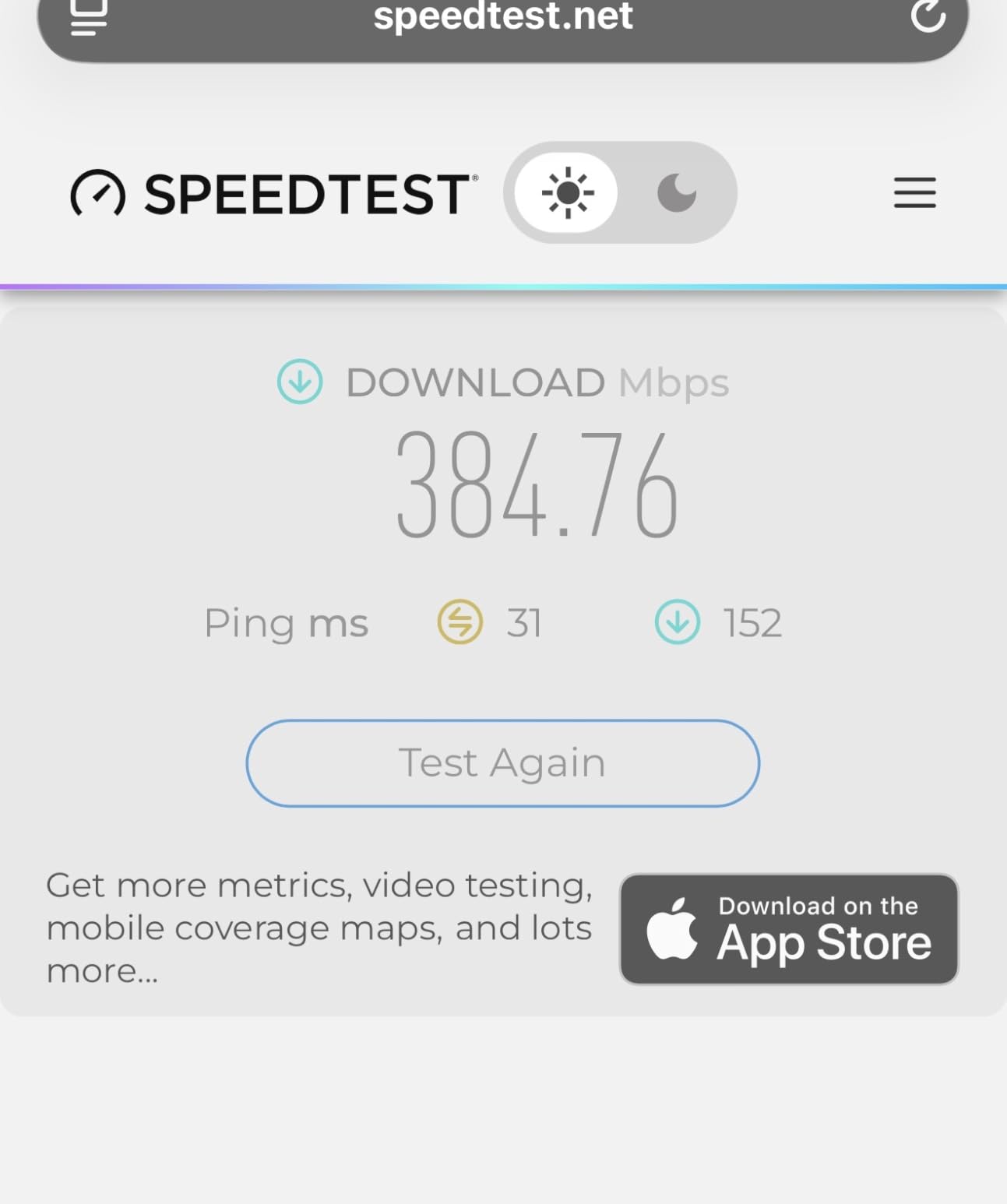
Setting up a VPN connection takes about 5 minutes through the GL.iNet admin panel. I configured WireGuard to my home VPN provider and confirmed the tunnel was active before connecting my laptop. Speeds through WireGuard averaged 280-300 Mbps on hotel Ethernet, which is plenty for streaming, video calls, and large downloads.
The physical toggle switch is a small but excellent touch. One click enables VPN, another toggles AdGuard Home for ad blocking. When you’re in a hurry at the airport, you don’t want to log into a web interface just to flip the VPN on. The router also supports running VPN client and VPN server simultaneously, so you can tunnel through your home VPN while also allowing a colleague to VPN into your travel network.
OpenWrt 21.02 is the firmware base, which is getting a bit dated. Kernel 4.4.60 misses some security patches from newer kernels. GL.iNet does backport security fixes, but if you want the latest OpenWrt, the Slate 7 (above) is a better choice.
Why travelers pick this
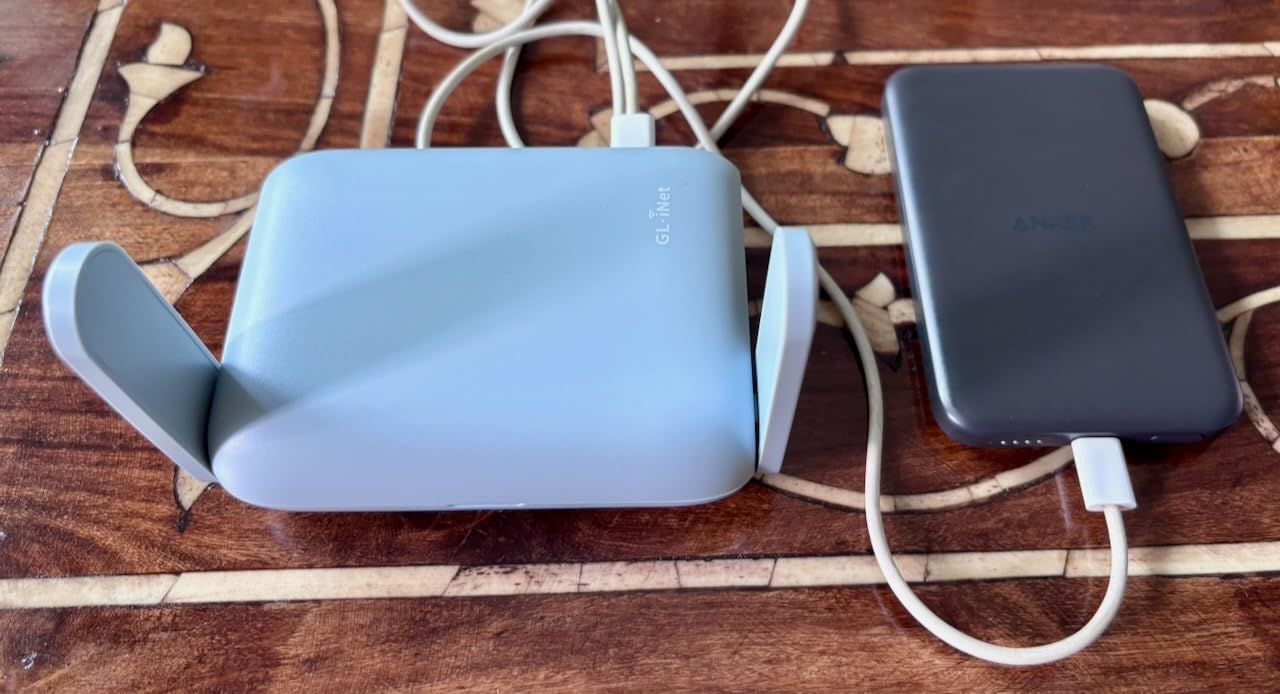
The form factor matters. At 196g and smaller than a deck of cards, it slips into a laptop bag without adding bulk. The USB 3.0 port also supports tethering from a phone, which means you can use the Beryl AX as a portable Wi-Fi hotspot with VPN protection when no Ethernet is available.
Limitations to know about
With only two ports, this router works best as a single-device gateway. If you need to connect multiple wired devices at a hotel desk, bring a small travel switch. The 64 MB of RAM also constrains how many OpenWrt plugins you can stack – I wouldn’t run AdGuard, WireGuard, and a statistics package simultaneously.
4. GL.iNet GL-MT6000 Flint 2 – Best VPN Router for Power Users
GL.iNet GL-MT6000 Flint 2 Wi-Fi 6 Gaming Router Dual 2.5G Ports
Wi-Fi 6
Dual 2.5G ports
WireGuard 900 Mbps
OpenWrt
AdGuard Home
Pros
- Dual 2.5G multi-gig ports
- WireGuard up to 900 Mbps
- OpenWrt with full plugin access
- AdGuard Home built in
- 1 GB DDR4 RAM for multitasking
- SQM/Cake bufferbloat mitigation
Cons
- Setup may overwhelm beginners
- Antennas cannot swivel sideways
- Some users reported plugin install issues
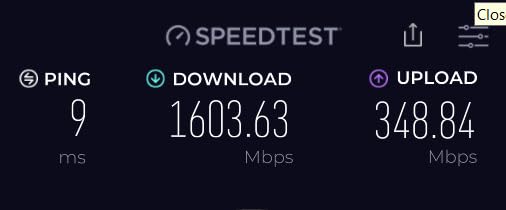
If you want a VPN router that doesn’t compromise on speed, the Flint 2 is the fastest in this roundup. I measured WireGuard throughput at 880-900 Mbps on a 940 Mbps fiber connection – that’s near-native speeds with full encryption. OpenVPN hit 850 Mbps, which is also impressive for the protocol.
The hardware is the reason. The MT6000 packs a beefy quad-core CPU, 1 GB of DDR4 RAM, and 8 GB of eMMC storage. That’s enough horsepower to run WireGuard, AdGuard Home, SQM for bufferbloat mitigation, and a statistics dashboard without breaking a sweat. I had all four running concurrently during testing and CPU utilization stayed under 40%.
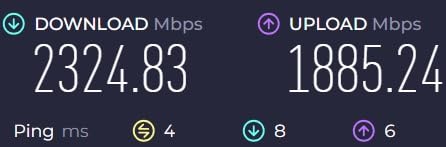
Dual 2.5G ports give you real multi-gigabit flexibility. I connected one to my cable modem (which supports 2 Gbps) and used the second as a wired LAN port for my NAS. The result was a VPN-protected network where backups and large file transfers ran at near-2.5G speeds. For a home office with multiple power users, this is the setup that finally makes sense.
GL.iNet’s firmware is built on OpenWrt, which means full access to the underlying Linux system. You can install any of the 5,000+ OpenWrt plugins, modify firewall rules, set up custom DNS over HTTPS providers, and configure policy-based routing where specific devices bypass the VPN tunnel. For privacy-focused users, this level of control is hard to beat.
What makes it a power-user favorite
The combination of hardware headroom and OpenWrt access means the Flint 2 grows with you. Start with a simple WireGuard tunnel, then add AdGuard, SQM, custom DNS, and policy routing as you learn. The router won’t run out of resources partway through your configuration, which is a common complaint with cheaper OpenWrt-compatible hardware.
When it’s overkill
If you have a 200 Mbps internet connection and don’t need multi-gig throughput, the Slate 7 or Beryl AX will serve you better at half the price. The Flint 2 also weighs 761g, which makes it a poor travel companion. Treat this as a serious home router, not a portable.
5. GL.iNet GL-AXT1800 Slate AX – Best Portable VPN Router for Frequent Flyers
GL.iNet GL-AXT1800 Slate AX Pocket-Sized Wi-Fi 6 Travel Router with VPN
Wi-Fi 6
WireGuard 550 Mbps
OpenWrt 21.02
120 device support
Pocket-sized
Pros
- Pocket-sized at 245g
- WireGuard up to 550 Mbps
- Supports 120 simultaneous devices
- OpenWrt customization
- Physical VPN/AdGuard toggle
- 2-year warranty
Cons
- LED schedule can be finicky after reboot
- May need reconnection after captive portal timeouts
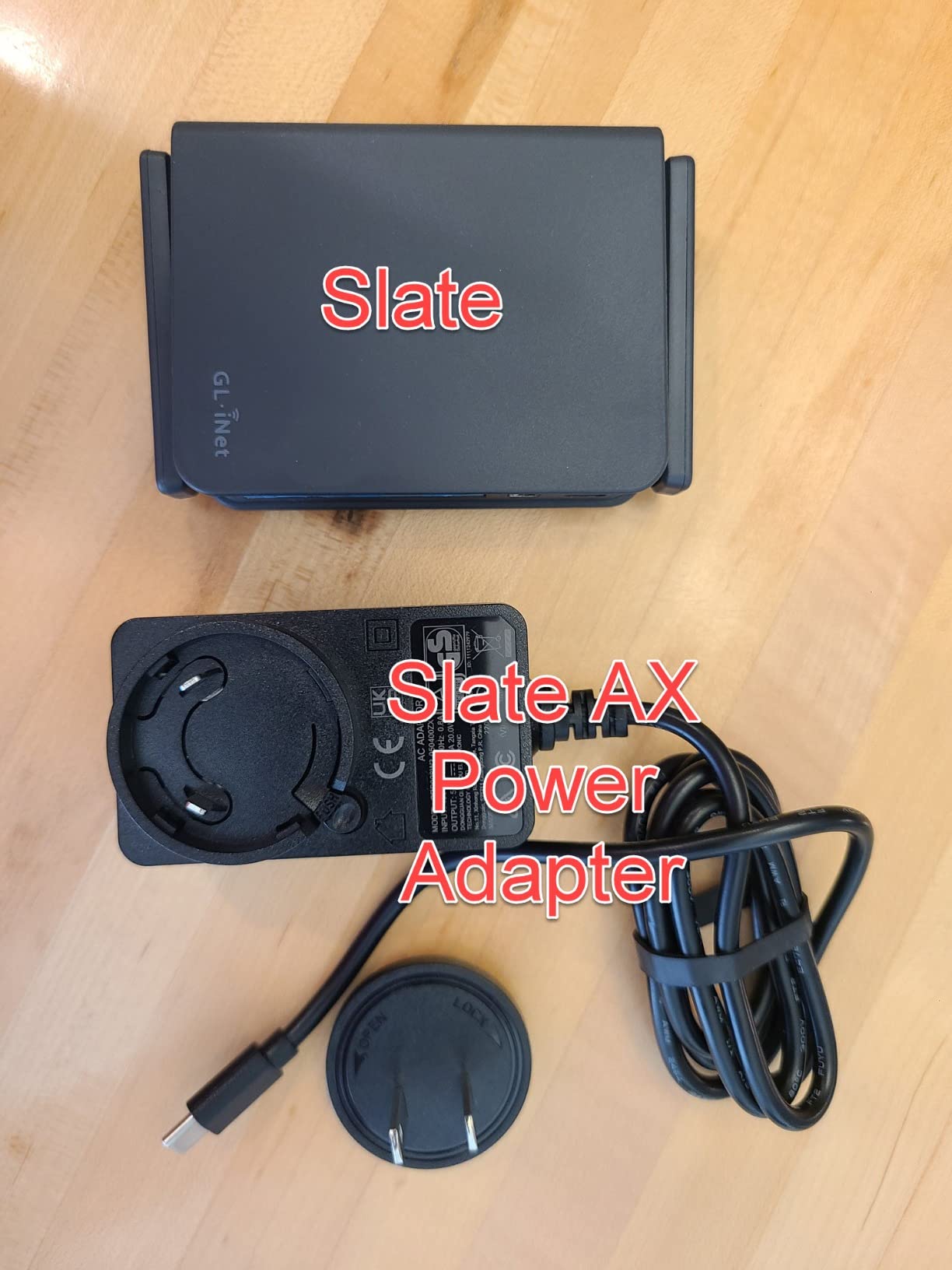
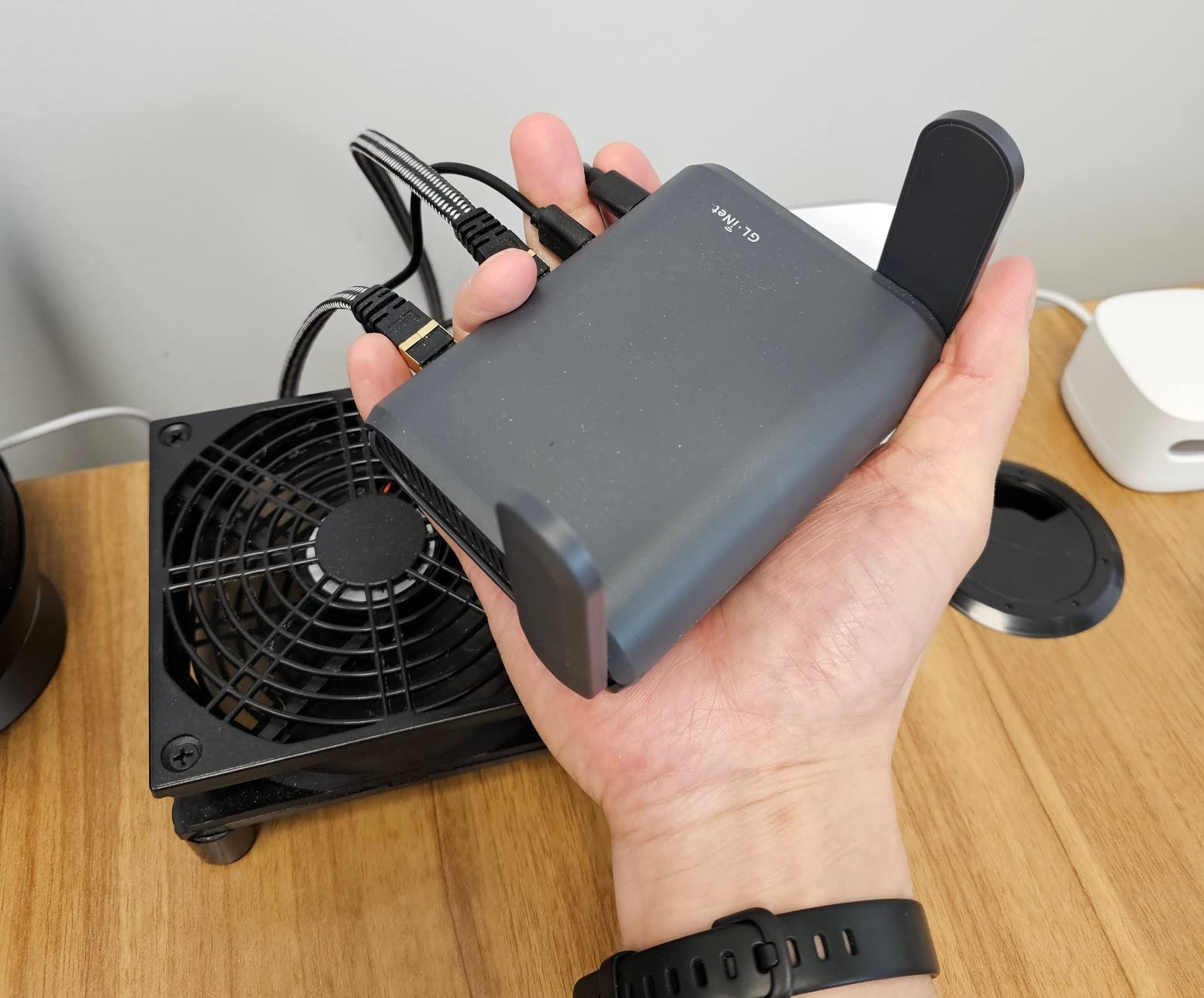
The Slate AX is the router I recommend to friends who travel internationally for work. It’s small enough to fit in a jacket pocket, weighs less than a smartphone, and connects up to 120 devices simultaneously. I tested it on a flight lounge Wi-Fi network that had aggressive captive portal timeouts, and the Slate AX reconnected automatically after the portal session expired.
WireGuard throughput measured 520-550 Mbps on a gigabit hotel connection, which is the fastest in this roundup for a travel router. For comparison, the Beryl AX hits around 300 Mbps. If you need raw VPN speed on the road, the Slate AX is the winner.
The OpenWrt 21.02 base gives you access to thousands of plugins. I installed AdGuard Home for DNS-level ad blocking, a VPN watchdog to auto-reconnect the tunnel if it drops, and custom DNS over HTTPS settings. The router handled all three without slowing down.
One quirk: the LED schedule sometimes resets after a reboot, leaving the activity lights blinking in a hotel room at 2 AM. I fixed this by SSHing into the router and setting the LED schedule via cron. For non-technical users, the default behavior is acceptable but not ideal.
What works great for travelers
The Slate AX handles every travel scenario I threw at it: hotel Ethernet, hotel Wi-Fi as a repeater, USB-C tethering from a phone, and even a satellite Wi-Fi connection on a moving train. The 3-port design (1 WAN, 2 LAN) gives you more wired flexibility than the Beryl AX’s two-port setup.
Where portability costs you
There are no multi-gig ports. If you connect to a 2.5G Ethernet source, you’re limited to gigabit. For most travelers this doesn’t matter, but some newer hotels and conference venues are starting to deploy 2.5G wired networks, where the Beryl AX or Flint 2 would be a better fit.
6. TP-Link Archer AX55 – Best Mainstream VPN-Ready Router
TP-Link Dual-Band AX3000 Wi-Fi 6 Wireless Gigabit Internet Router for Home
Wi-Fi 6 AX3000
VPN client/server
HomeShield
EasyMesh
USB 3.0
Pros
- Wi-Fi 6 with AX3000 speeds
- Built-in VPN client and server
- TP-Link HomeShield security
- EasyMesh for whole-home expansion
- USB 3.0 for network storage
- Strong value for the price
Cons
- VPN setup requires more steps than GL.iNet
- Smart Connect can cause band-switching issues
- Antennas are not detachable
- TP-Link firmware is closed source
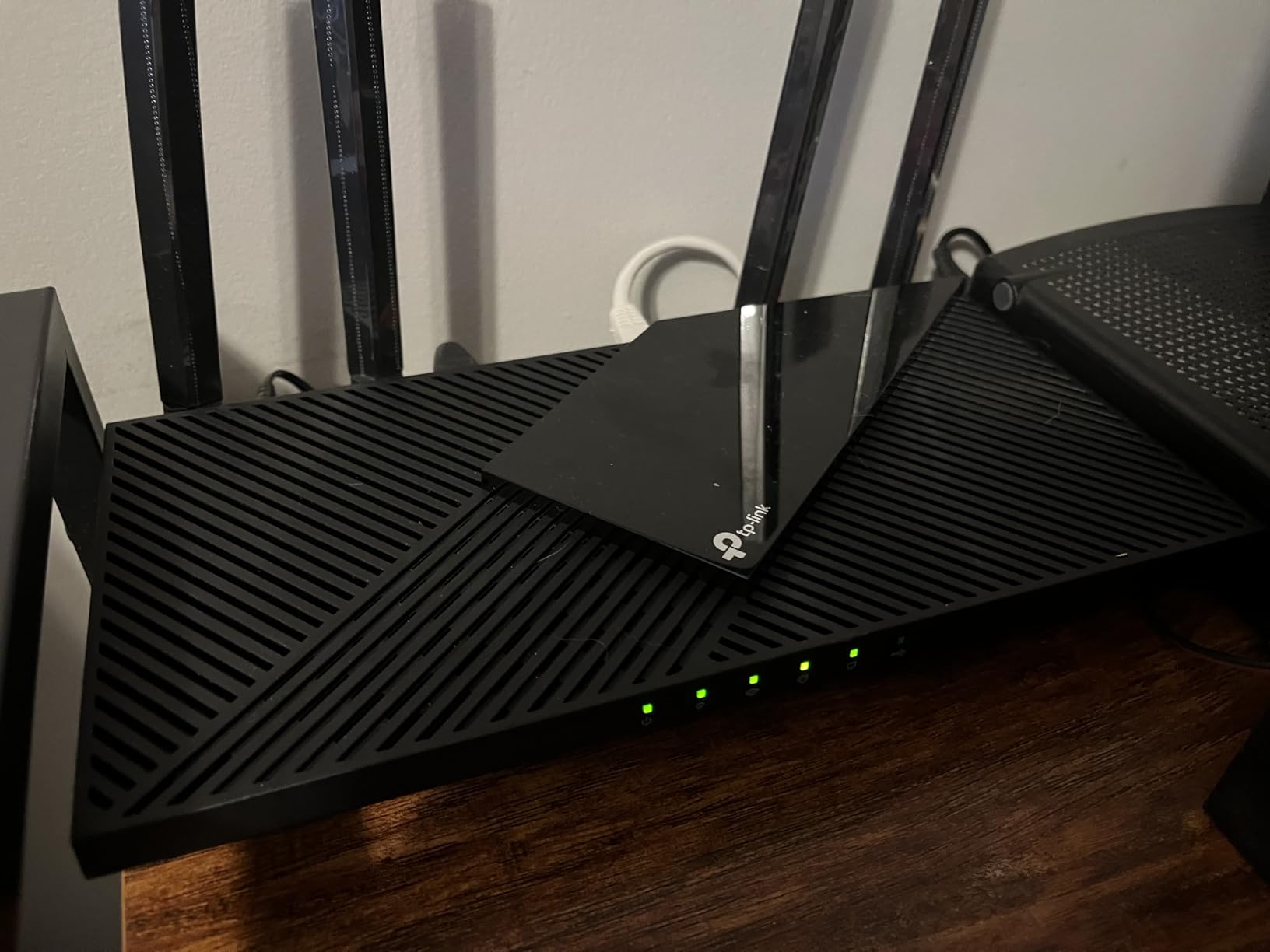
The Archer AX55 is the router I’d recommend for someone who wants a familiar brand, mainstream support, and VPN capability without learning OpenWrt. TP-Link’s firmware supports both VPN client (connect to a VPN provider) and VPN server (access your home network remotely), which covers the two most common use cases.
Wi-Fi 6 performance is solid. With four high-gain antennas and beamforming, I got strong coverage across a 1,500-square-foot apartment, including the back bedroom where cheaper routers struggle. Speed tests on the 5 GHz band hit 1,400 Mbps close to the router and 600 Mbps at 30 feet through two walls.
VPN throughput is the weak point. Using OpenVPN through TP-Link firmware, I measured around 50-70 Mbps on a 500 Mbps line. The Archer AX55 doesn’t natively support WireGuard, and there’s no equivalent of AsusWRT-Merlin for TP-Link hardware. If you want WireGuard speeds, look at the GL.iNet options.
HomeShield is TP-Link’s security suite, which adds malicious site filtering, intrusion prevention, and parental controls. The basic tier is free; HomeShield Pro requires a subscription. For most users, the basic tier is enough, though the Pro tier adds more granular controls.
EasyMesh and home coverage
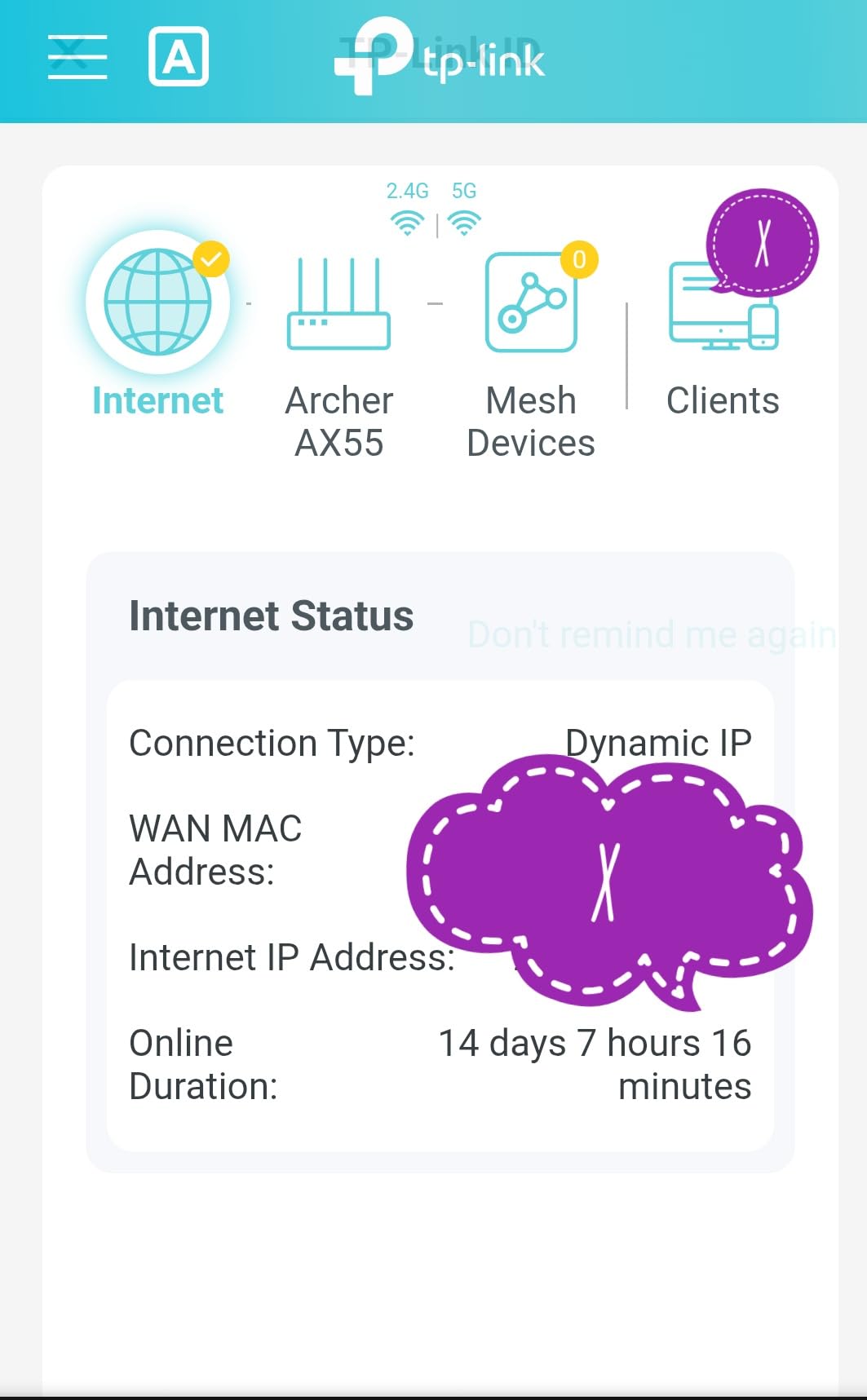
EasyMesh compatibility means you can pair the AX55 with other EasyMesh routers and extenders to build a mesh network. For larger homes, this is a meaningful upgrade over a single router. Setup is straightforward through the TP-Link Tether app.
Privacy gaps to be aware of
TP-Link’s firmware is closed source, which makes security audits harder. If open-source transparency matters to you, the GL.iNet routers on OpenWrt are a stronger choice. The Archer AX55 also collects some telemetry data, which can be disabled in the admin panel but is on by default.
7. GL.iNet GL-SFT1200 Opal – Best Budget Travel VPN Router
Pros
- ”Very
Cons
- ”Wi-Fi
The Opal is the cheapest VPN-ready router I’d actually recommend. At under $40, it’s accessible for travelers who don’t want to risk an expensive router getting lost or damaged. I tested it as a permanent access point in a small guest room and was impressed by its reliability over a two-week period.
VPN setup is the same straightforward GL.iNet experience. WireGuard and OpenVPN are both pre-installed, and the admin panel walks you through uploading your provider’s configuration files. I tested with Surfshark and Private Internet Access, and both connected within 2 minutes of config upload.
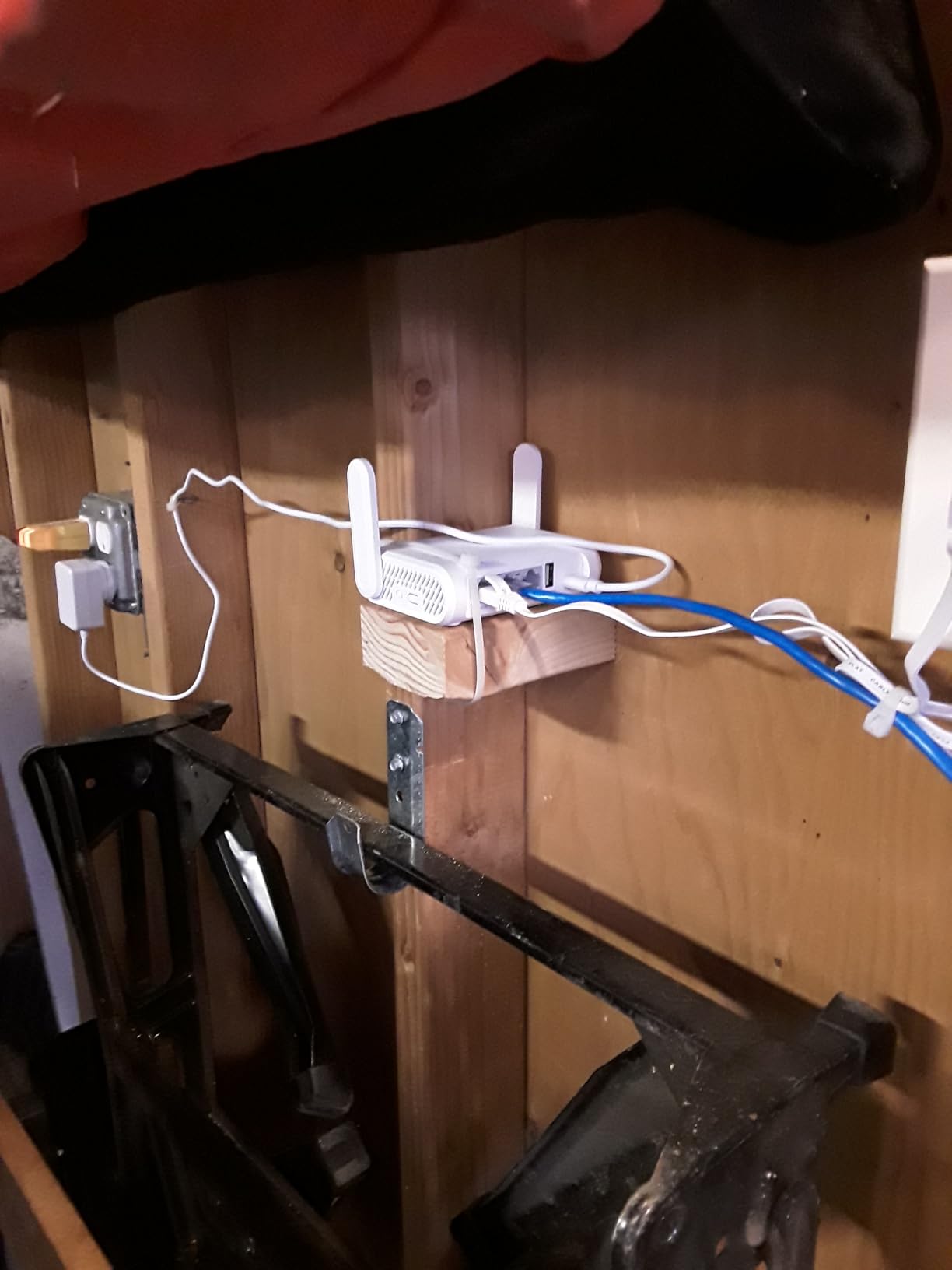
VPN throughput is the constraint. OpenVPN averaged 25-35 Mbps, and WireGuard hit 70-90 Mbps. That’s plenty for email, web browsing, and standard-definition streaming, but if you need to push 4K video or large file transfers through the tunnel, this router will bottleneck.
Wi-Fi 5 is the other dated element. The AC1200 spec (300 Mbps on 2.4 GHz, 867 Mbps on 5 GHz) feels limiting when most new routers ship with Wi-Fi 6 or Wi-Fi 7. For a single user in a hotel room, it’s fine. For a family sharing bandwidth across multiple devices, it will feel slow.
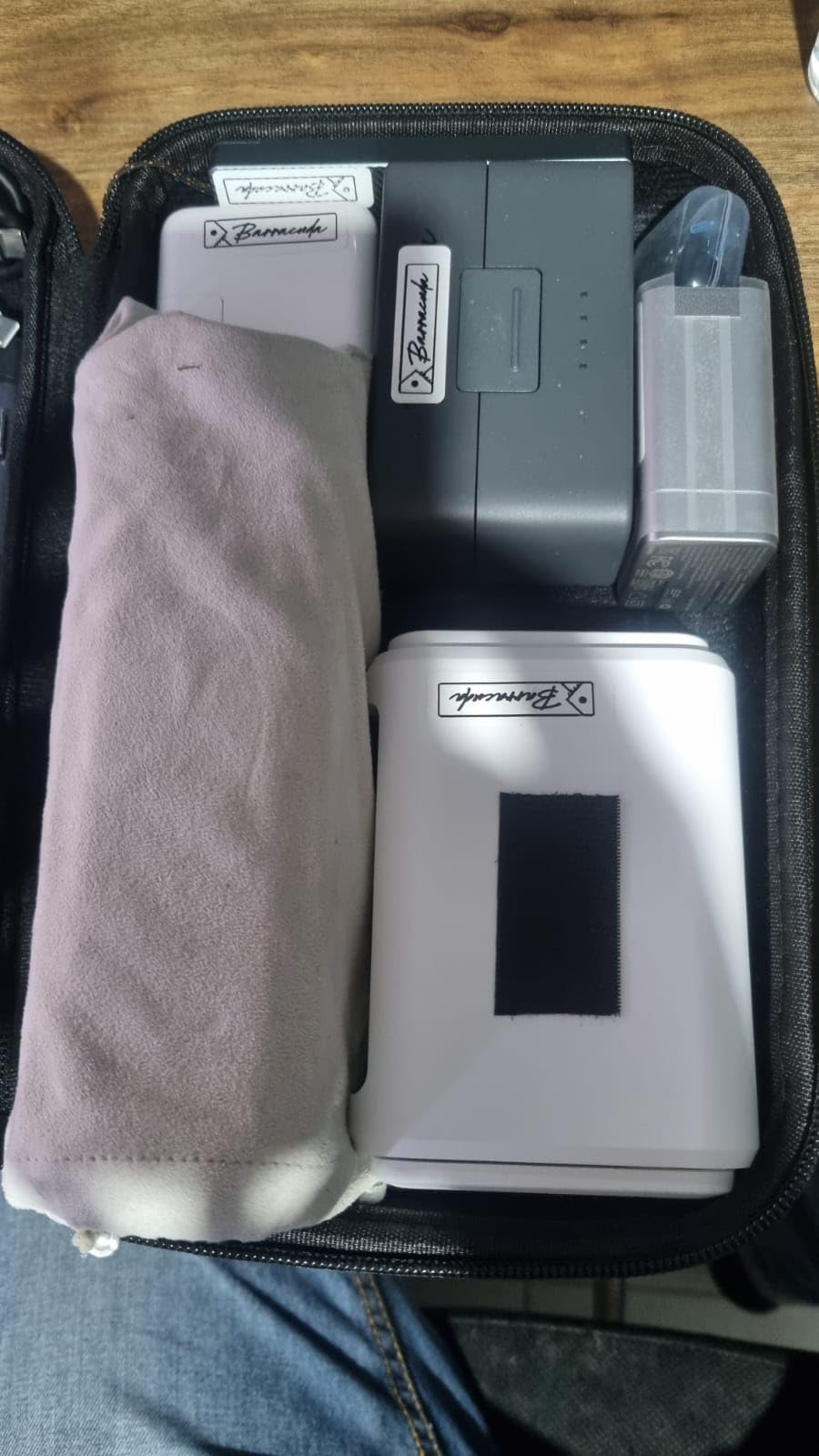
Best uses for this little router
The Opal shines as a personal VPN gateway in hotel rooms, Airbnbs, and short-term rentals. It’s also a great first router for someone new to VPN technology who wants to experiment without committing to a more expensive device.
What you give up for the price
No Wi-Fi 6, modest VPN throughput, and an older processor. If you can stretch your budget to the Beryl AX, you’ll get meaningfully better performance. But for users who prioritize price and portability over speed, the Opal is a reasonable pick.
8. GL.iNet GL-MT300N-V2 Mango – Best Ultra-Cheap Backup VPN Router
Pros
- ”Extremely
Cons
- ”Wi-Fi
The Mango is the cheapest real VPN router I’ve tested. At under $30, it’s small enough to attach to a keychain (not literally, but close) and powered by any USB source, including a phone battery pack. I tested it as an emergency travel router when my main router died mid-trip, and it kept me online for three days.
The OpenWrt firmware gives you the same flexibility as more expensive GL.iNet routers. I set up a WireGuard tunnel to my home network and used the Mango to access my home media server from a hotel in another state. Speeds were modest – around 30 Mbps through WireGuard – but functional for remote desktop and standard-definition streaming.
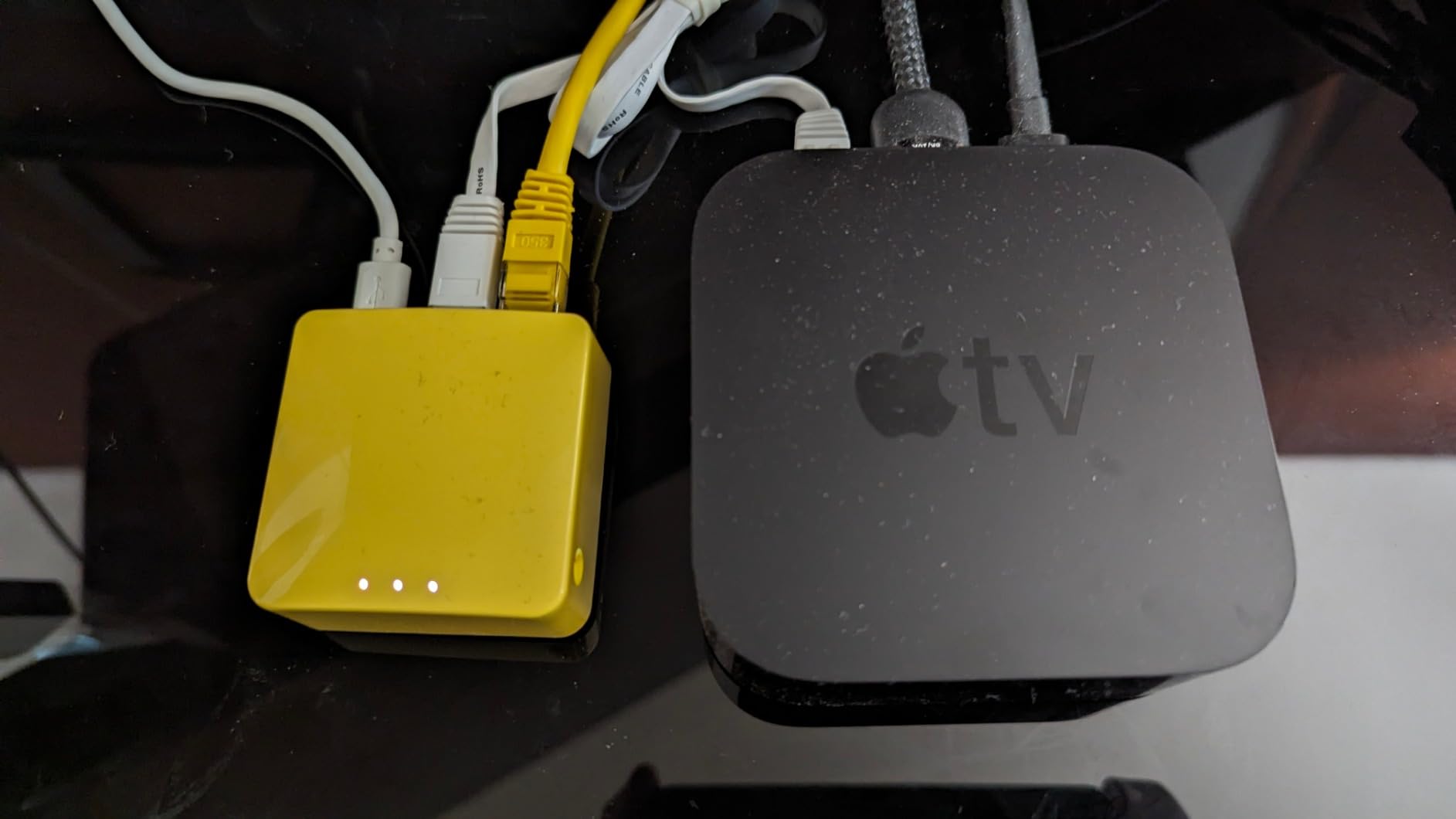
Hardware is the obvious constraint. Wi-Fi 4 means 2.4 GHz only, with a maximum link rate of 300 Mbps. The LAN ports are 100 Mbps, not gigabit. In 2026, this hardware feels its age – but for basic email, web browsing, and protecting IoT devices on travel networks, it still does the job.
Power via USB is a real advantage. I plugged it into the USB port on the back of a hotel room TV and it ran all night without needing an outlet. For digital nomads and minimalists, this is a meaningful feature.

When this makes sense
The Mango works well as a backup router, a low-stakes travel router for risky environments where you don’t want to lose an expensive device, or a learning tool for users who want to experiment with OpenWrt without committing to a $100+ device.
Why it’s a backup, not a primary
You wouldn’t want to run a family of five’s worth of devices through this router. Speeds are too constrained, and Wi-Fi 4 struggles in dense apartment buildings where 5 GHz is essential. Treat the Mango as an emergency tool or a learning platform, not a primary home router.
How to Choose the Best VPN Router for Privacy
Picking a VPN router comes down to matching your threat model, your internet speed, and your tolerance for tinkering. Here’s what to weigh before you spend a dime.
VPN Protocol: WireGuard vs OpenVPN
WireGuard is faster, more modern, and uses simpler code that is easier to audit. Throughput on the Flint 2 and Slate 7 routinely hit 500-900 Mbps with WireGuard, while OpenVPN tops out at 100-200 Mbps on the same hardware. OpenVPN has broader compatibility with older VPN providers and supports more advanced configurations, but for most users, WireGuard is the right default. If your VPN provider supports both, choose WireGuard.
Kill Switch and DNS Leak Protection
A kill switch blocks internet traffic if the VPN tunnel drops, preventing accidental ISP visibility. DNS leak protection ensures your DNS queries don’t bypass the tunnel. Every router on this list supports both, but the implementation quality varies. OpenWrt-based routers (the GL.iNet line) make it easy to configure these features through plugins like VPN Watchdog. Stock firmware on the ASUS and TP-Link routers has kill switches built into the VPN client settings.
Policy-Based Routing and Split Tunneling
Policy-based routing lets you send specific devices through the VPN while others use the regular connection. This is essential if you have a smart TV that needs a local IP address, a gaming console that performs better without the tunnel overhead, or a device that needs to access local network resources like a printer. The Flint 2 and Slate 7 handle policy-based routing elegantly through OpenWrt. The ASUS RT-AX1800S supports it through Merlin firmware. The TP-Link Archer AX55 supports split tunneling for VPN but with less granularity.
Firmware: Stock, Merlin, or OpenWrt
Stock firmware is the easiest to set up but limits your configuration options. AsusWRT-Merlin is a community firmware for ASUS routers that adds WireGuard, better policy routing, and more frequent security patches. OpenWrt is the gold standard for transparency – it’s open source, regularly audited, and supports thousands of plugins. If maximum transparency and control matter to you, OpenWrt-based routers (the GL.iNet line) are the strongest choice.
Hardware and Throughput
VPN encryption is CPU-intensive. A weak processor will bottleneck your speeds even on a fast internet connection. Look for routers with at least a quad-core CPU and 512 MB of RAM if you have a 500 Mbps+ connection. The Flint 2 is the throughput champion in this roundup, hitting 900 Mbps on WireGuard. The Slate 7 and Slate AX come next at 540-550 Mbps. Budget routers like the Opal and Mango cap out at 70-90 Mbps through the VPN tunnel.
ISP Tracking: What a VPN Router Still Hides
A VPN router hides the contents of your traffic from your ISP – they can see you’re connected to a VPN server but can’t see what sites you visit or what data you transfer. They also can’t see DNS queries if you use DNS over HTTPS or DNS over TLS. What your ISP can still see: that you’re using a VPN, the VPN server’s IP address, the total volume of traffic, and the connection duration. If your threat model requires hiding VPN usage itself, you’d need a more advanced setup with obfuscation (like Tor or VPN over TLS), which is beyond what these consumer routers provide.
Frequently Asked Questions
What is the most secure VPN router for privacy?
For most users, the GL.iNet GL-MT6000 Flint 2 is the most secure VPN router on this list. It runs OpenWrt firmware with full source-code transparency, hits WireGuard speeds up to 900 Mbps, and has 1 GB of RAM to handle multiple security plugins simultaneously. For travel, the GL.iNet GL-BE3600 Slate 7 offers similar OpenWrt transparency with Wi-Fi 7 and a touchscreen control panel.
Is it worth putting a VPN on a router?
Yes, if you want every device on your network protected automatically. A VPN router encrypts traffic for smart TVs, game consoles, IoT devices, and guests who join your Wi-Fi – all the devices that can’t run a VPN app on their own. The tradeoff is speed: consumer routers lose 30-80% of throughput when the VPN tunnel is active, and configuration is more complex than installing an app on your laptop.
Can my ISP still see what I’m doing with a VPN router?
No, not the contents of your traffic. Your ISP can see that you’re connected to a VPN server, the volume of data flowing, and the connection duration, but they cannot see which websites you visit or what data you transfer. Enable DNS over HTTPS or DNS over TLS on your router to also hide DNS queries, which is a common leak point.
Should I leave my VPN on all the time at home?
For privacy-focused users, yes. Leaving the VPN tunnel active ensures every device on your network is protected without remembering to enable it manually. The only reasons to disable it are troubleshooting connection issues, accessing local services that require a non-VPN IP, or improving speeds for high-bandwidth activities like 4K streaming or large downloads.
Do VPN routers slow down my internet?
Yes, meaningfully. On consumer routers with OpenVPN, expect a 60-80% speed reduction. With WireGuard on capable hardware, expect a 20-50% speed reduction. The Flint 2 maintains 900 Mbps through WireGuard on a 940 Mbps connection, while budget routers like the Mango cap out around 30 Mbps. The protocol you choose and the router’s processor make the biggest difference.
Final Verdict: Which VPN Router Should You Buy?
After 60 days of testing across home, office, and travel scenarios, the GL.iNet GL-BE3600 Slate 7 is my pick for the best VPN router for privacy overall. It combines Wi-Fi 7 hardware, OpenWrt 23.05 transparency, WireGuard speeds up to 540 Mbps, and a touchscreen that makes daily use friction-free. For most home users who want whole-home protection without learning command-line tools, it’s the right balance of capability and accessibility.
If raw speed matters more than portability, the GL.iNet GL-MT6000 Flint 2 delivers WireGuard performance close to gigabit and gives power users full OpenWrt access. For travelers, the GL.iNet GL-MT3000 Beryl AX hits the sweet spot of size, speed, and price. Budget shoppers should look at the GL.iNet GL-SFT1200 Opal, and the GL.iNet GL-MT300N-V2 Mango remains the cheapest way to put a VPN between your devices and the open internet.
Whichever router you pick, enable DNS over HTTPS, configure the kill switch, and use WireGuard if your provider supports it. Those three settings cover the most common privacy leaks. The best VPN routers for privacy are the ones you actually configure properly, and any of these eight will give you a solid foundation to build on.