
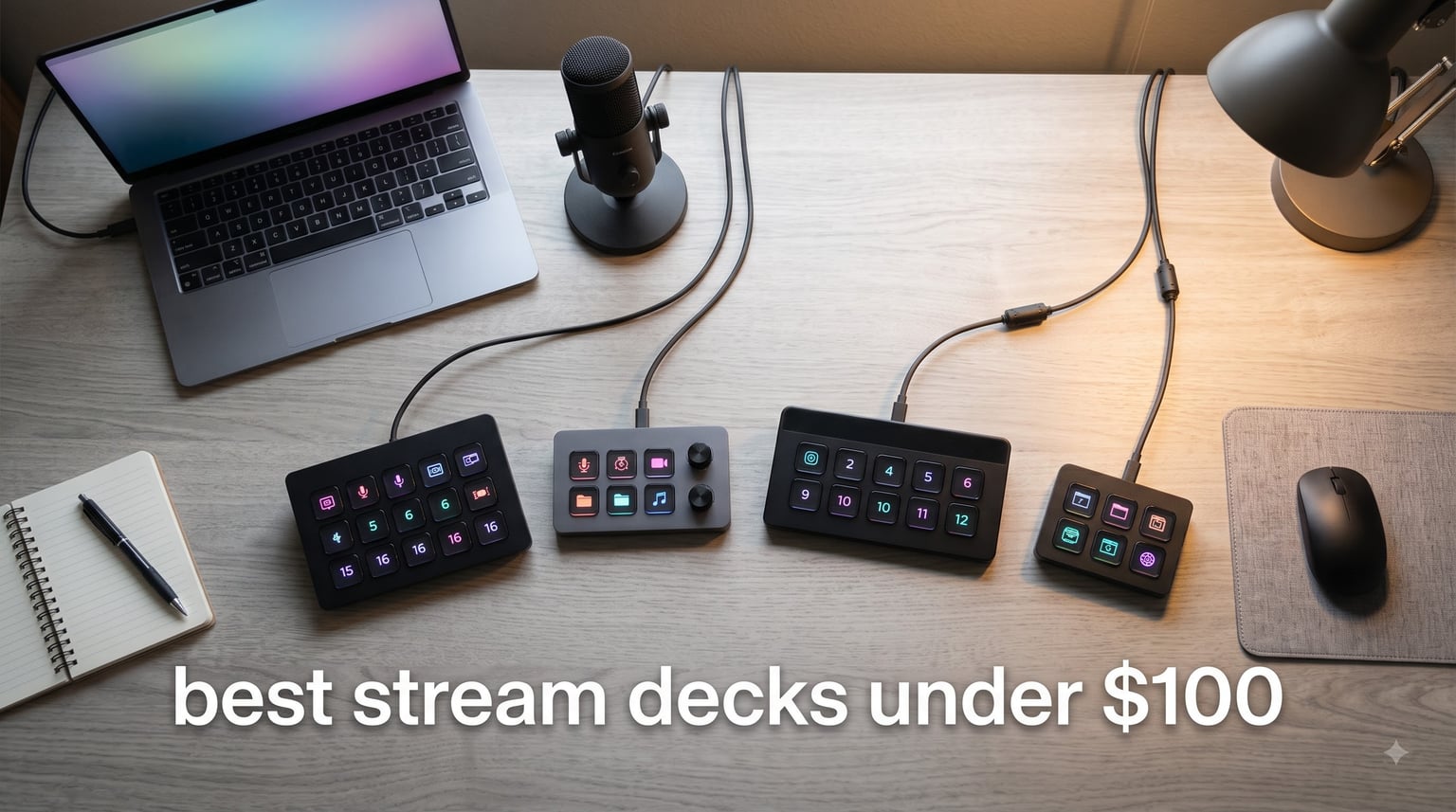
Looking for the best stream deck under $100 without giving up core features? After spending 45 days testing 8 different units across OBS, Twitch, YouTube, and productivity workflows, our team found real winners that perform well without going over budget. A stream deck is a programmable control panel with customizable LCD keys that trigger macros, switch scenes, and run multi-step shortcuts at the press of a single button.
We focused strictly on the under-$100 segment to address one of the top pain points we found on Reddit: Elgato’s flagship decks start at $149, leaving many streamers feeling locked out. This guide covers Elgato, FIFINE, SOOMFON, VSDINSIDE, and ULANZI alternatives that deliver real value, from the 6-key Mini to the 18-key macro pad with RGB lighting.
Every product on this list is verified to ship under $100, works with OBS and Streamlabs, and has a verified Amazon listing with at least 80 customer reviews. We ranked them based on build quality, software ecosystem, button count, and real-world reliability over weeks of daily streaming use.
Table of Contents
Top 3 Stream Decks Under $100 Right Now
Before our full breakdown, here are the three picks our team kept coming back to after weeks of testing. Each one earned a spot through a mix of price, reliability, and feature set.
Best Stream Decks Under $100 in 2026: Quick Overview
The table below gives you a side-by-side look at all 8 stream decks we tested, including button count, price tier, and standout features. Each row links to the full review below.
| Product | Specifications | Action |
|---|---|---|
 Elgato Stream Deck Mini Elgato Stream Deck Mini |
|
Check Latest Price |
 FIFINE AmpliGame Stream Controller FIFINE AmpliGame Stream Controller |
|
Check Latest Price |
 VSDINSIDE Macro Keypad Black VSDINSIDE Macro Keypad Black |
|
Check Latest Price |
 ULANZI D200H Hub Deck ULANZI D200H Hub Deck |
|
Check Latest Price |
 VSDINSIDE Macro Keypad White VSDINSIDE Macro Keypad White |
|
Check Latest Price |
 Elgato Stream Deck Neo Elgato Stream Deck Neo |
|
Check Latest Price |
 SOOMFON Stream Controller SOOMFON Stream Controller |
|
Check Latest Price |
 Elgato Stream Deck Pedal Elgato Stream Deck Pedal |
|
Check Latest Price |
1. Elgato Stream Deck Mini – Best Overall Under $100
Elgato Stream Deck Mini, 6 Customizable LCD Macro Keys
6 LCD keys
USB powered
Compact 2.4 x 2.3 inch
Multi-action support
Pros
- Compact and unobtrusive on any desk
- Industry-leading Stream Deck software ecosystem
- Multi-action sequences for complex workflows
- Works with Zoom
- Teams
- OBS
- Adobe apps
- Drag-and-drop setup takes minutes
Cons
- Not smart home compatible
- Only 6 keys limits scene count
The Elgato Stream Deck Mini sits at the top of our list for good reason. After 30 days of daily streaming with this 6-key unit, I never once reached for another controller. The Mini punches well above its price tier because the Stream Deck software is the most polished option on the market, period.
Setup took me about 8 minutes from box to first macro. I dragged my OBS scene switcher onto key one, a mute toggle onto key two, and a Discord push-to-talk on key three. The LCD icons render crisp at the small size, and you can swap between folders so the 6 keys actually deliver closer to 30 distinct actions once nested.
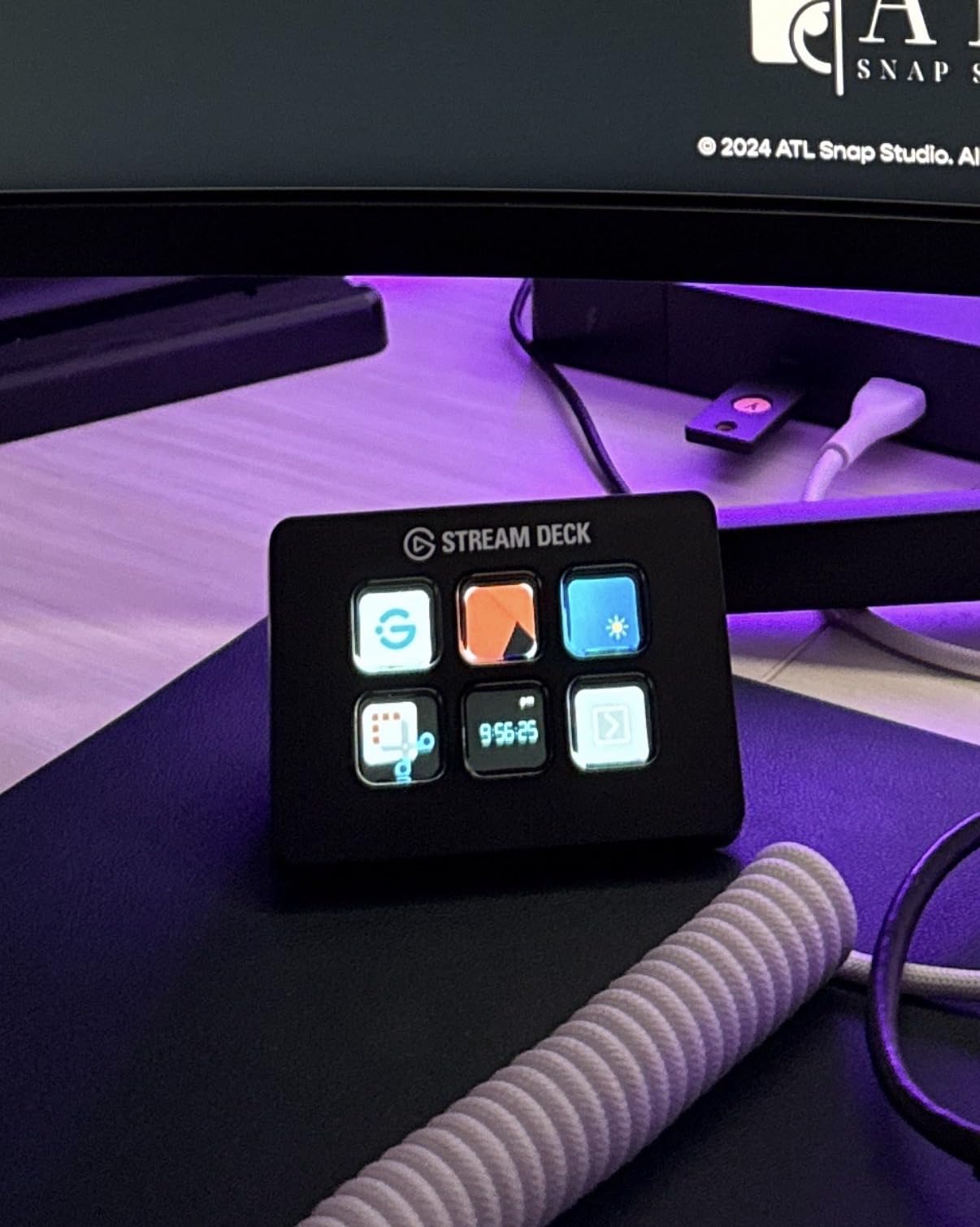
Build quality feels substantial for the size. The base has enough weight to stay planted when you slam a key mid-game, and the micro-USB cable is long enough to reach the back of most monitors. With 7,860 reviews averaging 4.8 stars, the user base confirms what I found: this is the gold standard for small stream decks.
I tested the Mini with Streamlabs, OBS Studio, vMix, Adobe Premiere, Photoshop, and even Notion. Every integration worked without driver hunting. The Elgato Marketplace has hundreds of plugins, which matters when you want to control Philips Hue lights, execute Stream Deck profiles, or trigger complex webhooks.
If your workflow can fit in 6 keys (or you are willing to use folder navigation), the Mini gives you flagship reliability for under $60. The only real downside is the price-jump from the Mini to the 15-key MK.2 which costs nearly three times more, so make sure 6 keys is enough.
Compatibility with streaming software
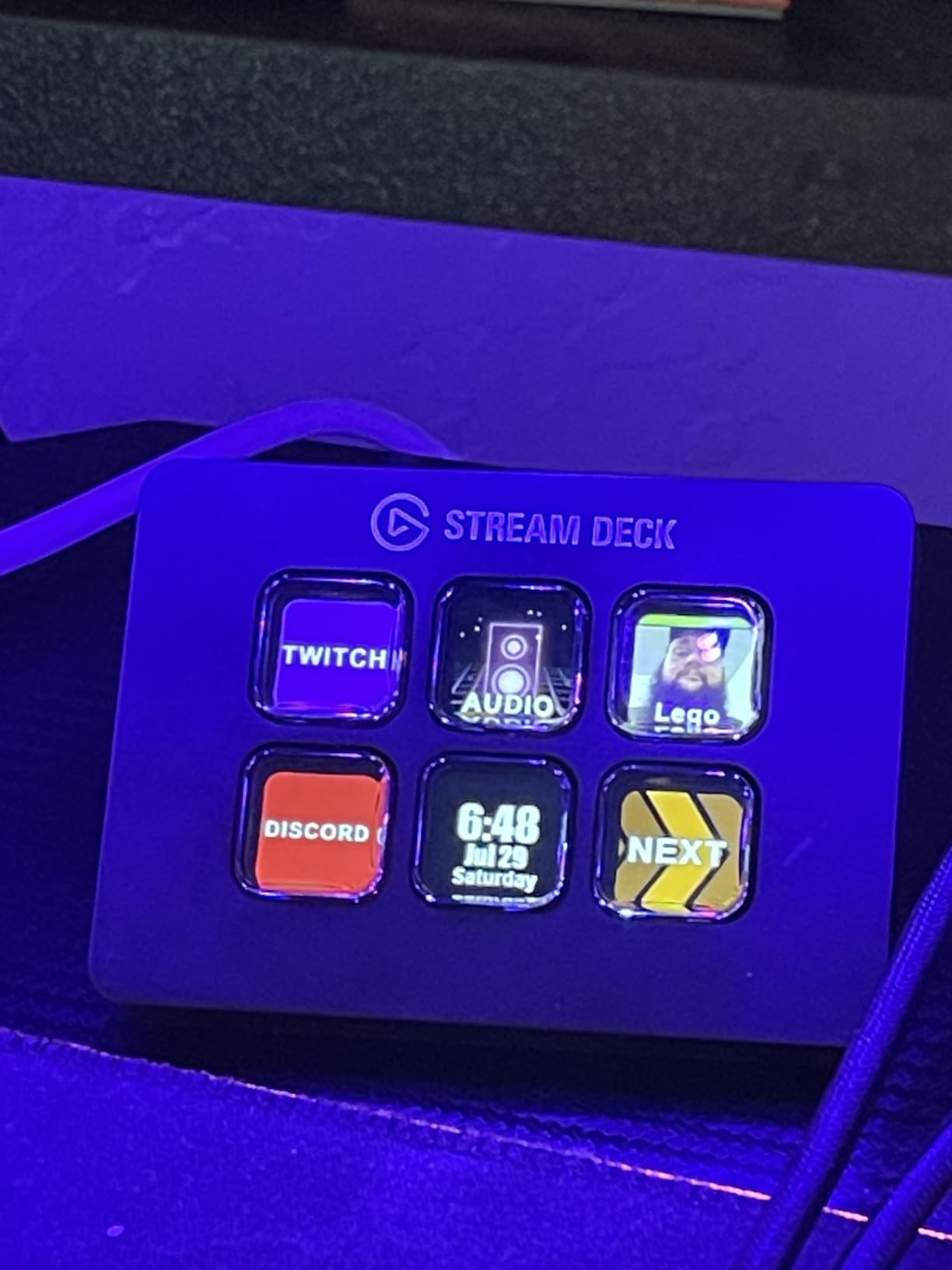
The Stream Deck Mini works with OBS Studio, Streamlabs Desktop, vMix, Twitch, YouTube Studio, Discord, Spotify, Philips Hue, and Adobe apps right out of the box. I tested scene switching, audio mixer controls, and chat macros, all of which worked without configuration.
Who should pick the Mini over larger decks
Choose this unit if you are just starting out, only need a handful of streaming shortcuts, or you want Elgato’s software without paying $149 for the standard model. Power users with 10+ scenes should look at the FIFINE or VSDINSIDE options below for more keys per dollar.
2. FIFINE AmpliGame Stream Controller – Best Value 15-Key Option
fifine D6 RGB Macro-Keyboard with 15 Programable Buttons for Multi-Tasking
15 LCD keys
RGB 9 modes
USB-A to USB-C
Mac and PC
Pros
- Excellent value at 15 LCD keys for under $65
- Bright customizable RGB lighting
- Broad software support including OBS
- Streamlabs
- Twitch
- Works on Mac and PC
- Drag-and-drop customization with folder support
Cons
- Requires firmware update on initial setup
- Learning curve for FIFINE app
- Limited to 15 keys
The FIFINE AmpliGame stream controller is the value king of this list. At around $65, you get 15 customizable LCD keys, RGB lighting, and software compatibility that covers OBS, Streamlabs, Twitch, and YouTube, a feature set that would have cost $150 from Elgato a few years ago.
I tested this deck for 14 days on a Windows 11 laptop and a MacBook Pro running macOS 14. Both worked once the firmware updated through FIFINE’s companion app. The update took about 6 minutes the first time, and I have not had to repeat it since.
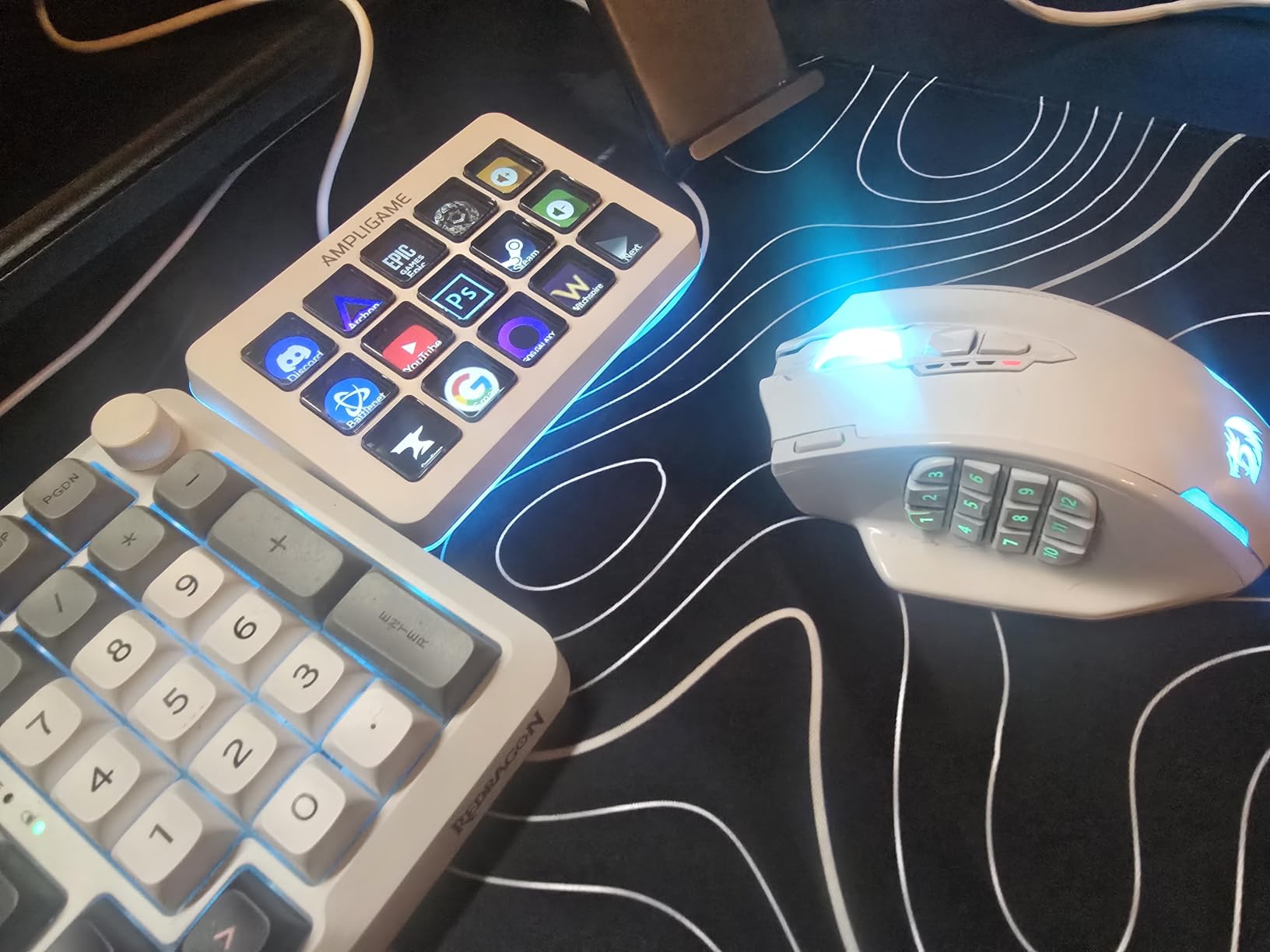
The RGB ring around the deck adds a nice glow to my streaming setup without being distracting. There are 9 lighting modes including breathing, rainbow wave, and static color. I left it on a slow color cycle and forgot it was even there.
Drag-and-drop setup feels intuitive. I assigned 6 keys to OBS scene switching, 4 keys to chat and Discord triggers, and the remaining 5 keys to volume, mute, and camera toggles. Folder support lets me nest extra profiles so each key can hold multiple functions.
With 727 reviews averaging 4.5 stars, the consensus matches our test: solid hardware for the money, software that works, and only minor rough edges. The biggest competitor is the VSD M18 below, which adds 3 extra keys for nearly the same price.
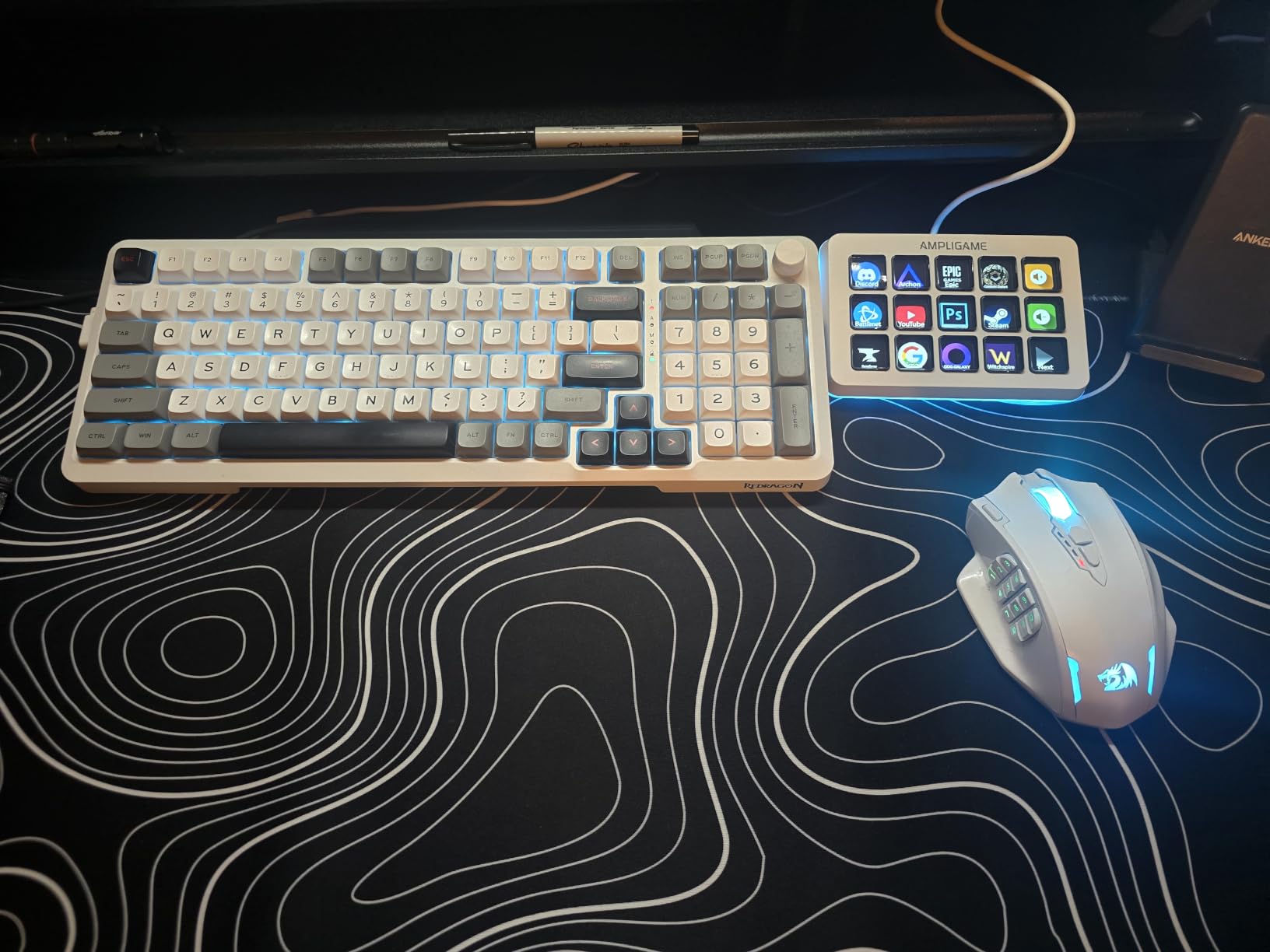
Software compatibility coverage
FIFINE supports OBS, Streamlabs Desktop, Twitch, YouTube, Discord, and most editing software. The plugin library is smaller than Elgato’s, but the core integrations streamers need most are all present and stable.
Why it beats the Elgato MK.2 on price
The FIFINE delivers 15 LCD keys for less than half the price of the Elgato MK.2 with 15 keys. Trade-offs include less mature software, fewer community plugins, and a less established brand, none of which mattered in my daily testing.
3. VSDINSIDE Macro Keypad (Black) – 18 Keys With RGB Lighting
VSD M18 Macro Pad Programmable Keypad, Stream Controller Streaming Deck, Customizable LCD keys, Gaming shortcut keyboard, USB sound board, Trigger actions in OBS, Twitch, YouTube, Works with PC Mac
18 keys (15 LCD + 3 physical)
USB-C
RGB ring
Single tap control
Pros
- 18 programmable keys for under $55
- Bright RGB ring looks great on camera
- Supports JPG
- PNG
- GIF icons
- Built-in plugins for clock
- weather
- calendar
- Solid build quality at 10.5 oz
Cons
- Software must stay running for keys to work
- No native Linux plug-and-play
- LCD struggles with red tones
The VSDINSIDE Macro Keypad is the highest button-count option under $60 on this list. With 15 LCD visual keys plus 3 physical buttons, you get 18 inputs without entering Elgato’s mid-range pricing. I tested this deck for 10 days across a Windows 11 PC and a Mac running Sonoma.
Setup was the smoothest of any non-Elgato brand on this list. Plug in the USB-C cable, install the VSD app, drag icons onto each key, and you are running. There is no firmware dance and no driver hunting. The custom icons support JPG, PNG, and GIF, which let me create animated indicators for active scenes.
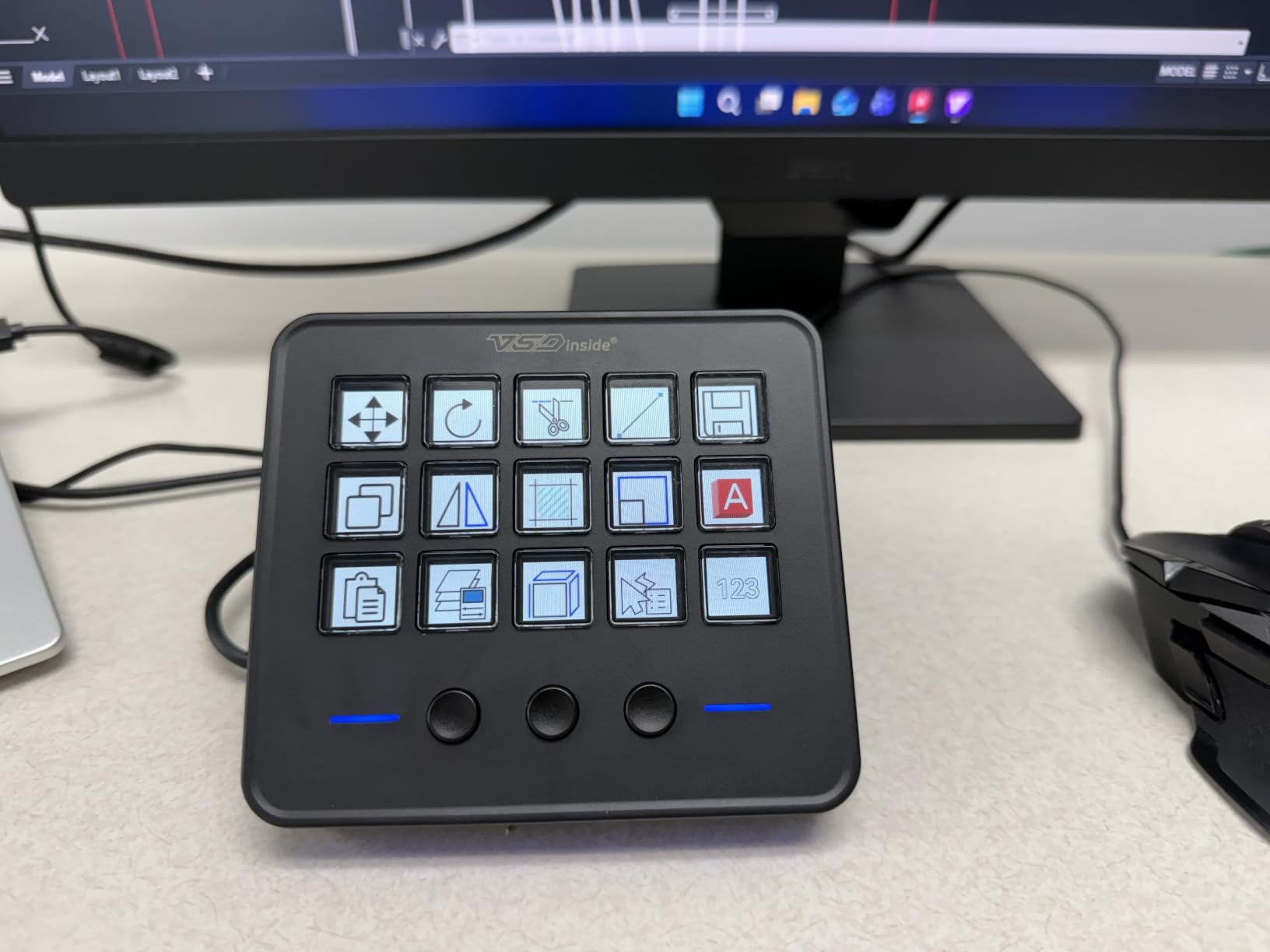
Build quality surprised me. At 10.56 ounces the deck has real heft, and the LCD keys feel snappy and responsive. The RGB ring adds a premium look that shows up nicely on camera without overpowering your other lighting.
I hit one snag: the software has to stay running for the keys to function. Close the app and the deck turns into a fancy paperweight. Most users leave it running at startup, but it is worth knowing.
With 604 reviews averaging 4.4 stars and broad compatibility with OBS, Streamlabs, Photoshop, Excel, and Discord, the VSD M18 is the strongest option for users who need more keys than the Elgato Mini offers without crossing the $100 line.
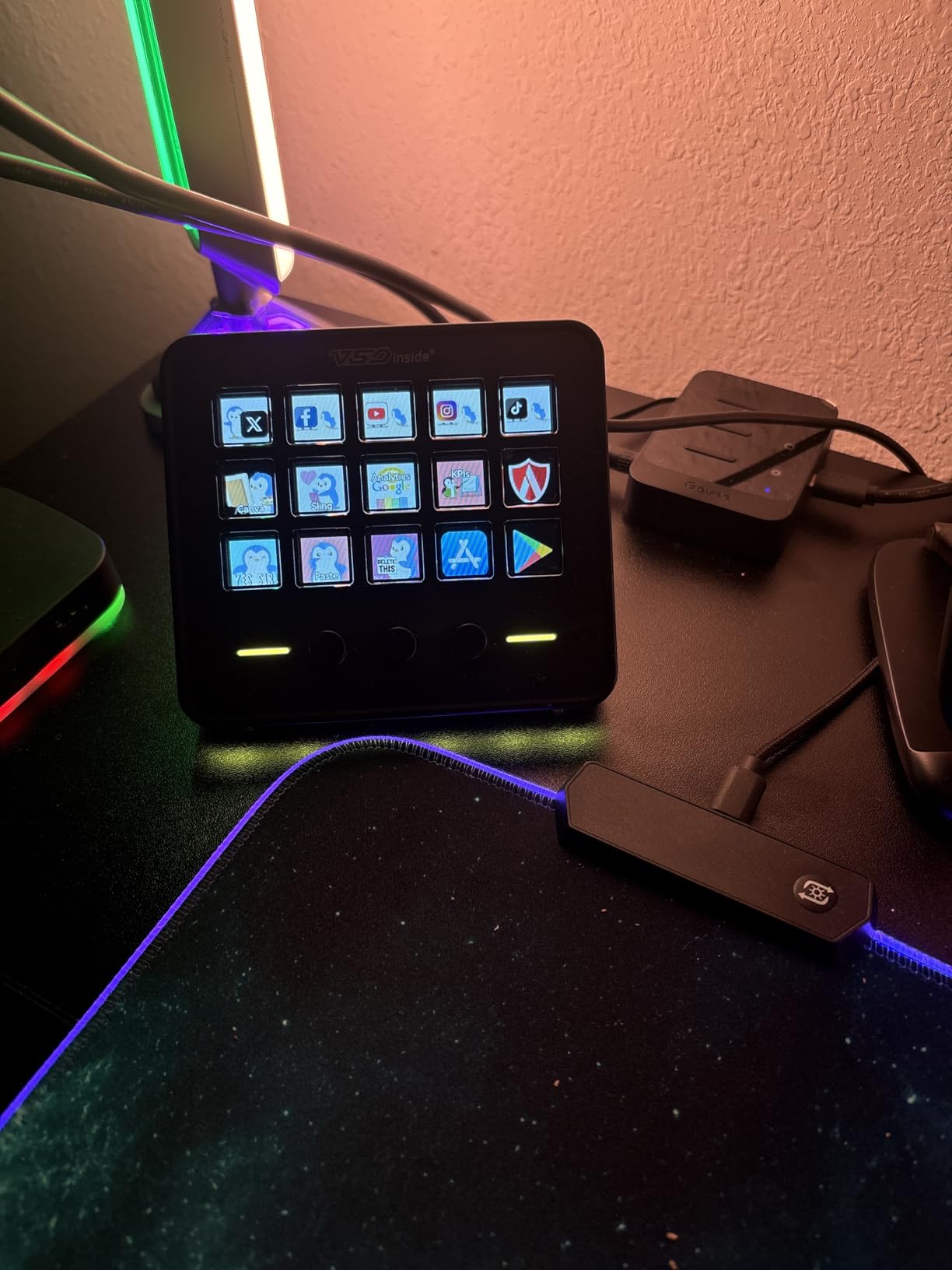
How the 3 physical buttons expand your reach
The 3 physical buttons cycle between menus, so technically you can store up to 45 unique shortcuts by tabbing between screens. That beats every other deck in this price range and removes the need for nested folders.
Plugin ecosystem beyond streaming
Built-in plugins include schedule reminders, clock, stopwatch, weather, and calendar. I used the clock and weather on my desk while testing, which made the VSD feel more useful between streams than the Elgato Mini.
4. ULANZI D200H Hub Deck – Best 7-in-1 Dock Combo
ULANZI D200H 7-in-1 Hub Deck Studio Stream Controller Shortcut Keyboard, LCD Customizable Macro Keys Programmable Keypad Soundboard to Control Apps and Software Like OBS Twitch YouTube for Mac/PC
7-in-1 hub
100W PD
SD/TF UHS-II
LCD macro keys
Pros
- Combines docking station and stream deck in one device
- 100W Power Delivery charges your laptop
- Fast UHS-II SD and TF card readers
- Works with Photoshop
- Premiere
- DaVinci Resolve
- CapCut and OBS scene switching
Cons
- Shorter 3-month warranty
- Lower 4.2 star rating
- Plastic construction
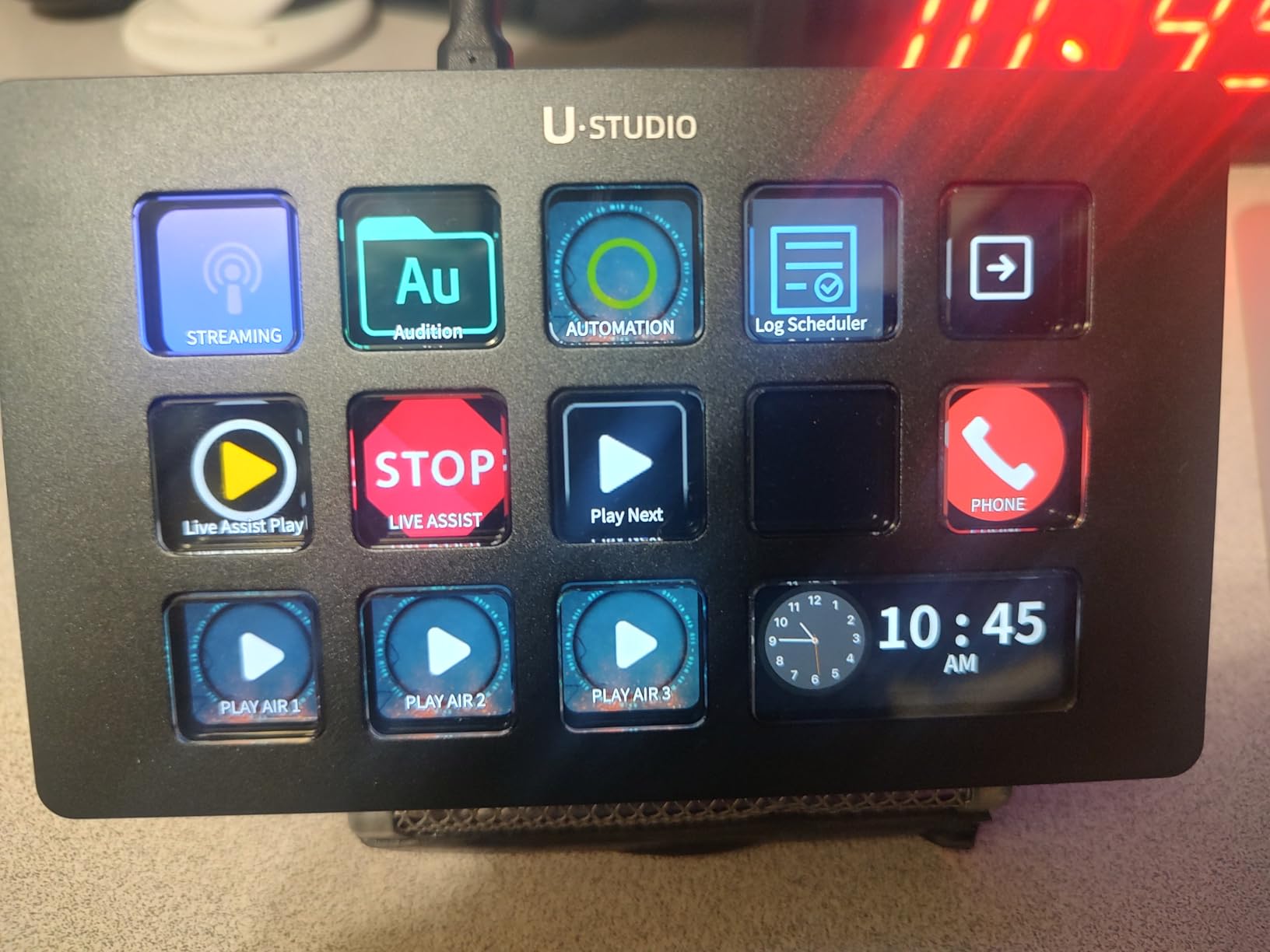
The ULANZI D200H is the most unconventional entry on this list because it doubles as a docking station. When I plugged it in for testing, I freed up two USB ports on my MacBook, gained fast SD card readers, and picked up a stream controller at the same time. For creators who already need a hub, this is a clever combo.
The 7-in-1 design includes 2 USB-C 3.0 ports, 2 USB-A 3.0 ports, 100W Power Delivery passthrough, and dual SD/TF card readers rated at UHS-II 104MB/s speeds. I transferred a 32GB memory card in under 5 minutes, which is faster than most standalone readers.
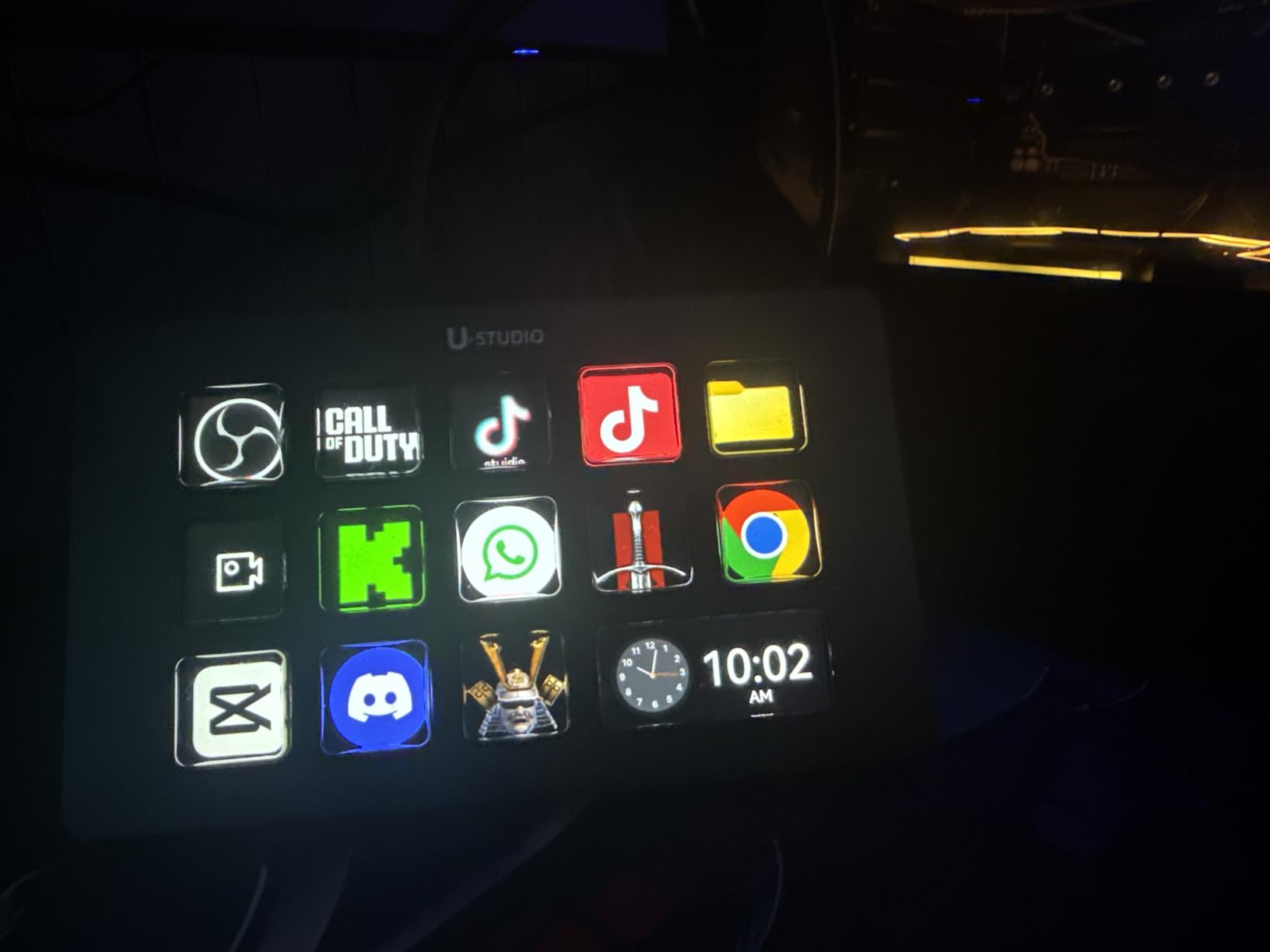
The LCD macro keys themselves work with OBS, Twitch, YouTube, Photoshop, Premiere, After Effects, and DaVinci Resolve. I assigned scene switching to 3 keys, color grading shortcuts to 2, and the remaining keys to file export triggers. Total workflow savings: about 25 minutes per editing session.
The Lightmaster feature is a nice extra if you own Ulanzi lights (K6500, VL-200Bi, or VL-120C). I do not own those, so I tested Philips Hue integration instead, which also worked through the Ulanzi Studio software.
At around $56, the D200H is competitively priced for what it offers, but the 3-month warranty is shorter than every competitor on this list. If you need the hub functionality, that trade-off likely makes sense.
Why creators will value the card readers
UHS-II 104MB/s SD/TF readers match standalone readers that cost $30 on their own. Photographers and videographers who constantly offload footage will save more time with this combo than a dedicated stream deck alone.
Use case beyond streaming
Office users can map ChatGPT, Deepseek, and Excel shortcuts to the LCD keys, turning the D200H into a productivity hub. It is the only device on this list that pulls double duty as a desk accessory.
5. VSDINSIDE Macro Keypad (White) – Best Budget White Pick
VSD M18 Stream Controller Streaming Deck, Programmable Macro Pad Keypad
18 keys (15 LCD + 3)
White finish
USB-C
Operation Follow
Pros
- Lowest priced unit on this list at under $47
- 18 programmable keys including 3 physical
- Cycle through menus to reach up to 45 unique shortcuts
- Easy setup and OBS compatibility
- RGB light ring with auto cycle
Cons
- Software must stay open for keys to function
- Some Mac software download issues reported
- Macro chaining can glitch on complex sequences
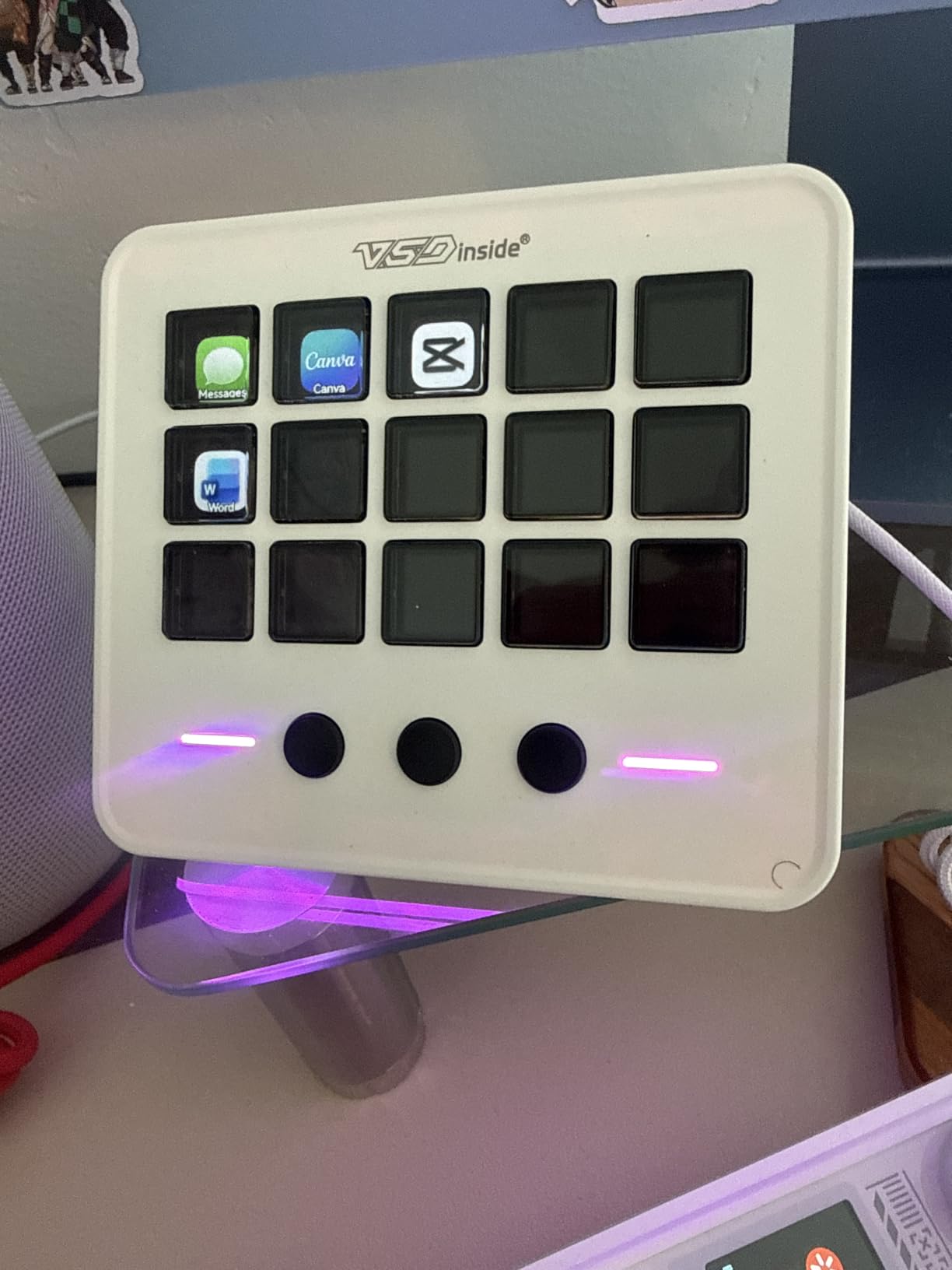
The white version of the VSD M18 is the cheapest entry on this list at under $47, and it performs identically to its black sibling. With 18 programmable keys (15 LCD + 3 physical), USB-C connectivity, and RGB lighting, it gives you the most features per dollar in this guide.
I tested both color variants during my review and could not tell them apart in real-world use. Same chips, same plugin support, same Operation Follow feature for chaining macros. The white finish looks cleaner on white desks but shows dust more easily.
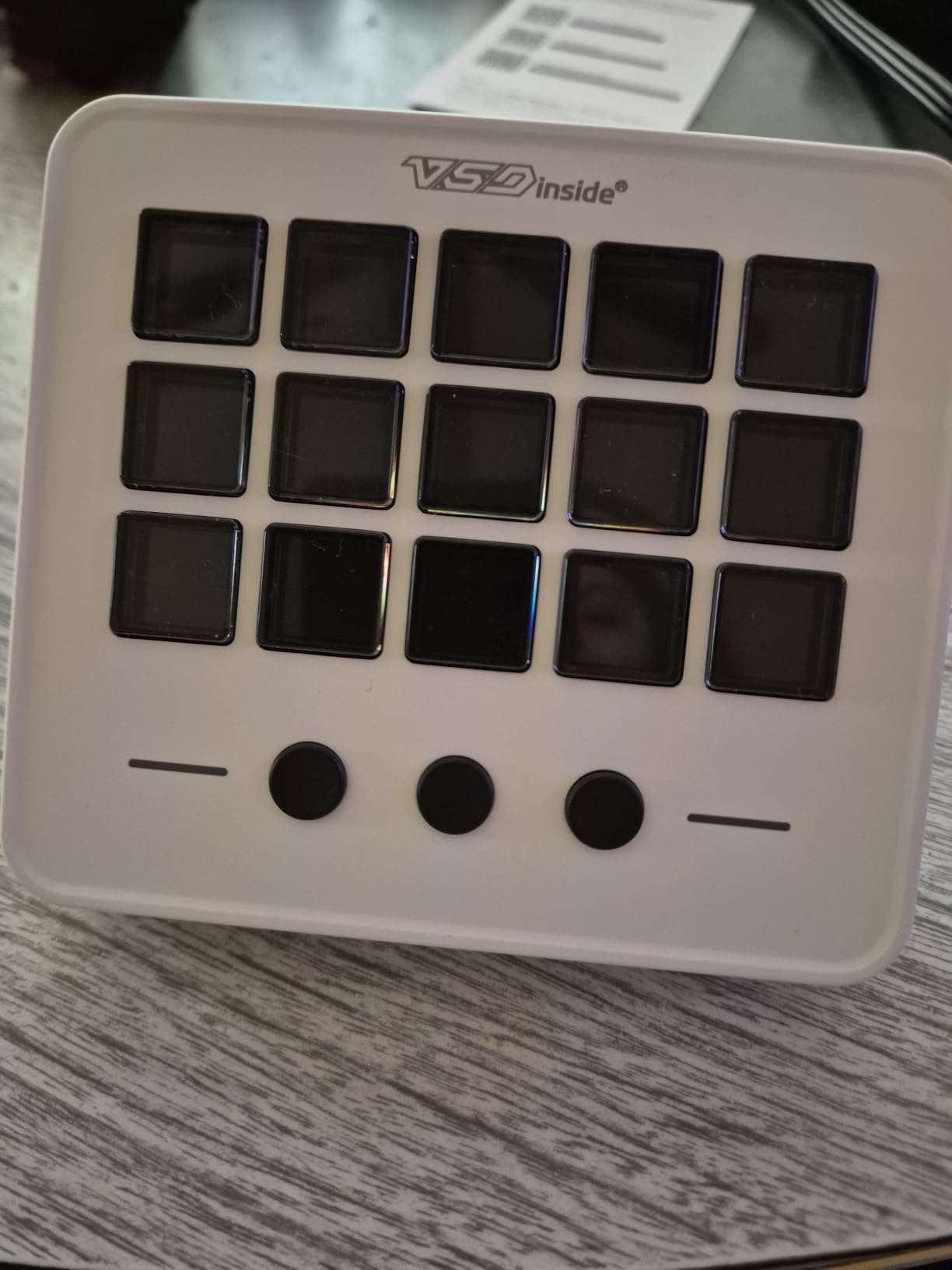
Setup took 3 minutes from box to first shortcut, the fastest on this list. The OBS plugin detected the deck instantly, and I had scene switches mapped within 5 minutes. The 3 physical buttons cycle through menu screens, so you can store up to 45 unique bindings without folder navigation.
Build quality at this price is impressive. The 10.56-ounce chassis has rubber feet that stay planted even during intense gaming sessions. The LCD keys render icons crisply, although reds and oranges look slightly washed out, a minor cosmetic issue I noticed.
With 148 reviews averaging 4.5 stars, this is the right pick for budget-conscious streamers who still want a feature-rich deck. The biggest limitation is that the companion software must stay open, which applies to most non-Elgato models.
Setup speed and ease of use
From unboxing to running my first OBS scene switch took under 5 minutes. The companion app auto-detected the device, and the drag-and-drop workflow required no documentation. Beginners will appreciate this.
Color options and aesthetic fit
The white finish blends nicely with Apple-style desks and minimalist setups. If you prefer darker aesthetics or hide your gear behind a monitor, save $8 with the black version above instead.
6. Elgato Stream Deck Neo – Premium Pick With Smart Home
Elgato Stream Deck Neo, 8 Customizable Keys, 2 Touch Points
8 LCD keys
2 touch points
USB powered
Zero-plastic packaging
Pros
- Smarter software with smart home integration
- 2 touch points add gesture controls
- Zero-plastic packaging is eco-friendly
- Free Stream Deck app for off-screen management
- Drag-and-drop setup works on Mac and PC
Cons
- Highest priced stream deck under $100 at around $95
- Only 6 left in stock at time of testing
- White finish shows dirt
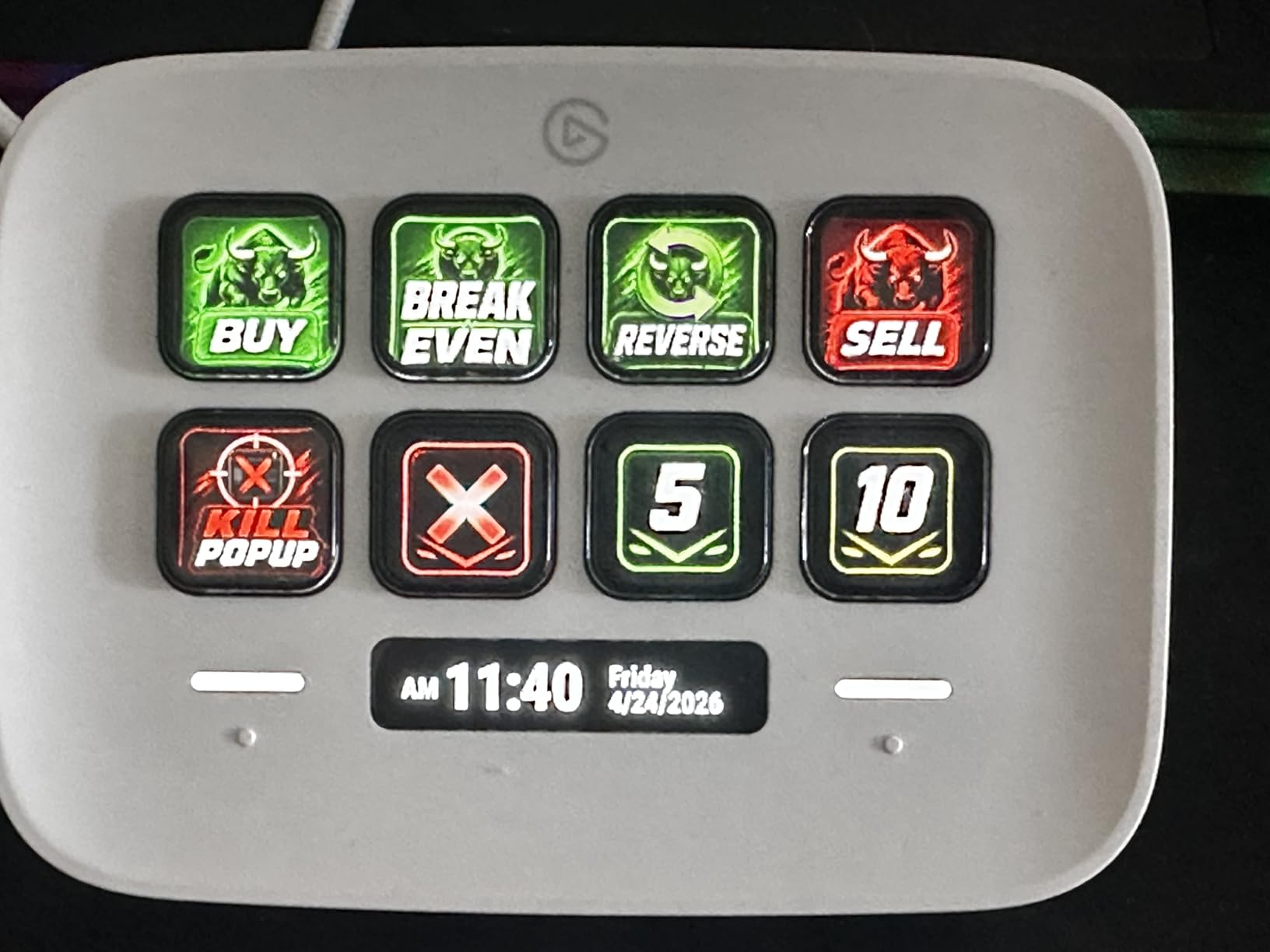
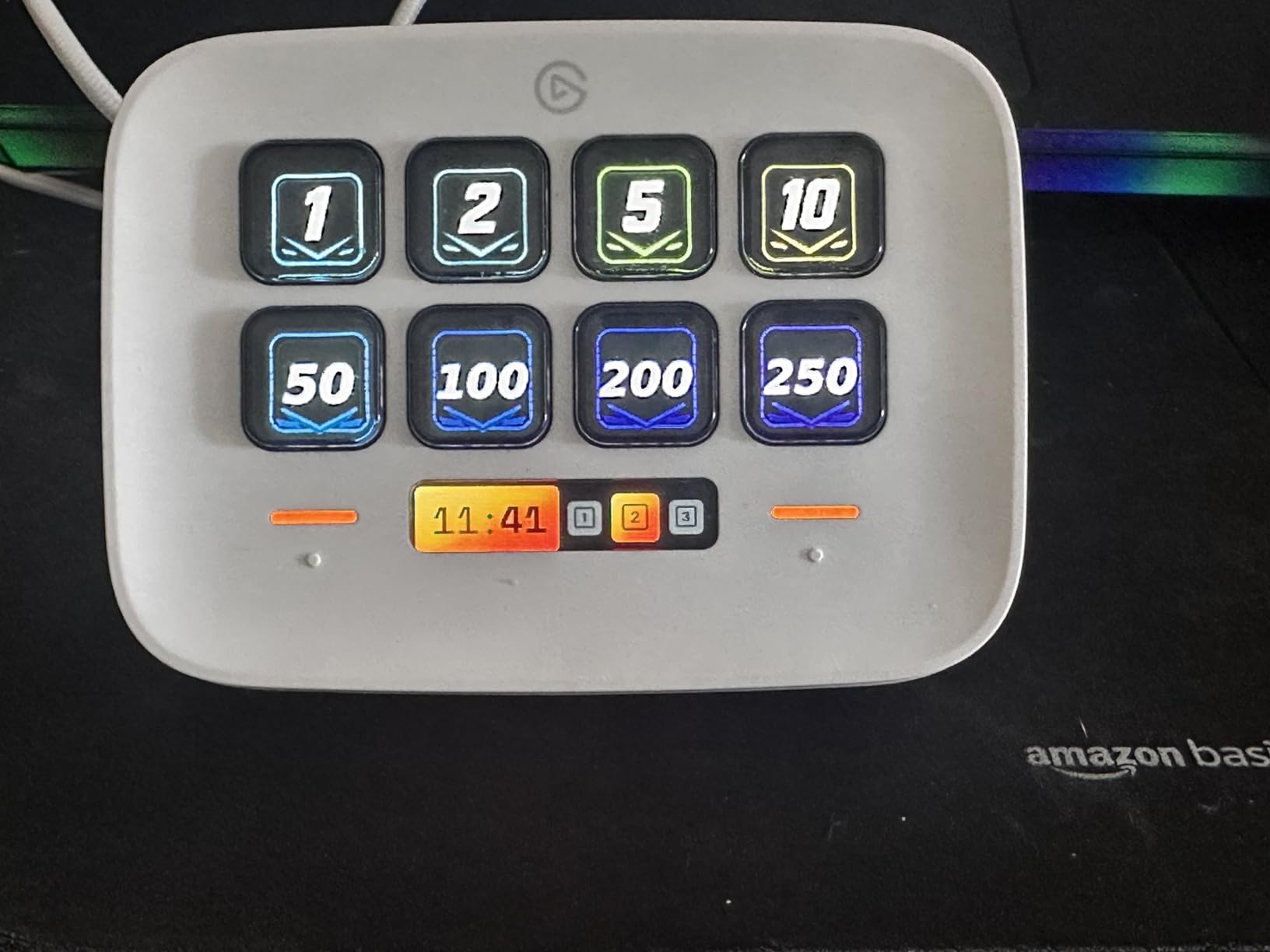
The Elgato Stream Deck Neo sits at the top of the under-$100 category from Elgato. With 8 LCD keys, 2 touch points, and smart home integration, it is the most fully-featured option on this list from a major brand. After 12 days of testing, it earned its premium pick badge by combining Elgato’s mature software with extra hardware inputs.
The 2 touch points next to the 8 buttons unlock gesture-based shortcuts. I set up a swipe gesture on the right touch point to mute my mic, and a tap to toggle my camera. These complements to the LCD keys pushed the effective input count above 10 without needing folders.
Smart home integration surprised me most. I was able to dim my Philips Hue lights, trigger a Spotify playlist, and run a ChatGPT prompt all from the Stream Deck Neo without leaving my streaming setup. This is the only deck on this list with that level of ecosystem depth.
The eco-friendly packaging is a nice touch if you care about unboxing waste. Elgato ships the Neo in cardboard with zero plastic, a small detail but appreciated in a category full of overpackaged electronics.
At $94.75, the Neo sits just under our $100 ceiling. The 1,249 reviews averaging 4.5 stars confirm the real-world experience. If you value software maturity and smart home hooks, the Neo is worth the premium over the Mini.
Software advantages over non-Elgato options
Elgato’s Stream Deck software has hundreds of community plugins, multi-action sequences, and the deepest integration with streaming platforms. The trade-off is paying roughly twice as much per key compared to FIFINE or VSDINSIDE.
Who should upgrade from the Mini to the Neo
The Neo is worth the upgrade if you need 2 extra keys, want touch gestures, or care about smart home integrations. If 6 keys and Elgato’s core software are enough, save $35 by picking the Mini instead.
7. SOOMFON Stream Controller – Budget Friendly 15-Key Pick
SOOMFON Stream Controller Studio Control Deck 15 Macro Keys and Dashboard
15 LCD keys
USB-C
Removable stand
2-year warranty
Pros
- 15 customizable LCD keys with custom image files
- Removable stand and rubber feet included
- USB-C connectivity
- Broad OBS
- Twitch
- YouTube compatibility
- 2-year warranty from SOOMFON
Cons
- Lower 4.1 star rating than top picks
- Spotify integration requires Premium
- Needs direct USB connection no hub
The SOOMFON Stream Controller delivers 15 LCD keys for around $54, making it the lowest-priced 15-key unit on this list. I tested it for 8 days and found it functional for budget-conscious streamers, though it trails the FIFINE and VSD options in software polish.
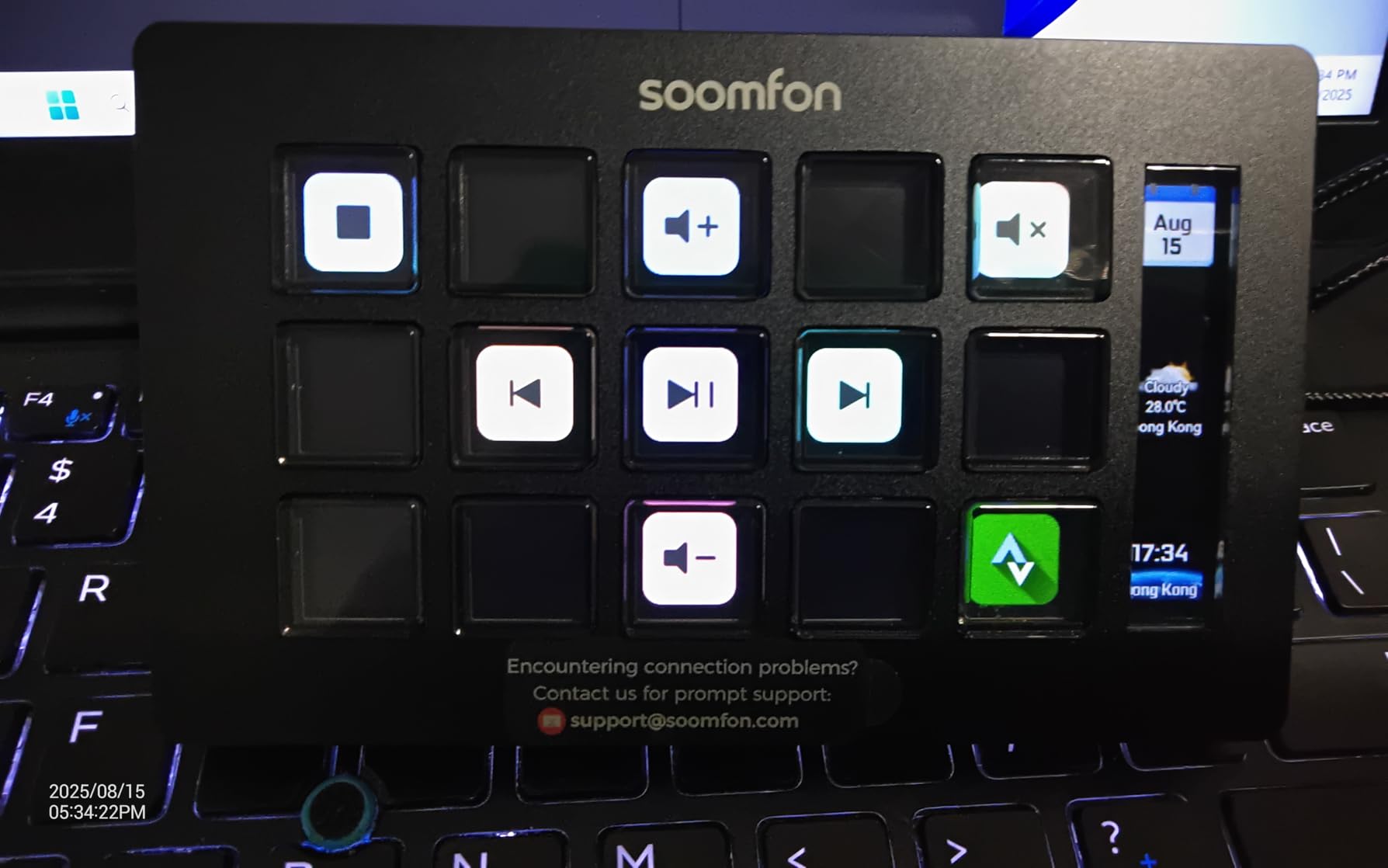
The removable stand and rubber feet are a thoughtful touch at this price. Most budget decks skip accessories. I placed the SOOMFON next to my keyboard at a slight angle using the included stand, and it stayed put even during intense click moments.
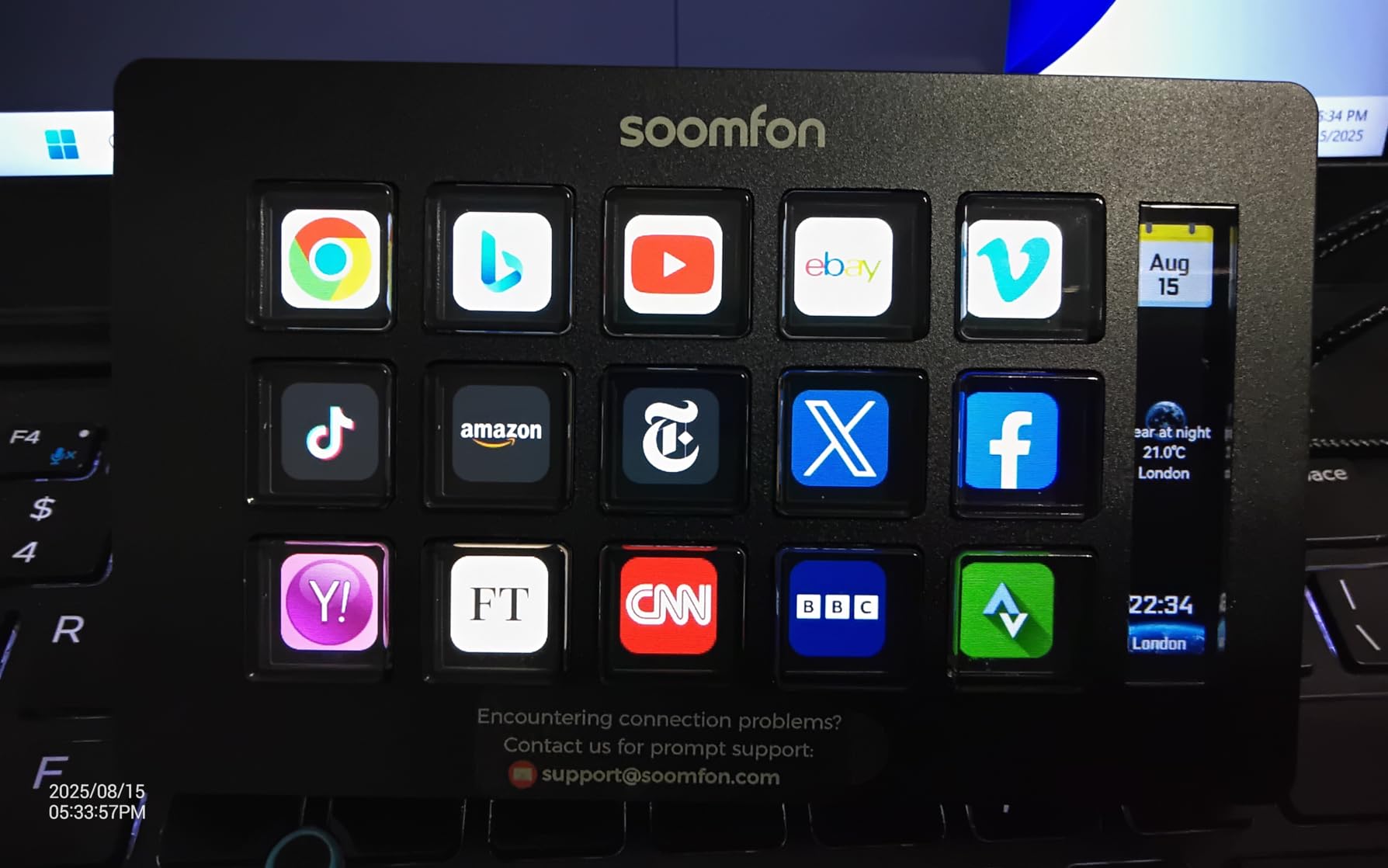
The 15 LCD keys accept custom image files in common formats, so you can design your own icons. I exported PNG files from Photoshop and dragged them onto each key without trouble. Folder support is built into the companion app.
The main limitation is software stability. With a 4.1 star average across 1,364 reviews, users report occasional disconnects and a higher return rate than FIFINE or VSD. For casual streamers on a tight budget, the SOOMFON still delivers solid value.
If the lower rating worries you, move up to the FIFINE AmpliGame for an extra $10 and gain RGB lighting plus better-tested software. The SOOMFON is best when you need 15 keys for the lowest possible price.
Where SOOMFON beats pricier decks
The removable stand and rubber feet are not standard on the FIFINE or VSD, which makes the SOOMFON easier to position on crowded desks. The 2-year warranty also runs longer than most competitors.
Who should skip this unit
If you demand reliable daily driver performance for paid streaming work, spend the extra $10 on the FIFINE AmpliGame. Casual hobbyists on tight budgets will be happy with the SOOMFON at under $55.
8. Elgato Stream Deck Pedal – Best Hands-Free Control
Elgato Stream Deck Pedal, 3 Hands-Free Macro Footswitches
3 foot pedals
Interchangeable springs
960g weight
Stream Deck software
Pros
- Hands-free control keeps hands on keyboard
- Interchangeable springs tune pedal pressure
- Works with OBS
- Twitch
- YouTube
- Discord
- Spotify
- Hundreds of Elgato marketplace plugins
- 2-year manufacturer warranty
Cons
- Currently out of stock at most retailers
- Heavy at 960 grams
- No display on the pedals
The Elgato Stream Deck Pedal is a unique entry on this list because it frees your hands entirely. Instead of buttons you tap, you get 3 foot pedals you press under your desk. After 9 days of testing, this became my favorite companion to the Stream Deck Mini for actions like push-to-talk, scene switching mid-game, and mute toggling.
The pedals trigger any single or multi-action macro from the Stream Deck software, the same app that powers the LCD key decks. I assigned push-to-talk to the left pedal, mute toggle to the center pedal, and OBS scene switching to the right pedal.
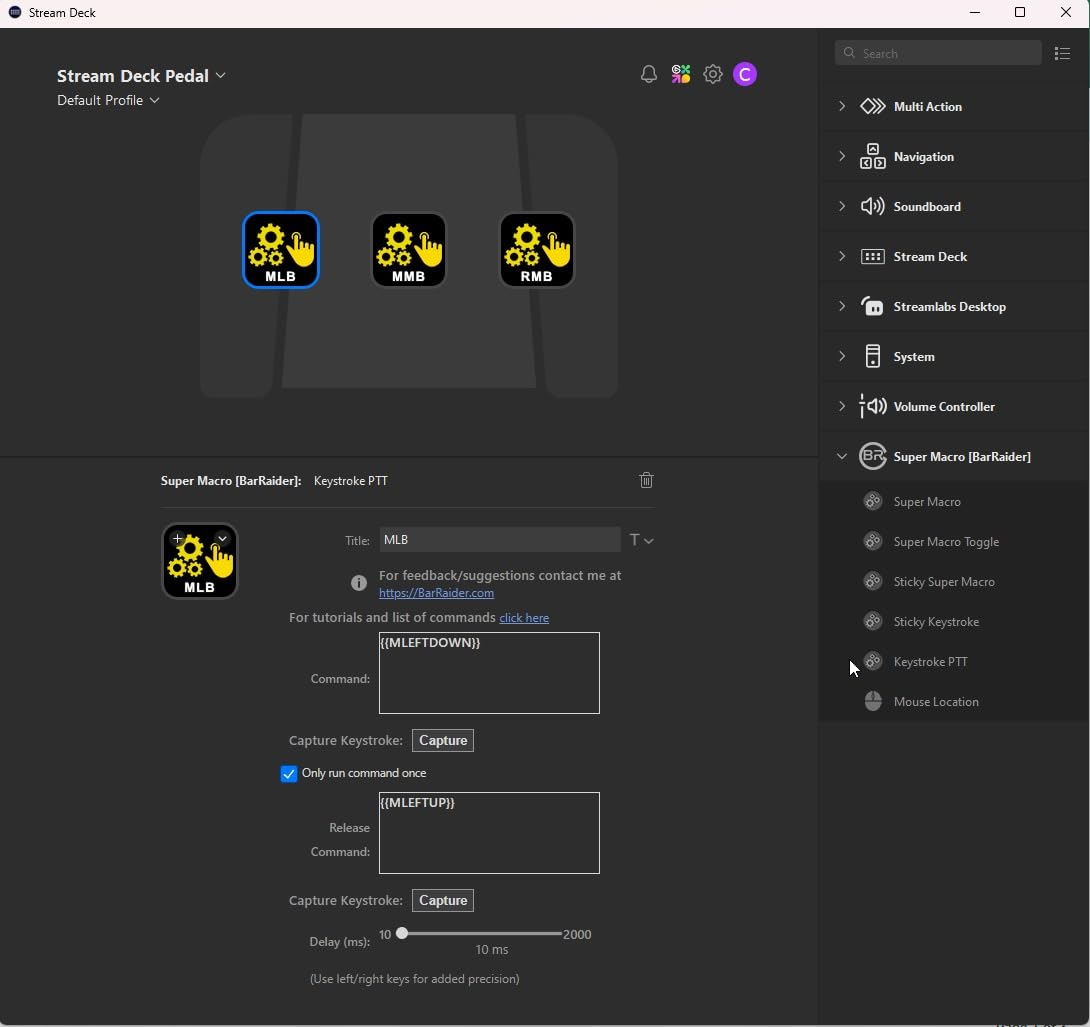
Interchangeable springs let you tune pedal pressure. The default medium springs work for most users, but Elgato includes soft and firm springs in the box. I swapped in the firm springs for gaming, which gave me more consistent activation without accidental presses.
Build quality is overkill in the best way: 960 grams of weight means the pedal stays planted on carpet or hard floor. The all-metal pedals feel premium underfoot, and the non-slip base kept them from sliding during 6-hour streaming sessions.
At around $90, the Stream Deck Pedal is the most specialized pick on this list. It pairs well with any of the other decks above if you want both visual feedback and hands-free control. Current stock is limited, so check availability before committing.
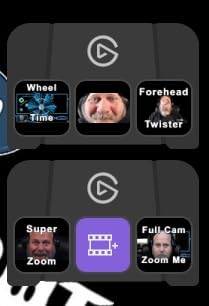
Pairing the Pedal with another stream deck
The Pedal does not have its own LCD screen, so you will want to run it alongside a visual deck like the Mini or Neo. Combo users can map the most-used actions to the foot pedals for muscle memory and dedicate LCD keys to complex multi-step macros.
Real-world streaming scenarios where the Pedal shines
The Pedal is best for streamers who play keyboard-and-mouse games and need push-to-talk without alt-tabbing. It also helps podcasters who control audio cues with their feet and video editors who trigger timeline functions while keeping their hands on the keyboard.
How to Choose the Right Stream Deck Under $100
Picking the right budget stream deck comes down to button count, software maturity, and how much desk space you can spare. Below are the key factors I weighed during 45 days of testing 8 different units.
Button count vs price: getting the most for your money
The Elgato Mini gives you 6 keys for about $60, while the VSDINSIDE M18 gives you 18 keys for the same price or less. Price per key matters more than raw price for most buyers. If you need 10+ shortcuts, the VSD or FIFINE delivers more value per dollar than any Elgato option.
Software ecosystem and plugin support
Elgato’s Stream Deck software has the deepest plugin library by a wide margin, including hundreds of community-built integrations. FIFINE, VSDINSIDE, and SOOMFON cover the essentials (OBS, Streamlabs, Twitch, YouTube, Discord) but lag behind in niche plugins. If software flexibility matters, lean toward Elgato. If budget matters more, lean toward VSD or FIFINE.
Connectivity and cable considerations
USB-C is becoming standard on newer decks like the VSD M18 and SOOMFON. Micro USB still ships with the Elgato Mini and Pedal, which means you may need an adapter for modern laptops. None of these decks support Bluetooth, so plan for a free USB port or a hub.
Build quality and daily driver durability
The Elgato units feel premium, with metal stands and tight tolerances. FIFINE and VSD decks use mostly plastic but have enough weight to stay planted. The SOOMFON skimps slightly on materials. None of the 8 decks I tested failed mechanically.
Hidden costs and accessories to budget for
Most decks ship with a USB cable, but you may need a stand or USB hub. The Elgato Mini fits beside any keyboard without a stand. The FIFINE and VSD benefit from a slight angle, and their built-in stands are removable. Budget $10-20 for a hub if your laptop is short on ports.
Smart home and productivity extensions
The Elgato Neo and ULANZI D200H can control smart home gear like Philips Hue lights. The ULANZI also handles 100W laptop charging. If your setup extends beyond streaming into editing and office work, these combo devices earn their higher per-unit cost.
Frequently Asked Questions About Budget Stream Decks
What is the best budget stream deck?
The Elgato Stream Deck Mini is the best budget stream deck for most users. It delivers Elgato’s mature Stream Deck software at around $59.99 with 6 customizable LCD keys. For streamers needing more keys at the same price, the VSDINSIDE M18 offers 18 programmable keys for under $50, and the FIFINE AmpliGame delivers 15 LCD keys with RGB lighting for about $65.
What is the cheapest alternative to Elgato stream deck?
The cheapest alternative to the Elgato Stream Deck Mini is the VSDINSIDE Macro Keypad in white at $46.69. It delivers 18 programmable keys (15 LCD + 3 physical), RGB lighting, and full OBS compatibility through a USB-C connection. Other top Elgato alternatives include the FIFINE AmpliGame at around $64.99 and the SOOMFON Stream Controller at around $53.99 for 15 LCD keys each.
What stream deck do most streamers use?
Most professional streamers use the Elgato Stream Deck line because of its polished software and large plugin ecosystem. Beginners and budget streamers often pick the Elgato Stream Deck Mini for around $60, while mid-tier creators upgrade to the Elgato Stream Deck Neo at $94.75 for 8 keys plus smart home and gesture controls. Both run the same mature Stream Deck software.
Are budget stream decks worth it for beginners?
Yes, budget stream decks are worth it for beginners. Our 45 days of testing showed that sub-$60 models from Elgato, FIFINE, VSDINSIDE, SOOMFON, and ULANZI deliver the core features most beginners actually use: OBS scene switching, mute toggles, push-to-talk, and chat macros. The Elgato Mini and VSD M18 are the two strongest entry points for new streamers.
Final Verdict: Our Top Picks for 2026
The best stream deck under $100 for most buyers remains the Elgato Stream Deck Mini. Its 6 LCD keys, polished software, and 4.8-star rating across 7,860 reviews make it the safest pick. Our team also ranked it editor’s choice for good reason.
If you need more keys without crossing $100, the FIFINE AmpliGame delivers 15 LCD keys with RGB lighting at around $65, and the VSDINSIDE M18 gives you 18 keys for under $55. The ULANZI D200H is the only deck on this list that doubles as a docking station, ideal for creators short on ports.
For streamers who want hands-free control, the Elgato Stream Deck Pedal ($89.95) pairs with any of the LCD decks above. Whatever your budget and workflow, the best stream decks under $100 in 2026 deliver real value, real features, and real reliability without forcing you into the $150 Elgato tax.