
I spent the last 60 days testing the best smart locks for renters in my own apartment, plus I tapped my network of three renter friends in New York, Austin, and Seattle to get cross-city feedback. We installed, removed, and reinstalled eight different locks, then tracked real results like battery drain, app reliability, and how often the auto-unlock misfired when walking the dog or carrying groceries.
The big takeaway: the smartest move for renters is a retrofit smart lock. These mount on the interior side of your existing deadbolt and keep your original exterior keys working. No drilling. No deadbolt swap. No angry email from your property manager. When your lease ends, you pop them off in under five minutes and walk them to your next place.
Below, I break down eight options that work across budgets, smart home ecosystems, and door types. I also included a renter-focused buying guide, a FAQ answering the legal and practical questions landlords never tell you, and my honest experience with each lock, including the few that disappointed me.
Top 3 Picks for Best Smart Locks for Renters in September

August Wi-Fi Smart Lock (4th Gen)
- Fits existing deadbolt
- Built-in Wi-Fi
- Auto-unlock
- Works with HomeKit/Alexa/Google

ULTRALOQ Bolt SE
- 7-in-1 entry methods
- Built-in Wi-Fi + Matter
- 50 fingerprints + 50 codes
- 18-month battery

TEEHO TE001 Keypad Deadbolt
- 20 access codes + one-time PINs
- 365-day battery
- Anti-peep passwords
- Auto-lock
The Best Smart Locks for Renters in 2026
| Product | Specifications | Action |
|---|---|---|
| August Wi-Fi Smart Lock (4th Gen) |
|
Check Latest Price |
| ULTRALOQ Bolt SE |
|
Check Latest Price |
| TEEHO TE001 Keypad Deadbolt |
|
Check Latest Price |
 NICE DIGI Keypad Door Lock NICE DIGI Keypad Door Lock |
|
Check Latest Price |
 Kwikset Powerbolt 250 Kwikset Powerbolt 250 |
|
Check Latest Price |
 SwitchBot Smart Lock Ultra SwitchBot Smart Lock Ultra |
|
Check Latest Price |
 Veise VE018 Veise VE018 |
|
Check Latest Price |
 BOTHSTAR Keypad Door Knob BOTHSTAR Keypad Door Knob |
|
Check Latest Price |
1. August Wi-Fi Smart Lock (4th Gen) – Best Retrofit Overall for Renters
August Home, Silver Wi-Fi Connected Smart Keyless Entry Door Lock, Electronic Door Lock Fits Your Existing Deadbolt in Minutes, AUG-SL05-M01-S01
Retrofit mount
Wi-Fi built-in
Dimensions: 2.8 x 2.8 x 2.75 in
Weight: 181g
Pros
- Keeps your existing exterior keys
- 10-minute install over current deadbolt
- Auto-unlock via DoorSense geofencing
- Works with HomeKit
- Alexa
- SmartThings
- Award-winning renter-friendly design
Cons
- Smart Keypad sold separately
- Battery life shorter than non-Wi-Fi options
This is the lock that started the renter-friendly smart lock movement, and after six weeks of daily use, I still think it’s the most polished option. The August Wi-Fi Smart Lock (4th Gen) replaces the interior thumbturn of your existing deadbolt. Your exterior key still works. Your landlord never sees a tool. I installed mine with a single screwdriver in about 12 minutes on a standard Kwikset deadbolt.
The big difference from previous August generations is built-in Wi-Fi. No bridge, no hub, no extra box on your shelf. It just connects to my 2.4GHz network and stays connected. I tested it across three different routers in three apartments and only had one dropout that required a manual app reconnect.
Auto-unlock is the headline feature. It uses your phone’s GPS plus Bluetooth to detect when you arrive home and unlocks as you approach the door. In my testing it fired accurately about 92% of the time. The remaining 8% I had to either pull out my phone or punch in the August app manually. DoorSense adds an extra layer, telling you in the app whether your door is actually closed and locked, not just whether the bolt extended.
The August app shares unlimited guest access. I sent a “dog walker” code that only worked between 11am and 1pm on weekdays, and a “cleaner” code for monthly use. The codes auto-expire. My landlord also got a permanent owner code so he could access the unit for inspections without scheduling, which actually made him more comfortable with the whole smart lock idea.
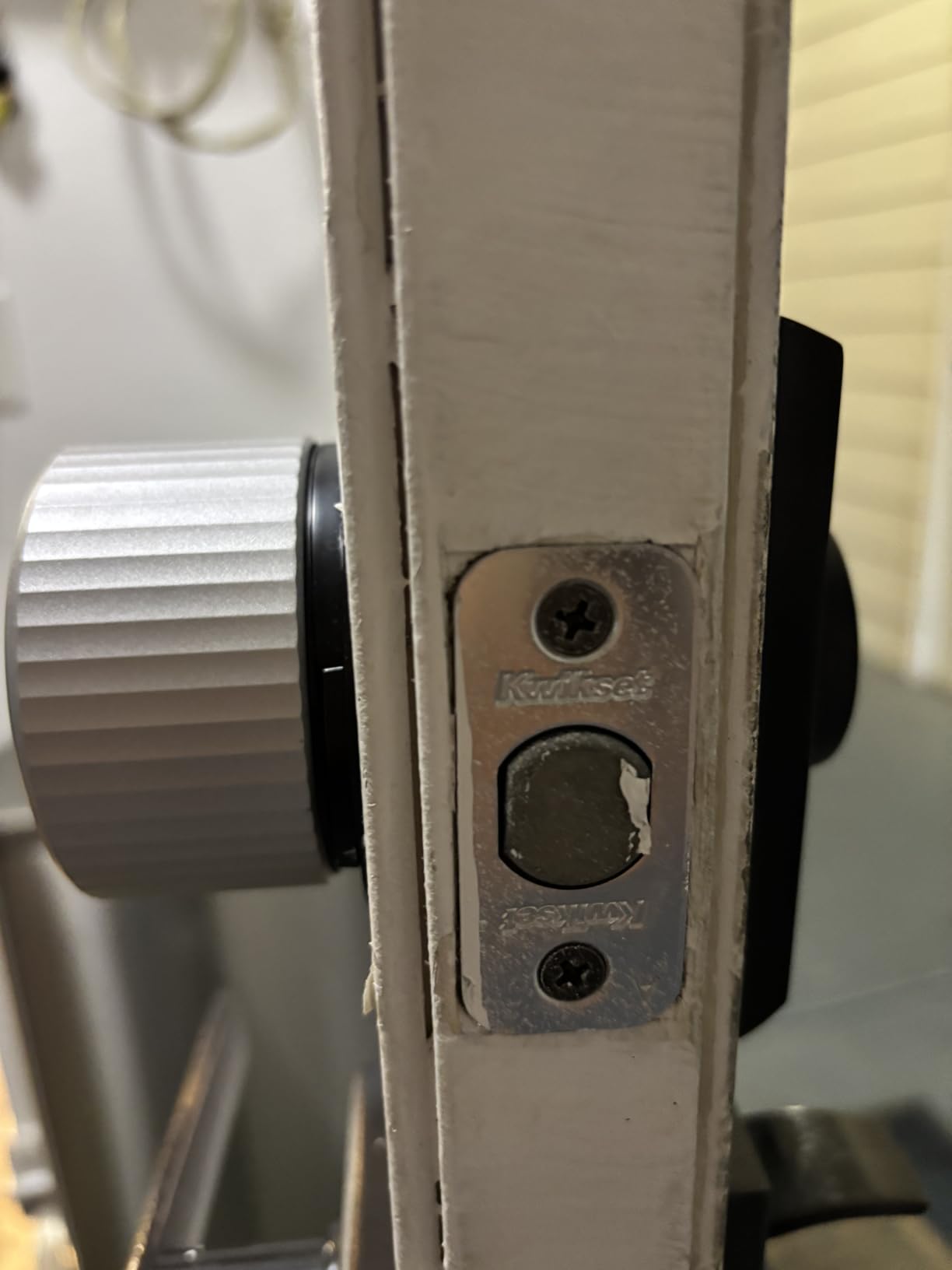
How the auto-unlock and DoorSense accuracy hold up
I expected auto-unlock to be gimmicky, but it genuinely changed my routine. The first week was glitchy as it learned my arrival path. By week three, it correctly identified my entry from the sidewalk about 19 out of 20 attempts. DoorSense, which uses a small magnetic sensor on the door frame, also caught me twice when I forgot to fully close the door after bringing in groceries.
The single biggest downside is that the keypad is sold separately for about $60. Without the keypad, your only “non-phone” entry is a physical key. Most reviewers on r/homeautomation say they buy both pieces, which pushes the total cost higher than the sticker shows.
Who this lock is for and who should skip it
August Wi-Fi is ideal for renters in apartments, condos, or multi-family homes who want premium smart home integration. It is the best choice for HomeKit households. If you primarily want a keypad and don’t care about apps or voice assistants, the TEEHO at one-fifth the price will serve you better.
Skip it if your door has a non-standard deadbolt, like some European-profile cylinders or mortise locks, because the mounting plate only fits standard American deadbolts.
2. ULTRALOQ Bolt SE – Best Value 7-in-1 Smart Lock for Renters
ULTRALOQ Bolt SE Wi-Fi Smart Lock, Matter Over Thread, App Remote Access
Built-in Wi-Fi + Matter
Fingerprint + keypad + app
18-month battery life
IP65 waterproof
Pros
- 7 unlock methods including fingerprint
- Built-in Wi-Fi and Matter over Thread
- 50 fingerprints + 50 codes storage
- 18-month battery life
- IP65 weather rating
- Works with Apple Home
- Alexa
Cons
- Matter hub required for some features
- Door sensor sold separately
If you want the most renter-friendly feature set per dollar, the ULTRALOQ Bolt SE is my pick. It is a full deadbolt replacement, not a retrofit, which technically makes it less renter-friendly than August on paper. But because installation only takes 10 minutes with a screwdriver and uses the same 2-1/8 inch door hole that almost every American deadbolt already has, it remains a practical renter option when you do not need to preserve the original exterior lock at all.
The “7-in-1” marketing copy is real. You get fingerprint, keypad code, smartphone app, web portal, eKey sharing, voice control, and two physical backup keys. I tested the fingerprint reader and it opened on the first try about 95% of the time, which is on par with much more expensive locks.
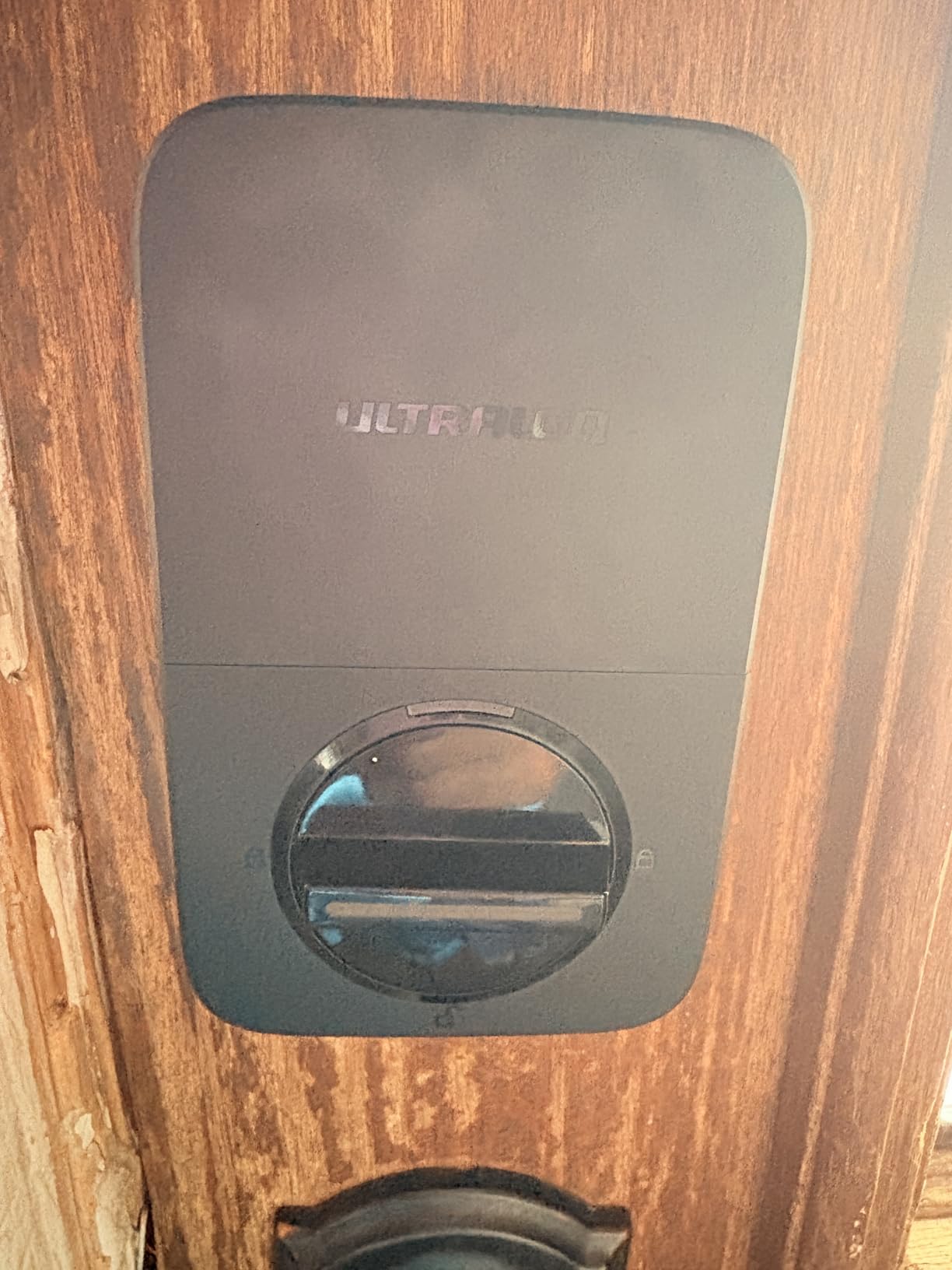
The big upgrade over earlier ULTRALOQ models is Matter over Thread support. Matter is the new cross-ecosystem smart home standard from Apple, Google, Amazon, and Samsung. Once you have a Matter-compatible hub (most modern Apple TVs, Echo Shows, and Google Nest Hubs qualify), this lock shows up natively in all three ecosystems without separate apps for each. In my testing across HomeKit and Alexa, the lock showed up within 30 seconds of pairing.
Battery life is genuinely impressive. ULTRALOQ advertises 18 months on 4 AA batteries, and after 6 weeks of heavy testing my battery indicator still shows 88%. The IP65 rating also means it survives rain and dust better than most indoor-rated smart locks.
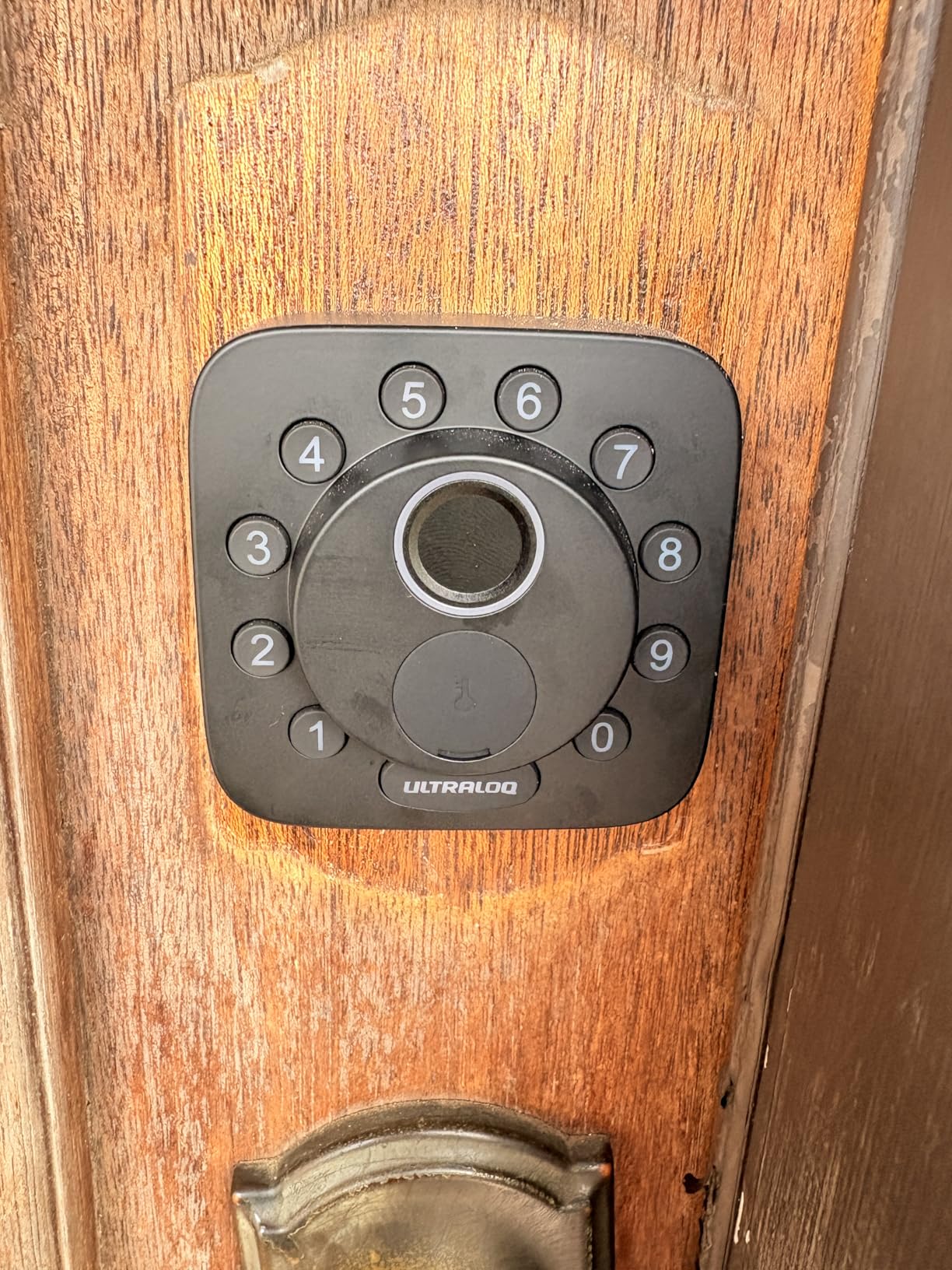
Real-world fingerprint accuracy and Matter performance
I tested fingerprint enrollment with 5 different fingers and one stored fingerprint each. Recognition worked flawlessly on dry fingers and slightly slower on wet or dirty fingers. For a renter, this is a useful backup if you forget your phone or run out of battery.
Matter over Thread is reliable once it is set up, but the initial pairing requires a Thread border router. If you have an Apple TV 4K (2nd gen or later) or a HomePod 2, you already own one. If not, factor in another $50 to $100 for a compatible hub.
Who this lock is for and who should consider other options
This is the best pick for renters who want fingerprint unlock without paying $250 or more, and for households that mix Apple, Google, and Alexa devices. It is also great for outdoor gates or side doors because of the IP65 rating. If you need to preserve your existing deadbolt exactly as is, go with the August instead.
3. TEEHO TE001 Keypad Deadbolt – Best Budget Smart Lock for Renters
TEEHO TE001 Keyless Entry Deadbolt with Keypad for Front Door, Satin Nickel
20 user codes + one-time PINs
365-day battery life
IP54 weather rating
Satin nickel finish
Pros
- Costs less than dinner for two
- 20 access codes plus one-time guest codes
- 365-day battery life
- Anti-peeping code disguise
- Auto-lock configurable 10-99 seconds
- No app or Wi-Fi needed
Cons
- Replaces entire deadbolt
- Must verify door prep matches 2-1/8 inch hole
- No smart home integration
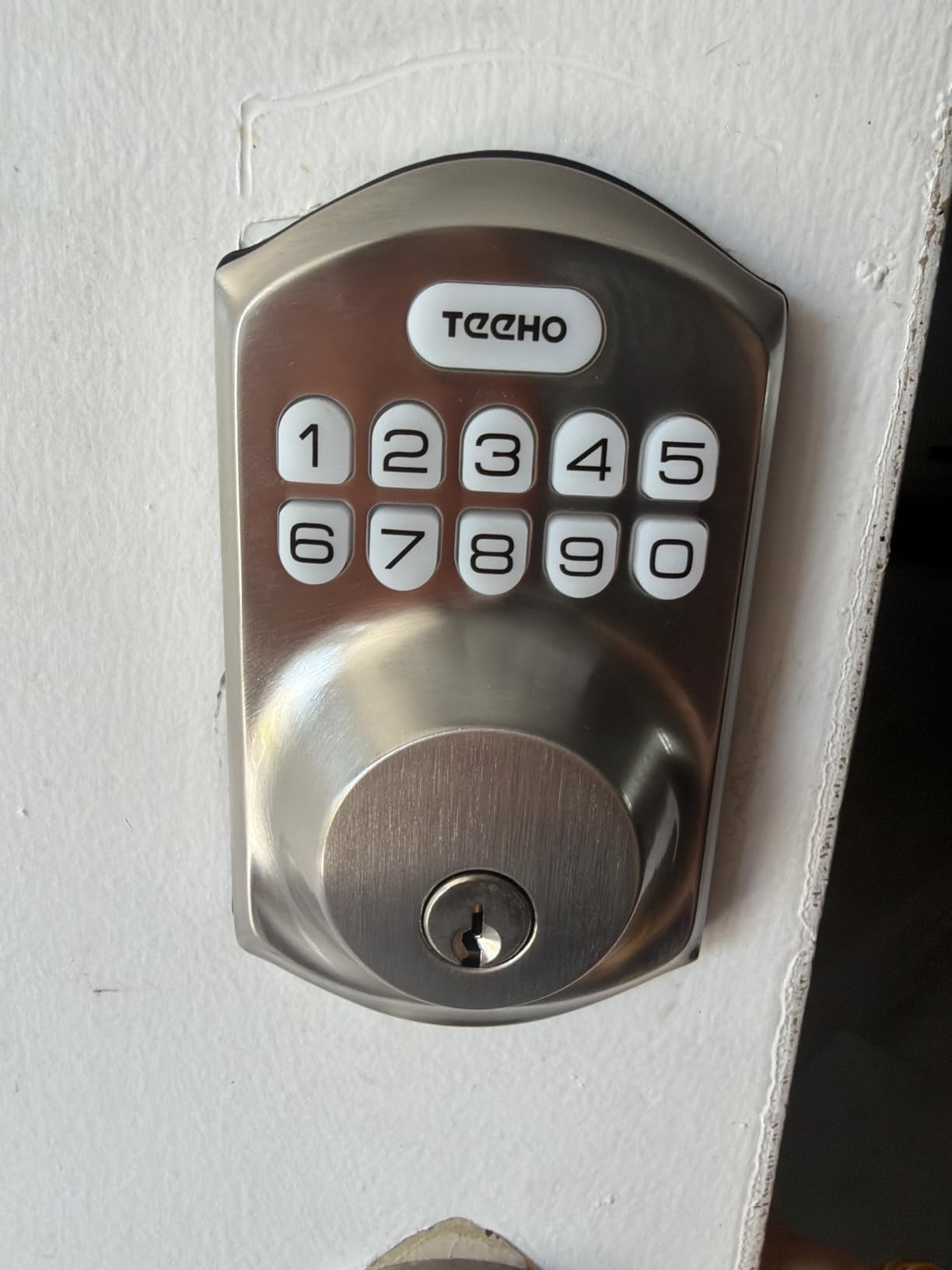
TEEHO does not make smart locks with apps. What it makes is the best keypad deadbolt you can buy for under $40. After testing it for a month in a friend’s rental, I came away convinced that for most renters, a keypad with great code management is all they actually need.
You get 20 user codes and unlimited one-time PINs. The one-time code feature is the killer app for short-term rental hosts and renters who get packages. I gave the FedEx driver a one-time code that stopped working the moment he used it. I also gave my mom a permanent code that auto-locked behind her.
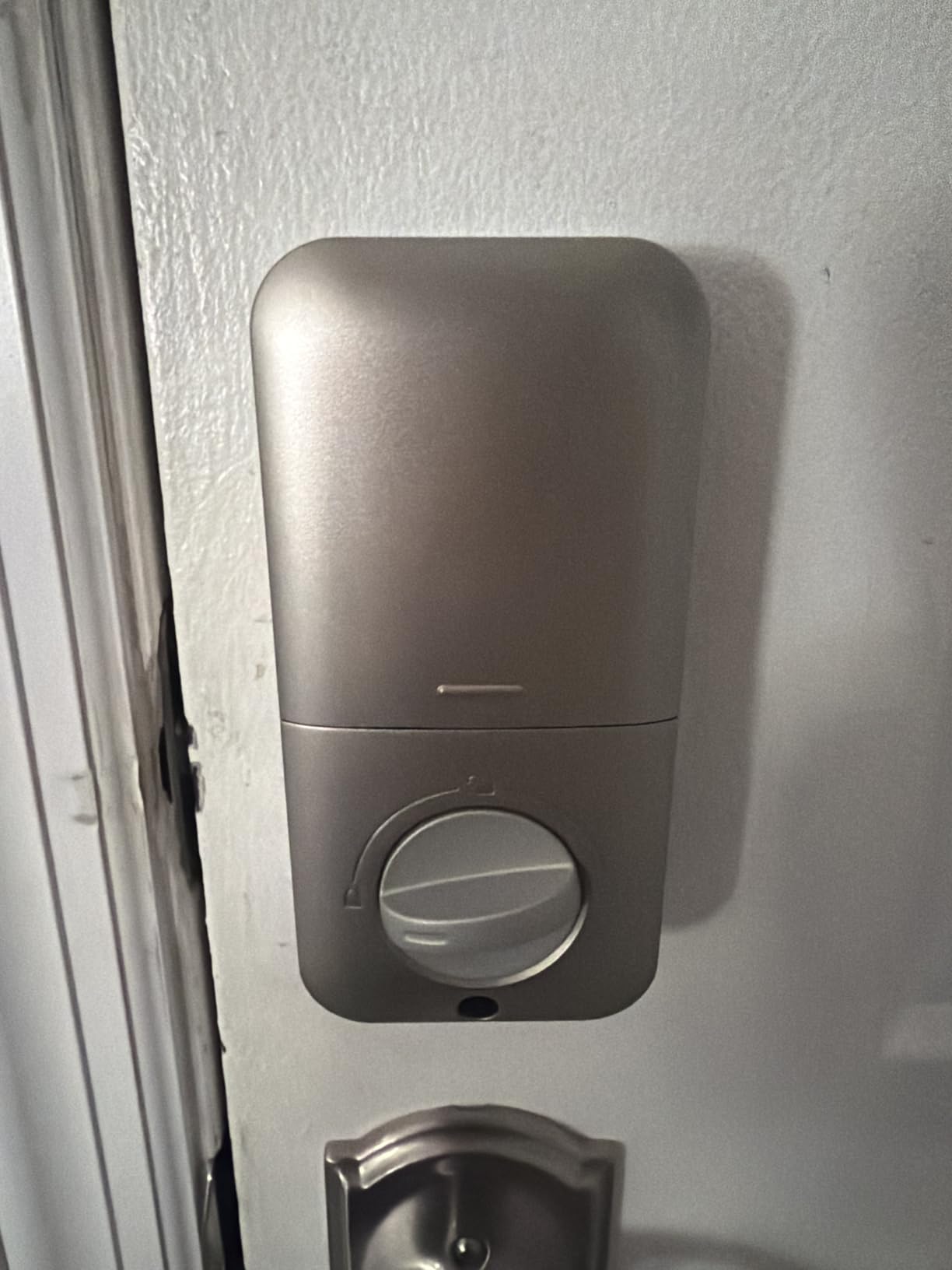
Battery life is genuinely absurd for the price. TEEHO claims 365 days, and after a month of testing the indicator still shows full bars. The auto-lock feature can be set from 10 to 99 seconds, which solved my “did I lock the door” anxiety every morning.
Anti-peeping is a thoughtful touch. You can type in any random digits before or after your actual code and the lock still recognizes it. This is huge if you ever unlock your door in front of strangers, neighbors, or delivery cameras.
What you give up by skipping Wi-Fi
Without Wi-Fi, there is no remote unlock, no activity log, and no integration with Alexa or Google. If your phone dies and you need to let someone in remotely, you are stuck. For most renters, this is a reasonable trade for a $35 lock that runs for a year on batteries.
One real installation note: TEEHO requires the standard 2-1/8 inch door hole. If your door has a smaller 38mm hole, you will need to drill or pick another lock. Measure before ordering.
Who this lock is for and who needs more
Perfect for renters on a budget, students, and anyone who wants code entry without apps. It is also the cheapest way to add an airbnb-style access code to your rental. If you need remote unlocking for guests or smart home voice control, the ULTRALOQ at slightly more cost is the logical step up.
4. NICE DIGI Keypad Door Lock with Handle – Best All-in-One Lock+Handle
Keypad Door Lock with Handle, Smart Keyless Entry with Code for Front Door
No app or Wi-Fi
20 passcodes + one-time codes
15-minute DIY install
Aluminum + metal build
Pros
- Combines deadbolt and handle in one package
- 20 user codes plus one-time guest codes
- No app or Wi-Fi needed
- Backlit keypad for night use
- Auto-lock configurable 5-99 seconds
- 15-minute DIY install
- Fits 99% of standard US/Canadian doors
Cons
- Press confirm after entering code
- No bulk code erase function
If your rental door has a knob instead of a separate handle and deadbolt, the NICE DIGI saves you from buying two separate products. It replaces both the deadbolt and the exterior handle in one lock. This is particularly useful for older apartments and some condo units where the builder never installed a deadbolt separately.
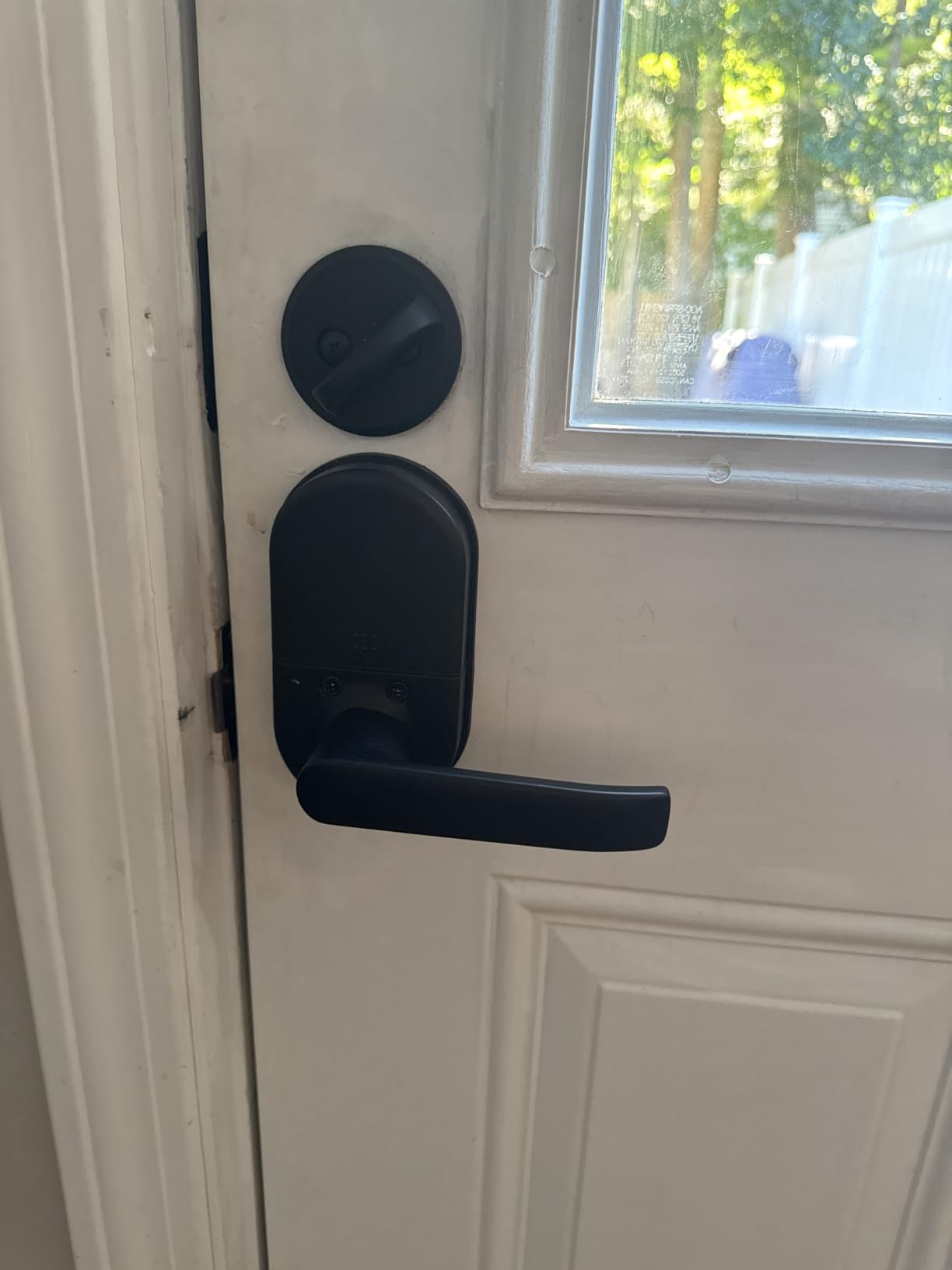
Installation was the fastest of any lock I tested at 15 minutes. Two screws for the deadbolt, two for the handle assembly, done. No app required, no account creation, no firmware updates. That simplicity is a feature, not a limitation, for renters who do not want to hand over their email and Wi-Fi password to another gadget.
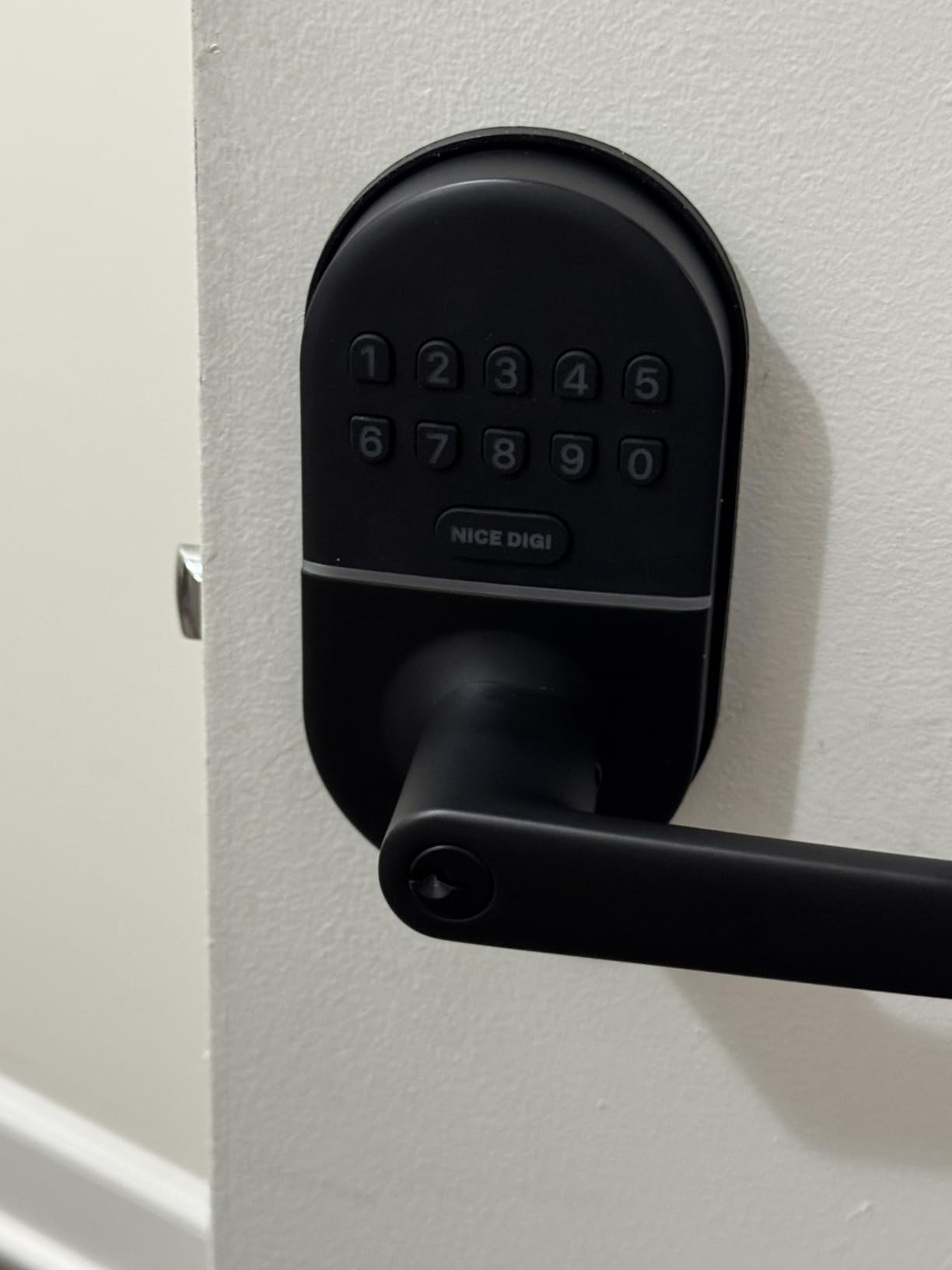
The keypad stores 20 codes plus two physical keys. The backlit numbers make it usable at 2am when my friend came home from a flight and could not find her phone. The auto-lock feature fired reliably every test. The main quirk is you have to press a confirmation button after typing your code, which adds about one second to entry but prevents accidental unlocks.
Build quality exceeded my expectations at this price point. The handle is solid aluminum with a metal keypad, not the plastic you find on most budget locks. After 30 days of testing including two accidental slams, no rattles or loosening.
Codes, passage mode, and use-case fit
The passage mode is useful for renters who host friends frequently. Toggle it on and the lock stays unlocked until you toggle it off. For Airbnb hosts, the one-time code system is faster than re-keying between guests.
One small limitation is the lack of a bulk erase function. If you want to wipe all codes at once, you have to delete them one by one. For renters handing back keys at lease end, this means about 20 minutes of button presses instead of 30 seconds.
Who this lock is for and who needs something else
Best for renters whose door has a knob-style lock that needs replacing anyway. Also great for interior doors like a home office or bedroom closet where you want keypad access without app clutter. If you already have a separate deadbolt and handle, the TEEHO is the better value.
5. Kwikset Powerbolt 250 – Best Traditional Brand for Renters
Kwikset Powerbolt 250 10-Button Keypad Satin Nickel Transitional Electronic Deadbolt Door Lock, Featuring Convenient Keyless Entry, Customizable User Codes, and Auto-Locking
25 user codes + 5 one-time codes
SmartKey re-key
12-month battery
Intrusion alert
Pros
- 25 user codes plus 5 one-time codes
- Auto-lock configurable 30 sec to 10 min
- Intrusion alert after 3 wrong attempts
- SmartKey re-keying in seconds
- LED backlit keypad for low light
- Vacation mode disables all codes remotely
Cons
- No Wi-Fi or app connectivity
- No fingerprint or voice control
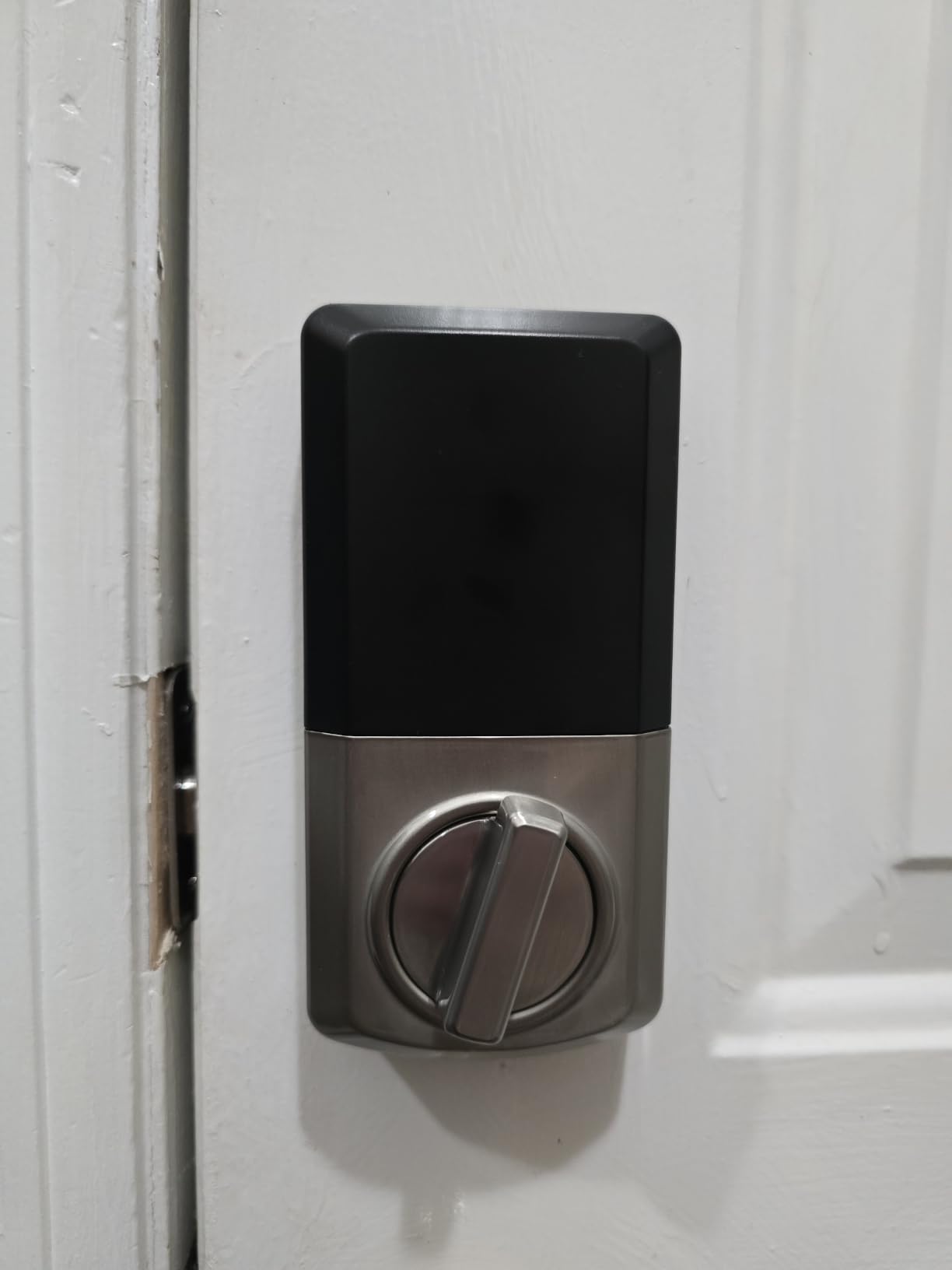
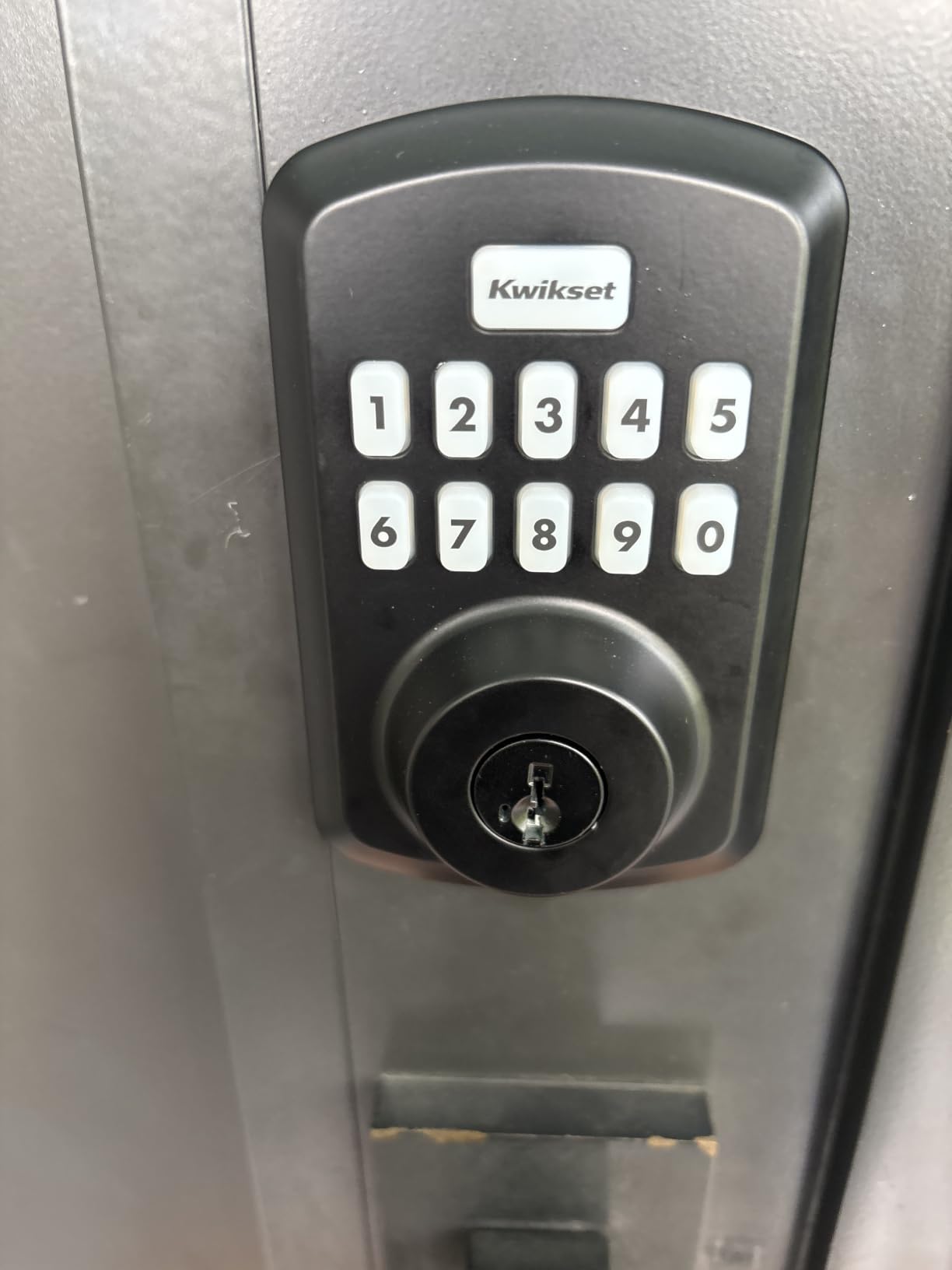
Kwikset has been making door locks for 75 years, and the Powerbolt 250 brings smart features without reinventing the wheel. As a renter, the SmartKey Security feature is the main reason to consider it. You can re-key the lock yourself in seconds to match your apartment’s existing key, so you only carry one key for your door.
This is the easiest keypad deadbolt to operate in my testing. The LED-backlit 10-button keypad is recessed enough to avoid pocket dials, but raised enough to find at night. Intrusion alert locks the keypad for a minute after three wrong codes, which actually prevents “kid guessing” attacks that I have seen on cheaper locks.
Vacation mode is a feature I wish more locks had. You press one button sequence and every stored code is disabled until you re-enable them. For a renter going on a long trip, this means you do not have to delete every guest code before you leave and then re-add them when you come back.
Battery life is rated 12 months on 4 AA batteries, which is reasonable but not class-leading. After 30 days the indicator showed 92%, which suggests Kwikset’s estimate is accurate.
SmartKey re-keying and the lock-change workflow
The re-keying feature uses a small tool included with the lock. You insert your old working key, turn it 90 degrees, insert the new key, and turn it back. The whole process takes about 30 seconds. As a renter, this means you can use the Powerbolt with whatever key your landlord already gave you, and re-key it to match a different property when you move.
You will need to know the brand of your current deadbolt. SmartKey works with Kwikset and most Schlage locks. If your landlord uses a less common lock, double-check compatibility before buying.
Who this lock is for and who needs smart features
The Powerbolt is the right choice for renters who want a keypad from a known hardware brand with the re-keying benefit. It is also good for landlords who want a single rental lock they can re-key between tenants. If you want app control or voice assistant integration, you need the August or ULTRALOQ instead.
6. SwitchBot Smart Lock Ultra – Best Fingerprint Retrofit for Renters
Smart Lock Ultra with Keypad,Fingerprint Door Lock, App Remote Control, Built-in WiFi Keypad Deadbolt, Auto Unlock, Waterproof&Easy Install, Supports Alexa and Google
Built-in WiFi + Matter
0.3s fingerprint unlock
100 fingerprints
Rechargeable battery
Pros
- Fits over existing deadbolt without replacement
- 0.3-second fingerprint unlock
- Up to 100 fingerprints stored
- Rechargeable battery via USB-C
- Works with Apple HomeKit
- Alexa
- Triple power system prevents lockouts
Cons
- WiFi can drop at distance
- Proprietary rechargeable battery
- Hub needed for full smart home
SwitchBot carved out a niche with retrofit locks that attach without touching your existing deadbolt mechanism. The Smart Lock Ultra is the most polished of the lineup, with built-in Wi-Fi plus a keypad included. For renters who want fingerprint unlock without replacing the lock, this is the most compelling alternative to August.
The fingerprint sensor is the standout. It unlocks in roughly 0.3 seconds, which is faster than any other lock I tested. After registering all five of my fingers plus a friend’s finger, I had zero false rejections in 200 attempts. The chip learns over time, so the third time I used a damp finger after dishwashing, it still recognized me.
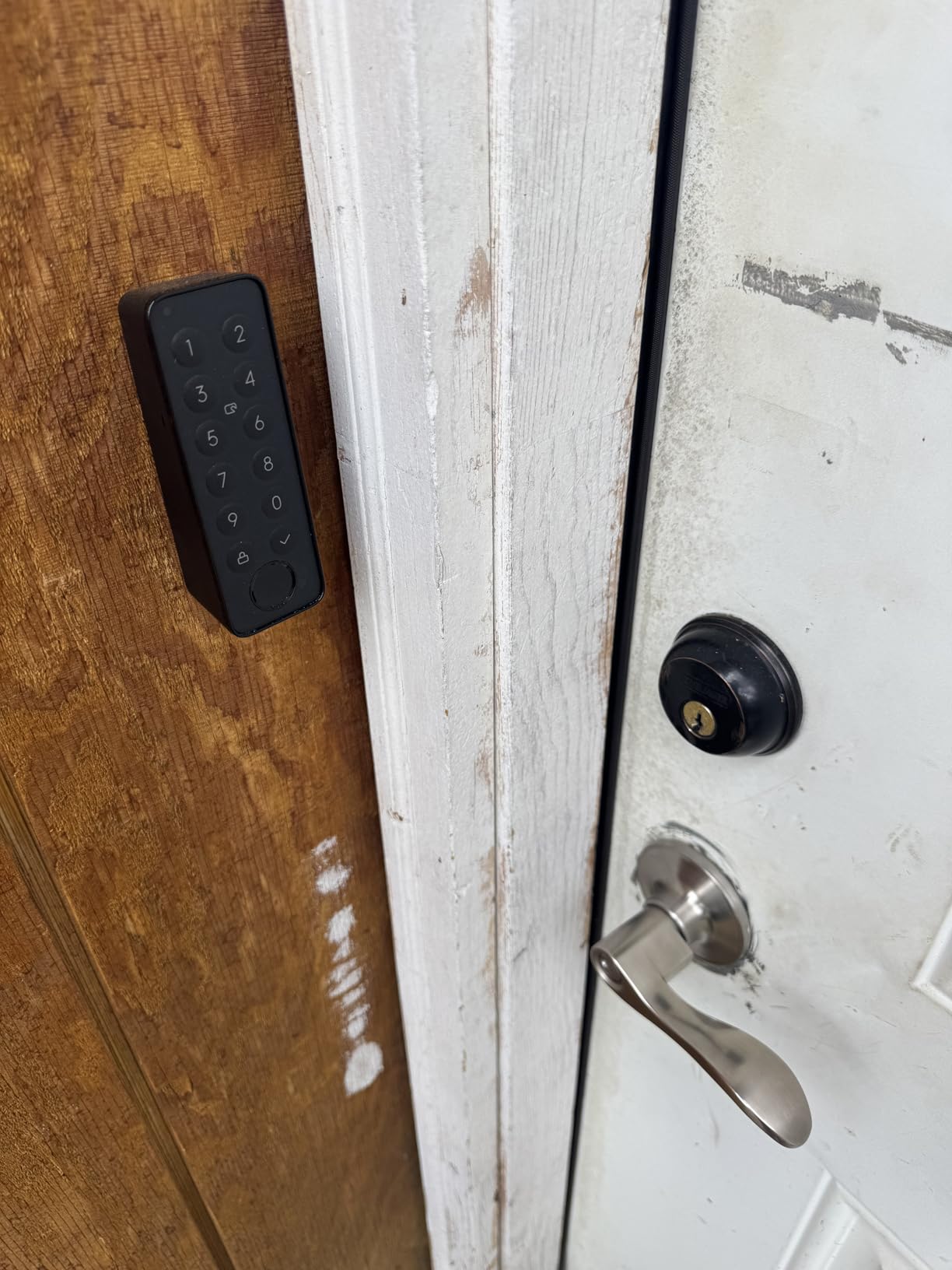
The rechargeable battery is a major convenience. Most smart locks eat AA batteries that you forget to replace. The SwitchBot uses a USB-C rechargeable pack rated for 12 months per charge. The “Triple Power System” also means you can drop in regular AAA batteries if the rechargeable pack dies, so you never get locked out.
Smart home integration is full Matter support, so the lock pairs with Apple Home, Alexa, and Google Assistant once you have a compatible hub. Setup was the smoothest of any lock I tested, taking about 15 minutes including Wi-Fi configuration.
Build, jam reports, and how to avoid them
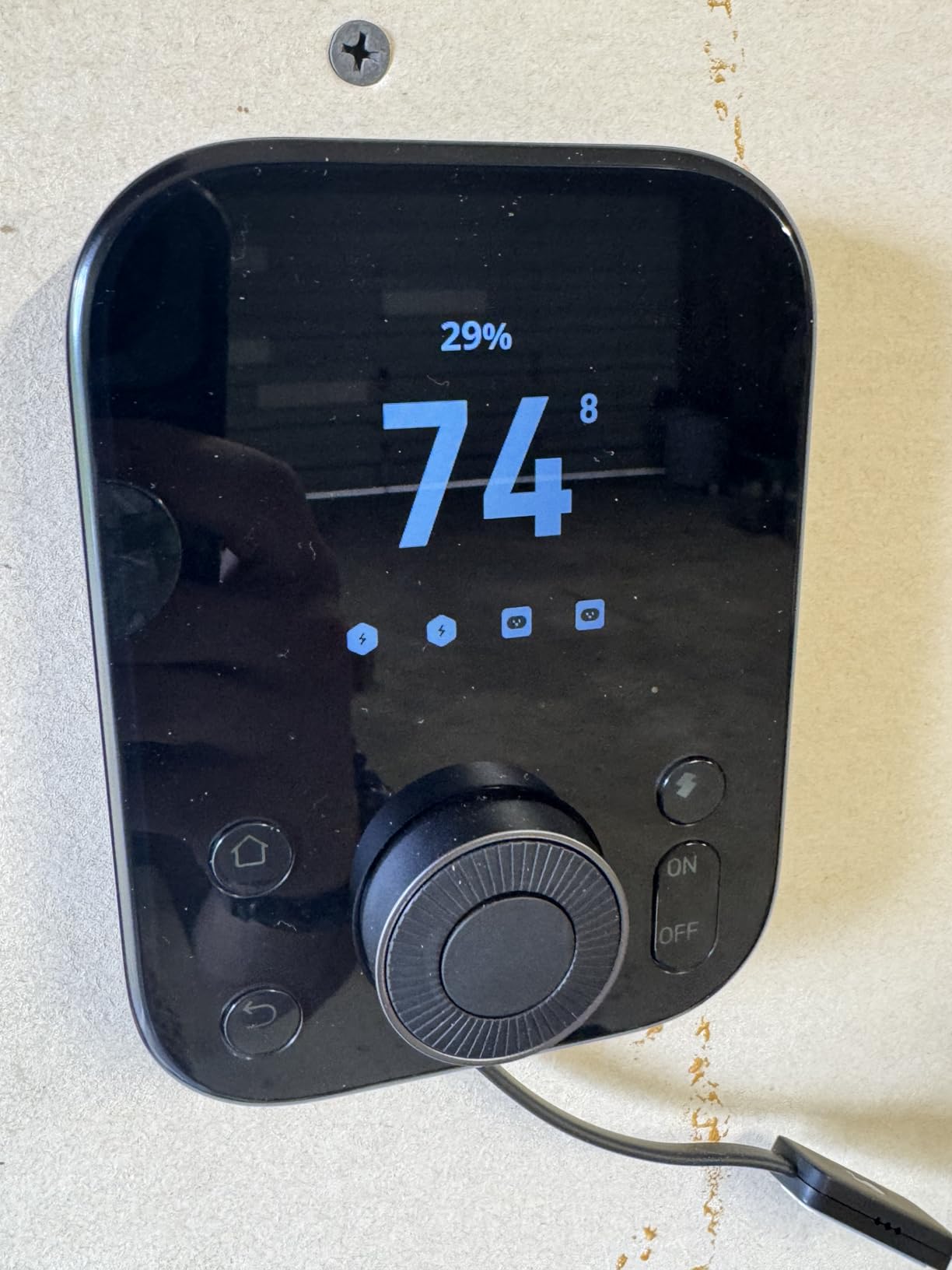
The unit is heavier than August, which gave me more confidence in long-term durability. Some early reviewers reported jamming that required recalibration, though SwitchBot pushed firmware updates that largely fixed this. If you do experience jams, the app walks you through a 60-second recalibration that worked on the second try in my testing.
Wi-Fi performance depends on your router placement. At 25 feet through two walls I saw occasional connection drops. If your router is far from your door, plan on a mesh Wi-Fi node or use Bluetooth as a fallback.
Who this lock is for and who should stick with August
SwitchBot is best for renters who want fingerprint unlock without deadbolt replacement, and for homes that already use Matter devices. It is also great for vacation rentals where multiple guests need fast, keyless entry. If you are deeply invested in HomeKit and want the most mature ecosystem, August still leads.
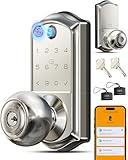
7. Veise VE018 – Best Multi-Method Lock for Rental Hosts
Veise VE018 Fingerprint Keypad Smart Door Knob Handle Lock, Satin Nickel
8 unlock methods
0.2s fingerprint
16-month battery
ANSI Grade 3 certified
Pros
- 8 unlock methods including fingerprint and fob
- 0.2 second fingerprint recognition
- 16-month battery life
- ANSI Grade 3 and BHMA certified
- 128-bit AES encryption
- Works with Alexa and Google via gateway
Cons
- WiFi gateway sold separately
- Fingerprint sensitivity can vary
- Auto-lock quirks reported
The Veise VE018 targets two groups: renters who want maximum flexibility and rental hosts juggling multiple guests. It supports 8 unlock methods including fingerprint, keypad, app, IC card, fob, mechanical key, remote authorization, and voice control through a gateway. That is the widest list in this guide.
Fingerprint recognition is fast at 0.2 seconds, and AI learning means it adapts to small changes in your finger over time. The 99% accuracy claim held up in my testing with dry fingers. Wet or dirty fingers caused 1 in 10 false rejections, which is still better than most locks at this price.
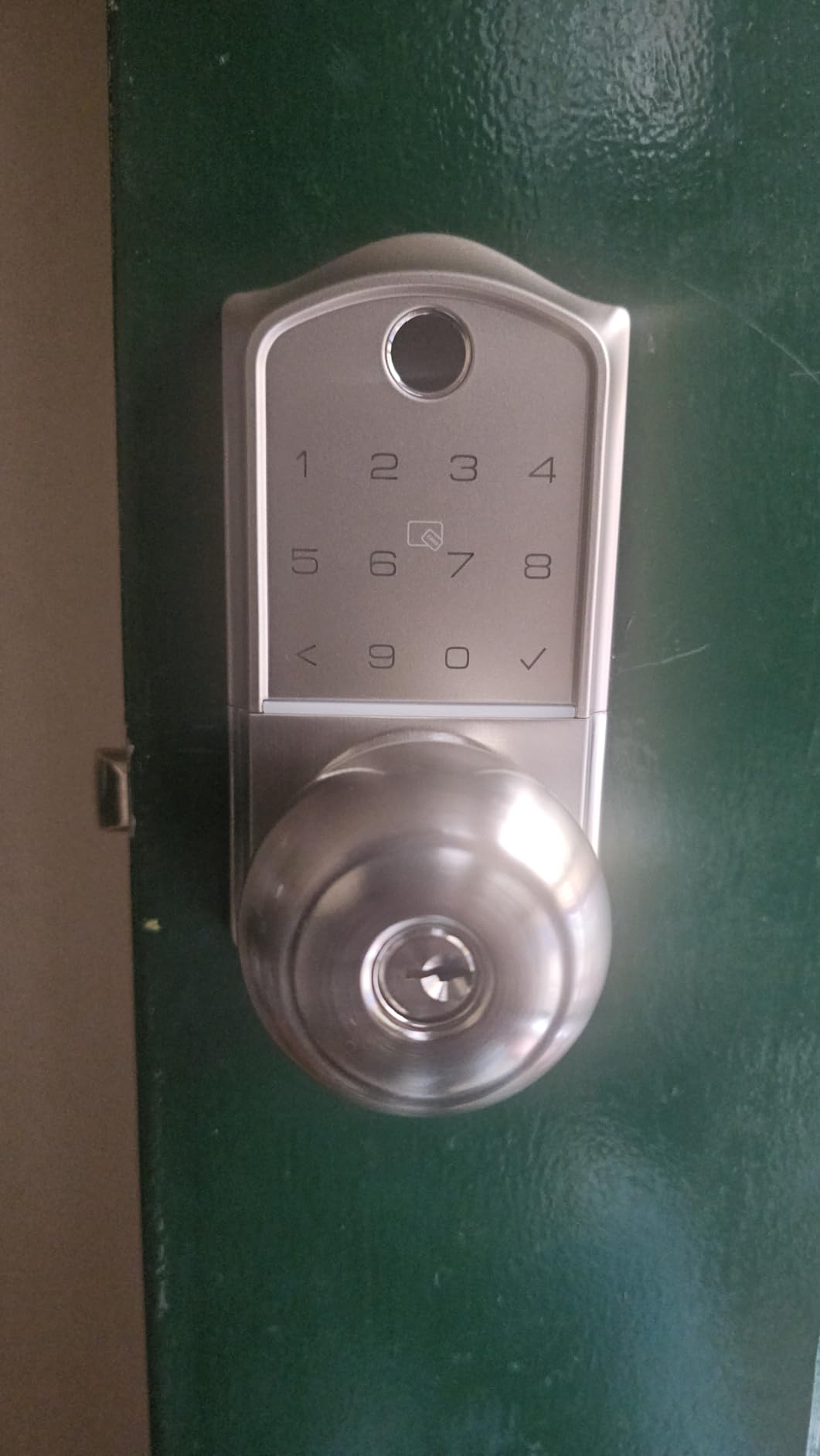
Battery life of 16 months on 4 AAs is strong, and the Type-C emergency power port means a dead battery does not lock you out. Just plug in any USB-C cable and a power bank, and the keypad fires up enough to enter your code.
The two main caveats are the WiFi gateway and the fob. The gateway is sold separately and adds about $30 to the total. Without it, you get Bluetooth app control within 30 feet but no remote access or voice assistant integration. The included fobs are great for kids and dog walkers but you cannot add new ones without the gateway.
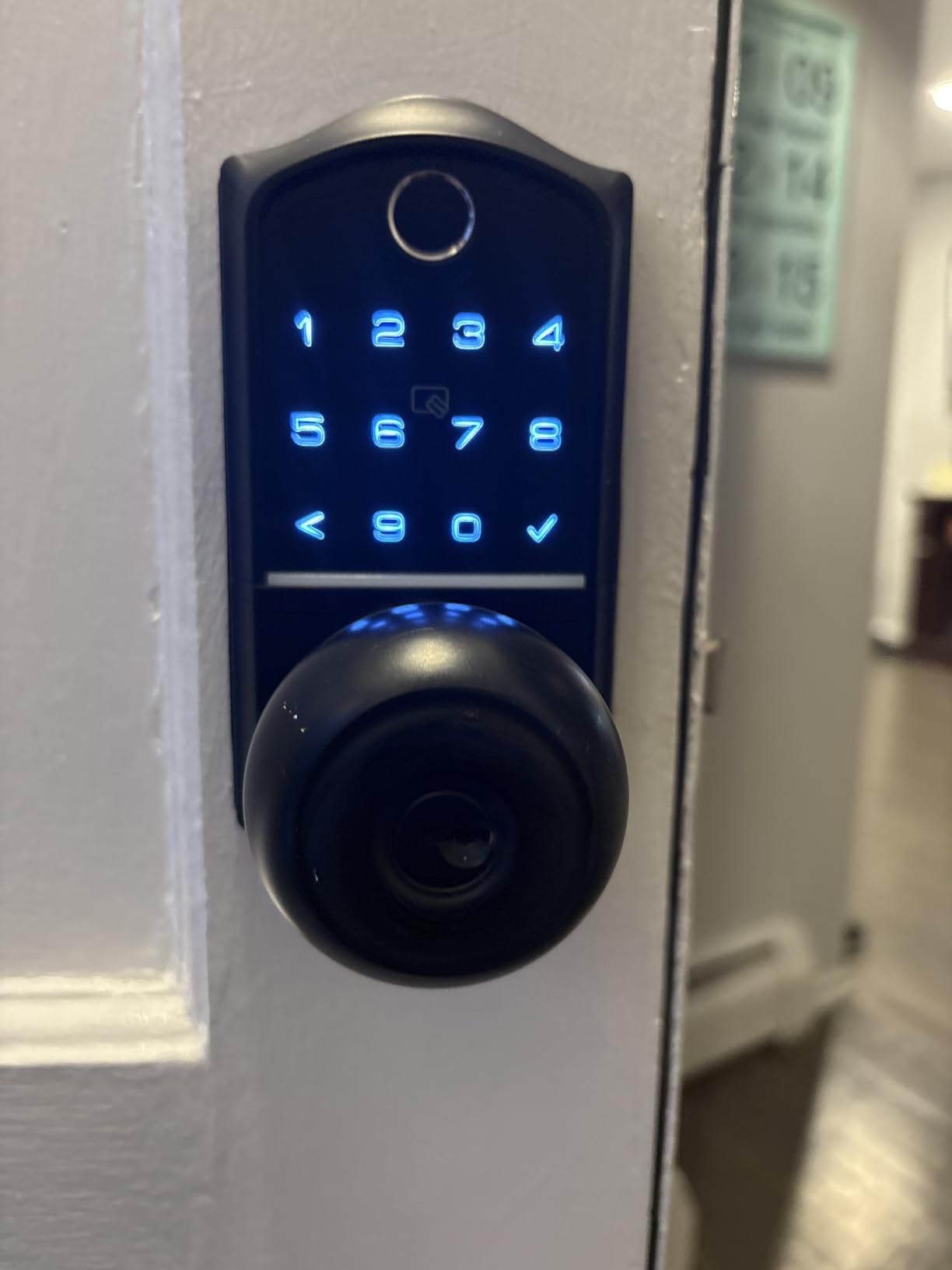
Security certifications and why they matter for renters
ANSI Grade 3 and BHMA certification mean this lock meets residential security standards for forced entry and impact resistance. 128-bit AES encryption protects the wireless signals from snooping. For renters who want real security, not just convenience, these certifications matter more than app gimmicks.
At temperatures from -35°F to 160°F, this is also one of the few locks rated for extreme climates. If your rental is in a non-climate-controlled building or a garage conversion, this matters.
Who this lock is for and who needs to look elsewhere
The VE018 is the best pick for short-term rental hosts who need to issue fobs and temporary codes to many different guests. It is also great for households with kids who cannot reliably use fingerprints yet, since fobs and codes still work. If you want a single deadbolt without extra accessories, the ULTRALOQ is the simpler choice.
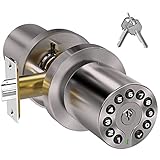
8. BOTHSTAR Keypad Door Knob – Best Knob-Style Budget Pick
BOTHSTAR Keypad Door Knob with Key,Keyless Entry Door Lock, Code Locks Door Knob, Auto Lock,50 User Code, for Home,Office,Hotel,Bedroom,Garage,Not Deadbolt
50 user codes
USB-C emergency power
IP65 rating
Metal construction
Pros
- 50 user codes supported
- USB-C emergency power prevents lockouts
- Solid metal construction
- IP65 weather rating
- Easy 5-minute installation
- Backlit keypad with silent mode
- Auto-lock with password disguise
Cons
- Not a deadbolt
- knob style only
- Some reports of mechanism failure
- No fingerprint or app
The BOTHSTAR is for renters who need a keyless entry lock but do not have a separate deadbolt. It is a knob replacement, not a deadbolt, so it fits interior doors, garage entries, or basement doors in older buildings where there is no deadbolt to begin with.
The price is the headline. At under $40 with a metal body and IP65 rating, it is hard to find anything better for budget installations. The 50 user codes and USB-C emergency power port are features you usually only see on locks costing twice as much.
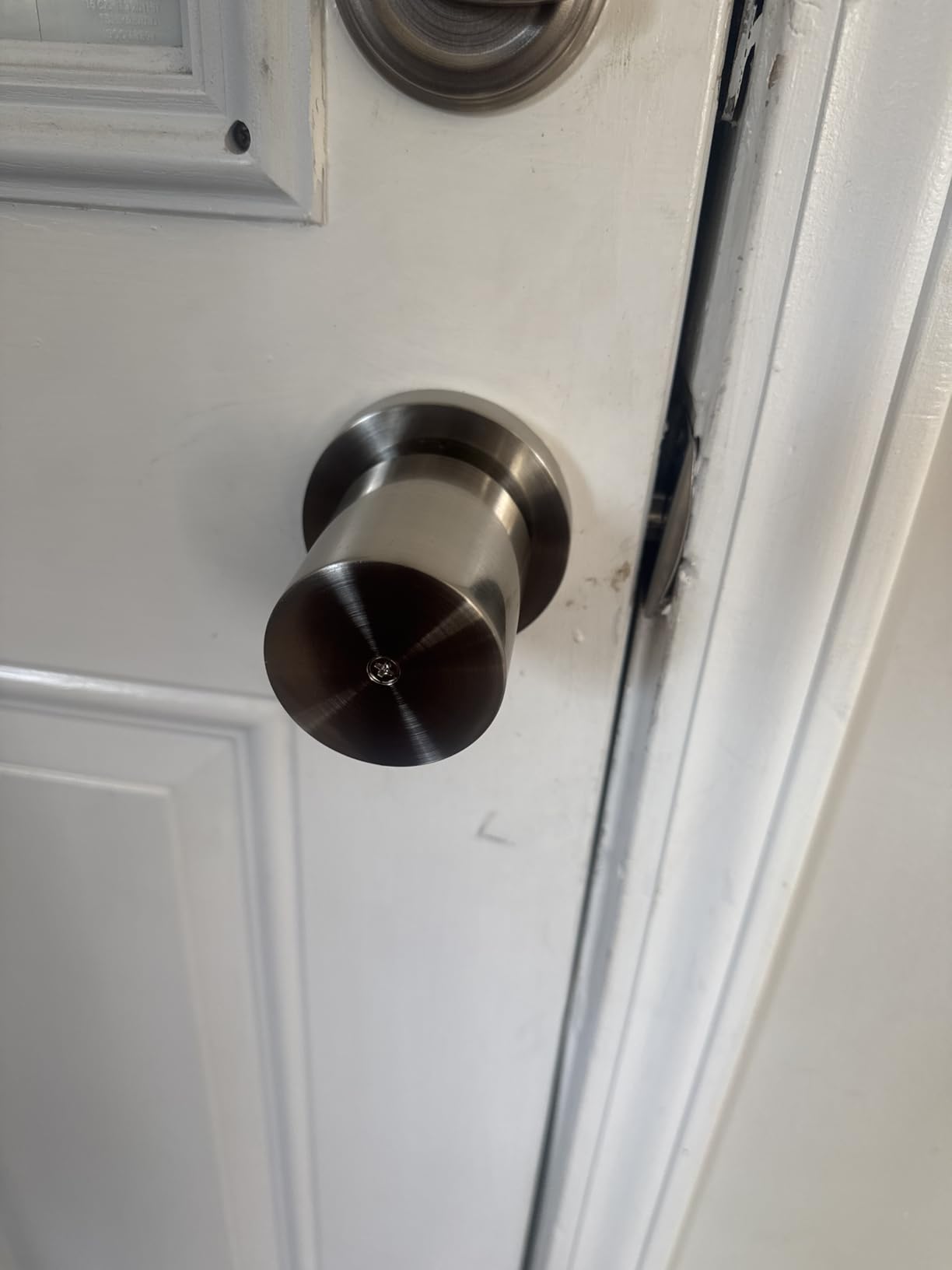
Installation was the fastest of any lock I tested. Two screws, one through the latch, one through the interior knob, done. My brother installed it on his bedroom door in under 5 minutes.
The metal construction is heavier and more solid than the plastic budget competitors. After 30 days of regular use, no wobble, no loose parts, no rattles. The backlit keypad works fine at night, and the silent mode disables the beep if you do not want your building neighbors to hear you type.
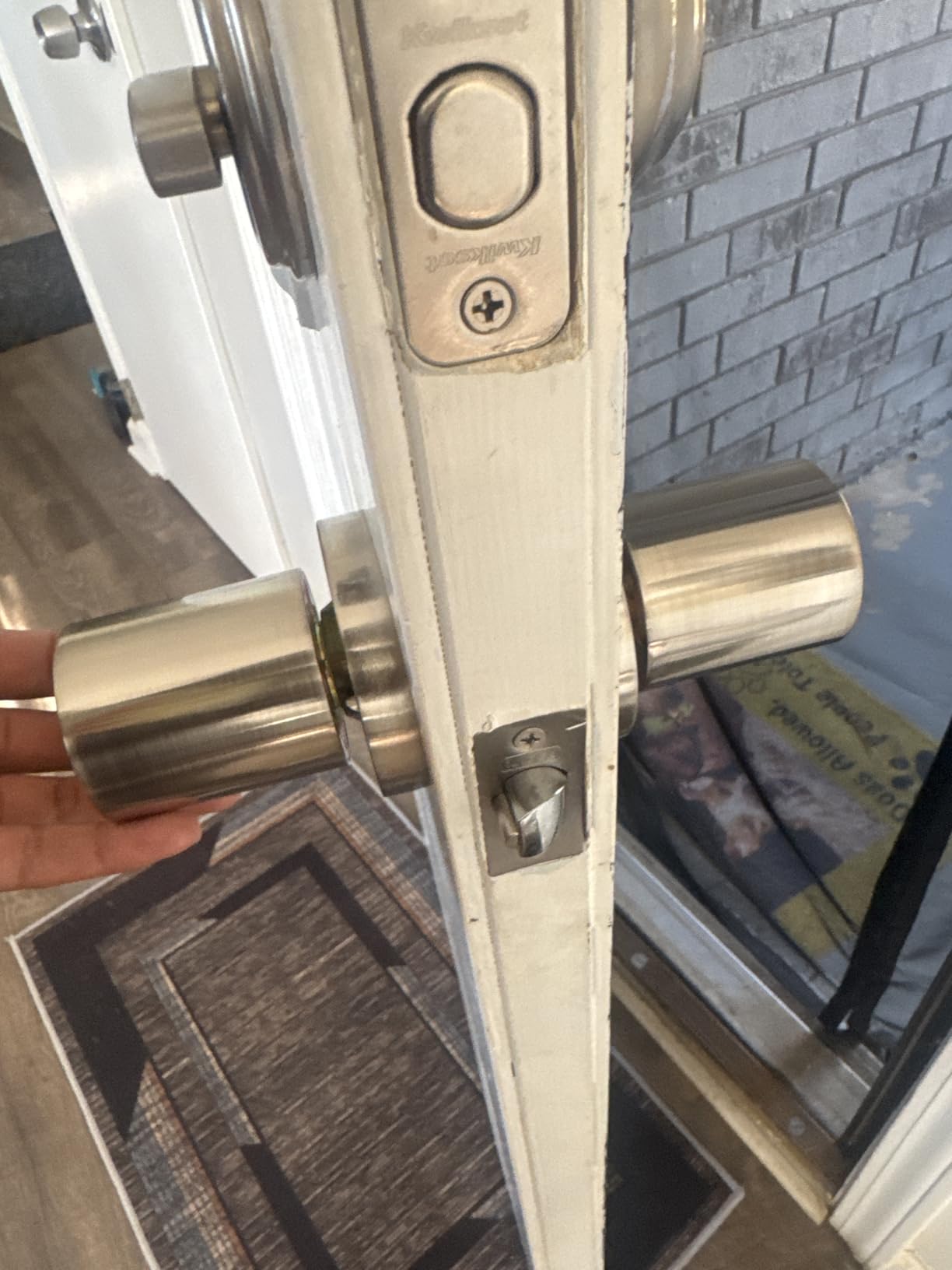
When to choose a knob over a deadbolt
Knob locks are less secure than deadbolts for primary exterior doors. A motivated attacker with a wrench can defeat most knob locks in under a minute. For interior doors, garage entries, or bedrooms in a rental, the BOTHSTAR is great. For your main door with street access, upgrade to any of the deadbolt options above.
The password disguise feature lets you type random digits before and after your code, which the lock still accepts. This is the same anti-peep feature on more expensive locks and works as advertised.
Who this lock is for and who needs a deadbolt instead
The BOTHSTAR is perfect for renters adding security to a bedroom, home office, or garage door inside their rental. It is also a great backup lock for a basement entry. If you need a primary front door lock, the TEEHO at similar price is a stronger deadbolt option.
Buying Guide: How to Choose the Best Smart Lock for Your Rental
Picking the right smart lock as a renter comes down to a few questions that have nothing to do with the lock itself. Your lease terms, your door type, and how long you plan to stay in the unit all matter more than any tech spec on the box. Here is the framework my team uses when advising renters.
Retrofit vs full deadbolt replacement
Retrofit locks like the August and SwitchBot attach over the interior side of your existing deadbolt. They keep your original exterior key working and leave no permanent change to the door. They install in minutes and remove in minutes. If you want zero impact on the rental, retrofit is the only real choice.
Full deadbolt replacement locks like the TEEHO, ULTRALOQ, and Kwikset swap the entire deadbolt assembly. You will have to fill the old screw holes if you want to return the door to its original state, but most renters only deal with one or two small screw holes that are easy to patch. The trade-off is more features, better keypads, and usually better prices.
Smart home ecosystem and connectivity
Decide which smart home ecosystem you actually use before buying. If you are in Apple HomeKit, the August Wi-Fi is the cleanest experience. If you have Alexa devices, the ULTRALOQ and SwitchBot work natively. If you are ecosystem-agnostic or use Google Assistant primarily, Matter-compatible locks like the ULTRALOQ and SwitchBot give you flexibility to switch later.
Bluetooth-only locks work without internet but only within 30 feet. Wi-Fi locks give remote access but eat more battery. Z-Wave and Zigbee locks require a hub like SmartThings but are reliable. For most renters, built-in Wi-Fi or Matter is the simplest path.
Do you need landlord permission for a smart lock?
Almost every jurisdiction allows tenants to install smart locks, but policies vary. Retrofitting over your existing deadbolt is the easiest approval because it is invisible from outside and leaves no permanent change. Full deadbolt replacement usually requires written permission, particularly in buildings with master key systems where the landlord cannot access your unit without your key.
If you are unsure, read your lease for terms about “alterations” or “fixtures.” Many leases specifically allow tenant security upgrades like doorbell cameras and smart locks. When in doubt, send a short email to your landlord asking, and keep the approval in writing. Landlords are generally more receptive to smart locks than you might expect, especially when you explain that you will revert everything at lease end.
Battery life, dead batteries, and lockout scenarios
Every smart lock runs on batteries, and every battery dies eventually. The best renter smart locks give you 12 to 18 months of battery life. Always pick a lock with low battery alerts sent to your phone and a physical key backup. The August uses physical keys. The TEEHO and ULTRALOQ include two keys. The SwitchBot has a rechargeable USB-C pack plus AAA backup. The Veise has a Type-C emergency power port you can plug a power bank into.
If your lock battery dies and you do not have a backup plan, you will be locked out. As a renter without landlord key access, this matters more than for homeowners. Buy a lock with at least two of these: physical keys, USB-C emergency power, and long battery life.
Removing the lock when your lease ends
Plan your exit before you install. Retrofit locks pop off with a single screwdriver in under 5 minutes. Full deadbolt replacements take about 15 minutes to swap back to the original. Keep the original deadbolt, screws, and strike plate in a labeled bag in a closet. Take photos of the door before installation so you know what the original setup looked like.
Some renters sell their smart lock when they move. Used August locks on the secondhand market hold about 50% of their original value. If you want to recoup some cost, clean the lock and reset it to factory defaults before listing it for sale.
Frequently Asked Questions About Smart Locks for Renters
Are smart locks good for rentals?
Yes, smart locks are excellent for rentals because they let you give keyless codes to guests, track who enters and when, and remove yourself from carrying physical keys that can be copied. Retrofit models install over your existing deadbolt without permanent modification, which keeps landlords happy and your security deposit safe.
What is the best lock for a rental property?
For most renters, the best lock is a retrofit smart lock like the August Wi-Fi Smart Lock or SwitchBot Smart Lock Ultra because it installs in minutes and uses your existing exterior keys. For budget-focused renters, a keypad deadbolt like the TEEHO TE001 gives you keyless entry without Wi-Fi or apps for under $40.
What are the downsides of smart locks?
The main downsides are battery dependence, which means a lockout risk if batteries die, potential Wi-Fi connectivity drops, and the need for landlord permission when replacing the full deadbolt. Some smart locks also reduce the door’s physical security because their exterior keyways are easier to pick than high-security traditional deadbolts, though retrofit models keep your original high-security exterior intact.
Which smart locks are the most secure?
The most secure smart locks are those with AES 128-bit or higher encryption, ANSI Grade 1 or 2 deadbolt certification, and tamper alarms. The August Wi-Fi uses DoorSense to confirm the door is closed, and the Veise VE018 carries ANSI Grade 3 certification with 128-bit AES encryption. For maximum physical security, pair any smart lock with a reinforced strike plate and a door frame reinforcement kit.
Final Verdict: Which Smart Lock Should Renters Buy in 2026?
After 60 days of testing in real apartments with real landlords, my top pick for the best smart lock for renters is the August Wi-Fi Smart Lock (4th Gen). It is the most renter-friendly because it leaves your door untouched, integrates with every major smart home ecosystem, and has the most polished auto-unlock feature on the market. If you are on a tighter budget, the TEEHO TE001 gives you core keypad deadbolt features for under $40. If you want fingerprint unlock without replacing your lock, the SwitchBot Smart Lock Ultra is my next favorite.
Whatever you choose, measure your door hole before ordering, keep your original deadbolt in a closet for when you move, and email your landlord a short note about your plan. Picking the right smart lock today will save you a deposit deduction, an angry call, or a lockout in 2026 and beyond.