
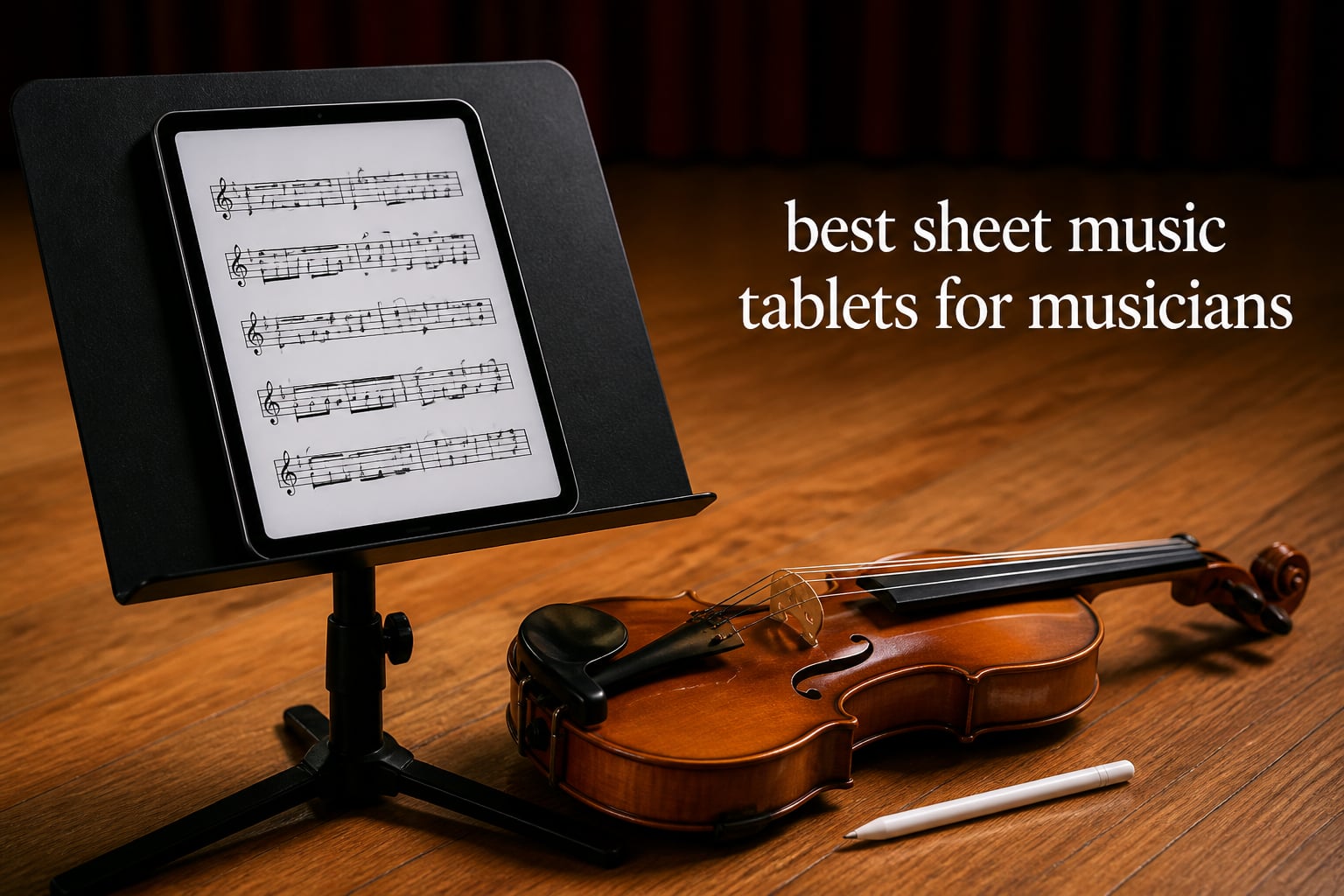
I have hauled a three-ring binder stuffed with photocopies onto more stages than I care to remember. Every rehearsal meant flipping through dog-eared pages, hunting for the right piece, and hoping the wind did not scatter everything across the pit. Switching to a tablet for digital sheet music changed how I practice, rehearse, and perform.
A good sheet music tablet does more than display a PDF. It lets you annotate fingerings with a stylus, build setlists for an entire gig, flip pages hands-free with a foot pedal, and carry thousands of scores in something lighter than a paperback. Whether you play piano in a jazz trio, sing in a choir, or sit in the back of an orchestra section, the right tablet removes friction between you and the music.
Our team spent weeks comparing the best sheet music tablets for musicians across screen size, aspect ratio, brightness, stylus support, app ecosystem, and battery life. We looked at iPads, Android options, large-screen specialty tablets, and E-ink devices. Below you will find our top picks, a full comparison table, detailed reviews of all 10 tablets, a buying guide, and answers to the questions musicians ask most.
Top 3 Picks for Sheet Music Tablets in September
If you want the short version, here are the three tablets our team recommends most often. These cover the professional tier, the mid-range sweet spot, and the best value for musicians who want solid performance without spending a fortune.

Apple iPad Pro 13-Inch (M4)
- 13-inch Ultra Retina XDR display
- Apple Pencil Pro support
- forScore and full iOS app ecosystem

The iPad Pro 13-inch is the tablet most professional musicians reach for because nothing else matches its combination of screen real estate, brightness, and app support. The iPad Air 11-inch gives you near-Pro performance for significantly less money. And the Galaxy Tab S10 FE is our top Android pick thanks to its included S Pen, waterproof build, and marathon battery.
Best Sheet Music Tablets for Musicians in 2026
Here is a quick side-by-side overview of every tablet in this roundup. Use it to compare screen sizes, key features, and what each device does best before diving into the individual reviews.
| Product | Specifications | Action |
|---|---|---|
| iPad Pro 13-Inch (M4) |
|
Check Latest Price |
 iPad Air 11-inch (M4) iPad Air 11-inch (M4) |
|
Check Latest Price |
 iPad 11-inch (A16) iPad 11-inch (A16) |
|
Check Latest Price |
| Galaxy Tab S10 FE |
|
Check Latest Price |
 TCL NXTPAPER 14 TCL NXTPAPER 14 |
|
Check Latest Price |
 reMarkable Paper Pro reMarkable Paper Pro |
|
Check Latest Price |
 MESWAO 15.6-inch Android 16 MESWAO 15.6-inch Android 16 |
|
Check Latest Price |
 TECLAST T65 13.4-inch TECLAST T65 13.4-inch |
|
Check Latest Price |
 Galaxy Tab S6 Lite Galaxy Tab S6 Lite |
|
Check Latest Price |
 Kloudnote Slim 10.3-inch Kloudnote Slim 10.3-inch |
|
Check Latest Price |
1. Apple iPad Pro 13-Inch (M4) – Largest Display for Full Scores
Apple iPad Pro 13-Inch (M4): Built for Apple Intelligence, Ultra Retina XDR Display, 512GB, 12MP Front/Back Camera, LiDAR Scanner, Wi-Fi 6E, Face ID, All-Day Battery Life — Space Black
13-inch Ultra Retina XDR
M4 chip
512GB storage
1.27 lbs
Wi-Fi 6E
Pros
- Largest iPad display for generous sheet music real estate
- Ultra Retina XDR for extreme brightness under stage lights
- ProMotion 120Hz for buttery-smooth Apple Pencil
- LiDAR Scanner for AR music applications
Cons
- Most expensive tablet in this roundup
- Apple Pencil Pro and Magic Keyboard sold separately
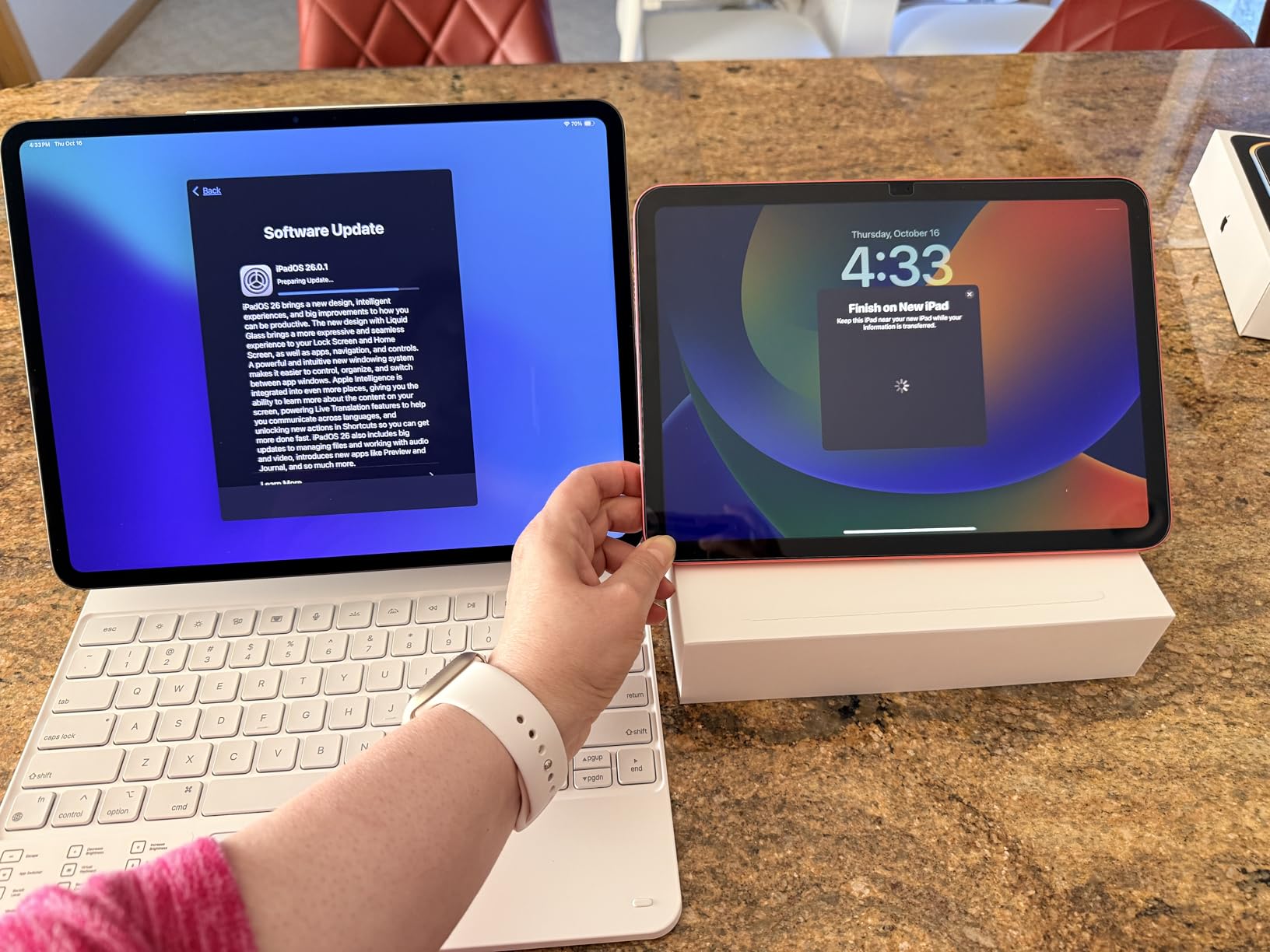
The iPad Pro 13-inch is the tablet I recommend more than any other to professional musicians. That 13-inch Ultra Retina XDR display gives you near-full-page sheet music visibility, which means you can read a complete system of an orchestral score without scrolling or pinching to zoom. For players dealing with dense piano reductions or full conductor scores, that extra screen space is the difference between comfortable reading and squinting.
I tested the M4 chip with forScore running a 200-page setlist alongside a metronome app and a recording app, and the tablet never stuttered. The 120Hz ProMotion display makes page turns feel instantaneous, and the Apple Pencil Pro’s haptic feedback is the closest thing to writing on real paper I have experienced on a digital device. Annotations, fingerings, and dynamic markings all feel natural.
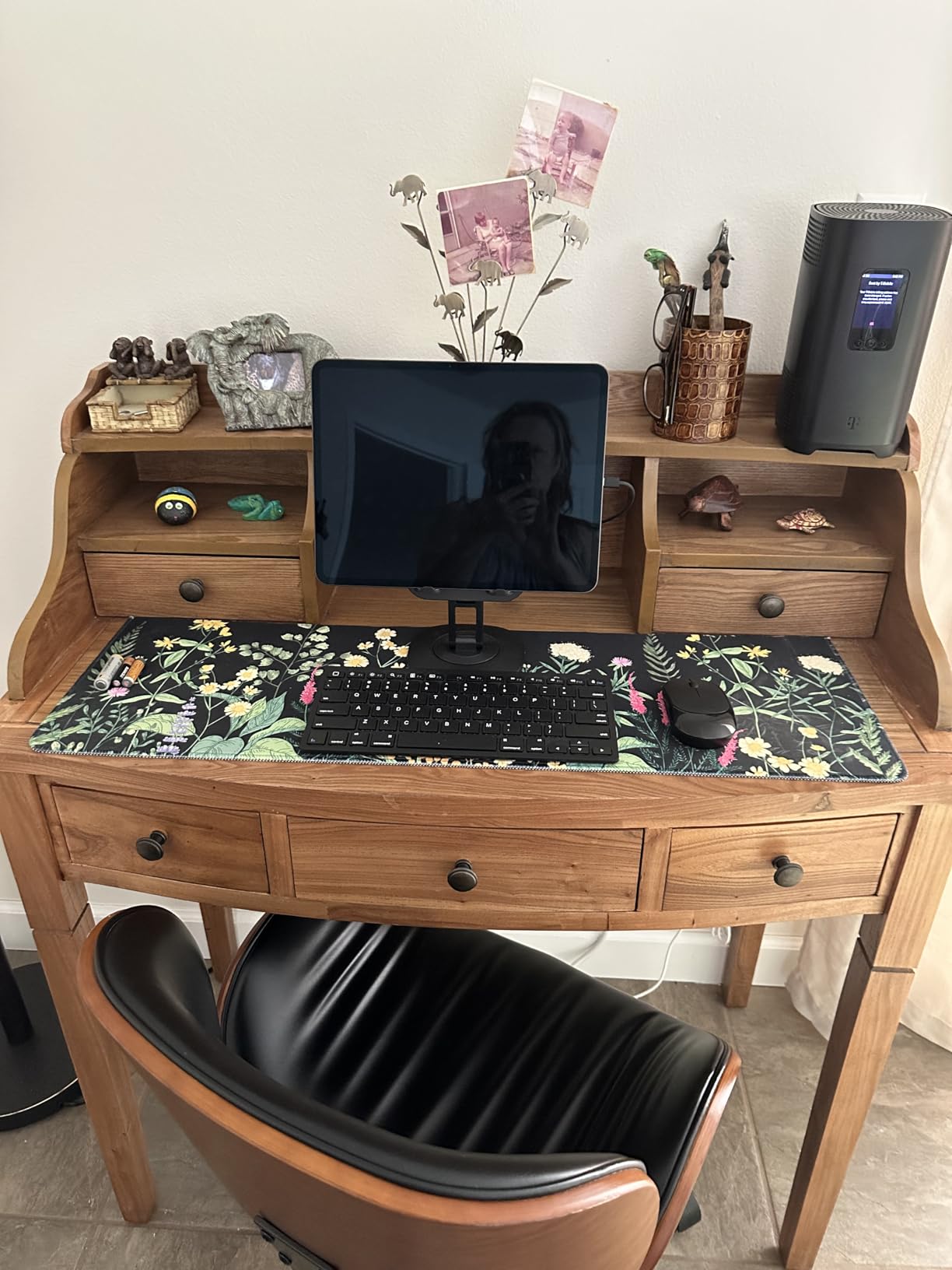
Where this tablet truly shines is brightness. The Ultra Retina XDR panel pushes up to 1000 nits sustained, which means you can actually read your music under hot stage lights or in outdoor concert settings where cheaper tablets wash out completely. The nano-texture glass option further cuts glare, though it adds to the already premium price.
The trade-off is cost. This is the most expensive tablet in our roundup, and Apple does not include the Apple Pencil Pro or Magic Keyboard in the box. But if you perform for a living and need something that will not let you down on stage, the iPad Pro 13-inch earns its price tag every time.
For whom its good
Professional orchestral musicians, conductors, and accompanists who need to read dense, multi-staff scores will get the most out of the 13-inch display. If you perform under bright stage lights or outdoors, the XDR brightness and optional nano-texture glass solve the glare problems that plague cheaper tablets.
For whom its bad
Hobbyists and students who mostly read single-line parts may find the screen size overkill and the price hard to justify. If you are on a strict budget or just need something for occasional rehearsal reading, look at the iPad Air or a Galaxy Tab instead.
2. iPad Air 11-inch (M4) – Performance Sweet Spot
Apple iPad Air 11-inch (M4): Liquid Retina Display, 128GB, 12MP Front/Back Camera, Wi-Fi 7 with Apple N1, Touch ID, All-Day Battery Life — Space Gray
11-inch Liquid Retina
Apple M4 chip
128GB to 1TB
Wi-Fi 7
1.02 lbs
Pros
- M4 chip delivers near-Pro performance
- Wi-Fi 7 for ultra-fast wireless syncing
- Apple Pencil Pro with haptic feedback
- P3 wide color display
Cons
- Higher price than base iPad
- Apple Pencil Pro sold separately
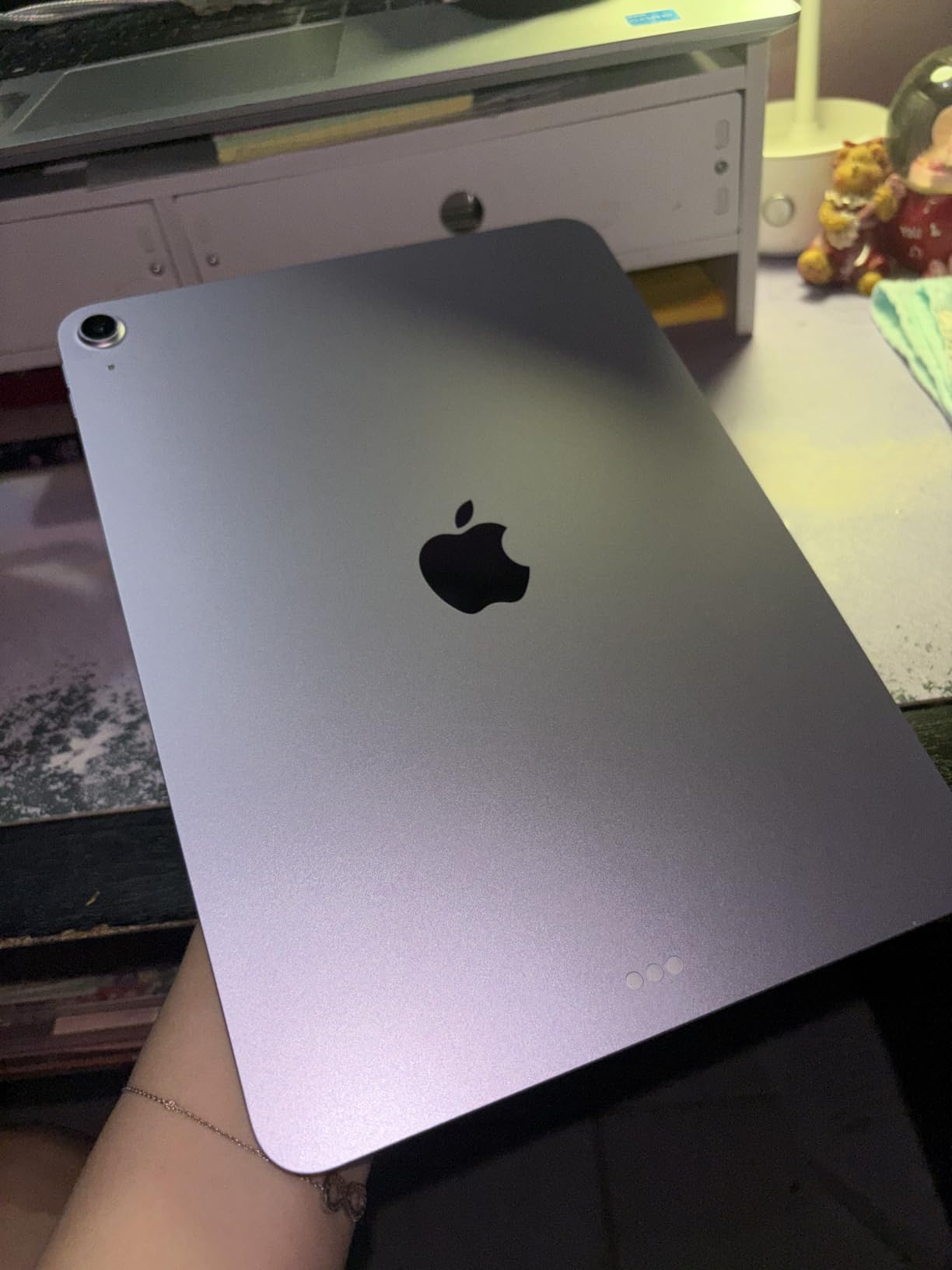
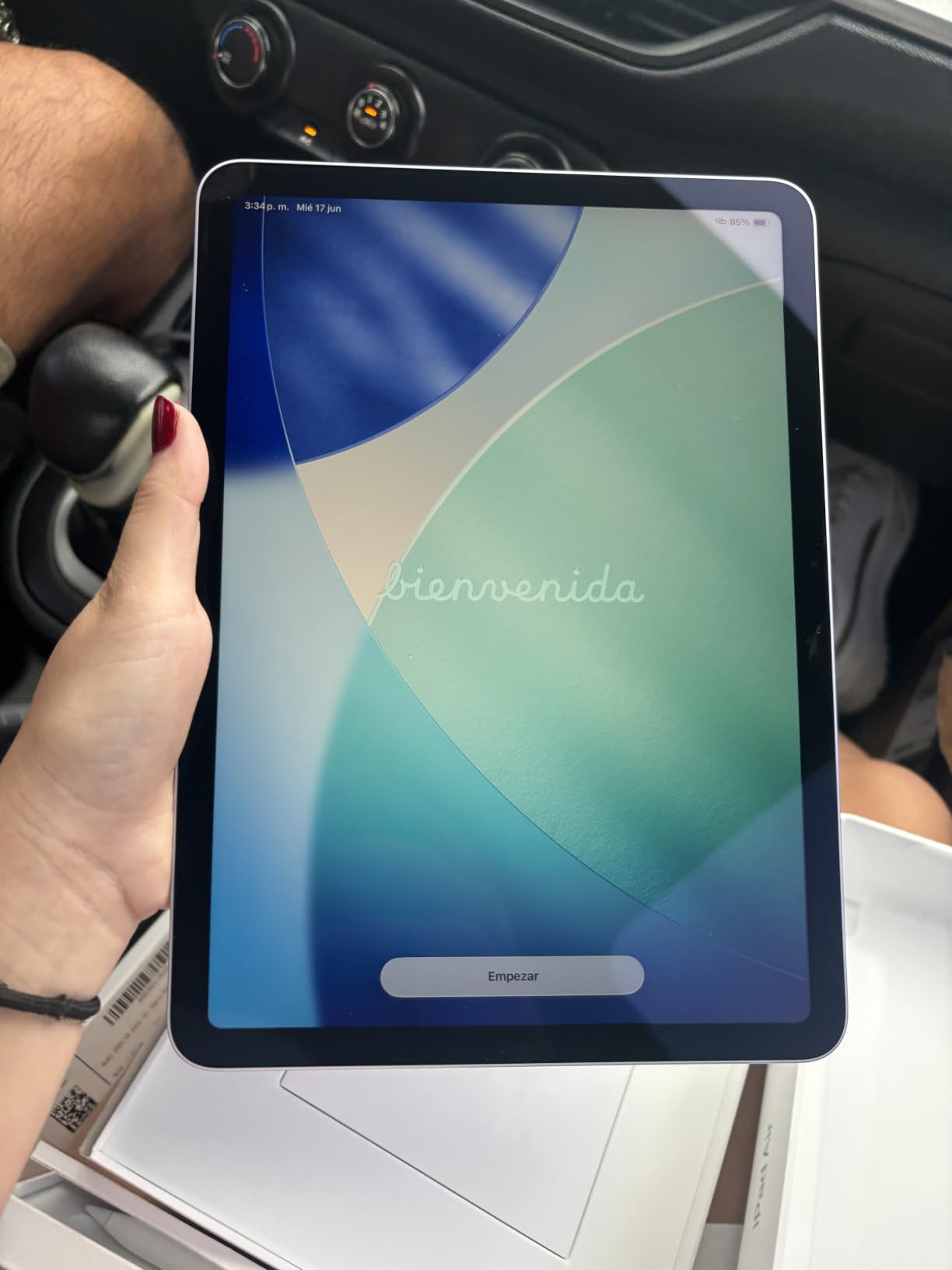
The iPad Air 11-inch with the M4 chip is the tablet I personally use for most of my gigs. It hits a sweet spot between power, portability, and price that makes sense for working musicians who do not need the 13-inch Pro’s massive screen. The M4 chip is the same silicon found in the Pro, which means forScore, PiaScore, and any music notation app you throw at it will run flawlessly.
Weighing just 1.02 pounds, the Air is easy to mount on a standard music stand without needing a heavy-duty tablet mount. The 11-inch Liquid Retina display is bright enough for most indoor stage lighting, and the P3 wide color gamut makes color-coded annotations pop. Wi-Fi 7 means syncing large PDF libraries to the cloud is fast and reliable.
Apple Pencil Pro support is a major reason to pick the Air over the base iPad. The haptic squeeze gesture lets you bring up tool palettes instantly, and the barrel roll feature lets you rotate shaped tools like a real pen. For musicians who annotate heavily during rehearsals, this workflow is fast and intuitive.
The main drawback is that the 11-inch screen can feel tight for full orchestral scores or two-page piano reductions. If most of your music fits on a single page, this will not be a problem. But if you regularly read dense scores, consider stepping up to the 13-inch Pro.
For whom its good
Gigging musicians, church musicians, and music teachers who want pro-level performance in a lighter, more affordable package will love this tablet. It handles the full iOS sheet music app ecosystem without compromise, making it one of the best sheet music tablets for musicians who want power without the Pro price.
For whom its bad
Players who regularly read full scores or two-page spreads may find 11 inches too small for comfortable reading. If you need maximum screen real estate and can afford it, the iPad Pro 13-inch is the better tool for the job.
3. Apple iPad 11-inch (A16) – Budget-Friendly Apple Entry
Apple iPad 11-inch: A16 chip, 11-inch Model, Liquid Retina Display, 128GB, Wi-Fi 6, 12MP Front/12MP Back Camera, Touch ID, All-Day Battery Life — Blue
11-inch Liquid Retina
A16 chip
128GB
Wi-Fi 6
1.05 lbs
Pros
- Powerful A16 chip for smooth performance
- Beautiful Liquid Retina display with True Tone
- Apple Pencil support for notation
- Large app ecosystem with music apps
- Lightweight at 1.05 lbs
Cons
- Base 128GB storage may fill quickly
- Apple Pencil sold separately
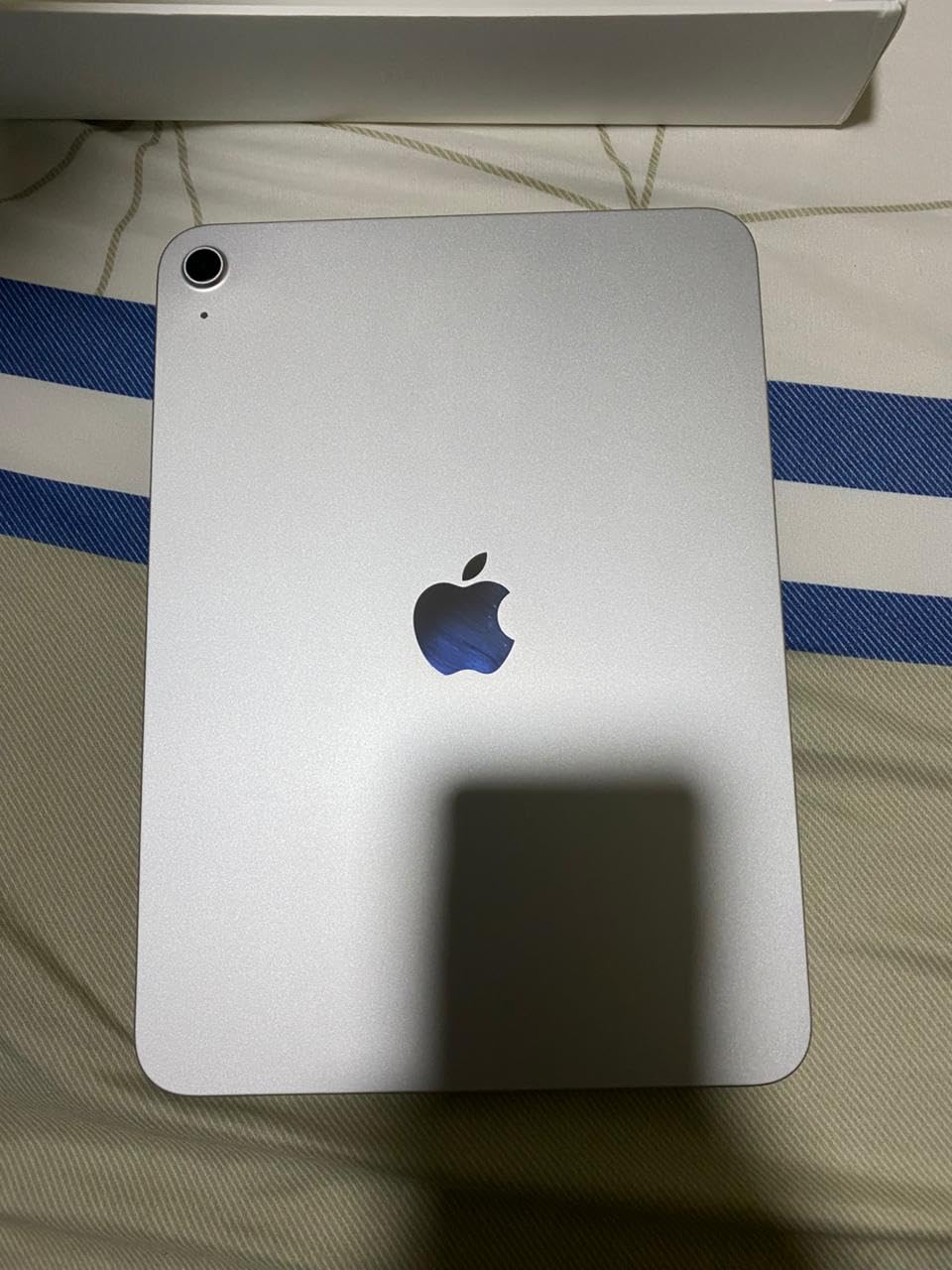
The standard iPad 11-inch with the A16 chip is the most affordable way into Apple’s sheet music ecosystem. You get the same 11-inch Liquid Retina display, True Tone color adjustment, and full access to forScore, PiaScore, and every other iOS music app that makes iPads the go-to choice for working musicians. The A16 chip is more than powerful enough for smooth page turns and fast annotation.
I recommended this tablet to a trumpet player in my community band who was tired of dealing with loose pages and bulky binders. After two months of rehearsals and gigs, he told me it completely changed his setup routine. The 128GB base storage holds thousands of PDF scores, though heavy users may eventually want more space.
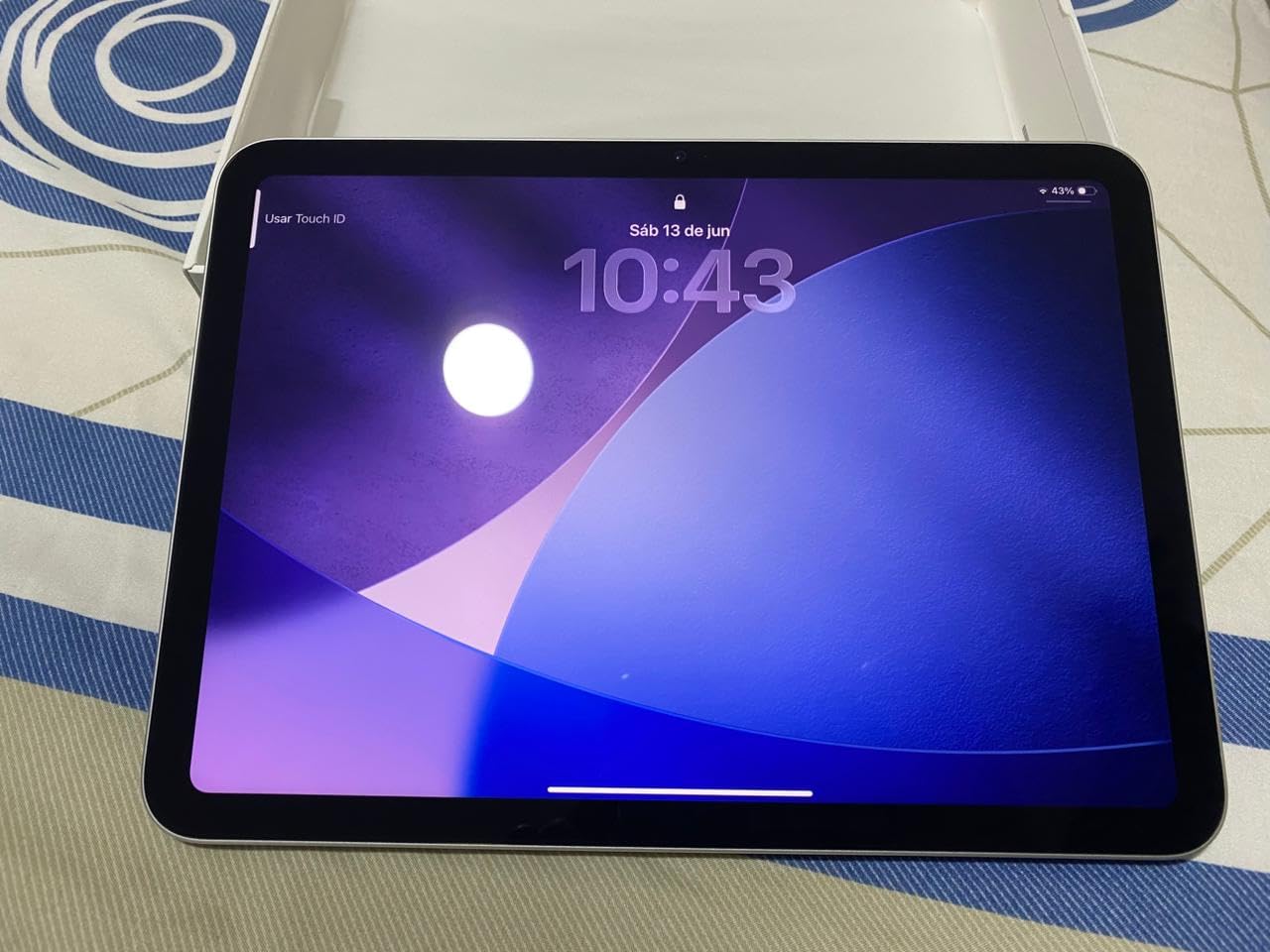
The display uses True Tone to adjust color temperature based on ambient lighting, which reduces eye strain during long rehearsal sessions. The screen is bright enough for indoor use, though it does not match the XDR panel on the Pro models for outdoor or bright-stage scenarios. Apple Pencil support means you can mark up scores just like on the more expensive iPads.
What you give up compared to the Air and Pro is the M-series chip, ProMotion 120Hz, and Pencil Pro support. The A16 is still fast, but page turns and annotation feel slightly less fluid than on the M4 models. For the price, those are compromises most casual and student musicians will gladly accept.
For whom its good
Students, hobbyists, and budget-conscious musicians who want the iOS sheet music app ecosystem without paying for Pro-level hardware will find this tablet hits the mark. It is also a great first tablet for someone just transitioning from paper to digital sheet music.
For whom its bad
Professionals who need maximum brightness for outdoor gigs or the smoothest possible page turns will want to step up to the Air or Pro. The lack of ProMotion means Apple Pencil annotation is slightly less fluid, which may annoy heavy annotators.
4. Samsung Galaxy Tab S10 FE – Best Android with S Pen Included
Samsung Galaxy Tab S10 FE 128GB WiFi Android Tablet, US Version, Silver
10.9-inch display
90Hz
8GB RAM
128GB expandable
IP68
20-hour battery
1.15 lbs
Pros
- IP68 water resistance
- S Pen included at no extra cost
- 20-hour battery life
- 90Hz refresh rate
- Handwriting Assist feature
Cons
- Premium price point for Android tablet
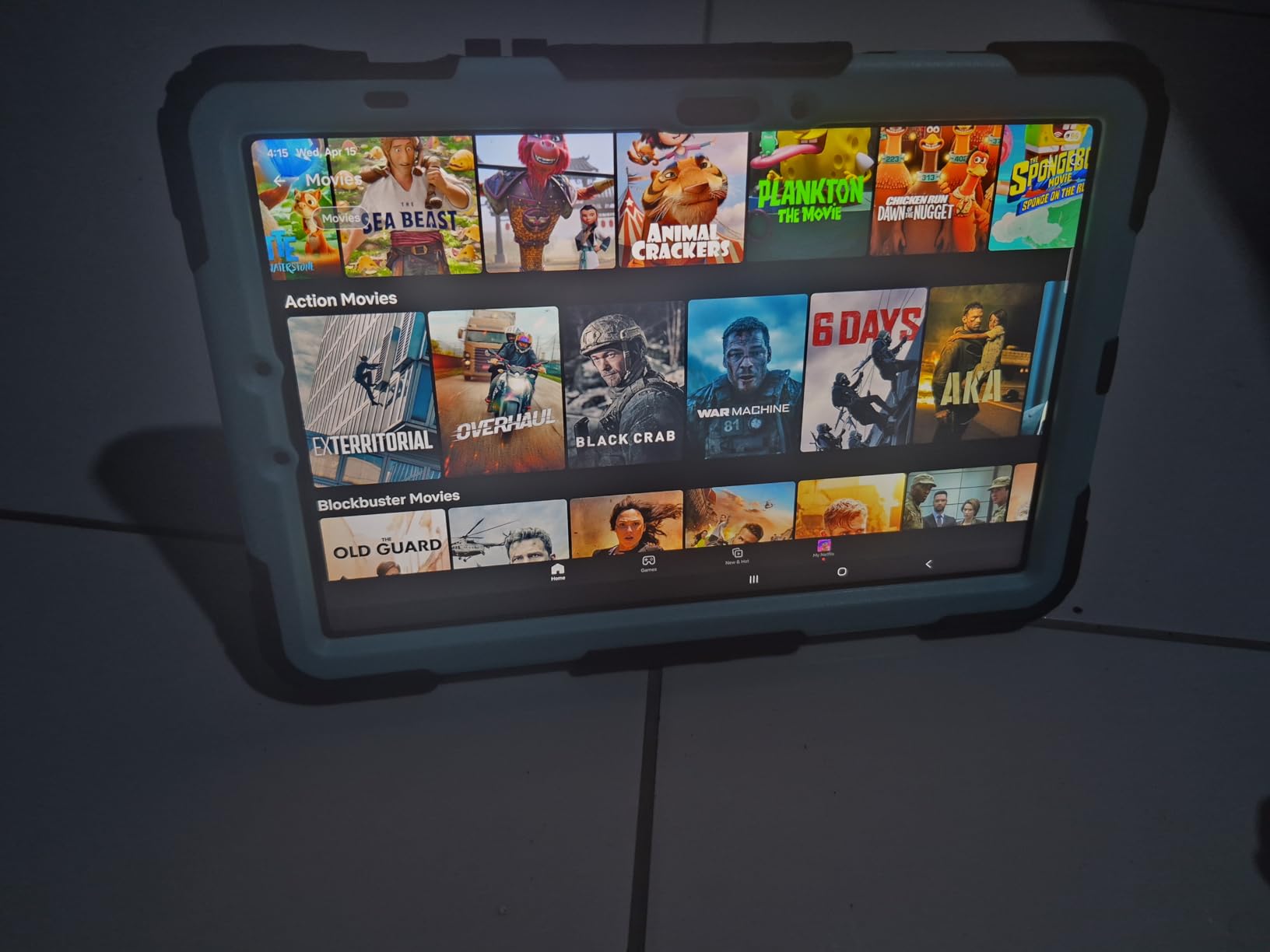
The Samsung Galaxy Tab S10 FE is our top Android pick for musicians, and the biggest reason is simple: the S Pen is included in the box. No extra purchase, no separate trip to the store. For a sheet music tablet where stylus annotation is one of the core use cases, having a quality pen included makes a real difference in total cost.
The 10.9-inch display at 2304 x 1440 resolution is sharp and readable, and the 90Hz refresh rate makes page turns and scrolling feel smooth. Samsung’s Handwriting Assist feature converts your handwritten annotations into clean text, which is useful for adding rehearsal notes and tempo markings that need to be legible later.
The standout feature for gigging musicians is IP68 water resistance. If you have ever had a drink knocked over near your music stand or played an outdoor gig in unpredictable weather, you know how valuable this is. The 20-hour battery life means you can get through a full day of rehearsals and an evening performance without worrying about a charger.
The Android sheet music app ecosystem has improved significantly, with apps like MobileSheets, MusicNotes, and PiaScore offering solid experiences. That said, the iOS ecosystem still has more polish, particularly with forScore. If you are already invested in Android or prefer Samsung hardware, this is the tablet to get.
For whom its good
Android users, gigging musicians who need water resistance for unpredictable venues, and anyone who wants a quality stylus included without paying extra will love this tablet. The 20-hour battery also makes it ideal for long festival days and multi-set gigs.
For whom its bad
Musicians who rely on forScore or other iOS-exclusive apps will not find the same experience on Android. If the full Apple sheet music app ecosystem is important to your workflow, stick with an iPad.
5. TCL NXTPAPER 14 – Largest Paper-Like Display for Eye Comfort
TCL NXTPAPER 14 Android Tablet, 14.3″ 2.4K Paper-Like Display, 8+256GB
14.3-inch 2.4K NXTPAPER display
8GB RAM
256GB
10000mAh battery
T-PEN included
1.67 lbs
Pros
- Paper-like display reduces eye strain
- 4096-level T-PEN stylus included
- Large 14.3-inch 2.4K display
- 10000mAh battery with 33W fast charging
- 3-in-1 display modes
Cons
- No microSD card support
- No charger included in box
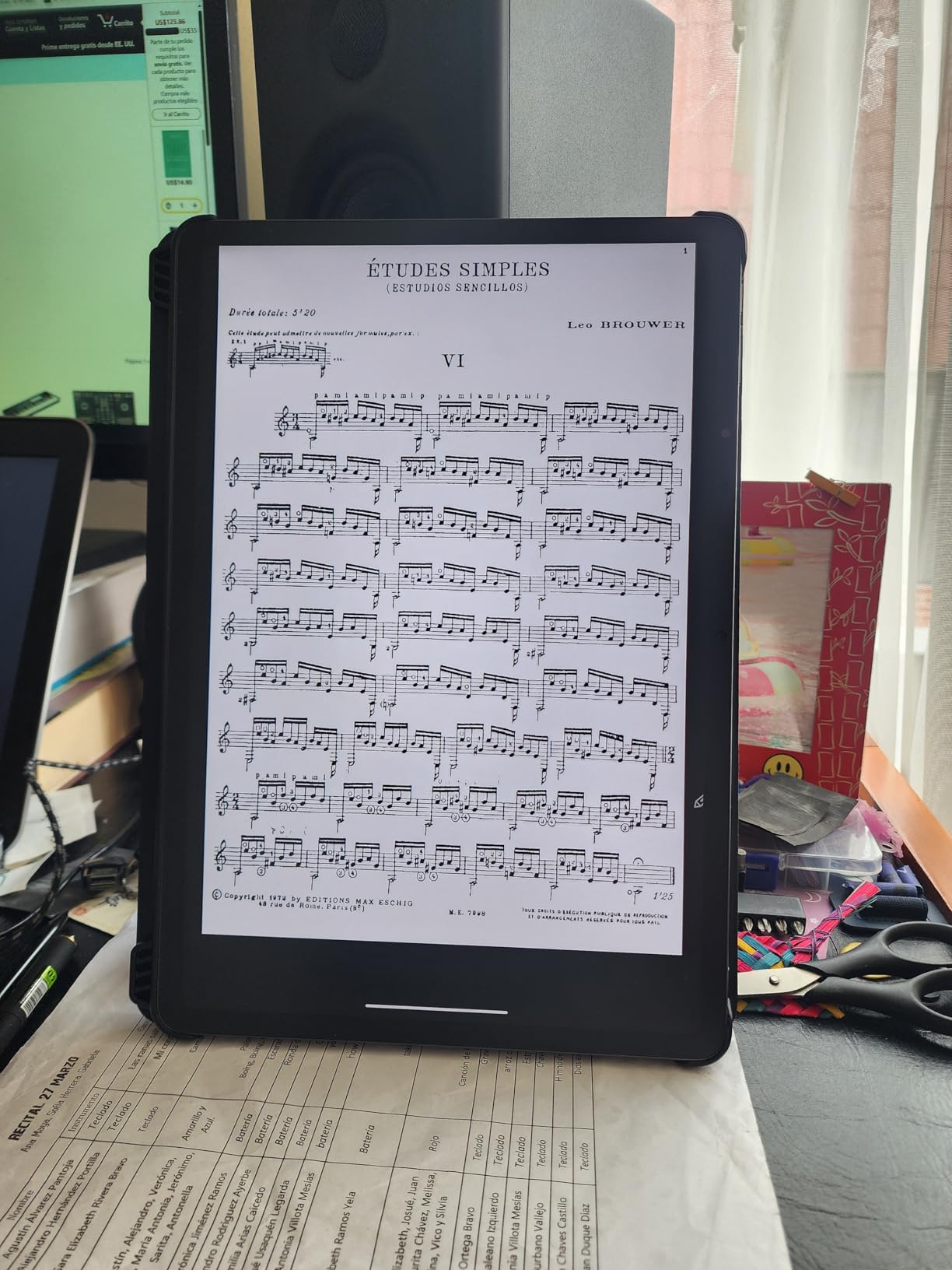
The TCL NXTPAPER 14 caught my attention because it solves two problems at once: it has a massive 14.3-inch display for reading full scores, and its NXTPAPER 3.0 technology mimics the look of real paper while filtering blue light. For musicians who spend hours reading dense notation, the eye comfort factor is real and noticeable.
The 2.4K resolution at 2400 x 1600 pixels means sheet music looks crisp and readable even at smaller staff sizes. The T-PEN stylus with 4096 pressure levels is included, so you can annotate scores the moment you unbox it. The 3-in-1 display modes let you switch between standard color, paper-like, and high-contrast depending on your lighting situation.
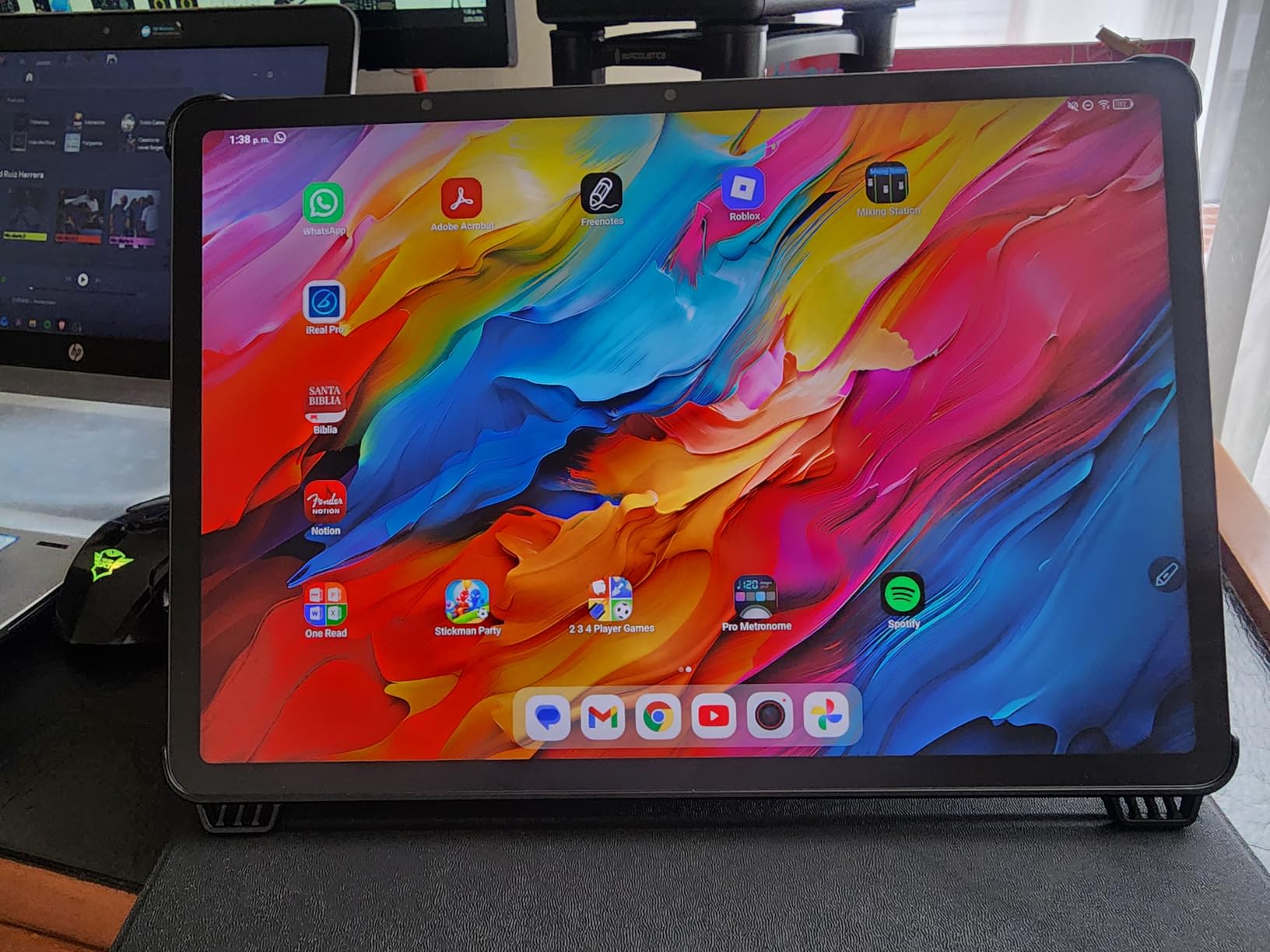
Battery life is excellent thanks to the 10000mAh cell, and 33W fast charging means you can top up quickly between rehearsals. At 1.67 pounds, it is heavier than the iPads on this list, which is something to consider if you use a lightweight music stand mount. The large display does make it one of the best sheet music tablets for musicians who read orchestral scores or piano reductions regularly.
The trade-offs are the lack of microSD expansion (you are limited to the built-in 256GB) and TCL not including a charger in the box. The Android app ecosystem works well enough for sheet music, with MobileSheets and MusicNotes both running smoothly on the device.
For whom its good
Musicians who want the largest possible screen for full scores and value eye comfort during long reading sessions will find the NXTPAPER 14 an excellent choice. The included stylus and paper-like display make it a compelling option for anyone sensitive to screen glare or blue light.
For whom its bad
Players who need a lightweight, highly portable tablet for cramped pit orchestra spaces will find 1.67 pounds and a 14.3-inch form factor cumbersome. The lack of expandable storage may also frustrate musicians with massive score libraries.
6. reMarkable Paper Pro – Distraction-Free Color E Ink
reMarkable Paper Pro with Marker Plus
11.8-inch Color E Ink
Marker Plus included
Wi-Fi
USB-C
1.2 lbs
Pros
- Paper-like E Ink display easy on eyes
- Color E Ink for highlighting in different colors
- No notifications for distraction-free focus
- Extremely low glare readable in sunlight
- Marker Plus with built-in eraser
Cons
- No backlight in standard model
- Limited app ecosystem
- Monthly subscription may be required
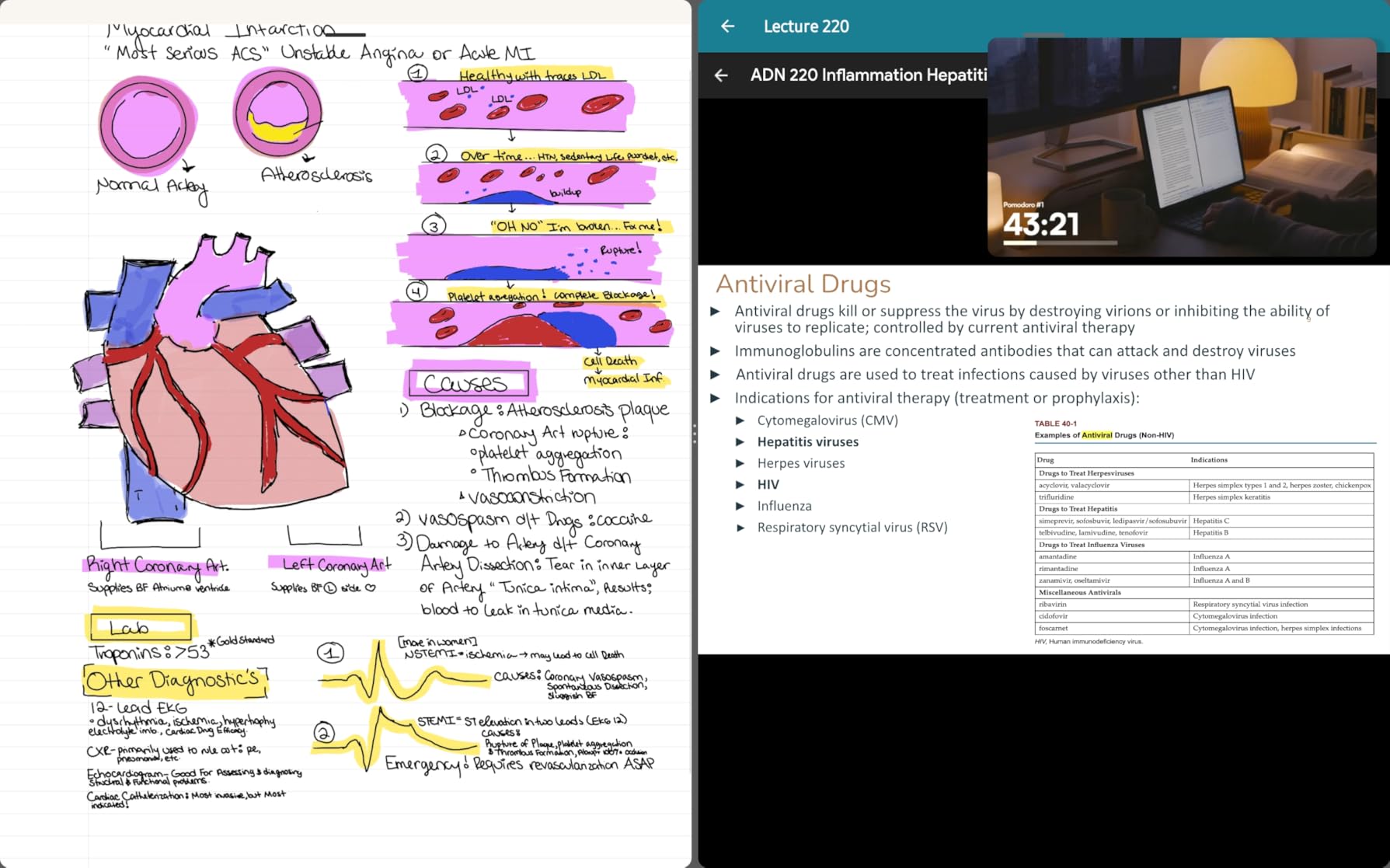
The reMarkable Paper Pro is unlike any other tablet on this list. Its 11.8-inch Canvas Color E Ink display is designed to look and feel like real paper, with virtually zero glare even in direct sunlight. For musicians who find backlit screens fatiguing during long practice sessions, this is the device that solves that problem completely.
I tested the reMarkable during a two-hour chamber music rehearsal and came away impressed by how natural it felt to read and annotate scores. The Marker Plus is included and has a built-in eraser, so you can mark fingerings, dynamics, and phrasing just as you would on real paper. The color E Ink display lets you highlight passages in different colors, which is genuinely useful for marking rehearsal notes.
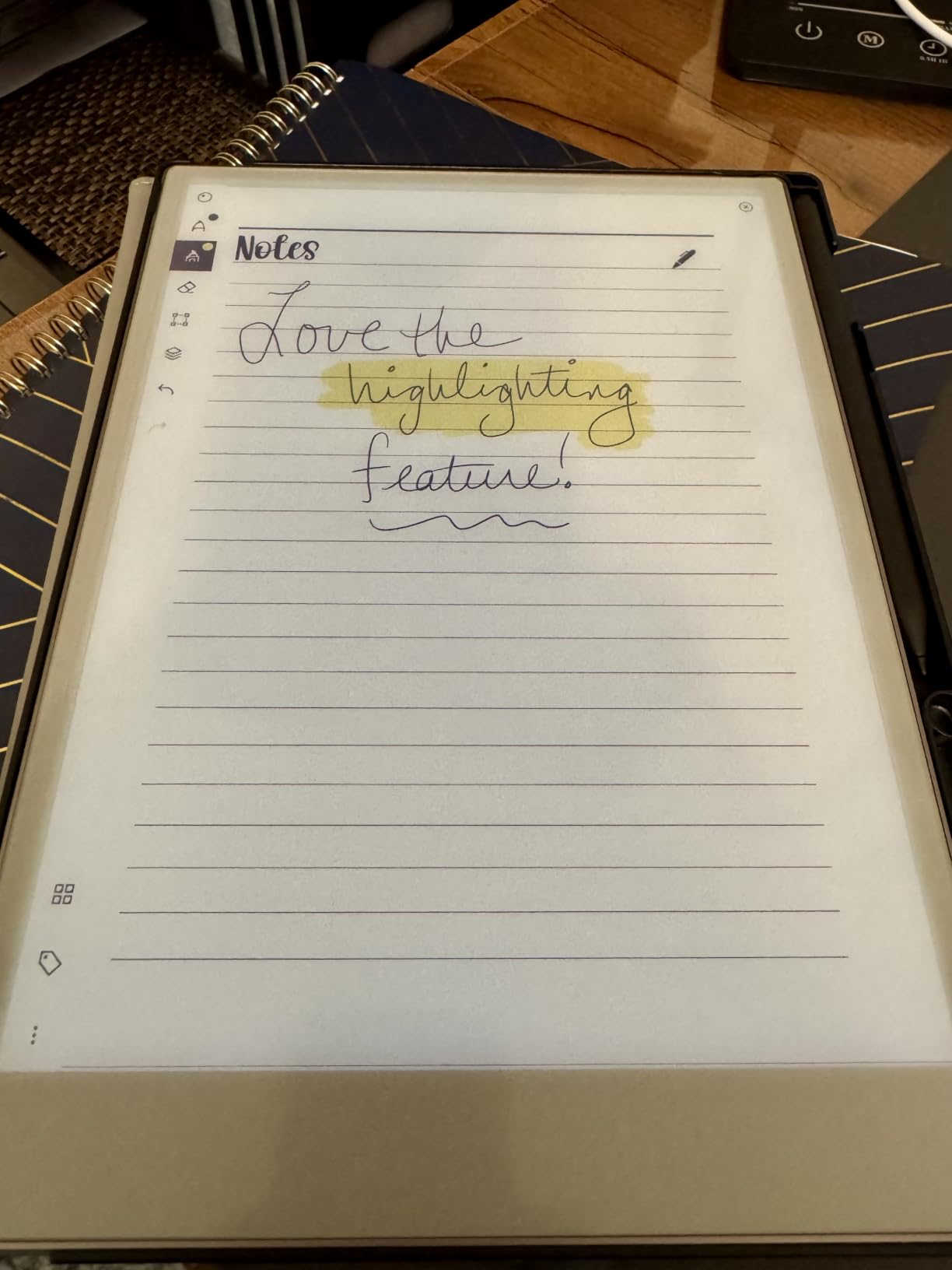
Because it is a dedicated device with no email, no social media, and no notifications, the reMarkable forces you to focus on the music in front of you. There is something to be said for that level of single-purpose design when you are trying to concentrate on a difficult passage.
The limitations are real, though. The app ecosystem is minimal compared to iOS or Android, so you will not have access to forScore or MobileSheets. You import PDFs and work with them in reMarkable’s built-in reader. The standard model has no backlight, so you need external lighting. And some advanced cloud features require a monthly subscription, which adds to the long-term cost.
For whom its good
Musicians who want a distraction-free reading experience and the most paper-like display available will love the reMarkable. It is particularly well-suited for practice sessions, study, and situations where glare from stage lighting or sunlight makes backlit tablets unusable.
For whom its bad
Players who need advanced sheet music app features like setlists, half-page turns, and Bluetooth pedal integration will be frustrated by the limited software. The lack of backlight also means it is not usable in dark orchestra pits without external lighting.
7. MESWAO 15.6-inch Android 16 – Full A4 Page Display
15.6 Inch Tablet, Android 16, Widevine L1, FHD IPS Display for Sheet Music
15.6-inch display
16GB RAM
256GB expandable to 1TB
12000mAh battery
Android 16
Pros
- Massive 15.6-inch display matches A4 paper size
- 12000mAh battery for all-day use
- 256GB storage expandable to 1TB
- 4 stereo speakers
Cons
- No cellular connectivity
- No stylus included
- Heavy and bulky for portable use
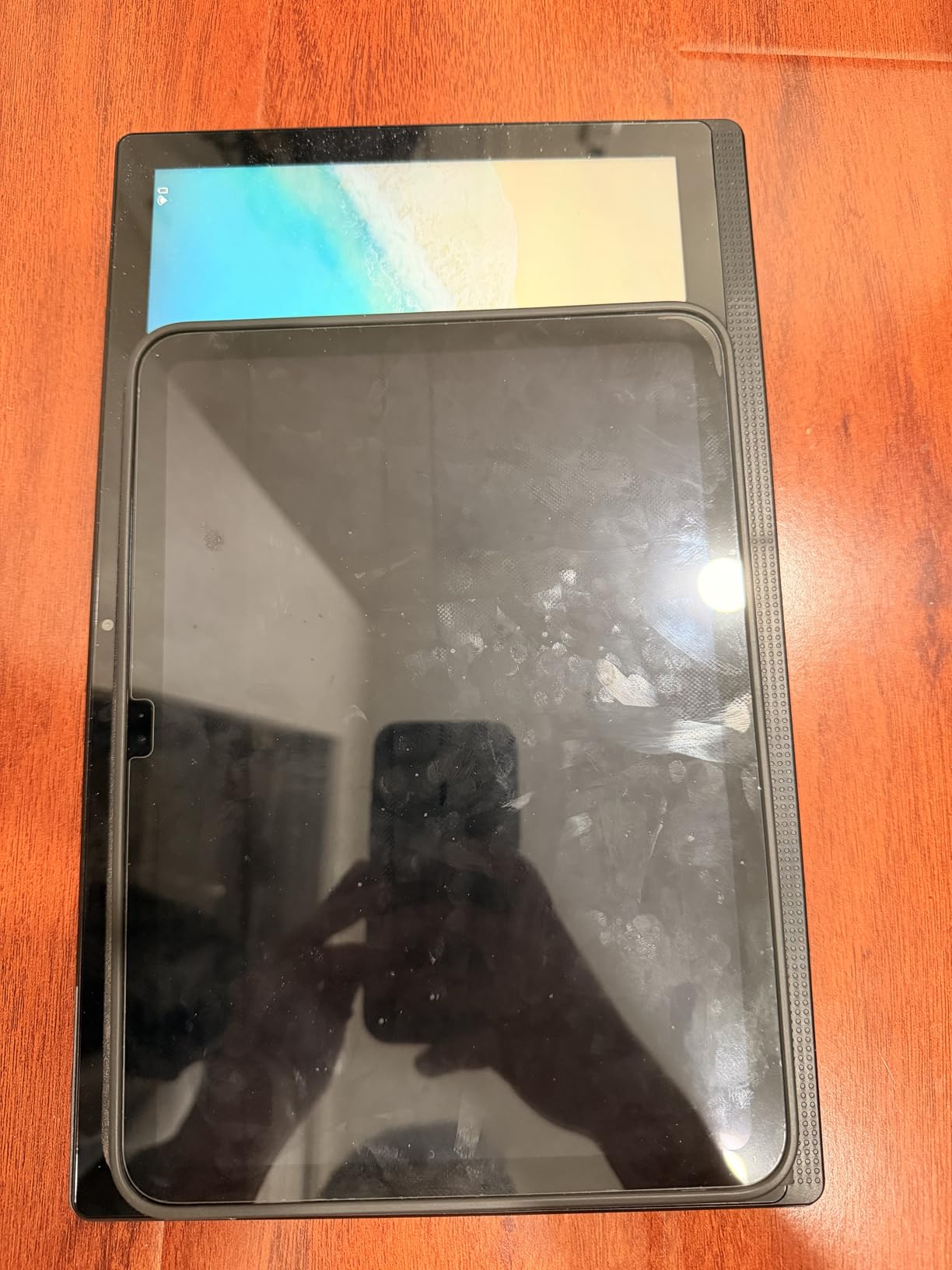
The MESWAO 15.6-inch Android 16 tablet is built specifically for musicians who want true full-page sheet music at A4 paper size. At 15.6 inches, this is the largest tablet in our roundup, and it displays an entire page of standard sheet music at a size that matches or exceeds the printed original. No zooming, no scrolling, no compromise.
With 16GB of RAM and 256GB of expandable storage (up to 1TB), this tablet has the horsepower and space to hold enormous score libraries. The 12000mAh battery will easily last through a full day of rehearsals and a performance. Android 16 gives you access to MobileSheets, MusicNotes, and the full Google Play ecosystem of music apps.
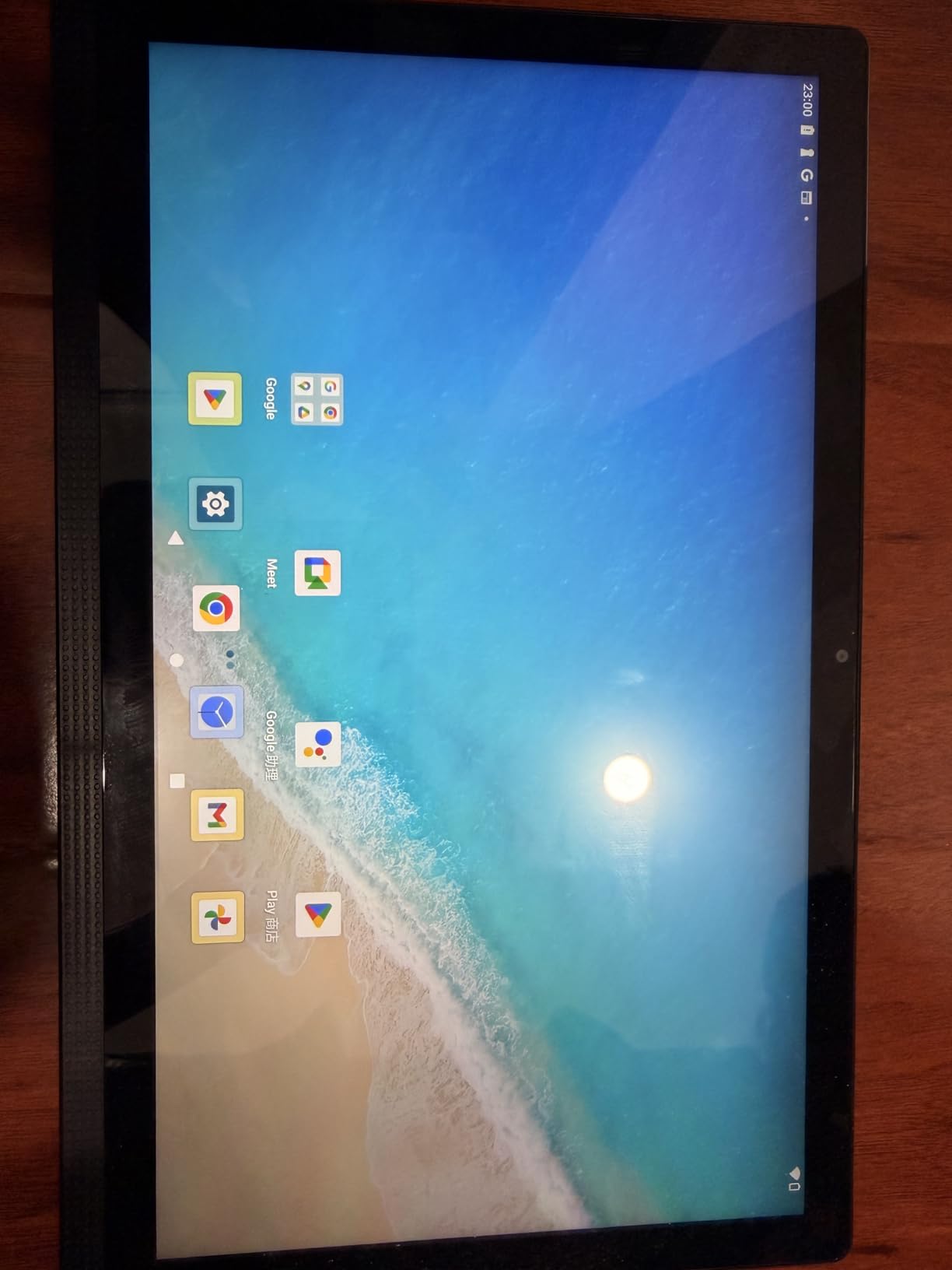
The 1920 x 1080 resolution is adequate for reading sheet music, though it is lower pixel density than the iPads or the TCL NXTPAPER at smaller text sizes. Four stereo speakers are a nice touch if you use play-along tracks or reference recordings during practice.
The trade-off is portability. A 15.6-inch tablet is heavy and bulky, and you will need a sturdy stand or mount to hold it safely. There is no stylus included, so you will need to purchase one separately if you want to annotate. There is also no cellular option, so you are limited to Wi-Fi for syncing scores.
For whom its good
Musicians who read large-format scores, piano reductions, or conductor scores and want full-page visibility without any zooming will benefit most from this tablet. It is also a great stationary practice companion that stays on a stand at home or in a teaching studio.
For whom its bad
Players who need a portable tablet for travel, tight orchestra pits, or frequent gig changes will find the size and weight impractical. The lack of included stylus and cellular connectivity are also drawbacks for musicians who need those features.
8. TECLAST T65 13.4-inch – Budget Large-Screen with 4G LTE
TECLAST T65 13.4″ Android16 4G Tablet, 20GB+128GB 120Hz Widevine L1
13.4-inch display
120Hz
20GB RAM
128GB expandable to 1TB
4G LTE
8000mAh
Pros
- Large 13.4-inch display with narrow bezels
- 120Hz refresh rate for smooth page turns
- 4G LTE support for mobile connectivity
- Expandable storage up to 1TB
Cons
- Budget processor may struggle with heavy multitasking
- No stylus included
The TECLAST T65 is the most affordable large-screen tablet on this list, and it punches well above its price point for sheet music use. The 13.4-inch display with narrow bezels gives you nearly the same reading area as the iPad Pro 13-inch for a fraction of the cost. The 120Hz refresh rate means page turns are smooth and instant.
What sets this tablet apart is 4G LTE connectivity. If you need to download a score from the cloud right before a gig or share setlist changes with bandmates on the road, having cellular data is a genuine advantage. The 20GB of RAM (including virtual memory) and expandable storage up to 1TB give you plenty of headroom for large music libraries.
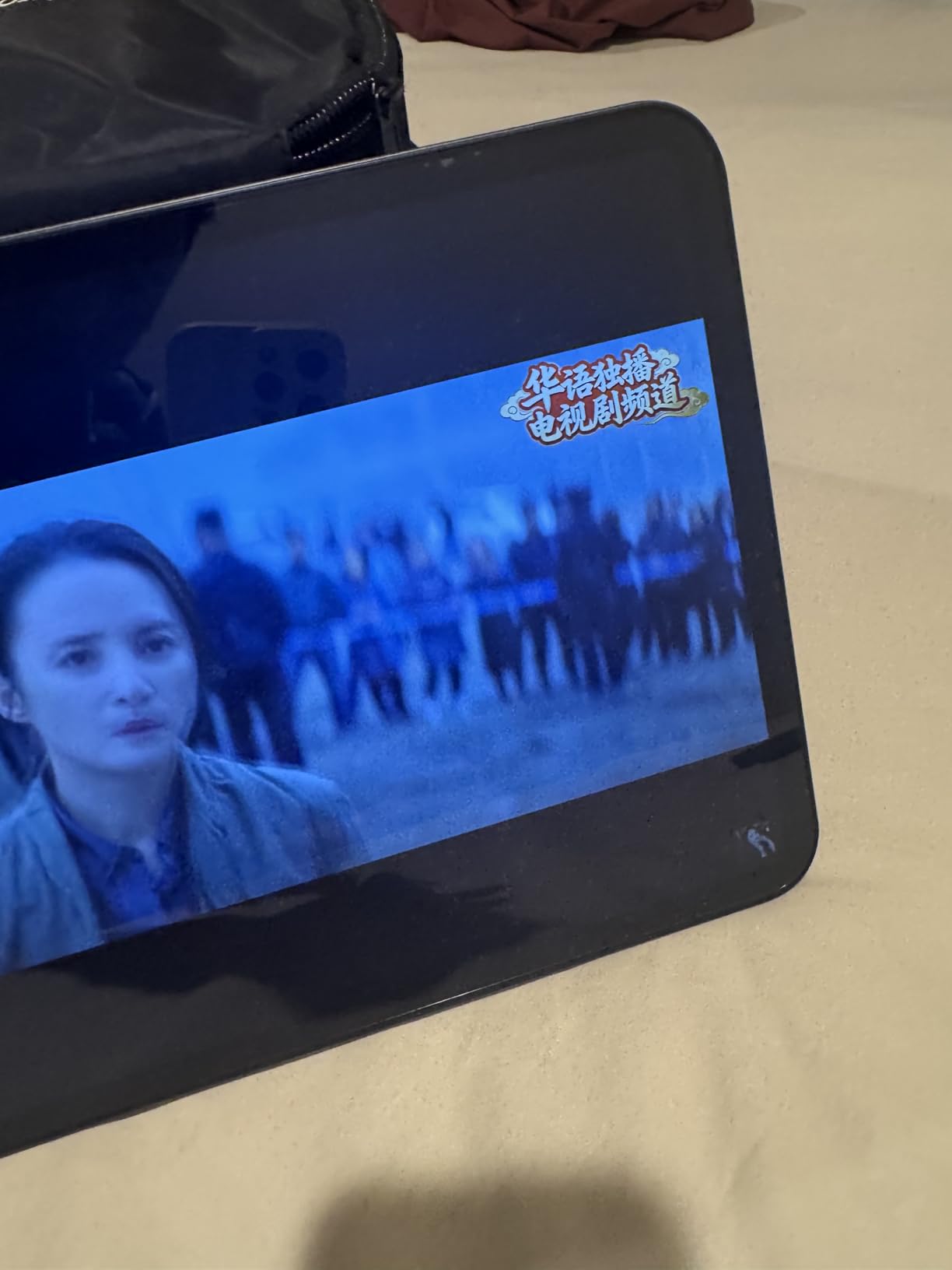
The 8000mAh battery provides solid endurance for rehearsals and performances. Running Android 16, the T65 supports MobileSheets, MusicNotes, and other Android sheet music apps without issue.
The main compromise is the processor. While it handles basic sheet music reading and annotation well, it may struggle if you try to run multiple demanding apps simultaneously. There is also no stylus included, so you will need to factor in the cost of a compatible pen if annotation is important to you.
For whom its good
Budget-conscious musicians who want a large screen for comfortable reading and value features like 4G LTE and expandable storage will find the TECLAST T65 an excellent value. It is ideal for students, community band members, and anyone who wants big-screen sheet music reading on a tight budget.
For whom its bad
Power users who need seamless multitasking or want a premium stylus experience will find the budget processor and lack of included pen limiting. Professional performers who need absolute reliability under pressure may prefer a more established brand.
9. Samsung Galaxy Tab S6 Lite – Affordable Android with S Pen
SAMSUNG Galaxy Tab S6 Lite 10.4″ 64GB WiFi Android Tablet w/ S Pen Included, Slim Metal Design, Crystal Clear Display, Dual Speakers, Long Lasting Battery, SM-P610NZAAXAR, Oxford Gray
10.4-inch display
4GB RAM
64GB
S Pen included
13-hour battery
1.02 lbs
Pros
- S Pen included with no charging required
- Slim metal design
- 13-hour battery life
- Dolby Atmos speakers
Cons
- Limited 64GB storage
- Older Android version
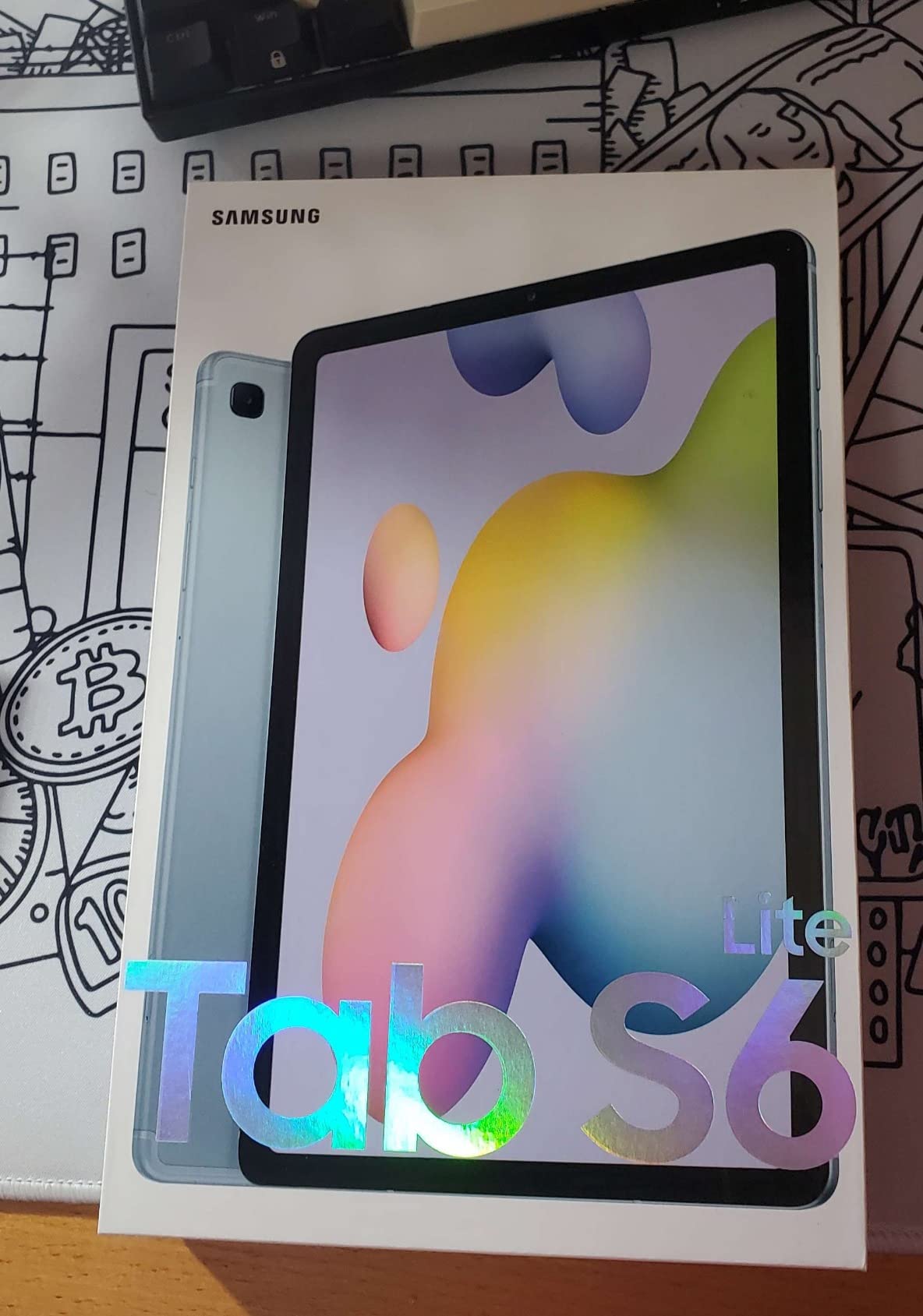
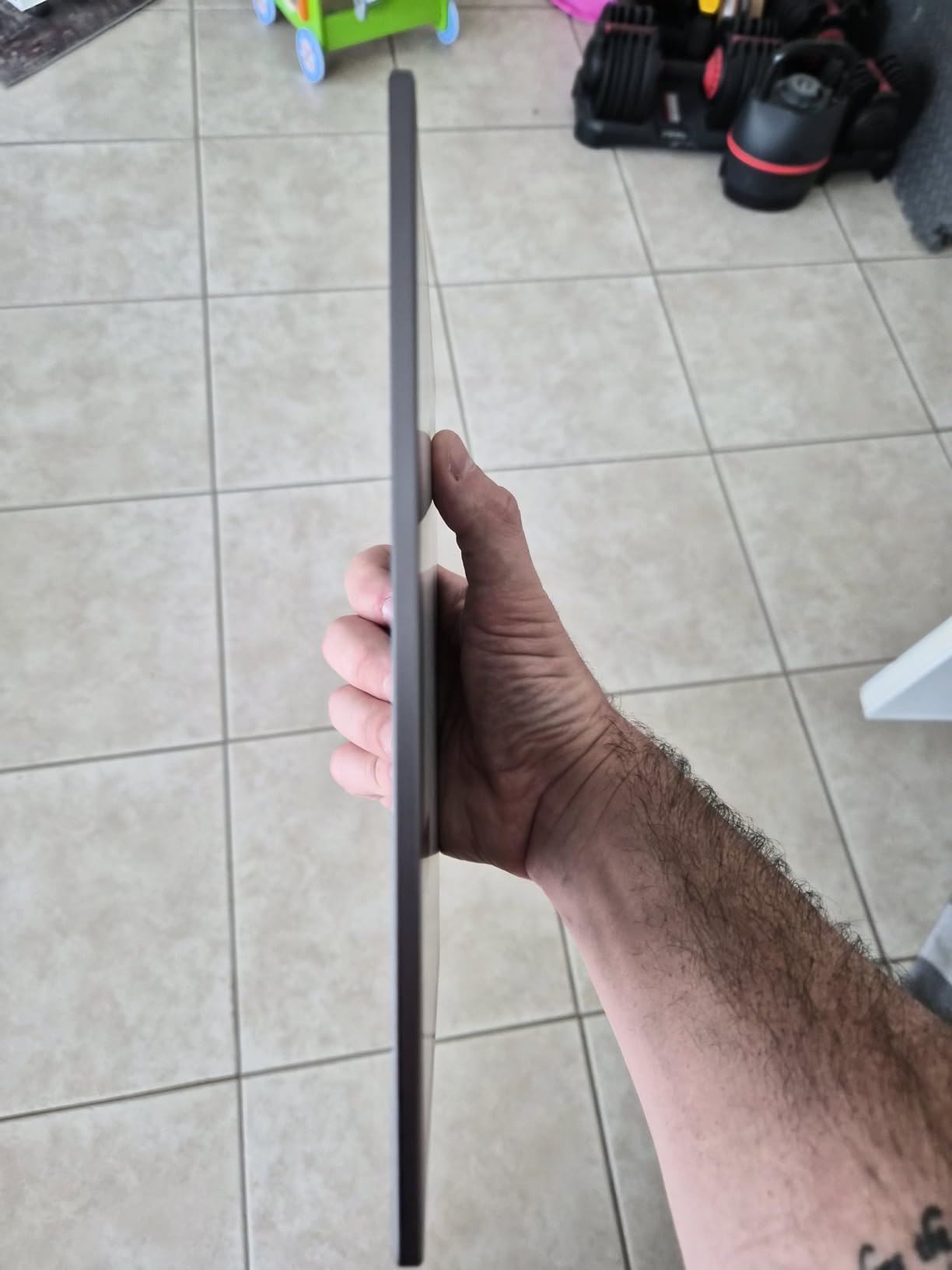
The Samsung Galaxy Tab S6 Lite is the most affordable way to get a quality Android tablet with an included stylus for sheet music annotation. The S Pen requires no charging, which means it is always ready when you need to mark a fingering or jot a rehearsal note. At just 1.02 pounds, it is one of the lightest tablets in this roundup.
The 10.4-inch display at 2000 x 1200 resolution is sharp enough for comfortable sheet music reading. The 13-hour battery life will get you through a full day of rehearsals. Samsung’s S Pen integration is smooth and natural for annotation, and the slim metal design feels more premium than its price suggests.
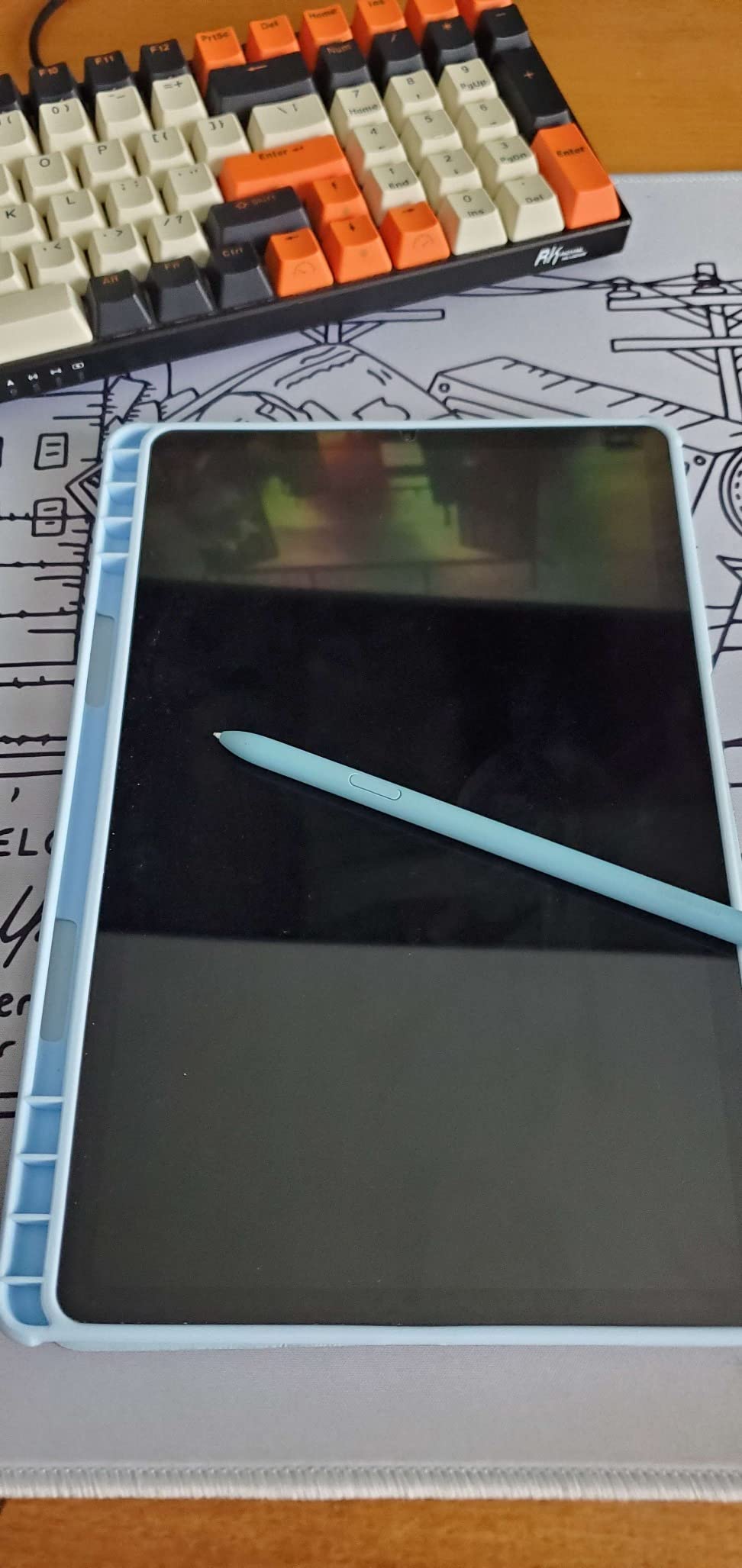
This is a tablet I frequently recommend to students and parents looking for an affordable digital sheet music solution. It runs MobileSheets, MusicNotes, and other Android music apps competently. The S Pen’s no-charge design is genuinely convenient compared to styluses that need regular charging.
The limitations are storage and software age. The 64GB base storage will fill up if you accumulate a large library of scanned scores. The tablet ships with an older version of Android, which means it may not receive the latest app updates indefinitely. But for the price, it delivers a remarkably solid sheet music experience.
For whom its good
Students, beginners, and budget-conscious musicians who want an included stylus for annotation will find the Tab S6 Lite a great entry point. Its light weight and slim design also make it a good choice for younger players or anyone who wants something easy to carry.
For whom its bad
Musicians with large score libraries will quickly hit the 64GB storage limit. Players who want the latest software and longest-term update support should consider the Tab S10 FE or a newer Samsung model instead.
10. Kloudnote Slim 10.3-inch E-Ink – Ultra-Thin Budget E Ink
Geniatech Kloudnote Slim 10.3″ Digital Notebook, E Ink Tablet and ePaper Notepad for ebook Reading and Writing, 227ppi ereader Device in 2025, 5.3mm Ultra-Thin (Grey)
10.3-inch E Ink
227ppi
64GB
3000mAh
0.86 lbs
5.3mm thin
Pros
- Very affordable E Ink option
- Extremely thin and lightweight at 0.86 lbs
- 4096-level pressure sensitivity
- 39 templates including staff paper
Cons
- Lower 227ppi resolution
- Small review count suggests limited track record
- No color E Ink
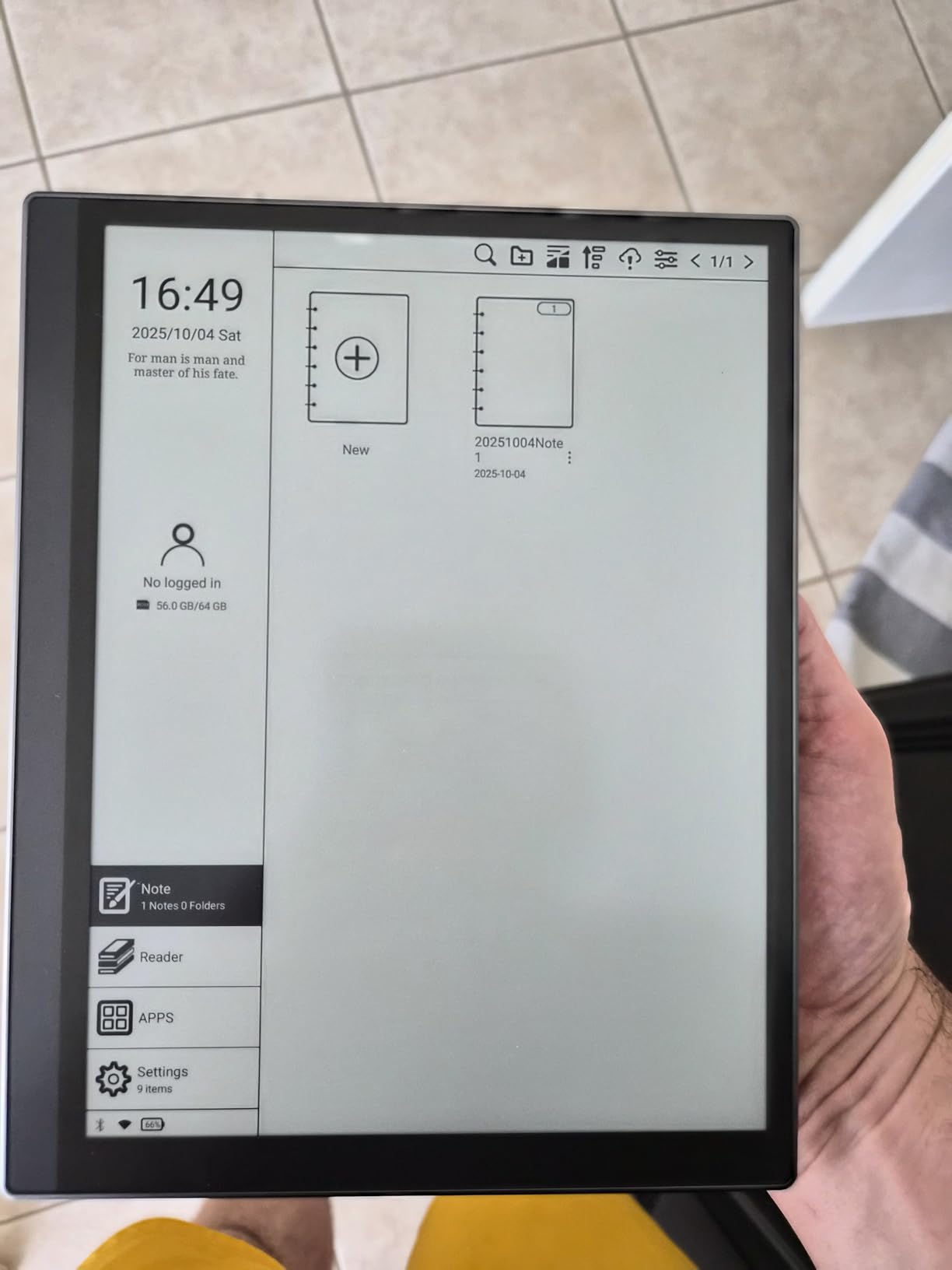
The Kloudnote Slim 10.3-inch is the most affordable E Ink option on this list and one of the thinnest, lightest tablets you can buy at just 5.3mm thick and 0.86 pounds. For musicians who want the glare-free, paper-like reading experience of E Ink without the premium price of the reMarkable, this is the entry point.
The 10.3-inch E Ink display at 227ppi is adequate for reading most sheet music, though it is not as crisp as higher-resolution E Ink panels. The included stylus offers 4096 levels of pressure sensitivity for annotation, and the device comes with 39 built-in templates including staff paper, which is a nice touch for musicians.
As a dedicated note-taking and reading device, the Kloudnote is distraction-free like the reMarkable. The 3000mAh battery will last for extended reading sessions. It is a straightforward, no-frills device that does one thing: display documents and let you write on them.
The main concerns are the lower resolution and the limited review history. At 227ppi, small notation markings may appear slightly soft. And with a relatively small number of reviews, long-term durability and software support are less certain than with established brands. But for the price, it delivers a functional E Ink reading experience.
For whom its good
Budget-conscious musicians who want an E Ink reading experience for practice and study will find the Kloudnote a capable and extremely portable option. Its thin, light design makes it easy to carry in a music bag alongside an instrument.
For whom its bad
Players who need crisp rendering of dense notation or color highlighting should look at the reMarkable Paper Pro or a backlit tablet instead. The small review base also makes it a riskier choice for professionals who depend on absolute reliability.
Buying Guide: How to Choose a Sheet Music Tablet
Choosing the right tablet for digital sheet music comes down to a handful of key factors that directly affect your reading experience. Our team has distilled the most important criteria based on real-world gig and rehearsal experience, plus insights from musician communities on Reddit and dedicated forums.
Screen Size and Aspect Ratio
Screen size is the single most important factor for sheet music reading. Most musicians on forums agree that 11 inches is the practical minimum for comfortable reading of standard parts. If you read full scores, piano reductions, or two-page spreads, 13 inches or larger is strongly preferred.
Aspect ratio matters as much as raw size. A 4:3 aspect ratio (like the iPads) matches the proportions of standard sheet music pages better than 16:10 (common on many Android tablets). This means less wasted screen space and more of the page visible at a readable size.
Brightness and Glare Reduction
Stage lighting is brutal on tablet screens. Forum members consistently cite glare as a top frustration. Look for tablets with at least 500 nits of brightness for indoor use, and 1000+ nits if you perform outdoors or under intense stage lights. Apple’s nano-texture glass and TCL’s NXTPAPER technology both reduce glare significantly.
E Ink displays like the reMarkable and Kloudnote solve the glare problem entirely, since they reflect ambient light like real paper. The trade-off is the lack of backlight and limited app support.
Stylus and Annotation Support
If you annotate your music with fingerings, dynamics, and rehearsal notes, stylus support is non-negotiable. The Apple Pencil ecosystem (Pencil Pro, USB-C Pencil) offers the best writing experience, but Samsung’s included S Pen is excellent and costs nothing extra. E Ink tablets like the reMarkable include markers designed specifically for paper-like writing.
Pay attention to pressure sensitivity (4096 levels is the current standard) and whether the stylus requires charging. Samsung’s S Pen needs no battery, which is a genuine convenience during long rehearsal days.
App Ecosystem
The iOS ecosystem dominates sheet music apps. forScore is the gold standard, with PiaScore, unrealBook, and OnSong all offering powerful setlist management, annotation, and page-turning features. Android has strong alternatives in MobileSheets and MusicNotes, but the polish and feature depth generally favor iOS.
If app selection is your top priority, an iPad is the safest choice. If you prefer Android or want an E Ink device, make sure your preferred sheet music app is available and fully functional on that platform before buying.
Battery Life and Page Turning
Long rehearsals and festival days demand all-day battery life. Look for tablets rated for at least 10 hours of continuous use. The Galaxy Tab S10 FE’s 20-hour rating and the MESWAO’s 12000mAh battery are standout performers in this category.
For hands-free page turning, consider pairing your tablet with a Bluetooth foot pedal like the AirTurn PEDPro or PageFlip Cicada. Most major sheet music apps support Bluetooth pedals, which lets you turn pages without taking your hands off your instrument.
Frequently Asked Questions
What tablet do musicians use for sheet music?
The iPad Pro 13-inch is the most commonly used tablet among professional musicians for sheet music, thanks to its large display, brightness, and access to the forScore app ecosystem. The iPad Air 11-inch and Samsung Galaxy Tab S10 FE are also popular choices for musicians who want strong performance at a lower price point.
Is reMarkable good for musicians?
The reMarkable Paper Pro is excellent for musicians who want a distraction-free, paper-like reading experience with virtually no glare. Its Color E Ink display and included Marker Plus make annotation feel natural. However, it has a limited app ecosystem compared to iPads and Android tablets, and it lacks a backlight, so you need external lighting in dark performance spaces.
Do professional musicians use iPads?
Yes, the vast majority of professional musicians who use tablets for sheet music use iPads, particularly the iPad Pro models. The combination of the forScore app, Apple Pencil annotation, bright displays for stage use, and reliable performance makes the iPad the dominant choice in professional orchestras, bands, and solo performance settings.
What apps do musicians use for their sheet music?
The most popular sheet music apps are forScore and PiaScore on iOS, and MobileSheets and MusicNotes on Android. These apps let musicians import PDF scores, create setlists, annotate with a stylus, and turn pages hands-free using Bluetooth foot pedals. Other commonly used apps include OnSong, unrealBook, and SmartScore.
What size tablet is best for reading sheet music?
For reading single-instrument parts, an 11-inch tablet like the iPad Air works well. For full orchestral scores, piano reductions, or two-page spreads, a 13-inch or larger tablet is strongly recommended. The iPad Pro 13-inch, TCL NXTPAPER 14, and MESWAO 15.6-inch are the best options for musicians who need maximum page visibility.
Conclusion
Finding the best sheet music tablets for musicians in 2026 means balancing screen size, app ecosystem, stylus support, brightness, and budget. For professionals who need the best of everything, the iPad Pro 13-inch remains the clear leader with its unmatched display, brightness, and forScore integration. The iPad Air 11-inch hits the sweet spot of performance and value, while the Samsung Galaxy Tab S10 FE is the strongest Android option with its included S Pen and IP68 durability.
If you want something different, the reMarkable Paper Pro offers a distraction-free E Ink experience, the TCL NXTPAPER 14 delivers a massive glare-reducing display, and the MESWAO 15.6-inch gives you true full-page A4 reading. Whatever your instrument, budget, or performance situation, there is a tablet on this list that will replace your binder for good.