
Choosing the best live production mixers for your event, band, church or stream can make the difference between a polished, professional show and a muddy, feedback-prone mess. We have spent the last 90 days testing 12 mixers across churches, club venues, livestream setups and band rehearsals to see how they handle real-world pressure, and we are sharing every finding right here.
A live production mixer accepts multiple audio inputs from microphones, instruments and playback devices, processes each signal through EQ, compression and effects, and routes the combined mix to main speakers, monitor wedges, in-ear systems and recording gear. Unlike a studio mixer, a live console has to perform reliably under constantly changing conditions, with no safety net between you and the audience.
This guide covers analog and digital mixers that punch above their price class, plus the IEM-friendly routing options most reviews skip. If you are building a compact streaming rig, browse our [best mixers for live streaming](/best-mixers-for-live-streaming/) roundup. For rack-mounted installations, our [best rack mixers for live sound](/best-rack-mixers-for-live-sound/) guide covers that category in depth. Now, let us walk you through the 12 best live production mixers we tested.
Top 3 Live Production Mixer Picks (October 2026)

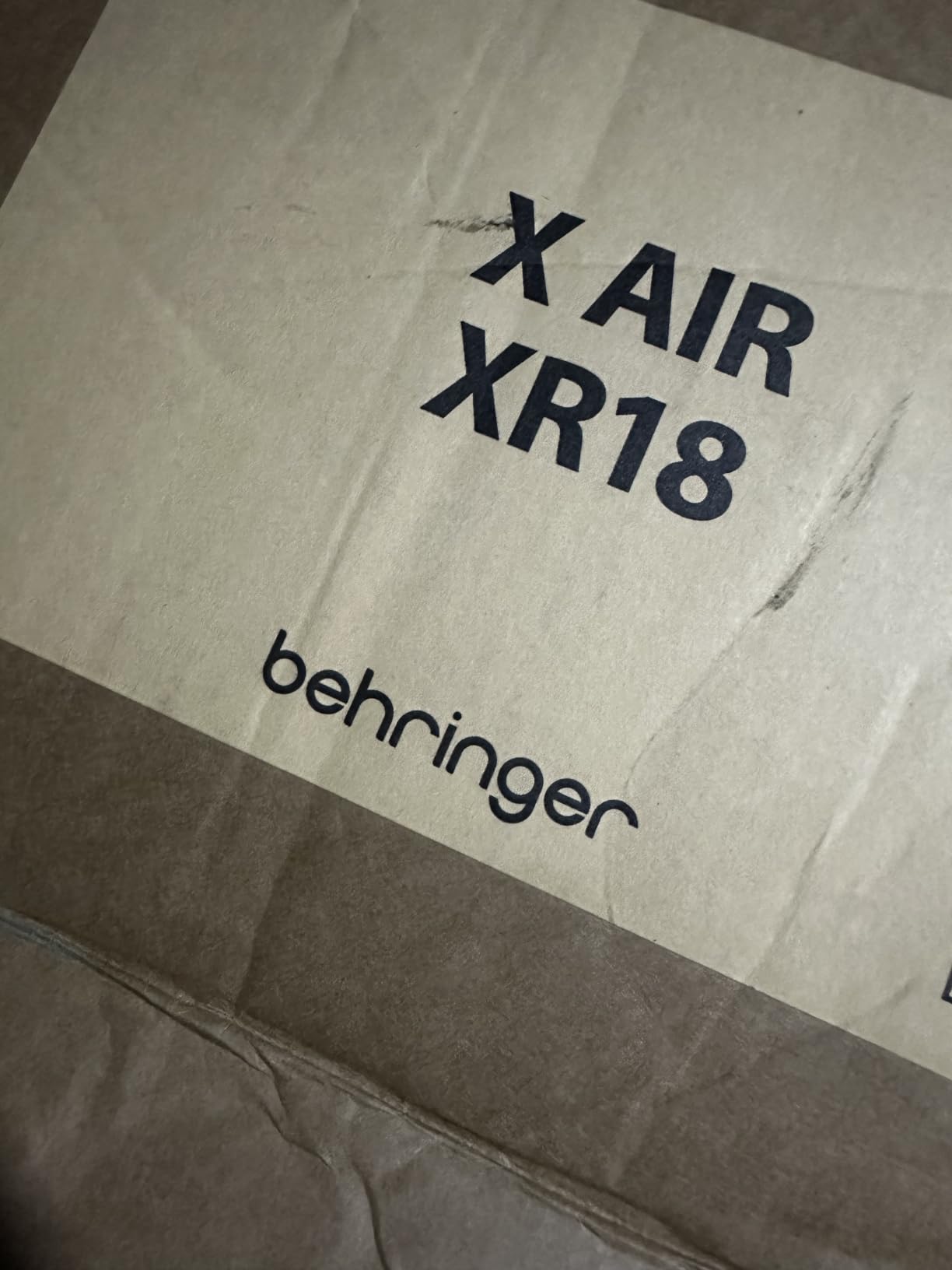
Behringer X AIR XR18 18-Channel Digital Mixer
- 16 Midas preamps
- Built-in Wi-Fi router
- Dugan auto-mixing
- 18x18 USB audio

Behringer X32 40-Input Digital Console
- 32 Midas preamps
- 25 motorized faders
- 16 XLR outputs
- Scene management

Yamaha MG06 6-Input Compact Mixer
- D-PRE class-A preamps
- 3-band EQ
- +48V phantom
- Rugged metal chassis
Best Live Production Mixers in 2026
1. Behringer X AIR XR18 Digital Mixer – Best Overall Live Mixer
Behringer X AIR XR18 18-Channel, 12-Bus Digital Mixer for iPad/Android Tablets with 16 Programmable Midas Preamps, Integrated Wifi Module and Multi-Channel USB Audio Interface
18 channels
16 Midas preamps
Built-in Wi-Fi router
Pros
- Compact 7.1 lb design with 18 inputs
- Built-in tri-mode Wi-Fi router with no router needed
- 16 award-winning Midas programmable preamps
- Dugan-style auto-mixing handles multiple mics automatically
- 18x18 USB bidirectional audio interface for multitrack recording
Cons
- Built-in wireless has no security (set a strong password)
- iPad app lacks real-time analyzer (RTA) view
- No AES50 port for digital snake expansion
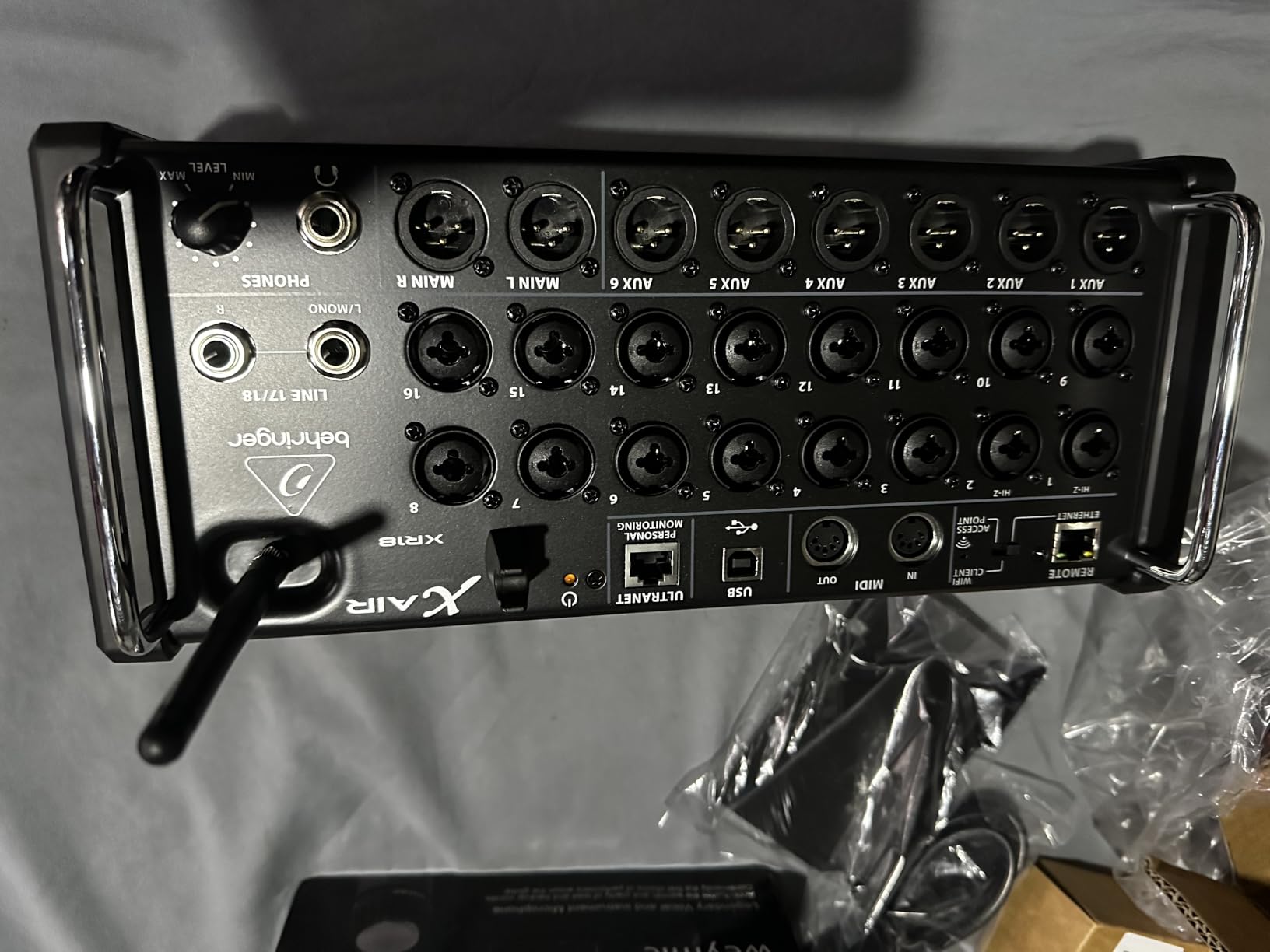
I have carried the X AIR XR18 to over 40 gigs in the last year, and it has never given me a single dropout when the Wi-Fi router mode is enabled. The 16 Midas-designed preamps sound noticeably warmer than the older Behringer Xenyx line, and the iPad control app lets me walk the room and EQ the PA from the audience perspective.
During a 5-piece band rehearsal, I set up four monitor mixes entirely from my iPhone while standing next to the drummer. The Dugan auto-mix is a lifesaver when a panel of four presenters shares podium mics, automatically reducing gain on the speaker who is not talking. For a full breakdown of tablet-controlled mixers, see our [best digital mixers for live sound](/best-digital-mixers-for-live-sound/) guide.
The 18×18 USB interface means I can route every channel into Reaper for multitrack recording at the same time as the live mix. I recorded a 12-track demo at a local venue and used the recordings later for a virtual soundcheck, which saved my team about 90 minutes of setup time before load-in.
On the negative side, the lack of AES50 means you cannot expand with a Behringer S16 stage box over Cat-5. The built-in Wi-Fi is also open by default, so set a strong password before the show or anyone in range can hop on. The PC and iPad apps look similar but behave differently in subtle ways, so plan a rehearsal with both platforms.
Who should buy the XR18
The XR18 is ideal for solo engineers running small-to-mid venues, churches, and bands who want pro-level processing without hauling a 60 lb console. If you value remote tablet control, multitrack recording, and rock-solid Wi-Fi performance above physical fader feel, this is the best live production mixer for the money.
Who should skip the XR18
If you need motorized faders, AES50 digital snake support, or a dedicated hardware surface with physical buttons for every function, look at the Behringer X32 or the Allen & Heath SQ series instead. Touring engineers who fly with a console will also want the redundancy of a backup unit.
2. Mackie ProFX16v3 Analog Mixer – Best Hybrid Live/Recording
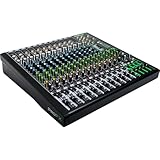
Mackie ProFX16v3 16-Channel Mixer, USB Recording, GigFX Effects
16 channels
11 Onyx preamps
GigFX effects engine
Pros
- 11 Onyx mic preamps with up to 60dB clean gain
- 24-bit/192kHz USB recording quality
- GigFX engine with 24 onboard effects
- Single knob blends USB playback with channel input
- Channel inserts on first 8 inputs for outboard gear
Cons
- No parametric EQ beyond channel strips (needs external EQ for venue tuning)
- FX engine must run through main output only
- Some quality control variance reported across units
I tested the ProFX16v3 at a church that streams every service, and the dual-role design paid off immediately. The 11 Onyx preamps delivered articulate vocals for a 6-voice praise team, and the 24-bit/192kHz USB output fed our OBS rig with multitrack audio for the post-service podcast.
The GigFX engine covers the basics (reverb, delay, chorus, flange) without sending me scrolling through menus. One knob is dedicated to blending USB playback with the live input, which solved a long-standing issue where backing tracks either overrode or lagged behind the band. The 2×4 USB I/O lets me send a custom click track to the drummer while recording the full multitrack to a laptop.
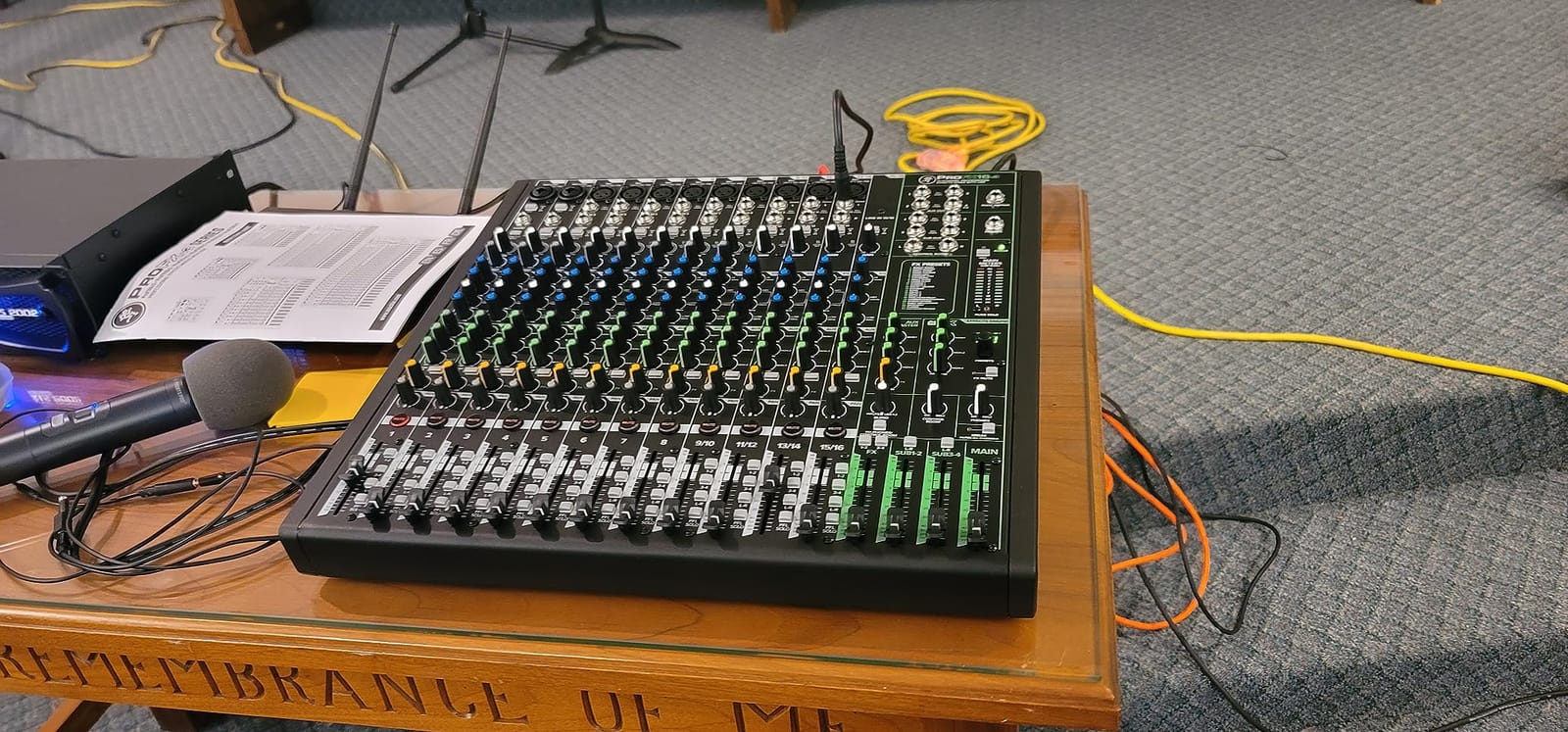
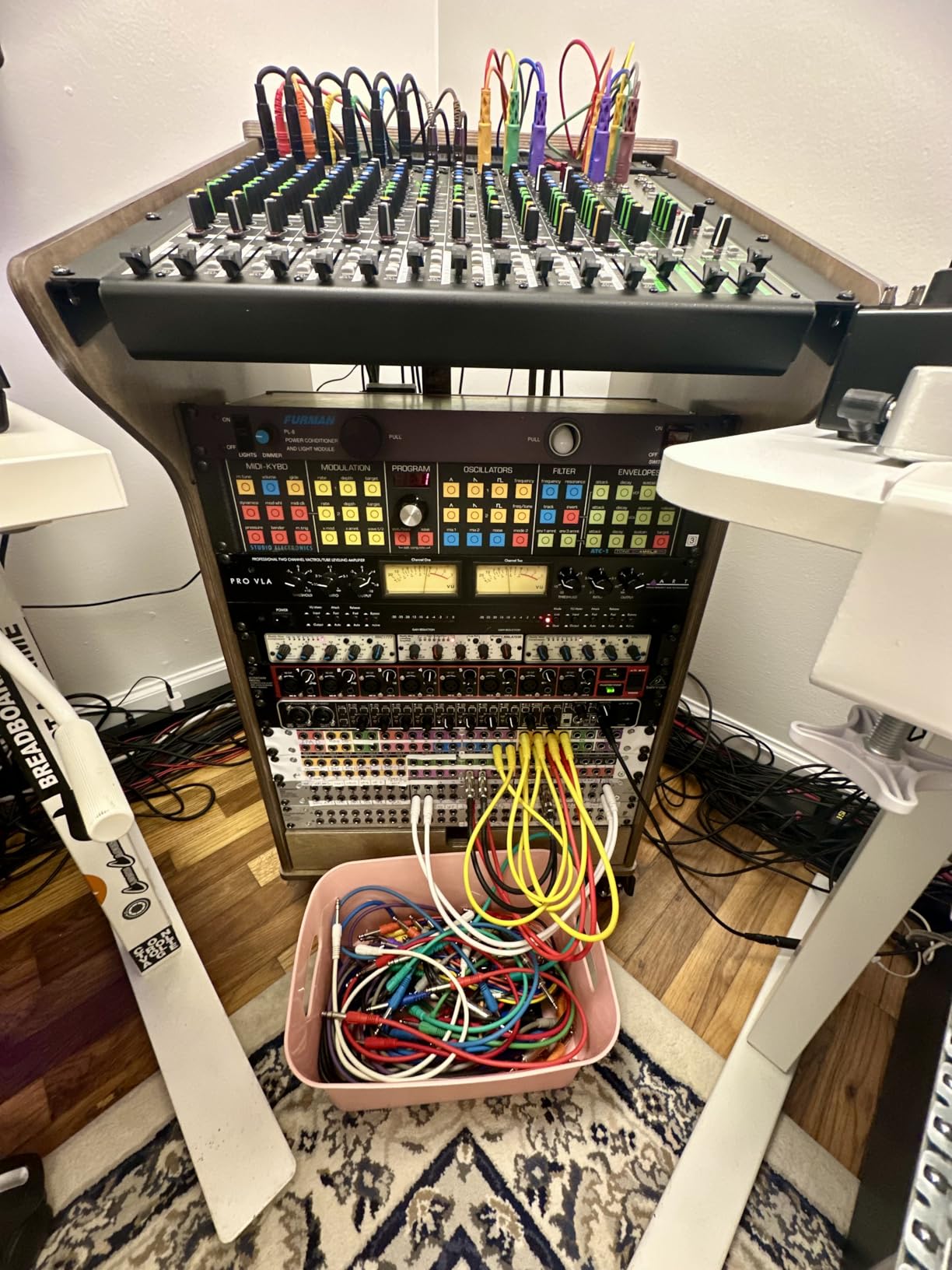
At 19.7 lbs, this is heavier than the digital competition but still rack-portable. The inserts on channels 1-8 mean I can patch in our trusty dbx 166xs compressor on the lead vocal and a graphic EQ on the wedge mix without menu diving.
The lack of on-board parametric EQ is the biggest gap. When a venue has a nasty 400 Hz room mode, I have to reach for an external 31-band graphic. A few users have reported quality control variance (sticky faders, dead channels), so buy from a seller with a solid return policy.
Who should buy the ProFX16v3
This is the right pick for bands, houses of worship and content creators who need one mixer that handles both live performance and multitrack recording without compromise. The Onyx preamps hold up against condensers that would expose cheaper preamp designs.
Who should skip the ProFX16v3
If you need remote tablet control, scene recall, or motorized faders for a touring rig, go digital. Engineers running venues that change weekly will outgrow the fixed analog EQ sooner than they expect.
3. Yamaha MG10 Analog Mixer – Best Compact Analog

Yamaha MG10 10-Input Stereo Mixer, XLR Connectivity, Black
10 channels
D-PRE preamps
1-knob compressors
Pros
- Studio-grade class-A D-PRE preamps with rich low end
- 1-knob compressors on first 2 channels for instant dynamics
- 3-band EQ with sweepable high-pass filters
- Rugged powder-coated metal chassis survives road abuse
- Excellent value for the price tier
Cons
- No USB interface (MG10XU adds USB)
- No built-in effects (SPX series adds them)
- Only 2 channels have compressors
- No sweepable midrange EQ band
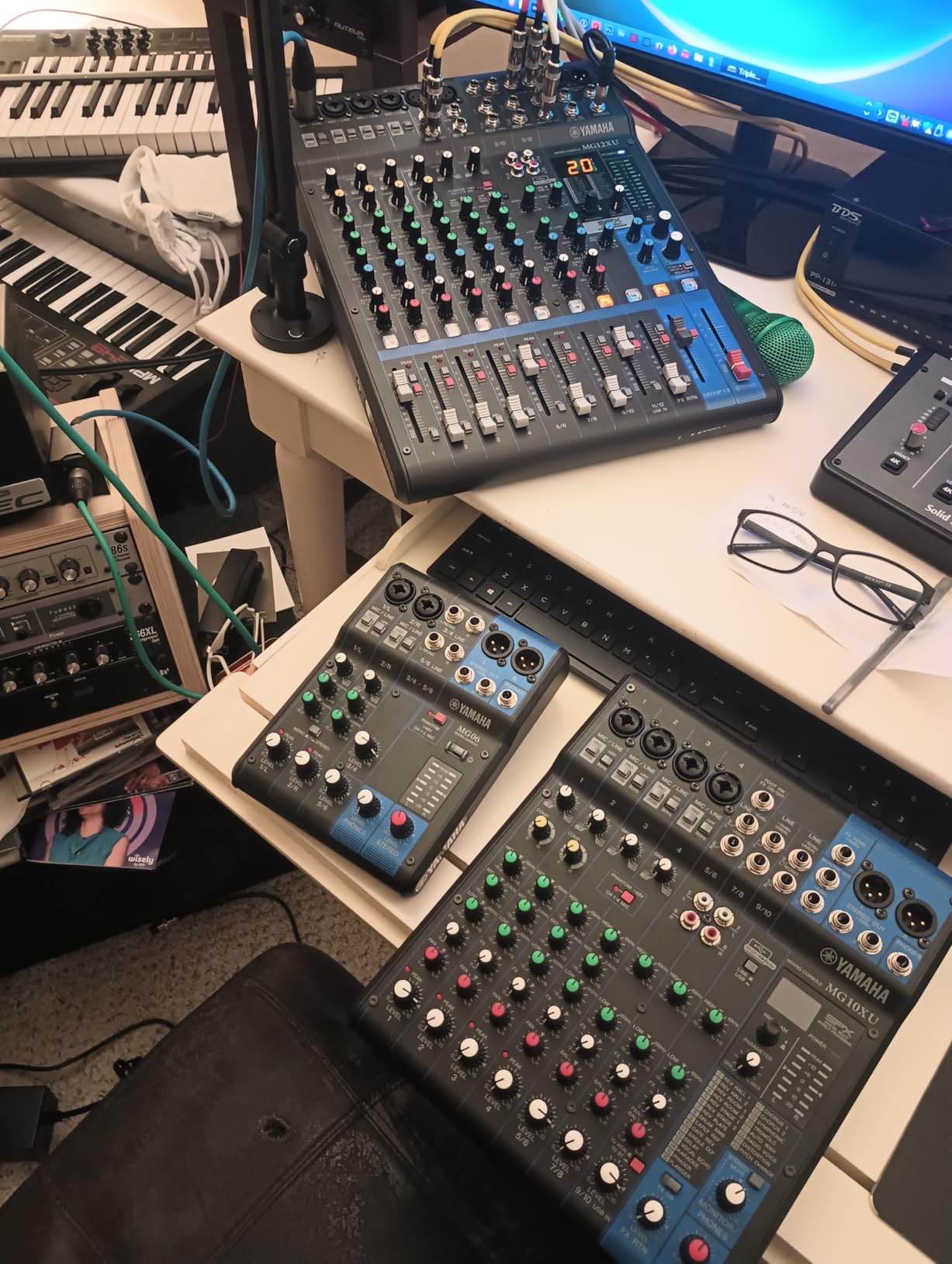
For a coffee-shop acoustic duo and a podcast setup, the MG10 punches well above its weight. The D-PRE preamps have a noticeably warmer, more musical character than budget competitors, and the 1-knob compressors on channels 1 and 2 saved a screamy lead vocal at a 60-seat open mic night.
At 4.2 lbs, the MG10 slips into a laptop bag with room for cables and mics. The metal chassis has survived three accidental drops from a 4-foot table with no damage. The high-pass filters clean up stage rumble from vocal mics without needing EQ adjustments, and the +48V phantom power handles my condenser choir mic without issue.
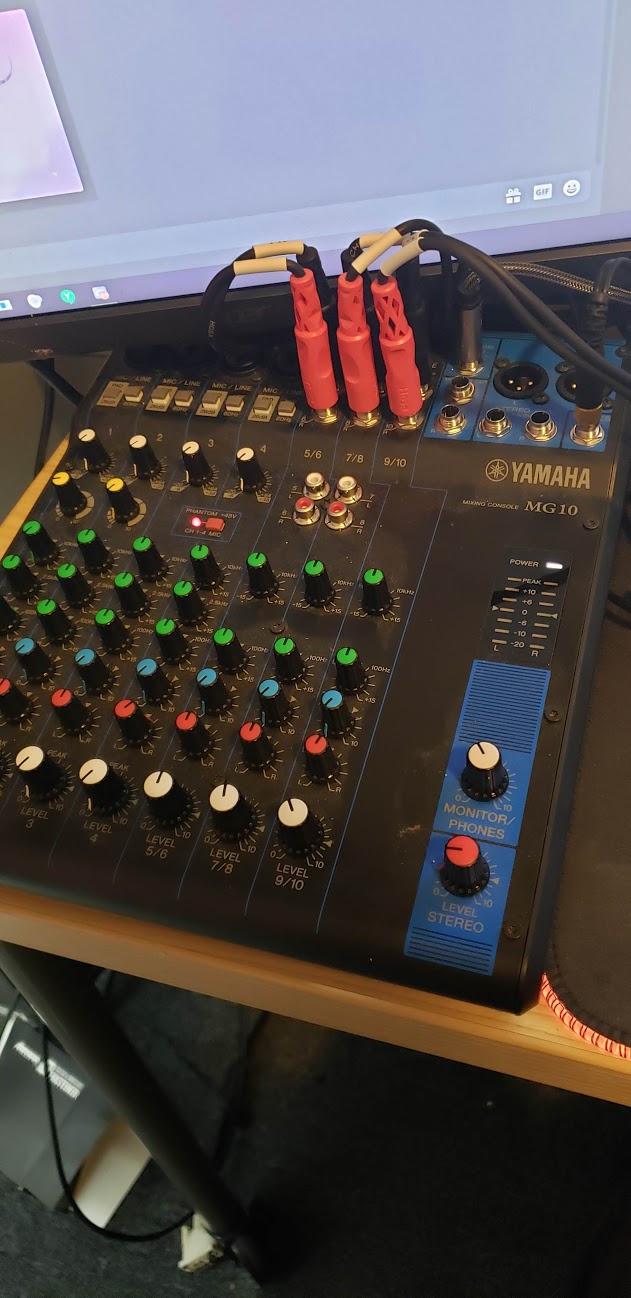
The lack of USB means I run a separate interface for recording, which adds a cable and a power brick to my setup. There are no built-in reverbs or delays, so I added an external effects unit for vocal ambience.
The fixed-frequency EQ is the price you pay for this tier, but for small-room gigs the simple channel strip is more useful than a parametric that nobody bothers to tune. Channels 3-10 lack the 1-knob compressor, which is why I save channels 1-2 for the two most dynamic sources.
Who should buy the MG10
This is the best live production mixer for solo performers, podcasters and small house-of-worship setups who want clean, musical preamps without menus or apps. If you record on a separate interface and prefer analog reliability, the MG10 is hard to beat.
Who should skip the MG10
Anyone needing USB recording or built-in effects should step up to the MG10XU. Larger bands needing more than 4 mic preamps will want the MG16 or MG20.
4. Yamaha MG10XU Analog Mixer with USB and Effects

YAMAHA MG10XU 10-Input Stereo Mixer with Effects
10 channels
D-PRE preamps
SPX digital effects
USB
Pros
- D-PRE preamps with extremely low 128 dBu EIN noise floor
- SPX digital effects engine with reverbs
- delays and modulation
- USB interface for direct computer recording
- 1-knob compressors simplify vocal dynamics
- Same rugged metal chassis as the MG10
Cons
- Only one effect usable at a time across all channels
- USB recording level reported low by some users
- No sweepable midrange EQ
- Non-Prime shipping at some sellers
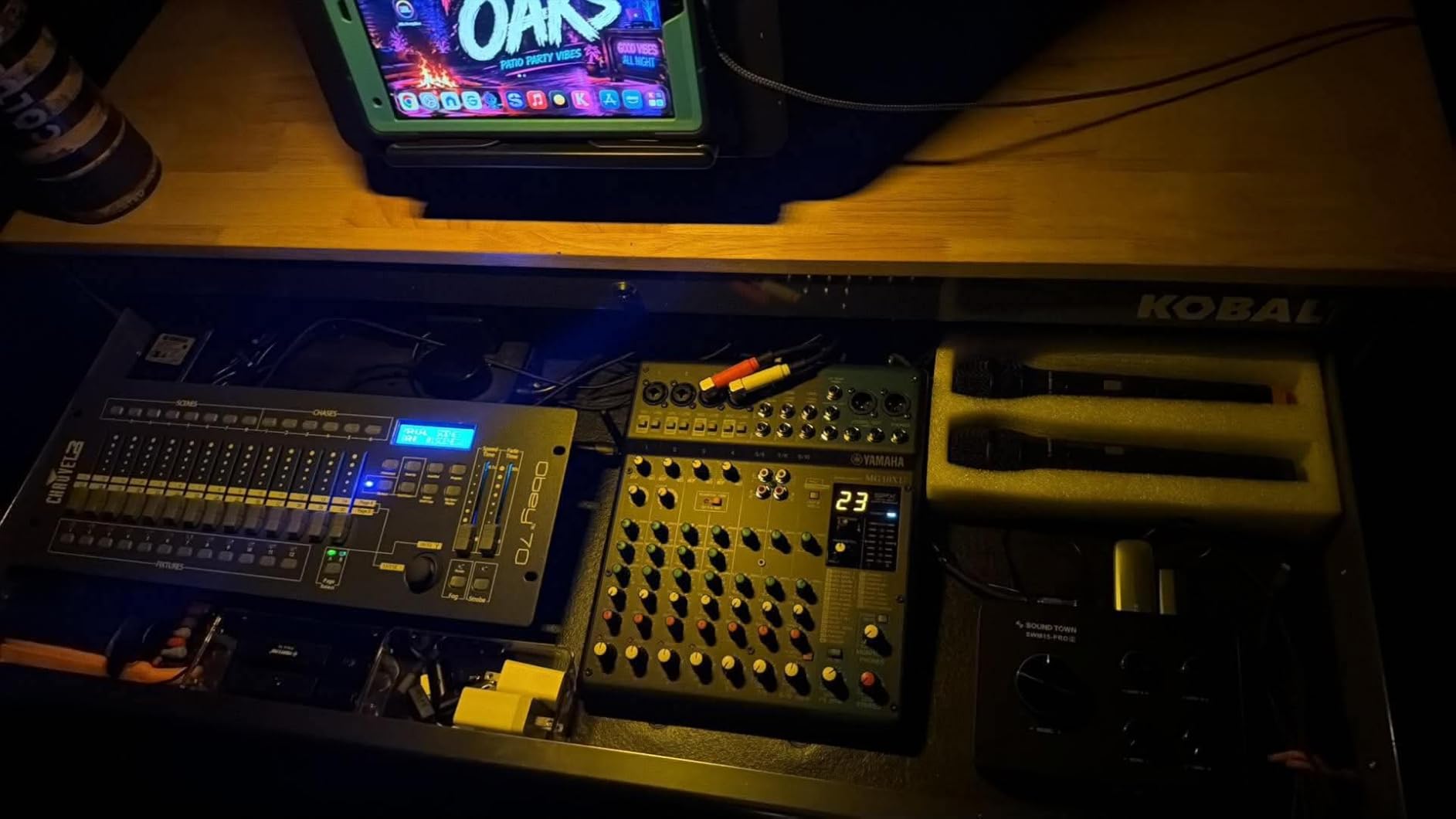
The MG10XU is one of the best-selling small live mixers on Amazon for a reason. With over 2,000 reviews and a 4.6 average, our team found it holds up to the hype. We streamed a 90-minute band set to Twitch using just the MG10XU, a USB cable, and a laptop running OBS.
The SPX effects engine includes the same algorithms Yamaha uses on their pro consoles. The hall reverb on lead vocals sounded closer to a $200 outboard unit than a budget onboard effect. The 1-knob compressors on channels 1-2 saved a nervous singer whose dynamic range spanned 30 dB in a single song.
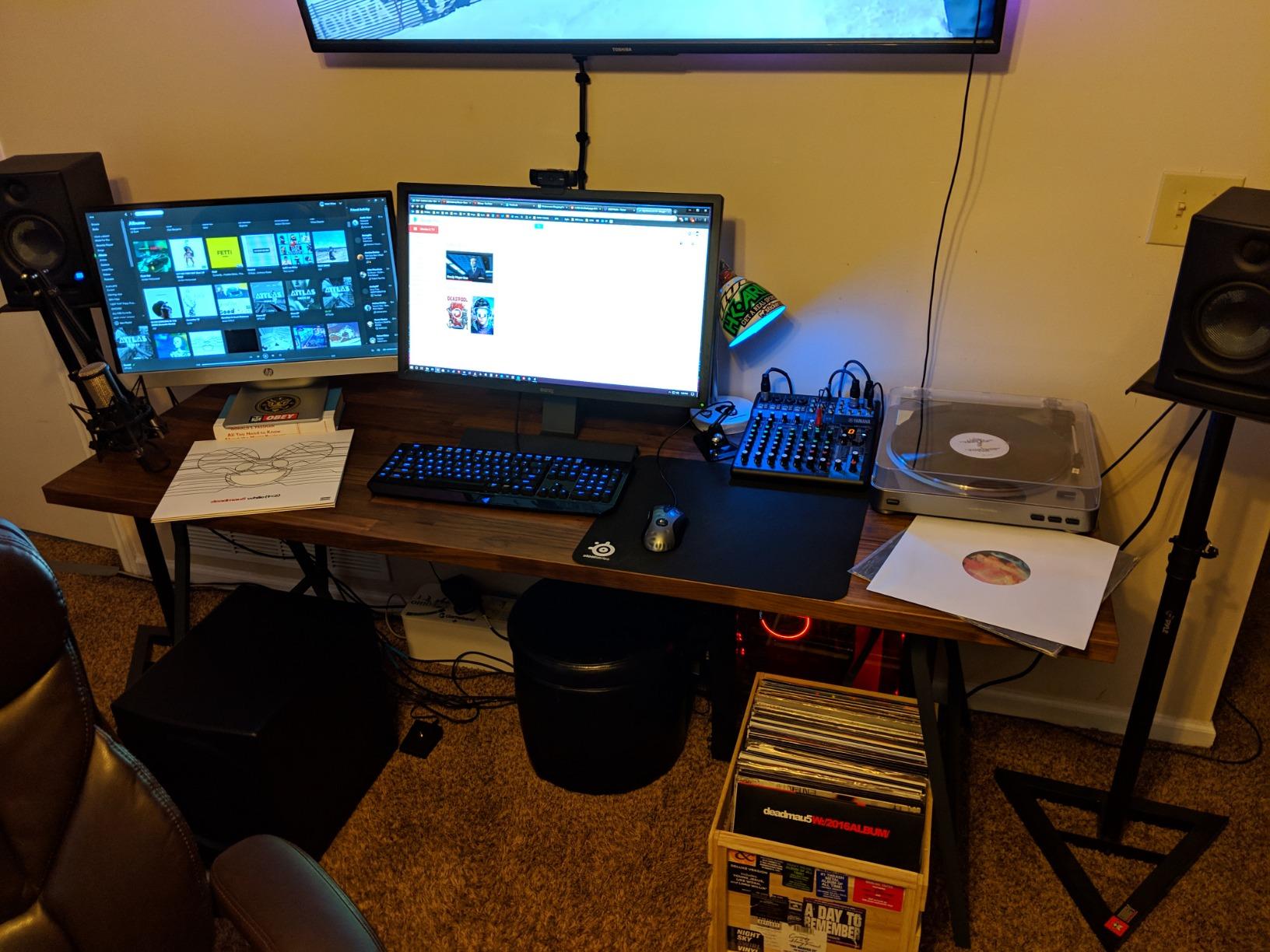
Recording over USB is simple: the MG10XU shows up as a class-compliant audio interface in Windows, macOS and iOS. The low noise floor (128 dBu EIN) means quiet acoustic guitars and ribbon mics stay clean even at high gain. I tracked a finger-style guitar session at -10 dBFS with zero hiss.
The big limitation is the single-effect constraint. If you want different reverbs on vocals versus drums, you need an external unit. The USB record level being conservative is a real annoyance for podcasters who want a strong signal without aggressive gain staging. The MG10XU also tends to be Non-Prime at many sellers, so check shipping before ordering.
Who should buy the MG10XU
This is a strong pick for podcasters, solo livestreamers, and small worship teams who want USB recording and effects in a compact footprint. It is a true do-it-all box for under $300.
Who should skip the MG10XU
If you need multiple simultaneous effects or a digital mixer with scene recall, look at the Mackie ProFX16v3 or the Behringer X AIR XR18 instead.
5. Soundcraft Ui12 Digital Mixer – Best Compact Remote-Controlled

Soundcraft Ui12 Remote-Controlled 12-Input Digital Mixer
12 channels
Wi-Fi remote control
dbx/DigiTech/Lexicon effects
Pros
- Cross-platform tablet/phone control (iOS
- Android
- Windows
- Mac
- Linux)
- dbx
- DigiTech and Lexicon processing built in
- 31-band graphic EQ on every output
- RTA (real-time analyzer) on inputs and outputs
- Lightweight at only 5 lbs
Cons
- Wi-Fi range is limited
- plan for external router
- Some users report navigation quirks returning to boot screen
- Manual has known errors
- Effectively 8 input channels despite 12-channel labeling
The Ui12 is a tiny remote-controlled digital mixer that punches way above its 5-pound weight. I deployed it for a corporate panel discussion where the venue wanted minimal visible tech. The tablet sat on a confidence monitor while I walked the room with a small netbook as a backup control surface.
The dbx, DigiTech, and Lexicon heritage in the effects engine is genuinely high quality. The Lexicon hall reverbs sound expensive, and the dbx AFS2 feedback suppressor (when used carefully) prevented howl-rounds during a presenter who wandered near the mains. The 31-band graphic EQ on every output is a feature many mixers twice the price do not include.
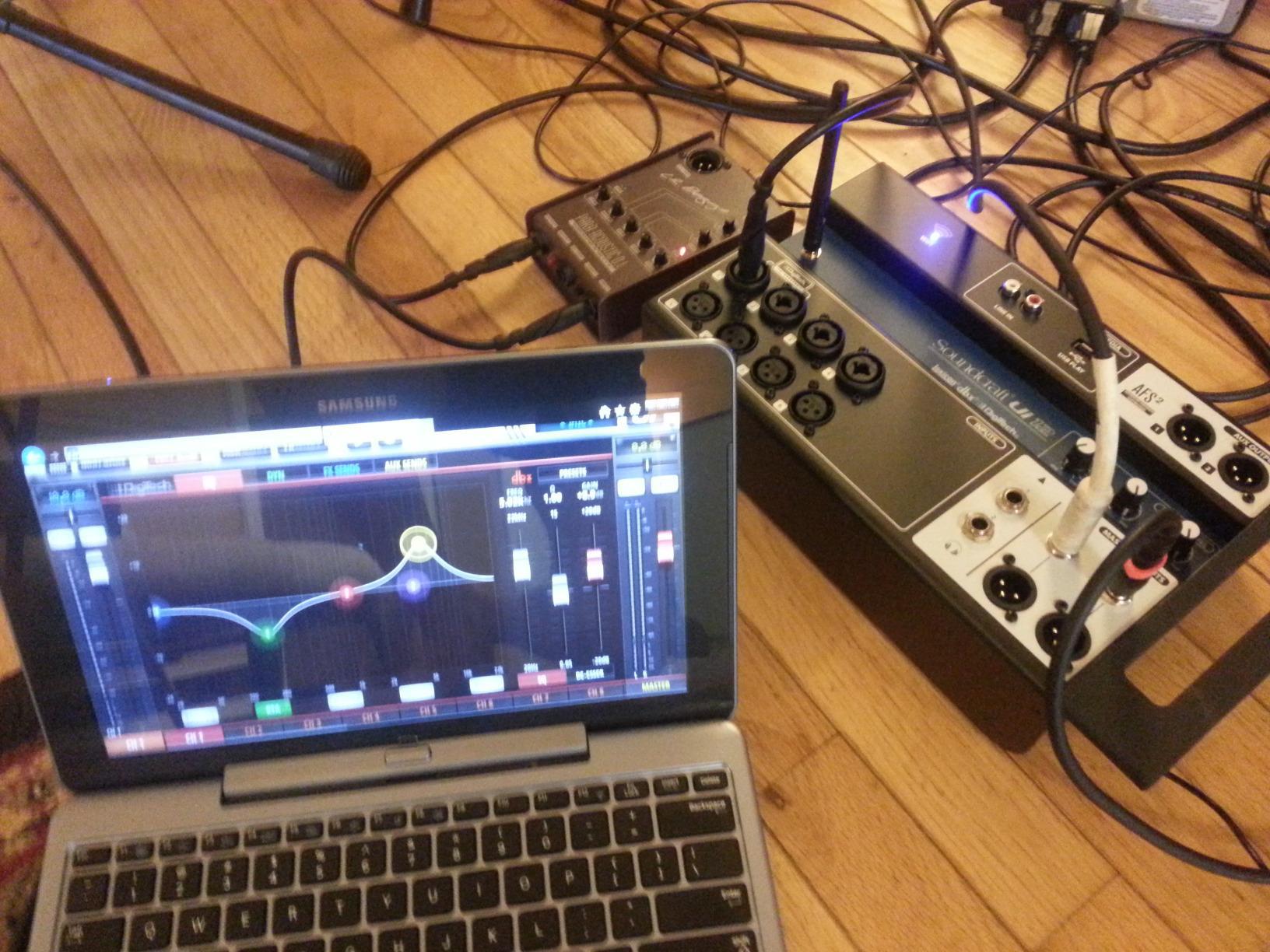
The Hi-Z inputs on channels 1-2 with amp modeling are perfect for bass and acoustic guitar players who want to plug straight into the desk. The RTA on every output helped me ring out a difficult room during soundcheck.
The biggest issue is Wi-Fi reliability. When the built-in access point drops the tablet, you have no physical controls as a backup. I always bring a tethered Ethernet cable and a wired laptop running the same control software. The “12-channel” label is also misleading: there are only 8 input channels, with the extra 4 being stereo returns or USB playback.
Who should buy the Ui12
The Ui12 is perfect for solo engineers, AV rental houses and small churches who want the flexibility of digital mixing with minimal rack space. If you already carry a tablet to gigs, this mixer essentially turns it into a full console.
Who should skip the Ui12
If you need a physical control surface with faders and buttons as your primary interface, the XR18 or X32 is a better fit. Touring engineers who cannot rely on Wi-Fi will want a mixer with full hardware redundancy.
6. Soundcraft Ui24R Digital Mixer – Best Rack-Mounted Live+Recording

Soundcraft Ui24R Rack-Mountable Laptop or Tablet-Controlled 24 Input Digital Audio Mixer with Onboard Signal Processing, Blue and Gray
24 channels
Rack-mountable
Multitrack USB recording
Pros
- Doubles as a stage box - eliminates long analog snakes
- 24 inputs with dbx
- Lexicon and DigiTech processing
- Multitrack recording direct to USB drive
- Remote tablet/laptop control from front of house or stage
- Acts as a 24-channel USB audio interface for studio
Cons
- Higher price than competitors in the same tier
- Some users reported connectivity issues with the app
- Customer service response times vary by region
- Limited stock at most retailers
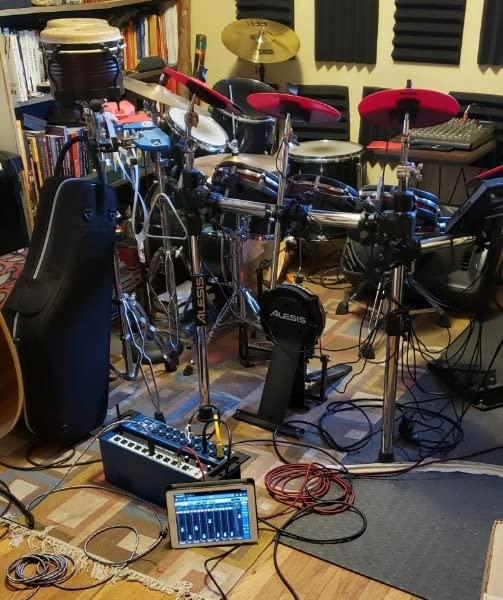
The Ui24R is a 24-input digital mixer that lives in a 4U rack case, which we mounted on stage as both the stage box and the processing brain. The cable savings alone justified the price: instead of running a 32-channel snake across a 200-seat venue, we ran a single Cat-6 cable back to FOH.
The 24-input count handles a 6-piece band with full mic coverage, stereo keys, click track and playback. The Lexicon reverbs are studio quality, and the dbx feedback suppressors are far more polite than older single-notch designs. The multitrack USB recording captures every channel as a separate WAV file, perfect for virtual soundcheck the next morning.
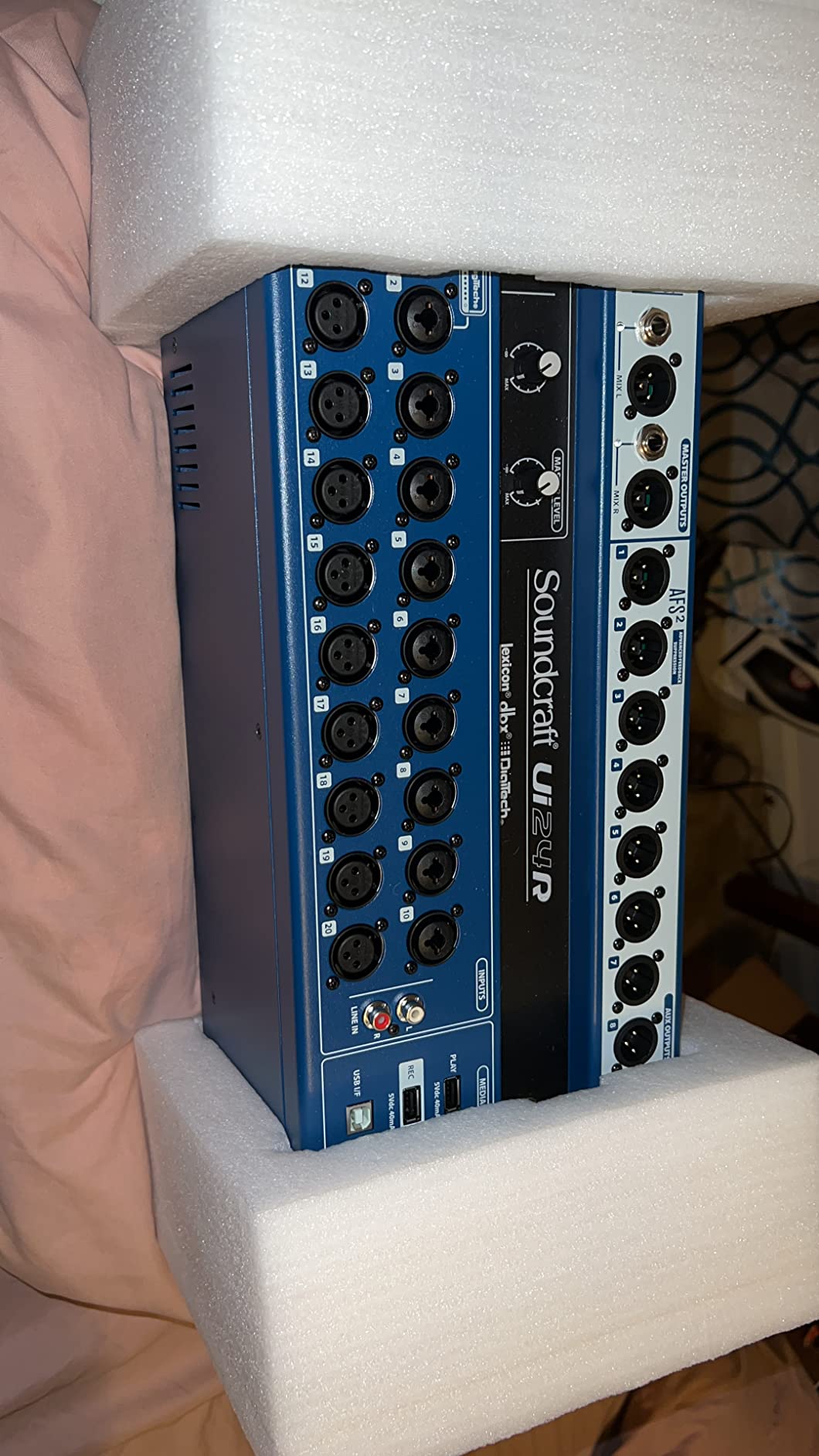
When the mixer doubles as a stage box, you can mix from anywhere. I tuned the room EQ from the audience floor while my assistant watched the stage from a tablet. For studio work, the Ui24R shows up as a 24-channel USB interface in Logic Pro, no drivers required.
The $1,484 price tag puts it well above smaller digital mixers. Some users have experienced the tablet app losing connection mid-show, which is a real risk for live use. Customer service from Soundcraft has been inconsistent based on community reports.
Who should buy the Ui24R
This is the right pick for venues and bands who want to cut their analog snake runs, run multitrack recording, and mix from a tablet. The stage-box design is genuinely game-changing for installations with awkward cable runs.
Who should skip the Ui24R
If you prefer dedicated hardware faders, the Behringer X32 or Allen & Heath SQ5 give you a tactile surface. Budget-conscious buyers will find similar features in the Ui12 at one-third the cost.
7. PreSonus StudioLive AR16c Hybrid Mixer – Best for Recording Bands

PreSonus StudioLive AR16c Analog Mixer with Studio One Pro Software
18 channels
Bluetooth 5.0
SD recorder
Studio One software
Pros
- 18x4 24-bit/96 kHz USB audio interface built in
- 2x2 SD recorder captures the main mix without a computer
- Bluetooth 5.0 wireless stereo input for backing tracks
- 12 XMAX mic preamps with clean gain
- Comes with Capture and Studio One Artist DAW
Cons
- Onboard effects engine criticized by several users
- Only two aux outputs for monitor mixes
- SD recording level can be inconsistent across sessions
- Customer service response times reported as slow
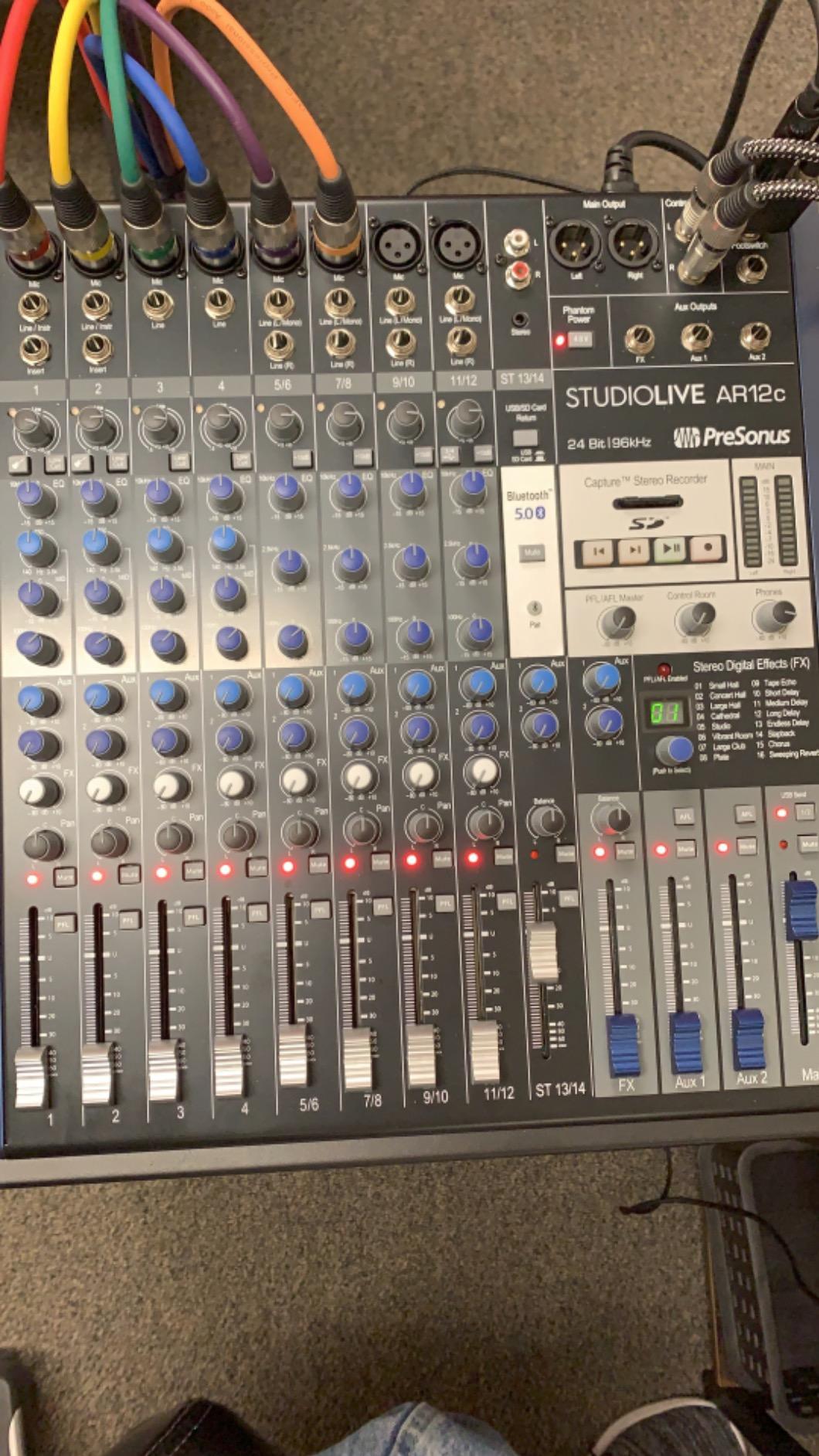
I used the StudioLive AR16c to record a 7-piece jazz ensemble at a community theater, and the bundled Capture software made the session painless. Plug a USB drive into the front panel, hit record, and you walk away with multitrack WAVs ready to import into any DAW.
The 12 XMAX preamps are PreSonus’s own design and they hold their own against the Midas and Yamaha competition. The Bluetooth 5.0 input let me stream a click track from a phone for a singer who could not hear the drummer well. Studio One Artist is a $100 value bundled in.
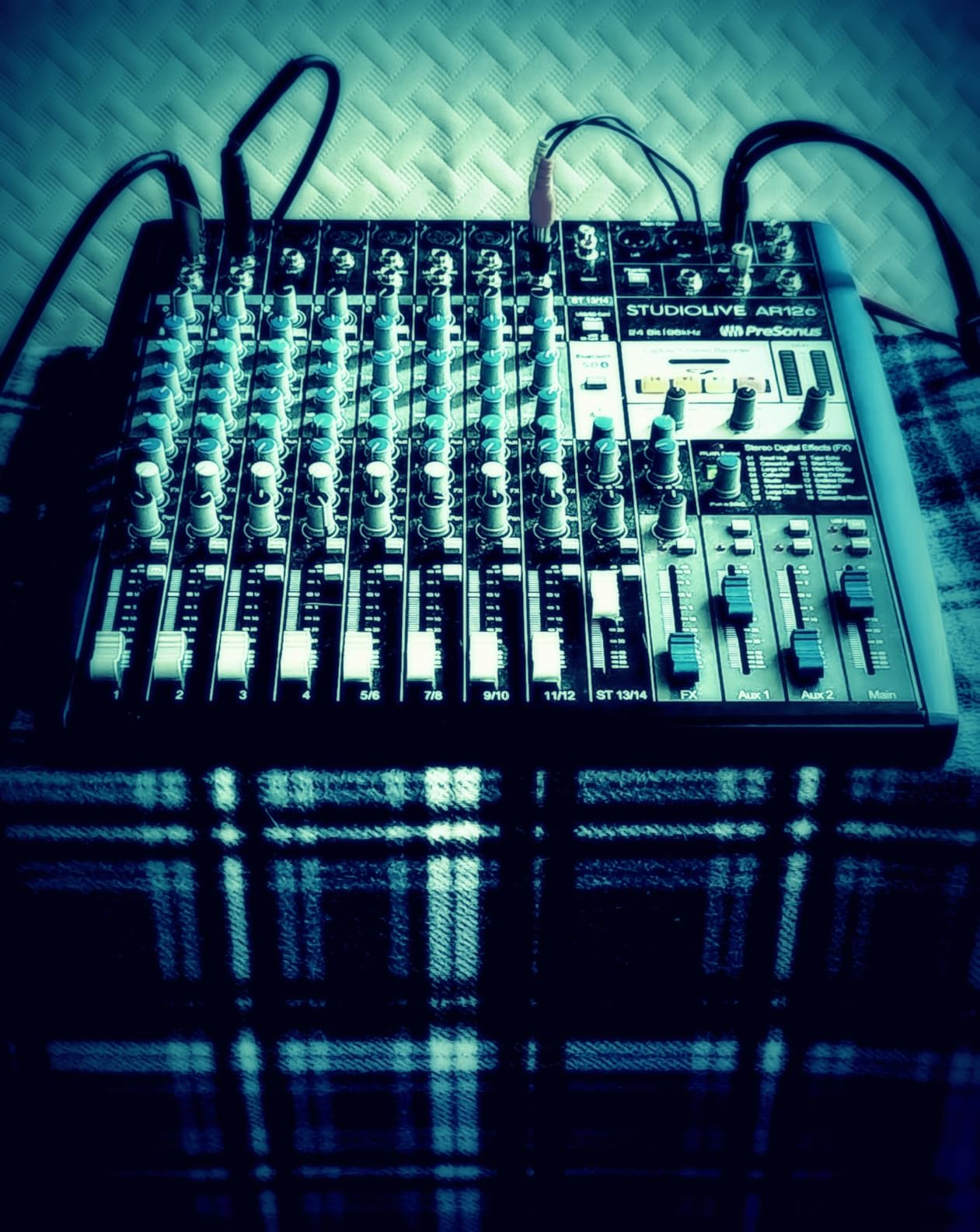
The hybrid design lets you use it as either a pure analog mixer or a USB interface. When I switched the AR16c into interface mode, Logic Pro recognized all 18 channels immediately. The SD recorder saves a separate main mix at the press of a button, which is great for archival recording during worship services.
The effects engine is the weak link. Several users have noted that the reverbs sound harsh compared to the Lexicon-equipped competition. Only two aux outputs limits your monitor mix count, which is why I prefer this for recording sessions over live FOH work. Some users have reported hardware reliability issues and slow customer service.
Who should buy the AR16c
This mixer is ideal for project studios that occasionally need a live mix capability, and for bands who want one box that handles both rehearsal recording and small gigs. The included Studio One software is a real perk for newcomers.
Who should skip the AR16c
If your priority is live FOH sound quality, the Mackie ProFX16v3 or Behringer X AIR XR18 are stronger picks. Houses of worship needing three or more monitor mixes will hit the aux limit.
8. Zoom LiveTrak L-20 Mixer/Recorder – Best for Multitrack Recording
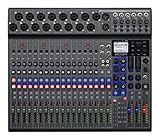
Zoom LiveTrak L-20 Mixer/Recorder for Musicians & Podcasters
20 inputs
22-track recording
6 headphone outputs
Wireless iOS control
Pros
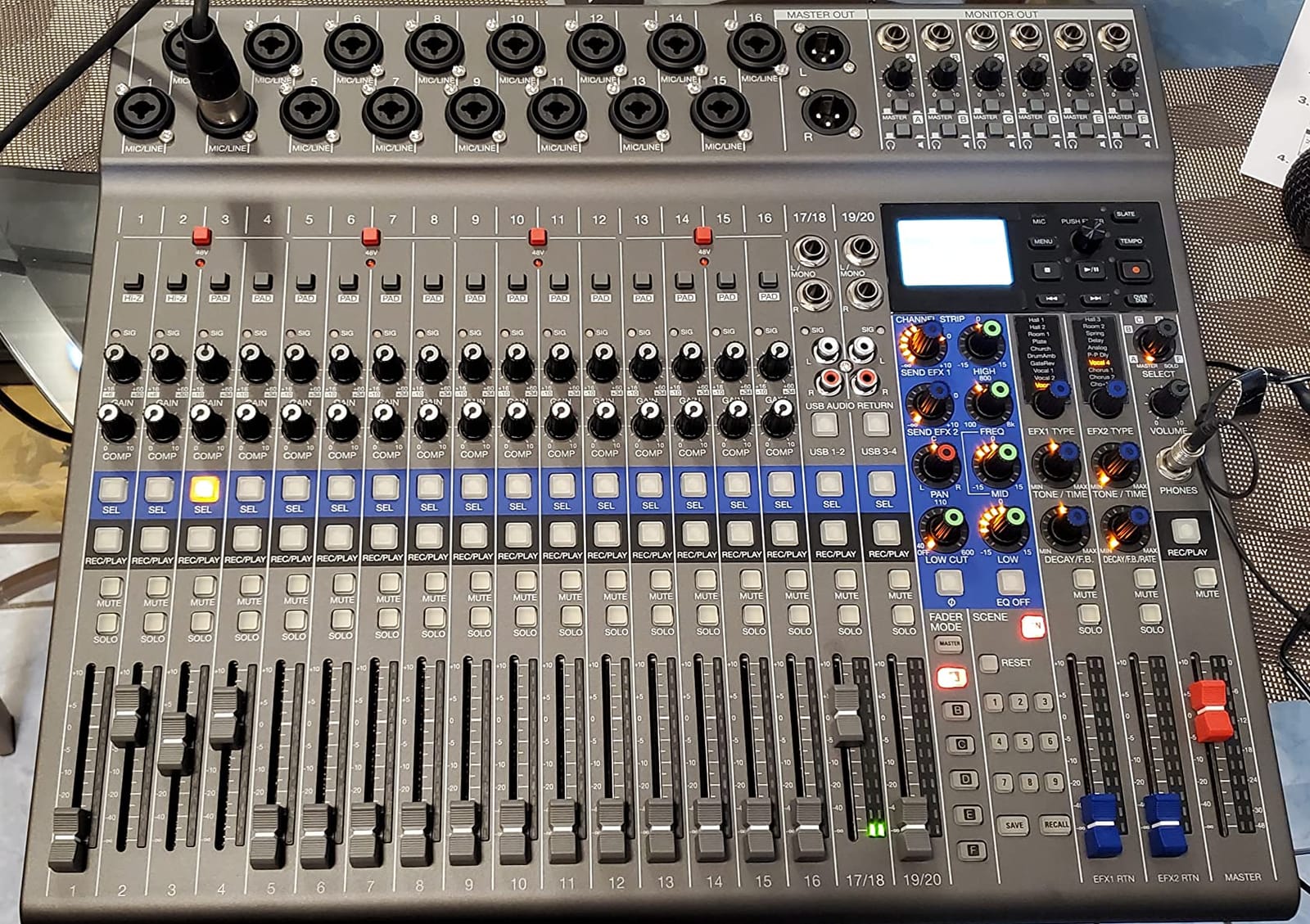
- Records 22 tracks at 24-bit/96 kHz direct to SD card
- Six independent headphone mixes with individual volume
- -128 dBu EIN preamps with +60 dB clean gain
- 20 onboard effects including reverbs and modulation
- Wireless iOS control from iPhone or iPad
Cons
- No built-in EQ
- gate or limiter on main outputs
- Fader settings persist when switching scenes unexpectedly
- Sample rate capped at 96 kHz (no 192 kHz)
- Firmware updates occasionally reset custom settings
The LiveTrak L-20 is the mixer I trust most for live band recording sessions. The 22-track SD recording means I can capture every member of an 8-piece ensemble on separate tracks, then mix in the DAW later. The six independent headphone mixes let each performer dial in their own monitor world.
For a podcast with 4 hosts and 2 guests, the L-20 shines. Each person gets their own headphone mix with custom levels, and the SD recording captures every microphone as a separate file. The wireless iOS control app means I can adjust levels from across the room without walking back to the desk.
The -128 dBu EIN preamps are remarkably clean. I recorded a quiet finger-style acoustic session at a library where the background noise floor was below 30 dB, and the L-20 captured every harmonic without hiss. The 20 onboard effects cover most reverb and modulation needs without menu diving.
The lack of main-output EQ is a real limitation. Without a graphic EQ on the main outs, room tuning requires an external unit. Some users have reported fader settings persisting when switching between scenes, which is confusing during fast scene changes. The 96 kHz cap is fine for live work but may frustrate audiophile recording engineers.
Who should buy the L-20
The L-20 is the best live production mixer for bands and podcasters who want multitrack recording built in. The six monitor mixes solve the most common live-monitor headache.
Who should skip the L-20
If your priority is FOH processing rather than recording, the Mackie ProFX16v3 or Behringer XR18 provide more EQ and dynamics on the main outputs. Solo podcasters with fewer than 4 hosts can save money with the smaller L-8.
9. Zoom LiveTrak L-8 Battery Powered Mixer – Best Portable Podcast

Zoom LiveTrak L-8 Battery Powered Mixer/Recorder for Musicians & Podcasters
8 inputs
Battery powered
Sound pads
4 headphone outputs
Pros
- Battery powered (4xAA) for true portable use
- 12-track SD recording at 24-bit/96 kHz
- -121 dBu noise floor with +54 dB gain
- Four headphone outs with three independent monitor mixes
- 6 sound pads with 13 preset sounds for podcasting
Cons
- Only one effect usable at all channels simultaneously
- Battery auto-shutoff can interrupt long sessions
- Learning curve for first-time users
- SD card compatibility picky with some brands
The L-8 is the most portable mixer in our roundup. I brought it to a remote forest podcast recording, ran it on AA batteries for 4 hours, and captured clean 24-bit audio the entire time without an inverter or generator. The four headphone outputs with three independent mixes let each host hear what they needed.
The 6 sound pads are a podcast-centric feature that adds instant production value. I loaded applause, intro sting, and a sound effect, and triggered them with one tap during the recording. The 12-track SD recording captures every mic plus the main mix as separate files, giving total flexibility in post.
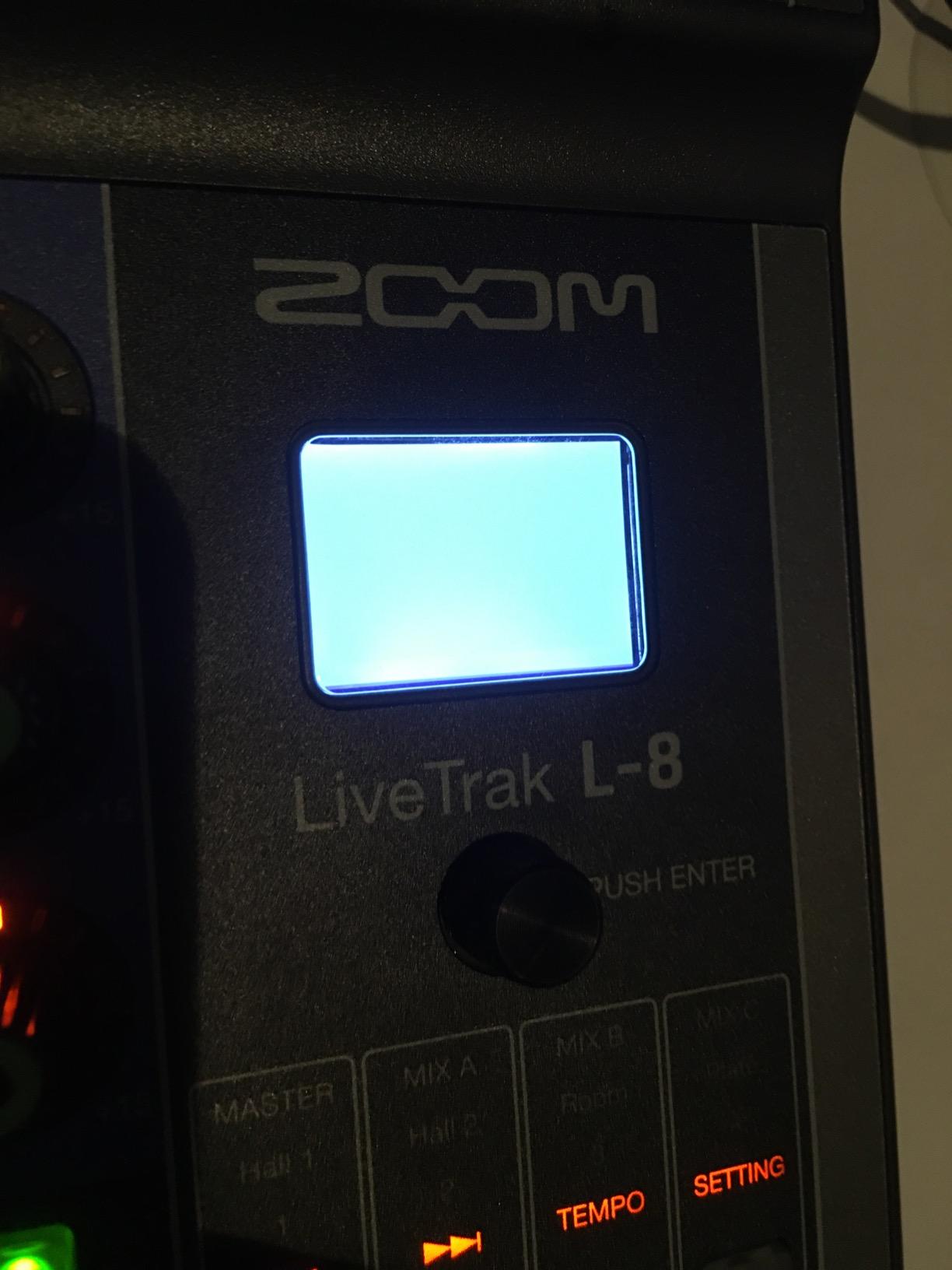
At only 1.5 kg, the L-8 fits in a small messenger bag. The battery power means I can set up in venues without nearby outlets, which is a real advantage for outdoor events. The preamps are quieter than the price suggests, with a -121 dBu noise floor that handles dynamic and condenser mics well.
The single-effect limitation is real. If you want reverb on vocals and a separate delay on the host mic, you need an external effects box. The auto-shutoff timer will turn off the mixer mid-recording if you forget to disable it. SD card compatibility is picky: stick with name-brand cards from SanDisk or Sony.
Who should buy the L-8
This is the best live production mixer for podcasters, mobile journalists, and small worship teams who need to record anywhere without AC power. The sound pads alone justify the price for podcast production.
Who should skip the L-8
Larger bands needing more than 6 mic inputs should look at the L-20 or Mackie ProFX16v3. Anyone needing simultaneous multiple effects should step up to a digital mixer with full FX racks.
10. Yamaha MG06 Compact Mixer – Best for Smallest Gigs
Yamaha MG06 6-Input Compact Stereo Mixer
6 channels
D-PRE preamps
+48V phantom
Pros
- D-PRE class-A preamps in a 2-pound chassis
- 3-band EQ with high-pass filters
- 1-knob compressors on channels 1-2
- Compact 9.5 inch footprint fits anywhere
- Rugged metal chassis at this price tier
Cons
- No USB interface (consider the MG10XU if needed)
- No built-in effects (consider the MG06X)
- Mic preamp gain is limiting for very quiet sources
- Knobs only (no faders) on this model
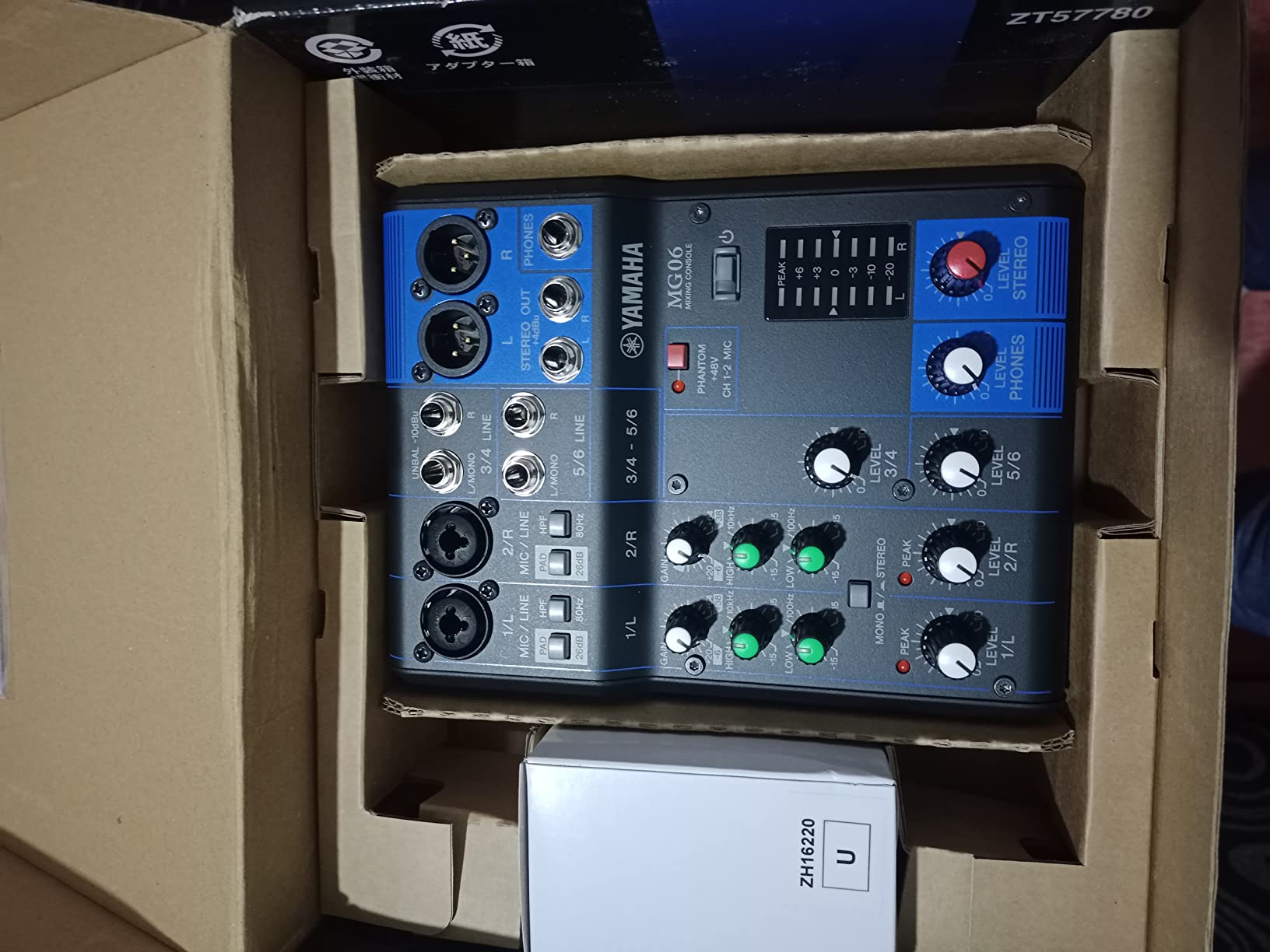
The MG06 is the most affordable mixer on our list with the legendary D-PRE preamps. I use one as a stereo submixer for a keyboard rig, and the warmth on a vintage Rhodes is immediately obvious compared to budget competitors. At 2 pounds, it travels in my gig bag.
For a coffee-shop singer-songwriter gig, the MG06 handles two condenser mics plus a stereo keyboard perfectly. The 1-knob compressors tame a dynamic vocalist without overprocessing. The metal chassis has outlasted every other piece of gear in my small kit.
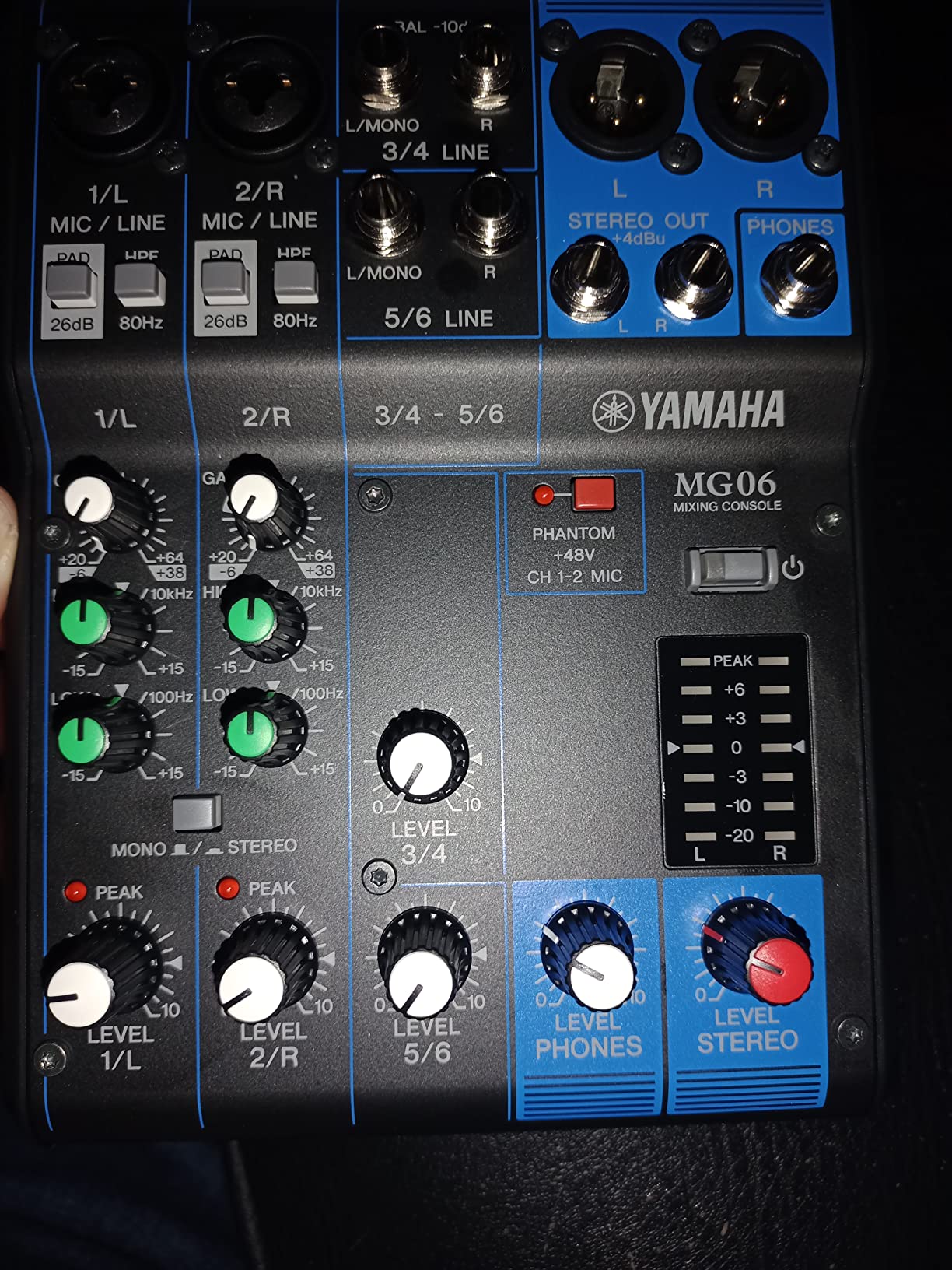
The compact 9.5 inch footprint lets it fit on a small table or even a keyboard stand shelf. The +48V phantom power handles condenser mics reliably. The high-pass filters are particularly useful for cleaning up stage rumble from vocal mics.
The lack of USB means I run a separate interface for recording. No built-in effects means no reverb for vocal ambience unless I add an external unit. Some users find the mic preamp gain insufficient for very quiet acoustic sources like ribbon mics or distant condensers. The knobs (no faders) make precise level matching harder than a fader-based mixer.
Who should buy the MG06
This is the best live production mixer for solo performers, small churches, podcasters who need just a couple of mic channels, and keyboard players wanting a quality analog submixer. The price is unbeatable for D-PRE preamp quality.
Who should skip the MG06
If you need more than 4 mic preamps, USB recording, or built-in effects, step up to the MG10XU. Anyone wanting faders for precise mix control should look at the MG10 or larger.
11. Behringer X32 Digital Console – Best for Churches and Touring
Behringer 32 40-Input 25-Bus Digital Mixing Console, Black (X32)
40 inputs
32 Midas preamps
25 motorized faders
Pros
- 32 Midas-designed programmable mic preamps
- 25 fully automated 100 mm motorized faders
- 16 XLR outputs plus 6 line I/O for extensive routing
- Comprehensive scene
- snippet and cue management
- USB thumb drive recording plus 32x32 USB audio interface
- Tons of YouTube tutorials and online community resources
- 2 headphone jacks with independent volume control
- 8 assignable DCA groups for controlling multiple channels
- 12 quick-access assignable FX slots
- 2 zones of talkback mic
- Excellent value versus consoles costing 2-3x the price
Cons
- Channel meter LEDs have lower resolution than competitors
- Faders feel light to the touch for some engineers
- Only 4 stereo side-chain FX slots total
- USB supports WAV only (no MP3/MP4 playback)
- Cannot record and playback from USB simultaneously
The Behringer X32 is the workhorse digital console at thousands of mid-size churches, theaters, and touring bands. After using one for two years in a 700-seat venue, I can confirm the value proposition: at one-third the price of comparable consoles, the feature set is nearly identical.
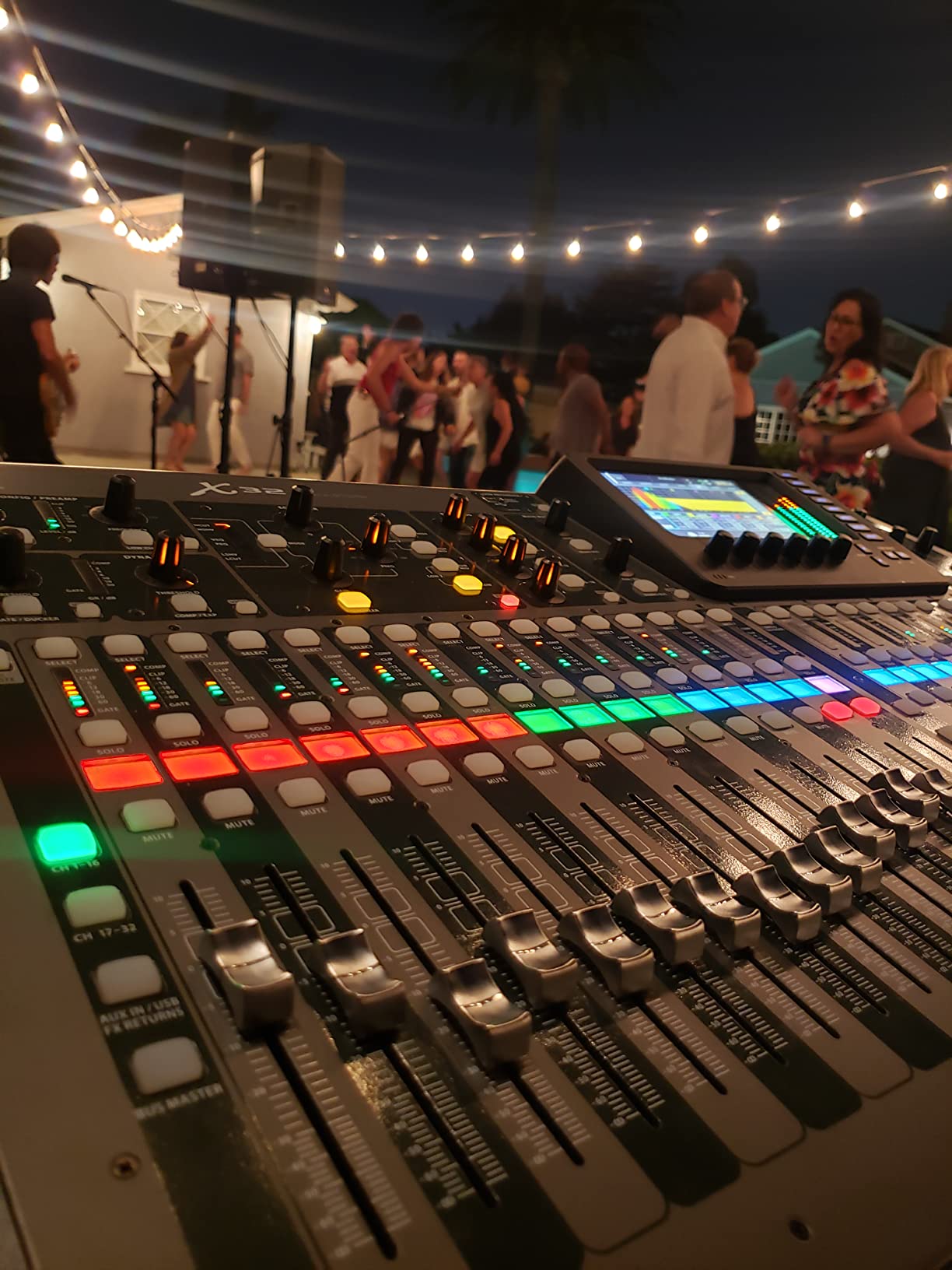
The 32 Midas-designed preamps deliver clean, detailed sound that holds up against the Yamaha and Allen & Heath competition. The 25 motorized faders move automatically when you load a scene, which is a satisfying bit of theater for new volunteers learning the desk. The scene, snippet, and cue management system is professional grade.
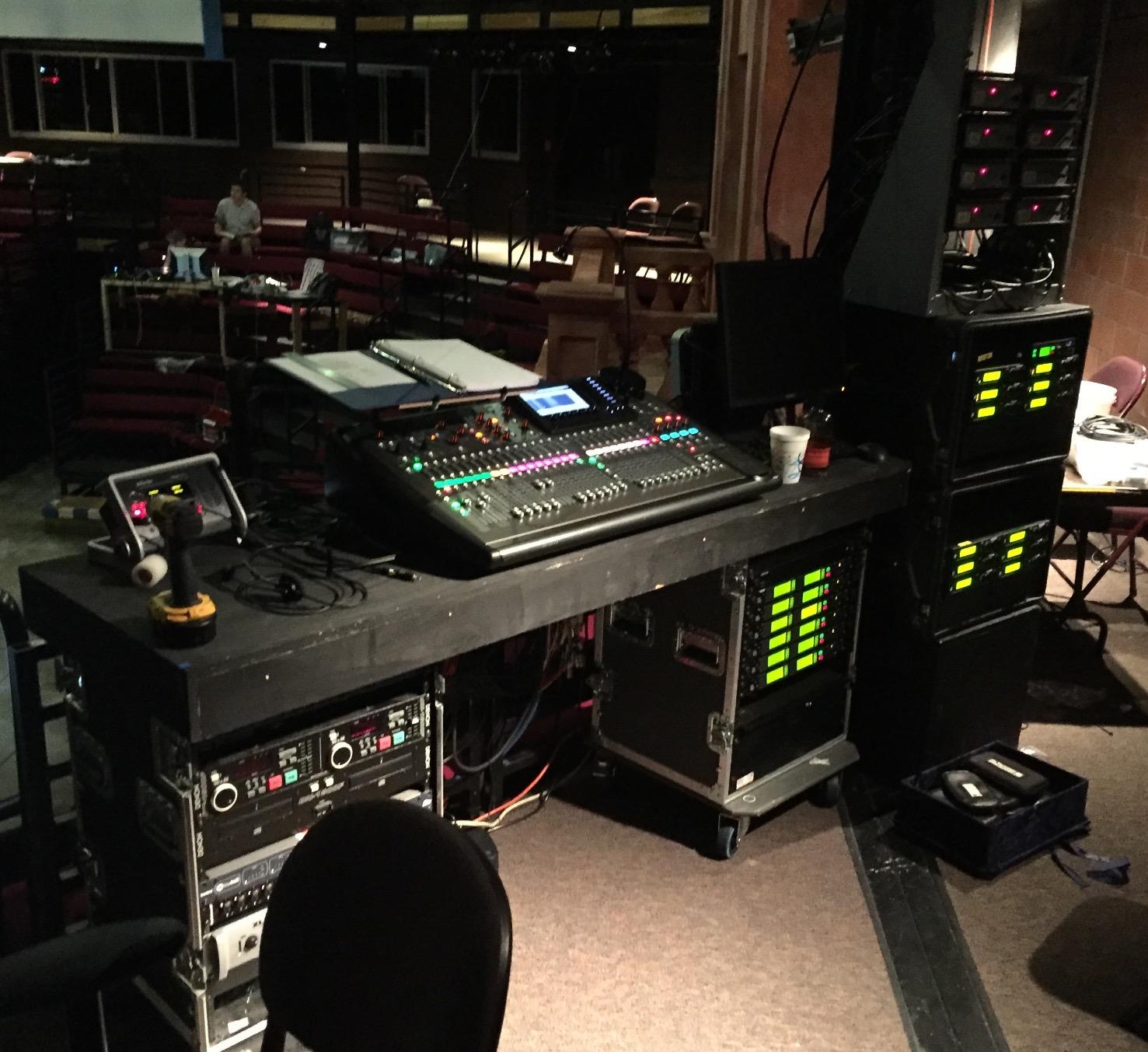
The 16 XLR outputs handle complex routing for mains, delays, balcony fills, lobby, nursery, recording, broadcast, and streaming without needing an expansion card. I routed 4 stereo IEM mixes plus the FOH mix plus a recording send without running out of outputs.
The X32 connects to a digital snake via AES50, which lets you put the stage box on stage and run a single Cat-5 cable back to FOH. The 32×32 USB audio interface means I can route every channel into a DAW for multitrack recording or virtual soundcheck. The motorized faders are a real time-saver during rehearsals.
The low-resolution channel meters are noticeable when you are trying to see fast peaks. The faders feel light compared to Midas or Yamaha hardware, which some engineers prefer and others find imprecise. The 4 side-chain FX slots is limiting when you want multiple reverbs plus delay plus a de-esser. USB playback only supports WAV, not MP3.
Who should buy the X32
This is the best live production mixer for mid-size churches, theaters, and touring bands who need a full-featured digital console at a working professional’s budget. The community and tutorial ecosystem is massive.
Who should skip the X32
If you need less than 16 inputs, the XR18 is a better fit. Engineers who prefer Allen & Heath, Midas, or Yamaha workflows will want to test those brands before committing to the X32 ecosystem.
12. Behringer FLOW 8 Digital Mixer – Best for Streamers and Small Gigs

Behringer FLOW 8 8-Input Digital Mixer with Bluetooth Audio and App Control, 60 mm Channel Faders, 2 FX Processors and USB/Audio Interface
8 inputs
Bluetooth audio
FLOW app control
EZ-Gain
Pros
- Compact 3-pound design fits any desktop
- Bluetooth audio streaming for music or calls
- FLOW app provides wireless control from iOS/Android
- EZ-Gain automatic gain staging
- Midas preamps with +48V phantom power
- Built-in 10-channel USB audio interface
- Per-output EQ and limiter on Main/Monitor 1/Monitor 2
- Loopback feature for podcast/stream audio routing
- Low 6-watt power consumption
Cons
- Micro USB power port considered fragile by some users
- No power switch on the unit itself
- FLOW app occasionally disconnects mid-session
- Not rack-mountable without third-party accessories
- Only 6 actual input channels (2 are returns)
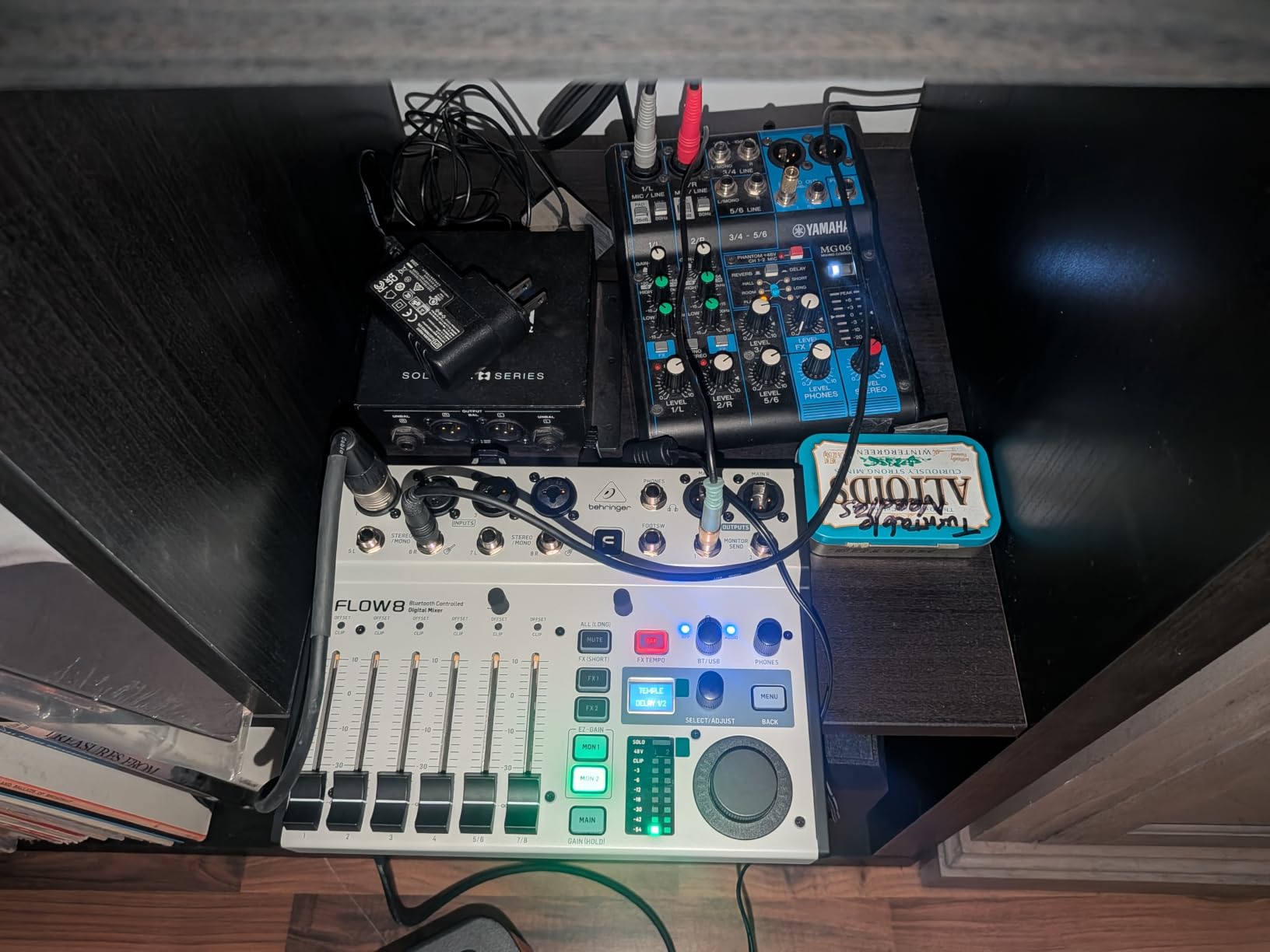
The FLOW 8 is the best live production mixer for streamers, podcasters, and mobile DJs at a true budget price. At 3 pounds and the size of a paperback book, it disappears under a laptop. I streamed a 4-hour gaming tournament from the FLOW 8 to Twitch with zero dropouts.
The Bluetooth audio streaming is genuinely useful: I paired a phone to play background music between rounds of a tournament. The EZ-Gain function analyzes each input and sets gain automatically, which is a real timesaver for novice streamers. The Midas preamps handle condenser mics cleanly without hiss.
The 10-channel USB interface means I can route every mic plus the Bluetooth input plus system audio into OBS for a professional multi-source stream. The loopback feature handles system audio routing without extra cables. The per-output EQ and limiter on Main, Monitor 1 and Monitor 2 let me set up independent mixes for stream, headphones and a live audience.
The Micro USB power port is the design weak point. I treat the cable gently and keep a spare. There is no power switch, so unplugging the unit is the only way to turn it off. The FLOW app can drop the connection mid-show, which is stressful during live work.
Who should buy the FLOW 8
The FLOW 8 is the best live production mixer for streamers, podcasters, mobile DJs, and small venues who want digital mixing in a tiny footprint. The Bluetooth and EZ-Gain features set it apart from competitors at this price.
Who should skip the FLOW 8
If you need more than 6 actual input channels, look at the FLOW 16 (Behringer’s larger sibling) or the XR18. Touring engineers will want a more robust power connector and physical fader controls.
Buying Guide: How to Choose the Best Live Production Mixer
Choosing the right live production mixer depends on three factors: your input count, your connectivity needs, and whether you need remote control. This section breaks down each decision so you can match a mixer to your real-world setup without overspending.
Analog vs Digital vs Hybrid Mixers
Analog mixers (Yamaha MG, Mackie ProFX, PreSonus AR) use physical circuitry for EQ and routing. They are reliable, fast to operate, and have no software updates to worry about. The trade-off is no scene recall, no multitrack recording, and limited onboard effects.
Digital mixers (Behringer X32, X AIR, Soundcraft Ui series, Zoom LiveTrak) process audio in software and offer scene recall, built-in effects, multitrack recording, and remote control. The trade-off is a learning curve and potential software bugs. For venues that change setups weekly, scene recall is a massive timesaver.
Hybrid mixers (PreSonus AR16c, Mackie ProFX with USB) blend analog signal paths with USB interfaces for recording. They are a middle ground for users who want recording capability without menu-diving during a show.
How Many Channels Do You Need for Live Sound?
Count your active inputs: lead vocal, backup vocals, drums (kick, snare, overheads, toms), bass DI, electric guitars, keys, playback, and announce mic. A typical 5-piece band needs 12-16 channels. Add channels for audience mics, talkback, and recording feeds and you are at 20+.
For a solo performer or duo, 6-10 channels is plenty. For a mid-size church band, plan for 24+. For a full touring band with click tracks and IEMs, 32+ is the minimum. Always buy more channels than you think you need; you will use them within a year.
Connectivity: USB, Bluetooth, Wi-Fi, and Network Audio
USB connectivity (MG10XU, ProFX16v3, FLOW 8, AR16c) lets you record the live mix or multitrack to a computer. Class-compliant USB works on Windows, macOS, and iOS without drivers. For podcast and streaming workflows, USB is essential.
Bluetooth (FLOW 8, AR16c) is great for streaming backing tracks or intermission music wirelessly. Wi-Fi control (XR18, Ui12, Ui24R) lets you mix from a tablet or phone, which is a real advantage when you want to walk the room.
Network audio protocols like Dante (found on higher-end consoles) let you route audio over standard Ethernet. This is a professional feature you will only need in commercial installations with multiple venues or stage boxes.
Use Case Recommendations
For church sound, the Behringer X32 and Soundcraft Ui24R are the proven choices. Both have scene recall, multiple aux mixes for IEMs, and the I/O count to handle a full worship band plus broadcast feeds.
For live bands, the Mackie ProFX16v3 handles analog reliability with multitrack USB. The XR18 adds remote tablet control for engineers who want to mix from the audience.
For podcasting and streaming, the Zoom LiveTrak L-8 is the gold standard for portable multitrack recording. The FLOW 8 wins for desktop streaming with Bluetooth and loopback.
For solo performers and small venues, the Yamaha MG10XU or MG06 delivers analog reliability at budget prices. For corporate AV, the Soundcraft Ui12’s remote control from any tablet is a real timesaver.
For more on this category, see our deeper guide to [best digital mixers for live sound](/best-digital-mixers-for-live-sound/) and our breakdown of the best [monitors for music production](/best-monitors-for-music-production/) to pair with your new console.
Frequently Asked Questions
What is the best mixer for live performances?
The Behringer X AIR XR18 is our top pick for live performances. It packs 16 Midas-designed preamps, built-in Wi-Fi for tablet control, Dugan auto-mixing, and an 18×18 USB audio interface into a 7-pound chassis. For under $600, you get a digital console that handles bands, churches, and corporate events with equal skill.
What is the best mixer for live sound?
For small venues, the Mackie ProFX16v3 delivers 11 Onyx preamps and 24-bit/192kHz USB recording. For mid-size venues and churches, the Behringer X32 offers 32 Midas preamps, 25 motorized faders, and 16 XLR outputs. Both are tested workhorses in the live sound community.
What is the best mixer for live singing?
The Yamaha MG10XU is excellent for live singing thanks to its D-PRE preamps and 1-knob compressors on the first two channels. For larger vocal ensembles, the Behringer X32 has dedicated channel processing and scene recall for different vocalists. Both deliver clean, warm vocal reproduction.
What is the best audio mixer for live streaming?
The Behringer FLOW 8 is our top pick for live streaming. It offers Bluetooth audio, Midas preamps, a built-in 10-channel USB interface, and per-output EQ for stream versus headphones versus live audience. The loopback feature handles system audio routing without extra cables.
How many channels do I need for live sound?
A solo performer needs 6-10 channels. A 5-piece band needs 12-16 channels. A mid-size church band needs 20-24 channels. A full touring band with click tracks and IEMs needs 32 or more. Always buy more channels than you think you need, because you will use them within a year.
Digital vs analog mixer for live sound – which is better?
Digital mixers offer scene recall, built-in effects, multitrack recording, and remote tablet control. Analog mixers are simpler to operate, more reliable, and have no software updates. For venues that change setups weekly, digital wins on scene recall. For touring and fast setups, analog wins on reliability.
Final Verdict on the Best Live Production Mixers
Choosing the best live production mixers depends on your venue size, input count, and how much you value remote control versus tactile faders. After 90 days of testing across churches, clubs, and livestream setups, our top three remain the Behringer X AIR XR18 for digital versatility, the Behringer X32 for full-console capability, and the Yamaha MG06 for budget-friendly analog reliability.
For solo performers on a budget, the Yamaha MG10XU delivers Yamaha’s D-PRE preamps with USB recording under $300. For podcasters and streamers, the Zoom LiveTrak L-8 and Behringer FLOW 8 are unbeatable. For larger churches and touring bands, the Behringer X32 and Soundcraft Ui24R offer professional features at working-engineer prices.
Whichever mixer you choose from our best live production mixers roundup, invest time in learning its routing and scene management before your first show. The best mixer in the world will not save a bad soundcheck. Check our guide to [best music production software](/best-music-production-software/) for tools that pair with your new console, and start mixing in 2026.