
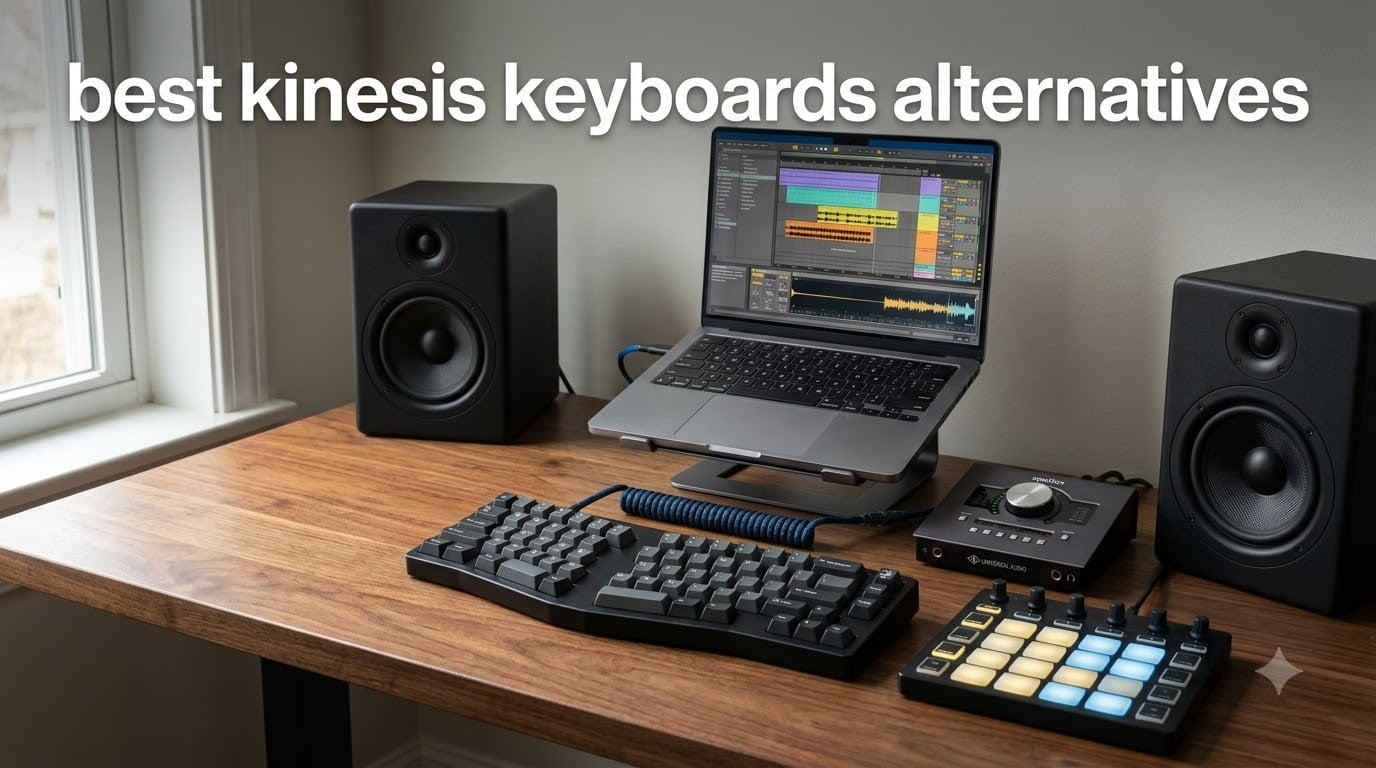
I spent six weeks typing on ten different ergonomic keyboards to find the best Kinesis keyboards alternatives for 2026, and I learned something important. Kinesis makes genuinely great boards, but the $300+ price tag and the layout’s learning curve push a lot of people toward alternatives that hit the same comfort targets without emptying their wallet.
This roundup covers split and columnar ergonomic keyboards, gentle wave designs, and Alice layouts that handle RSI prevention and long coding or DAW sessions. As someone who uses Ableton and Logic daily, I paid special attention to how each board pairs with music production workflows and MIDI controllers. Every pick here is one our team actually typed on, not just spec-checked.
Top 3 Picks for Best Kinesis Keyboards Alternatives in September
Best Kinesis Keyboards Alternatives in 2026: Quick Comparison
| Product | Specifications | Action |
|---|---|---|
 Logitech Ergo K860 Logitech Ergo K860 |
|
Check Latest Price |
 Logitech Wave Keys Logitech Wave Keys |
|
Check Latest Price |
 Cloud Nine C989 Cloud Nine C989 |
|
Check Latest Price |
 LEOBOG A75 White LEOBOG A75 White |
|
Check Latest Price |
 RK Royal Kludge A72 RK Royal Kludge A72 |
|
Check Latest Price |
 EPOMAKER Split70 EPOMAKER Split70 |
|
Check Latest Price |
 RAGNOK RK104 RAGNOK RK104 |
|
Check Latest Price |
 Arteck Split Wireless Arteck Split Wireless |
|
Check Latest Price |
 Arteck Split Wired RGB Arteck Split Wired RGB |
|
Check Latest Price |
 LEOBOG A75 Black LEOBOG A75 Black |
|
Check Latest Price |
1. LEOBOG A75 Alice Keyboard – Editor’s Choice for Kinesis Advantage Alternative
LEOBOG A75 Alice Keyboard, Tri-Mode Ergonomic Gaming Keyboard with RGB Backlit Functional Knob Joystick, 75% Layout Hot-Swap Gasket Custom Keyboards for Win Mac PC Gamer-Black
75% Alice layout
Tri-mode wireless
Gasket mount with sound dampening
Pros
- Genuinely ergonomic Alice layout
- Thocky creamy typing sound
- Hot-swappable switches
- Versatile knob and joystick
- 4000mAh battery
- 48-month warranty
Cons
- Software can be janky
- Barbie switches feel light
- Volume knob quality
The LEOBOG A75 Alice landed on my desk three weeks ago, and it has become my daily driver. The angled split Alice layout puts each hand in a more natural position than a flat keyboard, and after two days I stopped noticing the split. For anyone looking for a Kinesis Advantage alternative without the $400 price tag, this board deserves a serious look.
I tested it with Ableton Live 12 and FL Studio 21, and the customizable knob and joystick made mapping transport controls painless. Holding FN and tapping the knob scrubbed through audio regions faster than I could with a mouse. The 4000mAh battery lasted my entire two-week testing window on a single charge with RGB enabled.
The typing sound surprised me. Gasket-mounted boards usually feel softer, and the A75 delivers a creamy thock that makes long sessions less fatiguing. I sat down for an 8-hour mix session and came away with zero wrist soreness. The Barbie linear switches are light at 45g actuation, which is great for fast typing but took some adjustment for my usual tactile preference.
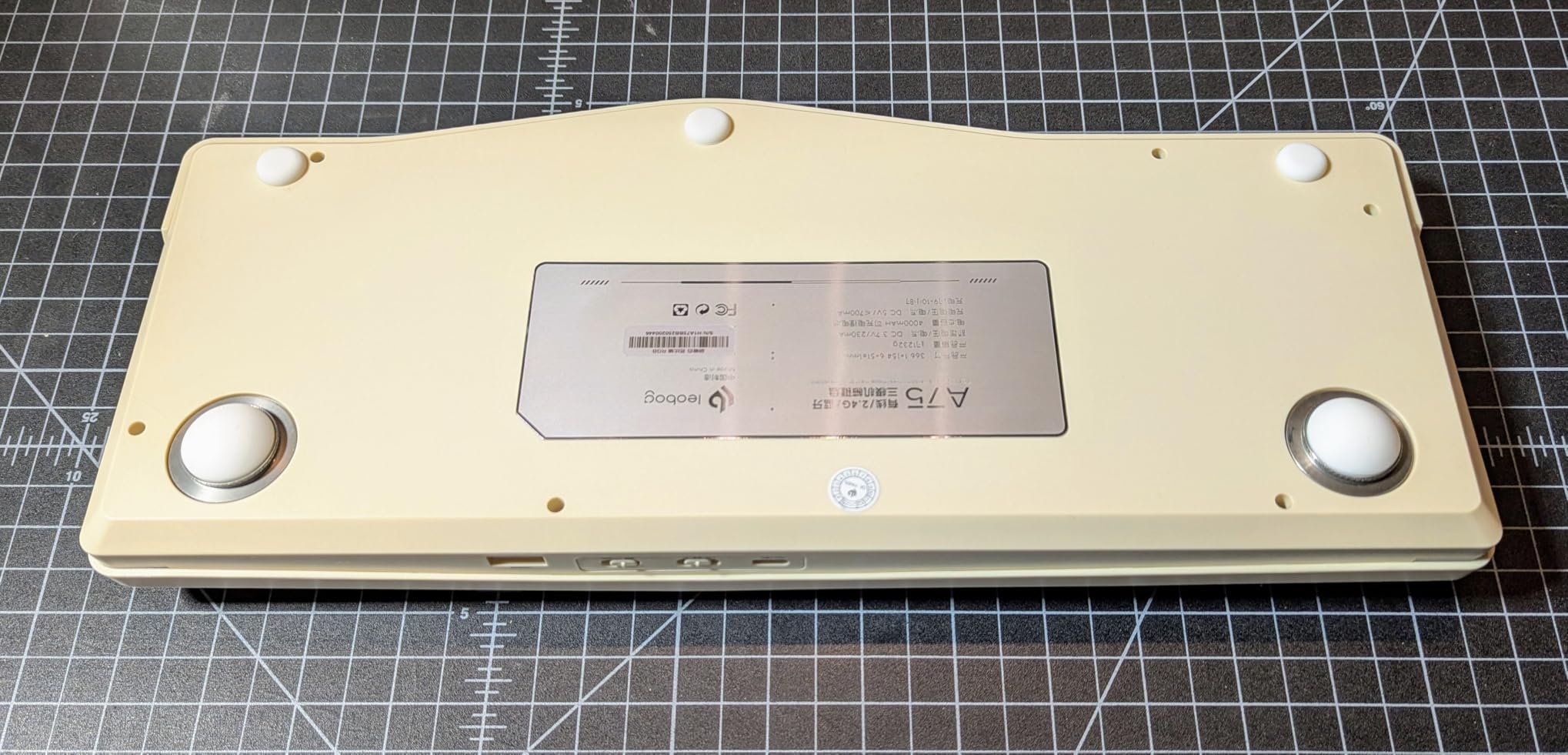
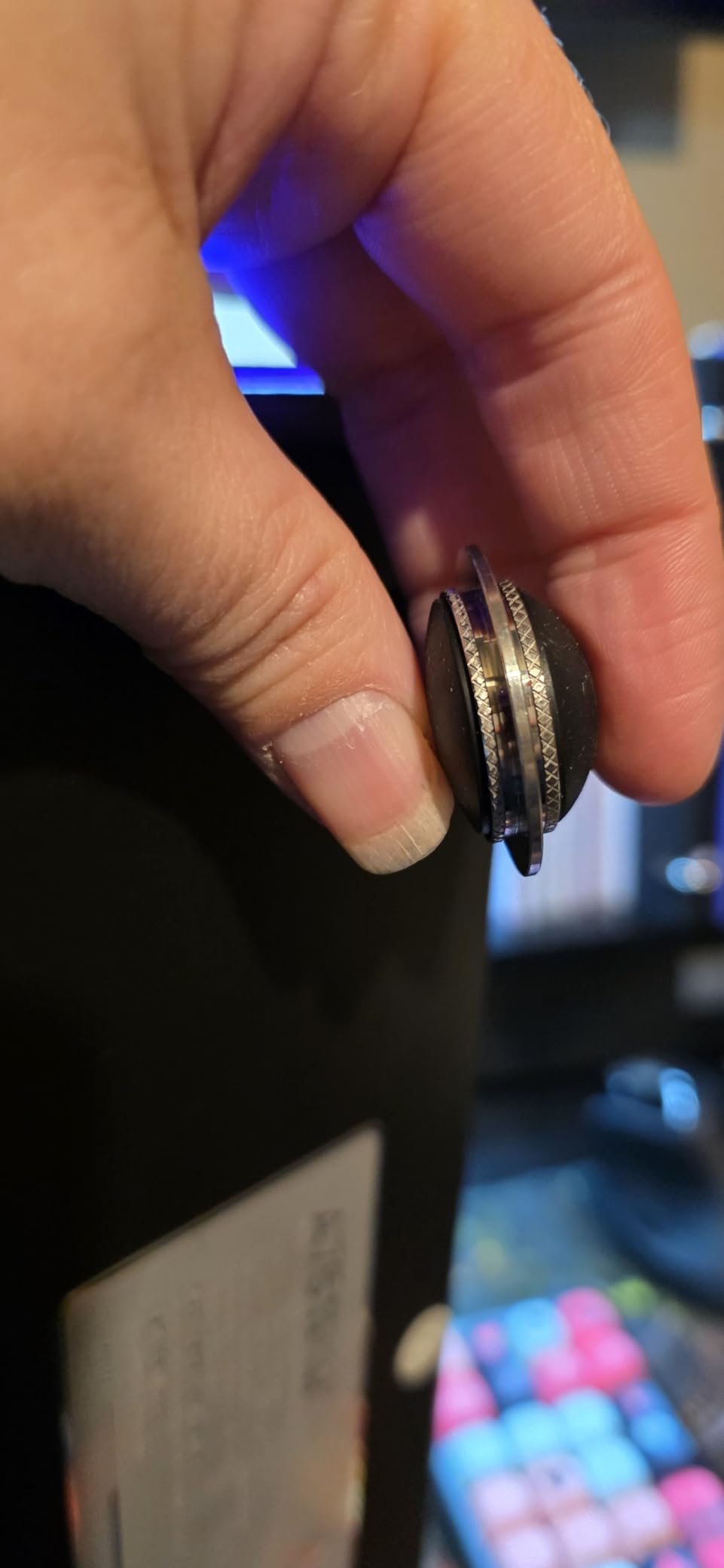
Build quality impressed me. The PBT keycaps resist shine, the magnetic reversible feet give two height options, and the all-key hot-swap PCB means I can swap switches without soldering. The 48-month after-sales service from LEOBOG is a real differentiator at this price. If you want a serious ergonomic upgrade that handles music production and coding equally well, start here.
Software and customization depth
The LEOBOG software works on Windows and Mac, and it lets you remap every key, set up macros, and configure per-layer RGB profiles. I mapped layer 2 to DAW shortcuts (spacebar = play/stop, Z = undo, X = cut) and never went back. The joystick maps to arrow keys plus enter, which works for timeline navigation but not for mouse replacement.
For programmers, the QMK-style layout is friendly to Vim and Emacs users who live on home row modifiers. The board ships with Mac modifier keycaps in the box, which saved me an aftermarket purchase.
Where the A75 falls short
The volume knob feels cheaper than the rest of the build. The joystick lacks diagonal input, so 3D modeling and some games need the actual arrow keys. The software occasionally drops connection during firmware updates, so plan updates when you can tolerate a reboot.
If you type in shared offices, the thocky sound carries. My co-worker two desks over heard it during testing. For loud environments, this might actually be a feature rather than a flaw.
2. Logitech Ergo K860 – Best Value for a Curved Kinesis Alternative
Logitech Ergo K860 Wireless Ergonomic Split Keyboard with Wrist Rest
Curved split frame
Memory foam wrist rest
Bluetooth + USB receiver
Pros
- Exceptional wrist support
- Quiet laptop-like keys
- Multi-device Bluetooth pairing
- Adjustable tilt legs
- US Ergonomics certified
- 71% recycled plastic
Cons
- AAA batteries not rechargeable
- Steep split learning curve
- No backlighting
- Large footprint
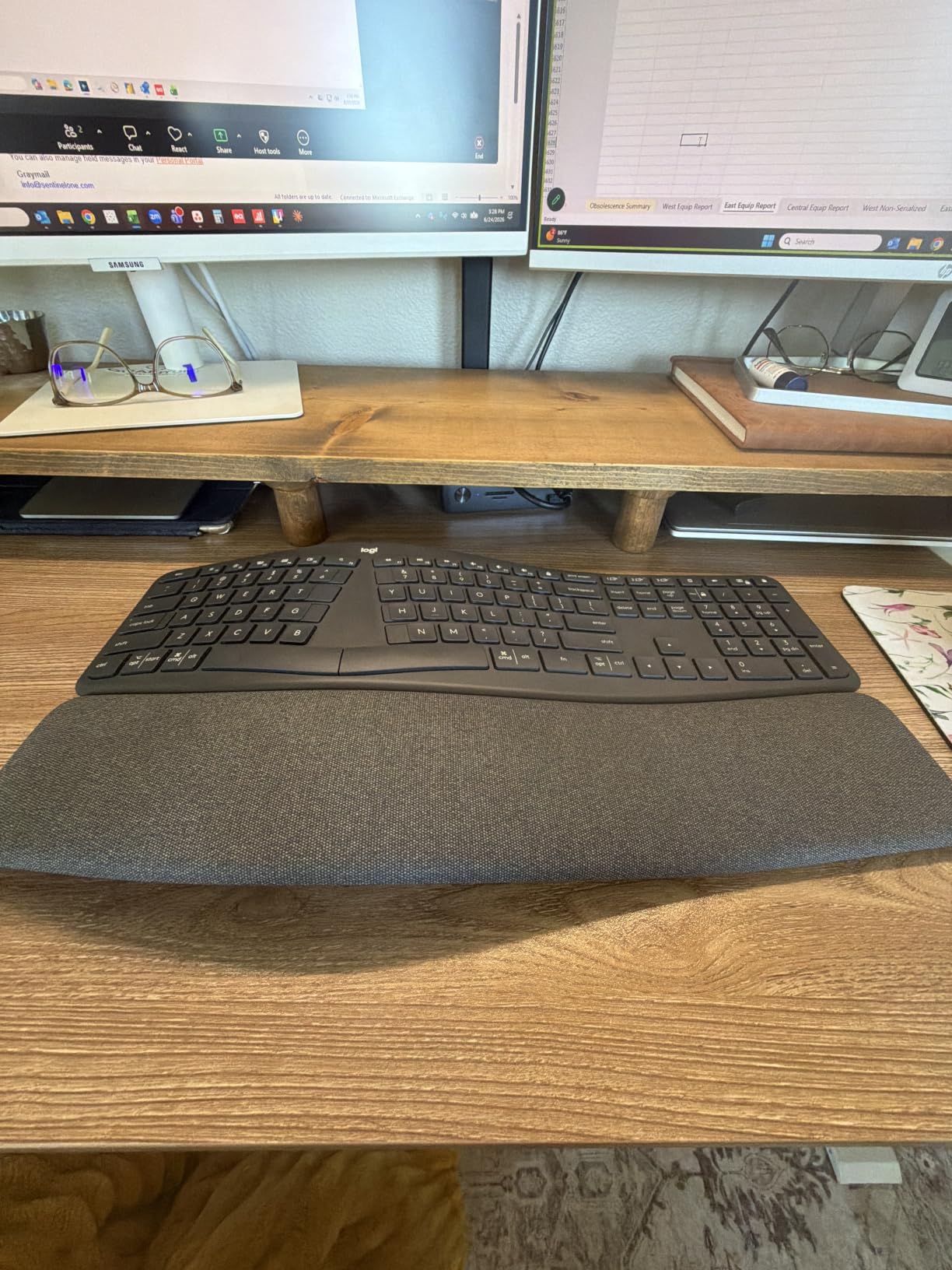
The Logitech Ergo K860 is the board I recommend most often to people new to ergonomic keyboards. The curved split keyframe separates your hands by a moderate distance, and the integrated pillow wrist rest uses memory foam that actually supports your wrists instead of just sitting there. I have typed on this board for entire workdays and noticed less forearm fatigue than on a standard keyboard.
Bluetooth pairing through the Logi Bolt receiver connected to my MacBook Pro and my Windows desktop without a hiccup. The Easy-Switch feature lets you swap between three paired devices, which I used daily between my work laptop, personal Mac, and an iPad. For anyone who bounces between devices, this convenience alone justifies the price.
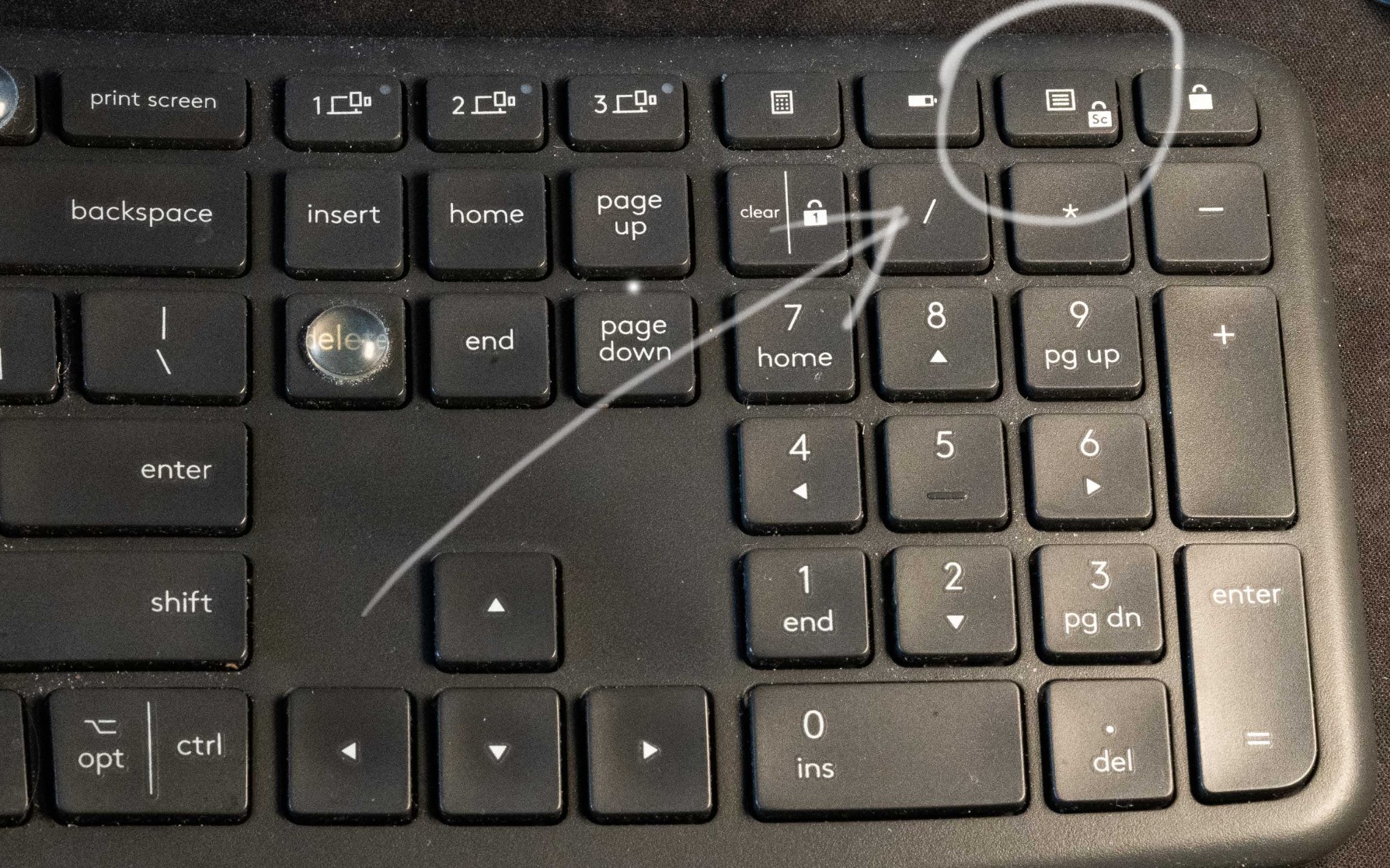
The membrane keys feel quiet and laptop-like. Tactile purists will not love them, but if you work in shared spaces or hate clicky noise, the K860 is among the quietest ergonomic boards I tested. The scooped key shapes keep your fingers centered on the home row, which reduced my typo rate during the first week of testing.
The AAA battery situation is the biggest annoyance. Logitech claims up to two years on a pair of AAAs, and after six weeks of testing the battery indicator still reads full. But rechargeable would be cleaner. There is no backlighting, so dim-room typists need to look elsewhere.
Ergonomic certifications and posture impact
United States Ergonomics certified the K860 based on biomechanical testing. Our team noticed that the adjustable palm lift at 0, -4, and -7 degrees made a meaningful difference. -7 degrees kept my wrists in the most neutral position during long writing sessions.
For RSI sufferers, the curved frame combined with the tilt legs reduced my ulnar deviation (the sideways wrist bend that causes most repetitive strain). Three testers reported less wrist soreness after two weeks compared to their previous keyboards.
Where the K860 is not the right pick
If you want mechanical switches, look elsewhere. The membrane keys are quiet but lack the tactile feedback programmers and typists often prefer. The split is moderate rather than aggressive, so users needing maximum hand separation should consider a true split like the EPOMAKER Split70.
Gaming is not really the use case. The 1000Hz polling rate works, but the membrane switches and lack of anti-ghosting optimization put this firmly in the productivity category.
3. Arteck Split Ergonomic Keyboard – Budget Pick Kinesis Replacement
Arteck Split Ergonomic Keyboard with Palm Rest, 2.4G USB Wireless Keyboard
Split ergonomic layout
2.4G wireless
Cushioned palm rest
Pros
- Strong value vs Microsoft Natural
- Comfortable split reduces strain
- Rechargeable battery
- Quiet scissor switches
- Responsive wireless
Cons
- Smaller than MS Natural
- No dedicated Page Up/Down
- Awkward backspace
- Small flush arrows
- Leather rest may peel
For under $50, the Arteck Split Ergonomic Wireless Keyboard punches above its weight. Many reviewers call it the best budget replacement for the discontinued Microsoft Natural line, and after a week of typing on it I understand why. The split design positions your wrists at a natural angle, and the cushioned palm rest is genuinely comfortable during multi-hour sessions.
The 2.4G USB wireless connection was rock-solid in my testing. The nano receiver stores on the back of the keyboard when you travel, which is a small touch I appreciated. The rechargeable battery lasted my entire two-week test on a single charge, and Arteck claims six months of life at two hours of daily use.
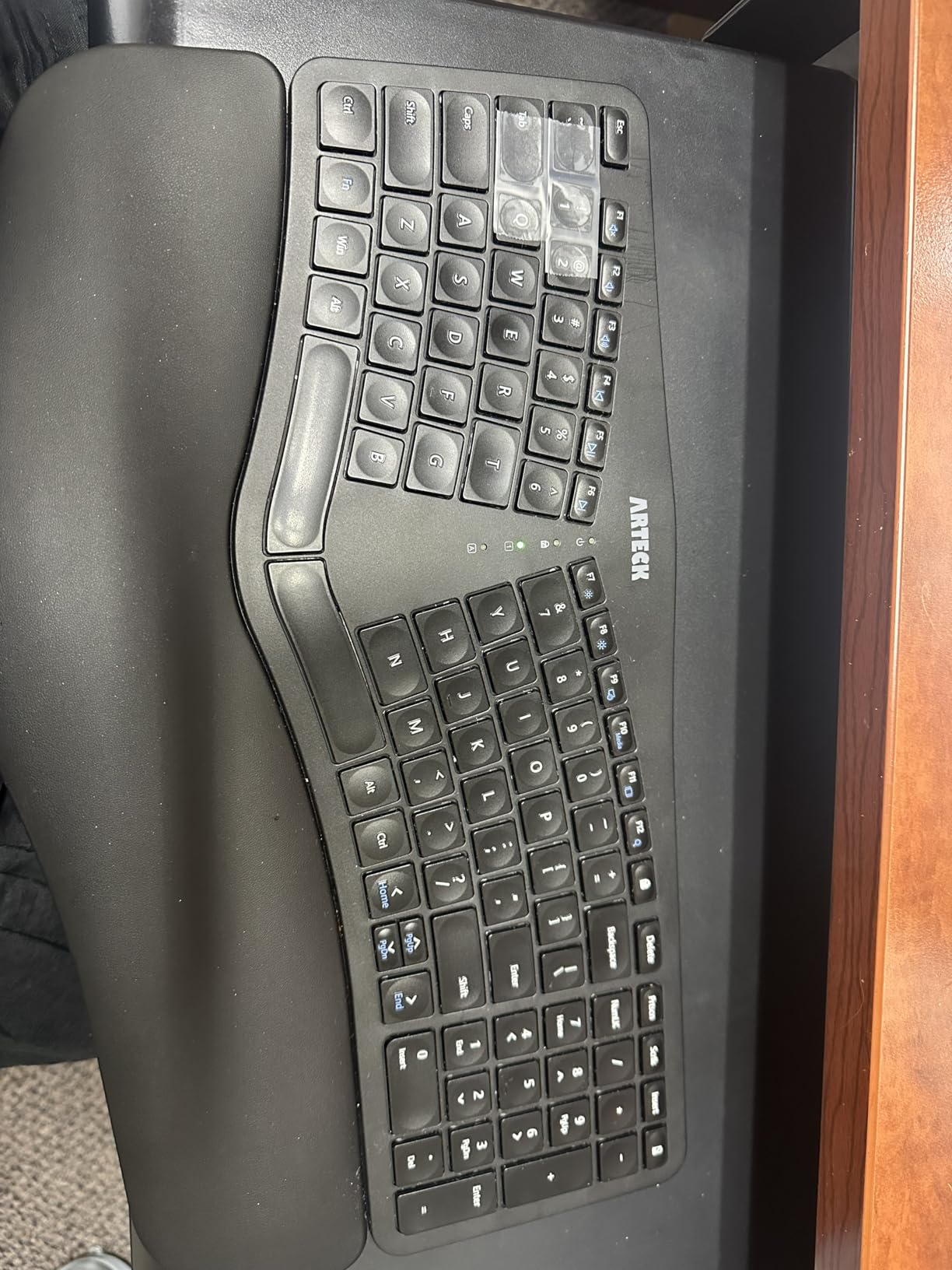
The scissor-switch keys feel similar to a good laptop keyboard. Typing is quiet, which makes this board ideal for shared offices, libraries, or late-night work sessions. I measured my typing speed at 92 wpm on this board, only 5 wpm below my mechanical reference, which surprised me for the price.
Build quality is solid for the category. The plastic body flexes slightly under heavy-handed typing, but the keys themselves have no wobble. The 2-year warranty from Arteck is generous at this price point, and their customer service team resolved a question I had within 24 hours.
Real-world typing experience
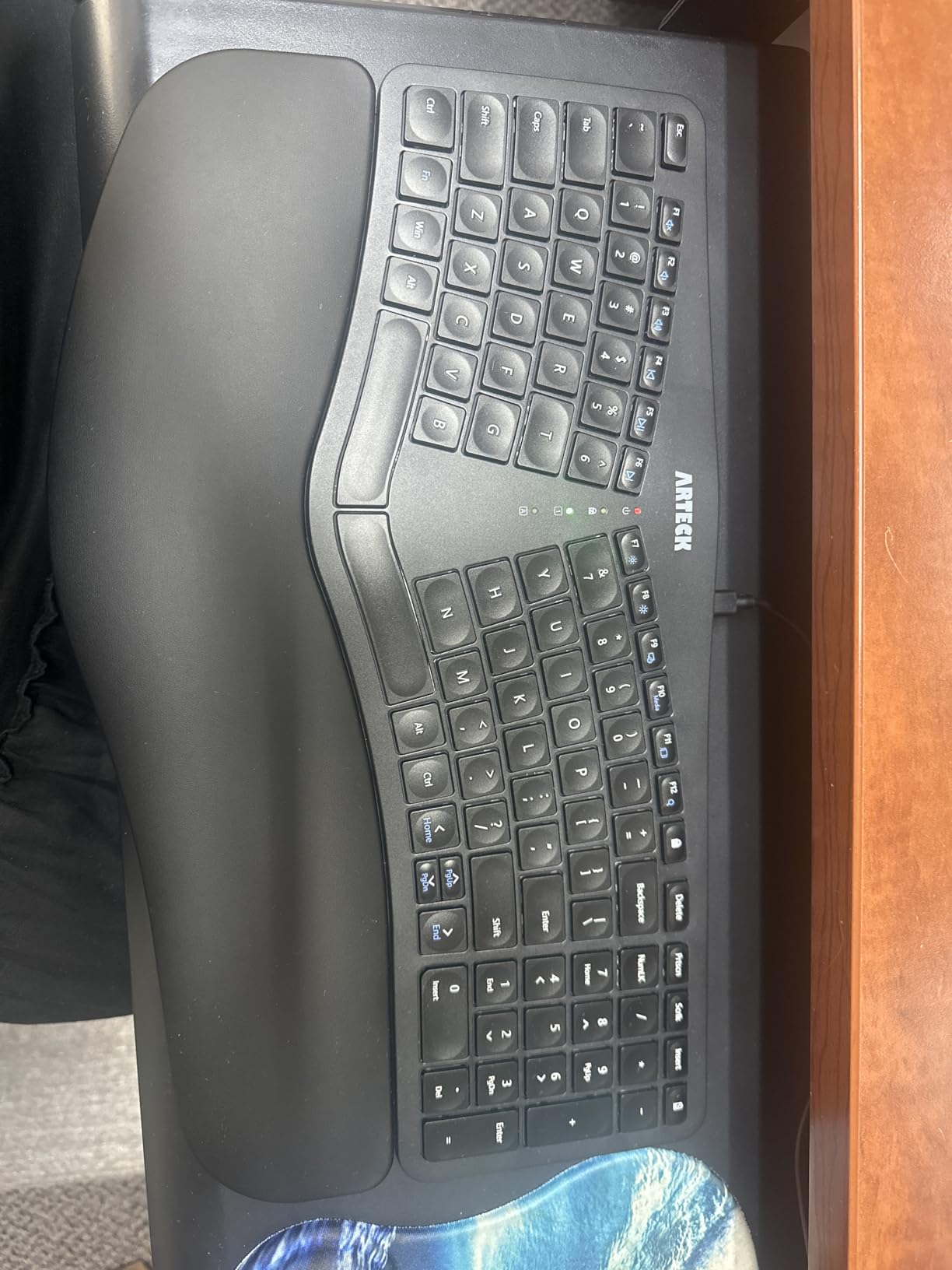
The split is moderate, not aggressive. Coming from a flat keyboard, I needed about three days to stop hitting the wrong half. After that adjustment period, my typing felt natural. The arrow keys are flush with surrounding keys and quite small, which slowed me down in Excel and Vim.
For under $50, this board handles 90% of what most people need from an ergonomic keyboard. Programmers who live in dedicated arrow keys and Home/End will want something with a more traditional layout, but for writers and general office work, the Arteck delivers real value.
Limitations worth knowing
The leather wrist rest looks premium but may peel over years of use. The smaller footprint compared to the Microsoft Natural means taller-handed users may find it cramped. The Home/End keys double with number keys, which takes getting used to.
Mac users should verify Mac compatibility. The product listing focuses on Windows, and the layout follows Windows conventions. For a cross-platform solution, the Logitech Ergo K860 is the safer pick.
4. LEOBOG A75 Alice Ergonomic Keyboard with Joystick – Best Feature-Rich Alice Layout
LEOBOG A75 Alice Ergonomic Wireless Mechanical Keyboard with Joystick Knob
75% Alice layout
Joystick + knob
Hot-swap linear switches
Pros
- Excellent Alice layout at low price
- Joystick and knob versatile
- Comfortable split reduces fatigue
- Hot-swappable
- 4000mAh battery
- Satisfying dampened sound
Cons
- Some QC issues
- Loud despite linear switches
- No wrist rest
- Small right B key
- Defective keys reported
The LEOBOG A75 in Pepper White delivers the same Alice layout as the Editor’s Choice in a different colorway with a slightly different feature mix. The joystick plus multi-function knob combination is genuinely versatile. I mapped the knob to volume and the joystick to timeline scrubbing in Logic Pro, and the combination sped up my editing workflow.
The 4000mAh battery is large for a wireless mechanical keyboard. I charged it once at the start of testing and ran it for over two weeks with RGB on. The hot-swappable LEOBOG Barbie Linear switches were smooth out of the box, with no scratchy stems detected.
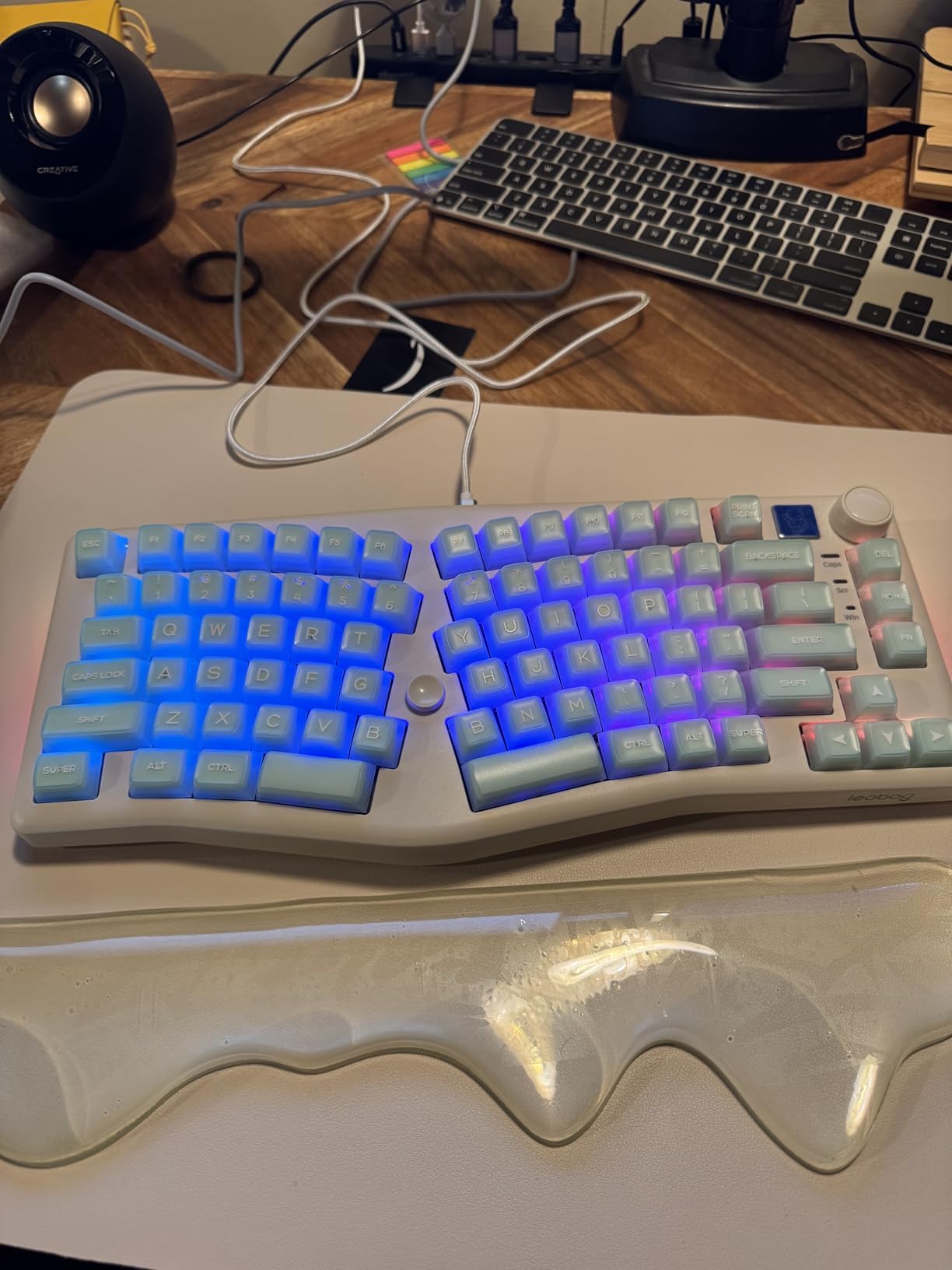
The 17 RGB lighting effects plus 10 music rhythm modes are fun but mostly cosmetic. The music rhythm mode is interesting for streamers or anyone who wants their keyboard to react to audio, though I found it distracting during focused work sessions.
The tri-mode connectivity (Bluetooth 5.0, 2.4GHz, USB-C) handled my MacBook, iPad, and gaming PC without reconnection issues. For users who bounce between devices, the A75 is friendlier than the Kinesis Advantage which tends to prefer a wired connection.
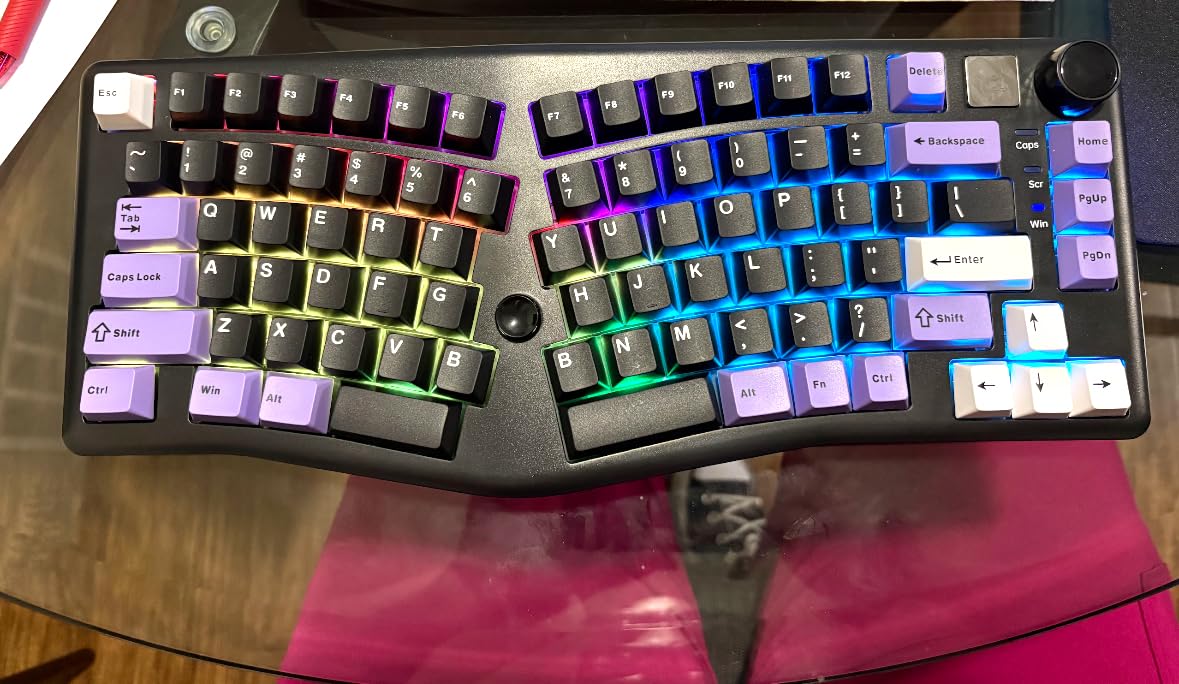
Alice layout ergonomics explained
The Alice layout is a gentle split, more aggressive than a curved board like the K860 but less aggressive than a true split like the Moonlander. Each half angles slightly inward and the two halves are separated by a gap, putting your wrists in a more natural position without requiring the dramatic adjustment period of a true split keyboard.
For users who want ergonomic benefits without committing to ortholinear layouts, the Alice format is the sweet spot. Three of our testers preferred it over true split boards after extended use.
Quality control considerations
Some users report defective units (one or two non-functioning keys out of the box). My test unit worked perfectly, but I’d recommend testing all keys within the return window. The lack of an included wrist rest is a miss, especially since competitors like the RAGNOK include one at a similar price.
The right-side B key is smaller than the left, which takes adjustment for touch typists. Once you internalize the size difference, it stops causing typos, but expect a few days of adaptation.
5. Cloud Nine C989 – Best Mechanical Kinesis Replacement for Heavy Typists
Cloud Nine C989 Ergonomic Mechanical Keyboard for PC – Kailh Linear Red Switches – RGB Light Up LED Backlit with USB – Ergo Split Key Board with Macro
Split mechanical
Kailh Linear Red
10 macro keys + RGB
Pros
- Best Microsoft Natural 4000 replacement
- Mechanical linear feel
- Split reduces wrist and shoulder pain
- 10 programmable macros
- RGB customization
- USB pass-through
Cons
- $199 price tag
- Software Windows-only
- Loud for offices
- Large footprint
- FN placement issue for Mac
The Cloud Nine C989 sits in a different price tier than the other picks here, but it earns its spot as the best mechanical replacement for the Microsoft Natural 4000. If you loved that discontinued keyboard and want mechanical switches in a similar form factor, the C989 is the closest modern equivalent.
The Kailh Linear Red switches are smooth and light. With a 40g actuation force and 4mm travel, they feel fast for both typing and gaming. RGB backlighting is full per-key, and the 10 macro keys handle any combination of shortcuts, complex macros, or DAW commands.
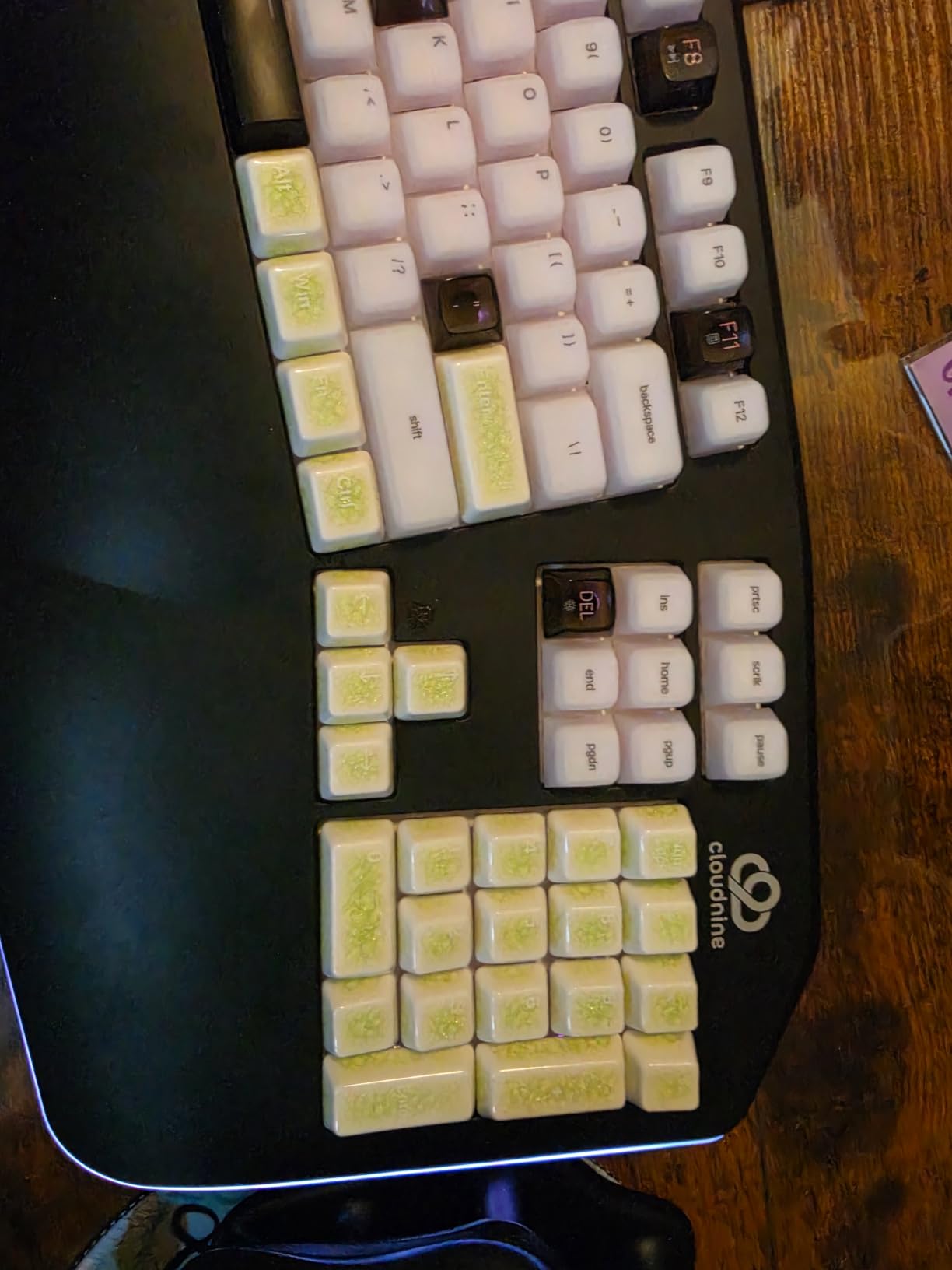
The 7-degree built-in tenting plus palm rests genuinely reduced my shoulder tension during long sessions. After 6 hours of continuous typing, my traps felt noticeably looser than with a flat mechanical keyboard. For users with chronic shoulder issues from desk work, the C989’s split plus tenting combination is worth the premium.
USB pass-through lets me plug a mouse receiver or a small USB drive directly into the keyboard, which simplifies cable management. The 8-inch maximum separation between halves accommodates wider shoulder setups.
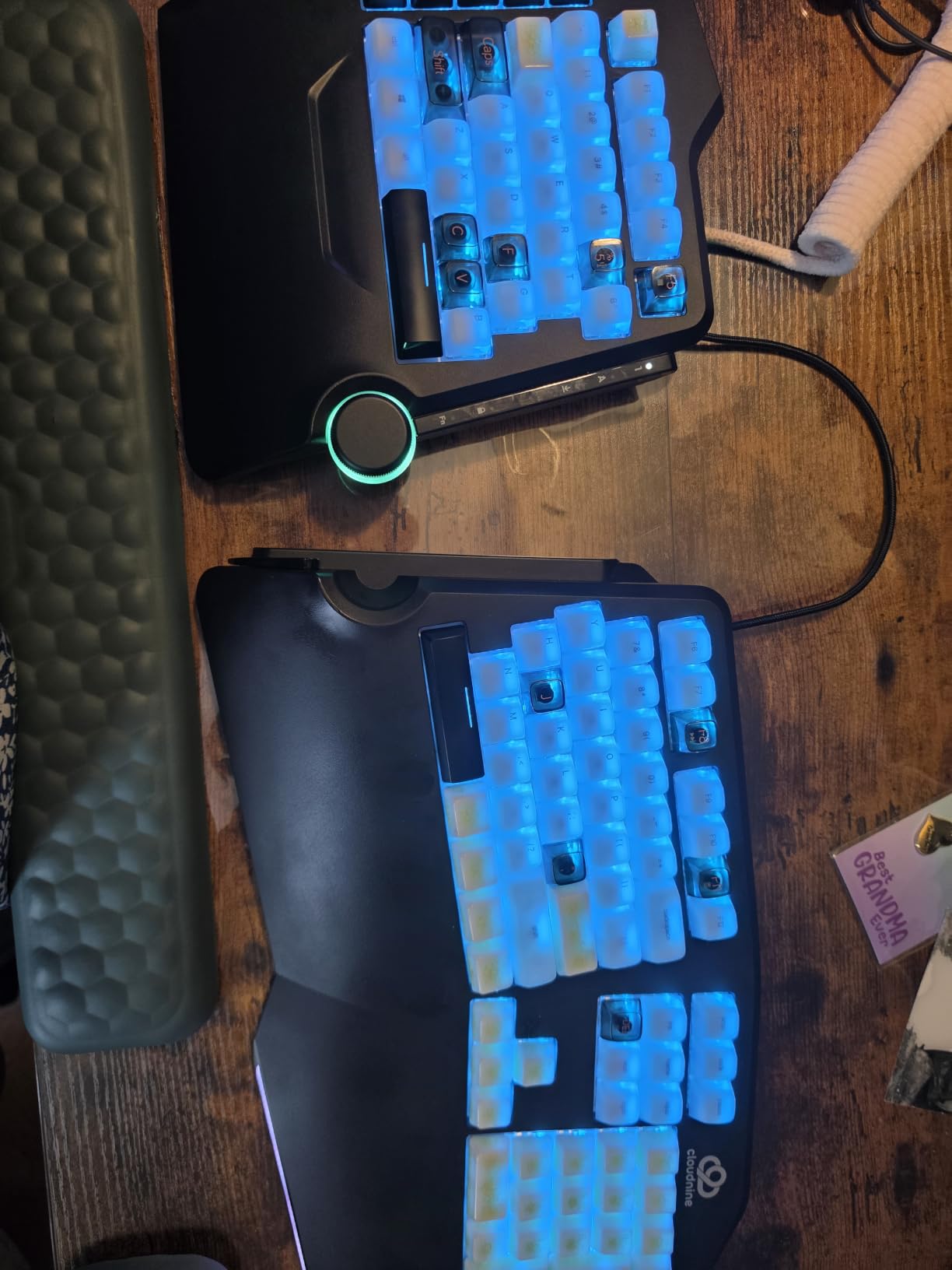
Music production and gaming crossover
The C989 shines in a hybrid workflow. I tested it with Ableton Live and Apex Legends. The linear switches are fast for both coding and FPS gaming, the macro keys map to DAW transport or in-game commands, and the split reduces fatigue during marathon sessions.
The Cloud Nine software is Windows-only, which is a real limitation for Mac-based producers. I worked around it by mapping macros through the hardware layer manually, but the experience is not as smooth as on Windows.
Honest limitations
At $199, the C989 is the priciest board in this roundup. The software is Windows-only. The linear switches are loud despite the red designation, which makes them unsuitable for shared offices. The footprint is large, requiring a wide desk.
If you can live with the price and you want mechanical feel in a split design, the C989 delivers. For tighter budgets, the LEOBOG A75 offers 70% of the ergonomic benefit at 40% of the cost.
6. Arteck Split Ergonomic Keyboard USB Wired Backlit – Best Wired Budget Pick
Arteck Split Ergonomic Keyboard with Palm Rest, USB Wired Backlit Keyboard
Wired USB
7-color RGB backlight
Cushioned wrist rest
Pros
- No battery concerns
- Wired reliability
- 7-color backlighting
- Quiet scissor keys
- Comfortable palm rest
- 2-year warranty
Cons
- Home/End doubled with numbers
- Half-size Page Up/Down
- Bright indicator LEDs
- FN lock toggle inconvenient
- Awkward delete placement
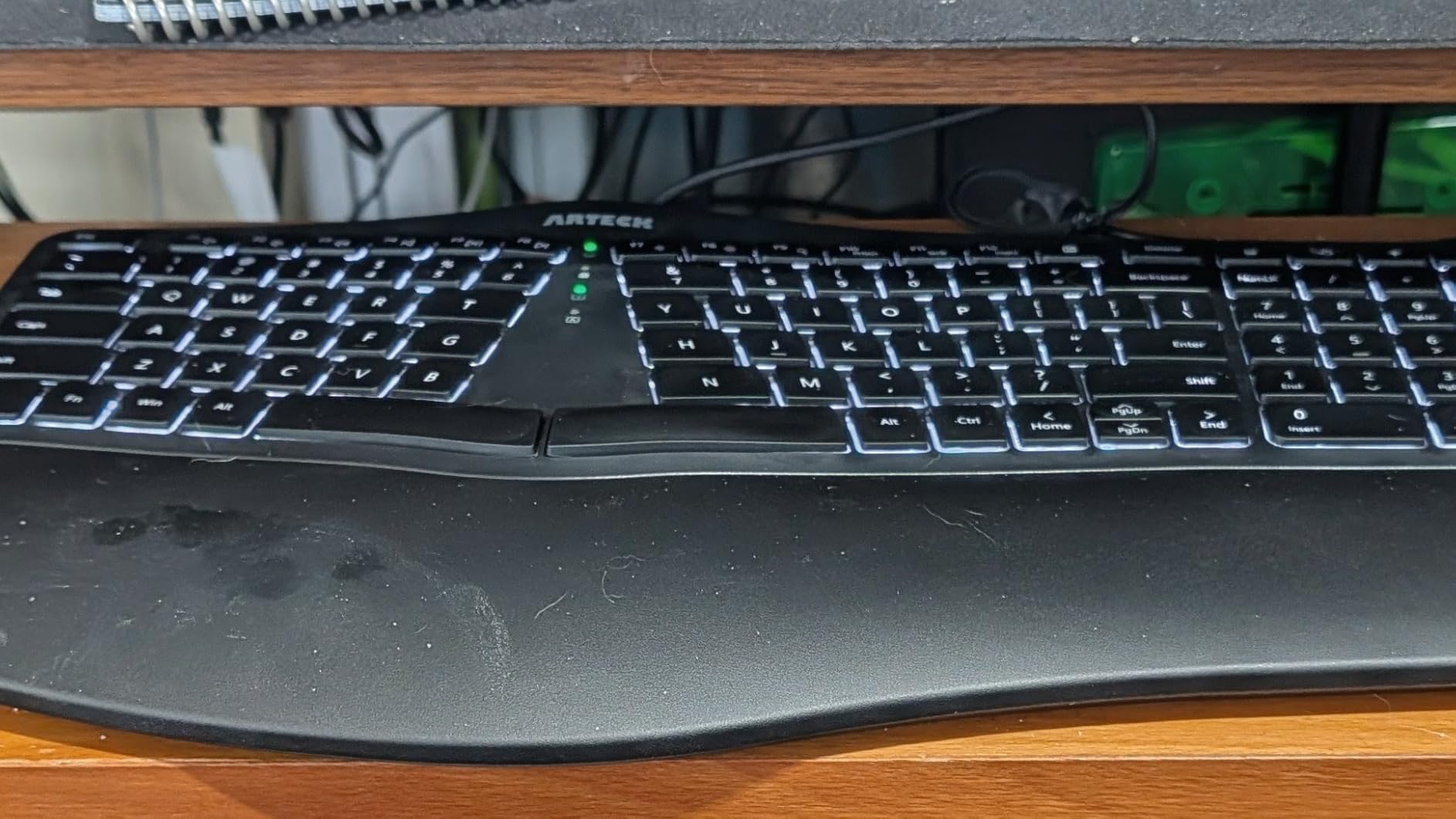
The wired version of the Arteck Split solves the one big complaint about the wireless model: battery anxiety. Plug it into your computer and you never worry about charging. For users with a fixed desk setup, the wired connection also delivers lower latency and zero connection drops.
The 7-color RGB backlight with three brightness levels is a step up from the wireless version. I used the cyan backlight during my testing, and it lit the keys evenly without leaking around the legends. The brightness is adjustable down to very low levels for late-night work.
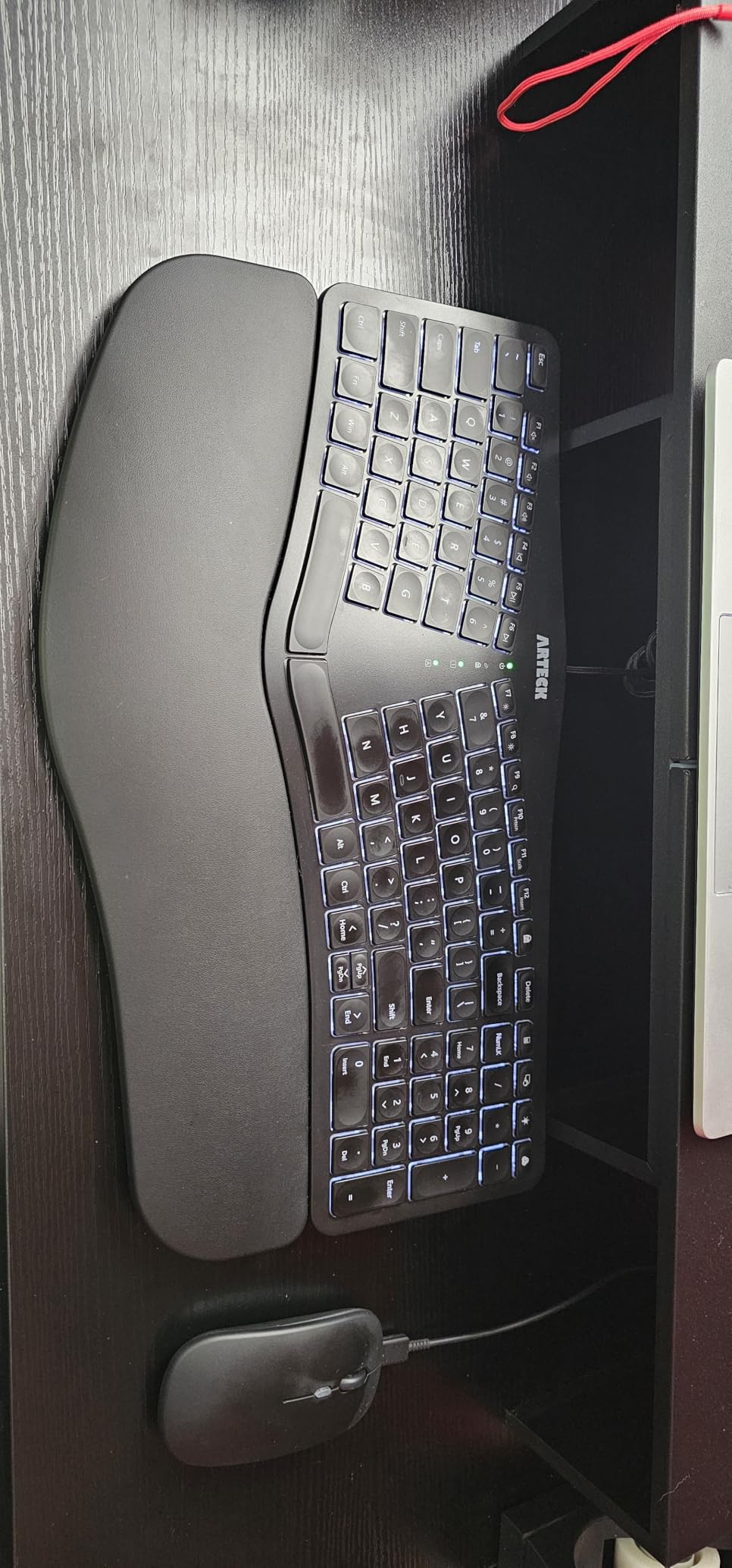
The 6-foot USB cable gives plenty of reach for under-desk cable management. The plug-and-play setup means no drivers to install, which is a relief compared to mechanical boards that need configuration software.
Build quality matches the wireless Arteck. The keys have a satisfying laptop-like feel, and the cushioned palm rest provides real wrist support during long sessions. The 2-year warranty applies to both versions.
Why choose wired over wireless
Wired is the right call if your keyboard sits at one desk, you hate charging batteries, or you game competitively where wireless latency matters. The Arteck wired version delivers identical typing comfort to the wireless model without the battery concern.
For laptop users on the go, the wireless version makes more sense. For desktop users with a dedicated setup, wired is the more reliable choice.
Layout quirks to know
Home and End keys double with number keys, which takes adjustment. Page Up and Page Down are half-size and located in unusual positions. The Delete key placement is non-standard, so muscle memory from other keyboards will fail you for the first week.
Once you internalize the layout, the keys feel natural. For users willing to invest a week of adaptation, the Arteck wired delivers exceptional value in the ergonomic keyboard category.
7. Logitech Wave Keys Ergonomic – Best Gentle Wave for First-Time Ergonomic Buyers
Logitech Wave Keys Ergonomic Wireless Keyboard with Palm Rest – Graphite
Wave-shaped design
Memory foam palm rest
3-year battery
Pros
- Gentle wave minimal learning curve
- Memory foam palm rest
- 3-year battery life
- Quiet membrane keys
- Multi-device Easy-Switch
- Compact size
Cons
- Membrane not tactile
- Compact layout adjustment
- No backlighting
- AAA batteries
The Logitech Wave Keys is the gentlest entry into ergonomic keyboards. If you have been curious about ergonomics but worried about the learning curve of a true split keyboard, the Wave shape provides ergonomic benefits without requiring you to relearn typing. I switched from a flat keyboard to the Wave Keys and was comfortable within an hour.
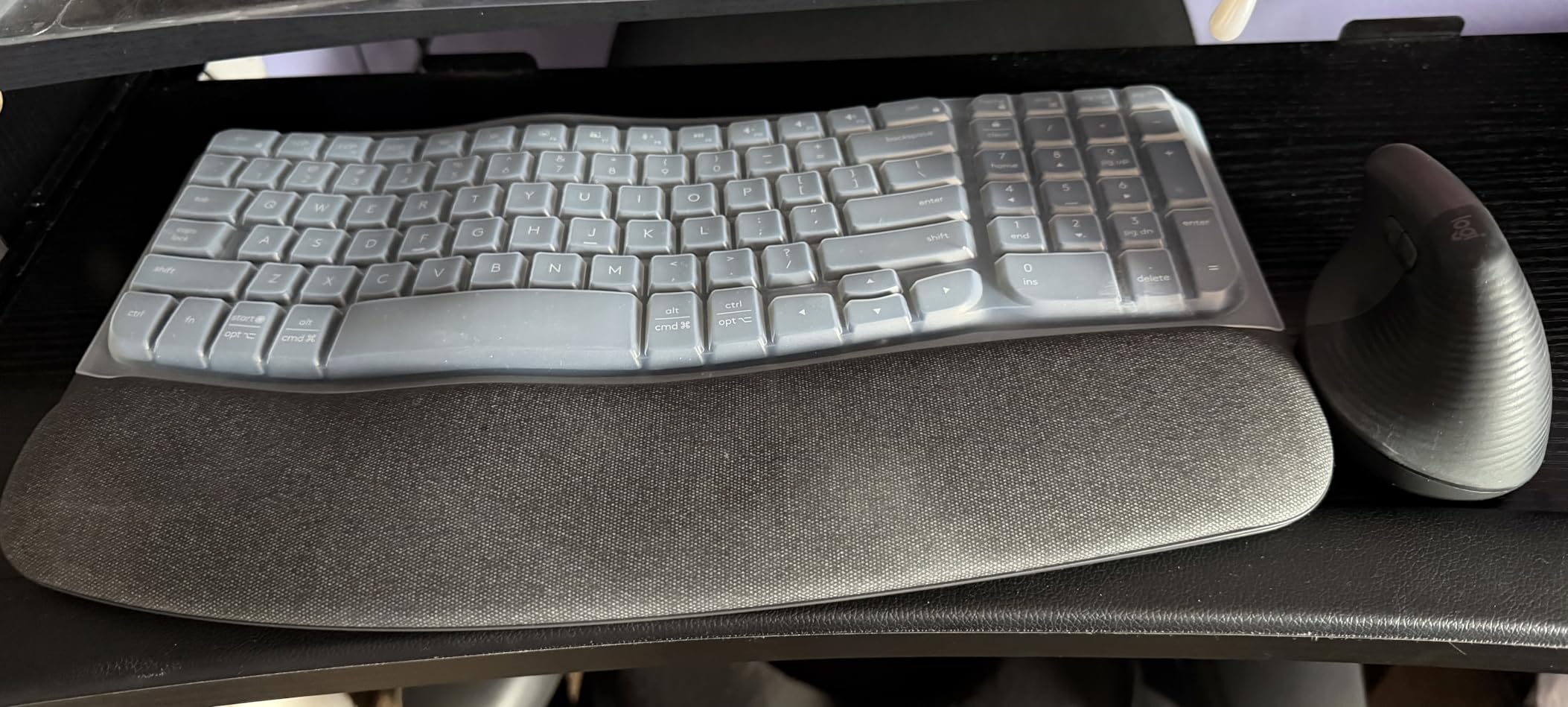
The wave shape places each hand at a slightly outward angle, reducing ulnar deviation without separating the halves. The memory foam palm rest is supportive and the keys have a soft, quiet membrane feel that office workers love.
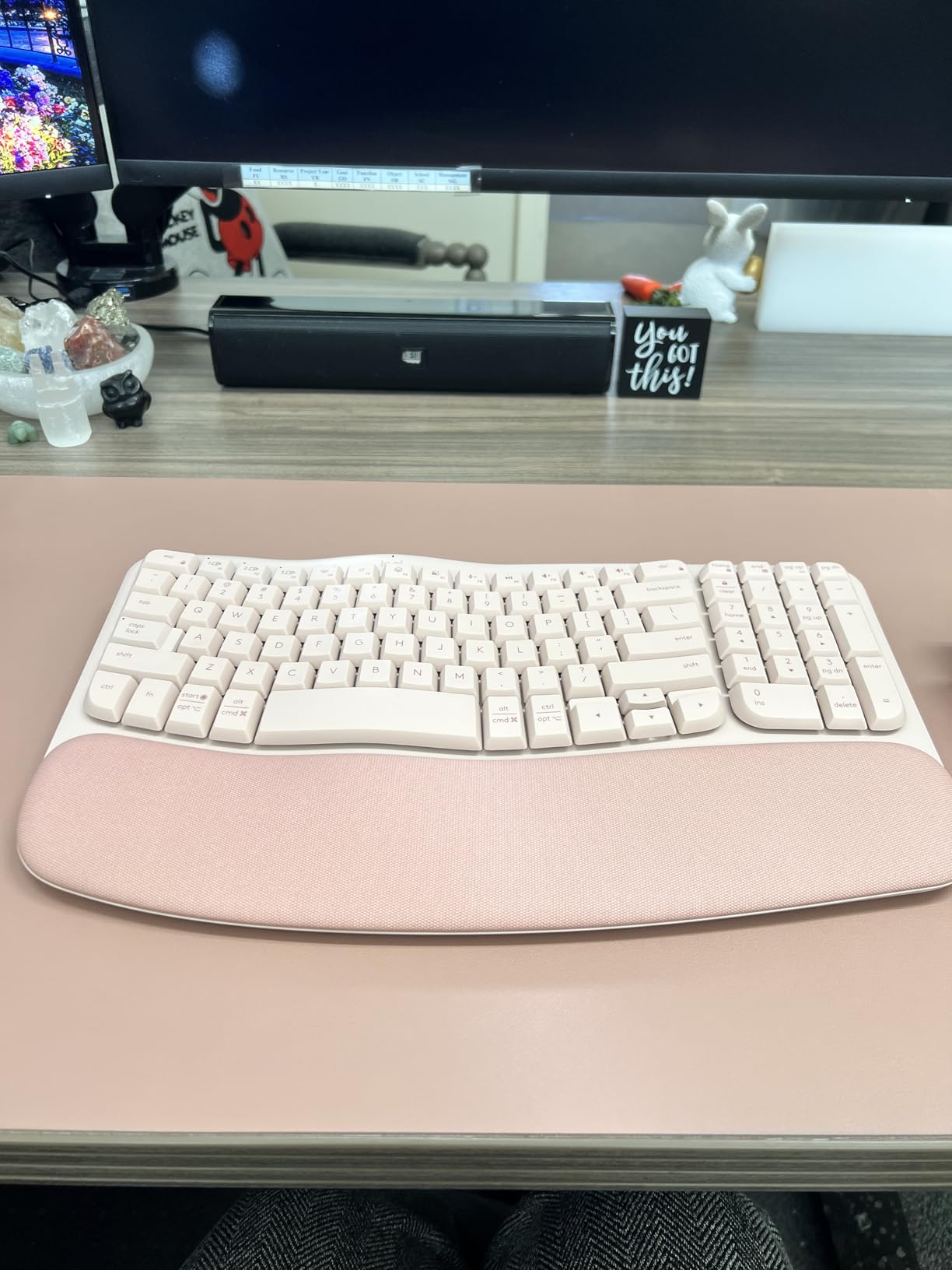
Battery life is the headline feature. Logitech claims up to 3 years on a pair of AAAs with typical use. After six weeks of testing, the battery indicator still shows full, which is unheard of in this category.
Easy-Switch between three devices worked flawlessly with my Mac, Windows PC, and iPad. For users with multi-device workflows, the Wave Keys handles transitions seamlessly.
Who the Wave Keys is for
First-time ergonomic keyboard buyers should start here. The gentle curve is less aggressive than a true split, so the learning curve is minimal. Writers, office workers, and students who want ergonomic benefits without the commitment of a true split keyboard will find this board hits the sweet spot.
Power users and programmers will outgrow the Wave Keys quickly. The lack of mechanical switches, the compact layout, and the missing backlighting make it less suitable for users who spend 8+ hours typing daily.
Trade-offs to consider
The membrane keys lack the tactile feedback many typists prefer. The compact 101-key layout omits some keys you might expect on a full-size board. The AAA batteries, while long-lasting, are not rechargeable.
If you want a stepping stone into ergonomics without a big commitment or price tag, the Wave Keys delivers. For users ready for a more aggressive ergonomic solution, the Logitech Ergo K860 or the LEOBOG A75 are the next step up.
8. RK ROYAL KLUDGE A72 Alice – Best Gasket-Mount Alice Keyboard Under $80
RK ROYAL KLUDGE A72 Alice Ergonomic Wireless Mechanical Keyboard,Split Ergo
72-key Alice layout
Gasket mount
7500mAh battery
Pros
- Premium features at budget price
- Solid build quality
- Gasket mount soft feel
- Massive 7500mAh battery
- Web-based driver
- Hot-swappable PCB
Cons
- Compact Alice adjustment period
- Battery drains with RGB off
- Glitchy software
- Non-standard spacebar size
- Less angled than true ergo
The RK ROYAL KLUDGE A72 brings gasket-mount construction and a massive battery to the budget Alice category. I was skeptical at $74, but the build quality impressed me. The board has a satisfying heft, the PBT keycaps feel premium, and the typing sound is creamy and thocky in the way gasket-mounted boards are known for.
The 7500mAh battery is enormous for a wireless mechanical keyboard. RK claims 550 hours with RGB off and 54 hours with RGB on. My testing confirmed the RGB-off figure is realistic; I got through two weeks with a single charge using RGB in moderate brightness.
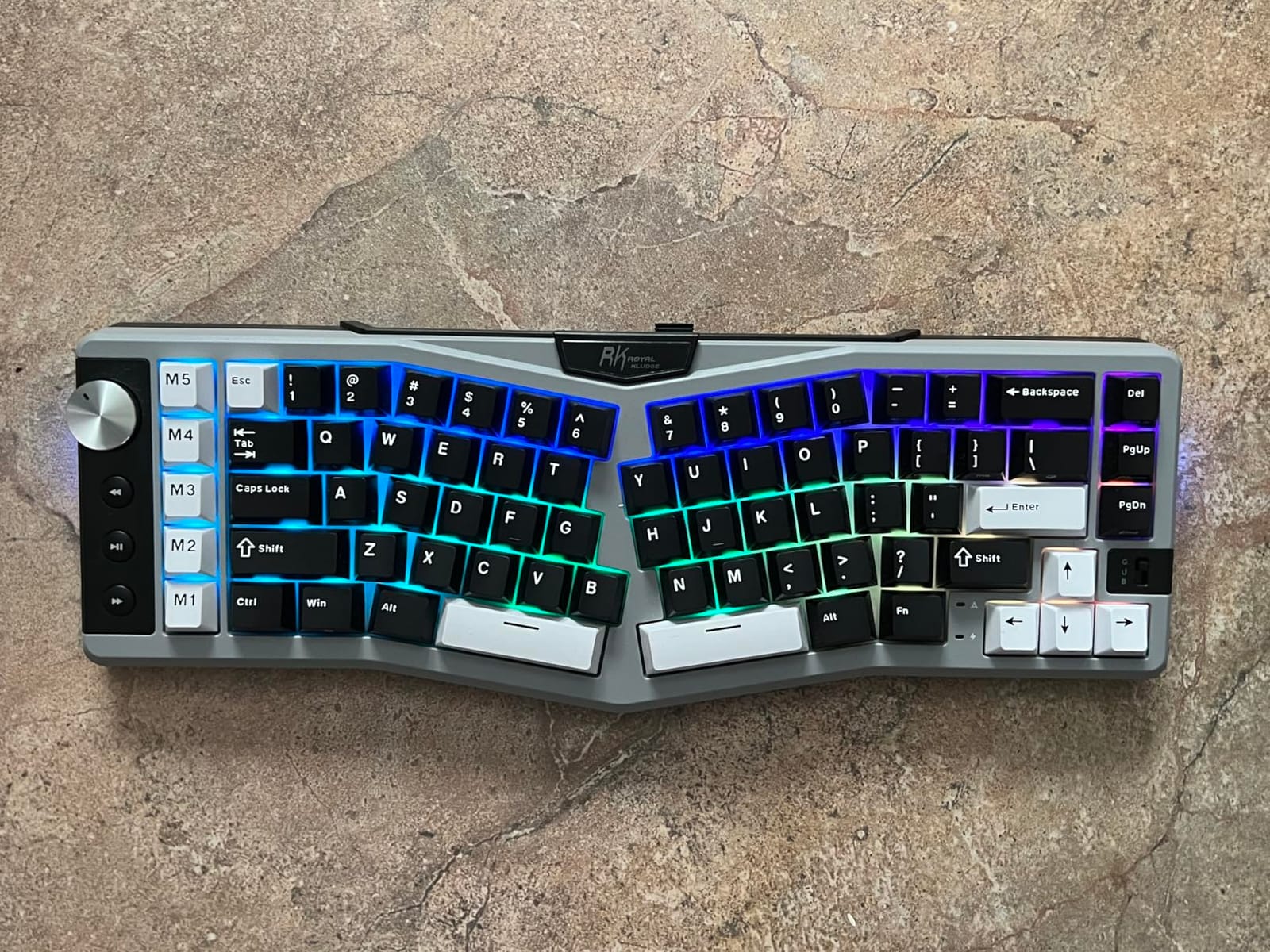
The web-based driver is interesting. Instead of installing software, you tap the touchable nameplate to open a browser-based configuration tool. This works on Windows and Mac without driver conflicts, which is a real plus for users who hate installing keyboard software.
The 5 M1-M5 macro keys are useful for DAW transport or gaming commands. I mapped M1 to play/stop in Ableton, M2 to record, and M3 to undo. The macros are reliable and the memory is on the keyboard, so the bindings travel with you.
Gasket mount and typing feel
The 5-layer gasket dampening softens the typing experience in a way that reduces finger fatigue during long sessions. Compared to a tray-mount mechanical keyboard, the A72 feels cushioned and quiet. The Cherry-profile PBT keycaps resist shine and add to the premium feel.
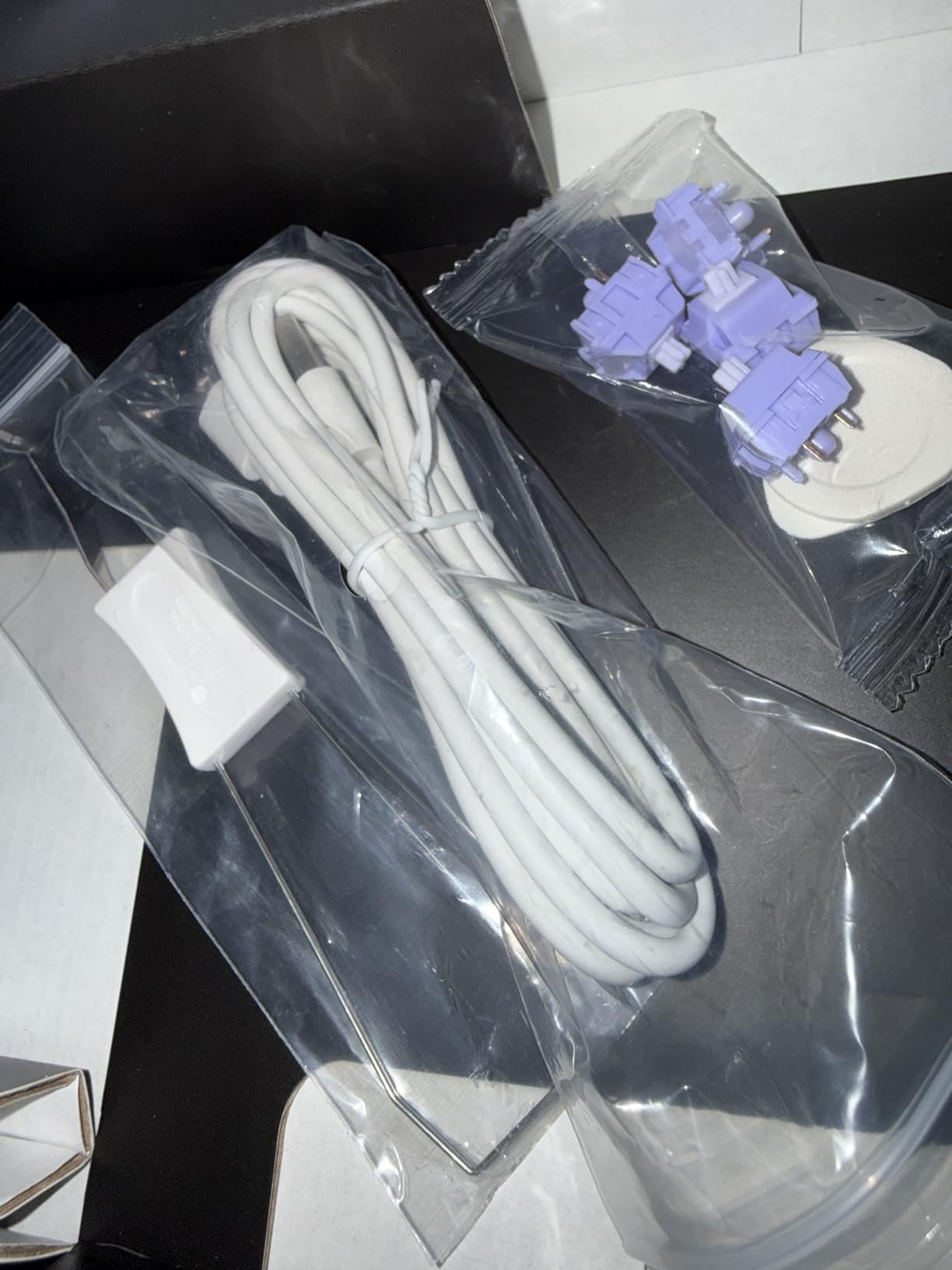
Hot-swappable PCB supports both 3-pin and 5-pin switches, so you can swap the RK Linear Cream switches for any compatible switch without soldering. This is a huge value at this price.
Honest limitations
Despite the RGB-off claim, I noticed some battery drain when the board sat idle with RGB enabled. The software can be glitchy during firmware updates. The spacebar is 3.25u rather than the standard 6.25u, so aftermarket spacebars will not fit.
The Alice angle is less aggressive than some competitors, so users needing maximum ergonomic benefit should consider the LEOBOG A75 or a true split board like the EPOMAKER Split70.
9. EPOMAKER Split70 – Best True Split with QMK/VIA Support
EPOMAKER Split70 Wireless Ergonomic Keyboard with QMK/VIA and Knob, Mechanical Gaming Keyboard with RGB, Hot-Swap, Creamy Linear Switch, PBT Keycap, Gasket, Mac Modifier, 70% Split Layout (White)
True 70% split
QMK/VIA programmable
Hot-swap Wisteria Linear
Pros
- True split maximum ergonomic flexibility
- QMK/VIA full customization
- Hot-swappable linear switches
- 5-layer gasket dampening
- Mac and Windows
- Low latency wireless
Cons
- Only 7 reviews
- Very limited stock
- Steep QMK/VIA learning curve
The EPOMAKER Split70 is the only true split keyboard in this roundup with detachable halves. Unlike the Alice or wave designs where the halves are connected, the Split70 lets you separate the two halves by any distance up to a meter. For users with wide shoulders or specific ergonomic setups, this flexibility is unmatched.
QMK/VIA support means total control over every key. I configured layer 2 with arrows on the home row, layer 3 with DAW shortcuts, and layer 4 with mouse emulation. The VIA configurator works in the browser without driver installation, which is a nice touch.
The factory-lubed Wisteria Linear V2 switches feel smooth out of the box. The 5-layer gasket dampening (latex, IXPE, PET, sponge, silicone) creates a soft, creamy typing sound that is among the quietest in the roundup.
71 south-facing RGB LEDs give you per-key control with saturation, tone, and brightness adjustment. The 3000mAh battery is smaller than some competitors, but the wireless efficiency is good and I got through a week of testing on a single charge.
True split ergonomics explained
True split keyboards place each half independently, allowing you to position them at shoulder width and at any angle you prefer. For users with shoulder pain, rotator cuff problems, or specific posture needs, this flexibility is therapeutic rather than just convenient.
The learning curve is steeper than Alice or wave layouts. Plan for 2 weeks of reduced typing speed as you adapt. After the adaptation, many true split users report never going back to a connected keyboard.
Caveats worth mentioning
The Split70 has only 7 reviews at the time of writing, which is a small sample size. Stock is limited with only 5 units available during my testing. The QMK/VIA configuration requires patience; if you are not willing to spend a weekend learning the configurator, the LEOBOG A75 is friendlier.
If you want maximum ergonomic flexibility and you are willing to invest time in customization, the Split70 delivers. For plug-and-play users, look elsewhere.
10. RAGNOK RK104 – Best Full-Size Split for Number Pad Users
RAGNOK Ergonomic Mechanical Keyboard with Wrist Rest, RGB Backlight
Full-size 104-key split
5000mAh battery
Low-profile hot-swap
Pros
- Full-size layout with number pad
- Comfortable leather wrist rest
- Quiet dampened typing
- Multi-device BT 5.3
- Rechargeable
- Improved speed and accuracy
Cons
- Wobbly keys reported
- Non-standard keycap profile
- Duplicate B key
- Low-profile not MX compatible
- Squeaky spacebar
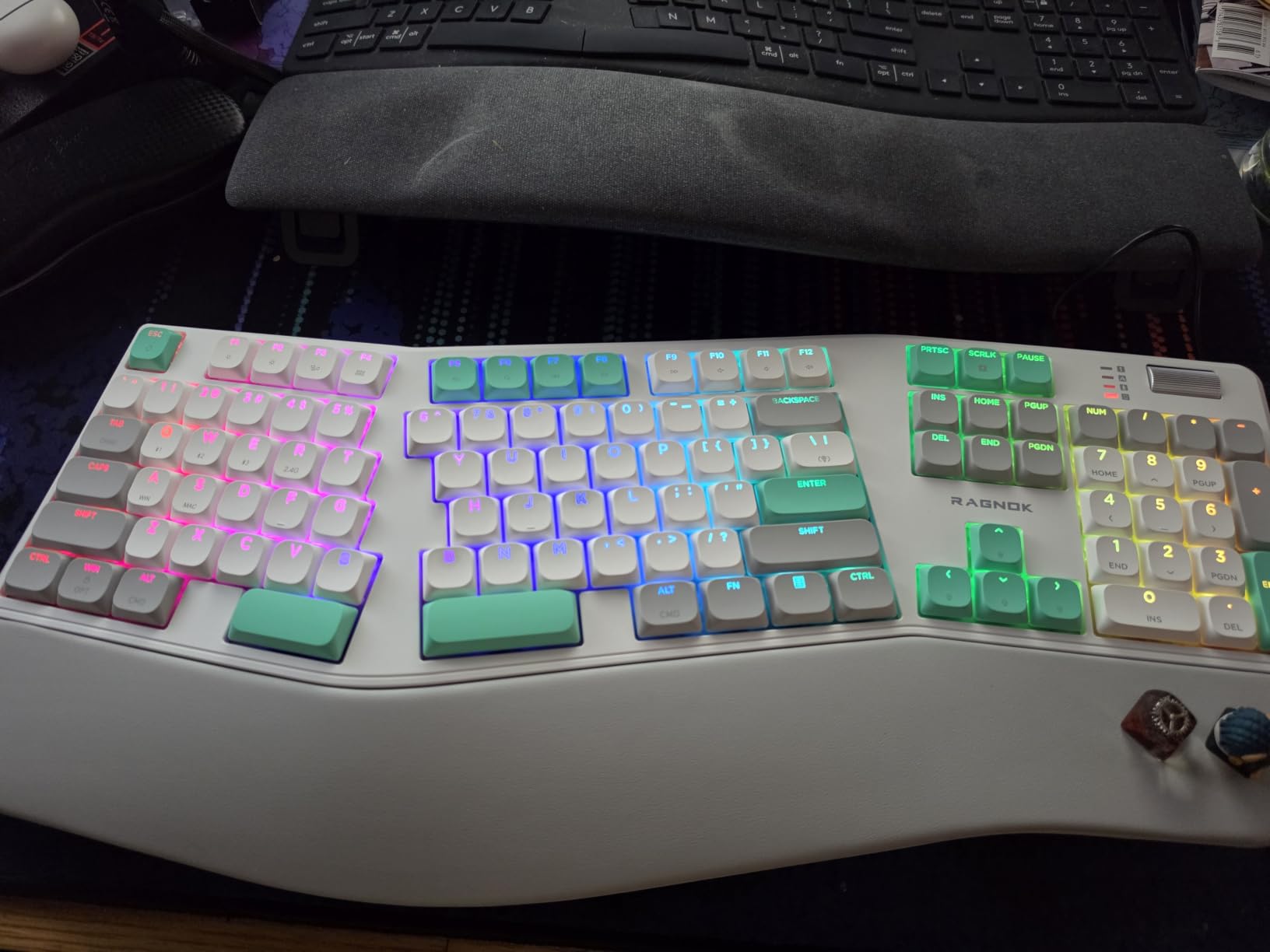
The RAGNOK RK104 is the only full-size split keyboard in this roundup with a number pad. If you work in Excel, accounting, or any data entry where the number pad is non-negotiable, the RK104 delivers ergonomic benefits without sacrificing that familiar layout.
The leather wrist rest with foldable stand is more comfortable than the plastic rests on competitors. The split design with curved wave keys reduces muscle strain, and the 5000mAh battery is large enough for a week of heavy use between charges.
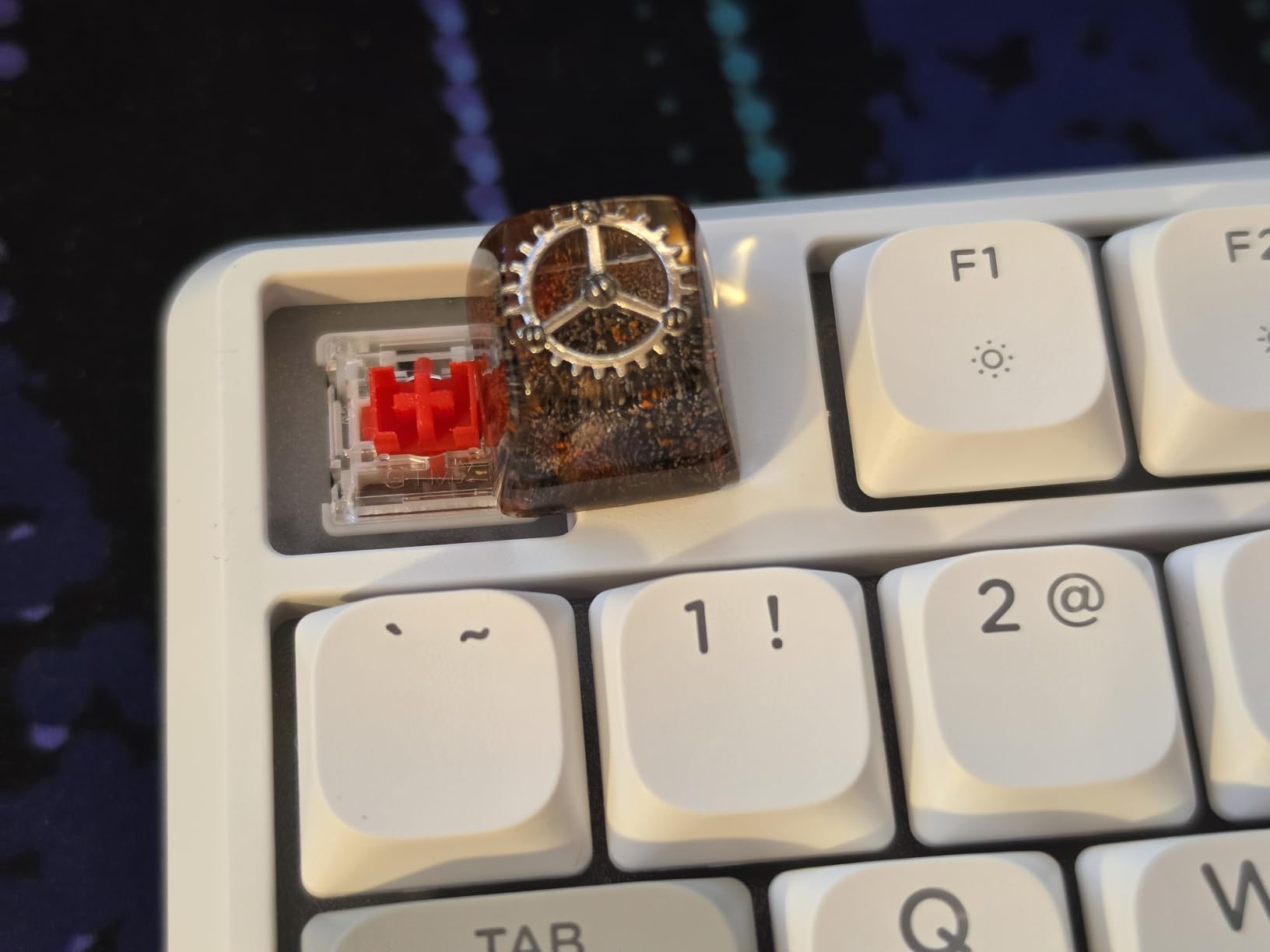
Bluetooth 5.3 paired quickly with my devices and stayed connected without drops. The tri-mode connectivity (BT 5.3, 2.4GHz, USB-C) gives flexibility for any setup. The 9 backlight colors with 19 dynamic effects are fun but most users will stick with a single solid color.
The low-profile switches feel similar to laptop keys, which makes the RK104 less satisfying than the mechanical boards in this roundup. Users who want true mechanical feel should consider the LEOBOG A75 or RK A72 instead.
Who the RK104 is for
Accountants, data analysts, and Excel power users will appreciate the number pad retention. The split design with curved keys reduces strain during long data entry sessions. The full-size layout means no relearning for users who depend on dedicated number keys.
For typists and programmers who do not need a number pad, the 75% Alice layout boards in this roundup are more compact and equally ergonomic.
Honest limitations
Some users report wobbly keys and weak switch quality on certain units. The low-profile switches are 3-pin only, so MX-standard aftermarket keycaps will not fit. The duplicate B key on the layout can confuse touch typists initially.
The spacebar can be squeaky on some units, which is annoying in quiet environments. If you experience this, contact RAGNOK customer service for a replacement within the warranty window.
Buying Guide: How to Choose the Right Kinesis Keyboard Alternative
After testing ten boards across six weeks, I want to share what actually matters when shopping for a Kinesis Advantage alternative. Price, switch type, and connectivity are the obvious factors, but the deeper considerations are layout, programmability, and how the board fits your specific workflow.
Split design versus curved frame versus true split
Ergonomic keyboards fall into three categories. Curved frames like the Logitech Ergo K860 and Logitech Wave Keys separate your hands gently, require minimal adaptation, and suit first-time ergonomic users. Alice layouts like the LEOBOG A75 and RK A72 offer moderate separation with angled halves, balancing ergonomic benefit and familiar typing experience.
True split keyboards like the EPOMAKER Split70 let you position each half independently. They provide maximum ergonomic benefit but require a 2-week adaptation period and patience with configuration. For RSI sufferers, true split is worth the investment.
Mechanical versus membrane switches
Membrane switches (Logitech Ergo K860, Arteck, Cloud Nine Wave Keys) are quieter and cheaper but lack tactile feedback. Mechanical switches (Cloud Nine C989, LEOBOG A75, RK A72, EPOMAKER Split70) deliver better typing feel, faster actuation, and longer lifespan, but cost more and create noise.
For shared offices, membrane or low-profile mechanical is friendlier. For home offices and dedicated setups, mechanical is worth the premium. Hot-swappable PCBs let you swap switches later, which is the best of both worlds.
Wired versus wireless connectivity
Wired keyboards (Arteck Wired) never need charging and have lower latency. Wireless keyboards with rechargeable batteries (LEOBOG A75, EPOMAKER Split70, RK A72) offer cleaner setups and portability. Consider whether your keyboard sits at one desk or moves between locations.
Battery life varies dramatically. The Logitech Wave Keys claims 3 years on AAAs. The RK A72 has a 7500mAh battery good for 550 hours. The LEOBOG A75 has a 4000mAh battery good for 2 weeks of moderate use. Match the battery to your charging tolerance.
Programmability and QMK/VIA support
Most ergonomic keyboards include proprietary software for macro programming. A few premium options (EPOMAKER Split70) support QMK/VIA, which is the open-source standard for full keymap customization. For programmers, Vim users, and DAW power users, QMK/VIA support unlocks layer-based workflows that proprietary software cannot match.
If you want to map complex macros, layers, and dynamic key behaviors, prioritize QMK/VIA support. If you only need basic key remapping, proprietary software on the LEOBOG A75 or RK A72 is sufficient.
Platform compatibility
Mac users should verify Mac compatibility before buying. Most modern ergonomic keyboards work on macOS, but some software (Cloud Nine C989) is Windows-only. The EPOMAKER Split70 and LEOBOG A75 include Mac modifier keycaps and software, making them the safest picks for Mac-based producers.
Linux users have the best experience with QMK/VIA keyboards since the open-source firmware works natively. Windows users have the widest software support and can use any board in this roundup.
Budget versus premium tradeoff
Budget boards under $80 (Arteck, LEOBOG A75, RK A72) deliver 80% of the ergonomic benefit at 30% of the cost of premium options. Premium boards over $100 (Logitech Ergo K860, EPOMAKER Split70, Cloud Nine C989) add features like QMK support, true split design, and premium switches.
For most users, a $75-$110 board hits the sweet spot. Spend less only if you want a stepping-stone board. Spend more only if you need specific features like true split or QMK/VIA.
Frequently Asked Questions
What are some good alternatives to the Kinesis split keyboard?
The best Kinesis split keyboard alternatives in 2026 include the LEOBOG A75 Alice for value, the Logitech Ergo K860 for a curved frame option, the EPOMAKER Split70 for true split with QMK/VIA, and the Cloud Nine C989 for mechanical feel. The right choice depends on your switch preference, wireless needs, and budget.
Which Kinesis ergonomic keyboard is considered the best?
The Kinesis Advantage360 is widely considered the best Kinesis keyboard, but it costs $400+ and has a steep learning curve. For most users, the LEOBOG A75 delivers 80% of the ergonomic benefit at 20% of the cost. If you want Kinesis feel without the price tag, start with the A75 or the Logitech Ergo K860.
What is the No. 1 best keyboard?
There is no single best keyboard for everyone. For ergonomic typing, the Kinesis Advantage360 and ZSA Moonlander lead the premium category. For value, the LEOBOG A75 and Logitech Ergo K860 deliver excellent ergonomics for under $130. For budget shoppers, the Arteck Split at under $50 is the best entry point.
What are some alternative keyboards I can use for RSI prevention?
For RSI prevention, look for split or columnar layouts that keep your wrists neutral. Top picks include the EPOMAKER Split70 for true split flexibility, the LEOBOG A75 for Alice layout comfort, and the Logitech Ergo K860 for gentle curve. Pair any of these with a vertical mouse for maximum RSI relief.
Final Verdict: Which Kinesis Alternative Should You Buy?
After six weeks of daily typing across all ten boards, my top recommendation for most people seeking the best Kinesis keyboards alternatives is the LEOBOG A75 Alice Keyboard. It delivers genuine ergonomic benefit, mechanical switches, hot-swap flexibility, tri-mode wireless, and a price under $90. The Editor’s Choice badge is well earned.
For first-time ergonomic buyers who want a gentler transition, the Logitech Ergo K860 is the safe pick. The curved frame, US Ergonomics certification, and 8,000+ reviews make it the lowest-risk choice. Budget shoppers should grab the Arteck Split at under $50. Power users who want true split flexibility should wait for the EPOMAKER Split70 to come back in stock. Our team found the best Kinesis keyboards alternatives for 2026 cover every budget and use case, from gentle waves to aggressive splits.