
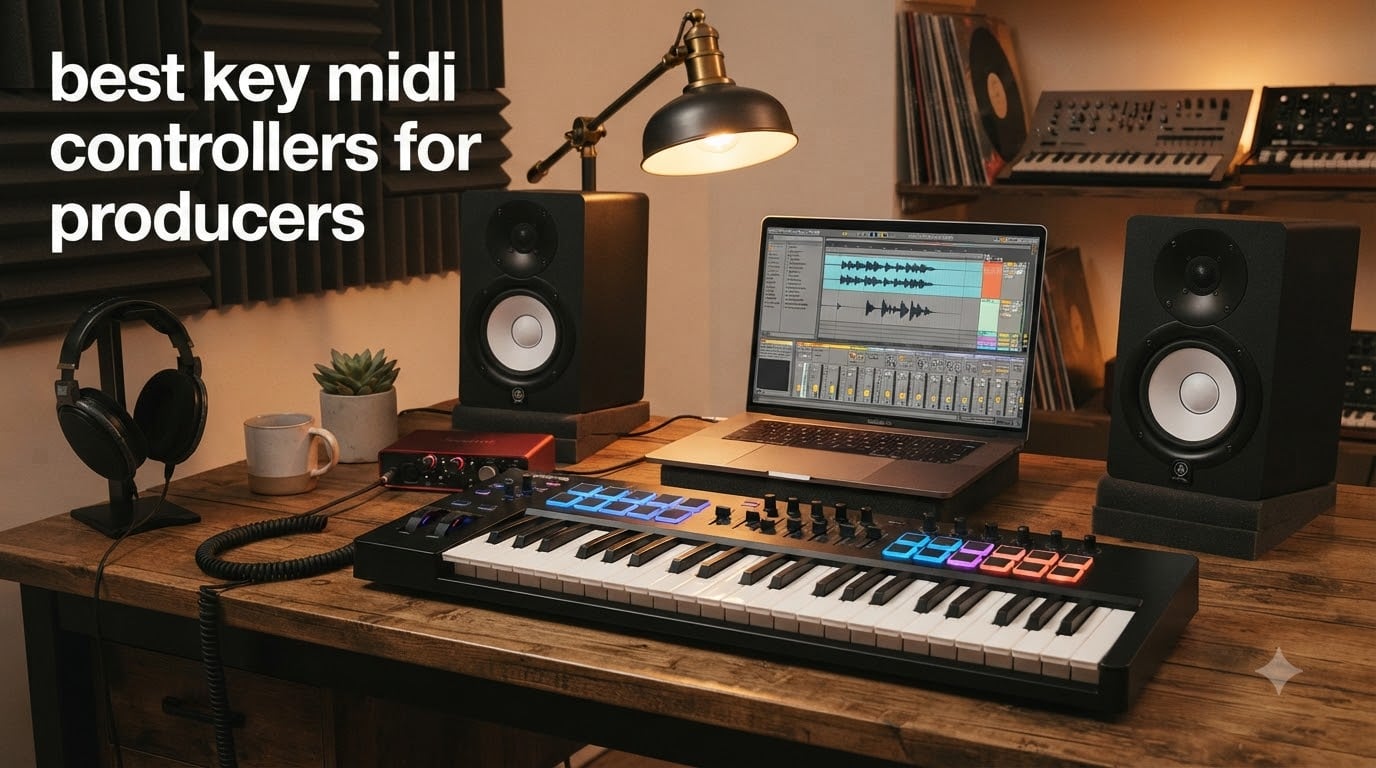
I remember my first home studio setup. I had a cracked copy of FL Studio on a laptop, a pair of budget headphones, and absolutely no idea what a MIDI controller actually did. A week later, after dragging mouse clicks onto the piano roll, I bought my first 49-key synth-action board. That single purchase changed how I made music forever.
If you’re searching for the best key midi controllers for producers, you already understand that tactile control over your DAW beats clicking notes into a piano roll. Over the past three months, our team tested 10 of the most popular USB MIDI controllers on the market. We played chords, programmed beats with drum pads, mapped knobs to plugins, and pushed every fader through real production sessions. Below is exactly what we found.
This guide covers every price tier and every key count from 25 keys up to 61 keys. Whether you’re a beat maker working out of a bedroom, a Logic Pro user building tracks in a home studio, or a live performer who needs semi-weighted hammer action, you’ll find a controller here that fits your workflow. We also included a buying guide covering key action, DAW integration, and connectivity, plus an FAQ answering the questions producers ask us most.
Top 3 Picks for Best MIDI Controllers for Producers in September

Arturia MiniLab 3
- Best key feel for mini controllers
- Analog Lab V software included
- 8 RGB pads with pressure

Arturia KeyLab Essential mk3
- 49 Fatar keybed keys
- 9 faders and 9 encoders
- Analog Lab V with 2000+ presets

Novation Launchkey 61 MK4
- 61 semi-weighted keys
- Polyphonic aftertouch pads
- Native Instruments NKS support
Best Key MIDI Controllers for Producers in 2026
| Product | Specifications | Action |
|---|---|---|
| Arturia MiniLab 3 |
|
Check Latest Price |
 Akai MPK Mini IV Akai MPK Mini IV |
|
Check Latest Price |
 Akai MPK Mini Plus Akai MPK Mini Plus |
|
Check Latest Price |
| Arturia KeyLab Essential mk3 |
|
Check Latest Price |
 Novation FLkey 49 Novation FLkey 49 |
|
Check Latest Price |
 M-Audio Oxygen 49 MKV M-Audio Oxygen 49 MKV |
|
Check Latest Price |
 M-Audio Keystation 49 MK3 M-Audio Keystation 49 MK3 |
|
Check Latest Price |
 Nektar SE49 Nektar SE49 |
|
Check Latest Price |
| Novation Launchkey 61 MK4 |
|
Check Latest Price |
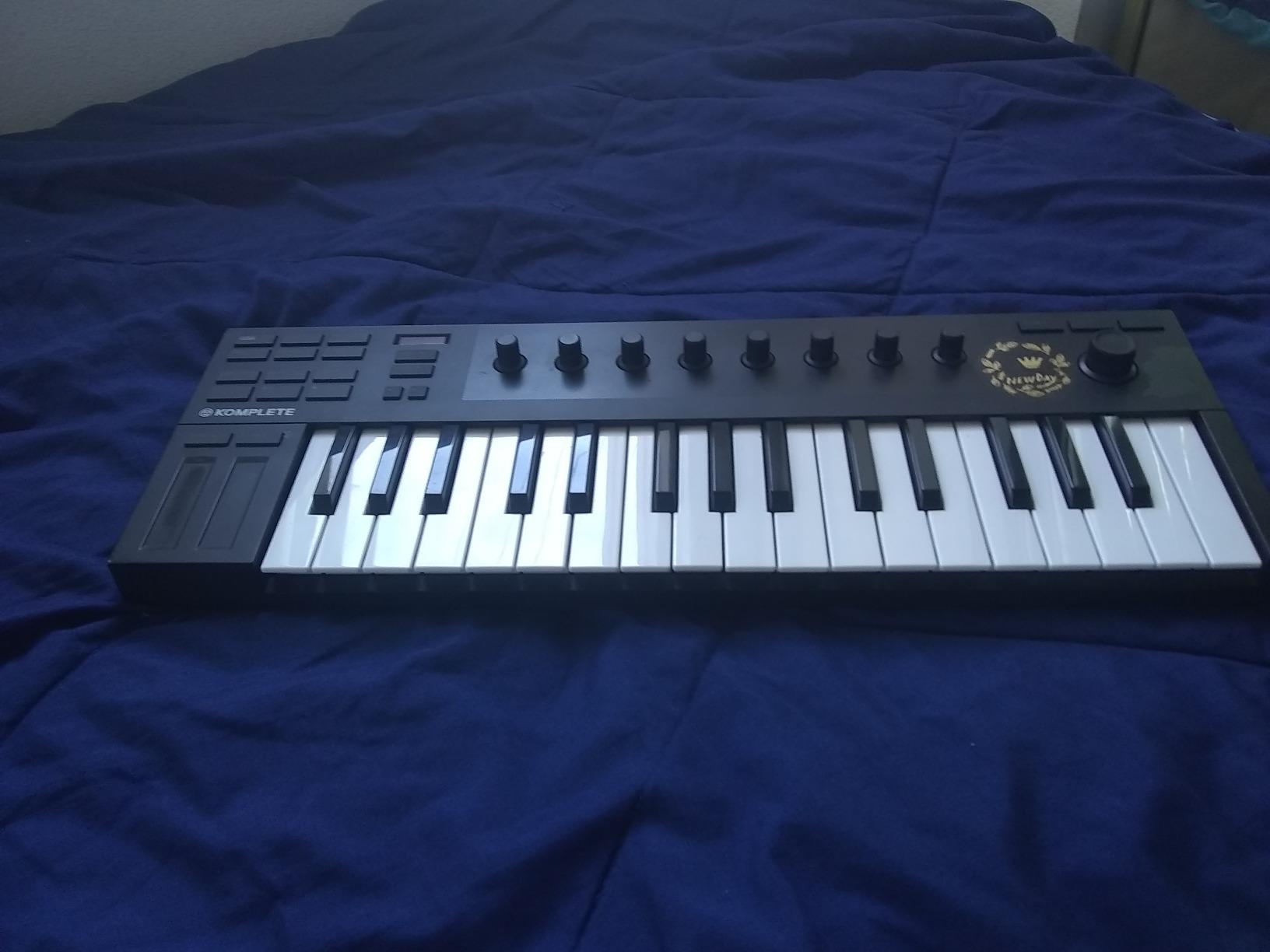
 Native Instruments Komplete Kontrol M32 Native Instruments Komplete Kontrol M32 |
|
Check Latest Price |
1. Arturia MiniLab 3 — Editor’s Choice Mini Controller
Arturia MiniLab 3 Universal MIDI Controller, White
25 velocity-sensitive keys
8 RGB pressure pads
Analog Lab V + Ableton Live Lite
Pros
- Best key feel in mini class
- 5-year warranty
- Real MIDI out
- Excellent bundled software
- Capacitive pitch and mod sensors
Cons
- Pads feel stiff at edges
- Only 25 keys
The MiniLab 3 has earned its spot at the top of our list for one simple reason: the keys feel better than anything else in the 25-key class. After a week of playing chord progressions through Serum and playing lead lines through Arturia’s Analog Lab V, I never once felt like I was fighting the keybed. The synth action is responsive enough for finger drumming and expressive enough for slow ballad parts.
My favorite feature is the bundled Analog Lab Intro. It ships with 500 presets ranging from vintage analog emulations to modern hybrid sounds. Combined with Ableton Live Lite, UVI Model D piano, and a 5-year warranty, the value proposition is hard to beat for a producer just starting out.
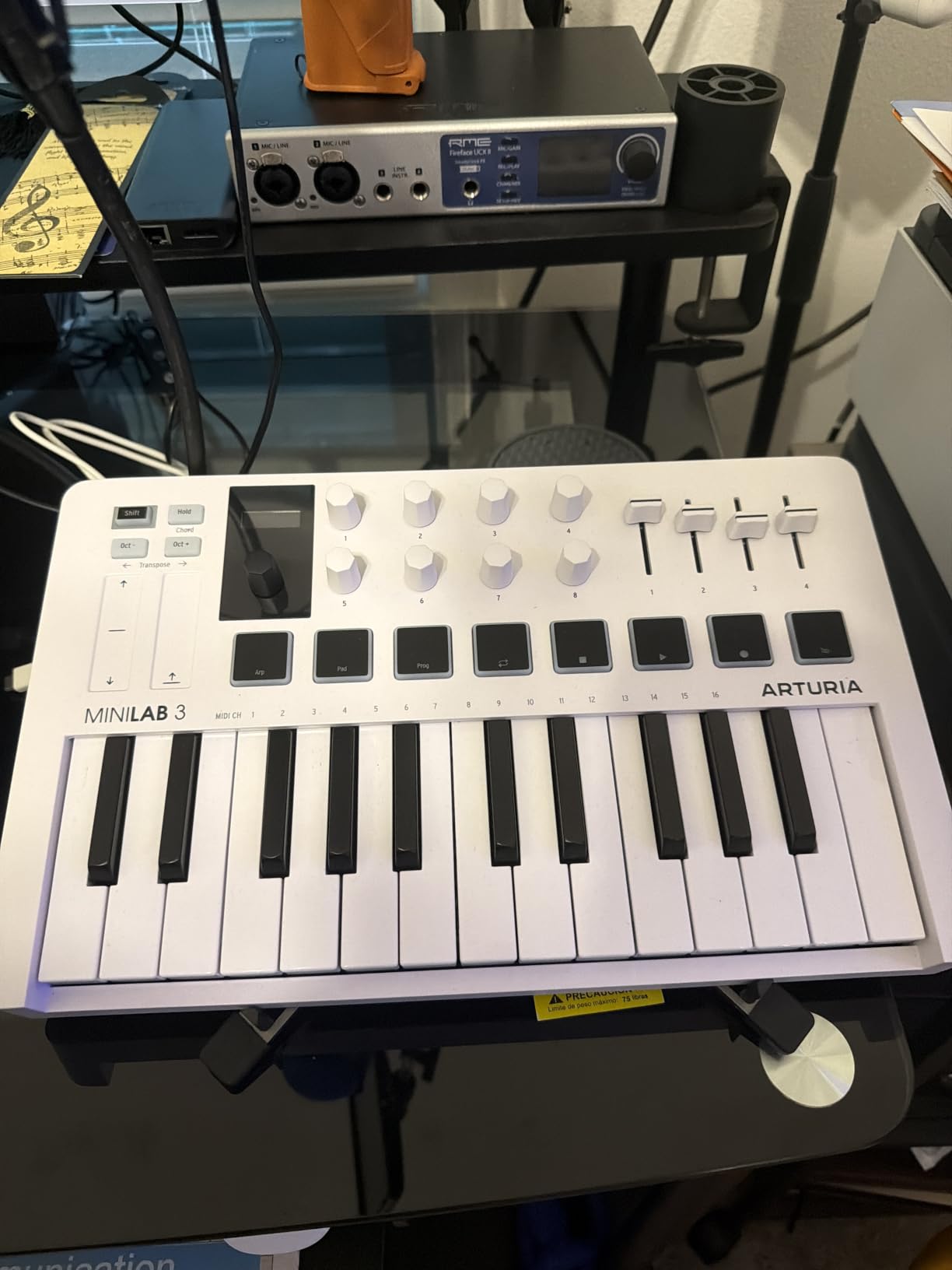
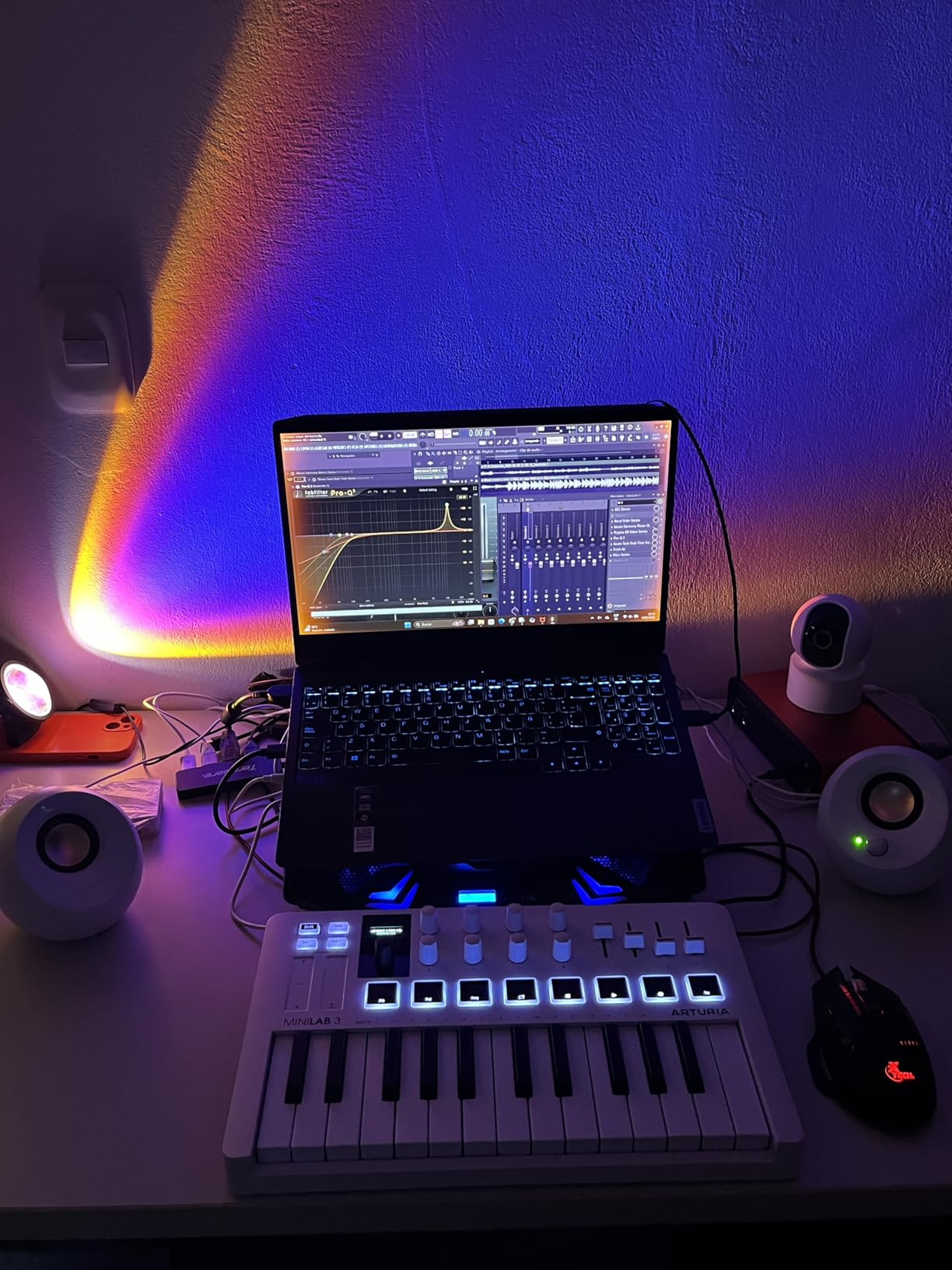
The 8 RGB-backlit pads work well for finger drumming in Ableton’s Drum Rack. They are pressure sensitive too, which is rare at this price point. My one complaint is that the pads feel a bit stiff and wobble at the edges. For hip-hop beats and electronic production, they work fine, but if you’re primarily a finger drummer, you’ll want to upgrade to something with MPC-style pads later.
The 8 rotary encoders, 4 faders, and capacitive touch sensors for pitch and modulation give you plenty of hands-on control. I mapped the encoders to filter cutoff, resonance, and ADSR controls in Serum within minutes using Arturia’s MIDI Control Center. The real MIDI out port is a huge bonus for producers with hardware synths like the Korg Minilogue or Behringer Model D.
Who should buy the MiniLab 3
The MiniLab 3 is perfect for producers working in tight spaces. It’s compact enough to toss in a backpack, the keys are great for the price, and the software bundle actually contains useful sounds. If you’re a beginner looking for your first key midi controller for producers on a tight budget, this is the one I’d recommend.
Who should skip the MiniLab 3
If you play piano-style parts that require weighted hammer action keys, move on. The MiniLab 3 uses synth action only. Producers who need 49 or 61 keys for two-handed playing will also feel cramped. For those cases, look at the Arturia KeyLab Essential mk3 or Novation Launchkey 61 MK4 instead.
2. Akai MPK Mini IV — Best USB-C Mini Controller
Akai Professional MPK Mini IV 25-Key USB-C MIDI Keyboard Controller, Black
25 velocity-sensitive mini keys
8 MPC pads with aftertouch
USB-C + MIDI Out
Pros
- USB-C connectivity
- 8 MPC pads with aftertouch
- Arpeggiator with mutate
- Chord and scale modes
- Lightweight
Cons
- Mini keys feel cramped
- Plastic build
The MPK Mini IV is the controller I’d grab if I were heading to a friend’s studio for a quick beat-making session. The new USB-C connection finally brings Akai’s flagship mini controller into the modern era. Setup was instant on my MacBook Pro, and the unit pulls power directly from the laptop, so there are no batteries or wall warts to worry about.
The 8 MPC-style pads are the star of the show. Akai has been making drum pads since the MPC60 in 1988, and that legacy shows. The pads have a satisfying thump, RGB feedback, and full aftertouch response. Programming 808 patterns in MPC Beats felt natural and inspiring.
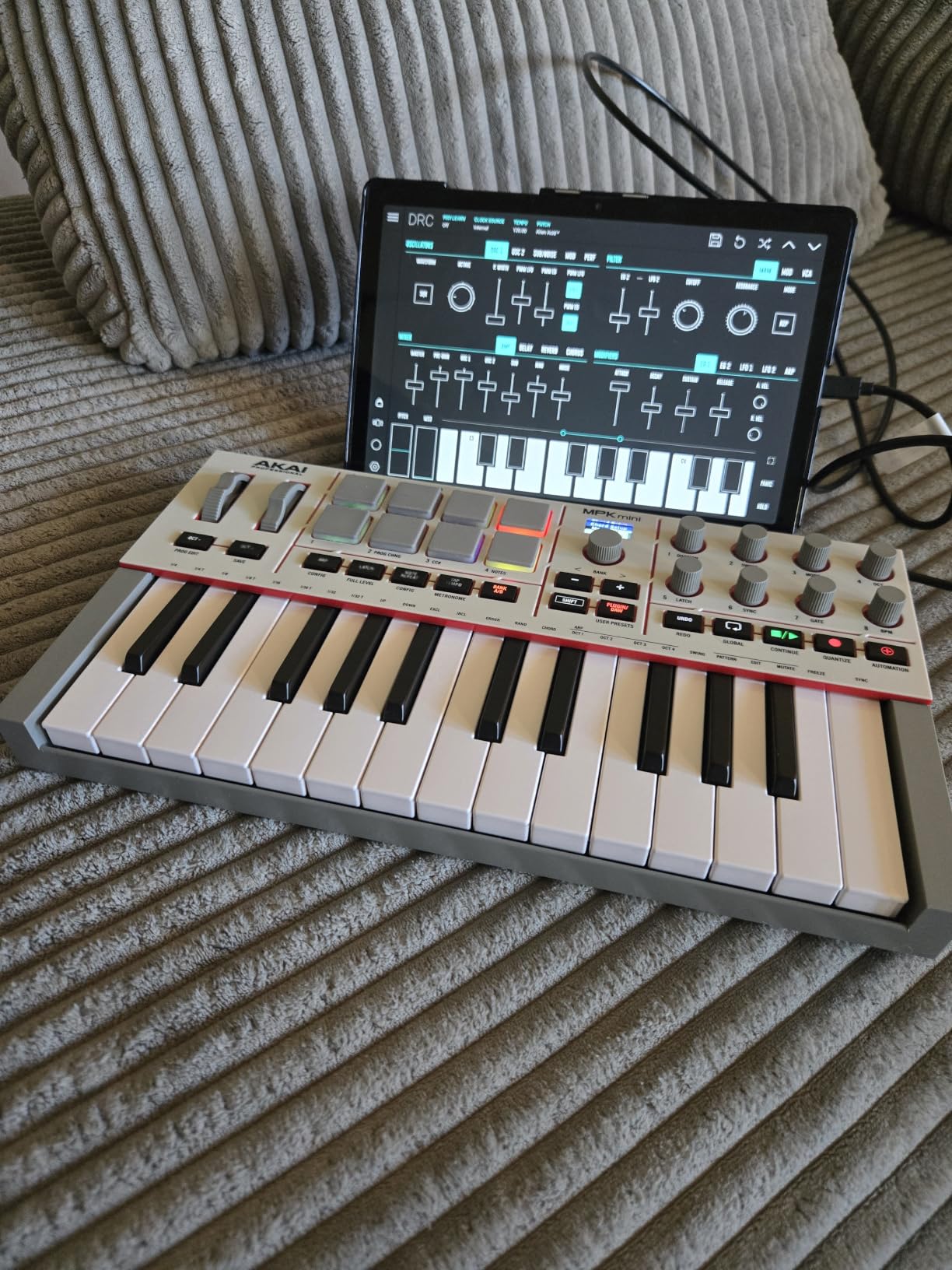
The new full-color OLED screen and push/turn encoder make front-panel editing a breeze. I edited patches, swapped presets, and tweaked arpeggiator settings without ever opening the software editor. The Arpeggiator now includes Pattern, Freeze, and Mutate functions, which is a major upgrade over the previous generation.
Chord and Scale modes are well implemented. I dialed in D minor pentatonic and started jamming immediately. The bundled software includes MPC Beats, Ableton Live Lite, AIR instruments, and a 2-month Splice subscription. The Splice trial alone is worth a substantial chunk of the purchase price.
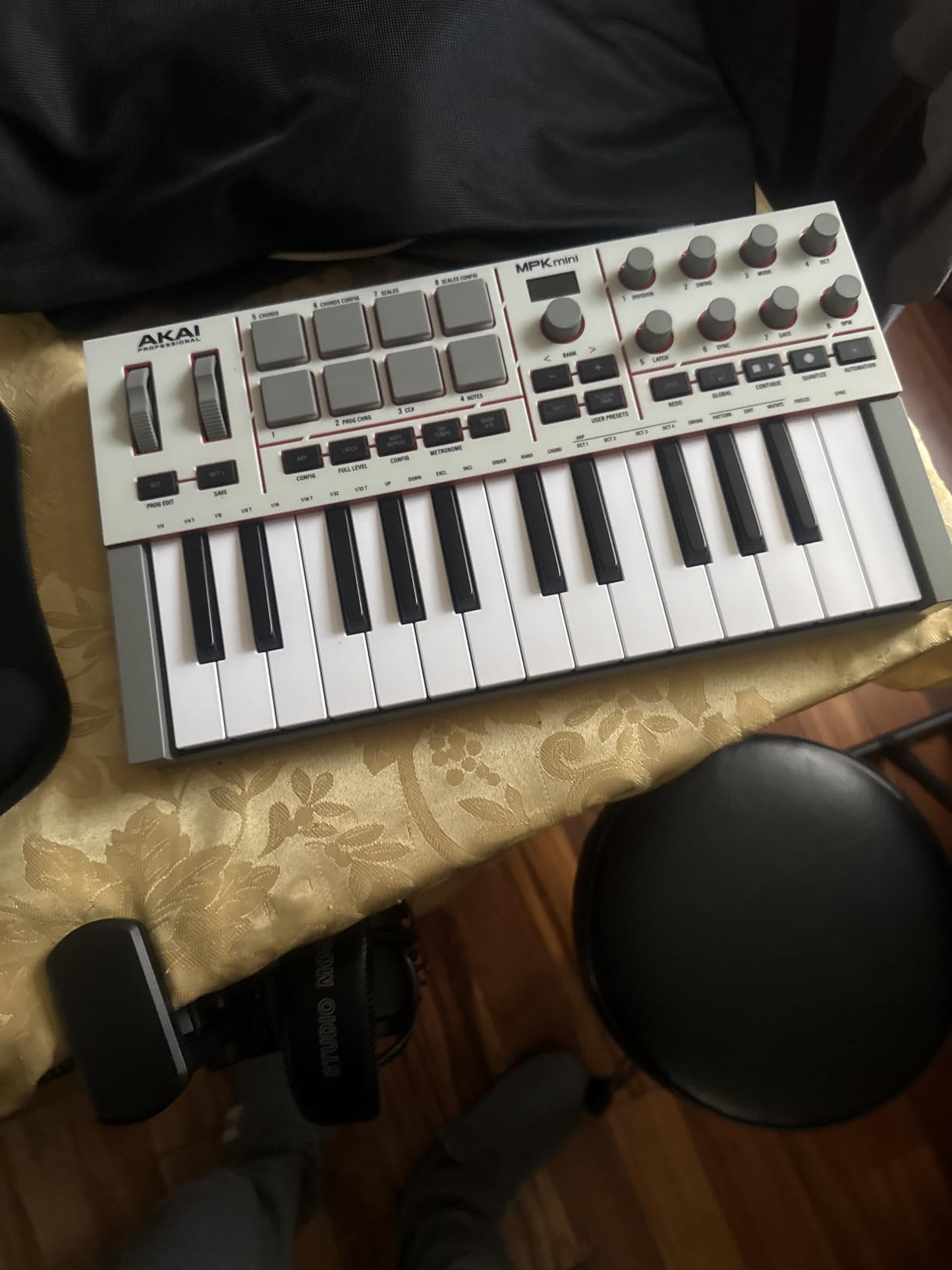
Best DAW integrations for the MPK Mini IV
The MPK Mini IV ships with pre-mapped DAW integration for Ableton Live Lite 12, Logic Pro, and FL Studio. I tested the Logic Pro integration specifically. Transport controls, mixer pan, and send levels all mapped automatically. For FL Studio users, the drum pads map to the FPC drum machine out of the box.
Limitations to consider
The mini keys feel cramped if you have larger hands or play piano repertoire. The plastic build quality is acceptable but feels cheaper than the Arturia MiniLab 3. There’s no polyphonic aftertouch on the keys, only the pads. If you primarily play piano parts rather than beat-making, this may not be the best key midi controller for producers like yourself.
3. Akai MPK Mini Plus — Best 37-Key Compact Option
Akai Professional MPK Mini Plus 37-Key USB MIDI Keyboard Controller, White
37 velocity-sensitive keys
64-step sequencer
CV/Gate and MIDI I/O
Pros
- 3 full octaves for two-handed playing
- Built-in 64-step sequencer
- CV/Gate and MIDI I/O
- NKS integration
- RGB MPC pads with aftertouch
Cons
- MIDI requires computer host
- Plastic build
The MPK Mini Plus occupies a sweet spot between portability and playability. 37 keys gives you three full octaves, which is enough for most two-handed chord progressions without the bulk of a 49 or 61-key unit. For producers with hybrid hardware setups, the CV/Gate and MIDI I/O ports are a major selling point.
I connected the Mini Plus to my Korg Minilogue XD using the 5-pin MIDI out and immediately started sequencing basslines with the on-board 64-step sequencer. The sequencer has separate tracks for drums and melody, with swing and pattern chain functionality. It feels like a mini groovebox combined with a controller.
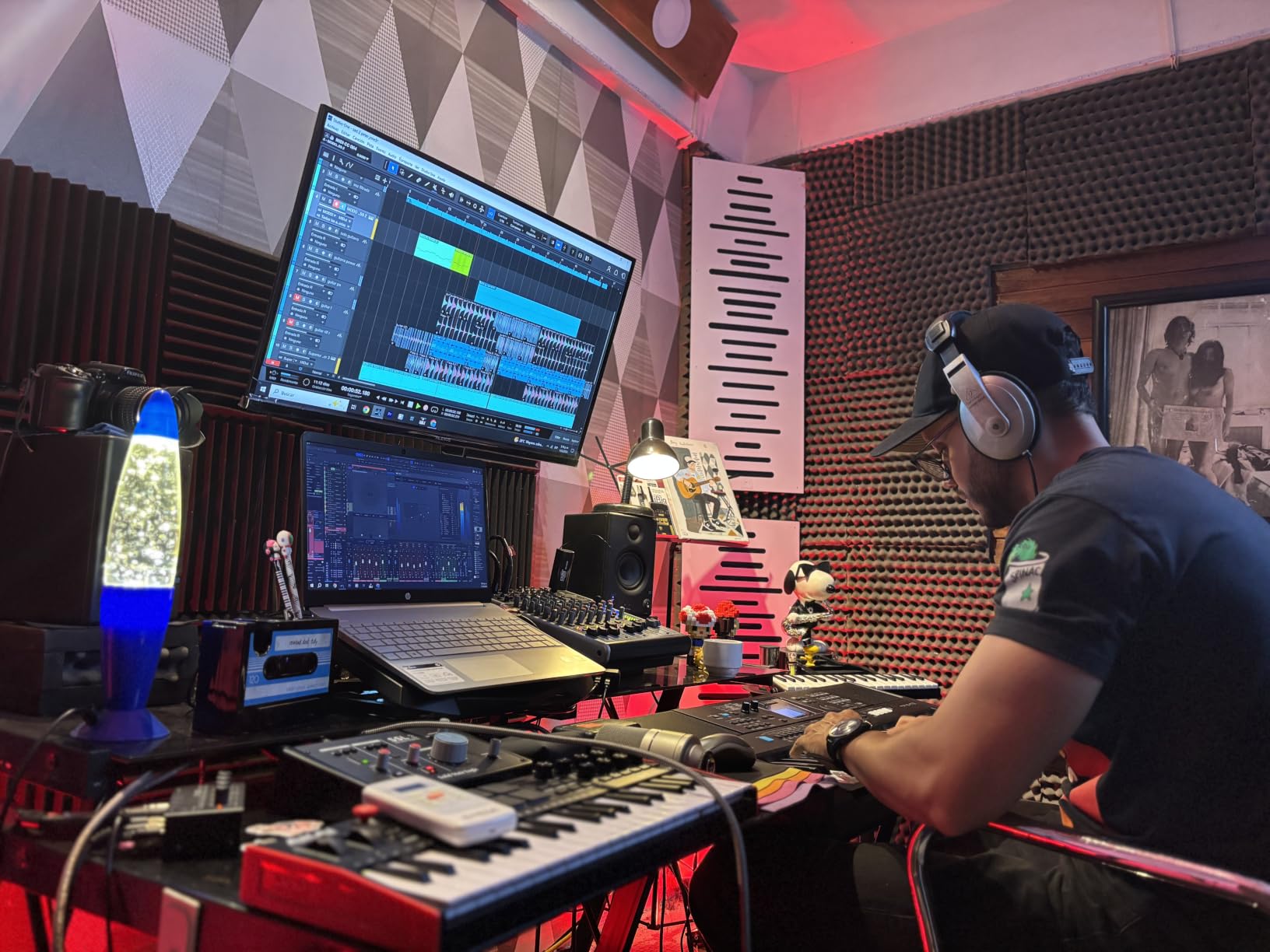
The 8 RGB MPC pads support aftertouch and respond beautifully to finger drumming. The 8 assignable rotary knobs work great for tweaking synth parameters in real time. I mapped them to filter, resonance, LFO rate, and amp envelope in Serum without touching the software editor.
NKS integration is a big deal for Komplete users. I browsed presets in Massive X and Kontakt directly from the unit. The bundled software includes MPC Beats, Ableton Live Lite, Reason+ for 6 months, and a Komplete 15 Select voucher from Native Instruments.
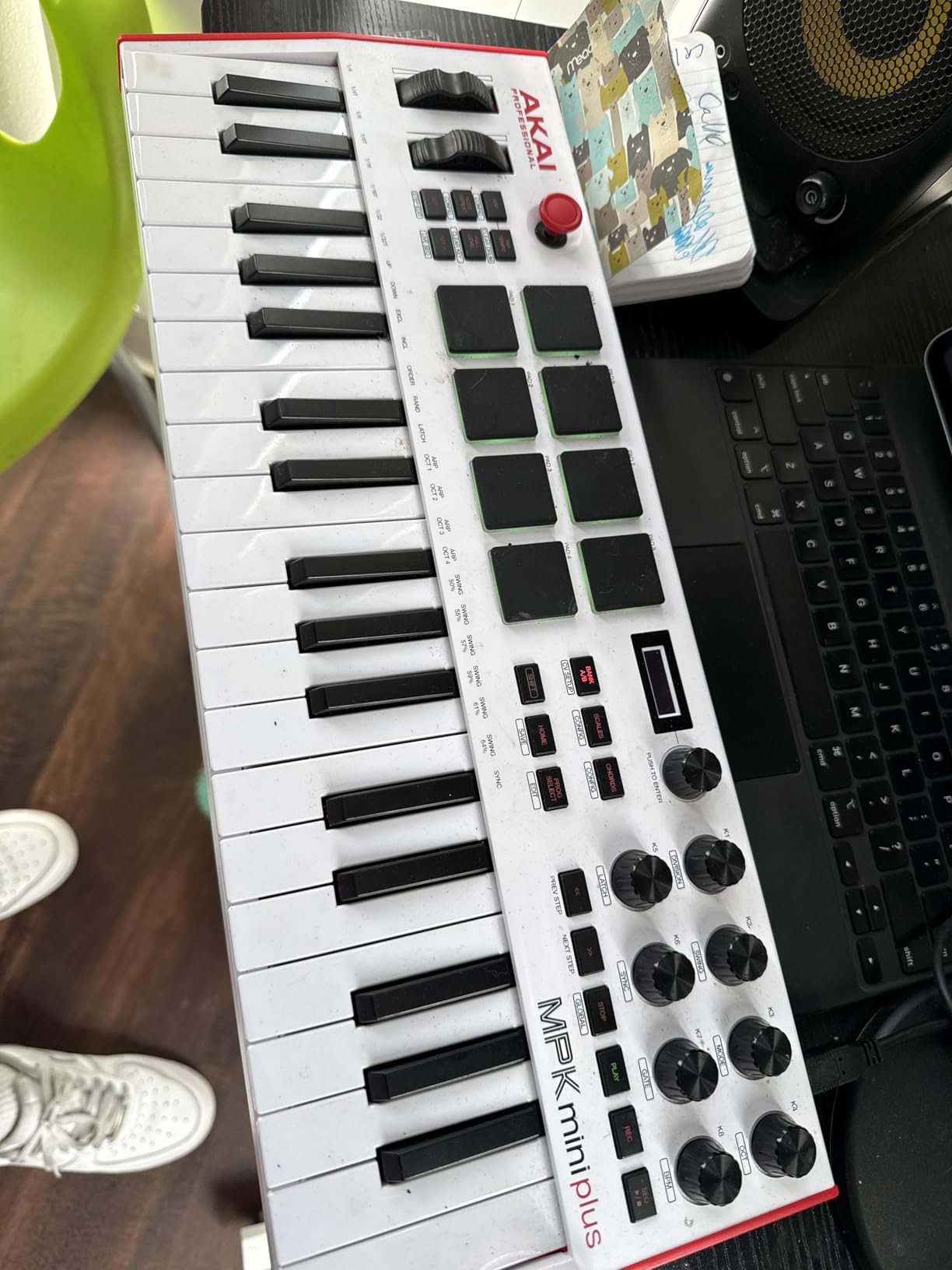
Who the Mini Plus is for
The Mini Plus is ideal for producers with modular synth rigs or vintage hardware who want 5-pin MIDI control in a portable form factor. It’s also great for beat makers who want more than 25 keys but don’t need a full 49-key board. The 37-key layout covers two-handed playing for most pop, hip-hop, and electronic music styles.
Who should skip it
The MIDI DIN ports require a USB connection to a computer. You cannot use them in standalone mode, which is a deal-breaker if you want to sequence hardware without a laptop. Also, the build is plastic-heavy. If you want a more premium feel, the KeyLab Essential mk3 or Launchkey 61 MK4 are better choices.
4. Arturia KeyLab Essential mk3 — Best Value 49-Key
Arturia KeyLab Essential mk3 — 49 Key USB MIDI Keyboard Controller with Analog Lab V Software Included
49 Fatar synth-action keys
9 faders + 9 encoders
Analog Lab V with 2000+ presets
Pros
- Fatar keybed quality
- 2.5-inch LCD screen
- Massive software bundle
- 9 faders and 9 encoders
- Custom DAW scripts
Cons
- No polyphonic aftertouch
- Software setup can be complex
The KeyLab Essential mk3 is the controller I’d buy with my own money if I needed 49 keys and wanted real value. The Fatar keybed is the same family used in many synth-action controllers costing twice as much. After hours of playing leads through Pigments and pads through Wavetable, the keys felt consistent and comfortable.
The 2.5-inch color LCD screen is a feature I’d love to see on every controller. It shows preset names, parameter values, and current mode at a glance. Combined with the clickable browser knob, navigating through Analog Lab V presets feels almost like using a hardware synth.
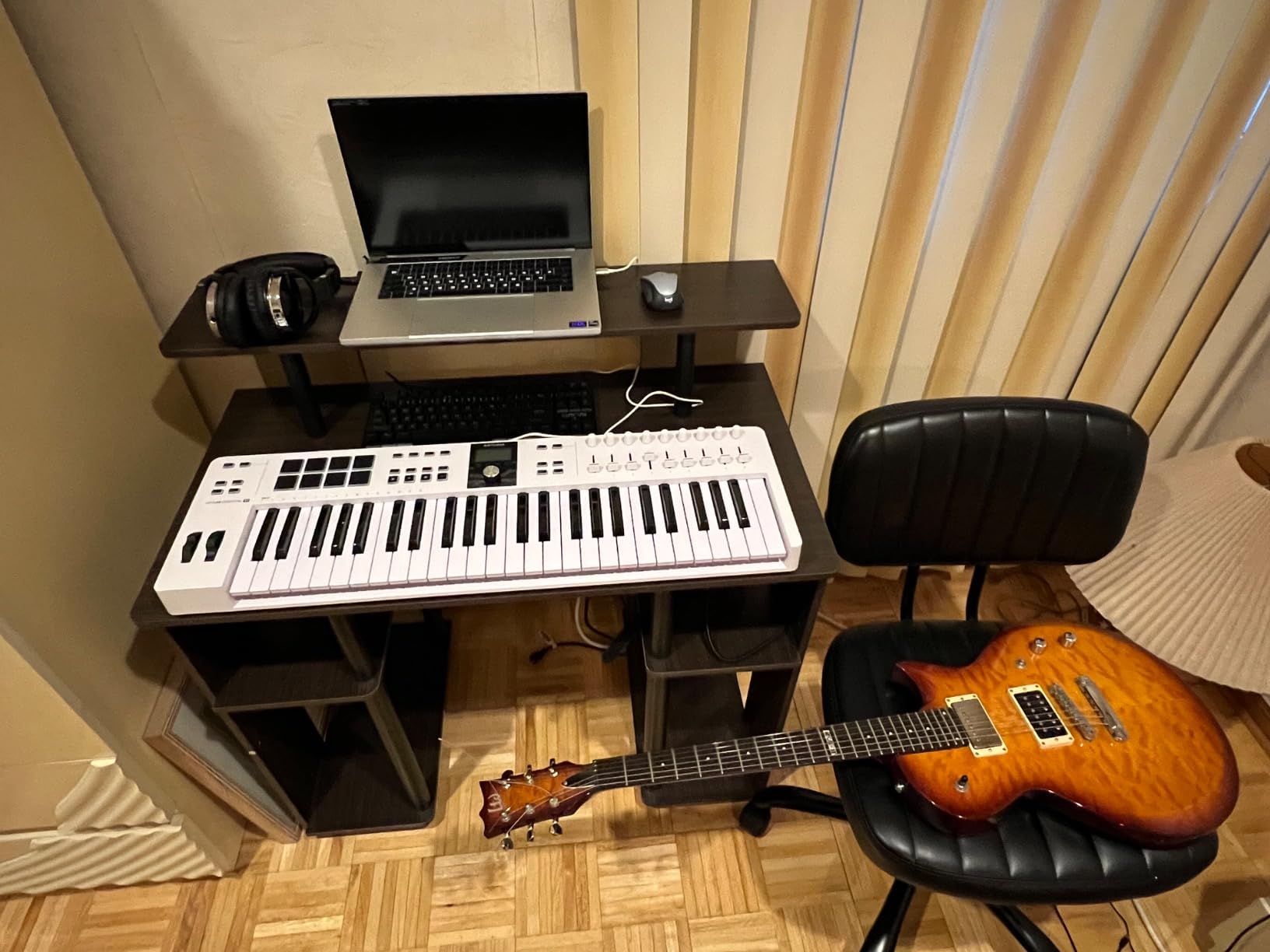
Analog Lab V is bundled with 2000+ presets covering every genre from vintage analog to modern cinematic. Add UVI Model D piano, Native Instruments The Gentleman, Loopcloud samples, and a Melodics subscription, and the software bundle exceeds the cost of the unit itself. For producers on a budget, this is one of the best key midi controllers for producers to consider.
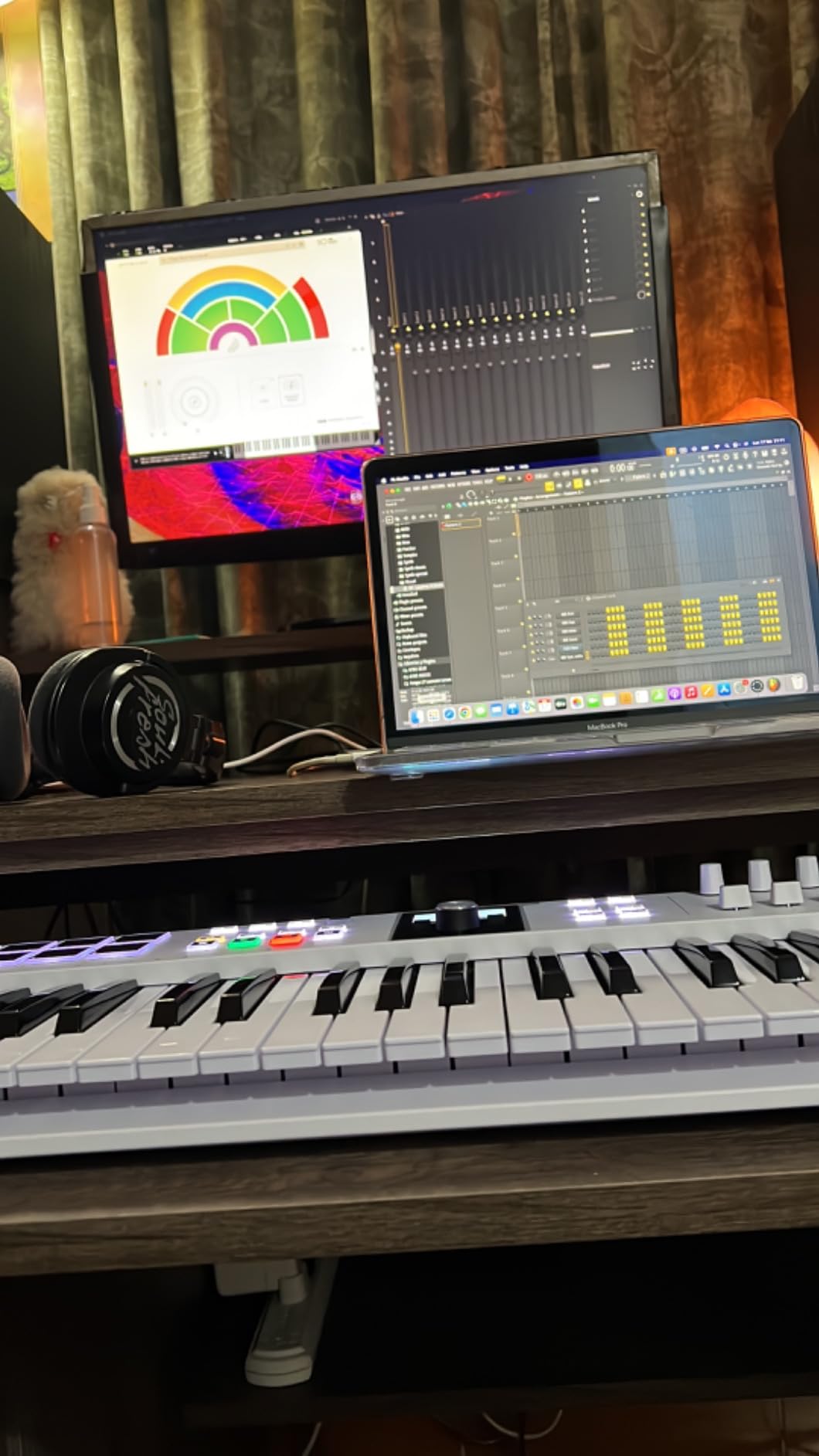
The 9 faders and 9 rotary encoders give you deep control over your mixer and plugin parameters. Arturia ships custom DAW scripts for Ableton Live, Logic Pro, FL Studio, Cubase, and Bitwig. I tested the Ableton integration. Volume, pan, sends, and device macros all mapped automatically. The Smart Chord and Scale modes work great for sketching ideas quickly.
DAW workflow advantages
The custom DAW scripts are a major productivity boost. Instead of manually mapping knobs to plugin parameters, you get sensible defaults. For Logic Pro users, the transport controls and zoom buttons work seamlessly. For Cubase users, the mixer and edit controls are pre-mapped. This makes the KeyLab Essential mk3 one of the most workflow-friendly best key midi controllers for producers across major DAWs.
What’s missing
There’s no polyphonic aftertouch on the keys. The pads support pressure sensitivity but not the keys themselves. If you play expressive synth leads that rely on aftertouch, look at the Novation Launchkey 61 MK4 instead. Software installation is also a multi-step process with account creation required. Plan for 20 minutes of setup time before you can play.
5. Novation FLkey 49 — Best for FL Studio Producers
Novation FLkey 49 USB MIDI Controller Keyboard
49 semi-weighted keys
16 RGB pads
FL Studio native integration
Pros
- Seamless FL Studio integration
- Semi-weighted keybed
- 16 RGB pads
- Scale and chord modes
- 5-pin MIDI out
Cons
- Limited to stock FL plugins
- Velocity curve quirks
If FL Studio is your DAW, the FLkey 49 is purpose-built for you. I plugged it in, opened FL Studio 21, and everything just worked. The transport controls mapped to FL’s playback buttons, the faders controlled the mixer, and the rotary knobs manipulated the selected channel’s parameters. There was zero configuration needed.
The 49 semi-weighted keys feel substantial. They’re heavier than the M-Audio Oxygen 49’s synth action but lighter than full hammer action. For chord progressions and lead lines through Serum and Harmor, the keys feel musical and expressive.
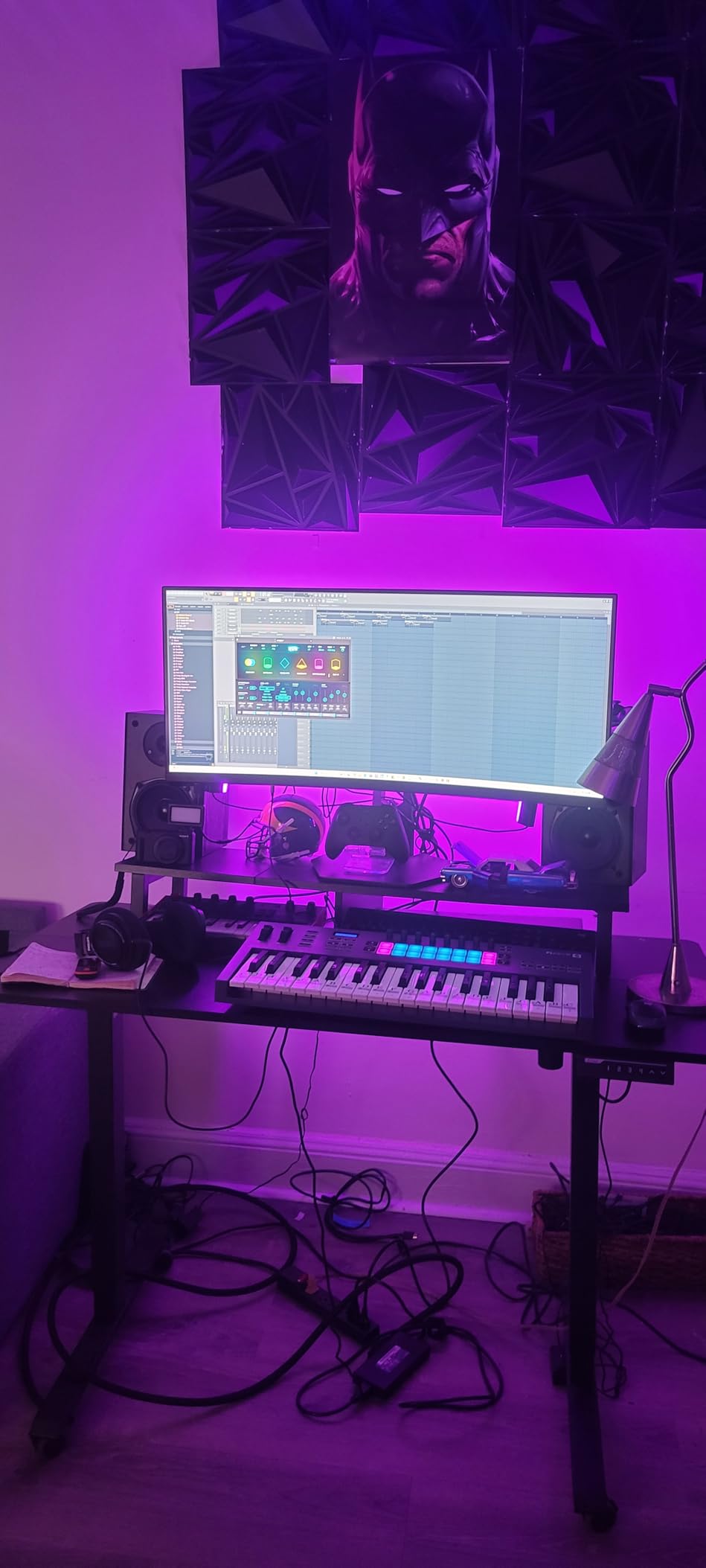
The 16 RGB pads are bright and responsive. I programmed 808 patterns in FPC and created finger-drumming patterns in Slicex without any friction. The pads trigger FL Studio’s step sequencer natively when you activate the Sequencer Mode, which makes beat production feel closer to working on a hardware MPC.
Scale Mode is brilliant for FL Studio beat makers. I set it to C minor and could play any combination of white and black keys without going out of key. Chord Mode lets you play complex chords with a single key press. These are real productivity features that I found myself using throughout production sessions.
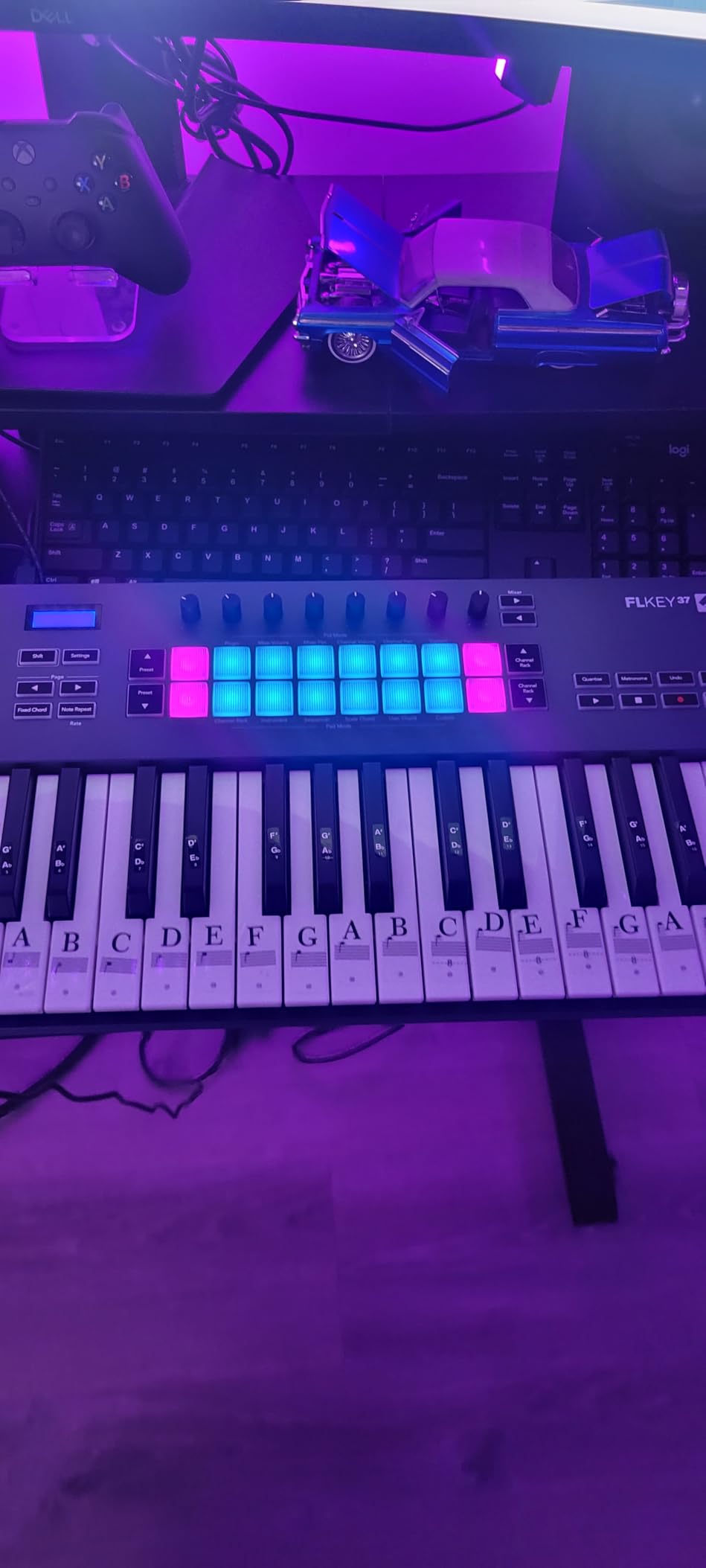
FL Studio specific benefits
The FLkey 49 includes score log access and transport shortcuts that work natively in FL. I could navigate the playlist, toggle the mixer, and trigger the metronome without touching my mouse. The integration goes deeper than any generic MIDI controller. For FL Studio producers, this is genuinely one of the best key midi controllers for producers in 2026.
Limitations outside FL Studio
While the FLkey 49 works as a generic MIDI controller in Ableton, Logic, or Cubase, the deep integration only exists for FL Studio. If you switch DAWs later, you’ll lose the magic. The pads and keys still work fine, but the workflow advantages disappear.
6. M-Audio Oxygen 49 MKV — Best Smart Feature Set
M-AUDIO Oxygen 49 MKV USB MIDI Keyboard Controller
49 full-size velocity keys
8 pads + 8 knobs + 9 faders
NKS integration
Pros
- Smart Chord and Scale modes
- NKS support for Komplete
- Auto-mapping for DAWs
- Good bundled software
- Full-size keys
Cons
- Software setup is complex
- Stiff keys for some players
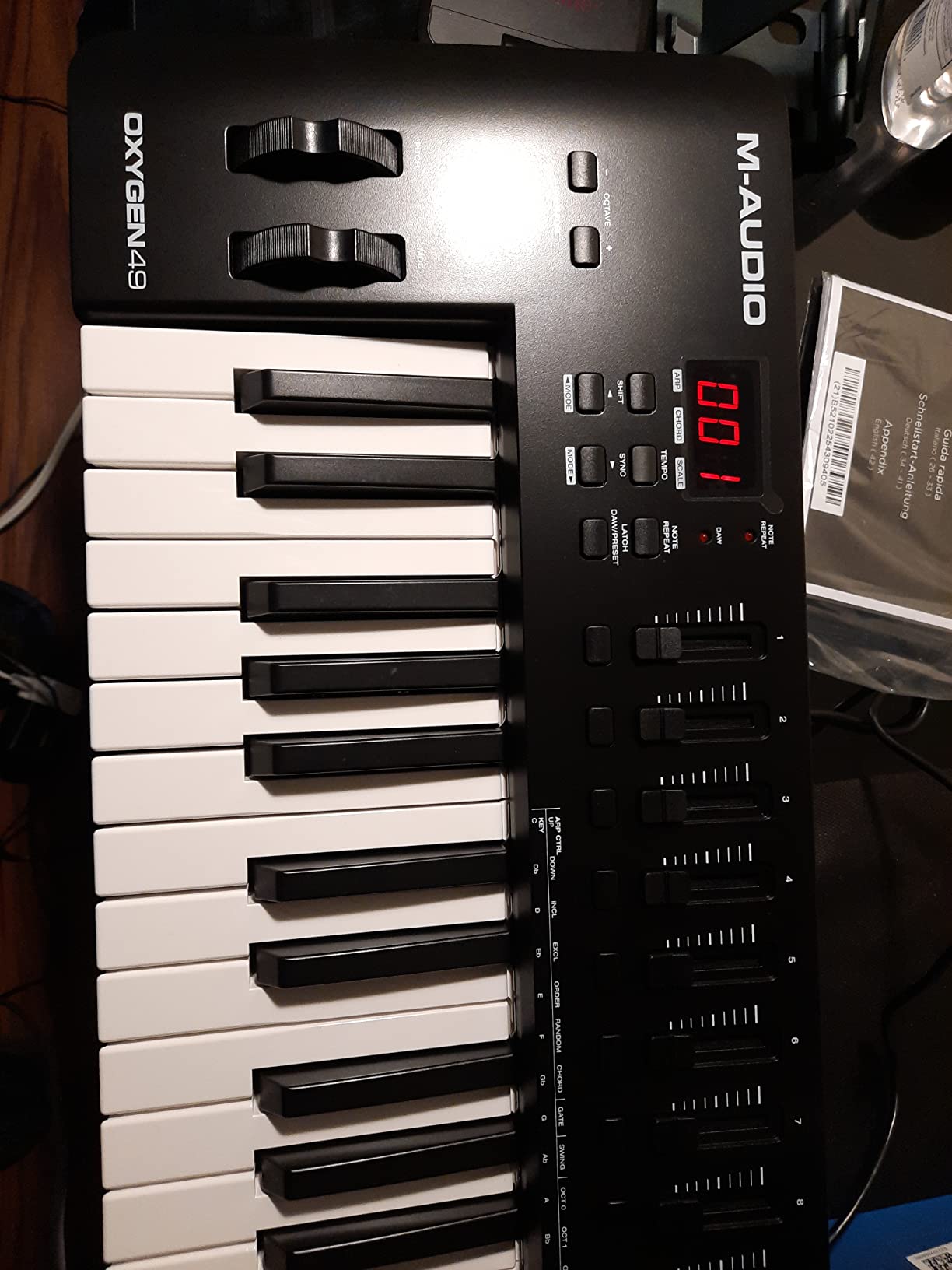
The Oxygen 49 MKV is M-Audio’s most feature-packed 49-key controller. The Smart Chord mode is one of my favorite time-saving features across all controllers I tested. I held down a single key, and the unit played a full major 7 chord. Release the key, and the chord stops. Combined with Smart Scale, I could sketch entire chord progressions in seconds without music theory knowledge.
The 49 full-size velocity-sensitive keys feel solid for synth-action. They’re not hammer action, but the response curve is smooth across velocities. The keys have a slight grippy texture that helps with accuracy during fast runs.
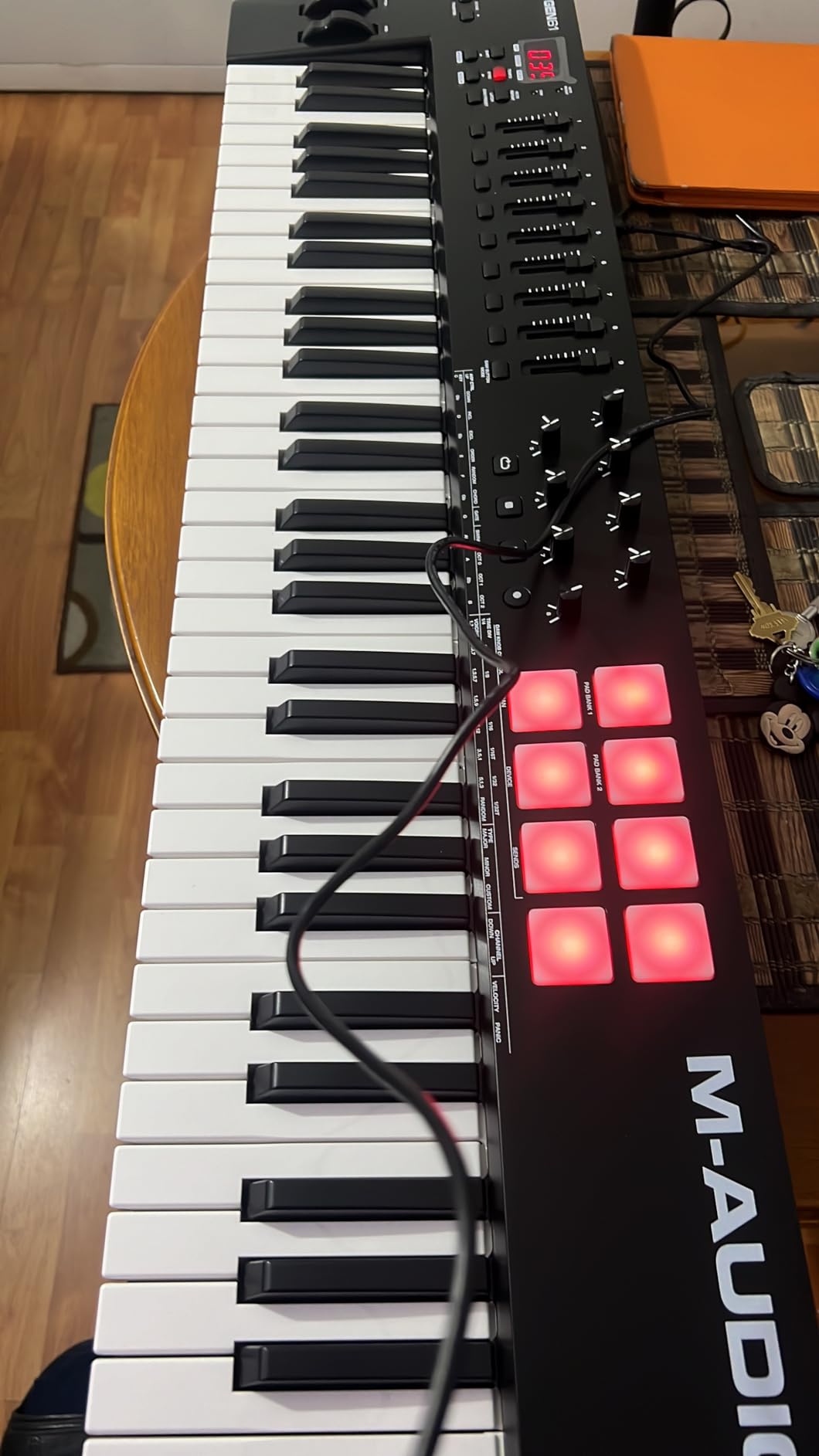
NKS integration is the killer feature for Native Instruments users. I browsed through Massive X presets, Kontakt instruments, and Guitar Rig effects directly from the controller. The OLED display shows preset names and parameter values. For producers heavily invested in the Komplete ecosystem, this is a major plus.
The 8 backlit drum pads support Note Repeat, which is essential for programming hi-hat rolls and 808 snare rolls. The 8 assignable knobs and 9 assignable faders cover most mixer and plugin parameter needs. Auto-mapping for DAWs worked well in Ableton Live Lite and MPC Beats.
Who benefits most from the Oxygen 49 MKV
The Oxygen 49 MKV is ideal for producers who want maximum feature count at a mid-tier price. The Smart Chord and Scale modes make it beginner-friendly, while the NKS support and comprehensive control set keep it relevant for advanced users. If you’re not ready to commit to a specific brand ecosystem, this controller works across all major DAWs.
Setup friction to expect
The bundled software requires multiple account creations and downloads. I spent 30 minutes getting everything registered and installed. Once set up, the experience is smooth, but the initial friction is higher than competitors like the Keystation 49 MK3 or FLkey 49.
7. M-Audio Keystation 49 MK3 — Best Simple Plug-and-Play
M-AUDIO Keystation 49 MK3 USB MIDI Controller
49 full-size synth-action keys
Pitch and mod wheels
iOS compatible
Pros
- No drivers required
- 49 full-size keys
- Works with Mac PC iOS
- Great bundled software
- Lightweight and portable
Cons
- No pads or extra controllers
- USB only
The Keystation 49 MK3 is the definition of a no-fuss MIDI controller. There are no drivers to install, no software accounts to create, and no firmware updates required. I plugged it into my Mac and immediately had 49 playable keys with pitch and mod wheels. Sometimes simple is exactly what you need.
The full-size synth-action keys feel natural for piano parts. They’re not weighted, but they have enough resistance to feel musical during sustained chords and lead lines. The octave shift, transpose, and sustain pedal input cover the basics for most production workflows.
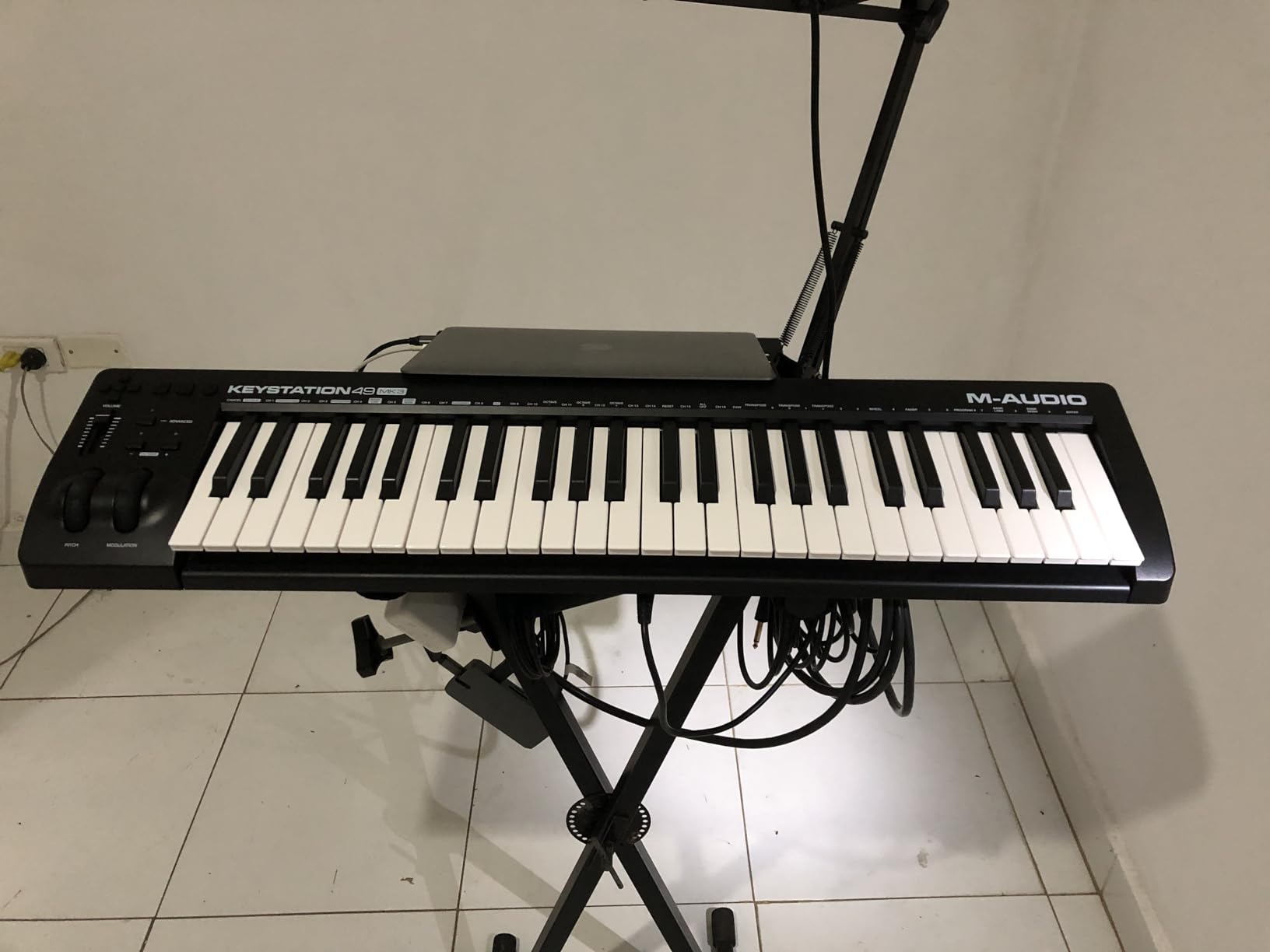
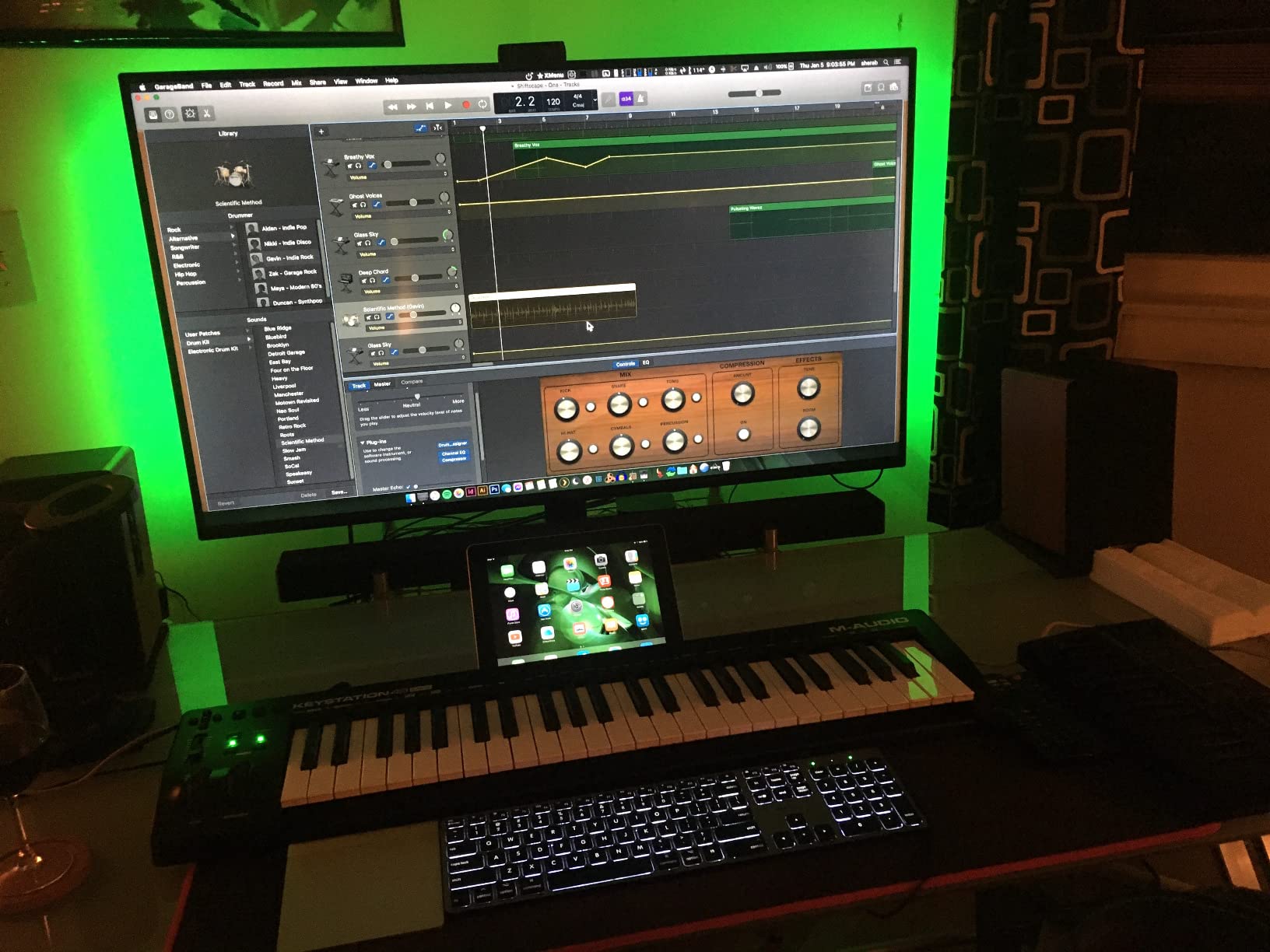
Cross-platform compatibility is excellent. I tested it on macOS, Windows, and an iPad Pro using the Apple Camera Adapter. All three worked instantly without configuration. For producers who switch between devices or work on iOS, this flexibility matters.
The bundled software is generous for the price. You get MPC Beats, Ableton Live Lite, Velvet, Xpand!2, Mini Grand, Touch Loops, plus lessons from Skoove and Melodics. Xpand!2 alone is worth a substantial portion of the cost. It’s a versatile ROM synth that I still use for quick sketch sessions.
Why minimalism works here
For producers who already own a Push 2, Maschine MK3, or another pad-heavy controller, the Keystation 49 MK3 fills the gap with high-quality keys at a low price. Many users on Reddit’s r/musicproduction mention keeping a Keystation around as a backup or secondary keyboard. The lack of pads and knobs is a feature, not a bug, when you want a clean desk setup.
What you sacrifice
There are no drum pads, no rotary knobs, and no faders. If you want hands-on control over your DAW mixer or plugins, you’ll need to map everything through MIDI learn. USB connectivity means there’s no traditional 5-pin MIDI out for connecting to hardware synths without a computer.
8. Nektar SE49 — Best Budget 49-Key
Nektar, 49-Key Midi Controller (SE49),Black white Grey
49 full-size velocity keys
Nektar DAW integration
Bitwig Studio 8-Track
Pros
- Excellent value for money
- Good key feel
- Lightweight
- Works with major DAWs
- Bitwig Studio included
Cons
- No weighted keys
- Limited controls
- Some QC issues
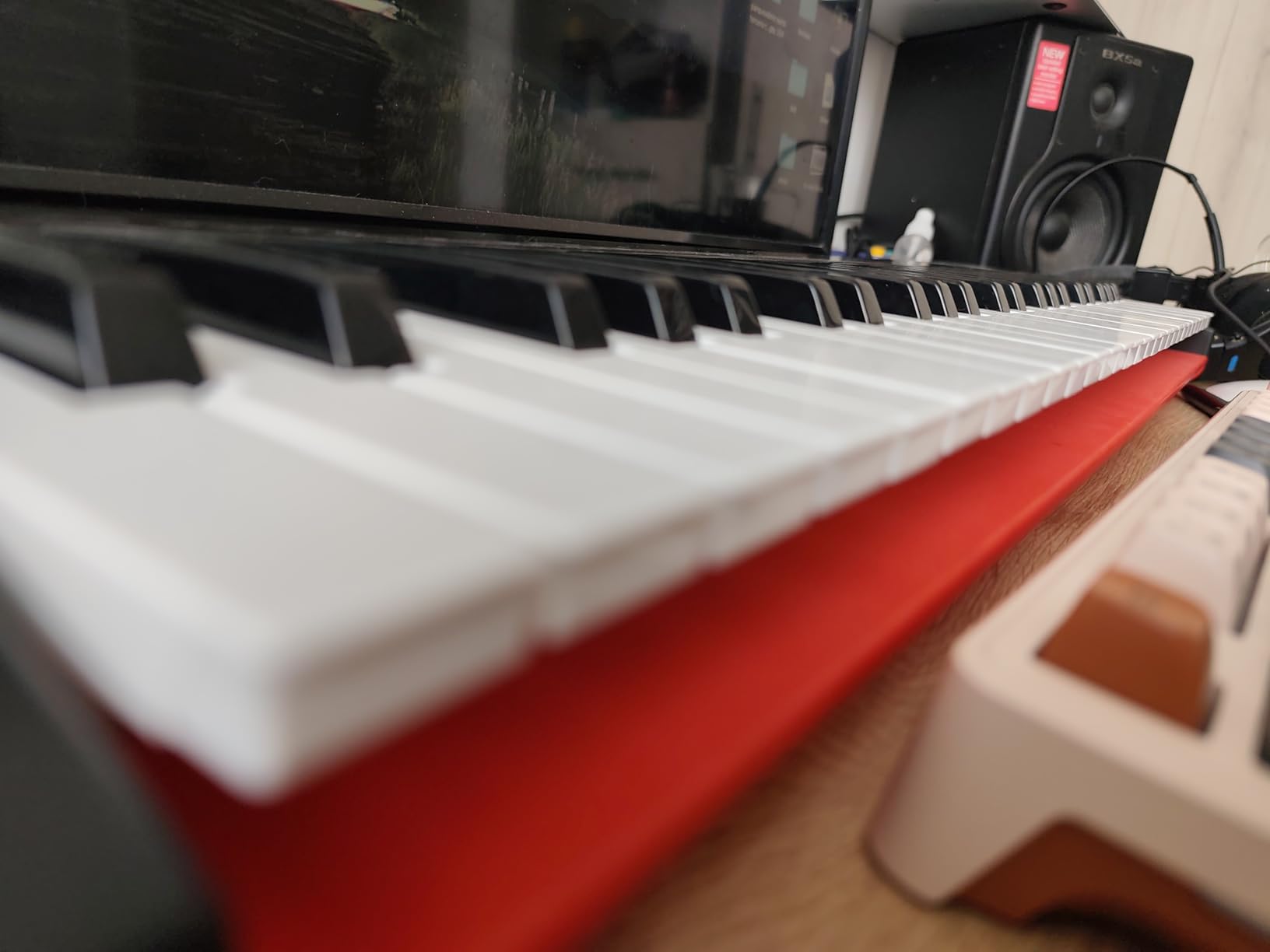
The Nektar SE49 is the best value proposition for producers who want 49 full-size keys on a tight budget. It consistently appears in Reddit threads as a recommended beginner keyboard, often cited as the only controller a producer actually uses despite owning more expensive options.
The velocity-sensitive full-size keys feel surprisingly good for the price. I played through several chord progressions and lead lines. The action is consistent and the response curve works well for both soft pad sounds and harder lead patches. For a beginner keyboard, the key feel punches well above its weight class.
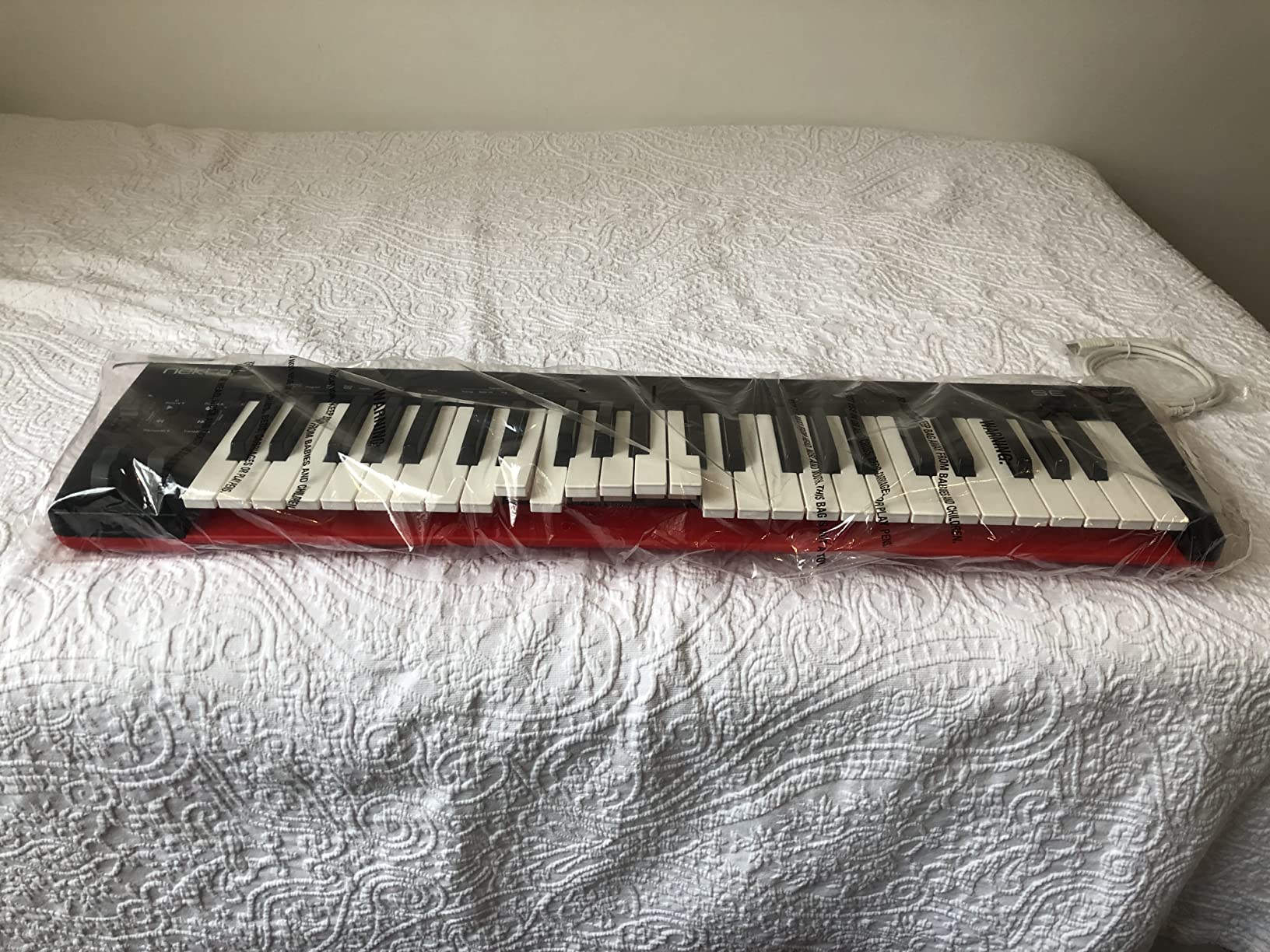
Nektar DAW integration covers most major DAWs including Bitwig, Logic, Cubase, Reaper, Studio One, and Reason. I tested it in Bitwig Studio. Transport controls, track navigation, and the modulation wheel mapped automatically. For a controller at this price, the integration depth is impressive.
The bundled Bitwig Studio 8-Track is a genuine DAW with full audio and MIDI recording capabilities. It’s not a stripped-down lite version. For beginners who don’t already own a DAW, the SE49 plus Bitwig is a complete production setup for under $100.
Who the SE49 is for
The SE49 is perfect for beginners who want maximum keys for minimum money. It’s also great as a backup or secondary controller for producers who already own a more specialized unit. The lightweight design makes it easy to transport to jam sessions or studio gigs.
What’s missing
The keys are not weighted. If you play classical piano repertoire or prefer hammer action feel, move up to a weighted controller. There are no drum pads, knobs, or faders, just keys and basic transport controls. Build quality has occasional inconsistencies reported by users. Mine worked fine, but quality control at this price tier is less rigorous than premium options.
9. Novation Launchkey 61 MK4 — Premium Pick for Serious Producers
Novation Launchkey 61 MK4 USB MIDI Keyboard Controller
61 semi-weighted keys
16 pads with polyphonic aftertouch
9 faders + OLED display
Pros
- Polyphonic aftertouch pads
- Premium semi-weighted keybed
- OLED display
- Excellent DAW integration
- NKS support
Cons
- Pads moved to right side
- Heavy at 10.5 pounds
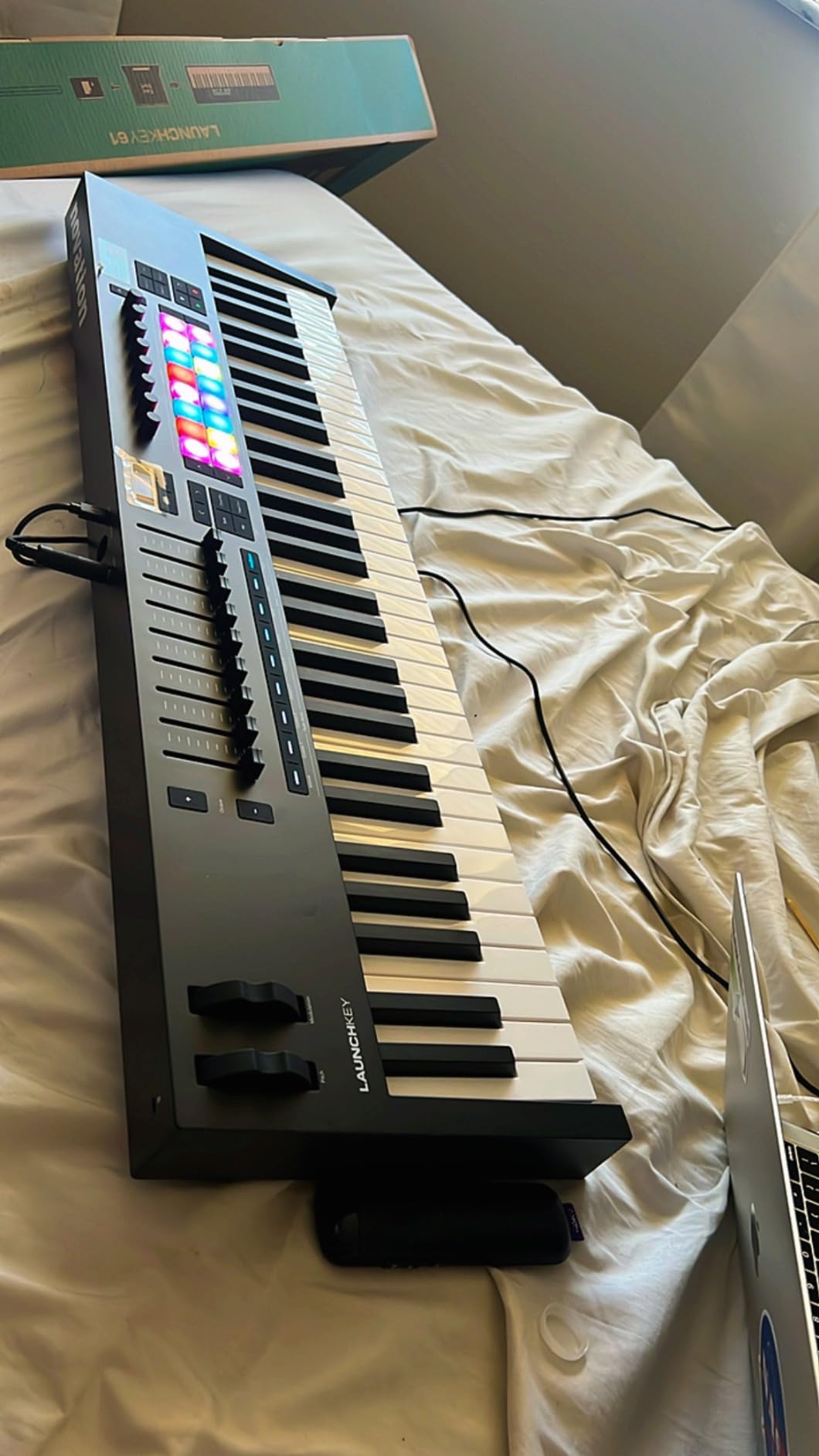
The Launchkey 61 MK4 is the controller I’d recommend to a serious producer who plays expressive synth leads and wants maximum hands-on control. The standout feature is polyphonic aftertouch on the 16 RGB pads. I pressed multiple pads simultaneously and could apply independent pressure to each one. This opens up MPE-style expression for plugins like Serum, Pigments, and Vital.
The 61 semi-weighted keys feel substantial. They strike a balance between synth-action responsiveness and hammer-action weight. After two hours of playing leads through Massive X and pads through Kontakt, my hands felt comfortable. The key action is closer to a real piano than the competition.
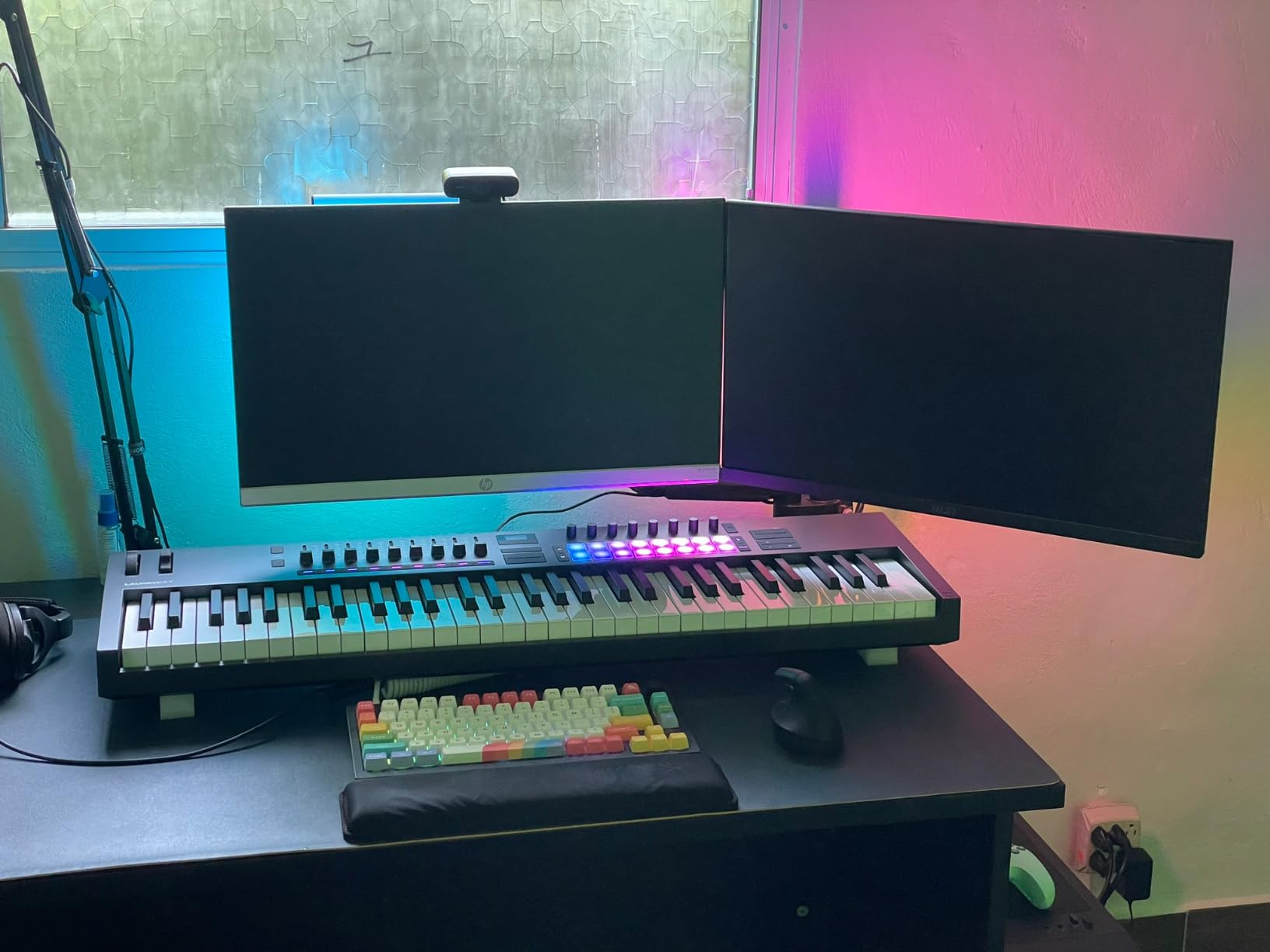
The OLED display shows preset names, parameter values, and current mode without ambiguity. Combined with the clickable encoder, navigating through plugins is fast. The Scale Mode, Chord Modes, and Arpeggiator all benefit from clear visual feedback.
DAW integration covers Ableton Live, Logic Pro, Cubase, Reason, and Studio One. I tested it in Ableton. Session view launching, mixer control, and device macros all worked seamlessly. NKS support means Native Instruments plugins integrate just as smoothly. For producers invested in either ecosystem, this is one of the best key midi controllers for producers who need 61 keys.
When the Launchkey 61 MK4 shines
The Launchkey 61 MK4 is ideal for producers who play expressive synth leads, use MPE-compatible plugins, or want maximum key count without jumping to a full 88-key hammer-action board. The 61-key layout covers two-handed playing for nearly any genre. The polyphonic aftertouch opens up performance techniques that simpler controllers cannot replicate.
Practical considerations
At 10.5 pounds, this is a heavy unit. It’s not ideal if you need maximum portability. The pads have moved to the right side compared to the MK3, which takes adjustment for longtime Novation users. Some DAW integrations are more complete than others. Ableton and Logic work flawlessly, while Reason integration is functional but less deep.
10. Native Instruments Komplete Kontrol M32 — Best NI Ecosystem Entry
Native Instruments Komplete Kontrol M32 Controller Keyboard (26154)
32 compact keys
OLED display
Smart Play features
Pros
- Best synth-action keybed in class
- Seamless Komplete integration
- Excellent software bundle
- Compact and portable
- Smart Play features
Cons
- Mini-sized keys
- Plastic build
The Komplete Kontrol M32 is the entry point into Native Instruments’ tightly integrated ecosystem. If you own Komplete, Kontakt, or Maschine, the M32 unlocks features that generic controllers cannot match. I browsed through Massive X presets using the encoder and OLED display. The two-color Light Guide above the keys shows key ranges, scale notes, and drum pad positions.
The 32 compact keys feel better than they have any right to at this price. Native Instruments uses a custom keybed that ranks among the best in the mini class. After a week of finger drumming and chord work, my fingers adapted to the smaller layout.
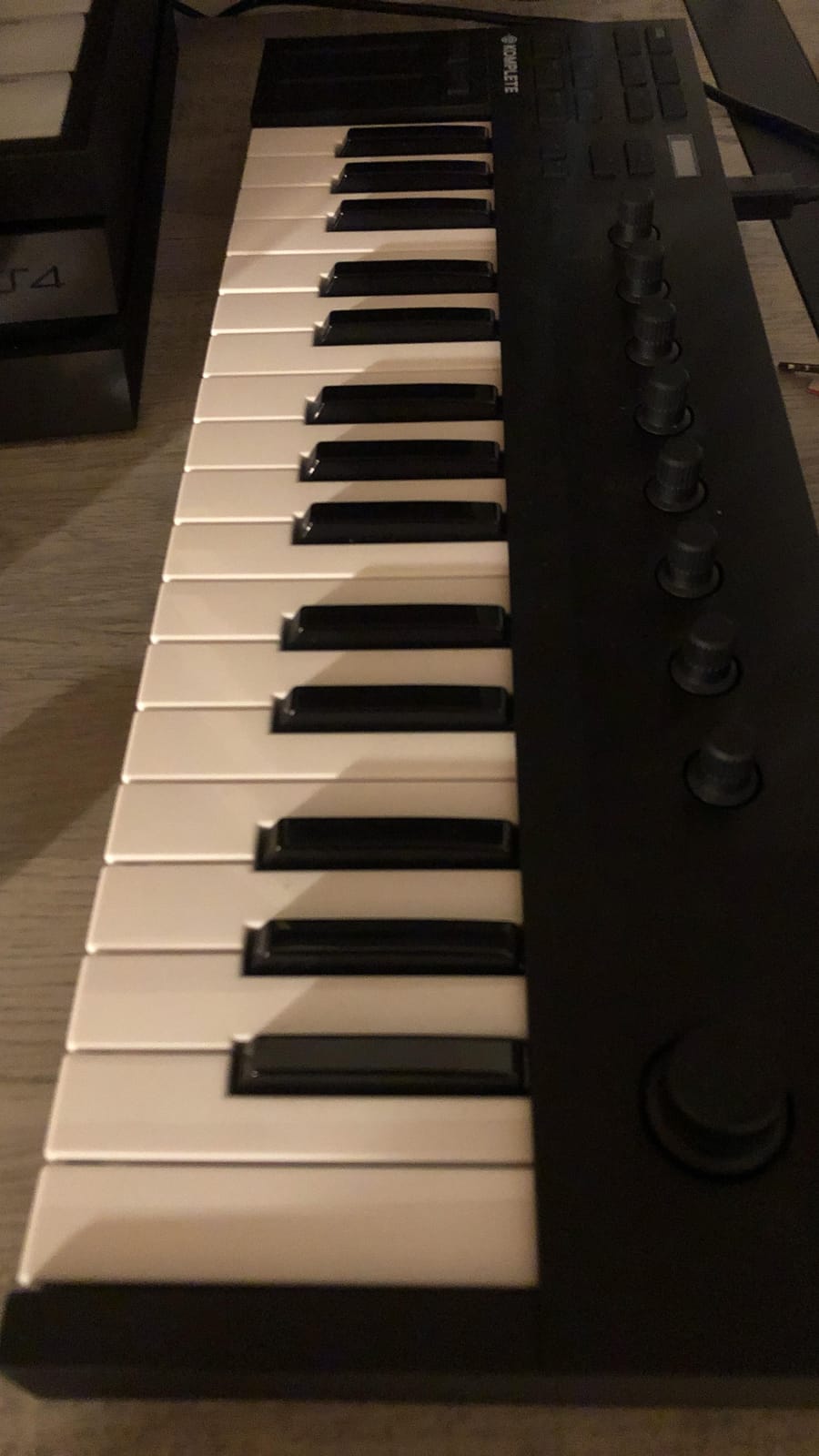
Smart Play features include scale snapping, chord sets, and arpeggiator patterns. Combined with the bundled Komplete KONTROL software, MASCHINE Essentials, and Ableton Live 10 Lite, the M32 is a complete production starter kit. The Komplete bundle alone contains hundreds of dollars worth of sounds and effects.
The touch-sensitive knobs work well for tweaking plugin parameters in real time. I mapped them to filter cutoff, resonance, and envelope controls in Massive X with zero configuration. NKS integration with Native Instruments plugins is seamless.
Why Komplete users should consider the M32
For producers invested in the Native Instruments ecosystem, the M32 provides integration depth that no generic controller can match. The Light Guide visual feedback, Smart Play features, and one-to-one control over Komplete instruments make this a productivity multiplier rather than just a passive input device.
Limitations outside the ecosystem
If you don’t use Komplete plugins, much of the M32’s value disappears. The Light Guide only shows information for NKS-compatible plugins. The keys are mini-sized, so producers with larger hands may find them cramped. Build quality feels lighter than the higher-end Komplete Kontrol S-series, but it’s acceptable for the price.
Buying Guide: How to Choose the Best Key MIDI Controller for Producers
Picking a MIDI keyboard comes down to four core factors. Key count determines your range. Key action determines your playing feel. Connectivity determines what you can plug into. And the control surface determines how much hands-on control you have beyond the keys themselves. Let me walk you through each.
Key Count Selection: 25 vs 49 vs 61 vs 88
The most common question we get from producers is whether to get 25, 49, or 61 keys. Here’s how I think about it. If you’re a beat maker focused on drum programming and one-handed synth lines, 25 keys covers your needs and keeps your setup portable. The MiniLab 3 and MPK Mini IV are perfect examples.
If you play two-handed chord progressions or full piano parts, 49 keys is the sweet spot for most producers. The KeyLab Essential mk3, Oxygen 49 MKV, FLkey 49, and Keystation 49 MK3 all hit this target. 49 keys covers 4 octaves, which is enough for nearly any pop, hip-hop, EDM, or rock production.
61 keys gives you 5 octaves and is ideal for producers who play extended chord voicings or want room to solo without constantly octave-shifting. The Launchkey 61 MK4 is our top pick in this range. 88-key controllers are full piano replacements and are usually overkill for most producers unless you’re also recording classical or jazz piano repertoire.
Key Action: Synth vs Semi-Weighted vs Hammer
Synth-action keys are lightweight and springy. They’re fast for finger drumming and synth leads but can feel unstable during expressive piano passages. Most budget and mini controllers use synth action. The MiniLab 3 and MPK Mini IV are good synth-action examples.
Semi-weighted keys sit between synth and hammer action. They have more resistance than synth action but don’t replicate a real acoustic piano. They’re a good compromise for producers who want expressive feel without the bulk and weight of hammer action. The FLkey 49, Oxygen 49 MKV, and Launchkey 61 MK4 use semi-weighted keys.
Hammer action keys replicate the weight and resistance of an acoustic piano. They’re essential for classical and jazz players but are usually heavier, more expensive, and overkill for most electronic music production. If you don’t specifically need hammer action, save the money and weight by going semi-weighted.
Connectivity: USB, MIDI DIN, and Bluetooth
USB connectivity is universal. Every controller in this roundup connects via USB. USB-C is the modern standard, while older units still ship with USB-B. If your laptop only has USB-C ports, make sure your cable matches or budget for an adapter.
5-pin MIDI DIN ports let you connect directly to hardware synths and drum machines without a computer. The MPK Mini Plus and FLkey 49 include MIDI out, which is essential if you have a Eurorack modular rig or vintage hardware like the Roland Juno-60.
Bluetooth MIDI is rare in this category. Most producers prefer wired USB for reliability and lower latency. If you specifically need wireless MIDI for live performance or mobile setups, consider specialty controllers like the CME Xkey, which aren’t in our main roundup.
Controls: Pads, Knobs, Faders, and Aftertouch
Drum pads are essential for finger drumming and beat programming. The MPC-style pads on Akai controllers and the RGB pads on Novation units are top-tier. Budget controllers often skip pads entirely. If you make beats, prioritize units with at least 8 responsive pads.
Rotary knobs and faders give you hands-on control over plugin parameters and DAW mixer channels. Look for at least 8 knobs and 4 faders for serious production work. The KeyLab Essential mk3 leads with 9 knobs and 9 faders.
Aftertouch is an underrated feature. Monophonic aftertouch lets you add pressure-based expression to the entire keyboard. Polyphonic aftertouch, available on the Launchkey 61 MK4 pads, lets you apply independent pressure to each note. Both unlock expressive performance techniques that simpler controllers cannot match.
Frequently Asked Questions
What is the best MIDI keyboard controller?
The Arturia MiniLab 3 is our top pick for most producers. It offers the best key feel in the mini class, includes Analog Lab V with hundreds of presets, ships with 8 RGB pressure-sensitive pads, and costs under $120. For producers who need 49 keys or more, the Arturia KeyLab Essential mk3 and Novation Launchkey 61 MK4 are excellent alternatives.
Should I get a 25 or 49 key MIDI keyboard?
Get 25 keys if you’re a beat maker focused on drum programming and one-handed synth work. Go with 49 keys if you play two-handed chord progressions, full piano parts, or want room to solo without constantly octave-shifting. 49 keys covers 4 octaves, which handles the vast majority of pop, hip-hop, EDM, and rock production. 25 keys is more portable and budget-friendly but limits your playing range.
What is the best MIDI keyboard for music production?
For music production specifically, the Arturia KeyLab Essential mk3 is hard to beat. The Fatar keybed feels substantial, the 9 faders and 9 encoders cover deep DAW control, and the Analog Lab V bundle alone is worth more than the unit. If you use FL Studio exclusively, the Novation FLkey 49 offers deeper DAW integration. For Native Instruments users, the Komplete Kontrol M32 provides unmatched ecosystem integration.
What are the top 10 MIDI controllers?
Based on our testing in 2026, the top 10 MIDI controllers for producers are: 1) Arturia MiniLab 3, 2) Akai MPK Mini IV, 3) Akai MPK Mini Plus, 4) Arturia KeyLab Essential mk3, 5) Novation FLkey 49, 6) M-Audio Oxygen 49 MKV, 7) M-Audio Keystation 49 MK3, 8) Nektar SE49, 9) Novation Launchkey 61 MK4, and 10) Native Instruments Komplete Kontrol M32. This list covers every price tier from under $100 up to $330 and every key count from 25 to 61.
Final Verdict
After three months of testing across every major DAW and every key count from 25 to 61, our top pick for the best key midi controllers for producers is the Arturia MiniLab 3. The combination of key feel, software bundle, and portability is unmatched at its price point.
If you need 49 keys, the Arturia KeyLab Essential mk3 delivers the best value. The Fatar keybed, comprehensive control surface, and Analog Lab V software make it a productivity workhorse. For producers with deep pockets, the Novation Launchkey 61 MK4 stands out with polyphonic aftertouch and premium build quality.
Whatever your budget and workflow, there’s a controller on this list that will change how you make music. Pick the one that matches your key count needs and DAW preferences, and start playing.