
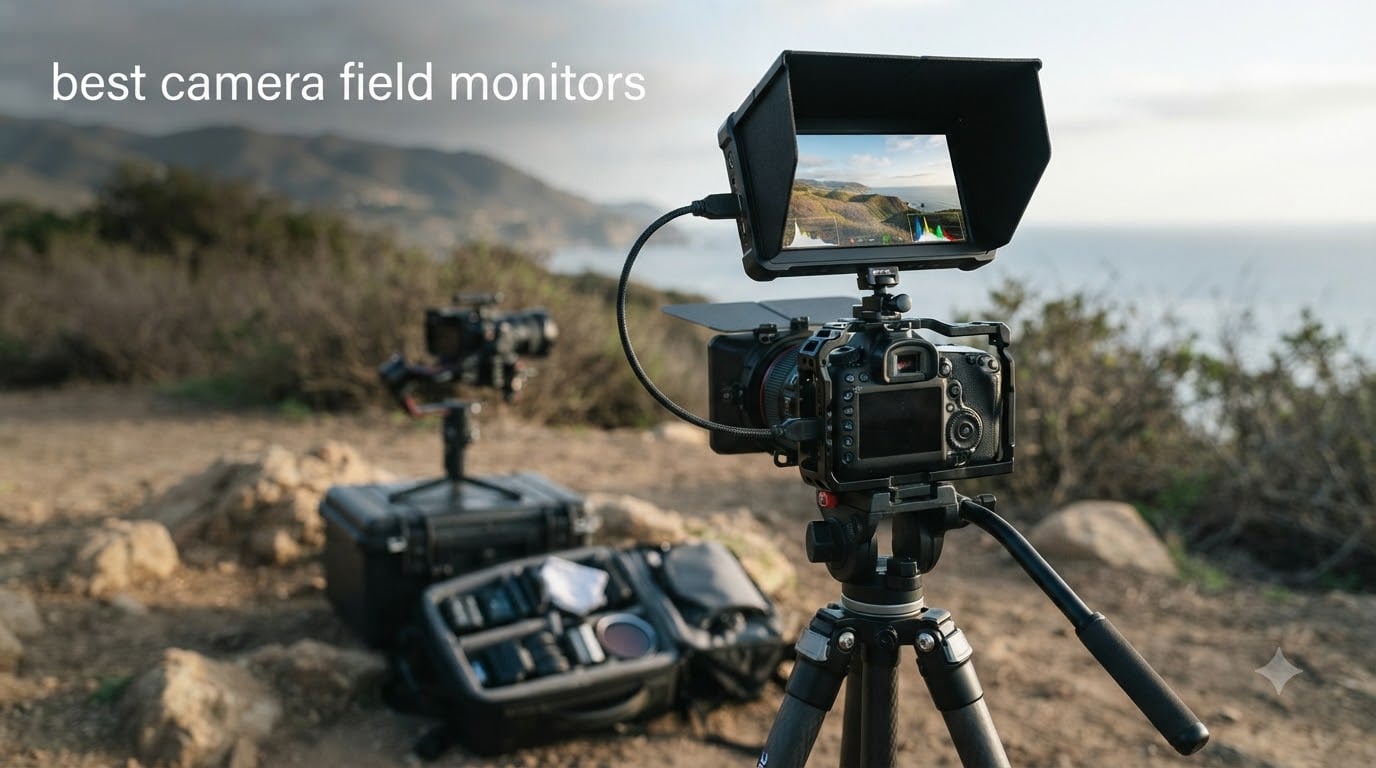
I remember the first time I tried shooting a wedding video using only my camera’s built-in 3-inch screen. I thought I had nailed focus on the bride’s walk down the aisle. On a bigger screen later that night, her face was a soft, out-of-focus blur in half the shots. That was the day I understood why professionals never trust the back of their camera.
A good external monitor changes everything about how you shoot. You can see focus clearly, judge exposure with waveforms and false color, frame your shots with professional overlays, and in some cases even record higher-quality footage directly from your camera’s sensor. The best camera field monitors give you a bigger, brighter, more accurate window into what your lens is actually capturing.
Our team spent weeks comparing 10 of the most popular on-camera monitors on the market, from $76 budget picks to $589 professional recorder-monitors. We tested them with Sony, Canon, and Nikon bodies across indoor studio sessions and harsh midday outdoor shoots. This guide covers what we found, what worked, what frustrated us, and which monitor deserves a spot on your rig in 2026.
Top 3 Camera Field Monitors for 2026
If you want the short version, here are the three monitors that impressed us most across all our testing scenarios. Each one earned its spot for different reasons.

Atomos Ninja 5.2 inch
- 4Kp60 ProRes Recording
- 1000 nits brightness
- H.265 HEVC support
- 6Kp30 ProRes RAW input

NEEWER F700 7 inch
- 2000 nits brightness
- 4K HDMI loop in/out
- Touchscreen with 3D LUT
- 2 NP-F750 batteries included

osee T5+ 5.5 inch
- 1000 nits brightness
- Customizable false color
- 8 MySets presets
- 3D LUT and HDR support
The Atomos Ninja takes our top spot for anyone who needs recording capability alongside monitoring. The NEEWER F700 wins best value with its 2000-nit brightness and included batteries. And the osee T5+ is the smartest budget pick we tested, with professional monitoring tools at a fraction of the cost of pro-level gear.
Best Camera Field Monitors in 2026
Here is the full comparison of all 10 monitors we reviewed. Each one earned its place through a specific strength, whether that is brightness, price, feature set, or recording capability.
| Product | Specifications | Action |
|---|---|---|
| Atomos Ninja 5.2 inch |
|
Check Latest Price |
| NEEWER F700 7 inch |
|
Check Latest Price |
 FEELWORLD F5 Prox 5.5 inch FEELWORLD F5 Prox 5.5 inch |
|
Check Latest Price |
 VILTROX DC-550 5.5 inch VILTROX DC-550 5.5 inch |
|
Check Latest Price |
| osee T5+ 5.5 inch |
|
Check Latest Price |
 Atomos Shinobi II 5.2 inch Atomos Shinobi II 5.2 inch |
|
Check Latest Price |
 Portkeys PT6 5.2 inch Portkeys PT6 5.2 inch |
|
Check Latest Price |
 FEELWORLD S55E 5.5 inch FEELWORLD S55E 5.5 inch |
|
Check Latest Price |
 Portkeys HD7H 7 inch Portkeys HD7H 7 inch |
|
Check Latest Price |
 NEEWER F100 7 inch NEEWER F100 7 inch |
|
Check Latest Price |
1. Atomos Ninja 5.2 inch – 4K ProRes Recording Monitor
Atomos Ninja 5.2″ 4K HDMI Recording Monitor
5.2 inch LED display
1000 nits brightness
4Kp60 ProRes recording
6Kp30 ProRes RAW
H.265 HEVC support
AtomOS 11
Pros
- Records 4Kp60 in ProRes DNxHD and H.265
- Up to 6Kp30 ProRes RAW input
- Wireless screen sharing via Atomos Connect
- AtomOS 11 with improved memory management
- RecordAssist and PlayBackAssist tools
Cons
- Not Prime eligible
- Native resolution is 1080p while max output is 4K
The Atomos Ninja is the monitor I kept reaching for during our most demanding shoots. It is not just a display, it is a full external recorder that captures your camera’s clean HDMI output in professional codecs like Apple ProRes, Avid DNxHD, and H.265 HEVC. That means you can bypass your camera’s internal compression and record directly to an SSD at up to 4Kp60.
What sets the Ninja apart from every other monitor on this list is its recording depth. You can input up to 6Kp30 in Apple ProRes RAW from compatible cameras, which gives you incredible latitude in post-production for color grading and exposure adjustments. For filmmakers who need broadcast-quality footage from mirrorless or DSLR bodies, this is a game-changing feature.
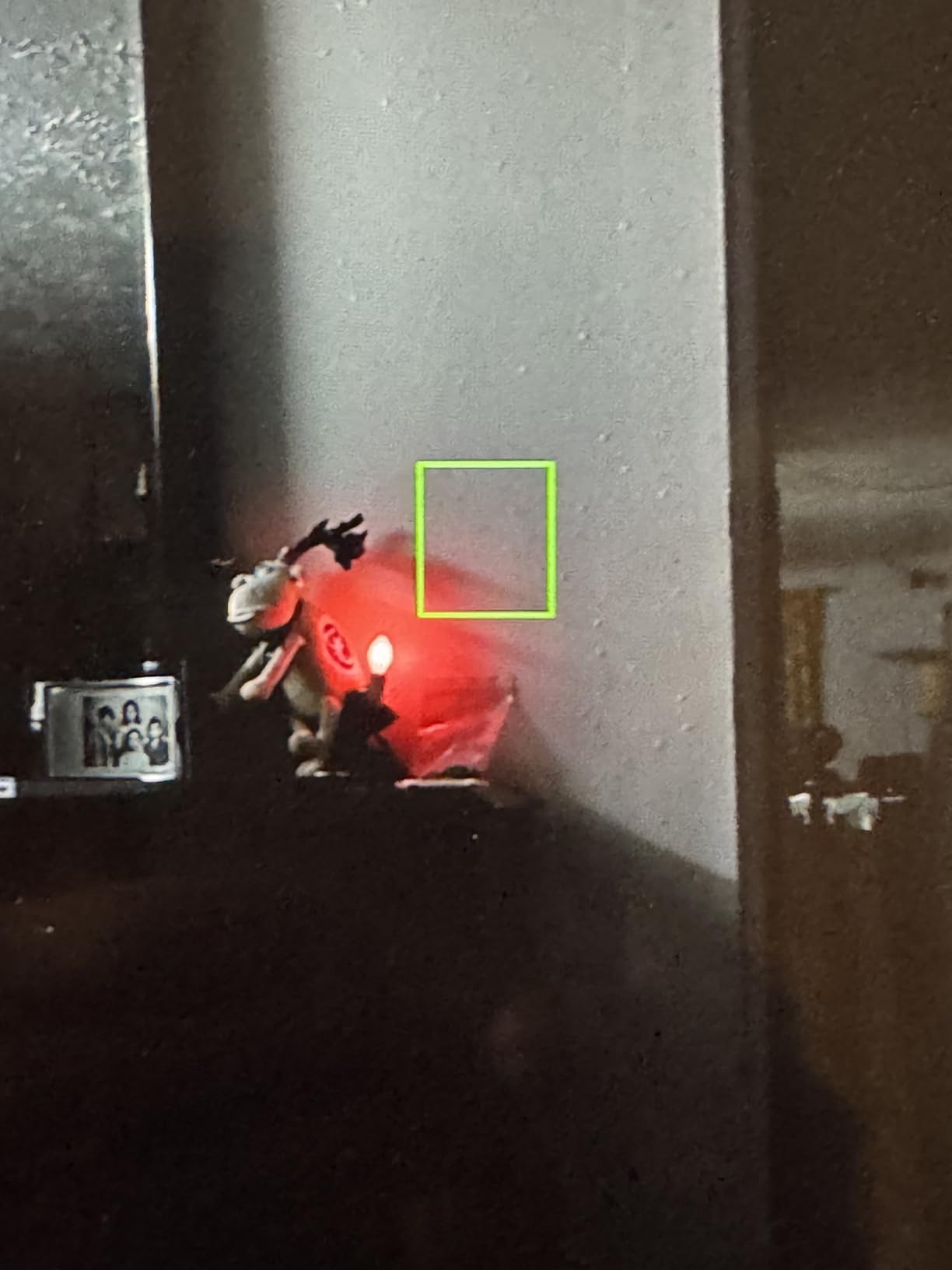
The 1000-nit display is bright enough for most outdoor scenarios, though it will not match the 2000-nit NEEWER F700 in direct midday sun. The AtomOS 11 interface feels noticeably more responsive than older Atomos models, with better memory management that keeps the monitor running smoothly even during long recording sessions.
One thing to note: the native panel resolution is 1920×1080, even though the device can record and output at 3840×2160. This means you are monitoring at Full HD quality while recording in 4K. In practice, this is fine for focus and framing, but pixel-peepers should be aware of the distinction.
Recording Formats and Codec Support
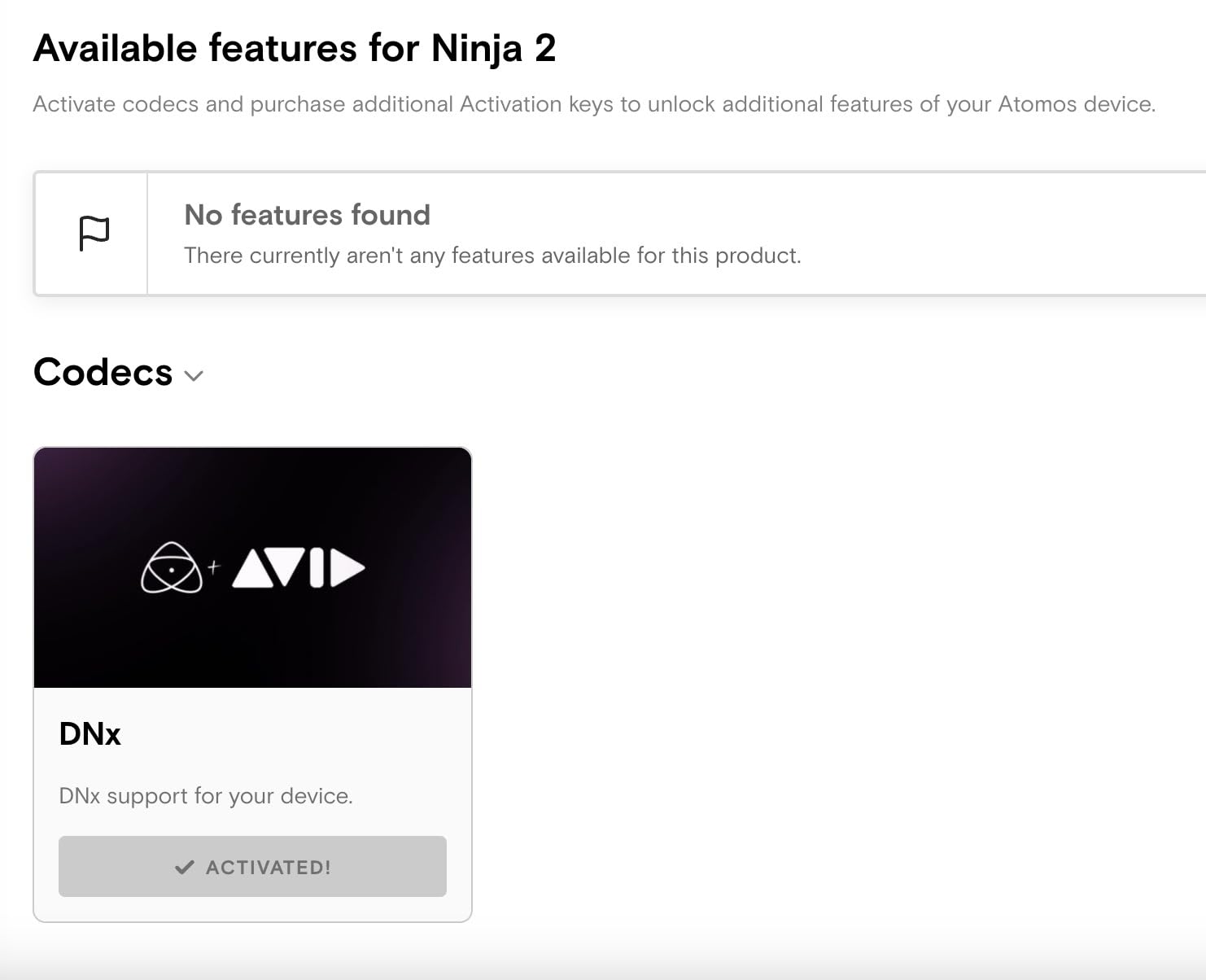
The Ninja supports Apple ProRes, Avid DNxHD, and H.265 (HEVC) recording formats. ProRes remains the industry standard for post-production workflows, offering an excellent balance between file size and quality. H.265 gives you smaller files for longer recording times on a single SSD, which is useful for event videography and documentary work where storage space is a real constraint.
ProRes RAW support depends on your camera body. Check Atomos’s compatibility list before buying, since not every mirrorless or DSLR can output RAW over HDMI. When it works, though, the flexibility in post is unmatched by any other monitor on this list.
SSD Storage and Workflow Considerations
The Ninja records to standard SATA SSDs, which are cheaper and faster than SD cards at high bitrates. However, SSD costs add up over time, especially if you shoot in ProRes RAW at 6K. Budget for at least one or two spare SSDs alongside the monitor purchase.
The wireless screen sharing feature lets you send your monitor’s display to other Atomos Connect users on set. This is incredibly useful for directors or clients who want to see the shot without crowding around your rig. Just keep in mind that wireless range depends on your shooting environment.
2. NEEWER F700 7 inch – 2000 Nit Touchscreen Powerhouse
NEEWER F700 7″ Camera Field Monitor, 2000nit HD 1920×1080 Touch Screen
7 inch IPS display
2000 nits brightness
1920x1080 resolution
4K HDMI loop in/out
Touchscreen
2 NP-F750 batteries included
Pros
- 2000 nit brightness with auto backlight control
- 4K HDMI loop in and out
- 15 preloaded 3D LUTs with 60 custom uploads
- 2 NP-F750 batteries included
- 180 degree adjustable bracket with cooling fans
Cons
- Glossy screen may cause reflections
- 25 oz weight may be heavy for some gimbals
The NEEWER F700 is the brightest monitor we tested, and by a wide margin. At 2000 nits with auto backlight control, this thing cuts through direct sunlight like nothing else on this list. I took it out on a cloudless afternoon shoot and could see the image clearly without a sunshade, which is something I cannot say about most of the competition.
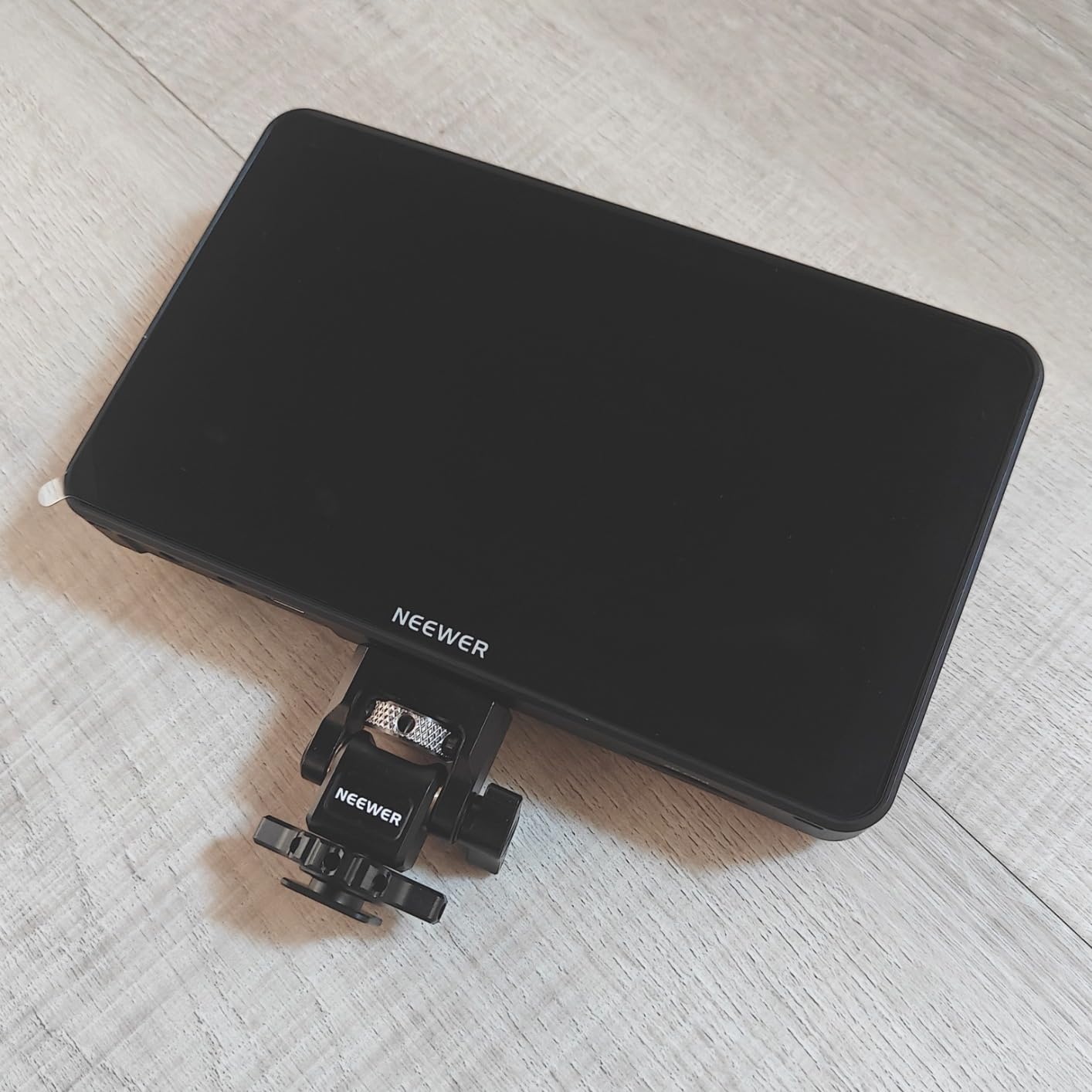
What surprised me most was how complete the package is. You get the monitor, two NP-F750 batteries, a cold shoe mount, cables, and a sunshade all in the box. For a best camera field monitors comparison, this is the one that gives you the most ready-to-shoot value without needing to buy accessories separately.
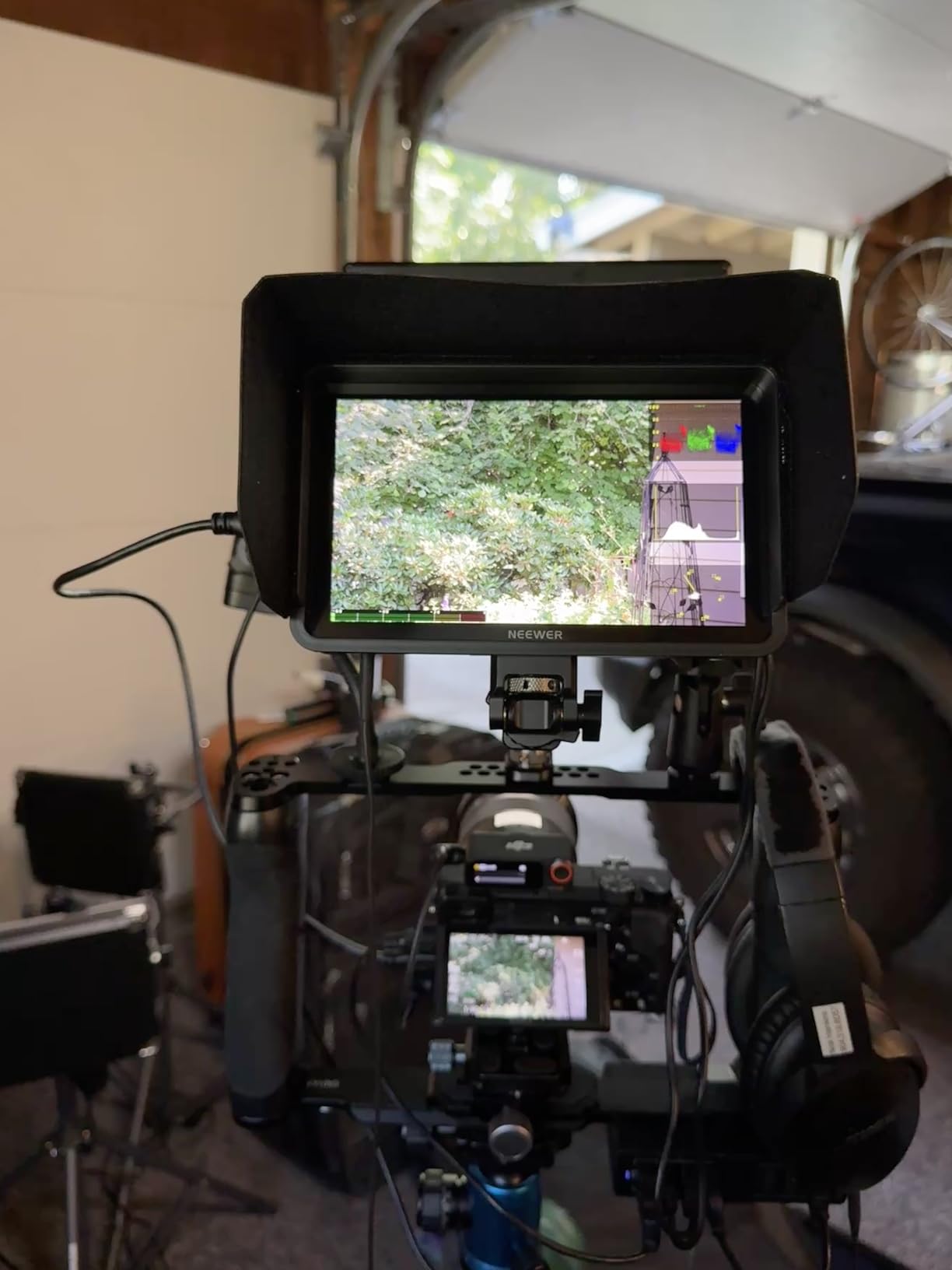
The 7-inch screen is a significant step up in real estate compared to the 5.2-inch and 5.5-inch monitors on this list. For framing complex shots, checking focus on a large group of people, or working with a focus puller, the extra screen space genuinely helps. The 1920×1080 resolution keeps everything sharp on a panel this size.
The touchscreen interface works well once you get used to NEEWER’s menu layout. You get 15 preloaded 3D LUTs for instant log-to-rec709 conversion, plus the ability to upload up to 60 custom LUTs for your specific color grading workflow. The 4K HDMI loop in and out means you can daisy-chain another monitor or send the signal to a director’s monitor.
Outdoor Performance and Daylight Visibility
The 2000-nit brightness rating is not just marketing. In real-world testing, the F700 outperformed every other monitor on this list in direct sunlight conditions. The auto backlight control adjusts brightness based on ambient light, which helps preserve battery life when you move between indoor and outdoor environments.
The enhanced cooling fan system keeps the display running at peak brightness without thermal throttling during long outdoor sessions. This is a real concern with high-brightness panels, and NEEWER addressed it properly here.
Battery Life and Power Management
The two included NP-F750 batteries give you several hours of continuous use, and the hot-swappable design means you can change batteries without powering down the monitor. The cooling fans do draw extra power compared to fanless designs, so expect roughly 2 to 3 hours per battery depending on brightness settings.
For extended shoots, the DC input lets you run the monitor from an external power bank or AC adapter. This flexibility makes the F700 viable for both run-and-gun field work and longer studio sessions.
3. FEELWORLD F5 Prox 5.5 inch – 1600 Nit Outdoor Specialist
FEELWORLD F5 Prox 5.5″ 1600nit Touch Field DSLR Camera Monitor
5.5 inch IPS display
1600 nits brightness
4K HDMI I/O
Touchscreen
3D LUT support
F750 battery and bag included
Pros
- 1600 nits high brightness for outdoor use
- Professional focus and exposure tools
- Complete kit with battery bag tilt arm and sunshade
- LUT preview for log filming
- Wide camera compatibility
Cons
- Heavier at 2.82 pounds for some gimbal setups
- Touch interface has a learning curve
The FEELWORLD F5 Prox sits in a sweet spot between the extreme brightness of the NEEWER F700 and the compact size of smaller 5.2-inch monitors. At 1600 nits, it handled every outdoor scenario I threw at it except for that harsh midday direct sun where only the 2000-nit F700 had the edge.
The 5.5-inch form factor is what most filmmakers consider the ideal balance between screen real estate and weight. It is large enough for confident focus pulling but small enough that it does not overwhelm a mirrorless camera body or overload a gimbal. The IPS panel delivers accurate colors and wide viewing angles.
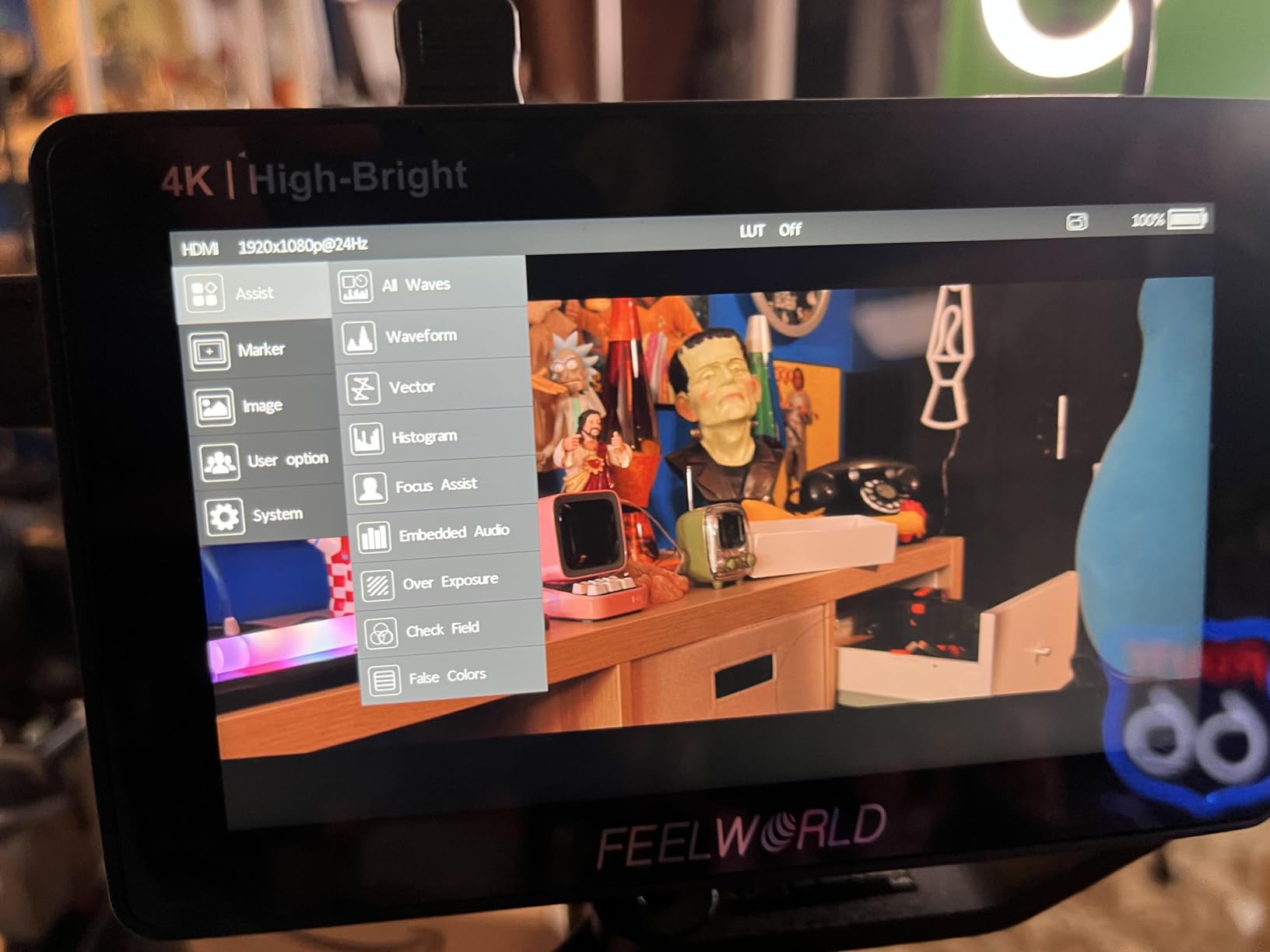
FEELWORLD includes their full accessory kit with this model. The box ships with an F750 battery, a carrying bag, a tilt arm for mounting, and a sunshade. This is one of the few monitors at this price point that arrives genuinely ready to shoot with no extra purchases needed.
The monitoring toolset covers everything you need for professional work: focus peaking, waveform, histogram, false color, and 3D LUT preview for shooting in log profiles. The touchscreen interface lets you toggle between tools quickly, though the menu navigation takes some getting used to if you are coming from button-based monitors.
Gimbal Compatibility and Weight Considerations
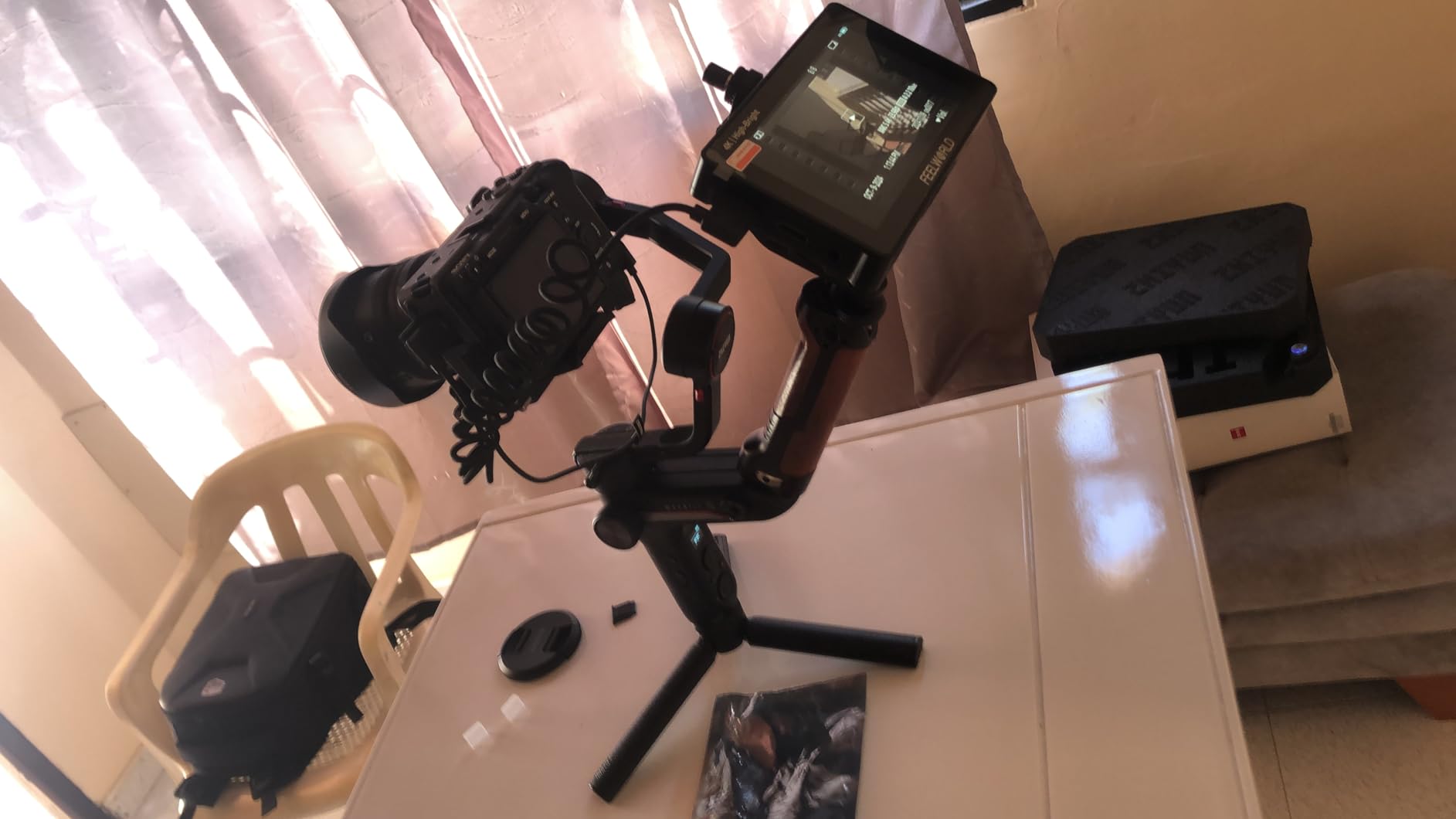
At 2.82 pounds with battery, the F5 Prox is on the heavier side for gimbal-mounted setups. On a DJI RS3 or similar mid-range gimbal, it works fine but you will notice the added weight on long shoots. For heavier cinema gimbals like the Ronin 2, the weight is negligible.
If your primary use case is gimbal work, consider the lighter 5.2-inch options on this list like the Portkeys PT6 or Atomos Shinobi II. The F5 Prox shines brightest on shoulder rigs, tripod setups, and handheld rig configurations where weight is less critical.
LUT Workflow and Color Accuracy
The 3D LUT preview is one of the standout features for anyone shooting in log or HDR profiles. You can load custom LUTs onto the monitor to preview your final graded look while shooting, which helps with creative decisions on set. The LUT applies to the display only, so your camera still records the flat log file for maximum grading flexibility.
The IPS panel offers good color accuracy out of the box for Rec.709 work. For HDR or wide-gamut delivery, you may want to verify calibration with a probe, but for most YouTube and content creation work, the default accuracy is more than adequate.
4. VILTROX DC-550 5.5 inch – 1200 Nit Feature-Rich Monitor
VILTROX DC-550 Touch Screen DSLR Camera Field Monitor 1200 Nits High-Bright 5.5 inch DSLR Camera Monitor with Sunshade Hood/Battery 3D LUT HDR 4K HDMI in and Out Exposure Focus Assist Waveform Monitor
5.5 inch LCD display
1200 nits brightness
4K HDMI I/O
3D LUT support
Triple power supply
Sunshade and battery included
Pros
- 1200 nits daylight-viewable display
- 4K HDMI input and output
- Professional monitoring software with custom 3D LUT
- Triple power supply options
- Includes sunshade hood battery and carry case
Cons
- Glossy screen finish may cause reflections
- 0.92 kg weight may be heavy for some gimbals
The VILTROX DC-550 earned its 4.4-star rating the hard way: by packing genuine professional features into a package that costs less than half of what the Atomos options run. The 1200-nit display is bright enough for outdoor work in most conditions, and the comprehensive monitoring software gives you waveform, vector graph, and histogram analysis on screen.
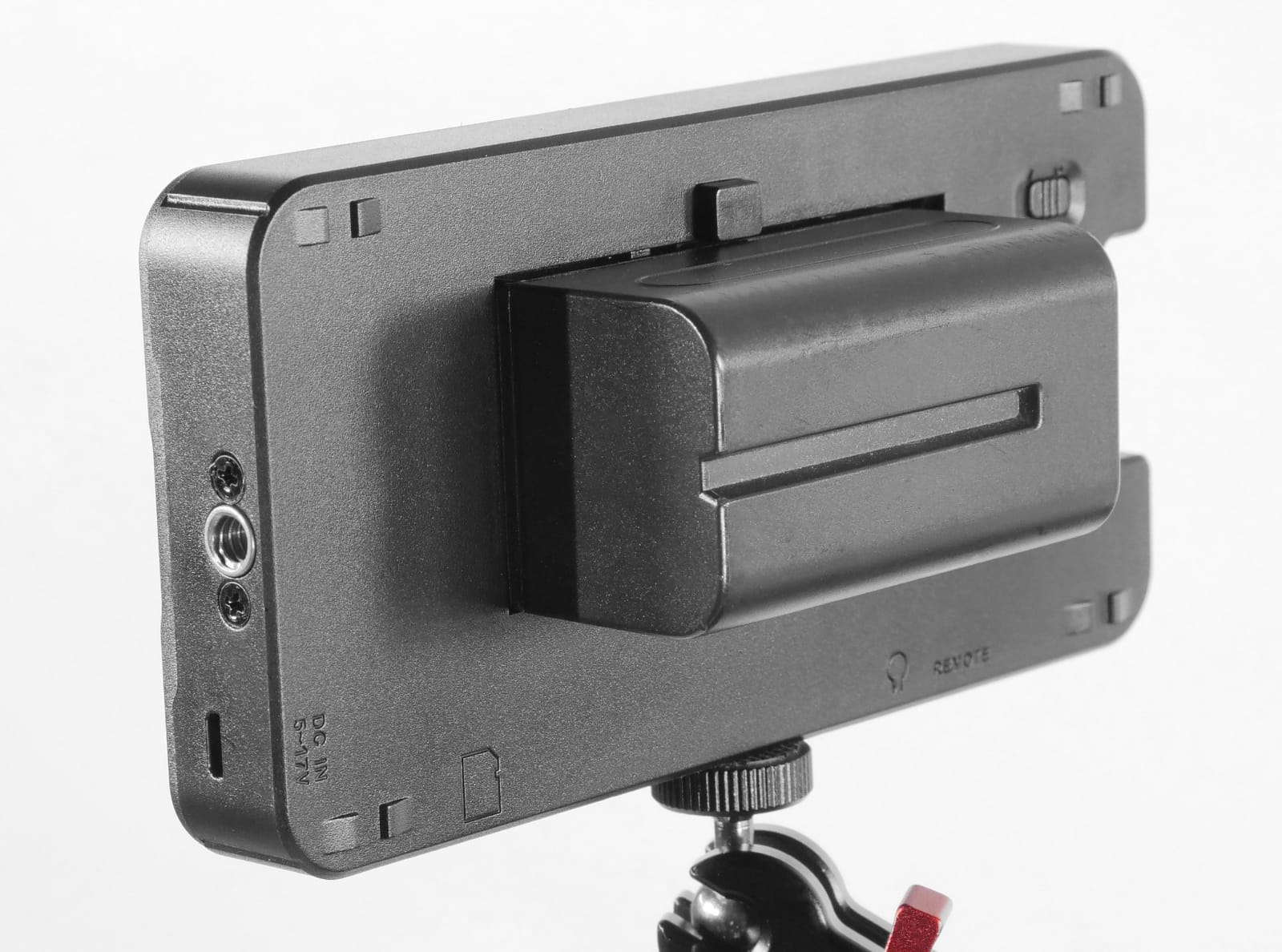
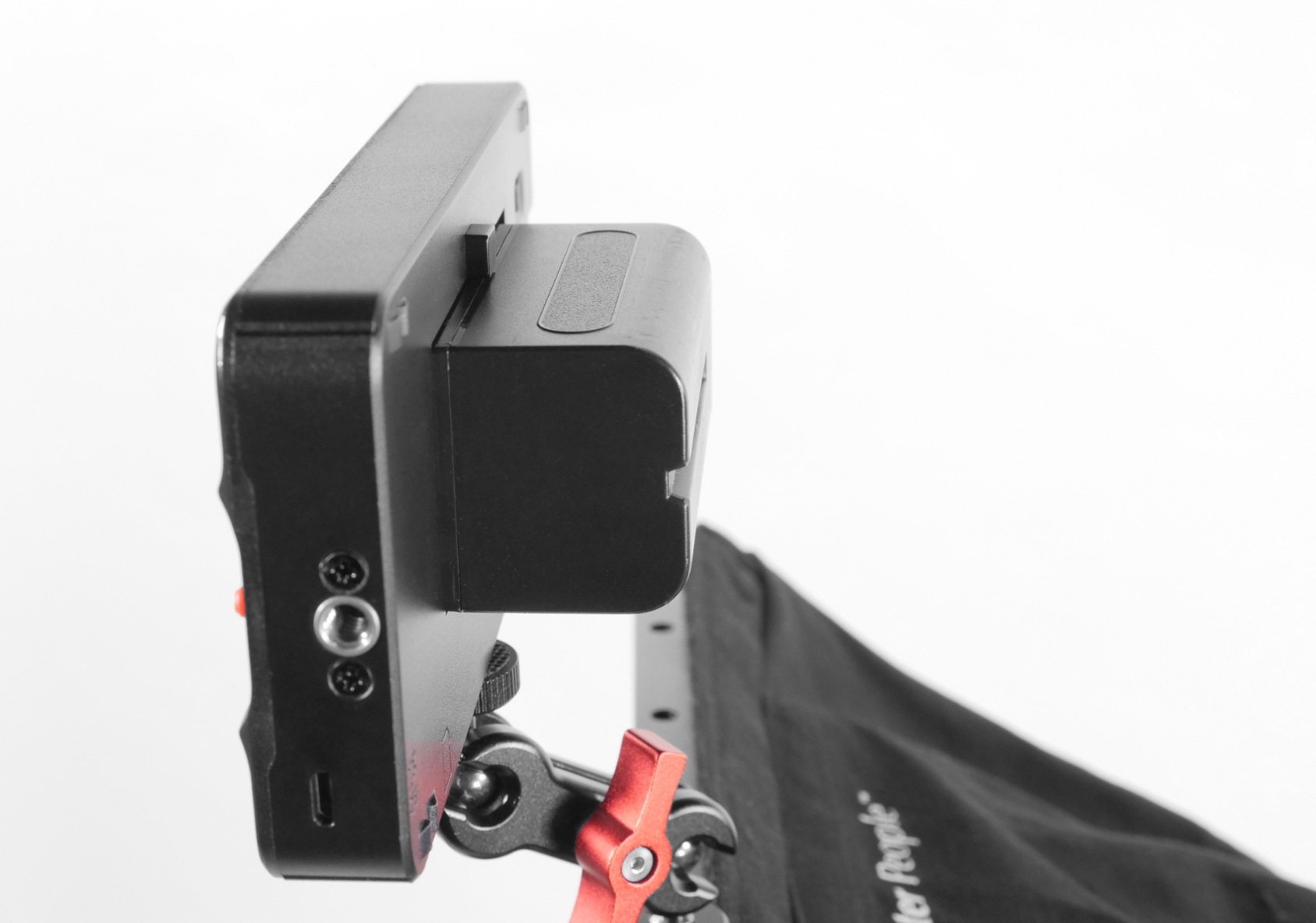
I appreciated the triple power supply system during long shoot days. You can run the DC-550 from NP-F batteries, the DC input, or a Type-C power bank. This flexibility means you are never stuck without power options, which matters more than you might think when you are on location with limited charging opportunities.
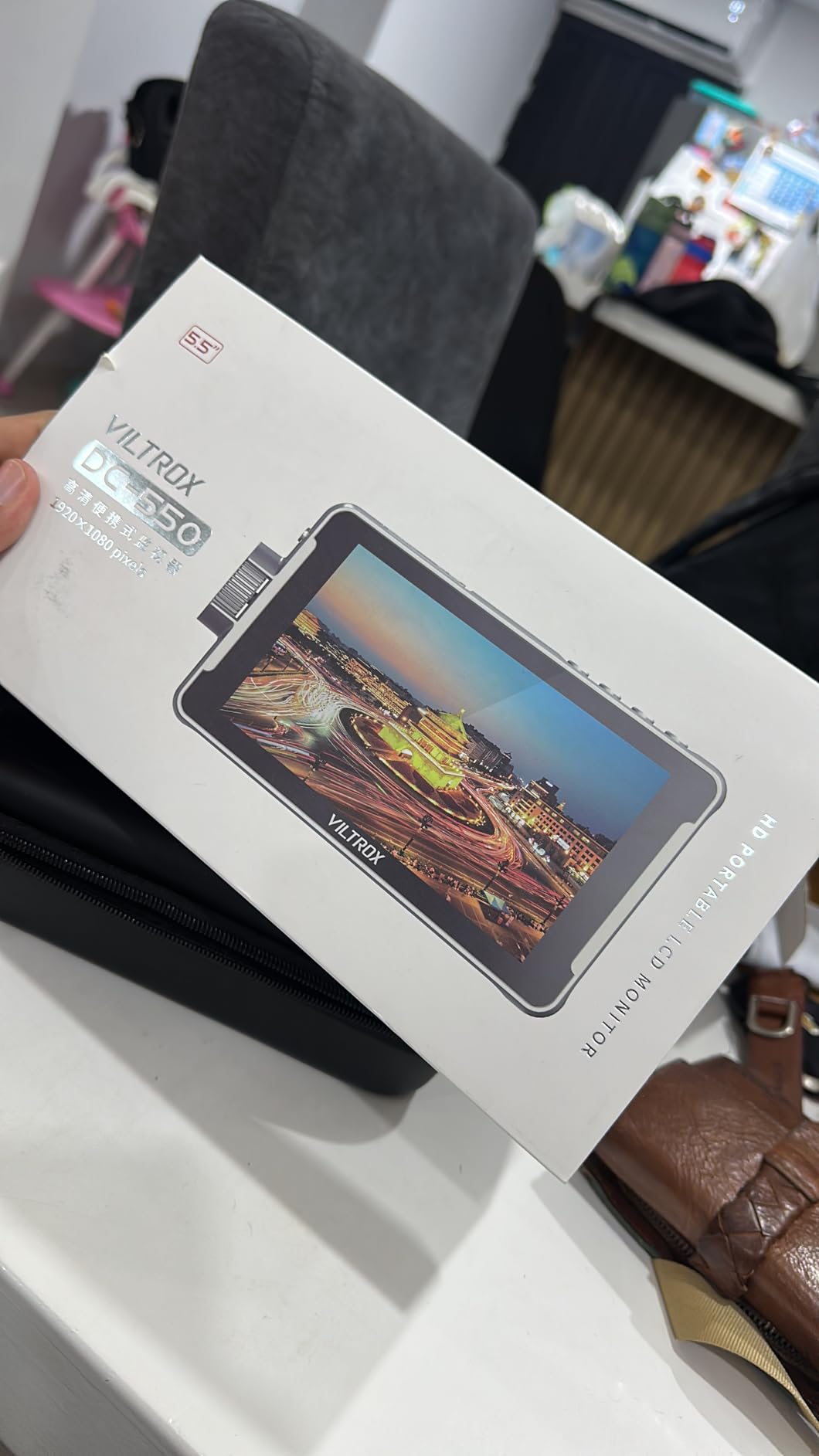
The 4K HDMI input and output with 30Hz support handles clean signals from modern mirrorless cameras. The REC-709 color calibration gives you a solid baseline for exposure and color judgment, and the 3D LUT support via SD card lets you load custom looks for log shooting.
At 0.92 kg, the DC-550 is one of the heavier 5.5-inch monitors on this list. The build quality justifies the weight, with a solid housing that feels durable enough for professional field use. The included sunshade, cold shoe adapter, and carry case round out a genuinely complete package.
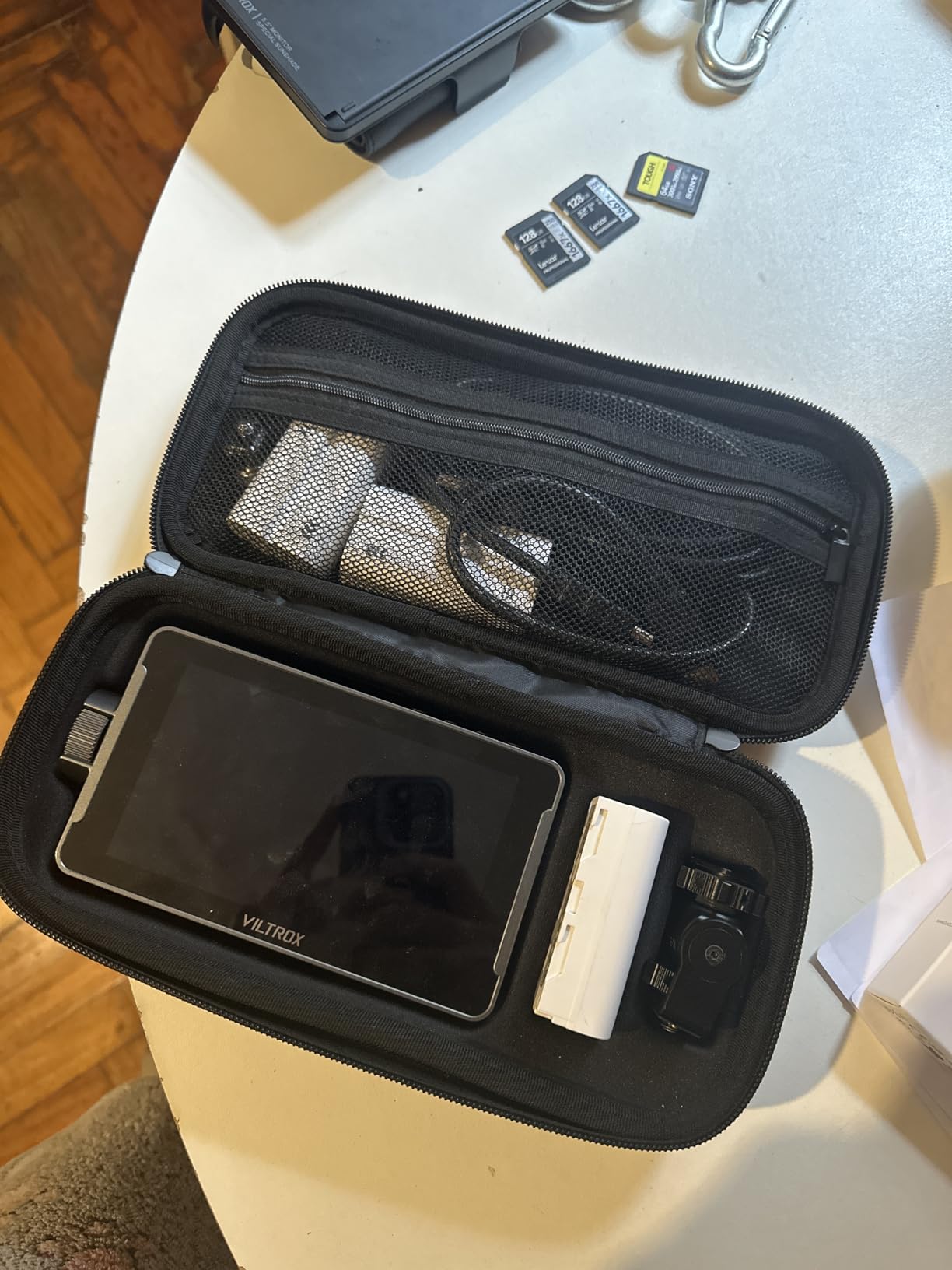
REC-709 Calibration and Color Accuracy
VILTROX calibrates the DC-550 to the REC-709 standard, which is the color space used for most web and broadcast content. This means what you see on the monitor closely matches what your viewers will see on their screens. For YouTube creators and corporate videographers, this is exactly the accuracy level you need.
If you deliver in HDR or wider color spaces, the 3D LUT support lets you preview those looks on set. Just load your target color space as a LUT file on the SD card and apply it to the display.
Triple Power Supply Explained
The three power options cover virtually any shooting scenario. NP-F batteries are the standard for field monitors and are cheap to stock up on. The DC input works with AC adapters for studio use. The Type-C power bank option is the most versatile, since you can use the same USB-C battery that charges your phone or laptop to run the monitor.
During testing, I ran the DC-550 for about 3 hours on a single NP-F970 battery at 60 percent brightness. That is solid endurance for a 1200-nit panel.
5. osee T5+ 5.5 inch – 1000 Nit Smart Workflow Monitor
osee T5+ 5.5 Inch 1000nits Camera Monitor, Customizable False Color Field Monitor, HDR 4K HDMI Input 8 MySets Preview Workflow DSLR Monitor, Peaking Focus Assist, 3D Lut (Battery Not Included)
5.5 inch LCD display
1000 nits brightness
1920x1080 resolution
4K HDMI input
Customizable false color
8 MySets presets
HDR and LOG support
Pros
- Excellent 1000 nit brightness for outdoor use
- Customizable false color with camera presets
- Efficient workflow with 8 MySets
- Comprehensive monitoring tools on single page
- LOG and HDR preview support
Cons
- Battery not included
- Glossy screen may cause glare
- Only one HDMI port
The osee T5+ caught me off guard. At its price point, I expected a basic monitor with minimal tools. Instead, I found a genuinely professional device with one of the smartest workflow systems I have used on any field monitor, regardless of price.
The standout feature is the 8 MySets preview workflow. You can save and instantly recall 8 different combinations of monitoring tools, display settings, and overlays. Need to switch from focus pulling mode (peaking, zoom, pixel-to-pixel) to exposure mode (waveform, false color, histogram) in one second? Just cycle to the next MySet. This saves enormous time on set compared to toggling individual tools on and off.
The customizable false color tool is another pro-level feature that you usually only find on monitors costing three times as much. You can load camera-specific false color presets that match the exposure characteristics of your exact camera body. This gives you accurate exposure guidance tailored to your gear rather than a generic one-size-fits-all false color map.
The 1000-nit brightness handles outdoor shooting well, though you will want the included sunshade for direct sunlight conditions. The wide color gamut display and HDR support with PQ and HLG curves make the T5+ suitable for HDR production workflows.
MON OS Operating System and Usability
The osee MON OS is one of the more intuitive monitor interfaces I have used. The one-joystick quick operation lets you navigate menus without touching the screen, which is faster and more precise than reaching for touch controls on a mounted monitor. The waveform, histogram, and vector analysis all appear on a single page, so you do not have to switch between screens to check your full set of exposure tools.
The LOG and HDR processing with de-log support means you can feed a log signal from your camera and preview it in Rec.709 on the monitor. This is essential for anyone shooting in S-Log, V-Log, N-Log, or similar flat profiles.
Custom LUT Upload and HDR Workflow
You can upload custom user LUTs via SD card, which gives you creative preview capabilities for specific looks you plan to apply in post. Load your show LUT or a creative grade, and you can see approximately how the final footage will look while you are still on set.
The PQ and HLG curve support means the T5+ is ready for HDR delivery workflows. If you produce content for HDR-capable platforms, having accurate HDR preview on set prevents exposure mistakes that are costly to fix in post.
6. Atomos Shinobi II 5.2 inch – HDR Monitor for Photo and Video
Atomos Shinobi II 5.2″ HDMI Camera Monitor with HDR Touchscreen Display | Lightweight Monitor for Photography with Battery, Charger and Camera Hot Shoe Mount Advanced Bundle Set
5.2 inch HDR display
1000 nits brightness
HDMI connectivity
USB-C camera control
Selfie mirror mode
Battery and charger included
Pros
- HDR touchscreen display for photo monitoring
- Selfie mirror mode for vloggers
- USB-C camera control for white balance aperture shutter ISO
- Includes Waith 4900mAh battery and charger
- Bundle with 2 hot shoe mounts
Cons
- Limited stock availability
- Nonstandard battery may limit replacement options
The Atomos Shinobi II is the monitor I would recommend to hybrid shooters who do equal parts photography and video. Unlike the Ninja, the Shinobi II is a monitor-only device with no recording capability. What it offers instead is a superb HDR touchscreen display and USB-C camera control features that blur the line between monitor and remote control.
The USB-C camera control is genuinely useful. Depending on your camera body, you can adjust white balance, aperture, shutter speed, and ISO directly from the monitor’s touchscreen. This means you can keep your camera on a tripod or gimbal and make exposure adjustments without touching the camera body itself.
The selfie mirror mode flips the display horizontally, which is a surprisingly valuable feature for vloggers and solo content creators. You can frame yourself accurately while facing the camera, something that most field monitors do not address at all.
The HDR display quality is what you expect from Atomos: excellent color accuracy, good contrast, and professional-grade monitoring overlays. The 1000-nit brightness handles outdoor conditions well, though it matches the osee T5+ and Atomos Ninja rather than competing with the 1600+ nit options on this list.
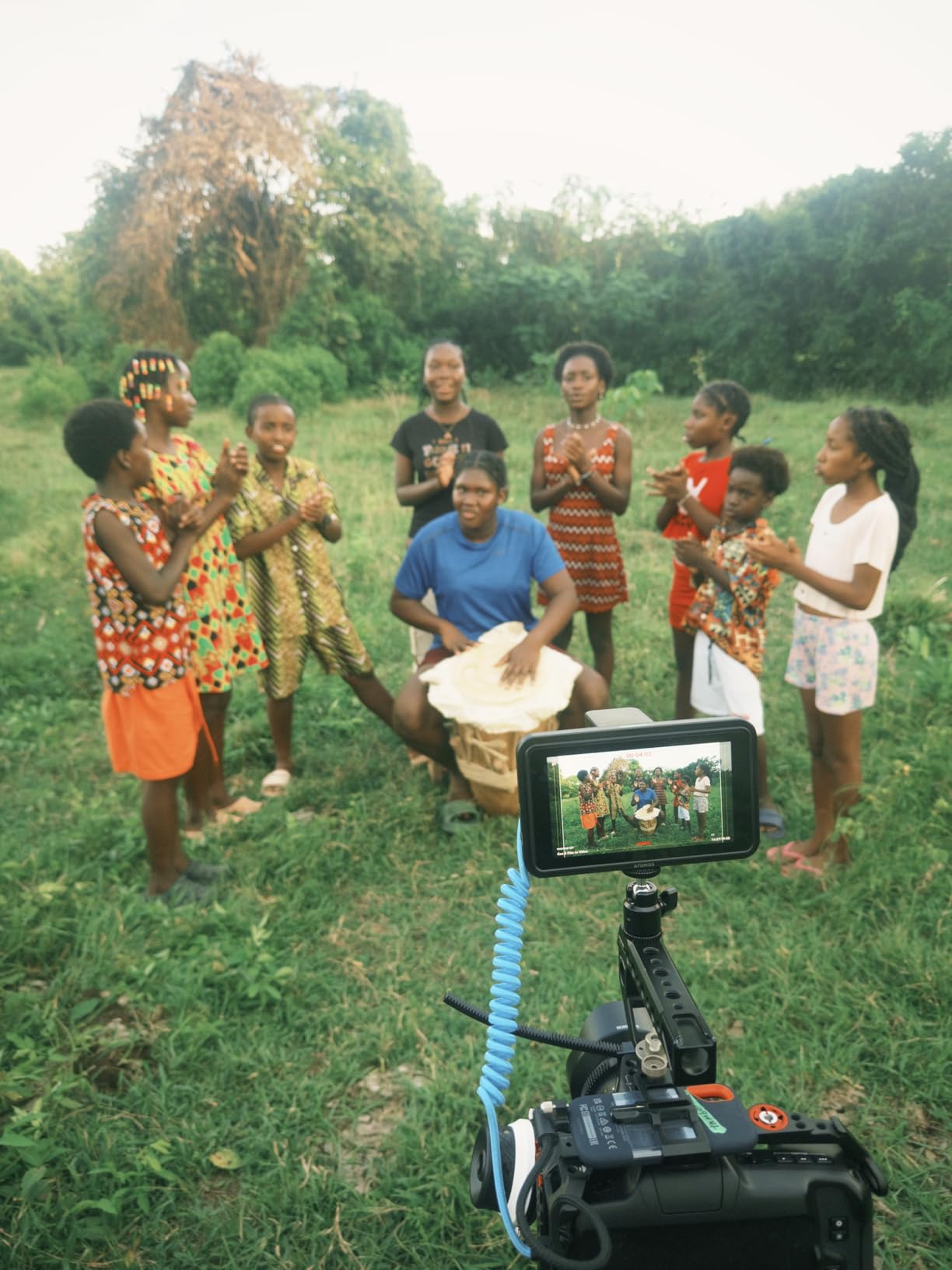
Photography Applications and Live View Monitoring
While field monitors are primarily associated with video, the Shinobi II works remarkably well for photography too. The larger screen makes manual focus lenses much easier to work with, and the focus peaking overlay confirms sharp focus on stationary subjects. For studio portrait and product photography, the HDR display gives you accurate color preview for judging skin tones and product colors.
The USB-C camera control is particularly valuable for photographers who shoot tethered or from awkward angles. Being able to adjust exposure settings from the monitor’s touchscreen saves trips to the camera body.
USB-C Camera Control Compatibility
The USB-C control feature works with select camera models from Sony, Canon, Nikon, and Panasonic. Atomos maintains a compatibility list that you should check before purchase. When it works, the integration is seamless and feels like a native extension of the camera’s controls.
The included Waith 4900mAh battery provides solid runtime, though the nonstandard battery format means you cannot swap in common NP-F cells if it runs out. Plan to buy a spare Waith battery if you shoot long days.
7. Portkeys PT6 5.2 inch – Touchscreen Monitor with RGB Waveform
Portkeys PT6 Camera Field Monitor 5.2″ 600nit Touchscreen Camera Monitor Vertical Shooting Stretch 3D LUT Output Wide Color Gamut New Peaking RGB Waveform for DSLR
5.2 inch touchscreen
600 nits brightness
1920x1080 resolution
RGB waveform
3D LUT support
Vertical shooting mode
0.28 lb weight
Pros
- Intuitive touchscreen interface
- RGB waveform and histogram
- 3D LUT support for color grading
- Lightweight at 0.37 lb
- Two HDMI ports for flexibility
Cons
- Battery not included
- Glossy screen may have glare
- Smaller screen at 5.2 inches
The Portkeys PT6 is the lightest monitor in this roundup at just 0.28 pounds, and that alone makes it worth considering for gimbal and handheld work. When every gram matters on your rig, dropping from a 7-inch, 25-ounce monitor to this featherweight makes a noticeable difference in handling and fatigue.
Despite its small size, the PT6 packs an impressive set of professional tools. The RGB waveform is a feature usually reserved for higher-end monitors, and it gives you far more color information than a basic luminance waveform. Combined with the luma histogram, 3D LUT support, and new peaking system, this little monitor delivers pro-level monitoring at a mid-range price.
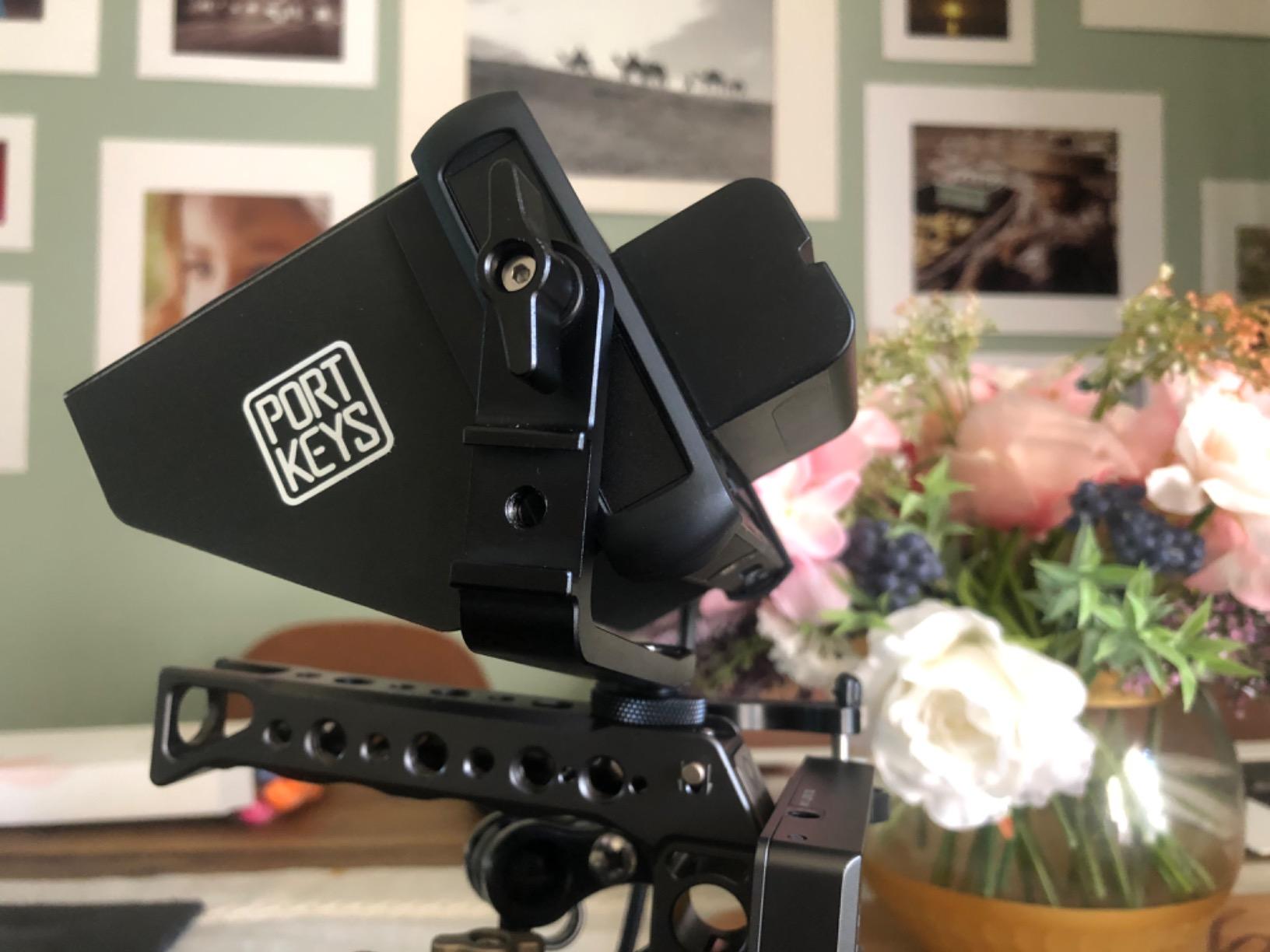
The touchscreen interface is responsive and well-designed. The OCR full-fit touchscreen technology provides accurate touch detection across the entire display surface, which makes navigating menus and toggling overlays quick and frustration-free. The 1920×1080 resolution at 400 PPI delivers a razor-sharp image on the 5.2-inch panel.
The vertical shooting stretch mode is a unique feature that addresses the growing demand for vertical video content. If you shoot social media content in portrait orientation, the PT6 can stretch and rotate the image so you can monitor your vertical framing on the horizontal screen.
Vertical Content and Social Media Shooting
The vertical shooting stretch mode makes the PT6 particularly interesting for TikTok, Instagram Reels, and YouTube Shorts creators. Instead of trying to judge vertical framing on a horizontal display with letterboxing, the PT6 reinterprets the signal so your vertical composition fills the screen. This is a feature that most monitor manufacturers have not yet addressed, and it gives the PT6 a real advantage for social media workflows.
The anamorphic de-squeeze feature works alongside the vertical mode for anamorphic lens shooters who need to preview their true aspect ratio on set.
Battery System and Dual HDMI Ports
The PT6 supports both NP-F series batteries (F970, F960, F750, F550) and Canon LP-E6 batteries. This dual-battery compatibility gives you flexibility if you already own one type of battery from your camera setup. The LP-E6 compatibility is especially convenient for Canon shooters who already have spare camera batteries.
The two HDMI ports provide loop-through capability, letting you send the camera signal to a second monitor or wireless transmitter while keeping the PT6 on your rig. This is more connectivity than you typically find on a sub-$100 monitor.
8. FEELWORLD S55E 5.5 inch – Complete Starter Kit for Content Creators
FEELWORLD S55E 5.5″ 500nit 1920×1152 Field DSLR Camera Monitor
5.5 inch IPS display
500 nits brightness
4K HDMI I/O
3D LUT support
Waveform and vectorscope
175g ultralight
Battery and bag included
Pros
- Complete kit with battery and bag included
- Ultra-lightweight at 175g for handheld and gimbal use
- Professional monitoring tools including waveform and vectorscope
- 4K HDMI passthrough
- Great for beginners and content creators
Cons
- 500 nit brightness moderate for bright outdoor use
- May need sunshade for outdoor visibility
The FEELWORLD S55E is the monitor I recommend to content creators who are buying their first external display. It comes with everything you need in the box: the monitor, an F550 battery, a carrying bag, and the cables to connect to your camera. You can start shooting with it the day it arrives.
At 175 grams without battery, the S55E is the second-lightest monitor on this list after the Portkeys PT6. This makes it ideal for vlogging setups, gimbal-mounted rigs, and any situation where added weight is a concern. The 5.5-inch IPS panel delivers good color accuracy and the 1920×1152 resolution is sharp enough for confident focus checking.
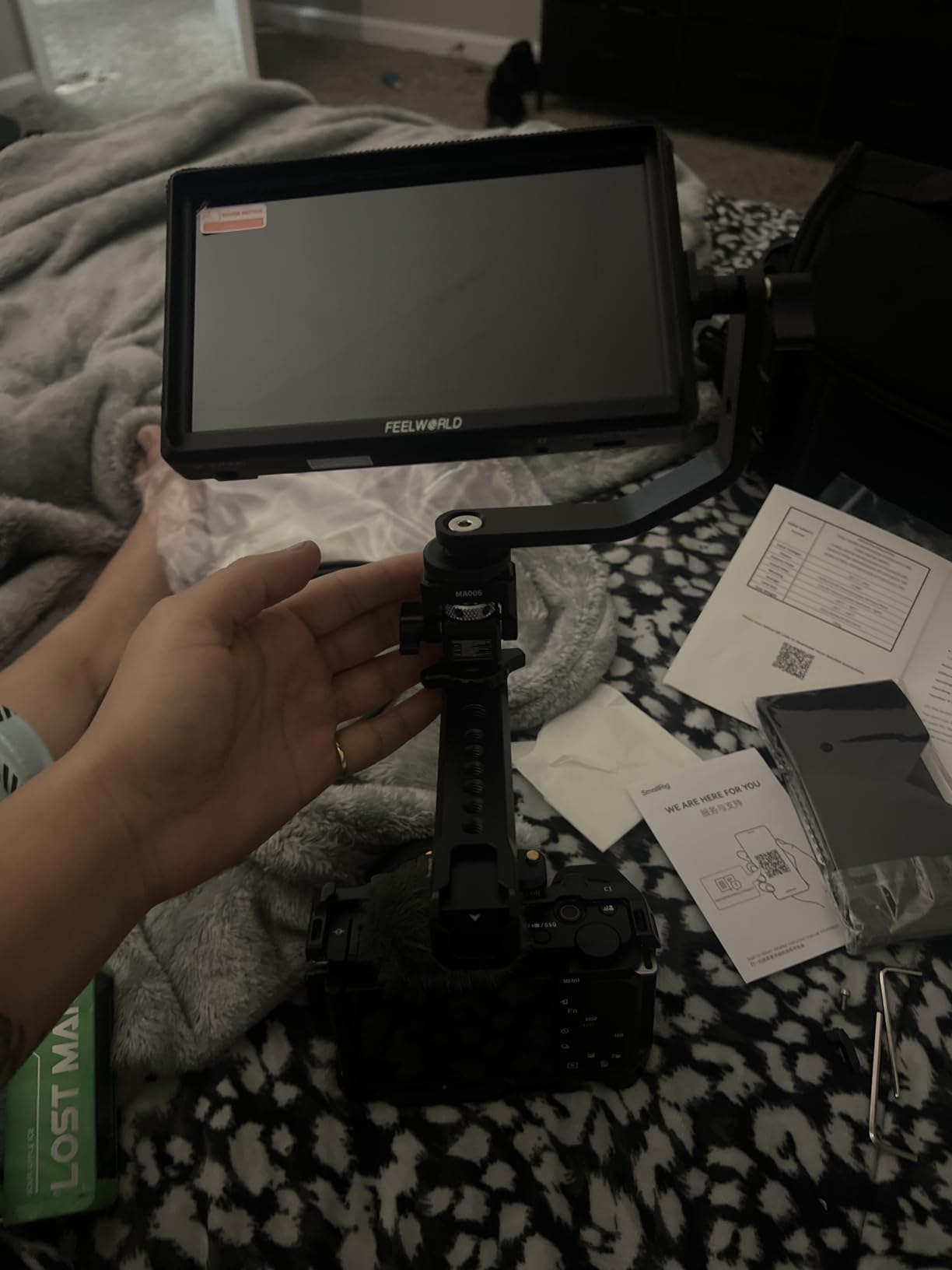
The monitoring toolset is impressively complete for the price. You get waveform, vectorscope, RGB histogram, focus peaking, zebra pattern, false color, and HDR support. The 3D LUT system supports up to 32 custom LUTs, giving you plenty of room for different camera profiles and creative looks.
The 4K HDMI input and output with 4K at 60Hz passthrough handles signals from modern mirrorless and cinema cameras without issue. The DC 8.4V output can even power your camera from the monitor’s battery, which is a thoughtful feature for lightweight run-and-gun setups where you want to minimize battery changes.
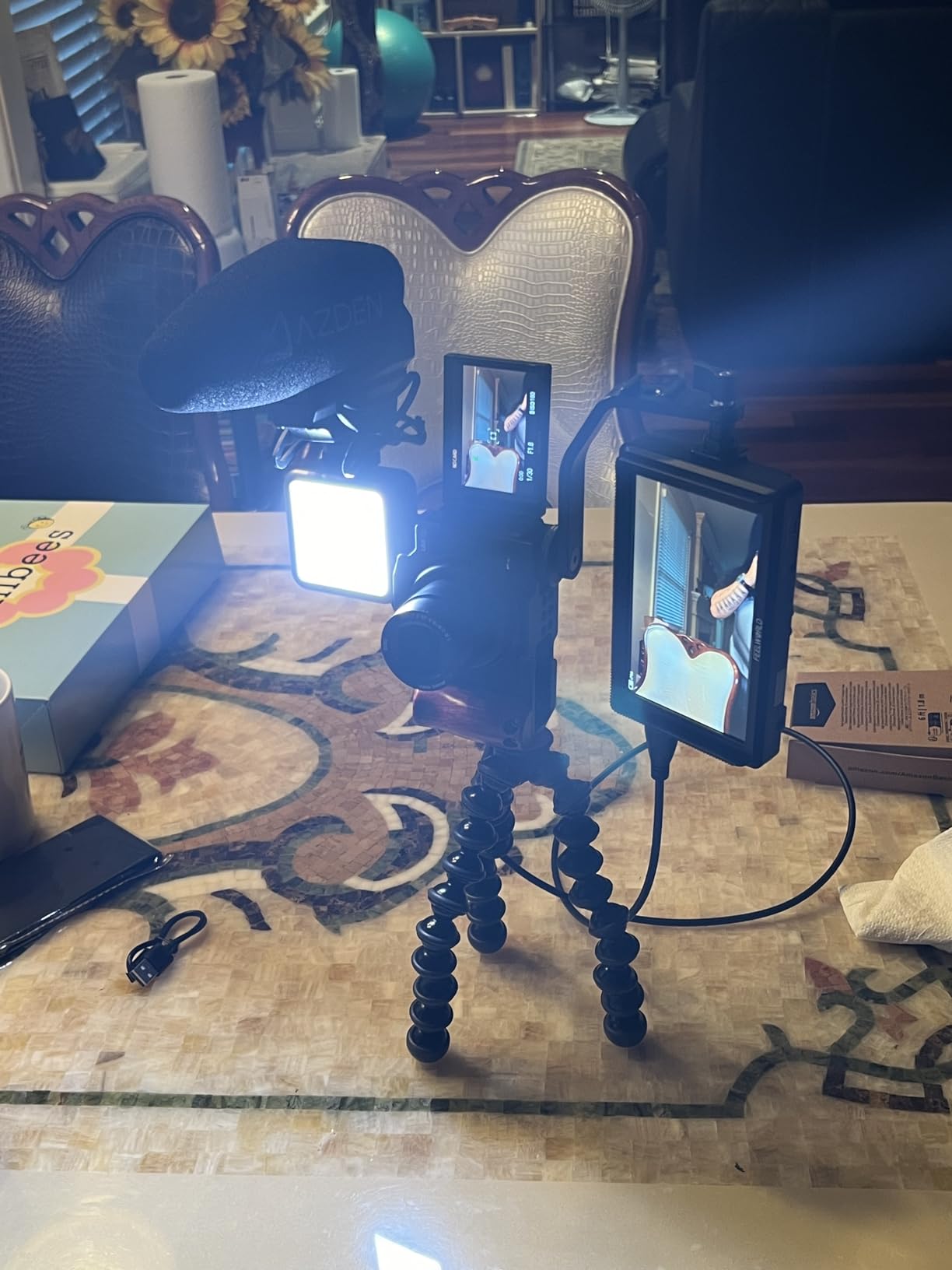
Best Use Cases for the S55E
The S55E shines for indoor shooting, controlled lighting environments, and content creation in shaded or overcast outdoor conditions. The 500-nit brightness is adequate for these scenarios but will struggle in direct sunlight. For outdoor-heavy work, consider the osee T5+ at 1000 nits or the FEELWORLD F5 Prox at 1600 nits.
Vloggers will appreciate the complete kit and ultra-light weight. The included battery and bag mean you have no hidden costs, and the lightweight design keeps your handheld rig manageable during long shooting sessions.
Vectorscope and Professional Color Tools
The vectorscope is a feature that many budget monitors omit, and its inclusion here demonstrates FEELWORLD’s understanding of what serious color work requires. The vectorscope displays color phase and saturation information, which helps you judge skin tones and color balance with precision. Combined with the RGB histogram and waveform, you have a full professional color analysis toolkit.
The 3D LUT system lets you preview log footage in Rec.709 or apply creative looks for client previews. The ability to store up to 32 custom LUTs means you can keep LUTs for multiple cameras loaded and ready.
9. Portkeys HD7H 7 inch – 1000 Nit Anti-Glare Outdoor Monitor
Portkeys HD7H 1000nit DSLR Camera Field Monitor 7 Inch 1280×720 IPS Camera Monitor Support 4K30p HDMI Input with Top Shortcut Keys and Sunshade
7 inch IPS display
1000 nits brightness
1280x720 resolution
Matte anti-glare screen
4K HDMI input
False color and focus peaking
278g lightweight
Pros
- Very bright display excellent for outdoor use
- Matte anti-glare screen reduces reflections
- Lightweight at 278g
- Versatile mounting options
- Good value for brightness level
Cons
- 720p resolution lower than some competitors
- Battery not included
- Limited to one HDMI input
The Portkeys HD7H solves a problem that plagues outdoor shooters: screen glare. The matte anti-glare screen finish is something I wish every monitor on this list had. It diffuses reflections dramatically compared to the glossy screens on most competitors, which makes a real difference when you are trying to judge exposure and focus in bright conditions.
At 278 grams, the HD7H is remarkably light for a 7-inch monitor. Most 7-inch displays weigh significantly more, and the weight savings here open up gimbal and handheld rig possibilities that larger 7-inch monitors preclude. The ABS and polycarbonate housing keeps weight down without feeling flimsy.
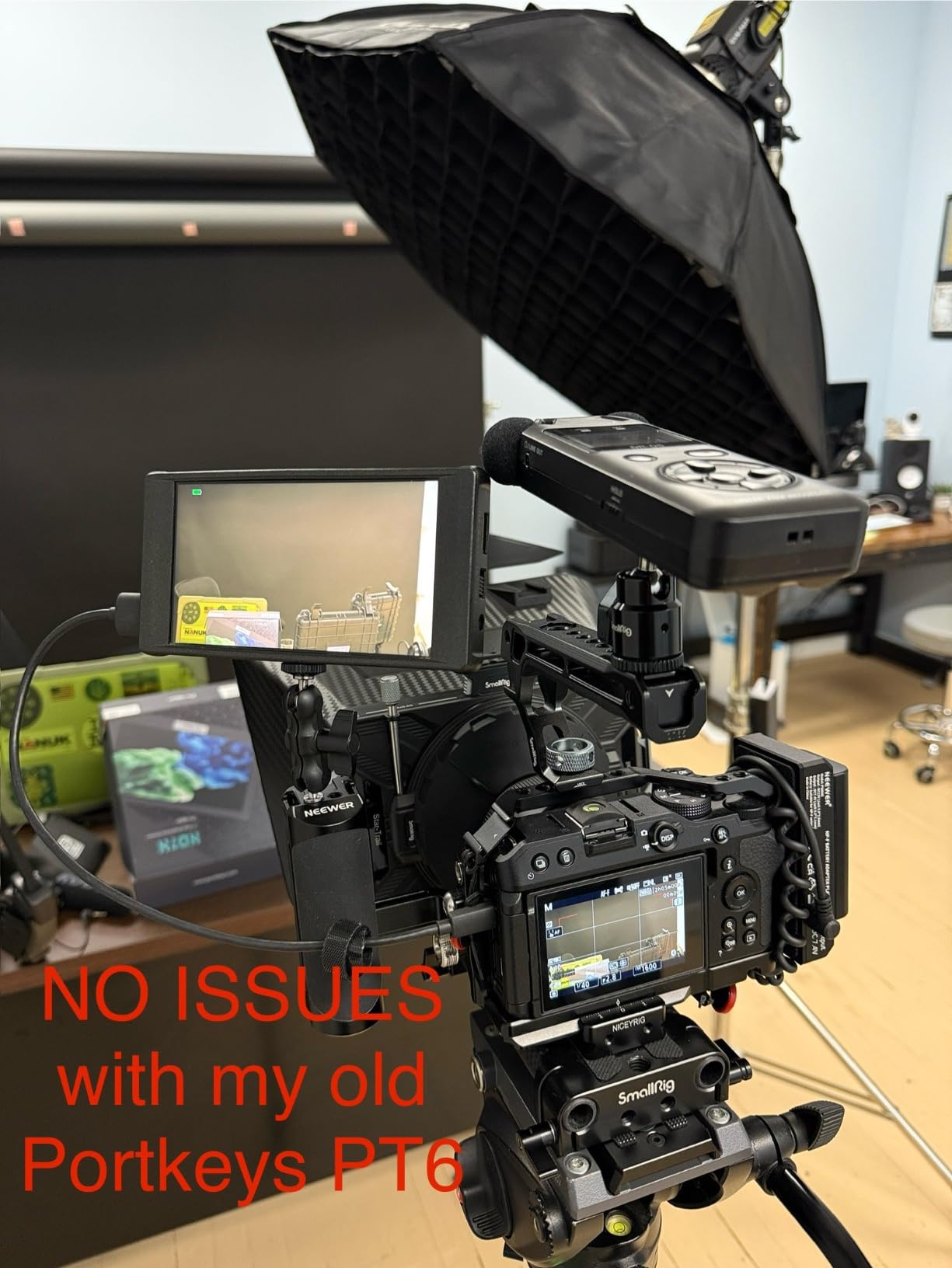
The 1000-nit brightness combined with the anti-glare coating delivers outdoor performance that punches above its weight class. The matte screen absorbs scattered light that would wash out a glossy display, effectively extending the usable brightness range beyond what the raw nit number suggests.
The monitoring tools cover the essentials: luma histogram, false color, focus peaking, and anamorphic de-squeeze. The false color tool is particularly useful for outdoor exposure work, since it gives you clear visual guidance on highlight and shadow clipping that can be hard to judge on a bright screen.
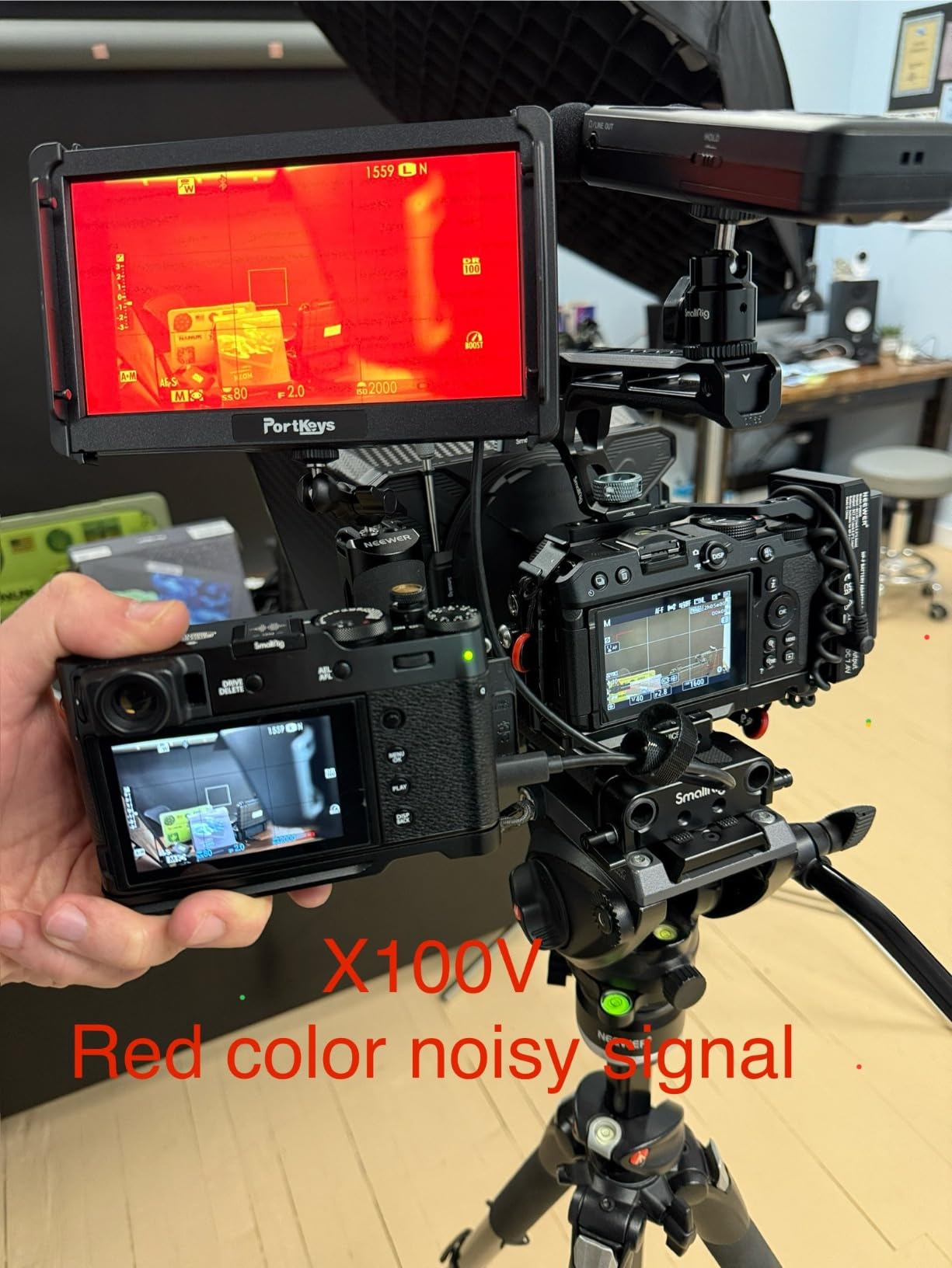
Anti-Glare Screen Technology
The matte anti-glare finish on the HD7H is a physical coating applied to the screen surface. It works by diffusing incoming light across the surface rather than reflecting it directly back at the viewer. The trade-off is a very slight reduction in perceived sharpness and color saturation compared to a glossy screen, but for outdoor work the glare reduction more than compensates.
If you shoot primarily outdoors, this anti-glare treatment may be more valuable than higher brightness on a glossy screen. The HD7H proves that screen finish matters as much as nit rating for real-world outdoor visibility.
Anamorphic De-Squeeze and Professional Features
The anamorphic de-squeeze feature supports 1.33x, 1.5x, 2.0x, and custom ratios. If you shoot with anamorphic lenses, this feature corrects the squeezed image so you can preview your true widescreen composition on set. The ability to set custom de-squeeze ratios means the HD7H works with any anamorphic lens system.
The 3.5mm headphone jack for audio monitoring is a small but important feature that lets you check audio levels while monitoring video. The NP-F battery compatibility or 7.4 to 24V DC input gives you flexible power options for field work.
10. NEEWER F100 7 inch – Budget Entry-Level Field Monitor
NEEWER F100 7 inch Camera Field Monitor Updated Version, 450nit HD Video Assist IPS 1280×800 HDMI 1080p Peak Focus Histogram, Sunshade for DSLRs Handheld Stabilizer Film Making Rig, NO Battery
7 inch IPS display
450 nits brightness
1280x800 resolution
HDMI 1080p
Focus peaking
Histogram
Sunshade and ball head included
Pros
- Great value for a budget field monitor
- Good picture quality and sharp display
- Lightweight and portable design
- Includes sunshade and mounting accessories
- Accurate colors for basic composition work
Cons
- No battery included with some versions
- No waveform or 3D LUT support
- Settings can reset easily
- Older micro USB connection
- Limited brightness for direct sunlight
The NEEWER F100 is the most affordable entry on this list, and it serves a specific purpose well: giving beginners a large external display for composition and basic focus assistance without breaking the bank. If you are just starting out and want to see what using a field monitor feels like, the F100 gets you there for the lowest cost on this list.
The 7-inch IPS panel at 1280×800 resolution delivers a larger and clearer image than any camera’s built-in screen. For indoor shooting, controlled lighting, and learning the fundamentals of external monitoring, the F100 does the job. The 450-nit brightness is adequate for indoor and shaded outdoor use.
The included accessories are generous at this price point. You get a sunshade, a 360-degree ball head mount, and the cables needed to connect to your camera. The ball head mount alone is a useful accessory that would cost extra with other monitors.
The monitoring tools are basic but functional: peaking focus assist, check field (red, green, blue, mono), pixel-to-pixel, center marker, safe frames at multiple aspect ratios, image flip, monitor grid, and histogram. What you do not get is waveform, false color, or 3D LUT support, which are the tools that serious color and exposure work requires.
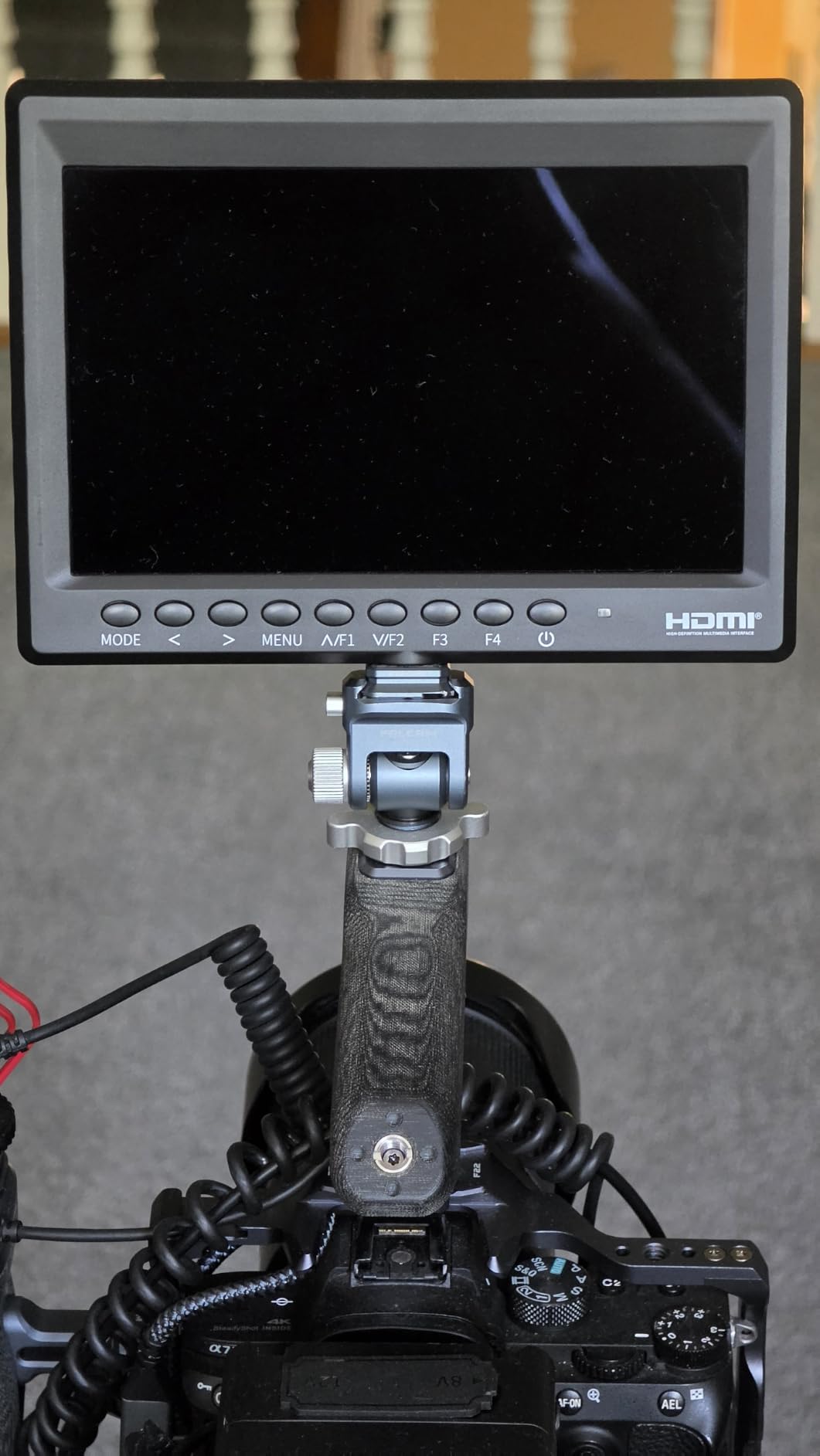
What This Monitor Does Well
The F100 excels as a composition and framing tool. The large 7-inch display makes it easy to see your framing without squinting at a small camera screen. The safe frame overlays at 80 percent, 86 percent, 90 percent, 93 percent, 96 percent, and 2.35:1 help you frame for different delivery formats, which is useful for broadcast and theatrical work.
The image flip function (horizontal, vertical, or both) makes the F100 suitable for gimbal and jib setups where the monitor is mounted upside down or mirrored. The image freeze function lets you hold a frame to check focus and composition without recording.
Limitations to Be Aware Of
The 450-nit brightness is the lowest on this list, which limits outdoor usability significantly. In direct sunlight, even with the included sunshade, you will struggle to see the image clearly. For outdoor work, consider stepping up to the Portkeys HD7H at 1000 nits or the osee T5+ at the same brightness level.
The lack of waveform and 3D LUT support means the F100 is not suitable for professional color-critical work. The older micro USB connection for power is also a limitation, since most modern gear uses USB-C. Settings can reset between power cycles, which means you may need to reconfigure your preferred overlays each time you start up.
How to Choose the Right Camera Field Monitor
Choosing from the best camera field monitors comes down to understanding your specific shooting needs and matching them to the right combination of features. Here is what our testing taught us about the factors that matter most.
Screen Size: 5.2, 5.5, or 7 Inches
Screen size affects both usability and rig weight. The 5.2 to 5.5-inch range is the sweet spot for most shooters, offering enough real estate for confident focus pulling without overwhelming your camera. Seven-inch monitors give you maximum screen space but add weight and bulk that can be problematic on gimbals and handheld rigs.
For gimbal work, stick with 5.2 or 5.5 inches. The Portkeys PT6 at 5.2 inches and 0.28 pounds is ideal for gimbal-mounted setups. For tripod and shoulder rig work, a 7-inch monitor like the NEEWER F700 gives you the most comfortable viewing experience.
Brightness and Outdoor Visibility
Brightness, measured in nits, determines how well you can see the monitor in outdoor lighting. From our testing, here are the practical thresholds: 450 to 600 nits works for indoor and shaded outdoor use only. 1000 nits handles most outdoor conditions with a sunshade. 1600 to 2000 nits gives you comfortable visibility in direct sunlight.
However, brightness numbers do not tell the whole story. Screen finish matters enormously. The Portkeys HD7H’s matte anti-glare screen delivers better real-world outdoor visibility than its 1000-nit rating suggests, because the coating reduces the reflected light that washes out glossy screens.
Monitoring Tools: What You Actually Need
The essential monitoring tools for professional work are focus peaking, waveform, false color, and histogram. Focus peaking highlights in-focus areas on screen, which is critical for manual focus lenses. Waveform displays luminance information across the image, letting you judge exposure scientifically rather than by eye. False color assigns specific colors to different brightness levels, giving you instant visual feedback on exposure problems.
3D LUT support is important if you shoot in log profiles, since it lets you preview log footage in a viewable color space on set. The osee T5+ and FEELWORLD F5 Prox both offer excellent LUT workflows. Vectorscope support, found on the FEELWORLD S55E, adds color phase analysis for precise skin tone and color balance work.
Monitor-Only vs Monitor-Recorder
Most monitors on this list are display-only devices. They show your camera’s HDMI output on a larger, brighter screen with professional overlays. The Atomos Ninja is the exception: it is a monitor-recorder that captures your camera’s clean HDMI signal to an SSD in professional codecs like ProRes and H.265.
If you need to bypass your camera’s internal compression for higher-quality footage, a monitor-recorder like the Ninja is the way to go. If you just need better monitoring for framing, focus, and exposure, a monitor-only device will serve you well at a much lower price.
Power Options and Battery Life
Nearly all monitors on this list use NP-F series batteries, which are affordable and widely available. The VILTROX DC-550’s triple power supply (NP-F, DC input, and Type-C) offers the most flexibility. The NEEWER F700’s inclusion of two NP-F750 batteries in the box is the best value proposition.
Battery life varies significantly based on brightness settings. Expect 2 to 4 hours of runtime from a single NP-F970 battery, with high-brightness monitors like the NEEWER F700 and FEELWORLD F5 Prox consuming power faster due to their powerful backlights and cooling fans.
Connectivity: HDMI and Beyond
HDMI is the standard connection for consumer and prosumer cameras. All monitors on this list support HDMI input. SDI connectivity, found on professional cinema cameras, is less common in this price range. If you need SDI, look at higher-end Atomos and Blackmagic models beyond this list.
HDMI loop output is a valuable feature that lets you daisy-chain additional monitors or send the signal to a wireless transmitter. The NEEWER F700, VILTROX DC-550, and FEELWORLD F5 Prox all offer HDMI loop-through, which is useful for multi-monitor setups on larger productions.
Frequently Asked Questions
What is the best camera field monitor?
The best camera field monitor depends on your needs. For professional recording, the Atomos Ninja is the top choice with 4K ProRes recording capability. For outdoor brightness and value, the NEEWER F700 at 2000 nits is exceptional. For budget-conscious filmmakers, the osee T5+ delivers professional monitoring tools at an accessible price.
Are field monitors good for photography?
Yes, field monitors are excellent for photography, especially for studio work, macro photography, and manual focus lenses. The larger screen makes it easier to check focus, composition, and exposure. The Atomos Shinobi II is particularly well-suited for photography with its HDR display and USB-C camera control features.
What brightness (nits) do I need for outdoor shooting?
For outdoor shooting, you need at least 1000 nits for comfortable viewing with a sunshade. For direct sunlight conditions without a sunshade, 1600 to 2000 nits is recommended. Indoor or shaded shooting works fine with 500 to 600 nits. The NEEWER F700 at 2000 nits offers the best outdoor visibility of the monitors we tested.
Can you record video with a camera field monitor?
Some camera field monitors have built-in recording capability. Monitor-recorders like the Atomos Ninja capture your camera’s clean HDMI output to an SSD in professional codecs like Apple ProRes, Avid DNxHD, and H.265. Most monitors on the market are display-only devices that do not record. Check specifications carefully if recording is a requirement.
What is the difference between HDMI and SDI camera monitors?
HDMI is the standard connection for consumer and prosumer cameras, while SDI is used on professional cinema cameras. HDMI cables are more common and affordable but have distance limitations. SDI cables lock securely and can carry signals over longer distances. Most monitors in the budget to mid-range market use HDMI. If you shoot with professional cinema cameras, look for monitors with SDI connectivity.
Conclusion
After testing all 10 monitors across weeks of real shooting, the results are clear. The Atomos Ninja stands as the best overall choice for filmmakers who need professional recording alongside monitoring. The NEEWER F700 delivers unmatched value with its 2000-nit brightness and complete accessory package. And the osee T5+ proves that professional monitoring tools can be had without spending a fortune.
For the best camera field monitors in 2026, your choice should be driven by your primary shooting scenario. Outdoor shooters should prioritize brightness above all else. Gimbal operators need lightweight monitors like the Portkeys PT6. Content creators and vloggers will love the complete kits from FEELWORLD. And anyone serious about professional video quality should consider the recording capability of the Atomos Ninja.
Whatever you choose, adding a field monitor to your rig will transform how you shoot. I learned that lesson the hard way at that wedding, and I have not shot without an external monitor since.