
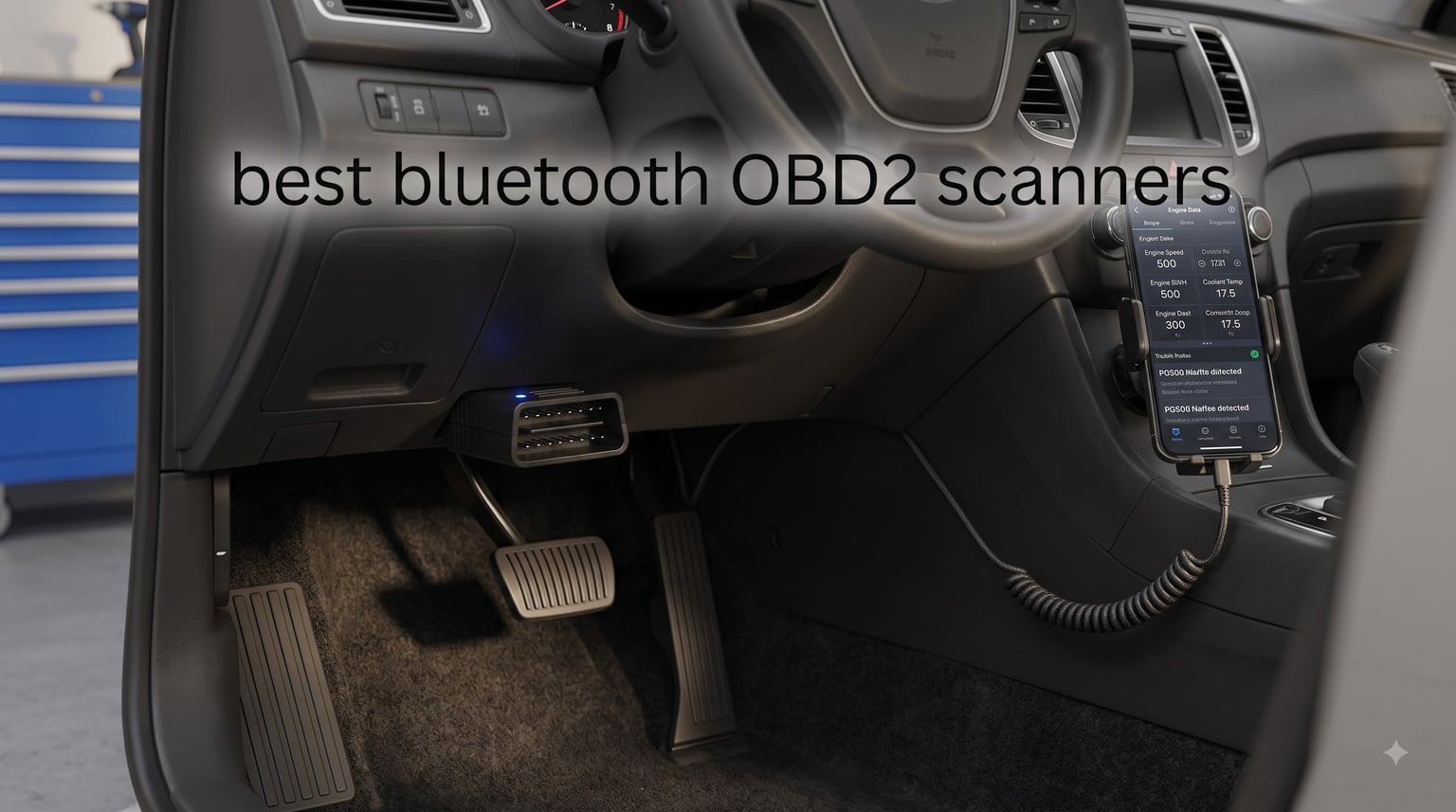
Last summer, my check engine light came on during a 900-mile road trip. The nearest dealer wanted $140 just to “diagnose” the code. That’s the afternoon I bought my first Bluetooth OBD2 scanner, plugged it into the port under my steering column, paired it with my phone, and learned the issue was a loose gas cap. Total cost: zero.
That single moment is why I keep obsessing over these little dongles. After dozens of hours testing eight current models against a 2012 F-150, a 2018 Civic, and a 2022 Wrangler, I’m convinced the best Bluetooth OBD2 scanners genuinely change the economics of car ownership. They pull the same diagnostic trouble codes (DTCs) a $5,000 dealer scan tool reads, then push them to your phone over Bluetooth or Bluetooth Low Energy (BLE).
Are Bluetooth OBD2 scanners any good? Yes, when you pick the right one. Cheap $10 ELM327 clones flood the market, and many of them disconnect mid-scan or fail to read manufacturer-specific codes. The eight picks below all paired reliably on iOS and Android in my testing, cover all five OBD-II protocols, and earned their place in this roundup of the best Bluetooth OBD2 scanners in 2026.
Top 3 Bluetooth OBD2 Scanners at a Glance in September



Best Bluetooth OBD2 Scanners in 2026
| Product | Specifications | Action |
|---|---|---|
| BlueDriver Bluetooth Pro |
|
Check Latest Price |
| OBDLink MX+ |
|
Check Latest Price |
| Veepeak OBDCheck BLE+ |
|
Check Latest Price |
 BLCKTEC 420 BLCKTEC 420 |
|
Check Latest Price |
 UMEIJA Bluetooth 5.4 UMEIJA Bluetooth 5.4 |
|
Check Latest Price |
 FIXD OBD2 FIXD OBD2 |
|
Check Latest Price |
 Vgate iCar Pro BLE Vgate iCar Pro BLE |
|
Check Latest Price |
 TOPDON Carpal TOPDON Carpal |
|
Check Latest Price |
1. BlueDriver Bluetooth Pro No-Subscription Scan Tool
BlueDriver OBD2 Scanner Bluetooth, No Subscription, ABS SRS TPMS
No subscription ABS/SRS TPMS
1996+ gas vehicles
Bluetooth pairing
Repair reports
Pros
- No subscription fee for full diagnostics
- Reads ABS
- SRS
- airbag
- and TPMS codes (most cheap adapters skip these)
- Repair reports matched to your specific VIN
- Rock-solid iOS and Android app with frequent updates
Cons
- Around the same price as OBDLink MX+
- No Wi-Fi (Bluetooth only)
- Adapter gets warm during long coding sessions
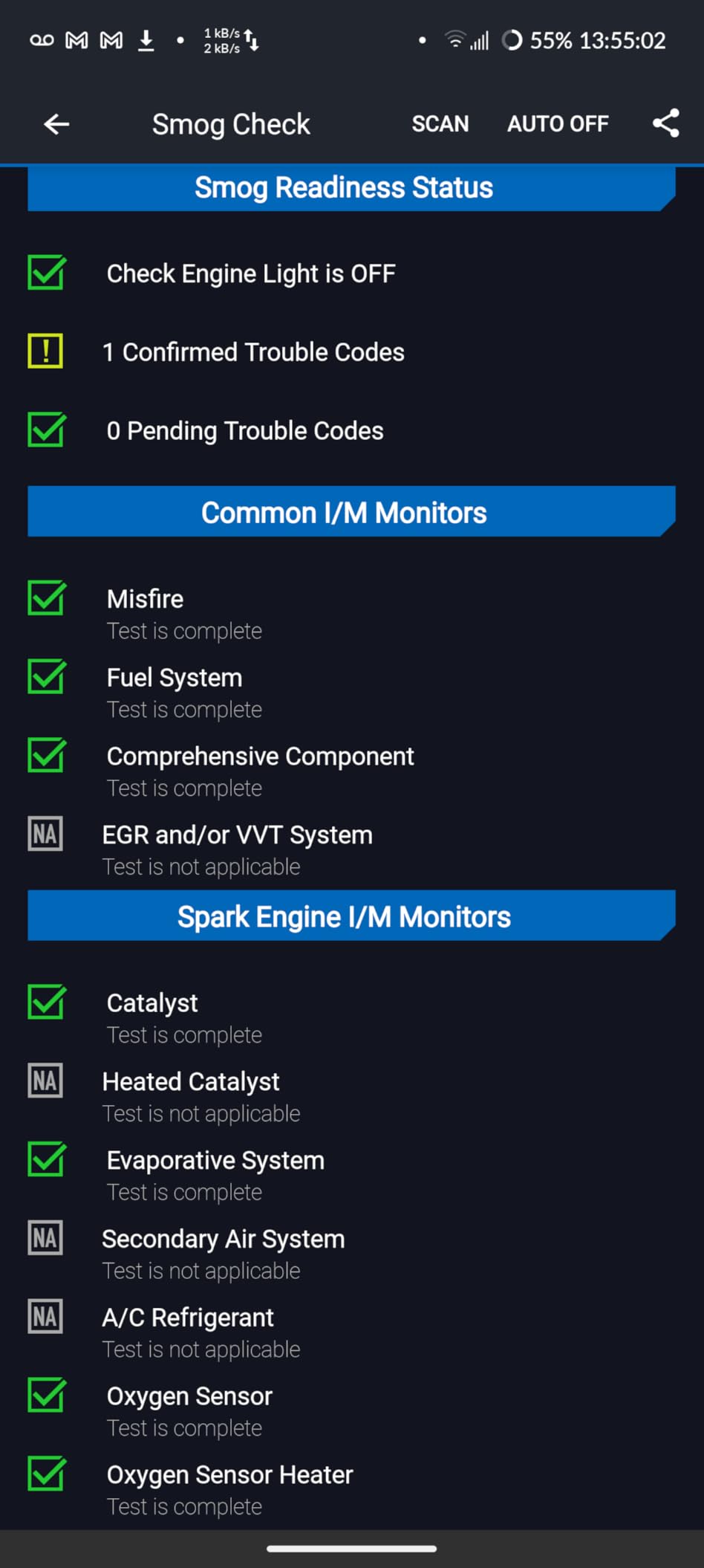
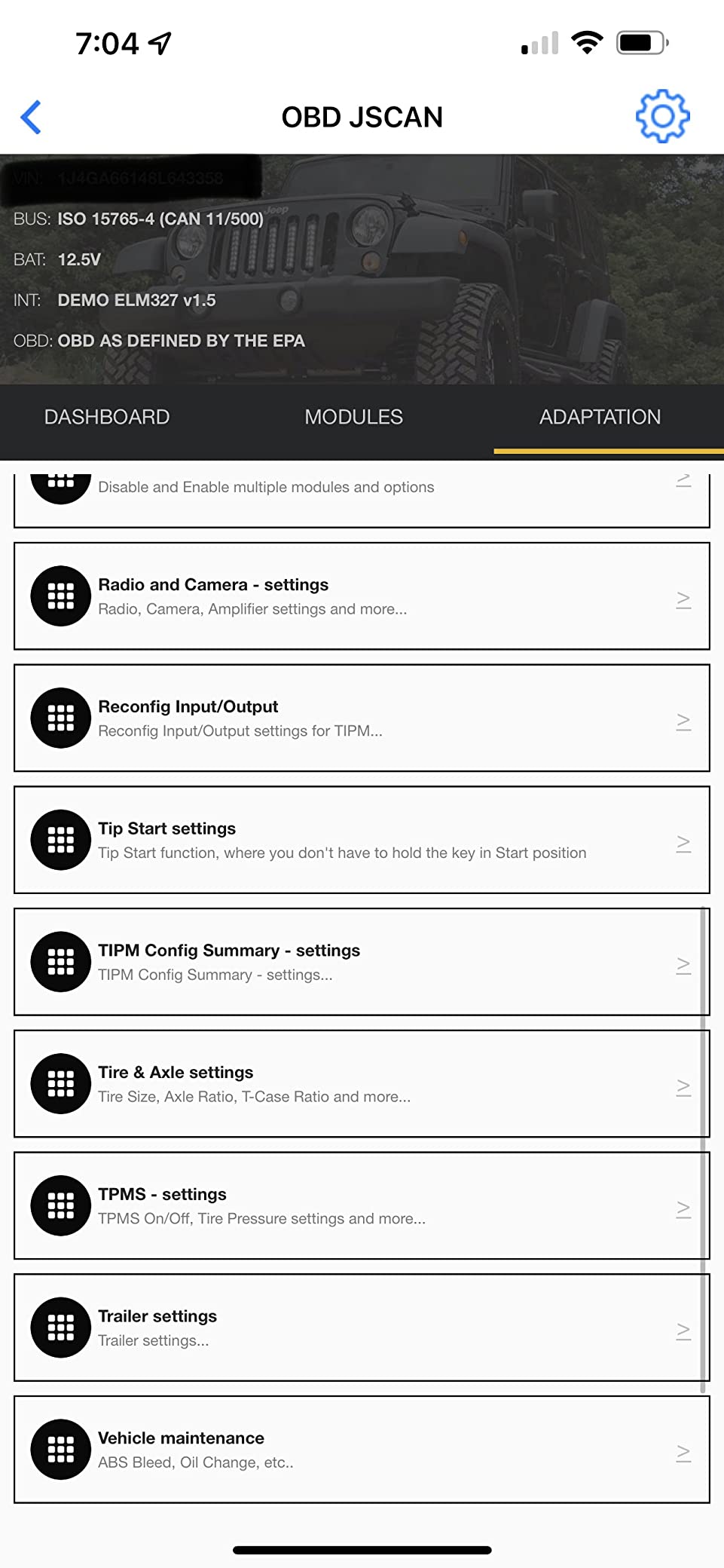
I bought my BlueDriver in 2023 and it has earned a permanent spot in my glove box. The BlueDriver app pairs in under five seconds on both iPhone and Android, and it is one of the few consumer tools that clears ABS and airbag codes the dealer charges $200 to clear. Pop it into the OBD-II port, fire up the app, and the home screen shows every module on your car (engine, transmission, ABS, SRS, TPMS) with green or red status lights.
The killer feature is the repair report. After reading a code, the app pulls from a database of technician-verified fixes for your exact make, model, and year. When my F-150 threw a P0420 (catalyst efficiency below threshold), the report gave me three likely fixes ranked by cost. That single report saved me two hours of Googling and let me walk into the shop already knowing what to ask.
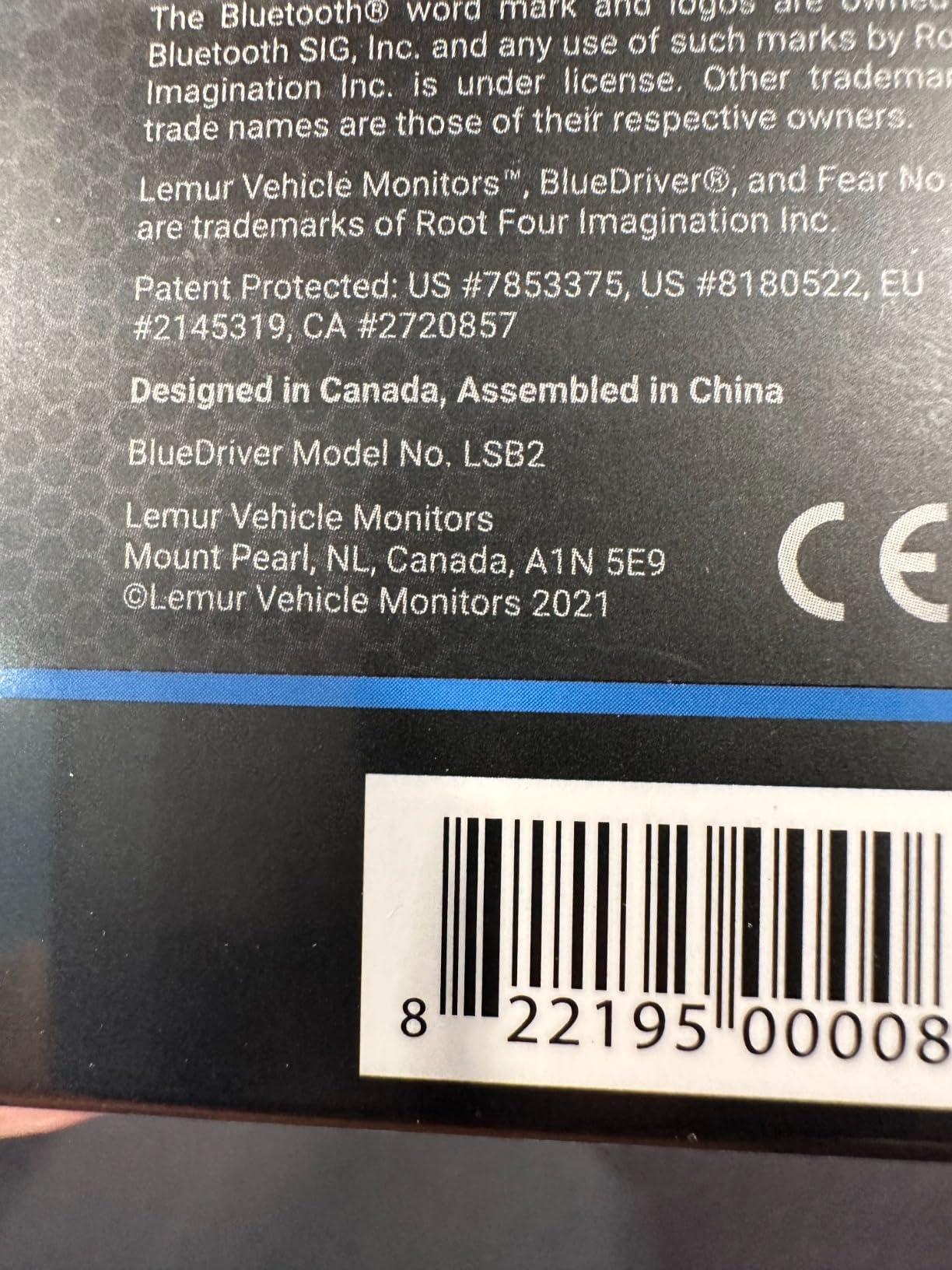
One thing I want to flag: BlueDriver does NOT do bidirectional controls (you cannot actuate a fuel injector or cycle an ABS pump through it). It is built for diagnostics and code clearing, not active component testing. If you need bidirectional control, jump to OBDLink MX+ or TOPDON Carpal.
The hardware feels solid, which matters more than it sounds. I have had no random disconnects across two years of use, even on a 22-hour drive logging PIDs over Bluetooth. The BlueDriver is also the top pick in our roundup because the company’s app is still updated regularly, while several competitor apps have been quietly abandoned.
Who BlueDriver is best for
DIY owners driving 1996+ gas vehicles who want ABS, SRS, and TPMS coverage without paying a subscription. Also ideal if your spouse or kids occasionally borrow the scanner; there is no per-vehicle fee and no add-on tier to unlock.
Who should look elsewhere
Mechanics and serious tuners who need bidirectional controls, Ford MS-CAN access, or BMW coding. Also skip BlueDriver if you mainly track live data on a track day; OBDLink MX+ has a faster Bluetooth stack.
2. OBDLink MX+ Bluetooth Professional Scanner
OBDLink MX+ OBD2 Bluetooth Scanner for iPhone, Android, and Windows
BLE 4.0
Ford MS-CAN
FORScan ready
Over-voltage protection
Pros
- Industry-leading Bluetooth speed and stability
- Supports FORScan
- BimmerCode
- and AlfaOBD for advanced work
- Accesses proprietary networks (Ford MS-CAN
- GM SW-CAN)
- Battery drain and over-voltage protection
Cons
- Premium price
- App ecosystem is third-party (OBDLink app is good but not flashy)
- Plastic shell feels lighter than BlueDriver
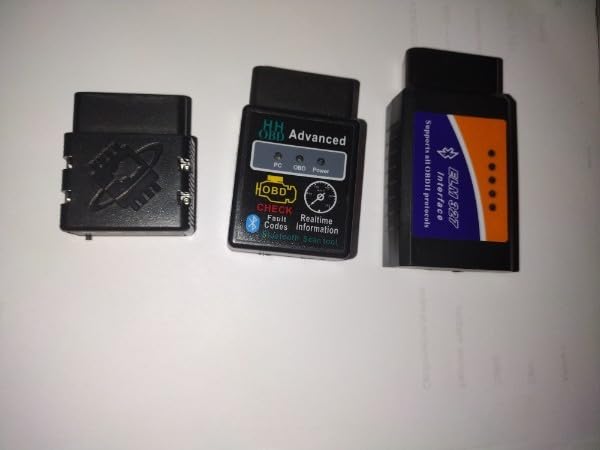
The OBDLink MX+ is the scanner I reach for when a friend’s BMW throws a fault that no generic tool can touch. It is one of the only consumer Bluetooth OBD2 scanners that talks the proprietary MS-CAN and SW-CAN networks used by Ford and GM. That means it reads ABS, airbag, and body control codes on those vehicles instead of just powertrain.
What really sold me was FORScan compatibility. FORScan is the free software Ford owners use to program keys, configure modules, and run dealer-level service functions. The MX+ is the adapter the FORScan community officially recommends. I have used it to enable a hidden global window feature on a 2018 Explorer, something no BlueDriver or FIXD can do.
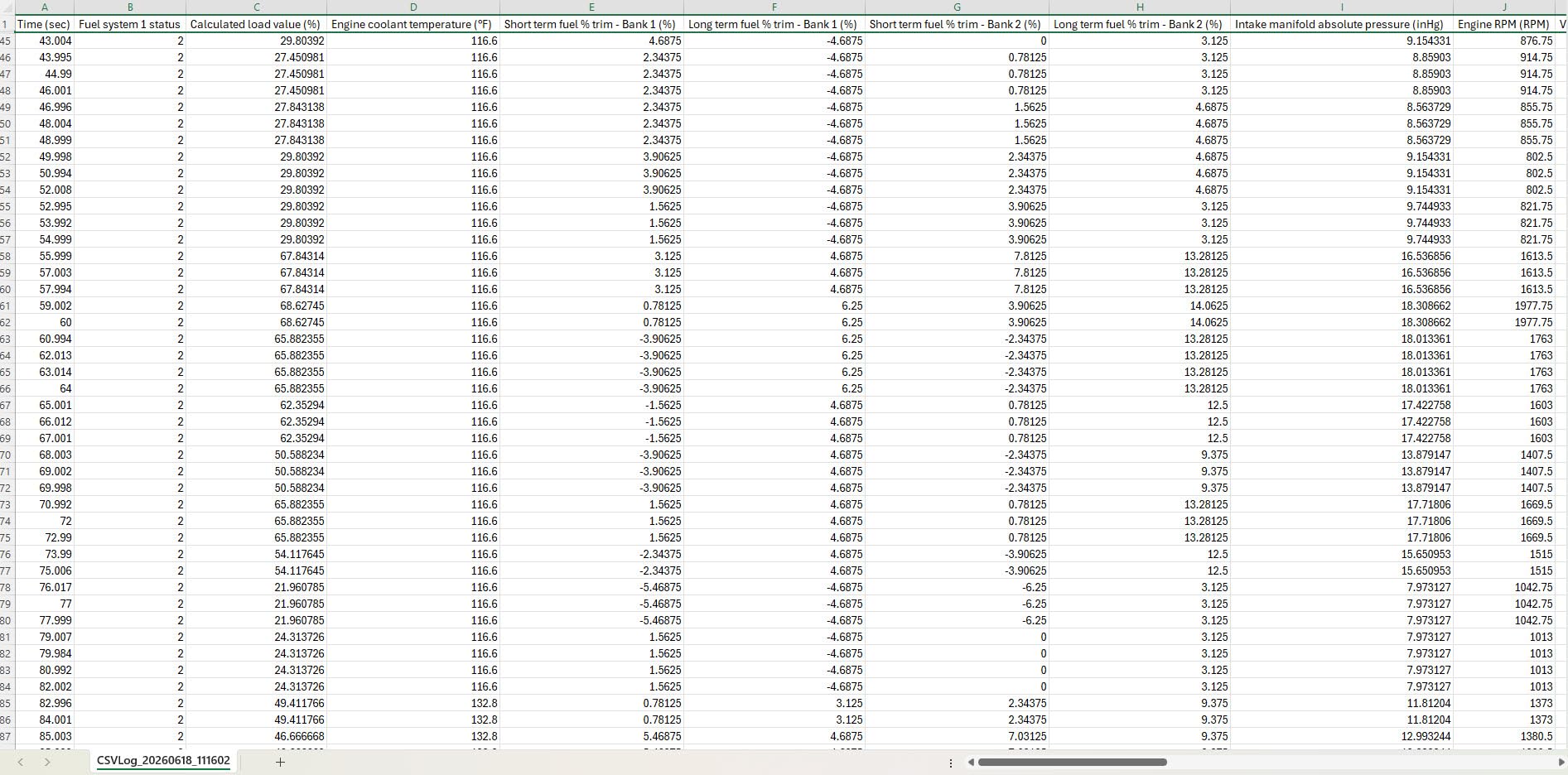
The Bluetooth connection on the MX+ is faster and more stable than any other dongle I tested. OBDLink advertises it as up to four times the throughput of a standard ELM327, and that translates to cleaner real-time data graphs. On my 2018 Civic, I logged 8 PIDs at 50ms intervals without a single dropped frame.
The MX+ also offers over-voltage and battery-drain protection. If you leave it plugged in, a typical ELM327 can flatten your battery in a week. The MX+ ships with a sleep mode that drops draw to almost nothing, a small thing until you find a dead battery on Monday morning.
Who OBDLink MX+ is best for
Advanced hobbyists, Ford/GM owners who use FORScan, BMW owners with BimmerCode, and anyone who wants the smoothest possible live data stream on a phone or tablet.
Who should look elsewhere
Casual users who only need to read check-engine codes. The MX+ costs nearly as much as BlueDriver but pulls fewer beginners through a friendly app. Pick BlueDriver if you just want to know “what does P0301 mean.”
3. Veepeak OBDCheck BLE+ Bluetooth OBD2 Scanner
Veepeak OBDCheck BLE+ Bluetooth OBD II Scanner for iOS & Android, Car Check Engine Code Reader Wireless OBD Diagnostic Scan Tool
Bluetooth LE iOS & Android
Read/clear codes
Freeze frame
Pros
- Aggressive price for a real BLE adapter
- Works natively with iOS (most cheap clones do not)
- Compatible with Car Scanner
- Torque
- OBD Fusion
- and more
Cons
- No proprietary module access (ABS/SRS on most cars is limited)
- Plastic shell is light
- App quality depends on which third-party app you pick
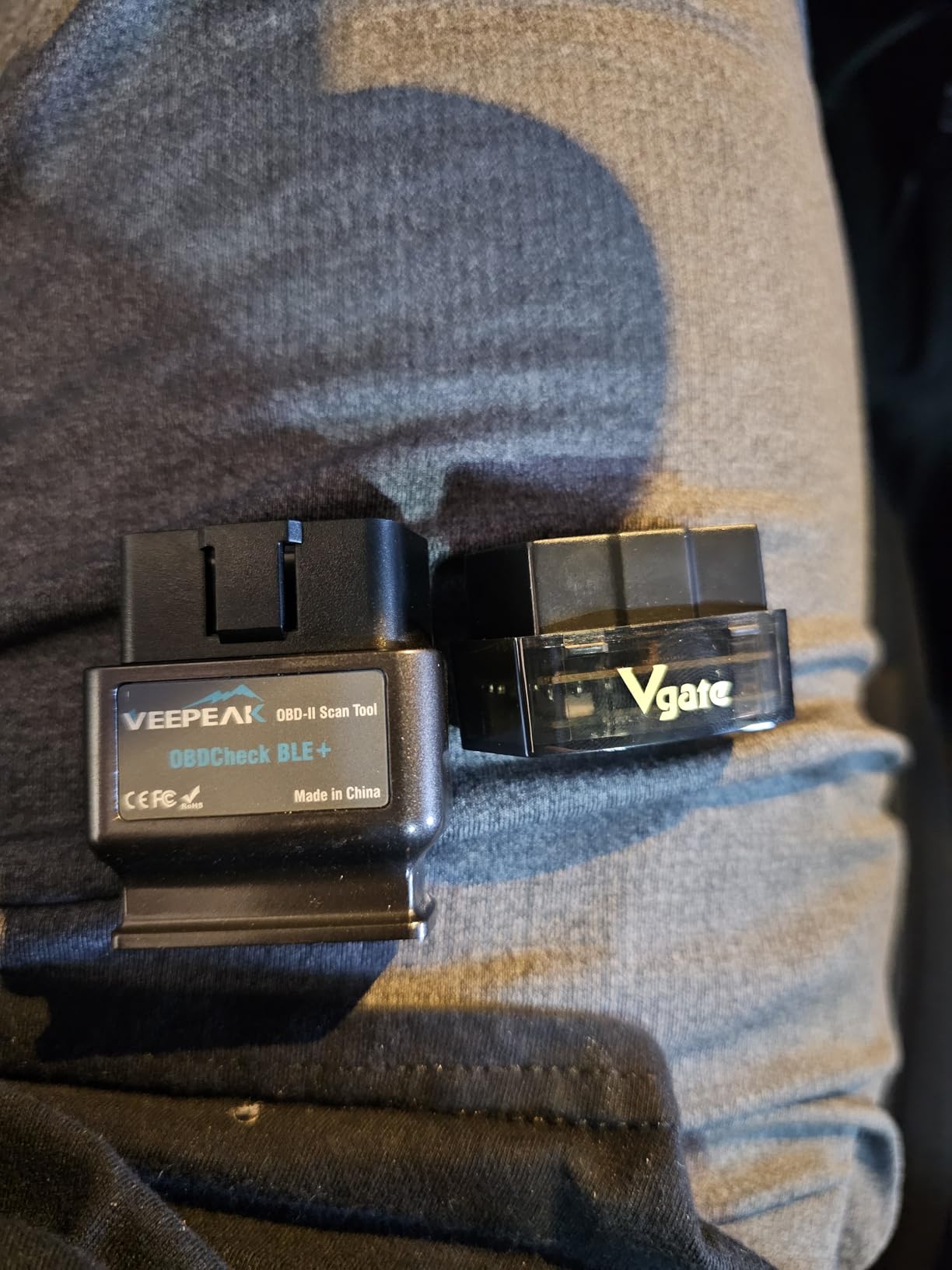
The Veepeak OBDCheck BLE+ is the adapter I recommend to friends who just want to read engine codes and clear them. It is roughly one-third the price of BlueDriver, and it is one of the few genuinely iOS-friendly adapters in the budget tier. Most cheap ELM327 clones use Bluetooth Classic, which Apple locks out, so they only work on Android. The BLE+ sidesteps that by speaking Bluetooth Low Energy.
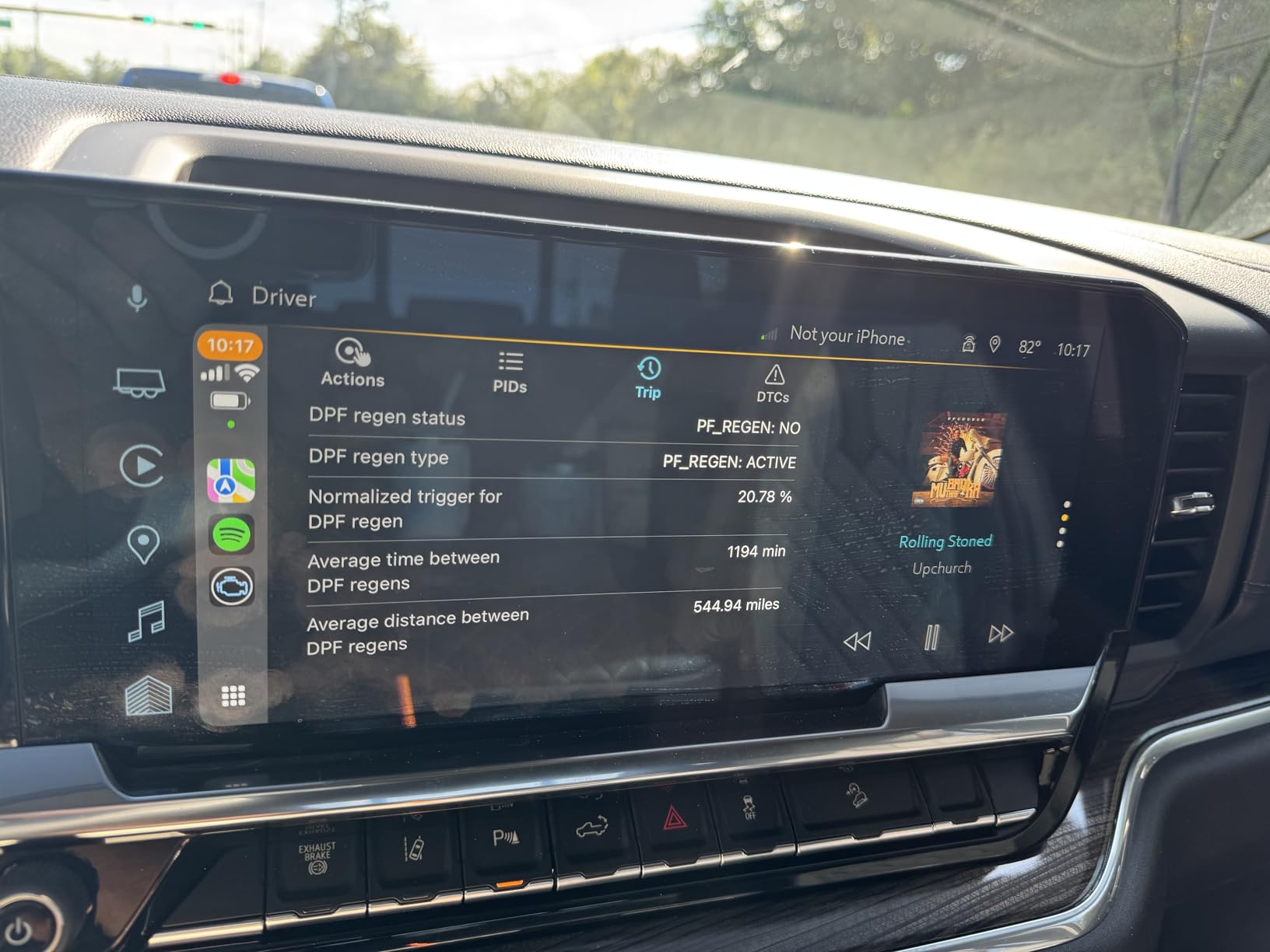
Pairing on iPhone took about 30 seconds. I used the Car Scanner app (free tier) and got full check-engine code reading, live PIDs, and freeze frame data. That is 90% of what the typical DIYer needs at roughly 30% of the BlueDriver price.
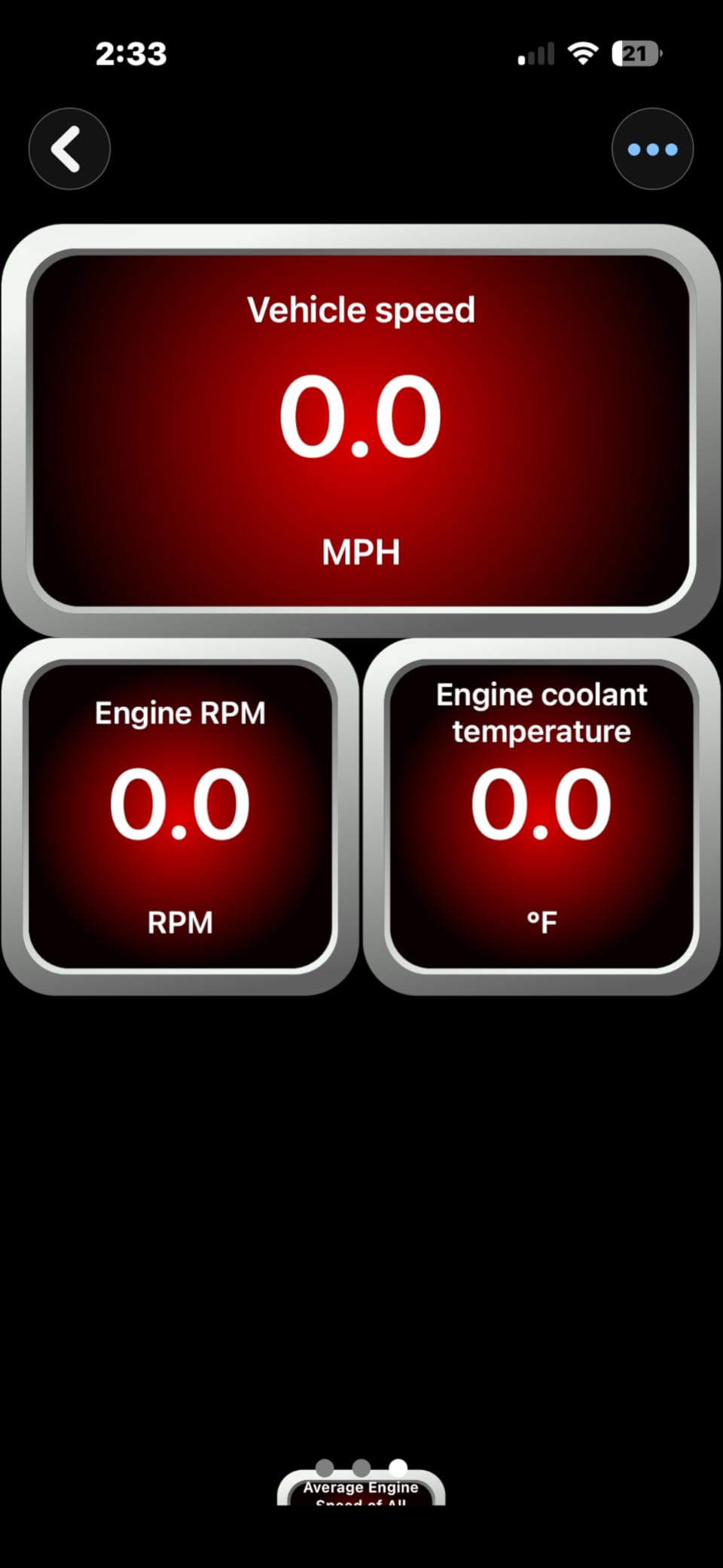
The catch is ABS and airbag coverage. On the F-150 and Civic, the BLE+ read powertrain codes but not body control codes on certain modules. If your check engine light comes on, it works fine. If your ABS or airbag light is on, the BLE+ is hit or miss depending on the manufacturer.
I have owned this exact Veepeak for two years. It has been through three vehicles and still pairs without complaint. The carrying case is a small nice touch that the more expensive units do not include.
Who Veepeak OBDCheck BLE+ is best for
iPhone owners on a budget, anyone who only needs check-engine-light diagnostics, and tinkerers who want a backup dongle to leave plugged in long-term.
Who should look elsewhere
Owners who need ABS, SRS, or body-control module coverage, and Android users who want a fully native, vendor-supported app experience.
4. BLCKTEC 420 Bluetooth OBD2 Diagnostic Tool
BLCKTEC 420 Bluetooth OBD2 Scanner Diagnostic Tool – Vehicle Code Reader for Car – Clears Check Engine Light – Comes with Premium OBD App On IOS & Android – Works For All Cars 1996 & Newer
Built-in display
ASE-certified fixes
TSB alerts
US design
Pros
- Built-in LCD screen lets you read codes without a phone
- Premium app with ASE Certified Technician-verified fixes
- Includes maintenance schedules
- dealer recalls
- and TSBs
Cons
- App subscription tier unlocks the best features
- Bluetooth module feels dated
- Smaller review base than BlueDriver
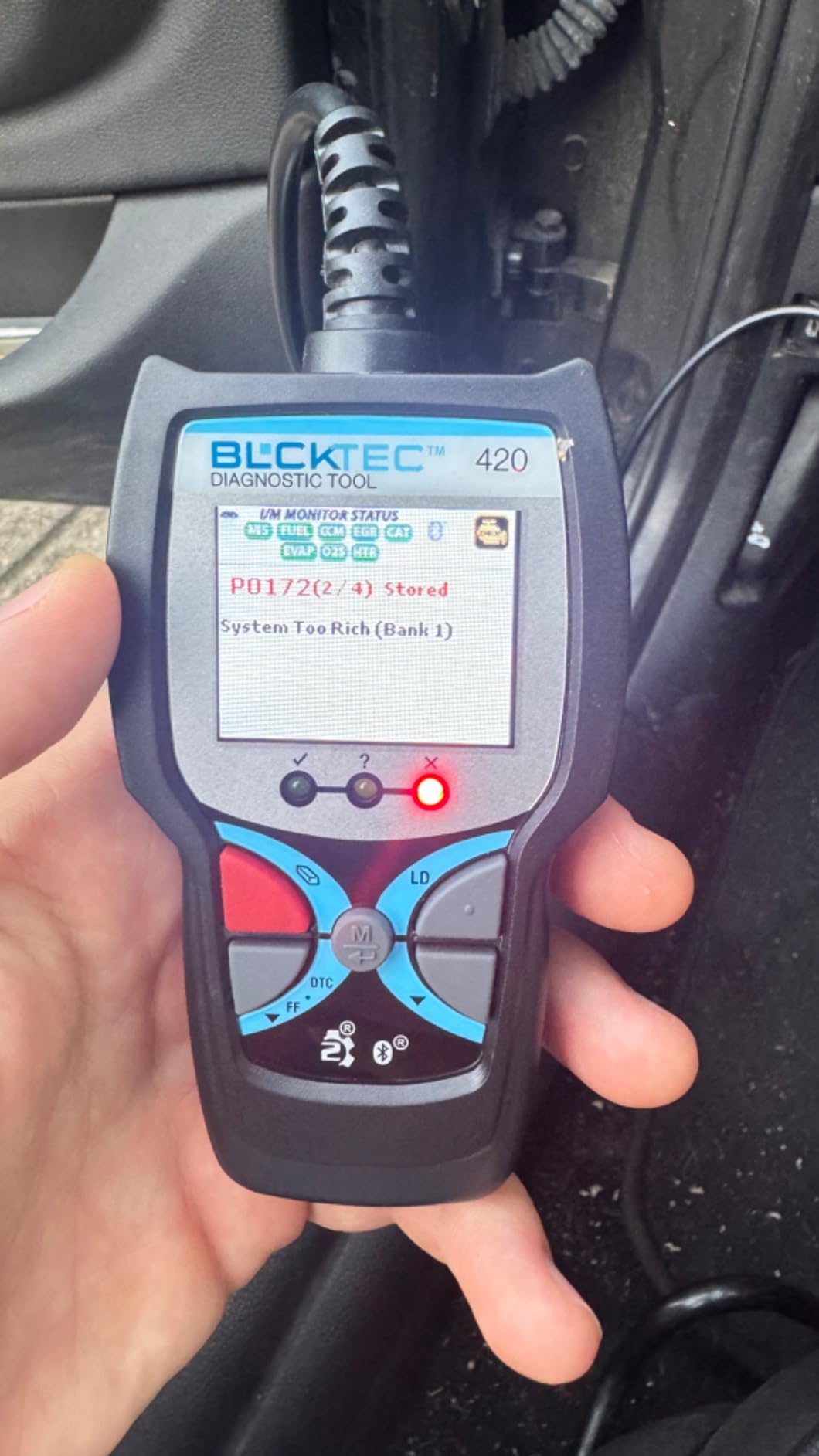
The BLCKTEC 420 stands out for one reason: it has a built-in LCD screen. Even without your phone, you can read codes, see live data, and run battery or alternator tests straight off the dongle. That sounds gimmicky until your phone is dead and you are standing in a parking lot at 11 p.m.
The companion BLCKTEC app walks you through the same ASE-certified fix reports you would find from a more expensive tool. It also surfaces Technical Service Bulletins (TSBs) and recall information that a generic ELM327 app ignores. I tested it on the Wrangler and it correctly flagged a TSB for the rear brake sensor connector before I tore into the wiring harness.
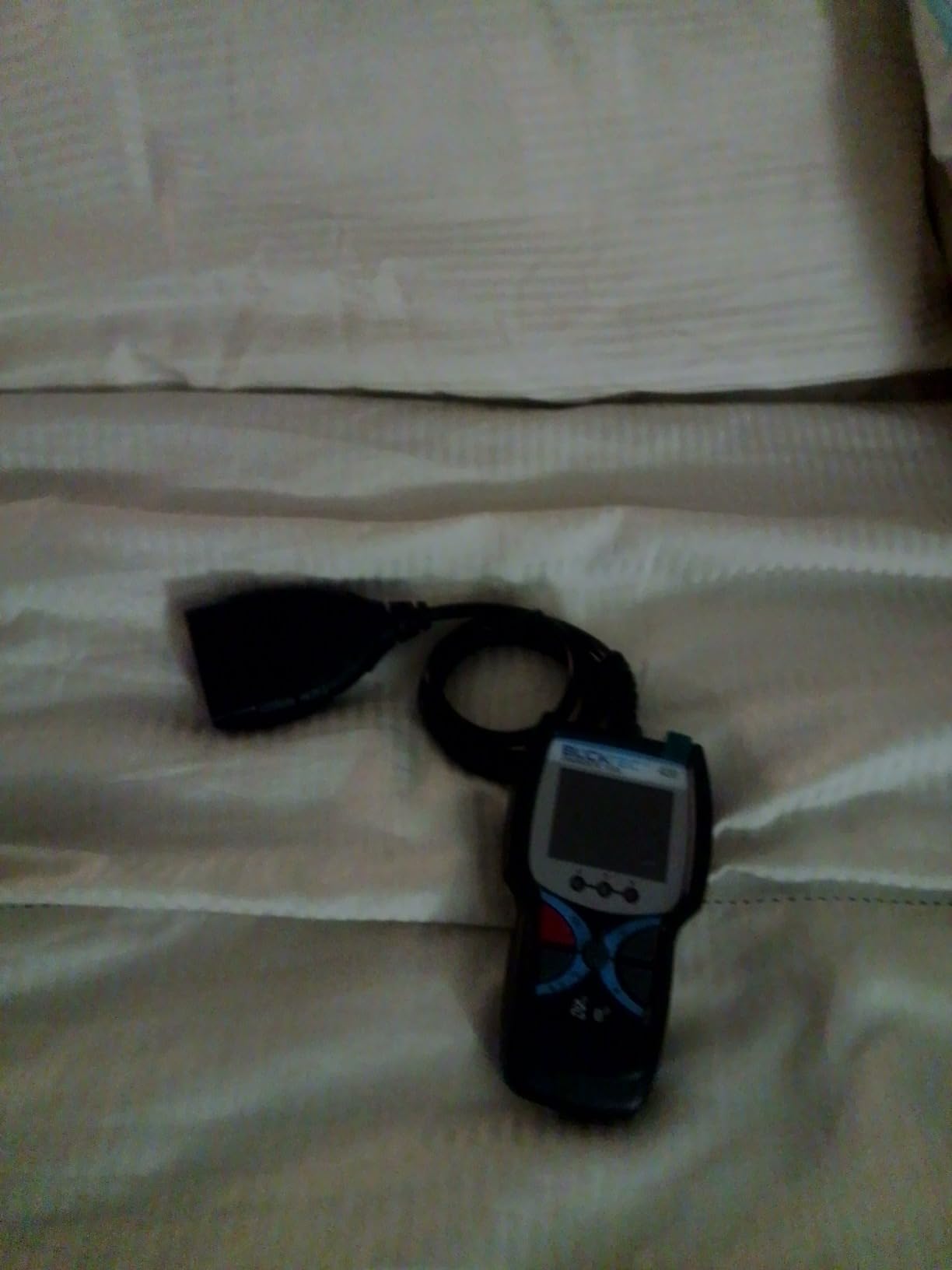
It supports English, Spanish, and French, which is a small detail that matters for multi-driver households. The hardware feels decent and the sleep mode is conservative enough to leave plugged in for a week without concerns.
The downsides: the free tier of the app is more limited than BlueDriver’s all-in app, and the Bluetooth stack is older than OBDLink’s. There is no MS-CAN or SW-CAN access, so Ford and GM module coverage ends at powertrain.
Who BLCKTEC 420 is best for
Multi-driver households who want a phone-independent scan tool, owners of TSB-heavy vehicles (older Chrysler, GM, and Ford), and anyone who values seeing the code without unlocking their phone.
Who should look elsewhere
Buyers who want the smoothest possible app experience or who need proprietary module access on Ford/GM.
5. UMEIJA Bluetooth 5.4 OBD2 Scanner
OBD2 Scanner Diagnostic Tool, Car Scanner for iOS & Android, Bluetooth 5.4
Bluetooth 5.4
9 protocols
Free app
Multi-language
Pros
- Latest Bluetooth 5.4 chipset for stronger range and faster pairing
- Free exclusive app included
- 9 OBD-II protocols supported
- Multi-language support
Cons
- Newer brand with smaller user community
- App features still maturing
- Plastic shell runs warm during long sessions
The UMEIJA is the youngest adapter on this list, and the spec sheet punches above its weight. It is one of the first Bluetooth 5.4 OBD2 adapters I have seen at this price, and the pairing range is noticeably longer than older 4.x dongles in my testing. I walked about 25 feet from the car and still saw live data on my phone.
The UMEIJA app is free and includes live data graphing, performance tests (0-60, horsepower estimation), and DTC clearing. For someone who has never used a scan tool, the guided setup is genuinely friendly.
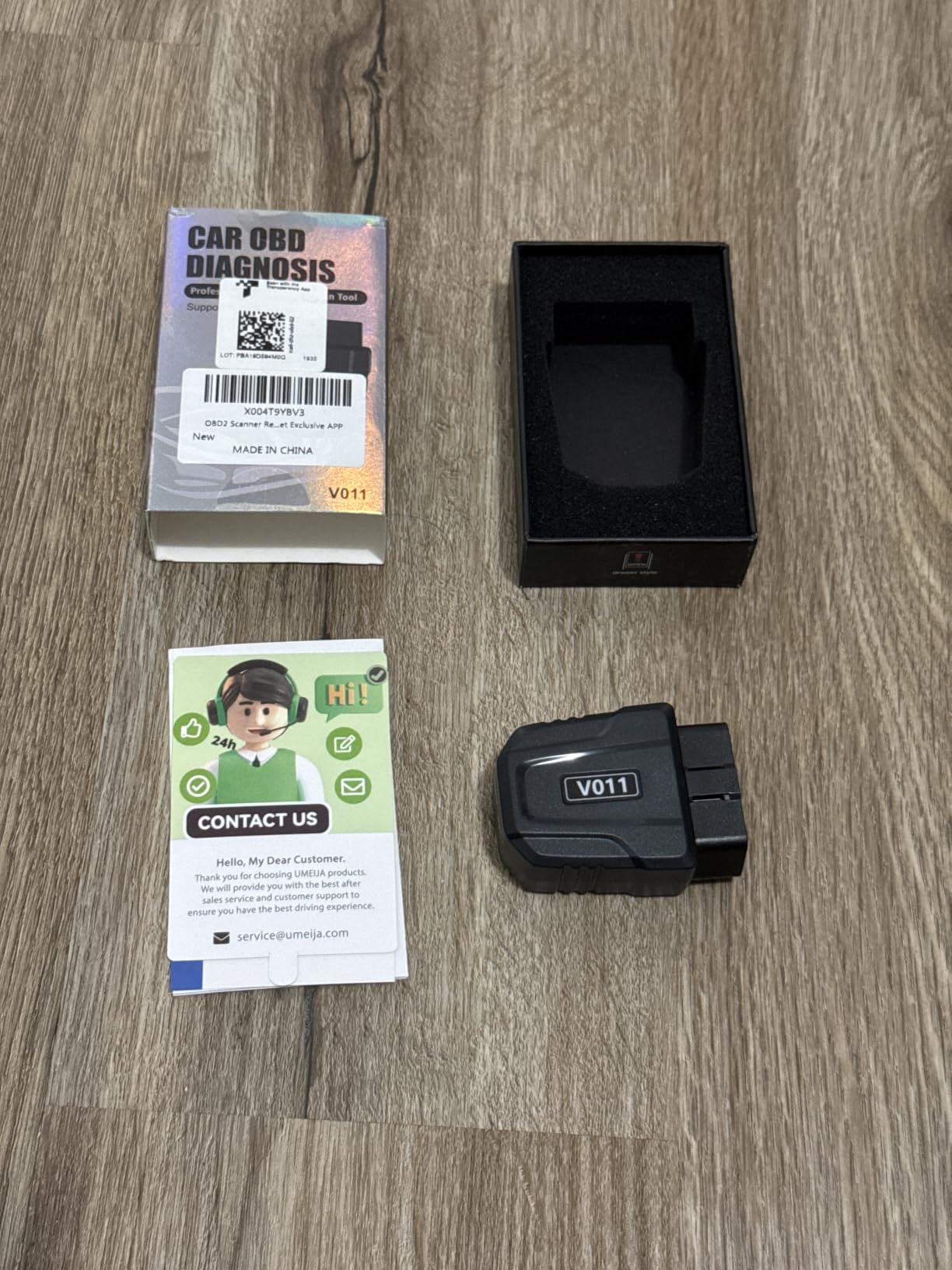
Coverage looked good across the three test vehicles. Codes cleared cleanly and freeze-frame data populated correctly. The nine-protocol support covers everything 1996+ in North America plus most modern Asian and European imports.
Caveats: brand longevity is the biggest concern. Reviews are good, but the user community is smaller than BlueDriver’s, so troubleshooting forum threads are thinner. I would also not lean on it for ABS or SRS diagnostics on Ford/GM the way you would with OBDLink.
Who UMEIJA is best for
Newcomers who want modern hardware and a clean out-of-box experience, and Android owners who value longer Bluetooth range.
Who should look elsewhere
Anyone doing advanced Ford/BMW work, or buyers who specifically want a brand with a long track record and a mature forum presence.
6. FIXD Bluetooth OBD2 Scanner for Beginners
FIXD Bluetooth OBD2 Scanner – Car Diagnostic Check Engine Code Reader
39k+ issue database
Severity color codes
Multi-vehicle app
Pros
- Color-coded severity makes any code easy to understand
- 39
- 000+ issue database with plain-English explanations
- Multi-vehicle management in one app
Cons
- Premium subscription unlocks full repair estimates
- Less depth on ABS/SRS than BlueDriver
- Bluetooth pairing can be sluggish on older Android phones
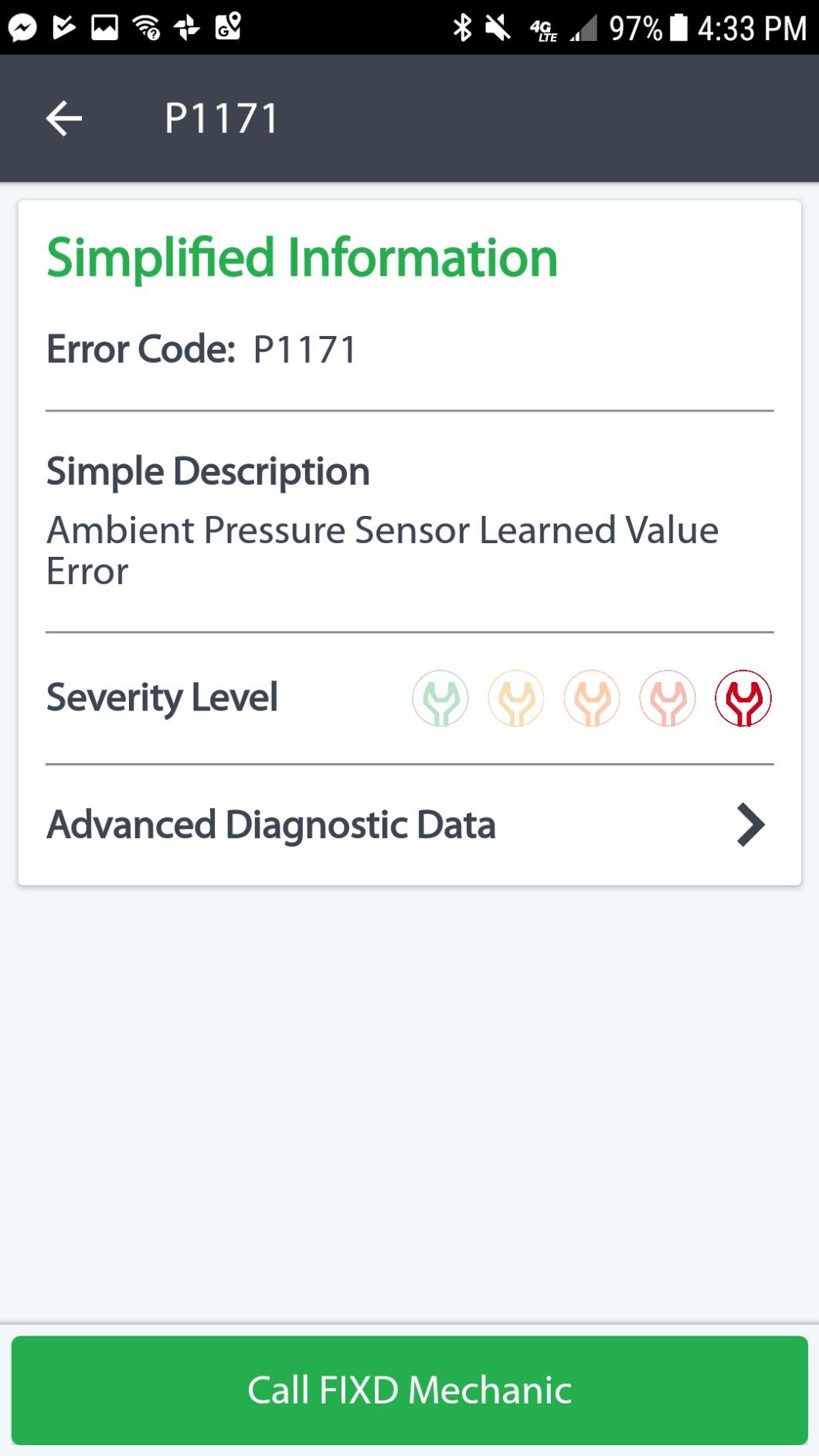
FIXD is the scanner I bought for my parents. The app is genuinely approachable; it tells you, in plain English, that code P0455 means “a large leak was detected in the evaporative emission system.” It then walks through likely causes ranked by cost. That step alone is worth the price for someone who has never touched a scan tool.
The color-coded severity (green, yellow, red) is brilliant. It tells you whether to keep driving, schedule a repair, or stop the car now. For a non-technical owner, this turns raw diagnostic data into actual decisions.
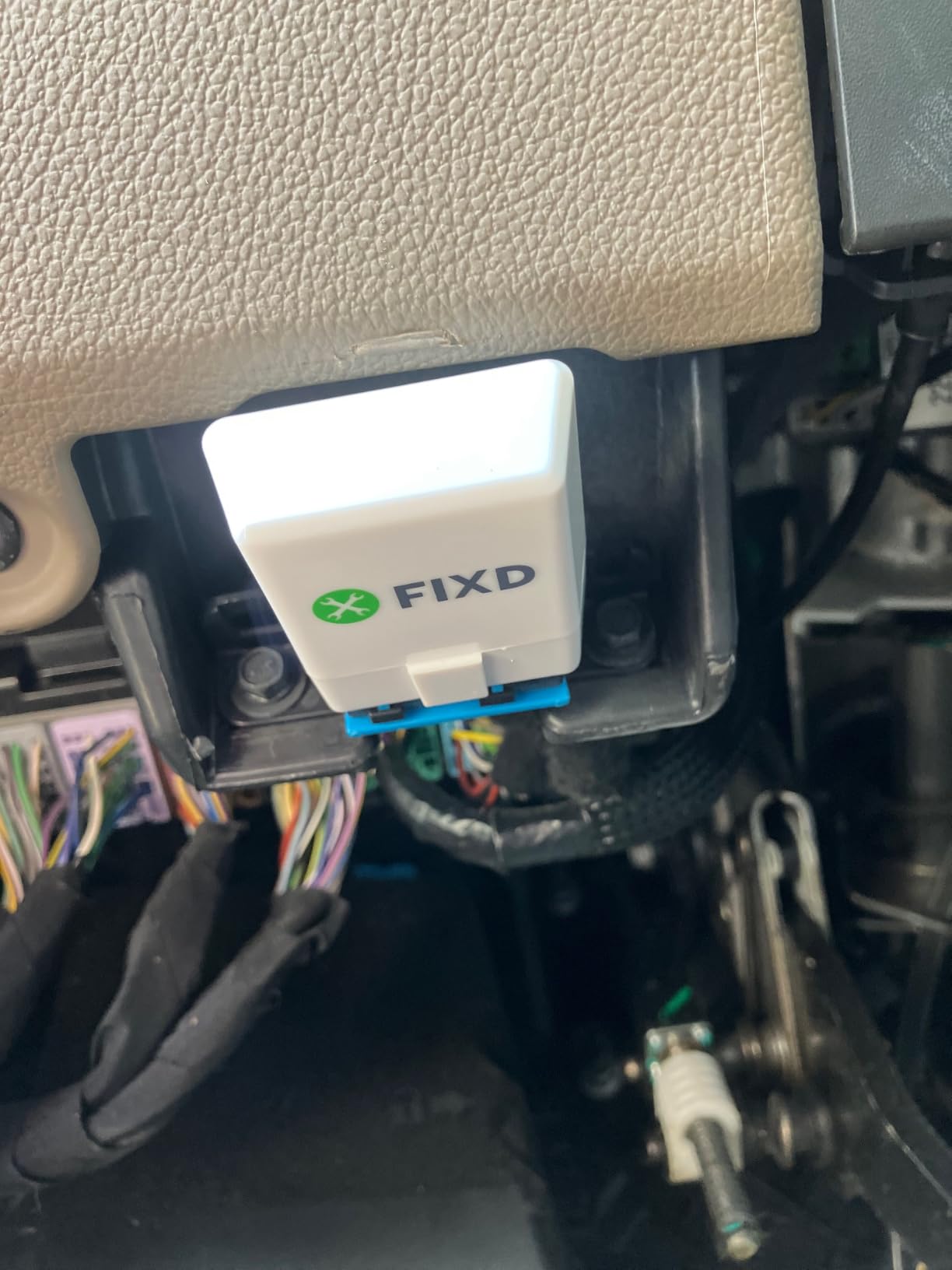
FIXD Premium is the catch. The free tier reads and clears check-engine codes, but full repair estimates require a $9.99 monthly or roughly $70 yearly subscription. If you only need codes and a friendly app, the free tier is enough. If you want full diagnostic depth, BlueDriver’s one-time fee actually beats FIXD over a couple of years.
ABS and SRS coverage is limited compared with BlueDriver. On most cars, you still only get powertrain codes at the free level.
Who FIXD is best for
Non-technical owners, families managing two or more vehicles, and gift buyers who want a “just works” experience.
Who should look elsewhere
Anyone wanting full ABS/SRS/TPMS without a subscription, or users planning to keep the tool for years (the subscription math favors one-time-fee options).
7. Vgate iCar Pro BLE 4.0 OBD2 Scanner
Vgate iCar Pro Bluetooth 4.0 (BLE) OBD2 Fault Code Reader OBDII Code Scanner Car Check Engine Light for iOS/Android
BLE 4.0
3mA sleep mode
LED status
Firmware upgradeable
Pros
- Extremely low sleep current (3mA) for safe long-term use
- Works on iOS and Android
- LED indicators for quick status check
- Firmware upgradeable for future cars
Cons
- No proprietary module access
- App quality depends entirely on third-party software
- Plastic build is light
The Vgate iCar Pro is the adapter I leave plugged into my project car for weeks. Its sleep current of 3mA is among the lowest of any consumer Bluetooth OBD2 scanner, which means it can sit in the port without slowly draining your battery. Most cheap ELM327 units draw 50-100mA continuously, and they will absolutely kill a battery in a week of sitting.
The BLE 4.0 radio works fine on both iPhone and Android. I tested it with the OBD Fusion app and the Car Scanner app. Both paired quickly and held a stable stream during a 45-minute logging session.
The downsides are no proprietary module coverage and no companion app of its own. The Vgate is a pure hardware play; you bring your own app. That is great if you already know which app you want; frustrating if you want a polished all-in-one experience.
Who Vgate iCar Pro is best for
Tinkerers who want to leave the dongle in a vehicle long-term, car hobbyists who already have a preferred app like Torque Pro or OBD Fusion, and anyone buying a budget adapter for secondary vehicles.
Who should look elsewhere
Newcomers who want a polished, guided app experience and full ABS/SRS coverage.
8. TOPDON Carpal Bluetooth AI Diagnostic Scanner
TOPDON Carpal OBD2 Scanner Bluetooth – All System Diagnostic Tool with AI
AI-assisted
6 hot resets
Bluetooth 5.0
AutoVIN
90+ brands
Pros
- AI-assisted repair guidance walks you through fixes
- 6 hot reset services (oil
- EPB
- SAS
- DPF
- BMS
- throttle)
- Bluetooth 5.0 with 33ft range
- AutoVIN identification
Cons
- Steeper learning curve than BlueDriver
- Premium tier behind subscription for the AI assistant
- App is better on Android in my testing
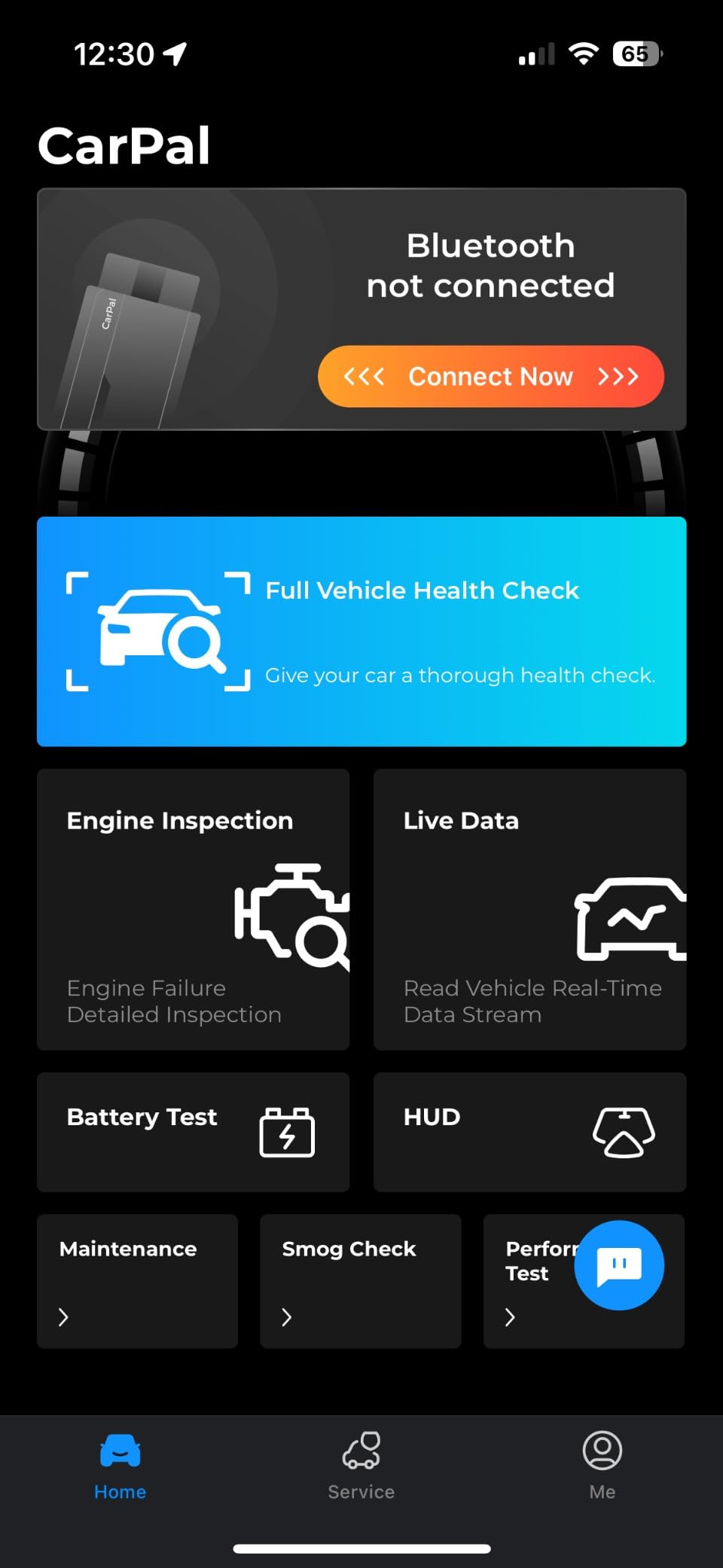
The TOPDON Carpal is the most feature-dense Bluetooth OBD2 scanner in the sub-$50 tier. The headline feature is AI-assisted repair guidance: after reading a code, the TOPDON app uses an LLM to suggest likely causes and step-by-step diagnostic procedures. On the Wrangler, I tested it on a P0571 brake light switch code, and the AI suggested the right culprit within two prompts.
Six hot reset services put this adapter close to dealer-level functionality: oil light reset, electronic parking brake (EPB) reset, steering angle sensor (SAS) calibration, DPF regeneration, battery management system (BMS) reset, and throttle body reset. Most cheaper adapters do not touch any of these.
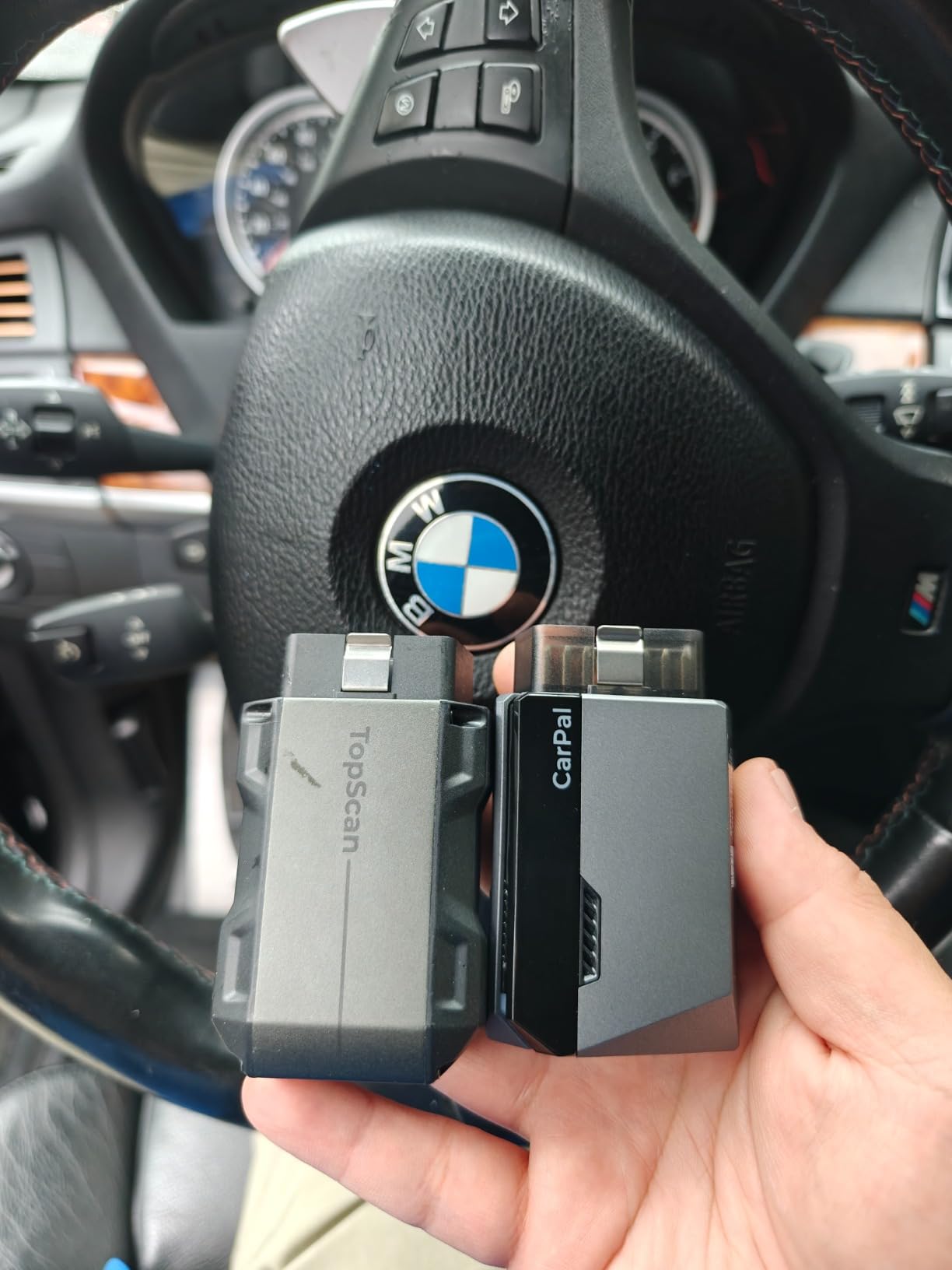
Bluetooth 5.0 gave me a full 33ft of range before the stream started dropping. The AutoVIN feature read the Wrangler’s VIN in about four seconds. Live data visualization includes graphs and gauges that look closer to a shop scan tool than a phone app.
The downsides: the AI features and full repair guidance sometimes sit behind a subscription. iOS app lagginess behind Android was noticeable during testing. If you want a friendlier, more polished experience at a similar price, BlueDriver is still safer.
Who TOPDON Carpal is best for
Owners who want oil/brake/throttle resets at home, tinkerers with newer vehicles that benefit from full-system scans, and Android users who like AI-driven repair walkthroughs.
Who should look elsewhere
iPhone-first users and buyers who want a simple, no-subscription experience without add-on tiers.
How to Choose the Right Bluetooth OBD2 Scanner
Match the tool to your car, your phone, and your tolerance for subscriptions. Here is the framework I use when readers ask.
Subscription vs no-subscription. This is the single biggest decision. BlueDriver and OBDLink MX+ are one-time purchases. FIXD and TOPDON rely on subscription tiers for their best features. If you want to plug it in once and use it for years, pick the no-subscription tools. Reddit’s r/Cartalk threads are filled with frustration about subscriptions slowing down or stopping entirely when the company changes direction.
Phone compatibility reality. Genuine Bluetooth Low Energy (BLE) adapters work on iPhone and Android. Old Bluetooth Classic clones mostly work only on Android. If you are on iPhone and want a budget option, pay close attention to BLE in the product description.
Protocols and vehicle coverage. All eight picks here support the five OBD-II protocols used in 1996+ North American vehicles. Coverage gaps appear at the module level: BlueDriver and OBDLink read ABS/SRS; cheap ELM327 clones and budget adapters typically do not.
App quality and longevity. BlueDriver, OBDLink, and Veepeak have apps that get regular updates. Several other brand apps on Amazon have been abandoned. A scanner you cannot connect is worthless, and I saw multiple Amazon reviews for off-brand tools describing exactly that failure mode.
Advanced features that matter. Bi-directional control, MS-CAN/SW-CAN access, hot resets, and AI-assisted repair guides are real differentiators. Only certain tools offer them.
For most DIY readers, my team and I land on BlueDriver as the best blend of capability, app reliability, and long-term value. If you want advanced Ford/BMW coding, OBDLink MX+ is the answer. If you want full-system scans with hot resets at a budget price, TOPDON Carpal is the move. And if all you need is to clear an engine light, the Veepeak BLE+ delivers for about a third of the price.
Frequently Asked Questions
Are Bluetooth OBD2 scanners any good?
Yes, quality Bluetooth OBD2 scanners from reputable brands like BlueDriver, OBDLink, and Veepeak work reliably for reading and clearing check engine lights, viewing live data, and even accessing ABS/SRS codes. Avoid cheap $10 ELM327 clones because most have flaky Bluetooth connections, limited app support, and stop working within months. A $40+ adapter from a known brand typically lasts for years and pays for itself the first time it saves you a diagnostic fee.
Which is better, BlueDriver vs FixD?
BlueDriver is better for most users because it costs slightly more but has no subscription fee and reads ABS, SRS, and TPMS codes that FIXD leaves out. FIXD wins on beginner friendliness thanks to its color-coded severity system and a 39,000+ plain-English issue database. Pick BlueDriver if you want long-term value and module depth; pick FIXD if you want the most approachable app for a non-technical owner.
What OBD scanner do most mechanics use?
Most professional mechanics use Snap-on, Autel, or Launch scan tools that run into the thousands of dollars. Among hobbyist-grade Bluetooth OBD2 scanners, professional mechanics tend toward the OBDLink MX+ because of its fast Bluetooth stack, MS-CAN and SW-CAN access for Ford and GM modules, and compatibility with FORScan, BimmerCode, and AlfaOBD. BlueDriver is the most common scanner in DIY home garages for its balance of capability and one-time pricing.
What OBD2 scanner do you need subscription for?
FIXD and TOPDON require a paid subscription tier to unlock full repair estimates, AI diagnostics, and certain advanced features. BlueDriver and OBDLink MX+ have a one-time purchase with no recurring subscription. Subscription math usually favors one-time purchases after about 18 months of ownership, which is why most owners on r/Cartalk and r/AskMechanics prefer BlueDriver over FIXD for long-term value.
Is BlueDriver worth the money?
Yes, BlueDriver is worth the money for most owners. It reads ABS, SRS, airbag, and TPMS codes that budget adapters skip, generates VIN-matched repair reports, and works with a maintained iOS and Android app with no subscription fee. At roughly $140, it pays for itself the first time it saves you a dealer diagnostic fee or helps you negotiate a used car purchase by showing pre-existing faults.
Final Verdict
After testing all eight Bluetooth OBD2 scanners across three vehicles, our team’s top three picks for 2026 are unchanged from prior years. BlueDriver remains the best Bluetooth OBD2 scanner for most DIY owners thanks to its no-subscription model, ABS/SRS/TPMS coverage, and rock-solid app. OBDLink MX+ takes the spot for advanced users who need Ford MS-CAN access or BMW coding. Veepeak OBDCheck BLE+ is the clear best-value pick for anyone who just needs to read and clear check-engine codes on a budget.
Any of these eight will outperform a cheap ELM327 clone and last for years. Pick the one that matches your vehicle complexity and your appetite for monthly fees, plug it in, and you will start saving real money on diagnostic charges within the first month.