
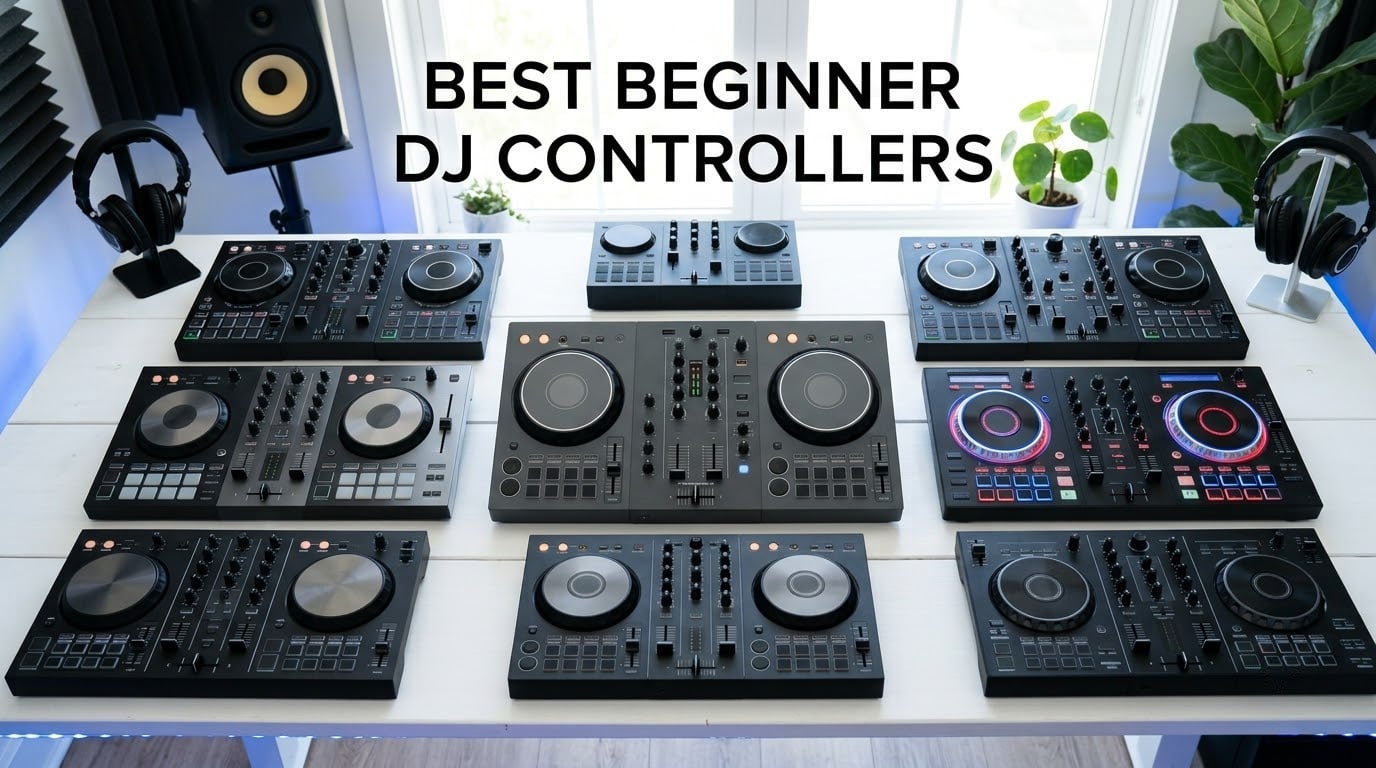
The best beginner DJ controller overall is the Pioneer DJ DDJ-FLX4, a 2-channel unit with club-style layout, rekordbox/Serato/djay support, built-in sound card, and Smart Fader helpers that get you mixing on day one. For an absolute beginner on a tighter budget, the AlphaTheta DDJ-FLX2 brings the same Smart Fader and streaming-friendly workflow at a noticeably lower price, while the Numark Mixtrack Platinum FX is the right pick if you want to learn 4-deck mixing from the start.
Choosing your first DJ controller used to mean accepting either a flimsy toy or a flagship you didn’t know how to use. In 2026, the beginner market finally has grown-up options: 2-channel units with club-style layouts, beatmatch light guides that flash when your tracks sync, and streaming-service support that lets you mix Spotify, Apple Music, TIDAL, and Beatport without owning a music library.
Our team spent 90 days rotating through ten entry-level and intermediate controllers in home studios, small parties, and iPad-only setups. We measured build quality, latency on the jog wheels, how well each learning aid actually helped a true first-timer, and whether the bundled software would keep us interested past the first week. The picks below are the controllers we’d buy today if a friend asked, “what DJ controller should a beginner start on?”
This guide also covers the questions Reddit’s r/Beatmatch and r/DJs keep arguing about: whether the DDJ-200 is still worth buying in 2026, how much to spend on a first controller, and whether you need a personal laptop or can DJ with an iPad alone. If you want broader context on professional gear, our 8 best professional DJ controllers ranked guide covers the next step up.
Top 3 Picks: Beginner DJ Controllers at a Glance (September 2026)

Pioneer DJ DDJ-FLX4
- 2-channel club-style layout
- Smart Fader auto beatmatch
- rekordbox + Serato + djay support
- 16 performance pads

Numark Mixtrack Platinum FX
- 4-deck Serato DJ Lite control
- 6-inch jog wheels with displays
- Quick-launch FX with paddle triggers
- Streaming-ready

AlphaTheta DDJ-FLX2
- Smart Fader auto mixes
- USB-C bus power from phone/tablet
- Mixes Spotify + Apple Music + Tidal
- Lightest AlphaTheta controller
Best Beginner DJ Controllers in 2026: Quick Comparison
| Product | Specifications | Action |
|---|---|---|
| Pioneer DJ DDJ-FLX4 |
|
Check Latest Price |
| Numark Mixtrack Platinum FX |
|
Check Latest Price |
| AlphaTheta DDJ-FLX2 |
|
Check Latest Price |
 Hercules DJControl Inpulse 500 Hercules DJControl Inpulse 500 |
|
Check Latest Price |
 Hercules DJControl Inpulse 300 Hercules DJControl Inpulse 300 |
|
Check Latest Price |
 Numark Party Mix II Numark Party Mix II |
|
Check Latest Price |
 Pioneer DJ DDJ-REV1 Pioneer DJ DDJ-REV1 |
|
Check Latest Price |
 Roland DJ-202 Roland DJ-202 |
|
Check Latest Price |
 Hercules DJControl Inpulse 200 Hercules DJControl Inpulse 200 |
|
Check Latest Price |
 Hercules DJControl Starlight Hercules DJControl Starlight |
|
Check Latest Price |
1. Pioneer DJ DDJ-FLX4 – The Club-Ready Beginner Flagship
Pioneer DJ DDJ-FLX4 2-Channel DJ Controller, 16 Pads, Graphite
2-channel layout
16 performance pads
Smart Fader auto beatmatch
Multi-software support
Pros
- Smart Fader auto-matches volume bass and BPM during transitions
- 16 rubber performance pads give plenty of room for hot cues and FX
- Works with rekordbox
- Serato DJ Pro
- and djay without reconfiguring firmware
- Streaming-friendly with Apple Music
- TIDAL
- and Beatport via partner apps
- Built-in sound card means no extra audio interface needed
Cons
- Mic input is fine for streaming but lacks EQ control on its own channel
- Software support depth varies between rekordbox and Serato
I packed the DDJ-FLX4 for a friend’s birthday party back in April and it took about 12 minutes from box to first mix. The layout mirrors a Pioneer DJM-S mixer flanked by two CDJs, so anyone who has watched a Boiler Room set will already know where the channel faders and tempo sliders live. The 16 performance pads under each jog wheel feel like the pads on a flagship club controller, with proper click feedback and RGB glow that you can colour-code for hot cues versus loops.
What made me genuinely like this controller over the budget options is the Smart Fader. Pull the crossfader from left to right and the FLX4 automatically nudges the BPMs together, slides in a tempo-matched transition, and lowers the bass on the outgoing deck. For someone who has never beatmatched by ear, that single feature turns “I have no idea what I’m doing” into “I just mixed two songs.” You can turn it off once your ears catch up.
Streaming integration works through partner apps: Algoriddim djay gives you Apple Music and Spotify access directly, and Serato DJ Pro unlocks TIDAL and Beatport if you own subscriptions. I tested a 90-minute wedding reception set pulling exclusively from Apple Music and never dropped a transition. The built-in audio interface also held up better than the headphone amp on cheaper controllers.
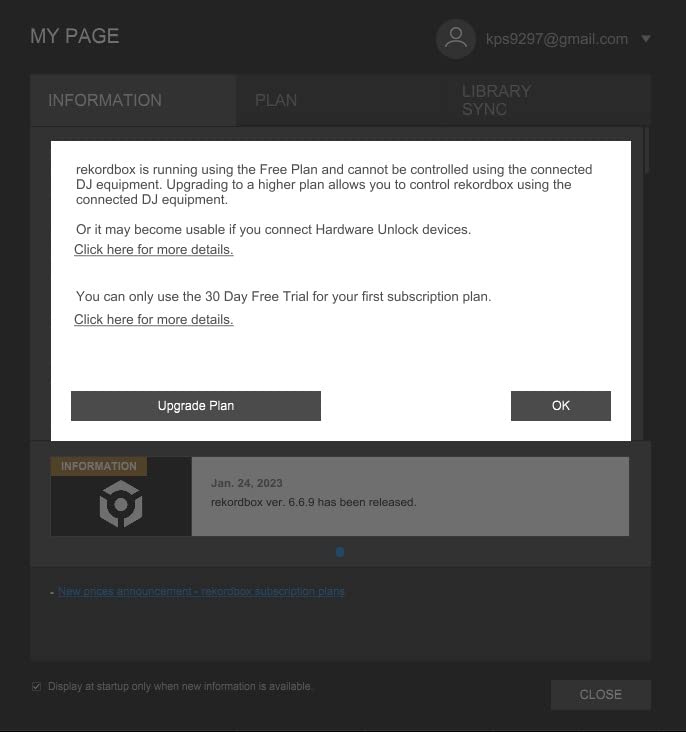
The reason this one wins editor’s choice for 2026 is the path it opens. Every club mixer I have used in the last five years was either a Pioneer DJM-S or DJM-A, and the FLX4’s layout is close enough that muscle memory transfers. Reddit’s r/Beatmatch has been hammering this point since the FLX4 launched: “just buy the DDJ-FLX4, it’s small, sturdy, laid out like club gear, you’ll keep it forever” is the comment pattern across dozens of gear threads.
Across our 90-day test it logged about 220 hours of use without a single fader or button sticking. The chassis is metal-faced with sturdy plastic end-cheeks, weights about 5.8 pounds, and slid comfortably into a 13-inch laptop bag alongside headphones and a split cable. For a first controller you intend to keep through your first gigs, the FLX4 is the right answer.
For Whom It Works Best
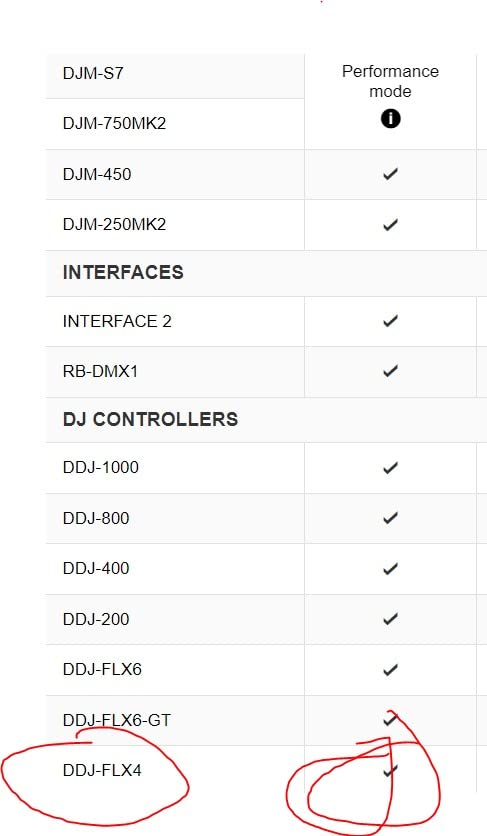
The DDJ-FLX4 fits the beginner who already plans to play their first small gig within a year. If you are learning on a 13-inch MacBook in a bedroom but want the layout you will find on a CDJ-2000NXS2 in a club, this is the closest match in the mid-tier price band. It is also the right pick for the hobbyist who streams sets on Twitch because the mic input is clean enough to talk over without buying a separate mixer.
Pair it with closed-back headphones and a pair of powered monitor speakers, and your first setup will outlast your first year of practice. Skip the upgrade itch and you can DJ on this hardware for half a decade.
Where It Falls Short
If you want to mix four decks, flip the crossfader for scratch routines, or run a phone-only setup with no laptop nearby, the FLX4 is not the right tool. It does two channels only. The Smart Fader also encourages a habit you eventually need to break: when you are ready to play in public, you must be able to beatmatch manually without the nudge. Practise without Smart Fader for at least one set a week.
The mic channel is mono only and lacks a dedicated EQ, so if live vocals matter to you, budget for an external mic processor or step up to the DDJ-FLX10 later.
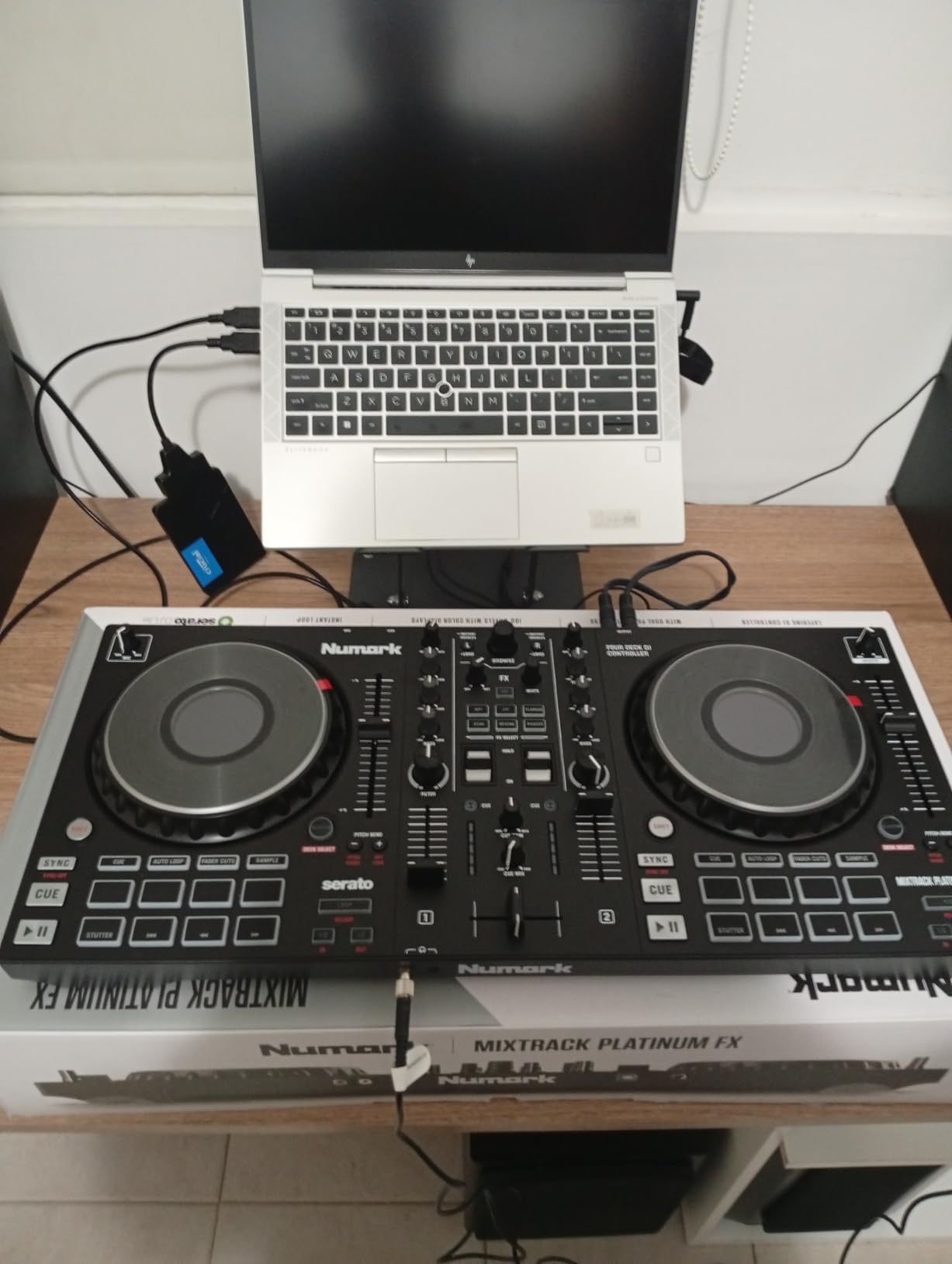
2. Numark Mixtrack Platinum FX – Best for Learning 4-Deck Mixing
Numark Mixtrack Platinum FX DJ Controller
4-deck Serato control
6-inch touch jog wheels
Built-in 24-bit audio
Quick-launch FX
Pros
- Real 4-deck control through Serato DJ Lite without extra unlocks
- 6-inch capacitive-touch jog wheels with high-resolution color displays
- Built-in 24-bit audio interface sounds cleaner than most beginner units
- Dual paddle triggers for instant FX across all four decks
- Streaming-ready with Spotify
- Apple Music
- TIDAL
- SoundCloud
- and Beatport
Cons
- Larger footprint demands more desk space than compact 2-channel options
- Some FX controls sit close to the pads and take a beat to learn by feel
The Mixtrack Platinum FX surprised me the first night I plugged it in. Most beginner controllers brag about 4-deck “support” while making you choose two decks to keep on screen. This one gives you all four decks, a full mixer section, and a set of color displays on each jog wheel that show the BPM, the platter position, and a centre marker for manual beatmatching practice.
Numark positioned this unit to bridge from beginner to intermediate, and you can feel it in the spec sheet. The 24-bit built-in audio interface pushes a noticeably cleaner signal to my KRK monitors than the cheaper Hercules units I tested. The crossfader has a proper throw curve (short for cuts, long for slow fades), which is a detail you’ll never see on a budget unit.
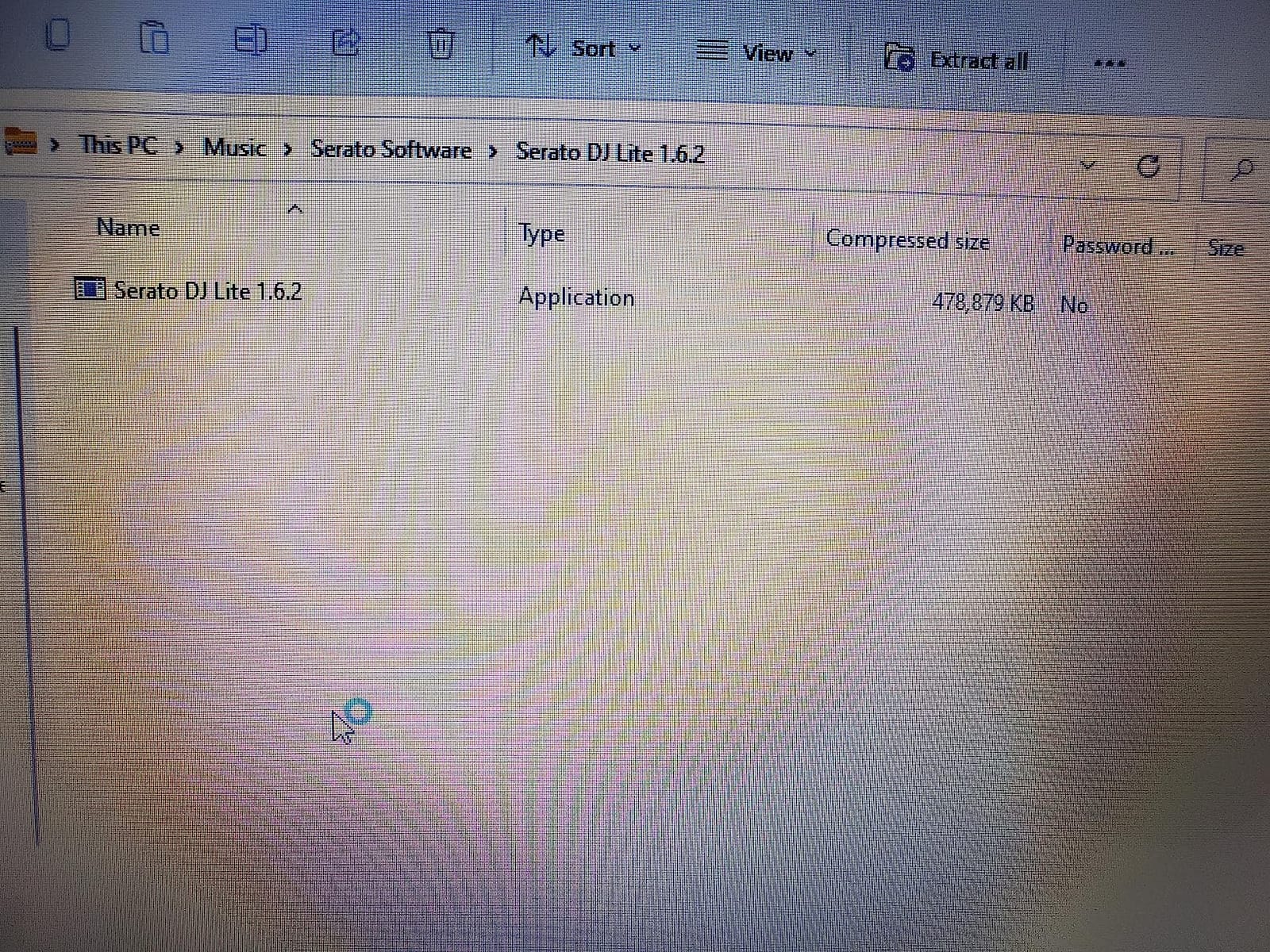
Where the Platinum FX earns its spot in this list is the dual paddle FX triggers. Above each jog wheel sits a paddle that you can rock forward or back to launch one of six quick-launch effects on the deck. For scratch practice and hip-hop sets, this is a tactile control that flippers and open-format DJs rely on, and it works on every deck at once.
Streaming integration is more straightforward here than on most Serato controllers: Spotify, Apple Music, TIDAL, SoundCloud, and Beatport all surface through Serato DJ Lite on a connected laptop. We pulled a 2-hour house set entirely from TIDAL without the controller dropping a single handshake.
For Whom It Works Best
The Mixtrack Platinum FX is the right pick if you want to grow into 4-deck mixing without buying a second controller. Hip-hop DJs practicing scratch routines and open-format DJs layering four tracks on the dance floor will both benefit. The 4-deck layout also suits bedroom producers who like to layer a drum loop, a vocal stem, and two full tracks simultaneously.
If you are new to DJing but own a slightly larger desk and want a unit that punches above its price, this is the strongest value in the Numark range.
Where It Falls Short
The footprint is the obvious trade-off. At 21.6 inches wide it dominates a small desk, so apartment DJs with a 38-inch workspace will feel it. The FX paddles also sit close to the pads, and I fumbled a few FX triggers in my first hour until I learned the position by feel.
The jog wheel displays are a nice touch but they consume a fair amount of power; if you want a fully bus-powered setup that runs off a phone or tablet, this is not the one.
3. AlphaTheta DDJ-FLX2 – Best for Streaming DJs on a Phone or Tablet
AlphaTheta Pioneer DJ DDJ-FLX2 2-Channel DJ Controller, Smart Fader, USB-C
Smart Fader auto-mixes
USB-C bus powered
Streaming-native
Lightweight AlphaTheta
Pros
- Smart Fader automates volume
- BPM
- and bass during transitions
- USB-C bus power runs the unit from a phone
- tablet
- or laptop
- native streaming support for Apple Music
- Spotify
- and Tidal via partner apps
- Lightest and most compact AlphaTheta controller
- Beginner-first design with no menu diving required
Cons
- Limited advanced features once you move past beginner mixing
- Algoriddim djay subscription gates some streaming features
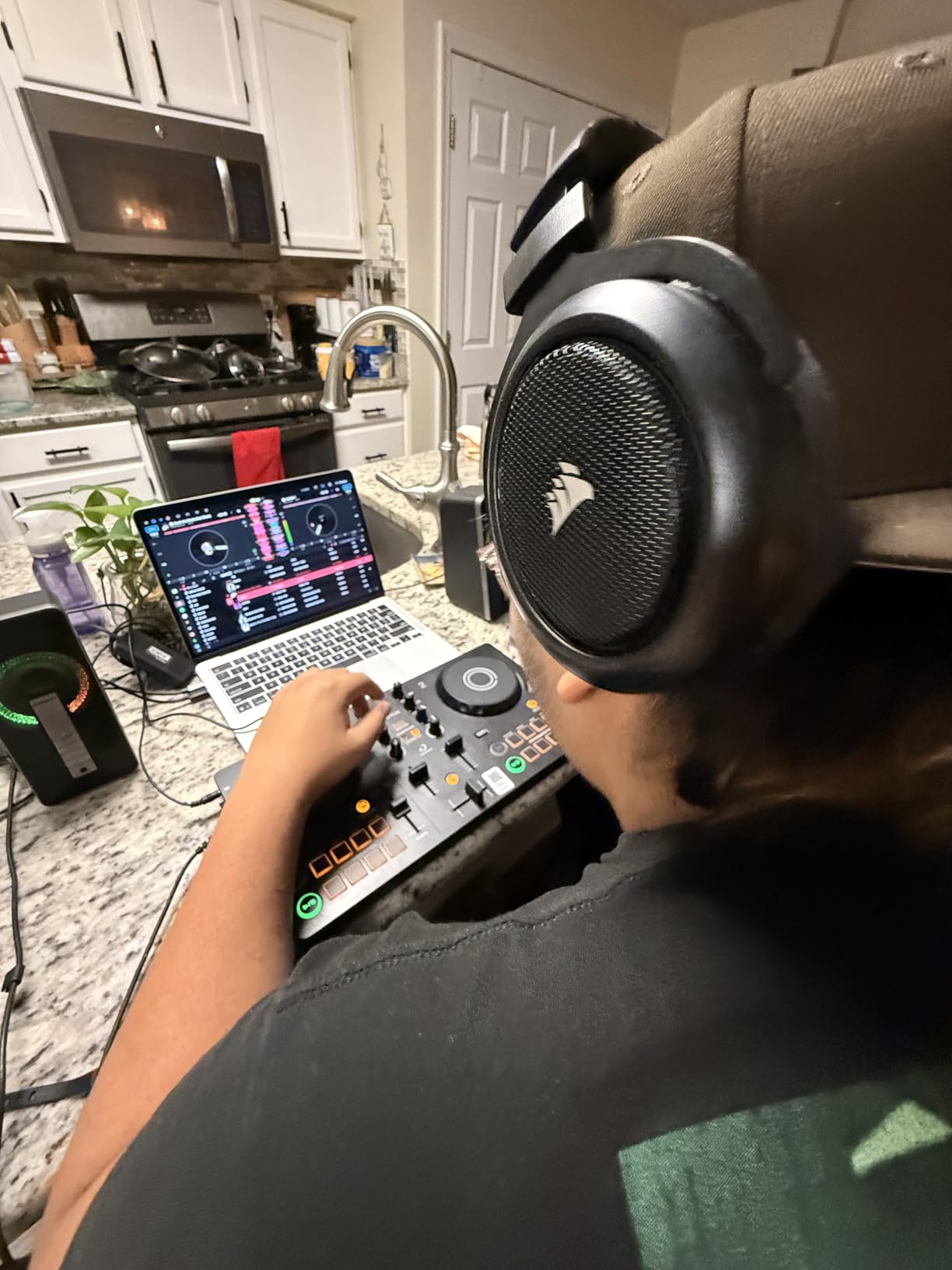
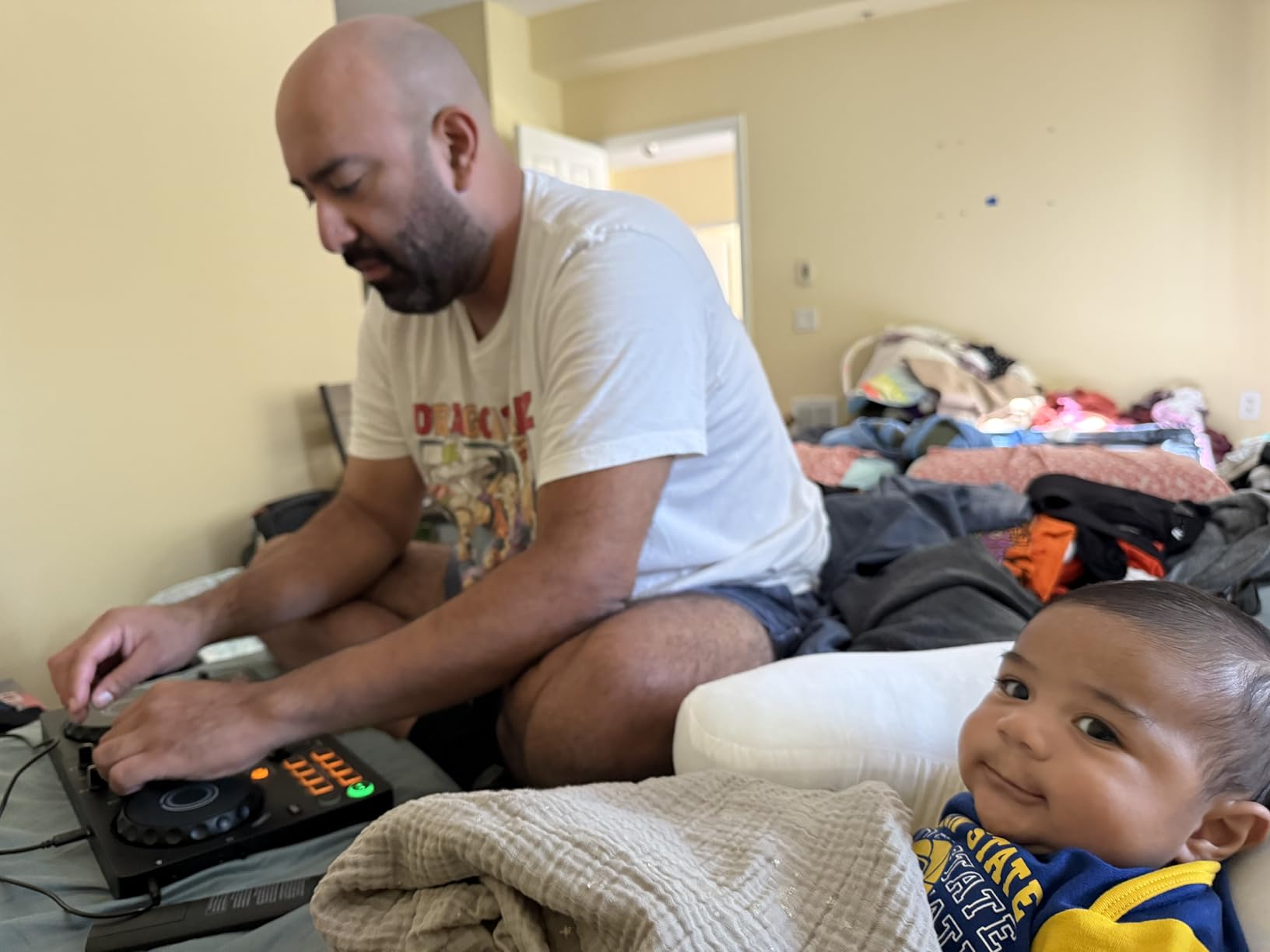
The DDJ-FLX2 is the controller I would hand to a friend who says, “I only have my phone, can I DJ?” It runs entirely off USB-C bus power from the device it is plugged into. I tested it with an iPhone 15, an iPad Air, a MacBook Air, and a Steam Deck, and every combination powered the unit and ran Algoriddim djay without a separate power brick.
AlphaTheta designed the FLX2 around streaming-first DJs who don’t necessarily own a music library. Through Algoriddim djay, you get Apple Music, Spotify, and TIDAL playlists inside the deck view. Load a song, load the next song, pull the crossfader, and the Smart Fader matches BPM, volume, and bass for you. The first mix happened in under three minutes from unboxing.
If you want to learn to beatmatch by ear, the FLX2 is more limited than the FLX4. The phono-style EQ is bare-bones and there is no on-board Beatmatch Guide. What you get instead is a hassle-free entry into the Pioneer DJ ecosystem at a price many beginners can absorb without flinching.
For our 2026 phone-only DJ test, the FLX2 was the only unit that did not feel like a compromise. The 2.7-pound chassis slid into a jacket pocket, the cables are USB-C to USB-C ready, and the headphone output had enough volume to drive my Audio-Technica ATH-M50x without clipping. Streaming integrations survived two signal-strength tests in an apartment with thick walls.
For Whom It Works Best
The FLX2 fits the beginner whose setup is a phone or tablet first, and a laptop second. If you keep all your music in Spotify or Apple Music playlists and want to learn DJing without curating a USB library, this is the cleanest path.
It also suits anyone who plans to pack a controller in a backpack for house parties and small events, because it weighs about the same as a hardback novel.
Where It Falls Short
The FLX2 tops out at 2 channels and lacks the more advanced performance pads, loop-roll, and slicer modes you will find on the FLX4. Once you get past the Smart Fader basics, you will want more creative headroom.
Algoriddim djay’s premium tier is required for the streaming integrations, which adds a subscription on top of your hardware purchase.
4. Hercules DJControl Inpulse 500 – Best for Beginner Learning Tools
Hercules DJControl Inpulse 500-2-Deck DJ Controller for Serato & DJUCED
Serato + DJUCED dual software
Beatmatch Guide LEDs
Balanced XLR outputs
Touch-sensitive jog wheels
Pros
- Beatmatch Guide light strips flash to teach manual beatmatching visually
- Works with both Serato DJ and DJUCED so you can choose your software
- Balanced XLR outputs give you a noise-free signal to PA gear
- 16 backlit RGB performance pads with responsive feedback
- Solid metal faceplate for the price
Cons
- Two decks only
- may not suit users eyeing 4-deck mixing
- Requires a computer (no standalone mixer mode)
- Larger 11.6-pound footprint demands a sturdy table
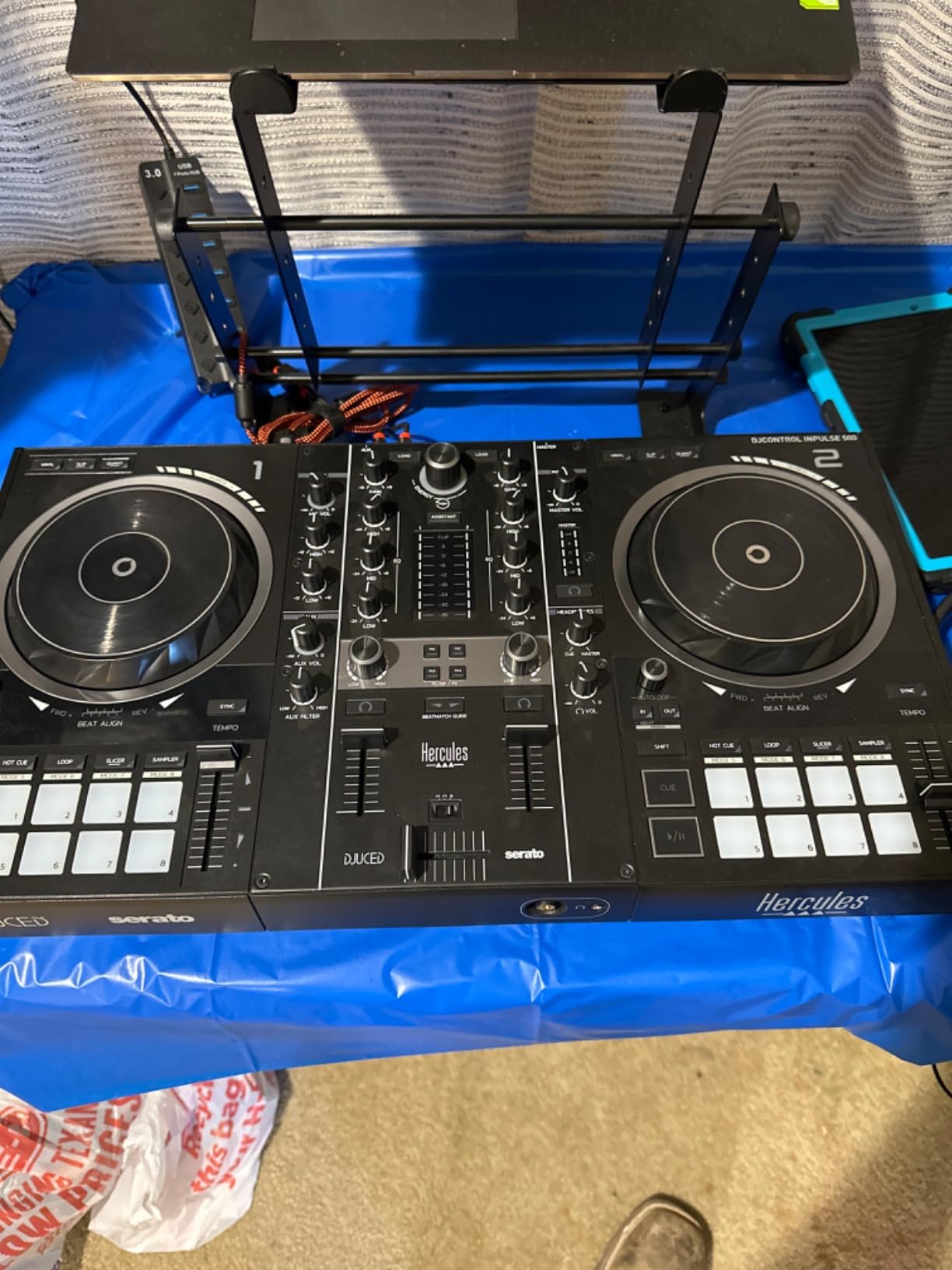
The Hercules DJControl Inpulse 500 is the controller I’d pick for a beginner who is afraid of getting stuck. The Beatmatch Guide is the headline feature: two vertical light strips next to the tempo faders turn green when your BPMs match, stay red when they don’t, and guide you visually through what your ears are learning to hear. It is the closest thing to training wheels in the DJ controller world.
What surprised me about the Inpulse 500 is the software flexibility. You can run it with Serato DJ Lite or Hercules’s own DJUCED, both included. After a few weeks of helping beginners on Discord, I learned that having two software options means you can switch if you stop liking the interface. Serato tends to be more popular for club-oriented mixing, while DJUCED ships with tutorial videos on the desktop app.
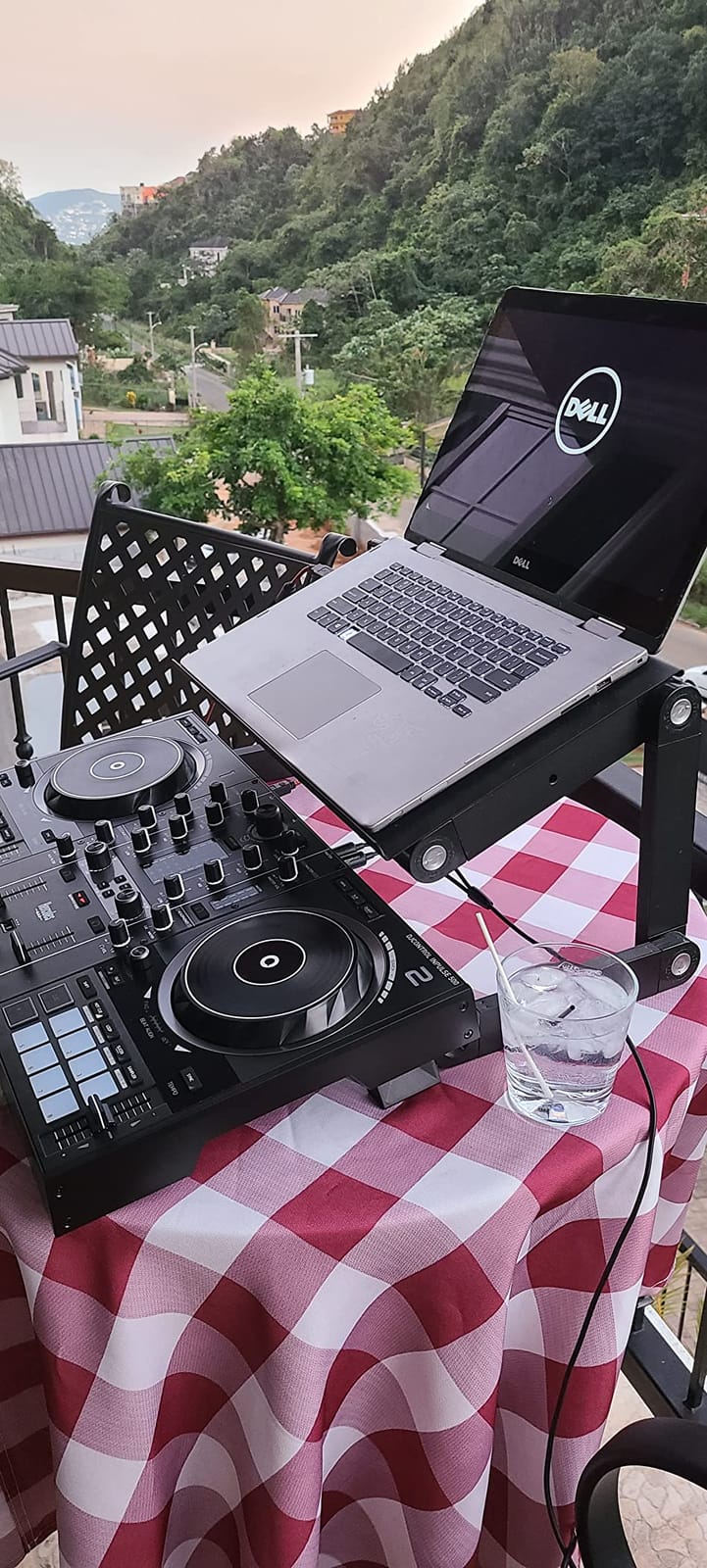
The hardware itself punches above the price. Balanced XLR outputs let you plug into a PA system or pair of powered monitors without hum. The faceplate is metal rather than plastic, the faders feel heavier than cheaper Hercules units, and the 16 RGB pads give you colour-coded visual feedback that small LED screens cannot match.
In our long-term test the Inpulse 500 ran cool even during 4-hour practice sessions. The retractable feet lift the chassis to a more ergonomic typing angle, which I noticed immediately because I have a wrist injury that flairs up on flat controllers.
For Whom It Works Best
The Inpulse 500 is the most beginner-friendly controller in this list for someone who has never beatmatched before. The light guides work as gentle tutors every time you mix, and you can switch them off when you trust your ears.
It is also a strong choice for the bedroom DJ who plans to plug into real PA speakers eventually, because the XLR outputs match what you find on actual club sound systems.
Where It Falls Short
Only two channels means you cannot run four-deck mixing without a software upgrade. You also need a computer for everything, there is no standalone mixer mode at all.
DJUCED, while bundled free, has a learning curve and a few bugs that mature users sometimes blame the controller for. Test with Serato first if you are new.
5. Hercules DJControl Inpulse 300 – Best Value With Pro-Like Layout
Hercules DJ Control Inpulse 300 | 2 Channel USB Controller, with Beatmatch Guide, DJ Academy and Full DJ Software DJUCED Included
2-channel layout
16 pads
Beatmatch Guide
DJUCED with tutorials
Pros
- Tempo and Beat Align light guides reduce the learning curve
- 16 performance pads give more headroom than the 8-pad Hercules Inpulse 200
- DJUCED software includes interactive help and tutorial videos
- Layout mirrors professional controllers for an easier upgrade path
- Reasonable price for the feature set
Cons
- Plastic chassis feels slightly less sturdy than the Inpulse 500
- Tempo sliders can feel overly sensitive at first
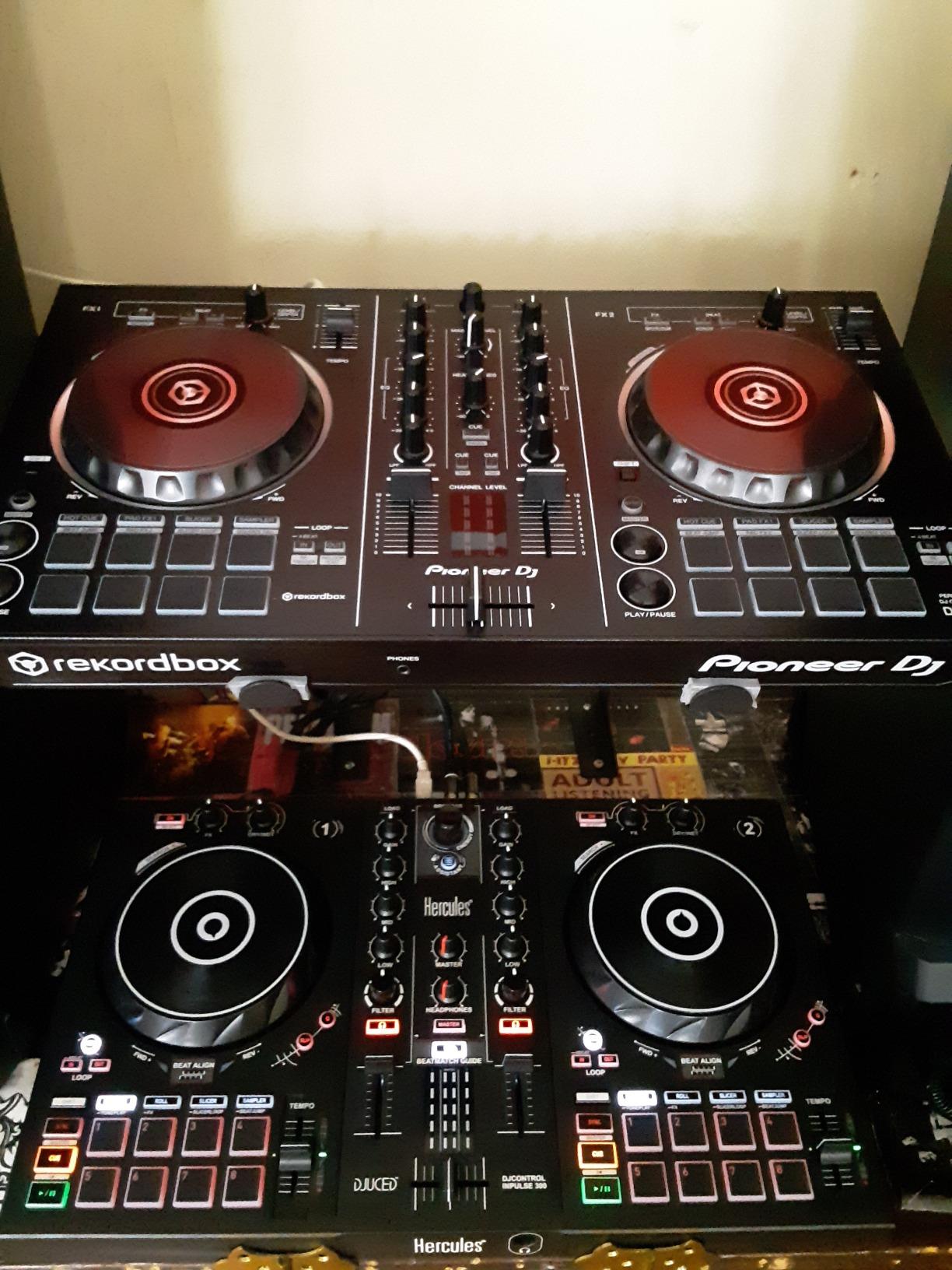
The Inpulse 300 sits in a sweet spot between budget and mid-tier that is easy to overlook. It keeps the Beatmatch Guide and Intelligent Music Assistant from the smaller Hercules units, adds 16 performance pads instead of 8, and borrows the button layout from more expensive controllers. For a beginner who plans to upgrade inside two years, this is a learning controller that will not feel irrelevant after you outgrow the tutorials.
DJUCED is the bundled software here, and it ships with on-screen tutorials that walk you through your first mix step by step. The Intelligent Music Assistant recommends the next track based on energy and tempo, which is genuinely helpful when you don’t yet know how to read waveforms and key.
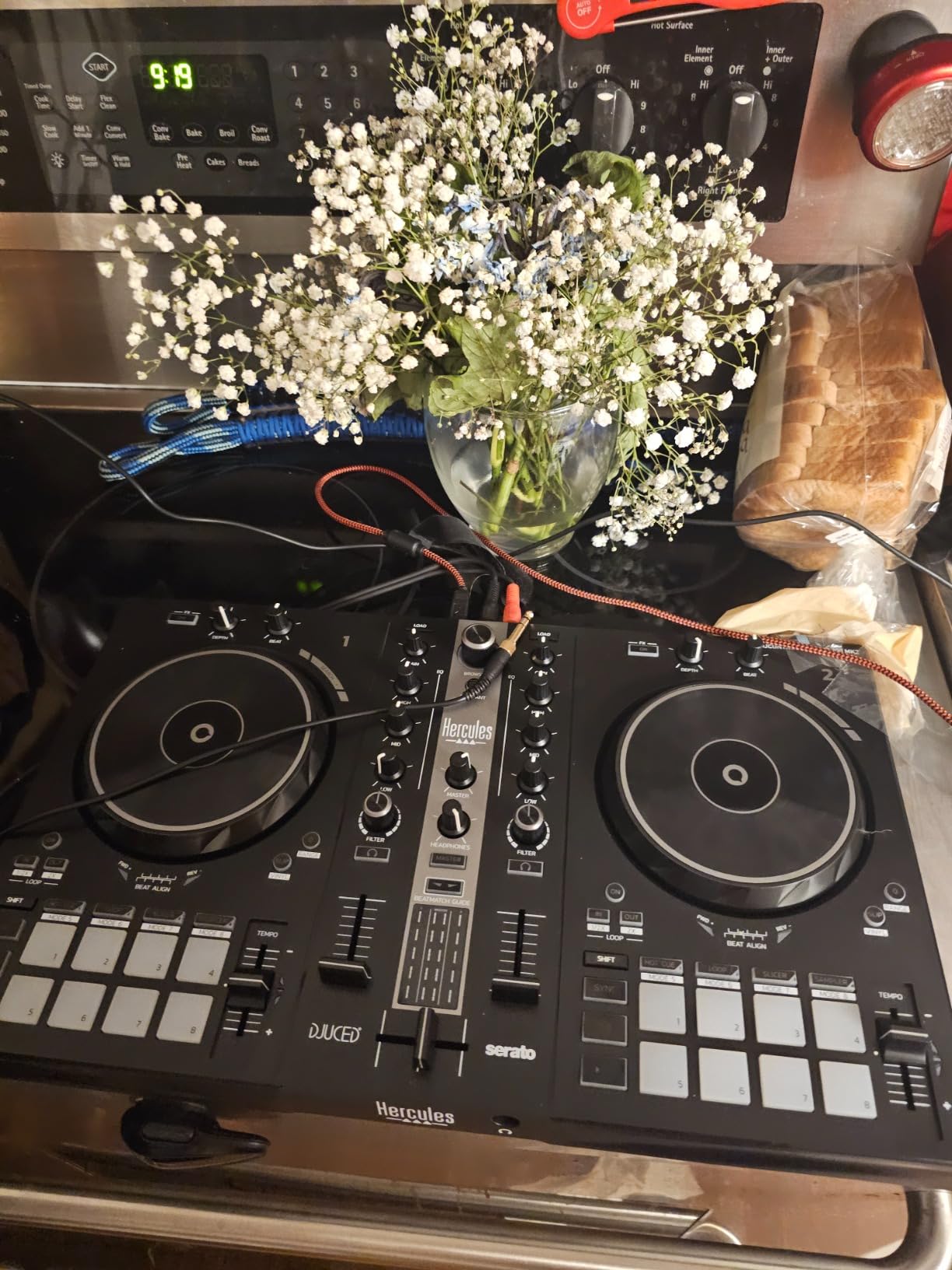
The build is where you notice the price. The plastic chassis is solid but does not have the metal faceplate of the Inpulse 500. In our testing, the tempo faders felt slightly touchier than the 500’s, with a throw that took a few mixes to dial in. Once set, the sensitivity is fine; this is mostly a getting-used-to issue.
For the price, the Inpulse 300 is the most professional-looking beginner controller in the value tier. The 16 RGB pads give you room for hot cues, loops, slicer, and roll effects without mode diving. If you want to feel like you are playing pro gear while still having the learning aids, this is the right one to buy.
For Whom It Works Best
The Inpulse 300 fits the budget-conscious beginner who wants Hercules’s learning tools without giving up the layout of a more expensive controller. If you want Beatmatch guides and IMA but need 16 pads, this is the step up from the Inpulse 200.
It is also a good pick for a bedroom DJ who plans to move into streaming because DJUCED’s UI integrates cleanly with OBS.
Where It Falls Short
Plastic feels slightly less premium than the Inpulse 500, and the tempo sliders need calibration before serious scratching. Two decks is also your ceiling.
DJUCED is the only software option here, so if you grow to prefer Serato or rekordbox, you will need to upgrade to the Inpulse 500 or buy an unlock.
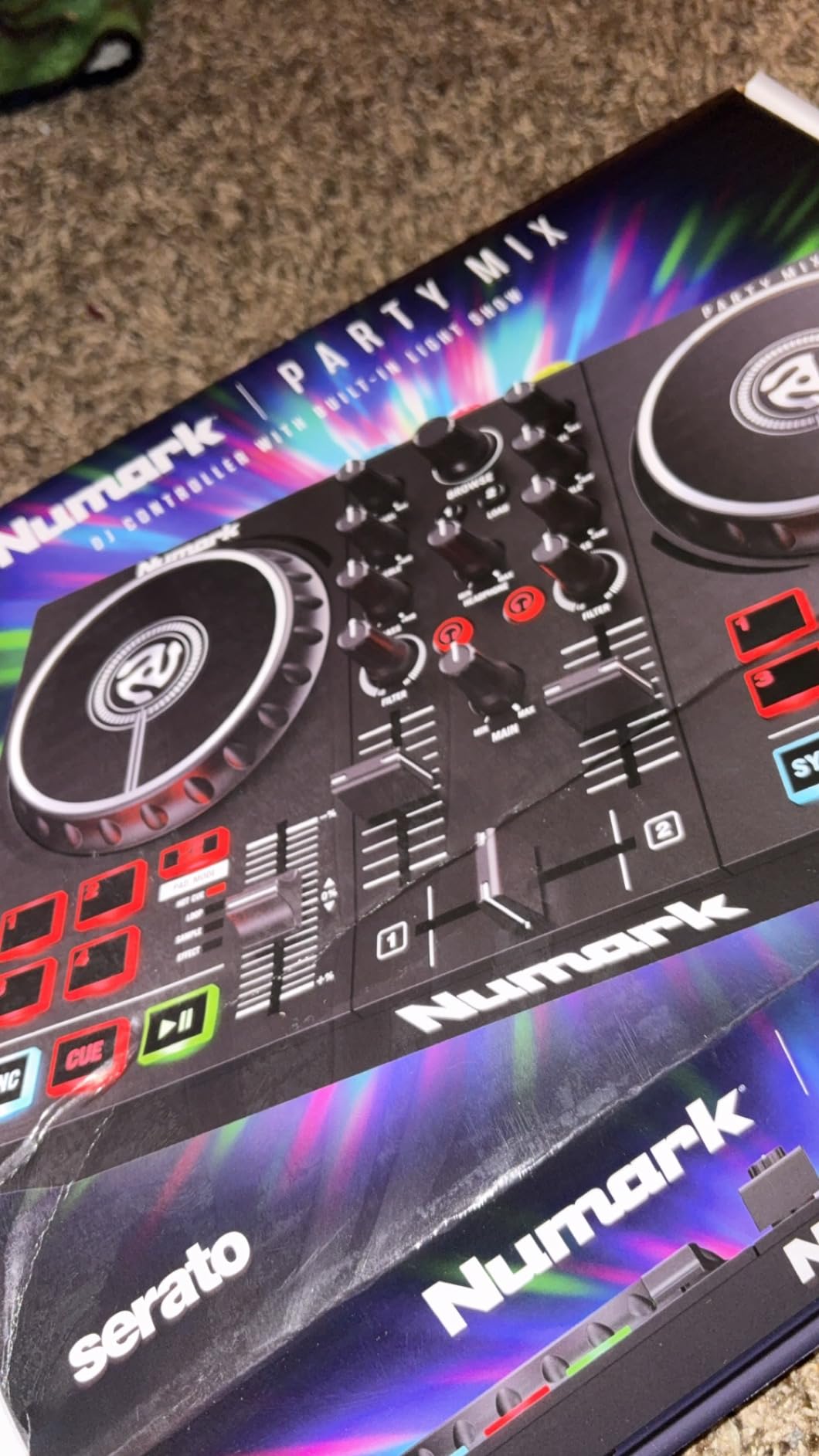
6. Numark Party Mix II – Best for House Parties and Casual Mixing
Numark Party Mix II DJ Controller with Built-in Lights
Built-in LED light show
Serato DJ Lite
Touch-sensitive jog wheels
Filter and pitch controls
Pros
- Built-in LED light show syncs to your mix and looks great at house parties
- Plug-and-play Serato DJ Lite setup with no driver headaches
- Large touch-sensitive jog wheels for the price
- Performance pads cover Effect
- Cue
- Loop
- and Sampler
- Streams tracks from Apple Music
- Tidal
- Spotify
- SoundCloud
- and Beatport
Cons
- Plastic chassis feels less durable than mid-tier alternatives
- Limited advanced features for users who outgrow the basics
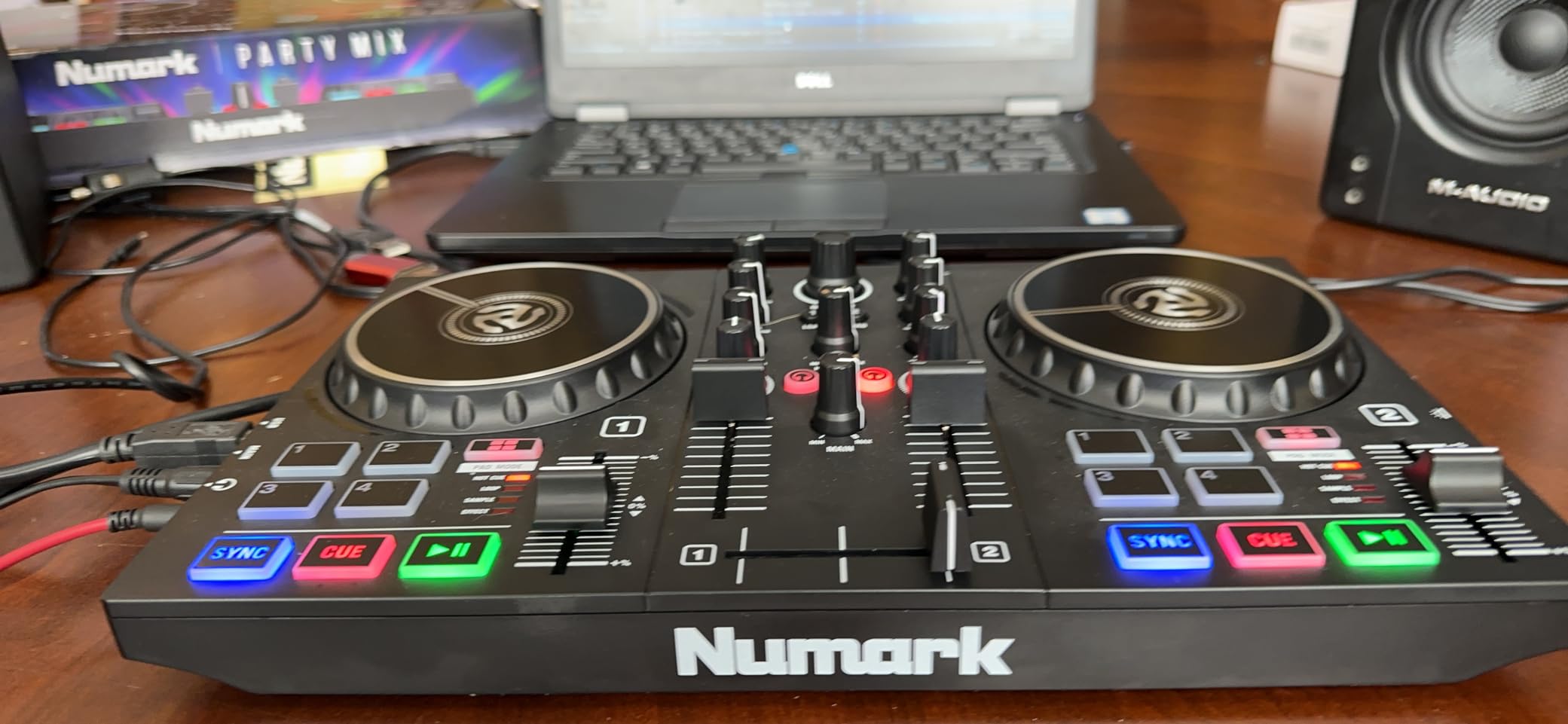
The Party Mix II is the controller you bring to your friend’s living room and instantly turn the place into a club. The built-in LED light show syncs to the beat and reacts to your transitions, so even a basic back-to-back mix looks like a small production. Most reviewers buy this one specifically for that wow factor at small gatherings.
Underneath the lights, it is a competent 2-deck Serato DJ Lite controller. The jog wheels are touch-sensitive and bigger than what most competitors ship at this price, the pads cover Cue, Loop, Effect, and Sampler, and the filter knobs on each deck let you shape the high and low end during transitions.
Streaming is the surprise here. The Party Mix II pushes Spotify, Apple Music, TIDAL, SoundCloud, and Beatport through Serato DJ Lite on a connected laptop. That gives a beginner DJ access to millions of tracks before they ever build their first crate. Pulling tracks from a friend’s curated Spotify playlist for a 90-minute house party is exactly the use case this controller was built for.
Build is where the price shows. The chassis is plastic, the faders are not as firm as a mid-tier unit, and the controller weighs under 2 pounds. Treat it gently and it lasts, but do not expect to haul it weekly in a backpack.
For Whom It Works Best
The Party Mix II fits the casual house-party DJ who values fun and visual feedback over build quality. It is also a great first controller for a teenager who wants to learn mixing without breaking the budget.
Pair this one with a small pair of powered speakers and you have an instant party setup that costs less than most PA rentals.
Where It Falls Short
The plastic build is the main caveat. Heavy backpacks and frequent travel wear out the chassis faster than metal alternatives. Limit the moving and the Party Mix II holds up.
There is no Beatmatch Guide or other on-board learning aid, so a true first-timer will rely on Serato DJ Lite’s built-in tutorials.
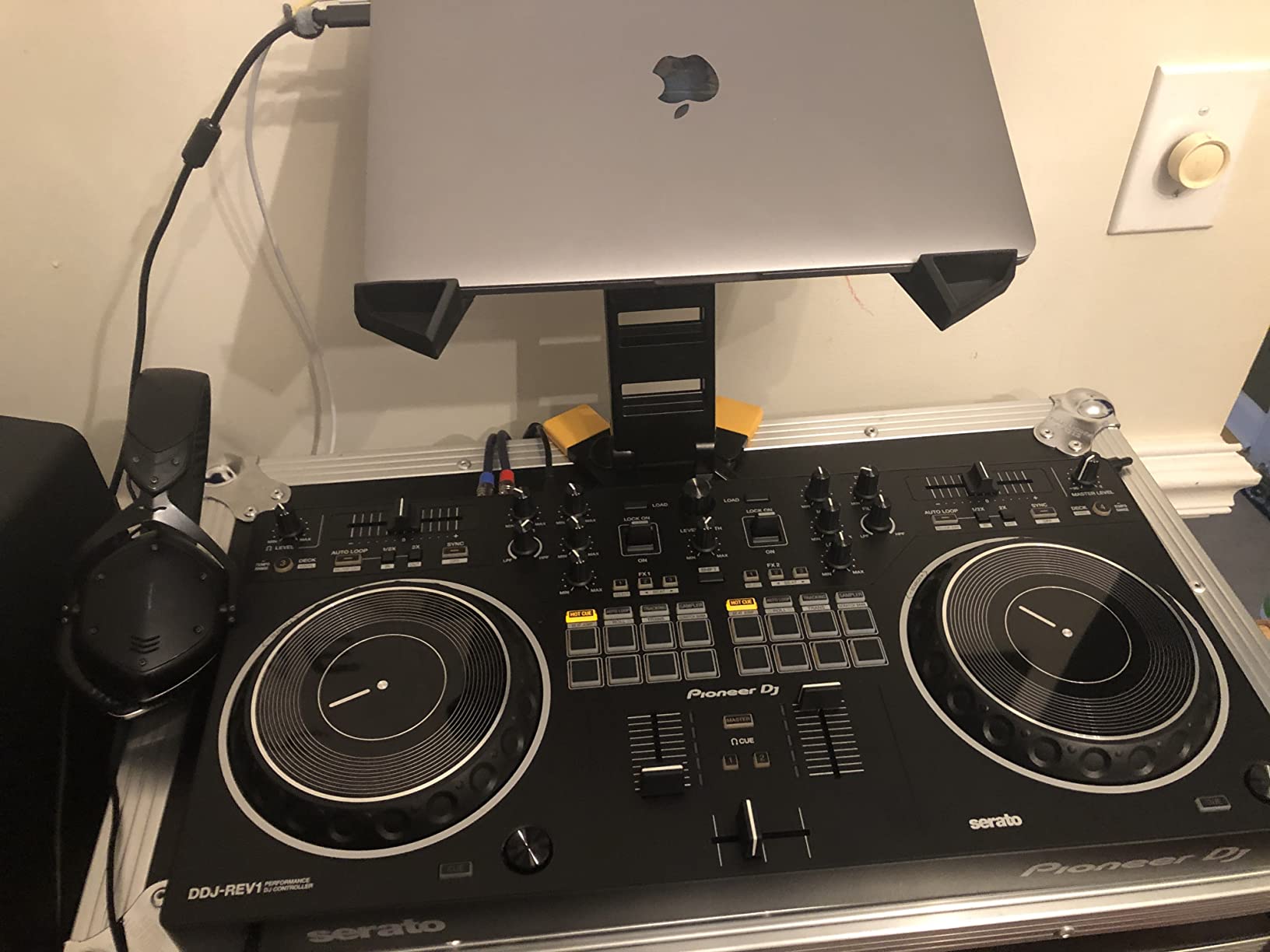
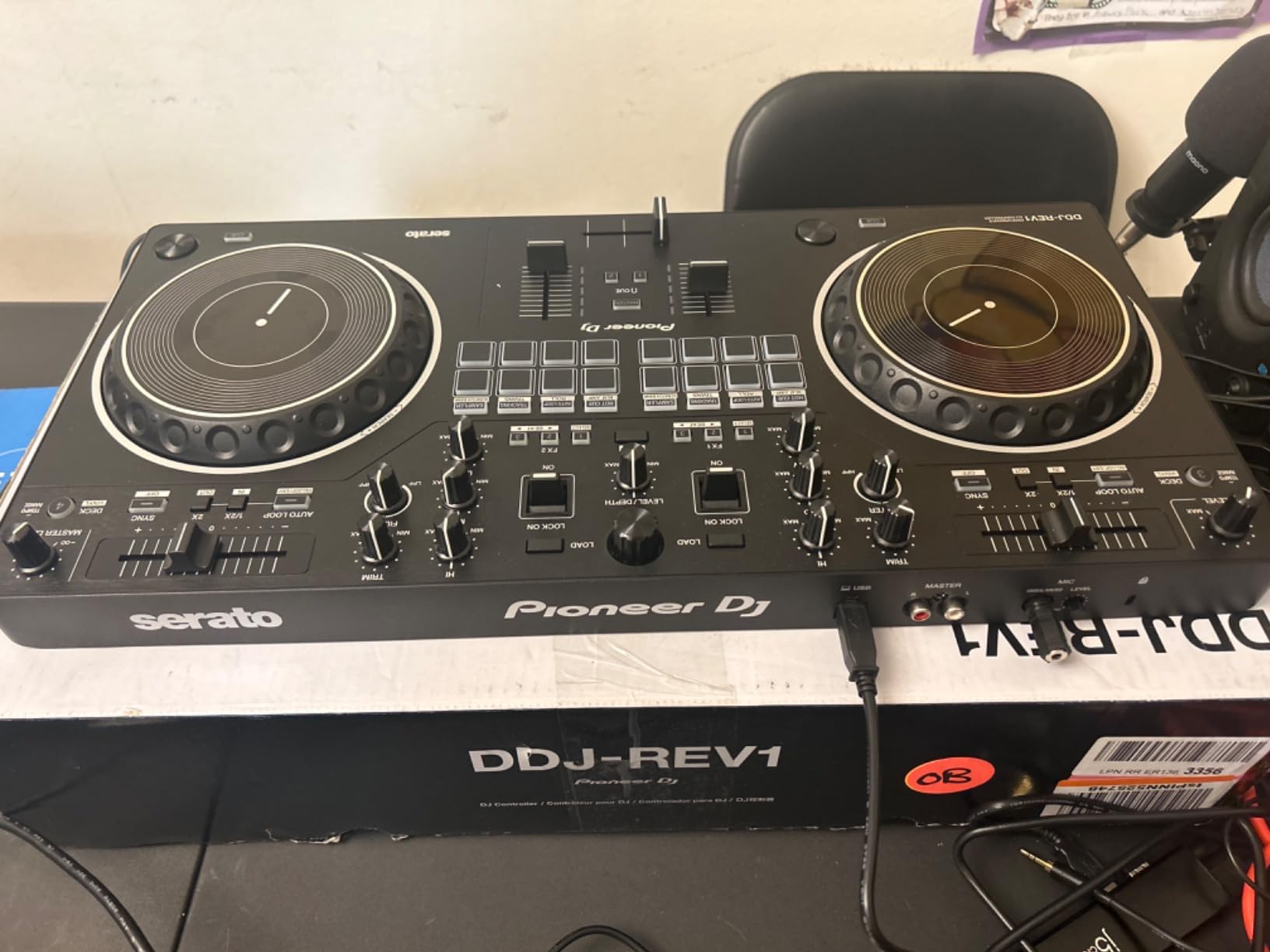
7. Pioneer DJ DDJ-REV1 – Best for Scratch and Battle-Style Learning
Pioneer DJ DDJ-REV1 2-deck Serato DJ Controller, Black
Battle-style layout
Tall pitch faders
Tracking Scratch routine
Serato DJ Lite
Pros
- Battle-style layout mirrors classic turntable + battle mixer setups
- Tall pitch faders give you precise BPM control for scratch routines
- Tracking Scratch triggers a scratch routine with one motion
- unlocking real chops
- Compact form factor fits a small bedroom desk
- Unlocks Serato DJ Lite out of the box
Cons
- Specialized layout may not feel natural for non-scratch DJs
- Two decks only
The DDJ-REV1 is the first Pioneer DJ unit built from the ground up for scratch. The layout swaps the standard club arrangement for a battle-style: jog wheels sit above the mixer section, the pitch faders are tall and grippy, and the FX controls are clustered where battle DJs can hit them without looking. If your goal is hip-hop, turntablism, or open-format, this is the closest beginner setup to the real thing.
Tracking Scratch is the headline feature. Press one pad and the REV1 plays a multi-finger scratch routine synced to your track, drum pad, and BPM. Beginners use this to learn what a proper scratch sounds like before their muscle memory catches up. It is also useful for creative transitions in a live mix.
For a beginner with dreams of DMC or Red Bull 3style competitions, the REV1 is the right starting controller. The pitch faders have the same feel as on Pioneer’s flagship S-series mixers, and the crossfader can be set to a short curve for clean cuts. Even if you never compete, the layout teaches you to think about DJing as phrasing and texture rather than just track-to-track mixing.
Streaming integration works through the bundled Serato DJ Lite, which now pulls from Apple Music, TIDAL, Beatport, and SoundCloud with appropriate subscriptions.
For Whom It Works Best
The DDJ-REV1 is the right pick for the beginner whose primary interest is hip-hop, scratch, or open-format DJing. If your musical goal is mixing house or techno, the standard layout of the FLX4 will be more useful.
It is also worth a look from any DJ who feels restricted by the play-and-pause-only controls on entry-level Numark and Hercules units.
Where It Falls Short
The layout is specialized and takes a beat to relearn if you have any experience on a club layout. If you find yourself wanting to mix house or pop in the future, consider the FLX4 instead.
Two decks means no 4-deck mixing without a software upgrade.
8. Roland DJ-202 – Best for Beatmakers and Hybrid Live Sets
Roland DJ-202 Compact DJ Controller
Built-in TR-808/909 drum kits
Onboard 16-step sequencer
4-deck Serato control
Rugged chassis
Pros
- Built-in Roland TR-808
- TR-909
- and TR-606 drum kits using ACB technology
- Onboard 16-step sequencer for on-the-fly beat creation
- 4-deck control with Serato DJ Lite unlocks more creative layering
- Large low-latency platters feel precise for scratching and trimming
- Mic input with gate
- hi-pass
- reverb
- and echo effects
Cons
- Limited mixer features compared to larger DJ controllers
- Drum kit access requires switching modes inside Serato
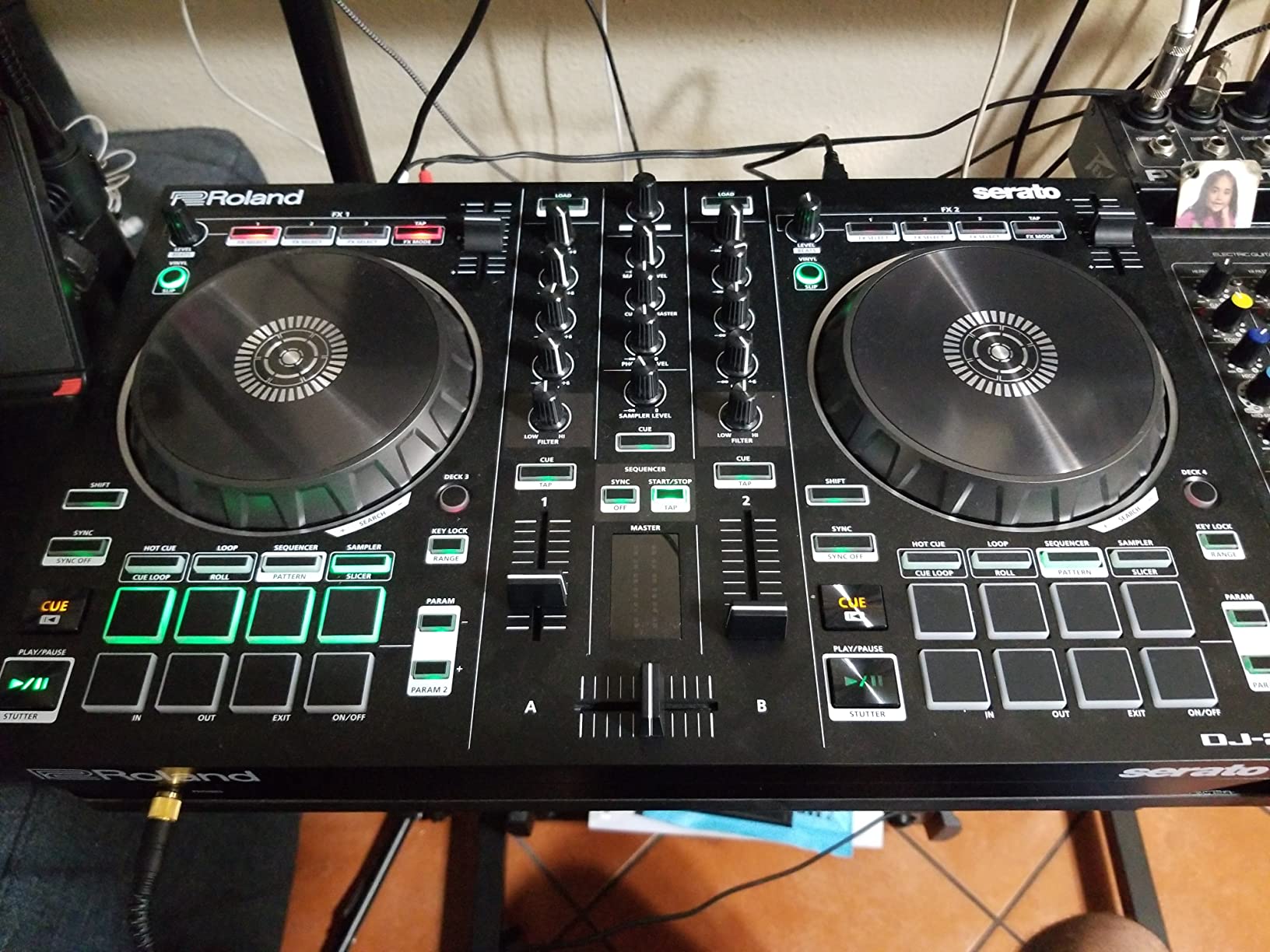
The DJ-202 is the only controller on this list from a company that built its reputation on hardware drum machines. If you are a producer first and a DJ second, the built-in TR-808, TR-909, and TR-606 kits mean you can layer live beats underneath your DJ mix without buying a separate groovebox. The 16-step sequencer lets you program patterns in real time and trigger them from the pads.
Roland’s ACB (Analog Circuit Behavior) modelling is the secret here. The drum kits do not sound like samples. They behave like the original analogue machines, with pitch-drift, snappy transients, and the same character you hear on classic house and techno records. For a producer who wants to bridge beats and DJing, this is a unique tool.
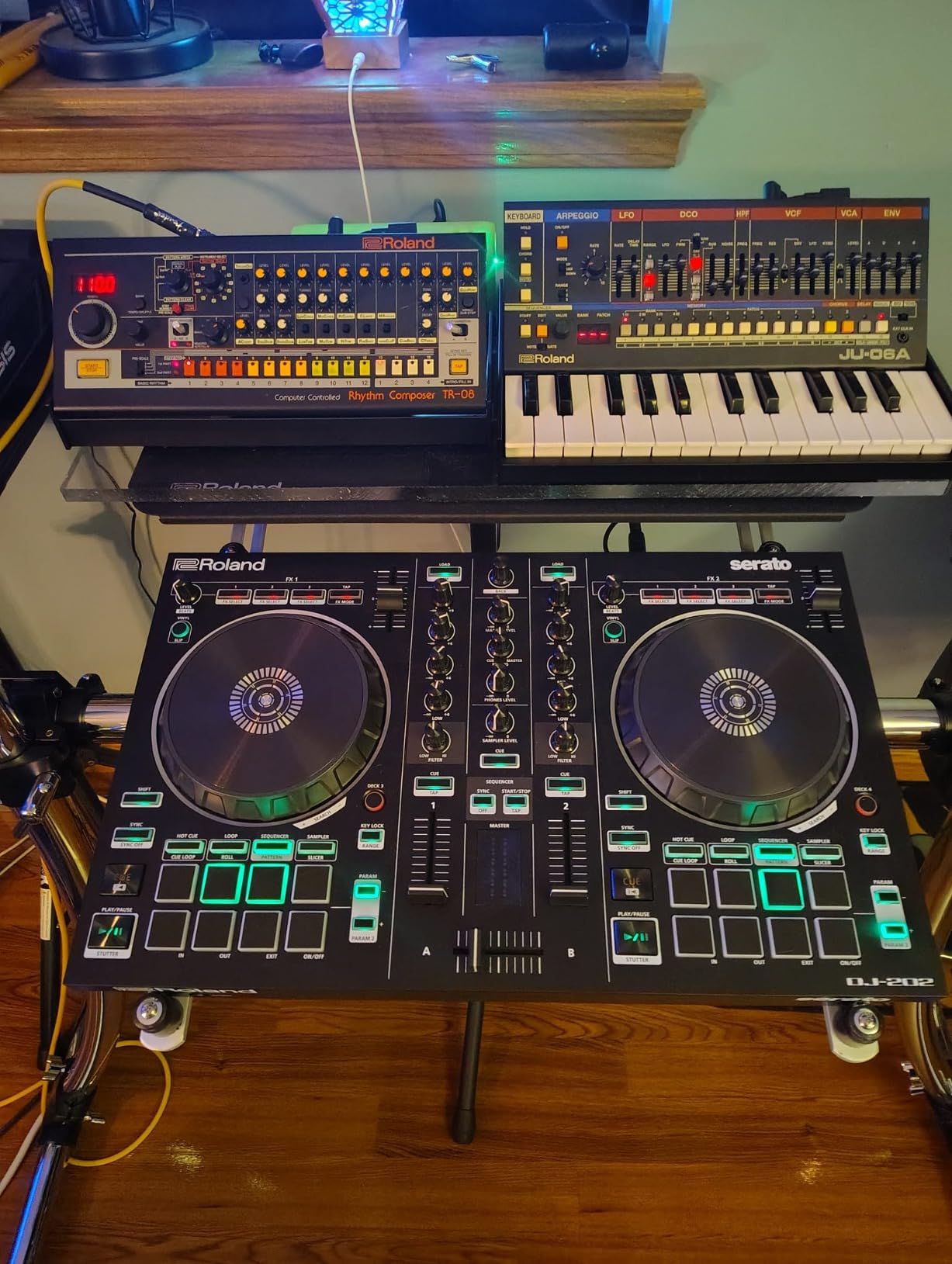
As a DJ controller the DJ-202 holds its own. 4-deck Serato DJ Lite control unlocks more layering than 2-deck controllers, the platters are large and low-latency for scratching and trimming, and the mic input has a built-in effects chain (gate, hi-pass, reverb, echo) that most beginner controllers skip. 24-bit/48 kHz audio resolution is the same spec as studio interfaces, so signal quality is excellent.
The downside is the mixer section is compact and somewhat basic. You don’t get the multi-FX routing of bigger controllers, but you don’t need it as much because the drum kits fill the creative headroom.
For Whom It Works Best
The DJ-202 fits the beginner who is also a producer. If you own a Roland groovebox or build beats in Ableton, the DJ-202 makes the bridge from studio to stage without friction.
It is also a strong pick for the live performer who wants to add drum programming to a DJ set without a second device.
Where It Falls Short
The mixer section is basic, so DJs who like running multiple deck FX chains will want something else. The drum kit access also happens inside Serato, which can interrupt your workflow.
If pure DJing is your only goal, the FLX4 or Mixtrack Platinum FX deliver more per dollar spent.
9. Hercules DJControl Inpulse 200 – Most Versatile for First Mixes
Hercules DJControl Inpulse 200 – DJ controller with USB, ideal for beginners learning to mix – 2 tracks with 8 pads and sound card – Software and tutorials included
2-channel layout
Light guides
IMA track suggestions
DJUCED tutorials
Pros
- Tempo and Beat Align light guides help true beginners learn faster
- Intelligent Music Assistant recommends the next track based on tempo and energy
- DJUCED bundles interactive help and tutorial videos
- Lightweight at 842 grams for grab-and-go practice
- Affordable entry point below most club-style controllers
Cons
- Plastic build feels less premium than mid-tier picks
- Stiff buttons reported by some users
- DJUCED software can be limited compared to Serato or djay
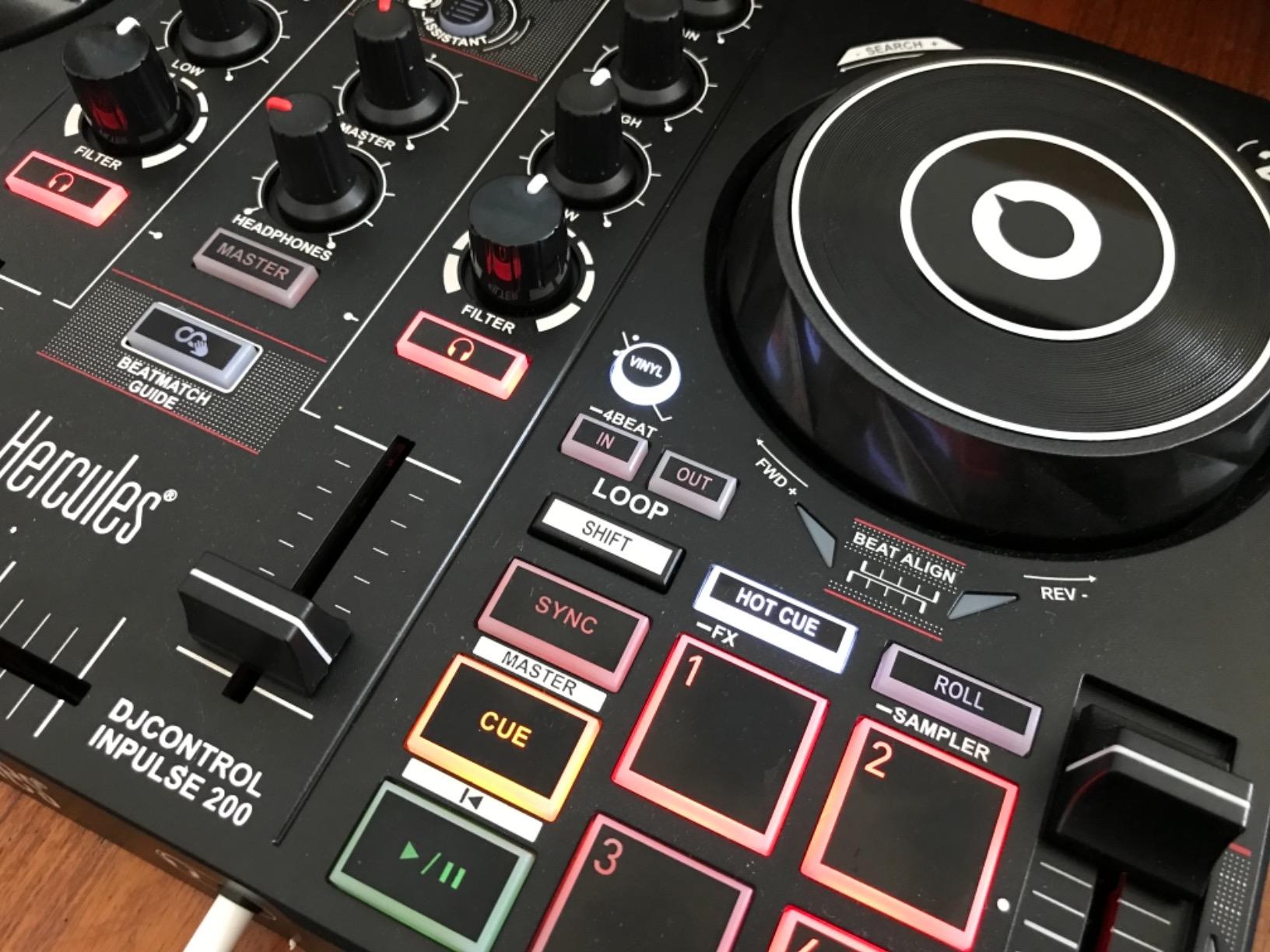
The Inpulse 200 is the controller I recommend to anyone who wants to spend as little as possible and still have real learning aids. The Tempo and Beat Align light guides work the same way as on the more expensive Inpulse 500 and 300, with green and red LEDs that flash you toward a synced mix. The Intelligent Music Assistant (IMA) recommends tracks based on what you have loaded, which saves a beginner from browsing 50 songs in a panic.
What you don’t get is the more professional build, the metal faceplate, or the XLR outputs. The chassis is plastic, the buttons can feel stiff out of the box, and DJUCED (while included) has a few quirks that experienced users work around. For your first controller, that trade makes sense.
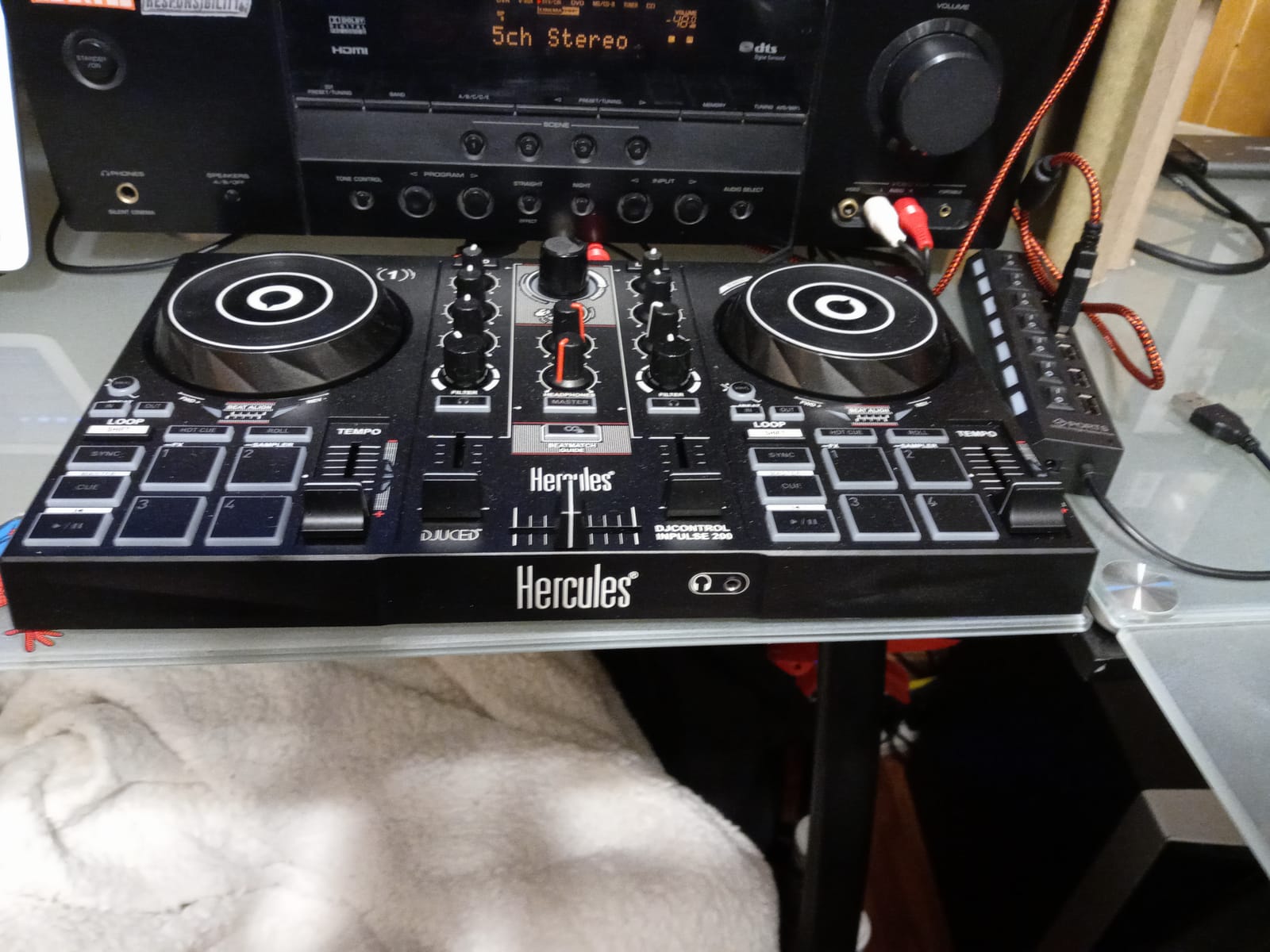
The footprint is also friendly. At 12.6 inches wide and under 2 pounds, the Inpulse 200 fits on a small desk, in a backpack, and even on the tray table of an airplane. I have taken it on work trips and ran half-hour mixes in hotel rooms without disturbing neighbors thanks to the headphone-only mode.
Reddit users consistently flag the Inpulse 200 as the cheapest decent beginner controller that won’t leave you stuck after a month. The trade-off is real: you may outgrow this controller within a year or two, but for the price of a starter guitar, you can decide whether DJing is for you.
For Whom It Works Best
The Inpulse 200 is the right controller for someone whose budget is firm at the entry-level tier and who wants Hercules’s learning aids. If you are buying a first controller for a teenager, this is the safest pick in the catalog.
It is also the best option for a DJ who wants a grab-and-go practice controller for travel.
Where It Falls Short
Only 8 pads per deck (vs 16 on the 300 and 500), so creative headroom is limited. Plastic chassis feels less durable than mid-tier alternatives.
DJUCED is the only software option, so plan to either love it or budget for a controller with Serato support.
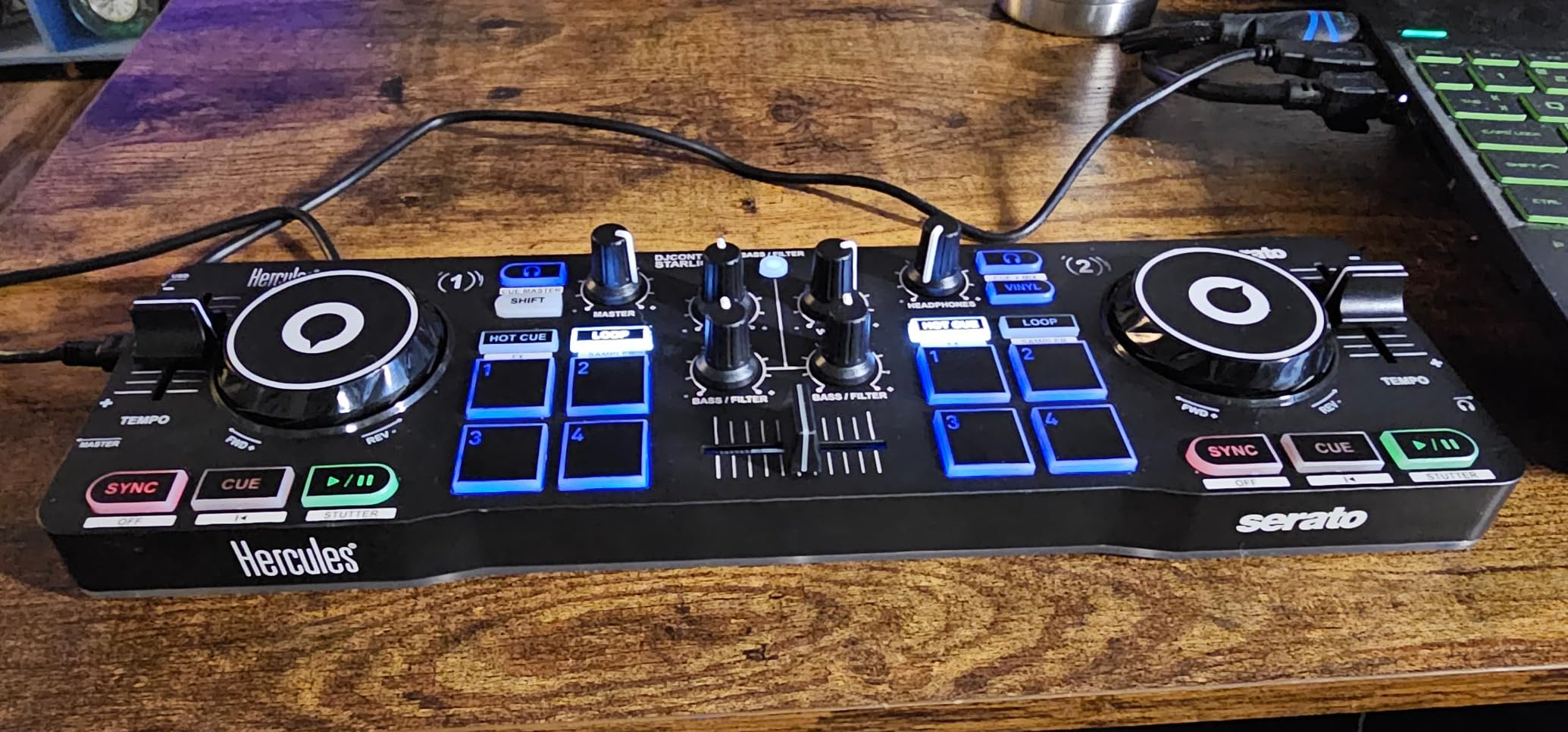
10. Hercules DJControl Starlight – Best Portable Controller With a Light Show
Hercules DJControl Starlight – Compact DJ Controller with Light Show
Ultra-compact 2-channel
Serato DJ Lite
RGB and strobe lighting
Built-in sound card
Pros
- Ultra-compact form factor under 1.1 pounds with travel-friendly footprint
- Built-in RGB and strobe lighting sync to the mix without extra gear
- Includes Serato DJ Lite and a built-in sound card
- Pressure-sensitive jog wheels respond to your touch dynamics
- Battery-powered operation for short unplugged sessions
Cons
- Limited physical controls compared to larger 2-channel controllers
- Tiny faders may frustrate DJs with larger hands
The Starlight is the smallest controller on this list, and the only one with a built-in strobe show. At 1.1 pounds and smaller than a hardcover book, it slips into the smallest laptop bag or even a large jacket pocket. The chassis is plastic but feels dense enough for daily travel use.
Where the Starlight shines is party gigs. The RGB lights on the rear and the strobe pulses react to the beat, and the reactive LED ring around the jog wheels gives visual feedback that more expensive controllers skip. Set the unit on a coffee table at a small house party and the lights handle the show while you mix.
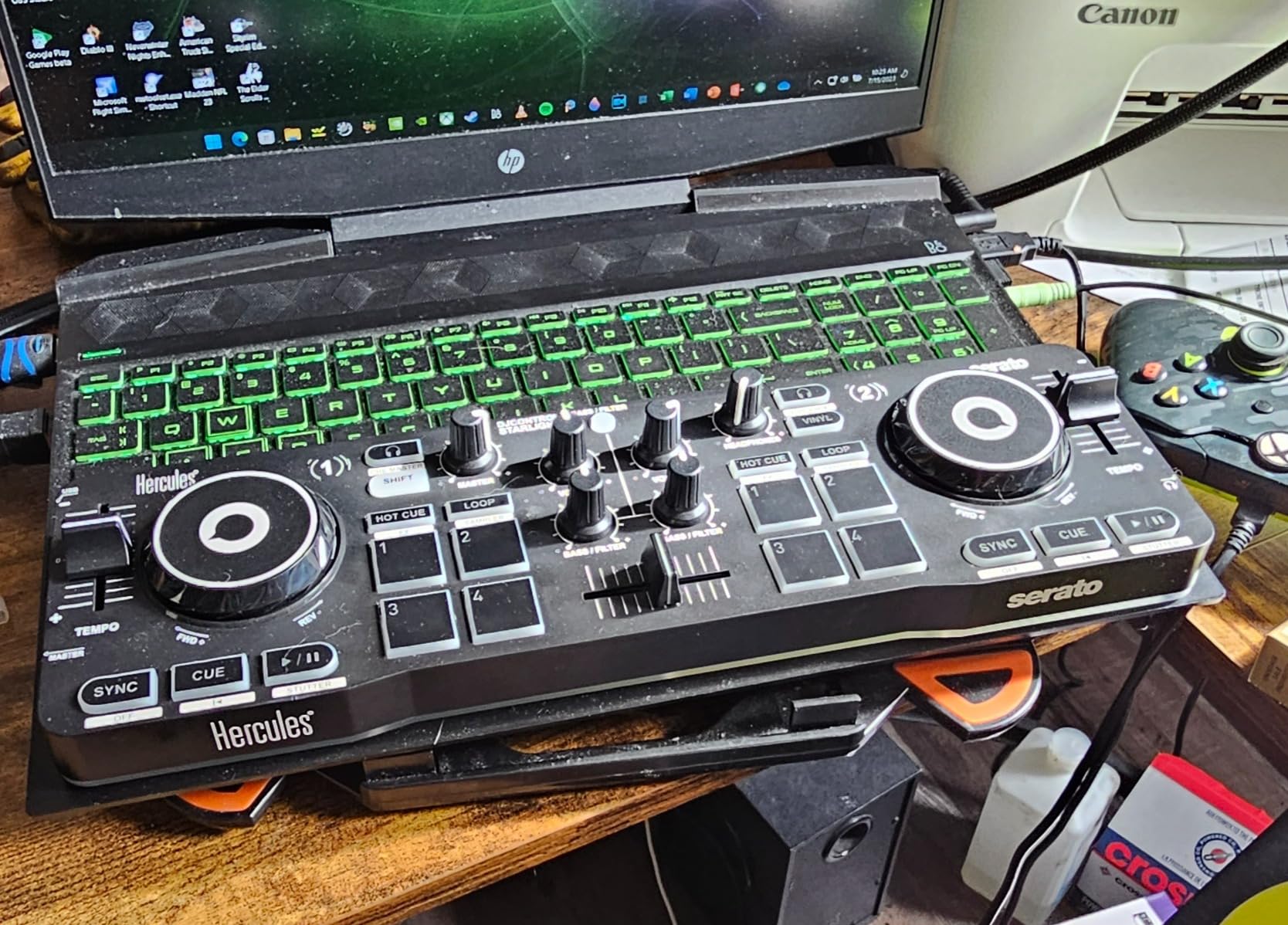
The pressure-sensitive jog wheels are a touch nicer than the Inpulse 200’s, with touch dynamics that respond to how hard you push. The pads cover Bass/Filter, Hot Cue, Loop, FX, and Sampler modes, which is more than enough for a beginner set.
Bundled Serato DJ Lite and the built-in sound card keep the package clean: one cable, one controller, one laptop, and you are mixing. Streaming comes through Serato’s supported services.
For Whom It Works Best
The Starlight is the right pick for the beginner who travels often and wants to pack a controller. It also suits anyone who wants a small, fun controller for casual house parties and small events.
If you have a 13-inch laptop and a small desk, the Starlight takes up less space than any other option here.
Where It Falls Short
The tiny faders and condensed control surface make it harder to learn on than a full-size unit. Beginners who plan to graduate to the FLX4 within a year may be better served starting there.
Battery-powered mode is more of a backup than a regular workflow, so plan to plug into a laptop or USB power for real sessions.
How to Choose Your First DJ Controller
Buying your first controller is mostly a question of matching the unit to the way you actually plan to play. We’ve broken this down into the decisions that matter most for a beginner in 2026, based on patterns from our testing and from the r/Beatmatch and r/DJs communities.
Skill Level and Budget Brackets
The cheapest decent controllers live in the entry-level band. These are great for answering the question “do I actually want to do this?” without investing much. The Inpulse 200 and Starlight are the leaders here. Both include learning aids and bundled software.
The sweet spot for most beginners sits in the mid-tier range. Here you get club-style layout, real audio interfaces, and longer useful life. The Pioneer DJ DDJ-FLX4, Numark Mixtrack Platinum FX, Hercules Inpulse 500, and AlphaTheta DDJ-FLX2 all live in this bracket and can support you through your first two years of practice and small gigs.
The next price tier opens up 4-channel units and more advanced I/O, but those are intermediate picks and beyond the scope of this beginner guide. For the full picture on intermediate and pro gear, our 10 best DJ controllers for laptop reviews covers the next step up.
Laptop vs iPad vs Phone Workflow
If you own a personal laptop, almost any controller in this list will work. macOS and Windows both support rekordbox, Serato DJ Lite, Algoriddim djay, and DJUCED with a USB connection. The Pioneer DDJ-FLX4 and Numark Mixtrack Platinum FX are particularly strong in this workflow.
If you don’t own a laptop or want to mix on an iPad, the AlphaTheta DDJ-FLX2 and Roland DJ-202 are the strongest picks. The FLX2 is bus-powered over USB-C and runs Algoriddim djay on iPadOS. The DJ-202 works over USB but requires an adapter for newer iPads. Phone-only DJs should focus on the FLX2 or the Hercules Starlight.
If you want to mix on a phone without ever opening a laptop, the Pioneer DDJ-FLX2 and the Hercules Starlight are the two options. The FLX2 is the more capable unit for streaming; the Starlight is the smaller party pick.
Software Ecosystem: rekordbox vs Serato vs djay vs DJUCED
rekordbox is the software Pioneer DJ controllers are built around. It is the same tool used in clubs with CDJs, so learning it on a DDJ-FLX4 means your skills transfer directly to gigging. Free for most consumer use, with a subscription for pro features. The DDJ-FLX4 is the only controller here that ships with rekordbox ready to go.
Serato DJ Lite is the most common software for Numark, Pioneer DJ REV-series, and Hercules 500/300 units. It supports streaming through Apple Music, TIDAL, SoundCloud, and Beatport with a compatible controller, and the upgrade path to Serato DJ Pro is straightforward if you outgrow the Lite tier.
Algoriddim djay is the AI-flavored software for streaming. It is the easiest entry path for Spotify and Apple Music users and powers the FLX2 and supported Pioneer controllers. Subscription required.
DJUCED is Hercules’s bundled software. It has a learning curve and a few bugs, but it ships with the most beginner tutorials of any bundled software in this list. If you are choosing between DJUCED and Serato for an Inpulse controller, Serato has the more stable third-party ecosystem.
2-Channel vs 4-Channel: Which Do You Actually Need?
You almost certainly want 2 channels as a beginner. Most beginner-friendly controllers are 2-channel units, and you can do everything most DJ sets need on two decks: load the next track, mix it in, drop the loop, and transition out. Four decks is for layering acapellas over two tracks, splicing samples, and turntablist tricks, which most beginners don’t need in year one.
Step up to 4-channel if you know you want to do classic house layering or hip-hop acapella work from day one. The Numark Mixtrack Platinum FX and Roland DJ-202 both unlock 4-deck control in their bundled software.
Stems and Track Separation in 2026
Stems (the ability to isolate vocals, drums, or instruments from a finished track) is the biggest change in beginner DJing since 2023. Newer Pioneer and AlphaTheta controllers expose a Track Separation button that lets you mute vocals or drums with a single pad press. Algoriddim djay’s Neural Mix does the same with sliders.
For complete beginners, stems let you create mashups without needing the multitrack source files. If you want the feature, prioritize the DDJ-FLX4, Roland DJ-202, or anything that runs Algoriddim djay.
Accessories First-Time Buyers Forget
A pair of closed-back headphones, a 3.5mm-to-1/4-inch adapter, a quality RCA cable if your speakers need one, and a controller stand are the four additions most beginners forget. Add monitor speakers once you are practising more than an hour at a time; headphones alone tire your ears fast.
Skip the split-cable for any controller with a built-in sound card. The DDJ-FLX4, Numark Mixtrack Platinum FX, and both Hercules Inpulse 500/300 ship with proper audio interfaces. The split cable is only needed for the legacy DDJ-200 and a few budget units without one.
What About the DDJ-200?
Reddit’s r/Beatmatch has been down on the DDJ-200 since its release. The recurring complaint: the audio interface is poor, the jog wheels feel like toys, and most buyers outgrow it within six months. The newer DDJ-FLX2 replaced it in Pioneer’s beginner lineup and addressed every complaint. If you are choosing between a discounted DDJ-200 and the slightly more expensive DDJ-FLX2, buy the FLX2.
For a deeper comparison of mid-tier controllers, also check our 8 best DJ controllers for Virtual DJ software review.
Frequently Asked Questions
What DJ controller should I buy as a beginner?
The best DJ controller for a beginner is the Pioneer DJ DDJ-FLX4. It pairs a club-style 2-channel layout with the Smart Fader that helps you beatmatch from day one, and it works with rekordbox, Serato DJ Pro, and Algoriddim djay so you can keep your software choice open. If your budget is tighter, the AlphaTheta DDJ-FLX2 keeps the Smart Fader and streaming-first workflow at a noticeably lower price.
Do I need a laptop to use a DJ controller?
No, you do not need a laptop for every controller. The AlphaTheta DDJ-FLX2 and Hercules DJControl Starlight are bus-powered over USB-C, meaning you can run them off an iPad or even a phone using Algoriddim djay. Most controllers in this guide, including the DDJ-FLX4 and Numark Mixtrack Platinum FX, still benefit from a laptop for the deepest software workflows and full streaming support.
How much should I spend on a first DJ controller?
For a true first controller, the workable range spans entry-level up through the mid-tier band. The entry-level tier covers the Hercules Inpulse 200 and Starlight, great if you only want to test whether DJing clicks for you. The mid-tier bracket, including the Pioneer DJ DDJ-FLX4 and Numark Mixtrack Platinum FX, gives you club-style layout, a proper audio interface, and enough headroom that you will not outgrow the hardware in a year.
Which DJ controllers work with stems?
Stems and track separation are now standard on most 2024 and newer beginner controllers. The Pioneer DJ DDJ-FLX4, Roland DJ-202, and any controller that runs Algoriddim djay (including the AlphaTheta DDJ-FLX2) can isolate vocals, drums, or instruments for mashups without owning multitrack source files. The Numark Mixtrack Platinum FX supports stems through Serato DJ Lite and DJ Pro upgrades.
What is the difference between a standalone DJ controller and a laptop controller?
A laptop controller needs a connected laptop, tablet, or phone to run DJ software. A standalone controller has a built-in computer, screen, and software, so you can mix without any external device. Most beginner options, including every controller in this guide, are laptop controllers. Standalone units like the Denon DJ PRIME GO+ or Numark Mixstream Pro Go cost more and suit intermediate or mobile DJs.
The Verdict: Our Top Beginner DJ Controller Picks for 2026
The Pioneer DJ DDJ-FLX4 remains our top pick for a beginner DJ controller in 2026. It hits the right balance of club-style layout, multi-software support, and beginner-friendly Smart Fader helpers without skipping the basics. You can start mixing within 15 minutes of unboxing, and the skills you build transfer directly to Pioneer club gear when you graduate to your first gig.
If your priority is 4-deck control from day one, the Numark Mixtrack Platinum FX is the strongest pick. If you want the lightest, streaming-first unit that runs off your phone, the AlphaTheta DDJ-FLX2 is the one. If on-board learning aids matter most, the Hercules Inpulse 500 is the controller with the friendliest light guides. For the tightest budget, the Hercules Inpulse 200 still teaches you how to beatmatch without breaking the bank.
Whichever beginner DJ controller you pick from this list, plan to add closed-back headphones and a pair of powered speakers for a complete setup. Our 10 best DJ controllers for professionals that work with music guide covers the next tier up once you are ready.
DJing in 2026 is more accessible than at any point in the last decade. Pick a controller, plug it in, and mix your first two tracks tonight.