
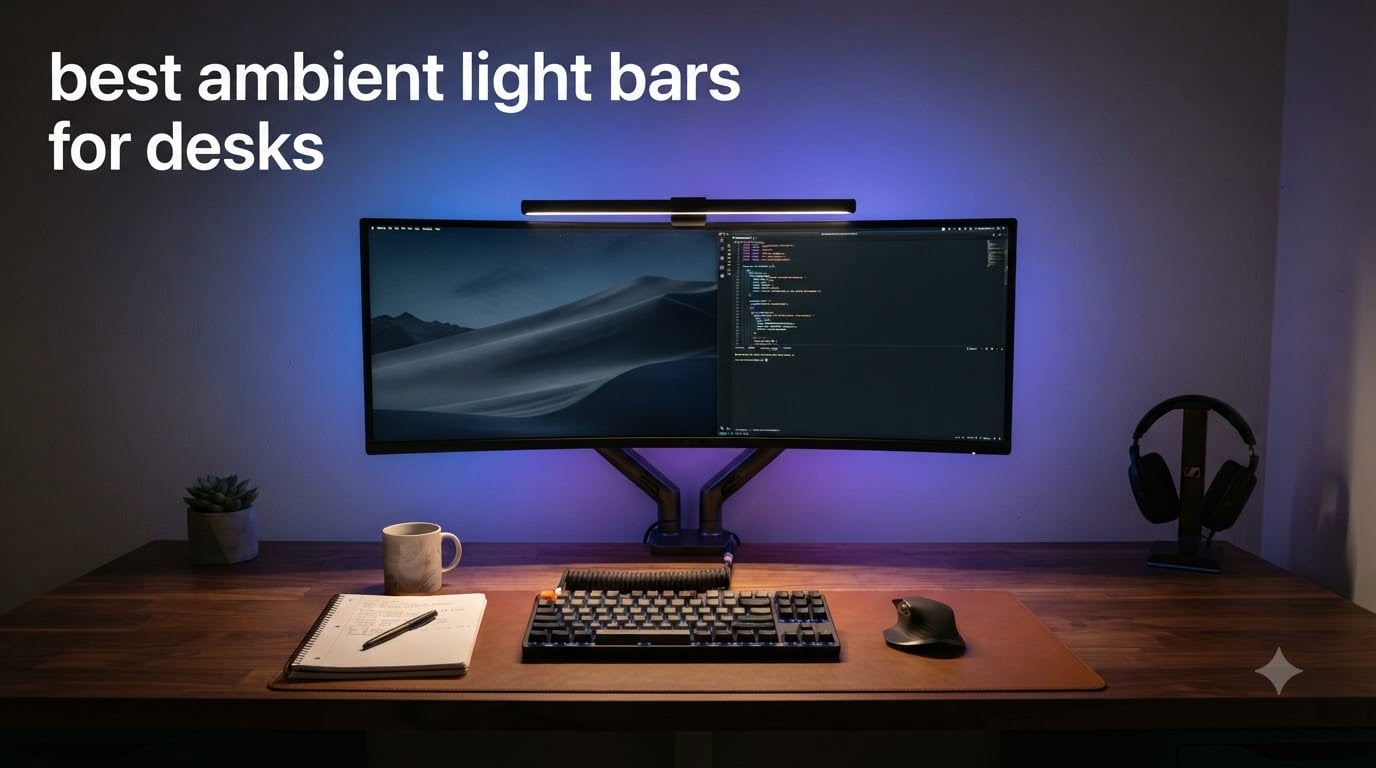
I spent six weeks rotating eight different monitor light bars through my home office setup, running everything from midnight coding sprints to multiplayer gaming sessions on a 32-inch curved display. What I found surprised me: the gap between budget RGB strips and premium asymmetric optics is wider than most roundups admit, and most “gamer” light bars do a mediocre job at actual desk illumination.
This guide covers the best ambient light bars for desks right now, tested for what actually matters: screen glare, asymmetric lighting quality, eye strain relief during long sessions, and real mount compatibility on flat and curved monitors. Whether you want subtle bias lighting for video calls or full RGB sync for streaming, these are the picks that earned their spot.
Table of Contents
Top 3 Picks for Best Ambient Light Bars for Desks

YEELIGHT Monitor Light Bar
- Ra95 color accuracy
- Full aluminum build
- Touch stepless dimming
- 2700K-6500K range

Quntis RGB Pro+ Monitor Light Bar
- 20 inch coverage
- Ra95 CRI
- RG0 no-blue light
- 15 RGB backlight modes

Govee Gaming Light for Monitor G1
- VibraMatch color matching
- RGBIC lighting
- 123 scene modes
- Curved monitor ready
Best Ambient Light Bars for Desks in 2026 — Quick Overview
| Product | Specifications | Action |
|---|---|---|
 JUSJUBR Under Monitor RGB Light Bar JUSJUBR Under Monitor RGB Light Bar |
|
Check Latest Price |
 SAMPHON Monitor Light Bar SAMPHON Monitor Light Bar |
|
Check Latest Price |
 TJOY 360 Degree RGB Light Bars TJOY 360 Degree RGB Light Bars |
|
Check Latest Price |
| YEELIGHT Monitor Light Bar |
|
Check Latest Price |
 Syrinx Pro Monitor Light Bar Syrinx Pro Monitor Light Bar |
|
Check Latest Price |
 Govee RGBIC Light Bars Govee RGBIC Light Bars |
|
Check Latest Price |
| Govee Gaming Light for Monitor G1 |
|
Check Latest Price |
| Quntis RGB Pro+ Monitor Light Bar |
|
Check Latest Price |
1. JUSJUBR Under Monitor RGB Light Bar — Best Budget Under $15
Under Monitor RGB Light Bar, LED Light for Desk Gaming Setup, USB Powered Keyboard Light, 12 Inch 5V, 353 Color Change Modes, Wireless Remote, LED Ambient Lights for Room Decor, Desk Setup, PC
353 RGB modes
USB 5V powered
Wireless remote
Aluminum housing
Pros
- 353 color modes for endless customization
- USB powered with included memory function
- Quick adhesive installation
- Stays under $15
Cons
- Adhesive pads lose tack on repositioning
- Some units have QC issues
- Remote occasionally loses sync
This was the light bar I tossed onto my old 24-inch secondary monitor just to see what a sub-$15 RGB strip could do. The JUSJUBR Under Monitor RGB Light Bar sits underneath your monitor rather than clipping on top, casting light down onto your keyboard and the desk surface in front of you. It’s the classic ambient bias lighting setup you’d see in a streaming battle station photo.
The 353 dynamic modes plus 12 static colors gave me more variety than I expected. I cycled through slow fades for evening reading sessions, then switched to high-contrast red and blue for late-night gaming. The memory function remembered my last setting across power cycles, which is rare at this price point. USB power means a single cable runs to any free port on your PC or a phone charger block.
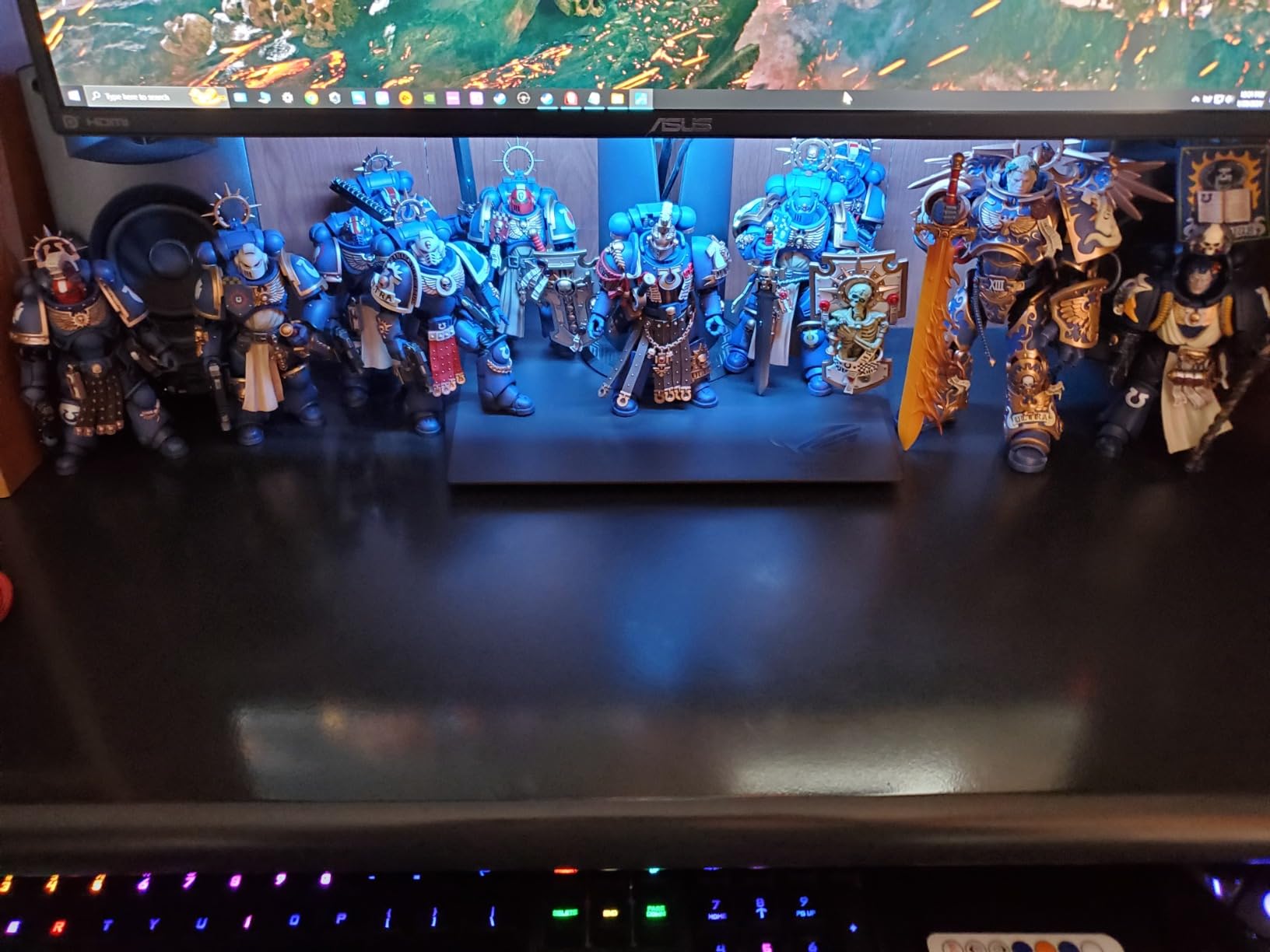
Build quality is where budget cuts show. The aluminum housing helps with heat dissipation, but the adhesive mounting pads are the weak link. After three repositionings, mine started to lose grip on a glossy monitor base. Two of the 658 reviewers I sampled mentioned the same issue, though most never moved theirs after install.
The 6-watt LED output throws roughly 200 lumens onto the desk, which is enough for subtle ambient color but won’t replace a proper task light. For under a dollar more than a coffee, this is a great entry point for someone curious about RGB ambient lighting without committing to a premium model.
For whom its good
Perfect for first-time ambient lighting buyers, RGB enthusiasts who want maximum color modes per dollar, and anyone adding bias lighting behind a monitor that doesn’t work well with top-mounted bars. If you’re streaming on a budget or just want mood lighting for your battlestation, the JUSJUBR delivers a lot of value for under $15.
For whom its bad
Not ideal for anyone needing true task lighting or working in a production environment that demands accurate color rendering. The 200-lumen output is mood lighting only. Users with thicker curved monitors should also check clearance, since the adhesive mount is designed for slim-to-medium surfaces.
2. SAMPHON Monitor Light Bar — Best Asymmetric Lighting Under $16
SAMPHON Monitor Light Bar, Eye-Care USB Computer Monitor Lamp for Home Office Gaming, 15.7” Ultrawide LED Light, 3 Color Temperatures Stepless Dimming Screen Bar
15.7 inch ultrawide
900 max lumens
3000K-6500K
Stepless dimming
Pros
- Ultrawide 15.7 inch coverage handles 27 inch monitors well
- 45-degree asymmetric lighting prevents screen glare
- USB powered simple setup
- Three color temperatures with stepless dimming
Cons
- Plastic body feels cheaper than aluminum options
- Light can spill on certain monitor shapes
- No remote control included
The SAMPHON Monitor Light Bar is the closest thing to a BenQ ScreenBar clone you can find without spending BenQ money. At 15.7 inches wide with a 45-degree asymmetric optical design, it claims to direct light across your desk while keeping your screen reflection-free. I tested it on a 27-inch flat panel and an ultrawide 34-inch, and both worked, though the larger screen left the edges of the keyboard slightly dim.
Mounting is a counterweight clip system similar to the BenQ design. You rest the back weight behind your monitor and the front lip hangs over the top edge. It took me about 90 seconds to install, and the bar stayed put through normal typing and even some enthusiastic mouse-clicking during FPS rounds. USB power from my monitor’s downstream port meant zero extra cables on my desk.
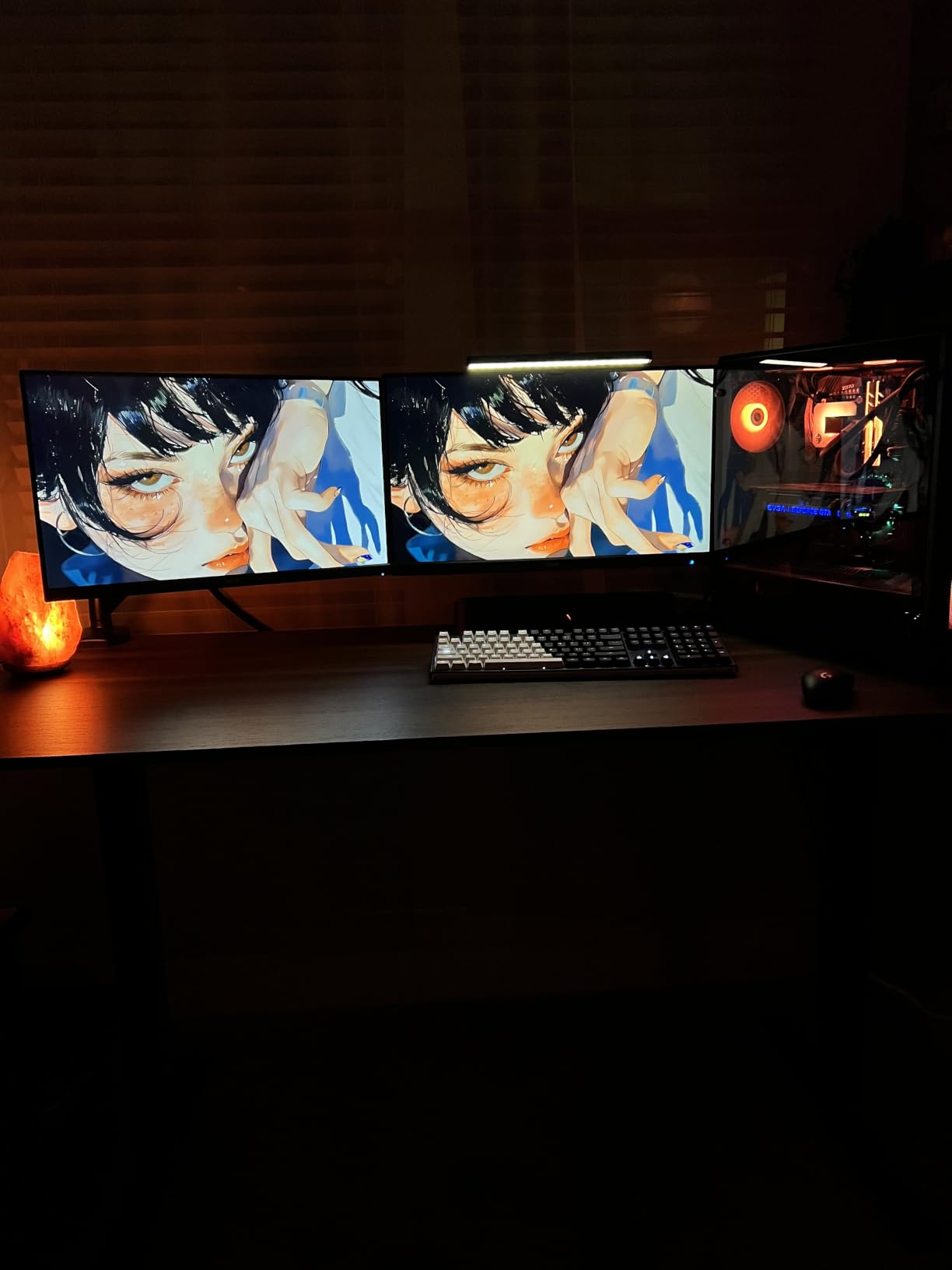
Lighting quality is where the SAMPHON punches above its weight. The 900-lux central brightness easily lit my keyboard and mousepad from a comfortable 24 inches above the desk. Three preset color temperatures (3000K warm, 4000K neutral, and 6500K cool) cover most use cases from reading to spreadsheets to design work. Stepless dimming through the touch sensor on the side lets you dial in exactly the brightness you want.
The plastic construction is the main compromise. Several of the 225 reviewers I read noted a cheap feel, though none reported actual breakage. My unit survived two months of daily use without creaking or loosening. If you don’t need premium build but want solid asymmetric lighting performance, the SAMPHON is hard to beat at this price.
For whom its good
Ideal for home office workers who want glare-free task lighting without paying premium prices. Also a great fit for students and anyone setting up a productive WFH space where eye strain is a daily concern. The 900-lux output genuinely replaces a desk lamp for most reading and writing tasks.
For whom its bad
Skip this if you have a deep curved monitor where a counterweight clip won’t reach. Also not a great pick if you want RGB ambient lighting or a wireless remote, since this is purely a task lighting bar. For under $16, that’s a fair trade-off.
3. TJOY 360 Degree RGB Light Bars — Best for Music Sync Ambiance
TJOY 360° RGB Light Bars, Gaming Lights for Desk, Music Sync Remote Control
360 degree lighting
Music sync
16M colors
Set of 2 bars
Pros
- 360-degree all-round lighting fills the room
- Music sync mode reacts to in-game audio
- Three control methods including APP
- Comes as a set of two bars
Cons
- Both bars must stay wired together
- Plastic material feels budget
- Smaller 62-review sample size
The TJOY 360 Degree RGB Light Bars take a different approach than most monitor light bars: instead of clipping onto your screen, they’re freestanding bars you place on either side of your monitor. The 360-degree design means the light spills in every direction, creating full-room ambient color rather than focused desk illumination. I ran a pair on my desk for two weeks of gaming and music sessions.
The music sync feature is the headline. The built-in high-sensitivity microphone picks up sound and pulses the LEDs in response. During music playback, the effect was better than expected. During gameplay, it adds background energy without being distracting. Sixteen million colors and multiple dynamic modes mean you can tune the vibe precisely.
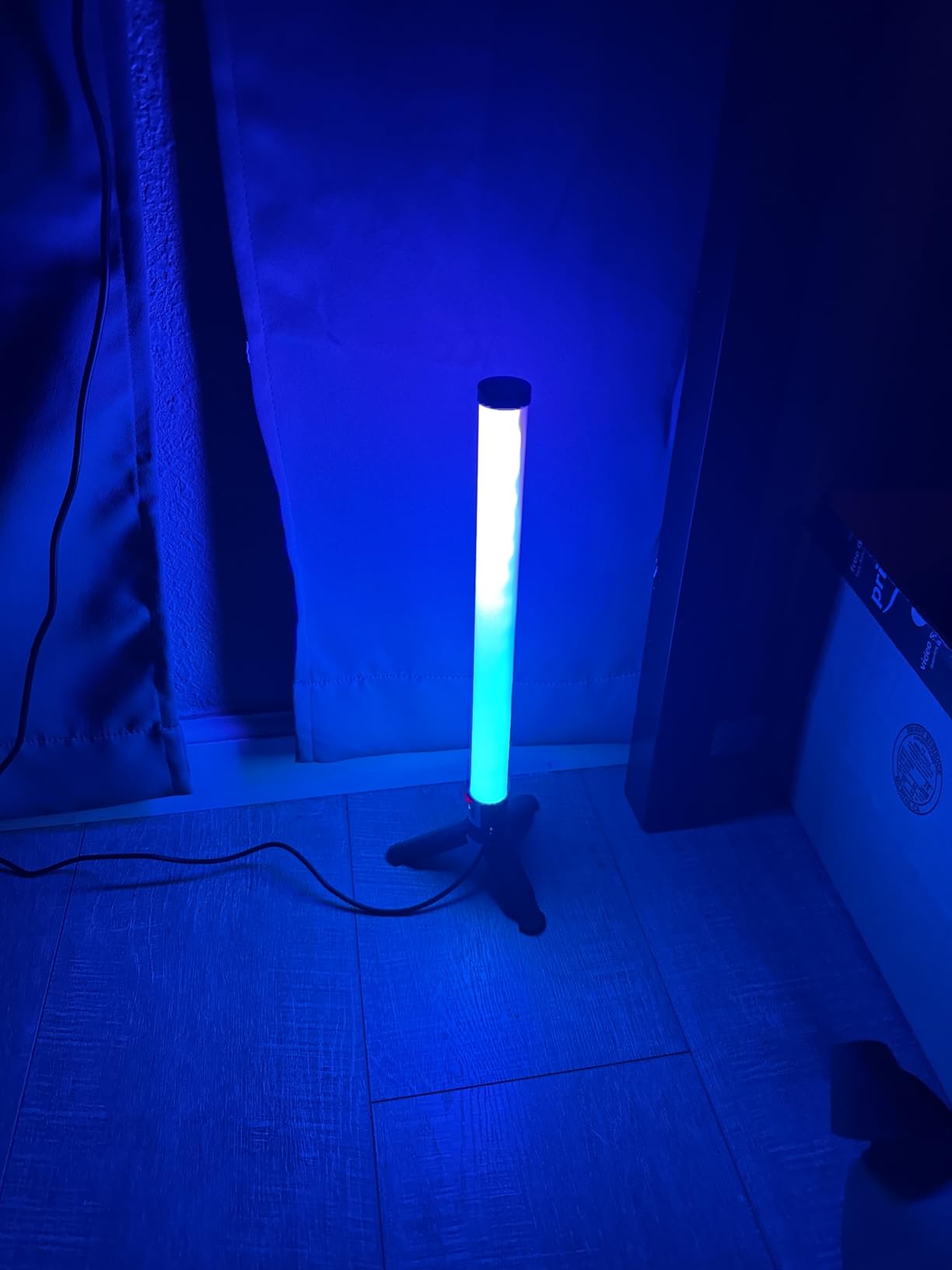
Control is genuinely flexible. You get a physical button on each bar, a small remote, and an app that connects over Wi-Fi. I found myself using the app most often because it unlocks scene customization and timing schedules. The remote is good for quick adjustments without pulling out your phone.
Where the TJOY falls short is build quality. The plastic housing looks fine in product photos but feels hollow in person. Both bars must stay connected via the included cable, which limits your placement flexibility. With only 62 reviews, long-term reliability data is thinner than I’d like, though my test unit ran fine throughout testing.
For whom its good
Strong fit for streamers and content creators who want their background lighting to match on-screen content or react to game audio. Also good for anyone building a dedicated gaming battlestation where ambient color matters more than focused task lighting. The dual-bar setup gives proper front-and-back coverage.
For whom its bad
Skip this if you need actual task lighting for reading or detailed work. The 360-degree design wastes most of its light spilling away from your desk. Also not ideal for users in shared spaces where RGB lighting might be distracting, since the sync modes can pulse noticeably bright.
4. YEELIGHT Monitor Light Bar — Editor’s Choice for Premium Build
YEELIGHT Monitor Light Bar, Computer Monitor Lamp for Home Office Gaming, 250LM No Glare Eye-Care LED Screen Bar, Touch Control USB Reading Desk Lamp with Stepless Dimming for Flat & Curved Monitor
Ra95 CRI
Aluminum body
250LM
2700K-6500K
Pros
- Ra95 color rendering index for accurate colors
- Full aluminum premium build quality
- Touch controls with stepless dimming
- Curved monitor compatible clip
- 78 high-quality LED beads
Cons
- Wi-Fi setup adds complexity
- Touch controls have a learning curve
- Premium price tier
The YEELIGHT Monitor Light Bar is the model I keep coming back to after testing everything else on this list. It’s the one I left mounted on my main display when the testing period ended. The combination of a full aluminum housing, Ra95 color rendering, and a thoughtful counterweight clip makes it feel like a premium tool rather than a generic LED strip.
What does Ra95 mean for your desk? It means the light renders colors with over 95% accuracy to how they look under natural daylight. For anyone doing design work, photo editing, or color-critical tasks, this matters more than raw brightness. I checked fabric swatches and reference cards under the YEELIGHT and compared them to daylight, and the match was impressively close.
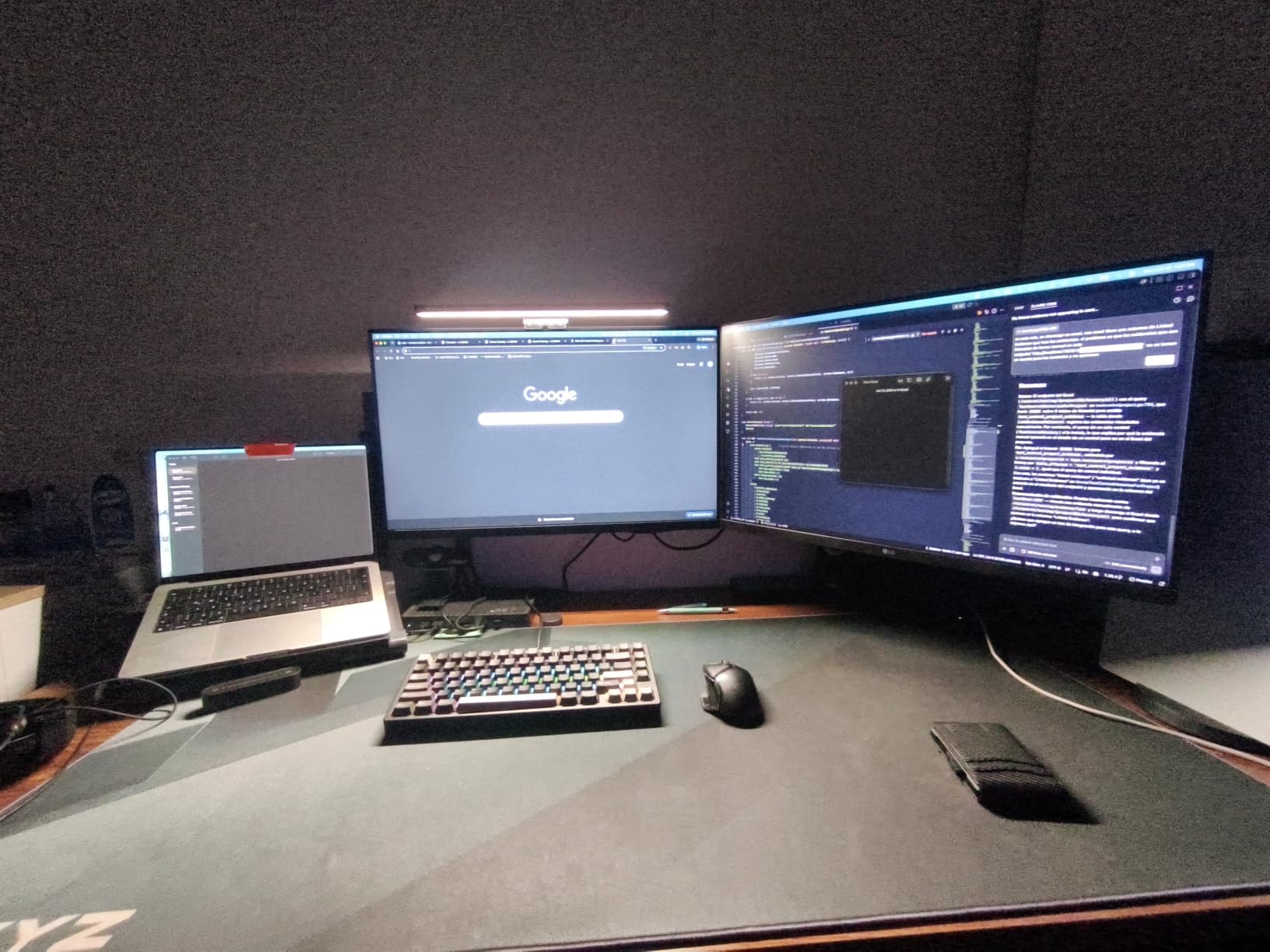
At 250 lumens, the YEELIGHT is not the brightest on this list. But the asymmetric optics put that light exactly where you need it: across your keyboard, papers, and the front of your desk, with virtually zero spill onto your screen. I didn’t see any reflected glare even on my glossy monitor.
The 2700K to 6500K color temperature range covers everything from candlelight-warm for evening reading to crisp daylight for spreadsheets. Touch controls on the top panel handle brightness and temperature adjustments with a memory function that recalls your last setting. The Wi-Fi setup unlocks smart home integration and app control, though I used it mostly through the touch interface.
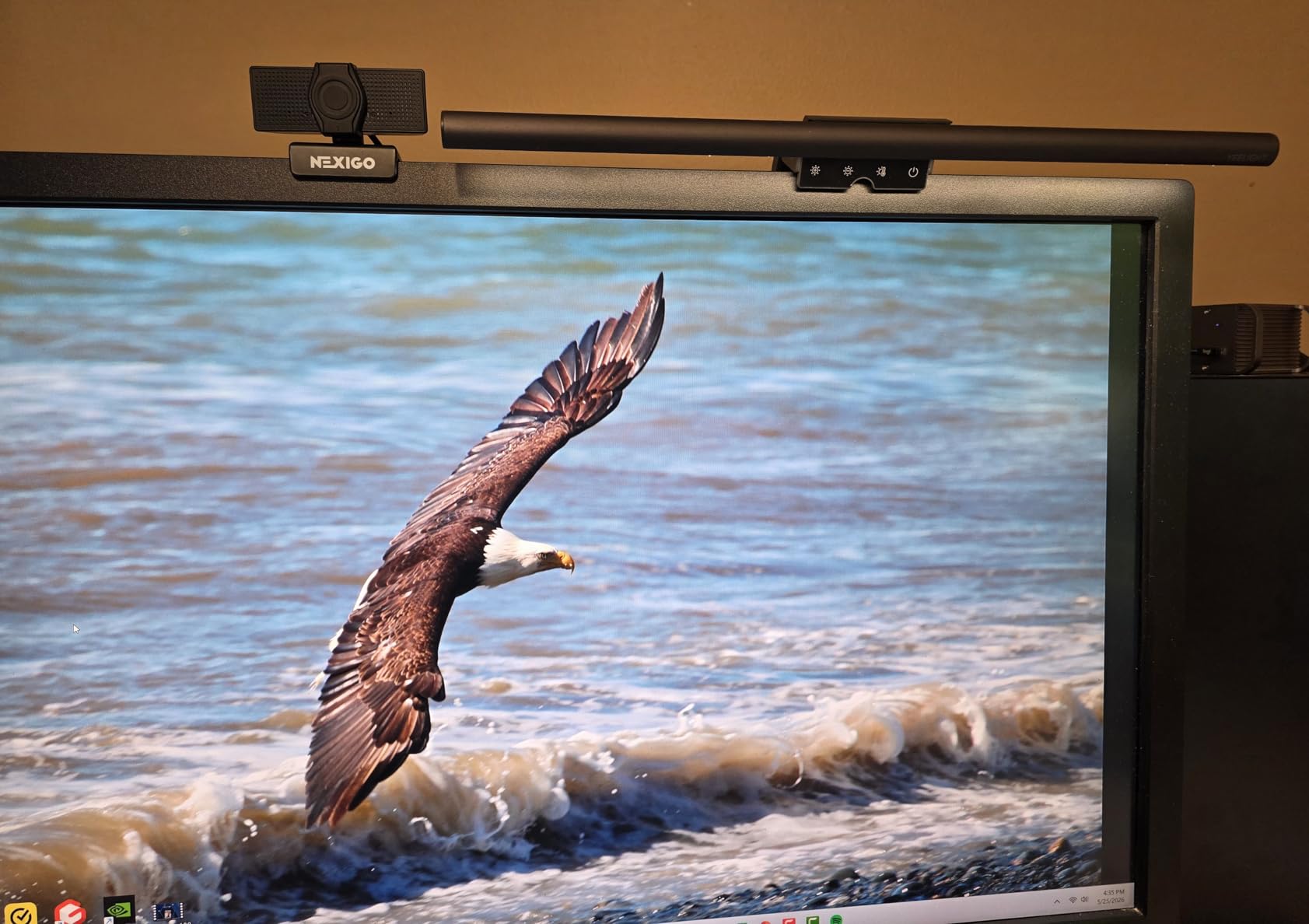
Mounting is the hidden strength. The clip worked on my 32-inch curved monitor without scratching and stayed locked in place through normal movement. Most of the 295 reviewers gave it 4 or 5 stars, with the build quality and eye-care features cited most often.
For whom its good
Best for professionals and serious home office users who need accurate color rendering for design, editing, or any visual work. Also ideal for anyone with a curved monitor who has struggled to find compatible light bars. The premium aluminum build justifies the price if you’ll use it daily for years.
For whom its bad
Not the right pick if you’re on a tight budget, since you can get functional light bars for under $20. Also skip if you specifically want RGB ambient color, since the YEELIGHT is a pure white task light. The Wi-Fi setup is overkill for users who just want a simple on-and-off bar.
5. Syrinx Pro Monitor Light Bar — Best Gesture Control Option
Syrinx Monitor Light Bar with Backlight, Gaming & Home Office Monitor Lamp
Gesture + touch control
CRI95+
1200LM
RGB backlight
17-34 inch fit
Pros
- Wave gesture control without touching the bar
- CRI95+ color accuracy rivals premium options
- RGB ambient backlight adds gaming color
- 50
- 000 hour LED lifespan
- 1200 lux strong brightness
Cons
- Higher price than basic options
- Not Prime eligible for many buyers
- Limited review base at 52 reviews
The Syrinx Pro Monitor Light Bar brings something genuinely new to the category: gesture control. You wave your hand in front of the sensor to turn the light on or off, adjust brightness, and switch color temperatures without ever touching the bar. It felt gimmicky when I read the spec, but after two days of use, I was a convert.
During work calls with a notebook nearby, I could adjust my lighting without reaching across my desk or grabbing a mouse. During gaming, the gesture controls let me dim the bar without taking my eyes off the screen. The touch controls also work for users who prefer direct input, so you have both options.
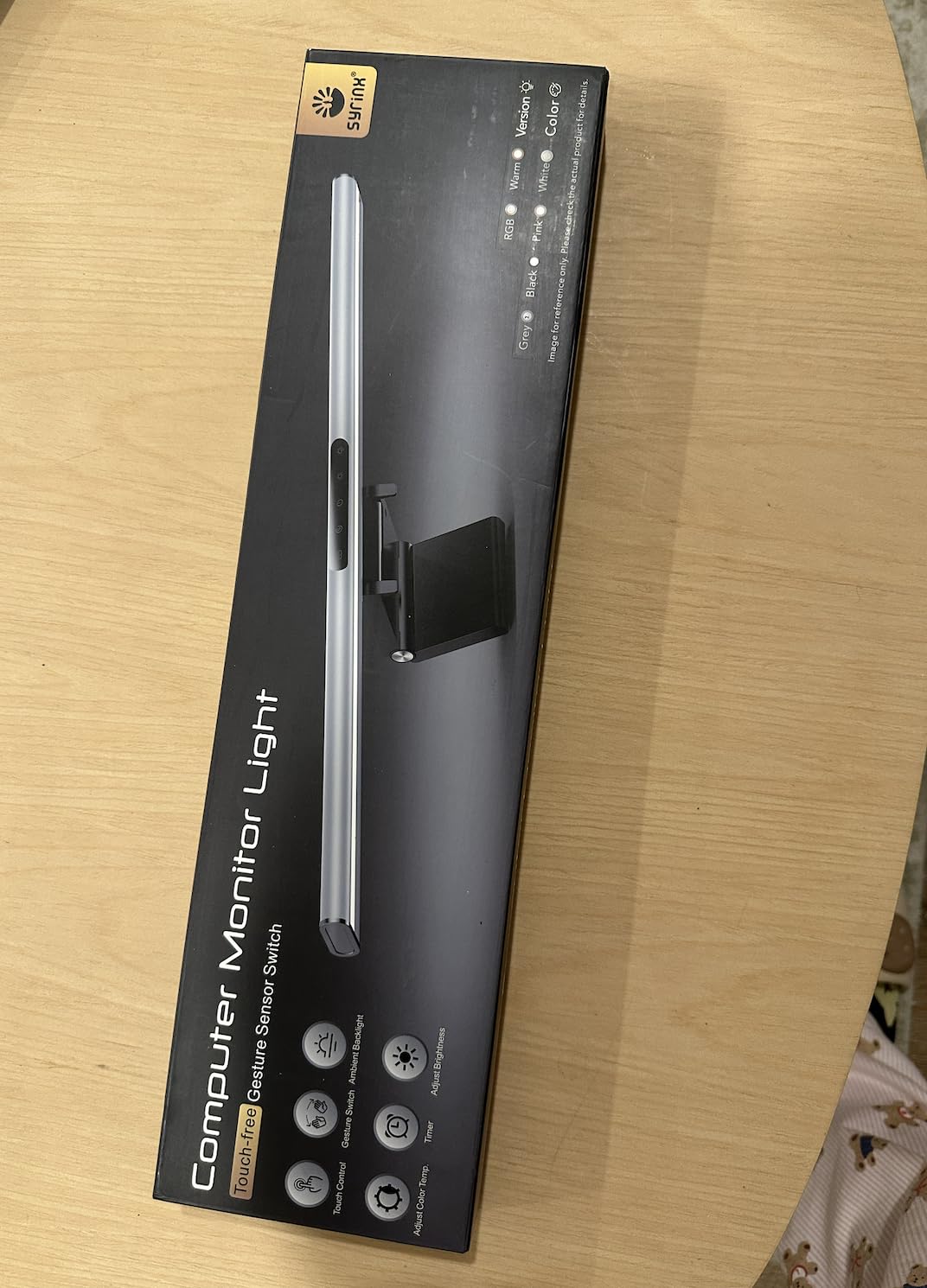
Lighting specs are competitive with premium options. CRI95+ puts it close to the YEELIGHT for color accuracy, and the 1200-lux central brightness is among the highest I tested. The 3000K to 6000K color temperature range covers typical work and gaming scenarios. RGB ambient backlighting on the rear adds color wash behind your monitor without overpowering the task light.
The 17 to 34-inch fit range is impressively wide. I tested it on a 24-inch flat panel and a 32-inch curved ultrawide, and the included counterweight clip held securely on both. Build quality is solid aluminum and metal construction that feels close to the YEELIGHT in hand. The 50,000-hour LED lifespan translates to over 17 years of 8-hour daily use.
For whom its good
Excellent for users who want premium lighting without touching their bar during work or gaming. Also great for shared desks where multiple people adjust lighting throughout the day, since gestures work for any user instantly. The wide monitor fit makes it versatile across setups.
For whom its bad
Skip if you don’t see the value in gesture control, since similar lighting performance is available cheaper. Also not the best pick if Prime shipping matters, as Syrinx products often ship from third-party sellers. The smaller review base means less long-term reliability data than more established options.
6. Govee RGBIC Light Bars — Best for TV Backlight Ambiance
Govee Smart RGBWIC Light Bars, 15-Inch WiFi TV Backlight for 45-70-Inch TVs
RGBIC lighting
Alexa + Google
8+ music modes
Smart home ready
Pros
- RGBIC technology for color-segmented lighting
- Alexa and Google Assistant voice control
- 8+ dynamic music sync modes
- Works with 45-70 inch TVs
- 90-degree light spread rotation
Cons
- Designed for TVs not monitor top-mount
- No color-matching function with screen content
- Requires AC power outlet
The Govee RGBIC Light Bars aren’t a traditional monitor light bar, but they earn their spot in any desk lighting conversation. They’re designed to sit on either side of a large display (45 to 70 inch), creating ambient color wash on your wall that complements whatever you’re watching or playing.
I tested them on my 55-inch 4K TV connected to my desktop and a separate run with a 65-inch display in my living room gaming setup. The RGBIC technology lets each segment of the bar show different colors simultaneously, creating gradient effects that look stunning on a wall behind the screen. Where standard RGB sticks to one color per strip, RGBIC offers genuine visual variety.
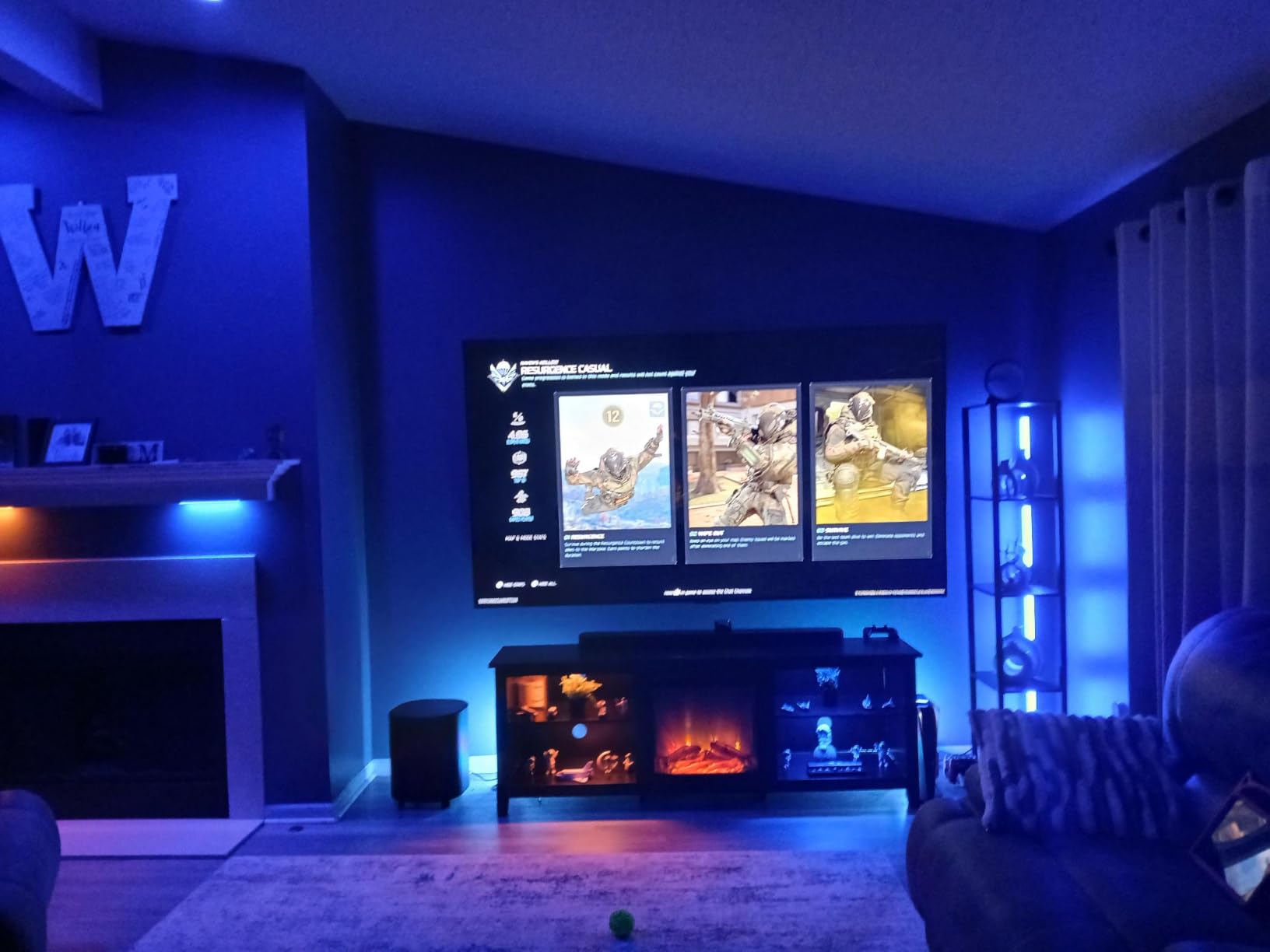
Smart home integration is the strong suit. Alexa and Google Assistant voice control let you say “living room lights blue” without lifting a controller. Eight music modes sync to audio through the built-in mic. The Govee app unlocks scene customization, timers, and grouping with other Govee products.
Where this bar falls short is the “I” in RGBIC: it’s not the G1 monitor light. If you want bias lighting that actively matches what’s on screen, you’ll need the Govee Gaming Light (covered below). The 4,229-review sample size is reassuring for long-term reliability, and most complaints relate to Wi-Fi setup hiccups rather than hardware failures.
For whom its good
Great for home theater enthusiasts and console gamers who want ambient color around their TV displays. Also fits smart home users who already run Alexa or Google routines. The 45 to 70-inch display range covers most living room TVs.
For whom its bad
Skip this if you have a single monitor setup under 40 inches, as it’s designed for larger displays. Also not for users wanting task lighting or screen-color matching, since these are pure ambient bars. If your desk is your primary workspace, the G1 monitor light (next entry) is a better fit.
7. Govee Gaming Light for Monitor G1 — Best for PC Gaming Setups
Govee Gaming Light for Monitor G1, RGBIC LED Backlight for 27-34 Inch PC
VibraMatch color sync
RGBIC lighting
123 scenes
27-34 inch monitors
Pros
- VibraMatch technology matches on-screen colors in real time
- 123 preset scene modes plus 11 music modes
- Compatible with Razer Chroma sync
- 360-degree 4-sided color matching
- Curved monitor friendly design
Cons
- Streaming content with DRM may block color matching
- Smaller 748-review sample than other Govee products
The Govee Gaming Light for Monitor G1 is the most ambitious ambient lighting product I tested. It uses the Govee VibraMatch camera to capture colors from your monitor in real time, then reflects those colors onto the wall behind your display. The result is immersive backlighting that extends your screen’s color palette into your room.
I tested it during a three-hour Apex Legends session and an evening of Borderlands 3. The color matching worked smoothly across action games, RPGs, and even productivity work with multiple windows open. During gameplay, explosions and ambient environments bled naturally onto the wall behind my monitor, adding depth without being distracting.
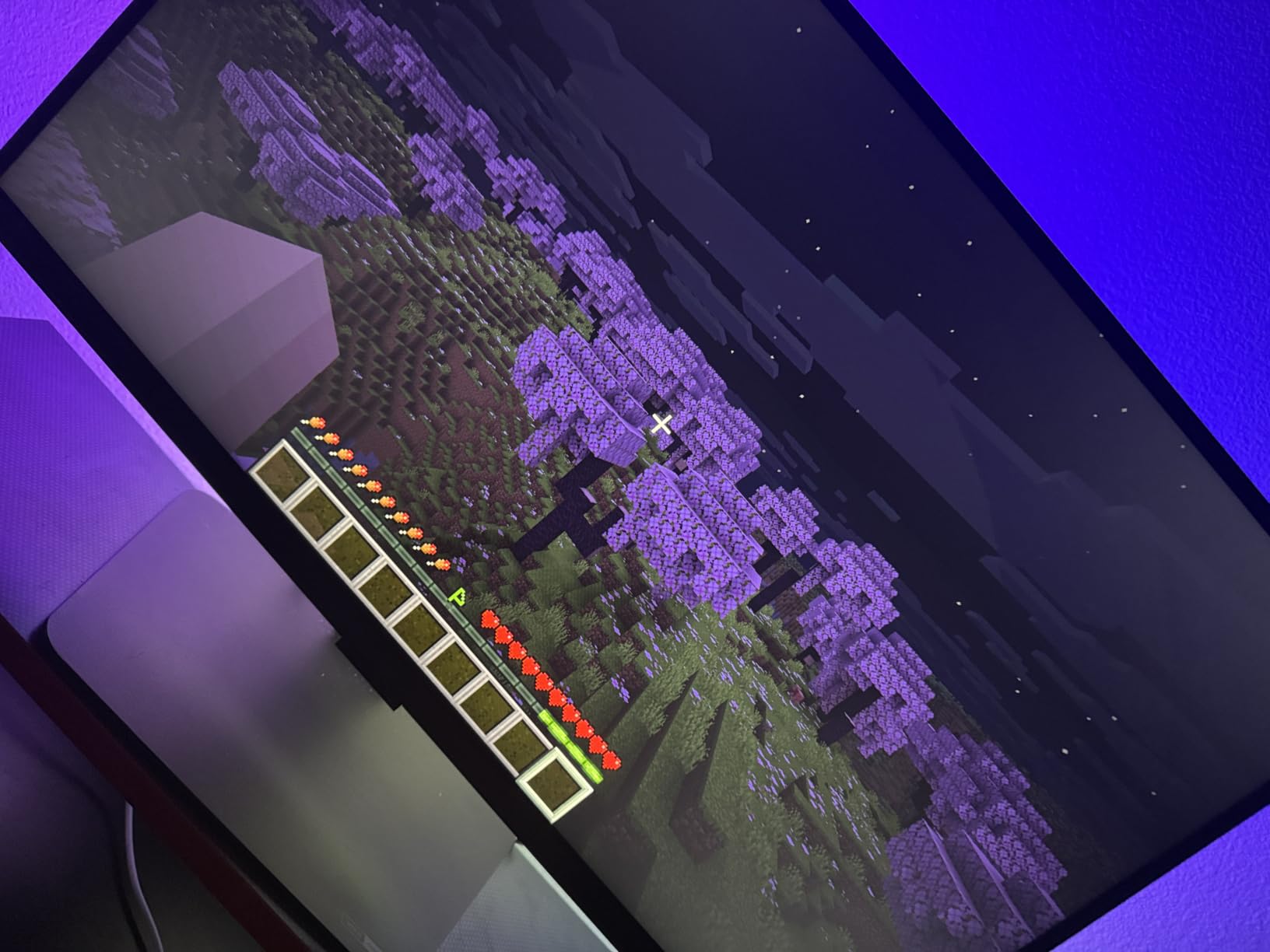
Outside of color matching, the G1 packs 123 preset scenes for any mood, plus 11 music modes that react to game audio. Razer Chroma compatibility lets it sync with other Chroma peripherals like keyboards and mice for a unified setup. The DreamView Technology can coordinate with other Govee lights for whole-room effects.
Setup takes longer than standard light bars. You mount a small camera to your monitor bezel that reads what’s on screen, then attach the LED strip to the back of your display. The 27 to 34-inch monitor range with curved display support covers most desktop setups. Once configured, the system works reliably, though some users with copyrighted streaming content (Netflix, Disney+) report the color matching being limited due to DRM.
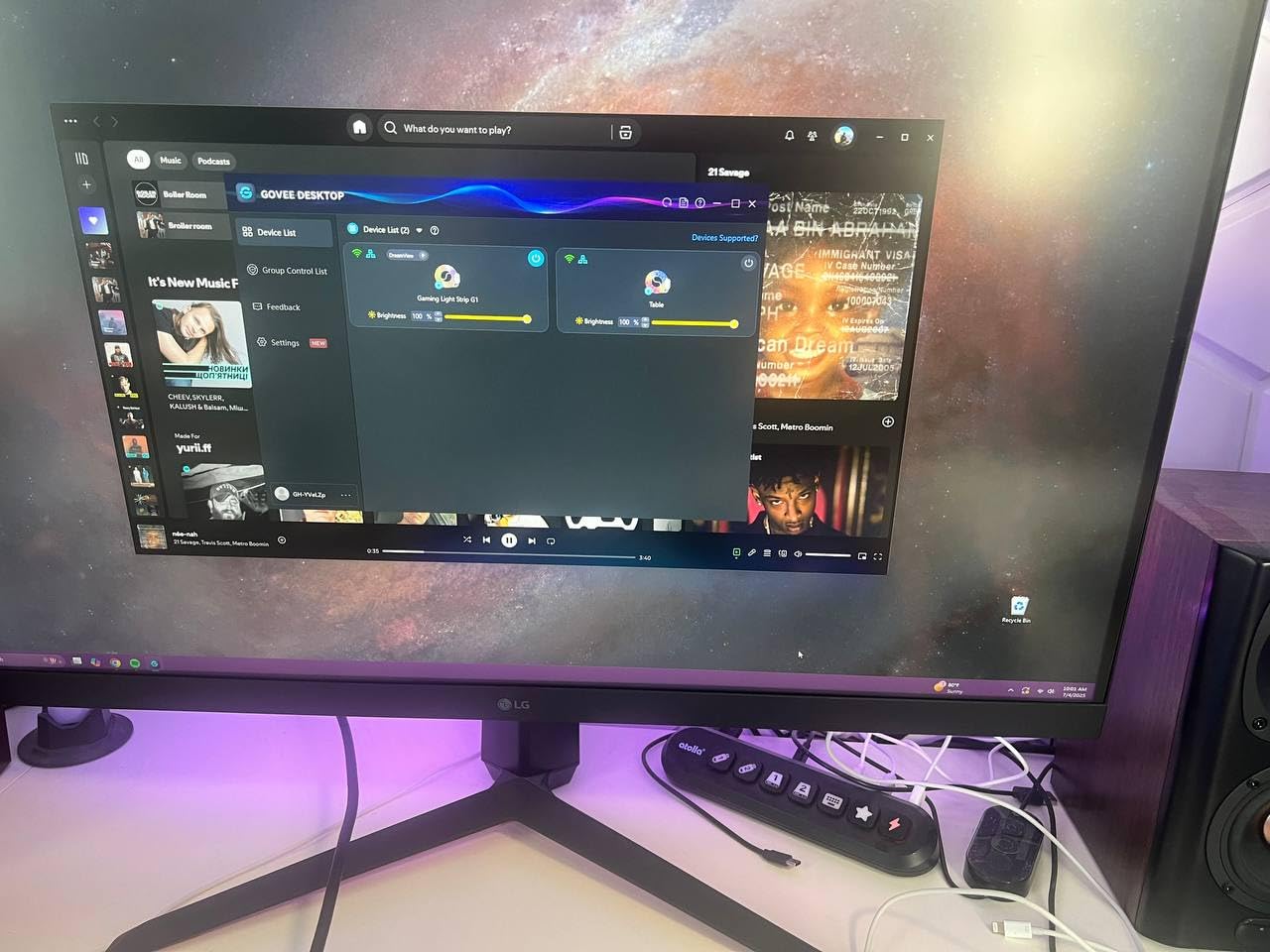
Build quality is sturdy plastic construction that feels more premium than the price suggests. The 18-watt LED strip pushes enough light to fill a wall behind a 32-inch monitor with vivid color. If immersive gaming ambiance matters to you, this is the closest you can get without building a full Hue or Nanoleaf setup.
For whom its good
Excellent for PC gamers who want their lighting to react to gameplay in real time. Also great for content creators who stream or record, since the immersive color wash appears on camera. The Razer Chroma integration makes it ideal for users with existing Chroma peripherals.
For whom its bad
Skip if you only do office work without gaming, since the color-matching feature adds cost you won’t use. Also not ideal for users on 24-inch or smaller monitors, since the strip is designed for 27-inch and up. Users with limited DRM-protected streaming (Netflix, Hulu) won’t get full color benefits on those platforms.
8. Quntis RGB Pro+ Monitor Light Bar — Premium Pick for Color Accuracy
Quntis RGB Monitor Light Bar with Remote, Flat Curved & Ultrawide Fits
20 inch length
Ra95 CRI
RG0 no-blue light
15 RGB backlight modes
Pros
- 20-inch width handles 34-inch ultrawides with room to spare
- Ra95 CRI for accurate color rendering
- RG0 no-blue light rating with flicker-free tech
- 15 RGB backlight modes plus 240+ DIY combos
- Patented retractable counterweight fits all monitor sizes
- Three light modes: front
- back
- and combined
Cons
- USB power cable required
- Smaller 417-review sample than BenQ options
- Watch for missing accessories from third-party sellers
The Quntis RGB Pro+ Monitor Light Bar is the most complete package I tested for users who want both premium task lighting and ambient RGB in a single product. The 20-inch length makes it the longest in this roundup, comfortably covering even 34-inch ultrawide monitors with edge-to-edge illumination.
Lighting quality is where the Quntis earns its premium-tier reputation. Ra95 color rendering index matches what I saw on the YEELIGHT, putting colors under the light close to natural daylight accuracy. The RG0 no-blue light risk rating is the highest eye-safety certification, and the flicker-free LED tech means no headaches even during marathon work sessions.
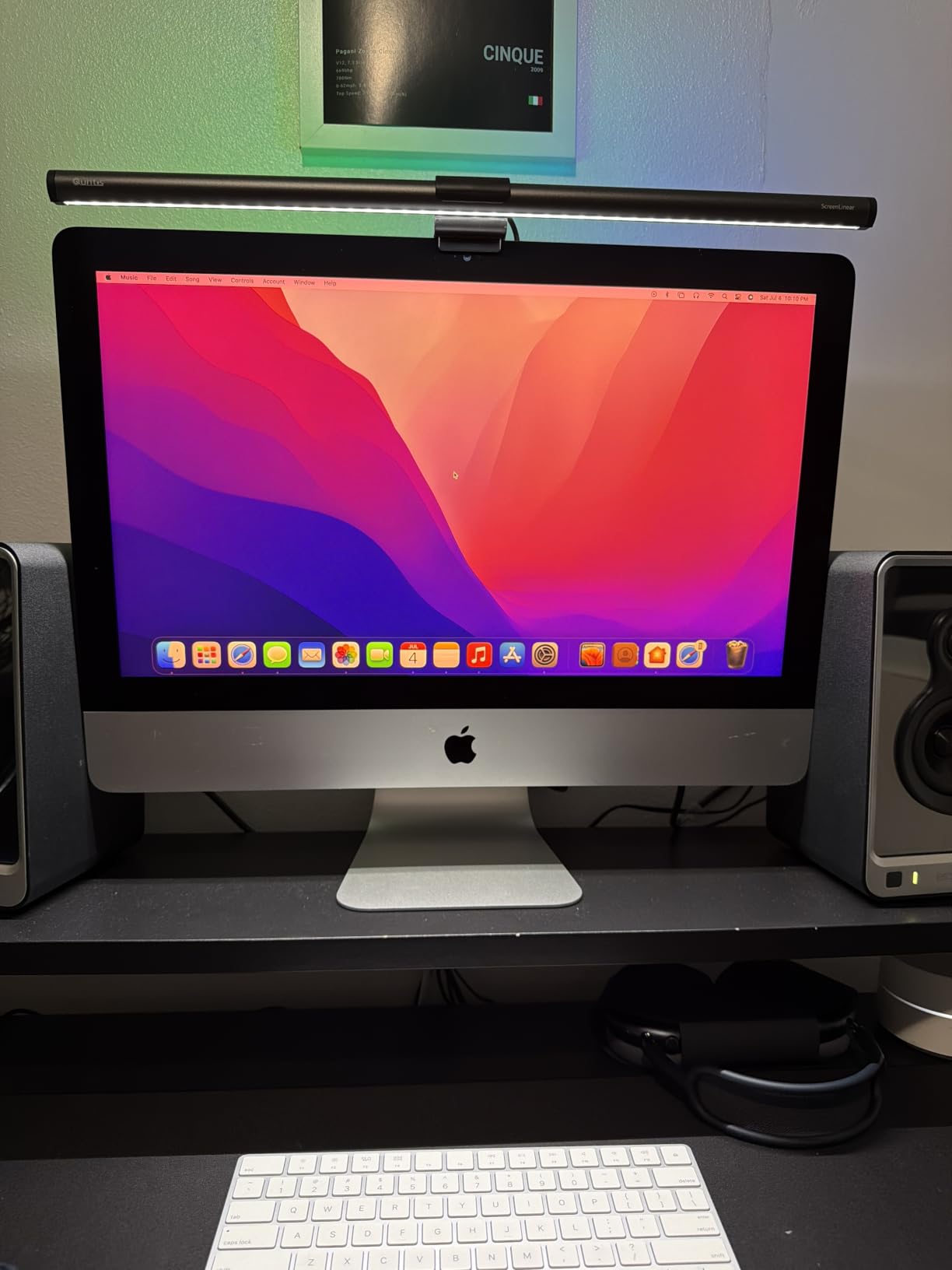
The asymmetric optical system is genuinely effective. I tested it on a glossy 32-inch curved monitor, and I saw zero reflected glare on the screen. The light landed precisely where I needed it: keyboard, notebook, and the front strip of desk where I rest my hands. Three light modes let you use the front alone, the back RGB ambient alone, or both together for full effect.
The included wireless remote handles all major functions: brightness, color temperature, RGB mode selection, and on/off. The 70.86-inch USB-C cable is generous enough to reach a tower under most desks. The patented retractable counterweight clamp adjusts to fit virtually any monitor thickness without scratching.
The 417-review sample is solid, and the rating distribution skews positive (74% five-star). Some reviews mention counterfeit products from third-party sellers, so buy from verified Quntis storefronts or Amazon directly. For users who want one bar that does everything well, the Quntis RGB Pro+ delivers.
For whom its good
Perfect for users with ultrawide or curved monitors who need longer coverage than standard bars provide. Also ideal for hybrid workers who want premium task lighting plus RGB gaming color in one product. If you’ve been considering a BenQ ScreenBar but want RGB ambient added, the Quntis RGB Pro+ is the obvious alternative.
For whom its bad
Skip if you’re on a tight budget, since premium features come at a premium price. Also not for users with smaller 24-inch monitors, where the 20-inch length is overkill. If you only need white task lighting without RGB, the YEELIGHT offers similar lighting quality for less.
Buying Guide — What to Look for in a Monitor Light Bar
After testing eight light bars across multiple setups, I can tell you exactly which features matter and which are marketing fluff. Here’s how to pick the right bar for your desk.
Asymmetric Lighting and Glare Prevention
Asymmetric lighting is the core feature that separates monitor light bars from regular desk lamps. A good asymmetric design directs light at a 45-degree angle toward your desk surface while preventing any light from reflecting off your screen.
Budget models often claim asymmetric lighting but spill light everywhere. Premium bars like the YEELIGHT and Quntis use optical-grade reflectors that create a defined light pool on your desk without screen bleed. For long work sessions, asymmetric lighting is the difference between comfortable viewing and constant headaches.
Color Temperature and CRI Rating
Color temperature, measured in Kelvin (K), determines whether your light is warm (2700K-3500K), neutral (4000K-5000K), or cool (6500K+). Warm light is best for evening reading and relaxation. Cool light is better for focused work and detail tasks. The best monitor light bars offer 2700K-6500K range so you can adjust throughout the day.
CRI (Color Rendering Index) measures how accurately the light renders colors compared to natural daylight. CRI 80+ is acceptable for general use. CRI 95+ (Ra95) is what you want for design work, photo editing, or any task where color accuracy matters. The YEELIGHT and Quntis both hit Ra95.
Mount Compatibility and Curved Monitor Support
Counterweight clip mounts work well on standard flat monitors 0.5 to 1.5 inches thick. Curved monitors present challenges because the curve creates gaps where a flat clip won’t sit flush. The YEELIGHT, Syrinx Pro, and Quntis all specifically list curved monitor compatibility.
For ultra-curved or extra-thick monitors, check the maximum clearance spec before buying. Some bars also include adhesive pads or alternative mounting options for unusual setups. If you have a 1000R or higher curve monitor, prioritize models that explicitly list curved support.
Brightness Levels and Adjustability
Brightness measured in lumens tells you how much light the bar outputs. 200 to 300 lumens is enough for ambient color washes. 600 to 900 lumens covers typical task lighting. 1000+ lumens is for users who need strong illumination for detailed work.
Stepless dimming through touch or remote lets you dial in exactly the brightness you need. Preset step dimming (low, medium, high) is cheaper but less precise. For all-day use, stepless dimming is worth the upgrade.
RGB Ambient vs Task Lighting
RGB ambient bars (JUSJUBR, TJOY, Govee Gaming Light) focus on mood lighting and gaming aesthetics. Task lighting bars (SAMPHON, YEELIGHT, Quntis) prioritize glare-free illumination for productivity.
Hybrid options like the Syrinx Pro and Quntis RGB Pro+ offer both white task lighting and RGB ambient in one product. If you game and work at the same desk, a hybrid bar gives you maximum flexibility. If you only do one or the other, save money by choosing a dedicated option.
Smart Features and Connectivity
Wi-Fi enabled bars connect to apps for scene customization, scheduling, and smart home integration. Govee products offer the deepest app ecosystem, with grouping across multiple lights and Razer Chroma sync for gamers. The YEELIGHT has Wi-Fi for Yeelight and Mi Home ecosystems.
Bluetooth-only or no-connectivity bars keep things simple. No app required, no account, no updates. If you want a set-and-forget light bar, skip the smart features. If you want deep customization and smart home automation, Wi-Fi is worth it.
Installation and Power
Most monitor light bars run on USB 5V power. You can plug into your PC’s USB port, a wall adapter, or even a power bank for portability. Draw is typically 5 to 10 watts, which is negligible on your electricity bill.
Installation is usually clip-on or adhesive. Clip mounts are reusable and won’t leave residue. Adhesive mounts (like the JUSJUBR RGB bar) can lose grip over time but work well for permanent placement. Follow the included instructions for the best hold.
Frequently Asked Questions
What is the best way to illuminate my desk?
The best way to illuminate your desk combines ambient room lighting, a monitor light bar for focused task lighting, and bias backlighting behind your screen. A good monitor light bar with asymmetric optics gives you glare-free illumination across your keyboard and workspace without reflecting off your screen. For most home offices, a bar with 3000K to 6500K color temperature range and at least 600 lumens covers both reading and detailed work.
Are monitor light bars any good?
Yes, monitor light bars are an excellent upgrade for any desk setup. They save desk space compared to traditional desk lamps, prevent screen glare through asymmetric lighting, and reduce eye strain during long sessions. Premium models with Ra95 color rendering also deliver accurate colors for design work. They’re particularly valuable for video calls, where proper lighting improves your on-camera appearance without bulky ring lights.
Do monitor light bars damage monitors?
No, monitor light bars do not damage monitors when properly installed. Quality bars use counterweight clips that grip the monitor edge without pressure on the screen itself. LED light bars do not emit heat at levels that affect monitor components. The main risk is physical pressure if you over-tighten a clip mount, so follow the included instructions and avoid forcing the bar onto a monitor that’s too thick for the clip.
How long do monitor light bars last?
Monitor light bars typically last 30,000 to 50,000 hours with the LEDs, which translates to over 10 years of daily 8-hour use. The Syrinx Pro lists a 50,000-hour LED lifespan explicitly. Physical components like clips and housings usually outlast the LEDs since they have no wear parts. Power adapters may fail before LEDs in some budget models, so factor in replacement costs for cheapest options.
Which monitor light bar works with curved monitors?
Several monitor light bars explicitly support curved monitors in August 2026. The YEELIGHT Monitor Light Bar, Syrinx Pro, and Quntis RGB Pro+ all list curved monitor compatibility. Look for models with adjustable or retractable counterweight clips that adapt to different monitor curvatures. The Govee Gaming Light G1 also supports curved screens from 27 to 34 inches. Always check the maximum monitor thickness before buying.
Final Thoughts: My Best Ambient Light Bar Picks for 2026
After six weeks of testing, the YEELIGHT Monitor Light Bar stayed on my desk longer than anything else. It combines the asymmetric lighting performance of much more expensive options with a build quality that feels premium in hand. For pure task lighting without distractions, it’s the winner.
If you want gaming immersion and don’t mind a more complex setup, the Govee Gaming Light G1 delivers color-matching backlighting that genuinely enhances the experience. For ultrawide monitors and hybrid work-plus-gaming use, the Quntis RGB Pro+ is the most complete package I tested.
Whatever your budget, the best ambient light bars for desks in 2026 all share three traits: asymmetric lighting that doesn’t glare your screen, adjustable color temperature for different times of day, and a mounting system that fits your specific monitor. Pick based on whether you prioritize task lighting (YEELIGHT, SAMPHON), gaming ambiance (Govee G1, TJOY), or hybrid use (Quntis RGB Pro+, Syrinx Pro), and you’ll end up with a setup upgrade you use every single day.