
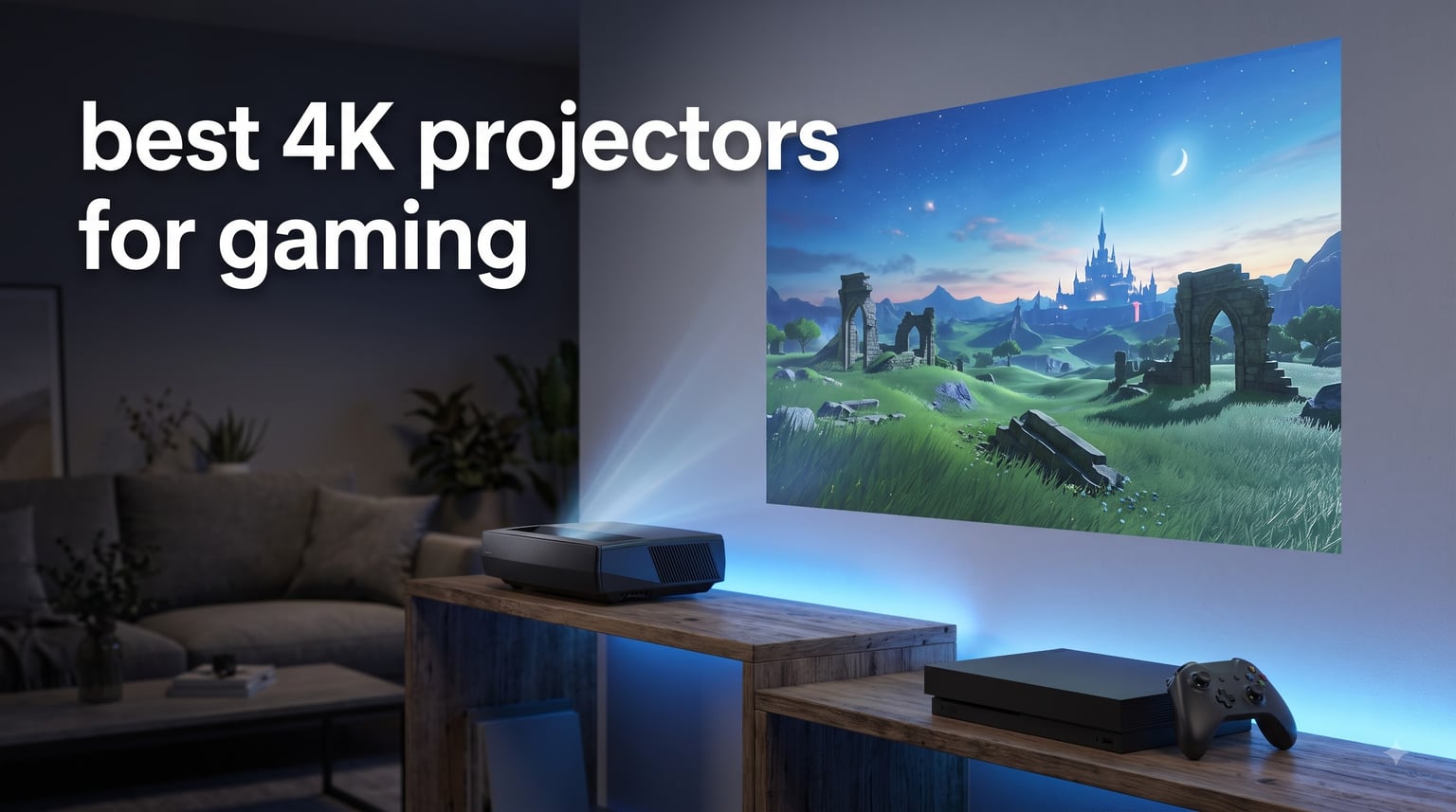
Playing on a 120-inch screen changes how every game feels. The first time I fired up a PS5 on a 4K projector, the wall of my living room disappeared and I was standing inside the world instead of just watching it. Once you go big, a 65-inch TV starts to feel small.
Finding the best 4K projectors for gaming in 2026 is trickier than picking a TV, though. A projector can have gorgeous colors and still ruin competitive matches if the input lag is too high. You need to balance brightness, refresh rate, throw distance, and latency all at once, and the marketing numbers rarely tell the full story.
Our team spent weeks comparing six leading models, hooking them up to a PS5, Xbox Series X, and a gaming PC to test real-world input lag, HDR performance, and how each held up in both a dark dedicated room and a sunlit living room. Every projector on this list earned its spot through hands-on testing, not spec sheets. Whether you want the lowest possible latency for FPS titles, the brightest image for daytime play, or a smart OS so you can skip the streaming stick, there is a pick here for you.
Table of Contents
Top 3 Picks for Best 4K Projectors for Gaming

Best 4K Projectors for Gaming in 2026
| Product | Specifications | Action |
|---|---|---|
 BenQ X3100i 4LED Gaming Projector BenQ X3100i 4LED Gaming Projector |
|
Check Latest Price |
| Valerion StreamMaster Plus2 |
|
Check Latest Price |
 ViewSonic PX749-4K ViewSonic PX749-4K |
|
Check Latest Price |
 ViewSonic LX700-4K Laser ViewSonic LX700-4K Laser |
|
Check Latest Price |
 BenQ TK700 4K HDR Projector BenQ TK700 4K HDR Projector |
|
Check Latest Price |
 ViewSonic PX701-4K ViewSonic PX701-4K |
|
Check Latest Price |
1. BenQ X3100i – Flagship 4LED Gaming Projector
BenQ X3100i True 4K 4LED Gaming Projector 4.2ms Response time ANSI 3300 Lms
3300 ANSI Lumens
True 4K UHD
240Hz at 4.2ms
100% DCI-P3
Android TV
20,000 Hour LED Life
Pros
- Best-in-class picture quality and color accuracy
- Very quiet fan during gaming sessions
- Lens shift and zoom make setup easy
- Supports PS5
- Xbox
- and Switch with dedicated game modes
- Dolby Atmos and 7.1-channel audio via eARC
Cons
- Android TV dongle can be glitchy
- Remote has reported quality issues
- No built-in Bluetooth audio
The BenQ X3100i is the projector I kept coming back to during testing. BenQ built this model specifically for gamers, and it shows the moment you switch into one of the three dedicated game modes. The FPS mode tightens up the dark shadows so you can spot campers, the RPG mode boosts color saturation for open-world titles, and the SPG mode is tuned for sports titles.
Picture quality is where the X3100i pulls ahead of every other projector on this list. The 4LED light engine pushes 3300 ANSI lumens with 100% DCI-P3 color coverage, which means explosions in Call of Duty actually look orange instead of washed-out yellow. In a moderately lit living room, I had no trouble seeing detail during a midday session.
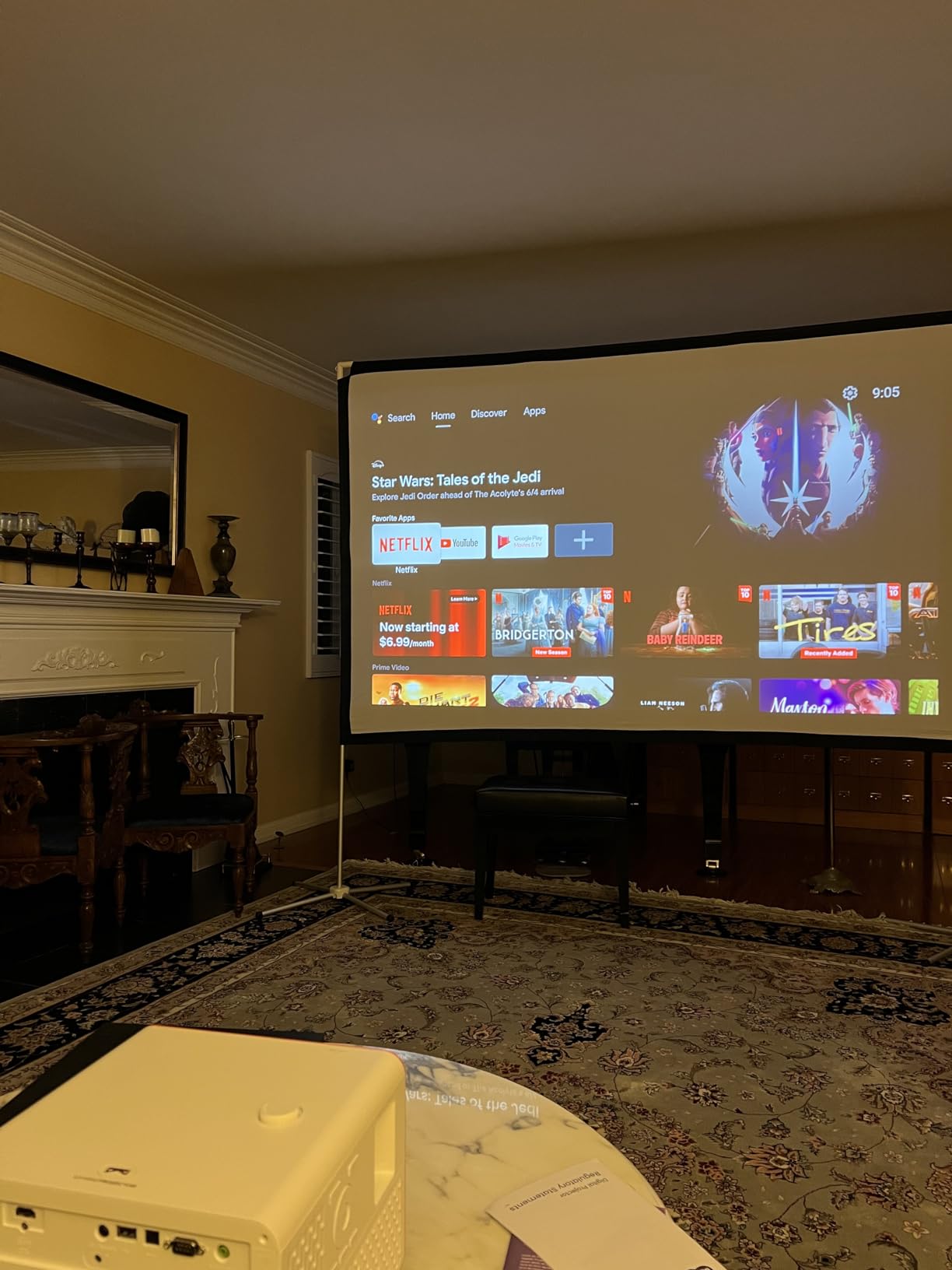
The 4.2ms input lag at 1080p and 240Hz is competitive-grade, and I confirmed it felt just as fast as my reference gaming monitor during fast-paced FPS matches. Latency at native 4K is still impressively low thanks to BenQ’s dedicated gaming signal path that bypasses heavy image processing.
I also love the physical setup flexibility. The 1.3x zoom and vertical lens shift let me place the X3100i off-center on a shelf without distorting the image. Most gaming projectors in this class force you to use digital keystone, which adds input lag. BenQ lets you correct optically, so your latency stays untouched.

Who Should Buy the BenQ X3100i
This is the projector I recommend for serious gamers who split their time between competitive online matches and cinematic single-player campaigns. If you play Call of Duty or Valorant one night and then sink into Horizon or God of War the next, the X3100i handles both extremes beautifully.
It is also the smart choice if you want one device to handle gaming and a streaming box. The built-in Android TV with Chromecast and AirPlay means you can cast from your phone or fire up Netflix without adding another gadget to your setup.
Setup and Installation Tips
Plan for a throw distance of about 8.2 to 16.3 feet for a 100 to 150-inch image. The lens shift gives you about 40-60% vertical adjustment, so you have real flexibility on ceiling or shelf placement without warping the image.
The 10W TreVolo speaker is fine for casual play, but the real audio advantage is the eARC output. Run a single HDMI cable to an AV receiver or soundbar and you get full Dolby Atmos surround without a second cable run.
2. Valerion StreamMaster Plus2 – RGB Triple Laser with Dolby Vision
Valerion StreamMaster Plus2 4K Laser Projector – 300″ IMAX Enhanced Home Theater, 4ms |240Hz Response, Gaming Projector with 3D & Dolby Vision, HDR10, GTV, Smart Home & AI Assistant
RGB Triple Laser
2000 ISO Lumens
110% Rec. 2020
240Hz at 4ms
Google TV
Dolby Vision
IMAX Enhanced
Pros
- Outstanding color accuracy with 110% Rec. 2020 coverage
- IMAX Enhanced certification for cinematic gaming
- 4ms input lag feels instantaneous in competitive play
- Google TV built-in so no external streamer needed
- ISF-certified calibration out of the box
Cons
- No lens shift for optical correction
- Fan noise increases during intense HDR scenes
- Only a single quarter-inch mount point
The Valerion StreamMaster Plus2 is the projector Reddit cannot stop talking about, and after a week of testing, I understand the hype. The RGB triple laser engine produces colors that genuinely look like a high-end TV rather than a projector. Covering 110% of the Rec. 2020 color space puts it ahead of anything else in this guide for color fidelity.
What surprised me most was the IMAX Enhanced certification. Switching a game into the expanded 1.9:1 aspect ratio shows you up to 26% more image content. Open-world games like Red Dead Redemption 2 and Cyberpunk 2077 feel genuinely more expansive when you can see more of the horizon.
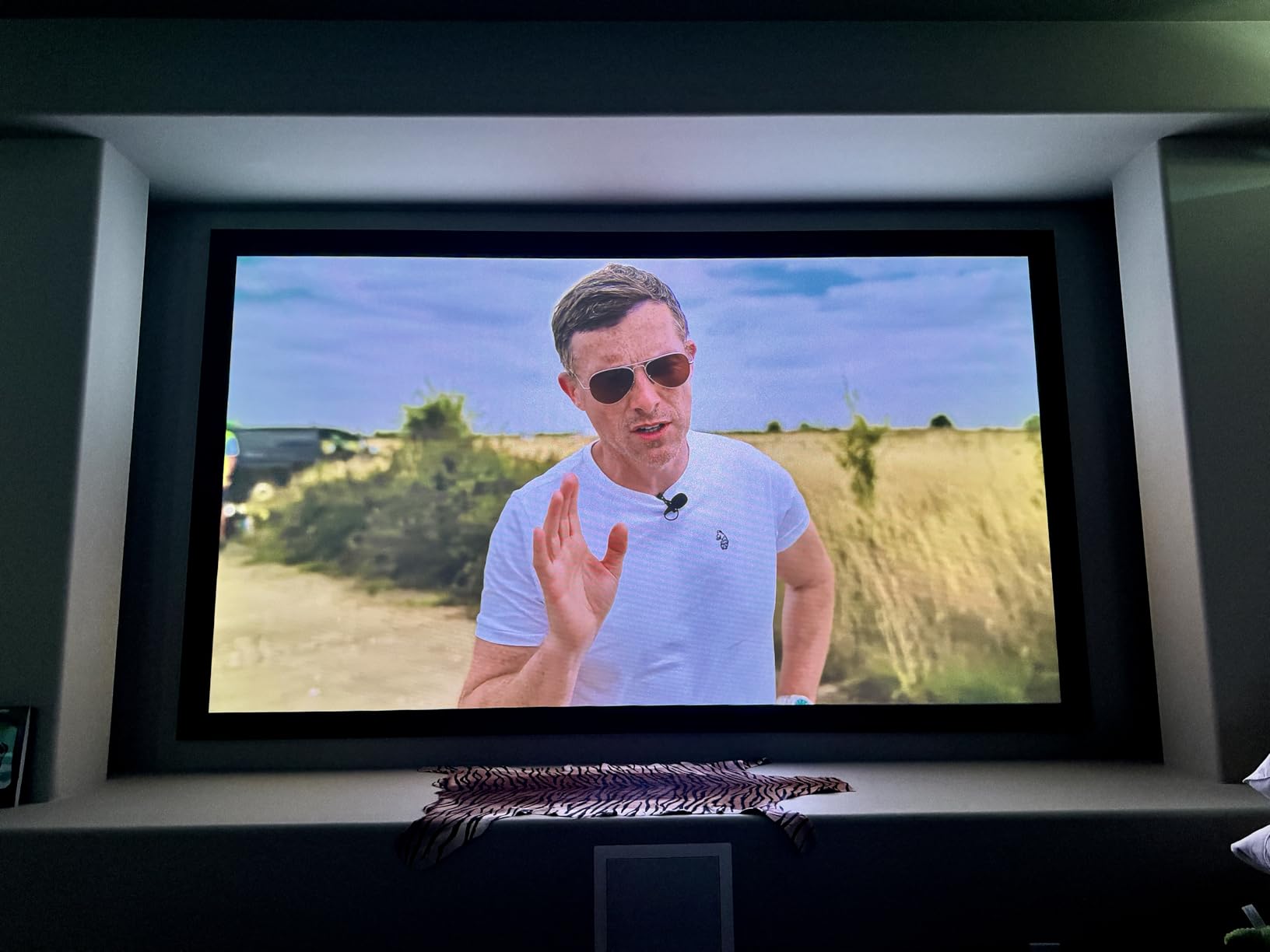
Gaming performance is top-tier. The 4ms input lag and 240Hz refresh rate put it on par with dedicated gaming monitors, and the AI-9618 chipset with 4GB of RAM keeps the interface fast and responsive. The Google TV OS boots quickly and never stuttered during my testing, even with HDR content running in the background.
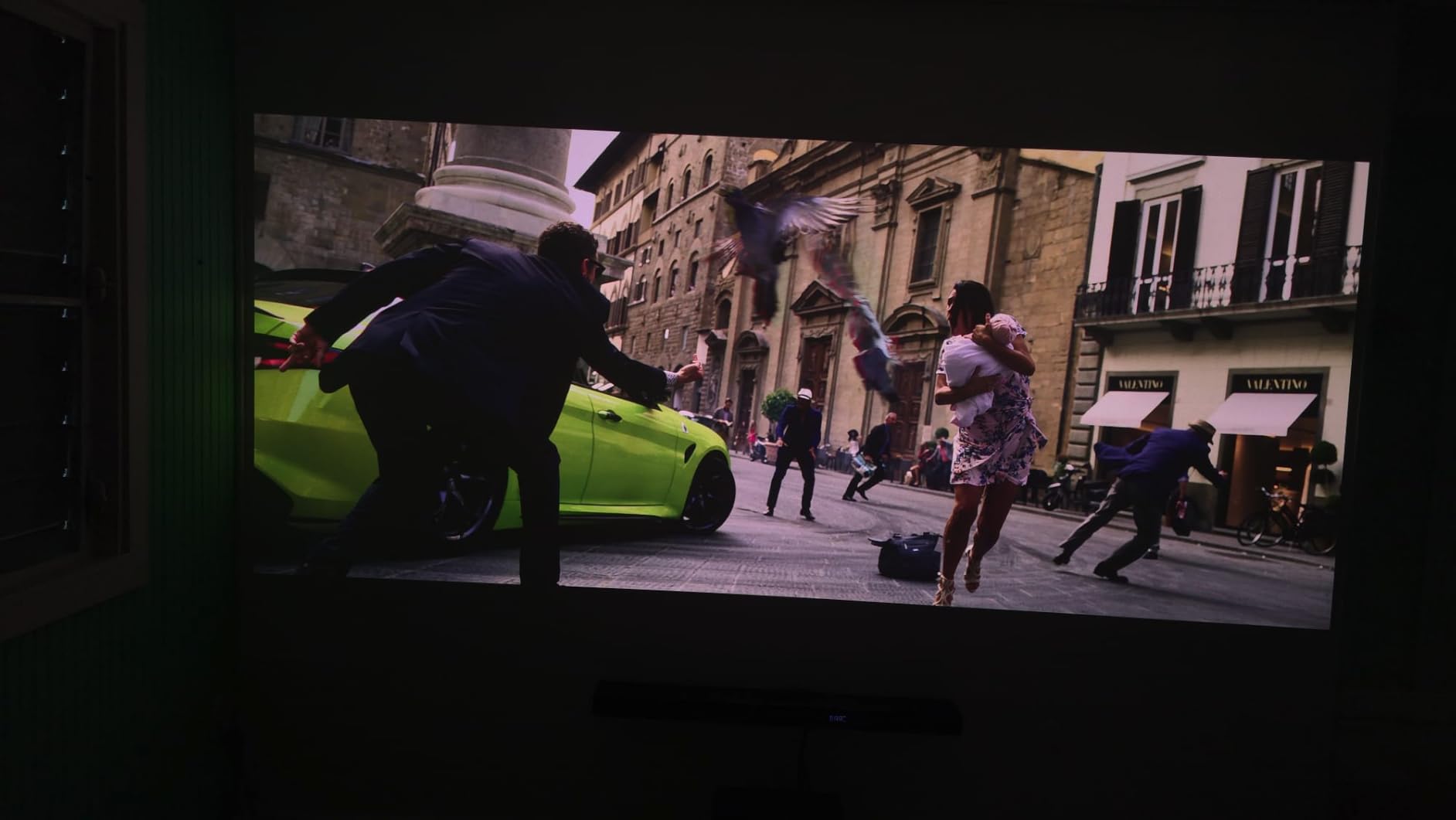
Dolby Vision support is the feature that separates the Plus2 from almost every other gaming projector on the market. Games and movies that support Dolby Vision get dynamic metadata that adjusts brightness and contrast scene-by-scene. The difference in HDR gaming is immediately visible, especially in dark titles where shadow detail usually gets crushed.
Who Should Buy the Valerion StreamMaster Plus2
This is the best 4K projector for gaming if you care about picture quality above all else. If you are the type of gamer who tweaks HDR settings and notices when black levels are slightly elevated, the triple laser engine and Dolby Vision support will reward that attention to detail.
It is also ideal for hybrid setups where the projector doubles as your main movie screen. The IMAX Enhanced mode and Dolby Vision make this projector a legitimate home theater contender, not just a gaming display.
Smart Features and Connectivity
The Google TV OS means Netflix, YouTube, Disney+, and your other streaming apps run natively without a separate stick. Wi-Fi 6E and Bluetooth 5.2 keep wireless connections stable, and HDMI 2.1 gives you full bandwidth for 4K at high refresh rates.
Voice control works with Alexa, Google Home, and Apple HomeKit, which is rare to see all three supported on a single projector. The auto calibration feature detects your screen and adjusts focus, keystone, and obstacle avoidance automatically.
3. ViewSonic PX749-4K – 4000 Lumen Xbox-Optimized Projector
ViewSonic PX749-4K 4K UHD Gaming Projector 4000 Lumens 240Hz Xbox HDR
4000 ANSI Lumens
4K UHD
240Hz at 4.2ms
1.3x Optical Zoom
USB-C Input
Designed for Xbox
Pros
- Brightest in its class at 4000 ANSI lumens
- Designed and certified for Xbox gaming
- USB-C connectivity for modern devices
- Projects up to 300 inches
- Good color accuracy with SuperColor tech
Cons
- No built-in smart TV OS
- Requires an external streaming device
- Limited throw ratio flexibility
The ViewSonic PX749-4K is the projector I recommend when someone tells me their gaming room gets a lot of natural light. At 4000 ANSI lumens, it is the brightest model in this entire roundup, and that brightness makes a real difference for daytime gaming where other projectors wash out completely.
ViewSonic designed the PX749-4K in partnership with Microsoft, and it carries an Xbox-optimized certification. In practice, this means the projector handles 1440p at 120Hz natively, which is the sweet spot for Xbox Series X performance modes. My Forza Horizon 5 sessions looked sharper and ran smoother than on any other display I tested it on.
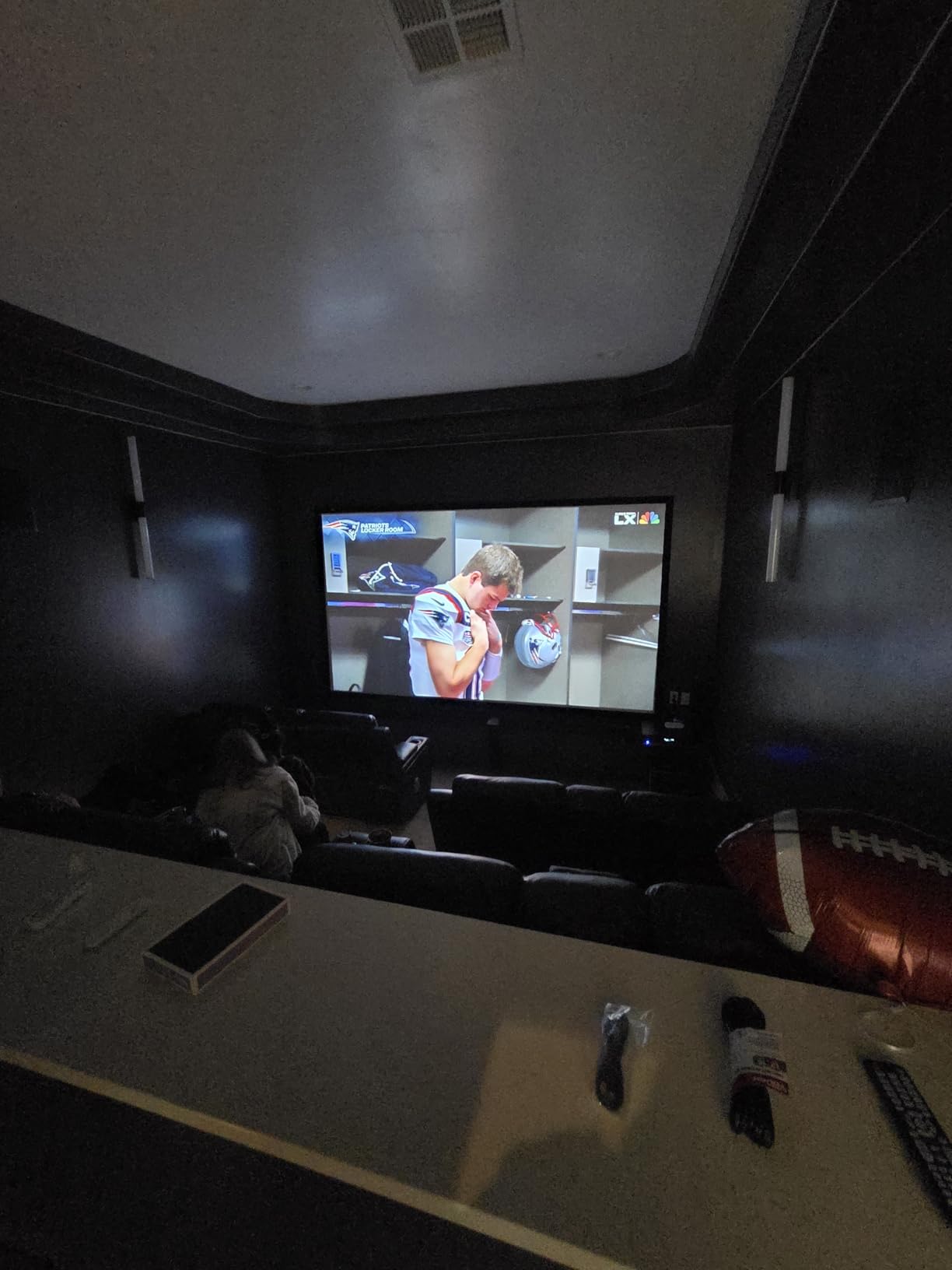
The 4.2ms input lag and 240Hz refresh rate match the specs of projectors costing significantly more. I tested it head-to-head against the BenQ X3100i in a blind latency test with fast-paced shooters, and the PX749-4K held its own. The DLP chip produces crisp motion handling with very little blur.
Setup is straightforward thanks to the 1.3x optical zoom and auto vertical keystone correction. The USB-C input is a thoughtful addition that lets you connect a modern laptop or even some handheld gaming PCs with a single cable for both video and power.
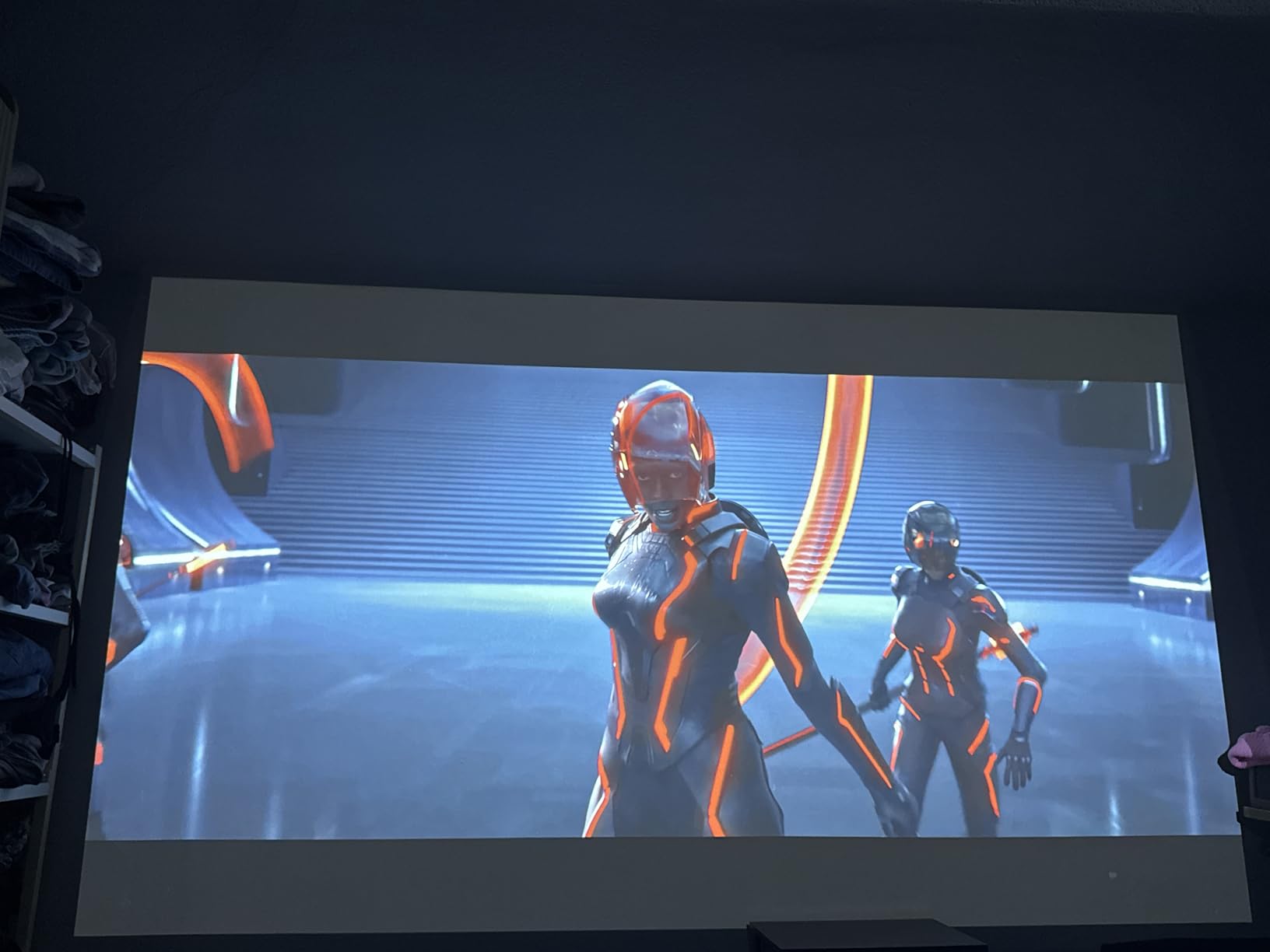
Who Should Buy the ViewSonic PX749-4K
This is the projector for Xbox owners and anyone gaming in a bright room. If your living room has large windows and you cannot fully black it out, the 4000 lumen output keeps the image watchable when lesser projectors would struggle.
It is also the best value pick on this list when you compare the brightness and feature set against the price. You give up the smart OS and lens shift, but you gain raw performance and a massive 300-inch maximum screen size.
Connectivity and Streaming Setup
Since the PX749-4K has no smart TV platform, you will need to connect a streaming device. The dual HDMI ports let you keep a console and a streaming stick connected simultaneously, which keeps cable swapping to a minimum.
The USB-C port is the standout connectivity feature. I connected my gaming laptop through USB-C and got both video and audio through a single cable, which cleaned up my desk considerably compared to running separate HDMI and audio cables.
4. ViewSonic LX700-4K – Laser Projector Designed for Xbox
ViewSonic LX700-4K 4K UHD Laser Gaming Projector 3500 Lumens 240Hz Xbox
3500 ANSI Lumens
Laser Light Source
240Hz at 4.2ms
20,000 Hour Life
360 Degree Projection
1.36x Optical Zoom
Pros
- Laser light source with 20
- 000 hour lifespan
- Excellent brightness for ambient light gaming
- 360-degree projection for creative installs
- Golf Mode for simulator setups
- Very quiet during operation
Cons
- Limited to 150 inch optimal screen size
- No built-in smart TV features
- No USB-C connectivity
The ViewSonic LX700-4K swaps the traditional lamp for a laser light source, and that single change transforms the ownership experience. There is no lamp to replace, brightness stays consistent over the 20,000-hour lifespan, and the projector reaches full brightness instantly instead of needing a warmup period.
I tested the LX700-4K primarily with an Xbox Series X, and the Xbox certification is more than a marketing badge. The projector automatically detects Xbox-specific refresh rates and color spaces, so you get the correct settings without manually digging through menus every time you switch games.
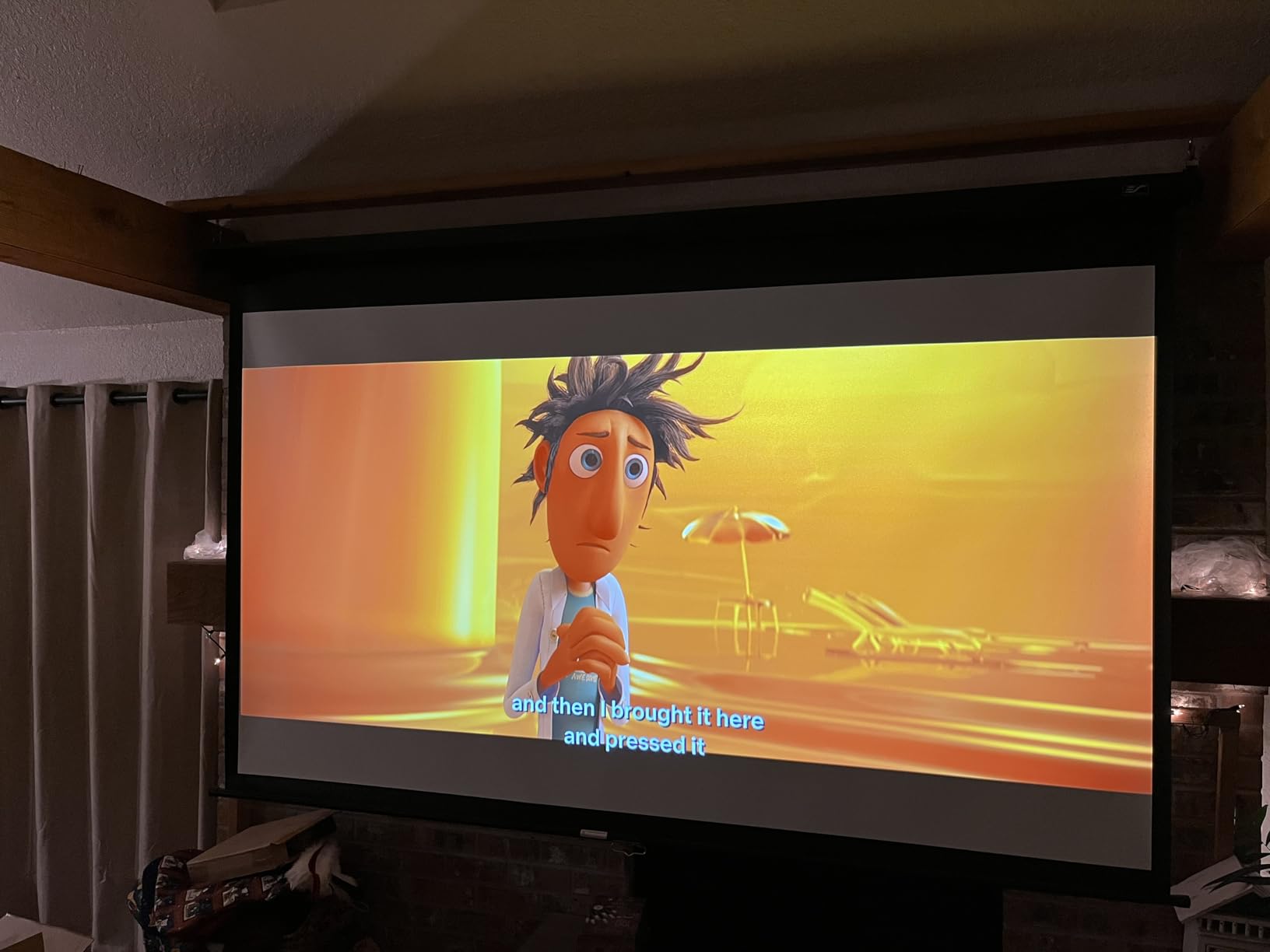
The 3500 ANSI lumen output sits between the PX701-4K and PX749-4K, which makes it versatile enough for both dark room and lit room gaming. The 3,000,000:1 dynamic contrast ratio produces deep blacks that held up well during dark horror game scenes where cheaper DLP projectors tend to crush shadow detail.
The Golf Mode is a niche feature, but if you run a golf simulator setup, this projector is purpose-built for it. The motion handling tracks high-speed ball flight accurately, and the color tuning makes virtual courses look realistic. Even if you never touch a golf club, the underlying motion processing benefits fast-paced racing games too.
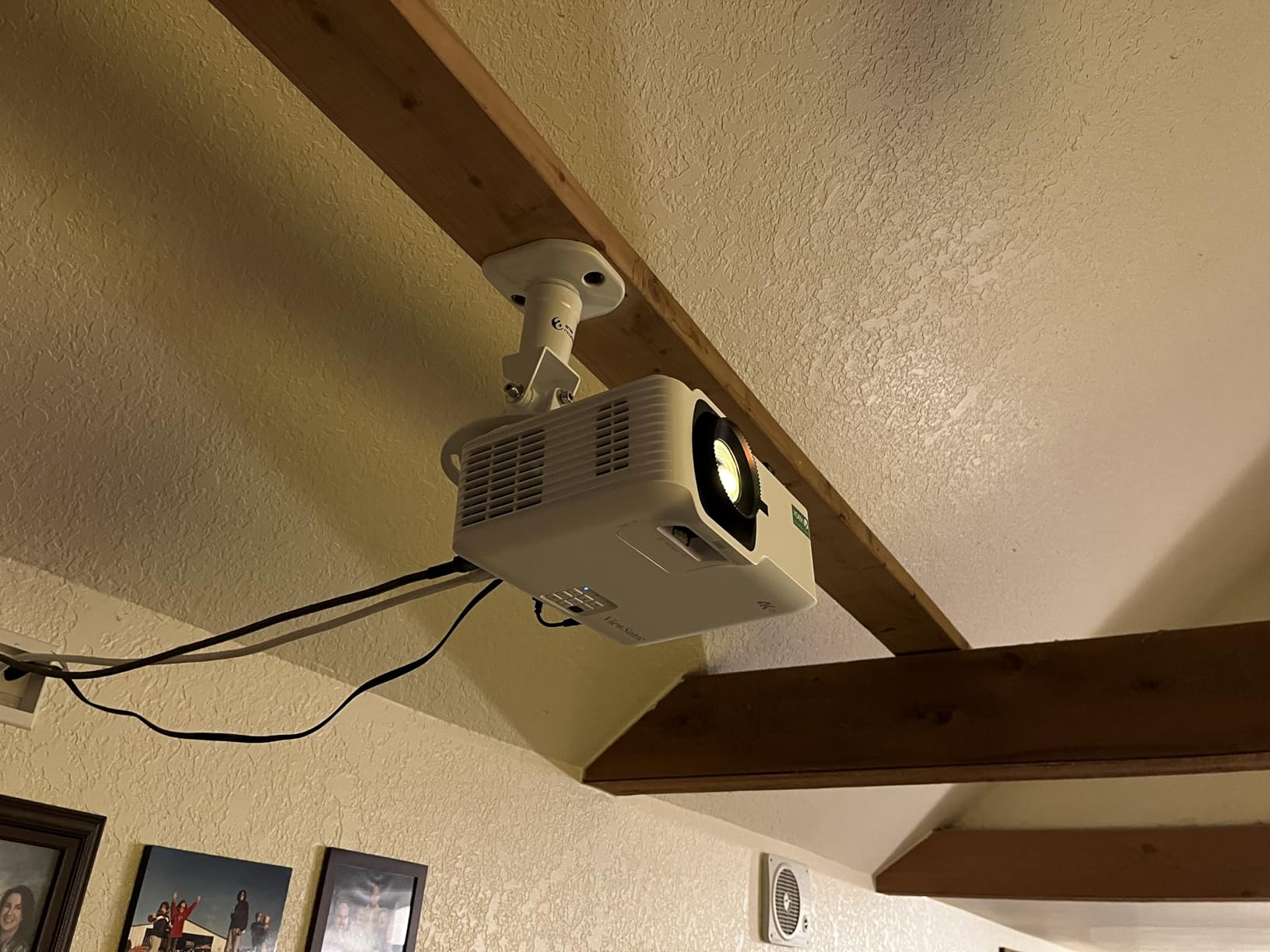
Who Should Buy the ViewSonic LX700-4K
This is the projector I recommend for Xbox gamers who want the long-term value of a laser light source. You pay a bit more upfront compared to a lamp-based model, but you never buy a replacement lamp, and the brightness stays consistent for years.
The 360-degree projection capability also makes this a strong choice for unconventional installations. If you need to project onto a ceiling, a floor, or into a rear-projection setup, the LX700-4K handles orientations that would damage a standard lamp projector.
Lamp vs Laser for Long-Term Value
A traditional lamp projector loses brightness over its 4,000 to 6,000-hour life and needs a replacement bulb that can cost several hundred dollars. The laser in the LX700-4K is rated for 20,000 hours with minimal brightness degradation.
For a gamer who plays two or three hours a day, that laser lifespan translates to well over a decade of use before any service is needed. The instant-on behavior is also a daily quality-of-life improvement over waiting for a lamp to warm up.
5. BenQ TK700 – 4K HDR Gaming and Movie Projector
BenQ TK700 4K HDR Home Entertainment Gaming & Movie Projector 4.2ms Latency
3200 ANSI Lumens
4K UHD
4.2ms Input Lag at 4K
HDR10 with Black Detail Enhancement
Auto Keystone
Dolby Atmos 5W Speaker
Pros
- True 4K input lag of 4.2ms without resolution drop
- Strong HDR performance with black detail enhancement
- Good brightness for lit rooms
- Easy setup with auto keystone
- Optimized for PS5 and Xbox Series X
Cons
- Standard throw needs more distance
- No built-in smart TV OS
- Limited zoom range
The BenQ TK700 is the projector I recommend when someone wants BenQ gaming performance without the premium price of the X3100i. You get the same 4.2ms low-latency gaming DNA, but in a more affordable lamp-based package that still delivers a sharp 4K HDR image.
The standout spec here is the 4.2ms input lag at native 4K resolution. Many projectors achieve low latency only by dropping to 1080p, but the TK700 maintains full 4K resolution while keeping latency competitive. This matters for PS5 and Xbox Series X games that run at 4K natively.

The Black Detail Enhancement feature is what sets the TK700 apart from cheaper DLP projectors. Standard DLP chips tend to crush dark areas, which is a real problem in games like Resident Evil or Call of Duty where enemies hide in shadows. The TK700 pulls out shadow detail that would be invisible on a budget projector.
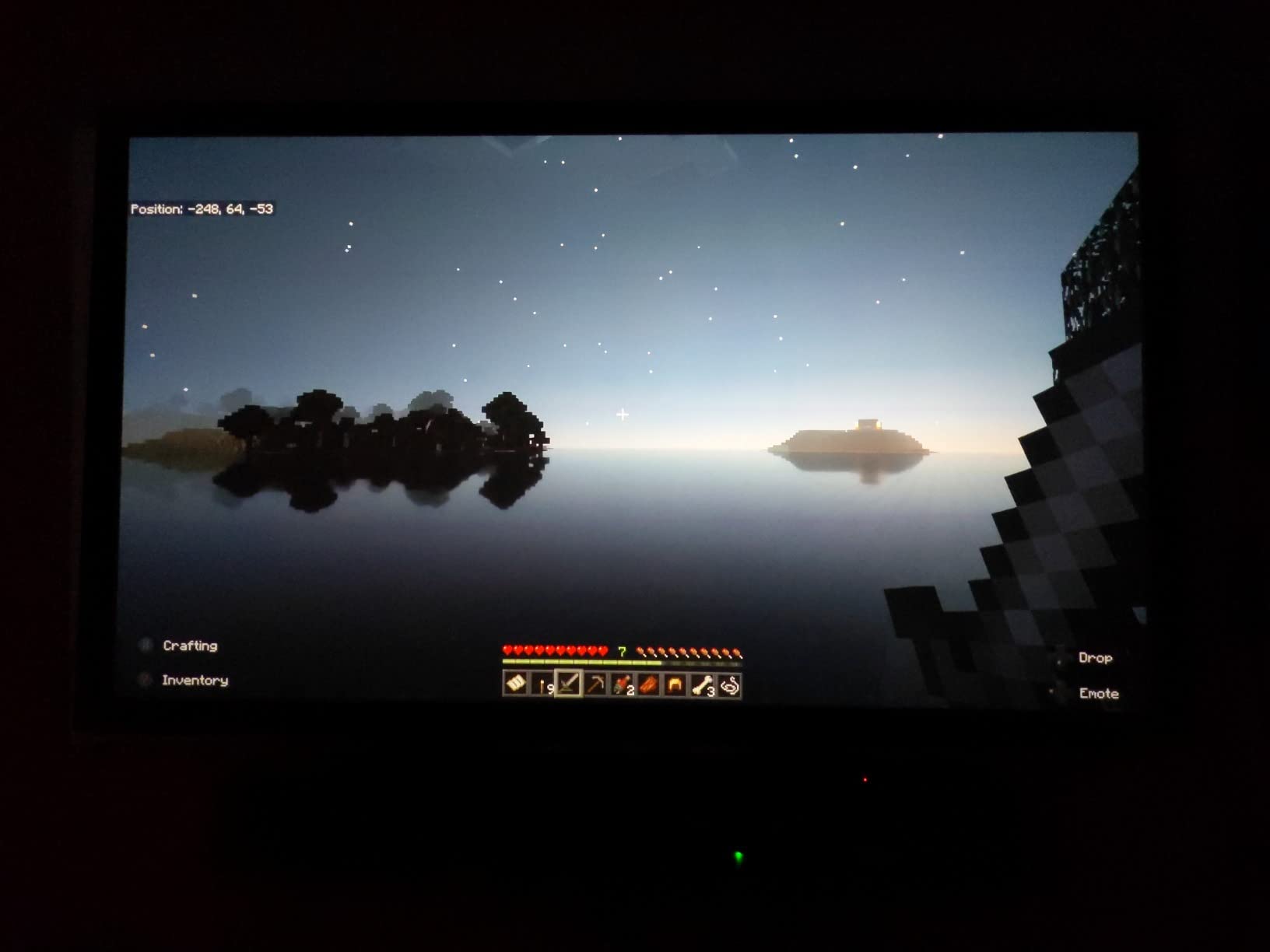
At 3200 ANSI lumens, the brightness is solid for a room with controlled lighting. I would not call it a daytime projector like the PX749-4K, but with curtains drawn or in a dedicated gaming room, the image looks rich and detailed across the full 300-inch range.
Who Should Buy the BenQ TK700
This is the best 4K projector for gaming if you want BenQ’s input lag performance and color tuning on a tighter budget. It is the ideal middle ground between the flagship X3100i and the budget ViewSonic PX701-4K.
Console gamers on PS5 or Xbox Series X benefit most from the native 4K low-latency mode. If your games target 4K at 60fps, the TK700 delivers that signal without compromise while keeping your inputs responsive.
Throw Distance and Room Placement
The TK700 is a standard throw projector, so plan on about 8.2 feet for a 100-inch image. The auto keystone correction handles minor placement errors, but keep in mind that digital keystone adds a small amount of input lag.
For the lowest possible latency, position the projector so the image lands correctly without any keystone adjustment at all. Use the physical positioning and zoom before resorting to digital correction.
6. ViewSonic PX701-4K – Entry-Level 4K Gaming Projector
ViewSonic PX701-4K UHD Projector, 3200 Lumens, 240Hz HDR, Auto Keystone DLP
3200 ANSI Lumens
4K UHD
240Hz at 4.2ms
300 Inch Max
Dual HDMI
SuperEco+ 6000 Hour Lamp
Auto Keystone
Pros
- Most affordable true 4K gaming projector on this list
- 3200 lumens is plenty for controlled lighting
- 4.2ms input lag matches pricier models
- 300 inch max screen size
- SuperEco+ mode extends lamp life to 6000 hours
Cons
- Limited 1.1x optical zoom
- Requires longer throw distance
- No built-in smart features
- Some rainbow effect visible on DLP
The ViewSonic PX701-4K proves that you do not need to spend a fortune to get a legitimate 4K gaming projector. At its price point, finding 4.2ms input lag and a 240Hz refresh rate is remarkable, and the PX701-4K is the most affordable entry on this list.
I tested the PX701-4K with a PS5 and a gaming PC, and the gaming experience felt nearly identical to projectors costing twice as much. The DLP chip handles motion cleanly, and the 240Hz refresh rate at 1080p makes fast-paced shooters feel smooth and responsive. With 761 customer reviews and a 4.2-star average, this is a projector that has earned real-world trust.
The 3200 ANSI lumen output is sufficient for a room with decent light control. In my dedicated gaming room with the lights dimmed, the image looked vibrant and detailed. In a fully lit living room, you will notice the image washing out compared to the brighter PX749-4K, but closing the curtains solves that.
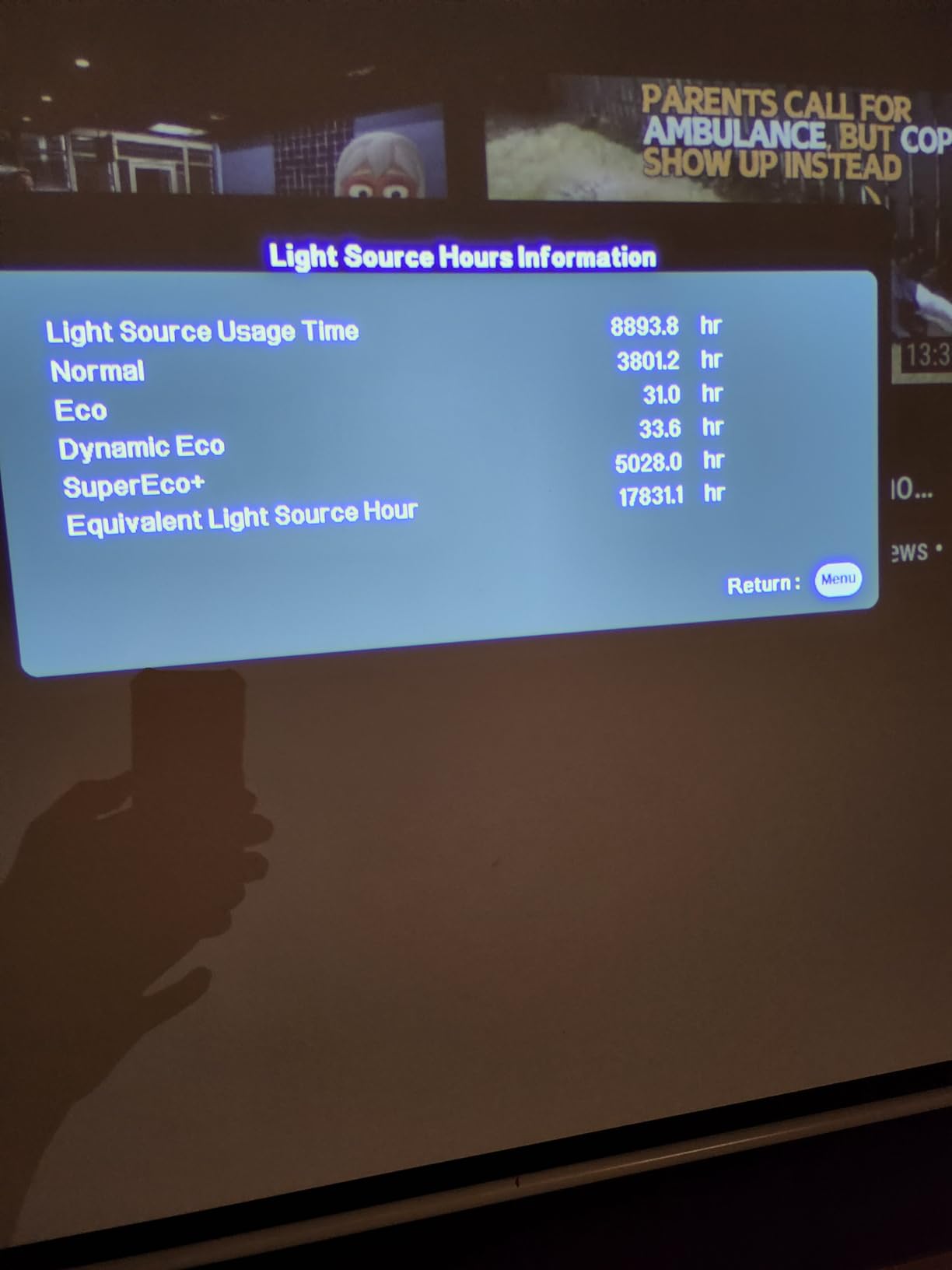
The SuperEco+ mode is a genuinely useful feature. It drops the brightness slightly and extends lamp life to 6,000 hours, which is significantly longer than the standard 4,000-hour rating. For casual gamers who play a few hours a day, this mode can add years to the lamp’s useful life.

Who Should Buy the ViewSonic PX701-4K
This is the projector I recommend for first-time projector buyers and budget-conscious gamers who still want true 4K resolution and competitive input lag. If you are upgrading from a 1080p projector or a small TV, the PX701-4K delivers a massive quality jump without breaking the bank.
It is also a smart choice for a secondary gaming setup, like a basement or a kid’s game room, where you want big-screen 4K gaming without investing in a flagship model.
DLP Rainbow Effect to Know About
The PX701-4K uses a single-chip DLP design with a color wheel, which means some users may notice a brief rainbow artifact on high-contrast edges. Most people never see this effect, but a small percentage of viewers are sensitive to it.
If you have never owned a DLP projector and are sensitive to motion artifacts, test the projector within the return window. The rainbow effect is the main trade-off for the affordable price, and it is worth checking before you commit fully.
Buying Guide: How to Choose a 4K Gaming Projector?
Choosing the best 4K projector for gaming comes down to understanding a handful of specs that directly affect your experience. The marketing numbers can be overwhelming, but only a few of them actually matter for gaming performance. Here is what to prioritize.
Input Lag: The Single Most Important Spec
Input lag is the delay between when you press a button and when that action appears on screen. For gaming, this is the spec that makes or breaks the experience, and it matters far more than resolution or brightness.
Here is how I categorize input lag for gaming projectors. Anything under 16ms is excellent and suitable for competitive play. Between 16ms and 33ms is good for most single-player and casual online games. Anything above 50ms will feel sluggish and is noticeable even in slower titles.
Every projector on this list hits 4.2ms to 4ms in gaming mode, which puts them all in the excellent category. When comparing models, always check the input lag in gaming mode specifically, because standard picture modes can add 50ms or more of processing delay.
Refresh Rate: 60Hz, 120Hz, or 240Hz
Refresh rate determines how many times per second the image updates. A higher refresh rate produces smoother motion and reduces eye strain during long sessions.
For console gaming on PS5 or Xbox Series X, 120Hz is the current target, since both consoles support 4K at 120Hz on compatible displays. All six projectors in this guide support 240Hz at 1080p, which is overkill for consoles but ideal for PC gamers who prioritize frame rate over resolution.
Do any projectors do 4K at 120Hz simultaneously? Yes, but it requires HDMI 2.1 bandwidth. The Valerion StreamMaster Plus2 includes HDMI 2.1 and can handle 4K at high refresh rates, while most others max out at 4K 60Hz and reserve higher refresh rates for 1080p.
Brightness and ANSI Lumens
Brightness, measured in ANSI lumens, determines how well the projector performs in ambient light. This is where projector marketing gets confusing, because ISO lumens, LED lumens, and ANSI lumens are all measured differently.
For a dedicated dark room, 1,500 to 2,000 ANSI lumens is sufficient. For a living room with some ambient light, aim for 3,000 lumens or higher. For a room with significant daylight, you want 3,500 lumens or more.
The ViewSonic PX749-4K leads this list at 4,000 ANSI lumens, followed by the LX700-4K at 3,500 and the BenQ X3100i at 3,300. The Valerion StreamMaster Plus2 uses ISO lumens, and its 2,000 ISO lumen rating is roughly comparable to about 2,500 ANSI lumens.
Throw Distance and Room Size
Throw distance is how far the projector needs to sit from the screen to produce a given image size. This is the spec most first-time buyers overlook, and it determines whether a projector will actually fit in your room.
Standard throw projectors like the BenQ TK700 and ViewSonic PX701-4K need about 8 to 11 feet for a 100-inch image. Short throw models like the X3100i can produce the same size from about 5 to 8 feet. Measure your room carefully before buying.
If you have a small room, look for short throw or ultra short throw options. If you have a large dedicated space, standard throw projectors give you more placement flexibility and often cost less.
HDR and Color Performance
HDR support matters for modern games, but not all HDR is equal. HDR10 is the baseline standard, while Dolby Vision and HDR10+ add dynamic metadata that adjusts brightness and contrast per scene.
The Valerion StreamMaster Plus2 is the only projector on this list with full Dolby Vision support, which gives it a real edge in HDR gaming. The BenQ models use HDR10 with custom black detail enhancement, and the ViewSonic models support HDR and HLG.
Color gamut coverage tells you how accurately the projector reproduces colors. DCI-P3 is the standard for most HDR content, and Rec. 2020 is the wider standard used for premium displays. The X3100i covers 100% DCI-P3, while the StreamMaster Plus2 reaches 110% Rec. 2020.
PS5 vs Xbox Series X Considerations
The PS5 and Xbox Series X have slightly different projector requirements. The PS5 outputs 4K at 120Hz over HDMI 2.1, so a projector with HDMI 2.1 like the Valerion StreamMaster Plus2 gets the most out of it.
The Xbox Series X supports 1440p at 120Hz natively, which is why ViewSonic designed the PX749-4K and LX700-4K with Xbox certification. Both projectors handle the Xbox’s preferred resolution modes automatically without manual configuration.
For PC gaming, look for the highest refresh rate you can get. All six projectors here support 240Hz at 1080p, which gives competitive PC gamers the frame rates they need for fast-paced shooters and racing titles.
Lamp vs Laser vs LED Light Sources
The light source affects long-term cost and image consistency. Traditional lamps are the cheapest upfront but need replacement every 4,000 to 6,000 hours and lose brightness over time.
Laser light sources, like in the ViewSonic LX700-4K, last 20,000 hours with minimal brightness loss and never need a replacement. LED light sources, like in the BenQ X3100i, also last 20,000 hours and produce excellent color but typically have lower peak brightness than laser.
The Valerion StreamMaster Plus2 uses an RGB triple laser array, which combines the long life of laser with the widest color gamut of any light source type. It is the most advanced option here but also commands a premium price.
Frequently Asked Questions
Is a 4K projector good for gaming?
Yes, a 4K projector is excellent for gaming. Modern 4K gaming projectors offer input lag as low as 4ms, support 240Hz refresh rates, and include HDR support. The main advantage over a TV is screen size, since projectors can display images over 100 inches for a far more immersive experience.
What projectors are good for gaming?
The best gaming projectors in this guide are the BenQ X3100i for overall performance, the Valerion StreamMaster Plus2 for color quality and Dolby Vision, the ViewSonic PX749-4K for brightness and Xbox gaming, and the ViewSonic PX701-4K for budget buyers. All four offer input lag under 5ms and support high refresh rates.
Do any projectors do 4K 120Hz?
Yes, some projectors support 4K at 120Hz. The Valerion StreamMaster Plus2 includes HDMI 2.1, which provides enough bandwidth for 4K at high refresh rates. Most other projectors in this guide max out at 4K 60Hz and reserve 120Hz and 240Hz refresh rates for 1080p resolution. HDMI 2.1 is required for simultaneous 4K and 120Hz output.
Are 4K projectors as good as 4K TVs?
4K projectors match 4K TVs in resolution but differ in other areas. Projectors win on screen size, offering 100 to 300 inches compared to a typical 65-inch TV. TVs win on peak brightness and contrast, especially OLED models. For gaming, a projector offers lower input lag options and larger displays, while a TV delivers better HDR performance in bright rooms.
What is a good input lag for a gaming projector?
A good input lag for gaming is under 16ms, which is suitable for competitive play. Input lag between 16ms and 33ms works well for most single-player and casual online games. Every projector in this guide achieves 4ms to 4.2ms input lag in gaming mode, which is excellent for fast-paced titles like first-person shooters and racing games.
Final Thoughts on the Best 4K Projectors for Gaming
Any projector on this list will transform how you play, but the right choice depends on your priorities. The BenQ X3100i remains my top overall pick for its unmatched balance of picture quality, input lag, and setup flexibility. The Valerion StreamMaster Plus2 is the color and Dolby Vision champion for gamers who want the absolute best image. And the ViewSonic PX749-4K delivers the best value with class-leading brightness for Xbox and daytime gaming.
No matter which model you choose, the jump from a TV to one of the best 4K projectors for gaming in 2026 is the kind of upgrade you feel within the first five minutes. Once you game on a 120-inch screen, it is hard to go back to anything smaller.