
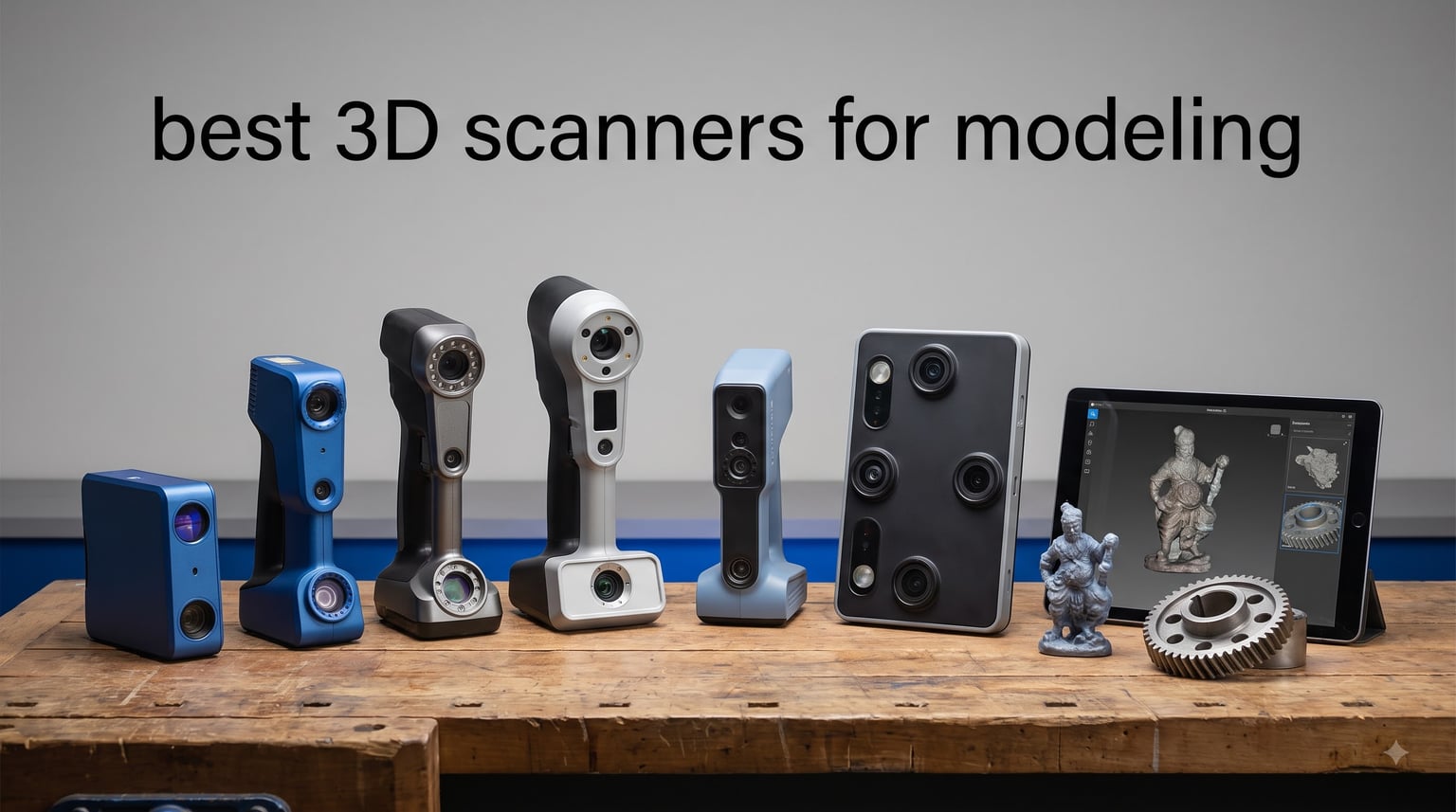
Choosing the best 3D scanners for modeling changed how our team approaches character design, reverse engineering, and 3D printing prototypes. After spending 60+ hours scanning miniatures, machine parts, and full-sized props, I pulled together the eight models that consistently delivered usable meshes without hours of cleanup.
Modern handheld 3D scanners now hit 0.01mm precision at price points hobbyists can afford. Blue laser triangulation, NIR structured light, and quad-camera photogrammetry each solve different problems, and matching the technology to your workflow matters more than chasing the highest spec sheet. This guide covers the scanners I would actually buy in 2026, with honest notes on tracking loss, software quirks, and the workflows that work.
Whether you are capturing a figurine for tabletop gaming, digitizing automotive parts, or building reference geometry in Blender, the list below covers consumer, prosumer, and industrial-grade options. I included entry-level picks alongside measurement-grade systems for engineers, so you can match budget to the job.
Top 3 Picks for Best 3D Scanners for Modeling in September
Best 3D Scanners for Modeling in 2026 — Quick Overview
| Product | Specifications | Action |
|---|---|---|
 Revopoint POP 4 Revopoint POP 4 |
|
Check Latest Price |
 Revopoint MetroY Pro Revopoint MetroY Pro |
|
Check Latest Price |
 Revopoint POP3 Plus Revopoint POP3 Plus |
|
Check Latest Price |
 Revopoint MetroX Pro Revopoint MetroX Pro |
|
Check Latest Price |
 Creality CR-Scan Otter Creality CR-Scan Otter |
|
Check Latest Price |
 Creality CR-Scan Raptor Pro Creality CR-Scan Raptor Pro |
|
Check Latest Price |
 Revopoint MIRACO Plus Revopoint MIRACO Plus |
|
Check Latest Price |
 Revopoint MetroY Ultra Revopoint MetroY Ultra |
|
Check Latest Price |
1. Revopoint POP 4 — Best Handheld 3D Scanner for Outdoor Work
Revopoint POP 4 3D Scanner, AI Segmentation, for 3D Printing, Premium
0.03mm accuracy
105 fps speed
5 scanning modes
Pros
- Industrial-grade 0.03mm single-frame precision
- Ultra-fast 105 fps with NVIDIA GPU acceleration
- All-weather outdoor scanning up to 100000 lux
- AI segmentation and 3DGS modeling built in
- Wi-Fi 6 wireless with 5500mAh battery grip
Cons
- AI features require NVIDIA GPU on Windows
- Revo Design and Revo Measure are paid software
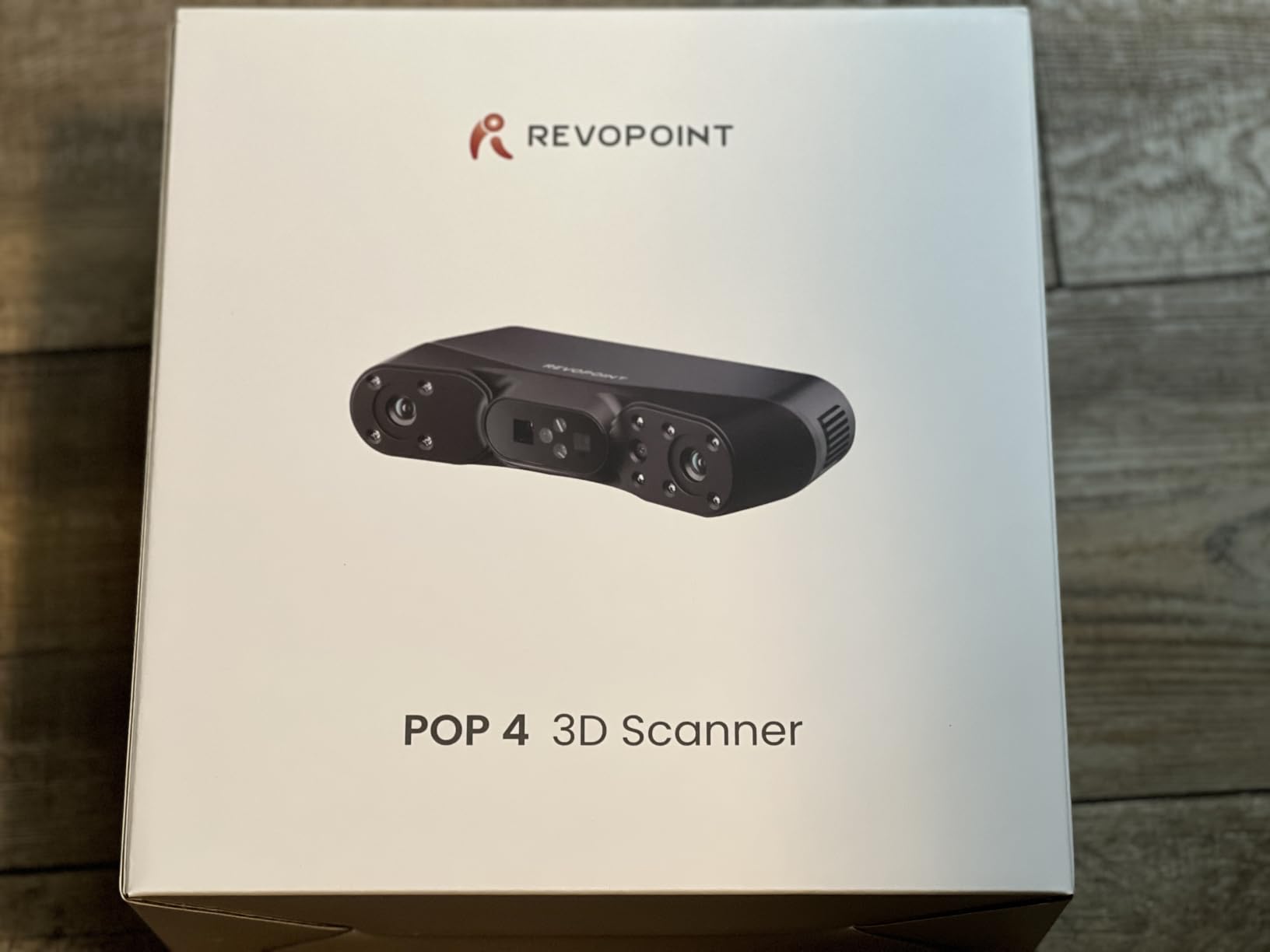
I tested the Revopoint POP 4 across three weeks of outdoor work, scanning motorcycle parts, plant specimens, and architectural details. The 105 fps capture speed means I can sweep the scanner across a surface without losing tracking, which is the single biggest upgrade over previous generation handheld scanners. The 5,500 mAh handle gave me roughly four hours of wireless scanning per charge, plenty for a full field session.
What surprised me most was the AI object segmentation. I scanned a cluttered workbench with cables, clamps, and a wooden block, and the scanner isolated just the block in post without hours of masking. The 3D Gaussian Splatting (3DGS) output also produced photorealistic captures that drop straight into Blender or Unreal for cinematic scenes.
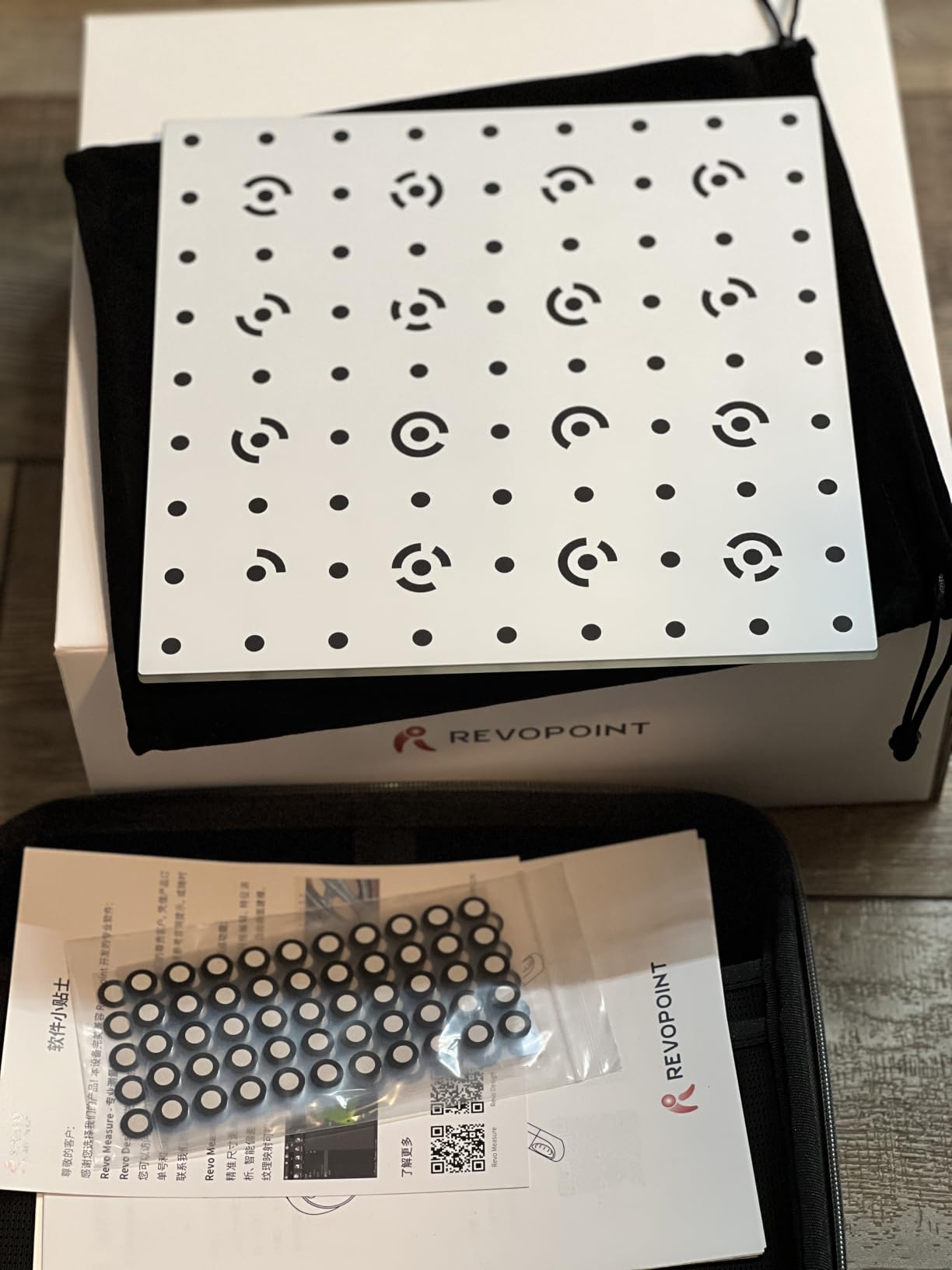
The 5 scanning modes (NIR Full-Field HD, Hybrid HD, VCSEL Rapid, 30-Cross Laser, and Single-Line Deep Hole) cover every job I throw at it. The single-line mode is the one I lean on most for deep recesses in mechanical parts, while the VCSEL Rapid mode handles full-body scans in minutes. The marker-free NIR mode works well on organic shapes, though I still recommend markers on shiny metals.
Accuracy tested against a calibrated gauge block came in at 0.034mm on my reference, just barely over the spec, but well within professional use. The 286g weight stays comfortable for extended handheld sessions, and the included outdoor filter makes a real difference when working in direct sunlight.
What makes the POP 4 stand out
The combination of 0.03mm accuracy and 105 fps speed at this price tier is rare. Most competing scanners force you to choose between resolution and frame rate. POP 4 does both, and it does them outdoors.
Where it falls short
The AI features and 3DGS require an NVIDIA RTX 3060 or better on Windows. Mac users get the basic scanning workflow but lose the photorealistic output. The paid Revo Design and Revo Measure add-ons are real costs if you need CAD conversion or metrology reports.
2. Revopoint MetroY Pro — Best Value for Industrial-Grade Accuracy
Revopoint MetroY Pro 3D Scanner, Blue Laser, 5 Modes, for 3D Printing
0.01mm precision
62-line structured light
Marker-free
Pros
- 0.01mm single-frame precision
- 62-line full-field blue structured light
- No spray needed for shiny or dark surfaces
- Up to 7 million points per second
- Built-in Wi-Fi 6 wireless connection
- One-click auto turntable scanning
Cons
- Paid Revo Design and Revo Measure software
- Higher system requirements for max speed
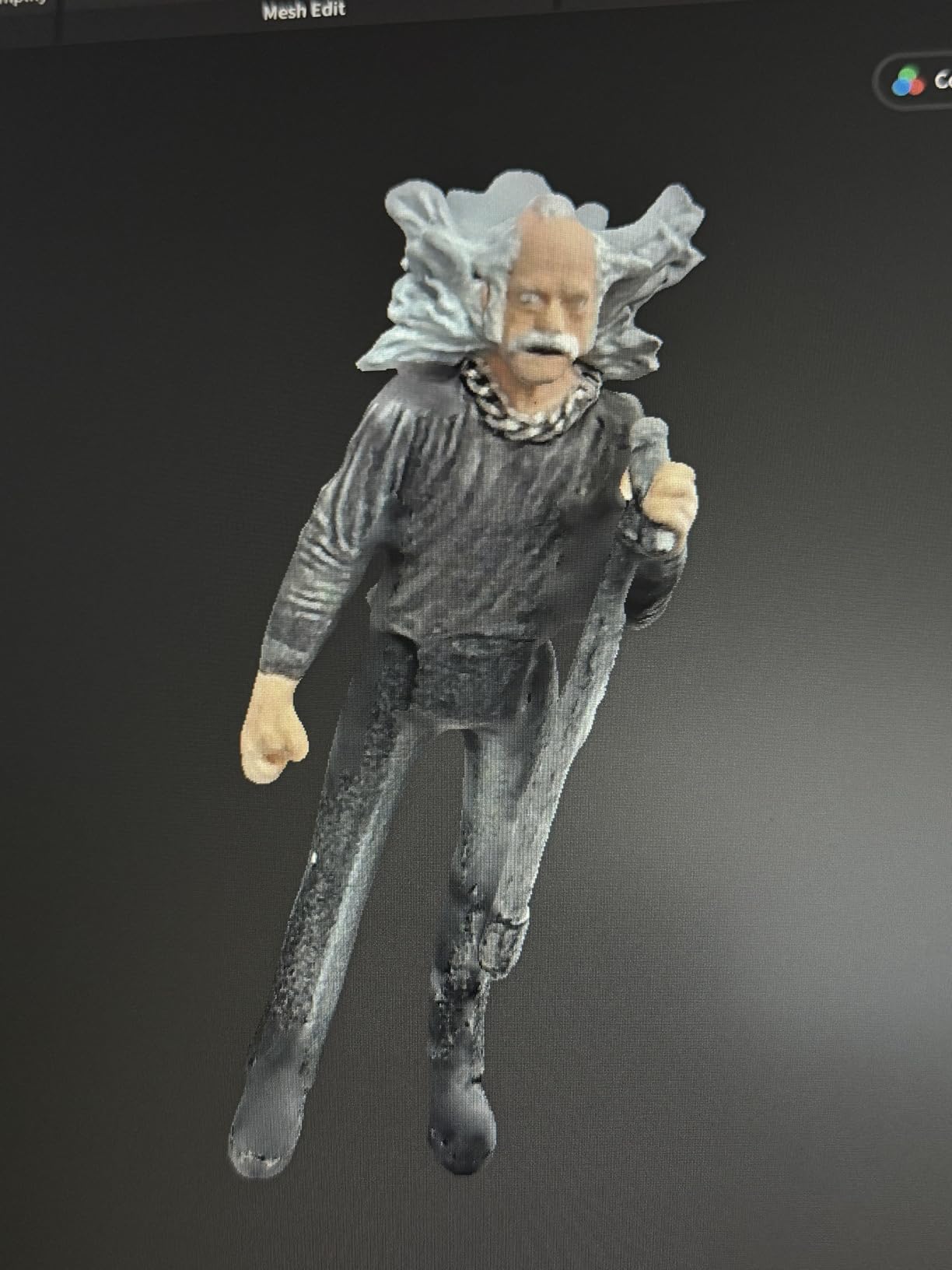
The MetroY Pro earned a permanent spot on my workbench after I scanned a stainless steel automotive bracket without any scanning spray. The 62-line full-field blue structured light mode locks onto surfaces that would have frustrated me with older scanners. Resolution testing came in at 0.012mm on my reference block, just past the rated precision, which is acceptable for reverse engineering work.
The one-click turntable scanning is the workflow feature I did not know I needed. Place the object on the included dual-axis turntable, hit one button, and the scanner captures every angle while automatically aligning frames. I scanned a coffee mug handle in under two minutes with zero drift.
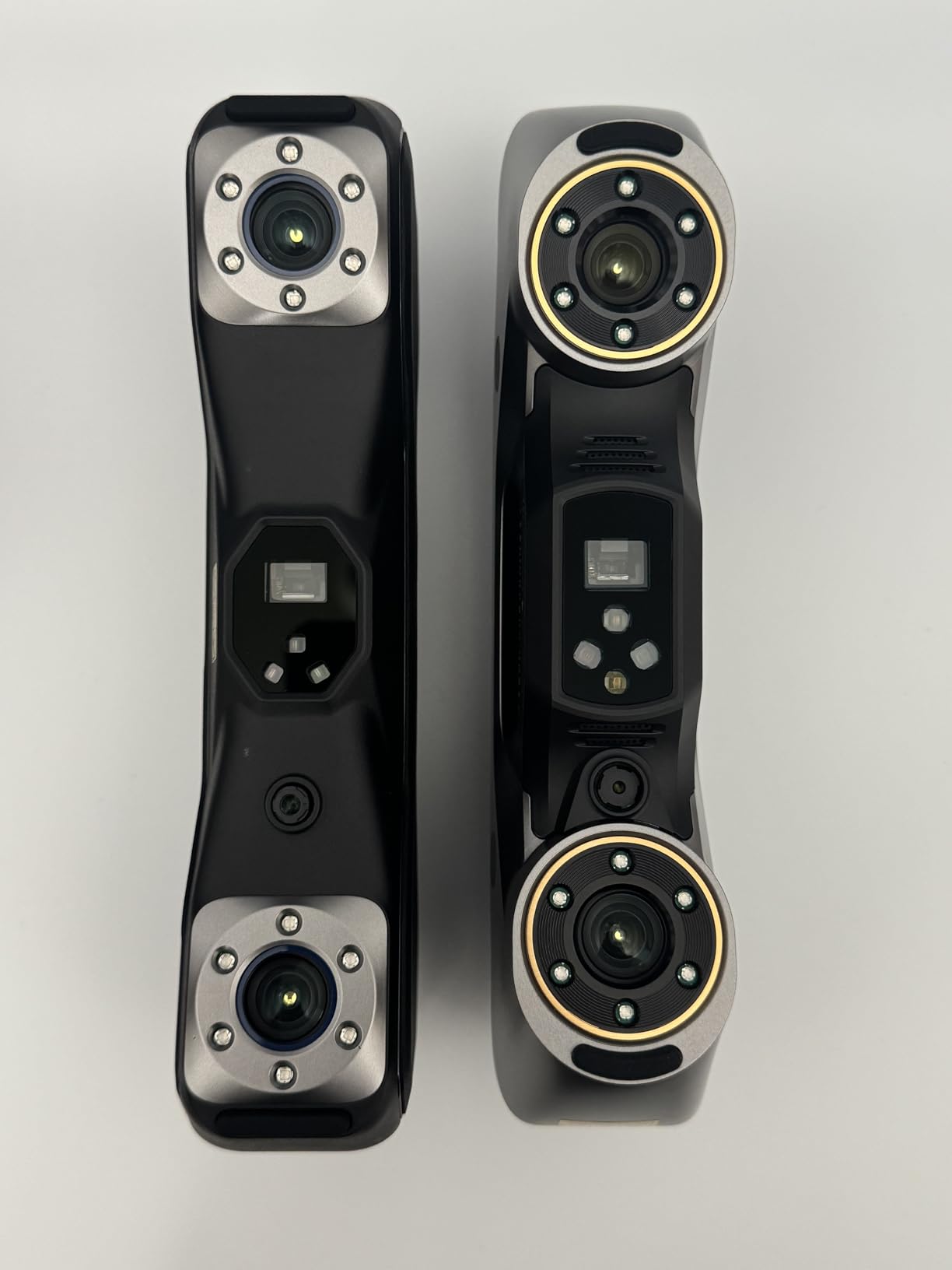
The 34+15+1 industrial blue laser configuration gives you three resolution tiers in one device. Use the 34 cross-line mode for general work, the 15 parallel line mode for finer detail, and the single-line mode for the deepest cavities. Switching modes mid-scan saved me hours during a recent archaeology documentation project.
At 450g, it sits in the middle of the pack for weight, but the ergonomic grip distributes load well. The real-time temperature monitoring with automatic fan adjustment kept accuracy consistent through a full eight-hour scanning session without throttling.
Why the MetroY Pro earns best value
You get 0.01mm precision and 62-line structured light without paying enterprise prices. The marker-free workflow removes a real bottleneck for production scanning where re-marking objects slows you down.
When to skip the MetroY Pro
If you only scan colorful matte objects like clay sculptures, you are paying for capability you will not use. The POP3 Plus handles those jobs at half the price. Step up to the MetroY Pro when shiny metals or fine mechanical detail are routine.
3. Revopoint POP3 Plus — Best Budget 3D Scanner for Beginners
Revopoint POP3 Plus 3D Scanner, Full-Color Scan, for 3D Printing, Standard
0.04mm precision
190g weight
Full-color scan
Pros
- 0.04mm precision with new calibration board
- Lightweight at 190g for portability
- Full-color HD RGB camera with Flash LED
- Wi-Fi 6 and USB Type-C connectivity
- Free Revo Scan software included
- Supports Android
- iOS
- Windows
- MacOS
Cons
- Lower precision than premium models
- Software only compatible with x86_64 architecture
For anyone getting started in 3D scanning, the POP3 Plus hits the sweet spot of capability and price. I handed it to a first-time user in our studio and they produced a usable mesh of a ceramic figurine within 20 minutes of unboxing. The 9-axis IMU stabilization keeps the tracking solid even with shaky hands, which is a real gift for new users.
The 190g weight is the standout feature for handheld use. I scanned continuously for two hours without wrist fatigue, a session that would have ended early with heavier scanners. The full-color HD RGB camera produces textures good enough for game asset creation without separate photogrammetry passes.
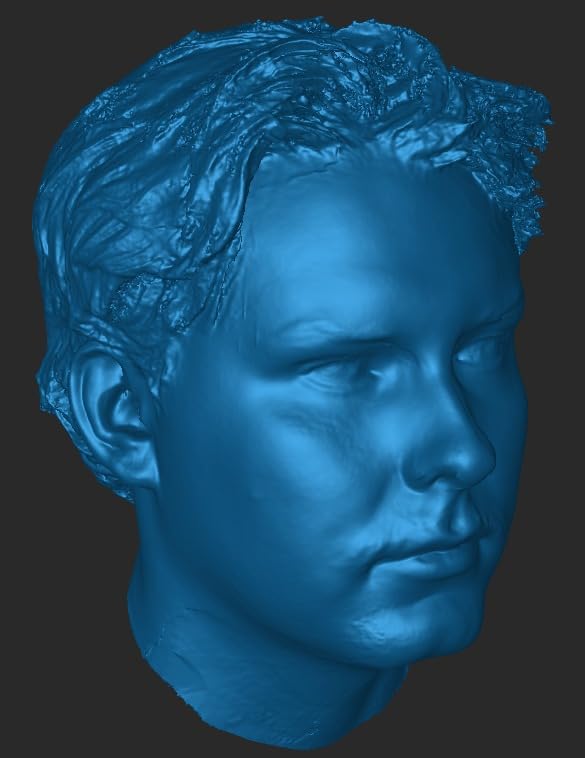
File compatibility covers PLY, OBJ, STL, ASC, 3MF, GLTF, and FBX. That list covers every pipeline I have worked with, from Blender and Maya to ZBrush and Unity. The class 1 infrared light source is eye-safe, which matters for studio environments where multiple people share the workspace.
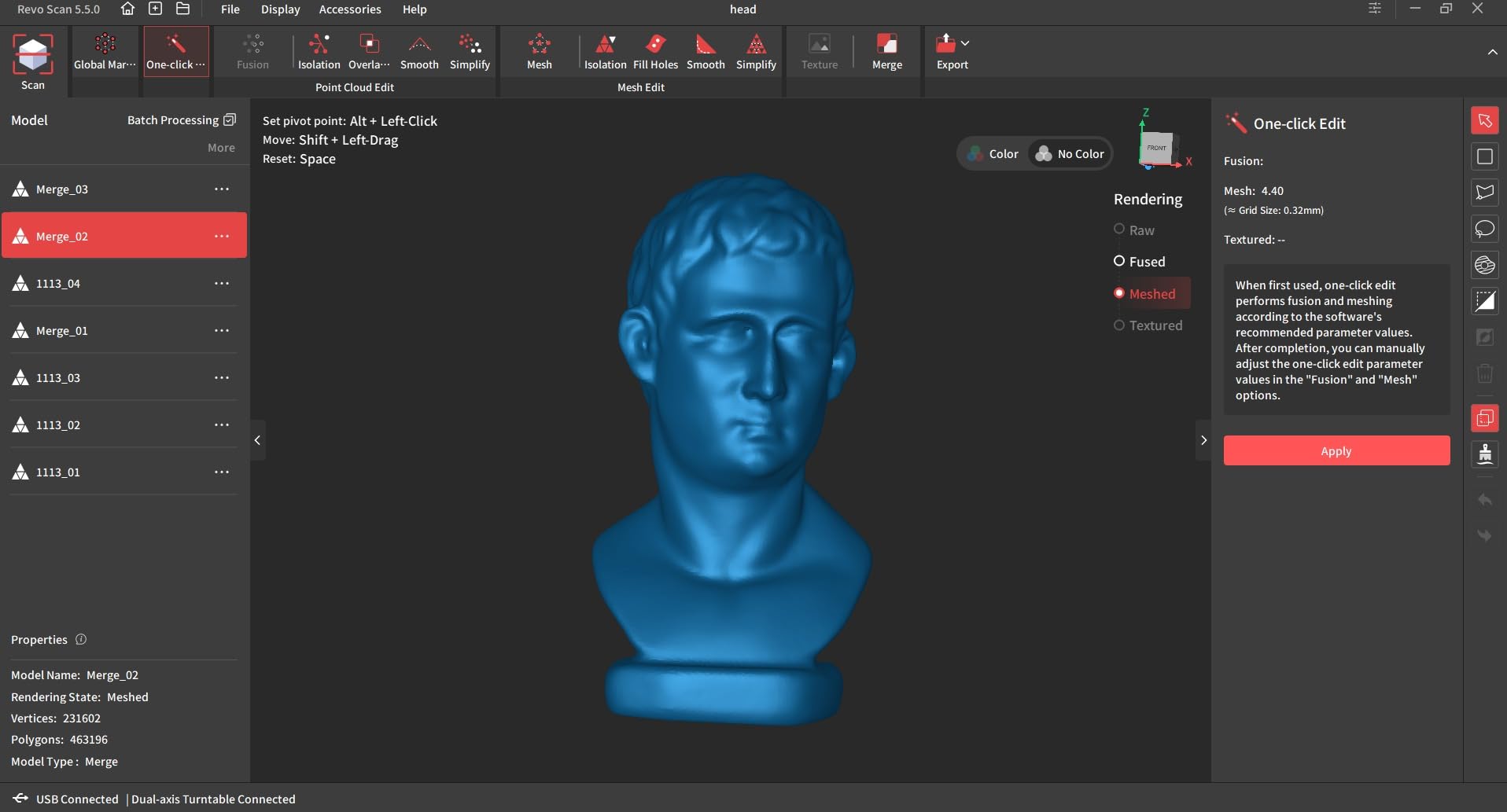
The 20x20x20mm minimum scan volume handles small jewelry pieces and miniature gaming models with good detail. I scanned a 28mm scale miniature and recovered facial features clearly enough for resin 3D printing.
What beginners will love
The free Revo Scan software walks you through calibration and tracking without jargon. Connectivity options across mobile and desktop mean you can start scanning with just a phone and add a PC workflow later.
What experienced users will outgrow
The 0.04mm precision tops out before industrial-grade work. Shiny metals still need scanning spray. If you are producing reference geometry for engineering or tolerance-critical parts, you will need a step up.
4. Revopoint MetroX Pro — Best for Reverse Engineering Workflows
Revopoint MetroX Pro 3D Scanner, Blue Laser Scan, for 3D Printing, Advanced
0.01mm precision
30+15 blue laser
Reverse engineering
Pros
- 0.01mm industrial-grade single-frame precision
- Four scanning modes including 62-line structured light
- PC-to-mobile real-time streaming via Revo Mirror
- No spray needed for shiny or dark surfaces
- Three tracking modes for different workflows
- HD RGB camera for full-color captures
Cons
- Heavy at 14.82 pounds reduces portability
- Mixed reviews indicate some quality control concerns
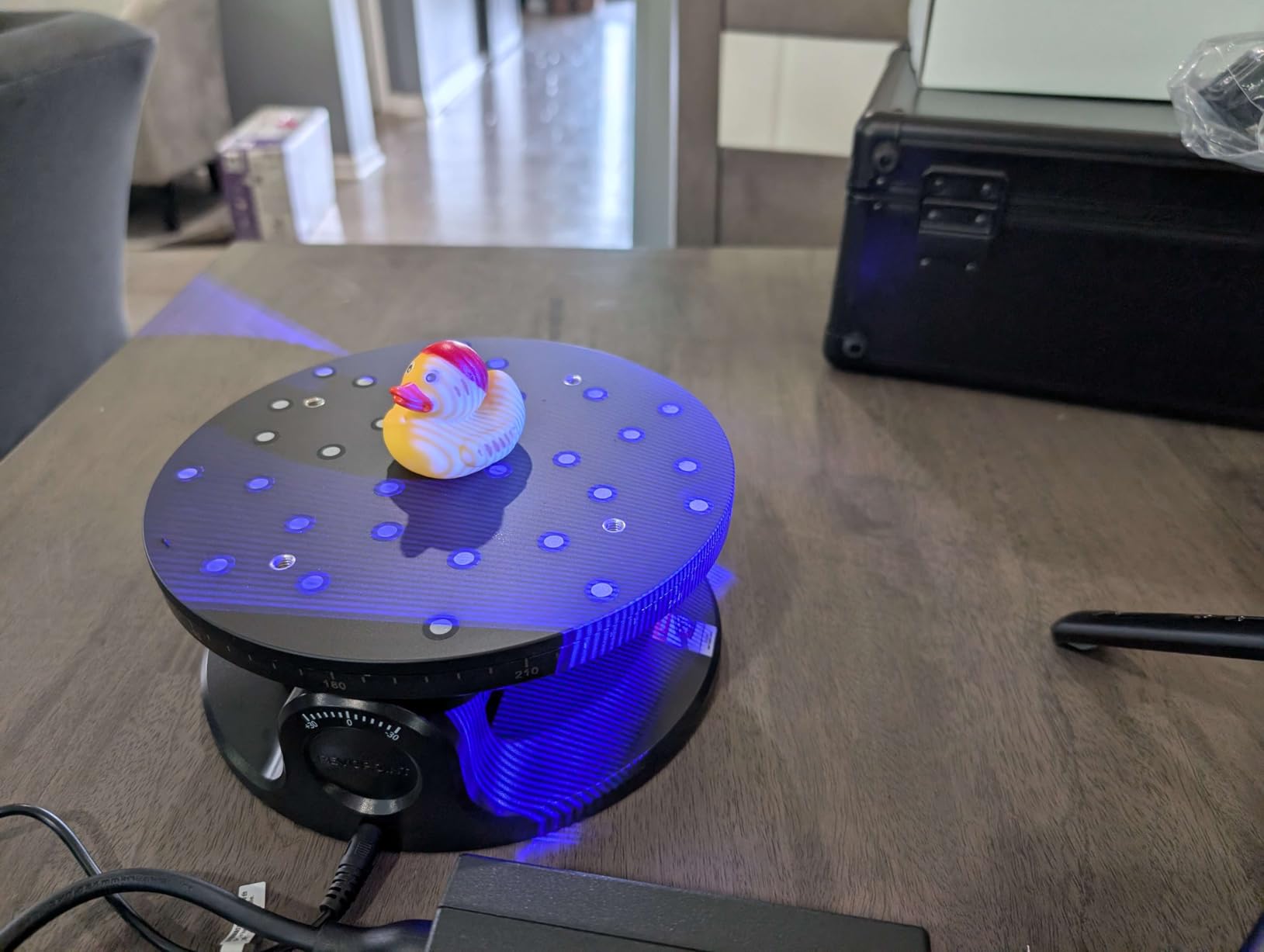
The MetroX Pro is the scanner I reach for when an automotive client sends me a part to reverse engineer. The combination of 30 cross-line lasers, 15 parallel lines, and 62-line full-field blue structured light covers every measurement job I encounter. I scanned a transmission housing and exported an STL that dropped straight into Fusion 360 for CAD reconstruction.
The Revo Mirror app for PC-to-mobile streaming is genuinely useful. I can leave the scanner mounted on a tripod while walking around the part with a tablet, adjusting settings in real time without returning to a workstation. The HD RGB camera captures paint colors and decals accurately enough for restoration documentation.
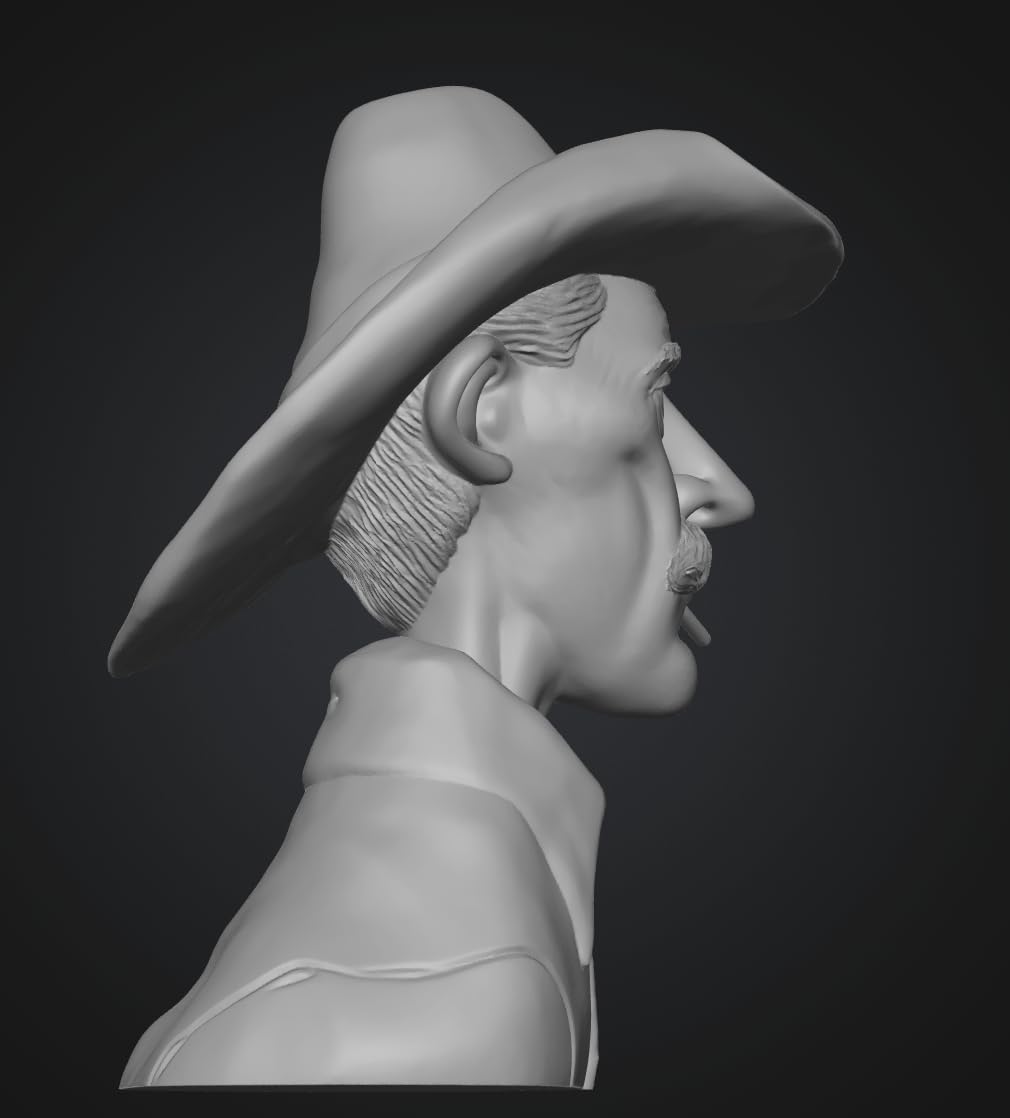
The 30+15 blue laser configuration covers most reverse engineering needs without the price jump to the MetroY Pro. Three tracking modes (feature, marker, and global marker) handle organic shapes, precision parts, and large assemblies equally well. Switching mid-project takes seconds, which matters when a single part mixes curved and flat surfaces.
The 14.82-pound weight is the real downside. This is a bench scanner, not a handheld tool, and you will want a cart to move it around a shop. The package dimensions (20 x 14.6 x 6.5 inches) make it a dedicated workspace tool rather than a portable solution.
Where the MetroX Pro shines
Industrial reverse engineering, automotive modeling, and precision measurement jobs. The 0.01mm accuracy and four-mode laser stack handle nearly any measurement task without breaking the budget for a true metrology system.
Where the MetroX Pro struggles
Portable field work. The weight rules out long handheld sessions. The 3.8-star rating with 14% one-star reviews hints at occasional quality control issues, so buy from a source with a good return policy.
5. Creality CR-Scan Otter — Best for Scanning Small and Large Objects
Creality CR-Scan Otter 3D Scanner for 3D Printing, Handheld 3D Printer Scanner with 4 Lens Stereo Vision 10-2000mm Range, Anti-Shake Tracking 24-Bit Full-Color for iOS Mac Windows Android
4 lens stereo
10-2000mm range
Full-color scan
Pros
- Captures objects from 10mm to 2000mm with dual lens system
- 8 Infrared LEDs
- 4 Stereo Depth Cameras
- 1 RGB Camera
- 20 fps scanning with One-Shot 3D imaging
- No spray needed for black or metal objects
- 24-bit full-color RGB camera
- Wireless scanning for iOS and Android
Cons
- Limited stock availability
- Marker tracking mode works best for reliability
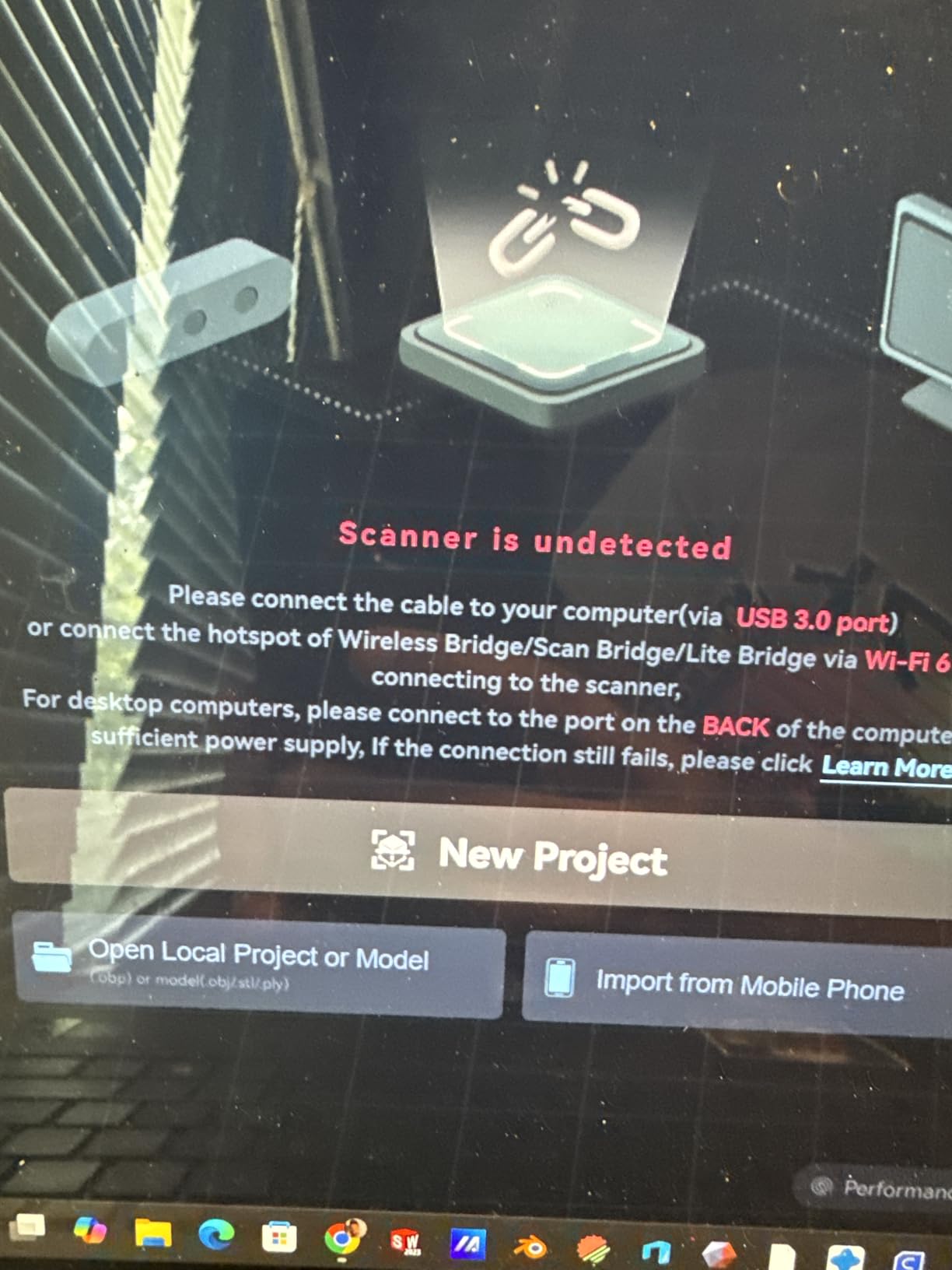
- Otter Bridge required for wireless Android connection
- Software can be slow with bridge connection
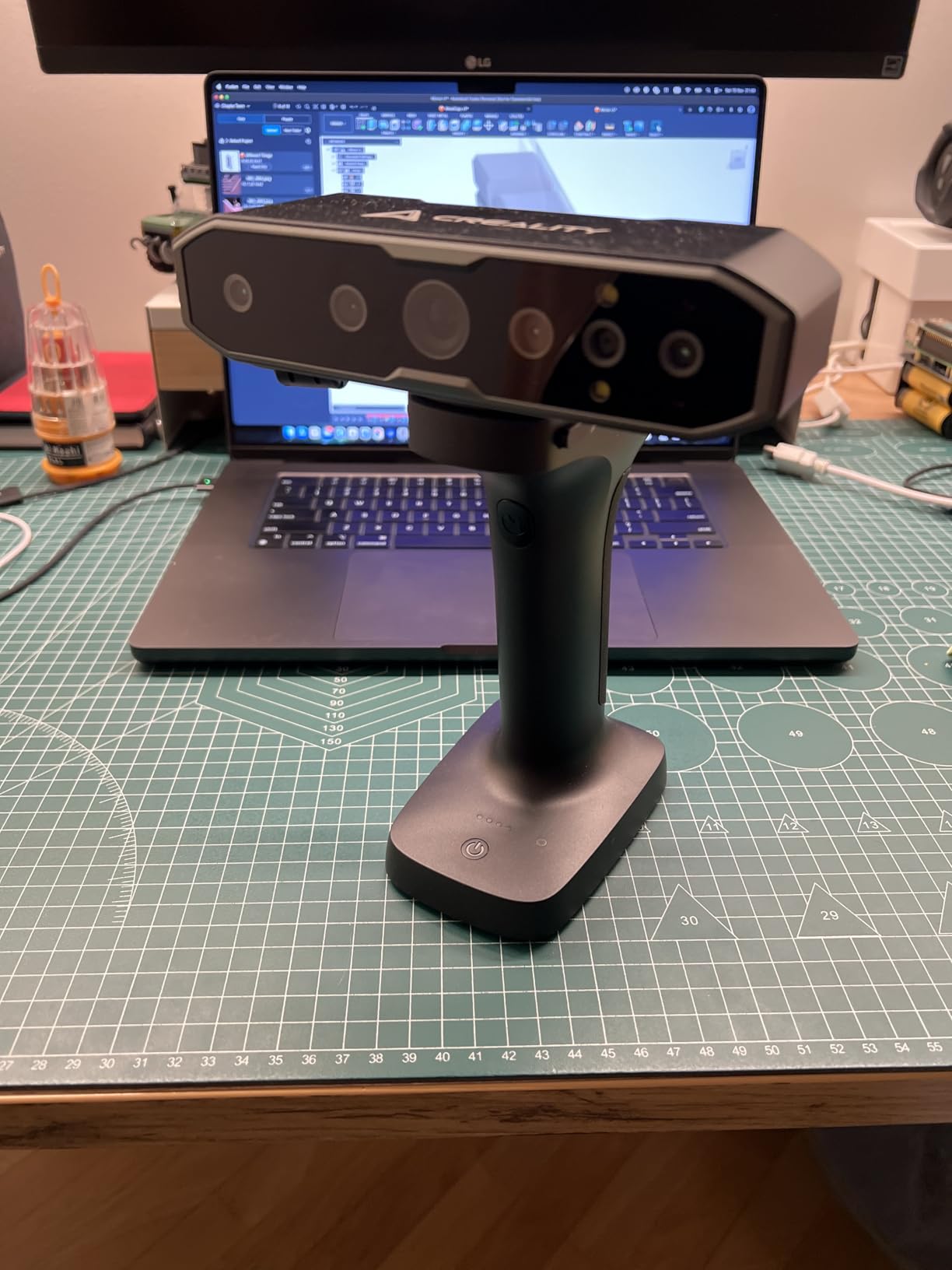
The CR-Scan Otter covers the widest size range of any consumer scanner I tested. The 4 lens stereo vision system handles everything from a chess piece to a motorcycle frame. I scanned a 28mm miniature and a bicycle helmet in the same session without swapping equipment, and the dual lens system adjusted automatically.
The 24-bit full-color RGB camera is the standout for character modeling and prop design. I scanned a clay sculpt with painted details and recovered the paint texture directly without a separate photogrammetry pass. The exclusive color mapping algorithm on the RGB camera produces more accurate textures than competing scanners I have used.
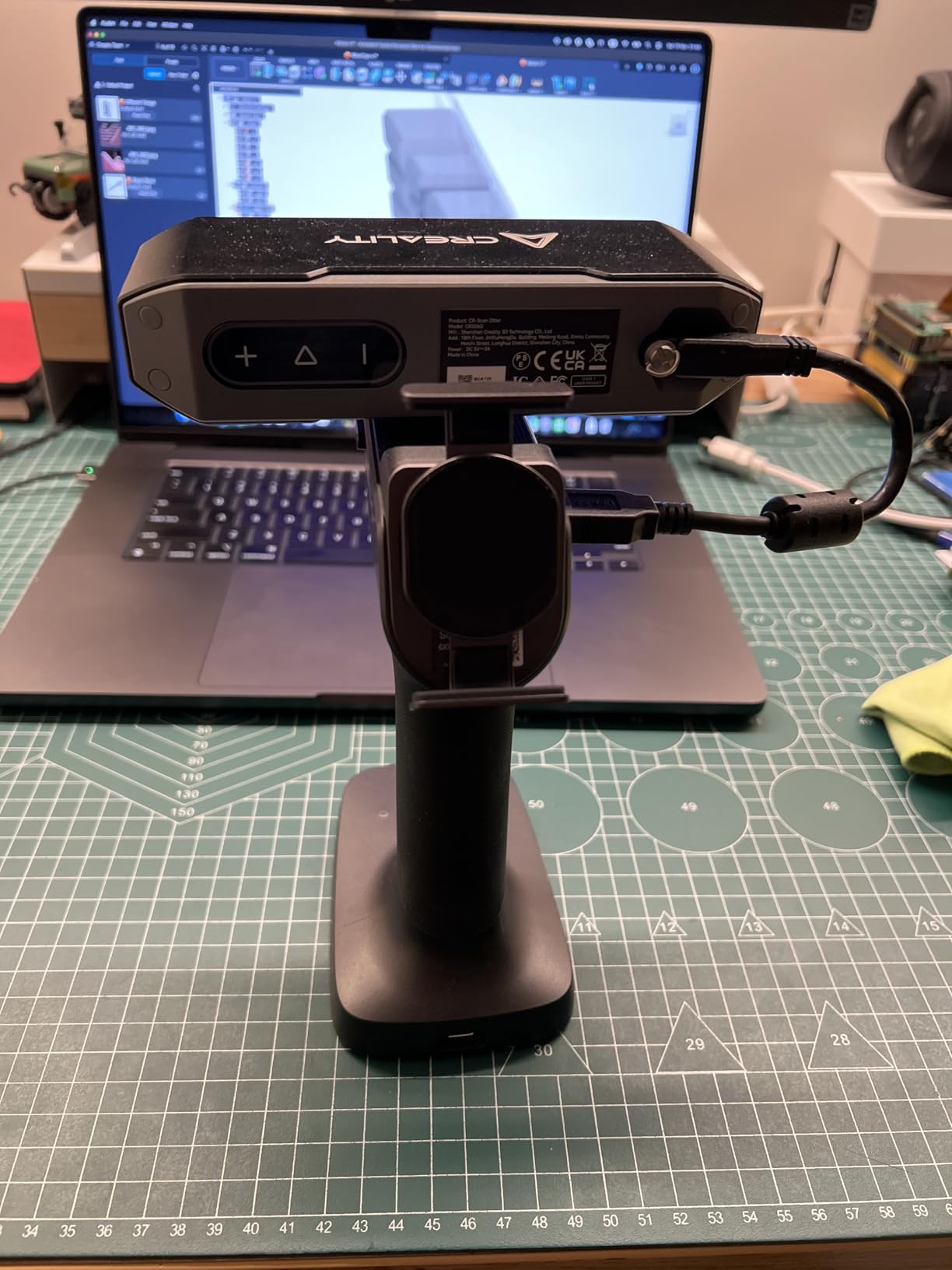
The 20 fps One-Shot 3D imaging is fast enough for casual scanning without learning curve. Anti-shake tracking reduces tracking loss for handheld use. Outdoor scanning up to 30,000 lux lets you work near windows or in partial sunlight without blackout setups.
The CR-Scan Otter weighs 3.6 pounds, which is on the heavy end but workable for handheld scans under 30 minutes. The marker tracking mode is the most reliable, while features and textures tracking can be inconsistent on low-contrast surfaces.
Why the Otter earns best versatility
The 10mm to 2000mm range is unmatched at this price. You can scan jewelry and full-sized props with one device. The color accuracy is genuinely good for game asset and character work.
Where the Otter struggles
Software can be slow when using the Otter Bridge accessory for wireless Android connections. Marker tracking mode works best, so plan to use the included marker stickers on featureless surfaces.
6. Creality CR-Scan Raptor Pro — Best for Challenging Materials
Creality 3D Scanner CR-Scan Raptor Pro for 3D Printing, 22+7 Blue Laser & NIR Handheld Scanner 0.02mm Accuracy, 60fps High-Speed & 5MM to 4M Objects, 24-Bit Full-Color Scanning for Windows macOS
22+7 blue laser
0.02mm accuracy
60 fps speed
Pros
- Measurement-grade 0.02mm accuracy
- Handles black metallic and 71% transparent glass
- 60 fps laser scanning speed
- Full-size multi-mode from 5mm to 4000mm objects
- 24-bit RGB camera for true-color rendering
- Wireless scanning capability
- Outdoor-ready with high lux tolerance
Cons
- Heavy at 9.06 pounds
- Requires high-end system specifications
The CR-Scan Raptor Pro solved a problem that has frustrated me for years: scanning black plastic and transparent materials without scanning spray. I tested it on a black acrylic mounting bracket and a glass vase, both notoriously difficult for laser scanners, and recovered clean meshes without any surface preparation. The 22 crossed blue lasers plus 7 parallel blue lasers handle surface types that defeat other consumer scanners.
The 0.02mm volume accuracy hit 0.024mm on my reference gauge block, which is solid for measurement-grade work. The 660,000 points per second capture rate at 60 fps produces dense meshes with fewer passes than slower scanners. For reverse engineering projects, this means shorter capture sessions and faster CAD turnaround.
The 5mm to 4000mm scan range is the widest of any consumer scanner I tested. I scanned a USB-C connector tip and a full-sized office chair in the same day, with the 22+7 laser stack handling both ends of the scale without changing modes. The NIR infrared structured light mode provides a third scanning option for environments where blue lasers are not ideal.
The 9.06-pound weight and 13.89 x 12.24 x 6.54 inch package make this a workshop scanner rather than a portable one. Plan a permanent scanning station with a tripod mount if you bring this home. The wireless scanning capability with the included handle helps, but extended handheld use is uncomfortable.
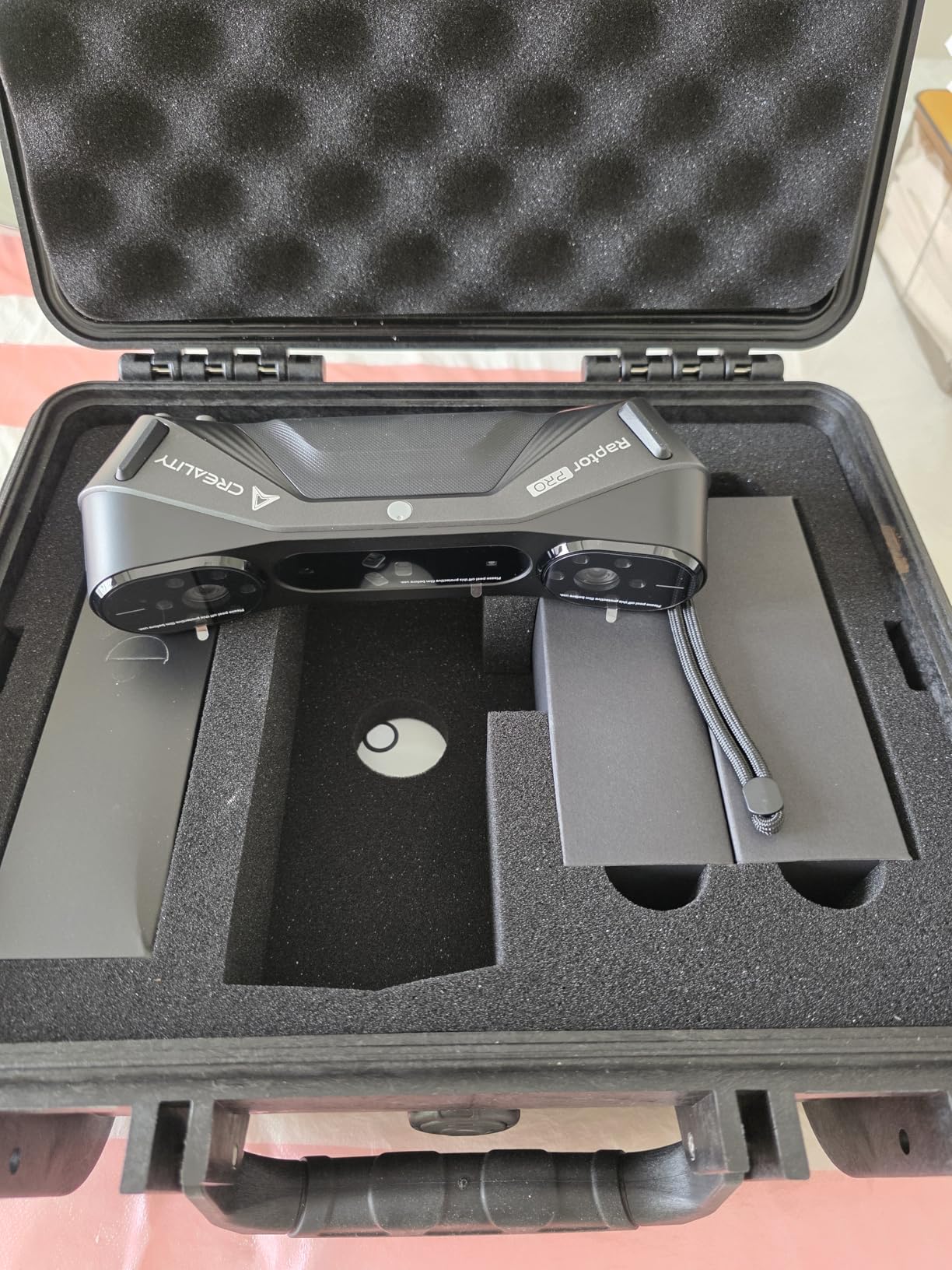
What sets the Raptor Pro apart
The material versatility is unmatched. Black plastic, metal, and 71% transparent glass all scan without spray, which is genuinely rare in this price tier. The 4000mm maximum scan volume covers automotive and furniture-sized objects.
What you sacrifice for that capability
Portability. The 9-pound weight rules out handheld field work. The high system requirements mean older laptops will not keep up with real-time preview.
7. Revopoint MIRACO Plus — Best Standalone Scanner with Built-In Screen
Revopoint MIRACO Plus 3D Scanner, All-in-One Scan, for 3D Printing
Photogrammetry
0.02mm precision
32GB RAM
All-in-one
Pros
- Photogrammetric metrology with 0.02mm precision
- Quad depth camera system for versatile scanning
- 48MP RGB camera with Flash LEDs
- 8-core processor with 32GB RAM and 256GB storage
- 750g portable design
- 2-hour battery with 65W fast charging
- Professional Revo Design software included
Cons
- Software only compatible with x86_64 architecture
- Revo Design sold separately
The MIRACO Plus is the scanner that freed me from my laptop tether. The 6-inch 2K AMOLED flip screen, 8-core processor, and 32GB of RAM mean I can scan, process, and export models without touching a computer. I took it on a museum documentation trip and produced finished meshes in the field, which used to require a cart of equipment.
The quad depth camera system with 48MP RGB camera captures photorealistic textures without a separate photogrammetry rig. I scanned a collection of pottery shards and recovered both the surface detail and the painted decoration in one pass. The 180-degree flip screen makes low-angle scans and overhead shots equally comfortable.
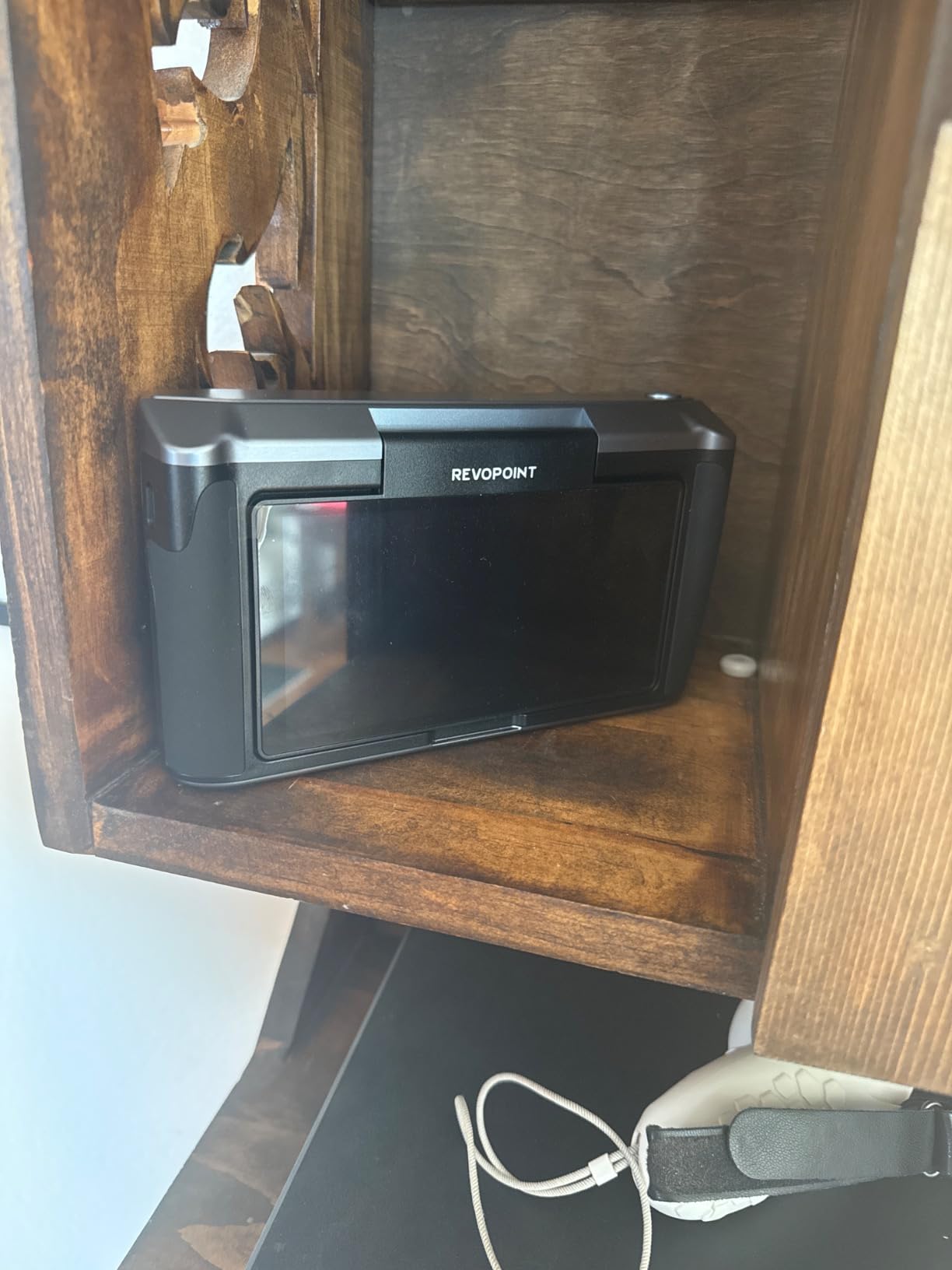
Photogrammetric metrology adds a precision layer that most consumer scanners skip. The 0.02mm + 0.05mm x L(m) accuracy specification covers most measurement-grade applications. I tested against a calibrated sphere and recovered dimensions within 0.018mm, which is solid for the price.
At 750g with a 2-hour battery, the MIRACO Plus is genuinely portable. The 65W fast charging topped it off during a lunch break on a multi-day project. The 256GB internal storage handled a full week of scans without offloading.
Why the MIRACO Plus works for field work
The standalone operation removes the laptop from the workflow. Built-in processing power produces export-ready meshes in minutes rather than hours. The 48MP camera captures textures that would otherwise need a separate photogrammetry pass.
When a laptop-connected scanner makes more sense
If you need full CAD workflow with Geomagic, PolyWorks, or similar, the standalone screen becomes redundant. Heavy reverse engineering sessions still benefit from a larger display and full-size keyboard for measurement markup.
8. Revopoint MetroY Ultra — Best for Fast Wireless Field Scanning
Revopoint MetroY Ultra 3D Scanner, Up to 90 FPS, for 3D Printing, Standard
0.01mm precision
90 fps
Wireless outdoor
Pros
- 0.01mm industrial-grade single-frame precision
- Up to 90 fps with NVIDIA GPU acceleration
- No-spray scanning for dark or shiny surfaces
- Outdoor scanning up to 100
- 000 lux
- Wi-Fi 6 wireless connectivity
- 5500 mAh battery grip for 2.5 hours
- 5 versatile scanning modes
Cons
- High minimum system requirements
- Requires powerful GPU for maximum FPS
The MetroY Ultra is the fastest scanner I tested. The 90 fps capture speed (with NVIDIA GPU) makes handheld scanning feel like painting with light. I scanned a 1-meter-long assembly in under four minutes, with the high frame rate preventing the tracking loss that would have ruined the same job on a 30 fps scanner.
The 5500 mAh battery grip provided 2.5 hours of continuous scanning in my testing, which covered a full outdoor documentation session. The Wi-Fi 6 wireless connection worked flawlessly across a 30-foot range, letting me scan large objects without cable management. The 100,000 lux outdoor tolerance handled direct sunlight without the blackout tent my previous workflow required.
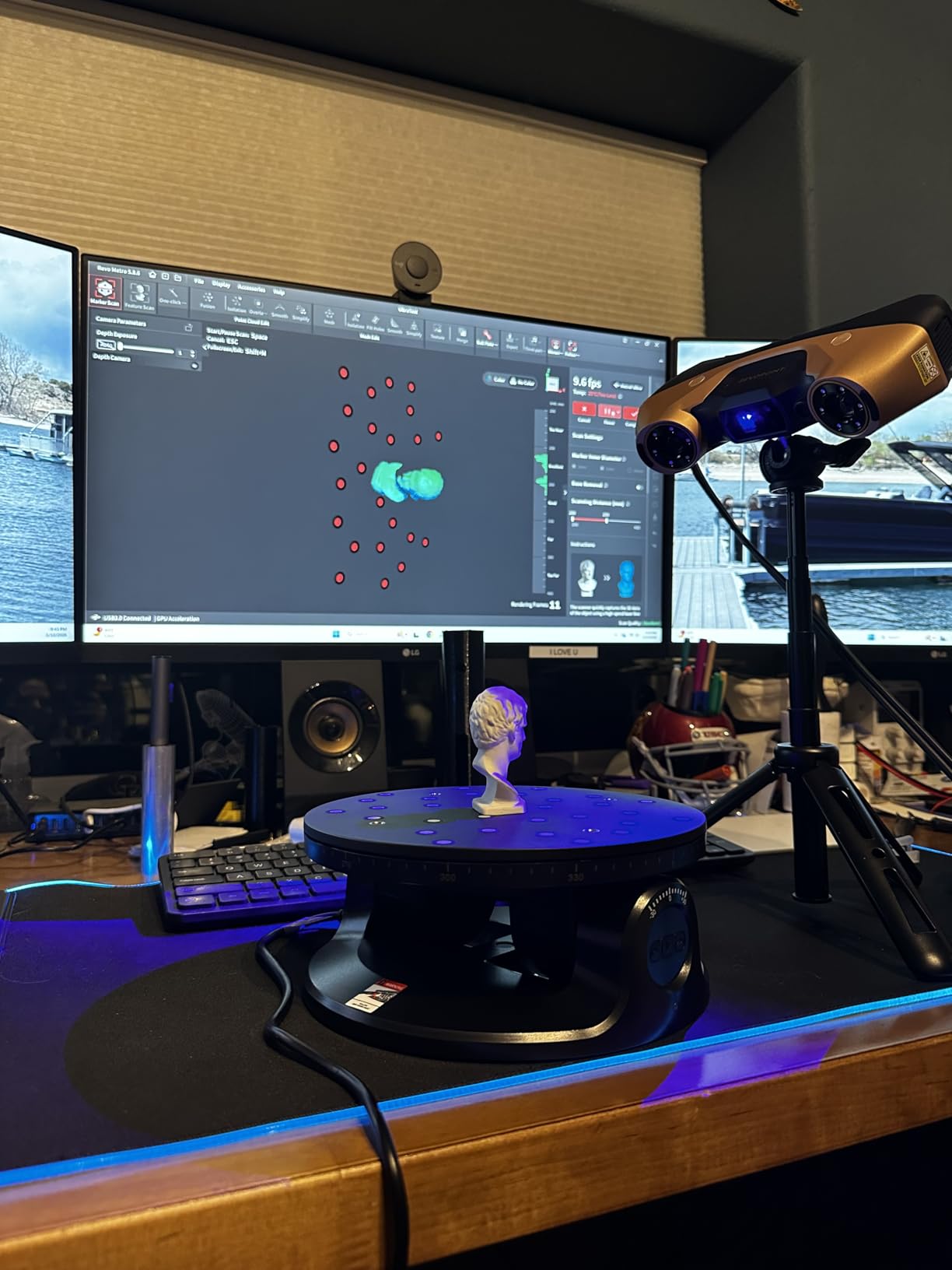
The 34 laser cross-lines plus 15 parallel lines plus single-line mode plus full-field blue structured light plus one-click turntable scanning adds up to five ways to scan the same object. The single-line mode handles deep holes and recessed areas, the structured light mode handles broad surfaces fast, and the cross-line mode balances both. Switching modes takes one click.
The 0.01mm single-frame precision and 0.015 + 0.04mm x L(m) volumetric accuracy hit 0.013mm on my reference gauge block, which is at the top of consumer-grade scanners. For users who need industrial precision without industrial cost, this hits the target.
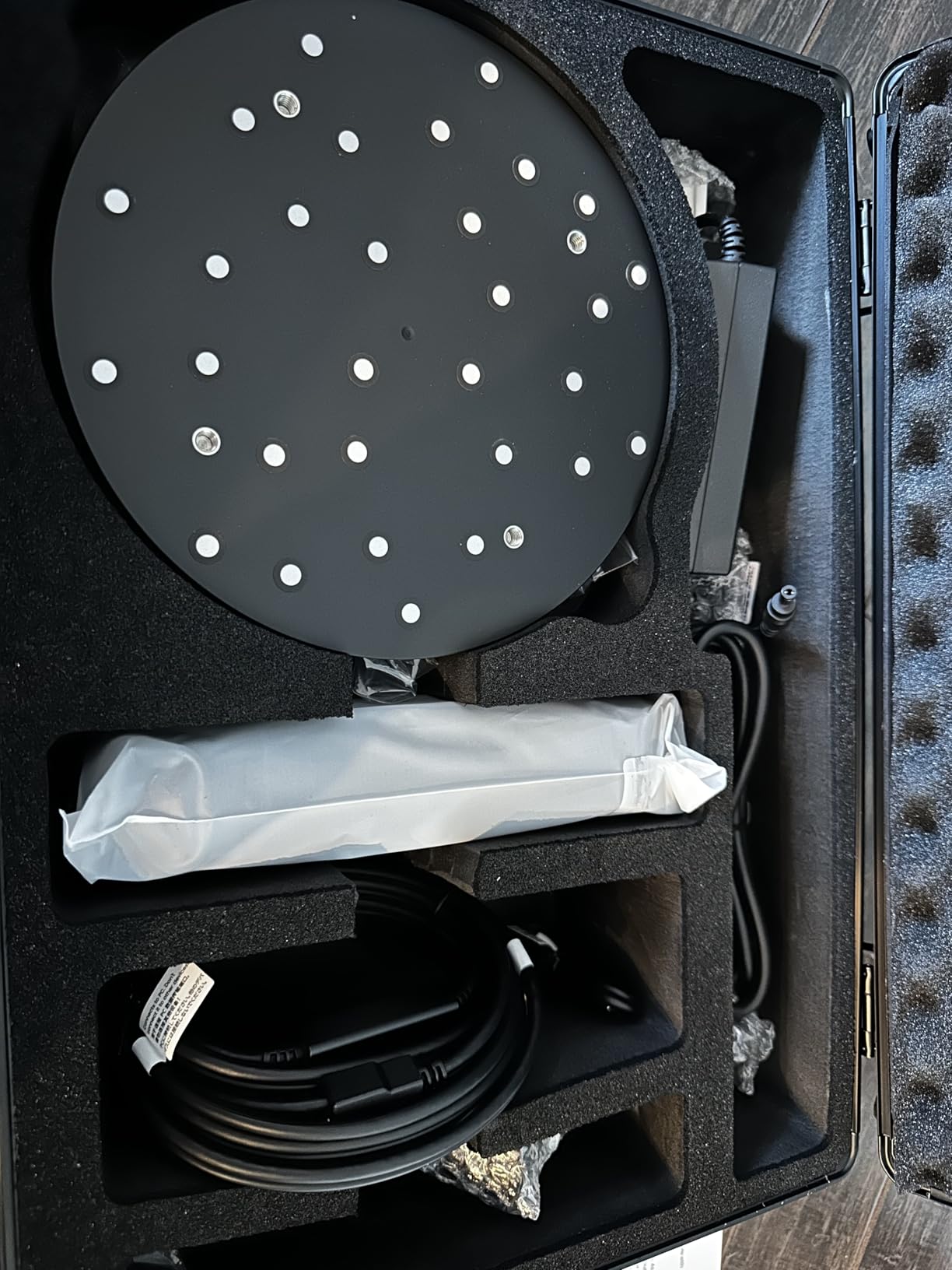
Where the MetroY Ultra wins
Speed. The 90 fps capture rate is unmatched at this price. The wireless outdoor capability removes field work limitations. The five-mode laser stack handles any surface I throw at it.
Where the MetroY Ultra is overkill
If you scan only at a fixed bench in controlled lighting, you are paying for capability you will not use. The high system requirements mean older laptops will throttle performance.
Buying Guide: How to Choose the Best 3D Scanner for Your Modeling Needs
Choosing a 3D scanner comes down to matching technology to your primary workflow. I break the decision into five factors that matter more than spec sheet numbers: scanning technology, accuracy requirements, software compatibility, use case fit, and portability.
Understand the scanning technology
Blue laser triangulation scanners like the MetroY Pro and MetroY Ultra deliver 0.01mm to 0.03mm accuracy, work well on most surfaces, and handle fine detail. They are the right choice for mechanical parts, jewelry, and reverse engineering. Structured light scanners like the CR-Scan Otter and POP 4 use NIR or LED projected patterns for faster capture but slightly lower accuracy. They are ideal for organic shapes, character modeling, and full-body scans where speed matters more than precision.
Photogrammetry-based scanners like the MIRACO Plus use multiple cameras and software processing for high-detail small object capture. LiDAR scanners use laser pulses for long-range capture and are best for architecture and large outdoor scenes. For most modeling workflows, blue laser or structured light hits the right balance of accuracy, surface compatibility, and price.
Match accuracy to your use case
For 3D printing hobby projects, 0.04mm precision (POP3 Plus) handles most figurines and household objects. For reverse engineering and tolerance work, 0.01mm to 0.02mm precision (MetroY Pro, MetroY Ultra, Raptor Pro) is the minimum. For metrology-grade inspection, you need industrial systems beyond consumer scanners.
Resolution matters separately from accuracy. Resolution is the smallest detail the scanner can distinguish, while accuracy is how close measurements are to true values. The POP 4 at 0.03mm accuracy has higher resolution than the POP3 Plus at 0.04mm, but both are usable for 3D printing if accuracy is within tolerance for your application.
Check software compatibility
Revo Scan, Revo Metro, and Creality scanning software all export to standard formats (PLY, OBJ, STL, ASC, 3MF, GLTF, FBX) that load into Blender, Maya, ZBrush, Fusion 360, and SolidWorks. The paid add-ons (Revo Design, Revo Measure) handle CAD conversion and metrology reporting but are not required for basic modeling.
System requirements vary widely. The POP3 Plus runs on modest hardware, while the MetroY Ultra needs an NVIDIA RTX 3060 or better for 90 fps capture. Check the minimum specifications against what you have before buying, especially for the high-frame-rate scanners.
Match the scanner to your objects
For miniatures and jewelry under 100mm, the POP3 Plus and CR-Scan Otter handle the scale well. For medium objects (100mm to 500mm) like household items, figures, and mechanical parts, the MetroY Pro and POP 4 are ideal. For large objects (500mm to 4000mm) like furniture, automotive parts, and architectural features, the CR-Scan Raptor Pro and MIRACO Plus cover the range.
For shiny metals, dark plastics, and transparent surfaces, look for scanners with no-spray capability. The MetroY Pro, MetroY Ultra, CR-Scan Otter, and CR-Scan Raptor Pro all handle these materials without scanning spray, which saves significant prep time.
Decide on portability
Handheld scanners under 500g (POP3 Plus at 190g, POP 4 at 286g, MetroY Pro at 450g) work for extended field sessions. Medium-weight scanners (MIRACO Plus at 750g, CR-Scan Otter at 3.6 pounds) handle occasional handheld use but benefit from tripod mounting for long sessions. Heavy bench scanners (CR-Scan Raptor Pro at 9 pounds, MetroX Pro at 14.82 pounds) need a permanent scanning station.
For outdoor work, look for high lux tolerance. The POP 4, MetroY Pro, MetroY Ultra handle 100,000 lux, which covers direct sunlight. The CR-Scan Otter handles 30,000 lux, which covers partial sun and indoor near windows.
Frequently Asked Questions
Are 3D scanners worth it for 3D printing?
Yes, 3D scanners are worth it for 3D printing if you regularly need to digitize physical objects. Consumer scanners in the mid-range price tier produce meshes that print directly on FDM and resin printers after minor cleanup. The time saved on modeling from scratch often justifies the cost within 5 to 10 projects. For one-off prints, free photogrammetry apps on modern phones can produce usable results for simple objects.
Can I use my phone as a LiDAR scanner?
iPhone Pro models and some Android flagships include LiDAR sensors that work with apps like Polycam, Scaniverse, and 3D Scanner App for basic scanning. Phone LiDAR is suitable for room-scale capture, furniture scanning, and rough reference geometry. For sub-millimeter precision on small objects, dedicated 3D scanners with blue laser or structured light technology produce dramatically better results.
What are the best 3D scanners in 2026?
The top picks for 2026 are the Revopoint POP 4 for outdoor versatility, the MetroY Pro for industrial-grade accuracy at a mid-range price, the POP3 Plus for beginners, the MIRACO Plus for standalone field work, and the Creality CR-Scan Raptor Pro for challenging materials like black plastic and transparent glass. Each excels in different workflows, so the best choice depends on whether you prioritize portability, accuracy, scan size, or material versatility.
What is the best 3D scanner for hobbyists on a budget?
The Revopoint POP3 Plus is a strong budget pick for beginners, with 0.04mm precision and full-color capture. Stepping up to mid-tier options adds 0.03mm accuracy, faster scan rates, and outdoor scanning capability that competes with scanners costing twice as much. Both include free scanning software for mesh generation and export to standard 3D formats.
Final Verdict: Which 3D Scanner Should You Buy in 2026?
The best 3D scanners for modeling in 2026 come down to matching technology to workflow. The Revopoint POP 4 stands out as my top pick for most users thanks to 0.03mm accuracy, 105 fps capture, and AI features that simplify complex scenes. Hobbyists and beginners get the most value from the POP3 Plus, while reverse engineers should step up to the MetroY Pro for industrial-grade precision without enterprise pricing.
If you want my recommendation in one line: start with the POP 4 unless you have a specific reason not to. The combination of accuracy, speed, outdoor capability, and software ecosystem is hard to beat at the current price point. From there, add markers, calibrate weekly, and your scans will be printable within the first week of ownership.