
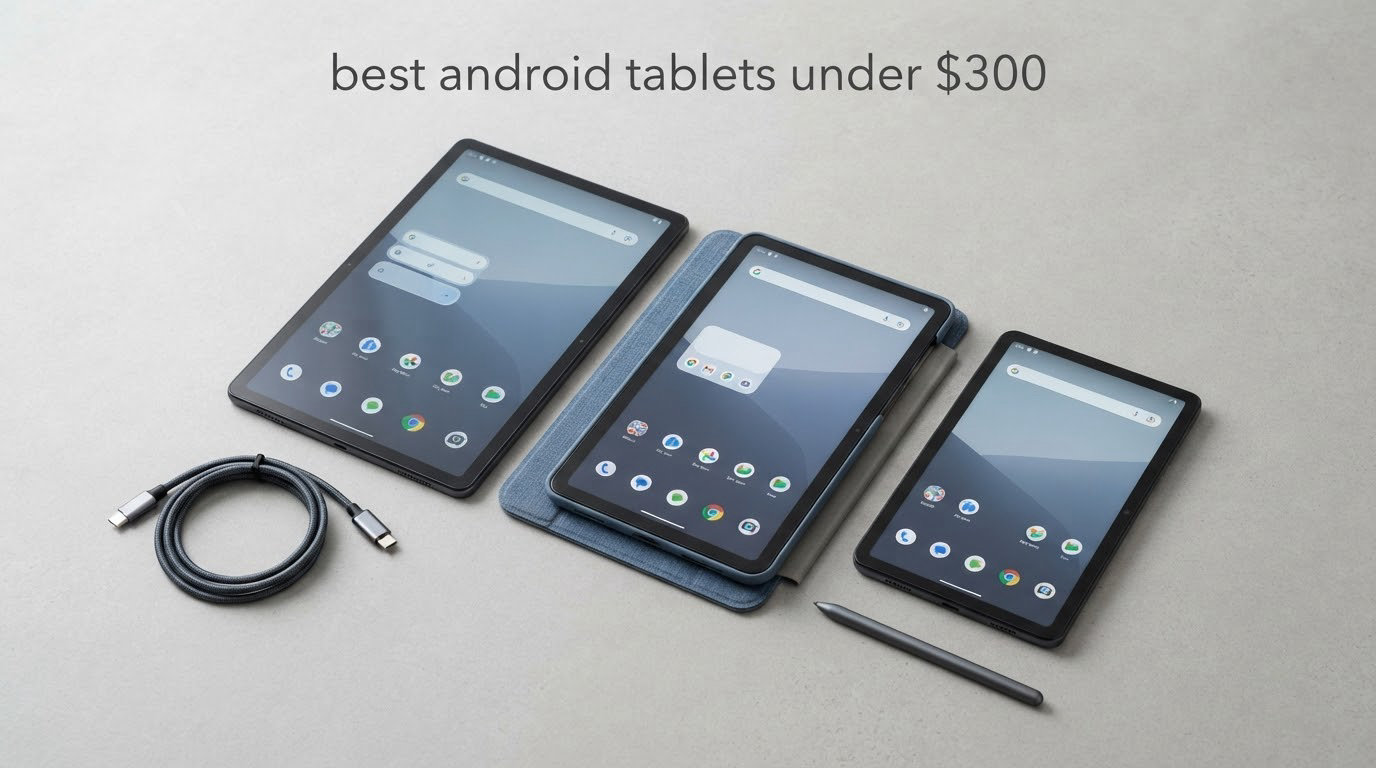
The best Android tablet under 300 dollars right now is the Samsung Galaxy Tab A11+. It pairs an 11 inch 90Hz display with quad Dolby Atmos speakers, 6GB of RAM, expandable storage and a two year manufacturer warranty, and it carries more than 2500 verified buyer ratings, far more than any other tablet on this list.
That matters more than it sounds. Sub-300 Android tablets are the most heavily counterfeited-looking corner of the tablet market, where no-name drop-shipper listings sit next to genuine Samsung and Lenovo hardware and where storage and RAM get quietly cut between model years. The picks below are all branded, all currently sit inside the 300 dollar ceiling, and all come with a warranty you can actually use.
We spent weeks comparing eight of them across display quality, measured battery claims, stylus support, connectivity and software support length. Eight tablets across this band, and one of them stood well clear of the rest on the combination of review volume, screen quality and audio.
Before the deep dives, here is how each one lines up by use case so you can self-select quickly:
Best overall: Samsung Galaxy Tab A11+
Best with a pen in the box: Lenovo Idea Tab College Tablet
Best for working away from Wi-Fi: Samsung Galaxy Tab A9 4G LTE
Best big-screen streaming: TECLAST T65
Best for reading and travel: Lenovo Tab One
Best bright panel outdoors: TCL TAB A1
Best for docks and bedside use: Jeazans Android 16 Tablet
Best for demanding apps: Samsung Galaxy Tab A9+
One note before you go further: pricing in this band moves weekly, with the same tablet appearing at a discount and then back at full price within a fortnight. Every card below links to a live listing so you can confirm the current figure on the day you buy, and we have deliberately not hard-coded any numbers that would be stale by next month.
If you are also building out a travel kit, our picks for wireless earbuds for Android pair well with any of these for watching on the move.
Top 3 Picks: Android Tablet Picks in This Price Band (October 2026)
Three tablets stand above the rest. The Samsung Galaxy Tab A11+ wins on the strength of its review volume and balanced hardware, the Galaxy Tab A9+ wins on raw processing power, and the Lenovo Tab One wins on what you get per dollar spent.

Samsung Galaxy Tab A11+
- 11 inch 90Hz LCD
- Quad Dolby Atmos speakers
- 6GB RAM with expandable storage

Samsung Galaxy Tab A9+
- Snapdragon 695 chipset
- 8GB RAM and 128GB storage
- Fingerprint reader
Our Editor’s Choice goes to the Galaxy Tab A11+ because it is the only pick in this list with a large enough base of verified buyers to make its long-term reliability easy to judge. Everything else here is a shorter bet.
Best Android Tablets Under $300 in 2026
All eight tablets, side by side, with the specifications that actually separate them at this price.
| Product | Specifications | Action |
|---|---|---|
| Samsung Galaxy Tab A11+ |
|
Check Latest Price |
| Samsung Galaxy Tab A9+ |
|
Check Latest Price |
 Samsung Galaxy Tab A9 4G LTE Samsung Galaxy Tab A9 4G LTE |
|
Check Latest Price |
 Lenovo Idea Tab College Tablet Lenovo Idea Tab College Tablet |
|
Check Latest Price |
 Lenovo Tab One Lenovo Tab One |
|
Check Latest Price |
 TCL TAB A1 TCL TAB A1 |
|
Check Latest Price |
 TECLAST T65 TECLAST T65 |
|
Check Latest Price |
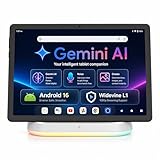 Jeazans Android 16 Tablet Jeazans Android 16 Tablet |
|
Check Latest Price |
Two patterns jump out immediately. Only two of the eight come with a stylus or a case in the box, and only two of the eight carry a screen resolution above 1920×1200. Those two filters alone eliminate most of the category.
1. Samsung Galaxy Tab A11+ – Best Overall Android Tablet Under 300 Dollars
Samsung Galaxy Tab A11+ 6GB RAM, 128GB Storage, Expandable Storage, Gray
11 inch 1920x1200 at 90Hz
6GB RAM and 128GB storage
Quad Dolby Atmos speakers
26.34 watt-hour battery
Pros
- Largest review base of any pick here at 2500+ ratings
- Excellent quad-speaker Dolby Atmos audio
- Light 1.1 pound body with a 5MP front camera
- Expandable storage and a two year manufacturer warranty
Cons
- Octa-core MediaTek chip is not fast under heavy load
- 128GB fills up if you keep a large downloaded media library
- Video capture limited to 1080p
This is the tablet we kept coming back to. The 11 inch LCD runs at 1920×1200 with a 90Hz refresh rate, which is the combination that makes scrolling feel smooth rather than syrupy, and 80 percent of its verified ratings are five star.
Audio is the quiet differentiator. Four speakers with Dolby Atmos tuning means this is one of the few sub-300 tablets you can genuinely watch a film on without reaching for headphones, and the 1.1 pound body means a full evening of streaming does not wreck your wrists. Owners consistently describe it as the tablet the whole family picks up without arguing.
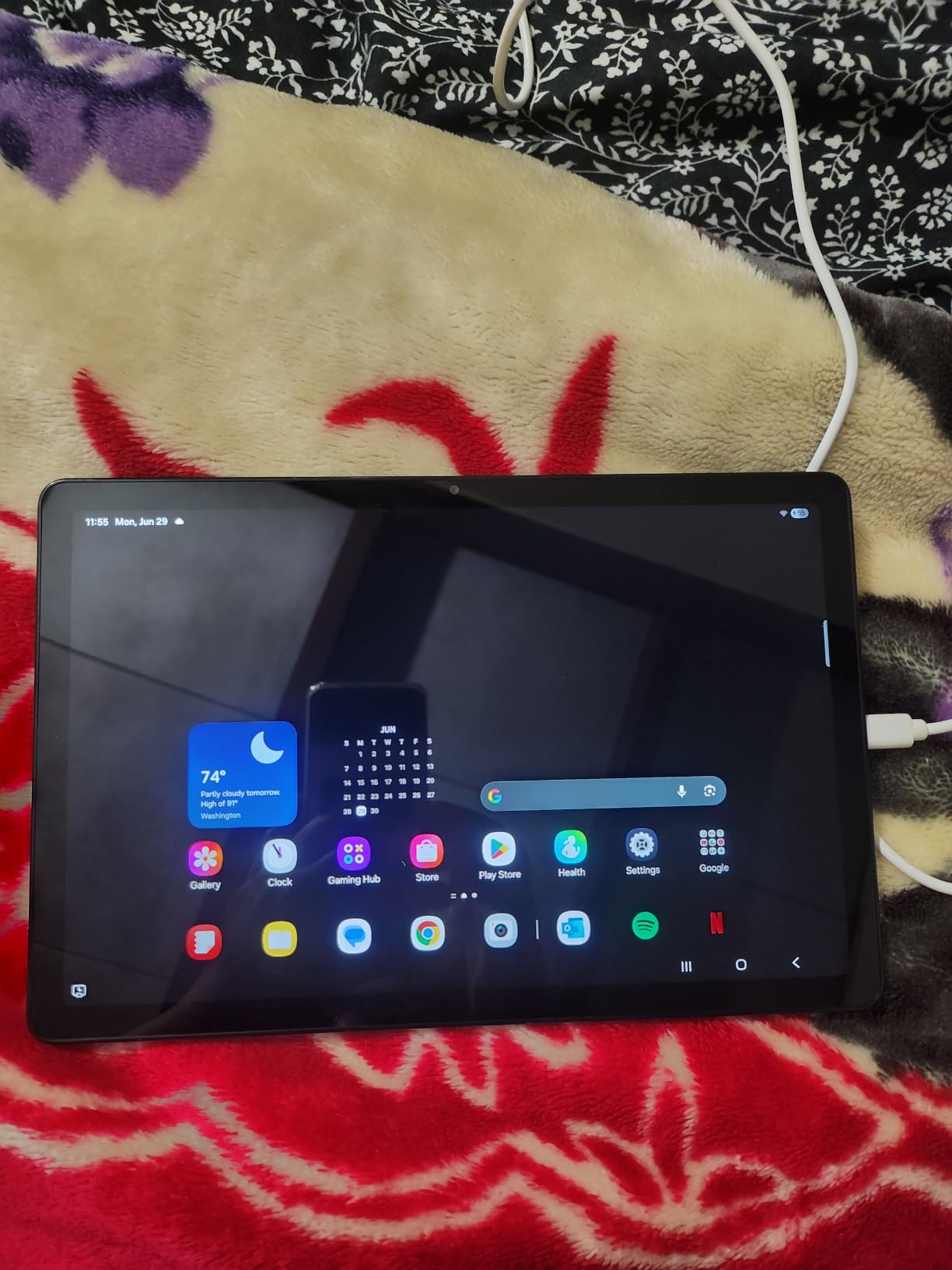
Underneath, you get a MediaTek octa-core chip running at 1.85GHz with 6GB of RAM, and 128GB of storage that can be expanded. The front camera is 5MP, which is a genuine step up from the 2MP sensors most of the cheaper tablets here use, and video calls look noticeably better for it.
Battery capacity is 26.34 watt-hours with fast charging, and Samsung backs it with a two year manufacturer warranty plus two years of spare part availability. Google Gemini and Circle to Search are built in rather than bolted on through an app.
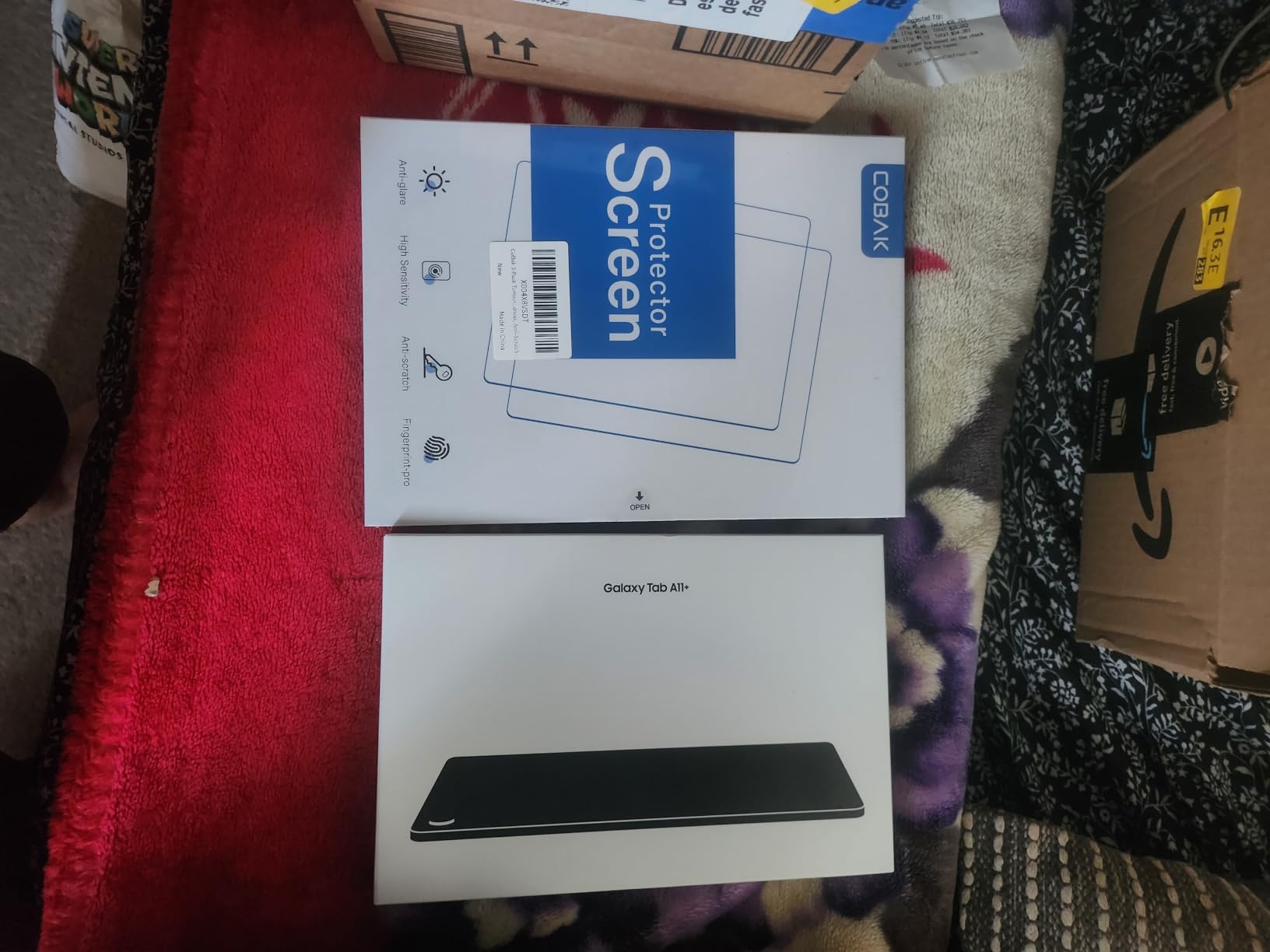
Comfortable for streaming, video calls and family use
If your tablet does one job, it is watching things, and the quad speakers plus the 90Hz panel handle that better than anything else inside the ceiling. The 5MP front camera also makes it the best option here for a parent joining a school meeting or a grandparent on a video call.
Weak where heavy multitasking meets storage limits
The octa-core chipset is fine for browsing, streaming and one app at a time, but it is not the fastest silicon in this list and reviewers do report visible lag when many apps are open. If you plan to keep a large downloaded library of films or a big photo archive, 128GB fills faster than you would expect, and an SD card is the fix.
2. Samsung Galaxy Tab A9+ – Premium Pick for Faster Performance
SAMSUNG Galaxy Tab A9+ (128GB, 8GB) 11.0″ Android Wi-Fi Tablet, All Day Battery, Snapdragon 695 (6nm), International Model X210 (Graphite)
11 inch 1920x1200 at 90Hz
Snapdragon 695 with 8GB RAM
7040mAh battery
Fingerprint reader on the power key
Pros
- Snapdragon 695 is the quickest chip in this roundup
- 8GB of RAM is the most physical memory here
- MicroSD expansion plus 128GB storage
- Fingerprint reader included
Cons
- International model has no domestic warranty
- Charging is slow relative to the 7040mAh cell
- Setup pushes a Samsung account sign-in
Everything else in this roundup is a MediaTek, Helio or Unisoc design. This one runs a Qualcomm Snapdragon 695 built on a 6nm process, paired with 8GB of RAM, and that is the pick to buy if you genuinely want the tablet to stay responsive with a dozen apps open.
The display is the same class as the A11+ on paper, an 11 inch 1920×1200 panel at 90Hz in 16:10, and the four AKG-tuned stereo speakers carry Dolby Atmos. Owners who own other Samsung hardware single out how smoothly it pairs with a Samsung phone, which is worth something in a multi-device household.
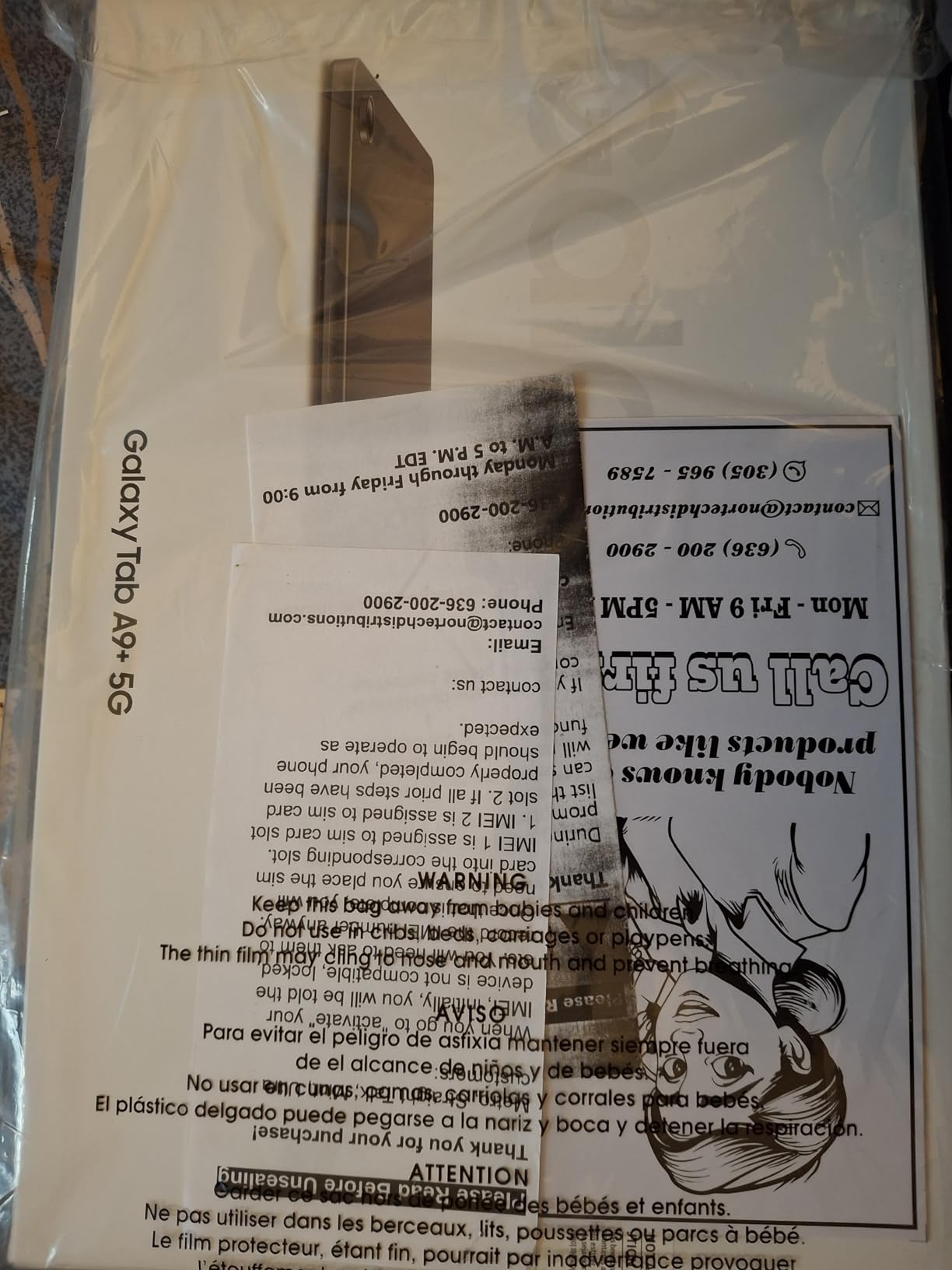
Two details separate it from the A11+ on paper: the fingerprint scanner built into the power key, which nothing else in this list at this screen size offers, and a 7040mAh battery. Cameras are 8MP rear with autofocus and 5MP front, with 1080p video capture.
Wi-Fi only, with Bluetooth 5.1 and a single USB Type-C 2.0 port. There is a microSD slot, which matters more here than the spec sheet implies, because it is the cheapest way to make a budget tablet last four years instead of two.
The right choice when app switching speed actually matters
Split screen with a browser and a document, a video call while you check a reference, or a student running a class app alongside a note app. The Snapdragon 695 and 8GB of RAM is the configuration that handles this without the stutter other picks in the list show.
The warranty gap is the thing to read carefully
This is an international model. Samsung’s own listing states it comes without a domestic warranty, so your recourse is the seller’s return policy rather than a Samsung service centre. Some buyers also report slow charging relative to the battery capacity and an intrusive account sign-in during setup, plus occasional missing paperwork in the box. If a two year hardware warranty matters to you, the Galaxy Tab A11+ is the safer buy at a similar spend.
3. Samsung Galaxy Tab A9 4G LTE – Best for Working Away From Wi-Fi
SAMSUNG Galaxy Tab A9 4G LTE (64GB, 4GB, Cellular) 8.7″ Android Tab, Octacore (6nm), Dual Speakers (International Model) X115 (w/15W Fast Charger, Graphite)
8.7 inch 1340x800 LCD
4G LTE with microSD expansion
Helio G99 with 4GB RAM
15W fast charger in the box
Pros
- 4G LTE keeps you working on flights and in parks
- Compact 8.7 inch body suits children and travel
- 15W fast charger included in the box
- microSD expansion available
Cons
- International IMEI is unlocked for T-Mobile only in the US
- 2MP front camera is weak for video calls
- No fingerprint reader
Two tablets in this roundup have cellular radios, and only one of them is a Samsung. That alone makes the Galaxy Tab A9 4G LTE the pick for anyone who needs a tablet that works on a train, in a park or on a job site without hunting for a hotspot.
The 4G LTE version supports 2G, 3G and 4G bands, and owners report the connection working reliably where Wi-Fi is not an option. It is also a compact 8.7 inch tablet at 0.31 inches thick, which is the size children can actually hold comfortably for a long session.
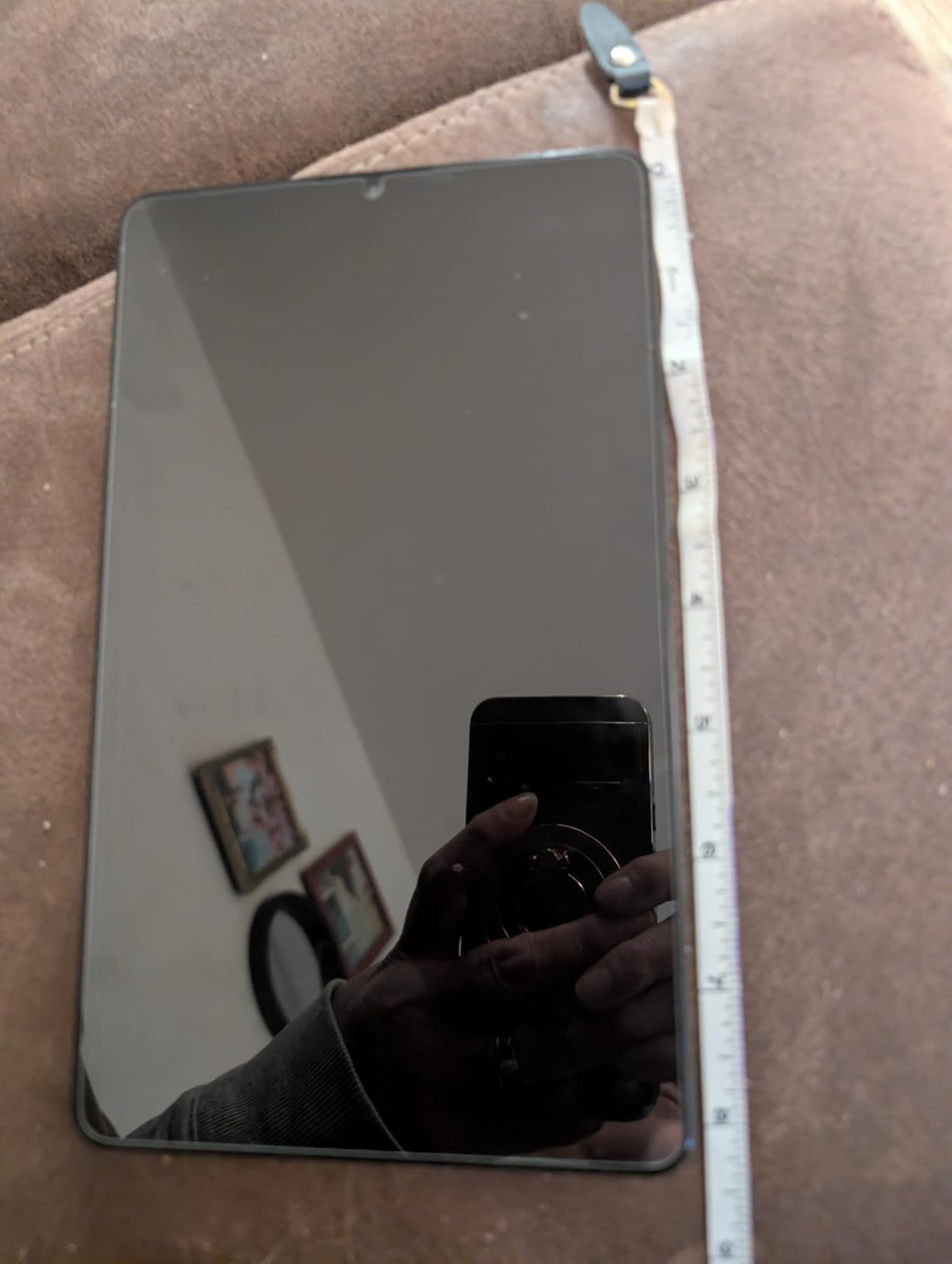
Inside, a MediaTek Helio G99 on 6nm with 4GB of RAM and 64GB of storage, expandable by microSD. The 5100mAh battery and 18.9 watt-hour rating are modest next to the 8000mAh cells in the larger picks, but the smaller screen offsets much of that. A 15W fast charger is included, which is not true of every tablet here.
Display is 1340×800 at 60Hz in 16:9, and the speakers are a modest 1.0 watt dual pair. Cameras are 8MP rear with autofocus and a 2MP front. Bluetooth 5.3 and a single USB Type-C 2.0 port round it out.
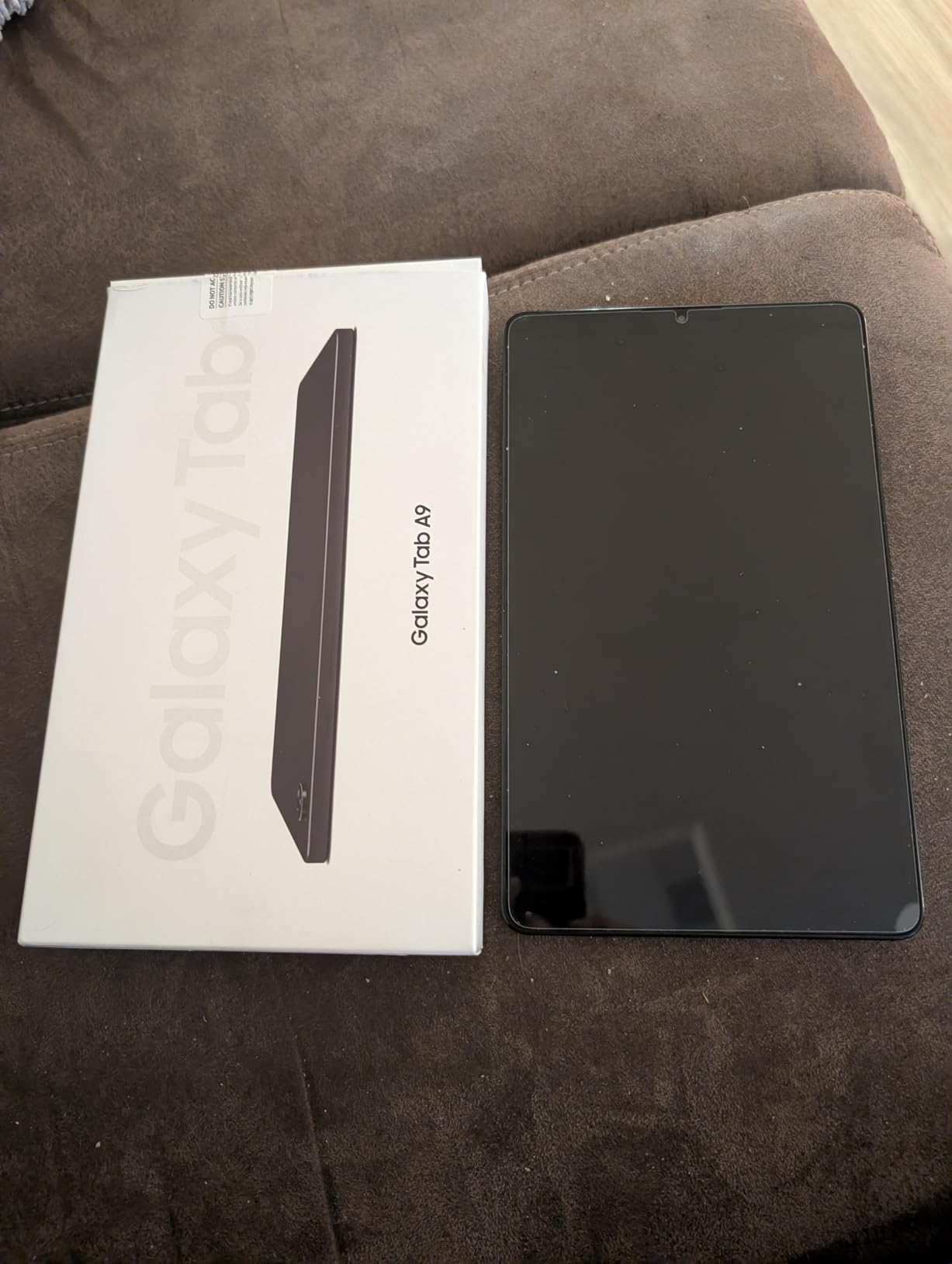
A good travel and kids tablet when the data connection is the point
Reviewers frequently describe this as the ideal kids tablet or travel tablet, and the reason is the combination of the LTE radio, the 8.7 inch footprint and the included charger. A child on a long car journey with a data plan is a real use case that Wi-Fi-only models cannot serve.
Check the carrier lock before you commit
The listing states plainly that this international model does not support eSIM and is unlocked for T-Mobile only in the US because of the IMEI. If you are on another carrier, treat that as a hard stop. There is also no fingerprint reader, so unlocking falls to PIN, pattern or face recognition, and the 2MP front camera produces noticeably soft video calls.
4. Lenovo Idea Tab College Tablet – Best With a Stylus in the Box
Lenovo Idea Tab – College Tablet – 11″ 2.5K IPS Touchscreen Display – 90Hz – MediaTek Dimensity 6300-4 GB Memory – 128 GB Storage – Integrated Arm Mali-G57 MC2 – Tab Pen and Folio Case
11 inch 2560x1600 at 90Hz
Lenovo Tab Pen and folio case included
MediaTek Dimensity 6300
500 nit panel with 7216mAh battery
Pros
- Only pick here that bundles a pen and a folio case
- Sharpest panel in the roundup at 2560x1600
- Up to 12 hours of YouTube playback per charge
- Preloaded note apps including Lenovo AI Note and Nebo
Cons
- 4GB RAM causes 2 to 5 second pauses between apps
- 72 percent NTSC color coverage is modest
- Video capture limited to 720p
This is the one to buy for notes and handwriting. The Lenovo Idea Tab College Tablet comes with the Lenovo Tab Pen and a folio case in the box, and at this budget the hidden cost of a separately purchased stylus is exactly the kind of thing that quietly pushes a 250 dollar tablet past your ceiling.
The display is the sharpest in the roundup by a clear margin, an 11 inch 2560×1600 IPS panel running at 90Hz with 500 nits of brightness and TÜV Rheinland low blue light certification. For reading dense PDFs or handwritten lecture notes, the extra pixels are visible immediately.
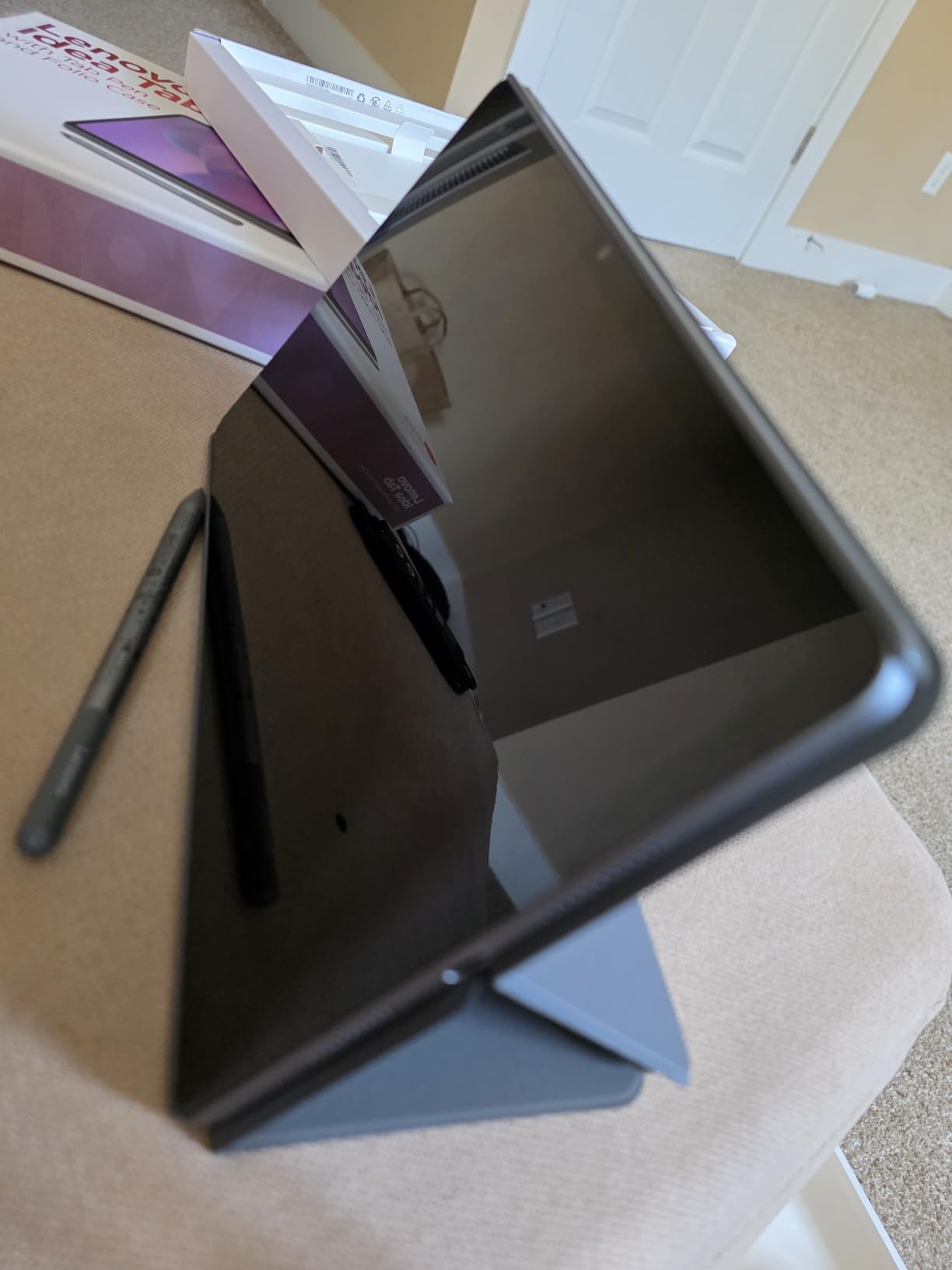
Power comes from a MediaTek Dimensity 6300 running at 2.4GHz, and that is where the compromises start. With 4GB of RAM, reviewers repeatedly report 2 to 5 second pauses when switching between apps and screens, which is the single most common complaint in the reviews.
Battery is a 7216mAh cell rated at 26.7 watt-hours, with up to 12 hours of YouTube playback claimed, and 802.11ax Wi-Fi is a step up from the ac-only models. Lenovo also preloads a genuinely useful note stack, with Lenovo AI Note, Squid, Nebo and MyScript Calculator included, plus Circle to Search and a one year parts and labour warranty.
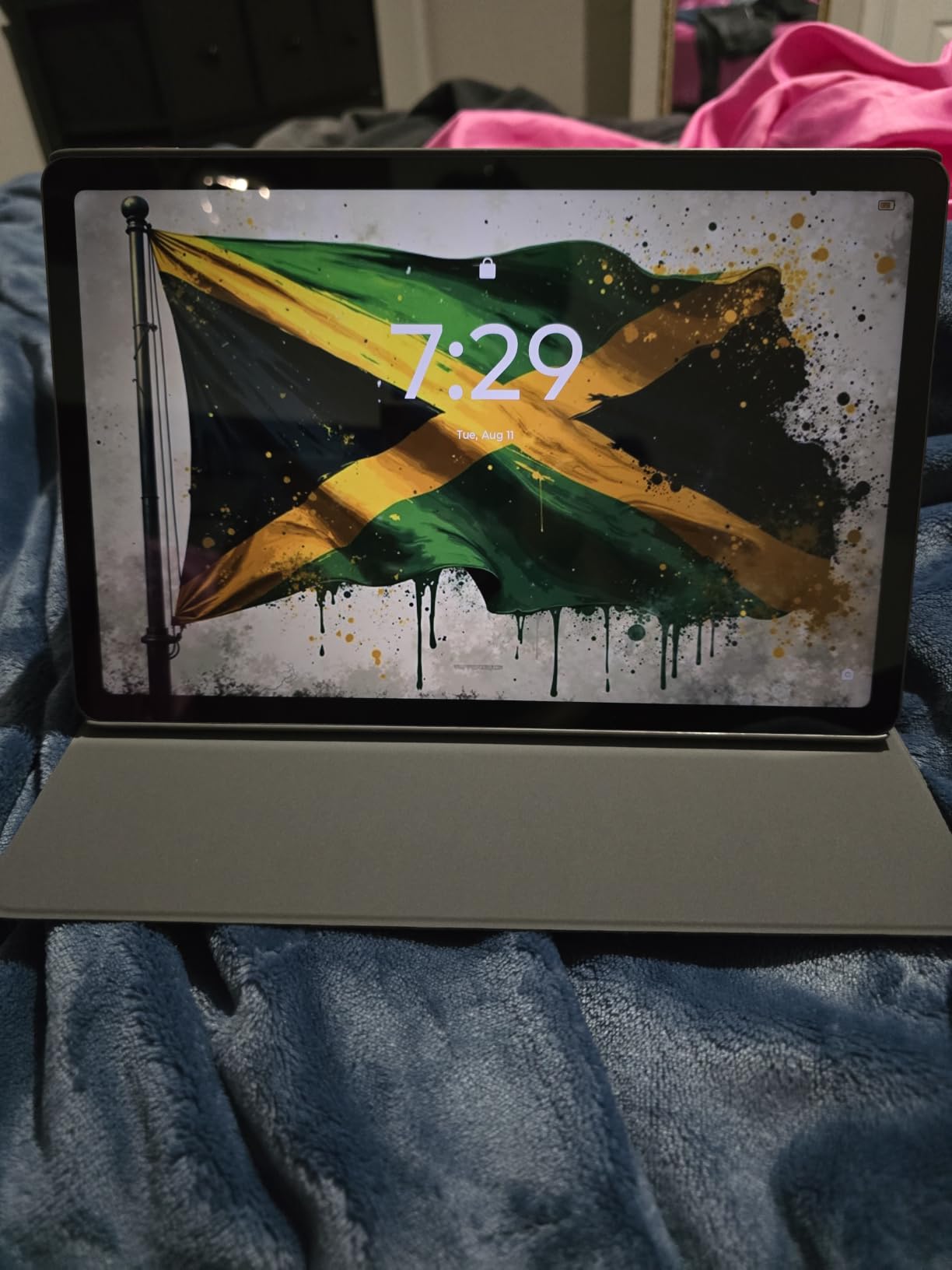
Strongest choice for lecture notes, reading and sketching
The combination of 2.5K resolution, a bundled pen and a folio case removes every objection we hear about budget note-taking tablets. Students who will write rather than type get more screen per pen stroke here than anywhere else in the list, and owners frequently describe it doubling as an e-reader.
Multitasking is the limit, and the pen is the entry point
Four gigabytes of physical memory is the constraint. Split screen with a PDF and a note app works, but running a video call alongside a document class does not, and the 2 to 5 second app-switching pauses are the most repeated negative in owner feedback. Colour coverage of 72 percent NTSC is also modest, so this is not a tablet for colour-critical work, and 720p video capture is well below the other 11 inch picks here.
5. Lenovo Tab One – Best Value for Reading and Travel
Lenovo Tab One – Lightweight Tablet – up to 12.5 Hours of YouTube Streaming – 8.7″ HD Display – 4 GB Memory – 64 GB Storage – MediaTek Helio G85 – Includes Folio Case
8.7 inch 1340x800 LCD
11.2 ounce body
Up to 12.5 hours of YouTube
Folio case with built-in stand included
Pros
- Lightest tablet here at 11.2 ounces
- Up to 12.5 hours of unplugged streaming
- Headphone jack plus microSD expansion
- Folio case with a built-in stand in the box
Cons
- 480 nit panel is dim and caps video at 30 fps
- Heavy preinstalled bloatware needs manual removal
- No fingerprint reader and a weak 2MP front camera
The Lenovo Tab One is the cheapest tablet on this list that we would actually recommend to someone who has never owned a tablet before. At just over half a pound and with a folio case that has a built-in stand in the box, it disappears into a bag in a way the 11 inch slabs do not.
Battery is the headline number and it holds up. Lenovo rates it at up to 12.5 hours of unplugged YouTube streaming, with 15W charging, and owners consistently single out the endurance as the reason the tablet feels more expensive than it is. It is the one pick here with a dedicated 3.5mm headphone jack.
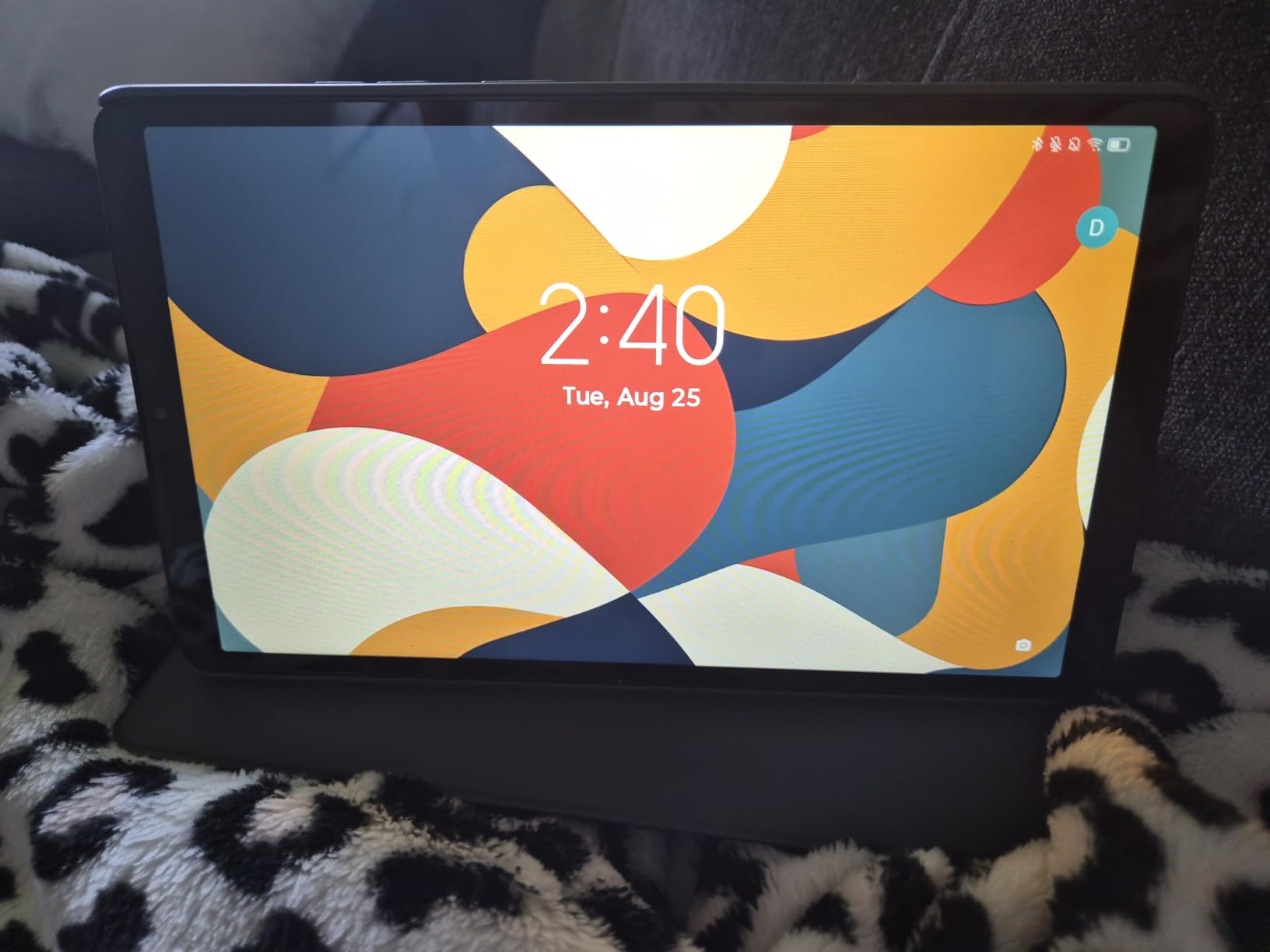
Storage is 64GB with microSD expansion, and there is a 480 nit display brightness figure published in the technical details rather than buried. The MediaTek Helio G85 runs at 2GHz, and Google Kids Space is preloaded, which makes this a natural first tablet for a child.
Two software details are worth knowing. It runs Android 14 with an update path to Android 15, and the documentation lists two years of security patches delivered quarterly through 2027. That is short, and it is the clearest signal that this is a two-to-three-year device rather than a four-year one.
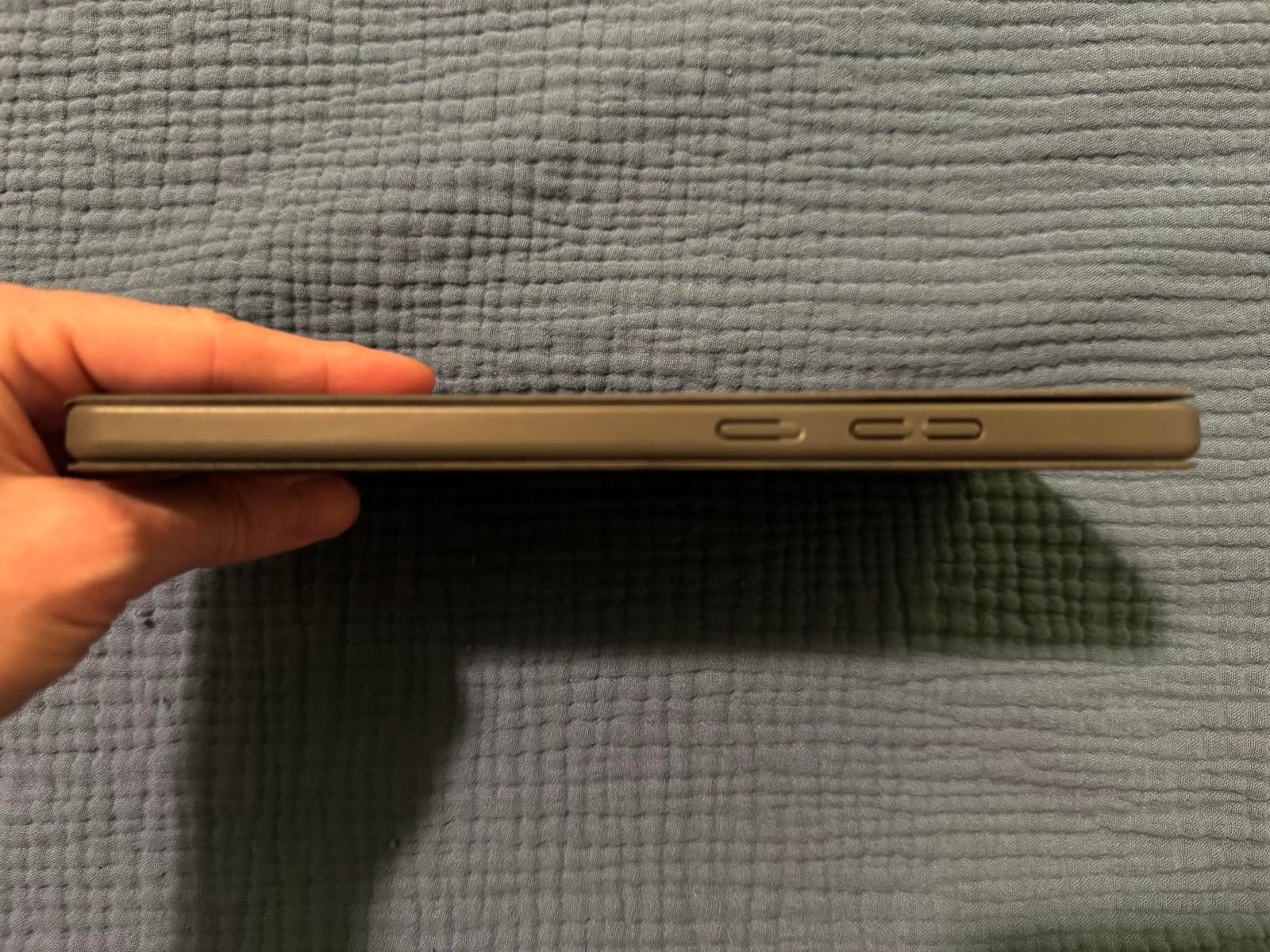
The safest buy for a first tablet, a child or a long-haul flight
At this weight it can be held one-handed for a full film, the stand in the case means you do not need a separate prop, and the headphone jack removes one more thing to charge. For reading ebooks, news and light streaming on a plane, it does the job with room to spare.
It will not run demanding games, and the software needs cleaning up
The Helio G85 is an entry chip, and owners report stutter on demanding 3D titles. The 480 nit panel is dim in daylight and video playback is capped at 30 fps, so streaming quality on a bright screen is the weakest in this group. Most annoying of all, the preinstalled bloatware has to be removed manually before the tablet feels snappy, and there is no fingerprint reader, only PIN, pattern or face unlock.
6. TCL TAB A1 – Best Bright Screen and Longest Stated Software Window
TCL TAB A1 Android Tablet, 11″ 2.1K 90Hz NXTVISION Display, 6+128GB
11 inch 2112x1320 at 90Hz
650 nits and IP54 rated
8000mAh with 20W charging
6GB RAM and up to 2TB expansion
Pros
- Brightest panel here at 650 nits
- 8000mAh battery with 20W fast charging
- IP54 dust and splash resistance
- Three years of security updates and Android 16 out of the box
Cons
- Charging block is not included
- Helio G100 is an entry chip for heavier multitasking
- Some owners report inconsistent auto-brightness
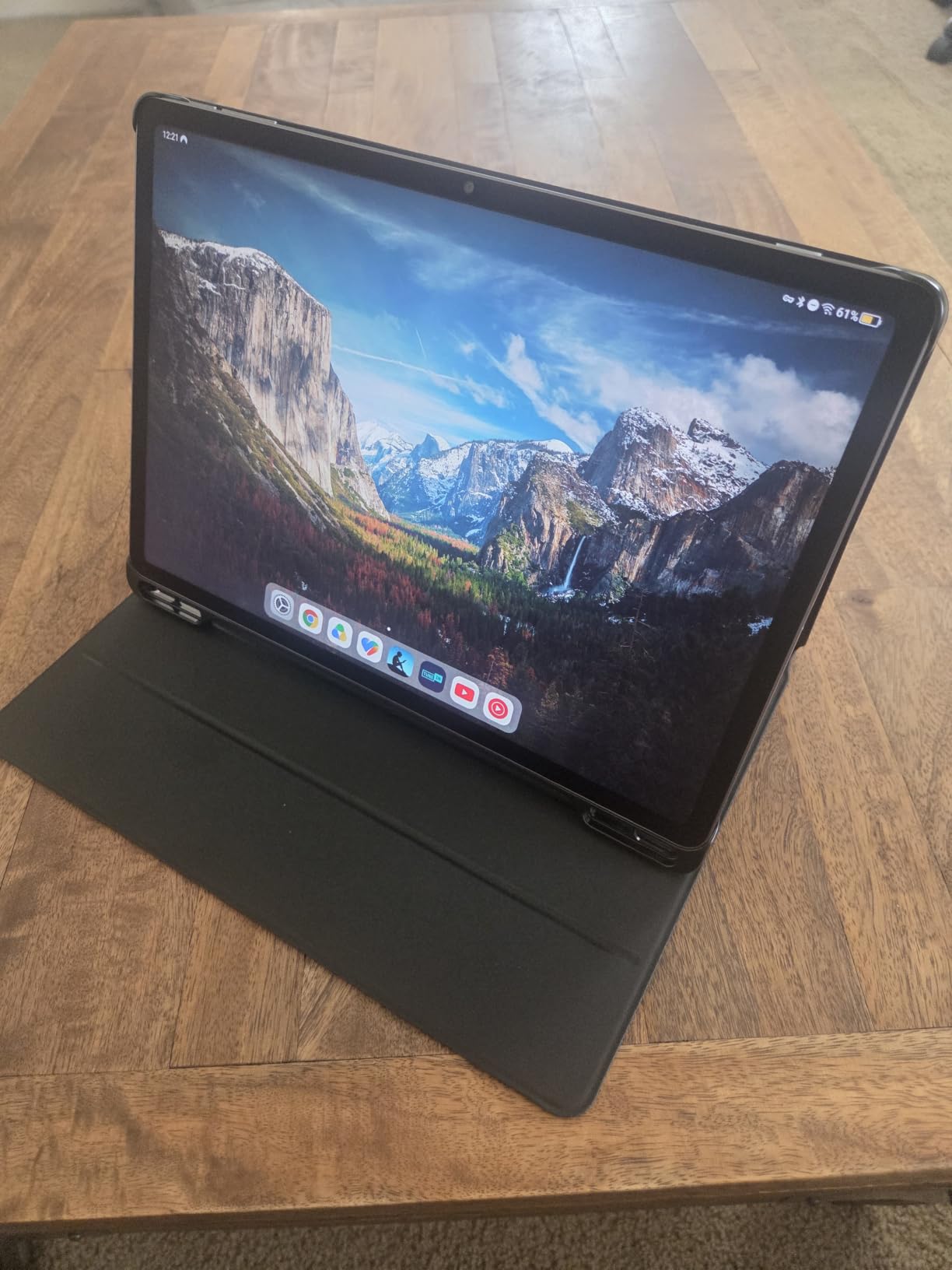
Brightness is a specification that changes how a tablet feels outdoors, and the TCL TAB A1 is the clear leader in this roundup at 650 nits. The 11 inch 2112×1320 panel runs at 90Hz with NXTVISION enhancement in 16:10, which makes it the best tablet here for reading outdoors or watching video in a bright room.
It is also the most physically robust. IP54 dust and splash resistance is unusual at this price, and the 0.24 inch metal unibody at 0.95 pounds is thinner and slightly lighter than the 11 inch Samsung models. The 8000mAh battery with 20W fast charging is the largest cell in the group.
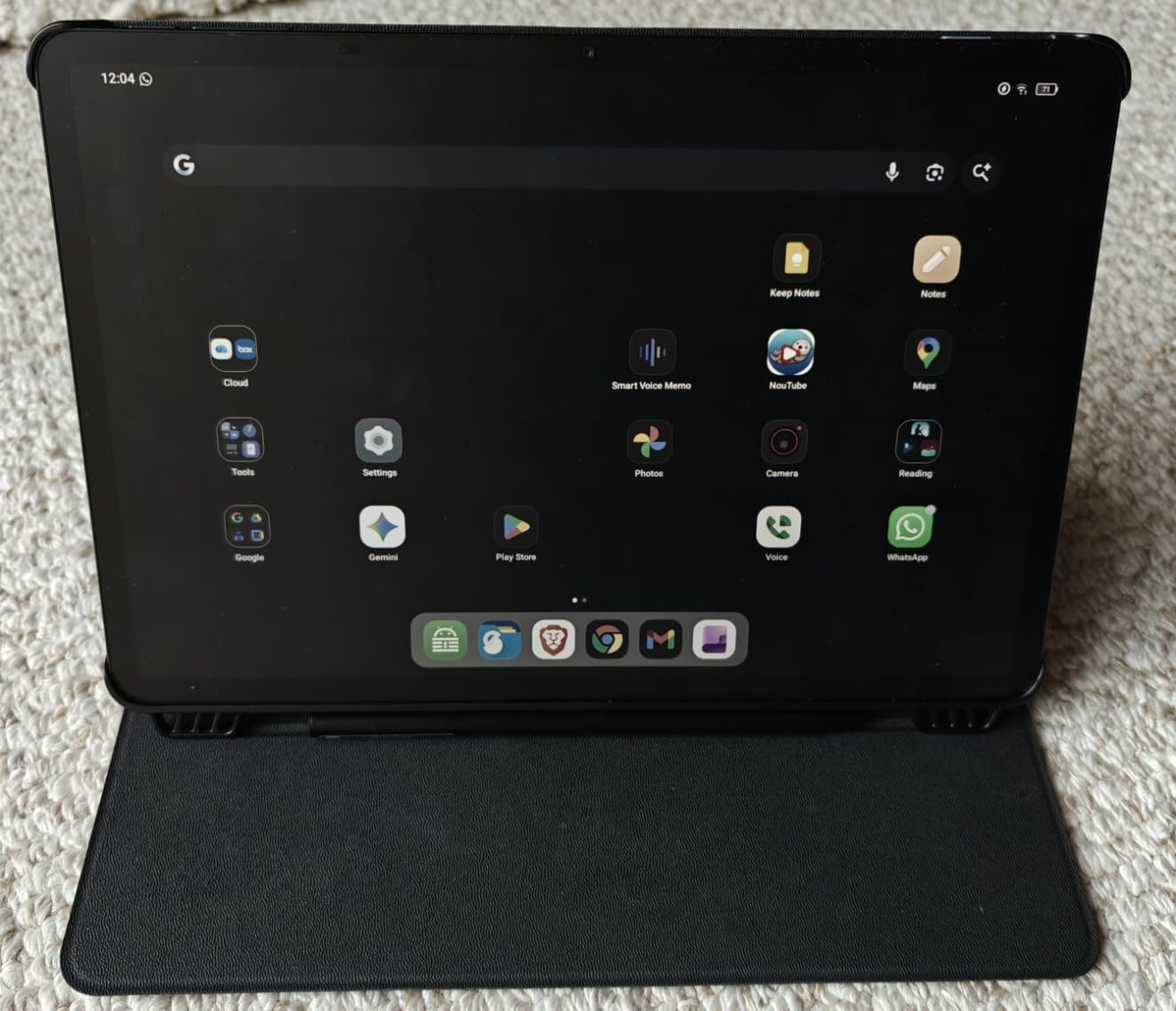
Storage is 128GB with expansion up to 2TB via microSD, and the 6GB of RAM is backed by a further 10GB of virtual memory. The software side is genuinely strong: it launches on Android 16 with an upgrade path to Android 17, three years of security updates, Gemini AI, Circle to Search and Smart Translator, plus split screen, floating windows and a PC mode for extend-screen laptop work.
Quad speakers with Sound Booster can push volume up to 200 percent of base output. Cameras are 5MP front and 8MP rear with CenterFace tracking. Note that the 20W charging block is not included, so you need a USB-C charger on hand.
Best for outdoor reading, travel and laptop-adjacent work
If you read on a commute, work in a cafe, or want to use the tablet as a second screen for a laptop, the brightness and IP54 rating are worth more to you than raw benchmark speed. The floating window and PC mode features also make it the most convincing multitasking option in the list on paper.
Performance is the trade for the display
The Helio G100 is an entry-level chip, and with 6GB of physical RAM owners still report it feeling limited under heavier multitasking despite the virtual memory expansion. Some buyers also find the auto-brightness light sensor inconsistent, which is a small but annoying flaw on a tablet whose main selling point is a bright screen. Plan on adding a charging block to your basket.
7. TECLAST T65 – Best Big Screen for Streaming and Media
TECLAST T65 13.4″ Android16 4G Tablet, 20GB+128GB 120Hz Widevine L1
13.4 inch 1920x1200 IPS at 120Hz
20GB RAM and 128GB storage
4G LTE with Widevine L1
8000mAh battery with charger included
Pros
- Largest screen here at 13.4 inches with a 120Hz panel
- 4G LTE and dual-band Wi-Fi with GPS
- 20GB of RAM is the most in the roundup
- Charger and a pre-installed tempered glass protector included
Cons
- 350 nit peak brightness is the dimmest here
- 720g weight is heavy for a 13.4 inch tablet
- Unisoc T7280 is an entry-level chipset
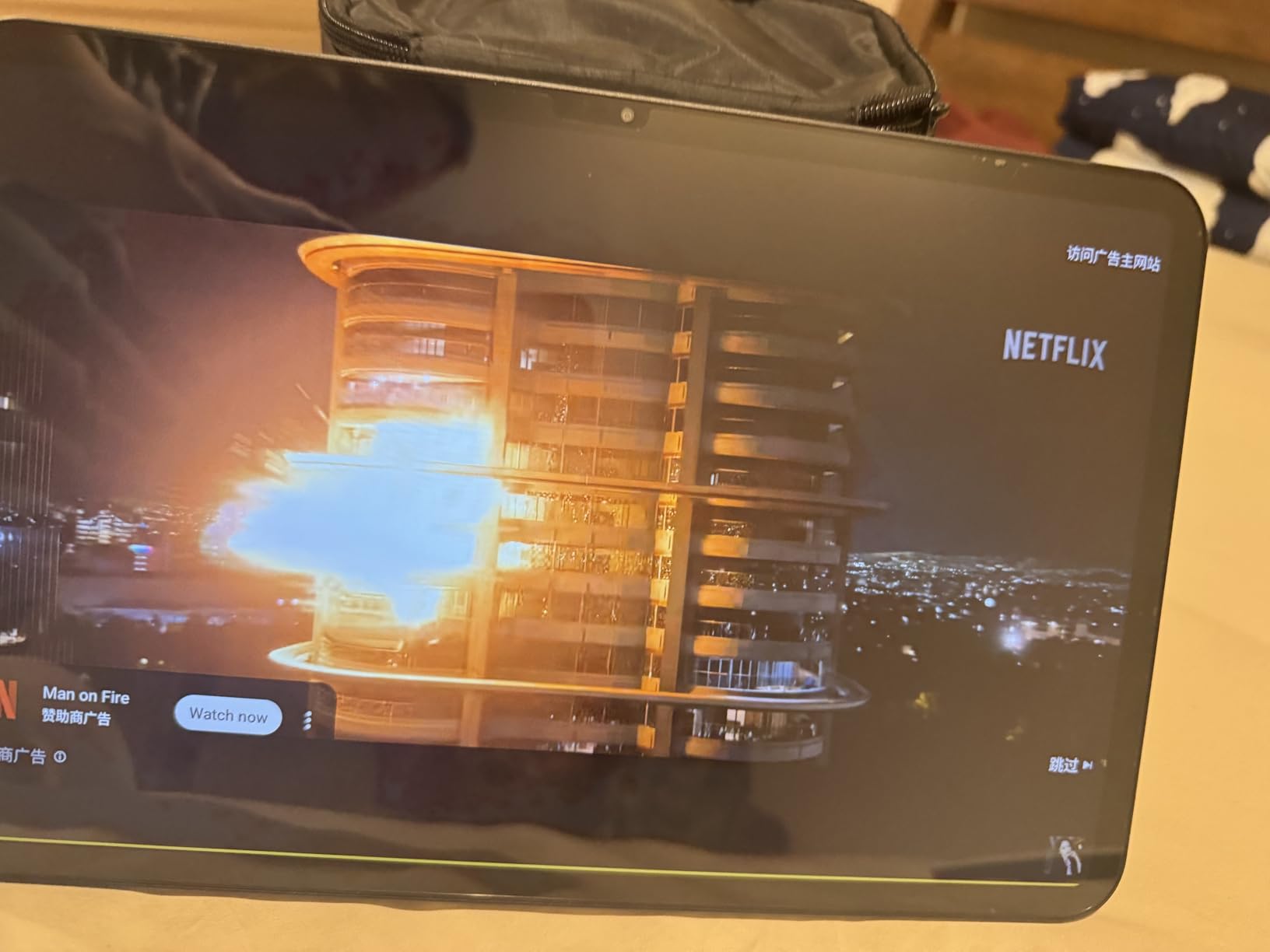
Nothing else in this price band comes close on screen area. The 13.4 inch 1920×1200 IPS panel with narrow bezels runs at 120Hz, which is faster than every other pick here, and it comes with a factory-installed tempered glass protector already fitted.
The specification sheet reads like a device costing considerably more. RAM is listed at 20GB alongside 128GB of storage with expansion up to 1TB, the battery is 8000mAh rated at roughly 11 hours of average use, and you get 4G LTE, dual-band 5GHz and 2.4GHz Wi-Fi, GPS, a 3.5mm headphone jack and OTG support.

Widevine L1 certification is the detail that matters most here, because it is what allows HD streaming from the major services. Many cheaper tablets ship with Widevine L3 and are quietly capped to lower-resolution playback, so this one is genuinely the better streaming device despite the resolution being nominally the same as the Samsung panels.
It runs Android 16, with a one year manufacturer warranty and 24/7 technical support. The charger is included in the box, which is not true of the TCL TAB A1.
Best for a bedroom TV, a travel screen or a work monitor
At 13.4 inches with a 120Hz panel, 4G and Widevine L1, this is the pick if the tablet is going to be a media screen rather than a note-taking device. Owners consistently praise the size-to-cost ratio, and the headphone jack and included charger mean nothing else needs buying.
Big screen, big compromises: dim panel and serious weight
Peak brightness of 350 nits is the lowest figure in this roundup, so viewing in daylight is the weakest point of an otherwise very large screen. The 720g weight is genuinely heavy for something you would hold in one hand, and the Unisoc T7280 is an entry-level octa-core chip. It is a comfortable two-handed or desk tablet, not a handheld one.
8. Jeazans Android 16 Tablet – Budget Pick With a Charging Dock
Jeazans 2026 Upgraded Android 16 Tablet with 64GB+1TB Expand, 10.1 inch Tablet with 8-Core, Dock Station, Gemini Ai, WiFi 6, Bluetooth 5.4, 3-Year Protection, Tablet for Students, Kids& Adults
10.1 inch 800x1280 LCD
AI smart speaker dock included
6000mAh with wireless charging
WiFi 6 and up to 1TB expansion
Pros
- Included AI dock charges wirelessly and acts as a stereo speaker
- Lowest outlay of any pick we recommend
- Simple setup works well for children and older users
- WiFi 6 and Bluetooth 5.4 on a budget device
Cons
- 800x1280 resolution is low by current standards
- Most of the 36GB RAM figure is virtual rather than physical
- 0.43 inch chassis is thick
- App switching shows some lag
The cheapest tablet on this list that we would put in front of someone, and the reason is an accessory rather than a spec. The included AI smart speaker dock charges the tablet wirelessly, acts as a room-filling stereo speaker, offers eight white-noise environments, an ambient light sync mode and a digital photo frame screensaver.
Dock a tablet like this on a bedside table or a kitchen counter and it stops being a device you pick up and stops being one you ignore. The weighted magnetic dock keeps the tablet stable and aligned, and the 6000mAh battery charges through the dock. Several older owners describe using one as an easy replacement for a computer, and buyers consistently single out the dock as the standout feature.
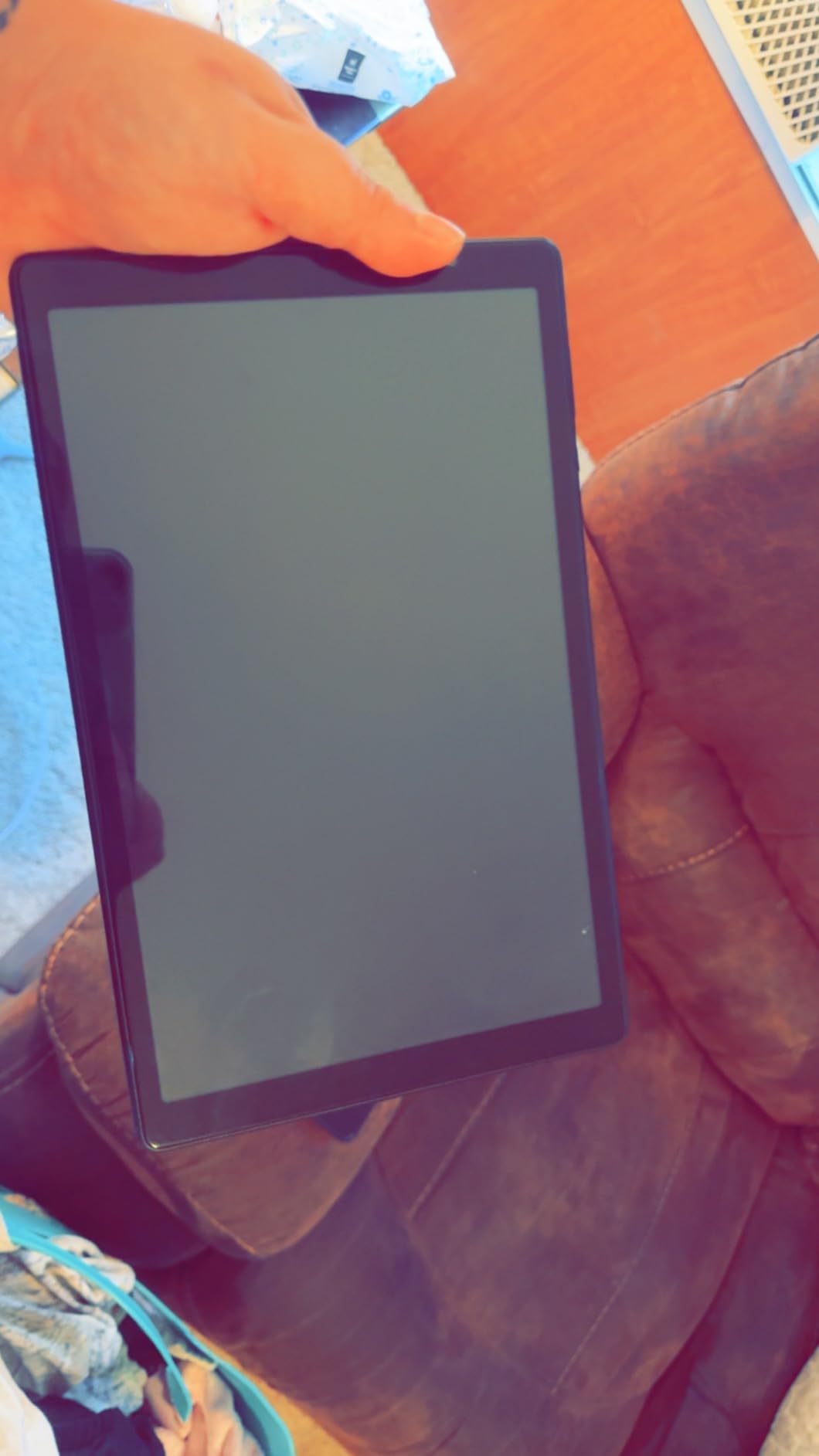
It runs Android 16 with Google Play pre-installed, has WiFi 6 and Bluetooth 5.4 on dual-band 2.4GHz and 5GHz, and storage expands to 1TB via TF card. Storage is 64GB. There is a one year limited warranty plus three years of manufacturer protection, and Gemini AI is built in.
Setup is deliberately simple, which owners with children and older relatives mention as a genuine benefit. The 10.1 inch IPS screen has responsive touch, and the 16:10 aspect ratio suits reading.
Good as a docked home tablet, a kids tablet or a first device
If the tablet will live on a stand in a shared space rather than travel in a bag, the dock changes the economics. It suits children, older users who want something straightforward, and anyone who wants an inexpensive second screen for recipes, video calls or a music playlist.
The RAM figure is mostly virtual, and the screen is low resolution
The headline 36GB of RAM is 6GB physical plus 30GB virtual, which is marketing rather than memory, and buyers report lag when moving between apps. The 1280×800 panel is the lowest resolution here and text is visibly softer than on any 11 inch pick, and the 0.43 inch chassis is nearly twice as thick as the TCL. This is a dock tablet, not a portable one.
How to Choose an Android Tablet in This Price Band
Every tablet in this roundup clears the same spec floors, so the meaningful decisions are the ones about software, longevity and how honest the listing is. Here is how we would narrow the field before you spend anything.
Set the minimum specs and refuse anything below them
Look for at least 4GB of physical RAM and 128GB of internal storage, a screen of 1080p or better, a 90Hz refresh rate where your budget allows, and a microSD slot. The moment a listing shows 32GB of storage with no expansion, or a 720p-class panel described in the same sentence as a 2K one, walk away.
Watch for virtual memory in the spec sheet. One pick here lists 36GB of RAM, but the breakdown shows 6GB of real memory with the rest allocated on disk. Virtual expansion keeps a tablet from crashing, it does not make it fast. Only two picks here state their physical memory honestly: 8GB on the Galaxy Tab A9+ and 6GB on the TCL TAB A1.
Decide full Google Android versus Fire OS before you buy
Fire OS is a modified version of Android built by Amazon, and it is not the same experience as the full Google Android running on the tablets above. Fire tablets cannot access the Google Play Store out of the box. You can sideload the Play Store and Google services, but it is an unofficial route that Amazon has restricted before, and it breaks occasionally.
That distinction matters most if you rely on a specific Google app, keep your data in Google services, or want an app that has no Amazon Appstore equivalent. The tablets in this roundup all run full Google Android with the Play Store pre-installed, which is a large part of why they are on the list. If you want a second screen for a movie rather than a computer replacement, our portable projector buying guide covers the other end of that use case.
Judge software support length as a real purchase criterion
Buyers on r/androidtablets consistently raise this, and it is the criterion most often ignored at this price. The published positions differ sharply: the TCL TAB A1 lists three years of security updates and an Android 17 path, the Lenovo Tab One lists two years of quarterly patches through 2027, and the TECLAST T65 has no clear stated policy after Android 16. Community members treat a longer support window as the decisive tie-breaker, and we agree.
Rule of thumb: if you want a tablet to last three to four years of daily use, count the years of security updates, not the years the hardware is capable of surviving. A tablet that stops receiving patches stops getting app updates, and it becomes a paperweight with a cracked screen away.
Check whether a pen and case are actually in the box
This is the hidden cost nobody mentions. At this price, a separately purchased stylus and folio can add a substantial amount to your total, and a note-taking tablet without a pen is a very different proposition. Only the Lenovo Idea Tab in this roundup bundles a Lenovo Tab Pen and folio case.
Check the included components list before you add anything to your basket, and treat any pen as a separate purchase until the listing says otherwise. The Lenovo Tab One includes a folio case with a built-in stand but no pen.
Avoid unbranded and off-label listings
Search results for this category are still crowded with marketplace-brand tablets that have no meaningful warranty, no published update policy and no reliable support path. They are often sold under Amazon’s fulfilment programme, which makes the listing look more legitimate than the product is.
Four checks cover most of it. Confirm the brand matches a manufacturer you can find a real website for. Read the warranty description line by line, because “international model without domestic warranty” is a meaningful warning and a one year mail-in warranty is a weaker one. Look for a model number and a manufacturer listed separately from the brand. And be suspicious when RAM and storage figures are heavily padded with virtual memory or when the screen resolution is well below the class the price implies.
Wi-Fi only versus cellular, decided honestly
Every Wi-Fi-only tablet in this roundup can create a hotspot on a phone, so cellular is rarely essential. It becomes worth it when you travel regularly, work outdoors, or want a tablet your child can use on a long journey without rationing a phone plan. Two picks here have a cellular radio, and both are international models with US carrier restrictions you need to read carefully before ordering.
Our advice: buy Wi-Fi only unless you have a specific reason not to, and buy a case. A tablet that lives on a kitchen table or a bedside stand survives far longer than one that lives in a bag.
Frequently Asked Questions
What is the best Android tablet under 300 dollars?
The Samsung Galaxy Tab A11+ is our top pick. It has an 11 inch 1920×1200 display at 90Hz, quad Dolby Atmos speakers, 6GB of RAM, expandable storage, a 5MP front camera and a two year manufacturer warranty, and it carries more than 2500 verified buyer ratings.
What is the best value for money Android tablet?
The Lenovo Tab One is the best value. It weighs 11.2 ounces, includes a folio case with a built-in stand, has a dedicated 3.5mm headphone jack and a microSD slot, and is rated for up to 12.5 hours of unplugged YouTube streaming. If you need a larger screen, the TCL TAB A1 offers a 650 nit 11 inch panel and an 8000mAh battery.
What is the cheapest but best tablet?
The Jeazans Android 16 Tablet is the lowest-cost pick we would recommend, because it bundles an AI speaker dock that charges the tablet wirelessly and works as a stereo speaker. Its trade-offs are honest: an 800×1280 screen, a 0.43 inch thick chassis, and a 36GB RAM figure that is mostly virtual memory.
Do budget Android tablets get software updates?
Support lengths vary a lot at this price. The TCL TAB A1 lists three years of security updates with an Android 17 path, while the Lenovo Tab One lists two years of quarterly patches through 2027. On other models the update policy is not clearly stated, so check the manufacturer’s own support page before buying and count years of patches rather than years of hardware life.
Is Fire OS the same as stock Android?
No. Fire OS is a modified version of Android built by Amazon, and it does not ship with the Google Play Store. You can sideload Google services, but it is unofficial and can break. Every tablet in our roundup runs full Google Android with the Play Store pre-installed, which is one of the reasons we recommend them.
How much storage and RAM does an Android tablet need?
Look for at least 4GB of physical RAM and 128GB of internal storage, plus a microSD slot if you can get one. Be careful with padded figures: one tablet here lists 36GB of RAM, but that is 6GB of real memory with 30GB allocated on disk. Virtual memory prevents crashes, it does not make a tablet fast.
Our Final Verdict
The Samsung Galaxy Tab A11+ is the best Android tablet under 300 dollars, and it wins for a reason that is easy to overlook: it is the only pick here with a large enough body of verified buyers to prove it works. The 11 inch 90Hz panel, quad Dolby Atmos speakers, 6GB of RAM and two year warranty make it the safest all-round buy for streaming, video calls and family use.
Buy the Lenovo Idea Tab College Tablet instead if you will write rather than type, because the bundled Tab Pen and folio case plus a 2560×1600 screen are worth more than raw speed at this price. Buy the Samsung Galaxy Tab A9+ if app switching speed is the priority and you are comfortable with an international model warranty. Buy the TCL TAB A1 for the brightest panel and the longest clearly stated software window.
Whichever you choose, check the current figure on the listing before you order, confirm whether a stylus is included, and read the warranty line rather than the star rating. Prices in this band move fast, and the best Android tablets under 300 dollars are the ones that still work in four years.
Last updated: October 2026.