
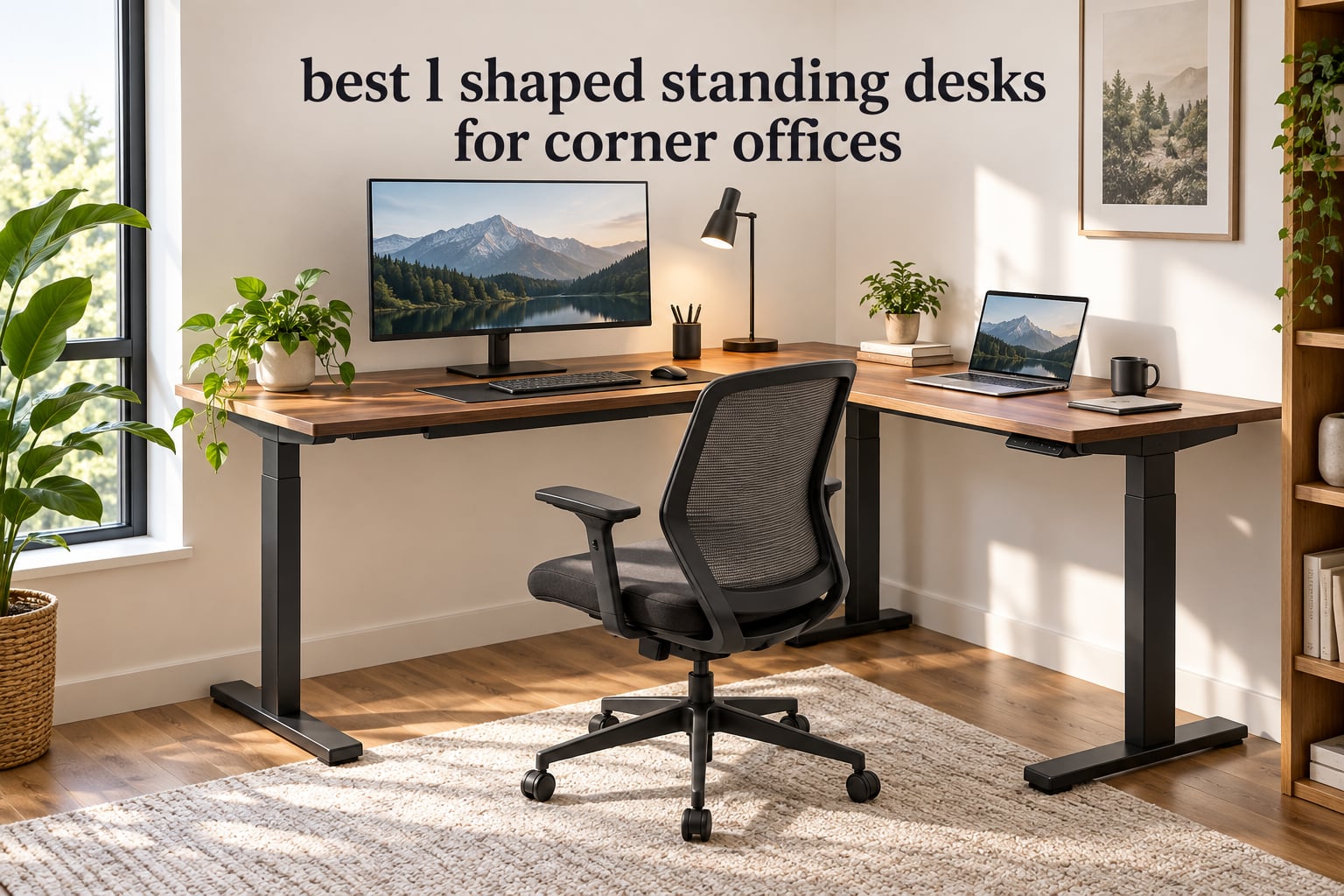
A rectangular desk in a corner office wastes about a third of the room. It sits against one wall, leaves dead floor space behind it, and gives you one working posture and one screen. An L-shaped standing desk takes that dead corner and turns it into two usable work zones: a long main surface for your monitors and a return side for a laptop, paperwork or a second machine. That is the whole case for the format, and it matters most in a corner office where the room shape, not the square footage, is the constraint.
We spent weeks comparing the eight L-shaped standing desks below against the questions buyers actually ask: does the return go on either wall, how deep is it, will the frame shake at full standing height, and can the frame carry two monitors plus a tower? Every desk here is an electric height-adjustable model with a memory controller, and every one of them carries a published height range, weight capacity and warranty so you can check the numbers against your own body and your own corner before spending anything.
One honest gate before the list. An L-shape eats roughly 60 inches of wall on each side of the corner, plus a few inches of clearance, and the return is usually shallower than the main surface. If your corner is smaller than that, a straight desk will serve you better. We cover how to measure properly in the section just after the table, and we also cover who should skip an L-shape entirely. If you want a wider read on the format first, our guide to L-shaped desks for corner offices covers the static versions.
Top 3 Picks: L-Shaped Standing Desks for Corner Offices in 2026
The quickest way to narrow eight desks to three is to separate them by what they actually do well: a well-balanced all-rounder, a low-cost reversible layout, and a heavy-duty frame that shrugs off a full tower and multiple monitors.

VIVO 63 x 55 Corner Standing Desk
- Single motor
- 225 lb capacity
- 28.5 to 46.8 inch range
- 4 memory presets

Acrolix 59 x 40 Reversible L Desk
- Reversible layout
- 176 lb capacity
- under 45 dB motor
- 3 presets

FEZIBO Triple Motor 63 Inch Desk
- Triple motor
- 330 lb capacity
- 27 to 48 inch range
- under 50 dB
Best L-Shaped Standing Desks at a Glance (October 2026)
Every desk below is an electric L-shaped sit-stand model. Heights, capacities and ratings are taken from the manufacturer specifications and owner reviews for each listing, and prices move constantly so we leave the pricing to the check buttons.
| Product | Specifications | Action |
|---|---|---|
| VIVO 63 x 55 Corner Standing Desk |
|
Check Latest Price |
| Acrolix 59 x 40 Reversible L Shaped Desk |
|
Check Latest Price |
 Agilestic 63 x 55 L Shaped Electric Desk Agilestic 63 x 55 L Shaped Electric Desk |
|
Check Latest Price |
 OffiGo 63 Inch L Shaped Desk with 4 Drawers OffiGo 63 Inch L Shaped Desk with 4 Drawers |
|
Check Latest Price |
 Cubiker 63 x 55 Reversible L Shaped Desk Cubiker 63 x 55 Reversible L Shaped Desk |
|
Check Latest Price |
 SIAGO 63 x 55 Desk with Charging Station SIAGO 63 x 55 Desk with Charging Station |
|
Check Latest Price |
| FEZIBO Triple Motor 63 Inch L Shaped Desk |
|
Check Latest Price |
 SEDETA 55 Inch Farmhouse L Shaped Desk SEDETA 55 Inch Farmhouse L Shaped Desk |
|
Check Latest Price |
How to Measure Your Corner Before You Buy
Most L-shaped desk returns are shipping problems rather than product problems, and every one of them traces back to a tape measure that was never taken. Here is the sequence I use.
Measure the wall length on each side, not the diagonal
Tape each wall run from the corner to whatever stops it: a door frame, a window sill, a radiator or a bookcase. An L-shaped desk needs roughly 60 inches of clear wall on the main side and 50 to 60 inches on the return side. If either run comes up short, the desk will not sit flush and you will end up with a gap.
Add clearance for the top overhang and the wall
Leave at least 6 inches of open wall on each side beyond the desk footprint. That gap is what lets you slide a monitor arm, swivel a chair and get into the corner without dragging furniture. It also protects the return from the baseboard, which on older homes can stand 1 to 2 inches proud of the plaster and stop the frame from sitting level.
Check the return depth separately from the main depth
This is the single most common disappointment in the category. Buyers check the headline width, see 63 inches, and never notice that the return is only 21 to 24 inches deep. Under about 24 inches deep you cannot comfortably place a keyboard and mouse with your forearms supported, so the return becomes a laptop stand rather than a second work surface. Our tested guide to standing desks covers depth choices in more detail.
Confirm the outlet and the door swing
The motor needs a wall outlet, and a corner often has its nearest one behind where the frame will sit. Cord reach on most of these desks is roughly 6 feet, so check the distance from your planned frame position to the nearest outlet. Also swing the door open fully: on a tight corner the return is often what the door hits, and the assembly instructions usually have you build the frame before deciding orientation.
Plan the move, not just the order
Shipping weights here run from about 55 pounds to 184 pounds, and two boxes are common because the top arrives in panels. If your door or stairwell is tight, a desk with a detachable pedestal, like the OffiGo below, is far easier to carry than a single welded cabinet. Budget for a second person on anything over 100 pounds.
1. VIVO 63 x 55 Corner Standing Desk – Best Overall L-Shaped Standing Desk
VIVO Black 63 x 55 in Corner Standing Desk, DESK-E3CTB
28.5 to 46.8 inch range
225 lb capacity
Alloy steel frame
4 memory presets
3 year warranty
Pros
- Holds 225 lbs on a 2.4 inch wide all-steel frame
- Stable at full standing height with two monitors on arms
- Four programmable height presets
- Anti-collision stop
- Three year parts and labor warranty
Cons
- Three panel top leaves two visible seams
- Assembly instructions switch perspectives between options
- Slight shake at maximum height
- Sparse pre-drilling on the particle board top
The VIVO DESK-E3CTB is the one I would put in a corner office with no special requirements. It is not the heaviest frame here and it does not have the longest warranty, but it balances a 225 pound capacity, a 28.5 to 46.8 inch lift and the largest review count of any desk in this roundup at 1172. That volume of owner feedback is what makes me comfortable recommending it as the default.
Owners consistently report that a dual-monitor setup with monitor arms does not sag, and that the lift is smooth and quiet enough to use during a call. Several buyers note they bought a second one for another room, which is the strongest repeat-purchase signal a product like this can produce.
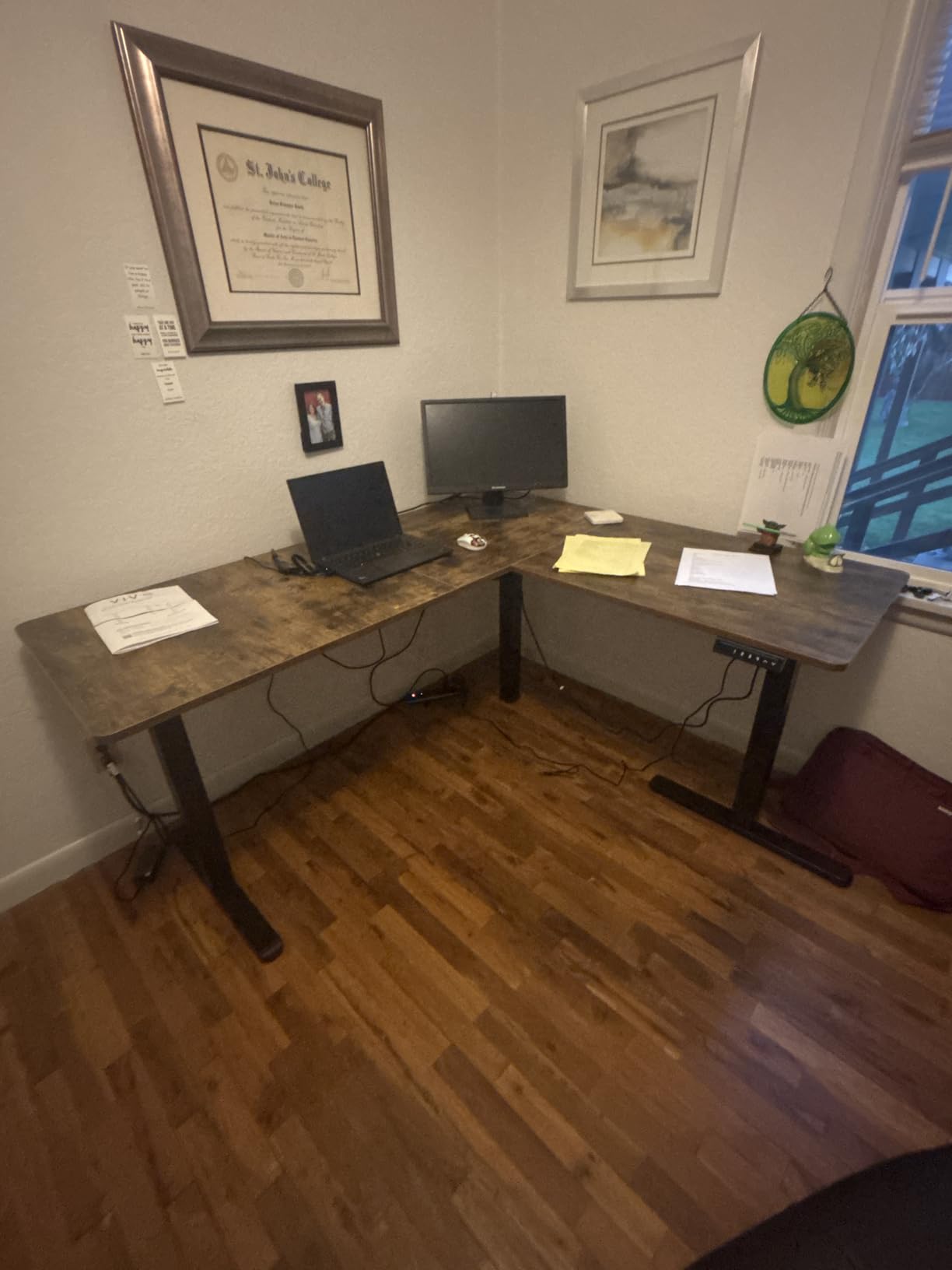
The 2.4 inch wide steel legs do more work than the motor count suggests. A single motor driving a wide T-shaped base with four memory presets gives you a stable platform at standing height for everything short of a full tower plus three large monitors. The anti-collision stop is a small detail that matters more in a corner than in an open room, where a chair can roll into the frame.
The top is the compromise. It arrives as three panels, so you will see two seams across the work surface, and the 0.72 inch particle board is entry-level. Some holes are not pre-drilled, which means a drill during assembly. Grommets and adhesive cable clips are included for routing, though owners report the adhesive tabs letting go over time.
Is the VIVO desk right for a dual-monitor corner office?
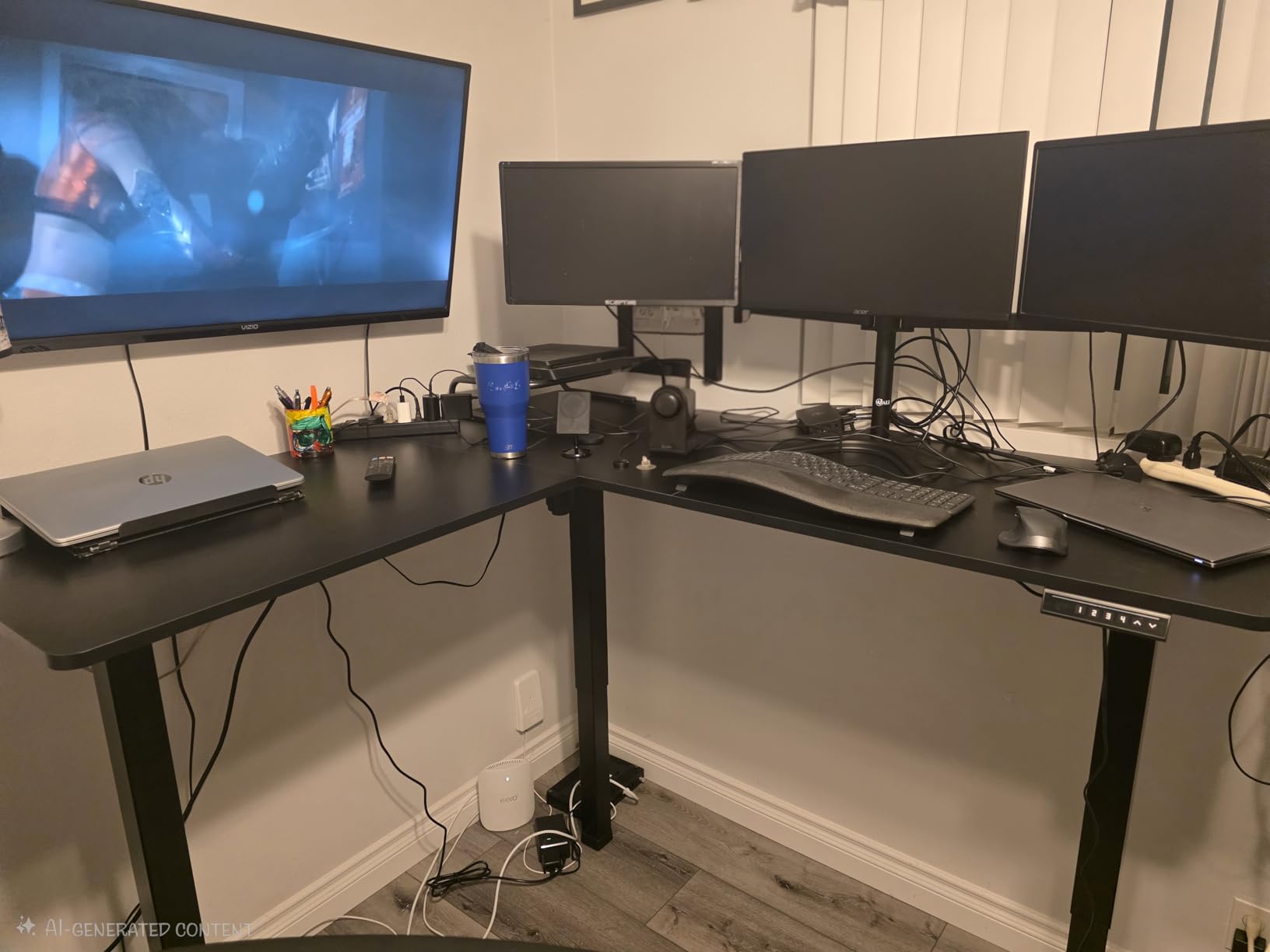
Yes, if your total load stays under 225 pounds, which covers two monitors, arms, a laptop, a dock and a light tower. The 4.6 rating across 1172 reviews gives you more owner history than any other L-shaped desk we looked at. Monitor arms mount without complaint, and the width leaves room on the return for a keyboard when you are sitting.
Where it falls short
The maximum height of 46.8 inches is mid-range here, which is fine for most users but leaves taller people short of full extension. Instructions are the most commonly cited complaint, so budget an unhurried first assembly. If you need a deep return for a true second keyboard-and-mouse posture, the main surface at 55.2 inches is the part to use.
2. Acrolix 59 x 40 Reversible L Shaped Desk – Best Budget Layout
Acrolix L Shaped Electric Standing Desk,59×40 Reversible,Rustic Brown
28.3 to 46.4 inch range
176 lb capacity
Dual crossbar frame
Reversible return
3 presets
Pros
- Return mounts on either wall to suit any corner
- 176 lb capacity on a dual crossbar steel frame
- Under 45 dB motor for call-friendly use
- Cup holder
- headphone hook and cable clips included
- Labeled splice-board assembly in 30 to 60 minutes
Cons
- Wood-screwed top means it is not designed to move often
- Entry-level build versus solid wood
- 46.4 inch maximum is low for tall users
- Laminate top shows fingerprints
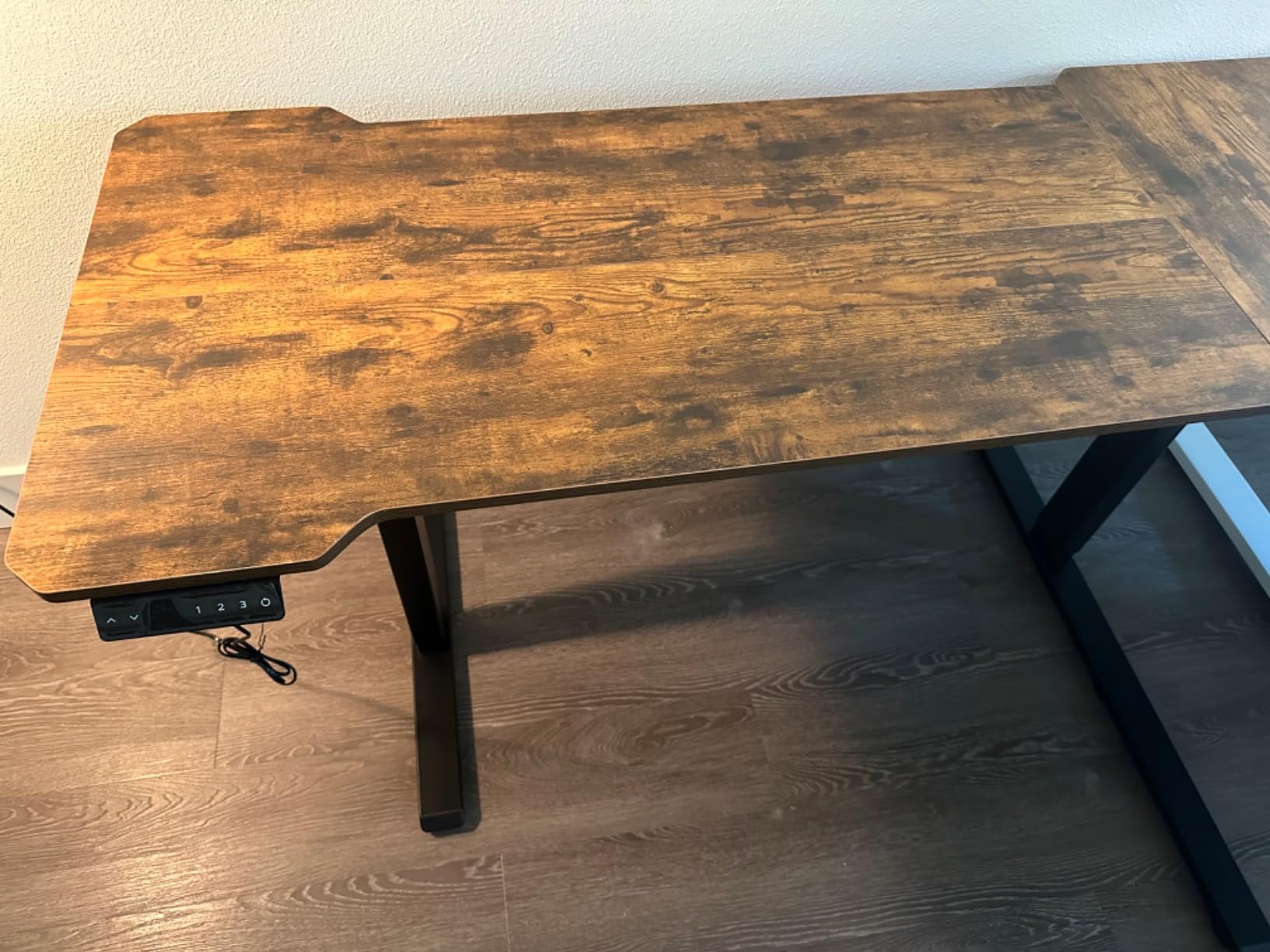
The Acrolix solves the corner problem that trips up most buyers: you can install the long side against either wall. In a room where the two wall runs are different lengths, or where a window forces the orientation, that reversibility saves you from choosing the wrong desk entirely. It is the reason this is my budget pick rather than the cheaper-looking alternatives.
Owners like the accessories that ship in the box. A rotating cup holder, a headphone hook and cable clips are not glamorous, but on a two-surface L workspace they are the difference between a usable corner and a cluttered one. The motor runs under 45 dB, which reviewers single out as usable during meetings.
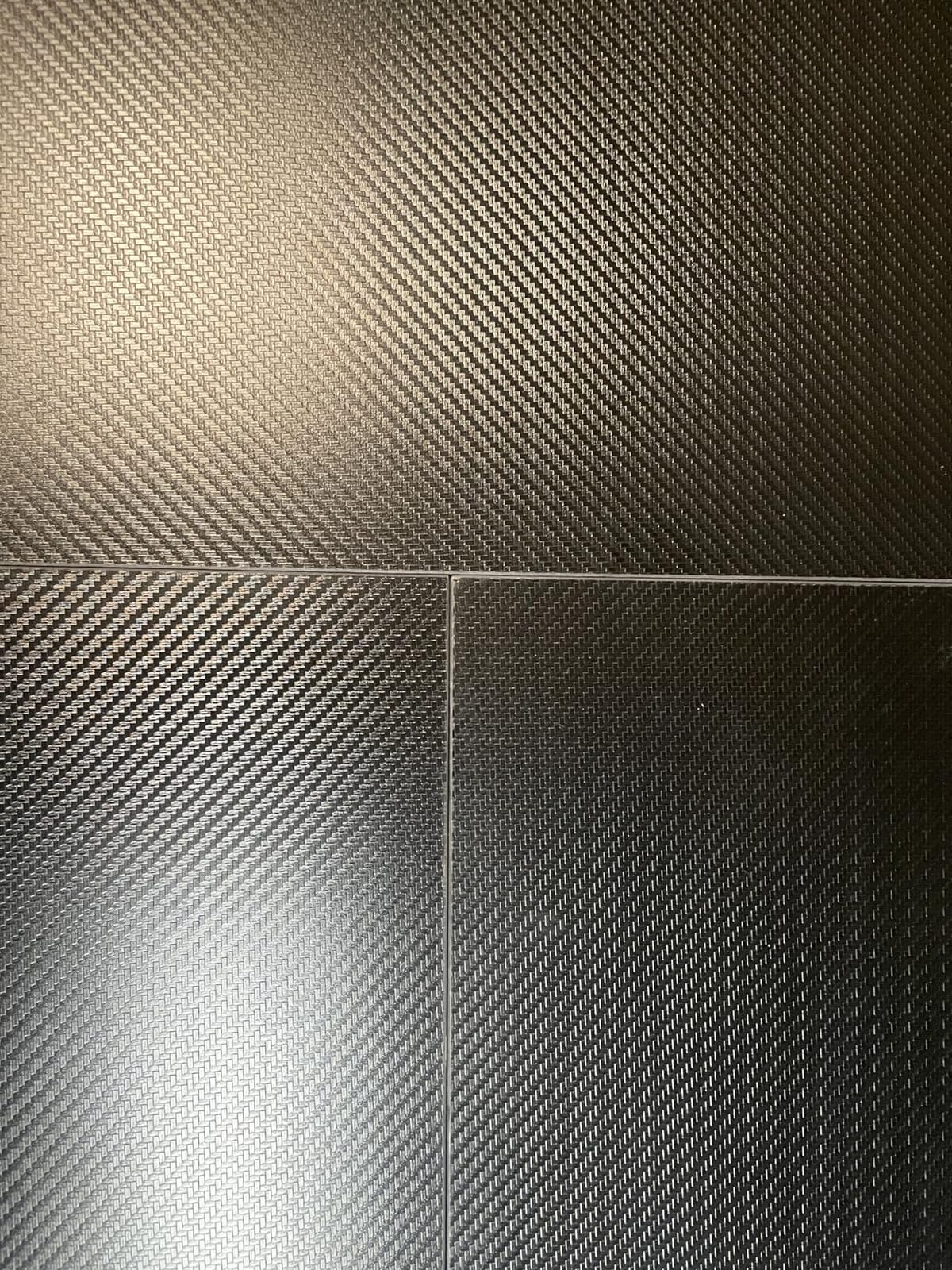
The frame uses a dual crossbar design to reach 176 pounds, and reviewers report minimal wobble for a frame in this class. A T-shaped leg base and a 0.8 inch top give it more substance than the price band suggests, and the 63.8 inch work surface diagonal is enough for a main monitor plus a laptop on the return.
Two limitations are worth planning around. The top is fixed with wood screws, so the desk is not meant to be disassembled and moved repeatedly, which matters if you rent or rearrange often. And roughly 7 percent of reviews are one-star, mostly about the entry-level finish and the laminate surface marking easily.
Who gets the most out of the Acrolix?
Anyone in a corner with uneven wall lengths, or anyone who wants a laptop station plus a main screen without spending premium money. The 40 inch depth gives a workable return for a laptop and notebook, though not for a full keyboard-and-mouse posture. Three memory presets cover a sit, a stand and a middle reading height.
Where it falls short
The 46.4 inch ceiling is the real constraint. Users taller than about 5 foot 11 inch will find full standing height out of reach. Plan on assembling it once, in place, and decide the return orientation before you tighten the last screw.
3. Agilestic 63 x 55 Inch L Shaped Electric Standing Desk – Best Big-Surface Value
Agilestic 63 x 55 Inch L Shaped Electric Standing Desk, Rustic Brown
28.3 to 46.5 inch range
176 lb capacity
63 x 55 inch top
3 presets
Anti-collision
Pros
- Large 63 by 55 inch L surface for multiple machines
- Seamless splice-board top across the main work area
- Anti-collision protection and cable management included
- Three memory presets plus manual up and down
- Headphone hook included
Cons
- Assembly realistically needs two people
- 46.5 inch maximum is short above about 6 foot 2 inch
- Wood-look laminate dents at the edges
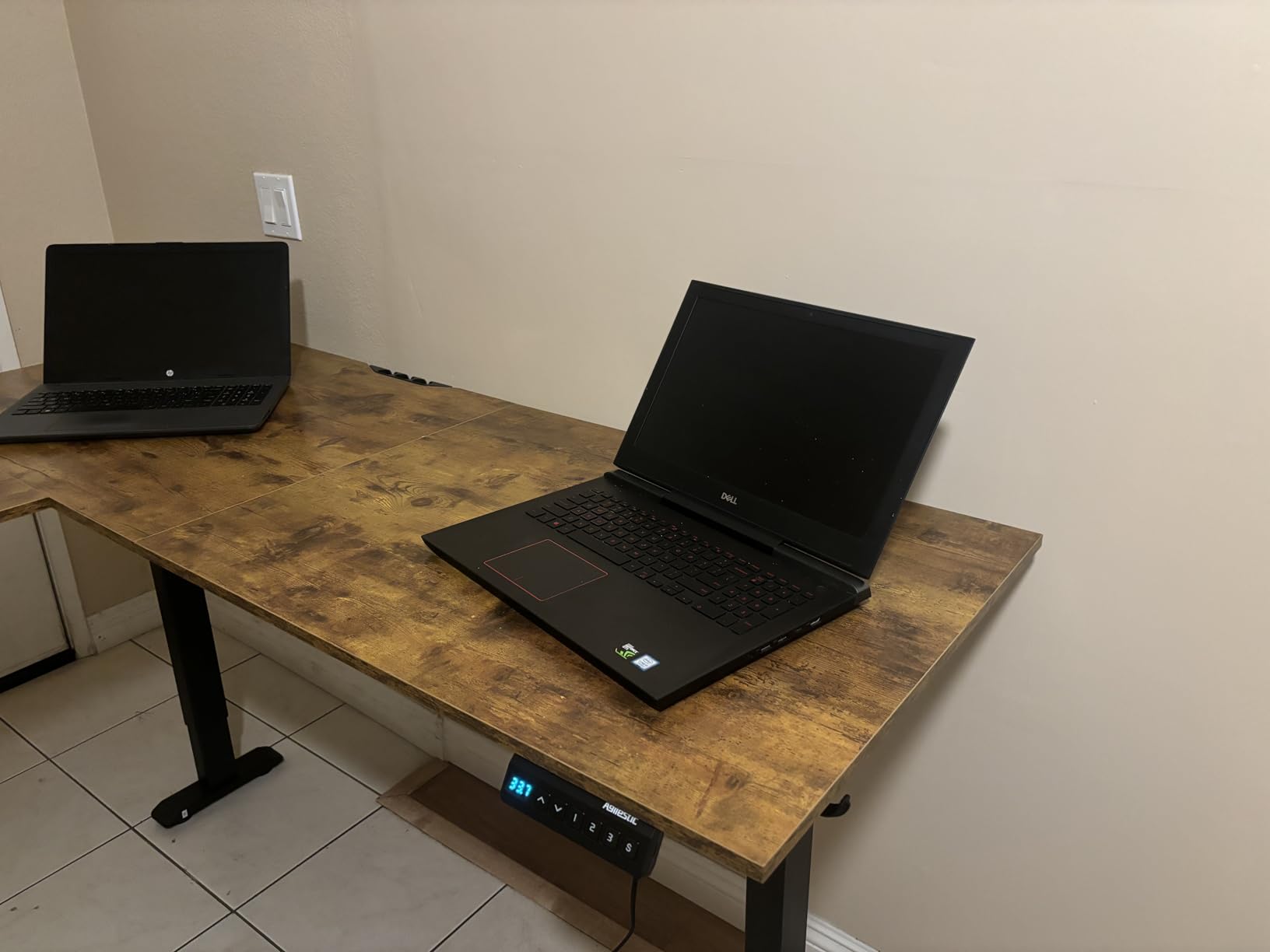
The Agilestic answers a specific gap: a genuinely large corner surface without stepping up to a premium frame. At 63 by 55 inches it holds a desktop tower, a laptop and peripherals in a way most L-shapes in this price band cannot. If your work involves two computers rather than two screens, this is the one to look at first.
Reviewers rate the motor as smooth and quiet and the presets as dependable, which is what you want from a desk you will move four to six times a day. The steel frame is rated at 176 pounds, which covers a loaded tower and two monitors with room to spare.
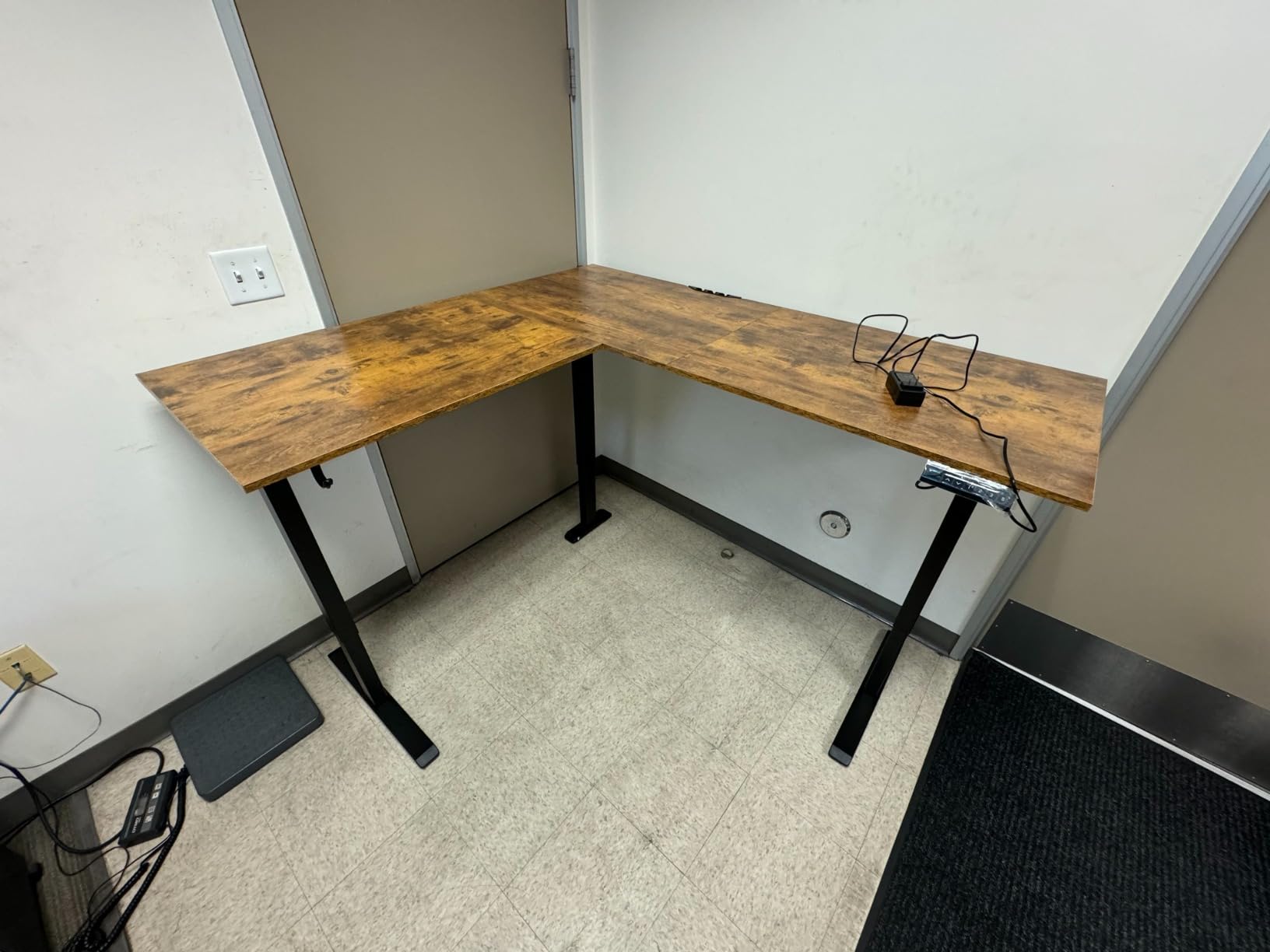
One design choice stands out: the splice-board top avoids a seam running through the main work area, so your keyboard and mouse sit on continuous material. That matters on an L because the seam on cheaper multi-panel tops tends to land right where your forearms rest. Anti-collision protection is included, and the cable management accessory keeps runs off the floor.
Assembly is the honest drawback. At 69 pounds, this is a two-person job in most homes, and the 63 inch main run is awkward to maneuver through a doorway alone. The lift tops out at 46.5 inches, which again puts a ceiling on how tall a user can comfortably stand.
Is the surface big enough for a multi-computer setup?
Yes. The 63 inch main run plus the 55 inch return is the most generous footprint in the mid range here, and it is the reason we picked it for big surfaces. Three presets let you sit low for a laptop, stand for typing and park it in between for reference work. Owners report the lift stays smooth under a loaded desk.
Where it falls short
Taller users hit the 46.5 inch ceiling before reaching full extension. The wood-look top is a veneer over engineered board and dents at the edges if something is dragged across it. And budget an hour with a second person for assembly.
4. OffiGo 63 Inch L Shaped Electric Standing Desk with 4 Drawers – Best with Storage and Charging
OffiGo 63 Inch L Shaped Electric Standing Desk with 4 Drawers, Rustic Brown
29.9 to 46.1 inch range
154 lb capacity
4 fabric drawers
3 outlets, USB and Type-C
Reversible plate
Pros
- Only option here with four storage drawers on a lifting L frame
- Built-in 3 AC outlets plus USB and Type-C charging
- Reversible sub-table plate with 15 inch extra surface
- Rear cable management tray
- Quiet adjustment owners repeatedly praise
Cons
- 154 lb is the lowest capacity in the group
- Fabric drawers have no travel stops
- Pedestal weight causes lateral sway
- Top must be removed to move it through tight doorways
The OffiGo is the only desk here where storage and charging are built into the frame rather than added later. Four drawers and a 40 liter volume turn a standing corner desk into a standing corner office, and the charging plate with three AC outlets, one USB and one Type-C port removes the power brick clutter from the desktop entirely.
Owners single out the quiet, smooth adjustment and OffiGo’s after-sales responsiveness, which is not something you can verify from a spec sheet. Several reviews describe the height change as easy enough to do casually during the day rather than as a planned switch.
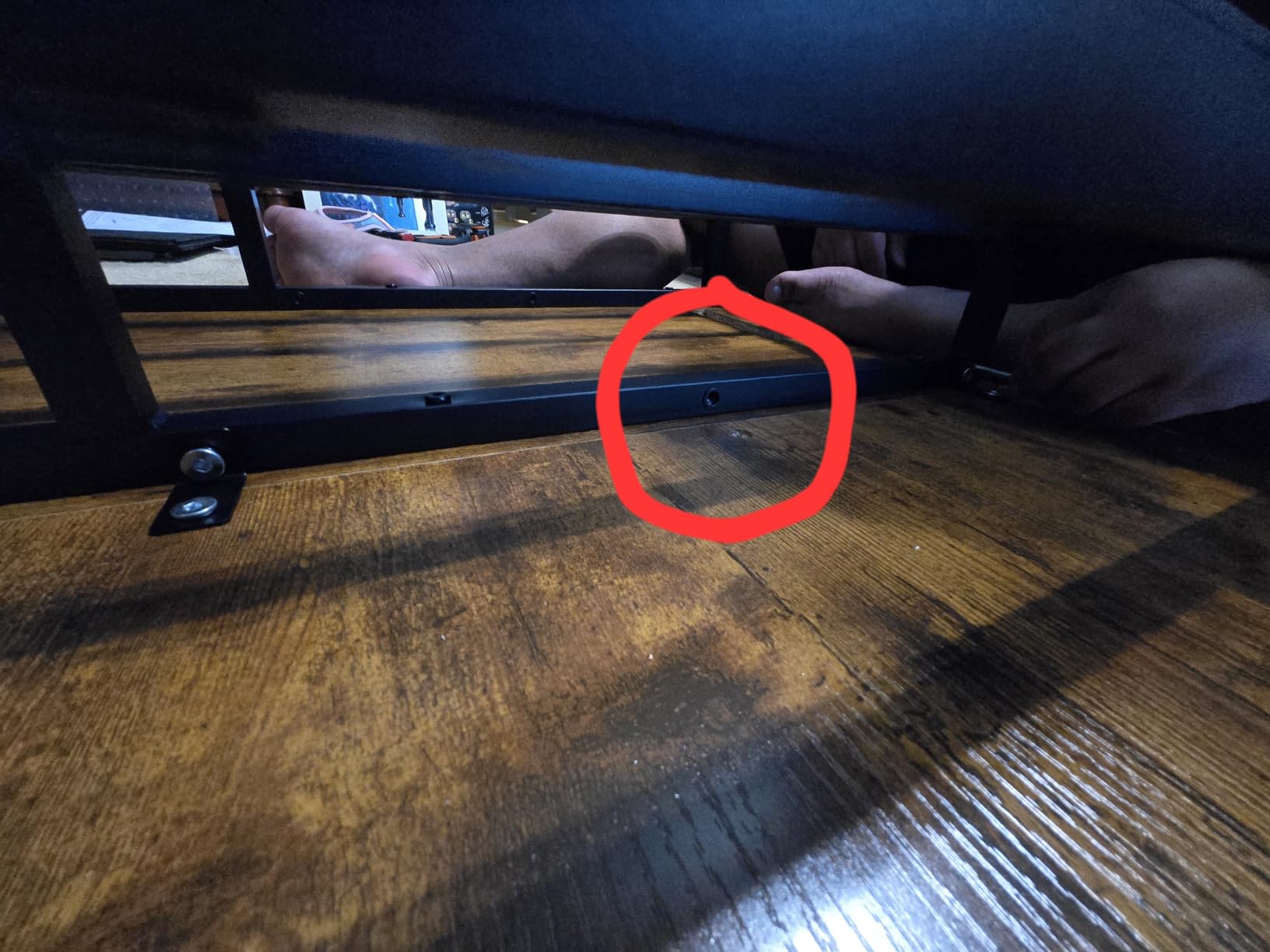
The reversible sub-table plate adds 15 inches of work surface and lets the return go on either wall, which recovers the flexibility you would otherwise lose when storage dictates the layout. A rear cable management tray handles the long runs an L-shaped frame creates, and the 0.47 inch engineered top keeps the overall footprint manageable.
Weight is the tradeoff. At 154 pounds the frame has the lowest rated capacity of the eight, and the drawer pedestal adds mass that reviewers notice as lateral sway when you lean on the return. The fabric drawers also have no stops, so a hard pull can tip contents out. On the positive side, the detachable pedestal means the top can come off for a tight doorway.
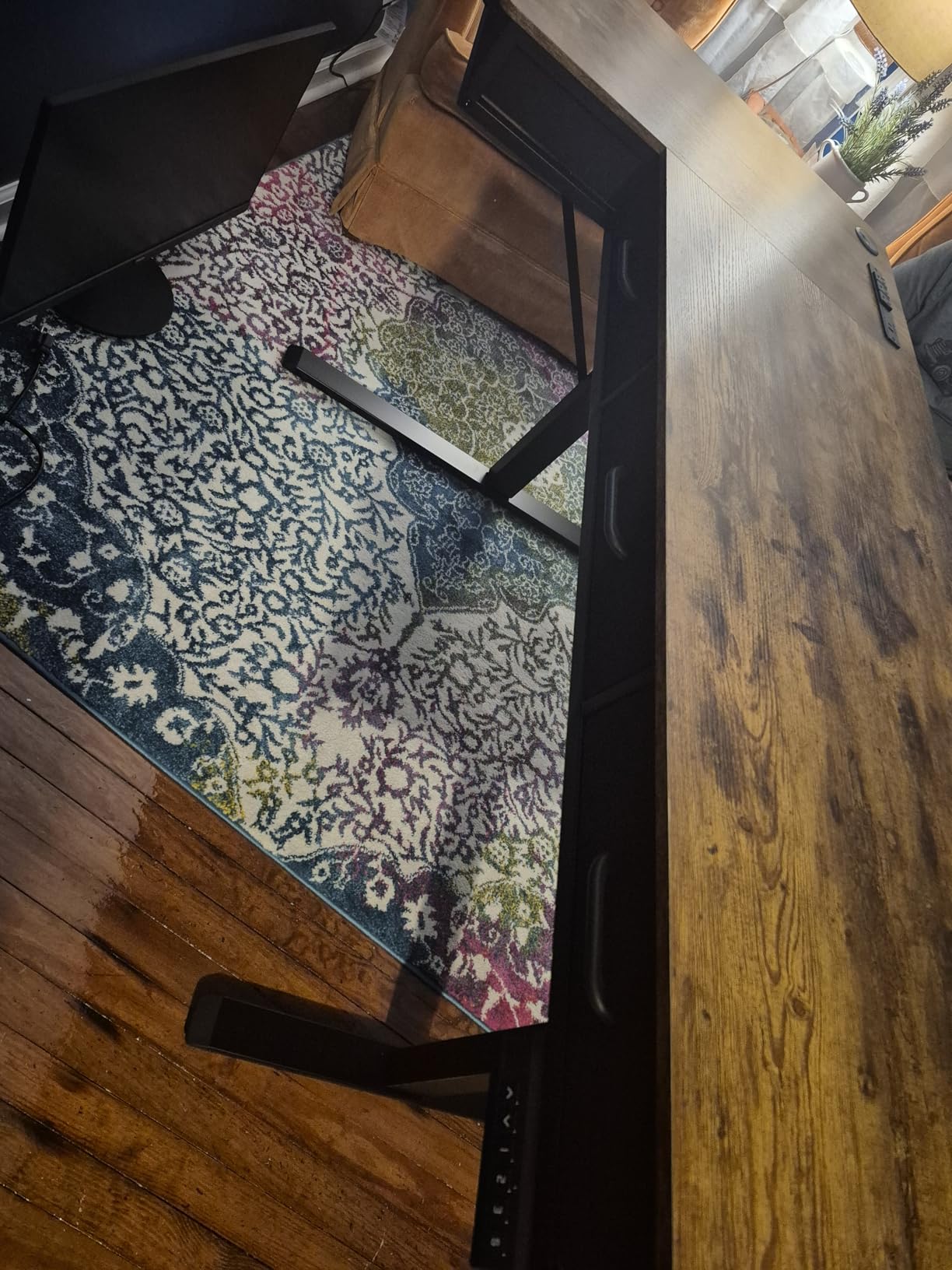
Is the OffiGo good for a corner office that doubles as a storage station?
That is exactly what it is built for. If you have moved off paper entirely, the drawers become optional and you are paying for unused mass. If you still file documents, four drawers plus integrated charging on a desk that lifts is a package no other option in this list matches.
Where it falls short
Low capacity and sway make it a poor choice for a heavy tower or three large monitors. Keep the load light, distribute weight evenly across both surfaces, and avoid leaning on the return while typing. The 46.1 inch maximum also caps the standing height range.
5. Cubiker 63 x 55 Reversible L Shaped Standing Desk – Best for Quiet Work
Cubiker Reversible L Shaped Standing Desk – 63 x 55 Inch Electric Adjustable Height Corner Standing Desk, Ergonomic Sit Stand Up Table with 3 Memory Buttons, Splice Board for Home Office, Black Walnut
176 lb capacity
20mm per second lift
Under 55 dB
Reversible return
5 year warranty
Pros
- Quietest rated motor in this group at under 55 dB
- Reversible install suits either corner orientation
- 1 inch top is not particle board
- Weighs enough to resist tipping
- 5 year limited warranty is the longest here
Cons
- Small wobble at full height during vigorous typing
- Panel joint leaves a sharp exposed corner to sand
- 84 pound single box is heavy to bring in
- Controller sits near the front edge by default
The Cubiker is the one I would choose for a corner office where you take calls all day. The motor is rated under 55 dB and reviewers consistently name quiet operation as the reason they are happy with it. For a shared room or a video-call corner, that is a more valuable spec than a higher weight rating.
Several owners bought it for studio use rather than an office, which tells you something about the 1 inch top. This is not particle board, and it takes heavier equipment such as MIDI keyboards without the surface complaint that shows up on cheaper desks. The 176 pound frame is standard for the class.
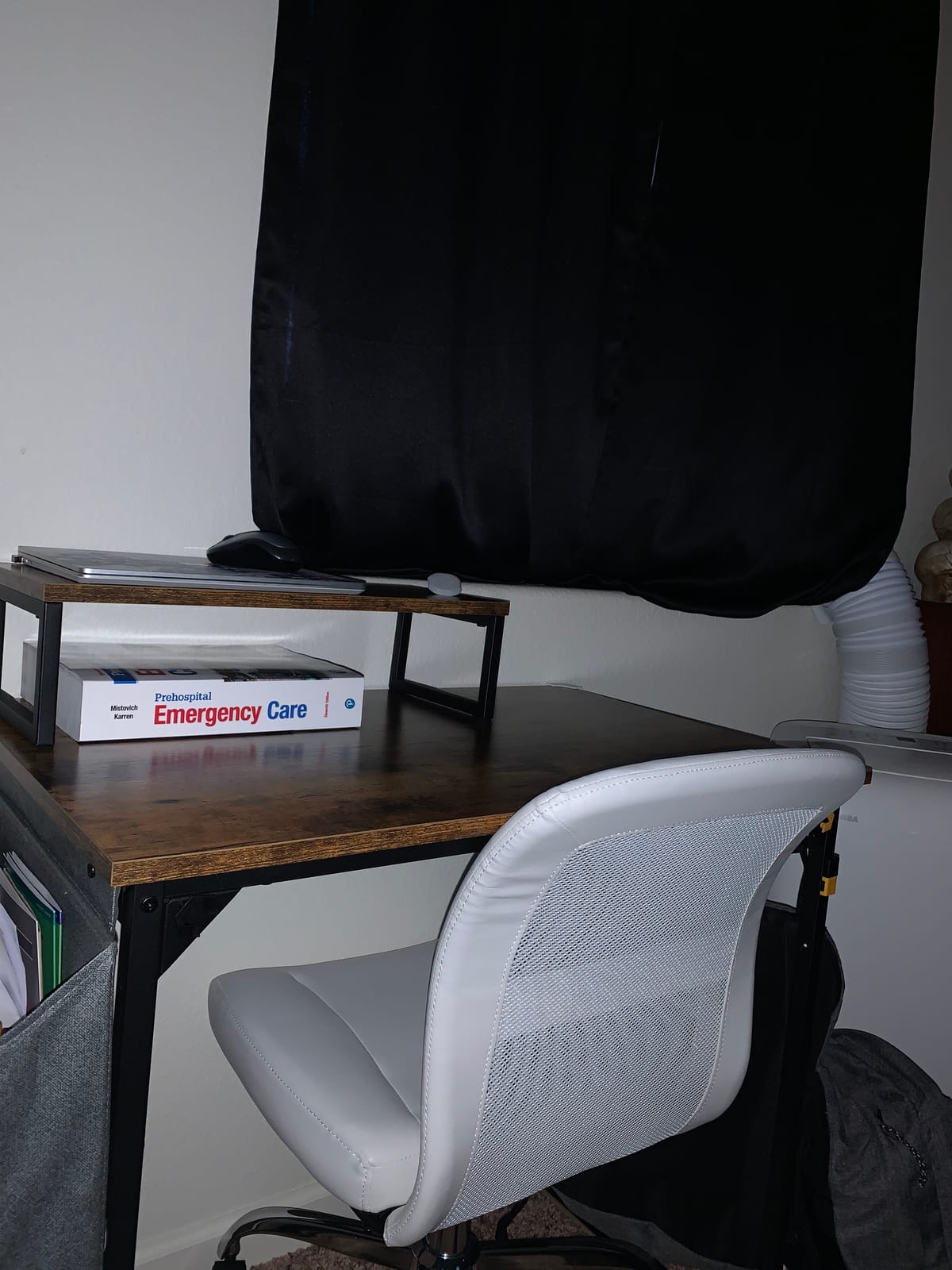
The five year limited warranty is the longest in this roundup, and warranty length is a reasonable proxy for how a manufacturer expects the frame to hold up. Cubiker also resolved a short-rod shipping issue quickly for at least one buyer, which suggests support is not a black box.
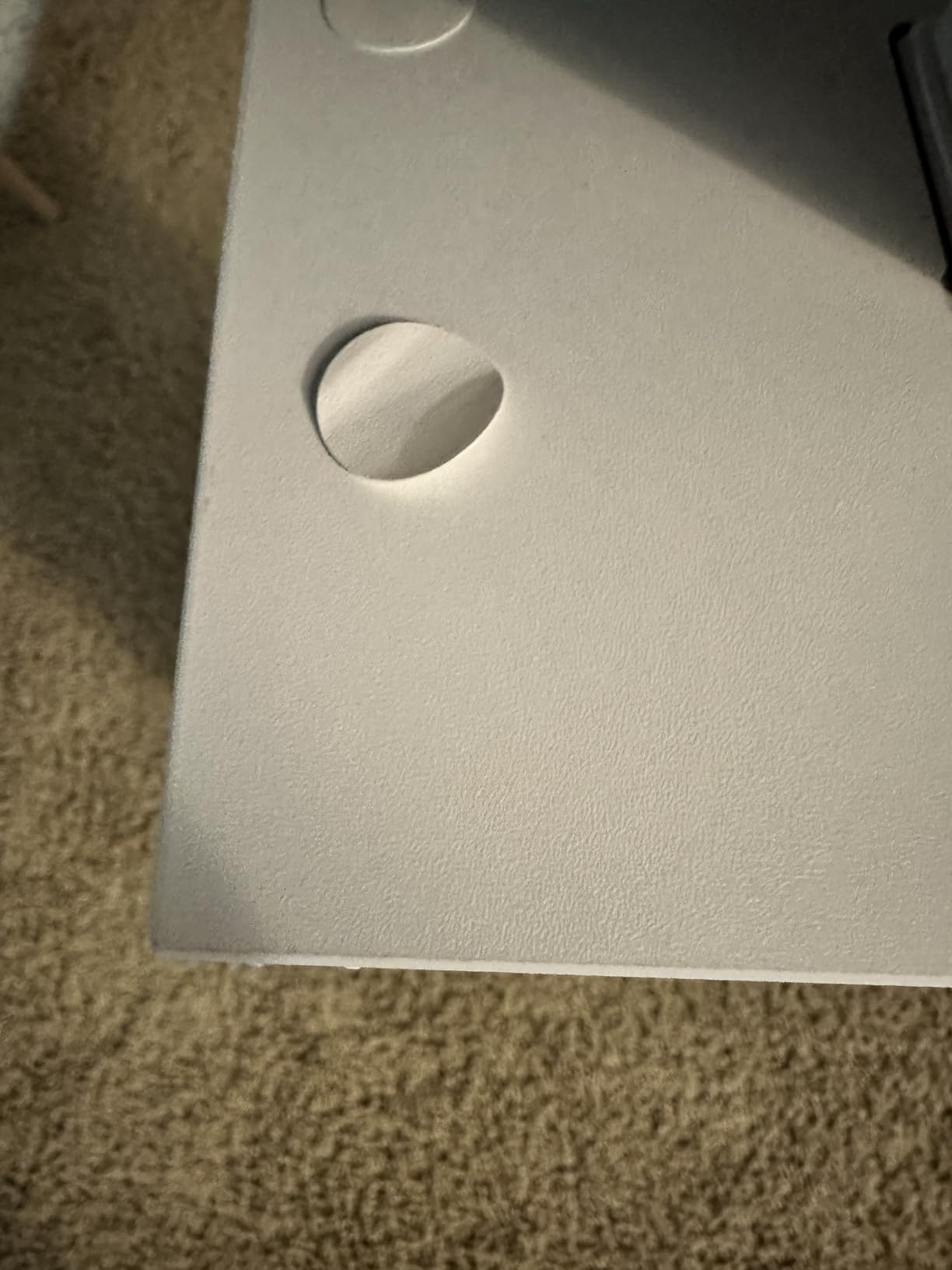
There are small finish issues. Where the two top panels meet, owners report a slight mismatch that leaves a sharp exposed corner worth sanding before you set a monitor on it. The controller is mounted close to the front edge, where a standing user can bump it with a hip, and you can move it if that bothers you.
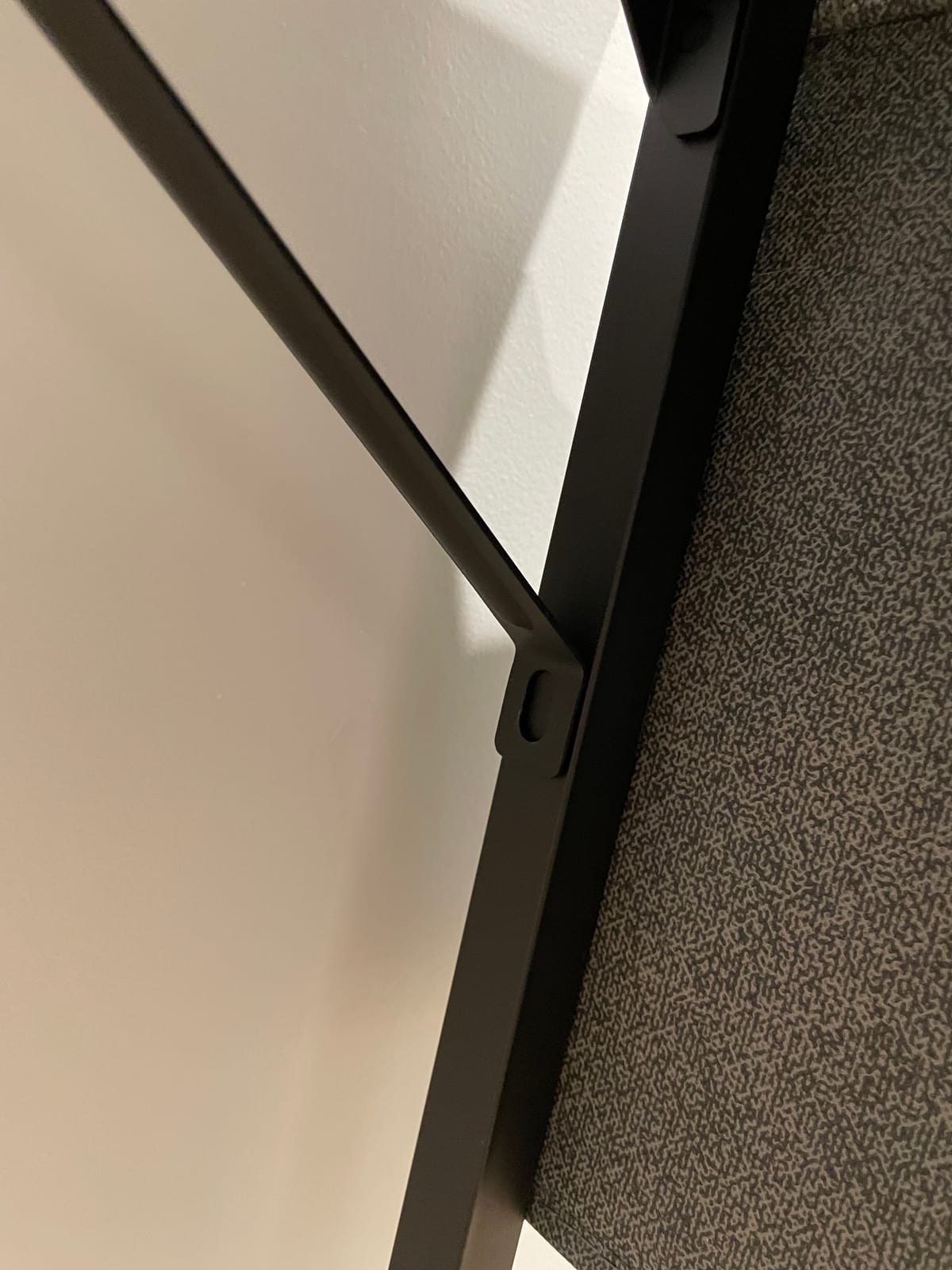
Does the Cubiker handle a dual-monitor corner office?
Yes, within the 176 pound limit. The reversible return lets you orient the long side toward whichever wall has the outlets and the light. A cable management hole and headphone hook are included, which covers most of the routing an L frame needs. The lift speed of 20 mm per second is unhurried, which is part of why it is quiet.
Where it falls short
Small wobble shows up at full height during aggressive typing, more than on the heavier frames here. The 84 pound single package is a genuine two-person carry, and the panel seam needs a quick sand. Expect to reposition the controller once during setup.
6. SIAGO 63 x 55 Inch L-Shaped Standing Desk with Charging Station – Best Built-In Power
SIAGO 63×55 Inch L-Shaped Standing Desk with Charging Station Corner Desk
27.5 to 45.7 inch range
Tested to 250 lb
48 dB lift
3 outlets plus USB-A and C
Reversible
Pros
- Motor tested to 50000 cycles under a 250 lb load
- Three equal-length legs keep the large surface level
- Built-in 3 outlets plus USB-A and USB-C fast charging
- Very little wobble once assembled
- Reversible installation for any room
Cons
- 45.7 inch maximum is low for users 5 foot 11 inch and up
- Assembled upside down so orientation must be decided first
- Thin pressboard top dents at the edges
- One cable basket sits high for some connectors
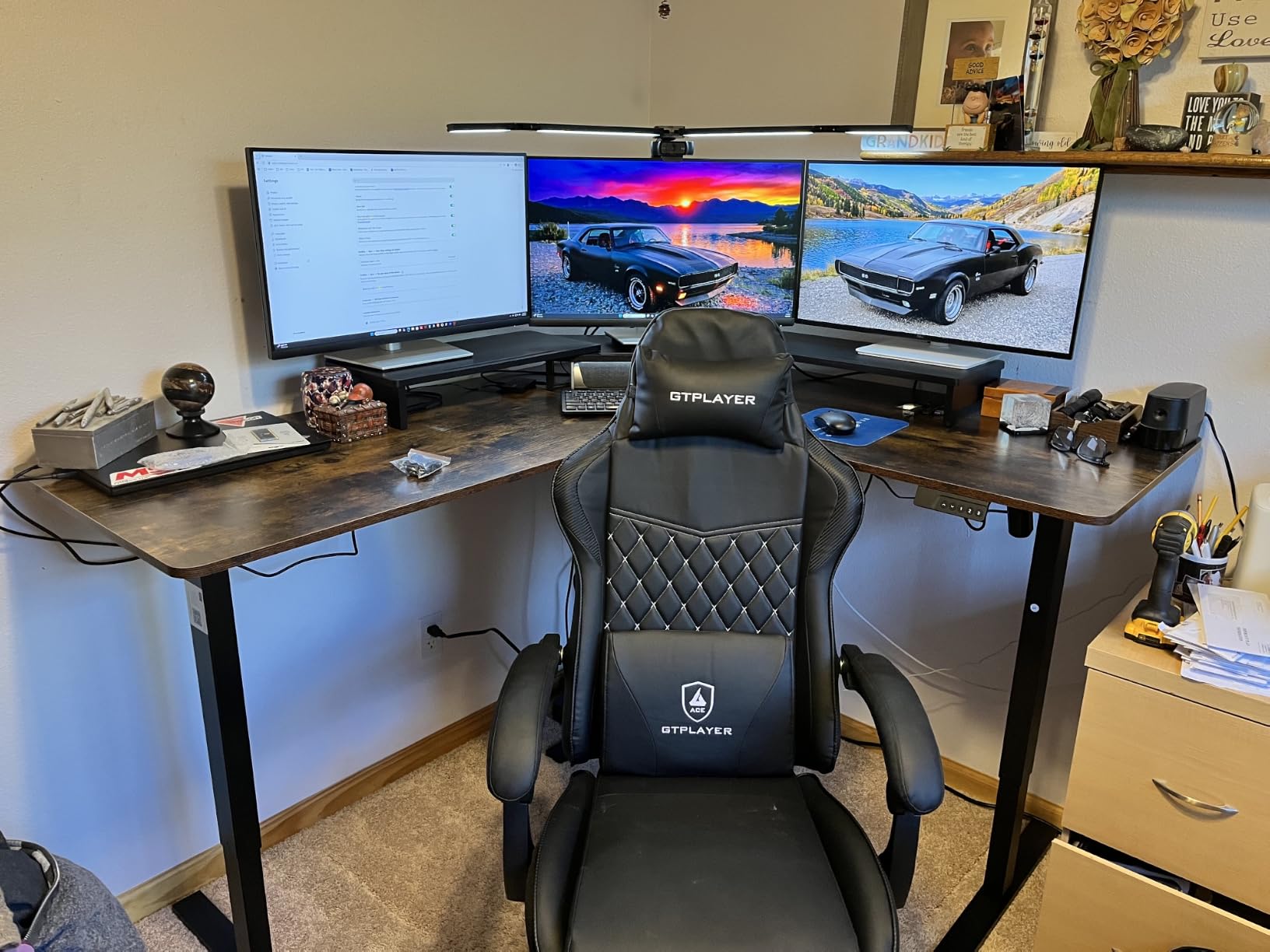
The SIAGO carries the highest load rating relative to its size, with the motor tested to 50,000 lifting cycles under a 250 pound load. That is a durability test rather than a marketing adjective, and it is the number I would want on a desk that will hold a full tower and two large monitors. Three equal-length legs also keep the 63 by 55 inch surface level, which is not automatic on an L.
At 48 dB, the lift is the quietest measured figure here, and owners report very little wobble once the frame is squared up. Multiple reviewers are repeat buyers, which is the strongest endorsement available in review data.
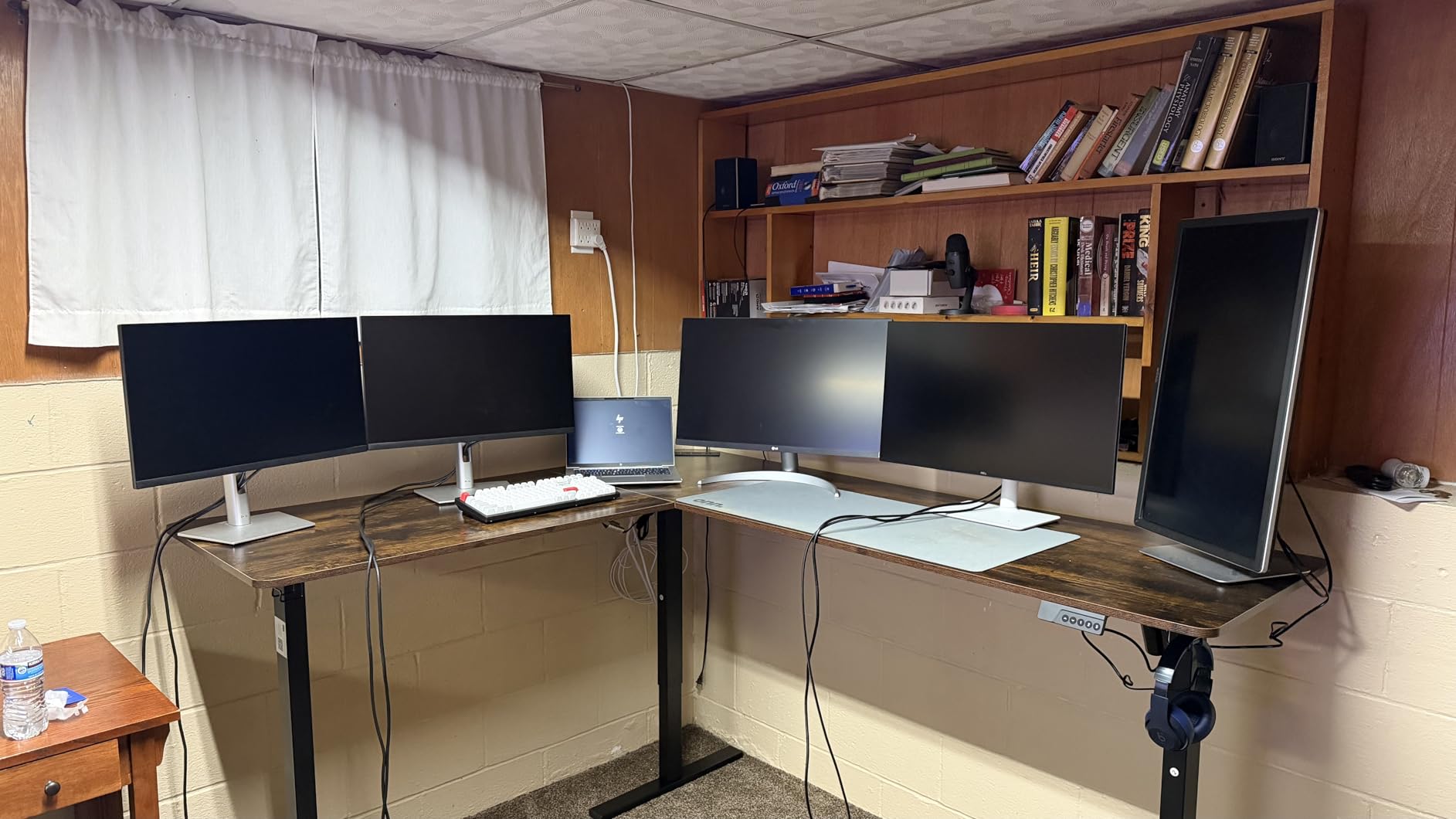
The charging station is the practical headline for a corner office: three AC outlets plus USB-A and USB-C fast-charge ports, all built into the frame. Two headphone hooks and integrated cable routing handle the long cable paths an L creates. A child safety lock on the controller is a small touch that matters in a family home office.
The assembly orientation is a genuine trap. The desk is built upside down, so choosing the wrong orientation before you start means disassembly. It also takes about an hour with a power drill and more than a hundred screws. The 45.7 inch maximum is the tightest height ceiling among the well-rated options here.
Is the SIAGO right for a power-user corner office?
For load, yes. The 250 pound tested rating and the three-leg support are the best combination in this list for a tower plus multiple screens. The built-in charging also removes the power strip from the floor, which tidies up a corner faster than anything else you can buy.
Where it falls short
Anyone above 5 foot 11 inch will run out of lift at 45.7 inches, so this is a sit-stand desk for average-height users rather than a tall-user desk. The thin pressboard top marks easily, and the single hanging cable basket sits high enough that some laptop and dock connectors will not reach it.
7. FEZIBO Triple Motor 63 Inch L Shaped Standing Desk – Best for Heavy Loads
FEZIBO Triple Motor 63″ L Shaped Standing Desk, Electric Standing Gaming Desk Adjustable Height, Corner Stand up Desk with Splice Board, Black Frame/Rustic Brown Top
27 to 48 inch range
330 lb capacity
Triple motor, 35 mm per second
Casters included
Anti-collision
Pros
- Highest load capacity here at 330 lb on a triple motor frame
- Longest height range in the group at 27 to 48 inch
- Under 50 dB lift despite three motors
- Stable at maximum height with a tower and 27 inch monitors
- Owners report 3 to 4 years of reliable daily use
Cons
- Extremely heavy box that is best opened outside
- Assembled upside down and must be flipped with a second person
- Particle board top strips screws if over-tightened
- Three motors can drift out of sync and need a controller reset
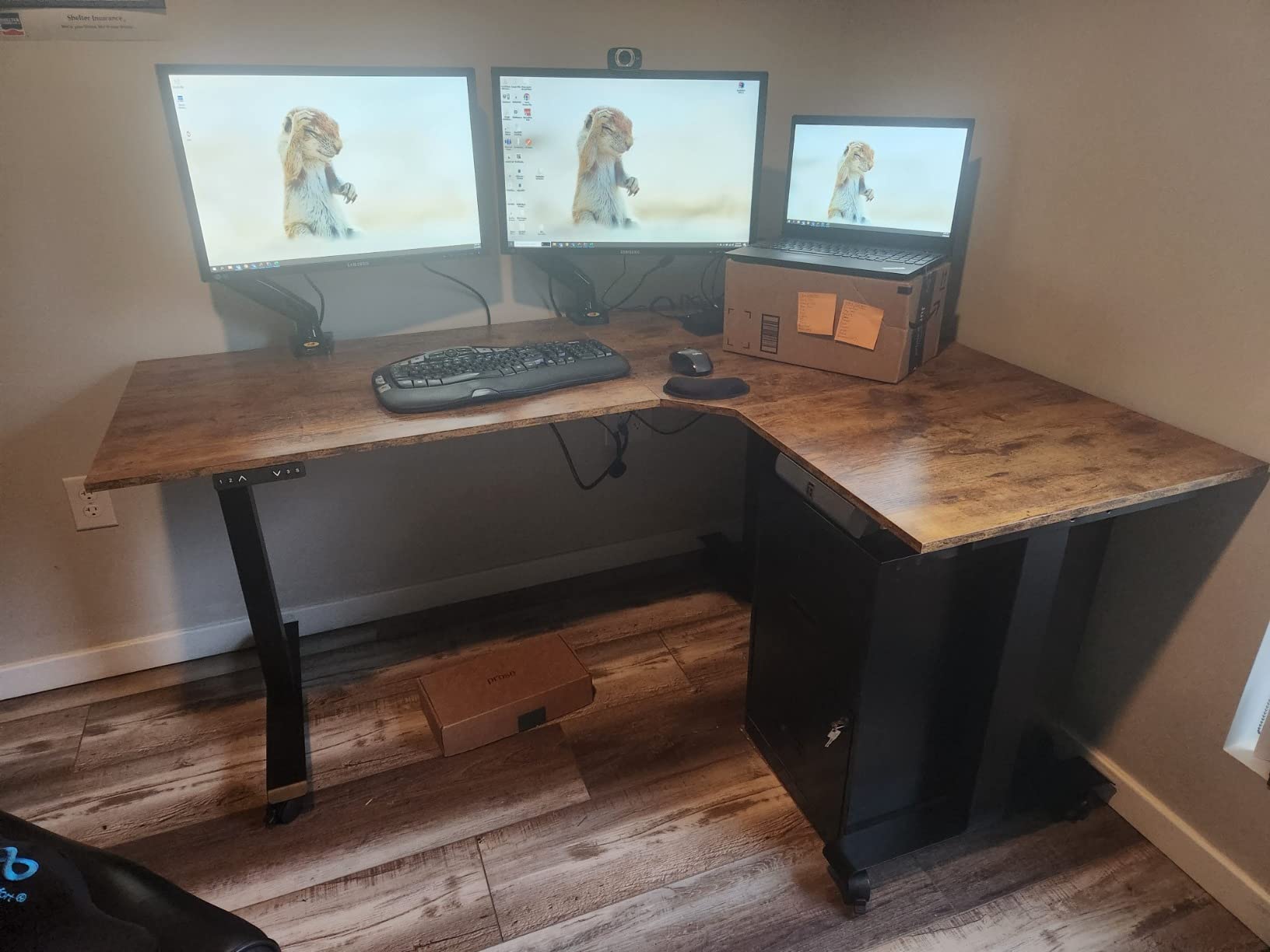
The FEZIBO is the frame to buy if your corner desk doubles as a rig. A triple motor setup drives 330 pounds, the highest capacity of the eight, and the 27 to 48 inch range is the widest here, which also makes it the most accommodating for both short and tall users. Two things drive the stability: three motors rather than one, and a spread of legs across the whole L surface.
Long-term owners report 3 to 4 years of reliable daily use, which is the kind of durability data that rarely appears on a budget electric standing desk. The lift stays smooth and under 50 dB even with three motors running, and the 35 mm per second speed is brisk enough to cover the full range without a wait.
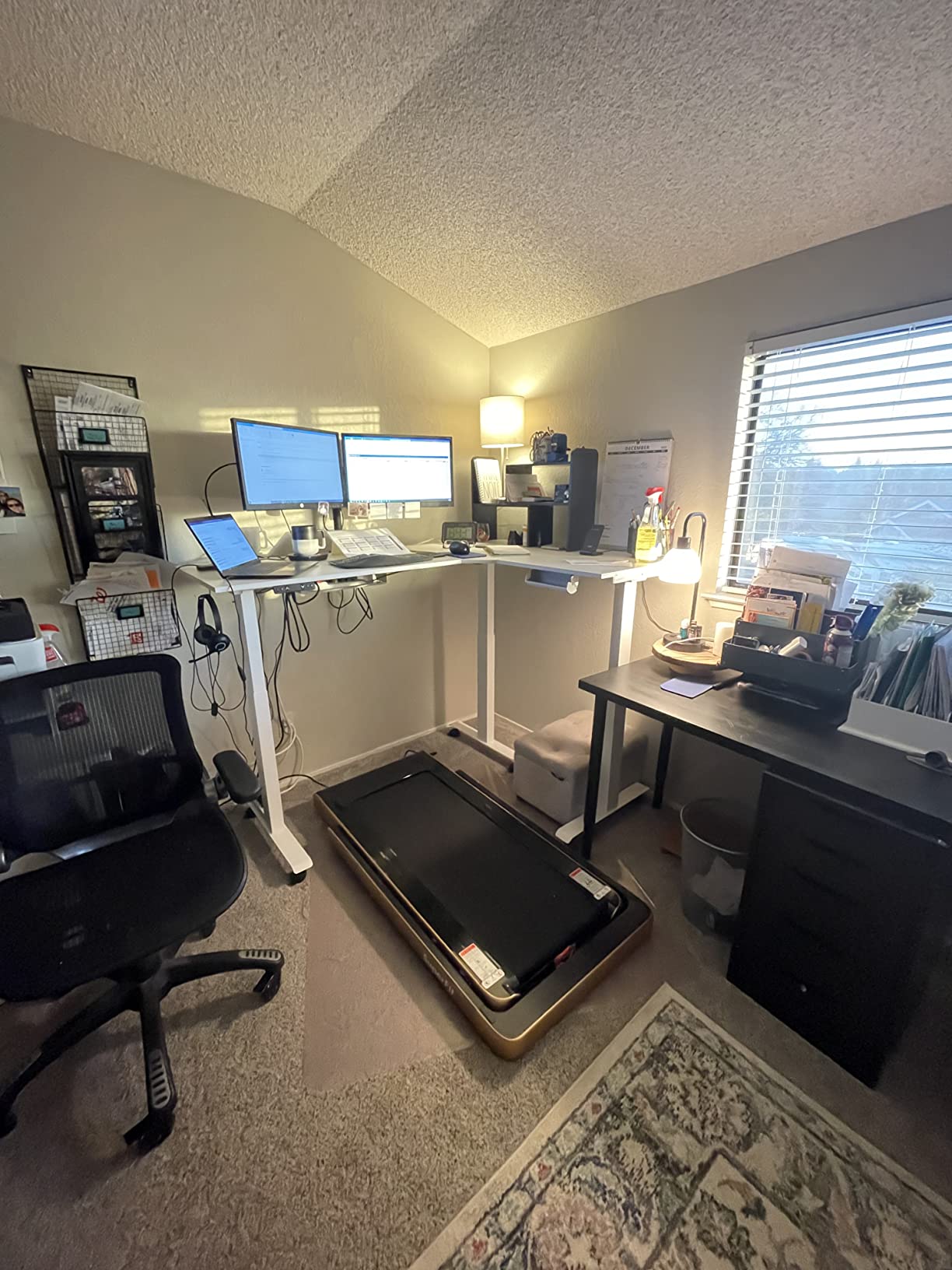
Casters are included, so once assembled the desk can be rolled without scratching a floor, which is a real advantage in a corner where the return may need repositioning. Two hooks are also in the box, and anti-collision protection is standard. The 63 inch top holds a full tower, multiple 27 inch monitors and a laptop without complaint.
The logistics are the catch. At 66 pounds plus a particle board top, the box is heavy enough that owners recommend opening it outside and carrying the pieces in, and the frame is assembled upside down so it has to be flipped with a second person. Because three motors move independently, they can drift out of sync over time and need a controller reset.
Is the FEZIBO worth the premium for a heavy corner setup?
If you are loading the desk with a tower, large monitors and studio gear, yes. The 330 pound rating is roughly double several frames here, and the 27 inch minimum height is low enough for shorter users to get proper seated posture. Add anti-collision protection and you have a frame that can take a busy load without complaint.
Where it falls short
It is a two-person build that is easier outdoors than in a hallway, and the particle board top strips screws if you overtighten them. There is no keyboard tray, and the 27 inch minimum may still be too high for a very short user. Budget a weekend for assembly rather than an evening.
8. SEDETA 55 Inch Farmhouse L Shaped Standing Desk – Best for Maximum Storage
SEDETA Farmhouse 55 inch L Shaped Standing Desk with Storage Drawers
28 to 47 inch range
176 lb capacity
4 drawers, 7 shelves, 2 cabinets
2 outlets and 2 USB
69 by 55 inch surface
Pros
- Largest storage package here with drawers
- shelves and glass-door cabinets
- File cabinet sized for letter
- A4 and legal documents
- 69 by 55 inch surface works as a full corner workstation
- 3 saved heights and a smooth quiet motor
- Farmhouse barn door works as a room divider
Cons
- Heaviest unit in the group at 184 lb
- Cabinet takes up much of the return so the liftable surface is smaller than it looks
- Engineered wood rather than solid wood
- 47 inch maximum is low for tall users
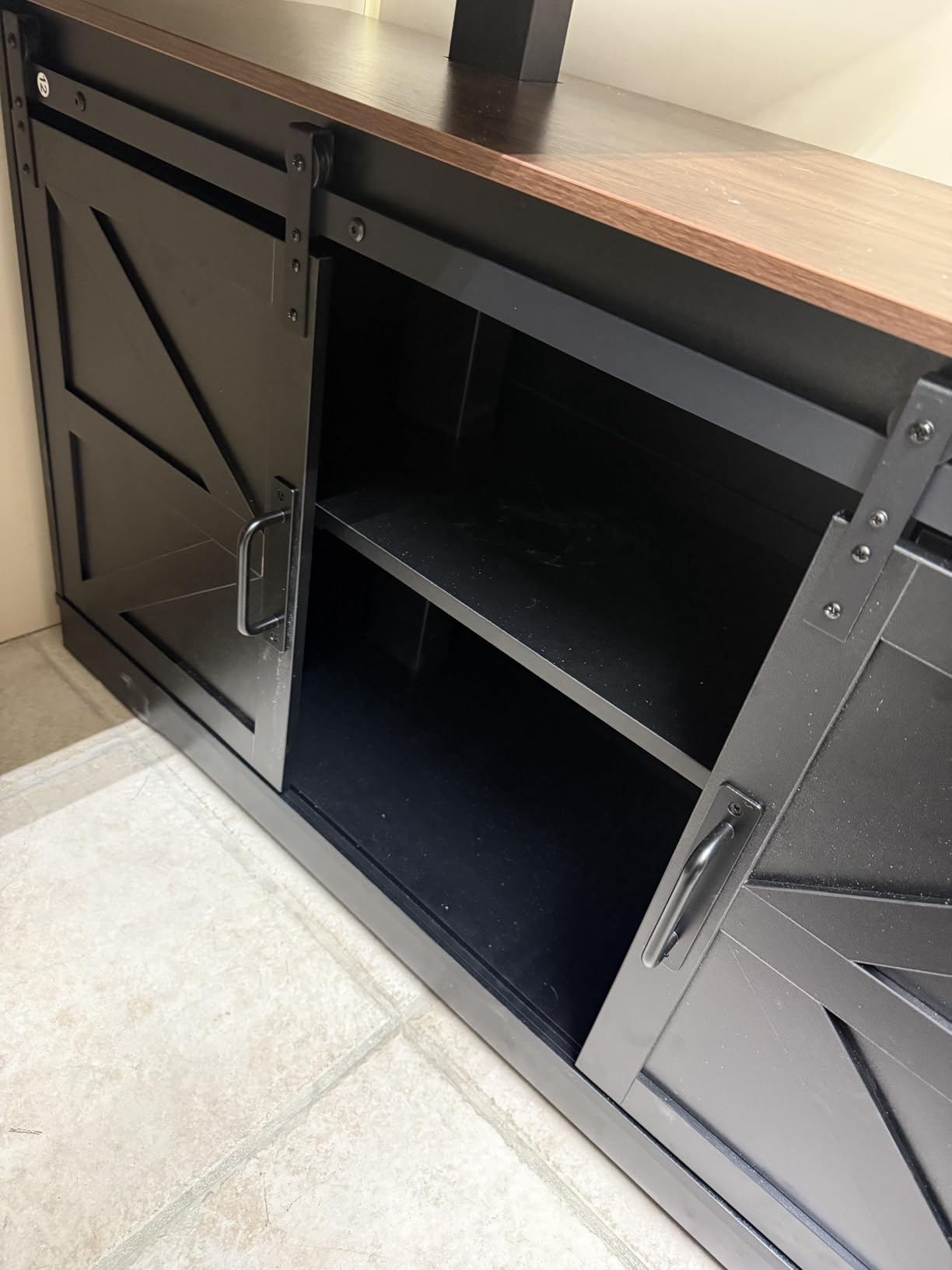
The SEDETA is the odd one out, and that is the point. It is a full storage wall with a lifting desktop built in: four wooden drawers, seven open shelves and two glass-door cabinets, plus a charging station with two outlets and two USB ports. If your corner office doubles as a records room, nothing else in this list stores as much.
The 69 by 55 inch surface is wide enough to be the primary workstation rather than an add-on, and the barn door styling lets the unit work as a room divider in a living-room office. Owners praise the smooth motor and the quality of the materials for the money.
The file drawer takes letter, A4 and legal documents, which removes the need for a separate filing cabinet against the wall. That is where the value sits: the desk pays for the storage it replaces. Three memory settings cover a sit, a stand and a middle height for reading or a video call.
At 184 pounds this is the heaviest unit in the group, and it is realistically a two-person move. The cabinet occupies much of the return, so the liftable work surface is smaller than the 55 inch footprint suggests, which can surprise buyers who measure the outside dimensions only. The lowest rating in the roundup reflects the weight and the assembly effort rather than the design.
Who is the SEDETA right for?
Someone whose corner office needs a second surface for records, equipment or printers, and who values appearance as much as function. The farmhouse finish reads as furniture rather than office kit, and the glass-door cabinets display rather than hide their contents. Three saved heights handle a normal sit-stand rhythm.
Where it falls short
It is the hardest unit here to move and the least liftable surface relative to its footprint. Tall users hit the 47 inch ceiling. And at 184 pounds, plan the delivery route and the assembly crew before you order rather than after.
L-Shaped Desk or Two Separate Standing Desks?
This question comes up constantly in standing desk forums, and it is worth answering directly. Two separate desks give you independent height control, which matters if two people share the room or if you want your monitor at eye level and your keyboard lower. They also cost more in total, take more floor space, and leave a visible gap where two desktops meet.
An L-shaped frame is one structure that lifts as a unit, so the two surfaces always stay in the same plane and cable runs stay tidy. The cost is flexibility: you cannot raise the return while keeping the main surface at seated height, and the whole thing has to be assembled in place. If you have already read our corner desk roundup for gaming setups, the same trade-off shows up with additional monitor and arm considerations.
Our rule of thumb: one person, one corner, one posture at a time means the L wins. Shared workspaces, mixed heights or a need to reposition independently means two separate desks win. If budget is the deciding factor, our guide to standing and sitting desks under a thousand dollars covers the two-desk route.
What to Look for in an L-Shaped Standing Desk
Return depth matters more than total width
The 63 inch headline number tells you almost nothing about whether the desk is usable. Look at the depth of the return separately, and treat anything under 24 inches as a laptop surface rather than a second work surface. Many off-the-shelf L-shapes ship a 21 to 24 inch return, which is the most common reason owners return them.
Symmetric or asymmetric, and reversible or not
A symmetric L gives you equal runs on both walls, which suits a square corner. An asymmetric L gives you a long main surface plus a shorter reference return, which suits a room with a window or an uneven wall. Five of the eight desks here install the long side on either wall, which lets you flip the layout without buying a different desk. Check that before you commit, because the alternative is choosing the wrong orientation and living with it.
2-leg versus 3-leg frames, and what the third leg changes
Most L-shaped frames in this roundup use a two-leg base with a T-shaped foot, and one, the FEZIBO, adds a third motor and leg on the return side. The third leg and motor matter because the return is a cantilever without one: the further out from the main leg you place a monitor, the more the surface flexes. A 3-leg frame spreads the load and cuts that flex, which is why the highest capacity desk in this list is also the triple motor one. On a 2-leg frame, keep the far end of the return clear of heavy equipment.
Check the height range against your own elbows
Seated, the top should meet your elbow height with shoulders relaxed. Standing, your elbow should be between 90 and 100 degrees, with forearms roughly level. Maximum heights in this roundup run from 45.7 to 48 inches, and the difference decides whether a tall user can stand fully upright. If you are above 6 foot, skip anything that tops out below 47 inches. If you are under 5 foot 4 inch, check the minimum, which ranges from 27.5 to 30 inches.
Add up your load before you trust a weight rating
Write down every item: two monitors at roughly 15 pounds each, arms at 5 each, a tower at 30, a laptop at 5, a dock, speakers, a drawer unit. Add thirty percent for the dynamic load of typing and standing up. If your number approaches the frame rating, step up to the next capacity, because a sagging frame does not recover. Our bamboo standing desk guide covers tops rated for heavier rigs if you need more surface than any of these frames offer.
The 20-8-2 rule on two surfaces
The most common sit-stand advice is to change position every 20 minutes, stand for 8 minutes and sit for 2. On an L workspace you have two surfaces, so apply the rule to movement rather than height: sit at the main surface for a typing block, then stand for the next one, then move to the return for reading or reference work. Switching surfaces counts as a posture change, so the rule becomes easier to keep on an L than on a straight desk.
Who should skip an L-shaped desk
Skip it if your corner is under 60 inches per side, if you need a deep return for a full keyboard-and-mouse posture, if you are furnishing a room you will rearrange often, or if you are not willing to assemble a heavy frame with a second person. A straight rectangular desk, or two separate standing desks, will serve those cases better and cost less to move. Being clear about this is more useful than another roundup entry.
Frequently Asked Questions
What is the best L-shaped electric standing desk?
The VIVO 63 x 55 Corner Standing Desk is the best-balanced electric L-shaped desk for most corner offices. It lifts between 28.5 and 46.8 inches, holds 225 pounds on an all-steel frame, offers four programmable presets and carries a 4.6 rating across 1172 owner reviews, the largest review base in our roundup. Choose the FEZIBO triple motor model instead if your load runs past 225 pounds.
Does an L-shaped desk have to go in a corner?
No, but it loses most of its advantage if it does not. An L-shaped desk can sit against a single wall, and reversible models let you flip the return to either side. In a corner, though, the return wraps into dead space and gives you two work surfaces without adding a second footprint. Away from a corner you are simply using more floor than a straight desk would.
What are the disadvantages of an L-shaped desk?
The main drawbacks are footprint, weight and shallow returns. An L needs roughly 60 inches of wall per side plus clearance, and the return is often only 21 to 24 inches deep, so it works as a laptop surface rather than a second desk. Units range from about 55 to 184 pounds, most need two people to assemble, and cable runs are longer than on a straight desk. Assembly often happens in place, so moving the desk later is a job.
What is the 20-8-2 rule for standing desks?
The 20-8-2 rule means changing position every 20 minutes, standing for about 8 minutes of that block, and sitting for the remaining 2. The goal is frequent movement rather than long stretches in one posture. On an L-shaped workspace you can apply it to surface changes as well as height changes, since moving from the main surface to the return also resets your posture.
Is a 3-leg L-shaped desk more stable?
Yes. The third leg and motor spread the load across the whole L surface and reduce flex at the far end of the return, which is the part of a two-leg frame that behaves like a cantilever. That is why the triple motor desk in our roundup also carries the highest weight rating at 330 pounds. On a 2-leg frame, keep heavy equipment near the main leg.
How do I measure my corner for an L-shaped desk?
Tape each wall run from the corner to whatever stops it and aim for about 60 inches of clear wall on the main side and 50 to 60 inches on the return. Add at least 6 inches of open wall on each side for chair movement and baseboard clearance. Then check the return depth is at least 24 inches, confirm a wall outlet is within about 6 feet of the frame, and swing the door fully open to be sure the return will not hit it.
Our Recommendation for 2026
The VIVO 63 x 55 Corner Standing Desk is the best L-shaped standing desk for most corner offices in 2026, because it balances a 225 pound capacity, a 28.5 to 46.8 inch range and the deepest owner history in the category at 1172 reviews. Buy the FEZIBO triple motor desk if your load runs heavy or you are tall, the Acrolix if you want a reversible layout at the lowest cost, and the OffiGo if drawers and built-in charging matter more than frame capacity.
Before any of them, take the tape measure to your corner and check the two numbers that cause most returns: wall length per side and return depth. Get those right and the choice between these eight is easy.