
Most standing desk converter listings assume one 24-inch screen. The moment you clamp a second monitor to the riser, the platform is too narrow, the frame sways, and the keyboard tray ends up somewhere your hands do not want it. That is why picking the best standing desk converters for dual monitors is a sizing problem before it is a features problem.
We spent weeks putting a dozen of the most-reviewed risers through the same routine: two monitors, a full-size keyboard, a mouse, a laptop, and repeated sit-to-stand transitions at the top of the height range. The units that survived were the ones with real width, a rated capacity above what the marketing claims, and a lift that moves straight up instead of arcing into your desk space.
We ordered the picks, measured them against the desks they need to live on, and compared the details that actually change your day. We also broke down the two product types that get lumped together everywhere: plain platforms you bolt your own monitors onto, and converters that ship with a dual monitor arm built in. If you want the wider category covered, our full sit-stand desk roundup for dual monitors goes deeper on the full-desk route.
Top 3 Picks: Standing Desk Converters for Dual Monitors in 2026
These are the three we kept on the desk. The VIVO 42-inch wins on width and owner history, the Vari Pro Plus 36 wins on build quality, and the VIVO 36-inch wins on usable surface depth.

VIVO Black 42 in Desk Converter
- Widest mainstream surface
- 42 in keyboard tray raises in sync
- 33 lb desktop capacity

Vari VariDesk Pro Plus 36
- Ships fully assembled
- Spring-assisted rowing lift
- Dual stability bars

VIVO Black 36 in Desk Converter
- 36 by 22 in surface
- 25 in tray rises in sync
- Dual pneumatic spring lift
Best Standing Desk Converters for Dual Monitors in October
Width is the first filter. Capacity is the second. Everything else on this list is preference.
| Product | Specifications | Action |
|---|---|---|
| VIVO Black 42 in Standing Desk Converter |
|
Check Latest Price |
| Vari VariDesk Pro Plus 36 |
|
Check Latest Price |
| VIVO Black 36 in Standing Desk Converter |
|
Check Latest Price |
 Rocelco 46 in Standing Desk Converter Rocelco 46 in Standing Desk Converter |
|
Check Latest Price |
 TechOrbits 32 in Standing Desk Converter TechOrbits 32 in Standing Desk Converter |
|
Check Latest Price |
 JOY worker 32 in Standing Desk Converter JOY worker 32 in Standing Desk Converter |
|
Check Latest Price |
 VERSADESK PowerPro 36 in Electric Converter VERSADESK PowerPro 36 in Electric Converter |
|
Check Latest Price |
 Mount-It! 36 in Converter with Two Monitor Mounts Mount-It! 36 in Converter with Two Monitor Mounts |
|
Check Latest Price |
 Mount-It! Converter with Dual Monitor Mount, 23 in Platform Mount-It! Converter with Dual Monitor Mount, 23 in Platform |
|
Check Latest Price |
 FLEXISPOT 32 in Motorized Standing Desk Converter FLEXISPOT 32 in Motorized Standing Desk Converter |
|
Check Latest Price |
 FLEXISPOT 36 in Standing Desk Converter, Walnut FLEXISPOT 36 in Standing Desk Converter, Walnut |
|
Check Latest Price |
 Mount-It! 38 in Standing Desk Converter Mount-It! 38 in Standing Desk Converter |
|
Check Latest Price |
How Big a Converter Needs to Be for Two Monitors
Two 24-inch monitors need at least 35 inches of platform width. Two 27-inch panels need 36 to 42 inches, and two 32-inch screens realistically need 42 inches or a full standing desk.
Width is not the only number. Add up the screens, any arm hardware, a dock, a laptop, and the keyboard tray load, then subtract about 10 lb from the rated capacity to get a number you will actually be comfortable with day after day. Capacity ratings are maximums, not working loads.
Forum threads on r/StandingDesk and r/StandingDesks converge on the same two points: width is where most dual-monitor purchases fail, and stability at full height is where most owners complain afterwards. Converters in this list that move straight up rather than swinging forward also win back desk depth, which matters on anything shallower than 30 inches.
Keep in mind that these are desktop risers, not laptop stands. If your setup is one monitor and a laptop, our converter picks for laptops cover that sizing question separately.
1. VIVO Black 42 in Standing Desk Converter – Best Overall for Two Monitors
VIVO Black 42 in Standing Desk Converter, DESK-V042KB
42 in surface
4.5 to 20 in range
33 lb desktop
Tray raises in sync
Pros
- Widest mainstream surface in the group
- Straight-up lift saves desk depth
- Minimal assembly
- Sturdy steel frame at full height
- Large keyboard tray
Cons
- Effort needed on the way down
- Slight wobble when typing at height
- Textured surface is poor for writing
- Tray does not tuck away
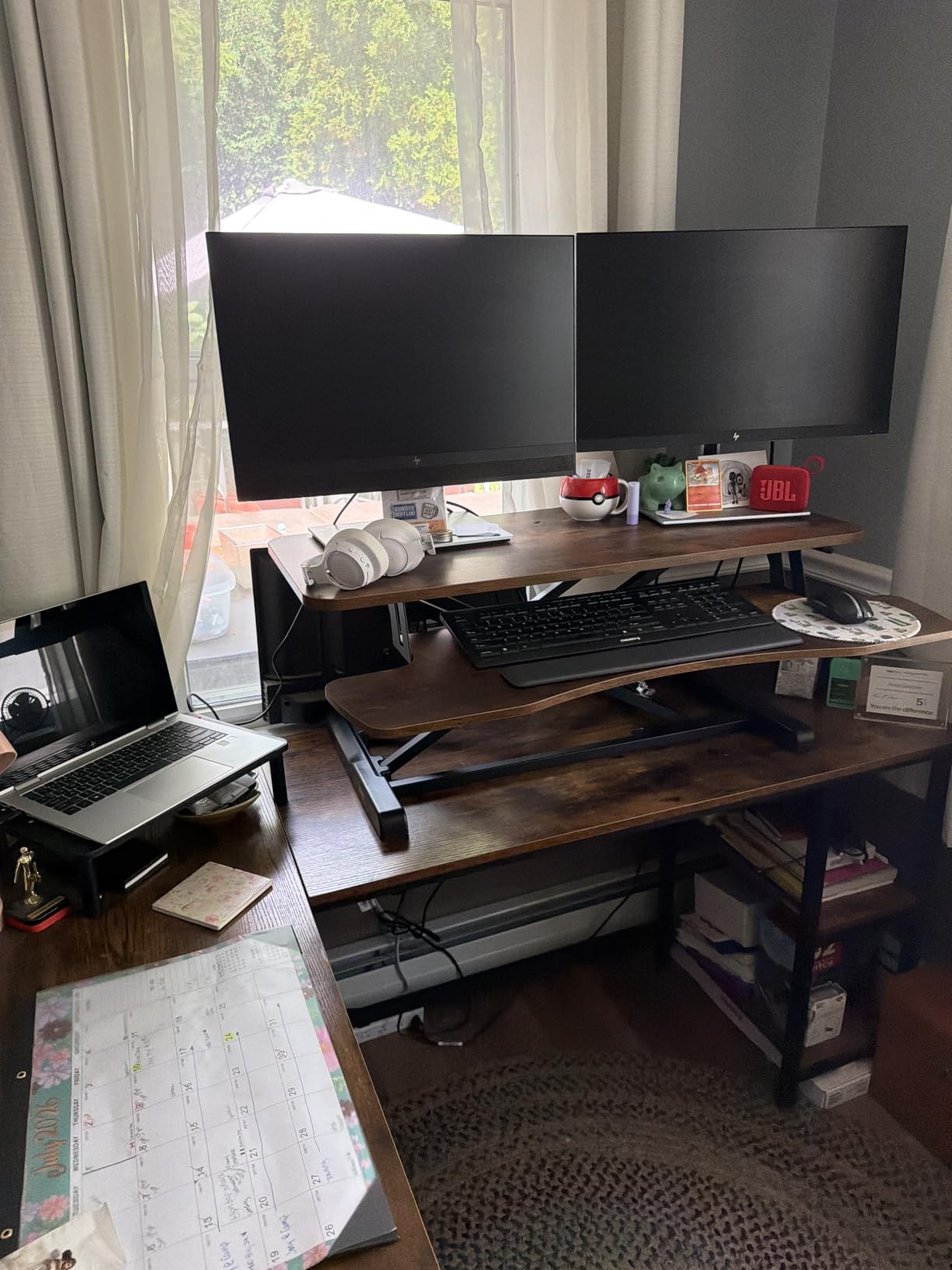
This is the unit we kept reaching for. The 42-inch top surface leaves enough room for two monitors with real clearance between them, which sounds obvious until you have tried to fit two 27-inch panels onto a 32-inch platform and watched them nearly touch.
The lift design elevates straight upwards across a 4.5 to 20 inch range. That extra travel at the top end matters for anyone over six feet, because most 36-inch competitors stop well short of that. The 42-inch keyboard tray raises in sync with the top surface and is rated separately at 4.4 lb.
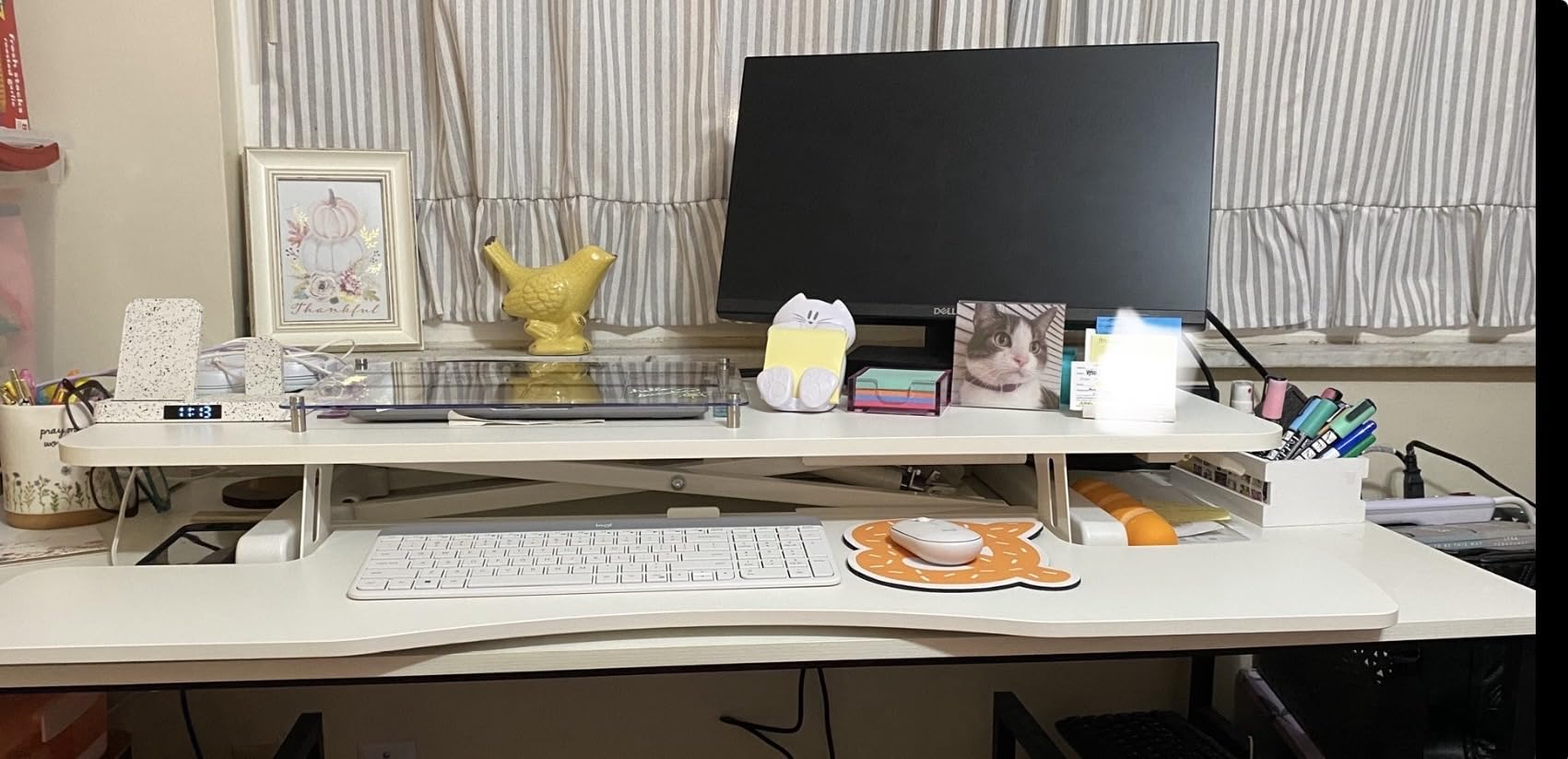
It arrives nearly ready to use. You attach the keyboard tray, set it on the desk, and start working. Among more than 15,000 reviews, the most common praise is for smooth lift assist and a surface that swallows two monitors, a laptop, and paperwork without feeling crowded.
One thing to plan around: the desktop holds 33 lb. Two 27-inch monitors, a dock, and a laptop will eat into that quickly, so a monitor arm clamped through a grommet hole is worth adding. If you would rather not drill, our monitor shelf and riser guide covers clamp-mounted alternatives.
Who the 42 in VIVO suits best
Two-monitor users who are tired of panels touching. It is the widest mainstream platform here without pushing into the 45-inch class that needs a very large desk underneath.
It also suits users who cycle between sitting and standing several times a day, since the mechanism holds position without any preset stops to fight against.
Where the 42 in VIVO falls short
The lift is not self-lowering, so pushing the platform back down takes real effort with a full dual-monitor load. Some owners report a slight wobble when typing at elevated height on certain units.
The black surface has a noticeable textured finish that feels odd under a pen, and the keyboard tray does not slide under the desk when lowered. It is also worth confirming your desk is at least 20 inches deep before ordering, given the 15.7-inch platform depth plus the tray.
2. Vari VariDesk Pro Plus 36 – Best Built and Best Assembled
Vari VariDesk Pro Plus 36 – Adjustable Desk Converter with 11 Height Settings – Laptop Sit Stand Desk Riser for Home Office, Table Tops, Workspace – Fully Assembled with Spring Loaded Lift – Black
Ships fully assembled
11 height positions
Spring-assisted rowing lift
35 lb capacity
Pros
- Arrives fully assembled
- Rock solid at any height
- Quiet spring-assisted lift
- Continuous height control
- 36 in upper tier fits two large monitors
Cons
- Roughly 52 lb so two people are needed
- Platform arcs forward as it rises
- Tight mouse wings
- Top height suits shorter users
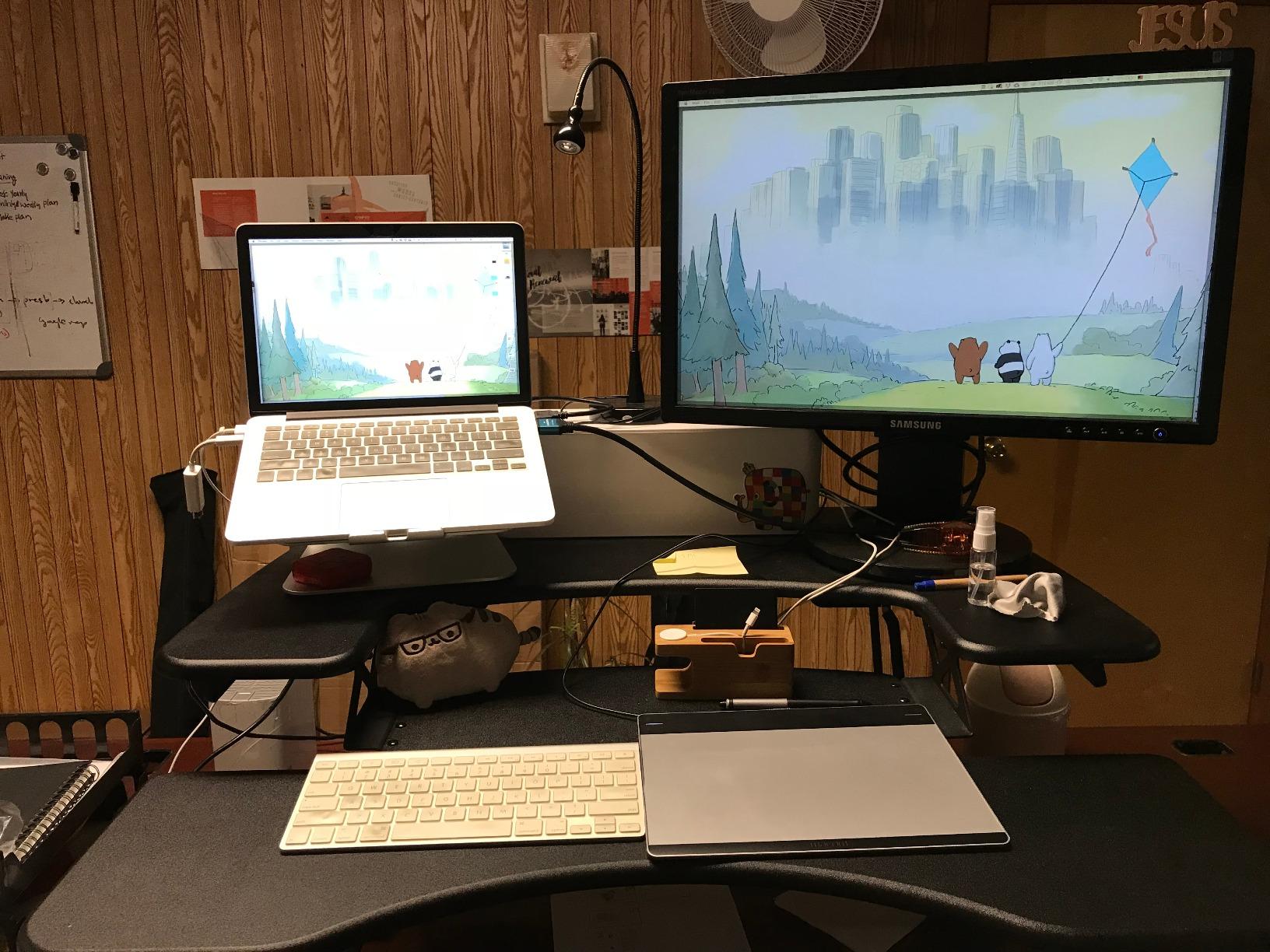
This is the highest-rated unit we tested, and the thing you notice first has nothing to do with dual monitors: it arrives fully assembled. You lift it onto the desk, and it works. No tools, no frame alignment, no half-finished construction at midnight.
The two-tier layout puts a 36 by 12.25 inch upper deck for screens and a lower deck for keyboard, mouse, and everything else. Dual stability bars and a heavy steel base mean it does not wobble or shake at any height, which is exactly what a heavy dual-monitor arm load tends to expose in cheaper frames.
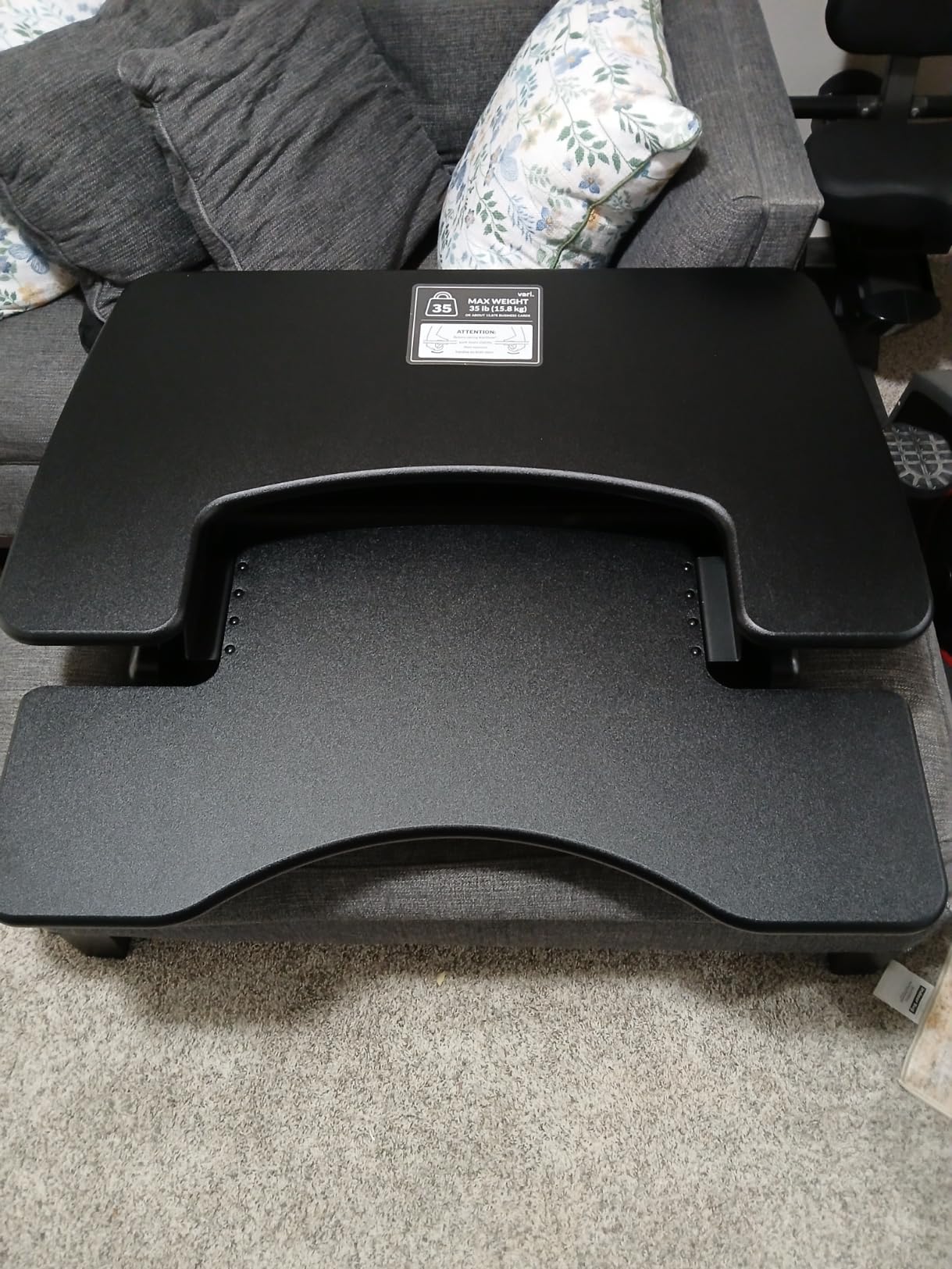
Long-term owners report it still looks and functions like new years later. The rowing lift with spring assist moves quietly, and continuous height control lets you stop at any point rather than snapping to one of 11 named positions.
It is a five-year warranty, which is longer than most of the field, and the 36-inch upper tier holds two large monitors with room to spare rather than forcing them to the edges.
Who the VariDesk Pro Plus 36 suits best
Anyone who wants a converter that works the day it arrives and still works a decade later. It suits people who move equipment around but not the unit itself, since the base is planted.
It is also the pick for shared spaces and family homes, where the foam-wrapped steel handles and pinch-point protection genuinely matter.
Where the VariDesk Pro Plus 36 falls short
It is the heaviest unit in this group at roughly 52.5 lb, and reviewers consistently recommend two people to get it onto the desk. Once loaded, it stays where you put it.
The platform arcs forward as it rises rather than moving straight up, so it needs more desk depth in front of you than a straight-lift design. The mouse wings beside the keyboard are tight for right-handed mousing, and the maximum standing height leaves very tall users wanting a couple more inches.
3. VIVO Black 36 in Standing Desk Converter – Best Surface Area for Two Monitors
VIVO 36 inch Height Adjustable Stand Up Desk Converter, V Series, Quick Sit to Stand Tabletop Dual Monitor Riser Workstation, Black, DESK-V000V
36 by 22 in surface
6.5 to 17 in range
33 lb capacity
Wide 25 in tray
Pros
- Deep surface fits two monitors plus a laptop
- Dual pneumatic spring lift
- Very solid when leaned on
- Minimal assembly
- Continuous height control
Cons
- Wide base needs a 26 in deep desk
- One report of an oil leak at the base joint
- Fixed keyboard tray
- Top-heavy when fully loaded
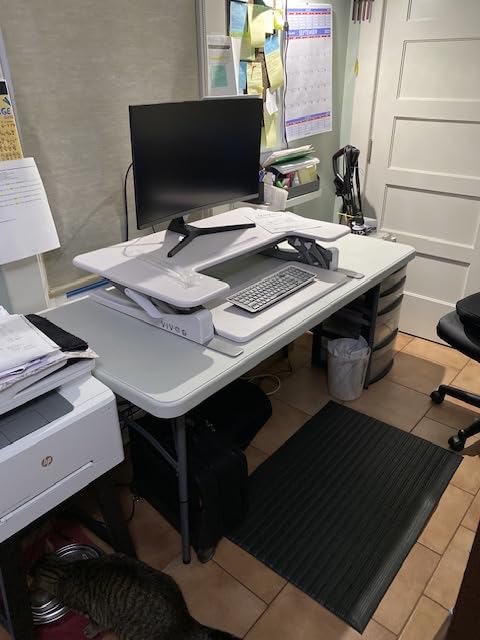
Width tells you whether two monitors fit. Depth tells you whether your desk survives the experience. This one is 36 inches wide and 22 inches deep, and that second number is unusual in this category.
In practice it means two monitors, a laptop, and a printed chart or notebook can all live up there at once without stacking. The 25 by 10.6 inch keyboard tray rises in sync with the top surface and fits a full-size keyboard and mouse at any height.
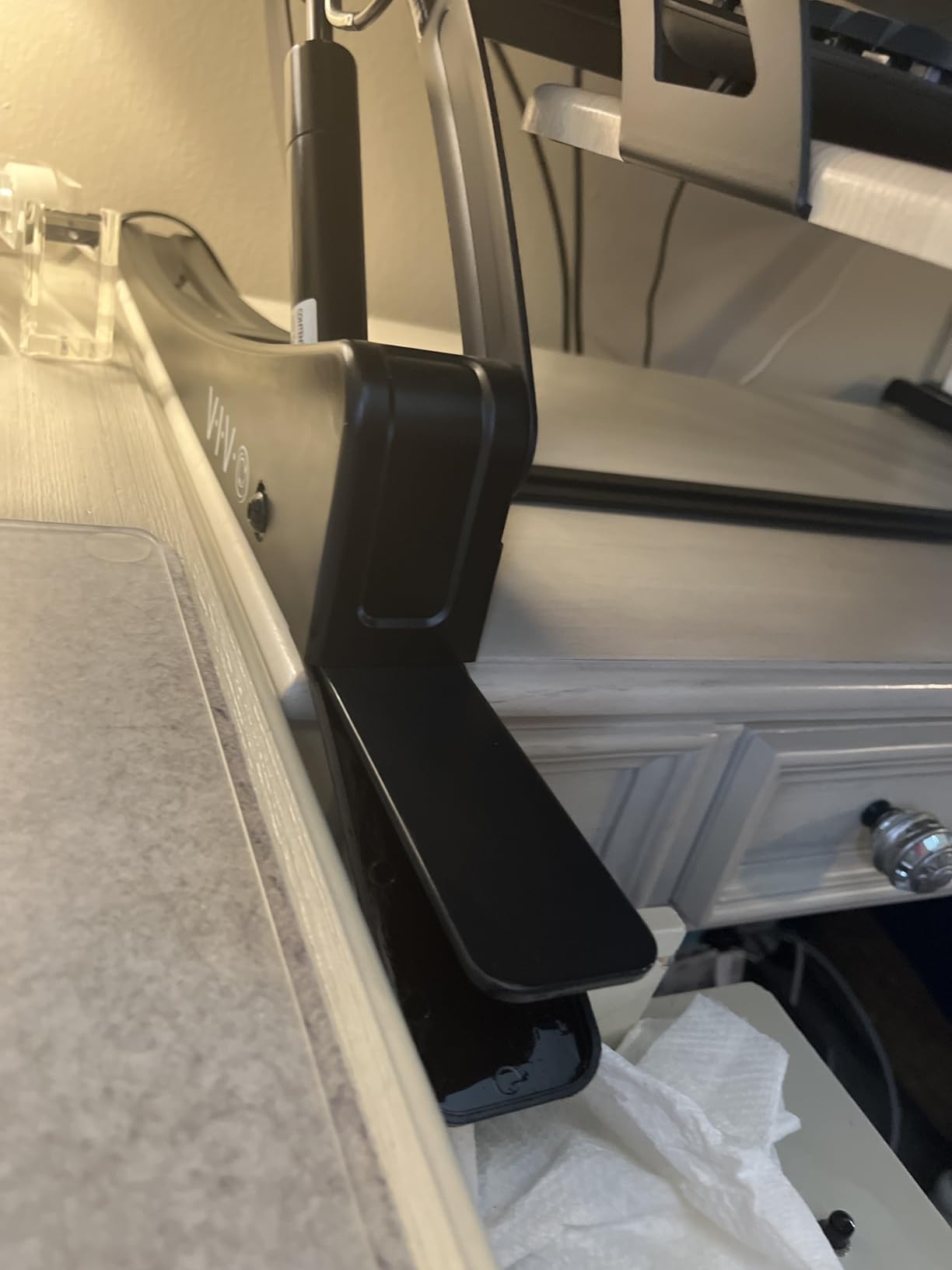
Over ten thousand reviews, owners consistently point to how much they stop rearranging. Switching between sitting and standing several times a day without moving equipment is the feature that shows up most often, and the dual pneumatic spring lift gives continuous control with no preset notches.
It is also genuinely solid when you lean on it while writing, which is not something you can say for every riser in this price bracket.
Who the VIVO 36 in suits best
People who work with a lot of paper, a second laptop, or a graphics tablet alongside two screens. The 22-inch depth is the reason. If your desk is 26 inches deep or more, this is one of the few converters here that genuinely fits the whole setup.
It is a strong choice if you will use the riser as a shared drafting surface rather than a pure monitor perch.
Where the VIVO 36 in falls short
The base is wider than you expect and wants a desk at least 26 inches deep. On a shallower desk, the front feet sit near the edge and the keyboard tray overhangs.
The keyboard tray is fixed and cannot slide or tilt, and one owner reported an oil leak developing at the base joint. Loaded with two large monitors, the unit becomes top-heavy, so push it from the base rather than the surface.
4. Rocelco 46 in Large Standing Desk Converter – Best for Very Wide Desks
Rocelco 46″ Large Height Adjustable Standing Desk Converter – Quick Sit Stand Up Triple Monitor Riser – Tall Gas Spring Assist Computer Workstation – Retractable Keyboard Tray – Black (R DADRB-46)
45.75 in surface
5 to 20 in range
45 lb capacity
Grommet hole
Pros
- Very wide surface fits two large monitors with no overhang
- Moves straight up and down
- Retractable tray keeps a fixed ergonomic gap
- Arrives fully assembled
- Grommet accepts a monitor mount
Cons
- Keyboard tray a few inches too short
- No back lip on the tray
- Sits high when fully lowered
- Heavy at 42 lb
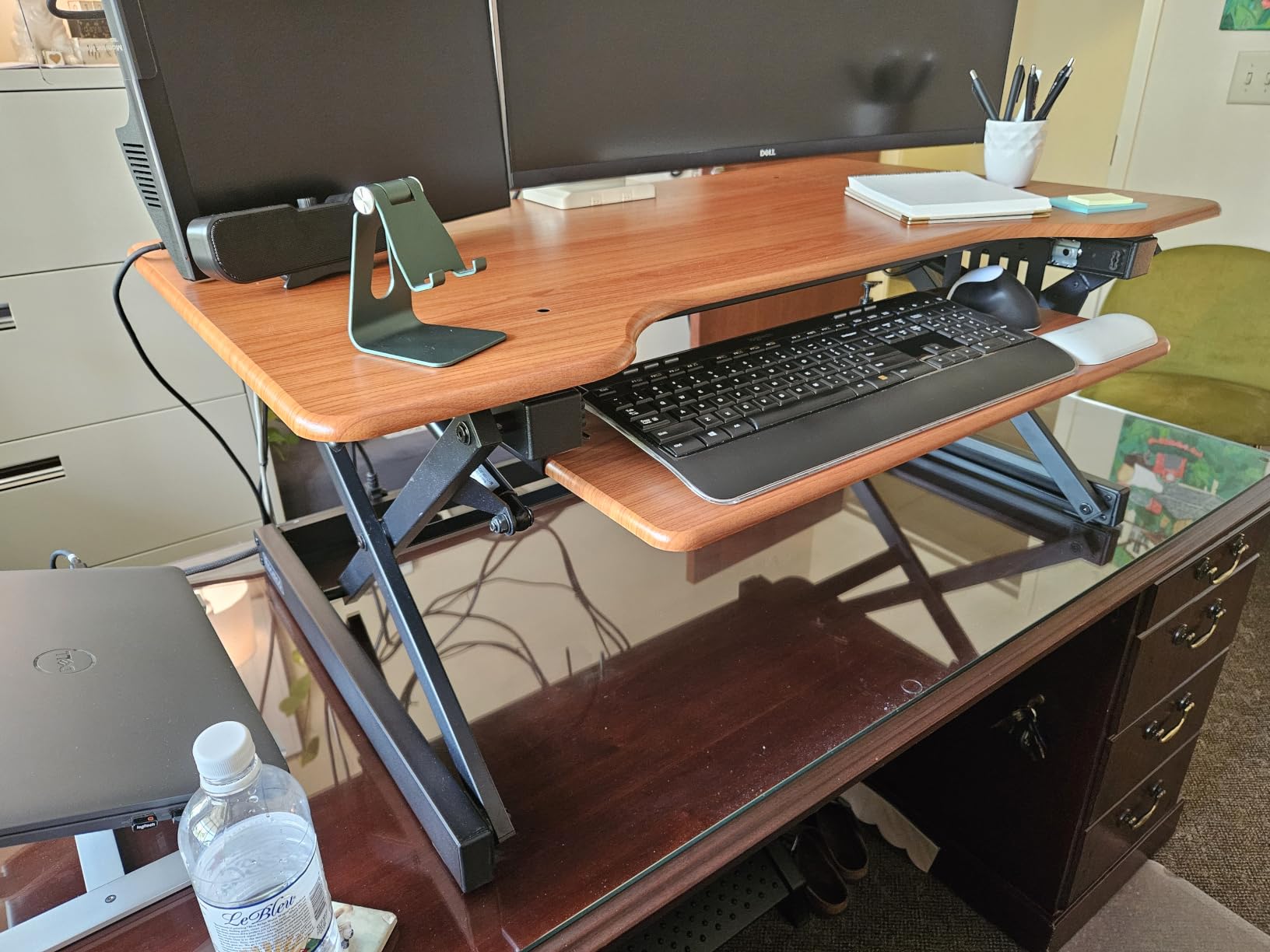
At 45.75 inches wide and 23.25 inches deep, this is the largest platform we tested, and it is the only one here that comfortably holds two large monitors with genuine space around them. Three mid-size screens also fit, if you ever want to try that.
The 45 lb lift capacity is the second highest among the manual units here, and the 5 to 20 inch range tops out among the widest conventional platforms. The straight up-and-down motion keeps the required depth at 23.25 inches, which is a genuine saving on a shallow desk.
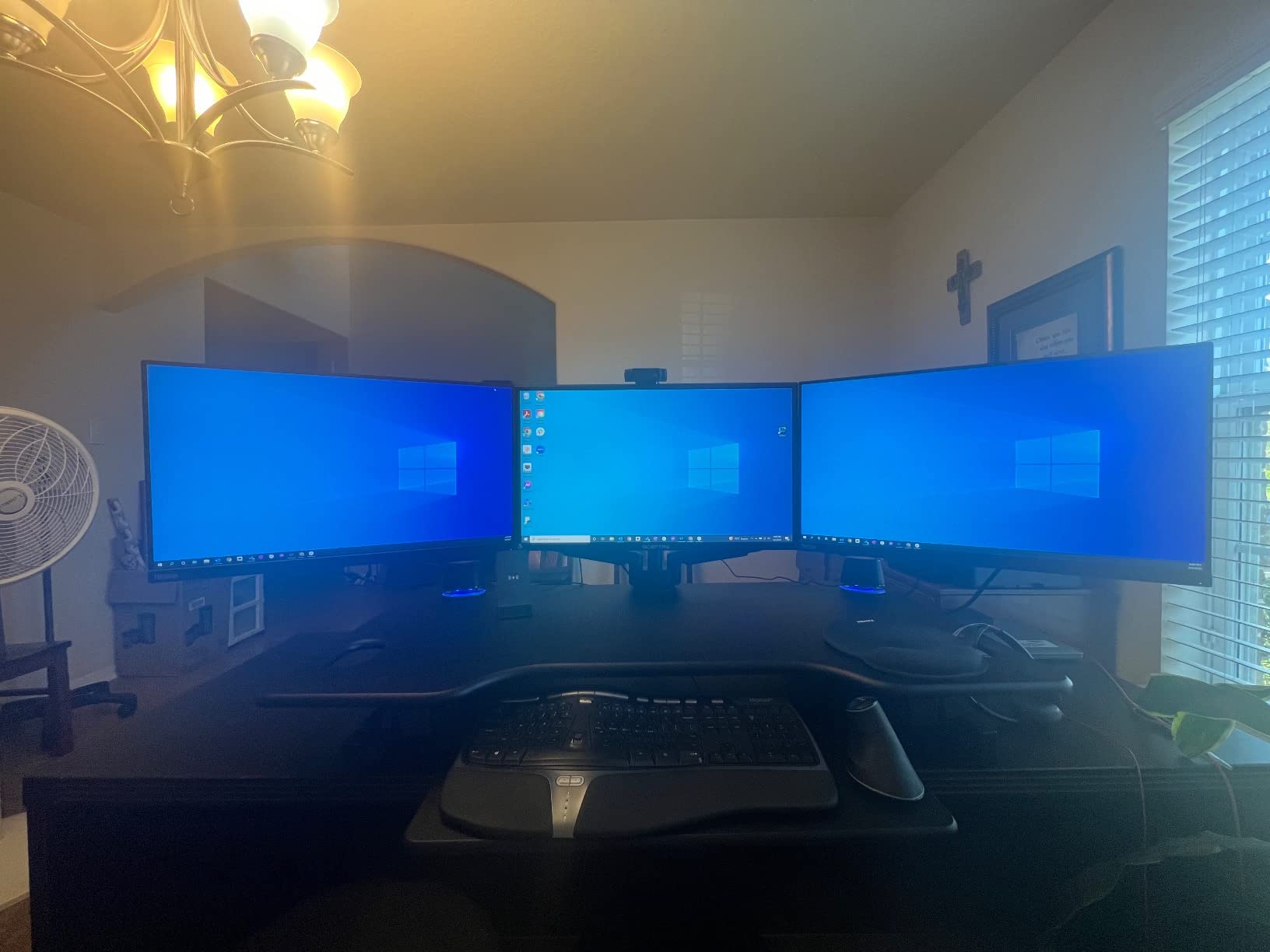
The retractable keyboard tray is a real ergonomic feature. It extends and retracts while holding a 4.5 inch gap between tray and desktop, so your wrists stay at a natural angle rather than reaching up at a fixed angle.
There is a grommet hole for cable routing or for mounting a single, dual, or triple monitor arm. Owners who use it to offload the screens report a noticeably steadier platform, which matches what r/workstations threads say about arm-mounted setups.
Who the Rocelco 46 in suits best
Anyone with a genuinely wide desk who wants breathing room between two screens. The extra surface is not cosmetic; it is the difference between monitors that touch and monitors that do not.
It also suits people on taller desks, since the 5-inch minimum keeps the seated position workable and the 20-inch maximum handles tall users well.
Where the Rocelco 46 in falls short
The keyboard tray is a few inches short for a full-size keyboard plus mouse, which pushes the keyboard, monitors, and your seated position off-centre unless you use a tenkeyless board. The tray also has no back lip, so a keyboard can slide off.
Fully lowered it still sits roughly 6 inches above the desk, which is higher than you may want for seated typing. And at 42 lb it is awkward to reposition once loaded, so plan where it goes before you commit.
5. TechOrbits 32 in Standing Desk Converter – Most Versatile for Two Screens
TechOrbits Standing Desk Converter – 32 Inch Adjustable Sit to Stand Up Workstation, Particle Board, Dual Monitor Desktop Riser with Keyboard Tray, for Home Office Laptop, Black 32″
32 in surface
4.3 to 19.7 in range
33 lb capacity
Pneumatic X-frame
Pros
- Lowest cost entry into sit-stand working
- Aluminium frame feels solid at height
- Gas lift moves with little effort
- Arrives mostly assembled
- Several two-screen owners report no complaints
Cons
- Thin keyboard tray
- Fixed tray cannot slide under the desk
- 32 in runs out of room quickly
- Less solid than premium units when loaded
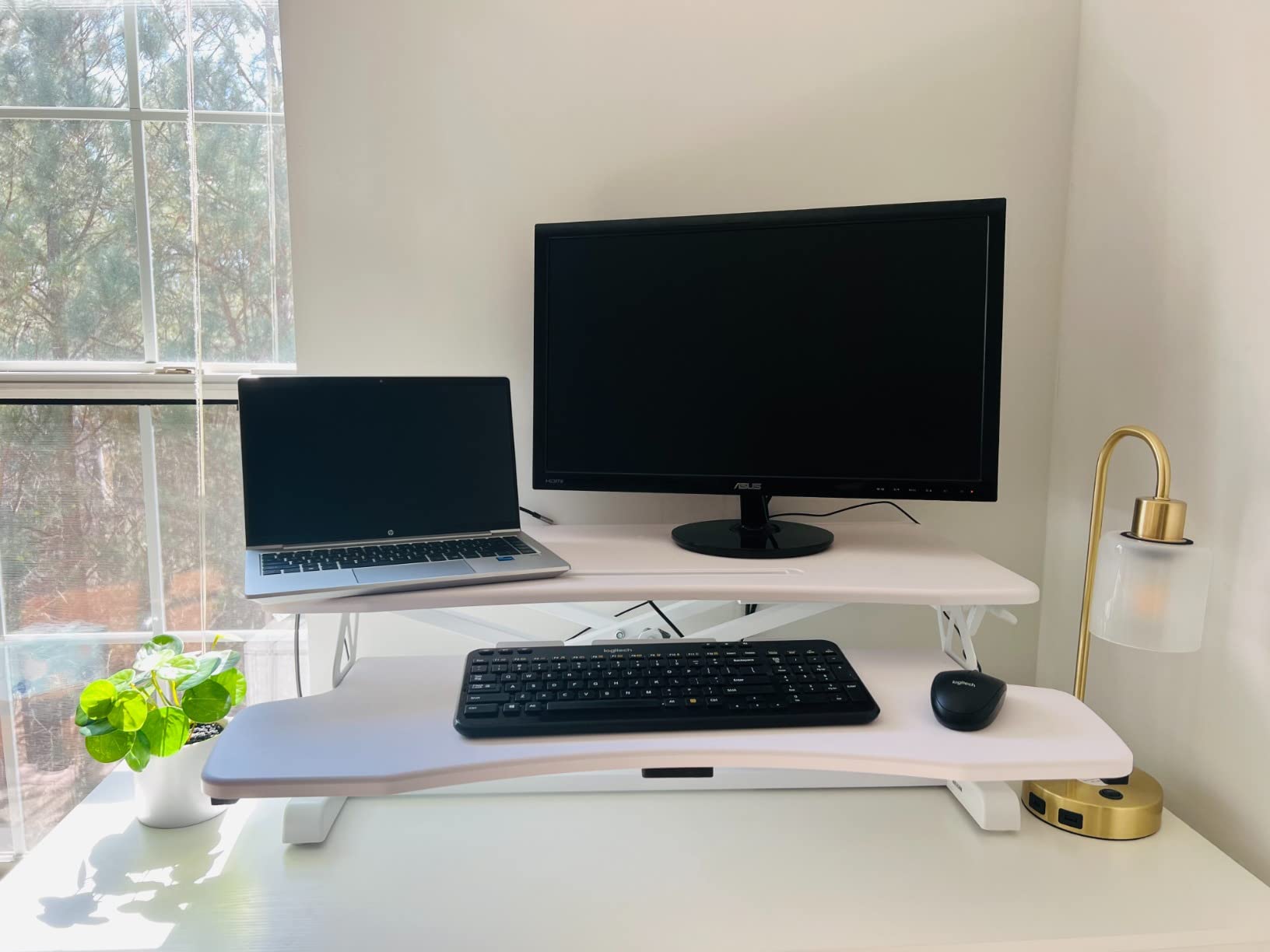
If the goal is a first sit-stand setup with two monitors and no wasted money, this is the one to look at. The aluminium frame and pneumatic lift feel more substantial than the price suggests, and several owners running two screens report it handles the load without complaint.
Owners frequently mention that the adjustable height measurably eased back and neck pain, and that the unit has stayed stable in daily use after two or more years. Assembly is limited to attaching the keyboard tray.
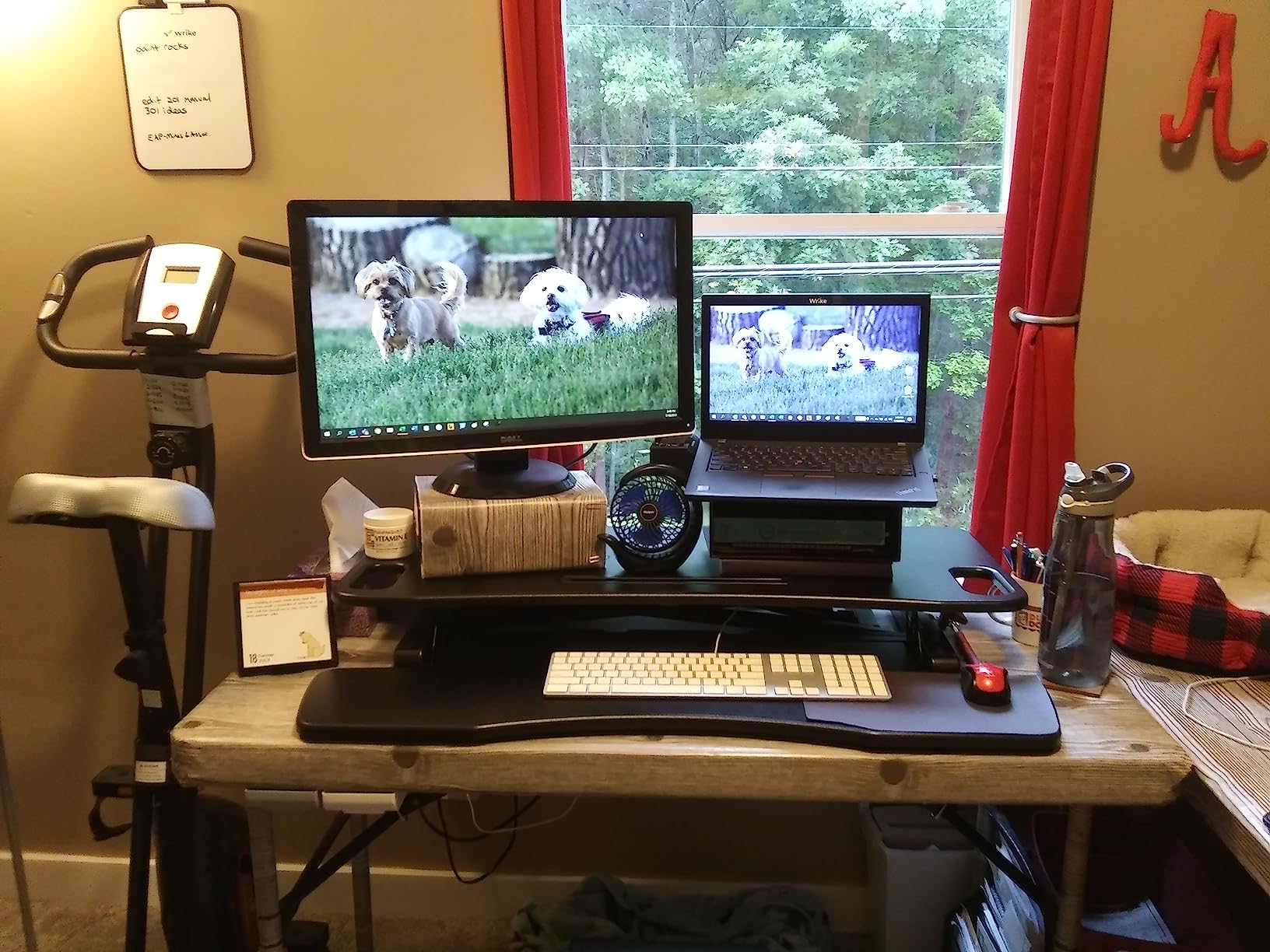
The 4.3 to 19.7 inch range is genuinely tall for a budget unit, which means it covers tall users better than several more expensive competitors. The 0.63-inch particle board top is thicker than the norm at this level.
The foam pads under the keyboard tray keep it stable when the unit is lowered, which is a small detail that most budget risers skip.
Who the TechOrbits 32 in suits best
First-time sit-stand buyers working from a small home office, a study room, or a dorm. It gives you two monitors and a real height range without a large financial commitment.
It also suits anyone with two 24-inch panels rather than two 27-inch or larger screens, where 32 inches is genuinely enough width.
Where the TechOrbits 32 in falls short
Thirty-two inches runs out of room quickly once a large monitor, a laptop, and papers are placed on it. If you are planning to grow into bigger screens, buy width now rather than replacing later.
The keyboard tray is thin and is not meant to be leaned on, and it is fixed, so it cannot slide under the desk when lowered. Several owners describe the build as acceptable rather than premium, and notice flex when it is fully loaded.
6. JOY worker 32 in Standing Desk Converter – Best Lightweight Pick
JOY worker 32″ Standing Desk Converter, Height Adjustable Stand Up Riser
26.3 lb unit
31.5 in top tier
4.9 to 19.3 in range
28.6 lb capacity
Pros
- Light enough for one person to carry
- Two-year owners confirm smooth operation
- 31.5 in tier fits two monitors plus a laptop
- Handle lift needs little force
- Sleek white finish
Cons
- Tray cannot slide in or out
- Tray instructions are unclear
- Top tier capacity is lower than most rivals
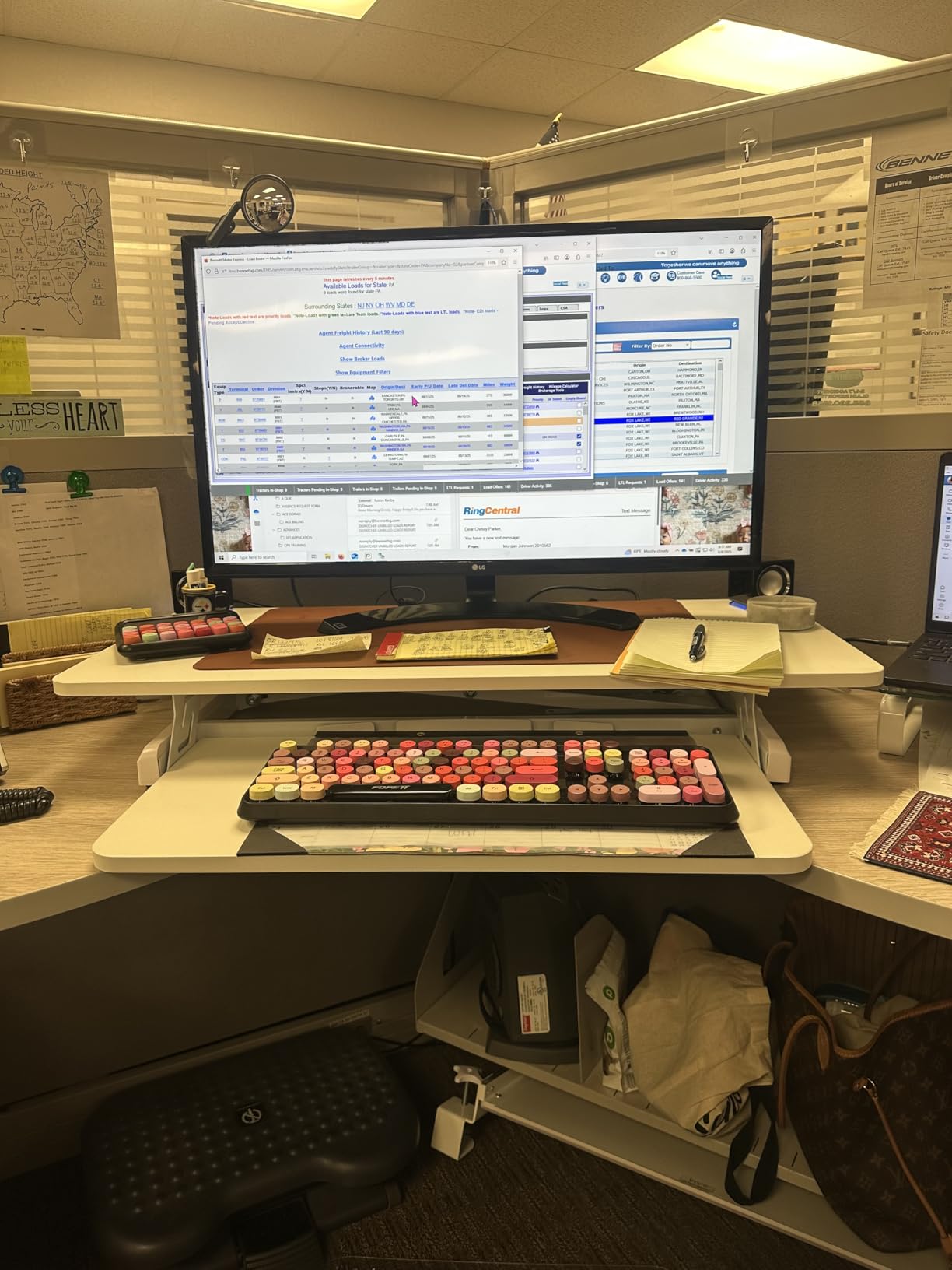
Weight is the spec nobody puts on a converter listing, and it matters more than people expect. At 26.3 lb this is the lightest unit in the group, which means one person can carry it into place, move it between rooms, or stow it when the desk is needed flat.
The 31.5 by 15.7 inch top tier holds two monitors, a laptop, keyboard, mouse, and notepads. The squeeze-handle lift needs little force and holds position without creep, which owners specifically call out after long-term use.
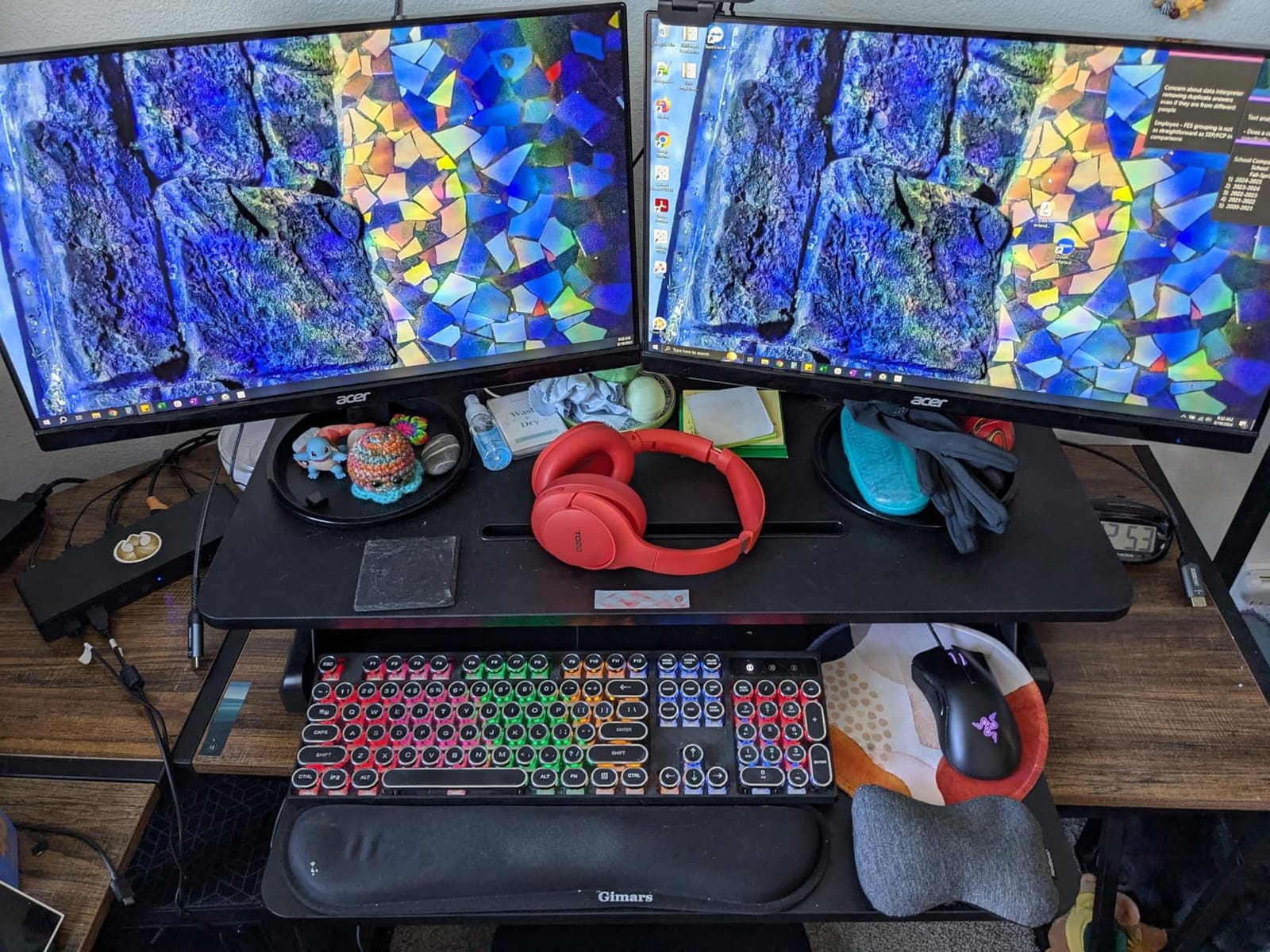
Two-year owners confirm the mechanism still operates smoothly, and several mention that it eased neck and lower-back strain. The white finish suits a light-coloured desk and blends into a home office better than the black and steel options here.
Assembly is genuinely two steps, and the unit comes with almost everything already assembled.
Who the JOY worker 32 in suits best
Renters, students in shared accommodation, and anyone in a small apartment where a 40-plus pound riser is a genuine problem. If you might want to move it or put it away, this is the one.
It suits two 24-inch monitors well, and 31.5 inches is workable for a 27-inch pair if you are careful about spacing.
Where the JOY worker 32 in falls short
The keyboard tray cannot slide in or out, so it permanently occupies desk space when you are seated. That is the single most common complaint in the reviews.
Top tier capacity is 28.6 lb, lower than most competing converters, so two large monitors plus a dock will use most of that budget. The tray instructions are also unclear for a few buyers, and the included cable ties and round pads arrive without explanation.
7. VERSADESK PowerPro 36 in Electric Converter – Best for Heavy Loads
VERSADESK PowerPro 36 Inch Electric Standing Desk Converter – Push-Button Height Adjustable Sit to Stand Desk Riser for Dual Monitors & Laptop – Motorized Desktop Workstation with Wide Keyboard Tray
Electric push-button lift
80 lb capacity
36 in split-level top
USB port and 3 grommets
Pros
- Motor makes changes effortless for anyone
- Much thicker laminate and heavier build
- Very stable at full height
- Arrives fully assembled
- USB port and grommets keep it tidy
Cons
- Motor is slow to travel
- Keyboard tray flexes under load
- Unit leans forward as it lowers
- Fixed tray is shallow for split keyboards
The 80 lb rated capacity is far and away the highest figure in this roundup, roughly two and a half times what most 32 to 42 inch converters claim. If you are running two large monitors on arms, a dock, a laptop, and audio gear, this is the number that stops you being the problem.
The push-button motor removes the daily effort entirely. Owners with back or arm problems single that out as the reason they upgraded from a manual riser, and the child safety lock stops accidental height changes in a family workspace.
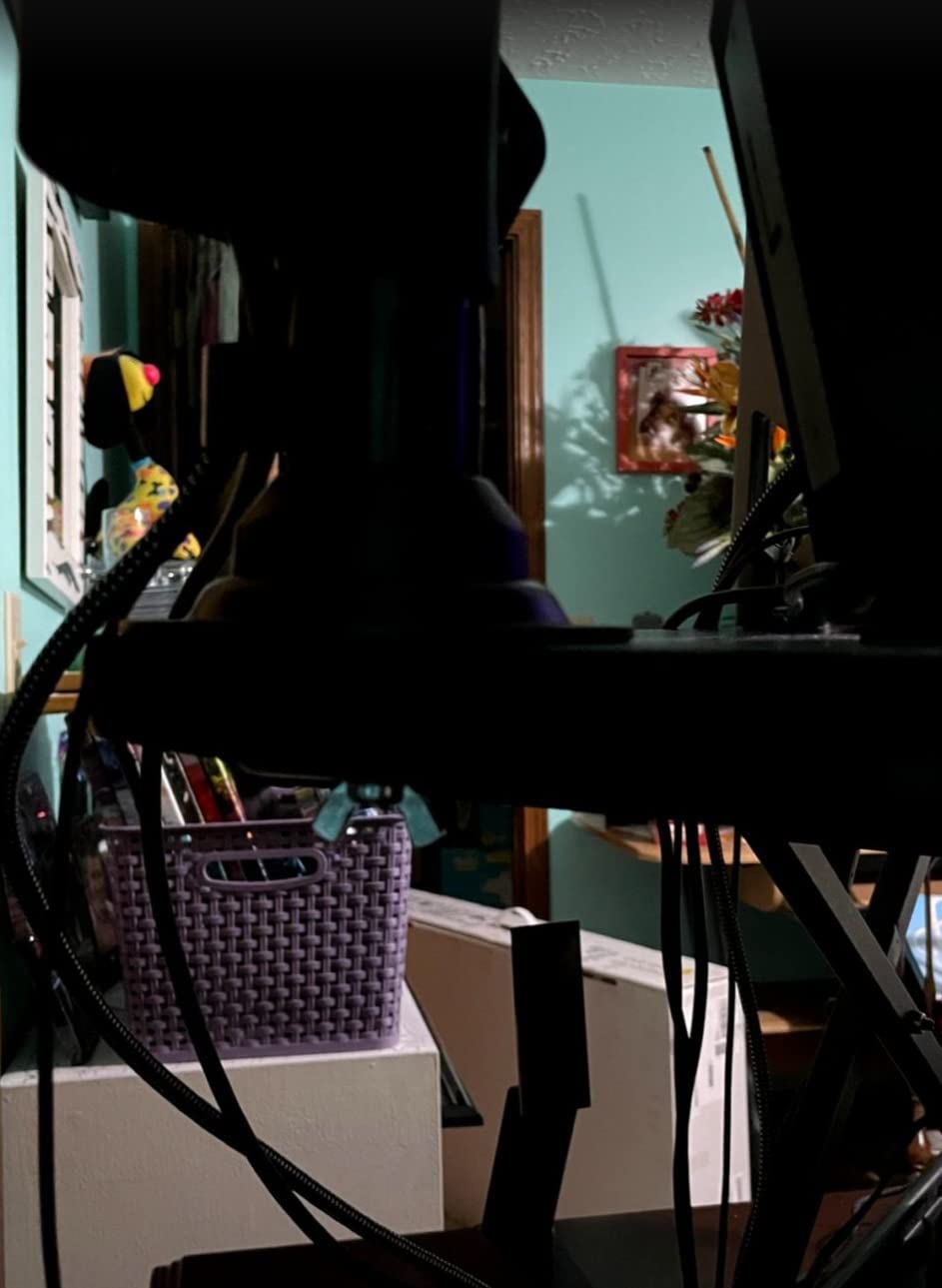
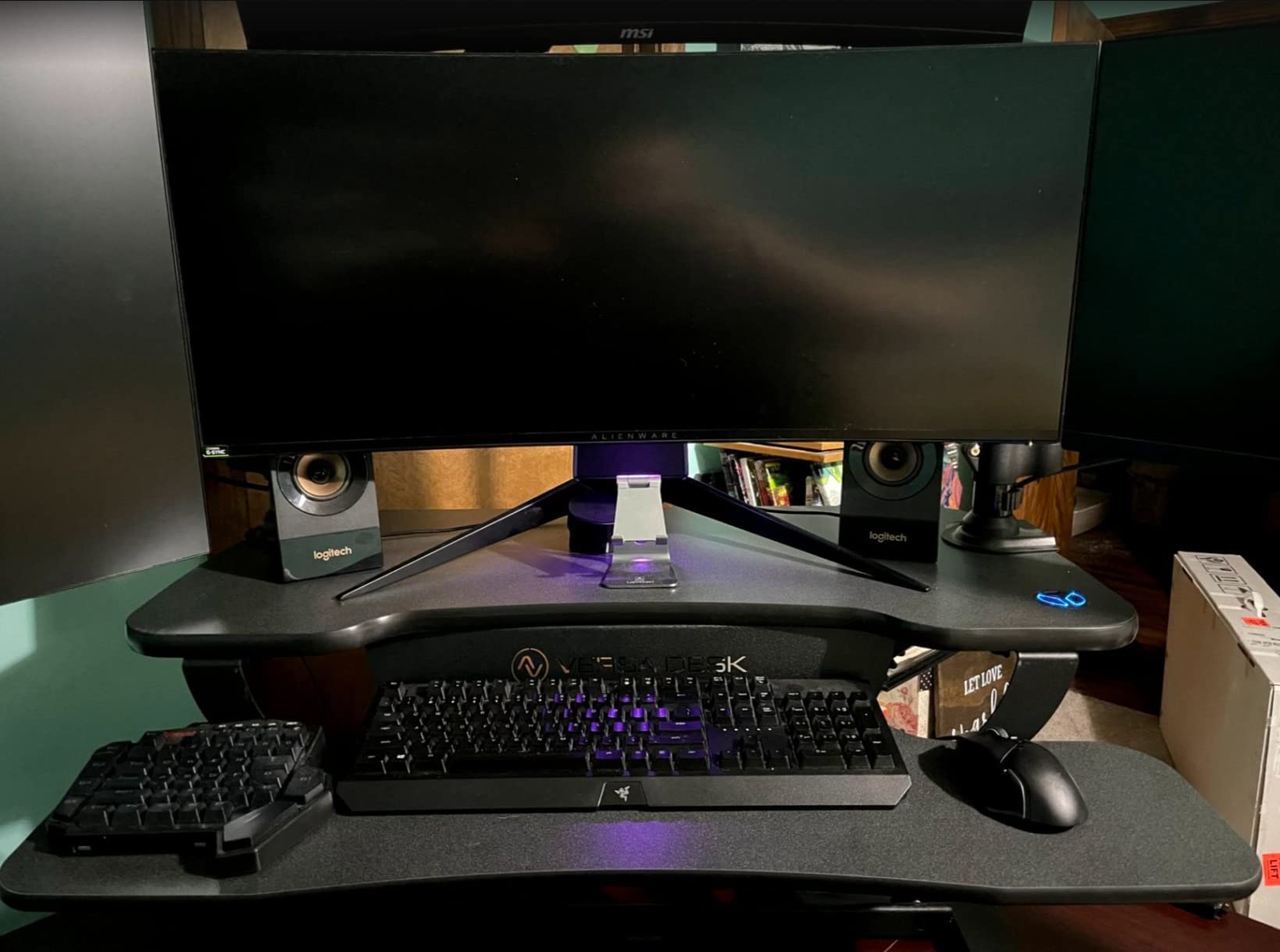
Build quality is a clear step above budget manual risers. The carbon steel frame and scratch-resistant laminate are noticeably thicker, and three grommet holes plus a built-in USB charging port keep a two-monitor cable run manageable.
It ships fully assembled with only a few thumb screws to fit. The 36-inch split-level layout gives monitors a dedicated tier and keeps the keyboard on a lower shelf.
Who the VERSADESK PowerPro 36 in suits best
Heavy dual-monitor rigs: two 27-inch or 32-inch panels on arms, a dock, a laptop, and a tenkeyless keyboard all at once. Nobody else here is rated for that load with this much headroom.
It also suits anyone who finds the physical effort of a gas-spring lift genuinely difficult, and shared offices where a motor running quietly beats a spring creaking under load.
Where the VERSADESK PowerPro 36 in falls short
The motor is noticeably slower to travel than a gas-spring riser, which matters if you are switching positions several times an hour. The keyboard tray still flexes under load because the support brackets are thin bent steel, and the fixed tray is too shallow for split keyboards.
One detailed review documents the unit leaning forward slightly, so the keyboard tray meets the table before the top surface finishes lowering, and reports long delays reaching support. At 24 inches deep it also needs a fairly generous desk.
8. Mount-It! 36 in Converter with Two Monitor Mounts – Best With Built-In Arms
Mount-It! Standing Desk Converter Dual Monitor, 2 Screen Mounts Included, Height Adjustable Desk Riser in Black, Stand Up Desk Convertor Large 36″ Wide, Sit Stand Convertor with Manual Lift Gas Spring
Two monitor arms included
36 in surface
6.5 to 16.3 in range
33 lb desktop
Pros
- Two screen mounts included
- Arms hold two large monitors without sagging
- Very little movement when fully raised
- Well made for the price
- Generous keyboard tray
Cons
- Both handles must be released at once
- Platform pulls toward you as it rises
- Monitors sit high in the seated position
- Handles and laptop compete for the same 36 in
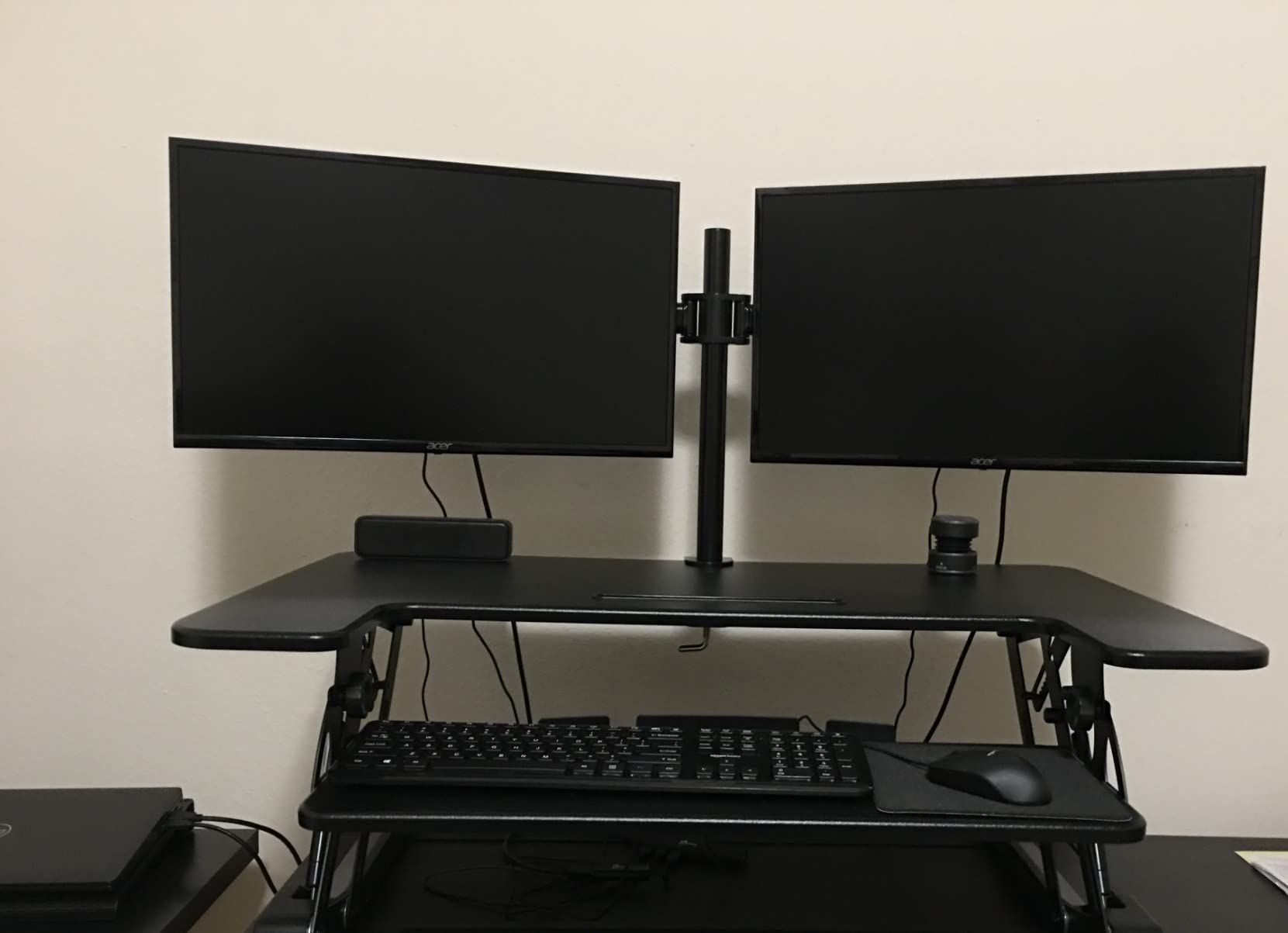
This is a different product type from everything else on the list. Instead of asking you to buy and mount a separate dual monitor arm, the Mount-It! ships with two integrated arms already on the platform, each rated to 17.6 lb and supporting screens up to 32 inches.
That changes the math entirely. Because the screens are up and out of the way, the 36-inch surface is free for paperwork, a second keyboard, or a laptop, and the platform itself carries far less weight. Tilt, swivel, and rotation are adjustable on both arms.
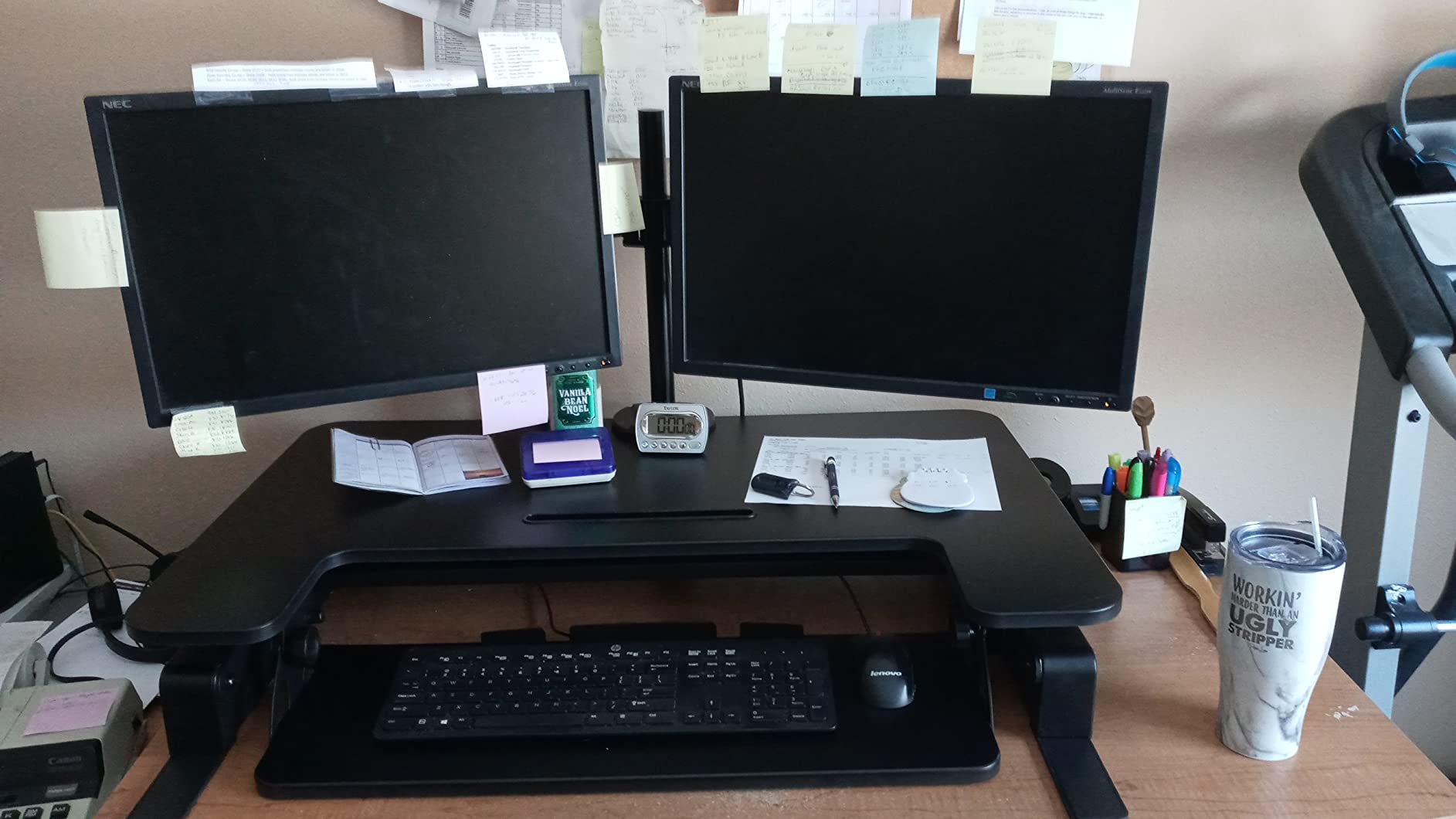
Owners most often single out the arms as the reason they bought it, and they report no droop or sag with two large panels. Several note that the frame shows very little movement when fully raised, including for a 6 foot 9 inch user.
It ships with a large keyboard tray that fits a full-size wireless keyboard, mouse, and glasses, and non-skid pads protect the desk surface underneath.
Who the Mount-It! 36 in with arms suits best
Anyone who wants to reclaim desk space. Mounting two screens above the surface effectively turns a 36-inch platform into a 36-inch flat working area, which is something no plain-platform converter in this roundup can do.
It is also the shortest route to a clean two-monitor sit-stand station, since there is no separate arm to buy, clamp, or level.
Where the Mount-It! 36 in with arms falls short
Both side handles must be disengaged at once, which is awkward for smaller users. The platform rises and pulls toward you rather than moving straight up, so it eats more desk depth in front of your chair.
Monitors sit noticeably higher in the seated position, which some owners find too elevated, and the two handles plus your laptop all compete for the same 36 inches of top surface. One owner also reported a release lever popping up after a few months.
9. Mount-It! Standing Desk Converter with Dual Monitor Mount, 23 in Platform – Best for Compact Desks
Mount-It! Standing Desk Converter, Stand Up Desk Riser with Dual Monitor Mount, Adjustable Workstation in Black, Top Platform 23″ Wide, Keyboard Mouse Tray 27″ Wide, Raises 5″ to 17″ Tall
23.6 in platform
Two screens to 32 in
5.7 to 17.1 in range
26.7 in tray
Pros
- Compact footprint for a dual-monitor setup
- Integrated mount holds two large screens
- Smooth gas spring lift
- Wide tray with gel wrist pad
- Integrated cable management
Cons
- 47 lb is heavy for this category
- Narrow platform leaves little free surface
- VESA limited to 75x75 and 100x100
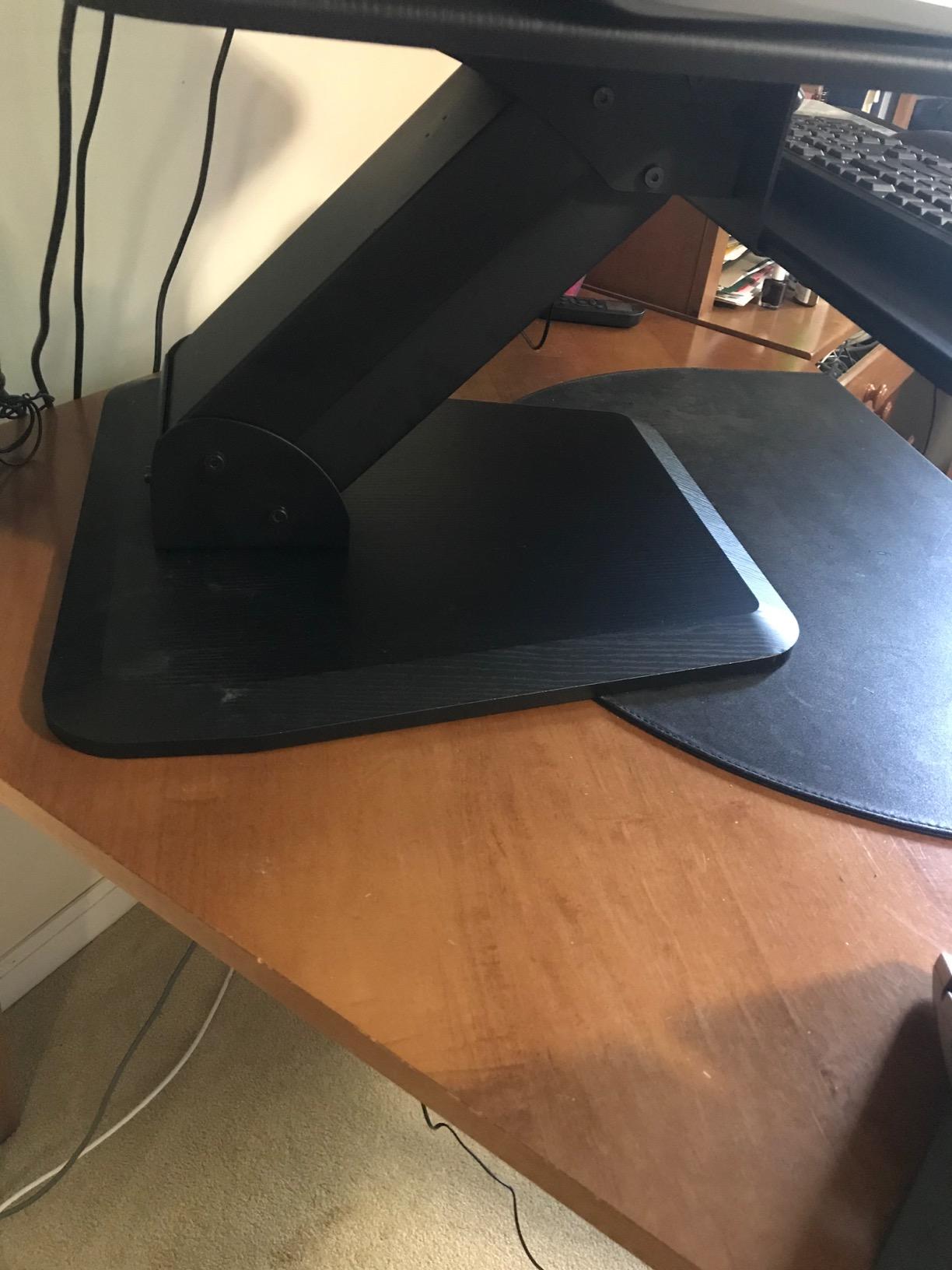
This is the smallest converter here that still genuinely mounts two screens, and buyers choose it for one reason: keeping a dual-monitor workstation on a desk that was never meant to hold one. The top platform is 23.6 by 15.7 inches, with the screens carried above it on the integrated mount.
The mount supports two screens up to 32 inches at 22 lb each, with VESA compatibility at 75×75 and 100×100. The gas spring lift moves smoothly through a 5.7 to 17.1 inch range, which is narrower than the units above it but adequate for most users.
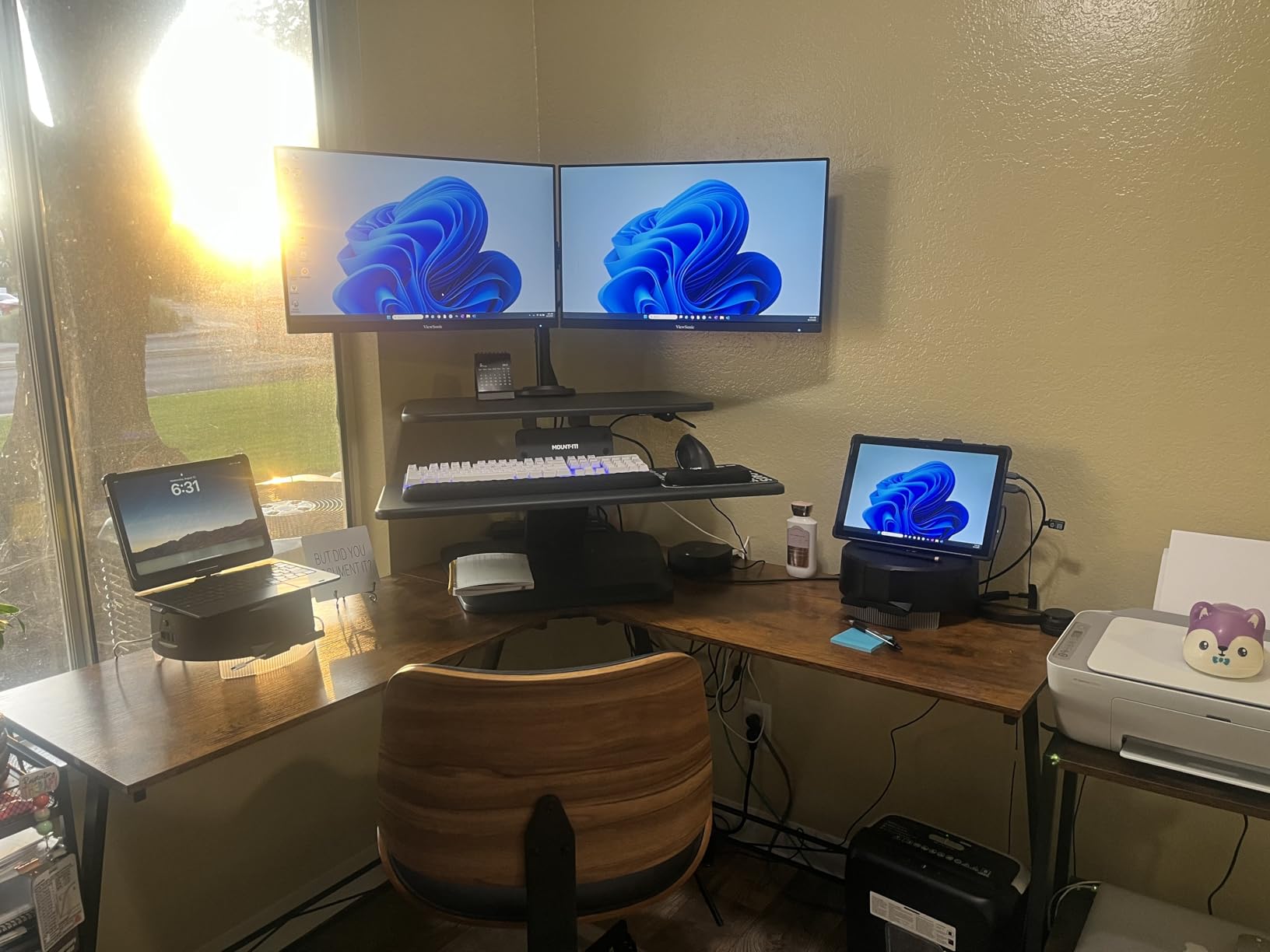
The 26.7 by 11.8 inch keyboard tray is out of proportion with the small platform, and it includes a soft gel wrist pad. Integrated cable management keeps a small surface from turning into a tangle, which matters more here than on a wide platform.
Owners report the lift as smooth and easy to work, and specifically pick this model to avoid moving to a larger desk.
Who the compact Mount-It! suits best
Small home offices and anyone working at a 24 to 30 inch deep desk who still wants two screens and a standing option. It is the pick when a 36-inch platform simply will not fit.
It also suits people who prefer their monitors on an arm anyway and would rather not clamp one to a desk they do not own.
Where the compact Mount-It! falls short
The narrow top platform leaves very little free surface once both monitors are mounted, so this is a monitor riser rather than a working desk. VESA compatibility is limited to 75×75 and 100×100 patterns, which rules out some monitors.
At 47 lb it is heavy for a converter this small, and the 17.1 inch top height is modest if you are over six feet. If you want free surface space, the 38-inch Mount-It! is the same idea with room to work.
10. FLEXISPOT 32 in Motorized Standing Desk Converter – Best for a Quiet Electric Lift
FLEXISPOT 32″ Motorized Standing Desk Converter, Electric Stand up Desk Riser, Sit to Stand Dual Monitor and Laptop Workstation with Wide Keyboard Tray, Black
Electric one-touch lift
55 lb total capacity
5 to 19.7 in range
34.6 in keyboard tray
Pros
- Quiet one-button lift with no sway
- Keyboard tray wider than the desktop
- Sturdy at full extension
- Arrives nearly assembled
- Side and under-tray clearance for a laptop
Cons
- Tray is fixed and does not retract
- Some report the mechanism refusing to lower
- Heavy to raise by hand when fully loaded
The FLEXISPOT 32-inch motor is the quietest electric lift we tested. Owners who moved over from manual risers say the push-button movement removes both the daily effort and the sway that made them avoid raising their desk in the first place.
Capacity is 55 lb combined, split between 44 lb on the desktop and 11 lb on the keyboard tray. That is the second-highest figure in this roundup, and for two 27-inch monitors on arms it leaves real headroom.
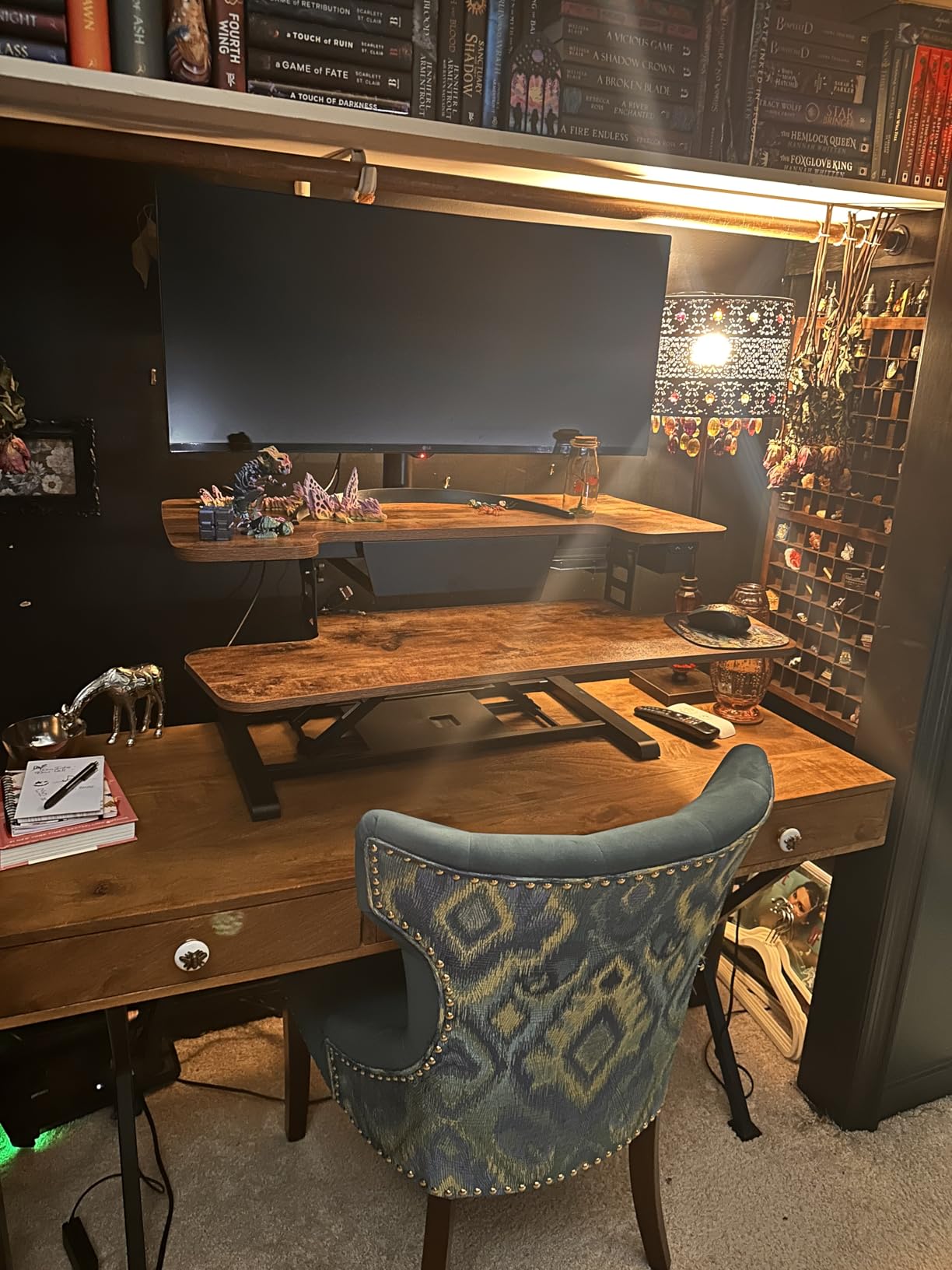
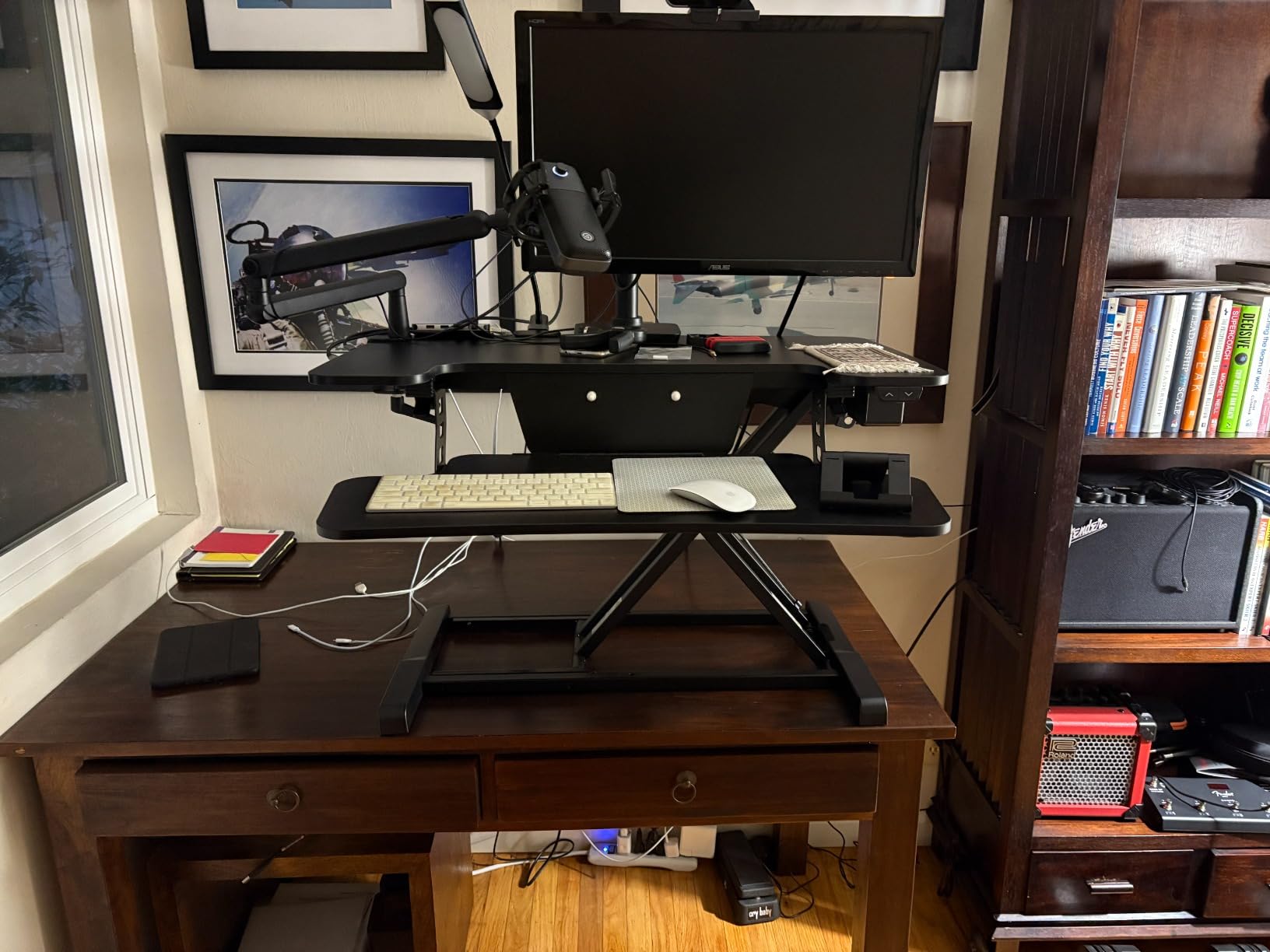
The 34.6 inch keyboard tray is wider than the desktop itself, which is a genuinely useful detail when your keyboard is full-size. The U-shaped 32 by 16.3 inch surface also leaves extra side and under-tray clearance for a laptop and notebook.
Setup is minimal. It arrives nearly fully assembled and only the keyboard tray needs attaching, and the one-touch control panel is easy to find without looking down.
Who the FLEXISPOT 32 in electric suits best
Anyone in a shared or open-plan office where a motor is quieter than a gas spring creaking under a heavy load, and anyone who does not want to think about how much force a daily transition takes.
It also suits users who switch posture frequently, since the motion is smooth and controlled with no manual handle to hold.
Where the FLEXISPOT 32 in electric falls short
The keyboard tray is fixed and does not retract, so it stays in the way when the unit is lowered. A small number of owners report the electric mechanism intermittently refusing to lower, which is the one failure mode unique to this product type.
At 37 lb it is also heavy to raise by hand during setup, so get a hand or lift the frame rather than the platform. And at 32 inches, it is one of the narrower surfaces here for two monitors.
11. FLEXISPOT 36 in Walnut Standing Desk Converter – Best Finished Surface
FLEXISPOT 36″ Standing Desk Converter, Dual Monitor Desk Riser, Sit Stand Computer Workstation with Ergonomic Height Adjustment, Large Stand Up Desk Riser for Home Office, Walnut
36 in walnut surface
Mechanical steel spring lift
33 lb desktop
Removable keyboard tray
Pros
- 36 in surface fits two monitors with room to spare
- Walnut finish draws compliments
- Mechanical spring holds position without creep
- Arrives almost fully assembled
- Narrower footprint than premium equivalents
Cons
- Heavy at roughly 34.5 lb
- Keyboard tray is fixed rather than retractable
- Textured surface is poor for writing
- Some arrive with scratches
The walnut finish is the reason this one shows up on people’s desks rather than under them. Owners mention receiving compliments on it, and it disguises dust far better than a black laminate, which matters on a surface two monitors sit on all day.
More interesting is the lift. Instead of a gas cylinder, it uses a patented mechanical steel spring system built from spring wire. The manufacturer positions this as avoiding the air-leakage and performance-drop issues that gas springs develop over years, and owners report smooth, controlled motion that lowers gently.
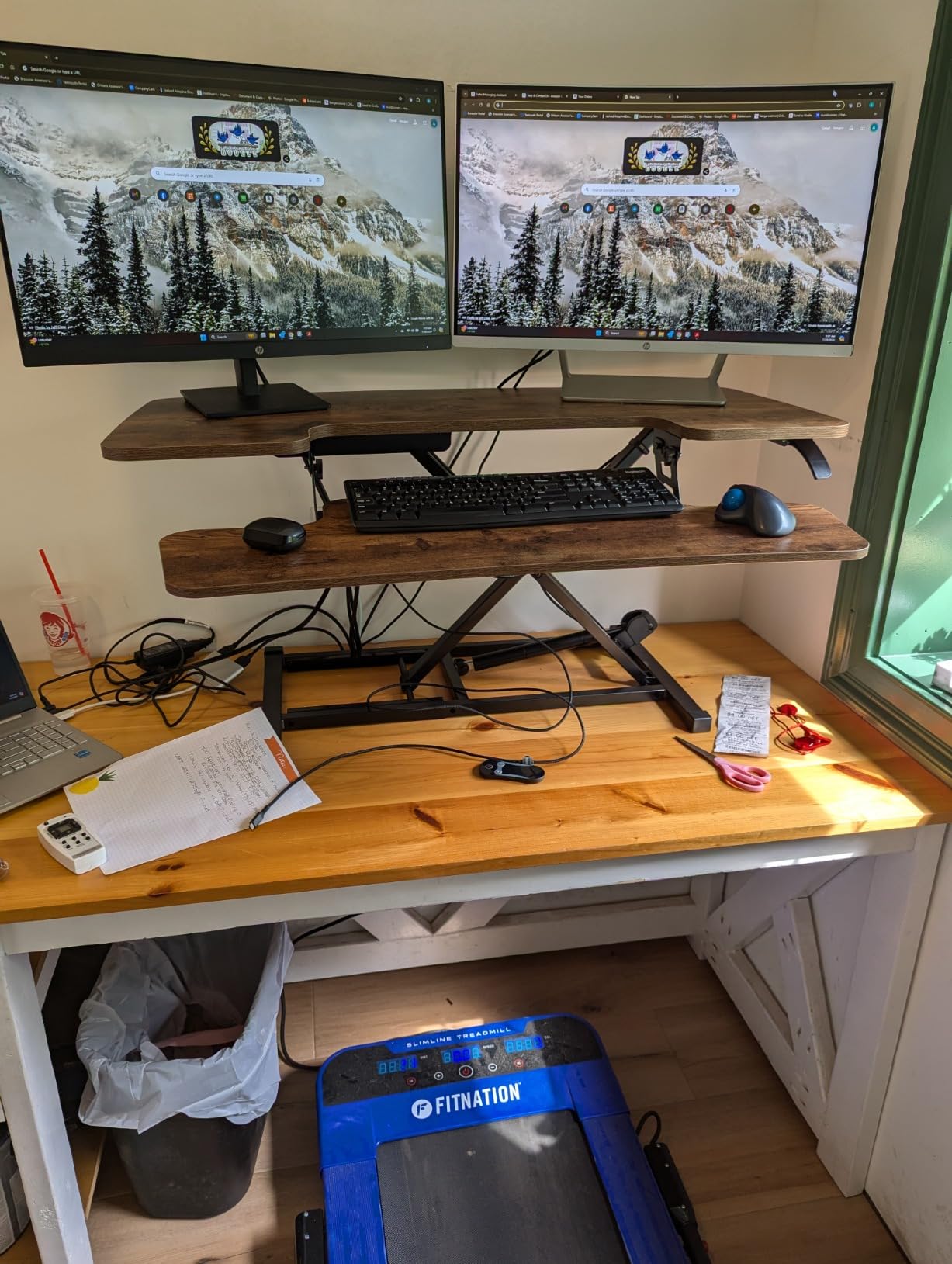
Thirty-six inches is a comfortable dual-monitor footprint, with room left over for a small accessory. The reinforced steel frame and thickened square tubes give it more stability than its weight suggests, and several owners note it is narrower than the premium equivalents they compared.
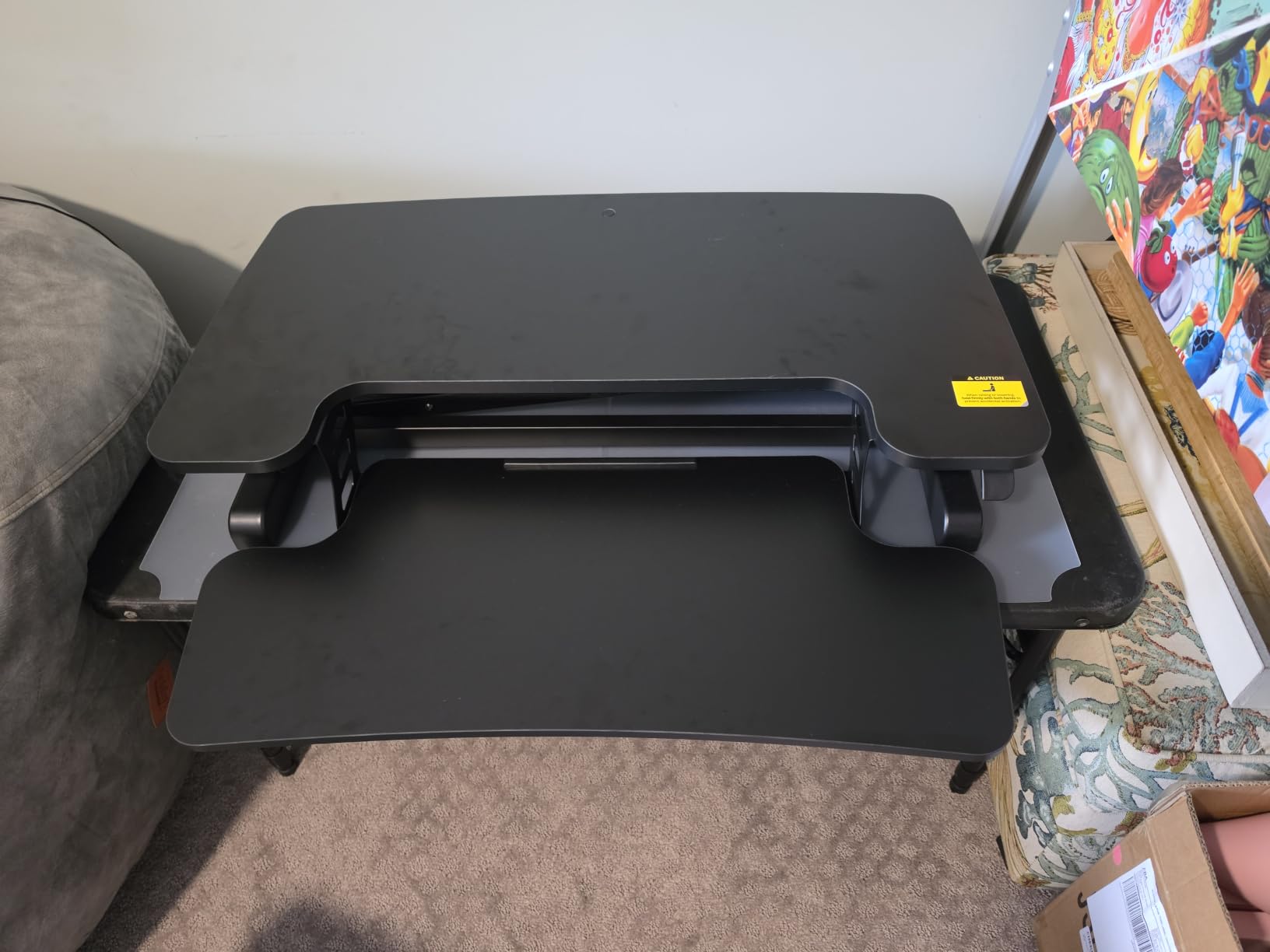
The keyboard tray can be removed entirely, which gives you back the front edge as a writing surface when you want it.
Who the walnut FLEXISPOT 36 in suits best
Home offices where appearance is part of the decision, and anyone who writes or takes notes on the platform. The finish reads as furniture rather than equipment, and the detachable tray helps with the writing surface.
It also suits people nervous about long-term gas spring degradation, since a mechanical spring has fewer seals to fail.
Where the walnut FLEXISPOT 36 in falls short
It is heavy at roughly 34.5 lb, so a two-person lift is realistic, and the monitor platform feels heavy to raise by hand when fully loaded. The keyboard tray is fixed rather than retractable even though it can be removed.
The textured faux-wood surface is a poor writing surface, and a few buyers reported finish defects on arrival. It also carries the lowest average rating in this group, so treat the spec sheet with the usual caution.
12. Mount-It! 38 in Standing Desk Converter – Best Balance of Width and Footprint
Mount-It! 38 Inch Standing Desk Converter – Gas Spring Sit Stand Desk Riser for Dual Monitors – Height Adjustable Desktop Workstation with Keyboard Tray – Black
38 in surface
Gas spring 5.9 to 16.9 in
33 lb capacity
Fits 36 in desks
Pros
- 38 in width is a sweet spot for two monitors
- Heavy-gauge steel stays steady when typing
- Smooth silent gas spring under load
- Extra-wide keyboard tray
- Fits desks 36 in wide
Cons
- 19.5 in depth overhangs smaller desks
- Right side of the tray does not reach the lowest position
- Slight monitor shake when typing raised
- Assisted assembly recommended
Thirty-eight inches is the number most people on forum threads end up at. It fits two monitors with clearance, and unlike the 42 and 46-inch units here, it still sits on a desk that is 36 inches wide. The manufacturer states it is designed for desks at least 36 inches wide and 28 inches deep.
The heavy-gauge steel frame is tested to ANSI/BIFMA standards, and owners describe it as steady when typing at full height. The precision gas spring moves smoothly and silently even with a full monitor load, adjusting under load so you do not have to take anything off first.
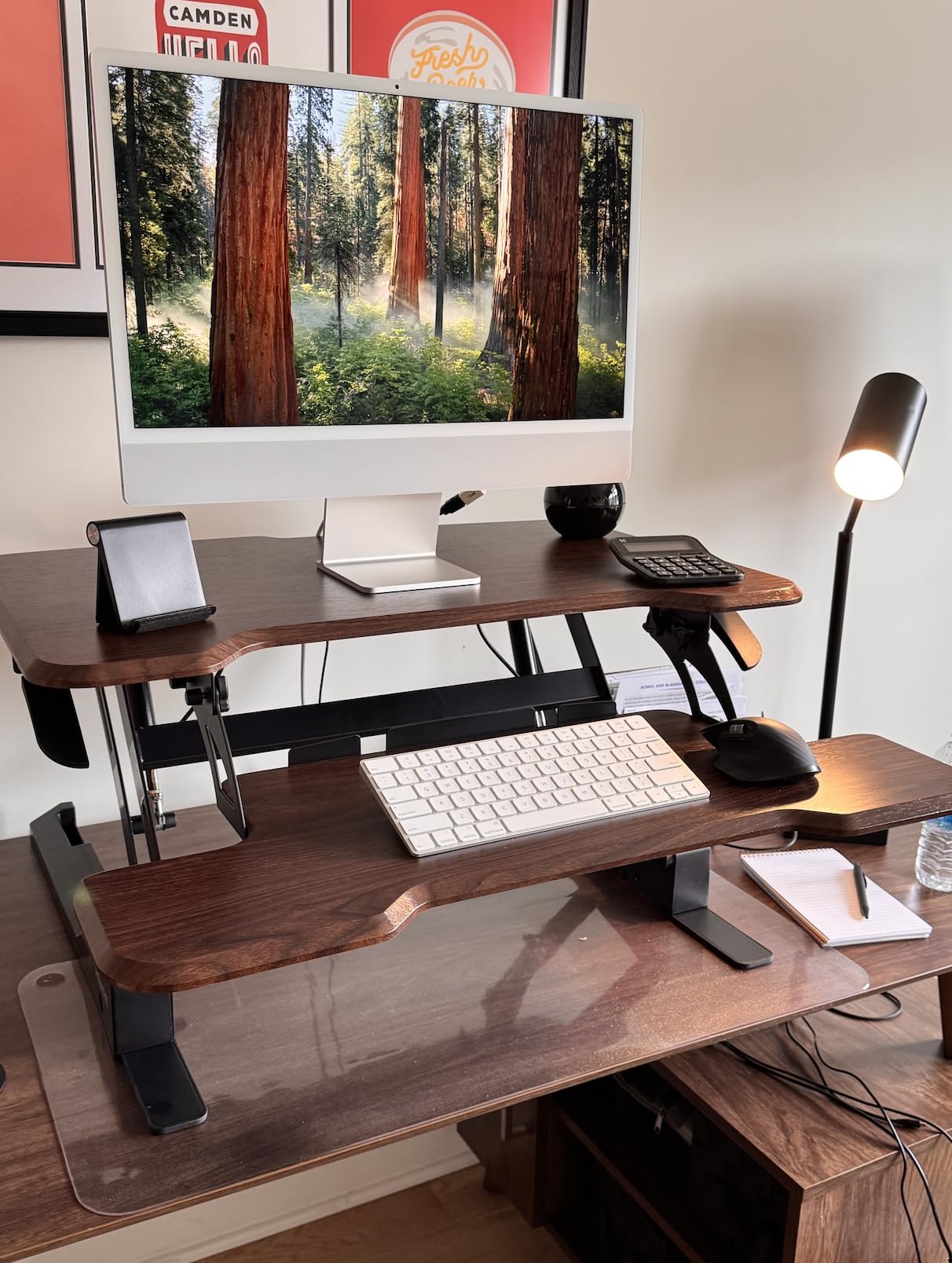
The extra-wide keyboard tray keeps a full-size keyboard and mouse off the main surface, which is exactly what you want when the top is already carrying two screens. There is also a lifetime warranty on structural components.
This is the pick we would suggest to someone who has already been burned by a converter that was too narrow, because it adds width without asking for a desk upgrade.
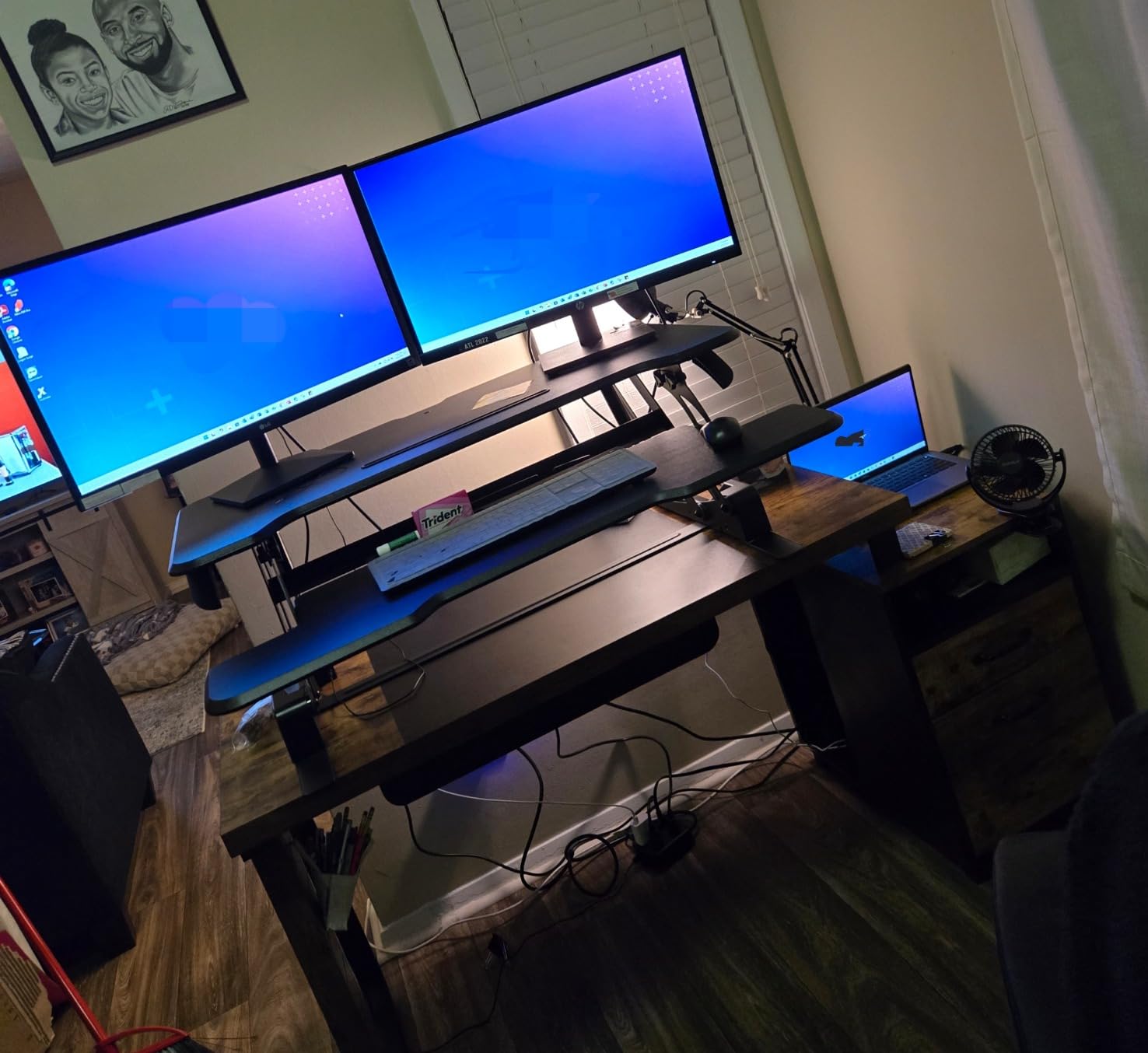
Who the Mount-It! 38 in suits best
Anyone whose desk is 36 to 40 inches wide and who wants two monitors with a little room around them. It is the most realistic width for a normal home office desk, which is why it comes last on our list but first on a lot of people’s shortlists.
It also suits anyone who leans on the platform while writing at standing height and does not want screen shake.
Where the Mount-It! 38 in falls short
The 19.5 inch depth means the keyboard tray overhangs smaller desks by a couple of inches, and the right side of the tray does not fully reach the lowest position, which some owners trace to the slight shake felt when typing raised.
At 42 lb it is heavy enough that assisted assembly is worth having. The height range tops out at 16.9 inches, so very tall users will find it short.
What to Check Before You Buy a Dual Monitor Riser
Measure the width of your desk first, then the depth. Most converter failures in this category are fit failures, and a riser that overhangs your desk edge is worse than no riser at all.
Next, do the weight math honestly. Add your monitors, arms, dock, laptop, and any audio gear. Then subtract about 10 lb from the published capacity to get your working load. If two 32-inch panels are in the plan, a full standing desk is the better purchase, and the converter versus full desk comparison covers that crossover point in more detail.
Think about the seated position before you buy. Converters with minimum heights of 4.3 to 5.7 inches leave a permanent bump on your desk even when fully lowered. If your current seated elbow height is already correct, measure it and check the converter’s minimum before committing.
Choose a lift type based on how often you will move. A gas spring or mechanical spring needs no power and no thinking. An electric motor is quieter, needs no effort, and adds a failure point that a spring does not have.
Decide about monitor arms early. Users overwhelmingly prefer clamping a dual arm to the grommet hole so the platform carries only the keyboards and papers, and several of the units here include a grommet for exactly that reason.
On the health side, the 20-8-2 rule suggests sitting for 20 minutes, standing for 8, and walking for 2 in each half hour. A converter is only worth it if you actually use it. An anti-fatigue mat matters more for how long you can stand than the riser does.
Frequently Asked Questions
How big does a standing desk converter need to be for two monitors?
Two 24-inch monitors need at least 35 inches of platform width. Two 27-inch panels need 36 to 42 inches, with 38 to 42 the most common sweet spot. Two 32-inch screens realistically need 42 inches or a full standing desk. Add roughly 10 lb of padding below the published capacity to cover two monitors, arms, a dock, and a laptop.
What is the best standing desk top for two monitors?
The best standing desk top for two monitors is at least 36 inches wide with a depth of 15 inches or more, so the panels are not flush with both edges. Look for a straight-up lift path rather than one that arcs forward, and a capacity rating of 40 lb or higher if you are mounting the screens on an arm.
What is the best standing desk attachment for two monitors?
A converter with a built-in dual monitor arm is the most useful attachment, because the screens mount above the platform and free the whole work surface. The Mount-It! 36-inch ships with two arms rated to 17.6 lb each. Alternatively, clamp any dual arm to a grommet hole on a plain platform to offload weight from the deck.
Which dual monitor arms are best for a standing desk?
Pick an arm rated above the combined weight of your two panels, with a VESA pattern of 75×75 or 100×100 for the widest compatibility. Clamp it to a grommet hole rather than the rear edge so the load goes into the frame, not the surface. Check that the arm allows enough forward reach to bring the screens to eye level at standing height.
How much weight can a standing desk converter hold?
Most 32 to 42 inch manual converters are rated between 28 and 45 lb, with the VIVO 42-inch and VIVO 36-inch at 33 lb. Electric units go higher: the VERSADESK PowerPro 36 is rated to 80 lb and the FLEXISPOT 32 electric to 55 lb combined. Treat the figure as a maximum and leave 10 lb of headroom.
What is the 20-8-2 rule for standing desks?
The 20-8-2 rule suggests a pattern of sitting for 20 minutes, standing for 8 minutes, and walking for 2 minutes in each half hour of work. The idea is that alternating positions is more useful than standing all day, and that movement between positions matters as much as the position itself. A converter is practical if you will actually follow that pattern.
Is a standing desk converter better than a standing desk?
A converter is better when you already own a good desk, cannot drill into it, or are in a rented space. A full standing desk is better once you are running two 32-inch panels, since the converter stops being wide or stable enough. Converters in this group weigh 26 to 52 lb, which is why forum threads describe them as semi-permanent once installed.
Do standing desk converters fit under a normal desk?
Most do, since the platform and keyboard tray collapse to a flat package between 4 and 6 inches tall when fully lowered. Check the stated minimum height for the model, because a converter with a 5.7 inch minimum still leaves a permanent bump. You can also slide the whole unit out from under the desk and store it against a wall.
The Verdict
For most people running two monitors on a desk they already own, the VIVO Black 42 in Standing Desk Converter is the one to buy. It has the widest mainstream platform here, a 4.5 to 20 inch range that covers tall users, and the deepest owner history in the group, which usually means better long-term parts availability and fewer surprises.
Buy the Vari VariDesk Pro Plus 36 instead if build quality and arriving fully assembled matter more to you than width. Buy the VERSADESK PowerPro 36 if your load is heavy or you want a motor instead of a spring. Buy the Mount-It! 36 with the two built-in arms if reclaiming desk surface is the priority.
One final warning from the people who already own these: measure your desk depth before you order, and check the minimum seated height. Those two numbers cause more disappointment than the lift mechanism ever will. If you are still deciding between a riser and a full desk, our dual monitor sit-stand desk guide walks through the crossover.