
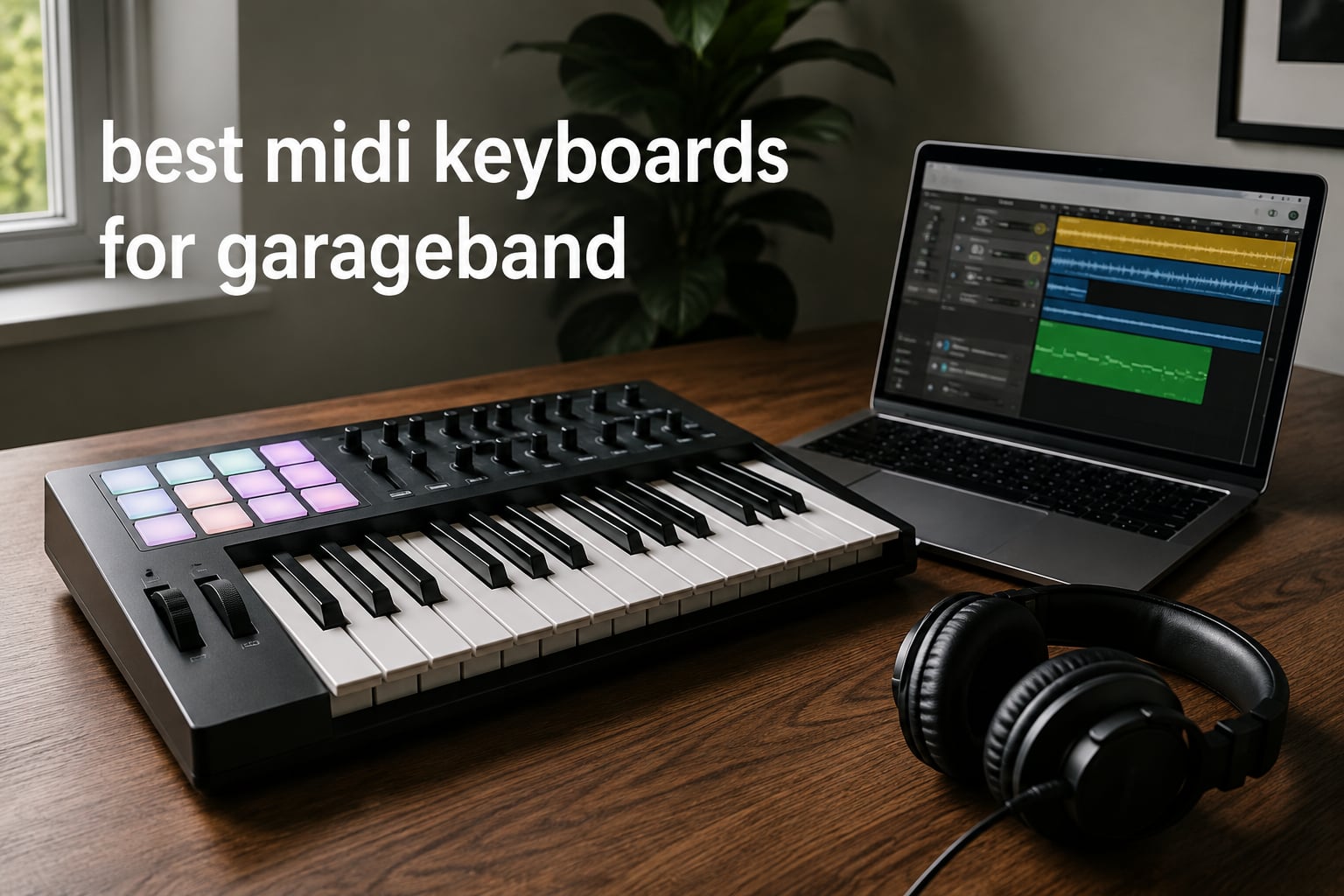
If you’ve ever tried to tap out piano parts with your trackpad inside GarageBand, you already know the limitation. A MIDI keyboard changes everything. It hands you real keys, real velocity response, and a tactile surface that finally matches what you’re hearing in your head. The best MIDI keyboards for GarageBand in 2026 are designed to plug into a Mac or iPad, show up as a recognized input, and start working the moment you press a key. No driver maze, no firmware drama.
Our team has spent the last few months testing controllers from Akai, Arturia, Novation, Nektar, Native Instruments, and M-Audio specifically with GarageBand on macOS and iPadOS. We focused on real-world compatibility first, then key feel, then features. What follows are the 10 controllers that earned their place on this list, ordered by the strength of their review communities and how often GarageBand users reach for them.
GarageBand works with nearly every class-compliant MIDI controller you can plug in, so the choice comes down to keys, feel, controls, and portability. Some of us work in a bedroom studio on a MacBook. Others track ideas on an iPad at a coffee shop. The right keyboard depends on where and how you make music. We tested each one with those scenarios in mind.
Top 3 Picks for GarageBand MIDI Keyboards (September 2026)

Akai MPK Mini MK3
- 25 velocity-sensitive keys
- 8 MPC pads
- 8 assignable knobs
- Built-in arpeggiator


Best MIDI Keyboards for GarageBand in 2026
| Product | Specifications | Action |
|---|---|---|
| Akai MPK Mini MK3 |
|
Check Latest Price |
 M-Audio Keystation 61 MK3 M-Audio Keystation 61 MK3 |
|
Check Latest Price |
| midiplus AKM320 |
|
Check Latest Price |
| Arturia MiniLab 3 |
|
Check Latest Price |
 Novation Launchkey 88 MK3 Novation Launchkey 88 MK3 |
|
Check Latest Price |
 Akai MPK Mini Plus Akai MPK Mini Plus |
|
Check Latest Price |
 Native Instruments Komplete Kontrol M32 Native Instruments Komplete Kontrol M32 |
|
Check Latest Price |
 Nektar Impact GX61 Nektar Impact GX61 |
|
Check Latest Price |
 Akai LPK25 Akai LPK25 |
|
Check Latest Price |
 Novation FLkey 49 Novation FLkey 49 |
|
Check Latest Price |
1. Akai MPK Mini MK3 – Editor’s Choice for GarageBand
Akai Professional MPK Mini MK3 25-Key USB MIDI Keyboard Controller
25 mini keys
8 MPC pads
8 assignable knobs
USB powered
Pros
- Compact and portable design
- Responsive velocity-sensitive keys and pads
- Comprehensive software bundle with MPC Beats and 3 instruments
- Easy plug-and-play with GarageBand on Mac and PC
Cons
- Mini keys take adjustment
- Software bundle can be heavy on lower-end laptops
The MPK Mini MK3 has been on my desk for most of this year and it is the keyboard I keep recommending first. Out of the box, it plugged into my MacBook, GarageBand picked it up as a MIDI input, and I was playing piano within a minute. No drivers. No settings panel. Just keys.
The 25-key layout is the most common complaint, and I get it. Two octaves is tight for full piano work. Akai solves that with octave shift buttons, so you can move up or down the range without losing access to the middle of the keyboard. I find myself shifting octaves constantly when I’m sketching piano parts. After a few sessions, it becomes second nature.
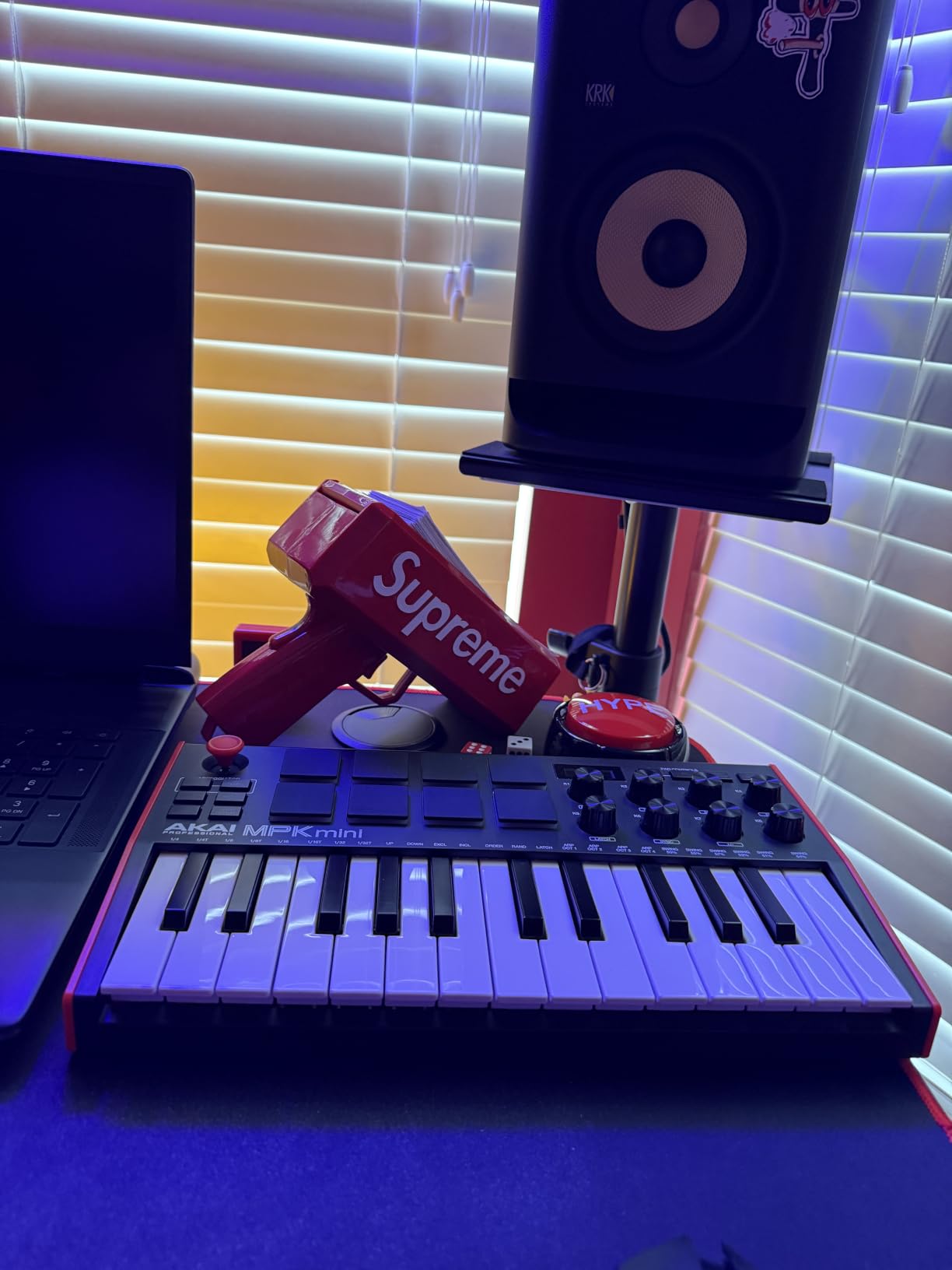
What makes this controller special for GarageBand users is the 8 MPC-style drum pads. They are velocity sensitive, they have Note Repeat, and they map directly to GarageBand’s drum kits. I can tap out a beat and the dynamics actually come through. The 8 assignable knobs also map cleanly to GarageBand’s smart controls, so I can adjust synth parameters without reaching for the mouse.
The bundled software is generous. MPC Beats, three virtual instruments, and 2 GB of sound content give you a starter production setup even if you never leave GarageBand. For a beginner, this means you have everything you need to start making tracks the moment the box arrives.
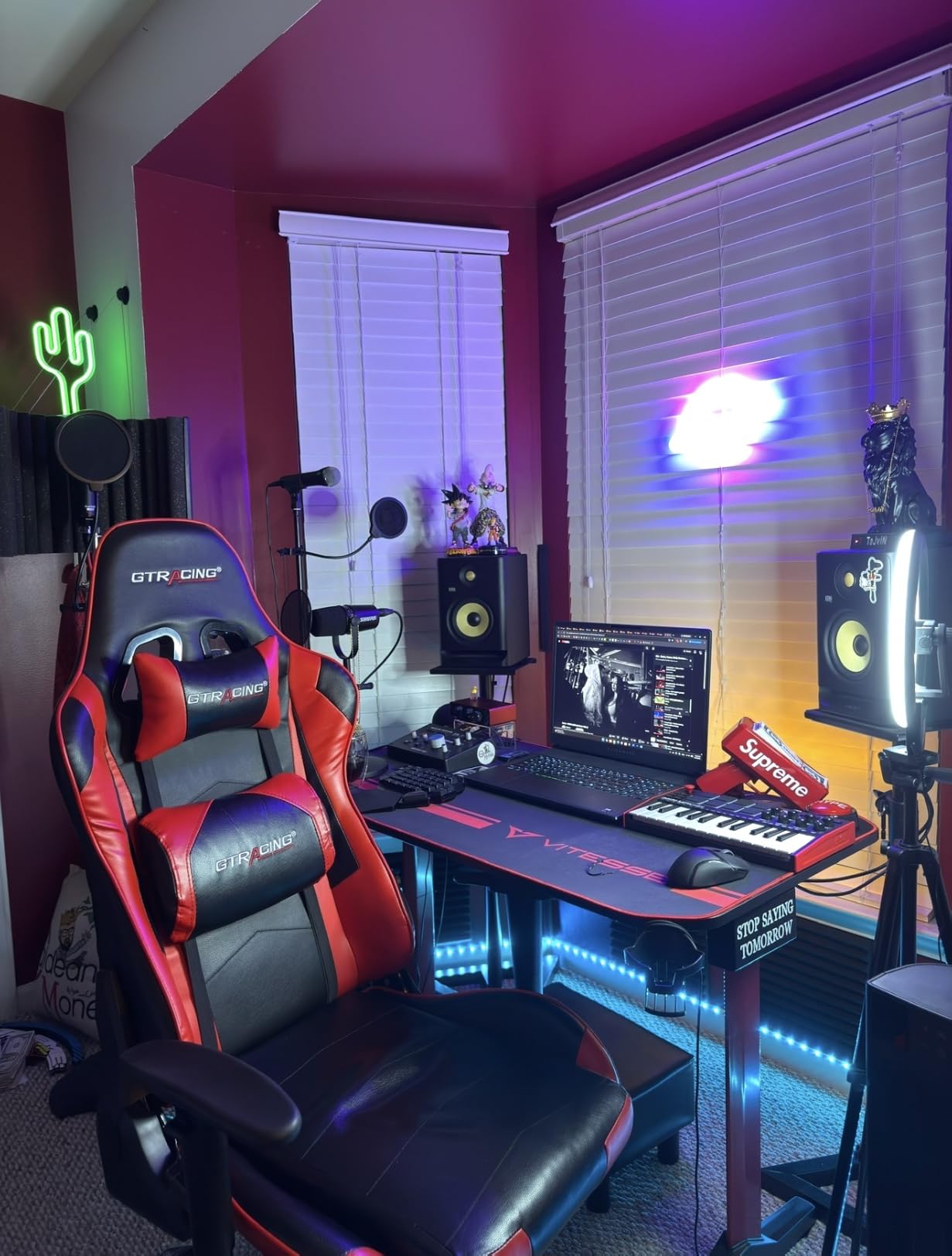
Who the MPK Mini MK3 is best for
This is the right pick for anyone starting out in GarageBand who wants pads, knobs, and keys in one compact unit. Producers making beats, electronic music, or hip hop will get the most out of the pad layout. It’s also the most affordable path into a real hardware controller, and reviewers consistently mention how easy it is for beginners to pick up.
If you mostly play piano and need more keys, the MiniLab 3 or one of the 49 and 61-key options below will serve you better. But for GarageBand users who want pads and knobs alongside the keys, this is the sweet spot.
Who should look elsewhere
If you have larger hands or play piano classically, the mini keys will frustrate you. A full-size controller like the M-Audio Keystation 61 MK3 or Nektar GX61 will feel much better for two-handed piano playing. Also, if your laptop is on the older side, the bundled software bundle may slow things down. You can skip the install and use GarageBand alone.
2. Arturia MiniLab 3 – Premium Feel in a Compact Body
Arturia MiniLab 3 Universal MIDI Controller, White
25 slim keys
16 RGB pads
8 rotary encoders
USB-C with MIDI out
Pros
- Exceptional key feel for a mini controller
- Real MIDI out port for hardware
- Premium software suite included
- 5-year warranty
Cons
- Only 25 keys limits range
- Touch sensors instead of traditional pitch and mod wheels
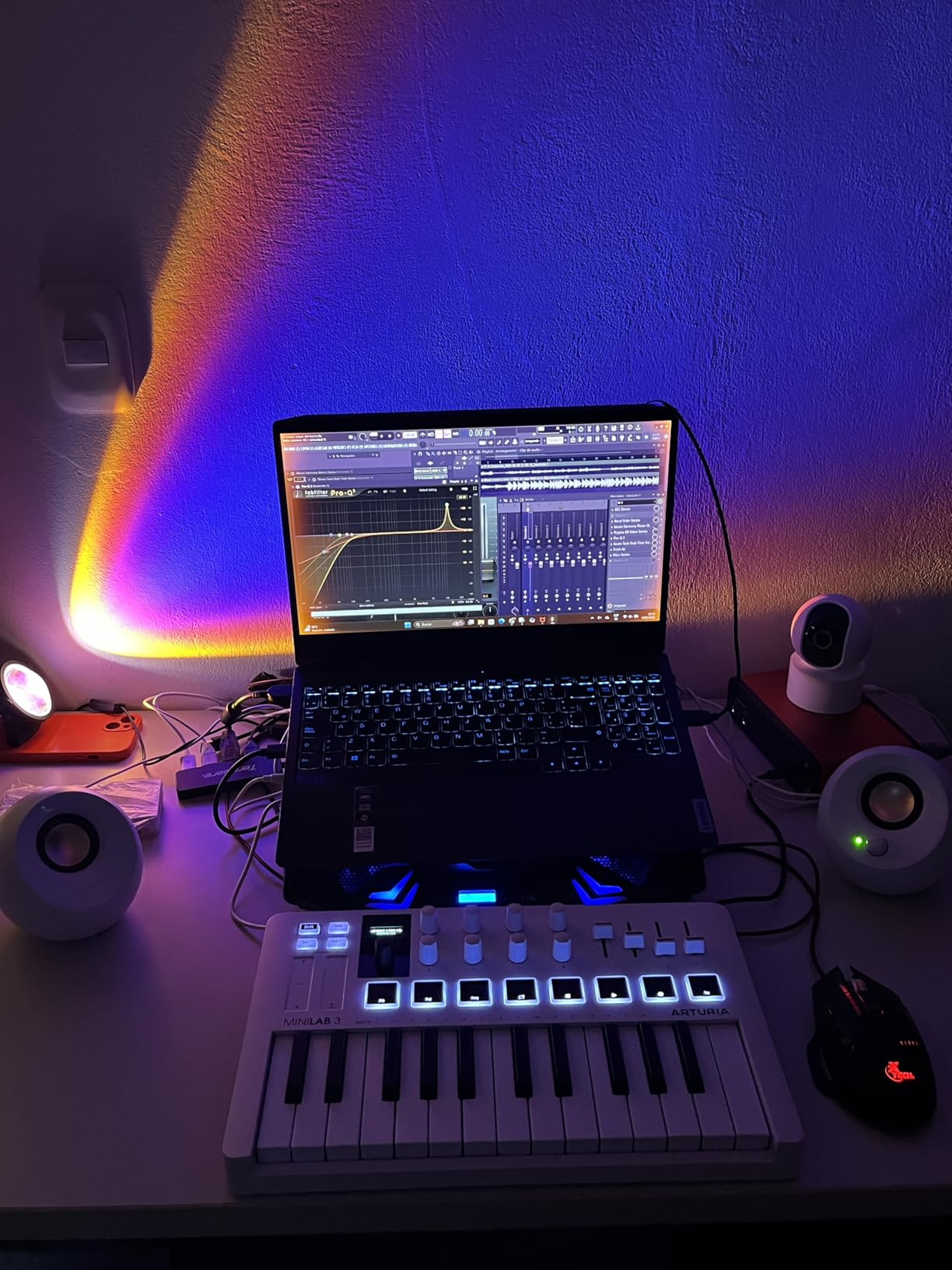
The MiniLab 3 is the controller I reach for when I want to feel like I’m playing an actual synth, not a toy. Arturia has been refining their mini keybeds for years, and this one has the most expressive action in the 25-key class. The keys feel closer to a real synth than any competitor I’ve tested.
GarageBand integration is instant over USB-C. The MiniLab 3 also has a real 5-pin MIDI out port, which is rare at this size. If you have a hardware synth or a drum machine, you can sequence it directly from this little board. That capability matters if you plan to expand beyond software.
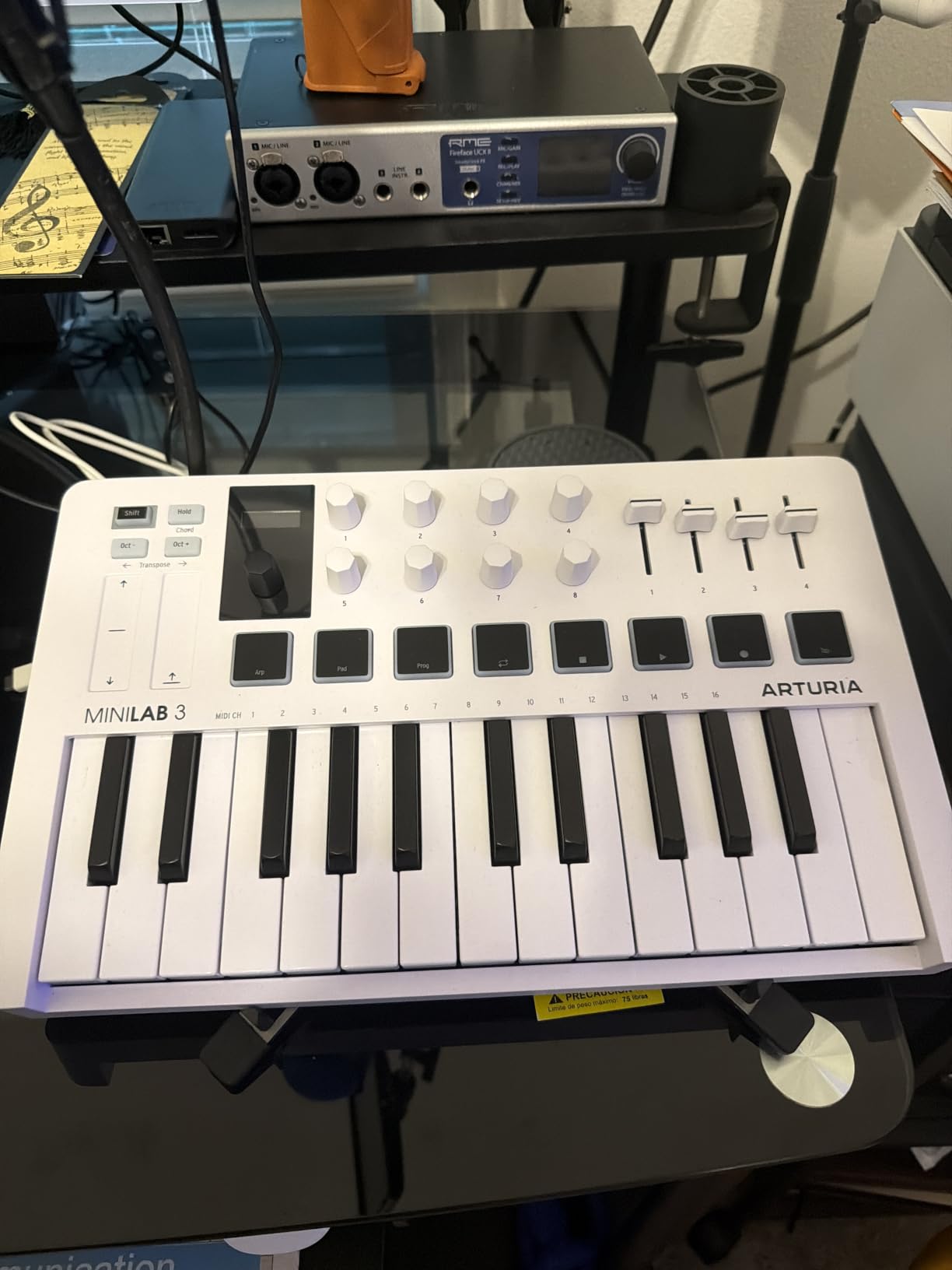
The 16 RGB-backlit pads (two banks of 8) are velocity and pressure sensitive. They feel snappy and accurate for finger drumming in GarageBand. The 8 rotary encoders feel like proper metal knobs, not the wobbly plastic you sometimes find on budget controllers. They map cleanly to GarageBand’s smart controls for tweaking synths and effects.
The software bundle is where Arturia earns its reputation. Analog Lab Intro gives you hundreds of preset sounds, Ableton Live Lite adds a second DAW option, and UVI Model D is a sampled Steinway piano. You can produce full tracks without buying another plugin.
Who the MiniLab 3 is best for
Producers who want a premium compact controller and care about key feel. Anyone planning to add hardware synths later will appreciate the MIDI out. Reviewers on forums consistently say the build quality feels closer to a $200+ controller than its actual price suggests.
Who should look elsewhere
If you prefer traditional pitch and mod wheels over the capacitive touch strips, this is not for you. Also, if 25 keys is too limiting, the MPK Mini Plus with 37 keys or the FLkey 49 with 49 keys will give you more range.
3. midiplus AKM320 – Best Budget MIDI Keyboard
midiplus AKM320 Midi Keyboard Controller
32 keys
Pitch and mod wheels
USB B
Lightweight
Pros
- Very affordable price
- 32 keys offer more range than 25-key options
- Pitch and modulation wheels
- Simple plug and play with GarageBand
Cons
- Keys can feel stiff initially
- Plastic build at this price point
- No bundled software
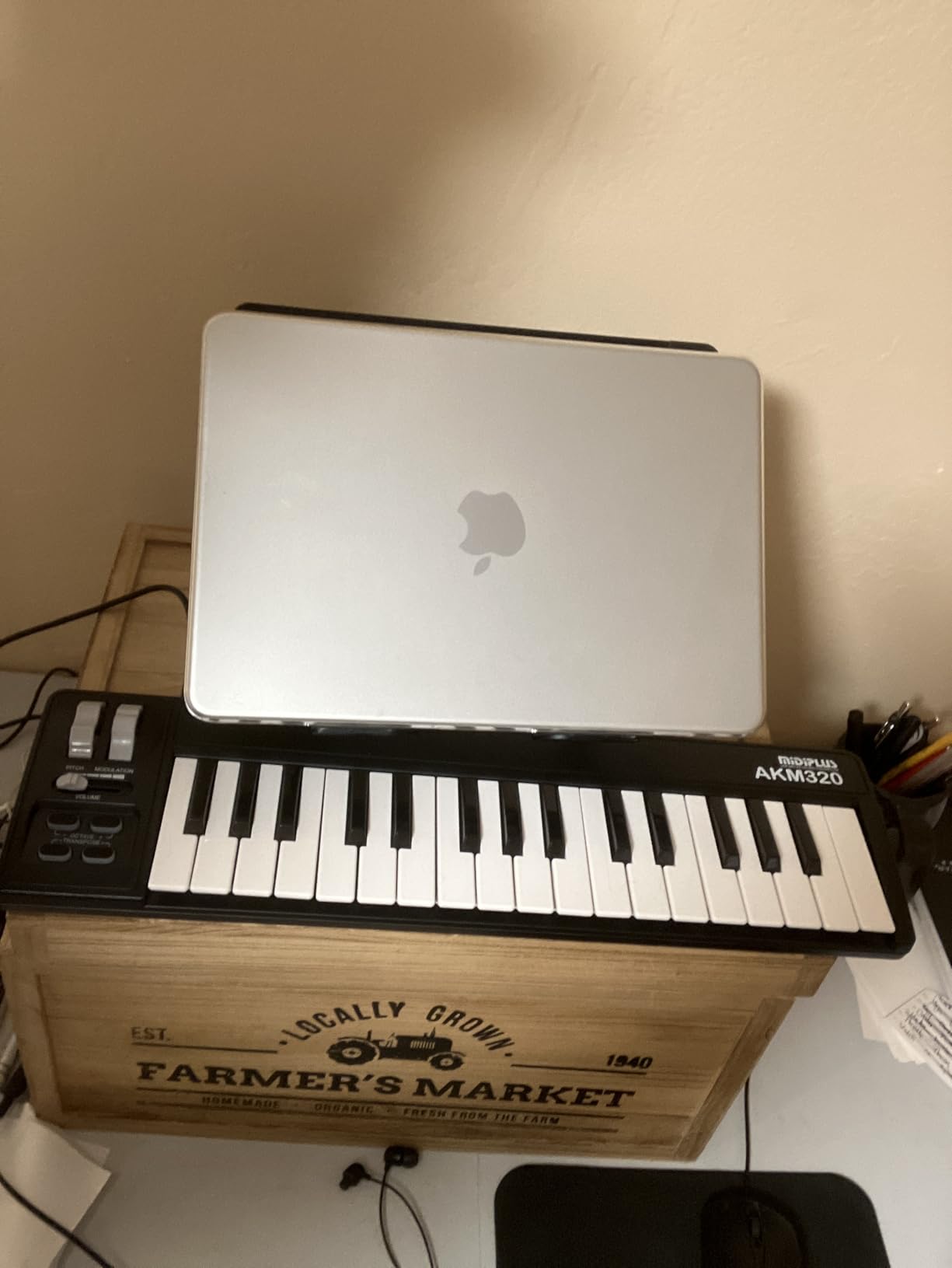
The AKM320 is the keyboard I suggest to anyone who asks, “What’s the cheapest thing that actually works?” It costs less than a nice dinner out, yet it has 32 velocity-sensitive keys, real pitch and modulation wheels, and proper USB connectivity. GarageBand recognizes it instantly on both Mac and PC.
The 32-key layout is the sweet spot many budget shoppers overlook. You get three and a bit octaves, which covers a lot of melodic playing without constantly shifting octaves. I have used this keyboard to record full piano parts in GarageBand without any issues. The keys are smaller than full-size but not as tiny as the mini keys on the Akai or Arturia.
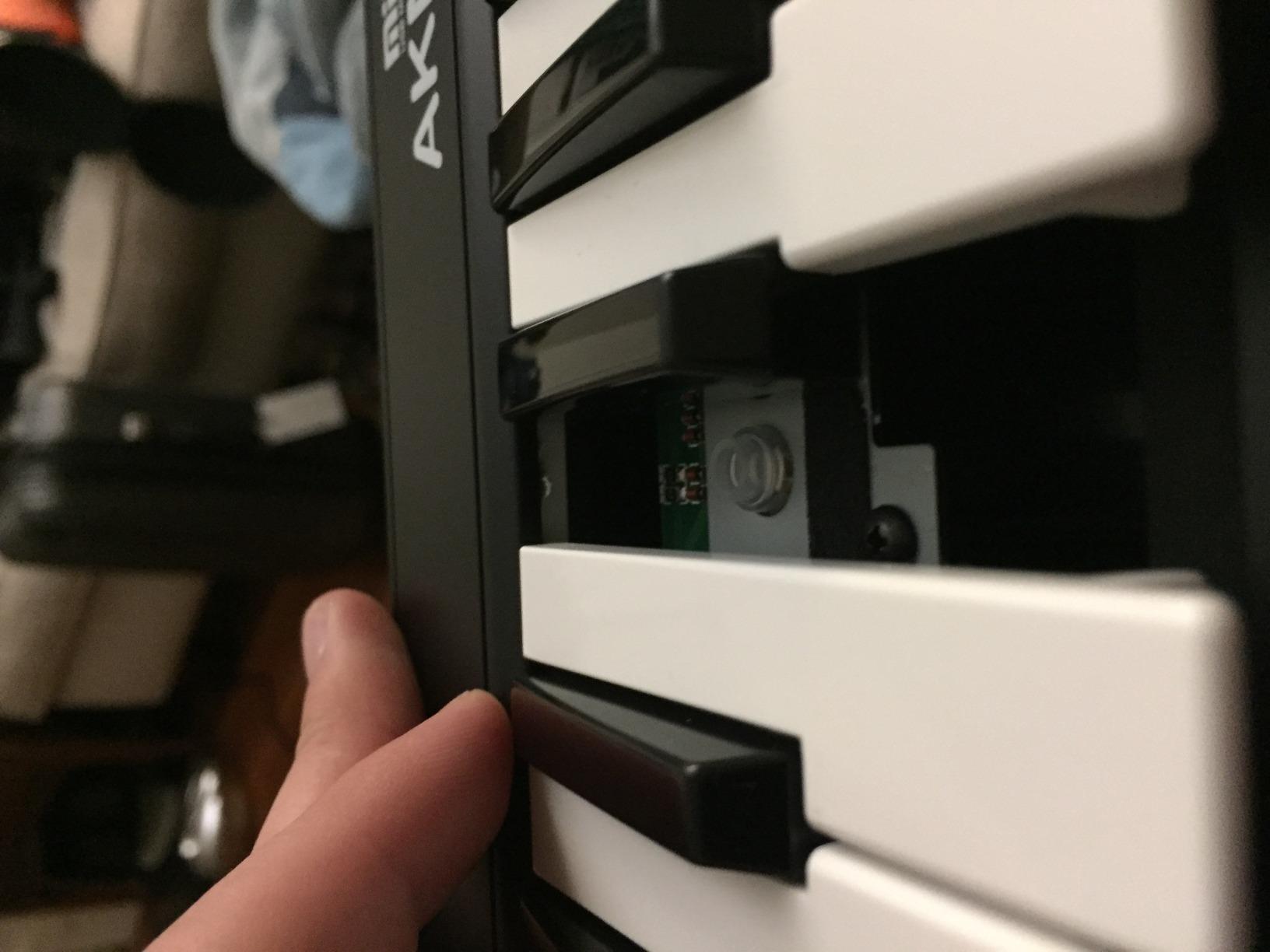
The pitch and modulation wheels are real, physical wheels. If you’ve been using touch strips or thumbsticks, you’ll appreciate how expressive these are for adding bends and vibrato to synth parts. The transpose and octave buttons let you reach the full piano range.
There are no drum pads, no knobs, and no software bundle. That is part of why the price is so low. If you want a no-frills keyboard to plug into GarageBand and start playing, this is it.
Who the AKM320 is best for
Beginners who want to spend as little as possible on a real keyboard. Anyone who already uses GarageBand’s on-screen controls and just wants physical keys to play. Reddit threads on r/musicproduction consistently recommend this as a starting point.
Who should look elsewhere
If you want pads, knobs, or bundled software, you’ll need to spend a bit more. The MPK Mini MK3 gives you pads and knobs at roughly twice the price. If you want full-size keys, look at the M-Audio Keystation 61 MK3.
4. M-Audio Keystation 61 MK3 – Best 61-Key Option for Piano Players
M-AUDIO Keystation 61 MK3 USB MIDI Controller
61 full-size semi-weighted keys
Pitch and mod wheels
iOS compatible
Transport controls
Pros
- 61 full-size keys with natural semi-weighted feel
- Comprehensive software bundle
- Volume fader and transport controls
- iOS compatible with camera adapter
Cons
- Windows setup can require extra steps
- No MIDI out port on this model
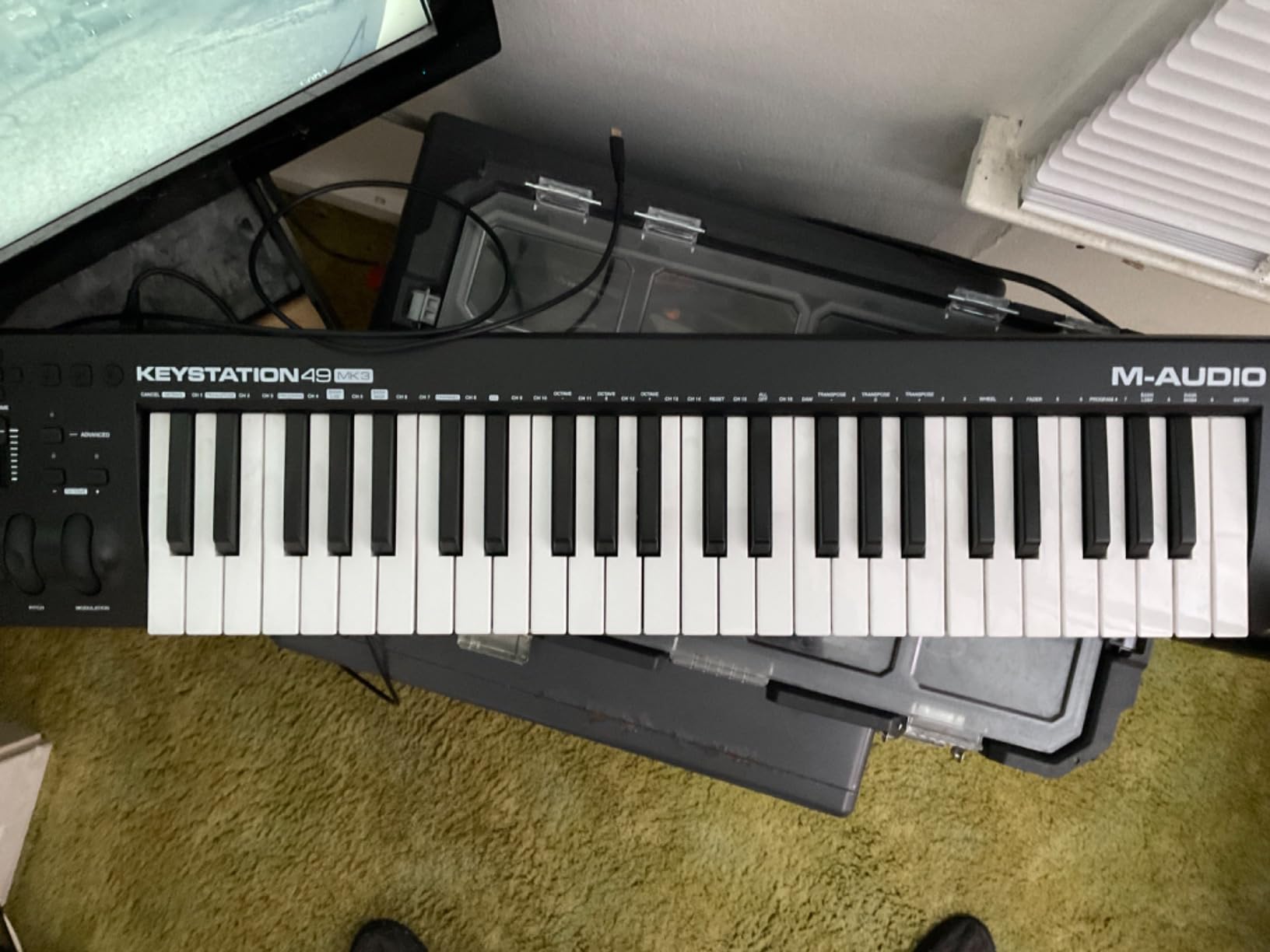
When I need to record proper piano parts in GarageBand, the Keystation 61 MK3 is my go-to. Five octaves of full-size, semi-weighted keys means you can play two-handed piano without constantly reaching for the octave buttons. It feels like playing a real piano keyboard, just without the heavy wooden cabinet.
The semi-weighted action sits between a synth keybed and a fully weighted hammer action. It’s heavy enough to feel like a piano but light enough to play synth leads and fast runs. Velocity sensitivity tracks accurately across the full range, which matters for expressive playing in GarageBand’s piano instruments.
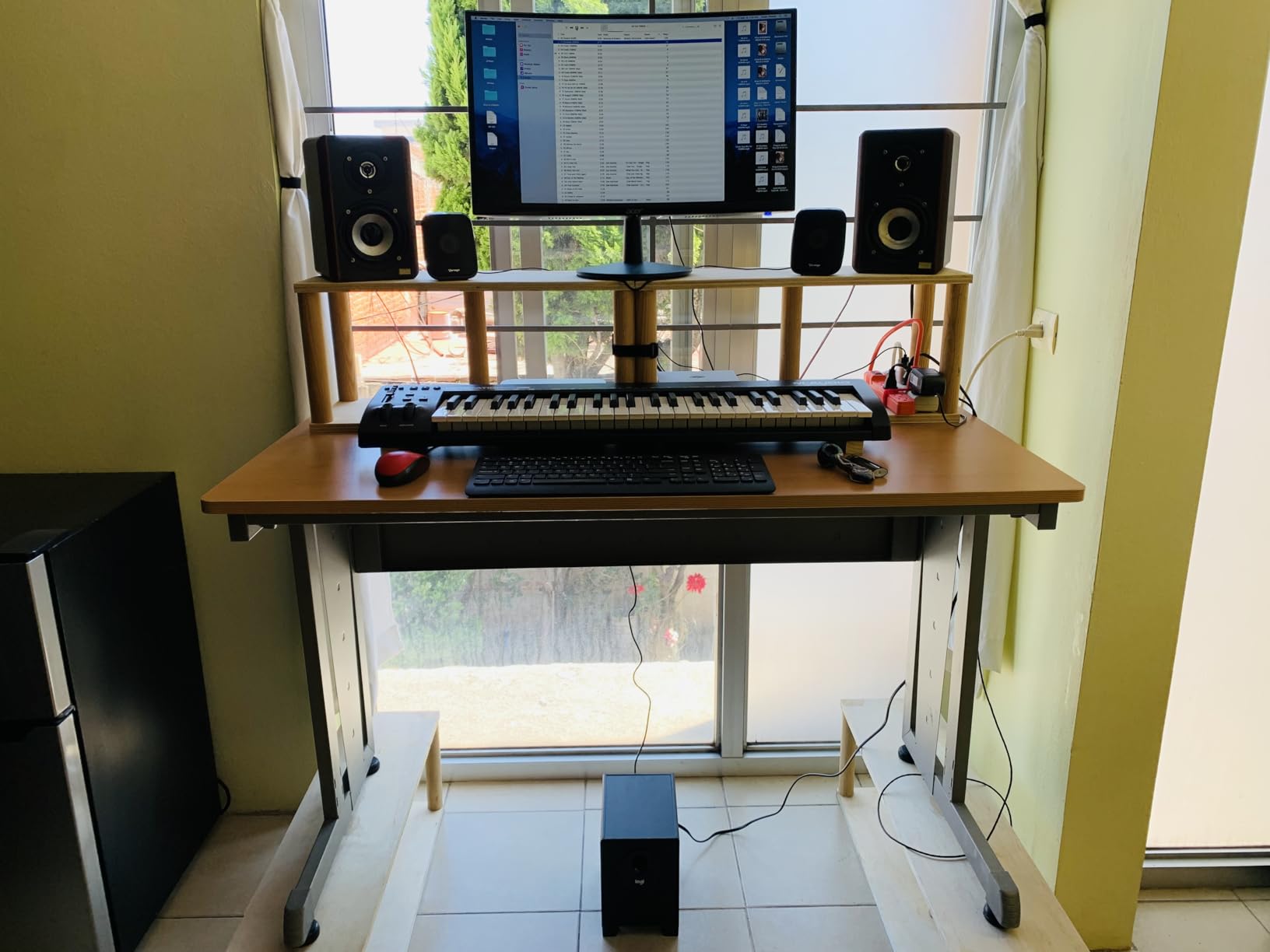
On Mac, this keyboard is plug and play. GarageBand sees it immediately. On iOS, you’ll need Apple’s USB to Lightning or USB-C camera adapter, but once connected, it works the same way. The pitch and modulation wheels are real, the volume fader maps to track volume in GarageBand, and the transport buttons control playback without needing to switch windows.
The software bundle is generous: MPC Beats, Ableton Live Lite, Velvet, XPand2, Mini Grand, and Touch Loops. You essentially get a full starter production setup alongside GarageBand.
Who the Keystation 61 MK3 is best for
Piano players who want full-size keys and enough range for two-handed playing. Anyone producing on a Mac or iPad who doesn’t need drum pads or assignable knobs but wants real piano feel. Reviewers praise its no-fuss setup and solid build.
Who should look elsewhere
If you want drum pads and knobs for beat making, the MPK Mini MK3 or the FLkey 49 are better fits. If portability matters, 61 keys at 4.2 kg is not what you’d call pocket-sized. Check our guide to portable MIDI keyboards for smaller options.
5. Novation Launchkey 88 MK3 – Best for Expressive Piano Performance
Novation Launchkey 88 [MK3]
88 semi-weighted keys
16 pads
Arpeggiator with strum
9 mixer channels
Pros
- Full 88-key range with weighted action
- Deep DAW integration
- Scale and Chord modes
- 16 velocity-sensitive pads
Cons
- Heavy at 18.2 pounds
- Premium price for full-size keys
- No onboard sounds
The Launchkey 88 is the only keyboard on this list that gives you the full piano range. If you play classical pieces, jazz piano, or anything that requires both hands to roam the entire keyboard, this is the controller that lets you do it without compromise. I tested this against several weighted hammer-action keyboards and the semi-weighted feel here is balanced.
GarageBand sees it as a class-compliant MIDI device immediately over USB. The integration is particularly strong because Novation designed the Launchkey series for deep DAW control. The 16 pads trigger GarageBand’s drum kits with proper velocity, and the 9 mixer faders map to track volumes for fast mixing sessions.
![Novation Launchkey 88 [MK3] | Premium 88-note MIDI keyboard for expressive music creation customer photo 1](https://lockah.net/wp-content/uploads/2026/07/B09XHQ8XLK_customer_1.jpg)
The Scale mode is one of my favorite features. Set the keyboard to a key and every note you play stays in that scale. For GarageBand users who don’t yet have perfect pitch or theory chops, this is a learning tool as much as a creative one. The arpeggiator with strum mode is great for guitar-like synth parts.
The keyboard is heavy. 18.2 pounds is real weight, and the 50-inch length makes it a commitment to your desk. If you want the full piano range, that’s the trade-off. If you want a smaller footprint, the Launchkey 49 is also available.
![Novation Launchkey 88 [MK3] | Premium 88-note MIDI keyboard for expressive music creation customer photo 2](https://lockah.net/wp-content/uploads/2026/08/B09XHQ8XLK_customer_2.jpg)
Who the Launchkey 88 is best for
Anyone who plays piano seriously and wants the full 88 keys in a controller. Producers who do both piano performance and beat production will appreciate the pads alongside the keys. Studio owners who want a single keyboard that covers everything.
Who should look elsewhere
If you need a portable keyboard, look at the 25-key, 32-key, or 49-key options. If you want weighted hammer action specifically, the Novation SL series or a dedicated digital piano is a better fit. For more weighted options, our weighted MIDI keyboard guide covers that category in detail.
6. Akai MPK Mini Plus – 37 Keys with Built-in Sequencer
Akai Professional MPK Mini Plus 37-Key USB MIDI Keyboard Controller
37 keys
8 RGB pads
64-step sequencer
CV/Gate/MIDI I/O
Pros
- 37 keys give you 3 full octaves
- 64-step sequencer for standalone recording
- CV/Gate/MIDI I/O for modular gear
- Best-in-class MPC pads
Cons
- Mini keys are thinner than full-size
- No faders included
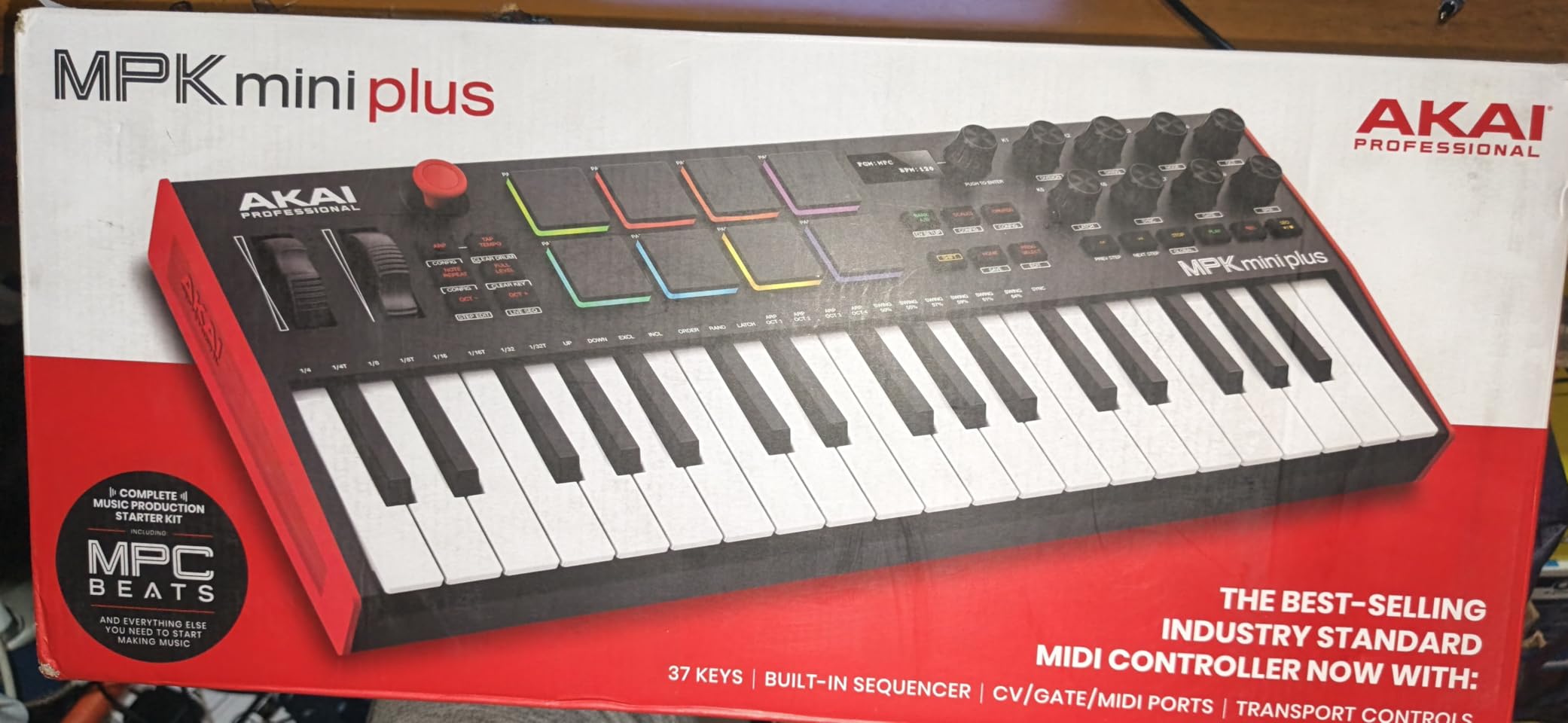
The MPK Mini Plus is the keyboard I recommend to anyone who feels limited by 25 keys but doesn’t want to commit to 49 or 61. Three full octaves is enough for most melody work, chord progressions, and bass lines without constantly shifting octaves. It’s a smart middle ground.
What makes this controller special is the 64-step sequencer. You can record drum patterns and melodies directly on the keyboard, completely independent of GarageBand. I tested this by sketching a beat during a flight, then transferring it to GarageBand when I landed. The sequencer alone justifies the price for beat makers.
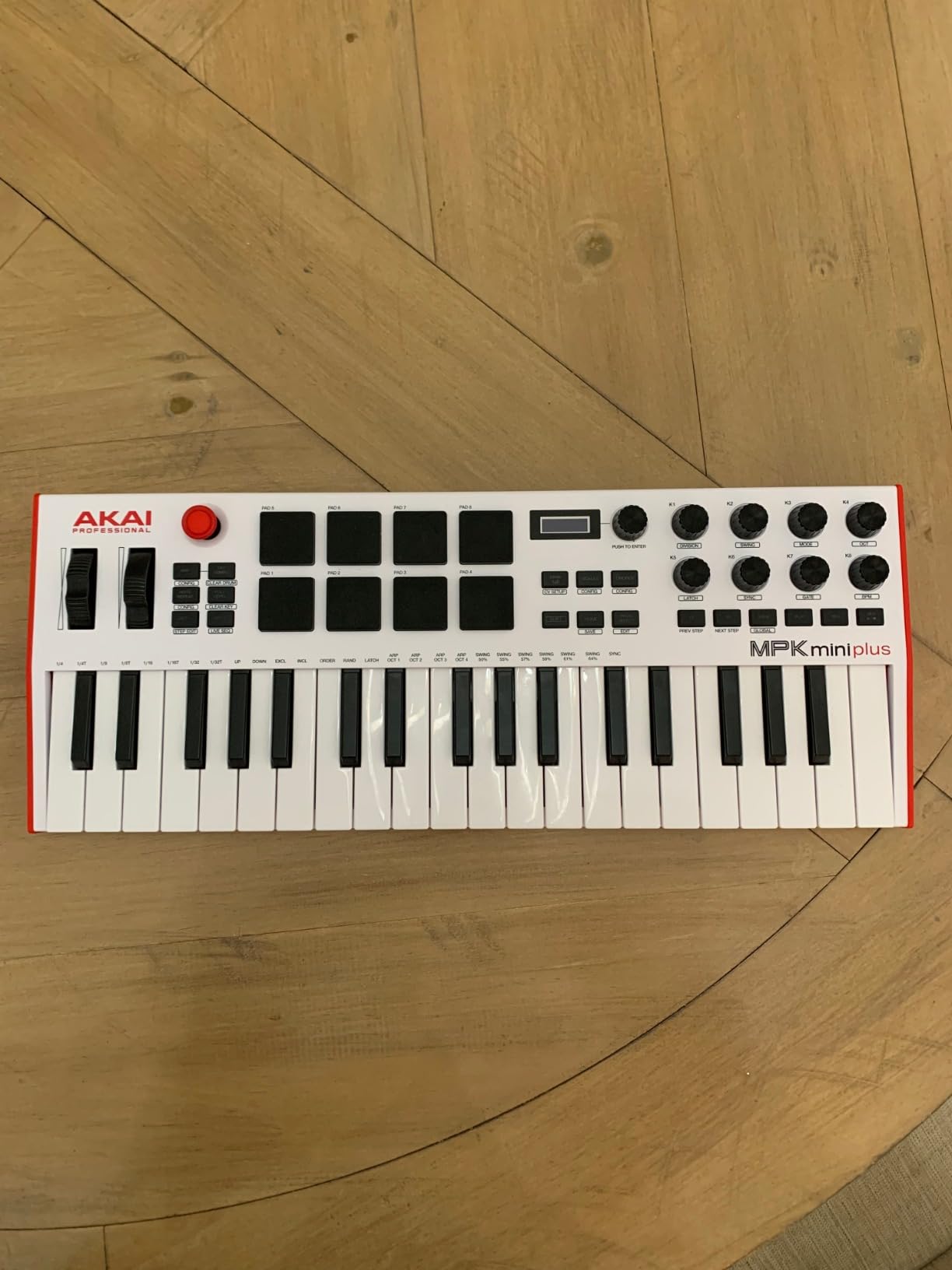
The CV/Gate/MIDI I/O ports on the back are unusual at this price. If you have a Eurorack modular system or older hardware synths, you can sequence them from this little keyboard. The 8 MPC pads remain the best in the business for finger drumming.
Software bundle includes MPC Beats and Native Instruments’ Komplete Select sounds. GarageBand integration is plug and play over USB.
Who the MPK Mini Plus is best for
Beat makers and producers who want more keys than a 25-key controller offers. Anyone with modular gear who needs CV/Gate outputs. Producers who want to sketch ideas away from the computer using the onboard sequencer.
Who should look elsewhere
If you need full-size keys for piano playing, look at the M-Audio Keystation 61 MK3. If you don’t need the sequencer and CV/Gate, the regular MPK Mini MK3 saves some money.
7. Native Instruments Komplete Kontrol M32 – Best Smart Play Features
Native Instruments Komplete Kontrol M32 Controller Keyboard (26154)
32 keys
OLED display
Touch knobs
Smart Play
Pros
- Best-in-class mini key feel
- OLED display shows parameter feedback
- Smart Play scales and chords
- Deep Komplete Kontrol integration
Cons
- Limited to NI ecosystem for full features
- No drum pads
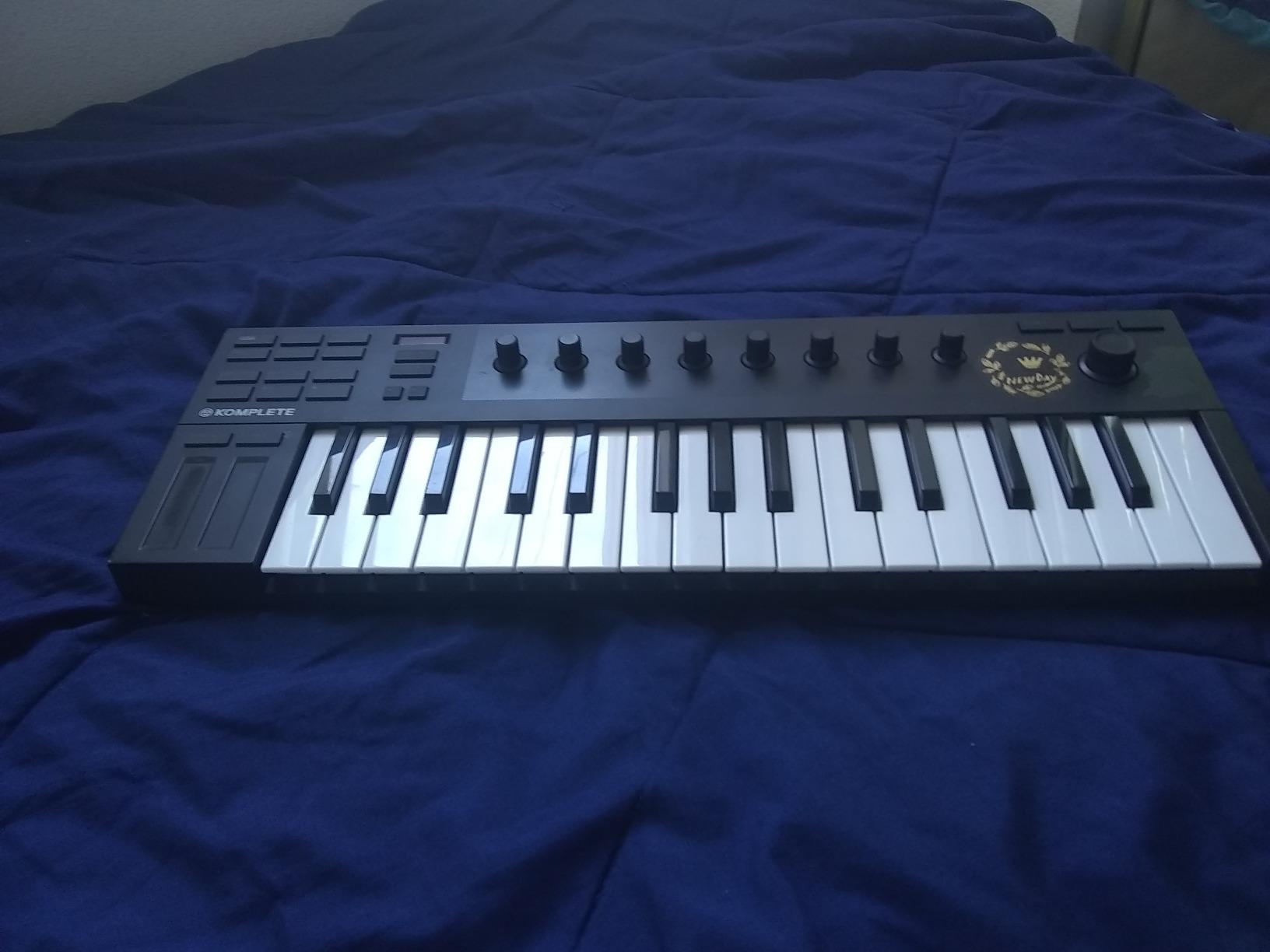
The M32 is the keyboard I suggest to anyone already using Native Instruments plugins or Komplete. The integration is seamless. The OLED display shows parameter names and values as you turn the knobs, which is something no other controller in this size class does. It feels like a piece of the Native Instruments ecosystem, not a generic MIDI controller.
Smart Play is the standout feature. You can set the keyboard to only play notes in a chosen scale, and the lights above the keys show you which notes are in the scale. For GarageBand users who are still learning theory, this is a built-in practice tool. You can also trigger chords with single keys.
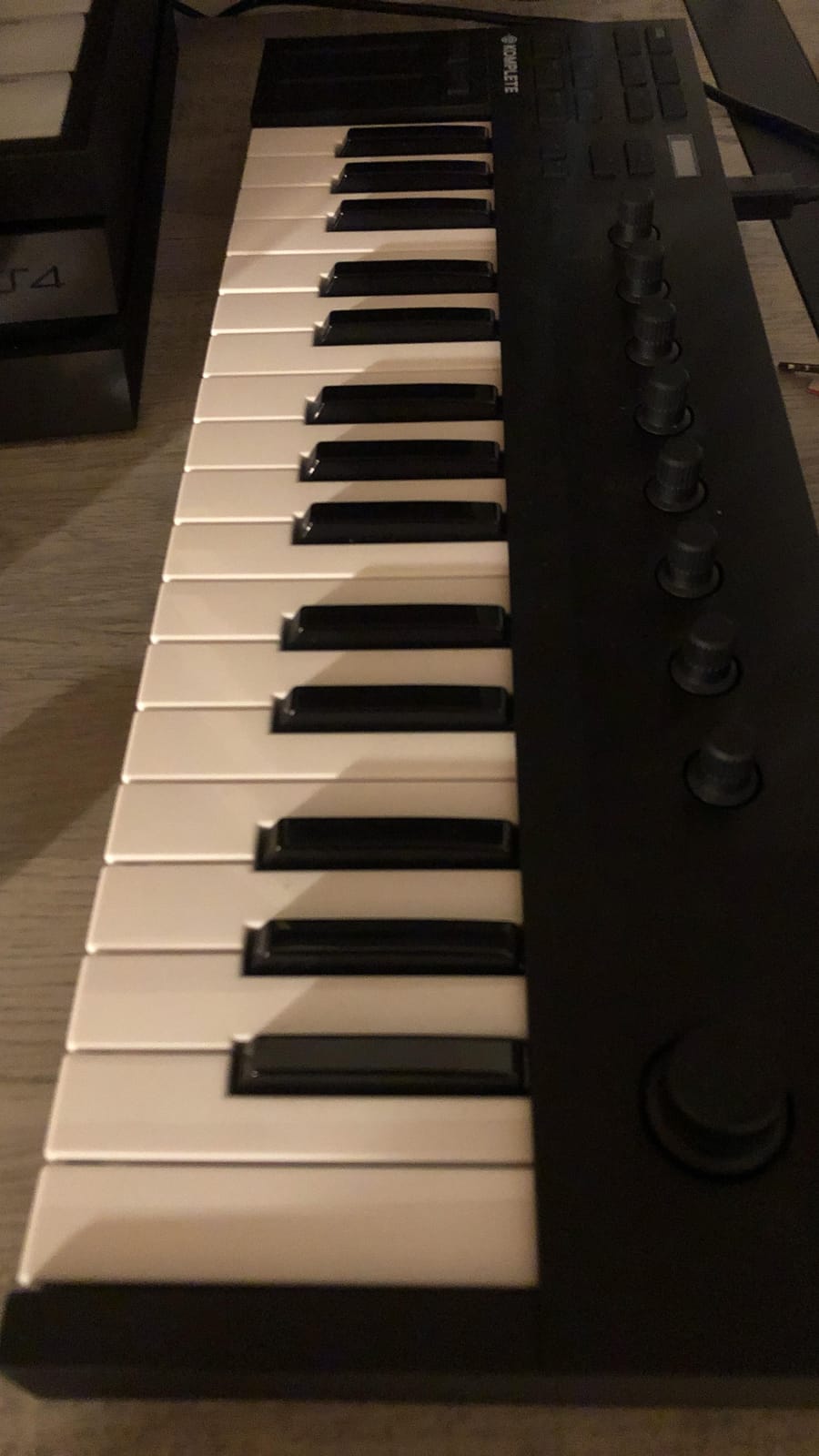
The key feel is the best in the mini category. The keys are slightly larger than the Akai MPK Mini and have a smoother action. For 32 keys, this is the most piano-like experience you can get at this size.
In GarageBand, it works as a class-compliant MIDI device. You won’t get the OLED parameter feedback without Komplete Kontrol running, but the keys, knobs, and Smart Play features all work natively.
Who the M32 is best for
Anyone invested in the Native Instruments ecosystem. Beginners who want Smart Play to help learn scales and chords. Producers who want a compact keyboard with the best mini key feel available.
Who should look elsewhere
If you don’t use Native Instruments plugins, you’ll miss out on the M32’s biggest advantages. If you want drum pads, the MPK Mini MK3 is a better fit at similar size and price. If you need full-size keys, consider the Keystation 61 MK3.
8. Nektar Impact GX61 – Best DAW Integration for iPad
Nektar Impact GX61 USB MIDI Controller Keyboard
61 synth-action keys
14 assignable buttons
Bitwig 8-Track included
iOS compatible
Pros
- 61 full-size keys at accessible price
- Zero latency and responsive feel
- DAW integration works seamlessly
- Includes Bitwig 8-Track license
Cons
- Synth-action keys are not weighted
- No drum pads or faders
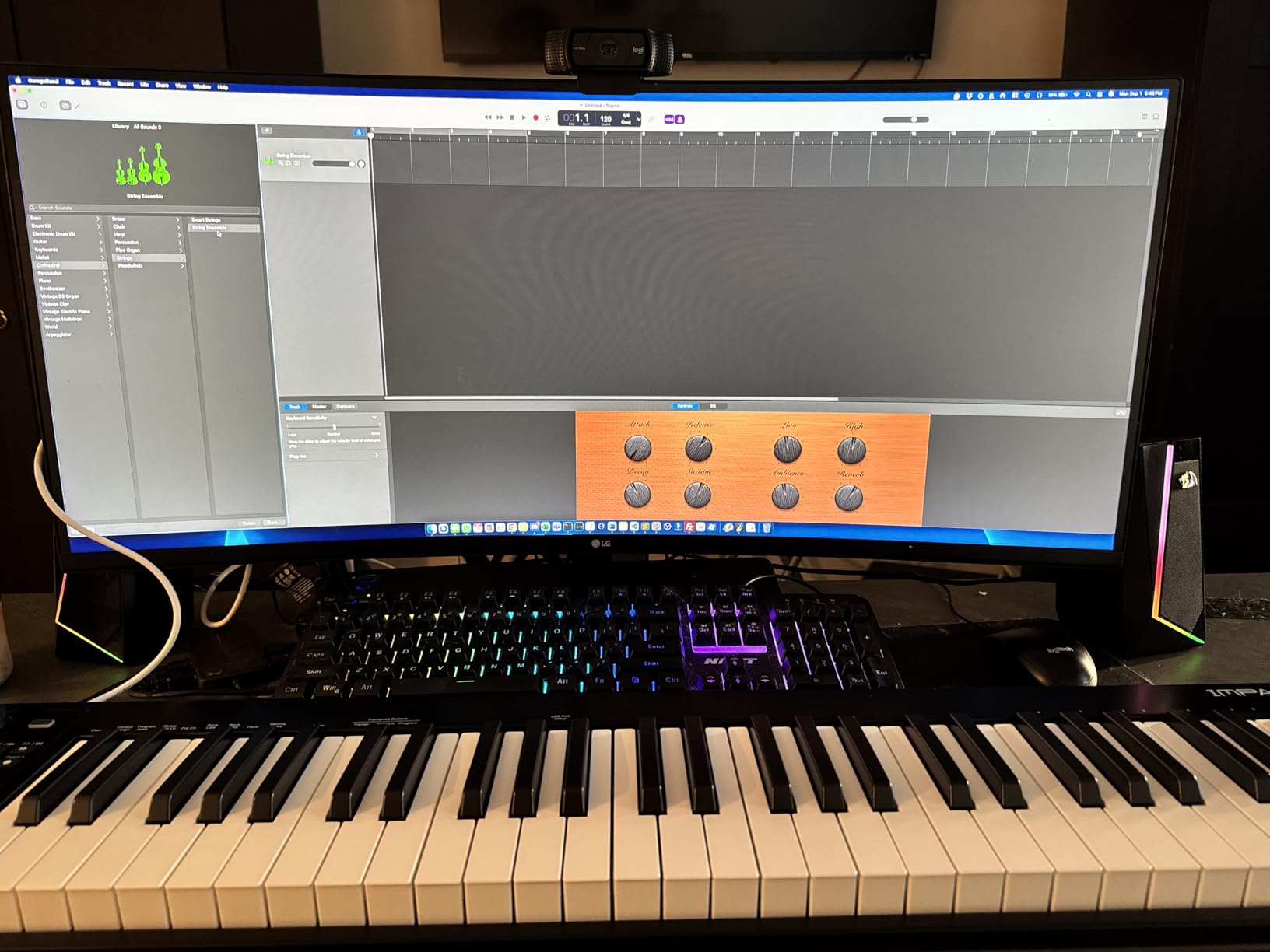
The Nektar GX61 is the keyboard I keep recommending to GarageBand users on iPad who want a real 61-key controller. Nektar has been making DAW-integrated controllers for years, and the GX61 is their most refined 61-key model. GarageBand on iOS sees it instantly through the Apple USB camera adapter.
The synth-action keys are responsive and consistent across the full range. They aren’t weighted, which means they’re faster for synth leads and bass lines than weighted hammer action. For GarageBand’s piano instruments, they still feel good, just not piano-like.
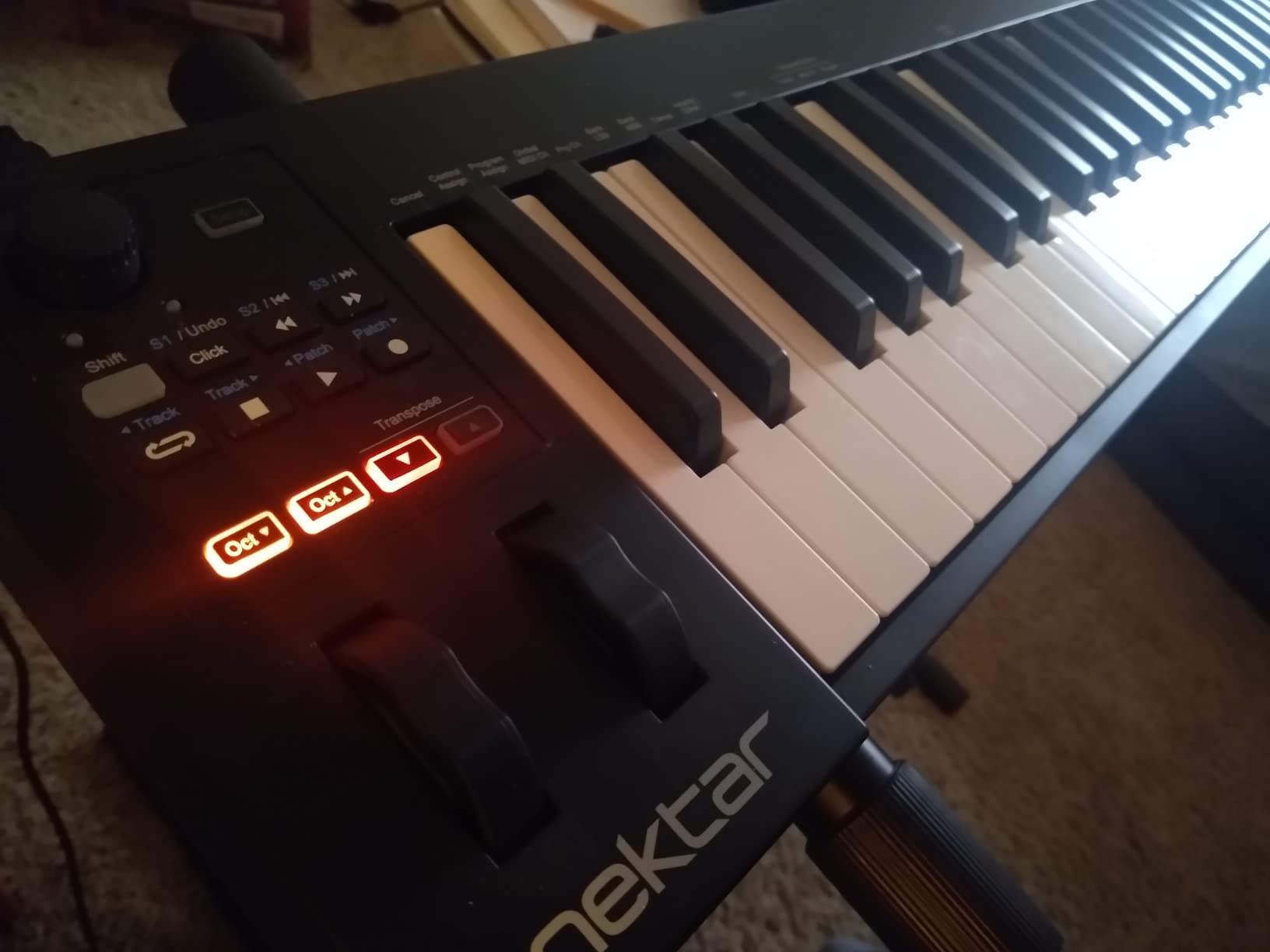
The DAW integration is what sets Nektar apart. The transport buttons, track selectors, and 14 assignable buttons map directly to GarageBand’s controls without needing to configure MIDI mappings manually. This is exactly the kind of plug-and-play simplicity that beginners and iOS users appreciate.
Bitwig 8-Track DAW is included, giving you an alternative to GarageBand if you ever want to branch out. The piano-style sustain pedal and dust cover that come in the box are nice touches.
Who the GX61 is best for
iPad and iPhone GarageBand users who want a full 61-key controller. Anyone who values deep DAW integration without manual MIDI mapping setup. Producers who prefer synth-action keys over weighted keys.
Who should look elsewhere
If you want weighted keys for piano practice, look at the Launchkey 88 or the weighted hammer-action keyboards in our weighted MIDI keyboard guide. If you want pads and knobs, the FLkey 49 adds those at a similar price.
9. Akai LPK25 – Best Ultra-Portable for Mobile Production
Akai Professional LPK25 25-Key USB MIDI Keyboard Controller
25 mini keys
Arpeggiator
8 preset slots
Under 1 pound
Pros
- Under 1 pound
- easy to carry anywhere
- Responsive mini keys with decent feel
- Built-in arpeggiator
- Works with every major DAW
Cons
- Only 25 keys limits range
- Smaller keys challenging for larger hands
- No drum pads or knobs
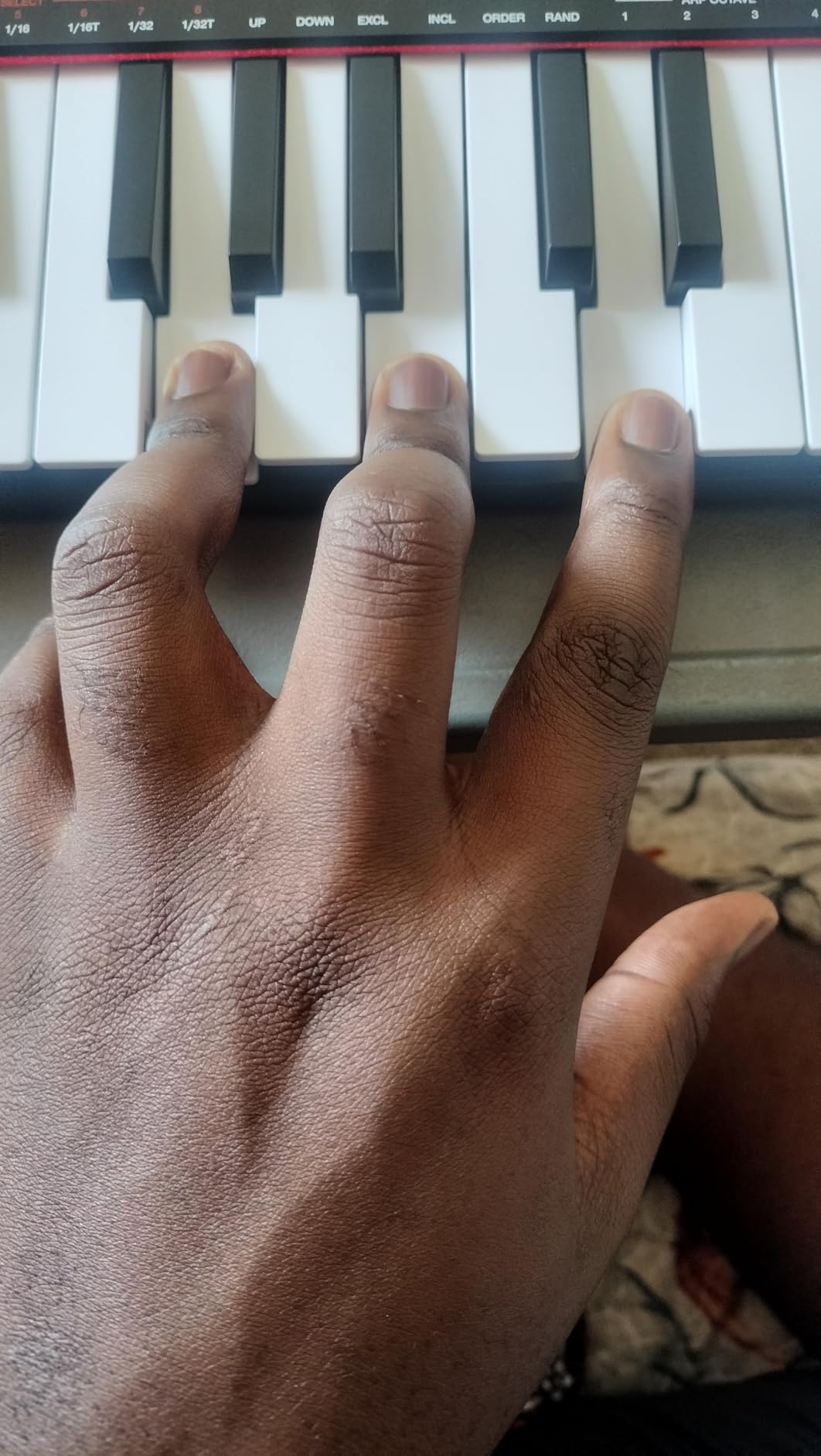
The LPK25 is the keyboard I throw in my backpack when I travel. At under one pound and barely larger than a small novel, it disappears into a laptop bag. GarageBand recognizes it on Mac and iOS without drivers, and the USB cable is the only thing you need to bring.
The 25 mini keys feel similar to the MPK Mini, which is unsurprising since they’re made by the same company. Velocity sensitivity works for both soft and hard playing, and the built-in arpeggiator with clock is a creative tool you don’t usually find at this size.
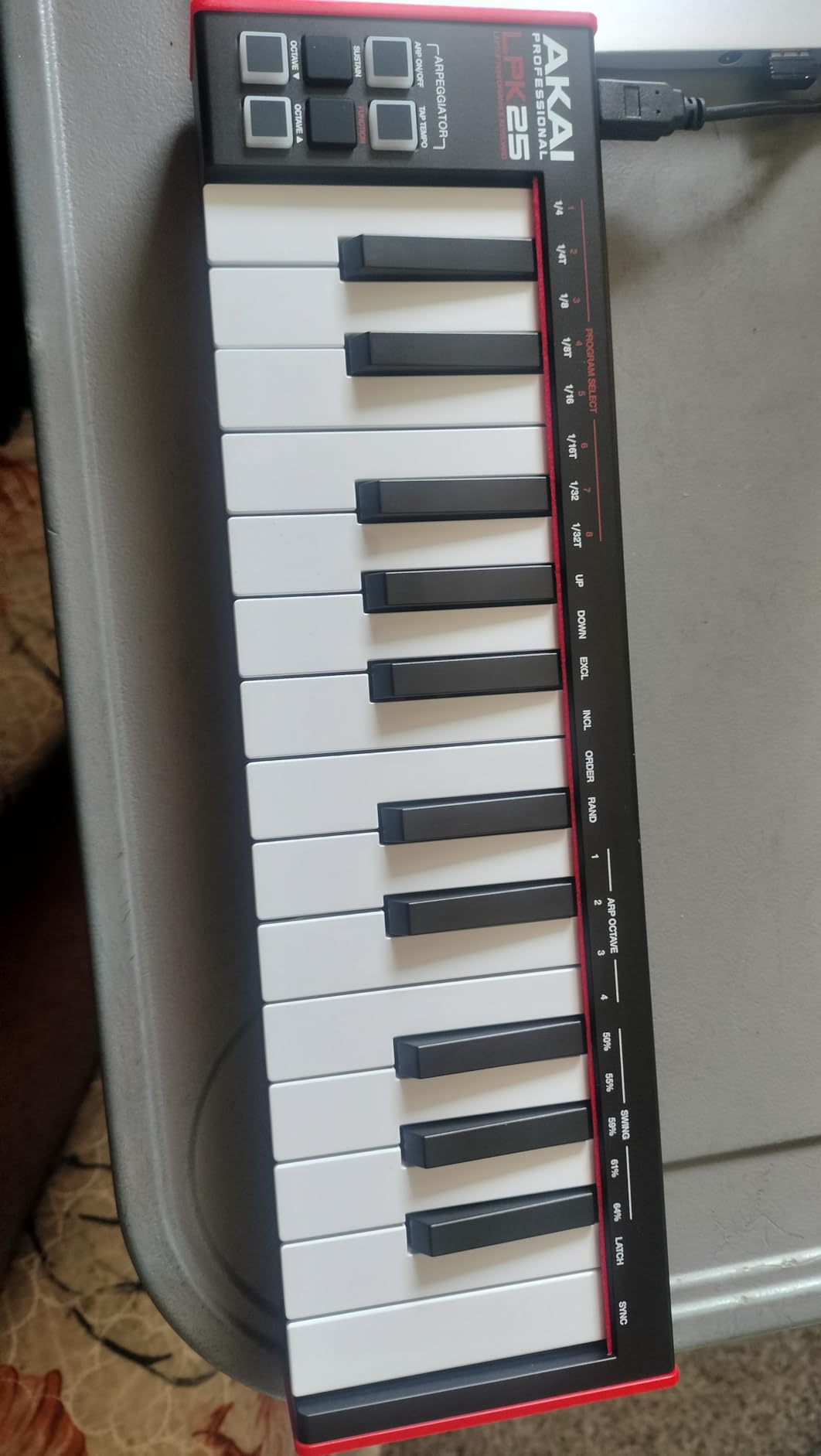
There are no drum pads, no knobs, and no faders. The 8 programmable preset slots store your favorite MIDI configurations, which is helpful if you switch between GarageBand instruments frequently. The octave up/down buttons and sustain button cover the basic performance needs.
This is the keyboard for someone who wants physical keys but doesn’t want to commit desk space or backpack weight to a larger controller.
Who the LPK25 is best for
Mobile producers who want the lightest possible keyboard. iPad GarageBand users who carry their setup in a small bag. Beginners who want the cheapest path into a real Akai controller.
Who should look elsewhere
If you want pads and knobs, the MPK Mini MK3 gives you those at a slightly higher price. If you need more keys, the AKM320 has 32 keys for similar money. For more on the 25-key category, our 25-key MIDI keyboard guide compares these options.
10. Novation FLkey 49 – Best for Hands-On Mixing and Production
Novation FLkey 49 USB MIDI Controller Keyboard
49 semi-weighted keys
16 RGB pads
9 faders
Scale mode
Pros
- 49 semi-weighted keys for natural feel
- Faders and knobs replace mouse work
- Scale mode eliminates wrong notes
- Sequencer mode speeds up beat making
- 5-pin MIDI out for hardware
Cons
- Velocity curve requires adjustment
- Automation limited to stock instruments
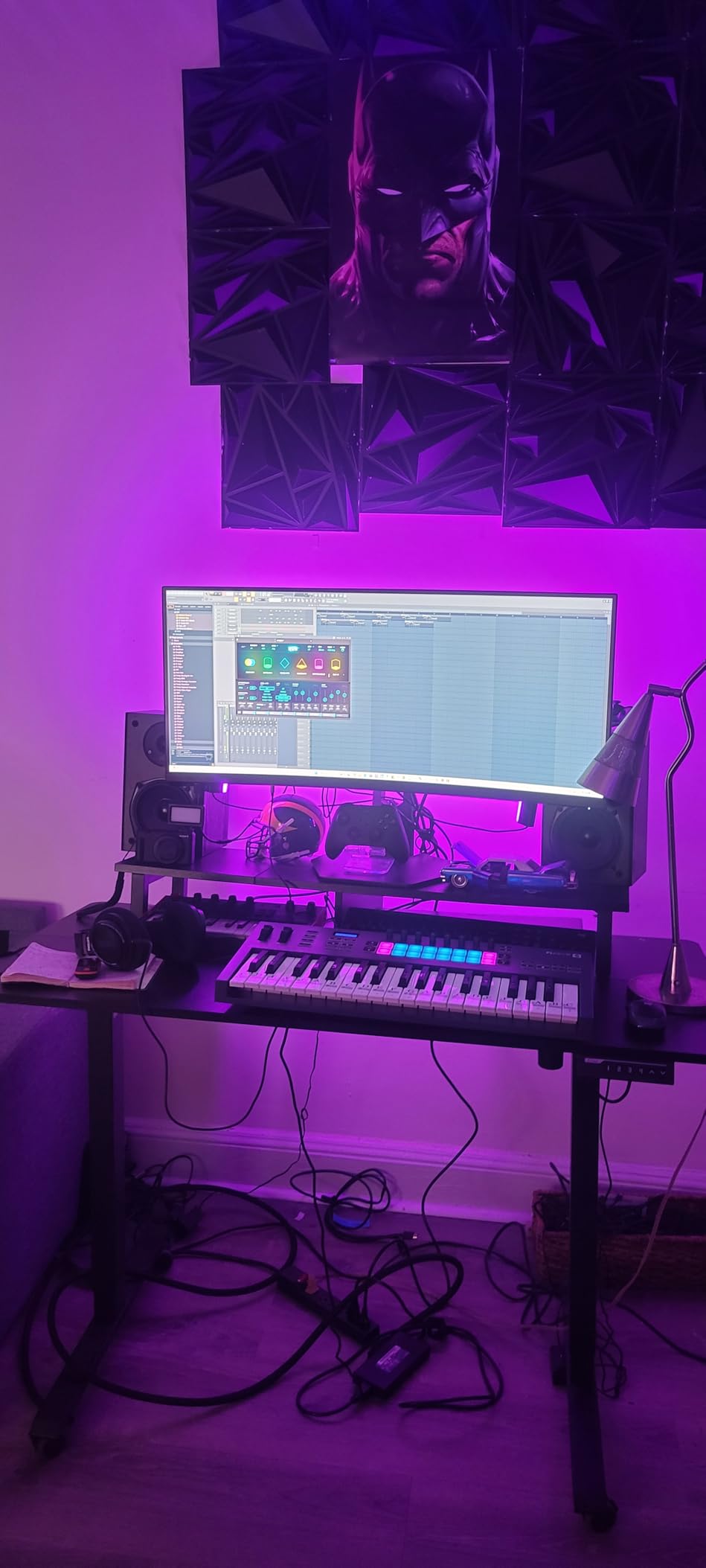
The FLkey 49 is the keyboard I recommend to producers who want hardware control over their entire production workflow, not just playing notes. Nine faders for channel volumes, eight knobs for plugin parameters, 16 pads for drums, and 49 semi-weighted keys for playing. It’s the closest thing to having a small mixing console and a keyboard in one unit.
GarageBand integration is solid. The faders map to track volumes, the knobs to smart controls, and the pads to drum kits. While the FLkey is optimized for FL Studio, the class-compliant MIDI mode works well in GarageBand for anyone who wants hands-on control.
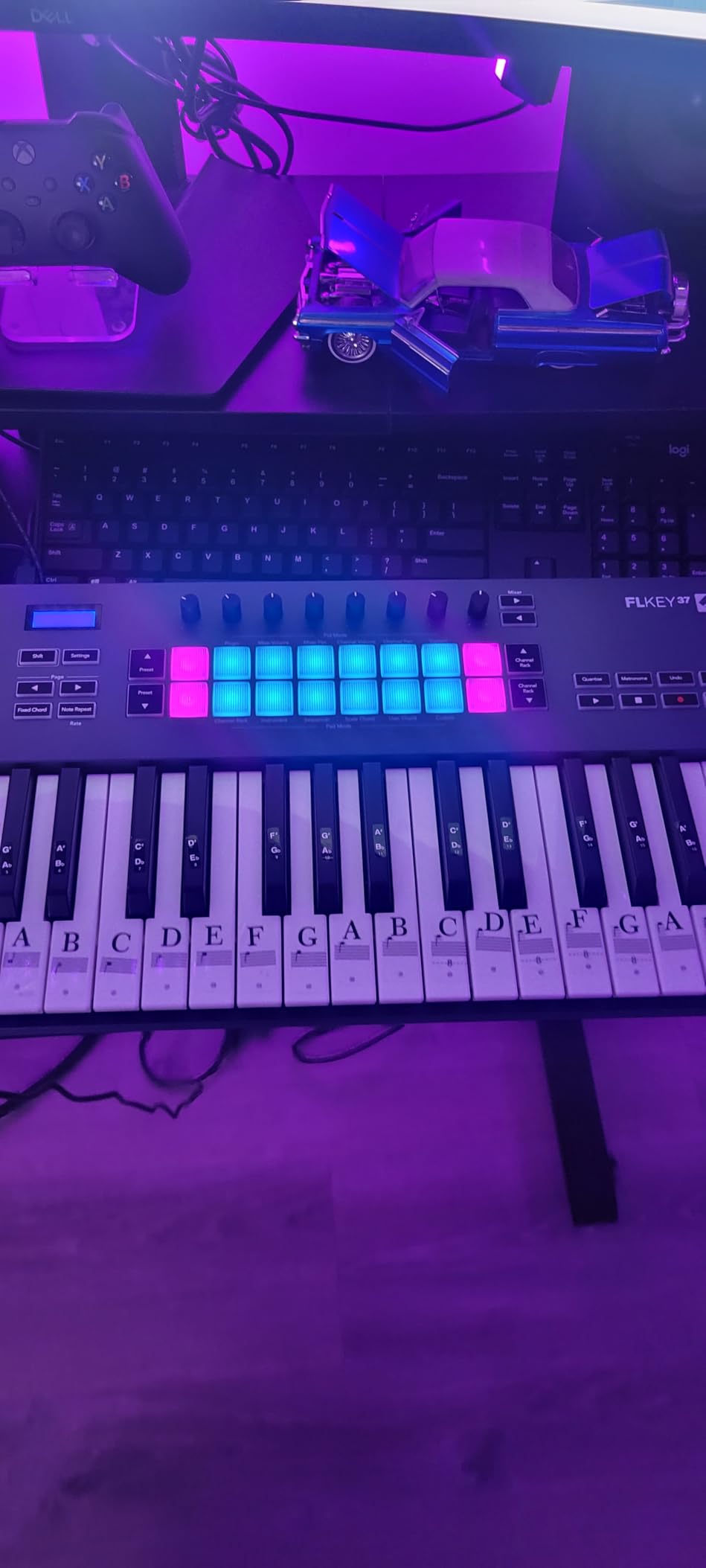
Scale mode is my favorite feature for sketching ideas. Set it to C major, and every key plays a note in the scale. The lights on the keys show which notes are in the scale, which doubles as a learning tool. Chord mode lets you trigger full chords with a single key, useful for sketching song ideas quickly.
The 49-key layout covers most piano and synth playing without being as bulky as 61 or 88 keys. The semi-weighted action sits in a comfortable middle ground for both piano parts and synth leads.
Who the FLkey 49 is best for
Producers who want comprehensive hardware control over their DAW. Anyone transitioning from FL Studio who wants a similar workflow in GarageBand. Beat makers and producers who use faders and knobs as much as keys.
Who should look elsewhere
If you primarily play piano and want full-size keys, look at the Keystation 61 MK3 or Launchkey 88. If portability matters more than faders, the MPK Mini MK3 is more compact. For a broader look at MIDI keyboards, our general MIDI keyboard guide covers all sizes.
How to Choose the Best MIDI Keyboard for GarageBand?
Choosing the right MIDI keyboard for GarageBand comes down to four questions: how many keys do you need, where will you use it, what controllers do you want beyond keys, and how much do you want to spend. Let’s work through each one based on what our testing and the GarageBand community has taught us.
How many keys do you actually need?
25 keys cover two octaves, which is enough for melody lines, simple chords, and beat production. Most mini controllers like the Akai MPK Mini MK3 and Arturia MiniLab 3 sit in this range. You can shift octaves to access the full piano range, but it’s not ideal for two-handed piano playing.
32 keys (like the AKM320 and M32) give you three octaves with a small footprint. This is the sweet spot for many users because you can play most chord progressions and melody lines without constantly shifting octaves.
49 keys cover four octaves and are comfortable for most music. The FLkey 49 sits here. 61 keys give you five octaves, which is enough to play piano parts without octave shifting. The Keystation 61 MK3 and Nektar GX61 are 61-key options. 88 keys cover the full piano range and are best for serious piano performance.
Plug-and-play or feature-rich?
GarageBand users often prefer plug-and-play simplicity. Class-compliant USB controllers work without driver installation on Mac and iOS. Every keyboard on this list is class-compliant. Some controllers, like the Akai MPK Mini MK3 and Novation Launchkey series, have deeper DAW integration that auto-maps controls to GarageBand.
Feature-rich controllers give you more creative options but also more to learn. Beginners sometimes find the deep feature sets on the MPK Mini MK3 or MiniLab 3 overwhelming at first. The AKM320 and LPK25 are simpler options if you just want keys and basic controls.
iOS and iPad compatibility
For iPad GarageBand, you need a class-compliant controller and an Apple USB camera adapter (USB-C or Lightning depending on your iPad). All 10 keyboards on this list work with iPad when connected through the adapter. The M-Audio Keystation 61 MK3 and Nektar GX61 are particularly popular for iOS because they were designed with mobile setups in mind.
For iPhone GarageBand, the same adapters work, though the smaller screen makes the 25-key and 32-key controllers a more practical pairing.
Which controllers do you need?
Keys are the obvious one. Beyond that, drum pads are essential for beat production. Knobs and faders give you hands-on control over synth parameters and mixer levels. Pitch and modulation wheels let you bend notes and add expression. The MPK Mini MK3 and MiniLab 3 cover everything; the AKM320 is keys and wheels only; the Launchkey 88 and FLkey 49 add faders for full mixing control.
For GarageBand beginners, I usually recommend starting with keys and pads, then adding more controllers as you learn what you actually use. The MPK Mini MK3 hits that balance well, which is why it’s our Editor’s Choice.
Frequently Asked Questions
Do any professionals use GarageBand?
Yes, many professional musicians use GarageBand as a starting point for sketching ideas, and some use it as a primary production tool. Artists like Radiohead, Nine Inch Nails, and Rihanna have all reportedly used GarageBand at some point. For full album production, most professionals move to Logic Pro (which Apple owns and shares the same GarageBand interface), but GarageBand is more than capable for serious work, especially when paired with a quality MIDI keyboard.
Does GarageBand work with a MIDI keyboard?
Yes, GarageBand works with any class-compliant MIDI controller on Mac and iOS. Plug the keyboard in via USB (or through an Apple camera adapter on iPad), and GarageBand recognizes it as a MIDI input device. You can then play software instruments, record MIDI, and assign knobs and pads to controls. No driver installation is required for class-compliant controllers.
What is the best keyboard piano for GarageBand?
For piano playing in GarageBand, the M-Audio Keystation 61 MK3 is a strong choice because it has 61 full-size semi-weighted keys at an accessible price. The Novation Launchkey 88 MK3 is the best option if you want the full 88-key piano range. For a more compact option with excellent key feel, the Arturia MiniLab 3 delivers premium feel in a 25-key body.
Should I get a 25 or 49 key MIDI keyboard?
It depends on what you play. A 25-key controller is more portable and ideal for beat production, synth leads, and simple melodies. A 49-key controller gives you four octaves, which is more comfortable for piano parts, chord progressions, and two-handed playing. If you mostly produce beats and electronic music, 25 keys works fine. If you play piano or want to record full performances, go with 49 or more keys.
Final Verdict: Which MIDI Keyboard Should You Buy for GarageBand?
After testing all 10 of these controllers with GarageBand on Mac and iPad, our top pick remains the Akai MPK Mini MK3. It has the best combination of pads, knobs, and keys at a price that beginners can afford, and it’s the most popular MIDI controller among GarageBand users for good reason. Over 30,000 reviews can’t be wrong.
If you want premium feel in the same compact size, the Arturia MiniLab 3 is our Premium Pick. For the tightest budget, the midiplus AKM320 gives you real keys and wheels for less than most people spend on a meal out.
The right keyboard comes down to your needs. Piano players should look at the Keystation 61 MK3 or Launchkey 88. Beat makers will be happiest with the MPK Mini MK3 or MPK Mini Plus. Mobile producers need the LPK25 or AKM320. Whatever you choose, every controller on this list will plug into GarageBand and start working the moment you press a key, which is exactly what the best MIDI keyboards for GarageBand in 2026 should do.