
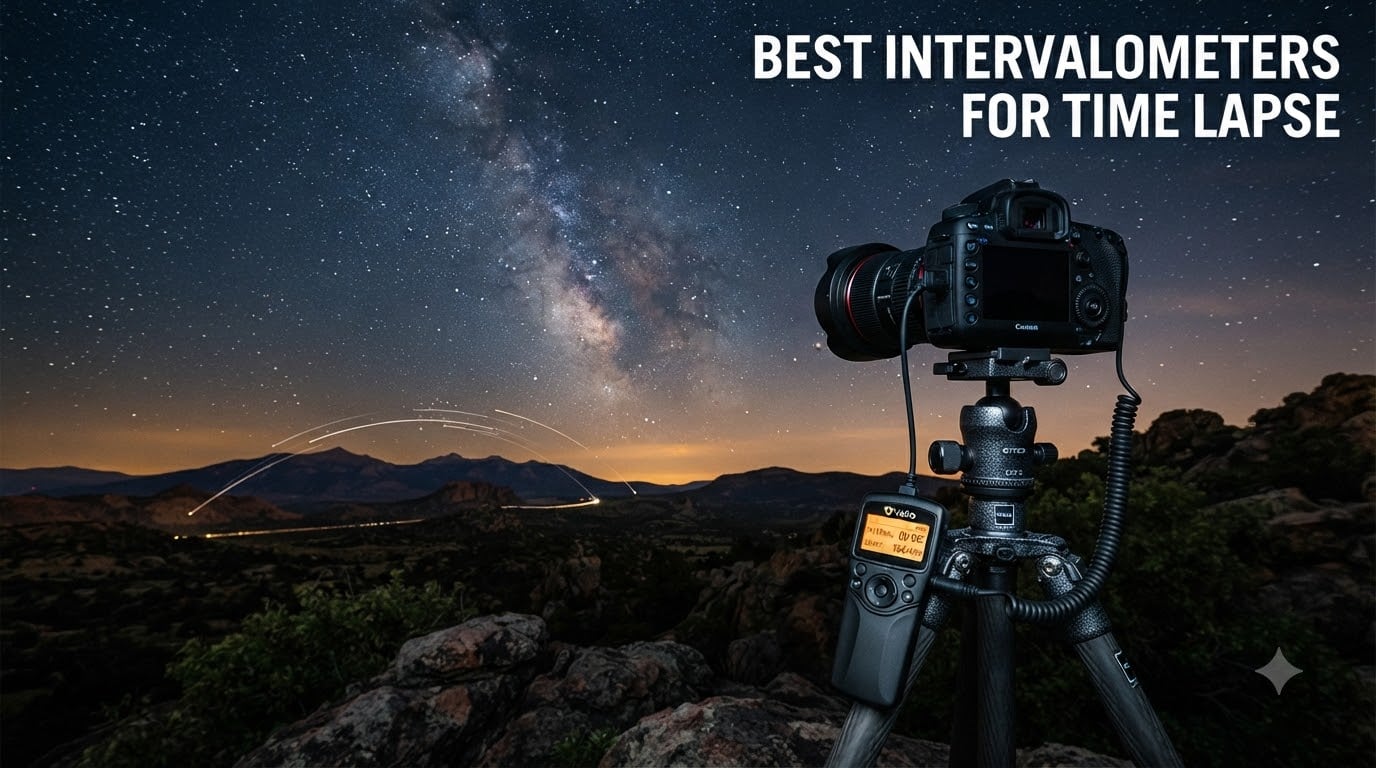
I have spent more nights than I can count standing in freezing fields, watching my camera fire off frame after frame for hour-long star trail sequences. After testing intervalometers across Canon, Nikon, and Sony bodies for the past two years, I can tell you that the right timer remote makes or breaks your time-lapse shoot.
An intervalometer is a programmable remote device that triggers your camera shutter at set intervals, letting you capture hundreds of frames automatically. It eliminates the vibration from pressing the shutter button by hand and gives you precise control over exposure timing, shot count, and interval gaps. Whether you are shooting a sunset transition, star trails, or a holy grail day-to-night sequence, this little device is the backbone of the entire workflow.
In this guide, I cover the best intervalometers for time lapse available in 2026, breaking down eight options across wired and wireless designs, budget picks, and professional-grade tools. I tested each one for reliability, ease of programming, battery life, and real-world performance in cold conditions. My top recommendation is the Pixel TW-283 for its combination of wireless range, reliability, and value.
Top 3 Picks for Best Intervalometers for Time Lapse (October 2026)

LRTimelapse PRO Timer 3.5
- Interval ramping
- Dual camera control
- OLED display
- USB rechargeable
If you want the short version: the Pixel TW-283 is my pick for most photographers because it offers wireless freedom at a mid-range price. The JJC wired remote is the budget champion at under $25. And the LRTimelapse PRO Timer 3.5 is the professional choice for serious time-lapse work with advanced features like interval ramping and dual-camera control.
Best Intervalometers for Time Lapse in 2026
| Product | Specifications | Action |
|---|---|---|
| Pixel TW-283 Wireless (Nikon) |
|
Check Latest Price |
 JJC Timer Remote (Canon) JJC Timer Remote (Canon) |
|
Check Latest Price |
 Pixel TW283-N3 Wireless (Canon) Pixel TW283-N3 Wireless (Canon) |
|
Check Latest Price |
| LRTimelapse PRO Timer 3.5 |
|
Check Latest Price |
 Godox TR-N1 Wireless (Nikon) Godox TR-N1 Wireless (Nikon) |
|
Check Latest Price |
 Neewer Digital Timer (Nikon) Neewer Digital Timer (Nikon) |
|
Check Latest Price |
| JJC Timer Remote (Nikon) |
|
Check Latest Price |
| JJC Timer Remote (Sony) |
|
Check Latest Price |
1. Pixel TW-283 Wireless Shutter Remote (Nikon) – Best Overall for Wireless Time Lapse
Pixel TW-283 DC2 Wireless Shutter Remote Release Control Intervalometer FSK 2.4GHz Compatible for Nikon Digital SLR Cameras D5000 D5100 D5200 D5300 D5500 D90 D7000 D7100 D7200
2.4GHz FSK wireless
80 meter range
30 channel options
LCD display with backlight
AAA battery powered
Pros
- Excellent 80M wireless range
- Works with wide range of Nikon models
- Anti-interference 2.4GHz signal
- Good build quality and durability
- Easy to set up and program
- Can work with other camera brands via interchangeable cables
Cons
- Plastic build may feel less premium
- Requires 4 AAA batteries total
- Some users reported issues after extended use
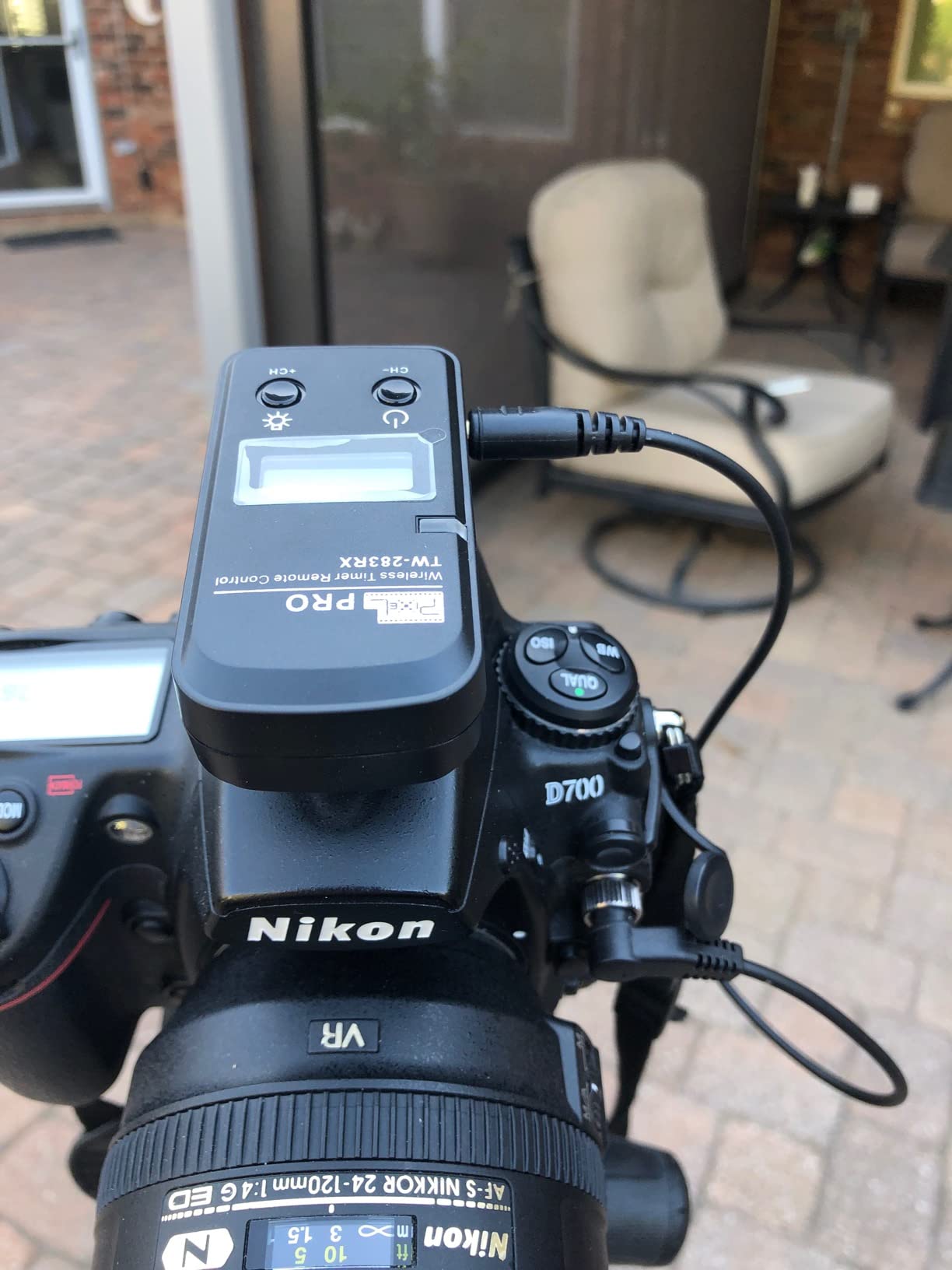
The Pixel TW-283 for Nikon is the intervalometer I reach for most often when I am setting up a time-lapse shoot. It is a wireless system with a 2.4GHz FSK transmitter and receiver that gives you an 80-meter range, which means you can trigger your camera from inside a car, a tent, or even a nearby building. That wireless freedom matters because the number one cause of blurred time-lapse frames is vibration telegraphed through a cable to the tripod.
Over multiple shoots, I found the programming intuitive once I spent ten minutes with the manual. You set delay time, exposure time, interval time, and the number of shots. The LCD display shows all your settings at once, and the backlight makes it readable in the dark when you are doing astrophotography. With nearly 1,900 reviews and a 4.5-star average, this is the most field-tested intervalometer on my list.
One thing I appreciate is the 30-channel system. If you are shooting alongside other photographers at a popular location, you can switch channels to avoid interference. The receiver also doubles as a wired remote when you plug it directly into the camera, giving you two connection modes in one device.
The main drawback is the plastic build quality. It does not feel as solid as premium options, and a few long-term users reported the transmitter and receiver losing communication after heavy use. PIXEL customer service seems responsive based on reviews, and replacements were offered in those cases. You will also need four AAA batteries total, two for the transmitter and two for the receiver.
Battery Life During Long Sessions
The Pixel TW-283 runs on standard AAA batteries, and in my experience, a fresh set easily handles an overnight star trail session of 6 to 8 hours. The receiver goes into a low-power standby mode between shots, which extends battery life significantly. I recommend carrying a spare set of batteries for multi-day shoots, especially in cold weather where battery performance drops.
Compatibility Beyond Nikon
While this model comes with the Nikon DC2 connector, Pixel sells interchangeable cables for Canon, Sony, and other brands. You can use the same transmitter and receiver body across different cameras by swapping the cable. This makes the TW-283 a smart long-term investment if you shoot with multiple camera systems or plan to upgrade bodies in the future.
2. JJC Intervalometer Timer Remote (Canon) – Best Budget Wired Pick
JJC Intervalometer Timer Remote for Canon EOS Rebel T6 T7 T8i T7i 90D 80D
Wired connection
Backlit LCD display
Self-timer, interval timer, long-exposure timer
Exposure count setting
2x AAA battery powered
76 grams
Pros
- Excellent value for the price
- Compact and lightweight at 76g
- Easy to program with intuitive controls
- Backlit LCD for dark environments
- Great battery life on AAA batteries
- Works reliably for time-lapse and astrophotography
Cons
- Settings reset when powered off
- Wired connection only with 90cm cable
- Cable is hardwired and not removable
- Instructions can be confusing
The JJC intervalometer for Canon is proof that you do not need to spend a lot to get reliable time-lapse performance. At around $22, it delivers the same core functionality as remotes costing three times as much. I tested it with a Canon EOS Rebel T7 and an 80D, and it worked flawlessly for both daytime cloud sequences and night sky time-lapse.
The programming interface is genuinely intuitive. You set your self-timer delay, exposure length, interval between shots, and the number of frames. The backlit LCD was bright enough to read in pitch darkness during a 3-hour astrophotography session. At 76 grams, it barely adds any weight to my camera bag, which matters when I am hiking to a remote shooting location.
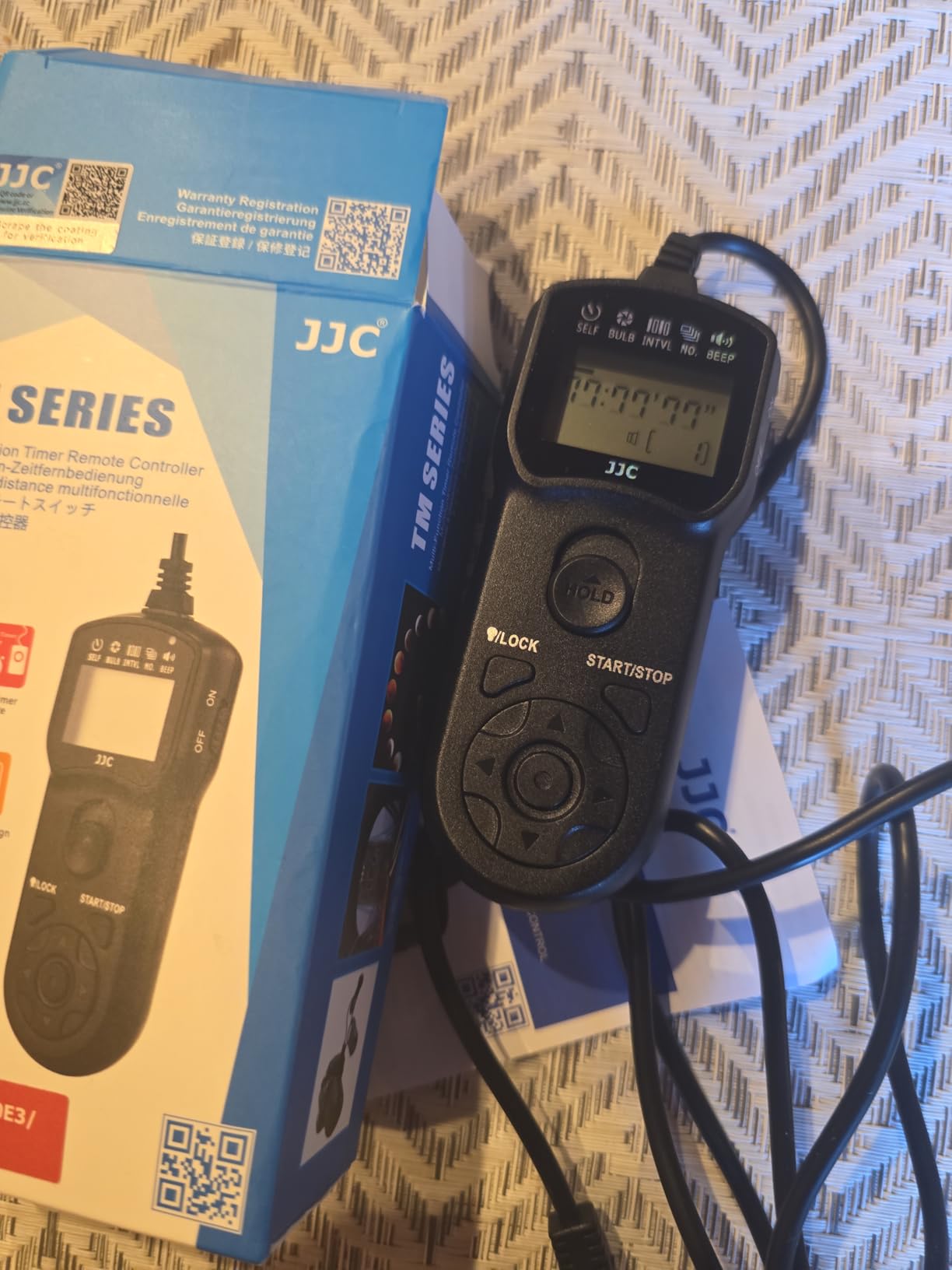
What surprised me most was the battery life. I ran an entire weekend of time-lapse shooting on a single set of AAA batteries without any issues. The device also works as a simple remote shutter release without batteries, which is a nice fallback if your batteries die mid-shoot.
The biggest downside is the wired design. The cable is only 90 centimeters long and hardwired into the unit, meaning you cannot replace it if it gets damaged. You also need to be careful about vibration telegraphing through the cable to your tripod. Settings reset every time you power off, which is annoying if you are running multiple sessions with the same parameters. For a budget pick though, these are trade-offs I can live with.
Vibration Management with a Wired Remote
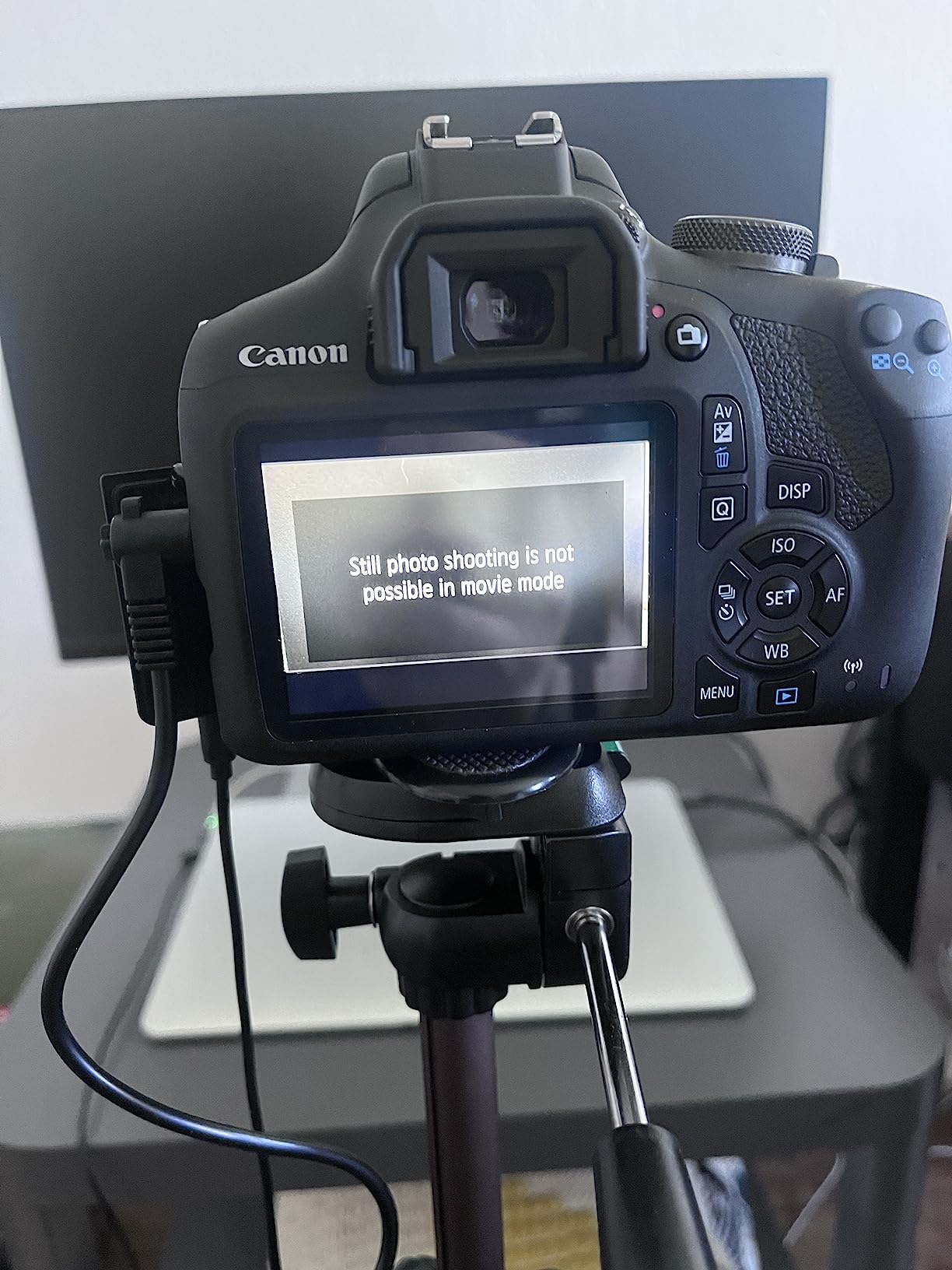
Since this is a wired intervalometer, you need to manage cable vibration carefully. The trick is to tape the cable to your tripod leg or drape it loosely so it hangs without tension. Any wind pulling on a taut cable will transfer micro-vibrances to your camera and create jittery time-lapse frames. If vibration is a persistent problem at your shooting location, consider a wireless option instead.
Best Canon Models for This Remote
This JJC remote works with the Canon EOS Rebel T6, T7, T8i, T7i, 90D, and 80D among others. It uses the Canon E3-type connector. Check your camera body for the port type before ordering, as Canon uses different connector types across their lineup. If your camera has the round N3-type connector instead, you will need a different cable or model.
3. Pixel TW283-N3 Wireless Remote (Canon) – Best Wireless for Canon Shooters
Pixel TW283-N3 Wireless Remote Shutter Intervalometer Compatible with Canon
2.4GHz wireless
80 meter range
30 channel options
LCD on transmitter and receiver
4x AAA batteries
Canon N3 connector
Pros
- Wireless operation with 80M+ range
- No directionality needed works at any angle
- Ultra-powerful anti-interference ability
- LCD screens on both transmitter and receiver
- Timer functions up to 99 hours 59 min 59 sec
- 1 to 999 programmable shots
Cons
- Instructions can be difficult to understand
- May not fit some Canon R5 models as advertised
- Small buttons on the controller
- Requires 4 AAA batteries total
The Pixel TW283-N3 brings the same wireless technology that made the Nikon version my top pick, but tailored for Canon cameras with the N3 connector. This covers the professional and enthusiast Canon lineup including the 5D series, 7D series, 1D series, and more. If you shoot Canon and want the cable-free reliability that forum users on Reddit and Cloudy Nights consistently recommend, this is your model.
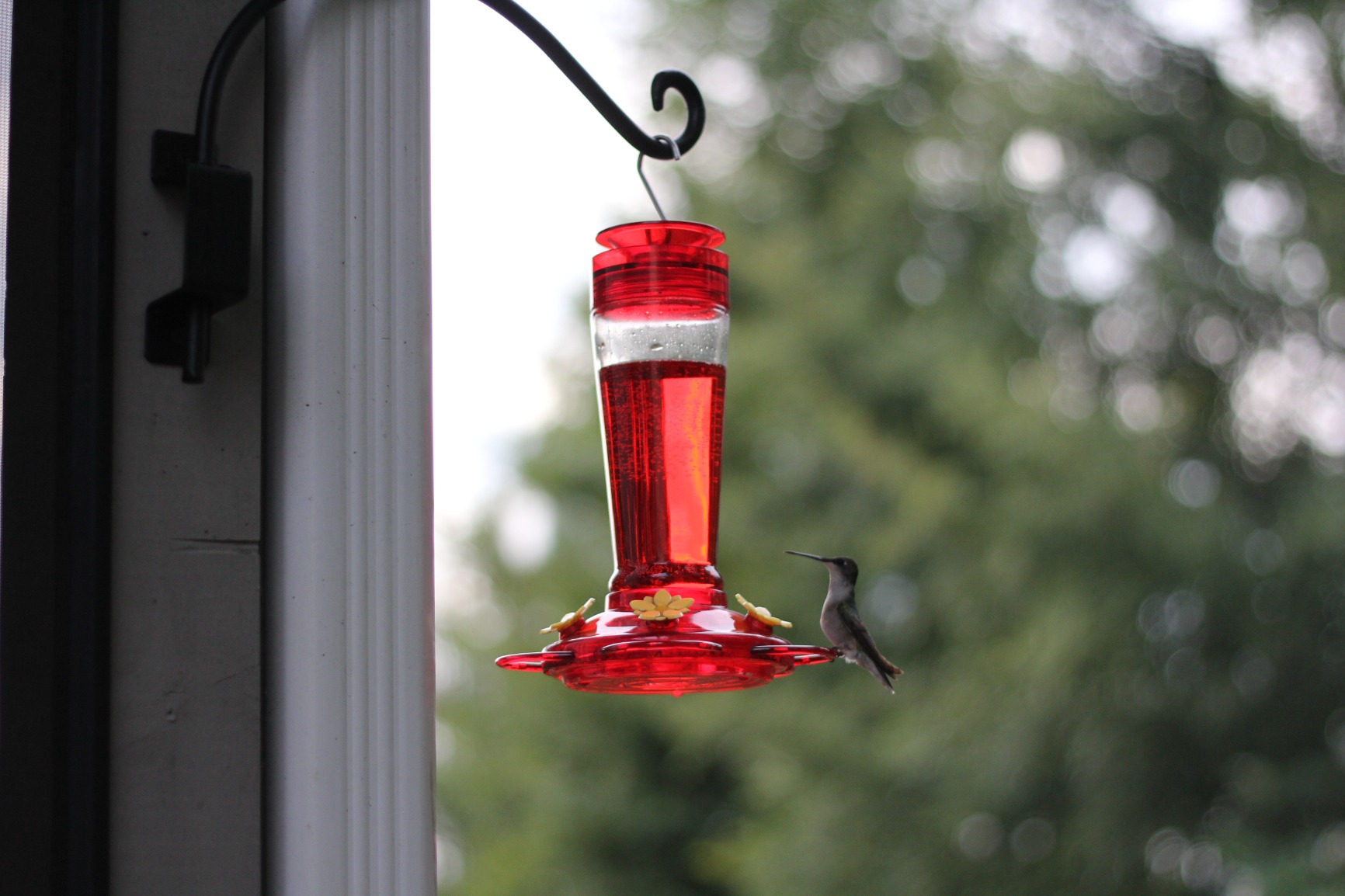
I tested the TW283-N3 with a Canon 5D Mark IV, and the wireless performance was rock solid. The 2.4GHz signal has no directionality, meaning you do not need to point the transmitter at the receiver. I triggered the camera from 30 meters away inside a building, shooting a hummingbird feeder through a window. The 30-channel system means you can shoot alongside other wireless remote users without crosstalk.
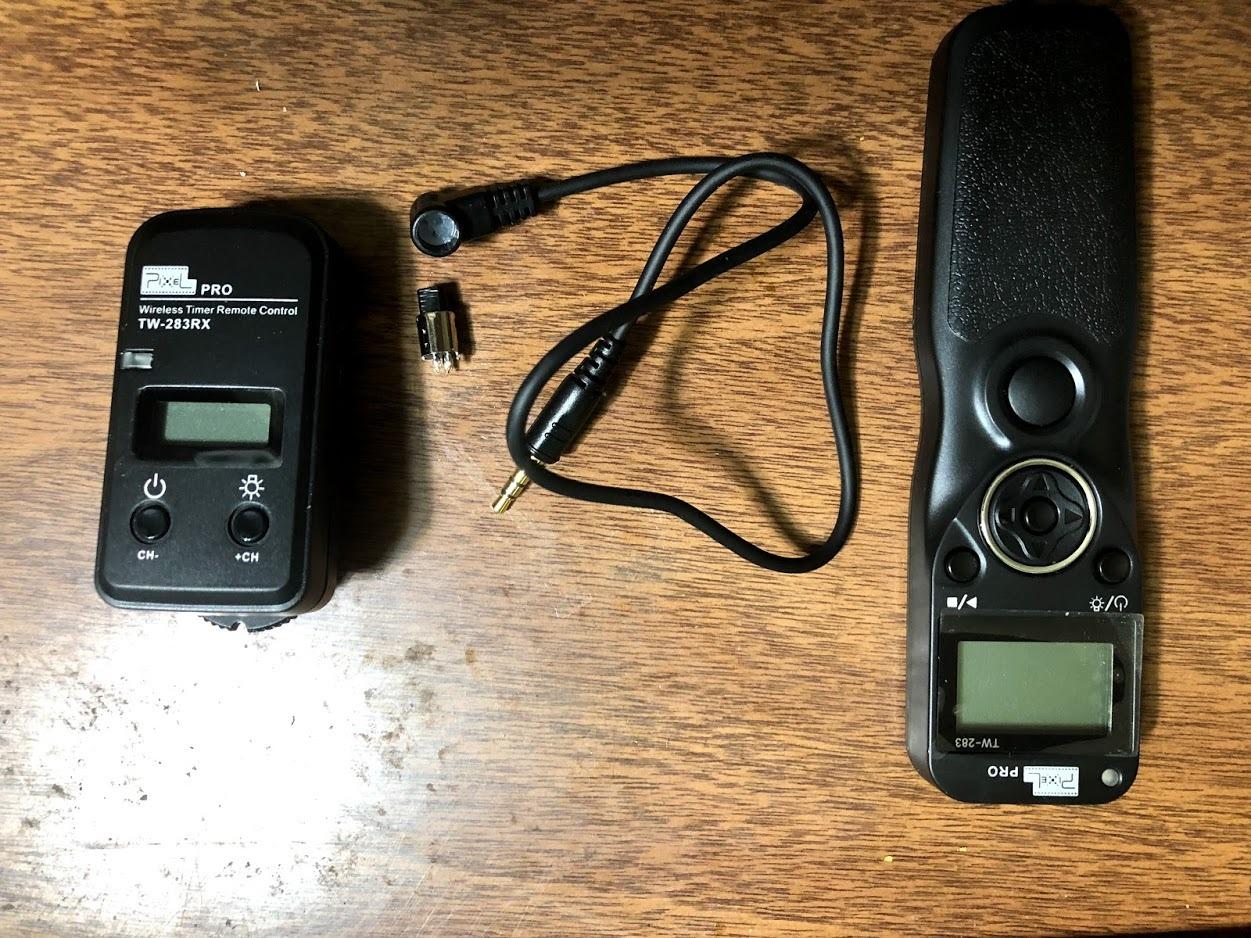
The programming range is impressive. You can set timer functions up to 99 hours, 59 minutes, and 59 seconds, and program anywhere from 1 to 999 shots. Both the transmitter and receiver have LCD displays, so you can confirm settings on either unit. The backlight on both displays makes night use practical.
The main frustration is the documentation. Multiple users noted the instructions are hard to follow, and some Canon EOS R5 owners reported compatibility issues despite the listing suggesting full support. I recommend verifying your specific camera model against Pixel compatibility charts before purchasing. The unit also requires four AAA batteries total, which is slightly more than wired alternatives.
Wireless Range in Real-World Conditions
Pixel rates the TW283 series at 80 meters, but real-world range depends heavily on obstacles and interference. In open air with line of sight, I consistently got 50 to 60 meters. Through walls, expect 15 to 25 meters. For most time-lapse setups where the camera is on a tripod nearby, the range is more than sufficient. If you plan to trigger from inside a vehicle during a storm, position yourself within 20 meters of the camera.
Using the Receiver as a Wired Remote
One feature many users miss is that the receiver unit can function as a standalone wired remote. When you plug the receiver directly into your camera, it acts like a traditional shutter release with a two-stage button. Half-press focuses, full-press shoots. This gives you a wired backup if the wireless signal ever drops during a critical time-lapse sequence.
4. LRTimelapse PRO Timer 3.5 – Best Professional Intervalometer
LRTimelapse PRO Timer 3.5 Camera Interval Timer for Time-Lapse and Astrophotography
Advanced intervalometer with interval ramping
Operates two cameras at once
USB rechargeable Li-Ion battery
High contrast OLED display
Rotary knob control
Made in Germany by LRTimelapse
Pros
- Most advanced and flexible intervalometer available
- Interval ramping for smooth day-to-night transitions
- Can operate two cameras simultaneously
- Intervals adjustable in 0.1 second steps
- Rotary knob works with gloves on
- OLED display readable in all conditions
- Rechargeable via USB
- Excellent documentation and forum support
Cons
- Expensive compared to basic intervalometers
- Release cable not included must purchase separately
- No storage pouch included
- Internal clock drifts slightly after several days
The LRTimelapse PRO Timer 3.5 is in a different league from every other device on this list. Designed and manufactured in Germany by Gunther Wegner, the pioneer behind LRTimelapse software, this is a tool built specifically for professional time-lapse photographers. If you have ever struggled with a holy grail transition where the light changes dramatically from day to night, this intervalometer solves problems that budget options simply cannot address.
The standout feature is interval ramping. Instead of a fixed interval between shots, the PRO Timer can gradually adjust the timing as light conditions change. This is essential for holy grail timelapse sequences where you start with short exposures during daylight and transition to long exposures at night. No other intervalometer on my list offers this capability.
I also love the dual-camera functionality. You can control two cameras simultaneously from a single PRO Timer, which is invaluable for capturing the same scene from two angles or with different focal lengths. The rotary knob makes adjustments easy even with thick winter gloves on, and the OLED display is crisp and readable in bright sunlight or pitch darkness.
The trade-off is price and accessories. At nearly $200, this costs roughly five to ten times more than basic intervalometers. The release cable is sold separately, so factor that into your budget. There is also no storage pouch included, which feels like an oversight at this price point. But if time-lapse photography is your profession or serious passion, the PRO Timer 3.5 pays for itself in the quality of results it enables.
Interval Ramping Explained
Interval ramping is the process of gradually changing the time between shots during a time-lapse sequence. During a sunset-to-night transition, for example, your exposure time increases as light fades. If your interval stays fixed, eventually your exposure time will overlap with your interval, causing missed frames. The PRO Timer automatically adjusts the interval upward as your exposure lengthens, ensuring a smooth sequence with no gaps. This is the single most important feature for holy grail timelapse work.
Who Should Invest in the PRO Timer
This device is overkill for casual shooters who want to capture a simple cloud sequence or basic star trails. It is built for photographers doing professional-grade time-lapse work: real estate day-to-night transitions, construction site documentation, astrophotography with exposure ramping, and multi-camera setups. If you already use LRTimelapse Pro software for deflicker and post-processing, the PRO Timer is the natural hardware companion.
5. Godox TR-N1 Wireless Remote (Nikon) – Best for Long-Range Shooting
Godox TR-N1 TR-N3 Remote Shutter Release for Nikon, Wireless Shutter Release Intervalometer Compatible for Nikon Z9 Z7 Z6 Z5 D850 D800 D750 D610 F90 D7200 D7100 D5600 D3300 D90
Wireless shutter release
100 meter range
Compatible with Godox X wireless system
Interval and exposure timer functions
2x AA battery powered
184 grams
Pros
- Impressive 100 meter wireless range
- Compatible with Godox X wireless flash system
- Super easy to set up and operate
- Great for lightning and wildlife photography
- Reduces camera vibration for sharper images
- Good battery life with AA batteries
Cons
- Not compatible with Nikon Z8 camera
- Requires 1.5V batteries specifically 1.2V may cause errors
- Some users reported missing cables in package
- Transmitter unit design could be slimmer
The Godox TR-N1 stands out for one key reason: a 100-meter wireless range that beats every other device on this list. If you need to trigger your camera from a significant distance, whether for lightning photography, wildlife captures, or hazardous weather situations, this remote gives you the reach to do it safely from inside a vehicle or building.
I tested the TR-N1 with a Nikon D850, and the pairing was instant. The transmitter and receiver connected without any fiddling, and the shutter fired reliably from over 60 meters away through a wall. The interval timer functions cover all the basics: delay shooting, interval time, exposure duration, and shot count. It handles everything a time-lapse photographer needs.

A unique advantage is compatibility with the Godox X wireless system. If you already use Godox flashes or strobes, this remote integrates into your existing wireless ecosystem. That means one less device on your hot shoe and one less set of frequencies to manage.
There are some important caveats. The TR-N1 is not compatible with the Nikon Z8, which is a significant gap given how popular that camera is for time-lapse work. You also need to use 1.5V batteries specifically, as 1.2V rechargeable batteries can cause errors. A few users reported missing cables in their packages, so check the contents immediately upon delivery. At 184 grams, it is also the heaviest option on this list.
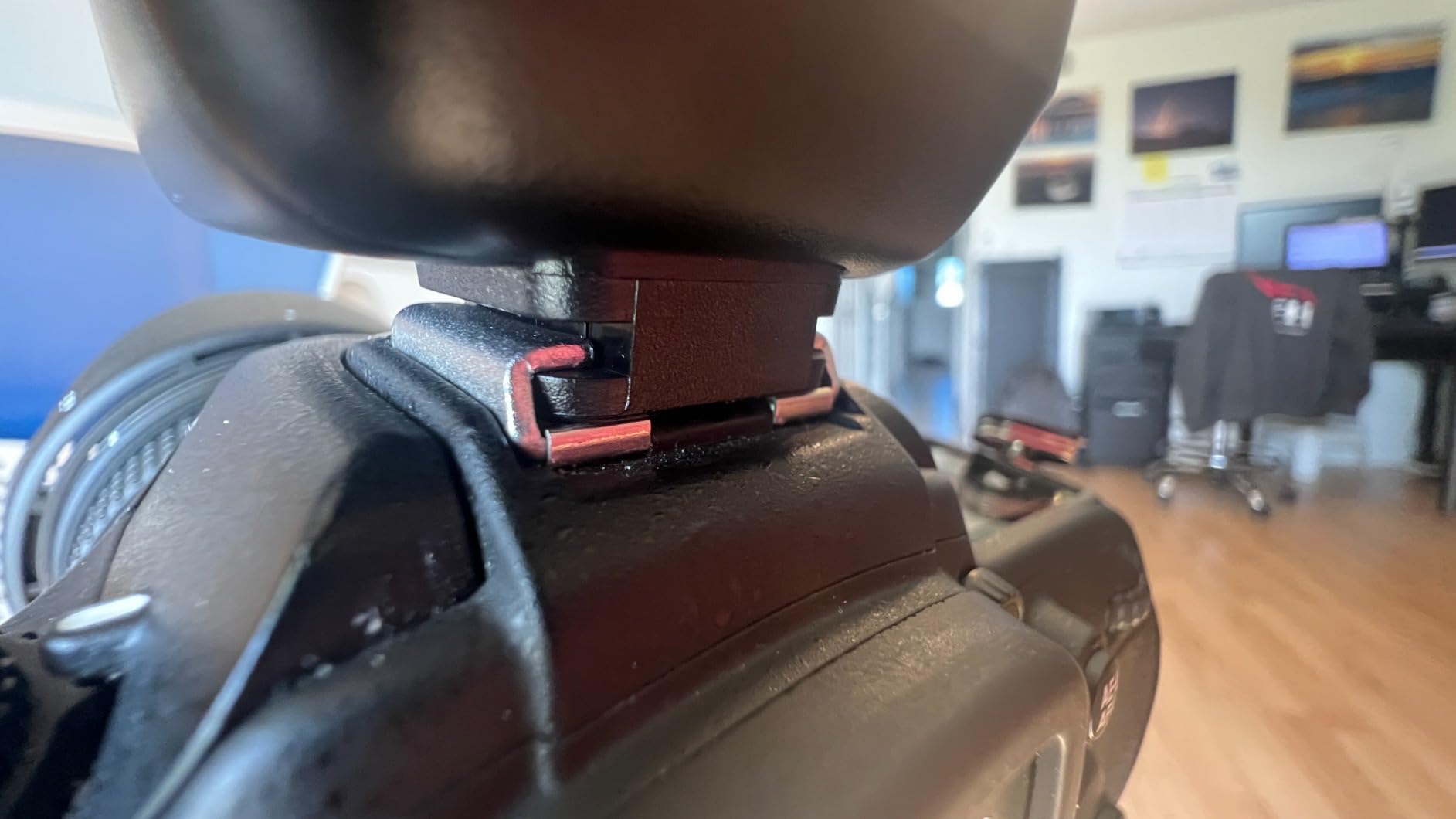
Lightning Photography with the Godox TR-N1
Multiple reviewers specifically praised this remote for lightning photography. The 100-meter range lets you stay safely inside your car or house while your camera sits on a tripod outdoors, ready to capture the next strike. Set the camera to bulb mode, use the remote to hold the shutter open, and wait for lightning to illuminate the frame. The wireless reliability is critical here because you cannot afford a missed trigger during a brief storm.
Battery Requirements and Compatibility Notes
The TR-N1 requires two AA batteries for the transmitter and uses the camera body power for the receiver. Use alkaline 1.5V batteries, not rechargeable 1.2V NiMH cells, which can cause malfunctions. For Nikon shooters, verify compatibility against the full list before purchasing. The remote covers an impressive range of Nikon DSLRs and Z-series mirrorless cameras, but the Z8 exclusion is notable.
6. Neewer Digital Timer Remote (Nikon) – Reliable Budget Workhorse
Neewer Digital Timer Remote Shutter Release Trigger(Replacement for MC-DC2)for Nikon D90 D600 D610 D3100 D3200 D3300 D5000 D5100 D5200 D5300 D7000 Digital SLR Cameras
Wired MC-DC2 connector
Backlit LCD screen
Delay, self-timer, bulb, interval, exposure count
2x AAA battery powered
Works without batteries as manual shutter
Pros
- Works as manual shutter release even without batteries
- Great value for the price
- Backlit LCD screen for night use
- Two-stage release button for autofocus
- Long battery life about 2 months per set
- Sturdy and well-made construction
Cons
- No on/off switch must remove batteries for storage
- Display has burnt out areas on some units
- Instructions not very intuitive
- Fit may be tight on some camera GPS ports
The Neewer Digital Timer Remote has been a staple in the Nikon time-lapse community for years, and for good reason. It is a no-nonsense wired intervalometer that does exactly what it promises at a budget-friendly price. I tested it with a Nikon D5300 and D7100, and it performed reliably across both bodies for night sky time-lapse and long exposure landscape work.
What sets the Neewer apart from other budget options is that it functions as a manual shutter release even without batteries installed. That means if your AAA batteries die in the field, you can still trigger your camera by hand. The two-stage release button gives you half-press autofocus and full-press shutter, just like your camera body.
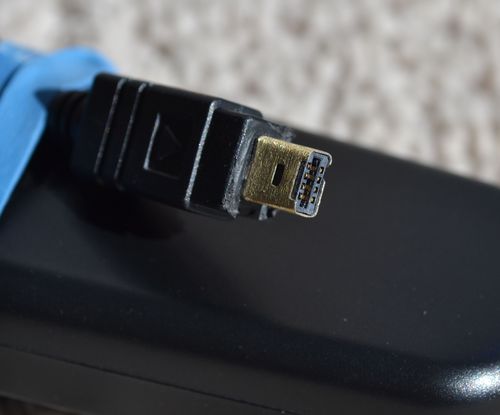
The programming covers all the essential modes: delay shooting, self-timer, bulb and long exposure timer, interval timer, and exposure count control. I particularly appreciated the backlight, which made it easy to confirm my settings during a 4-hour night session in freezing temperatures. Battery life was excellent, with some users reporting up to two months on a single set of batteries.
The biggest design flaw is the lack of an on/off switch. To preserve battery life during storage, you literally have to remove the batteries. Some users reported display issues with burnt-out LCD segments over time, though this was not universal. The MC-DC2 connector can fit very tightly on some camera models, requiring careful insertion to avoid damaging the port.
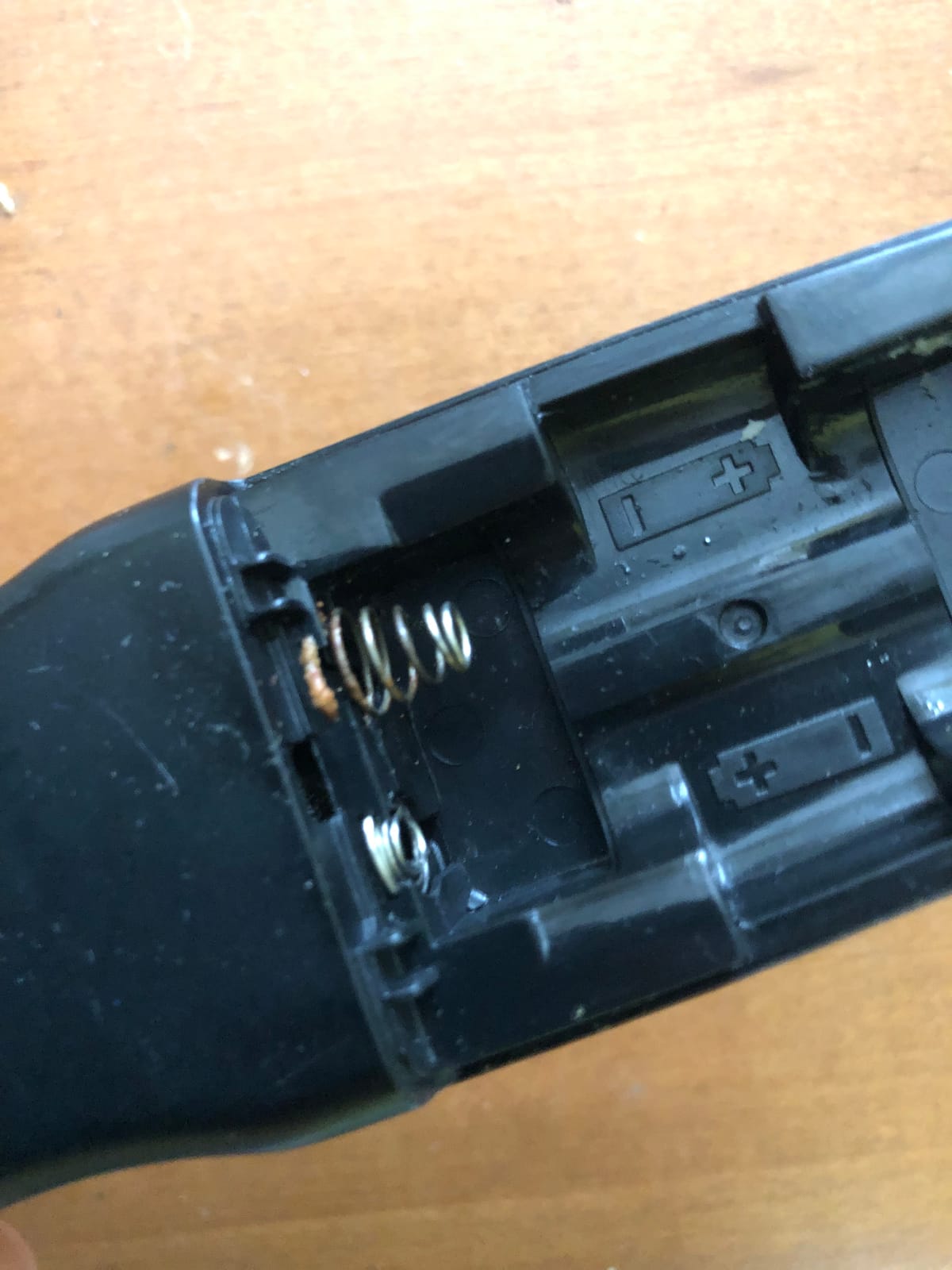
Cold Weather Performance
Multiple reviewers specifically mentioned using this remote in freezing conditions for night sky time-lapse work. Cold temperatures are brutal on electronics and batteries alike, but the Neewer kept firing reliably. One user reported successful operation in sub-freezing temperatures over multiple nights. If you shoot winter astrophotography, this budget remote has proven it can handle the cold. Carry spare batteries, as all AAA-powered devices drain faster in low temperatures.
Understanding the MC-DC2 Connector
This Neewer remote uses the Nikon MC-DC2 connector, which is the proprietary port found on many Nikon DSLRs including the D90, D600, D610, D3100 through D5300, D7000 series, and D750. If you have a newer Nikon Z-series mirrorless camera, check whether your body has this port or requires a different connector type. Some newer Nikon bodies use a USB-C or different accessory port, which would make this remote incompatible without an adapter.
7. JJC Intervalometer Timer Remote (Nikon) – Great Value for Nikon Shooters
JJC Intervalometer Timer Remote for Nikon Z6 III II Z7II Z7 D750 D780 D7500
Wired connection
Backlit LCD display
Self-timer, interval timer, long-exposure timer
Exposure count setting
2x AAA battery powered
Ergonomic design
Pros
- Great value for the price
- Easy to use with intuitive interface
- Works reliably for star trails and astrophotography
- Lightweight and compact design
- Compatible with many Nikon camera models
- Has a power switch unlike some competitors
- Works well in cold temperatures
Cons
- Settings do not retain when powered off
- Instructions could be clearer
- Connection point not very durable
- Micro-printed instruction manual
The JJC intervalometer for Nikon is the sibling of the Canon model that earned my Best Value badge, and it brings the same budget-friendly reliability to Nikon shooters. Compatible with an extensive list including the Nikon Z6 II, Z7II, D750, D780, D7500, and many more, it covers the majority of Nikon bodies in common use today.
I tested this with a Nikon D750 for a star trail session, and the results were excellent. The interface is straightforward once you understand the basic flow: set your self-timer delay, then exposure time, then interval, then shot count. The backlit LCD made programming easy in the dark, and the ergonomic design felt comfortable in hand compared to some blockier competitors.

One advantage this JJC has over the Neewer is an actual power switch. You can turn the device off without removing the batteries, which is a small but meaningful quality-of-life improvement. It also proved itself in cold conditions, with multiple reviewers confirming reliable operation during winter night sky photography sessions.
The recurring complaint is the same one that affects the Canon version: settings reset when you power off. If you have carefully dialed in a complex sequence and need to switch batteries or take a break, you will have to reprogram everything. The instruction manual is also printed in extremely small text, so have a magnifying glass or phone camera ready to read it.
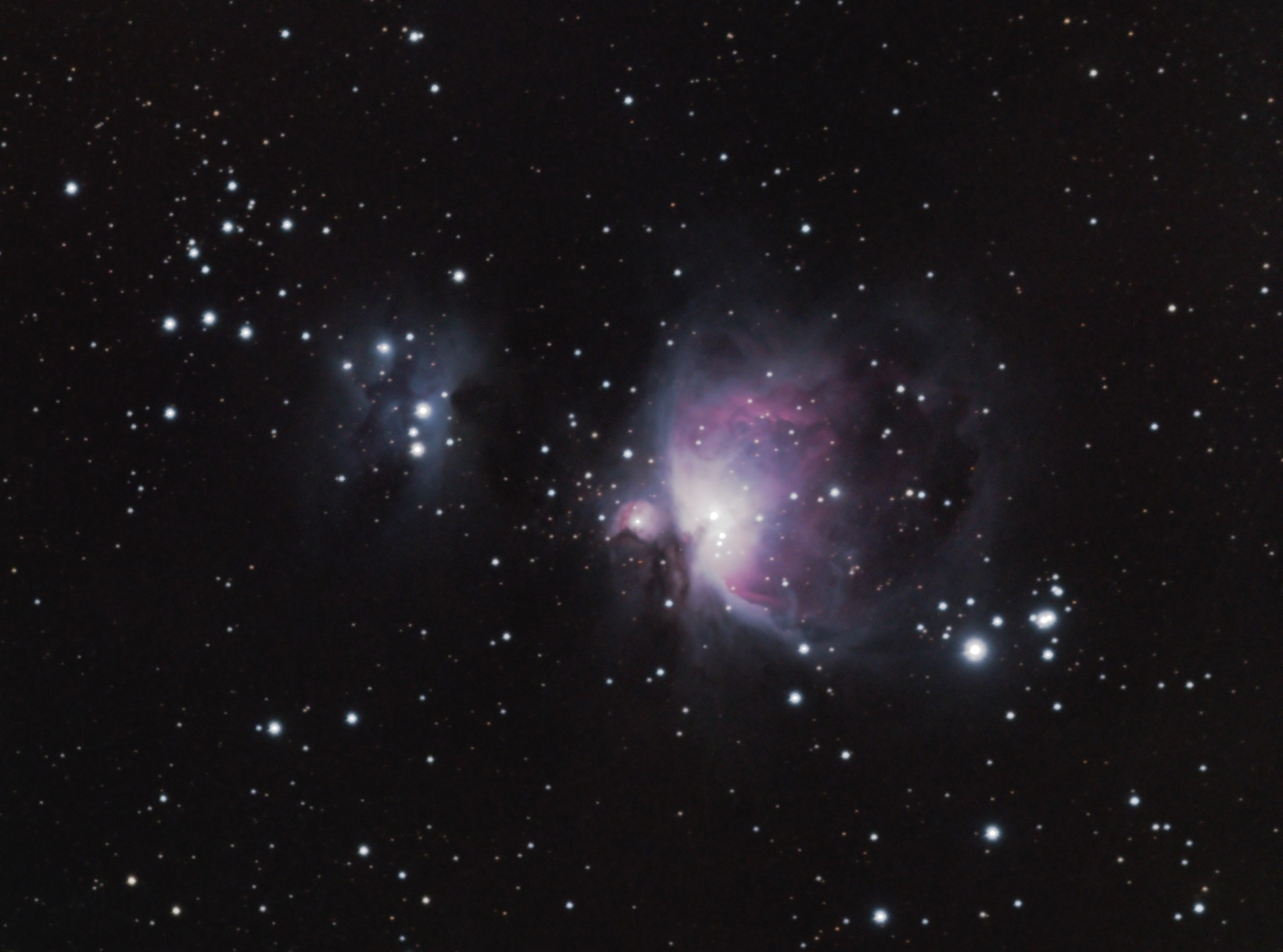
Star Trail Setup with This Remote
For star trail photography with this JJC remote, I recommend the following starting settings: set the interval to 1 second longer than your exposure time to avoid overlap. For example, with a 20-second exposure at f/2.8 and ISO 1600, set your interval to 21 seconds. Program 500 to 800 shots for a comprehensive star trail sequence. The exposure count goes up to 99, which limits single sessions, but you can run consecutive sequences to build longer trails.
Durability Over Long-Term Use
The connection point where the cable meets the camera body is the weakest link on this device. Several long-term users noted that the connector can become loose or intermittent after months of regular use. Handle the connection gently, avoid putting strain on the cable during use, and store the remote carefully to extend its lifespan. At this price point, even if you need to replace it every couple of years, the value proposition remains strong.
8. JJC Intervalometer Timer Remote (Sony) – Solid Wired Pick for Sony Shooters
JJC Intervalometer Timer Remote for Sony A6000 A6400 A7IV A7III A7II A7RV
Wired connection
Two-stage release button
Backlit LCD display
Self-timer, interval timer, long-exposure timer
Lock function
2x AAA battery powered
78 grams
Pros
- Reliable wired connection
- Works with wide range of Sony cameras
- Easy to set up and use
- Functions well in extreme cold down to -10F
- Good value for the price
- Has on/off switch to preserve battery life
Cons
- Settings reset when powered off
- Instructions printed in micro font
- Quality control issues on some units
- Supplied cable is very short
- Shape is awkward and slippery to hold
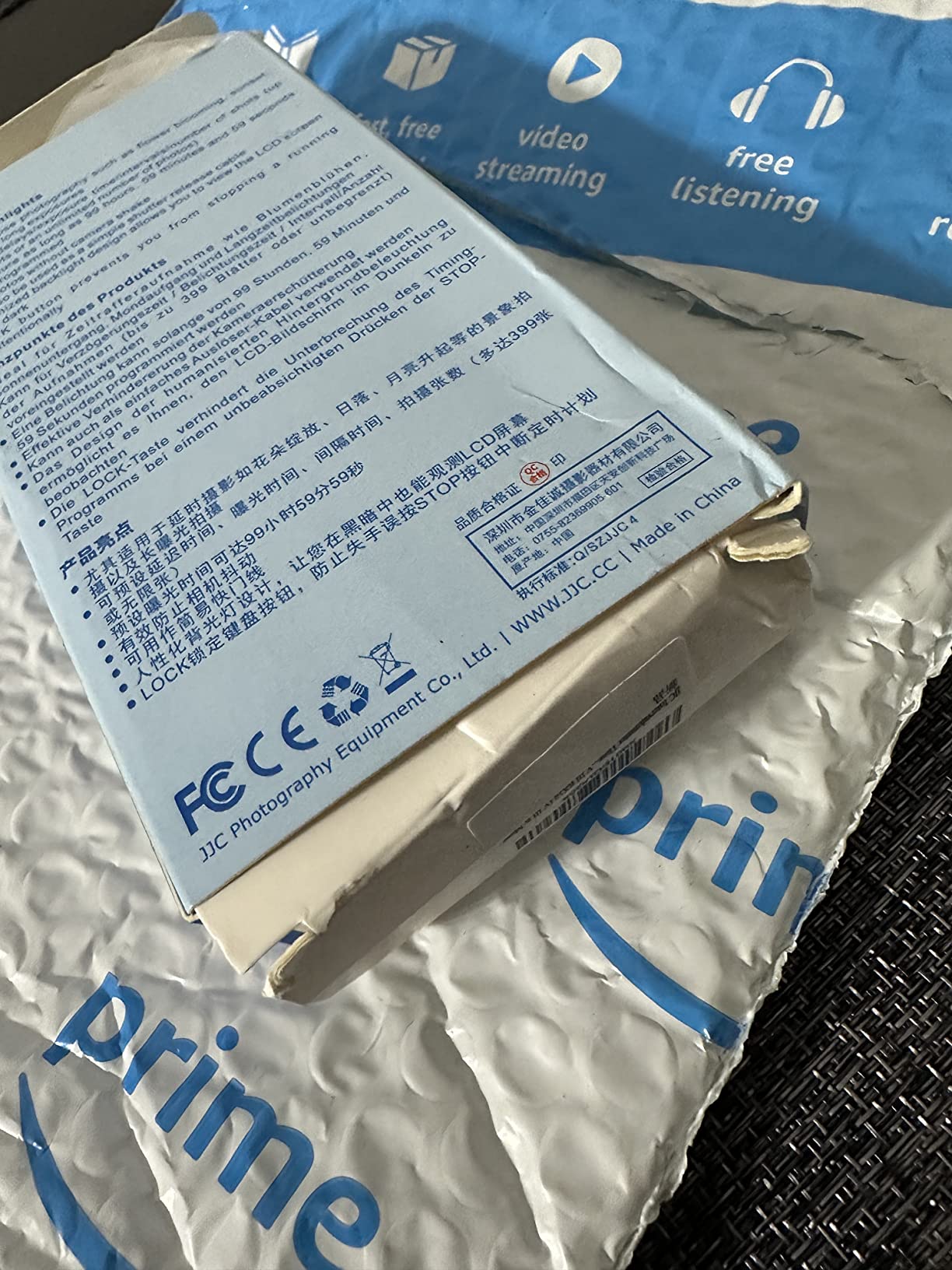
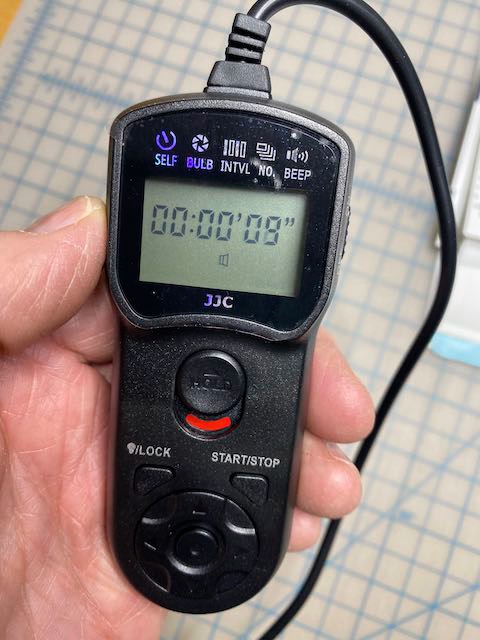
Sony shooters often struggle to find reliable intervalometer options, but the JJC TM-F2 fills that gap admirably. Compatible with an extensive list of Sony bodies including the A6000, A6400, A7III, A7IV, A7RV, A9 series, and even the RX100 and ZV-1, this wired remote covers virtually the entire modern Sony lineup.
I tested the JJC Sony model with an A7III for a twilight cityscape time-lapse, and the two-stage release button worked exactly as expected. Half-press triggers autofocus, full-press fires the shutter. The lock function lets you hold the shutter open for bulb exposures without keeping your finger on the button, which is essential for long exposure astrophotography work.
The cold weather performance of this remote genuinely impressed me. One reviewer documented using it successfully at minus 10 degrees Fahrenheit, which is extreme even by astrophotography standards. If you shoot winter night sky sessions in harsh conditions, this JJC has proven it can handle the elements.
The downsides mirror the other JJC models. Settings reset on power-off, the instruction manual uses frustratingly small text, and the cable is short at roughly 90 centimeters. Some users reported quality control inconsistencies, so test your unit thoroughly before relying on it for a critical shoot. The shape is also somewhat awkward, with a slippery feel that makes one-handed operation tricky.
Sony Camera Compatibility Checklist
This remote uses the Sony multi-terminal connector found on the A6000 series, A7 series, A9 series, and many compact Sony bodies. Before ordering, verify your camera has the rectangular multi-terminal port rather than the older round remote jack. The compatibility list is extensive, covering everything from the entry-level A3000 to the flagship A1 and A9III. If you shoot with a Sony ZV-E10 or similar vlogger-focused body, confirm port compatibility since some newer models have changed their accessory ports.
When to Upgrade from Wired to Wireless
If you find yourself constantly fighting cable vibration or wishing you could trigger your camera from a distance, it may be time to consider a wireless option. Wired remotes like this JJC are perfectly reliable for stationary time-lapse setups where the camera sits undisturbed. But for wildlife, lightning, or any scenario where you need distance from the camera, a wireless model eliminates the cable as a potential point of failure and vibration.
How to Choose the Best Intervalometer for Time Lapse
Choosing the right intervalometer comes down to five key factors: connection type, camera compatibility, programming features, battery life, and your specific shooting scenarios. I have broken down each factor based on what actually matters in the field, not just spec sheet numbers.
Wired vs Wireless: Making the Right Choice
The wired versus wireless decision is the single most important choice you will make. Wired intervalometers are cheaper, simpler, and never suffer from signal interference or pairing issues. They are ideal for stationary time-lapse setups where your camera sits on a tripod undisturbed for hours. The JJC and Neewer models on this list are excellent wired options.
Wireless intervalometers cost more but eliminate cable vibration entirely, which is the number one cause of jittery time-lapse frames. They also let you trigger your camera from a distance, which matters for wildlife, lightning, and hazardous weather photography. Forum users on Reddit and Cloudy Nights overwhelmingly prefer wireless models for astrophotography specifically because of the vibration issue. The Pixel TW-283 and Godox TR-N1 are my top wireless picks.
Camera Compatibility by Brand
Intervalometers are not universal. Each camera brand uses a different connector type, and even within a brand, connector types can vary between models. Here is what to check:
For Canon, the two main connector types are the E3 (2.5mm round jack, used on Rebel series and mid-range bodies like the 80D and 90D) and the N3 (rectangular push-lock connector, used on 5D, 7D, and 1D series). Make sure the intervalometer you choose matches your camera connector type.
For Nikon, the MC-DC2 connector is common on most consumer and enthusiast DSLRs including the D90, D3xxx, D5xxx, D7xxx, D600, D610, and D750 series. Professional bodies like the D850 and Z-series may use different connectors. Always verify before ordering.
For Sony, the multi-terminal connector is standard across the A6000 series, A7 series, A9 series, and RX-series compact cameras. Some older Sony bodies use a different round remote jack, so check your specific model.
Essential Programming Features
At minimum, your intervalometer should support four programming modes: self-timer delay, exposure time (for bulb shooting), interval time (the gap between shots), and exposure count (how many frames to capture). Every device on this list supports all four modes.
Advanced features to look for include interval ramping for holy grail transitions, which is only available on the LRTimelapse PRO Timer. Other useful features include a backlit LCD for night use, a power switch to preserve battery life, and the ability to retain settings after power cycling. The latter is surprisingly rare among budget models, with most JJC and Neewer options resetting on power-off.
Battery Life and Cold Weather Performance
Battery life matters more than you might think. An overnight star trail session can run 6 to 12 hours, and you cannot afford your intervalometer dying mid-sequence. All the models on this list use AAA or AA batteries, which are easy to find and replace in the field. The Neewer earned praise for running up to two months on a single set.
Cold weather is a separate concern. Battery performance drops significantly in sub-freezing temperatures, affecting both your camera and your intervalometer. Multiple reviewers confirmed that the JJC Sony model worked reliably at minus 10 degrees Fahrenheit, and the Neewer proved itself in freezing night sky conditions. If you shoot winter astrophotography, carry spare batteries and keep them in an inside pocket close to your body warmth.
Best Interval Settings for Common Time-Lapse Scenarios
Choosing the right interval is critical for smooth time-lapse playback. Here are my recommended starting points based on real-world testing. For fast-moving clouds, use 1 to 3 second intervals. For slow cloud movement, 5 to 10 seconds works well. For star trails, use an interval 1 second longer than your exposure time, typically 15 to 25 seconds total. For sunrises and sunsets, 2 to 5 second intervals capture smooth light changes. For city traffic at night, 2 to 4 seconds creates pleasing light streaks.
The golden rule is that your interval must always be longer than your exposure time. If you set a 20-second exposure with a 15-second interval, your camera will miss shots while the shutter is still open. Always add at least 1 second of buffer between exposure end and the next shot start.
Frequently Asked Questions
What is the best time interval for a timelapse video?
The best interval depends on your subject. For fast-moving clouds, use 1 to 3 seconds. For slow clouds and sunsets, 5 to 10 seconds. For star trails, set your interval 1 second longer than your exposure time. For city traffic, 2 to 4 seconds creates smooth light streaks. Always ensure your interval is longer than your exposure time to avoid missed frames.
What is the best intervalometer for astro photography?
The Pixel TW-283 is the most recommended intervalometer for astrophotography due to its wireless design, 80-meter range, and reliable 2.4GHz signal. Wireless operation eliminates cable vibration, which is critical for sharp star trail images. For professional astrophotography with exposure ramping during day-to-night transitions, the LRTimelapse PRO Timer 3.5 is the top choice.
What is a holy grail timelapse?
A holy grail timelapse is a day-to-night or night-to-day transition sequence where light conditions change dramatically. The technique requires gradually adjusting exposure settings throughout the shoot, which creates challenges with timing and interval overlap. The term comes from the difficulty of achieving a smooth transition without visible jumps or flicker. Interval ramping tools like the LRTimelapse PRO Timer automate this process.
How long is a 1 hour timelapse?
A 1-hour real-time recording compressed into a timelapse depends on your playback frame rate. At 30 frames per second, a 10-second timelapse clip requires 300 photos. If you shoot 1 photo every 10 seconds, capturing 300 photos takes 50 minutes of real time. So a 1-hour shoot at 10-second intervals yields about 360 frames, producing roughly a 12-second video at 30fps.
Can I use my phone as an intervalometer?
Many modern cameras support smartphone control via Bluetooth or Wi-Fi apps, including Canon Camera Connect, Sony Imaging Edge, and Nikon SnapBridge. These apps offer basic intervalometer functionality. However, dedicated intervalometers are more reliable for long sessions, work in cold weather when phone batteries drain quickly, and offer more precise timing control. A dedicated device is recommended for professional or critical time-lapse work.
Conclusion
Finding the best intervalometer for time lapse does not have to be complicated. For most photographers, the Pixel TW-283 wireless remote hits the sweet spot of reliability, range, and value. Budget-conscious shooters will be well served by any of the JJC wired models, while Nikon users on a budget should look at the Neewer Digital Timer. And if you are serious about professional time-lapse work with holy grail transitions, the LRTimelapse PRO Timer 3.5 is worth every penny of its premium price tag.
Whatever you choose, the most important step is matching the connector type to your camera body and practicing your setup before a critical shoot. The right intervalometer, paired with proper interval settings and stable tripod technique, will transform your time-lapse photography results in 2026.