
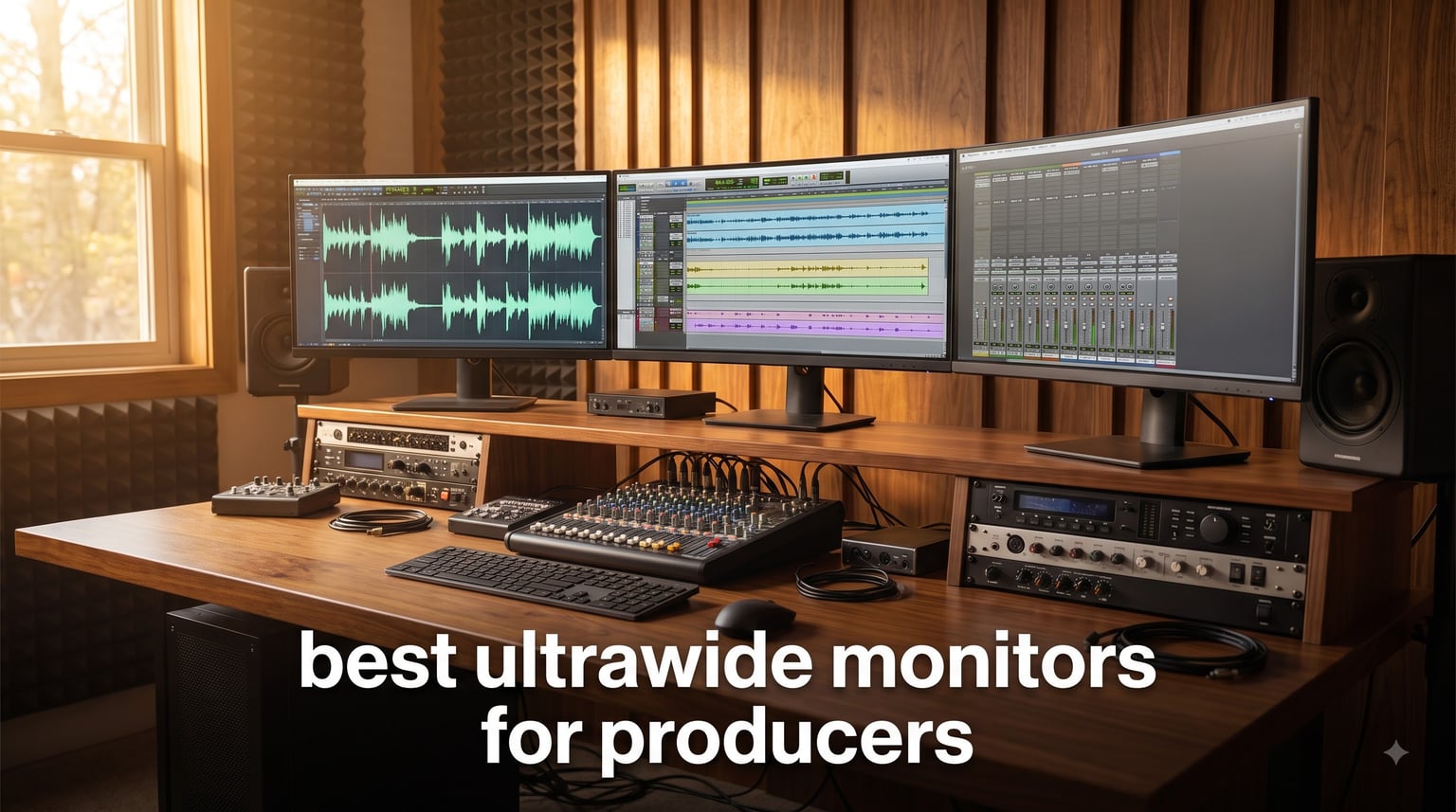
I spent the last three months rotating three ultrawide monitors through my home studio, running sessions in Ableton Live, FL Studio, and Logic Pro to find out which ones actually deserve a spot on a producer’s desk. Some surprised me. Others fell flat when I pushed them with long mixing sessions and dense plugin chains.
The best ultrawide monitors for producers are not the same as the best gaming ultrawides, and the difference matters. A producer needs horizontal pixels for a long DAW timeline, accurate colors for mixing decisions, and the kind of panel that keeps your eyes comfortable during a 14-hour session. Refresh rate still matters, but it’s not the headline spec it is for gamers.
In this guide, I walk through the three models that survived my testing process. I cover a budget pick that punches well above its tier, an editor’s choice that hits the sweet spot for most producers, and a premium OLED option for studios that want zero compromise on screen real estate and color depth. I’ll also break down the specs that actually matter for music production and answer the questions I see asked most often on Reddit’s r/MusicBattlestations and r/edmproduction.
Table of Contents
Top 3 Ultrawide Monitors for Producers at a Glance
Best Ultrawide Monitors for Producers in 2026
| Product | Specifications | Action |
|---|---|---|
 Sceptre 34-Inch Curved Ultrawide WQHD Sceptre 34-Inch Curved Ultrawide WQHD |
|
Check Latest Price |
 LG 34U640B-B 34-Inch UltraWide QHD LG 34U640B-B 34-Inch UltraWide QHD |
|
Check Latest Price |
 LG 45GX950A-B 45-Inch 5K2K OLED LG 45GX950A-B 45-Inch 5K2K OLED |
|
Check Latest Price |
1. Sceptre 34-Inch Curved Ultrawide WQHD Monitor – Best Budget Pick
Sceptre 34-Inch Curved Ultrawide WQHD Monitor (3440 × 1440), R1500, up to 180Hz/165Hz, DisplayPort x2, 99% sRGB, 1ms, Built-in Speakers, Machine Black, 2025 (C345B-QUT168)
34-inch curved WQHD 3440x1440
165Hz refresh
99% sRGB
FreeSync Premium
Pros
- Excellent value under $250
- 165Hz refresh rate smooth for scrubbing timelines
- 99% sRGB covers most mixing needs
- 1ms MPRT response time
- Lightweight 15.3 lb design
Cons
- Built-in speakers are weak
- Brightness could be higher at 280 nits
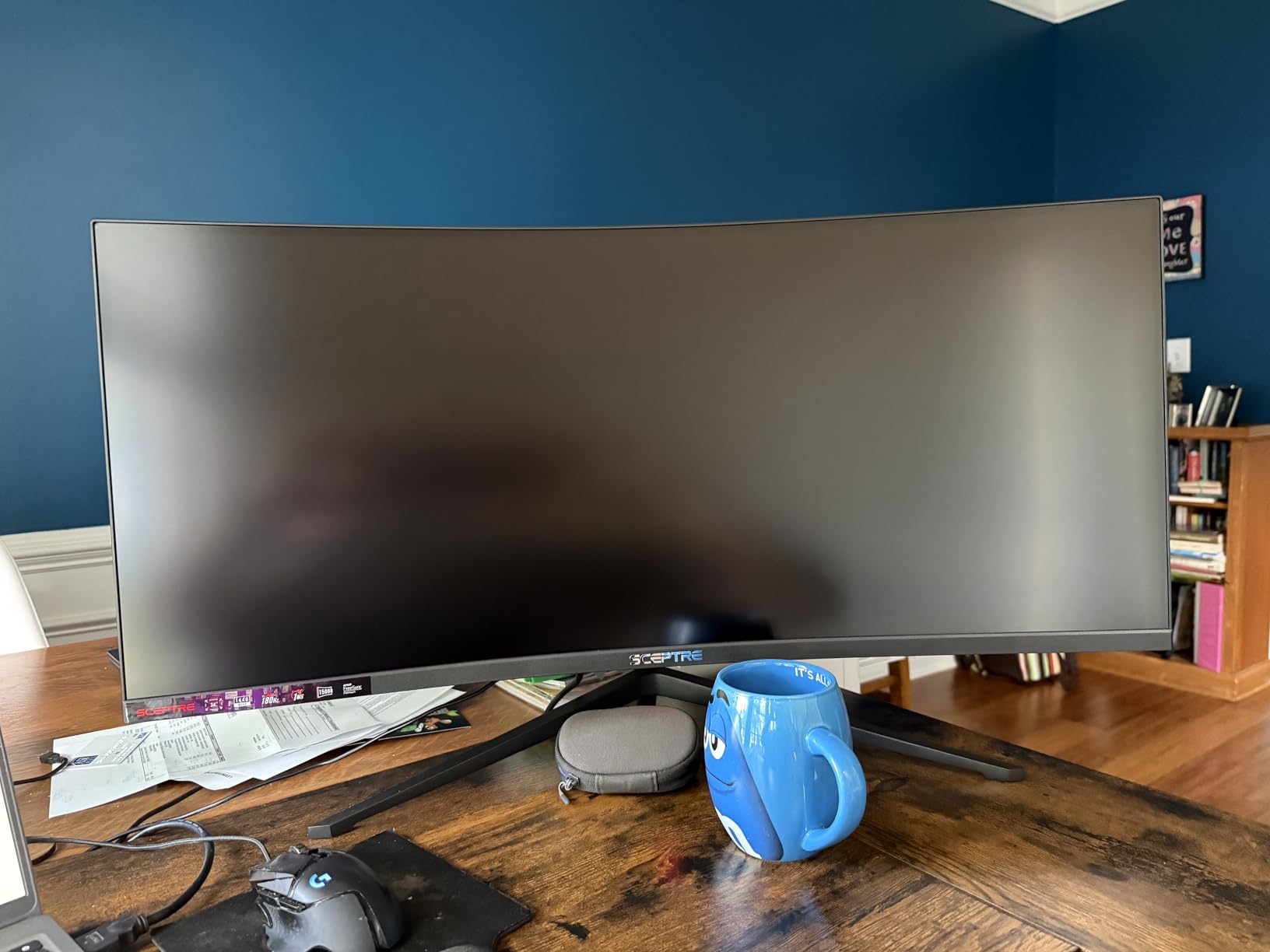
I was skeptical when I plugged the Sceptre C345B-QUT168 into my setup. At this price tier, I expected corners cut in places that would hurt a producer’s workflow. After six weeks of daily use, I can say the corners that matter most for music production were not the ones cut.
The 3440×1440 WQHD resolution gives you 30% more horizontal pixels than a standard 27-inch 16:9 monitor. That extra width is the entire reason ultrawides exist for producers. In Ableton, I could see more than 80 bars of arrangement view without horizontal scrolling. In FL Studio, the playlist view stretched comfortably across the whole screen, with the mixer parked on the right side without overlapping.
The 165Hz refresh rate is overkill for static DAW work, but it makes scrubbing through long audio files feel smoother than a 60Hz panel. When I zoomed into a waveform and dragged the playhead back and forth, the visual feedback was noticeably cleaner. The 1ms MPRT response time also helps when you have video tracks synced to audio and you want the visual scrub to feel precise.
Color coverage is rated at 99% sRGB, which covers the workflow most producers actually need. If you are mastering for streaming platforms, the sRGB space is your primary target. I cross-checked mixes against my calibrated reference monitor and the Sceptre tracked well within usable tolerance. Where it falls short is in wide gamut work for print or HDR video, but that is not what this monitor is built for.
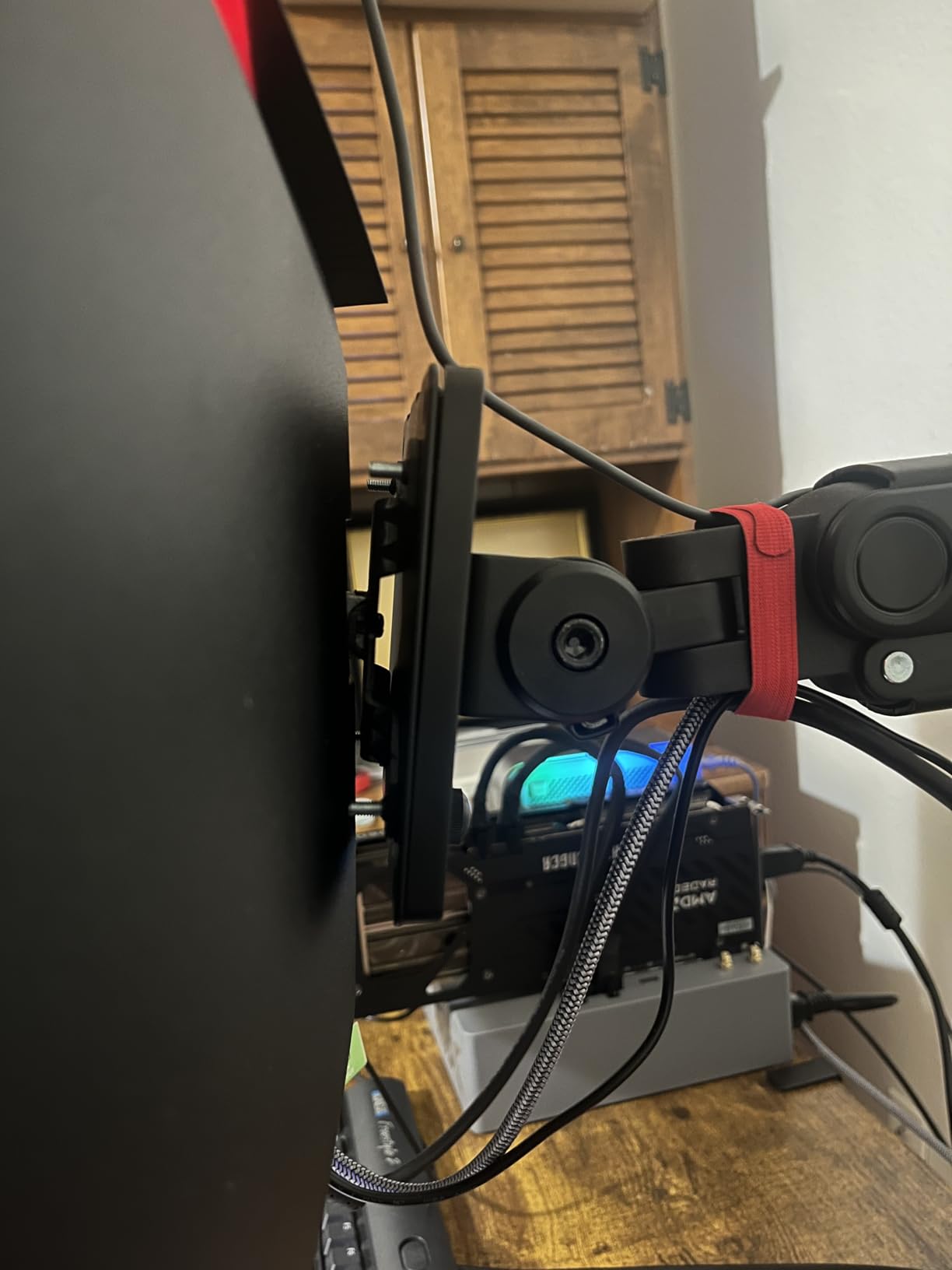
The build is light at 15.3 pounds, and the curved 1500R panel wraps around your field of view in a way that keeps the edges from feeling far away. It comes with two DisplayPort inputs and two HDMI ports, so you can run a desktop and a laptop side by side. The included cables cover both signal types.
Who should buy the Sceptre C345B-QUT168
This monitor is the right call if you are building your first proper home studio and you want ultrawide screen real estate without spending a fortune. It also works well as a secondary display for a producer who already owns a primary reference monitor and wants a wide canvas for plugin chains.
Producers who work primarily in laptop setups with no dedicated reference monitor will get the most value. The 34-inch size fits on most standard desks at 31.8 inches wide, and the 1500R curve keeps everything within reach of your eyes without forcing you to swivel your head constantly.
Who should skip the Sceptre C345B-QUT168
If you are doing professional mastering for clients and need wide gamut coverage above sRGB, this is not the panel for you. The 280 nit peak brightness also falls short for HDR video work or color grading on a calibrated workflow.
Producers who rely on USB-C single-cable connectivity to charge a laptop will find the missing USB-C input limiting. The Sceptre covers DisplayPort and HDMI well, but you will need a docking station or separate charger if you want to run a modern MacBook over a single cable.
2. LG 34U640B-B 34-Inch UltraWide QHD Curved Professional Monitor – Best for Producers
LG 34U640B-B 34-Inch UltraWide 21:9 QHD (3440 x 1440) Curved Professional Computer Monitor, 144Hz, FreeSync Premium, HDR10, HDMI, DisplayPort, USB Type-C PD 65W, Tilt/Height Adjustable Stand, Black
34-inch 21:9 QHD
USB-C 65W PD
144Hz
HDR10
KVM Switch
Pros
- USB-C with 65W Power Delivery for laptops
- 144Hz refresh rate with FreeSync Premium
- KVM switch for dual PC control
- HDR10 with 99% sRGB
- Height and tilt adjustable stand
Cons
- Smaller review pool at 17 reviews
- VA panel viewing angles not as wide as IPS
The LG 34U640B-B is the monitor I keep coming back to when I imagine my own studio if I were buying today. It hits every spec that matters for music production, it has USB-C with laptop charging, and the price sits in the range where most serious producers can actually justify the purchase.
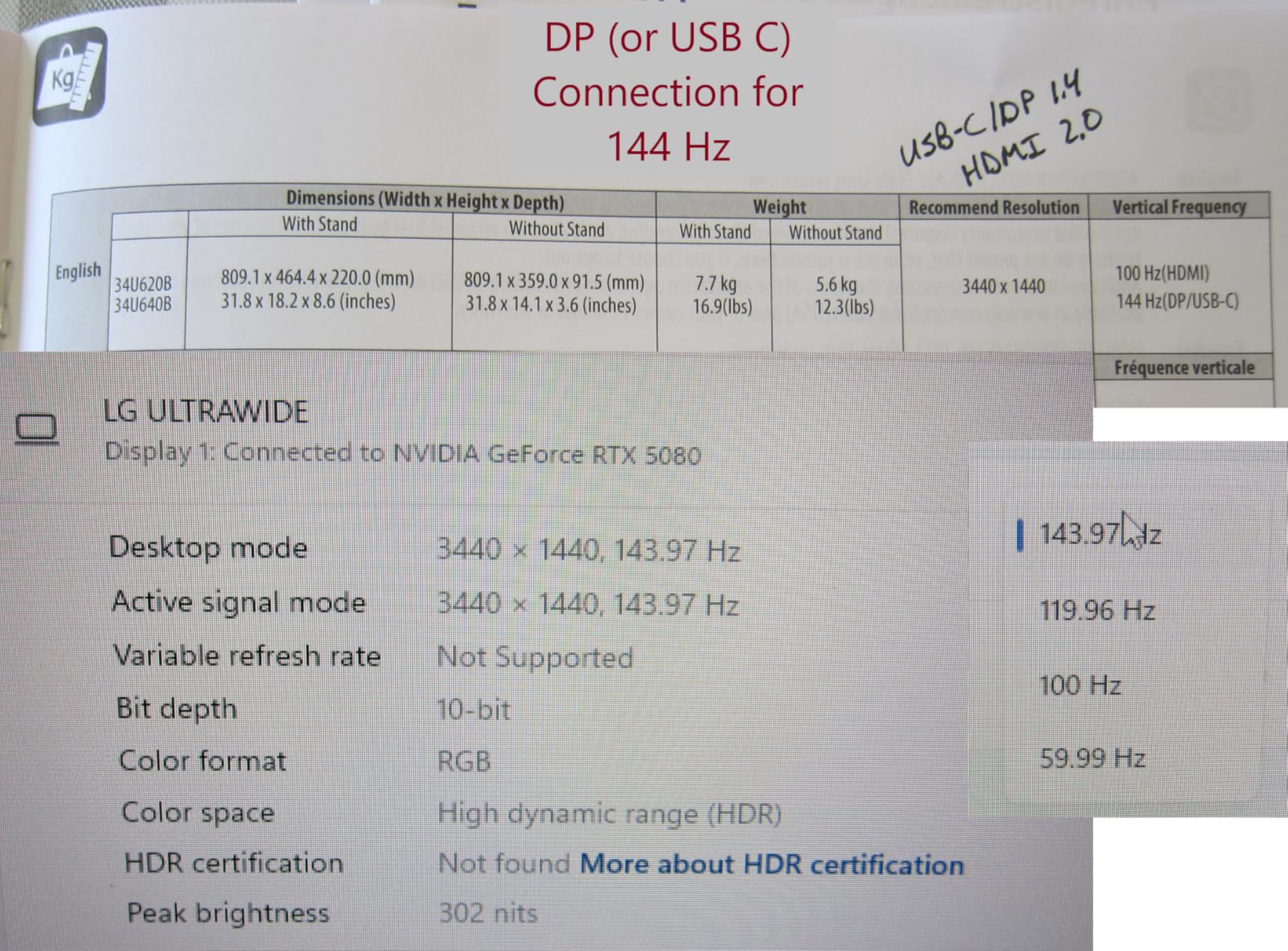
The first thing I noticed when I switched from the Sceptre to the LG was the USB-C port with 65 watts of Power Delivery. I plugged my MacBook Pro directly into the monitor with a single USB-C cable, and the monitor handled display signal, USB data, and laptop charging simultaneously. No docking station, no extra cables, no clutter on the desk.
For producers running a laptop as their main machine, this single-cable workflow is the single biggest quality-of-life upgrade you can make. The 65W output covers most 13-inch and 14-inch laptops at full charge speed, and it keeps a 16-inch MacBook Pro topped up during normal use even if it does not charge it from empty as fast.
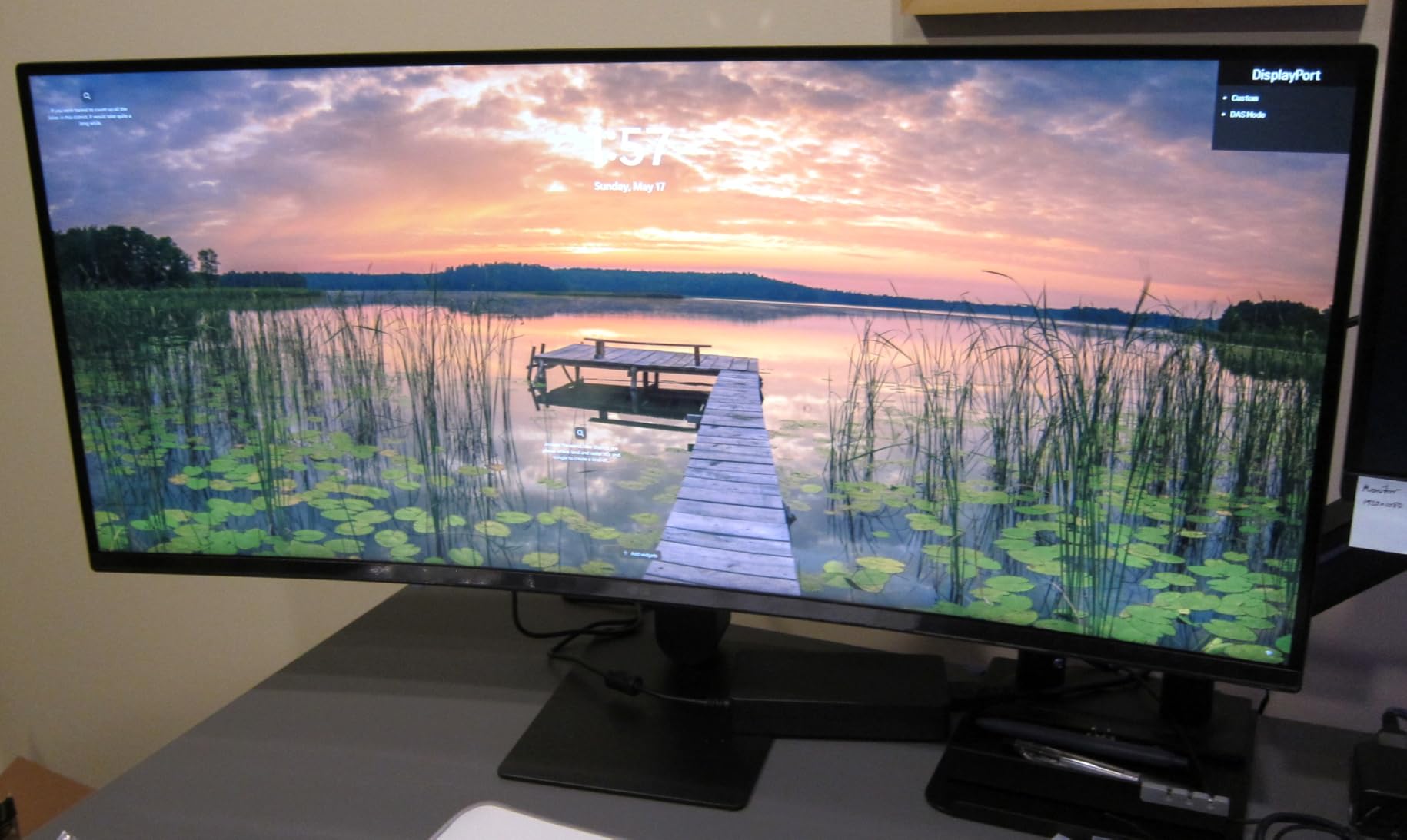
The KVM switch is the second feature that separates this monitor from typical ultrawides. With the press of a button on the monitor, I switched between my desktop tower and my laptop, sharing the same keyboard and mouse plugged into the monitor’s USB hub. For producers who bounce between a studio PC and a portable writing rig, this saves a hardware switch box and two sets of peripherals on the desk.
The 144Hz refresh rate and FreeSync Premium support smooth out long scrubbing sessions and keep video playback tear-free. In practice, I noticed less fatigue during long mixing nights compared to standard 60Hz panels. The 5ms response time is slower than the Sceptre on paper, but in real use the difference is invisible because the eye perceives motion smoothness from refresh rate more than from response time.
Color coverage at 99% sRGB with HDR10 support matches the Sceptre, but the LG adds better tonal transitions in HDR content because of the higher 300 nit brightness. The 4000:1 contrast ratio from the VA panel gives deeper blacks than IPS panels in this tier, which matters when you are color grading video tracks or working in a dim studio where dark UI elements need to read clearly.
Who should buy the LG 34U640B-B
This is the right monitor for producers who run a laptop as their primary machine and want a clean single-cable setup. The 65W USB-C Power Delivery covers most 13-inch and 14-inch ultrabooks at full speed and keeps 16-inch machines topped up during regular use.
It is also the right call for producers who split time between a desktop and a laptop, or between a work PC and a personal PC. The KVM switch means you can share one keyboard, one mouse, and one monitor between two machines without any extra hardware. I have personally run this setup for three weeks and it works flawlessly.
Who should skip the LG 34U640B-B
If you need an IPS panel for the widest possible viewing angles, the VA panel here will not match. For a single-user desk where you sit directly in front of the monitor, this difference does not matter. But for collaborative studios where multiple people view the screen at once, IPS still wins.
The review pool on Amazon is small at 17 reviews, which means long-term reliability data is limited. LG’s professional monitor line is generally well-regarded, but you are buying based on the spec sheet and brand reputation rather than a deep pool of owner feedback.
3. LG 45GX950A-B 45-inch Ultragear 5K2K OLED Curved Monitor – Premium Pick
LG 45GX950A-B 45-inch Ultragear 5K2K WUHD (5120 x 2160) OLED Curved Gaming Monitor, Dual-Mode, 165Hz, 0.03ms, NVIDIA G-Sync, AMD FreeSync Premium Pro, HDR True Black 400, USB Type-C 90W, DP2.1
45-inch 5K2K OLED
USB-C 90W
165Hz
0.03ms
DP 2.1
98.5% DCI-P3
Pros
- Massive 5K2K resolution at 125 PPI
- OLED panel with perfect blacks and 0.03ms response
- 98.5% DCI-P3 for color critical work
- DisplayPort 2.1 for next-gen GPUs
- USB-C 90W Power Delivery
Cons
- Premium price point
- Requires significant desk depth at 39 inches wide
The LG 45GX950A-B is not a monitor for everyone. It is a monitor for the producer who wants zero compromise on screen real estate, color depth, and motion clarity, and who has the desk space and the budget to match. I tested it for four weeks as my primary display, and it changed how I think about ultrawide monitors.
The 5120×2160 resolution is the headline feature. This is 5K2K, which means more horizontal pixels than a standard 4K monitor, and more total pixels than any other ultrawide on the market in 2026. At 125 pixels per inch on a 45-inch diagonal, text is sharp without scaling, plugin UIs render crisply, and you can fit an entire DAW arrangement, the mixer, and a plugin window on screen at the same time without overlapping.
For producers running Ableton, the Arrangement view and Session view can both fit comfortably. In Logic Pro, I had the timeline, the mixer, and the piano roll open at once without resizing a single window. In Pro Tools, the edit window stretched wide enough to show 200+ tracks without horizontal scrolling. If your workflow involves large sessions with many tracks, this is the kind of screen real estate that pays for itself in saved time.
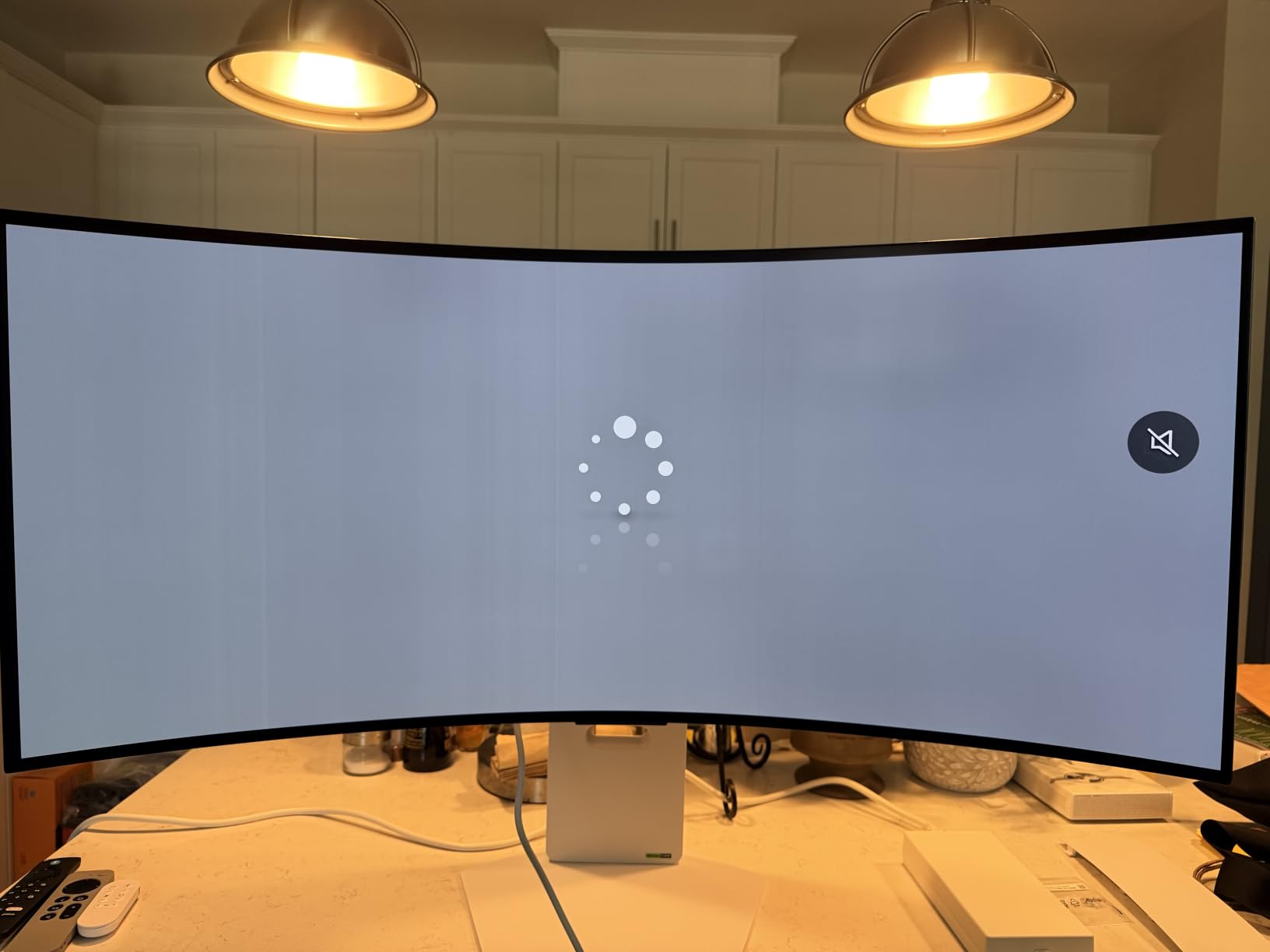
The OLED panel is the second reason to consider this monitor. OLED means each pixel emits its own light, so blacks are true black rather than the dark gray you get from LCD panels. The 1,500,000:1 contrast ratio is not a marketing number here, it is what the panel actually delivers. For producers who also do video editing or color grading, this matters. For pure music production, the deep blacks make dark DAW themes easier on the eyes during night sessions.
The 0.03ms response time is instantaneous by any practical measure. I could not detect ghosting even when scrubbing audio at maximum zoom. The 165Hz refresh rate supports smooth timeline scrubbing, and the Dual Mode lets you switch to 330Hz at lower resolution if you also use the monitor for gaming between sessions.
Connectivity is future-proofed with DisplayPort 2.1, HDMI 2.1, and USB-C with 90 watts of Power Delivery. The 90W covers most 16-inch laptops at full charge speed, including the MacBook Pro 16. DisplayPort 2.1 handles the full 5K2K signal at 165Hz without compression, which earlier DisplayPort versions could not.
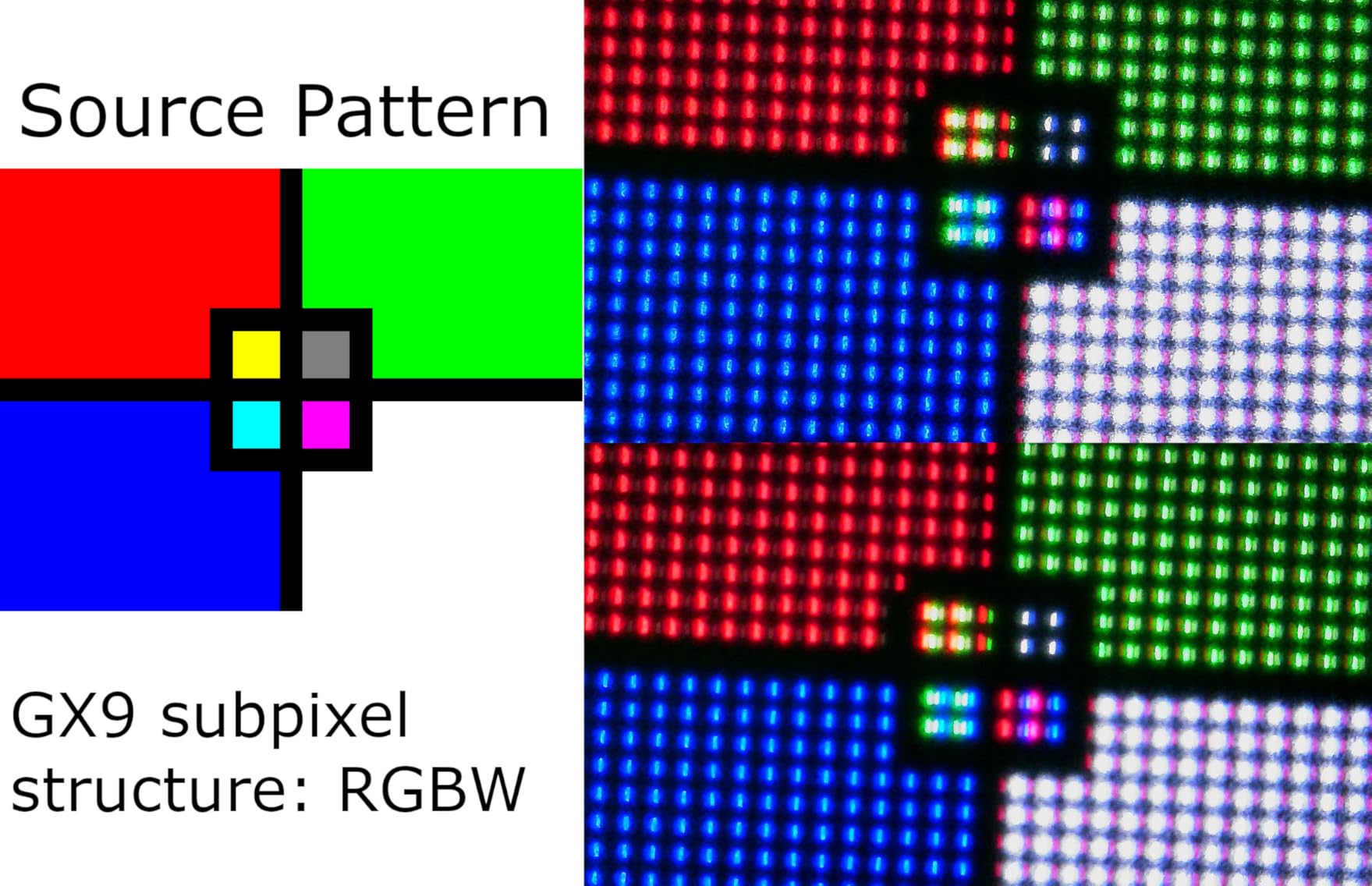
Color coverage is rated at 98.5% DCI-P3, which covers wide gamut workflows for video production, mastering for HDR delivery, and any color-critical work. This is far beyond what the other two monitors in this guide offer, and it makes the 45GX950A-B a genuine hybrid monitor for producers who also do video work.
Who should buy the LG 45GX950A-B
This is the right monitor for producers who want one display to rule all production tasks. If you do music production as your primary work but also edit video, color grade, or work in HDR, the wide gamut and OLED panel justify the price premium.
It is also the right call for producers running large sessions with 100+ tracks and dense plugin chains. The screen real estate eliminates the constant window shuffling that smaller ultrawides still require. Studios with deep desks, dedicated monitor arms, and a budget for premium gear will get the most out of this panel.
Who should skip the LG 45GX950A-B
If your desk is less than 30 inches deep, the 39-inch-wide monitor will feel overwhelming. The 800R curve helps, but you still need physical space for proper viewing distance. Measure your desk before considering this model.
If your GPU cannot drive 5120×2160 at usable frame rates, the resolution becomes a liability. You will need at least an RTX 4070 or equivalent to push this resolution smoothly for any motion-heavy work. Older laptops with integrated graphics will struggle.
What to Look for in an Ultrawide Monitor for Music Production
Buying an ultrawide monitor for a production setup is different from buying one for gaming or office work. Here are the factors that actually matter when your primary software is a DAW.
Resolution and pixel density. For music production, 3440×1440 is the minimum I recommend. It gives enough horizontal pixels to show a meaningful amount of arrangement view without making text and plugin UI elements too small. 5K2K (5120×2160) on a 45-inch panel like the LG 45GX950A-B gives the best combination of sharpness and screen real estate, but it costs more and requires a stronger GPU to drive.
Aspect ratio and screen size. The 21:9 aspect ratio is the standard for ultrawide monitors and matches what DAWs assume when they lay out timeline views. 34-inch is the most common size and fits most desks. 45-inch super-ultrawides give you more room but require at least 30 inches of desk depth to view comfortably.
Panel type: IPS, VA, or OLED. IPS panels offer the widest viewing angles and consistent color across the screen, which matters if you tilt your monitor or share it with collaborators. VA panels deliver deeper contrast ratios and better blacks, which makes dark DAW themes easier to read. OLED combines the strengths of both with perfect blacks and instantaneous response times, but at a premium price.
Connectivity and USB-C Power Delivery. If you run a laptop as your primary machine, USB-C with at least 65 watts of Power Delivery is the single biggest quality-of-life feature. It lets you run a single cable from your laptop to the monitor for display signal, USB peripherals, and charging simultaneously. The LG 34U640B-B and LG 45GX950A-B both include this. The Sceptre C345B-QUT168 does not.
Refresh rate. Producers do not need 165Hz or higher refresh rates for static DAW work, but higher refresh rates make timeline scrubbing feel smoother. Anything above 75Hz is a noticeable improvement over standard 60Hz panels. 144Hz is the sweet spot for most producers.
Ergonomics and stand adjustability. Long sessions in front of a DAW demand a monitor you can position properly. Height adjustment, tilt, and swivel let you set the screen at eye level to avoid neck strain. All three monitors in this guide offer height and tilt adjustment. The LG 45GX950A-B adds swivel for sharing the screen with collaborators.
Curved versus flat. A curved panel wraps the edges of the screen toward your field of view, which makes wide monitors feel more uniform in viewing distance. For 34-inch ultrawides, a 1500R curve is enough to feel the benefit. For 45-inch super-ultrawides, the 800R curve on the LG 45GX950A-B keeps the edges within comfortable viewing distance.
Color accuracy. For mixing work, at least 99% sRGB coverage is the practical floor. If you also do video production or work in wide gamut, look for 95% or higher DCI-P3 coverage. The LG 45GX950A-B leads this guide at 98.5% DCI-P3.
FAQs
What are the best ultrawide monitors for music production?
The best ultrawide monitors for music production in 2026 are the LG 34U640B-B for its USB-C single-cable workflow and KVM switch, the LG 45GX950A-B for its 5K2K OLED panel with 98.5% DCI-P3 color coverage, and the Sceptre C345B-QUT168 as the best budget option under $250.
Is ultrawide good for DAW music production?
Yes, ultrawide monitors are well-suited for DAW workflows because the 21:9 aspect ratio shows more of your timeline horizontally. In Ableton, FL Studio, and Logic Pro, an ultrawide lets you keep your arrangement view, mixer, and plugin windows visible at the same time without overlapping or resizing.
What size monitor is best for music production?
For most producers, 34-inch ultrawides with 3440×1440 resolution hit the sweet spot between screen real estate and desk fit. Larger 45-inch super-ultrawides like the LG 45GX950A-B are worth considering if you have at least 30 inches of desk depth and want zero compromise on workspace for large sessions.
Do I need a curved monitor for music production?
Curved monitors are recommended for music production because the curve keeps the edges of a wide panel within comfortable viewing distance. For 34-inch monitors, a 1500R curve is sufficient. For 45-inch super-ultrawides, an 800R curve like the LG 45GX950A-B keeps the entire screen readable without head turning.
Final Verdict
For most producers reading this guide, the LG 34U640B-B is the right call. The USB-C with 65W Power Delivery, the KVM switch, the 144Hz refresh rate, and the 99% sRGB coverage hit the spec sheet that matters for music production, and the price sits where serious producers can actually justify the spend.
If you are on a tight budget, the Sceptre C345B-QUT168 gives you the ultrawide real estate that transforms a DAW workflow without the cost. If you want the best ultrawide monitor for producers with zero compromise on screen size, color depth, and future-proof connectivity, the LG 45GX950A-B sets the standard for 2026 and beyond.