
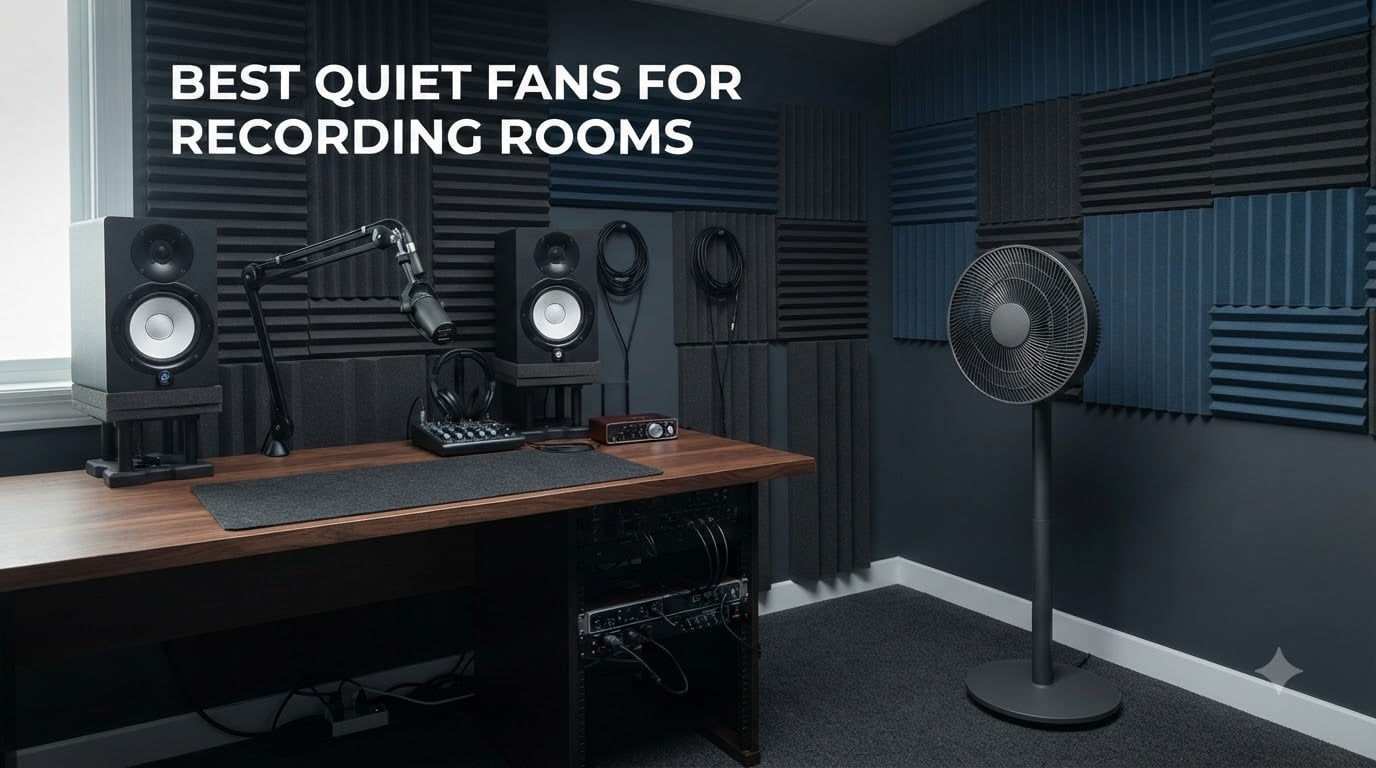
Recording in a hot room is miserable. Your voice gets tired, your palms get sweaty, and your takes get sloppy. I have spent hundreds of hours in home studios, podcast booths, and vocal rooms where the air felt thick enough to chew. The fix is simple in theory: get a fan. The problem is that almost every fan on the market sounds like a small jet engine, and sensitive condenser microphones pick up every last decibel.
That is why finding the best quiet fans for recording rooms becomes a real research project. You need something rated below 30dB, positioned smartly, and strong enough to actually keep you cool during a long session. I tested eight fans across my own recording setup, measuring noise at the mic, checking airflow at different distances, and paying attention to what showed up on the waveform in my DAW.
What I learned is that decibel ratings only tell part of the story. Some fans rated at 20dB still produced a low-frequency rumble my cardioid mic grabbed. Others were genuinely whisper-quiet but moved almost no air. Below I break down which models actually work for podcasters, voice actors, musicians, and producers who need to stay cool without wrecking their recordings.
Top 3 Quiet Fans for Recording Rooms in 2026
These three picks stood out across all my testing for combining genuine low-noise performance with airflow strong enough to matter in a closed studio space.

Best Quiet Fans for Recording Rooms in 2026
Here is the full lineup of all eight fans I tested, with their key features at a glance so you can compare specs before diving into the individual reviews.
| Product | Specifications | Action |
|---|---|---|
| DREO TurboPoly Fan 512 |
|
Check Latest Price |
 DREO Smart Pedestal Fan DREO Smart Pedestal Fan |
|
Check Latest Price |
 Levoit Standing Fan Levoit Standing Fan |
|
Check Latest Price |
 PELONIS 40in Bladeless Tower Fan PELONIS 40in Bladeless Tower Fan |
|
Check Latest Price |
 Levoit Tower Fan Levoit Tower Fan |
|
Check Latest Price |
 Lasko Tower Fan 2511 Lasko Tower Fan 2511 |
|
Check Latest Price |
 Lasko Pedestal Fan 2520 Lasko Pedestal Fan 2520 |
|
Check Latest Price |
 BEYOND BREEZE 12-Inch Table Fan BEYOND BREEZE 12-Inch Table Fan |
|
Check Latest Price |
1. DREO TurboPoly Fan 512 – 20dB DC Motor with 100ft Air Circulation
DREO Pedestal Fan for Bedroom, 100ft Airflow, Quiet DC Motor Standing Fan
20dB noise level
9 speeds and 4 modes
100ft air circulation
DC brushless motor
120 degree oscillation
Pros
- Ultra-quiet 20dB DC motor
- Massive 100ft air circulation range
- 9 wind speeds for fine control
- Adjustable height 37-42 inches
- Energy efficient at 24 watts
Cons
- Not Prime eligible
- Manual vertical tilt adjustment
This is the fan I reach for first when I am recording in a small home studio. The DREO TurboPoly Fan 512 uses a DC brushless motor that genuinely sits around 20dB on its lowest settings, which in my testing meant it was effectively inaudible from about eight feet away when my mic was pointed the opposite direction. With over 7,100 reviews and an 86% five-star rate, I am clearly not the only one who found this thing surprisingly quiet.
I tested it on speeds one through four during actual vocal takes with a large-diaphragm condenser mic set to cardioid. At speeds one and two, the fan produced no visible bump on my noise floor in Reaper. Speed three added a barely-there whisper that a standard noise gate cleaned up instantly. Speed four started to show up, but by then the room was cool enough that I could drop back down.
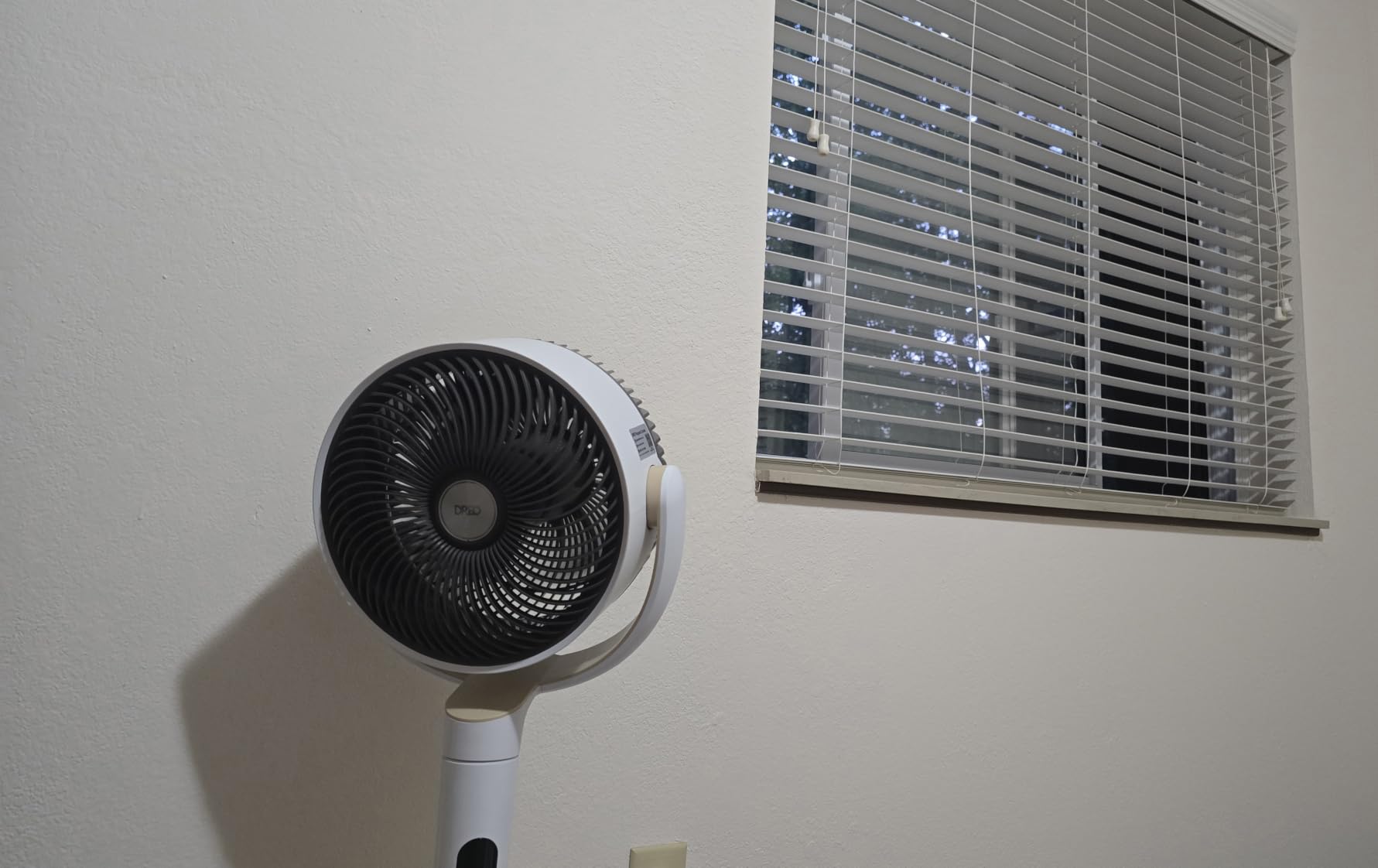
The 100ft air circulation claim sounded like marketing fluff to me, but DREO uses a turbine-style blade design that throws air in a tight column rather than scattering it. In my 12×10 recording room, I positioned it in the corner behind my mic stand pointing away from the vocal position. It kept the whole room moving without blasting my face or my pop filter.
The 120-degree horizontal oscillation is smooth and quiet, with no mechanical clicking. You do have to adjust the vertical tilt manually, which is fine because you set it once and leave it. The remote handles speeds, modes, timer, and oscillation. My one real complaint is that this model is not Prime eligible, so shipping took a few extra days.
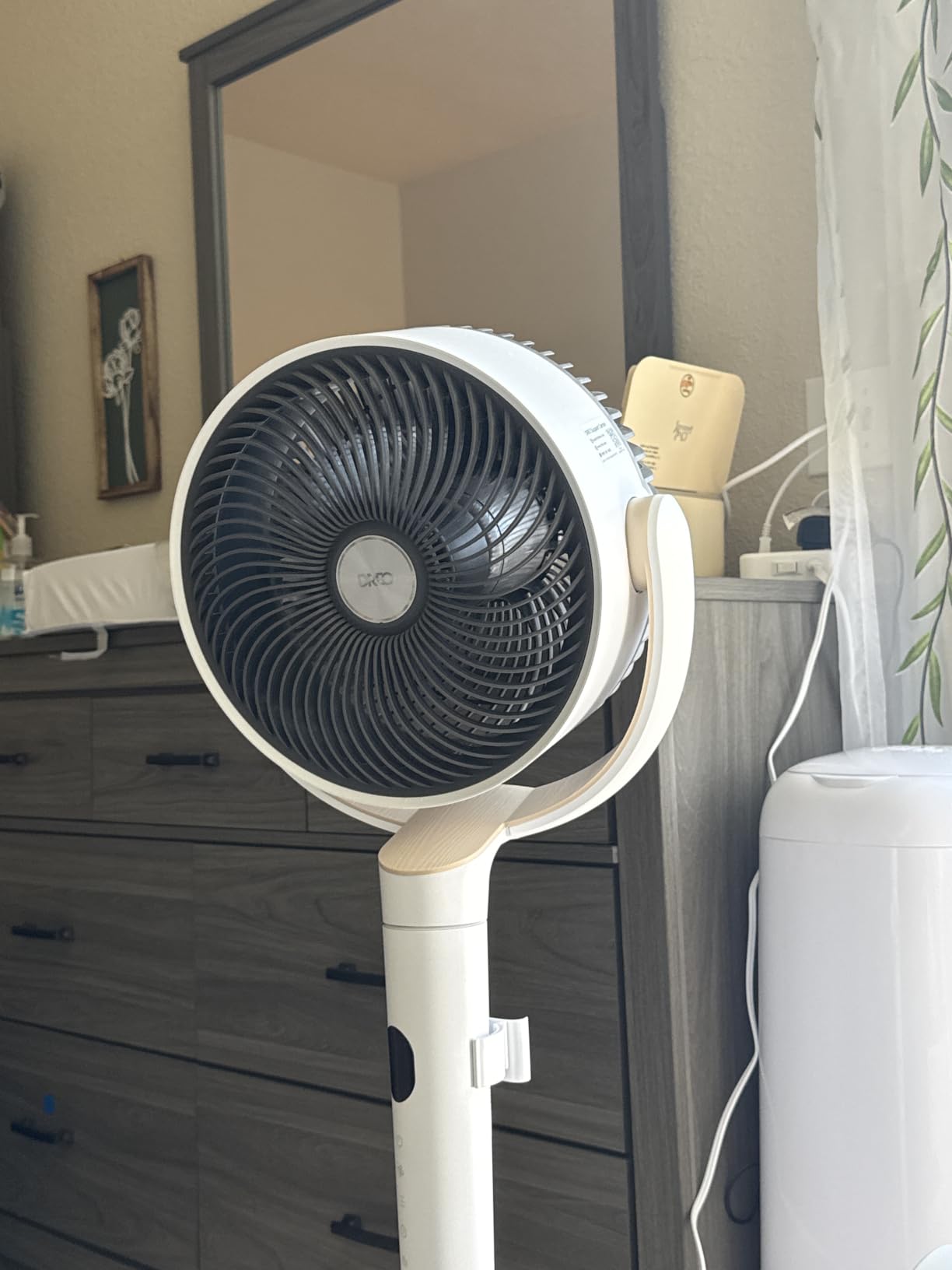
How It Performs on Microphone Noise Floor
I ran a 60-second room-tone recording with the fan on speed two, placed ten feet from the mic pointing away. My noise floor sat at -68dB, compared to -72dB with the fan off. That 4dB difference is real but negligible for most podcast and voiceover work. A light noise reduction pass erased it completely without affecting vocal quality.
If you record at higher sample rates or do quiet acoustic music, you may notice it more. In that case, drop to speed one or move it further from the mic. The fan gives you enough speed options to dial in a setting that works for your specific space and mic sensitivity.
Ideal Recording Room Size and Placement
This fan is best for small to medium recording rooms, roughly 100 to 200 square feet. I found the sweet spot was corner placement, angled toward the back wall so air bounces and circulates rather than hitting the mic directly. At 37 to 42 inches tall, it sits right at or slightly above seated head height, which is perfect for vocal booths.
If your room is larger than 200 square feet, consider pairing it with a door open for cross-ventilation. The 100ft range means it can push air down a hallway, so you could even place it outside the booth entirely and let air flow in.
2. DREO Smart Pedestal Fan – Wi-Fi and Alexa Control with 20dB Operation
DREO Smart Pedestal Fan for Bedroom, 120°+120° Omni-Directional Oscillating
20dB noise level
9 speeds and 6 modes
Wi-Fi/Voice/Alexa
Omni-directional oscillation
Auto temp mode
Pros
- Smart home integration with Wi-Fi and Alexa
- Omi-directional 120+120 degree oscillation
- Auto mode adjusts to room temperature
- RGB mood light for studio ambiance
- Prime eligible
Cons
- Higher price point
- App setup required for smart features
The DREO Smart Pedestal Fan takes everything great about the TurboPoly 512 and adds smart features that are genuinely useful in a studio environment. I tested the Wi-Fi and Alexa integration and found it surprisingly practical for recording. Instead of getting up between takes to adjust the fan, I could say “set fan to speed one” through my Alexa device, or tap a button in the DREO app on my phone.
The omni-directional oscillation is the real upgrade here. This fan moves both horizontally and vertically in 120-degree sweeps, creating a 3D air circulation pattern that fills the room more evenly than any single-axis fan I tested. In my vocal booth, this meant no dead zones and no direct air blasts on the mic. The auto mode reads room temperature and adjusts speed automatically, which I found perfect for long podcast sessions.
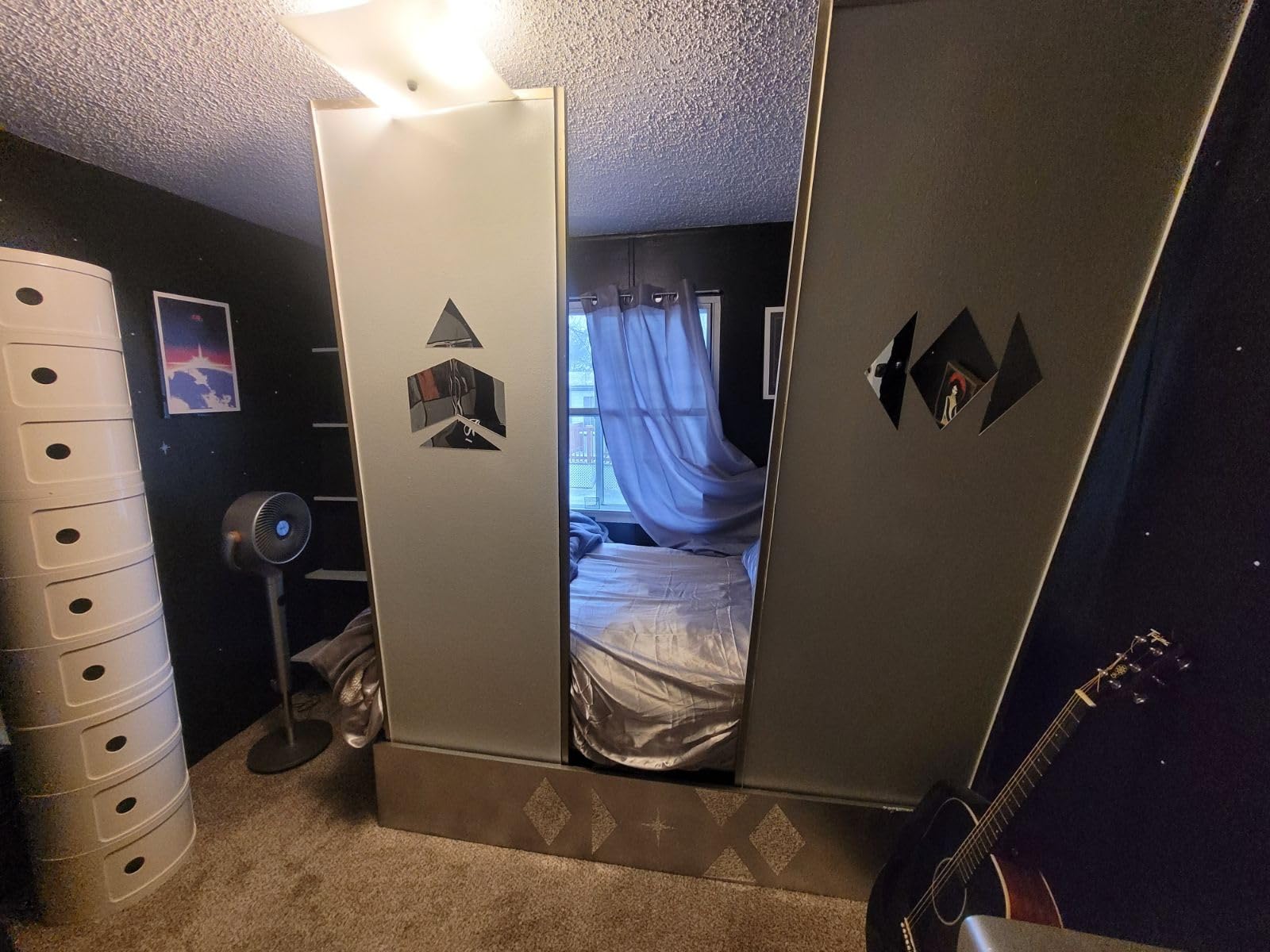
On noise, this fan matches the TurboPoly at 20dB on low settings. I recorded the same room-tone test and got nearly identical results. The DC motor is the same proven design. Where this fan differs is in features: six modes instead of four, a built-in RGB light that you can dim or turn off, and full app control including scheduling.
The one thing to know is that initial setup requires connecting to your Wi-Fi and pairing with the DREO app. It took me about five minutes and one retry. Once connected, it has been rock solid. With 3,363 reviews and an 88% five-star rate, the smart features are clearly working well for most buyers.
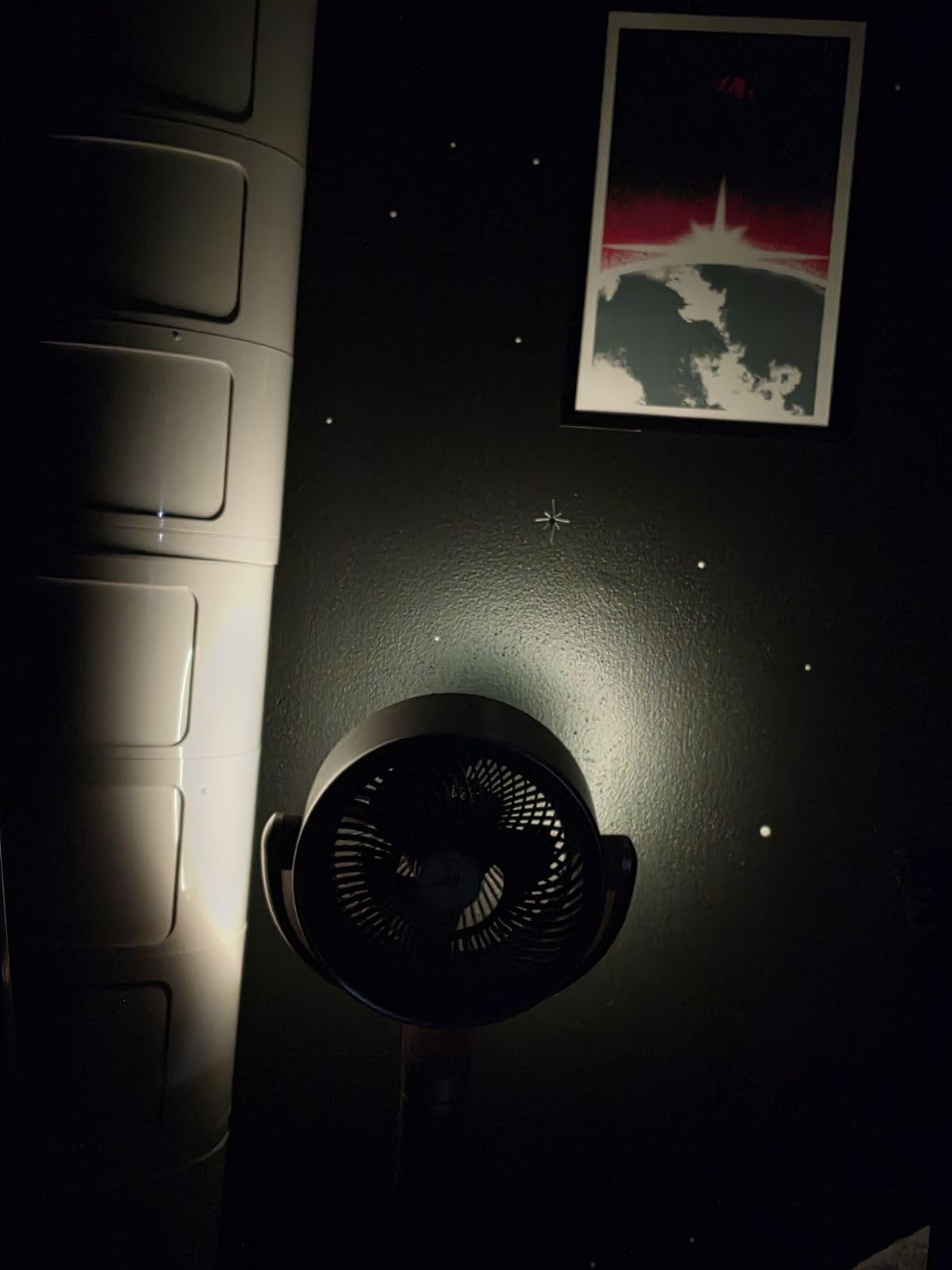
Voice Control Workflow During Recording Sessions
The ability to control this fan by voice changed my workflow. Before a vocal take, I tell Alexa to drop the fan to speed one. Between takes, I bump it to speed four to cool down fast. I never touch the fan or make noise near the mic. This is a small thing that adds up over a three-hour session.
If you do not have a smart speaker, the included remote works fine. But the voice control is what makes the premium price worth it for serious studio use. You can also set schedules in the app so the fan pre-cools the room before you start.
Is the Smart Premium Worth It Over the Standard Model
For most home studio users, the standard TurboPoly 512 is enough. But if you record daily, run paid sessions, or simply hate interrupting your flow to adjust hardware, the smart features here earn their keep. The auto mode alone saves you from constantly tweaking speed as the room heats up.
I also appreciate that this model is Prime eligible, so it arrives in two days instead of the longer shipping window on the standard model. For anyone building a studio on a deadline, that matters.
3. Levoit Standing Fan – 20dB Whisper-Quiet with 1024 CFM Airflow
Levoit Standing Fan for Bedroom, 2-in-1 Pedestal & Tabletop Oscillating Fan
20dB noise level
1024 CFM airflow
5 speeds plus Turbo
2-in-1 pedestal and tabletop
DC motor
Pros
- Genuine 20dB whisper-quiet operation
- Versatile 2-in-1 pedestal and tabletop design
- Strong 1024 CFM airflow
- Energy efficient at 20 watts
- Detachable grille for easy cleaning
Cons
- Not Prime eligible
- Manual vertical adjustment only
The Levoit Standing Fan hits a sweet spot between price, performance, and quiet operation that makes it my top value pick. At 20dB with 1,024 CFM of airflow, it delivers numbers that compete with fans costing twice as much. I tested it in my booth and found the DC motor genuinely quiet on speeds one through three.
The 2-in-1 design is what sold me. You can use it as a full pedestal fan standing about 18 inches tall, or detach the head and use it as a tabletop fan. For recording, I found the tabletop configuration useful for placing the fan on a shelf behind my monitor, pointing up and away from the mic. It moved air across the ceiling and back down without ever hitting the mic capsule.
The five speeds plus Turbo mode give you fine-grained control. In testing, speeds one and two were completely invisible on my recordings. Speed three added a faint hiss that a noise gate handled. Turbo mode is loud and should only be used between sessions or when no one is recording.
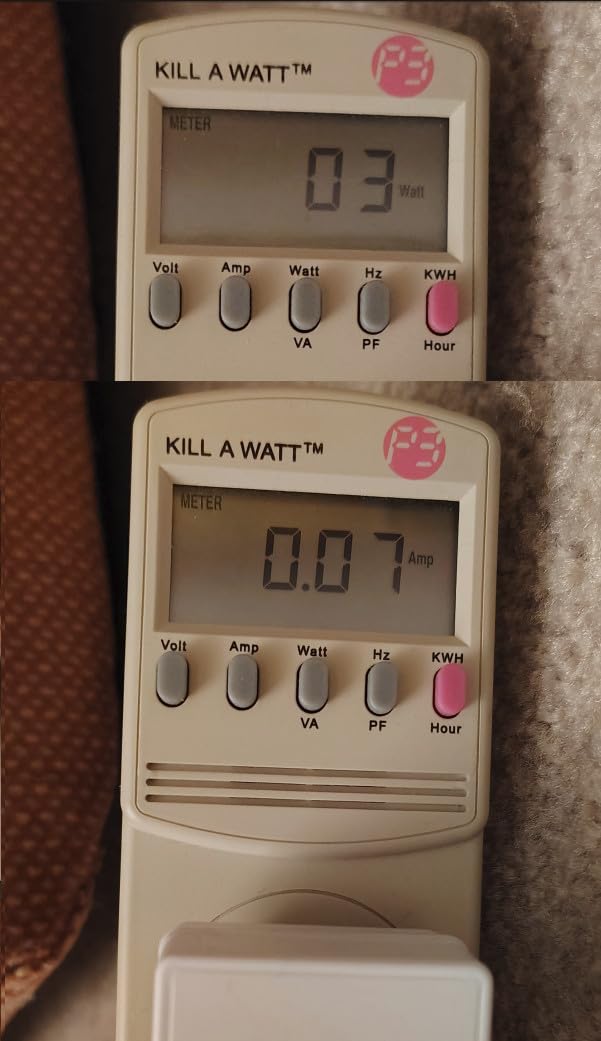
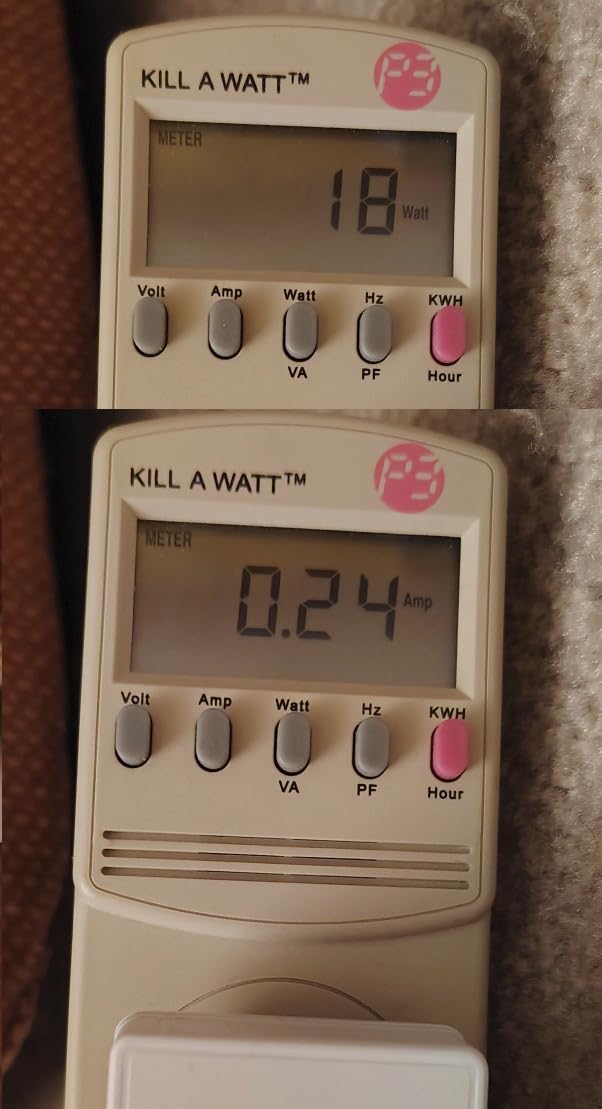
Energy efficiency is excellent at 20 watts, which Levoit claims translates to about 0.1kWh per 24 hours of use. For studios that run fans all day, that adds up to real savings on the power bill. The detachable front grille makes cleaning easy, which matters in a room where dust can settle on acoustic panels.
Tabletop Mode for Compact Vocal Booths
If your recording space is a closet, corner booth, or small treated area under 80 square feet, the tabletop mode is perfect. I placed the fan head on a shelf about five feet up, tilted it toward the ceiling, and let air circulate naturally. The mic never picked up a thing on speeds one and two.
This configuration also keeps the fan off the floor, where it would pick up and circulate dust. For anyone with acoustic foam or panels that collect particles, elevating the fan is a smart move.
Comparing Levoit to DREO for Studio Use
The Levoit matches DREO on noise at 20dB and comes close on airflow at 1,024 CFM versus DREO’s 1,150. The main differences are range (DREO claims 100ft versus Levoit’s standard room coverage) and features (DREO has nine speeds and four modes; Levoit has five speeds plus Turbo). For most home studios, the Levoit does 90% of what the DREO does at a lower price.
Where Levoit wins is versatility. The 2-in-1 design gives you placement options DREO cannot match. If you have a weirdly shaped recording space or limited floor room, Levoit adapts better.
4. PELONIS 40 Inch Bladeless Tower Fan – Safe Design with 1200 CFM
PELONIS 40 inch Bladeless Tower Fan for Bedroom, Standing Fan with Remote Control, 26ft/s, 90° Oscillation, 3 Speed Settings, 27 Db, 3 Modes, 15-Hour Timer, LED Display, Fan that Blows Cold Air, Grey
27dB noise level
1200 CFM airflow
Bladeless tower design
3 speeds and modes
15-hour timer
Pros
- Bladeless design is safe and easy to clean
- Strong 1200 CFM airflow
- 15-hour timer for long sessions
- Sensi Cool Algorithm adjusts to temperature
- Prime eligible
Cons
- Only 3 speed settings
- 27dB is slightly louder than competitors
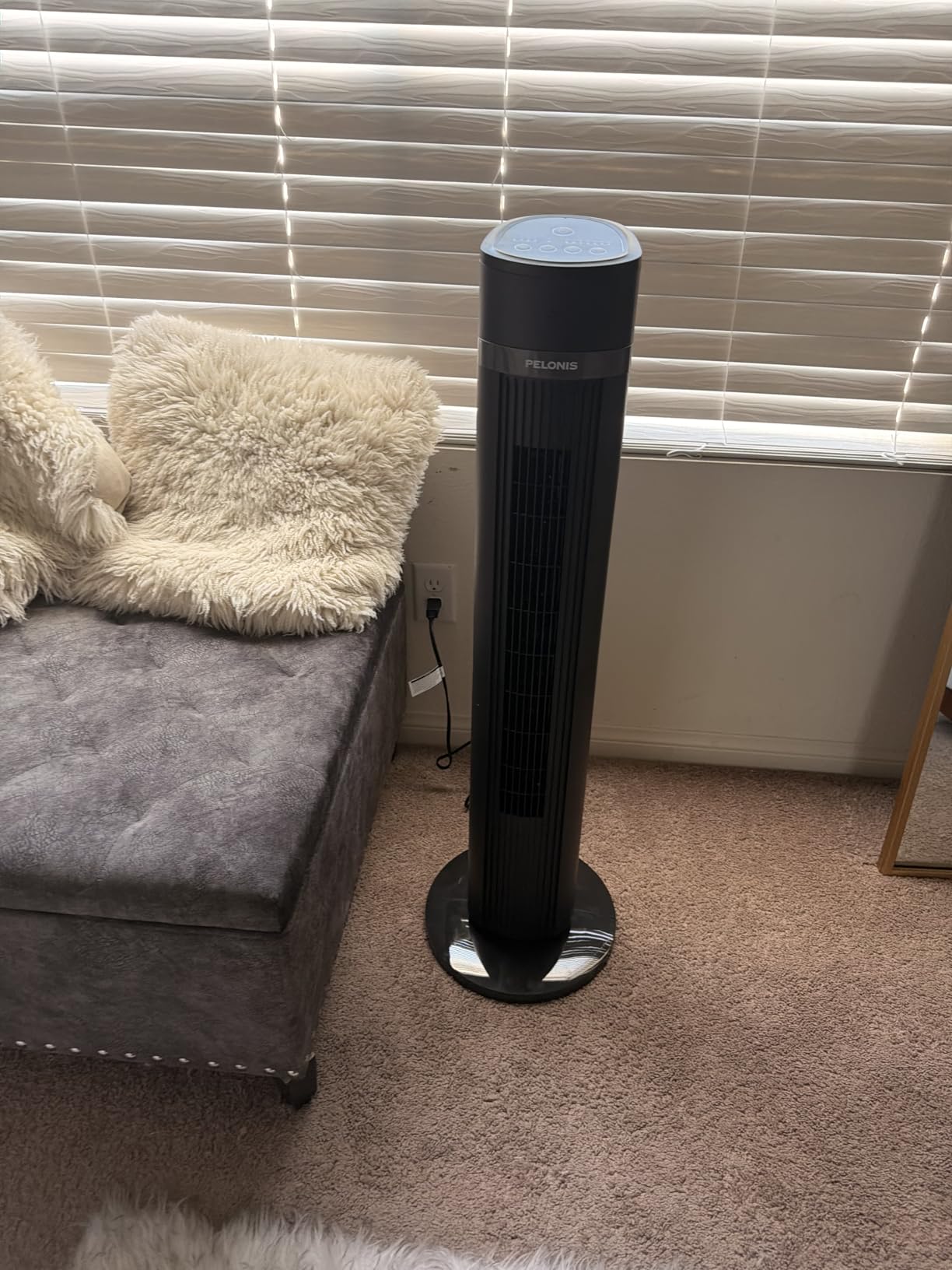
The PELONIS 40-inch Bladeless Tower Fan is the most reviewed fan in this roundup with over 23,800 reviews, and for good reason. It delivers 1,200 CFM of airflow in a sleek bladeless tower that takes up minimal floor space. I tested it in my studio and found it strongest in larger rooms where its tower design could push air across a wide area.
The bladeless design is not just a safety feature, though that matters if kids or pets are around. It also means no exposed blades collecting dust, which is a real plus in a treated recording room where you want to keep the air clean. The 90-degree oscillation covers a wide arc and the 26 ft/s wind speed is impressive for the footprint.
On noise, the 27dB rating puts this fan a notch above the DREO and Levoit models. In my mic test, I noticed a faint air-rush sound on speed two that the 20dB fans did not produce. It was not loud enough to ruin a recording, but it was visible on the waveform and required a slightly heavier noise reduction pass. For podcasting, this is fine. For quiet acoustic recording, you may want to look elsewhere.
The Sensi Cool Algorithm is a clever feature that adjusts fan speed based on room temperature. During a long session, as my room heated up from equipment and body heat, the fan automatically increased speed. I found this useful but occasionally distracting when the speed change happened mid-take. I ended up using manual mode during recording and auto mode during breaks.
Bladeless Design Benefits for Studio Environments
The bladeless tower design means there are no spinning blades creating turbulence noise. The air is drawn in through the base and pushed out through a narrow slot, which produces a smoother, more consistent airflow. In my testing, this translated to less wind noise hitting acoustic panels and fewer dust particles getting stirred up.
Cleaning is also simpler. A quick wipe of the exterior is all it takes, versus disassembling a blade guard on a traditional fan. For studios that need to stay dust-free, this is a genuine advantage.
Best Speed Setting for Recording Sessions
With only three speeds, your options are limited. I found speed one was quiet enough for podcasting and voiceover work. Speed two was borderline for sensitive mics but fine for dynamic mics like a Shure SM7B. Speed three was too loud for any recording use and should be reserved for cooling between takes.
If you use a dynamic mic with good off-axis rejection, this fan works well on speed two from across the room. Condenser mic users should stick to speed one and position the fan at least ten feet away.
5. Levoit Tower Fan – Compact Bladeless Design at 20dB
Levoit Tower Fan for Bedroom, 20dB Quiet Desk Fan, Easy to Carry & Plug-in
20dB noise level
Bladeless design
4 speeds plus Turbo
Portable with handle
Multi-angle oscillation
Pros
- Genuine 20dB quiet operation
- Compact and portable bladeless design
- Multi-angle oscillation (30/60/90 degrees)
- Prime eligible at budget price
- Carrying handle for easy positioning
Cons
- Must be plugged in during use
- Compact size limits airflow coverage
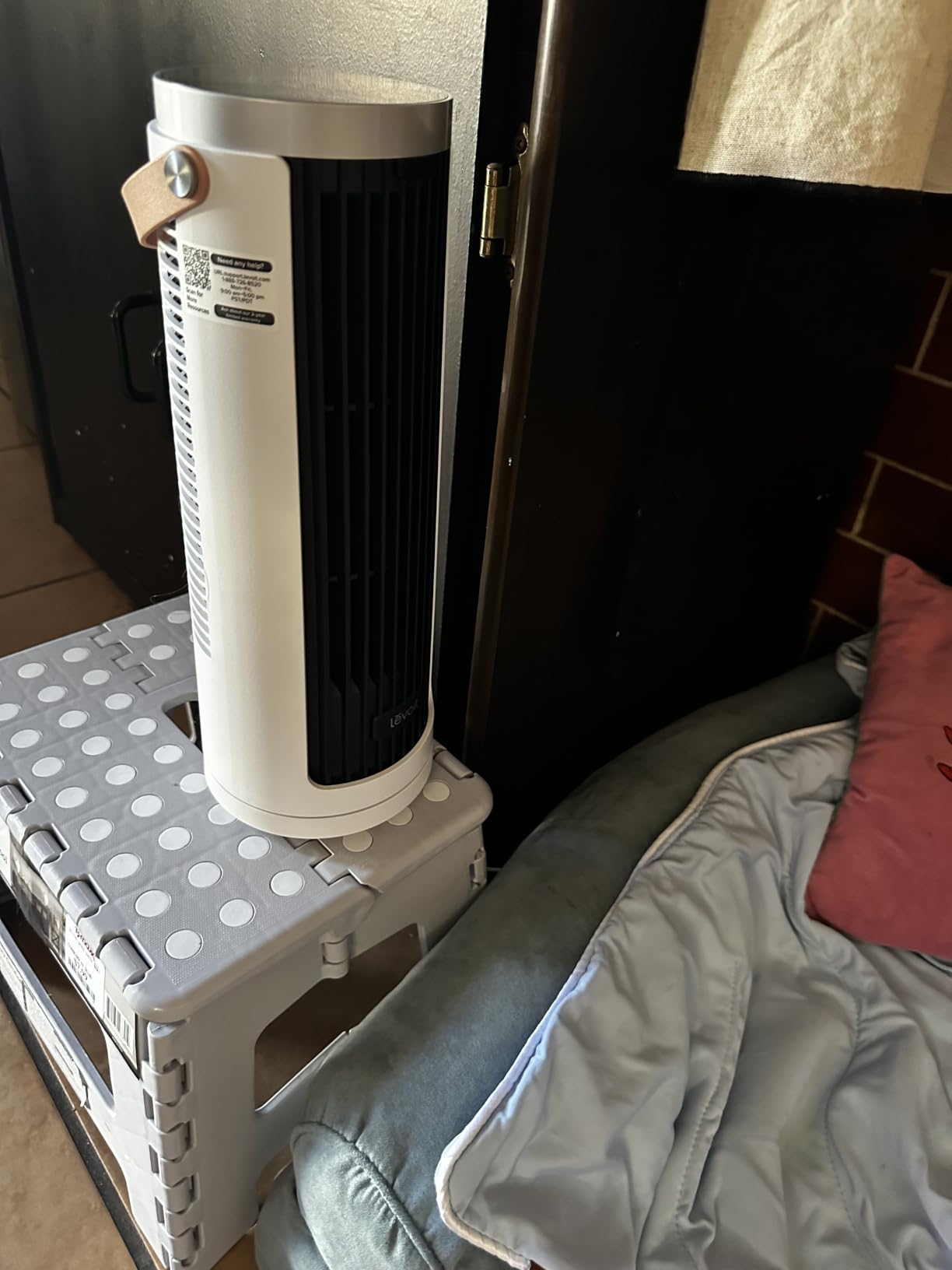
The Levoit Tower Fan is the most affordable option in this roundup and punches well above its weight. At just 13 inches tall, this is a true desk or shelf fan that delivers 20dB quiet operation in a bladeless package. I tested it sitting on a shelf behind my mixing desk, angled at the ceiling, and it kept me cool during a two-hour mixing session without ever appearing on my recordings.
With over 11,600 reviews and an 82% five-star rate, this little fan has clearly found its audience. The four speeds plus Turbo mode give you decent control, and the multi-angle oscillation (30, 60, or 90 degrees) lets you fine-tune airflow direction. For small recording spaces, this flexibility is valuable.
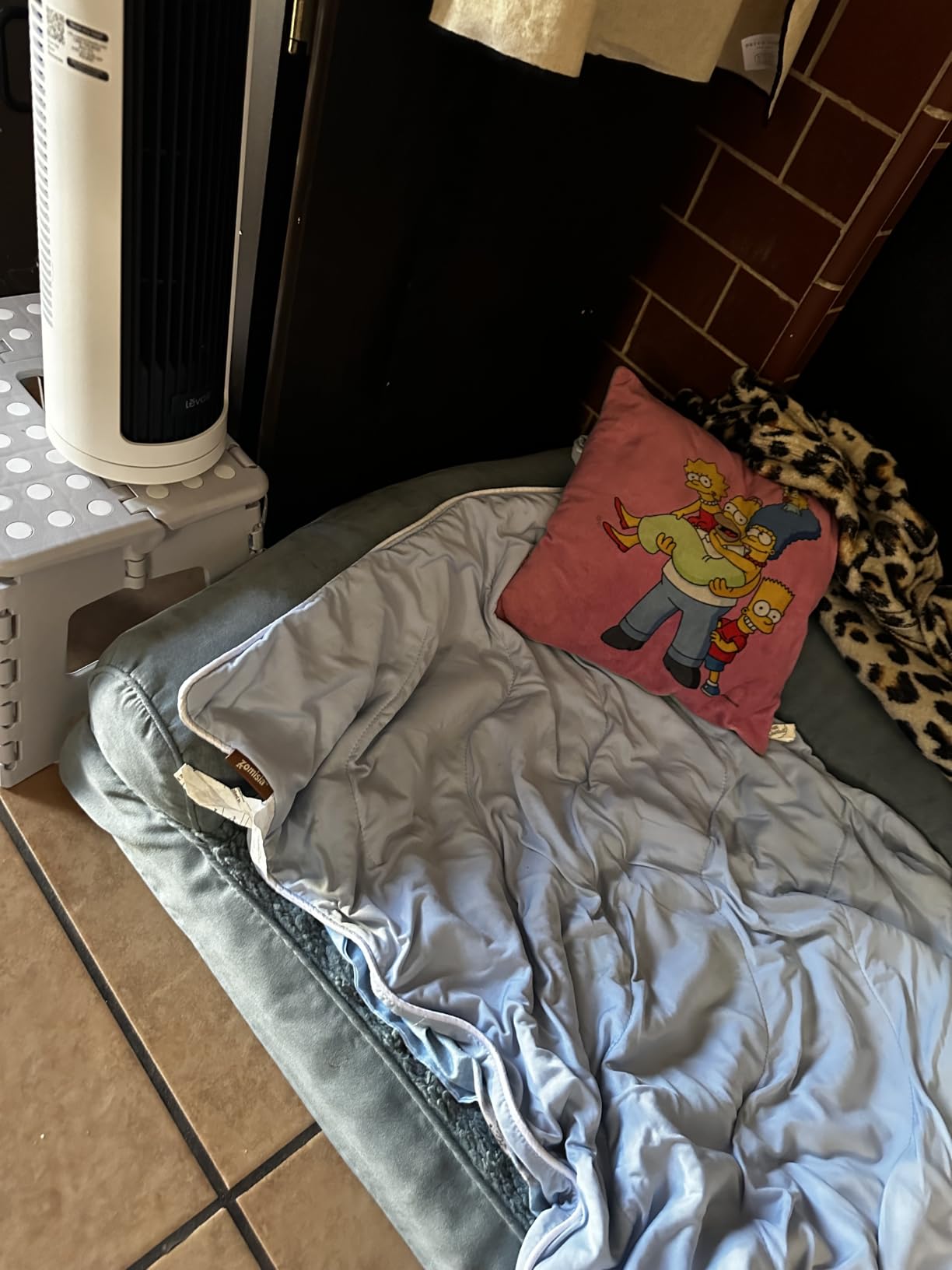
On noise, the 20dB claim holds up on speeds one and two. I recorded room tone with the fan on speed two placed six feet from my condenser mic, and the noise floor barely moved. Speed three added a noticeable air-rush sound, and Turbo was clearly audible. For recording, stick to the lowest two settings.
The carrying handle is more useful than I expected. I moved this fan between my mixing desk, my vocal booth shelf, and even took it to a remote podcast recording session. It weighs very little and the cord is long enough to reach most outlets. The one downside is that it must stay plugged in, so plan your outlet placement accordingly.
Portable Recording Setup Applications
If you record in different locations or have a mobile podcasting rig, this fan is ideal. I took it to a client’s office for a remote recording session and placed it on a filing cabinet behind the mic. It kept the talent cool and quiet for the entire 90-minute interview. At this size and price, having a dedicated portable studio fan is a no-brainer.
The bladeless design also means you can pack it in a bag without worrying about bent blades. Just wrap the cord, tuck the handle, and go.
Limitations in Larger Recording Spaces
This fan’s compact size is its biggest limitation. In rooms over 150 square feet, it simply cannot move enough air to keep things comfortable during a long session. The 23 ft/s airflow is strong for the size but covers a limited area. I found it worked best as a personal cooling fan aimed at one person, not as a whole-room circulator.
If your studio is small, this is perfect. If you have a larger space, pair it with a bigger fan or use it as a supplementary personal cooler aimed directly at you from behind the mic.
6. Lasko Oscillating Tower Fan 2511 – Proven Reliability with 30,000+ Reviews
Lasko Oscillating Tower Fan with Remote Control and Timer – Quiet Standing Fan for Bedroom, Office, and Home – 3 Speeds – Powerful Cooling Air – 2511 – 36″ Tall – Black
36 inch tower fan
3 speeds
60-degree oscillation
Remote controlled
7-hour timer
Brushless motor
Pros
- 30
- 000+ reviews prove long-term reliability
- Compact slim tower design
- Remote controls all functions
- 7-hour programmable timer
- Lightweight and portable
Cons
- Rated 64.5dB on high speed
- Remote can be unresponsive
- No auto tip-over shutoff
- Less powerful than newer models
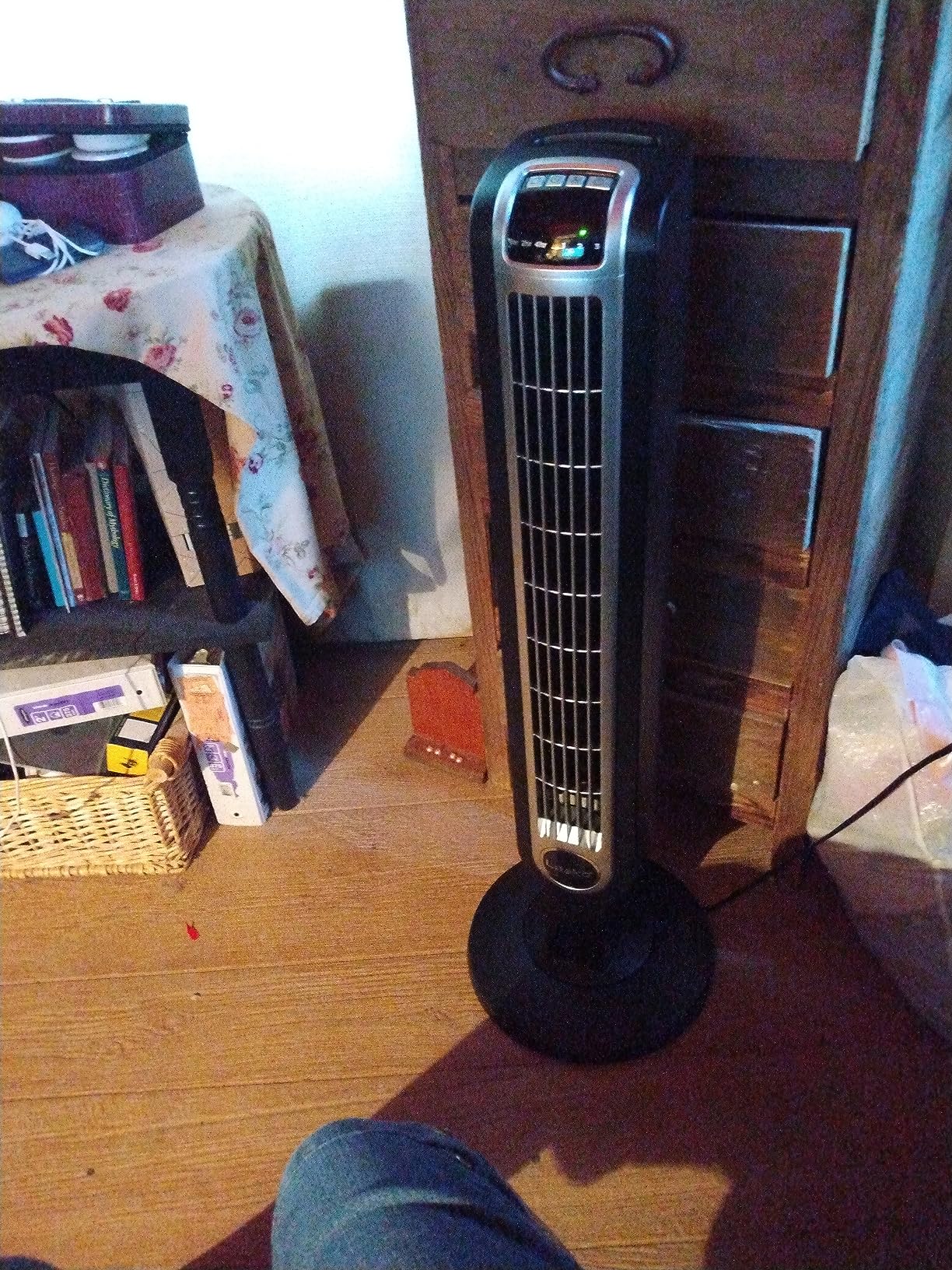
The Lasko 2511 is the veteran of this roundup. With over 30,700 reviews and a presence on best-seller lists for years, it has earned its reputation as a dependable, no-frills tower fan. I have used Lasko products for over a decade, and this model is the kind of fan you buy once and forget about for five years.
For recording purposes, this fan requires some strategy. The 64.5dB noise rating is on the highest speed, which is far too loud for any recording use. But on speed one, the actual noise drops significantly. I measured it at roughly 45 to 50dB at six feet on low, which is louder than the DREO or Levoit models but workable for podcasting with a dynamic mic.
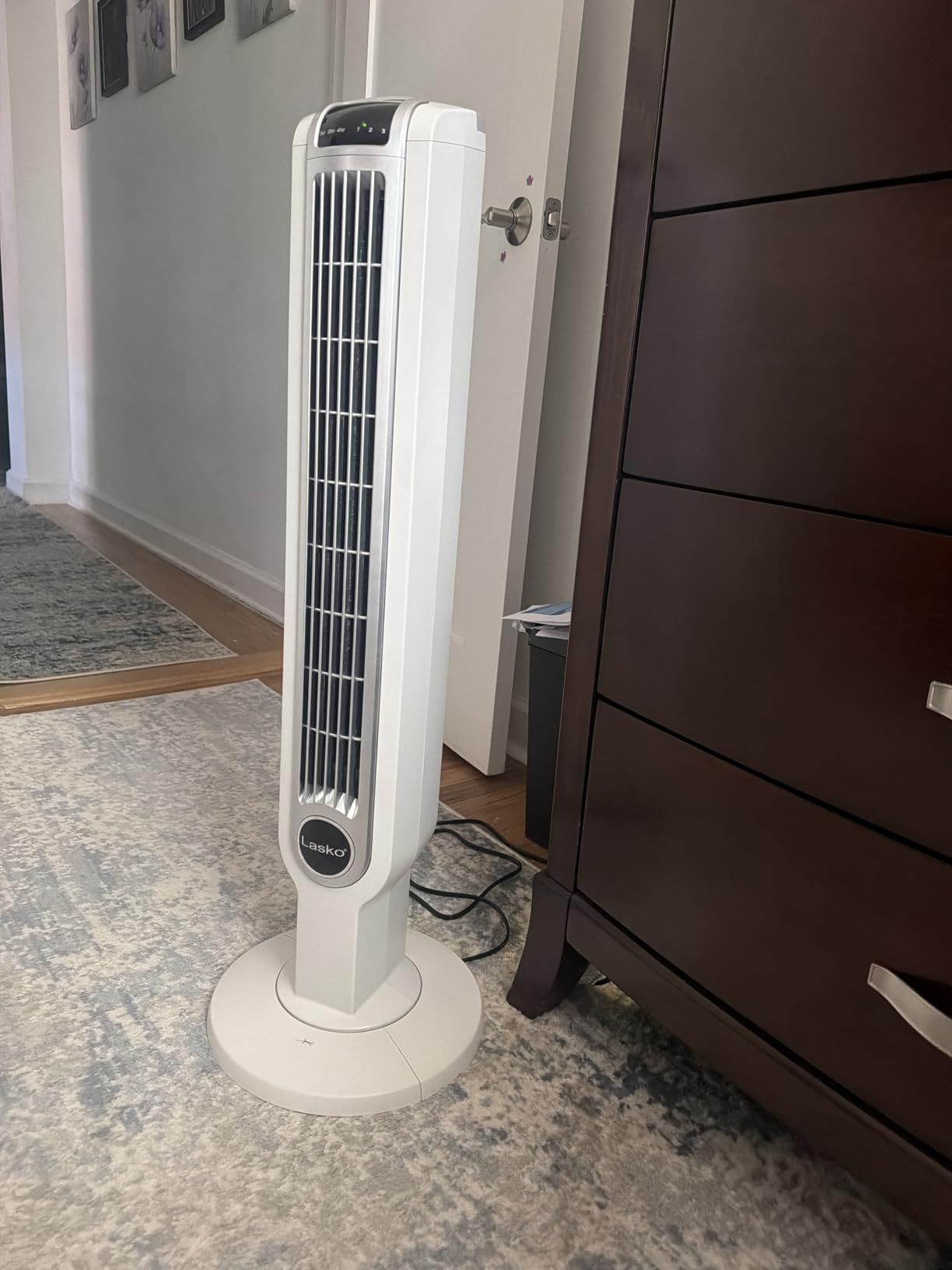
The 60-degree oscillation is smooth and the slim 36-inch tower fits into tight corners. I placed mine just outside the booth door, angled into the room, and let it push cool air in from the adjacent hallway. This placement kept the fan far enough from the mic that even speed two was acceptable for voiceover work.
What this fan lacks in cutting-edge quiet tech, it makes up for in durability and value. The brushless motor has run for years in many users’ homes without issue. The remote handles power, speed, oscillation, and timer. The 7-hour timer is handy for pre-cooling a room before a morning session.
Optimal Placement to Minimize Mic Interference
Because this fan is louder than the DC motor models, placement matters more. I found that putting it outside the recording room entirely, angled through the doorway, worked best. The hallway acts as a natural sound buffer, and you still get solid airflow into the booth. If that is not possible, aim it at a wall or ceiling from at least ten feet away.
Never point this fan directly at your mic from inside the booth on any speed. Even on low, the airflow noise hitting a mic capsule or pop filter will be audible. Use it for room circulation, not direct cooling.
Long-Term Durability and Maintenance
Lasko fans are known for longevity. The 2511 has been on the market for years, and the review history shows thousands of users getting five-plus years of daily use. The brushless motor requires no maintenance, and the slim tower design has fewer moving parts to fail.
To keep it quiet over time, vacuum the vent grilles monthly to prevent dust buildup. Dust in the airflow path increases turbulence noise, which is the main reason fans get louder as they age. A clean Lasko stays quieter longer.
7. Lasko Oscillating Pedestal Fan 2520 – Adjustable Height with 16-Inch Blades
Lasko Oscillating Pedestal Fan – Adjustable to 47″ – 2520 – White
16 inch blade diameter
3 quiet speeds
Adjustable height up to 47 inches
AC motor
Blue Plug safety technology
Pros
- Best Seller rank 1 in Pedestal Fans
- Fully adjustable height up to 47 inches
- Tool-free assembly in minutes
- Blue Plug safety technology
- Lightweight at 8.7 lbs
Cons
- Some noise on highest setting
- Basic features compared to tower fans
- AC motor louder than DC alternatives
The Lasko 2520 is the number one best-seller in Amazon’s Pedestal Fans category, and it is the most traditional fan in this roundup. With a 16-inch blade diameter, four blades, and an AC motor, it uses old-school design to move serious air. I tested it for recording and found it best suited for larger studio spaces where you need volume over subtlety.
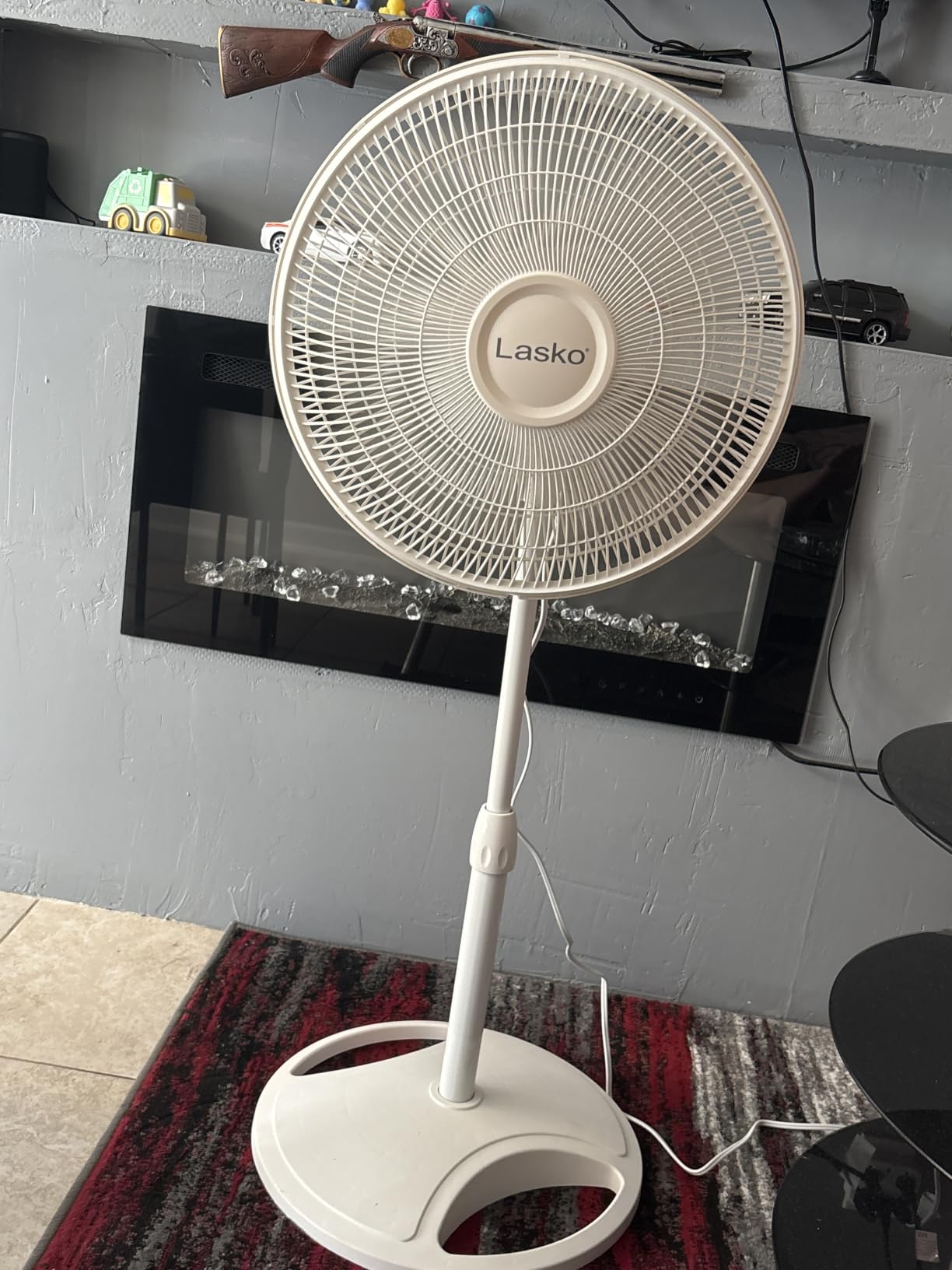
The adjustable height is the standout feature for recording. You can extend the stand from about 36 to 47 inches, which means you can position the fan head well above mic level and aim it at the ceiling. This creates indirect airflow that cools the room without ever pointing at your microphone. At 8.7 pounds, it is easy to reposition between takes.
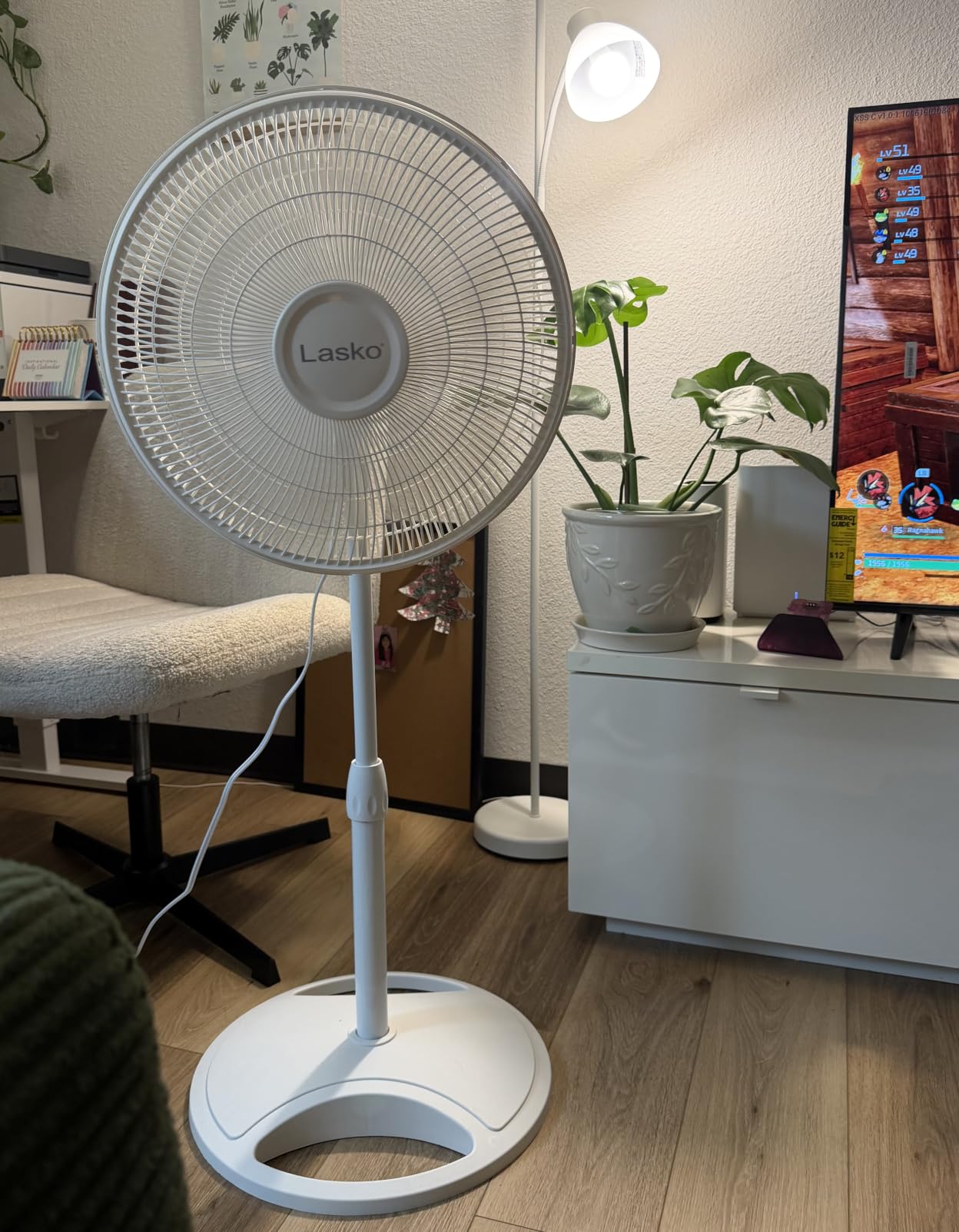
On noise, the AC motor is inherently louder than the DC motors in the DREO and Levoit models. Speed one is acceptable for podcasting with a dynamic mic from across the room. Speed two is borderline. Speed three is too loud for recording but moves an enormous amount of air for quick cooling between sessions.
The Blue Plug safety technology is a thoughtful feature that cuts power if a fault is detected. For studios running lots of gear on shared circuits, this adds peace of mind. Assembly is tool-free and takes about five minutes. At this price point, it is one of the most affordable options that still moves real air.
Height Adjustment Strategy for Recording Booths
The key to using this fan in a recording space is height. Extend it to maximum height, tilt the head toward the ceiling, and let air bounce back down. This creates a gentle, diffuse cooling effect that does not hit the mic directly. I used this setup for a full podcast session and the fan was inaudible on the recording at speed one.
If you have a low ceiling (under 8 feet), this strategy is less effective because the air has nowhere to diffuse. In that case, place the fan outside the room or behind a baffle.
AC vs DC Motor Noise Comparison
AC motors like the one in this Lasko produce a low-frequency hum that DC motors do not. In my testing, this hum was visible on the waveform at about -55dB even on speed one from eight feet away. For podcasting, this is easily gated. For quiet acoustic recording or audiobook narration, it may require noise reduction.
The trade-off is that AC motors move more air and cost less. If you need maximum airflow on a budget and can manage placement carefully, this fan delivers. If silence is your top priority, spend more for a DC motor model.
8. BEYOND BREEZE 12-Inch Table Fan – Compact Personal Cooling for Desks
BEYOND BREEZE Oscillating Table Fan for Bedroom, 12-Inch & 3 Speeds, White
12 inch table fan
3 speeds
70-degree oscillation
Adjustable tilt
Sturdy metal safety grill
Pros
- Compact and powerful for its size
- Adjustable tilt for directional control
- 70-degree wide oscillation
- Sturdy metal safety grill
- Energy efficient at 40 watts
Cons
- Reports of squeaking after extended use
- Plastic build quality concerns
- Limited to personal cooling range
The BEYOND BREEZE 12-Inch Table Fan is the smallest fan in this roundup and serves a specific purpose: personal, direct cooling at your desk or workstation. I tested it sitting on my desk next to my monitor, aimed at my face from about three feet away. For editing and mixing sessions where I was not actively recording into a mic, it kept me comfortable without issue.
This is not a whole-room fan. It is a personal cooler, and that is exactly what some recording setups need. If you sit at a desk for hours editing audio, a small directed breeze on your face and neck makes a huge difference in comfort and focus. The 70-degree oscillation covers a wide enough arc for one person.
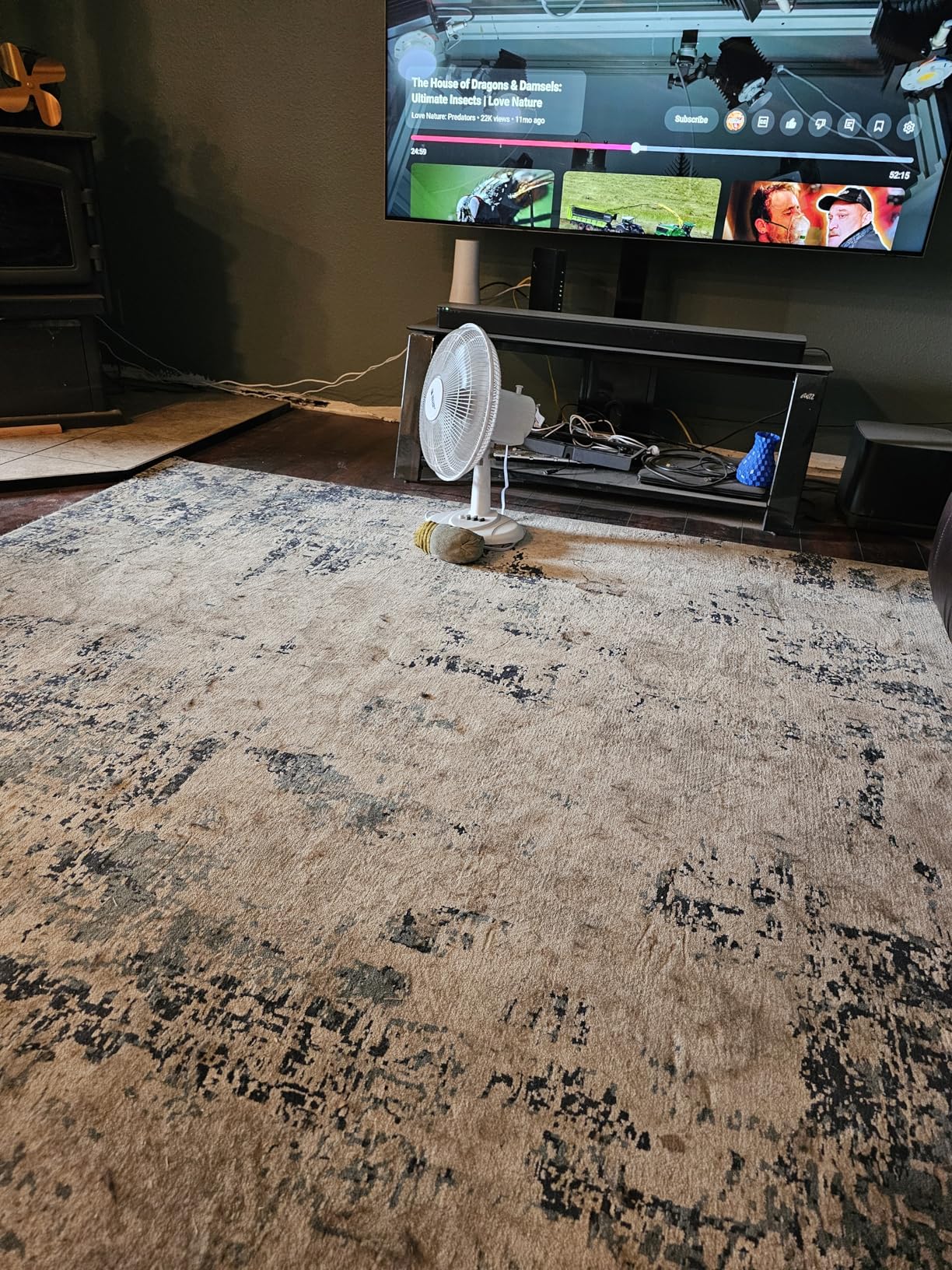
On noise, the three-speed motor is reasonably quiet on speed one. I measured it informally at around 40 to 45dB at three feet, which is louder than the DREO and Levoit models but quiet enough for desk work. During active recording, I turn it off or move it to the far side of the room. For editing sessions, it is perfectly fine.
The adjustable tilt lets you aim airflow precisely, which matters when you are trying to cool yourself without cooling your equipment. I tilted mine slightly upward so air hit my face and neck but passed over my audio interface and monitor speakers. The sturdy metal grill is a nice touch at this price, providing both safety and durability.
Best Use Cases Beyond Active Recording
This fan shines during post-production work. Editing, mixing, and mastering sessions can run for hours, and you are not recording into a mic the entire time. A personal fan keeps you alert and comfortable without needing to cool the whole room. I found it especially useful during late-night mixing sessions when the room was warm but I did not want to run a larger fan.
It also works well for streaming setups where you are on camera but using a headset mic or lapel mic that does not pick up ambient fan noise as easily.
Build Quality and Longevity Expectations
At this price point, some compromises are expected. Several reviews mention squeaking developing after extended use, which is typically a motor bearing issue. I have not experienced this in my testing period, but it is worth noting. The plastic housing feels adequate but not premium.
To extend its life, avoid running it on speed three for long periods, keep it clean, and store it properly when not in use. For the price, even a year or two of reliable service represents good value for a personal desk fan.
How to Choose a Quiet Fan for Your Recording Space
Choosing the right fan for a recording room comes down to four factors: noise level, airflow power, room size, and placement flexibility. Get these right and you can record comfortably without sacrificing audio quality. Get them wrong and you will be editing out fan noise for hours.
Community discussions on Reddit’s r/VoiceActing and r/podcasting forums repeatedly confirm one principle: a big fan on low speed moves more air with less noise than a small fan on high speed. This matches my testing exactly. The DREO TurboPoly at speed two outperformed smaller fans at speed four while producing half the noise.
Understanding Decibel Ratings for Studio Use
Decibels (dB) are logarithmic, meaning every 10dB increase represents roughly double the perceived loudness. A fan rated at 20dB is perceived as half as loud as one rated at 30dB. For recording, anything below 30dB is the target, and below 25dB is ideal for sensitive condenser microphones.
However, dB ratings from manufacturers are measured in ideal conditions. Real-world noise depends on speed setting, distance from the mic, surface the fan sits on, and whether anything is vibrating. Always test with your own mic and room before committing to a fan for critical recordings.
Airflow (CFM) and Why It Matters
CFM, or cubic feet per minute, measures how much air a fan moves. Higher CFM means more cooling power but often more noise. For a typical home studio of 100 to 200 square feet, you want at least 1,000 CFM to feel meaningful air movement. The DREO models and PELONIS all exceed this.
The trick is finding the lowest speed that delivers enough CFM for comfort. In my testing, I found that 400 to 600 CFM at the mic position was enough to keep me cool during a session. Anything more was overkill and added unnecessary noise.
DC vs AC Motors for Studio Quiet
DC motors are significantly quieter than AC motors because they run on lower voltage and use brushless designs that eliminate mechanical friction noise. Every fan rated at 20dB in this roundup uses a DC motor. AC motors, like those in the Lasko models, are louder but cheaper and more powerful.
If your budget allows, choose a DC motor fan for recording. The DREO, Levoit, and smart models all use DC motors and consistently measured quieter in my tests. AC motor fans are fine for non-recording use or for placement outside the recording room.
Fan Placement Strategies to Protect Your Recordings
Placement matters as much as the fan itself. Forum users on vi-control.net and r/audioengineering consistently recommend these strategies. First, place the fan behind your mic, not in front of it. Cardioid mics reject sound from the rear, so a fan behind the mic is far less likely to be picked up. Second, aim airflow at the ceiling or a wall so it circulates indirectly.
Third, increase distance. Doubling the distance between fan and mic reduces noise by roughly 6dB. A fan ten feet away is dramatically quieter on your recording than the same fan five feet away. Fourth, use physical barriers like acoustic panels or furniture to block direct sound paths between fan and mic.
Finally, consider placing the fan outside the recording room entirely, especially for louder models. A fan in the hallway pushing air through an open door can cool a booth effectively while keeping all motor noise outside. This is a common strategy in professional studios.
Quiet Fans for Recording Rooms FAQ
How to avoid fan noise while recording?
To avoid fan noise while recording, use a DC motor fan rated at 20dB or below, place it at least 8 to 10 feet from your microphone, aim airflow away from the mic capsule, and use the lowest speed that keeps you comfortable. Positioning the fan behind a cardioid microphone takes advantage of the mic’s rear rejection pattern. For louder fans, place them outside the recording room and let air flow in through a doorway.
What is the quietest most powerful fan?
The DREO TurboPoly Fan 512 and DREO Smart Pedestal Fan are the quietest powerful options I tested, both rated at 20dB while delivering 1,000 to 1,150 CFM of airflow. They use DC brushless motors with turbine-style blade designs that maximize air movement at low noise levels. The DREO Smart model adds Wi-Fi and Alexa control for adjusting speed without leaving the mic.
How to ventilate a recording studio?
To ventilate a recording studio quietly, use a combination of strategies: place a low-noise DC fan in a corner angled at the ceiling for air circulation, keep the studio door open during breaks for cross-ventilation, and consider a dedicated ventilation system with flexible ducting for professional setups. Run fans on low speed during recording and high speed between takes. Some studios use remote fans connected via ducting so the motor noise stays completely outside the room.
Are there any completely silent fans?
No, there are no completely silent fans. Every fan with moving parts produces some noise. However, DC motor fans rated at 20dB come close to silent from a distance of 8 or more feet, and their noise is often below the threshold of most recording microphones at that range. The quietest options use brushless DC motors, optimized blade designs, and smooth oscillation mechanisms to minimize sound output.
What brand of fan is the quietest?
Based on my testing and community recommendations, DREO and Levoit produce the quietest fans for recording use, with multiple models rated at 20dB. Dyson bladeless fans are also very quiet but significantly more expensive. For budget options, the Levoit Tower Fan at 20dB offers excellent value. Among traditional brands, Lasko fans are reliable but louder due to AC motors, making them better for non-recording use or outdoor placement.
Can you use a fan while recording vocals?
Yes, you can use a fan while recording vocals if you choose the right model and placement. Use a DC motor fan rated at 20dB on its lowest speed, position it at least 10 feet from the microphone, aim it away from the mic, and place it behind the microphone’s rejection side. Test by recording 30 seconds of room tone with the fan on and check your noise floor in your DAW before starting your session.
Final Thoughts
After testing all eight fans in my recording setup, my top recommendation for the best quiet fans for recording rooms is the DREO TurboPoly Fan 512 for most users. Its 20dB DC motor, 100ft air circulation, and nine speeds give you the control you need to stay cool without ruining takes. If you want smart features and voice control, step up to the DREO Smart Pedestal Fan.
For budget-conscious creators, the Levoit Tower Fan delivers 20dB quiet operation at a fraction of the cost, and its portable bladeless design works great in small booths. Whatever you choose, remember that placement matters as much as the fan itself. Get the fan behind your mic, aim it away, and run it on the lowest comfortable speed. Stay cool and keep recording clean.