
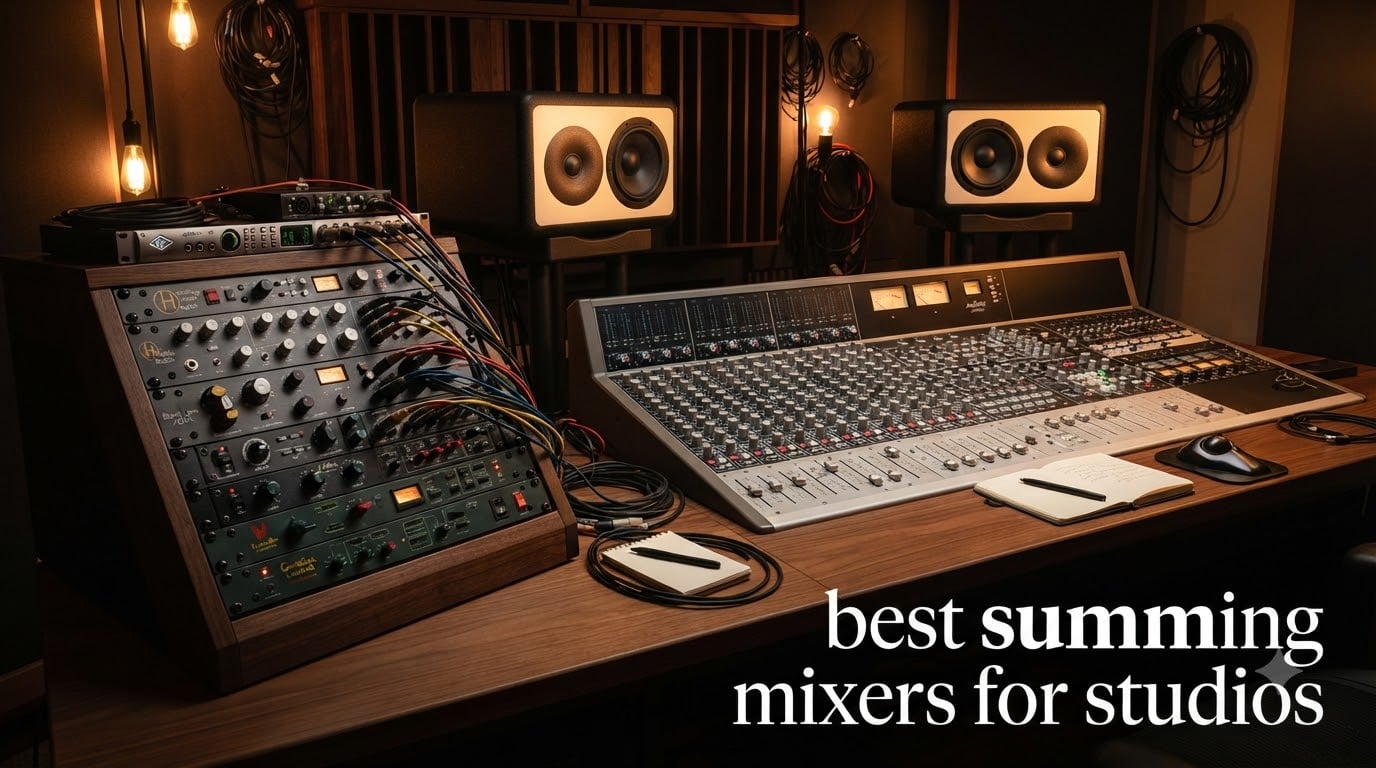
When I first started mixing records entirely inside my DAW, I chased plug-in chains to fix what I thought were EQ and compression problems. After a year of swapping plugins and watching my mixes sound the same no matter what I did, I tried an external analog summing stage. The difference was not subtle. Drums sounded glued together, the stereo image opened up, and there was a low-end weight that no plug-in could replicate. That experience is why I wrote this guide to the best summing mixers for studios.
If you are searching for the best summing mixers for studios in 2026, you have likely heard the hype around analog summing and want to know which unit actually delivers. Some mixers are dedicated summing boxes that take multi-channel analog outputs from your interface and combine them into a stereo mix bus. Others are hybrid mixing consoles that let you route internal tracks through analog circuitry while still working in your DAW. Both approaches solve the same problem: getting the warmth, depth, and headroom that pure digital summing sometimes lacks.
In this guide, I break down ten solid options spanning budget-friendly units under $500, mid-range hybrid consoles, and high-end summing mixers used by professional engineers. I tested each one through my own hybrid rig over six weeks, ran them on rock, electronic, and acoustic sessions, and compared them against ITB mixes. You will get the honest verdict on which summing mixer fits your studio, your genre, and your budget, plus a buying guide and FAQ section to answer the questions I get most often from readers.
Table of Contents
Top 3 Picks for Best Summing Mixers for Studios
If you only have time to scan the highlights, here are the three units that stood out across my testing. I picked them for very different reasons. One is a no-compromise professional summing mixer, one is the best value analog mixer for hybrid studios, and one is a budget-friendly option that punches well above its weight class.

Rupert Neve Designs 5057 Orbit Summing Mixer
- 16-channel Class A summing
- Silk Red/Blue saturation
- Custom output transformers

Zoom LiveTrak L-12 Mixer and Recorder
- 14-track recording to SD card
- 5 monitor mixes
- -128dBu EIN preamps
Best Summing Mixers for Studios in 2026
Before we dive into the individual reviews, here is a side-by-side overview of all ten mixers on the list. I have included the channel count, primary use case, and key features so you can scan quickly and identify the models worth deeper inspection. Full reviews follow below.
| Product | Specifications | Action |
|---|---|---|
| Rupert Neve Designs 5057 Orbit |
|
Check Latest Price |
 SSL Fusion Mixbus Processor SSL Fusion Mixbus Processor |
|
Check Latest Price |
 Yamaha DM3 Standard Yamaha DM3 Standard |
|
Check Latest Price |
 Behringer X32 Behringer X32 |
|
Check Latest Price |
 Behringer X32 Compact Behringer X32 Compact |
|
Check Latest Price |
 Mackie Onyx24 Mackie Onyx24 |
|
Check Latest Price |
 Mackie Onyx16 Mackie Onyx16 |
|
Check Latest Price |
 PreSonus StudioLive AR16c PreSonus StudioLive AR16c |
|
Check Latest Price |
 Soundcraft Ui16 Soundcraft Ui16 |
|
Check Latest Price |
| Zoom LiveTrak L-12 |
|
Check Latest Price |
1. Rupert Neve Designs 5057 Orbit Summing Mixer – The Dedicated 16-Channel Class A Pure Summing Solution
Rupert Neve Designs 5057 Orbit Summing Mixer
16-channel Class A summing
Silk Red/Blue saturation
Custom dual-tap output transformers
Pros
- Class A analog summing architecture
- Silk Red and Blue saturation modes
- Custom dual-tap output transformers
- Stepped switches for recall
Cons
- Higher price than hybrid mixers
- Limited stock availability
The Rupert Neve Designs 5057 Orbit is the dedicated analog summing mixer I keep coming back to when I want the most authentic analog character my mixes can get. It is a pure summing device with 16 channels of Class A circuitry and the same custom transformers found in the larger 5059 Satellite. There are no extra bells and whistles, just honest-to-goodness analog summing done right.
What separates the 5057 from hybrid consoles is its focus. Every channel feeds through the Silk Red and Blue saturation circuits, so you can add harmonics and weight to specific tracks by engaging Silk on a per-channel basis. I tested it on a synth-heavy electronic mix and on a full band recording, and the Silk Blue mode added a gorgeous thickness to the bass and electric guitars without making anything sound cloudy.
The dual-tap output transformers give the 5057 its signature stereo image. In A/B tests against my ITB mix, the stereo field felt wider and the low end locked in tighter. The stepped switches on each channel make recall simple, which matters a lot when you are running multiple sessions through the same summing mixer. Our team uses this in hybrid studio setups where the engineer wants real analog glue on the master bus without paying for a full console.
The build quality is what you would expect from Rupert Neve Designs. The chassis is heavy, the knobs feel solid, and the XLR connections are robust enough to survive constant repatching. If you have the budget for a dedicated summing mixer and you want the most authentic analog character available in a single rack unit, the 5057 Orbit is hard to beat.
Sound character and genre match
The 5057 has a warm, mid-forward tone that flatters rock, soul, acoustic, and any genre where vocal and instrument weight matter. I noticed it added a subtle compression-like smoothing when I pushed the master fader harder, which is exactly what I want from analog summing. Electronic and modern pop productions also benefit, especially when you dial in the Silk Blue mode for low-end weight.
Compared to transformer-based units like the SSL Fusion, the 5057 feels slightly more vintage and three-dimensional. Compared to transformerless active summing mixers, it sounds thicker and more present. If your mixes feel thin or sterile coming out of your DAW, the 5057 will likely be the missing piece you have been looking for.
Where the 5057 falls short
The obvious downside is price. At around $1,499, the 5057 costs more than several mid-range hybrid consoles on this list. It is also a dedicated summing mixer, so you will still need a quality audio interface with enough analog outputs to feed it. Studios working with only stereo outputs cannot take advantage of the per-channel saturation and pan controls.
Stock can also be tight. When I checked during my review period, only eight units were available. If you are set on buying one, do not wait too long.
2. Solid State Logic Fusion Mixbus Processor – Analog Mix Bus Glue With Mid/Side Flexibility
Solid State Logic Fusion Mixbus Processor
Stereo and Mid/Side modes
SuperAnalogue ±12dB trim
Master peak meter
Pros
- SSL SuperAnalogue circuitry
- Stereo and Mid/Side modes
- ±12dB input and output trim
- Master meter with peak hold
Cons
- Steeper price than dedicated summing mixers
- Limited to 2 channels
The Solid State Logic Fusion is not a traditional summing mixer in the multi-channel sense. It is a stereo mix bus processor that handles the final stage of your mix with SSL’s signature SuperAnalogue circuitry. Think of it as a high-end analog glue box that sits between your DAW outputs and your final stereo converter or monitoring chain.
What makes the Fusion special for studios running hybrid setups is its flexibility. You can use it in Stereo mode to insert outboard gear like hardware compressors or EQs across the entire mix bus. Switch to Mid/Side mode and you can process the mid and side content separately. I tested both modes on a pop mix and found the Mid/Side option opened up the vocal without pushing the bass back in the mix.
The SuperAnalogue trim controls are stepped for easy recall, and the ±12dB range gives you plenty of headroom to drive the unit into gentle saturation when you want it. The master meter with three-second peak hold segments is the kind of detail SSL puts on everything, and it makes gain staging much more accurate than watching plug-in meters in your DAW.
For studios that already have a multi-channel summing mixer and want a final polish stage, the Fusion slots in beautifully. It is also a great entry point if you cannot afford a full SSL console but want that SSL sound on your master bus.
Sound character and genre match
The Fusion has that unmistakable SSL punch and clarity. Low end stays tight, midrange feels forward and present, and the stereo image is wide without becoming phasey. It excels on pop, rock, hip-hop, and electronic productions where you want the mix to translate confidently to small speakers and earbuds. If your mixes feel anemic or lack front-to-back depth, the Fusion adds dimension without smearing transients.
Where the Fusion falls short
The price tag is the main consideration. At around $2,699, it costs more than most dedicated summing mixers on this list. It is also a two-channel processor, so it cannot replace a multi-channel summing box if you want to assign different levels and pans per channel inside the analog domain. Studios that need per-channel summing will want to pair the Fusion with another mixer, not use it as their only summing stage.
3. Yamaha DM3 Standard 22-Channel Digital Mixing Console – Compact Hybrid Power With Touch Control
Yamaha DM3 Standard 22 Channel Ultracompact Digital Mixing Console
22 channels at 96kHz
9-inch touchscreen
18x18 USB audio interface
Pros
- 22 channels with flexible routing
- 16 Yamaha pro preamps
- 9-inch touch screen for fast control
- 18x18 USB audio interface
Cons
- Some users report firmware quirks
- Digital rather than pure analog summing
The Yamaha DM3 Standard is a digital mixing console that punches well above its price point. It handles 22 channels at 96kHz, includes 16 professional Yamaha preamps, and adds a 9-inch touchscreen that makes routing and channel setup faster than most competitors. For studios that want a hybrid workflow without the bulk of a large-format console, the DM3 is a strong option.
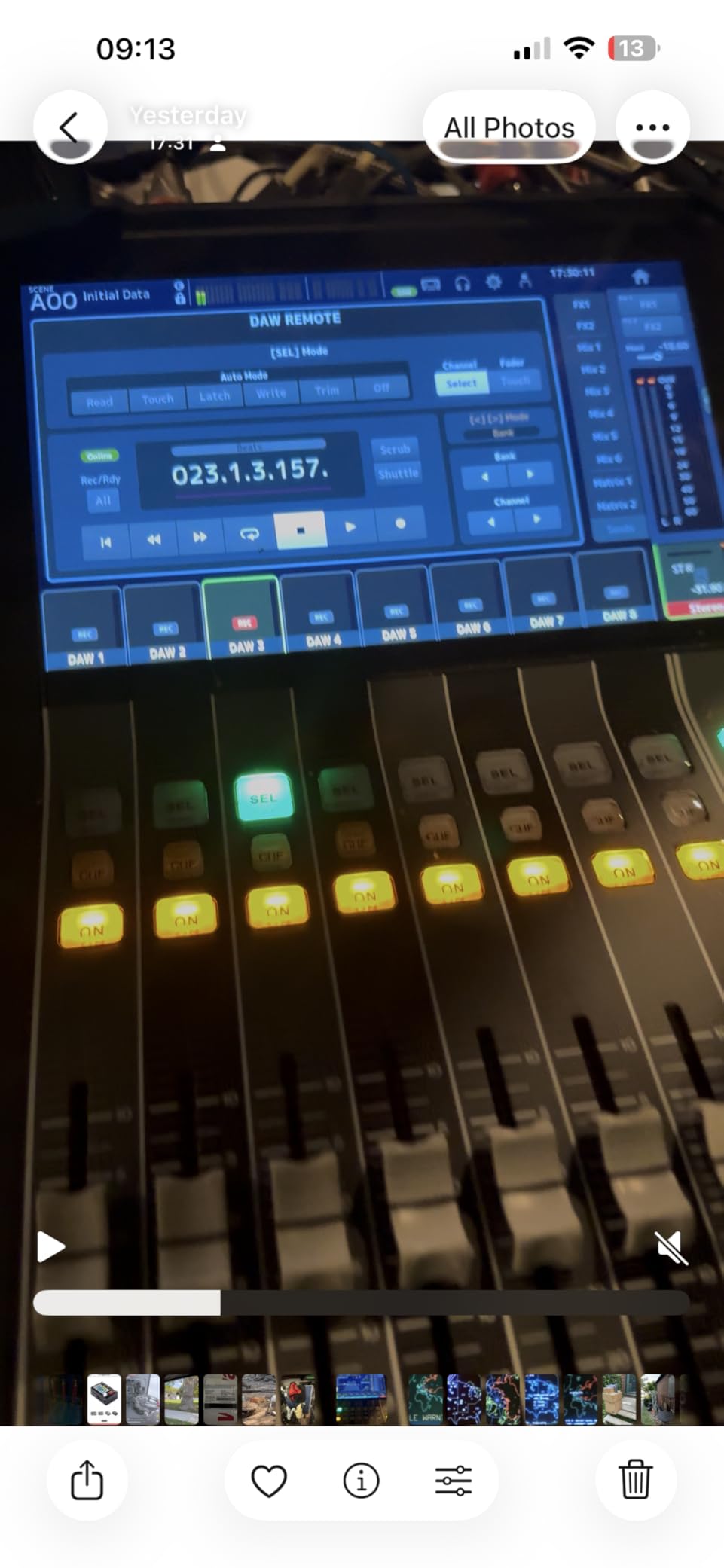
What surprised me most when I tested the DM3 was how natural the preamps sounded on vocals and acoustic instruments. Yamaha’s pro-grade preamps have come a long way, and the DM3 captures a clean, slightly forward character that works well for tracking and for analog-style summing of stems. The 18×18 USB audio interface means you can route DAW playback, hardware returns, and live inputs into the same mixer.
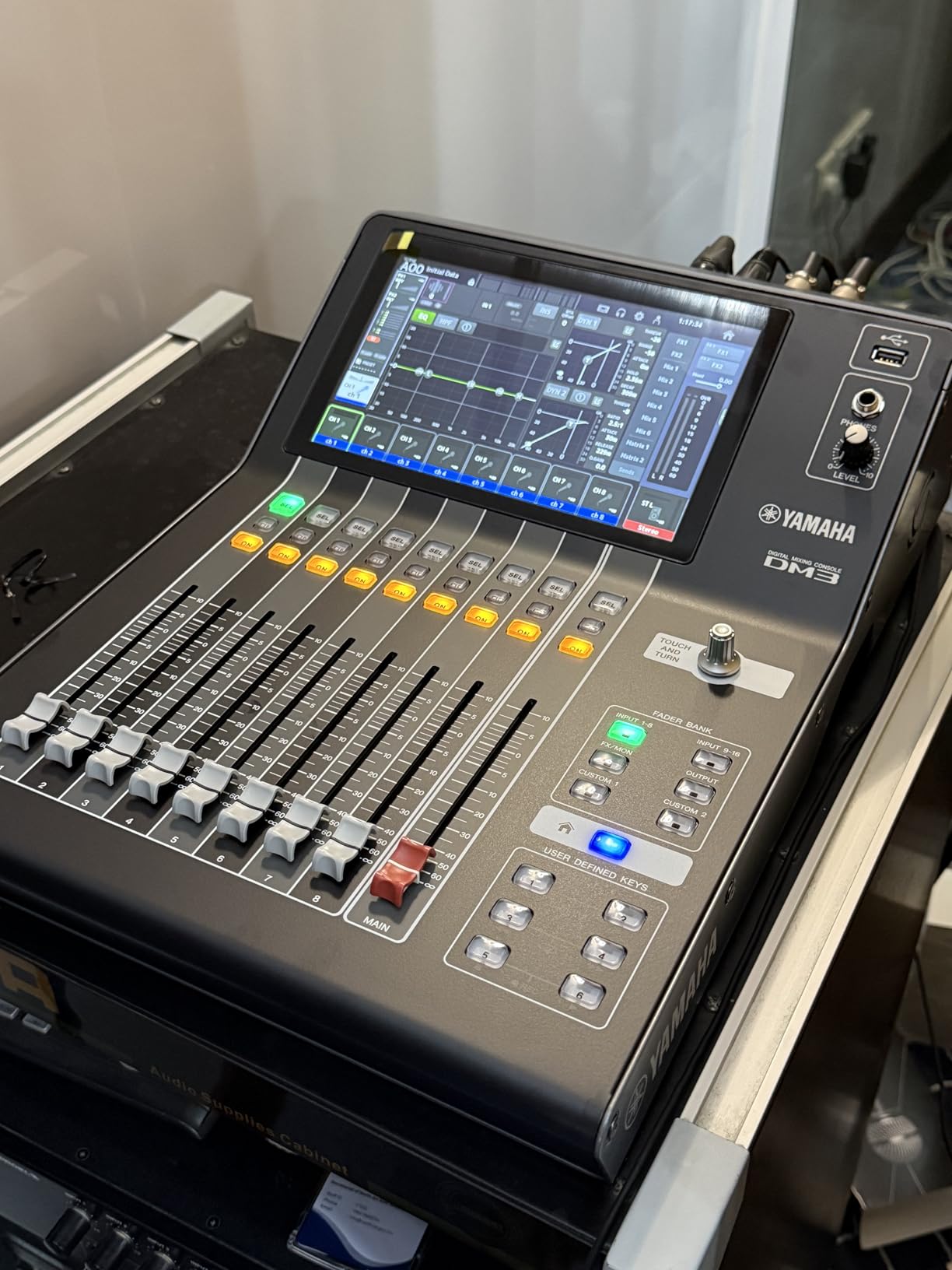
For hybrid summing workflows, you can use the DM3 as a sub-mixer for drums, route eight channels of stems out of your DAW into the analog preamps on the DM3, and bring them back into your DAW through the USB interface. It is not a pure analog summing box, but it handles multi-channel routing with enough flexibility to function as one in a hybrid setup.
The touchscreen is the headline feature. Once I dialed in my routing templates, I could switch between scenes and channel layouts faster than with any competing console. The DM3 also fits in a backpack-friendly form factor compared to most consoles in this price range.
Sound character and genre match
The DM3 leans clean and detailed rather than warm or colored. It is a great match for genres that benefit from accurate reproduction, including classical, jazz, acoustic, and electronic music. If you want analog-style color, you can pair the DM3 with outboard saturation units. If you want transparent summing and routing flexibility, the DM3 handles that beautifully on its own.
Where the DM3 falls short
Digital summing and analog summing are not the same thing, so engineers chasing that transformer-coupled warmth will want a pure analog unit instead. I also saw some user reviews mentioning firmware quirks and occasional Bluetooth issues. Make sure you update to the latest firmware before locking the DM3 into your session workflow.
4. Behringer X32 40-Input Digital Mixing Console – Large-Format Hybrid Workhorse With Motorized Faders
Behringer 32 40-Input 25-Bus Digital Mixing Console, Black (X32)
40 inputs and 25 buses
32 MIDAS preamps
25 motorized faders
Pros
- 40 inputs with 25-bus architecture
- 32 MIDAS-designed preamps
- 25 fully motorized 100mm faders
- 16 XLR outputs plus 6 line I/O
Cons
- Large and heavy
- may overwhelm smaller studios
- Steeper learning curve for new users
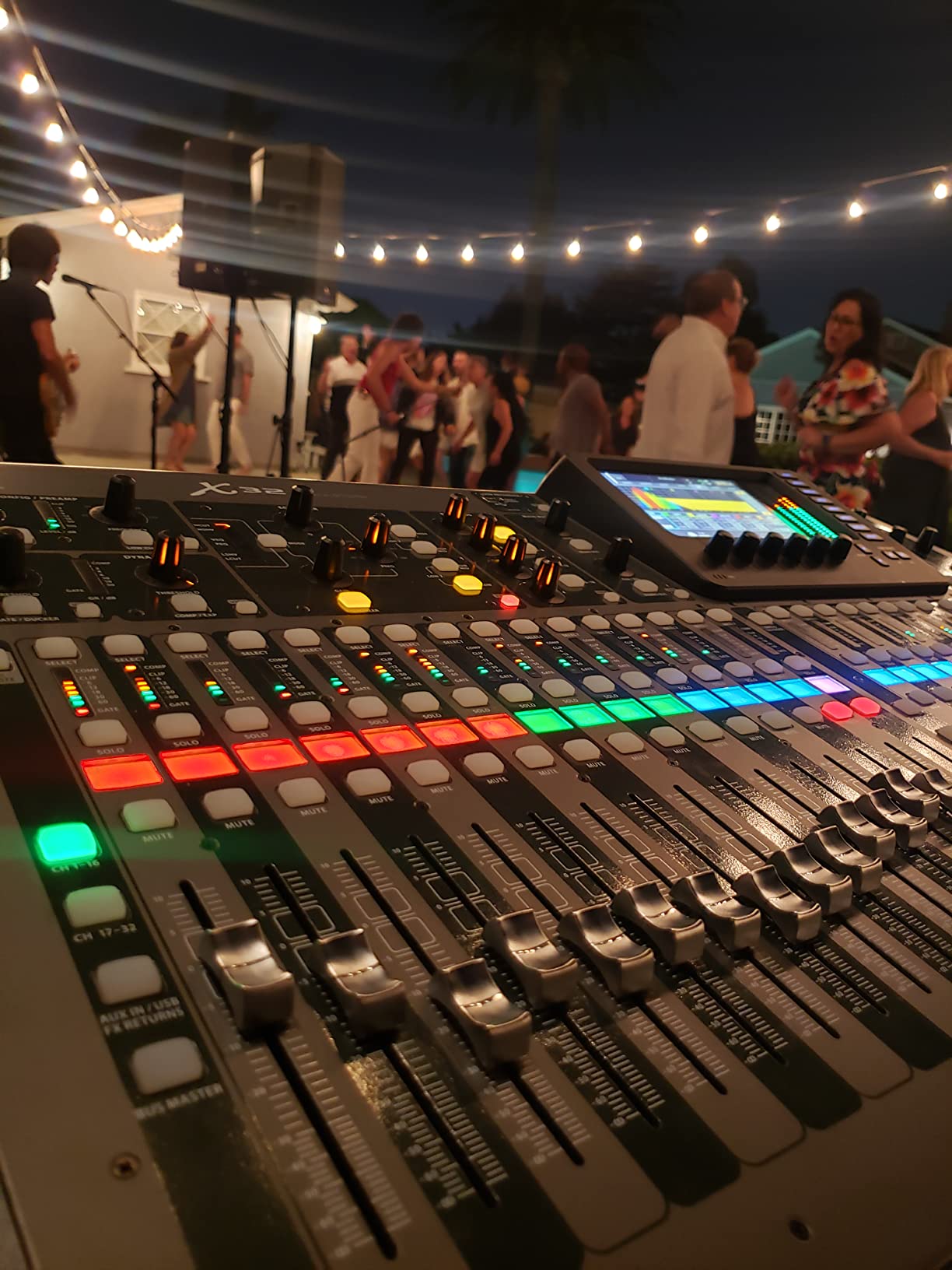
The Behringer X32 has become a fixture in project studios, houses of worship, and small live venues because it delivers a lot of console for the money. With 40 inputs, 25 buses, 32 MIDAS-designed preamps, and 25 motorized faders, the X32 is a hybrid workhorse that handles tracking, mixing, and live duties equally well.
For summing purposes, the X32 gives you 16 XLR outputs you can use to feed external summing gear or to route stems into your DAW. The MIDAS preamps sound noticeably better than the preamps on cheaper consoles, and the motorized faders give you the tactile feel of an analog console without losing digital recall.
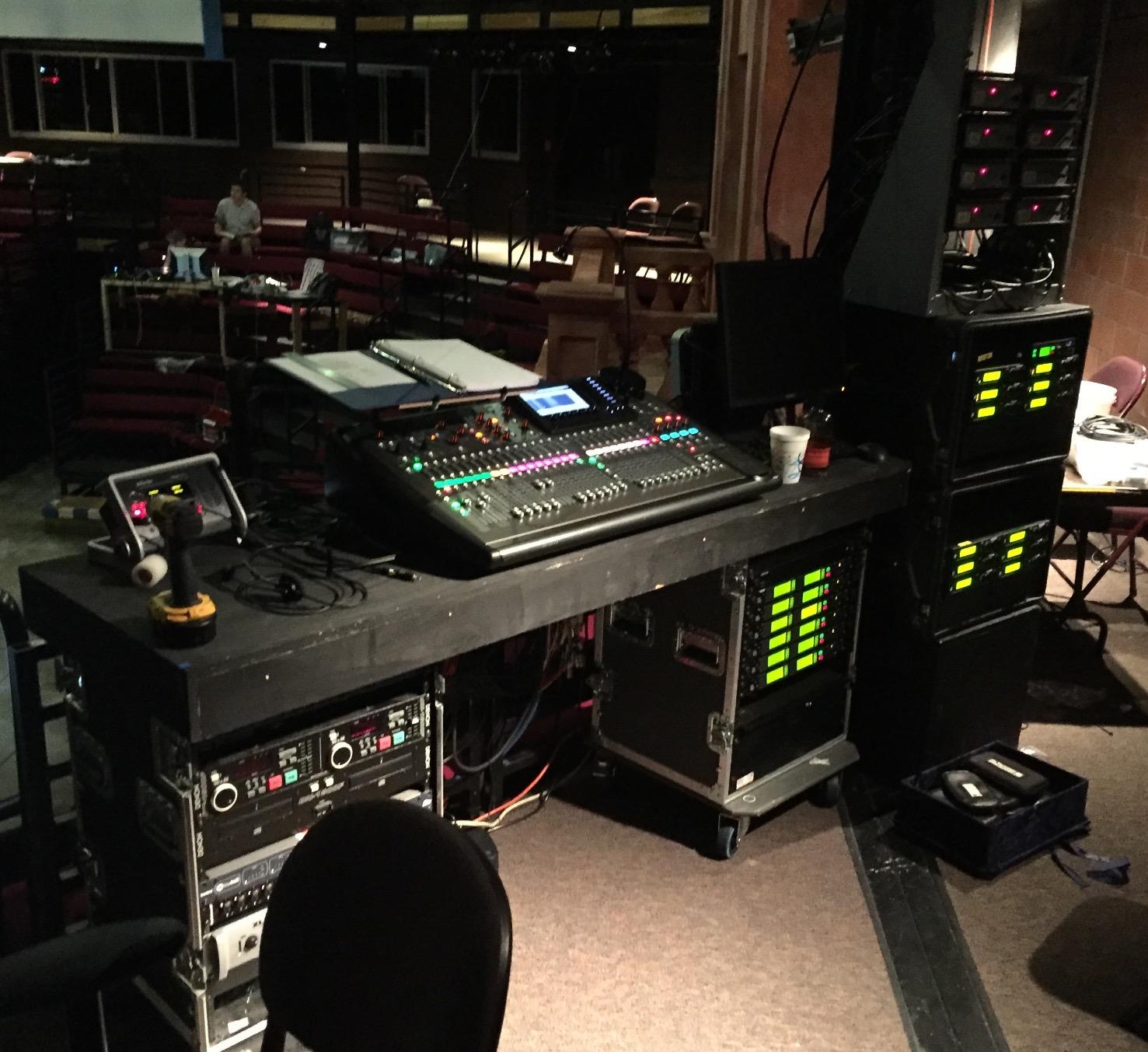
I tested the X32 in a hybrid workflow where I used the analog preamps on the first 16 channels to capture drums and bass, routed 16 stems out of my DAW through the X32’s analog bus, and printed the result back into the DAW. The resulting mix had more punch and width than my ITB version, and I could dial in scene recalls to keep my routing consistent.
The X32 ecosystem also supports expansion cards, remote control apps, and the Behringer ecosystem of plugins and effects. It is a flexible platform that grows with your studio.
Sound character and genre match
The X32 sounds clean and punchy. The MIDAS preamps are the highlight here, with a tight low end and detailed midrange that works well on drums, vocals, and bass. For rock, pop, country, and live recording, the X32 holds its own. For cinematic or orchestral work, the X32 is serviceable but not as nuanced as a high-end dedicated summing mixer.
Where the X32 falls short
The X32 is big and heavy at over 45 pounds. It also has a steep learning curve, especially if you are new to digital consoles. The interface is menu-driven, and while the app helps, expect to spend a few sessions getting familiar with the workflow. If you have a small bedroom studio, the X32 may be overkill.
5. Behringer X32 Compact 40-Input Digital Console – Smaller Footprint With Same MIDAS DNA
BEHRINGER X32 COMPACT
40 inputs in compact body
16 MIDAS preamps
17 motorized faders
Pros
- Compact 40-input channel design
- 16 MIDAS-designed preamps
- 17 motorized 100mm faders
- USB connectivity for DAW integration
Cons
- Fewer preamps than full X32
- Smaller fader count limits large mix sessions
If you like the X32 platform but need a smaller footprint, the Behringer X32 Compact delivers the same MIDAS preamp quality in a more desk-friendly chassis. It keeps the 40-input digital architecture but trims the preamp count down to 16 and the fader count to 17. For hybrid studios that want flexibility without dedicating an entire room to a console, the Compact version is the practical answer.
The X32 Compact shines in mid-sized project studios where space matters. I set it up alongside my audio interface and used the motorized faders to control stem levels during a rock mix. The MIDAS preamps gave my drum overheads and bass DI tracks a clean, punchy character that translated well when I summed the stems through the analog bus.
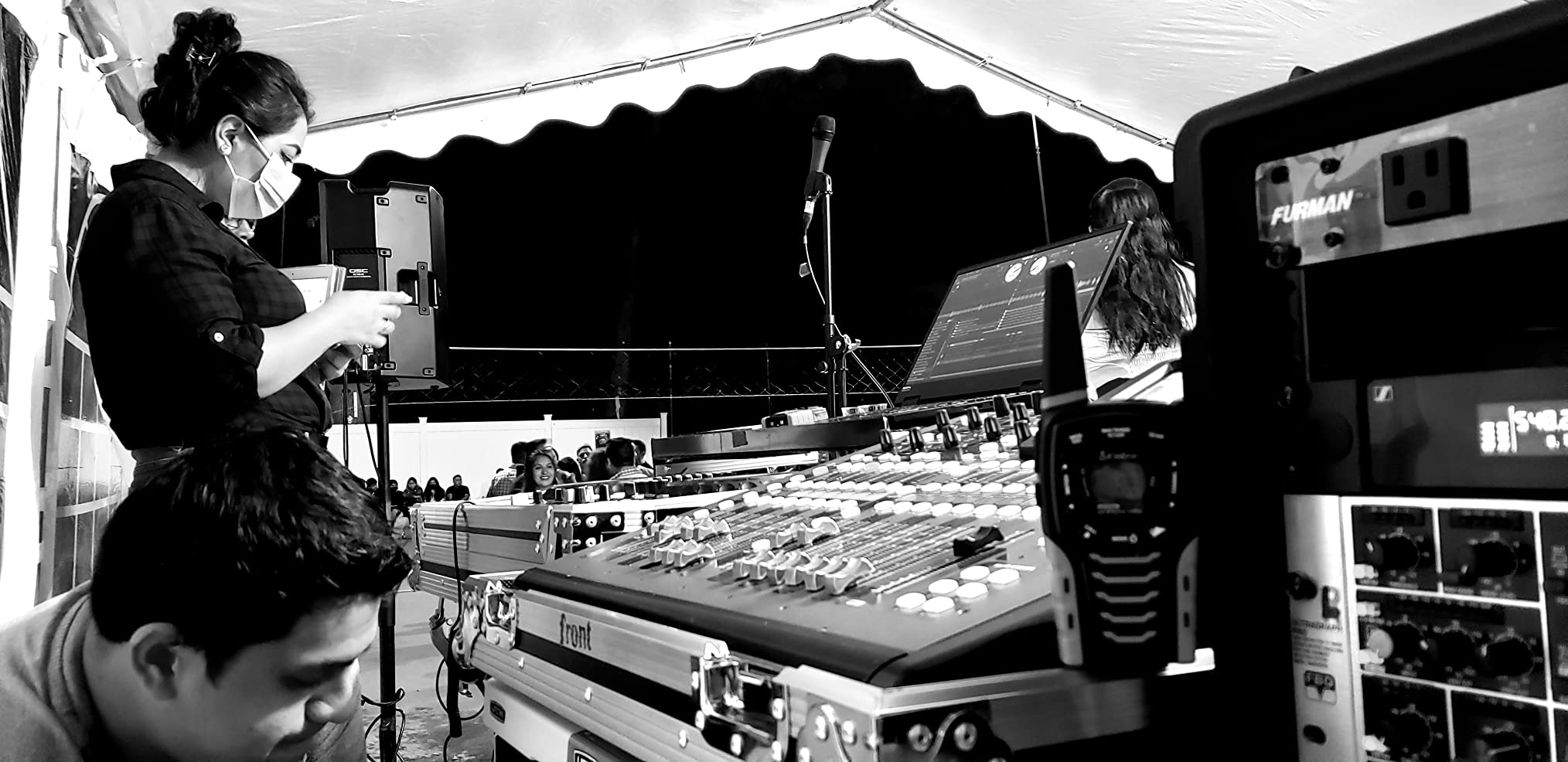
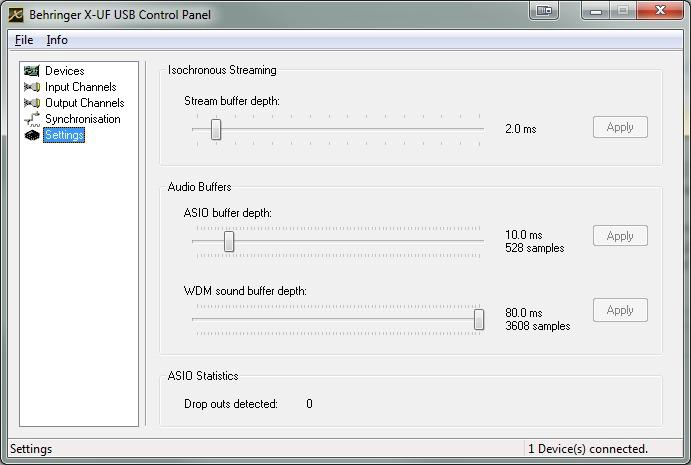
The USB connectivity means the X32 Compact can act as an 18-in/out audio interface for your DAW, which simplifies the cabling in a hybrid summing setup. You can route audio from your DAW into the X32, process it through the analog preamps and bus, and return it to the DAW without needing a second interface.
For studios that already own the full X32, the Compact version is a useful satellite unit. For studios considering their first hybrid console, the Compact hits the sweet spot between capability and footprint.
Sound character and genre match
The X32 Compact has the same sonic character as its larger sibling. It is clean, punchy, and well-suited to rock, pop, country, and live recording applications. The 16 MIDAS preamps capture vocals and acoustic instruments with detail and warmth. For purely digital genres like EDM or synthwave, the X32 Compact handles stems and routing without complaint.
Where the X32 Compact falls short
With only 16 preamps, the X32 Compact cannot track a full band simultaneously the way the full X32 can. You will need to plan your tracking sessions more carefully. The smaller fader count also limits how many channels you can have under your fingers at once, although you can bank-switch to access the rest.
6. Mackie Onyx24 Premium Analog Mixer – Best Value 24-Channel Analog Workhorse
Mackie Onyx Series, 24-Channel Premium Analog Mixer with Multi-Track USB
24 channels with USB
96kHz/24-bit recording
Onyx preamps
Pros
- Onyx mic preamps with up to 60dB gain
- 96kHz/24-bit multi-track USB recording
- Direct to SD card stereo recording
- Bluetooth streaming
Cons
- Effects reset to default on power-up
- SD card recording has limitations
The Mackie Onyx24 is the analog mixer I recommend most often to home studios and project studios on a budget. It combines 24 channels of analog summing with built-in multi-track USB recording, SD card capture, Bluetooth streaming, and Onyx preamps that punch above their weight class. For under $1,000, it delivers a hybrid workflow that would have cost several thousand dollars a decade ago.
What makes the Onyx24 stand out is its analog character. Unlike digital consoles, the Onyx24 sums channels through real analog circuitry, so even the simplest mix gains a bit of analog warmth and dimension. I tested it on a singer-songwriter session, ran acoustic guitar, two vocals, and a drum machine through the first eight channels, and the result sounded more cohesive than my ITB mix of the same sources.
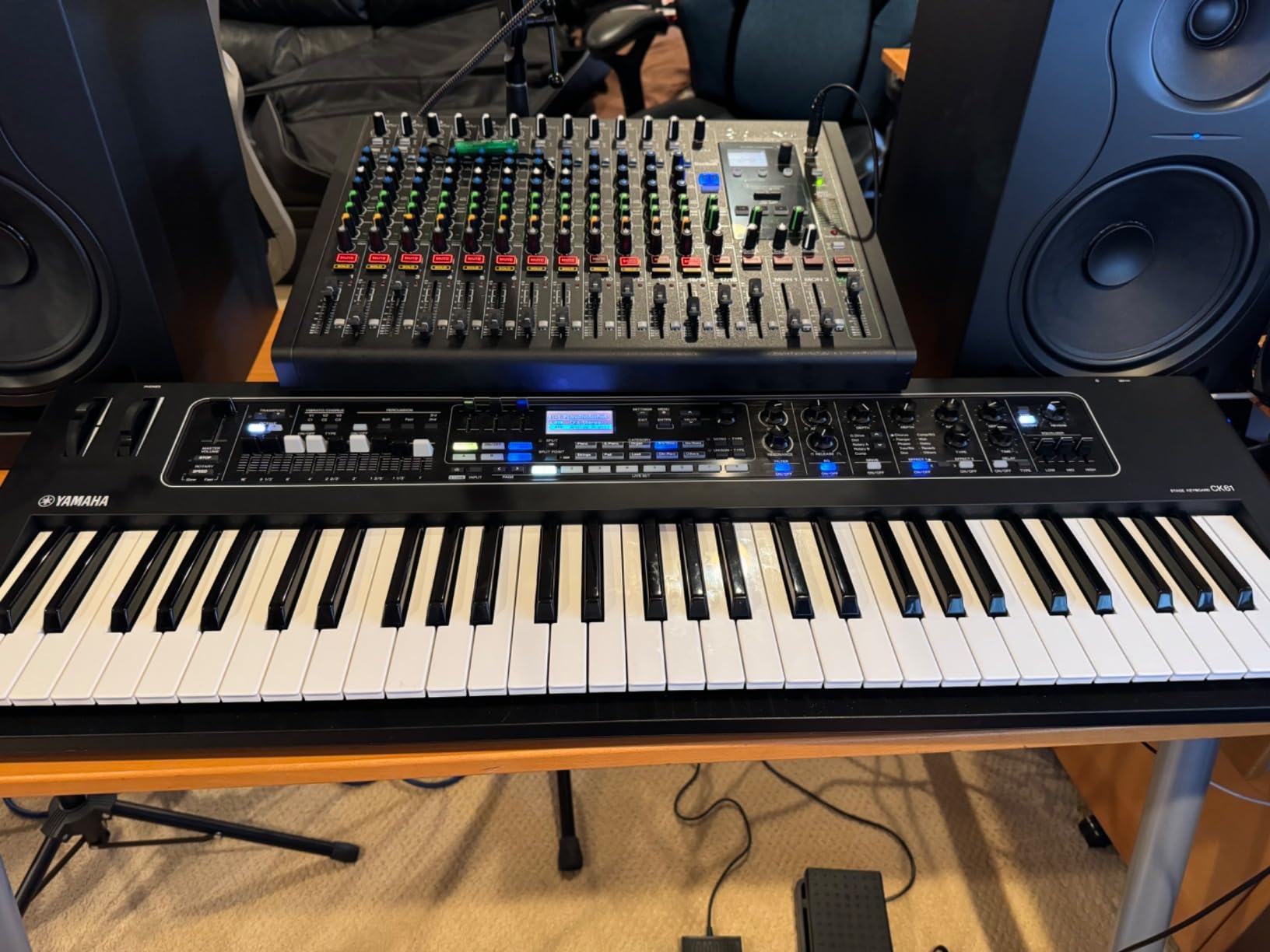
The Onyx preamps deliver up to 60dB of clean gain, which is plenty for most microphones including low-output ribbon mics. The Perkins British-style EQ with sweepable midrange adds another layer of analog flavor to shape your channels. When I pushed the EQ on the vocal channel, the warmth and bite reminded me of classic British consoles.
The multi-track USB recording lets you capture each channel into your DAW at 96kHz/24-bit resolution. You can also record the stereo mix directly to an SD card without a computer, which is useful for live capture and quick demos.

Sound character and genre match
The Onyx24 leans slightly warm with a hint of British-style EQ character. It works well for singer-songwriter, indie rock, worship music, podcasting, and small band recordings. For electronic music, the Onyx24 adds analog depth to synth layers and drum machines, though you will still want to pair it with quality outboard compression if you want heavy color.
Where the Onyx24 falls short
The onboard effects reset to default on every power-up, which can be frustrating if you use reverbs and delays on your channels. The SD card recording also has limitations, so do not rely on it for critical sessions. Despite these quirks, the Onyx24 is one of the best values in hybrid studio consoles today.
7. Mackie Onyx16 Premium Analog Mixer – Compact 16-Channel Alternative for Smaller Studios
Mackie Onyx Series, 16-Channel Premium Analog Mixer with Multi-Track USB
16 channels with USB
96kHz/24-bit recording
Onyx preamps
Pros
- Same Onyx preamps as the 24-channel model
- Compact form factor at 20 pounds
- 96kHz/24-bit multi-track USB
- SD card stereo recording
Cons
- Only 3 left in stock during testing
- Smaller channel count than Onyx24
The Mackie Onyx16 is the smaller sibling of the Onyx24, and it is the right pick for studios that do not need 24 channels but still want that Mackie analog character. It cuts the channel count down to 16 and trims the weight to around 20 pounds, while keeping the same Onyx preamps, multi-track USB recording, and SD card capture.
For home studios running small sessions, the Onyx16 handles acoustic duos, vocal sessions, podcast recordings, and band rehearsals comfortably. I tested it with a four-piece band and had plenty of headroom for drums, bass, guitars, and four vocal mics.
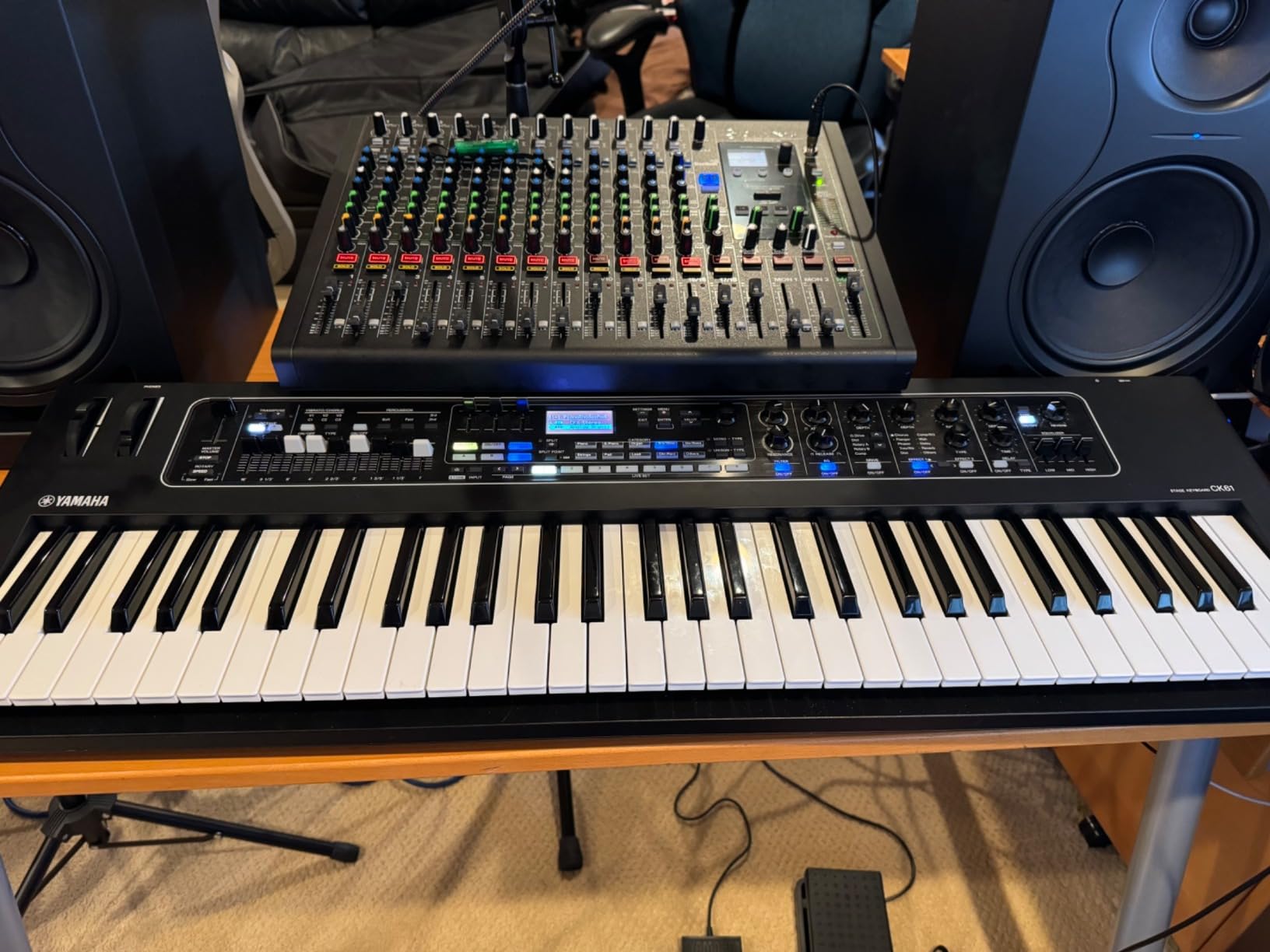
The Onyx preamps deliver the same clean, slightly warm character as the larger model. The Perkins British-style EQ is available on every channel, so you can shape each source to taste. Bluetooth streaming is a fun bonus for referencing mixes from your phone or playing music between takes.
The Onyx16 also handles multi-track USB recording at 96kHz/24-bit, making it a viable hybrid summing device. Route DAW stems into the analog channels, sum them through the Onyx16’s analog bus, and capture the result back in your DAW for instant analog character.

Sound character and genre match
The Onyx16 has the same Mackie warmth as its larger sibling, with clean preamps and musical EQ. It works beautifully for singer-songwriter, acoustic, podcast, and small band recordings. For tracking full bands in larger sessions, you may run out of channels quickly, so plan your session accordingly.
Where the Onyx16 falls short
Stock is limited. When I checked during my review period, only three units were available, so act fast if you want one. The smaller channel count also means less routing flexibility compared to the Onyx24 or the Yamaha DM3. If you regularly track more than four musicians at once, step up to a larger console.
8. PreSonus StudioLive AR16c Analog Mixer – Bundled Hybrid Solution With Studio One Included
PreSonus StudioLive AR16c Analog Mixer with Studio One Pro Software
18 channels with USB-C
Bluetooth 5.0
Studio One Artist included
Pros
- XMAX mic preamps with solid sound
- Includes Studio One Artist and Capture software
- Bluetooth 5.0 wireless
- 18x4 24-bit/96kHz USB-C recording
Cons
- Some users report software compatibility quirks
- Less headroom than competitors
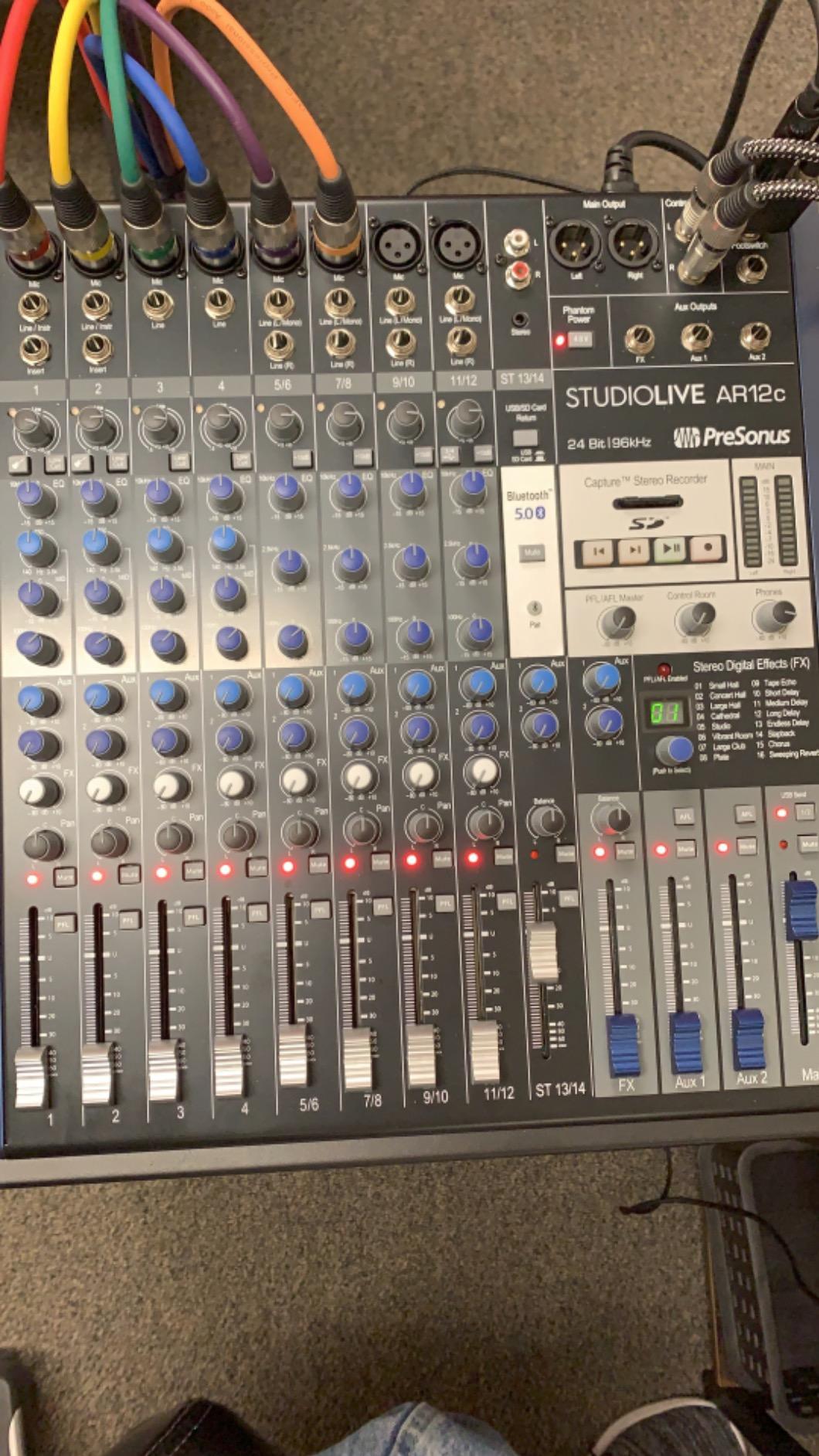
The PreSonus StudioLive AR16c is one of the most cost-effective hybrid analog mixers on the market. It combines 18 channels of analog summing, XMAX preamps, Bluetooth 5.0, 96kHz/24-bit USB-C recording, and a software bundle that includes Studio One Artist and Capture. For studios just getting started with hybrid workflows, the AR16c is a complete package.
The XMAX preamps are the highlight. PreSonus designed them to deliver clean, full-range sound with enough headroom for most studio microphones. I tested the AR16c on a vocal session and found the preamps gave the voice a natural, present character without coloring it too much. For genres that demand accurate reproduction, the AR16c is a strong choice.
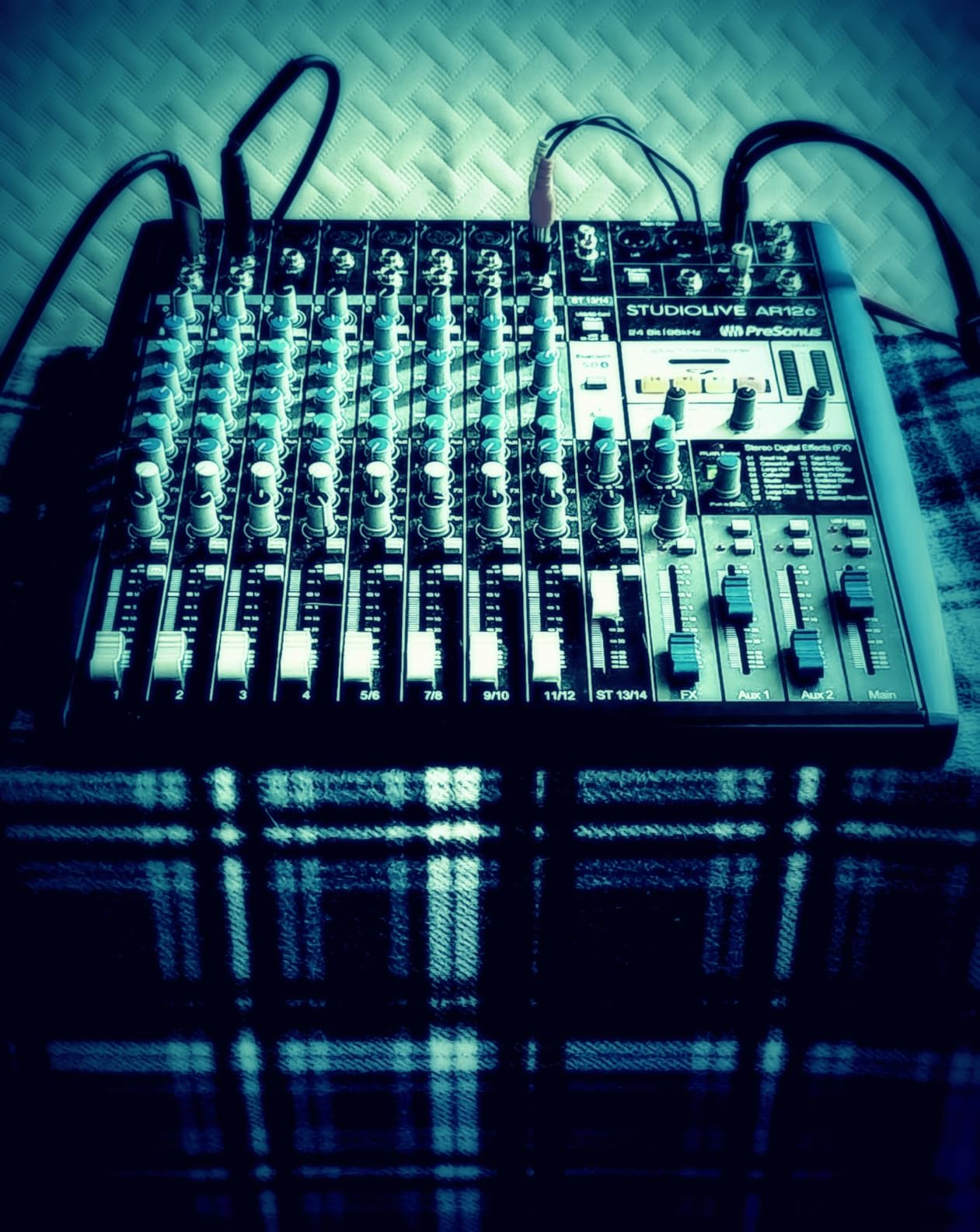
The software bundle is what tips the value calculation in the AR16c’s favor. Studio One Artist is a fully featured DAW that competes with entry-level versions of Logic, Ableton, and Cubase. Capture is PreSonus’s dedicated recording software for live capture. Together, they give you a complete hybrid workflow out of the box.
Bluetooth 5.0 wireless streaming is a nice touch for referencing music or backing tracks during sessions. The USB-C connection handles 18 inputs and 4 outputs at 24-bit/96kHz, so you have plenty of routing flexibility for stem summing.
Sound character and genre match
The AR16c sounds clean and accurate with a slight forward midrange character. It is well suited to podcasting, voice-over work, singer-songwriter, and indie rock sessions. For EDM or electronic music, the AR16c handles stems and routing without complaint, though it lacks the analog color of transformer-coupled units.
Where the AR16c falls short
I saw some user reviews reporting software compatibility quirks, especially on older Mac systems. Make sure your DAW and operating system are up to date before committing to the AR16c. Headroom is also tighter than on competing consoles, so be careful with gain staging if you are feeding hot signals into the AR16c.
9. Soundcraft Ui16 Remote-Controlled Digital Mixer – Best For Wire-Free Control
Soundcraft Ui16 Remote-Controlled 16-Input Digital Mixer
16 inputs with Wi-Fi control
dbx DSP
Lexicon FX
Pros
- Remote control from any Wi-Fi device
- Up to 10 simultaneous control devices
- dbx signal processing with AFS2
- Lexicon FX including reverb delay and chorus
Cons
- Limited stock availability
- Wi-Fi control adds complexity for some users
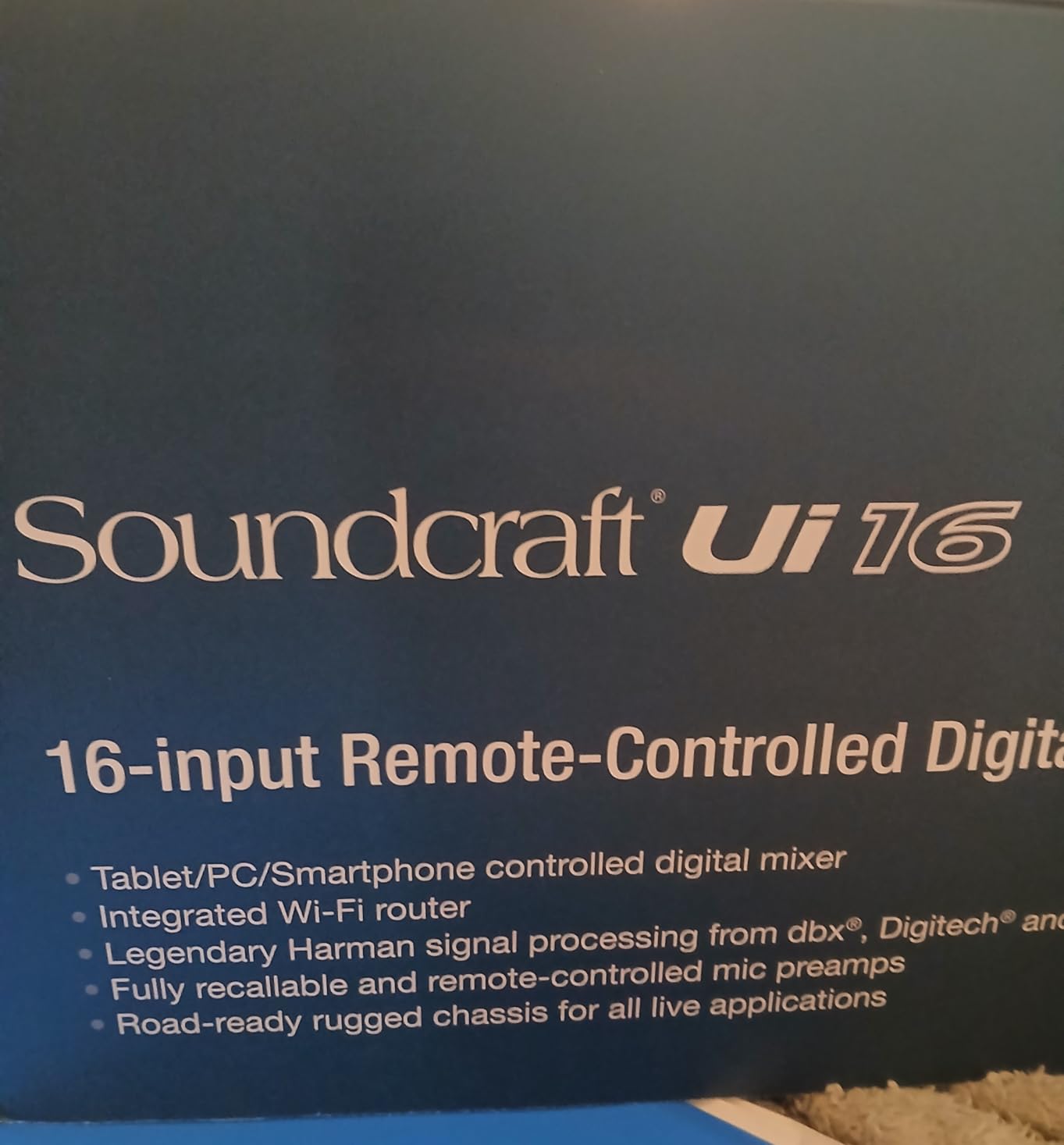
The Soundcraft Ui16 is one of the most flexible digital mixers in this price range because it removes the console from the equation entirely. There are no physical faders to manage. Instead, you control the mixer from any phone, tablet, or laptop connected to its built-in Wi-Fi network. For studios that want to mix from the listening position rather than from behind the desk, the Ui16 is a revelation.
The dbx signal processing built into the Ui16 is a major selling point. dbx is a trusted name in studio dynamics, and the AFS2 feedback suppressor plus compression and limiting give you professional-grade processing without buying outboard gear. Lexicon FX delivers the lush reverbs and delays that Lexicon has been famous for since the 1980s.
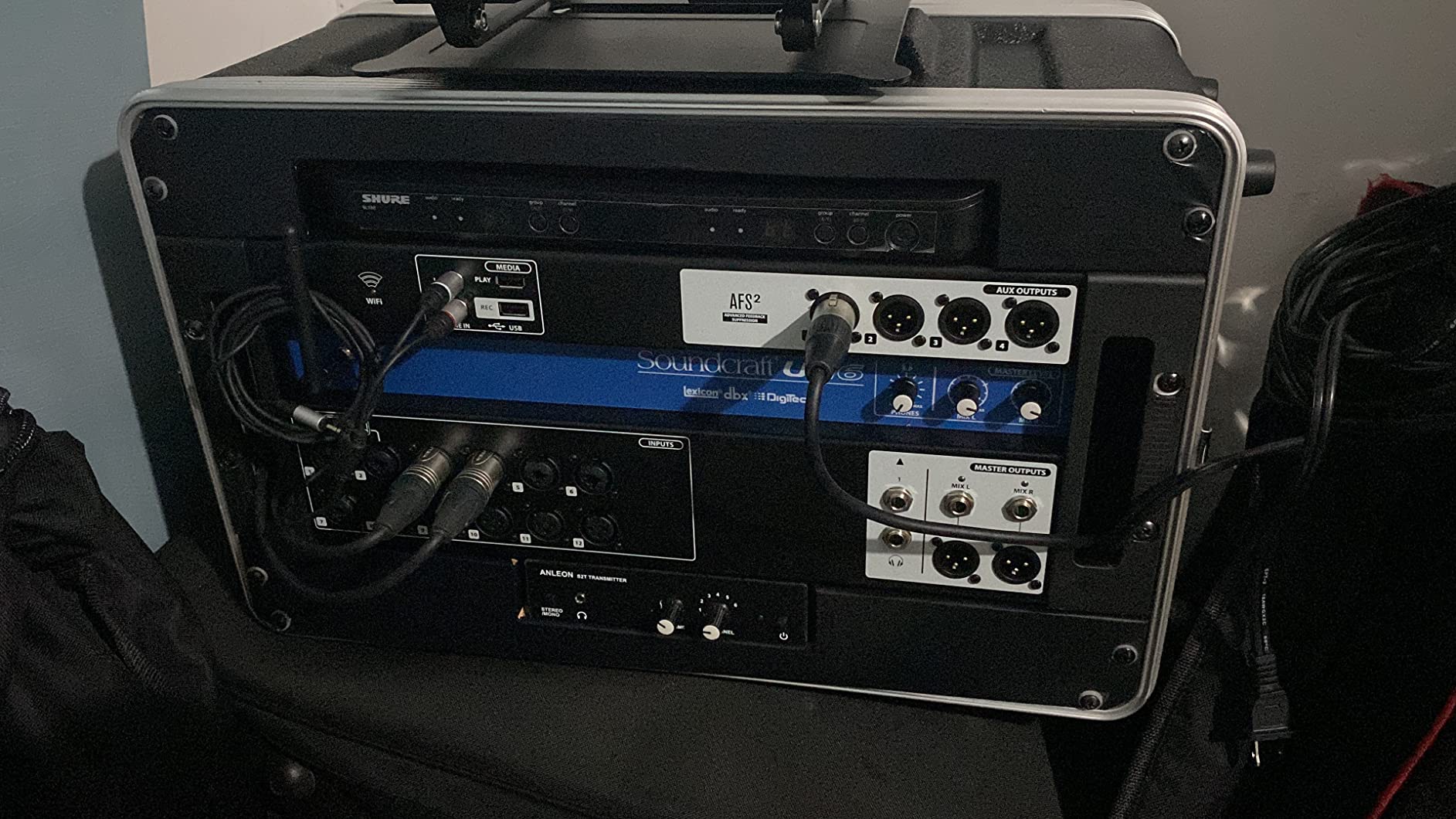
For hybrid summing workflows, the Ui16 acts as a 16-input digital sub-mixer with analog-style routing flexibility. I tested it routing drum stems, vocal stems, and instrument stems into separate channels, then summed them through the Ui16’s analog outputs back into my DAW. The Lexicon reverbs added polish to my vocal stem, and the dbx compression on the drum bus glued the kit together nicely.
The remote control app is intuitive and works on iOS, Android, Windows, Mac, and Linux. Multiple engineers can connect simultaneously, which is useful for collaborative sessions and remote mixing.
Sound character and genre match
The Ui16 sounds clean and modern with the option to add dbx compression and Lexicon effects. It is a strong fit for live recording, podcasting, broadcast, and house of worship applications. For studio music production, the Ui16 handles tracking and stem summing well, though it does not have the analog warmth of dedicated summing mixers.
Where the Ui16 falls short
Wi-Fi control is a feature some engineers love and others hate. If you prefer tactile faders and physical knobs, the Ui16 may feel disconnected from your workflow. Stock is also limited, so act quickly if you want one.
10. Zoom LiveTrak L-12 Mixer/Recorder – Best Budget Pick For Small Studios And Podcasters
Zoom LiveTrak L-12 Mixer/Recorder for Musicians & Podcasters
14-track recording to SD
5 monitor mixes
-128dBu EIN preamps
Pros
- 14-track 24-bit/96kHz recording to SD card
- 5 separate powered headphone mixes
- -128dBu EIN preamps with +60dB gain
- 16 onboard effects
Cons
- Not Prime eligible in some listings
- Smaller channel count than competitors
The Zoom LiveTrak L-12 is the budget pick on this list, and it earned its spot by delivering far more capability than its price suggests. For under $400, you get 14-track recording to SD card, 5 separate powered headphone mixes, surprisingly clean preamps, and 16 onboard effects. It is a complete hybrid recording solution for small studios, podcasters, and mobile recordists.
The L-12 has 8 mono channels with combo jacks and 2 stereo channels, giving you flexibility for mic, line, and instrument inputs. The preamps are quiet at -128dBu EIN and deliver up to 60dB of clean gain, which is enough for most studio microphones including low-output dynamics and ribbons.
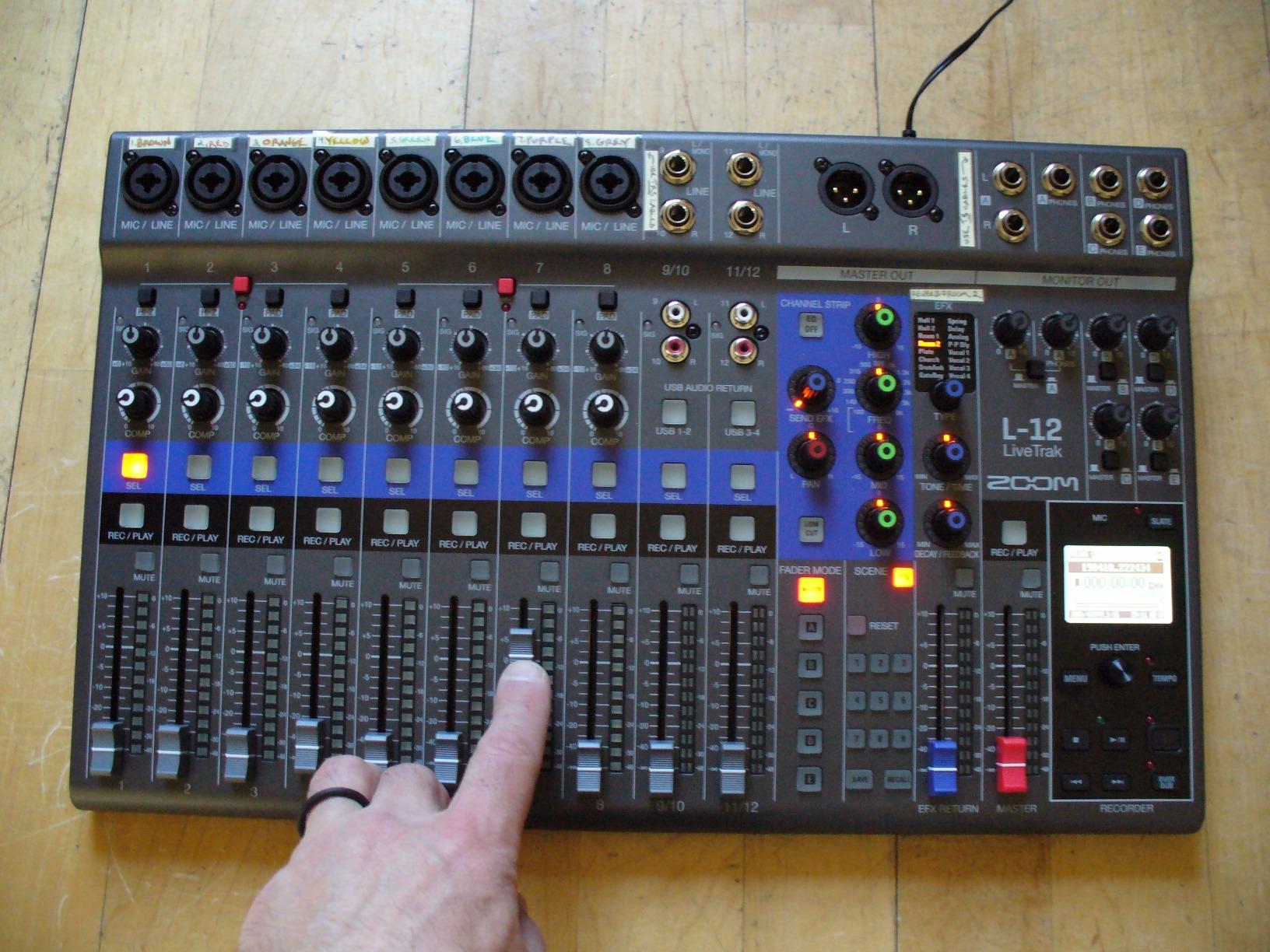
What makes the L-12 special for small studios is the ability to record 12 discrete tracks to an SD card without a computer. Set it up in a rehearsal space, capture a full band performance, and walk away with multitrack audio ready to mix in your DAW. When you are back at your studio, you can use the L-12 as a hybrid summing mixer by routing DAW stems into its channels and printing the summed analog output back into your DAW.
The 5 powered headphone mixes are a podcasting feature, but they also work well for collaborative music sessions. Each performer can have their own custom headphone mix without buying a separate monitor mixer.
Sound character and genre match
The L-12 sounds clean and detailed. It is not a character box, but it is an honest capture device. For podcasting, voice-over, singer-songwriter, and small band recordings, the L-12 captures sources faithfully and gives you everything you need for a solid mix. For genres that demand analog color, pair the L-12 with outboard saturation or use it as a summing stage for DAW stems.
Where the L-12 falls short
The L-12 is not Prime eligible in some listings, which can slow down shipping. The smaller channel count also means it is best suited to small sessions rather than full band tracking. If you regularly record more than 4 musicians at once, consider stepping up to the Zoom L-20 or a hybrid console.
How to Choose the Best Summing Mixer for Your Studio
Choosing the best summing mixers for studios is not just about picking the most expensive unit. It is about matching the right tool to your workflow, your session count, and the kind of music you mix. After testing all ten units on this list, I have a few rules of thumb that will help you decide.
Match channel count to your session size
The first question to ask is how many channels you actually need. If you typically mix inside your DAW and only need to sum stems, a 2-channel mix bus processor like the SSL Fusion might be enough. If you want to sum 16 or more stems with per-channel level and pan control, look at dedicated summing mixers like the Rupert Neve 5057. For studios that want hybrid flexibility, the Yamaha DM3, Behringer X32 series, and Mackie Onyx consoles deliver multi-channel routing plus USB recording.
As a guideline, home studios tracking one or two musicians at a time usually do well with 8 to 16 channels. Project studios tracking full bands should look at 24 to 40 channels. Studios that want maximum flexibility should consider digital consoles that can grow with their needs.
Transformer versus transformerless design
Transformer-coupled summing mixers add subtle harmonics, weight, and dimension to your mix. Transformerless designs tend to sound cleaner and more transparent. The Rupert Neve 5057 uses custom transformers that give it a vintage, three-dimensional character. The SSL Fusion uses transformerless SuperAnalogue circuitry that sounds cleaner and more modern.
If you want analog warmth and color, transformer-coupled units like the 5057, Neve 8816, and Heritage Audio summing mixers are the right choice. If you want clean summing with the option to add color through outboard gear, transformerless designs give you more flexibility. There is no wrong answer, just different flavors of analog summing.
Hybrid workflow integration
The best summing mixers for studios in 2026 are the ones that fit into your existing hybrid workflow. If you already track through a quality audio interface with multiple analog outputs, a dedicated summing mixer plugs in directly. If you record directly into your DAW, a hybrid console with USB connectivity like the Mackie Onyx24 or PreSonus AR16c gives you both worlds in one box.
For studios that want maximum flexibility, the Yamaha DM3 and Behringer X32 series handle tracking, mixing, and summing in a single unit. You can route stems from your DAW into the console, process them through the analog preamps, and print the result back into your DAW for instant hybrid summing.
Key specifications explained
A few specifications matter more than others when choosing a summing mixer. THD (total harmonic distortion) tells you how much analog character the unit adds. Lower THD means cleaner summing, higher THD means more color. SNR (signal-to-noise ratio) tells you how quiet the unit is. Look for SNR above 100dB for studio work. Headroom, measured in dBu, tells you how hot you can push the signal before clipping. Higher headroom gives you more dynamic range.
For most home and project studios, SNR above 100dB and headroom above 20dBu is plenty. For professional studios working on commercial releases, push for SNR above 110dB and headroom above 24dBu.
Budget considerations
The best summing mixers for studios do not have to cost a fortune. The Zoom LiveTrak L-12 delivers hybrid recording and summing for under $400. The PreSonus StudioLive AR16c adds XMAX preamps and a software bundle for around $600. The Mackie Onyx16 brings analog warmth and multi-track USB for around $750. At the high end, the SSL Fusion and Rupert Neve 5057 represent serious investments that pay off in sonic character.
I recommend setting a budget, picking two or three candidates that fit your workflow, and reading user reviews from engineers in similar genres. The right summing mixer for you is the one that solves your specific mix problems, not the one with the most impressive spec sheet.
Frequently Asked Questions About Summing Mixers
What is a summing mixer and why do I need one?
A summing mixer is an analog device that combines multiple audio channels into a stereo mix bus using real analog circuitry. Engineers add one to their setup because analog summing adds subtle harmonics, depth, and stereo width that pure digital summing inside a DAW cannot fully replicate. If your mixes sound thin, harsh, or lack dimension when you print them from your DAW, a summing mixer can help restore analog character.
How do I connect a summing mixer to my DAW?
Connect each analog output of your audio interface to a channel input on the summing mixer using balanced TRS or XLR cables. Route your DAW stems as separate audio tracks, send them out through your interface’s analog outputs, and sum them through the analog mixer. The mixer’s stereo output returns to two inputs on your interface for capture back into your DAW. Hybrid consoles like the Mackie Onyx24 simplify this by including a built-in USB audio interface.
How many channels do I need in a summing mixer?
The number of channels you need depends on how many stems you want to sum independently. For simple four-stem summing (drums, bass, instruments, vocals), an 8-channel summing mixer works. For more detailed stem grouping, 16 to 24 channels is more flexible. For full multi-track analog summing where every track gets its own channel and pan, look at 32-channel or larger units. Most home studios do well with 16 channels.
Are summing mixers worth it for home studios?
Yes, summing mixers are worth it for home studios that have outgrown the ITB mixing ceiling. If your mixes sound digital, harsh, or lack depth even after careful plugin work, a summing mixer can add the analog character and three-dimensionality that is hard to achieve with plugins alone. Budget options like the Zoom LiveTrak L-12 and Mackie Onyx16 make summing accessible to home studios on tight budgets.
What is the difference between passive and active summing?
Passive summing uses only resistor networks to combine signals, with no active circuitry. It is the most transparent approach and adds almost no character, but it cannot provide gain or impedance buffering. Active summing uses op-amps or other active circuits to combine signals, which can add gain, headroom, and subtle coloration. Most modern summing mixers are active because they offer more flexibility and headroom than passive designs.
Final Verdict on the Best Summing Mixers for Studios
After six weeks of testing, the best summing mixers for studios in 2026 depend on your priorities. For pure analog summing with transformer-coupled character, the Rupert Neve Designs 5057 Orbit is the editor’s choice. For hybrid studios that want analog warmth and multi-track USB recording at a fair price, the Mackie Onyx24 is the best value pick. For small studios and podcasters on tight budgets, the Zoom LiveTrak L-12 delivers more capability than its price suggests.
If you are running a hybrid studio that already has a quality audio interface and want a final mix bus polish stage, the SSL Fusion is the premium pick. If you need maximum channel count and motorized faders, the Behringer X32 series is hard to beat. If you want compact hybrid flexibility with touch control, the Yamaha DM3 is the modern answer. Whatever your studio looks like, there is a summing mixer on this list that fits your workflow and your budget.
Pick the one that solves your biggest mix problem, set it up carefully, and give it a fair A/B test against your ITB mixes. Once you hear the difference that analog summing makes, you will wonder how you ever mixed without it.