
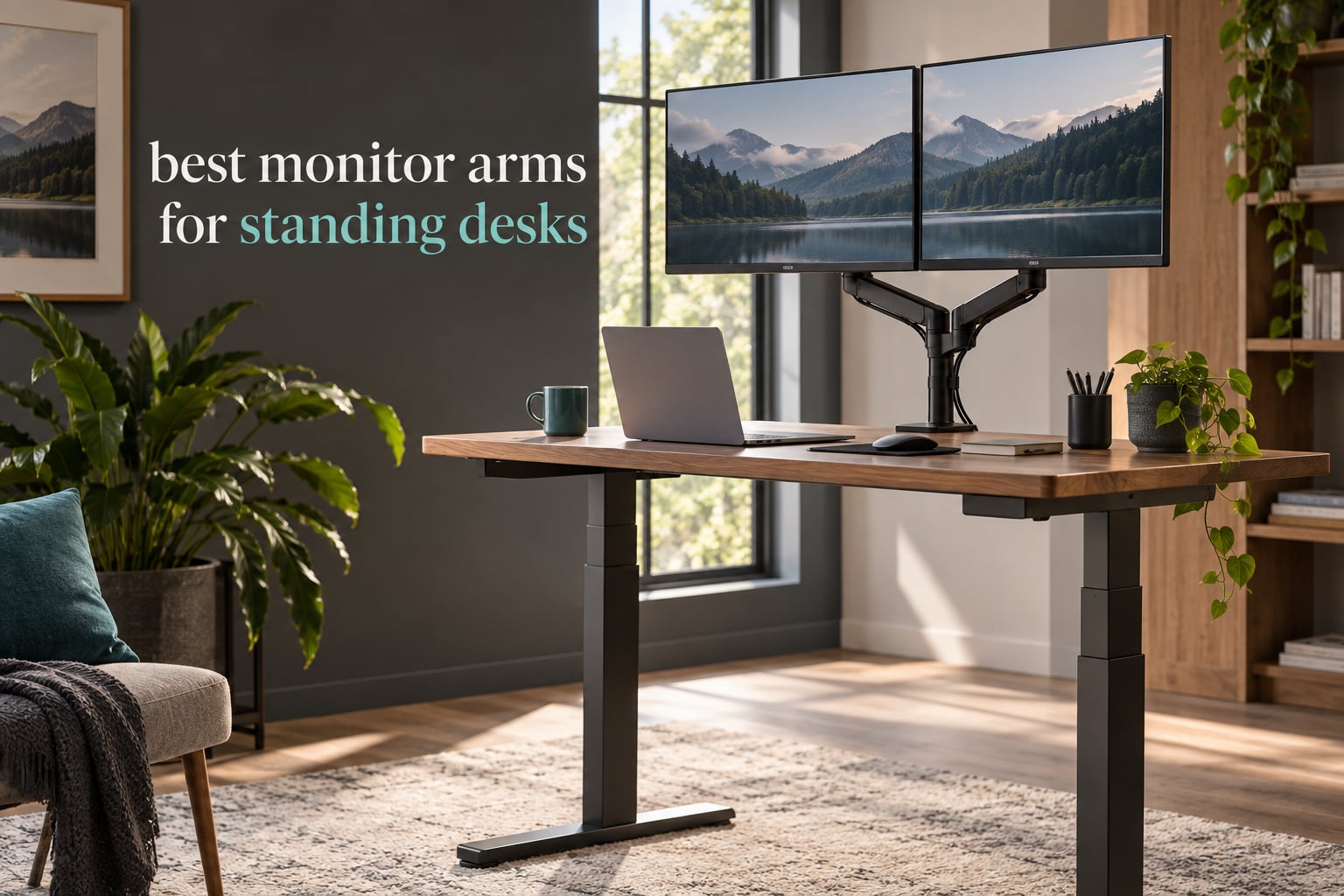
A monitor that sits at a perfect seated eye level becomes a problem the moment you raise the desk. At full standing height, that same screen lands around waist or chest level, and you end up looking down at it for hours. The fix is a monitor arm, because the arm adds its own vertical lift on top of the desk’s travel, so one screen can serve both heights.
That is the whole promise of the best monitor arms for standing desks: they restore eye-level screen position at seated and standing height without you touching a single button on the desk frame. Twelve arms made our list this year, and the differences between them turned out to matter a great deal once the desk starts moving.
Before we get into the picks, a note on what you need from the desk itself. An arm only helps if your desktop can take a clamp, if the clamp zone is clear of the lifting column, and if your screen weight lands inside the per-arm load rating rather than the combined figure printed on the box. If you have not settled on a desk yet, our guide to the best standing desks for tall users is worth a look first, because taller standing heights demand more arm lift than most people expect. We also reviewed the best electric standing desks if you want the raise-and-lower cycle to be a single button press.
Top 3 Picks for Monitor Arms for Standing Desks in 2026

VIVO Dual Monitor Desk Mount
- Two 13-30 inch screens at 22 lbs each
- VESA 75x75 or 100x100mm
- C-clamp to 3.25 inch desktops
- 3-year warranty

ELG Gas Spring Monitor Arm
- Gas spring holds any position
- 20.9 inch reach
- 17-35 inch screens to 19.8 lbs
- C-clamp and grommet included

HUANUO FlowLift Dual Monitor Stand
- Two 13-32 inch screens per arm
- 4.4 to 19.8 lbs per arm
- Dual C-clamp base resists wobble
- 5-year warranty
All 12 Best Monitor Arms Compared in 2026
| Product | Specifications | Action |
|---|---|---|
| VIVO Dual Monitor Desk Mount STAND-V002 |
|
Check Latest Price |
| HUANUO FlowLift Dual Monitor Stand |
|
Check Latest Price |
| ELG Gas Spring Monitor Arm |
|
Check Latest Price |
 VIVO Single Monitor Arm STAND-V001 VIVO Single Monitor Arm STAND-V001 |
|
Check Latest Price |
 HUANUO FlowLift Single Monitor Mount HUANUO FlowLift Single Monitor Mount |
|
Check Latest Price |
 Amazon Basics Single Monitor Stand Amazon Basics Single Monitor Stand |
|
Check Latest Price |
 WALI Single Monitor Arm WALI Single Monitor Arm |
|
Check Latest Price |
 Ergotron LX Monitor Arm Tall Pole Ergotron LX Monitor Arm Tall Pole |
|
Check Latest Price |
 HUANUO Stacked Dual Monitor Stand HUANUO Stacked Dual Monitor Stand |
|
Check Latest Price |
 ErGear Single Monitor Arm ErGear Single Monitor Arm |
|
Check Latest Price |
 Suptek Single Monitor Arm Suptek Single Monitor Arm |
|
Check Latest Price |
 Acer Dual Monitor Arm Acer Dual Monitor Arm |
|
Check Latest Price |
1. VIVO Dual Monitor Desk Mount – Best All-Round Monitor Arm for Standing Desks
VIVO Dual Monitor Desk Mount, Holds 2 Computer Screens up to 30 inches and 22lbs Each, Heavy Duty Fully Adjustable Steel Stand with C-Clamp and Grommet, Black, STAND-V002
Two 13-30 inch screens at 22 lbs each
VESA 75x75 or 100x100mm
C-clamp to 3.25 inch desks
3-year warranty
Pros
- Holds two 13-30 inch screens at 22 lbs each on VESA 75x75 or 100x100mm
- 90 degree tilt with 180 degree swivel and 360 degree rotation
- C-clamp fits desktops up to 3.25 inch thick with optional grommet mount
- Cable clips run along both arms and the center pole
- 3-year manufacturer warranty
Cons
- Center-pole height travel is modest for a tall standing desk
- Friction joints need occasional hex-key tightening to hold position
Two matching 27-inch screens is the most common standing desk arrangement there is, and this is the arm most of those desks end up with. The steel post is a single center column with the two arms coming off it, which keeps the footprint narrow and leaves the desktop area under the screens completely free.
We spent the longest on this one because it is the most reviewed monitor arm in the group by a wide margin, and the pattern across those reviews is consistent. Owners keep two screens at up to 22 lbs each, run the tilt through a full 90 degrees, and forget about the arm. The detachable VESA plates also make swapping a panel a two-minute job rather than a re-mount.
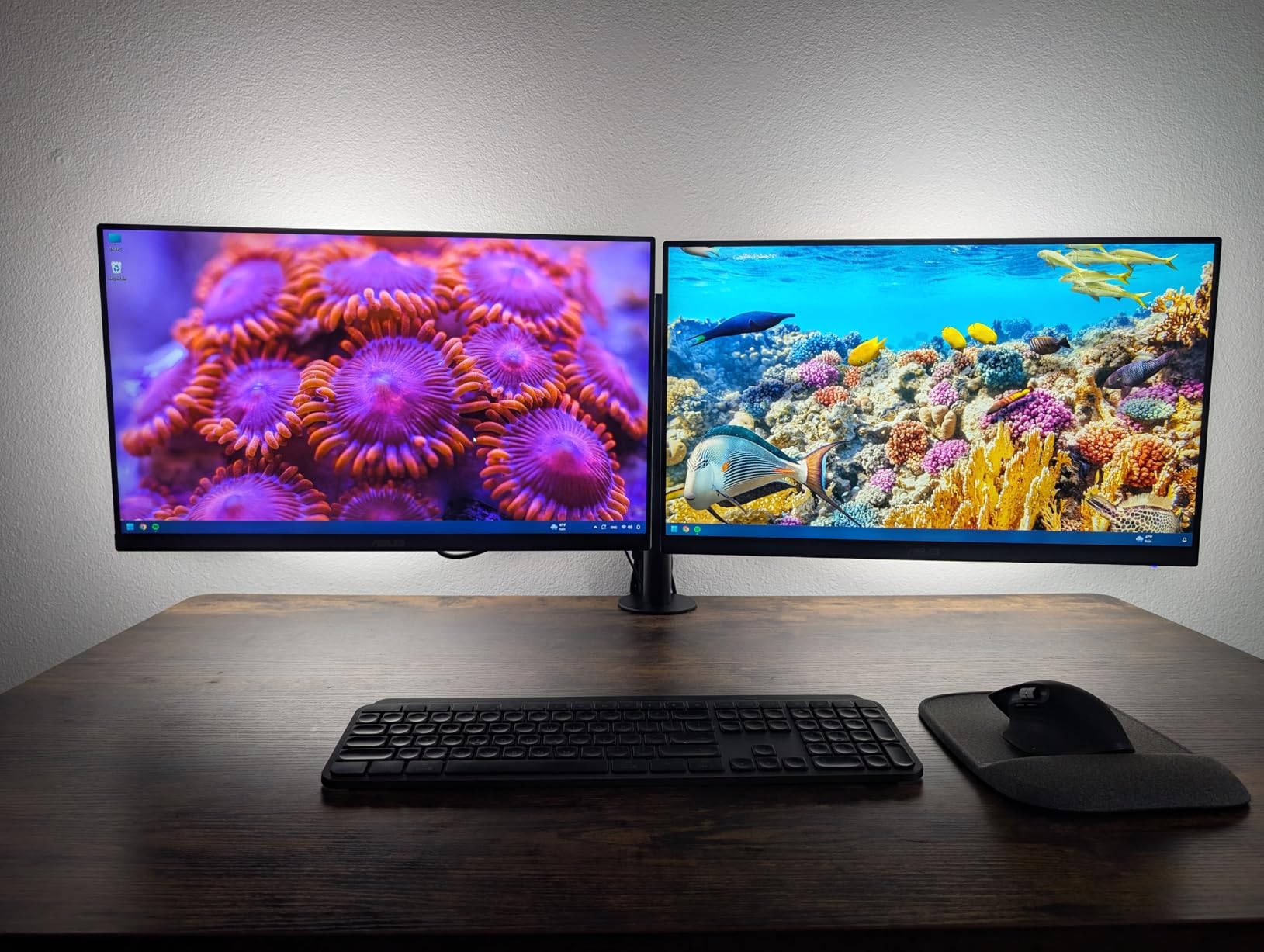
For a sit-stand desk, the practical strength is the 3.25 inch clamp capacity. Most standing desktop laminates fall between 0.75 and 1.25 inch, so the C-clamp seats with room to spare even on a thicker bamboo top. The grommet hardware is included, which matters if your desk already has cable pass-through holes.
The honest limitation is pole height. Screen position here is adjusted by sliding the mount up and down a single center post, and that travel is shorter than a dedicated tall-pole arm. If your standing desk travels a long way and you are tall, measure your eye level at full desk height before committing, because the arm can only add so much on top of the desktop.
Why it works on a moving desk
The dual clamp structure grips the rear edge rather than the top surface, so the raising mechanism never has to push against the arm. That is the difference between an arm that stays put through a hundred raise-and-lower cycles and one that creeps.
Cable clips along the arms and pole give you somewhere to tie the slack you need for travel. Nothing here is decorative; it is exactly the routing you want when the desktop moves 20-plus inches.
Where it falls short
Friction joints, not a gas spring. Over a year of desk movement they can relax enough that a screen drifts, and the fix is a hex key. If you hate adjusting hardware twice a year, look at a gas spring arm instead.
It is also a dual-arm design, so it is the wrong tool for a single ultrawide or a monitor-plus-laptop layout where you want one arm to carry a panel and the other to carry something small.
2. HUANUO FlowLift Dual Monitor Stand – Best Dual Arm With a Wide Load Window
HUANUO FlowLift™ Dual Monitor Stand, Fully Adjustable Gaming Monitor Desk Mount for 13–32″ Computer Screens, Full Motion VESA 75×75/100×100 with C-Clamp & Grommet Base, Each Arm Holds 4.4 to 19.8 lbs
Two 13-32 inch screens per arm
4.4-19.8 lbs per arm
15.75 inch height lift
Dual C-clamp base
Pros
- Each arm holds 4.4-19.8 lb screens from 13-32 inch on 75x75mm or 100x100mm VESA
- Dual C-clamp base on a larger platform resists wobble as you type
- Up to 15.75 inch of height lift with full motion tilt swivel and rotation
- Cable management guides route wires along the arms
- Both C-clamp and grommet hardware in the box
- 5-year manufacturer warranty
Cons
- Wood desktops only
- plastic and glass surfaces are not supported
- Desk underside must be free of cross beams or panels
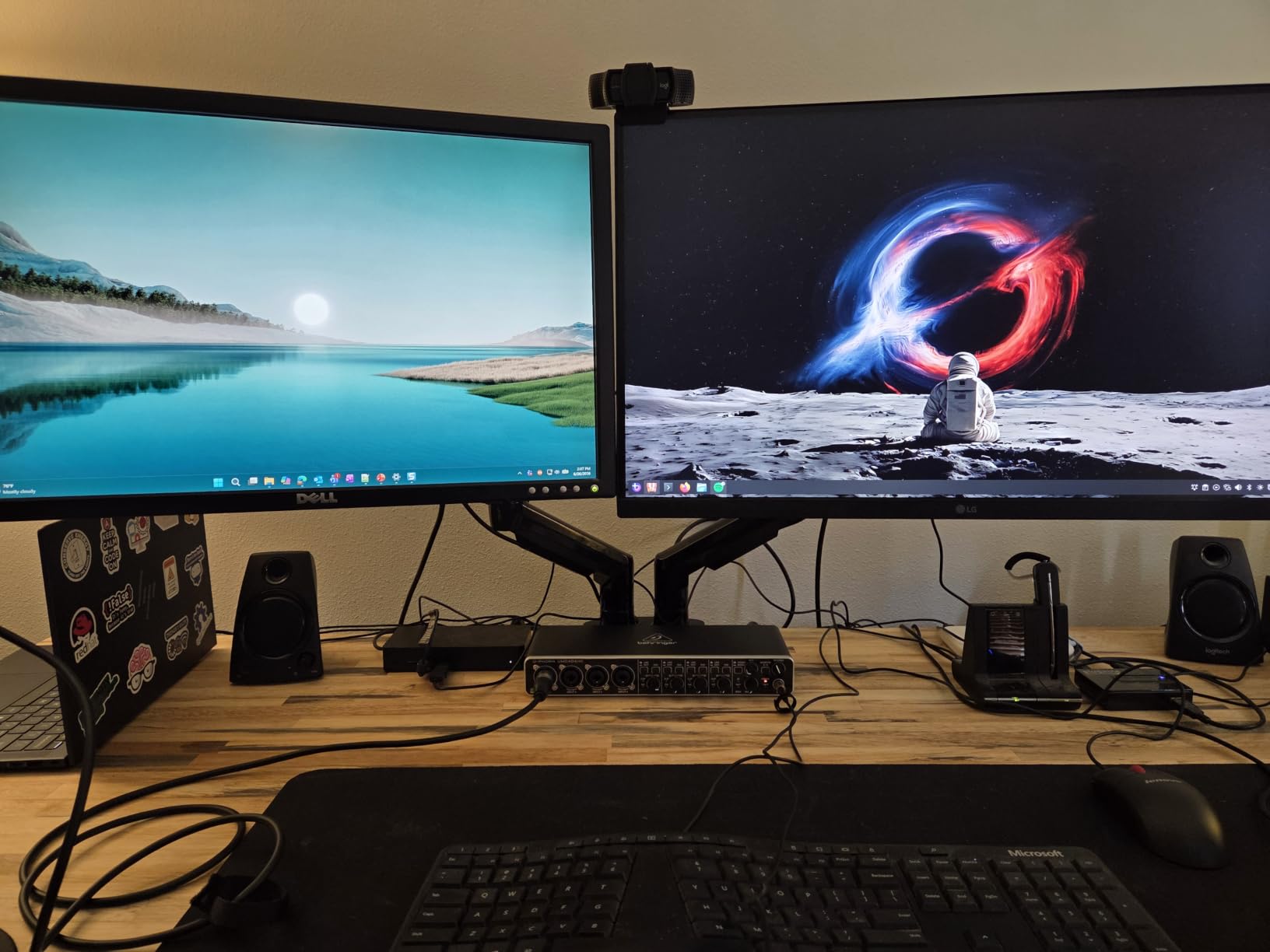
This is the dual arm to buy when your two screens are not the same weight. A 4.4 lb side monitor next to a 19.8 lb main display is a mismatch that quietly defeats a lot of arms, and the per-arm rating here is stated as a range rather than a single generous combined number.
The base is the story. HUANUO uses a larger clamp platform with a dual C-clamp structure, and the result is noticeably steadier when you type with a screen extended out over the keyboard. On a single-column standing desk that matters, because desk movement and arm wobble otherwise feed each other.
The 15.75 inch lift figure is measured from the desktop, which is the number most people misread. It is the extra height the arm adds, not the height the screen reaches from the floor. Add it to your desk’s own maximum standing height and you have the real top position.
Both mounting options ship in the box, and the clamp covers a broad desktop thickness range. The stated range of 0.59 to 3.54 inch covers almost every laminate and solid wood standing desk top we have seen.
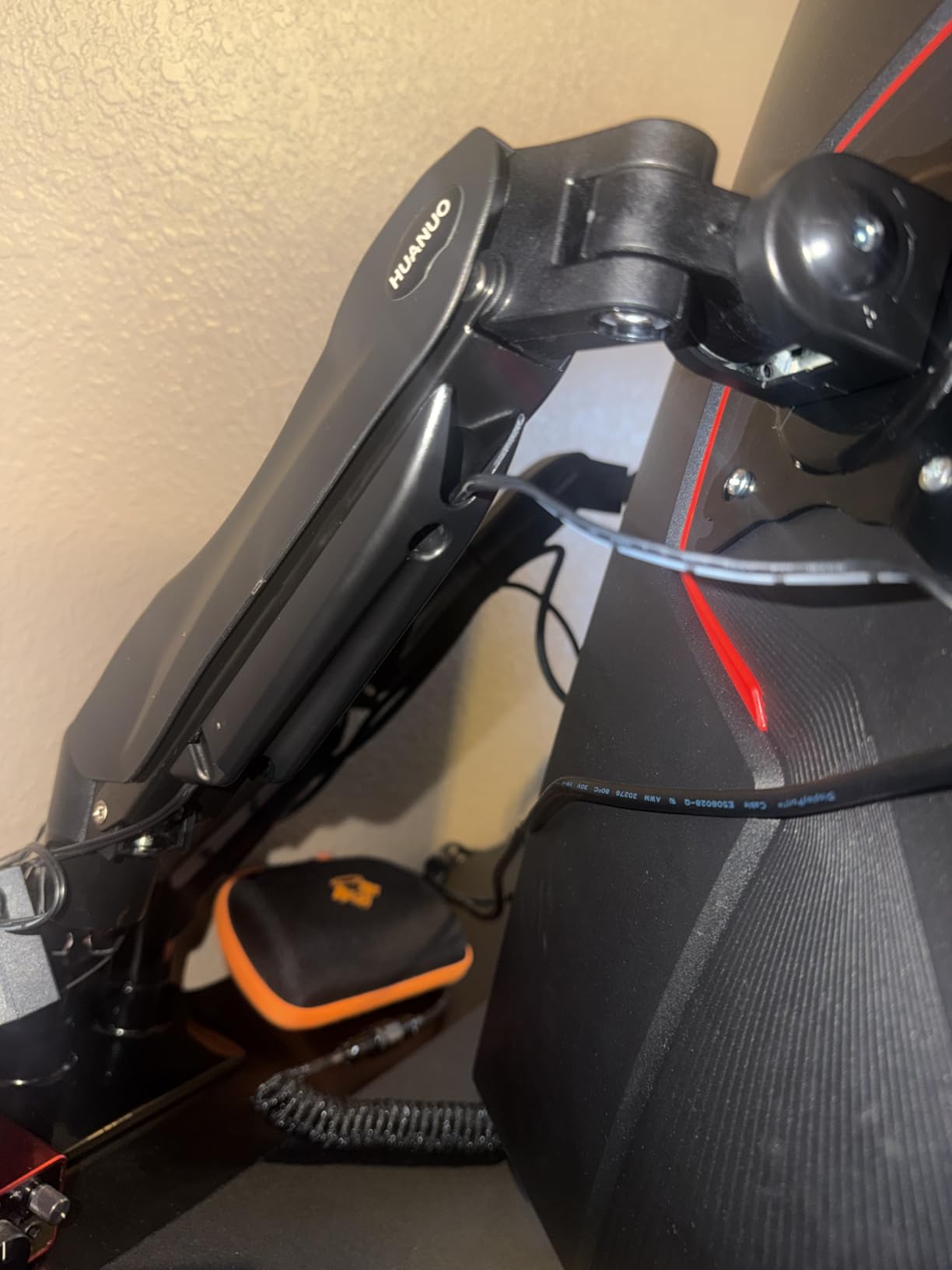
Best for mismatched dual setups
If one screen is a light 24-inch and the other is a heavier curved panel, the per-arm window is the deciding factor. A combined total load figure would tell you nothing useful here, so check each panel against the 4.4 to 19.8 lb range individually.
The 85 degree backward tilt also makes it a good fit for anyone who alternates quickly and wants the screen angled away when they are standing back from the desk.
What to check before clamping
Wooden desktops only. Glass and plastic tops are not supported, and the underside must be free of cross beams or panels for the clamp to seat flat. Many standing desks have a support rail under the desktop, so measure before you order.
Per-arm load tops out at 19.8 lb, so this is not the arm for a 34-inch ultrawide on both sides.
3. ELG Gas Spring Monitor Arm – Best Single Arm for a Heavy Ultrawide
ELG Gas Spring Monitor Arm, Full Motion, 20.9″ Reach, 17-35″ Screens 19.8 lbs, +85°/-30° Tilt, 360° Rotation, C-Clamp & Grommet, VESA 75×75 to 100x100mm, Cable Organizer, Black
17-35 inch screens to 19.8 lbs
20.9 inch reach
115 degree total tilt
C-clamp and grommet in box
Pros
- Gas spring holds any position without drifting or going stiff
- 20.9 inch reach reaching past the keyboard and desk clutter
- 115 degree total tilt range of plus 85 back and minus 30 forward
- Handles 17-35 inch screens up to 19.8 lbs including 32 inch curved panels
- Both C-clamp and grommet hardware included for 0.39-3.5 inch desks
- Built-in cable routing through the arm
Cons
- Not suitable for very light screens at the bottom of the range
- Sharp clamp edges have been reported to mark desk surfaces
- Cable grommet may not fit oversized knockouts
A gas spring changes the feel of an arm completely, and this is the clearest example in our group. Let go at any height and the screen stays exactly where you put it, with no drifting down and no resistance building up over months.
It also carries the longest reach here at 20.9 inches, which is what makes it useful on a standing desk where you want the screen pulled well back over the keyboard while sitting and pushed forward at standing height. The 115 degree tilt arc, 85 back and 30 forward, covers both positions.
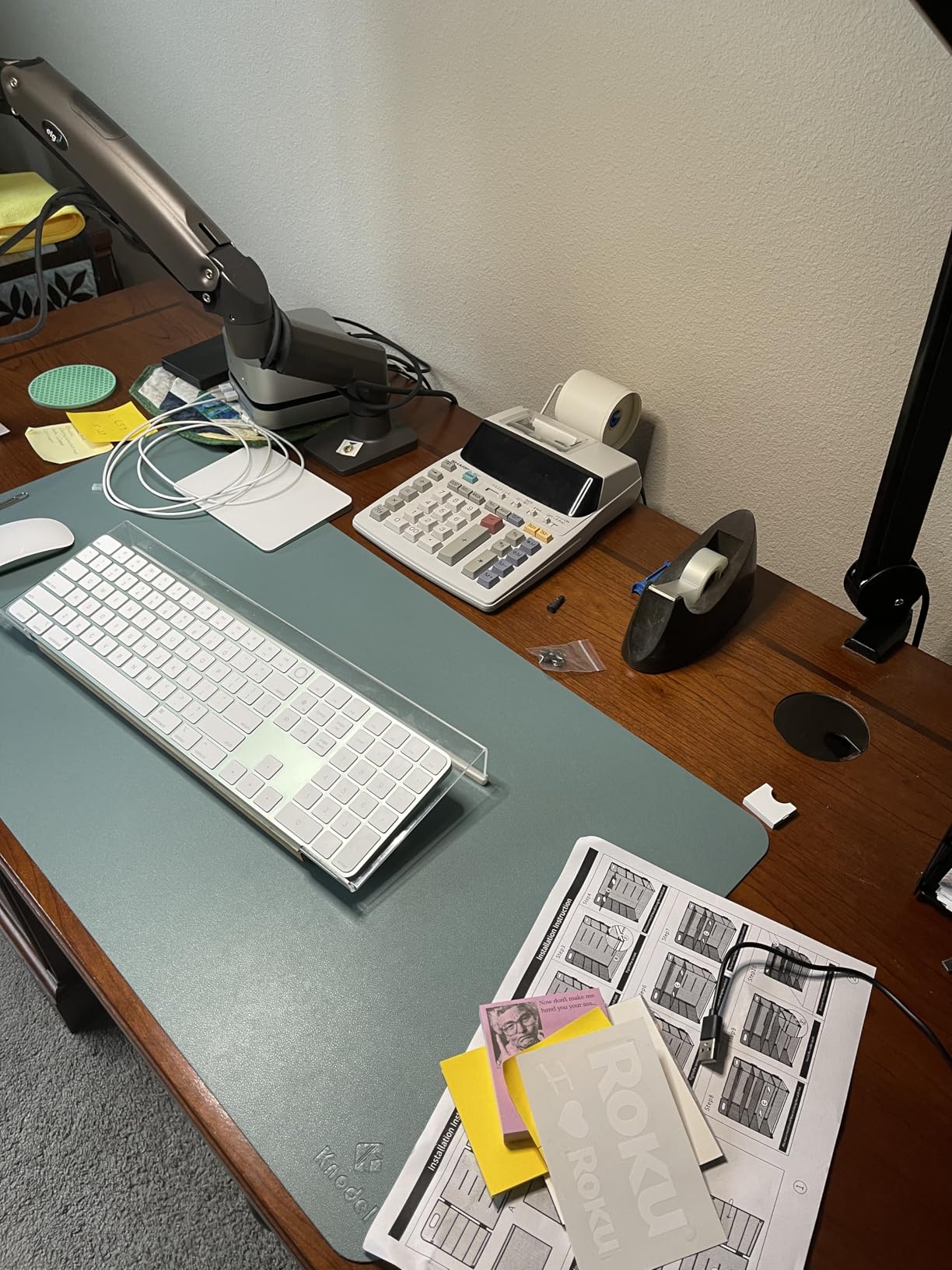
The gas spring is rated for 20,000 adjustment cycles, which is the right way to think about a sit-stand desk. You are not moving this arm a few times a week; you are moving it every time the desk changes height.
Cable routing runs through the arm itself rather than relying on clips stuck to the outside, so the cables follow the screen instead of stretching. That is a small detail that becomes important when the desktop travels.
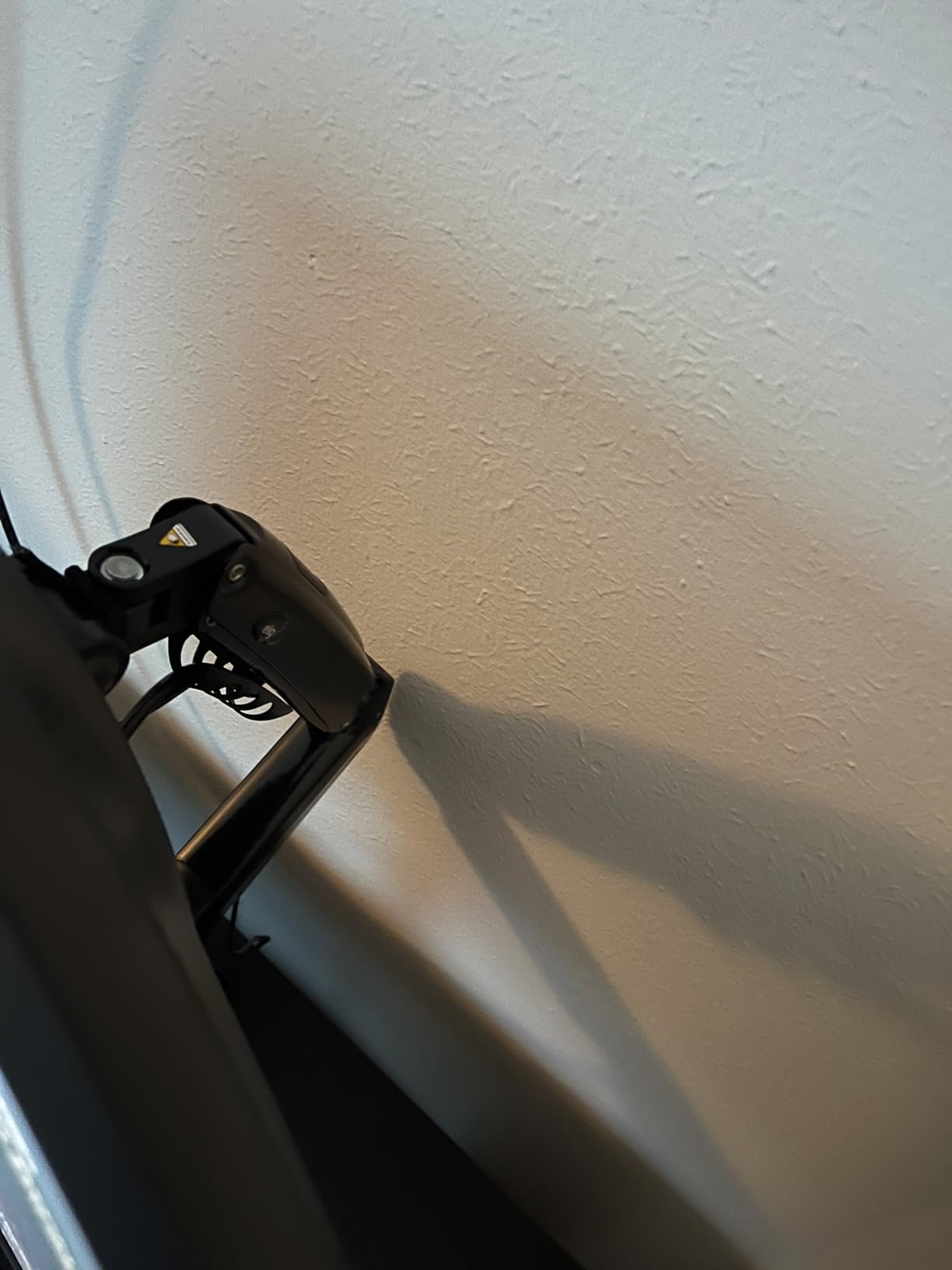
Best for one big screen
A single 32-inch curved panel or ultrawide in the 17-35 inch window sits comfortably in the middle of the 19.8 lb rating rather than at its ceiling. The carbon steel construction keeps the arm from flexing at full extension, which is where cheaper arms visibly bow.
On a deep standing desk, that reach also means the screen can be moved back from the edge when you want the desk surface clear at standing height.
What to watch out for
The low end of the load range is not zero. Very light screens can sit outside the gas spring’s calibration, so pair this with a panel of a reasonable weight rather than a small secondary display.
A small number of reviews mention sharp clamp edges marking a desk surface. Lay down a thin pad under the clamp if your top is a soft laminate or veneer.
4. VIVO Single Monitor Arm – Best Monitor Arm for Ultrawide Screens
VIVO Single 13 to 38 inch Ultrawide Monitor Arm Desk Mount, Regular Screens up to 32 inches, 22 lbs capacity, Fully Adjustable Stand with C-Clamp and Grommet Base, Black, STAND-V001
Screens to 38 inch at 22 lbs
16 inch pole height
360 degree swivel and rotation
3-year warranty
Pros
- Widest screen coverage here with regular panels to 32 inch and ultrawides up to 38 inch
- Full articulation of 90 degree tilt with 360 degree swivel and rotation
- Up to 16 inch of pole height adjustment
- Toolless hand-tightened C-clamp for desks up to 3.25 inch thick with grommet mount included
- Modular design lets the middle joint be removed for tight multi-monitor layouts
- 3-year manufacturer warranty
Cons
- Each joint bends about 90 degrees so the arm cannot fold flat
- The 16 inch pole variant can be short for very large ultrawides
- Friction hinges need hex keys and can loosen over time
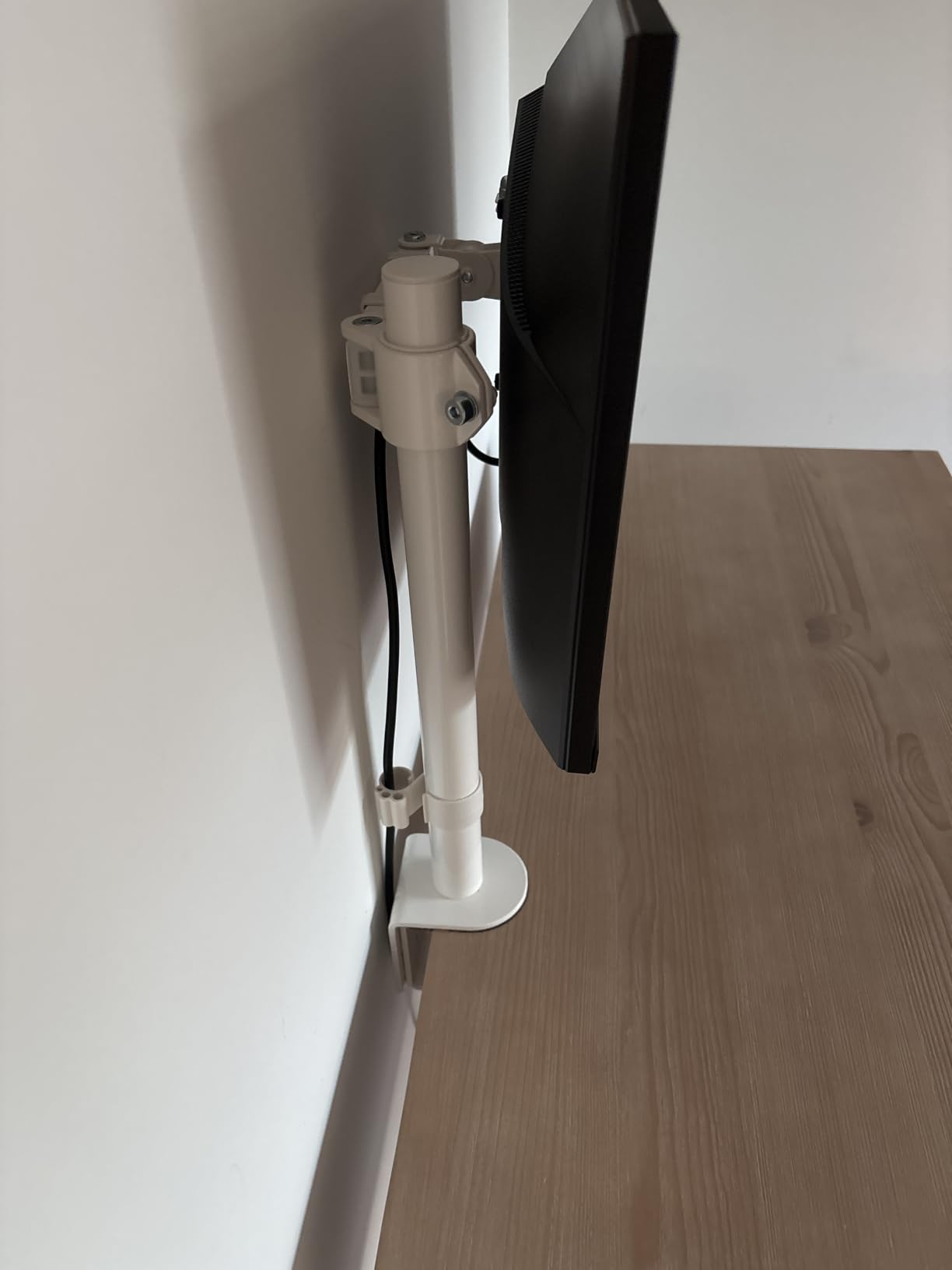
If your screen is an ultrawide, most arms simply do not list it. This one covers regular panels up to 32 inch and ultrawides up to 38 inch at up to 22 lbs, which makes it the size match for the very wide displays people tend to put on a standing desk.
The alloy steel and aluminum construction is heavier than most single arms in this group, and that weight is the point. Long-term owners describe the arm as effectively indestructible across multiple units, with no sagging of the pole and no weakening at the pivots.
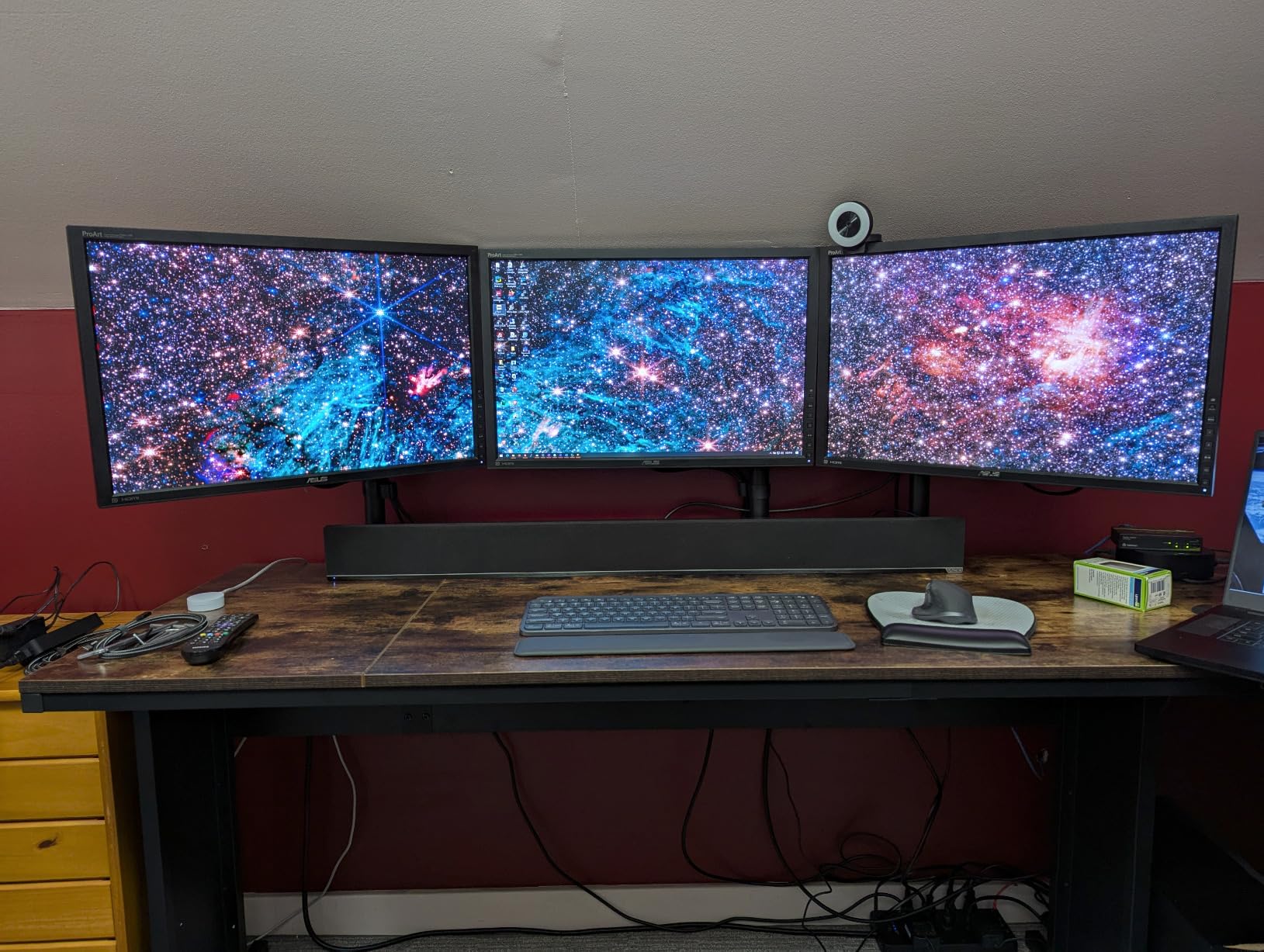
The toolless hand-tightened clamp is genuinely toolless. You turn the clamp handle until it grips and that is the whole installation, which matters if you might move the arm between a sitting desk and a standing one.
Detachable cable clips on the arms and the pole give you a place to secure the slack needed for desk travel without the cables pulling the screen sideways every time the desk moves.
Why the 38 inch figure matters
Screen size is where many buyers misjudge an arm. A 34-inch ultrawide is wider and heavier than a 34-inch 16:9 panel, and an arm that lists only 32 inch maximum leaves you outside the warranty the moment you unbox it.
Having the ultrawide range stated explicitly, with a 22 lb ceiling, removes that guesswork. A longer pole variant also exists for anyone who finds the standard 16 inch post short.
Where it does not suit
The joints bend about 90 degrees, so the arm cannot fold flat against a desk edge. On a small standing desk where you fold the surface away, that lost flatness is noticeable.
It is a friction-hinge design, so expect a hex-key adjustment every year or so, and expect a heavy ultrawide at full extension to feel a little more alive than you would prefer.
5. HUANUO FlowLift Single Monitor Mount – Best Single Arm for a Fast Install
HUANUO FlowLift™ Single Monitor Mount, 13 to 32 Inch Monitor Arm, Adjustable Monitor Stand, Vesa Mount with Clamp and Grommet Base – Fits 4.4 to 19.8lbs LCD Computer Monitors
13-32 inch screens at 4.4-19.8 lbs
39.6 cm vertical lift
C-clamp or grommet base
20,000 motion tests
Pros
- Fits 13-32 inch screens from 4.4 to 19.8 lbs on 75x75mm or 100x100mm VESA
- Stable at any angle without repeated screw adjustments
- 39.6 cm of vertical lift from the desktop with 360 degree rotation
- Automotive-grade components tested through 20000 motion cycles
- One-piece design installs in about three minutes
- Clamp and grommet both suit 0.59-3.54 inch wooden tops
Cons
- No gas spring so tension can need re-checking after a monitor swap
- Wood tabletop recommended and the underside must be clear
- Does not fit glass or plastic desktops
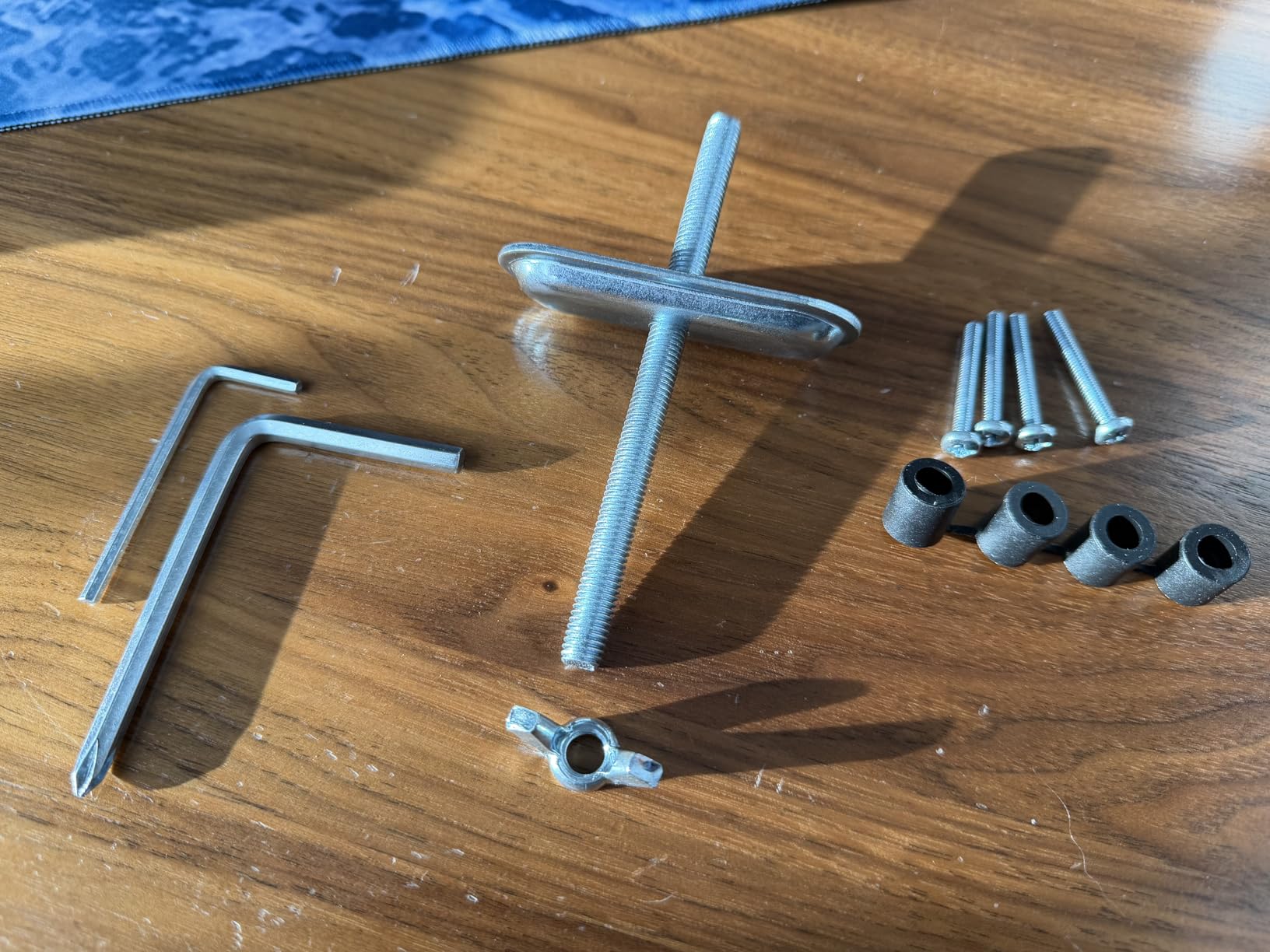
Single-screen standing desk owners get a lot of attention paid to dual arms and almost none to the simpler case. This is the straightforward answer: one post, one arm, one screen, installed in about three minutes with all hardware in the box.
The vertical lift figure of 39.6 cm is measured from the desktop, and it stacks on top of whatever your desk does. Combined with a desk that travels a long way, that gives you real flexibility to keep the screen at eye level at both heights.
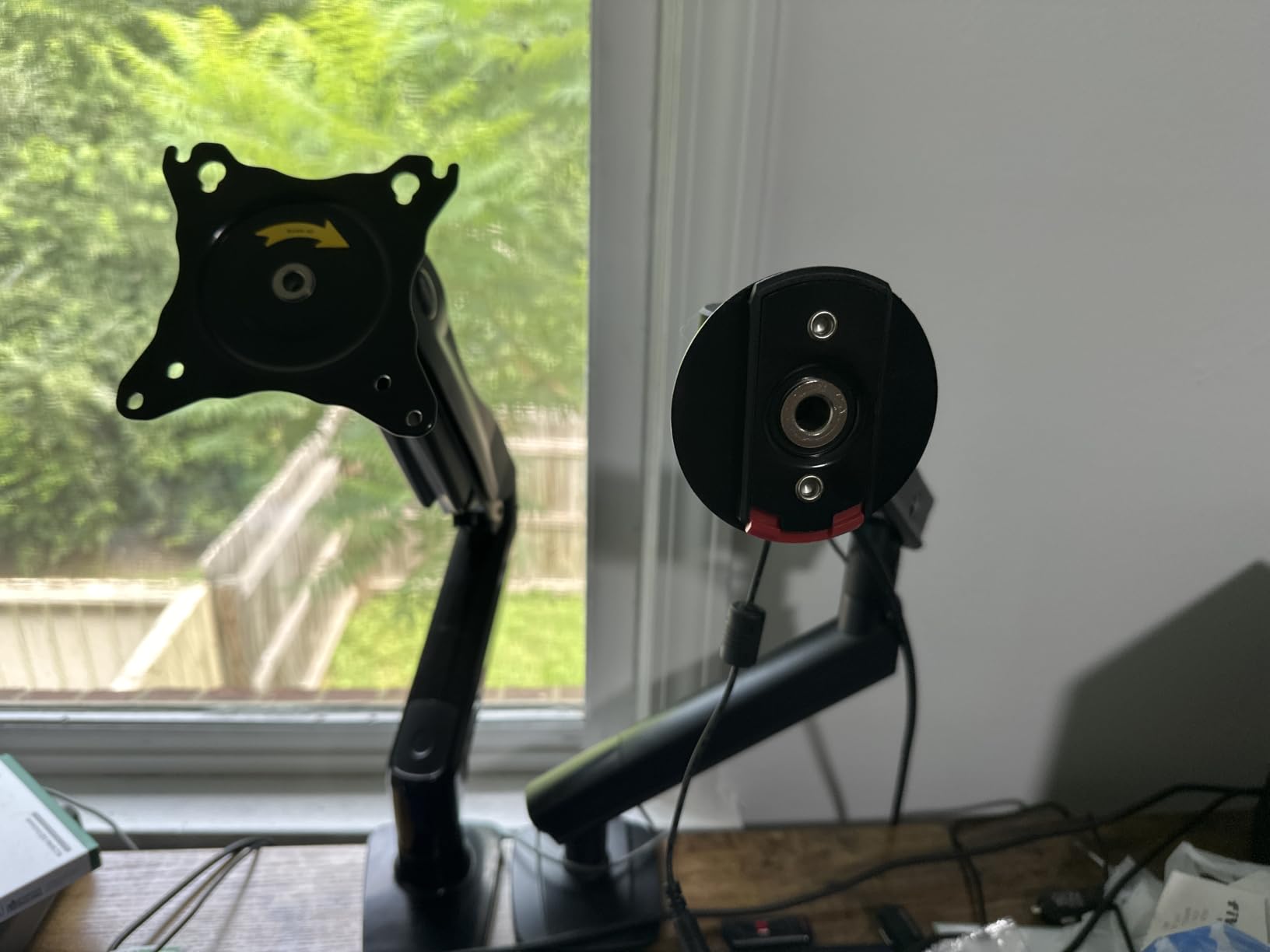
Reviewers consistently mention that the arm holds position at any angle without re-tightening screws, which is unusual for a friction design. The 20,000 motion cycle testing is the manufacturer’s claim for the core mechanism, and it is a sensible standard for equipment that moves all day.
Rotation through 360 degrees is what makes this practical for a programmer who runs a portrait secondary screen next to a landscape main display.
Best for a simple standing desk build
One screen, one clamp, three minutes. There is no column collar, no second arm, and no tension dial to work out, so the install is uneventful in the best way.
The 4.4 to 19.8 lb window covers most 24-inch and 27-inch panels with room either side, and the tilt range from minus 50 to plus 85 degrees is wide enough to angle a screen away when you step back from the desk standing up.
Watch out for
It is not a gas spring, so swapping to a much lighter or heavier monitor later can leave the tension wrong. Budget a few minutes of adjustment when you change screens.
The same wood-only limitation applies as the HUANUO dual: no glass, no plastic, and the underside needs to be clear of beams and panels.
6. Amazon Basics Single Monitor Stand – Best Budget Clamp Arm
Amazon Basics Single Computer Monitor Stand with Cable Management, Height Adjustable VESA Desk Arm Mount, Fully Adjustable Tilt and Rotation, Steel, Black, Fits 13-30″ Screens
13-30 inch screens to 22 lbs
Desks 0.8-3.9 inch thick
7.9-14.2 inch height span
1-year warranty
Pros
- Fits most 13-30 inch screens up to 22 lbs on desks 0.8-3.9 inch thick
- 360 degree rotation for portrait or landscape use
- Height-adjustable arm spanning 7.9 to 14.2 inches
- Integrated cable management system keeps cords out of the way
- Detachable VESA plate accepts 100x100mm and 75x75mm patterns
- Durable steel construction at a budget price
Cons
- Tilt range limited to minus 15 to plus 85 degrees
- Only a 1-year warranty which is the shortest here
- Lighter overall construction than premium arms
This is the arm to buy when the budget line is the whole decision. The steel frame takes 22 lb, covers 13 to 30 inch screens, and the clamp handles desktops from 0.8 to 3.9 inch, which is a wider thickness window than several arms in this list.
The 7.9 to 14.2 inch height span is the number to check if your standing desk is tall. It is a shorter range than a dedicated tall-pole arm, so a very tall user at full standing height may find the top of the travel still slightly low.
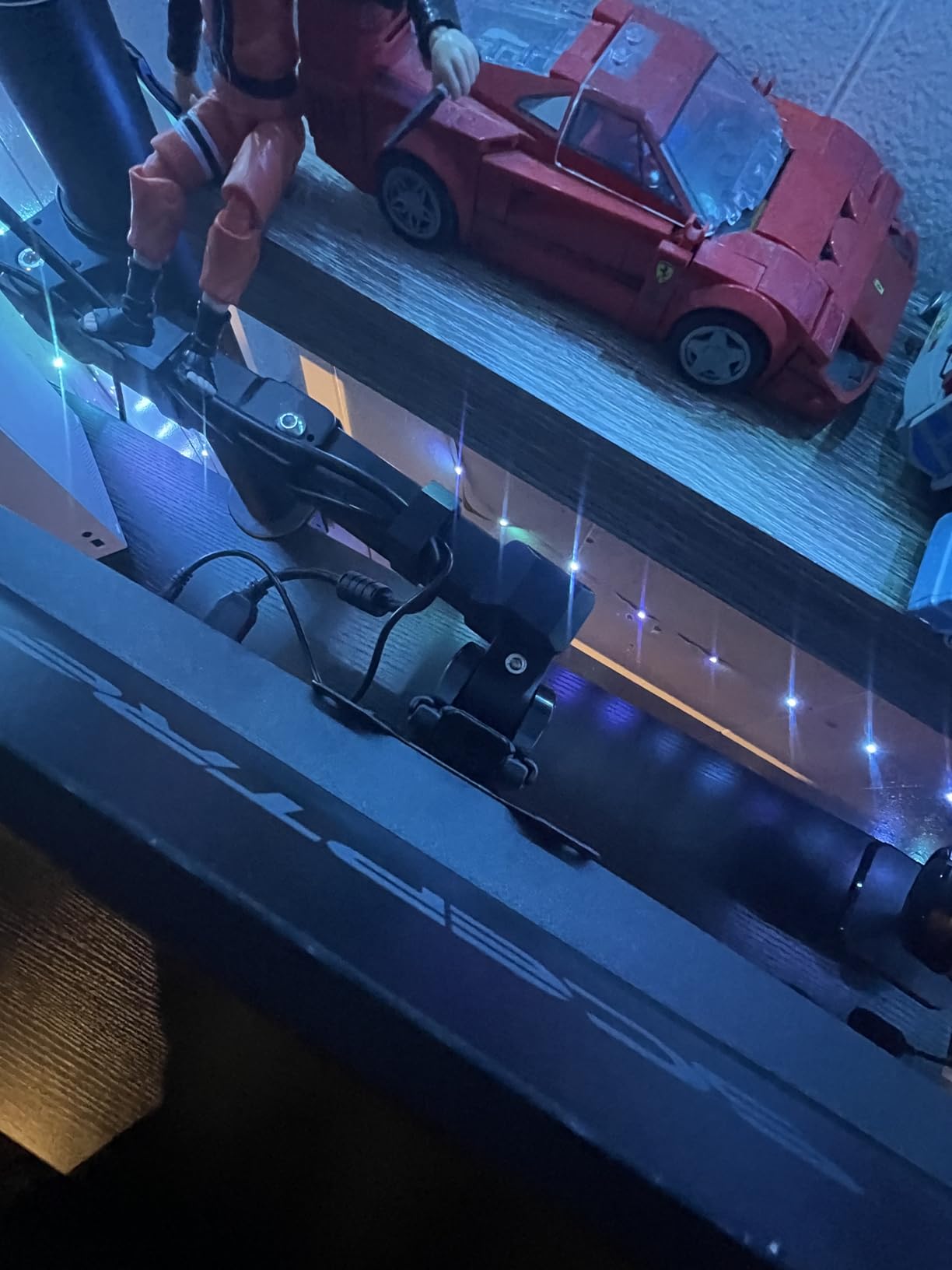
Cable management is integrated rather than clip-on, which keeps cords against the post instead of dangling. On a sit-stand desk that is genuinely useful, since the cables are the first thing that snags on a moving column.
The detachable VESA plate takes both 100x100mm and 75x75mm patterns and all tools are included, so there is no second purchase needed to fit a common monitor.
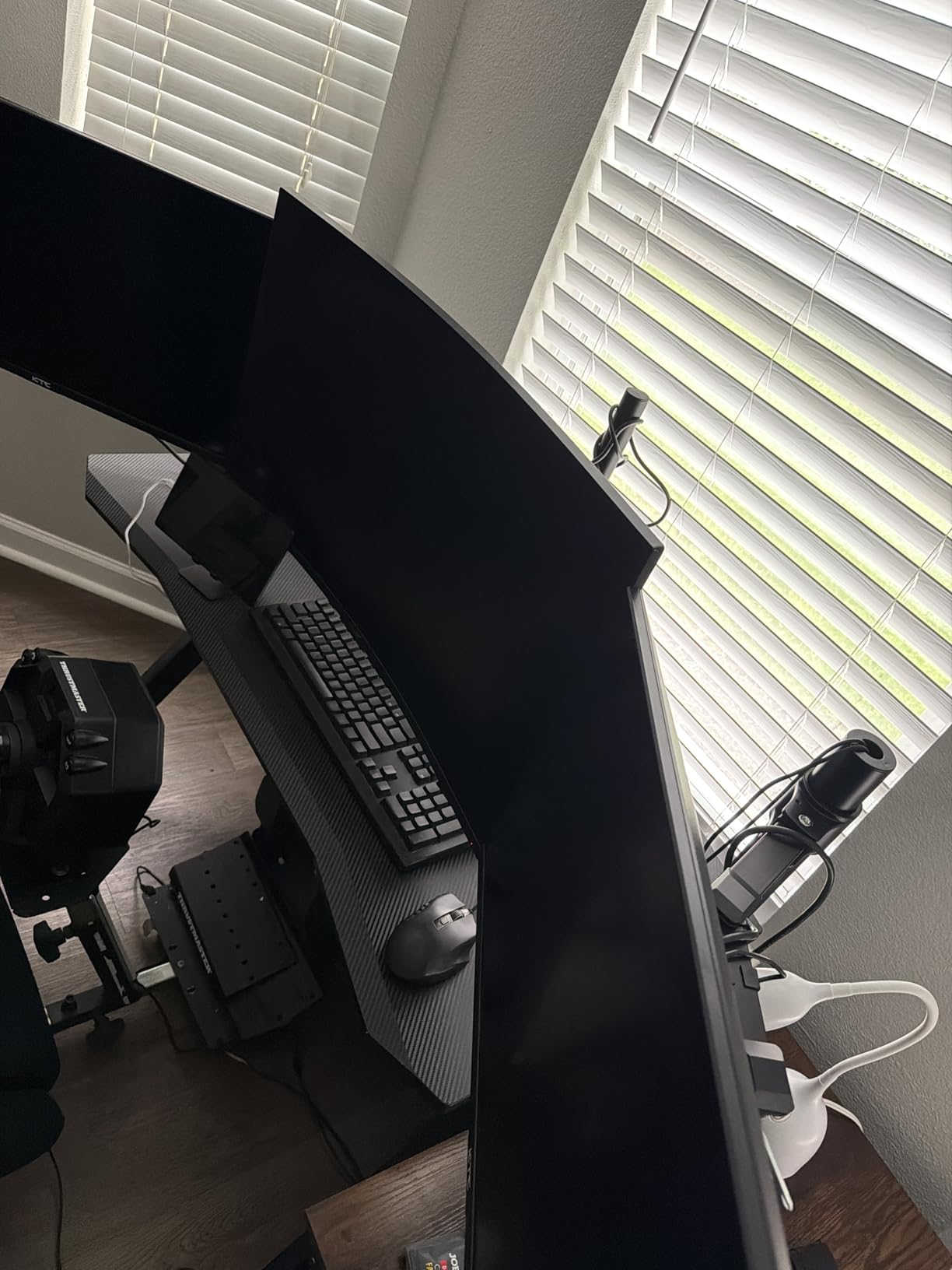
Where the money is saved
The build is lighter than premium arms and the tilt range stops at 15 degrees forward, which is the first thing you notice if you want to angle the top of a screen away from a window glare.
It is a straightforward fixed-position arm, not a gas spring design, so the position holds where you put it and the screen is not self-correcting after a desk bump.
What to consider before buying
The 1-year warranty is the shortest here, and it is the clearest signal that this is an entry-level product. A desk that moves every day puts a lot of cycles through the joints.
If your standing desk is tall and you are a tall user, check the 14.2 inch top of the height span against your eye level at full desk extension before buying.
7. WALI Single Monitor Arm – Best Warranty in the Group
WALI Adjustable Single Monitor Arm for 13-34 inch Screens, up to 26.4 lbs
13-34 inch screens to 26.4 lbs
19.3 inch extension
17.3 inch height lift
10-year warranty
Pros
- Highest load rating among budget singles at 26.4 lbs flat and 19.8 lbs curved
- Handles 13-34 inch screens on 75x75mm or 100x100mm VESA
- 19.3 inch of extension and 17.3 inch of height lift above the desktop
- Full motion with 180 degree swivel and 360 degree rotation
- Wider VESA head and tighter-fitting VESA panel for stability
- Backed by a 10-year warranty
Cons
- Tilt range stops at 70 degrees forward which is less than many rivals
- Clamp and grommet both cap at roughly 2.76 inch desk thickness
- Wooden desk recommended and crossbeams under the top interfere
A 10-year warranty on an arm in this price bracket is unusual, and it is the reason this one earned a place. Spare part availability and a long written term mean the arm is a ten-year decision rather than a disposable accessory.
The 26.4 lb flat panel rating is the highest single-screen load figure among the lower-cost arms here, with a slightly lower 19.8 lb allowance for curved screens. It covers 13 to 34 inch panels on standard VESA patterns.
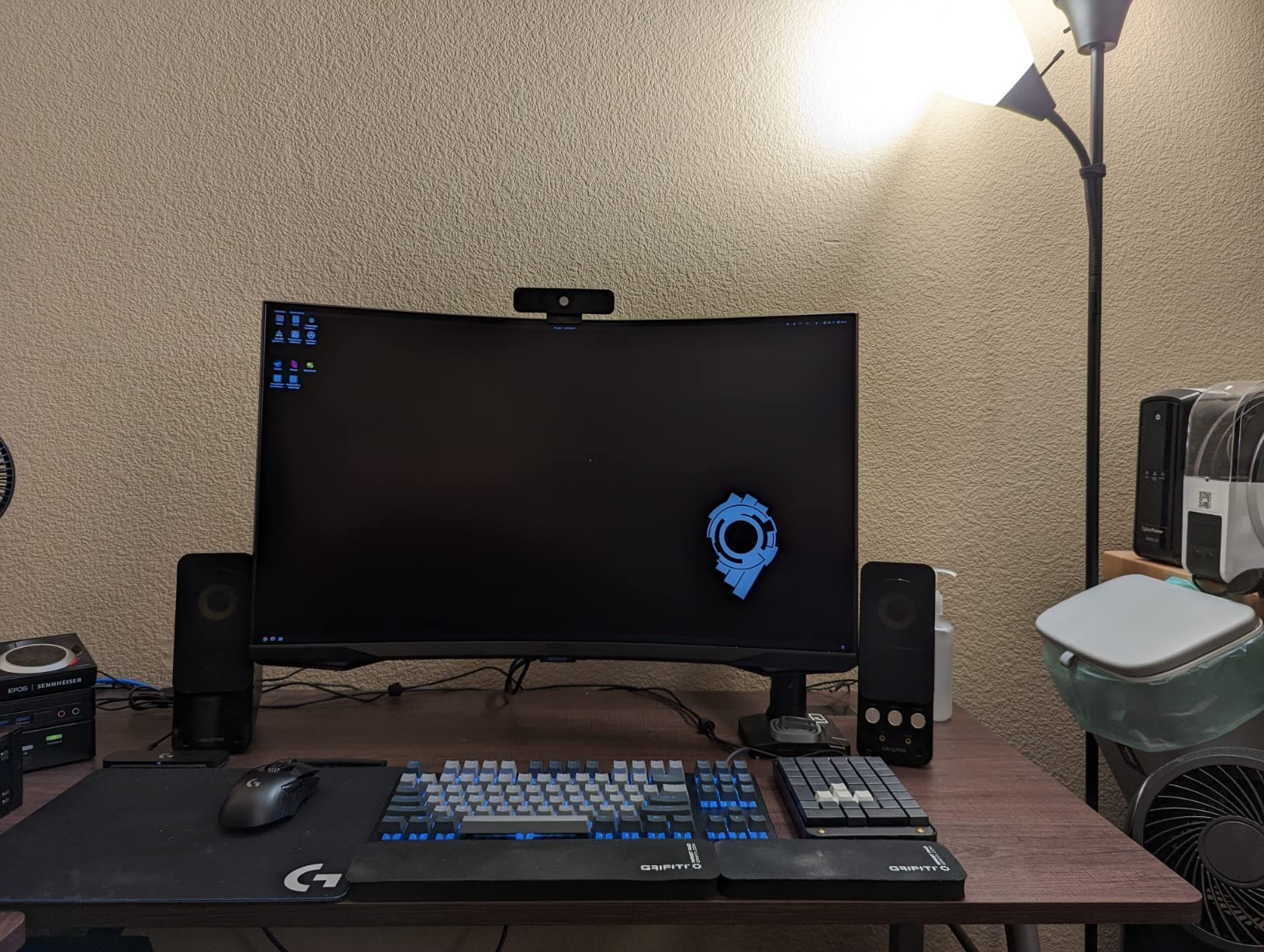
With 17.3 inch of height lift and 19.3 inch of extension, this arm has more of the range you want on a tall standing desk than most of the singles in this group. Buyers specifically mention the long reach as a reason to keep it.
The durable core is tested through more than 20,000 adjustment cycles, and the wider VESA head with a tighter-fitting plate is a sensible detail that reduces play at the screen connection.
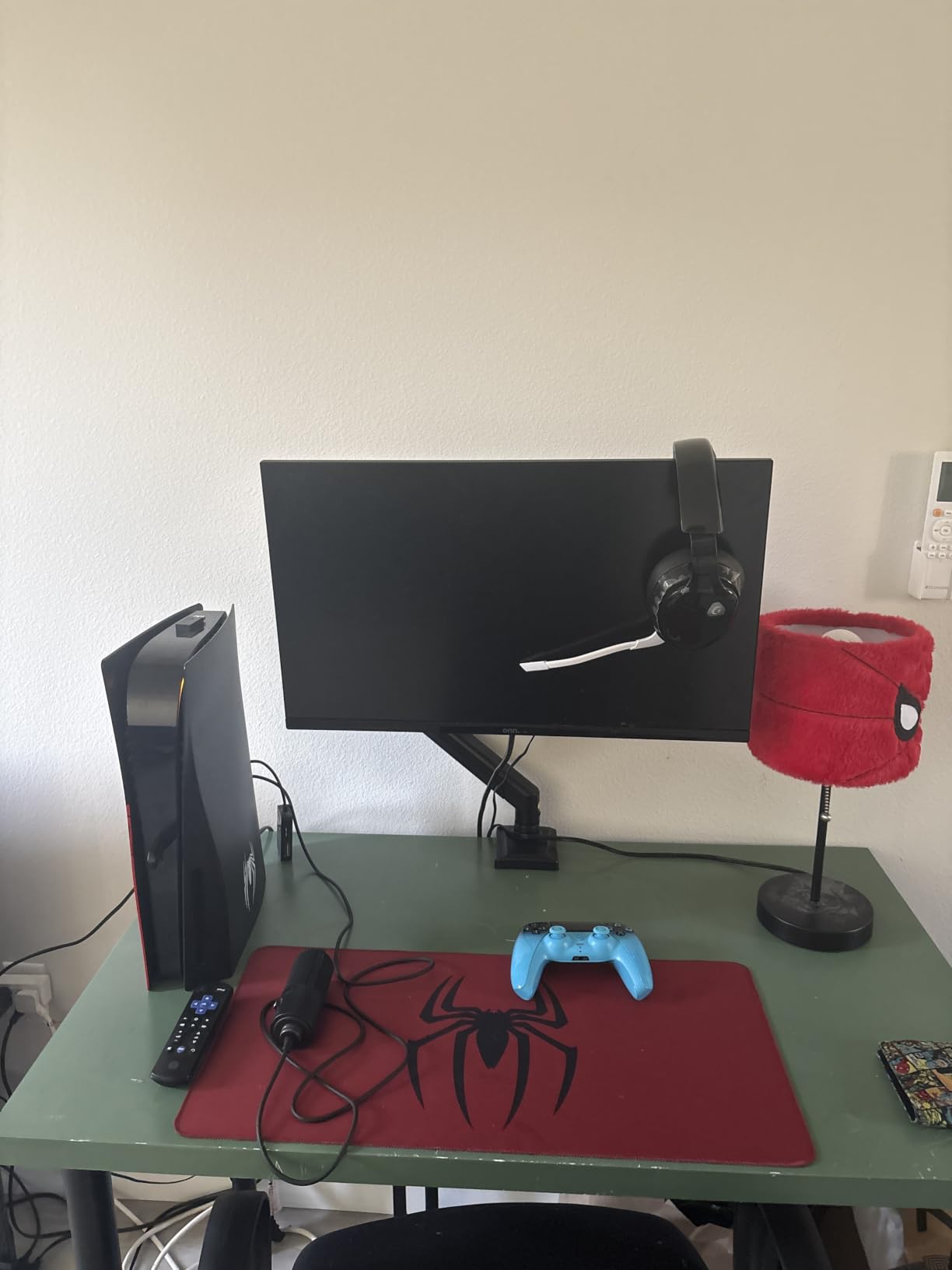
Best for a long-term buy
When two arms carry similar load ratings and reach, a decade-long warranty is a genuine differentiator. It also means replacement parts are less likely to disappear if something fails.
The generous load ceiling means you can move to a larger or heavier panel later without replacing the arm, which is a real advantage for someone whose desk is a long-term build.
Where it falls short
Articulation quality is looser than a gas spring arm, and the forward tilt stops at 70 degrees. If you want to angle a screen steeply away from glare, that is the limit.
Both mounting options cap at about 2.76 inch of desk thickness, and a crossbeam under the desktop will stop the clamp seating. Check the underside of your standing desk first.
8. Ergotron LX Monitor Arm with Tall Pole – Best Premium Build
Ergotron – LX Monitor Arm, Single Monitor Desk Mount – fits Flat Curved Ultrawide Computer Monitors up to 34 Inches, 7 to 25 lbs, VESA 75x75mm or 100x100mm – Tall Pole, White
Screens to 34 inch at 7-25 lbs
Rises 22.1 inch above the desk
13 inch monitor lift
10-year warranty
Pros
- Premium build quality described as heavy solid well-finished metal and aluminium
- Fits screens up to 34 inch weighing 7 to 25 lbs on 75x75mm or 100x100mm
- 13 inches of monitor lift rising 22.1 inch from the worksurface
- Folds back and tucks under storage shelves or cabinets
- Constant Force technology keeps the screen floating
- Two-piece desk clamp for 0.63-2.6 inch surfaces
- 10-year warranty
Cons
- Highest price point in this group by a wide margin
- Spring tension is hard to adjust once the monitor is attached
- Horizontal swing is stiffer than the vertical lift
- Grommet mount is sold separately
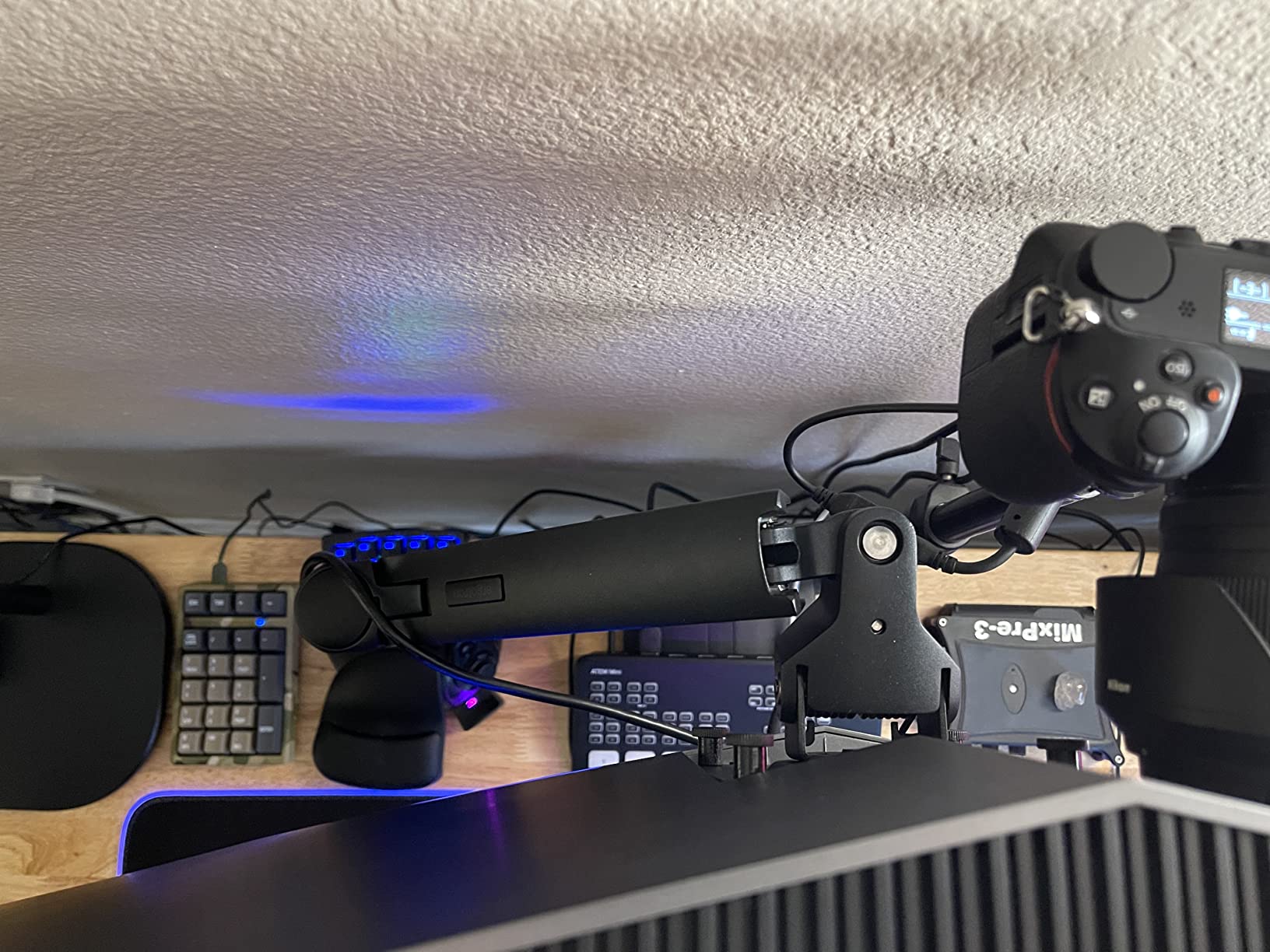
This is the arm to consider when the standing desk travels a long way and you need the screen to follow. The 22.1 inch rise from the worksurface is the largest top position of any single arm here, which is exactly the number that decides whether a screen clears eye level at full standing height.
Build quality is the reason people keep these for years. Owners describe heavy, solid, well-finished metal and aluminium, and the Constant Force mechanism keeps the screen floating with adjustments that stay put. Eighty-three percent of ratings are five stars, which is remarkably consistent for a premium-priced product.
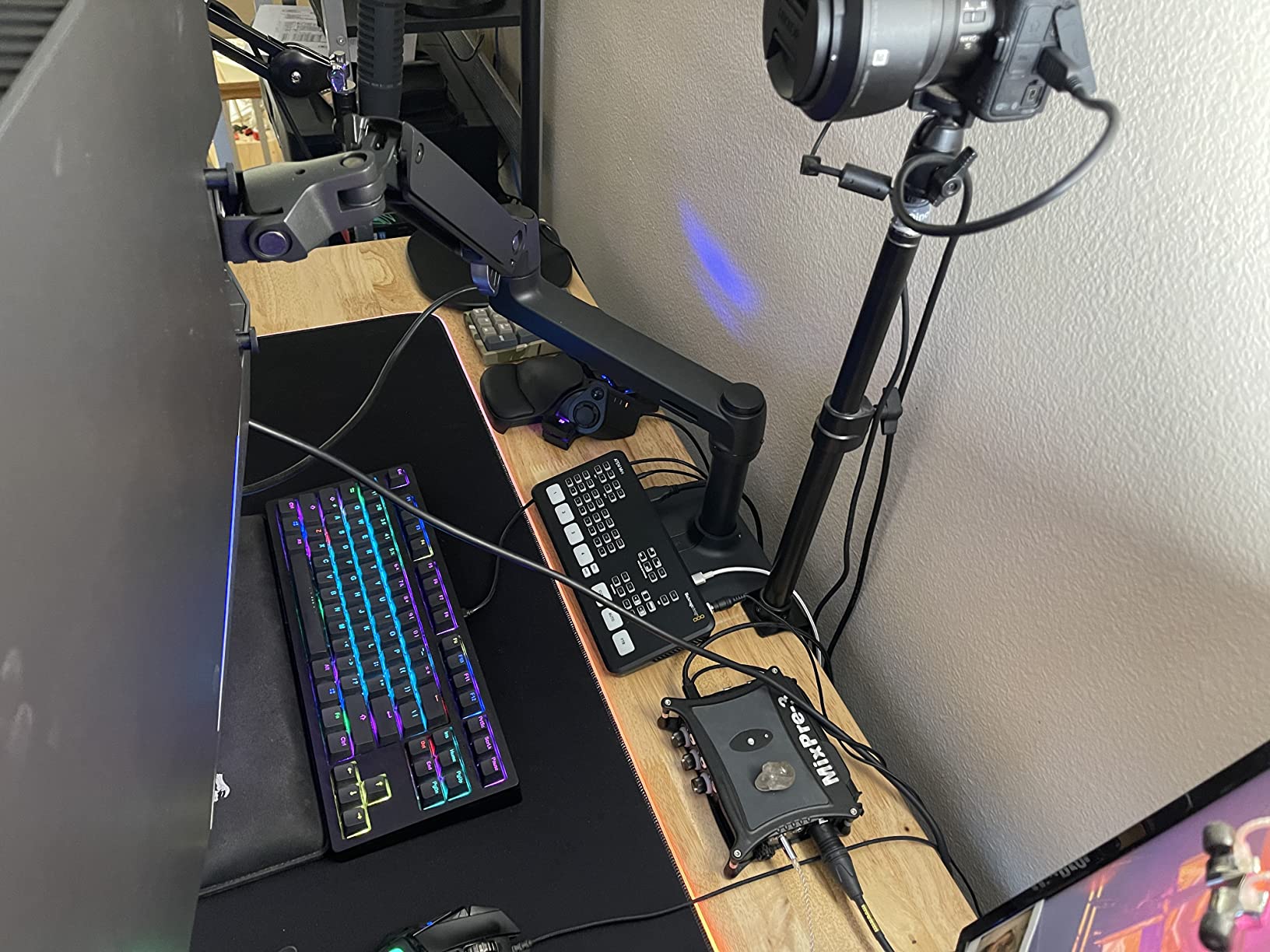
It also folds back to reclaim desk space and tucks under a storage shelf, which no other arm in this group claims. On a small standing desk that fold-away profile is worth more than extra reach.
The 7 to 25 lb load range is broad, but note the floor. A very light screen will sit below the counterbalance range, so this is an arm for full-size displays rather than a small secondary panel.
Best for tall users on a tall desk
Buyers of shorter stature note that the standard 13 inch pole can still fall a few inches short of true eye level unless an extension arm is added. Measure at full standing height and buy accordingly.
For most people the added reach removes the hunching that comes from looking down at a screen all afternoon, and the fold-back design keeps the desktop clear at standing height.
What you give up
It carries by far the highest price in the group, and the spring tension adjustment is nearly impossible to reach once a monitor is attached. Set the tension before mounting the screen.
Horizontal swing is stiffer than the vertical lift, and the grommet mount is a separate accessory rather than something in the box.
9. HUANUO Stacked Dual Monitor Stand – Best Vertical Stack for Small Standing Desks
HUANUO 17-32 Inch Dual Monitor Stand, Stacked Monitor Mount, Monitor Arms for 2 Monitors, Ergonomic Adjustable Tilt/Swivel/Rotate, Weight Max 19.8 lbs, VESA 75/100mm
Stacks two 17-32 inch screens
Lifts to 25.19 inch
4.4-19.8 lbs per arm
C-clamp or grommet
Pros
- Vertical stacking frees a large amount of desk space for other gear
- Additional 17 inch extension raises monitors up to 25.19 inch
- Full motion with 90 degree tilt 180 degree swivel and 360 degree rotation per arm
- Each arm supports 17-32 inch monitors from 4.4-19.8 lbs
- Gas springs hold stacked configurations without sagging over long periods
- C-clamp or grommet mounting with integrated cable management
Cons
- Cable management clips feel flimsy against the rest of the build
- Some units mount the two arms at different heights
- Not compatible with glass desktops
- VESA plate can be awkward to thread on first install
A stacked pair is the answer when a standing desk is deep but narrow, or when the desktop needs to stay clear for a keyboard, a laptop, or a controller. Both screens occupy one clamp footprint and one vertical column of space.
The 17 inch extension lifts the upper monitor as high as 25.19 inch, which makes this a genuinely tall arrangement. For a tall user at full standing height, that top position is the whole point of a stacked layout.
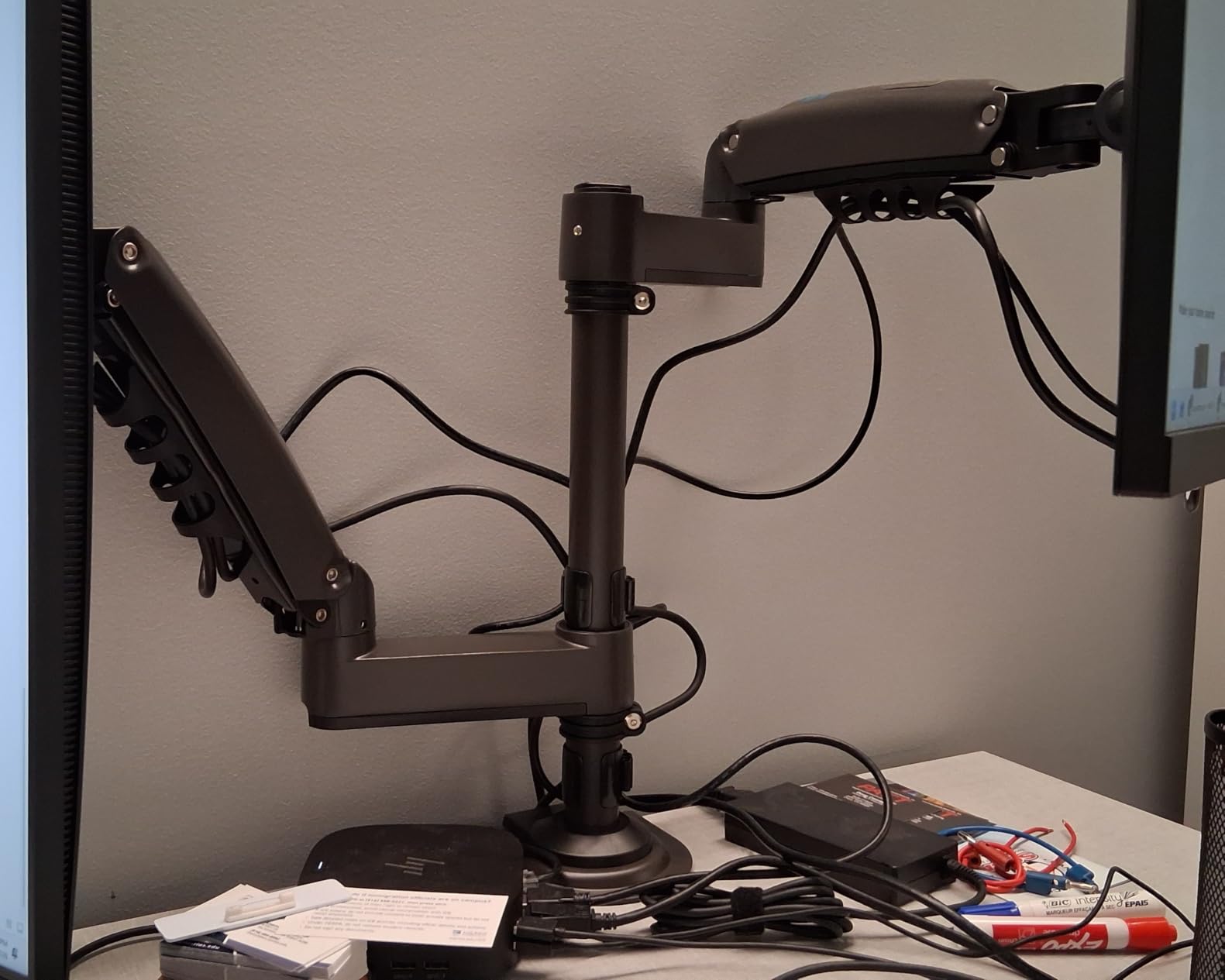
Long-term reviewers report that the gas springs have not sagged or needed re-adjusting after well over a year, including in stacked configurations where the load is offset from the pivot. That durability matters more here than on a single arm, because a stack doubles the weight on one base.
Cable management is integrated into the arms rather than added as an accessory, so the wiring follows the stack instead of dropping behind the desktop.
When stacking beats side by side
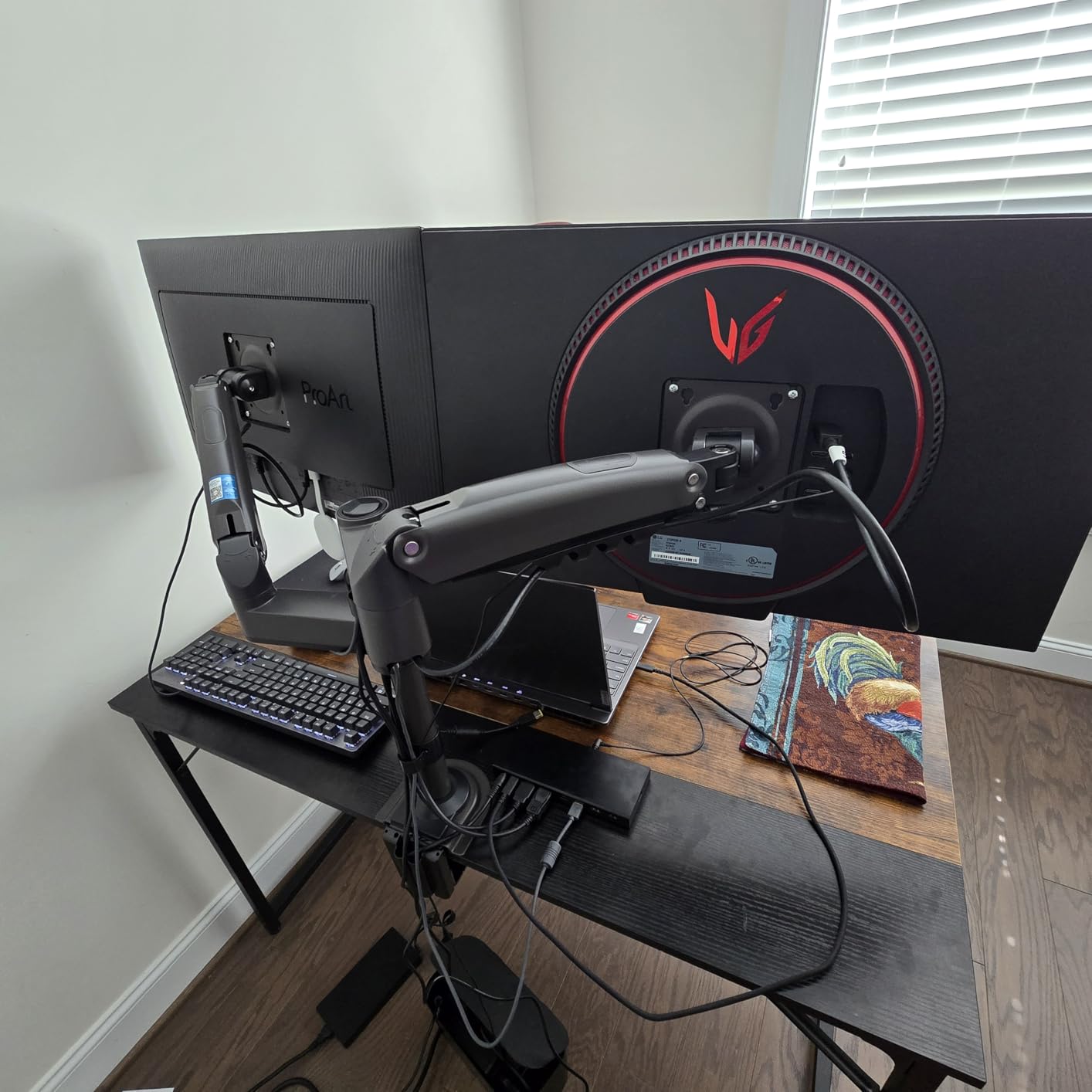
Stacking suits a main display with a smaller secondary, or a workflow where the lower screen stays visible at sitting height and the upper one is the focus when you stand.
On a small standing desk, the reclaimed surface area is the real benefit. Two screens that would otherwise take 30 inches of width now take almost none.
Watch out for
Some units mount the two arms at different heights, which blocks a perfectly symmetric layout in mixed-size setups. Check the top of the upper arm against your eye line at standing height.
The cable clips feel thin compared with the rest of the build, and the VESA plate can be awkward to thread onto the arm the first time.
10. ErGear Single Monitor Arm – Fastest Install in the Group
ErGear Single Monitor Arm, Fully Adjustable Monitor Mount for 13–34 Inch Screens, Fast Install Computer Monitor Stand with Tool-Free VESA Mount, Cable Management, Holds 19.8 lbs
13-34 inch screens to 19.8 lbs
17.5 inch height adjustment
18.1 inch reach
Tool-free VESA plate
Pros
- Handles 13-34 inch flat or curved monitors up to 19.8 lbs
- Tool-free VESA plate and a three-step setup
- 17.5 inch of height adjustment and 18.1 inch of reach
- Full motion of plus 80 minus 50 degree tilt and 360 degree rotation
- 40 percent wider VESA head with a tighter-fitting panel for stability
- Cable clips open without tools
- 2-year warranty
Cons
- Some horizontal shake remains when the monitor is moved
- Rotation does not achieve a full continuous 360 in practice
- Threaded tension bolts can strip if over-tightened
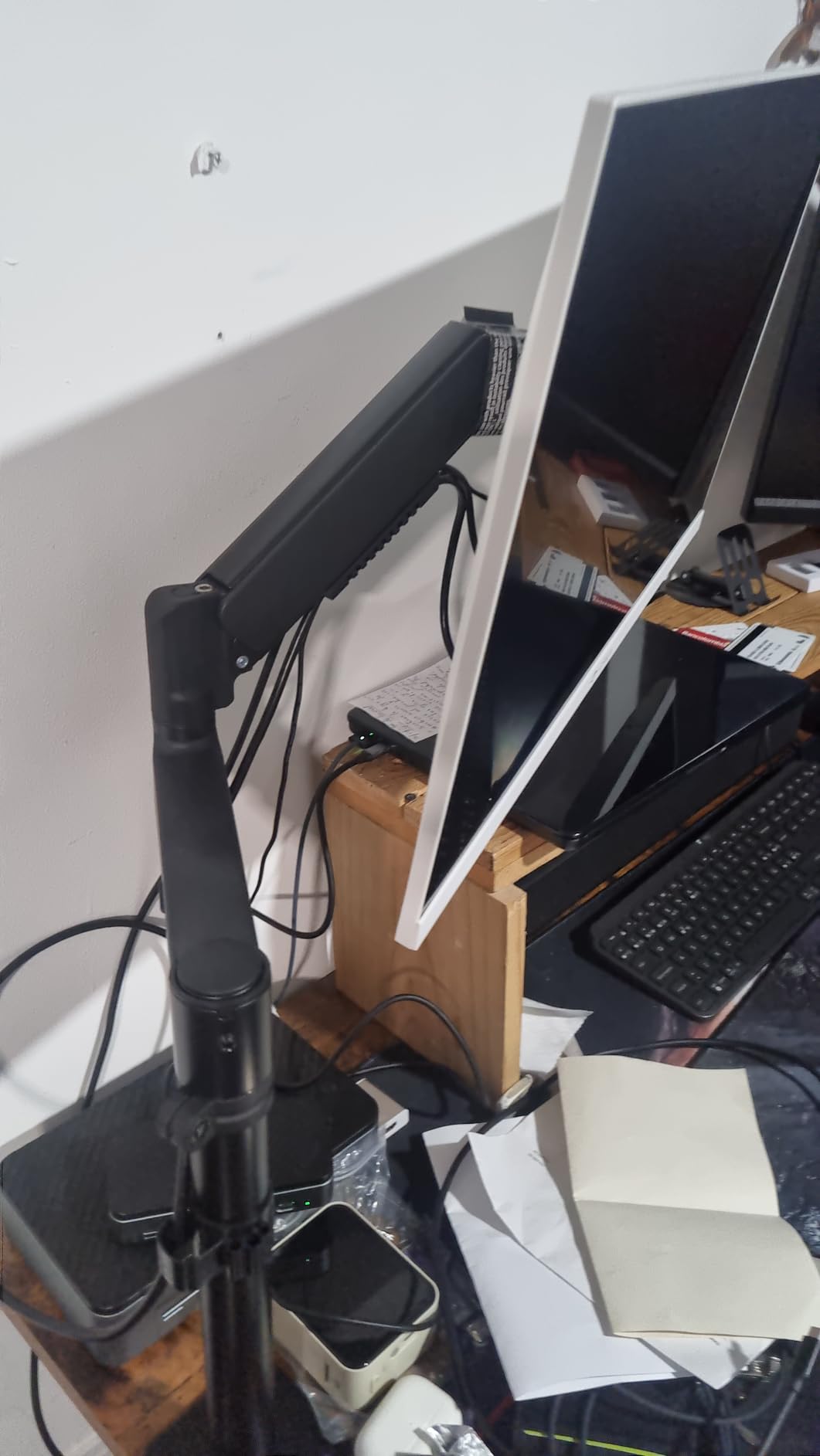
The tool-free VESA plate is the thing that sets this apart. You hang the screen on the plate instead of hunting for screws, which matters if you expect to move the arm between a sitting desk and a standing one more than once.
Range is solid for a single arm: 13 to 34 inch screens up to 19.8 lbs, 17.5 inch of height adjustment, and 18.1 inch of reach. That combination covers a tall standing desk without needing a separate tall-pole upgrade.
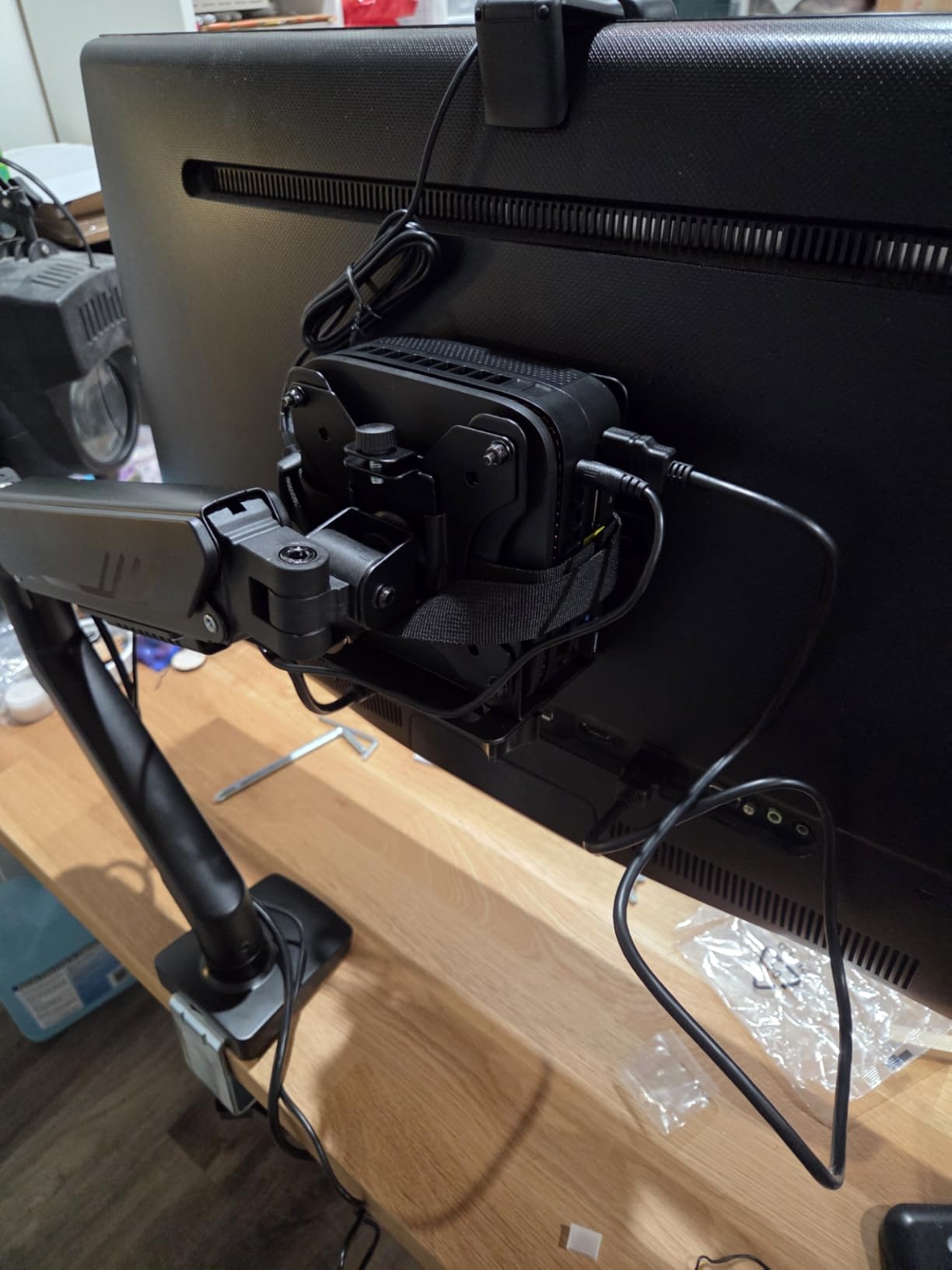
Both mounting options are in the box, with a C-clamp for desktops up to 2.56 inch and a grommet base for up to 2.95 inch. On a laminate standing desk top you are usually inside both numbers.
The cable clips open without tools, so re-routing slack after the desk height changes takes seconds rather than a fiddly job behind a moving column.
Best for frequent screen changes
Anyone swapping panels between a laptop and a desktop workflow, or testing a new screen, will appreciate the detachable plate. It is the fastest mount-and-unmount process in this group.
The durable core is tested through more than 20,000 cycles, and the wider VESA head helps keep a large panel from developing play at the connection point.
Where it shows its limits
Some horizontal shake remains when the screen is moved, and the advertised 360 degree rotation does not feel fully continuous in practice. Neither is a dealbreaker, but both are visible next to a gas spring arm.
Be careful with the tension bolts. They are threaded, and repeated over-tightening can strip them, so tighten to firm rather than to maximum.
11. Suptek Single Monitor Arm – Widest Reach for Thick Desks
Suptek Single Monitor Arm Fully Adjustable for 17-34-35 Inch Screens
17-35 inch screens to 24.25 lbs
18.7 inch height adjustment
21.65 inch extension
Gas spring
Pros
- Gas spring mechanism at the lowest cost in this group
- Supports 17-35 inch flat and curved monitors up to 24.25 lbs
- 18.7 inch of height adjustment and 21.65 inch of maximum extension
- Tool-free quick-install clamp plus grommet option for desks up to 3.85 inch thick
- Integrated cable routing with a metal protective cover
Cons
- Wobbles noticeably on lighter or less rigid desks
- Gas pressure tension adjustment is not intuitive from the instructions
- Quality control complaints about stripped bolts and missing screws
- Tilt joint can loosen over time on lighter monitors
Getting a gas spring mechanism at the bottom of the price range is unusual, and that alone earns this a place. The 24.25 lb load rating is the second-highest single-screen figure here, covering 17 to 35 inch flat and curved panels.
Reach is the standout specification. At 21.65 inch of extension and 18.7 inch of height adjustment, this arm reaches further than most, which is useful on a deep standing desk where you want the screen far from the edge at sitting height and closer at standing height.
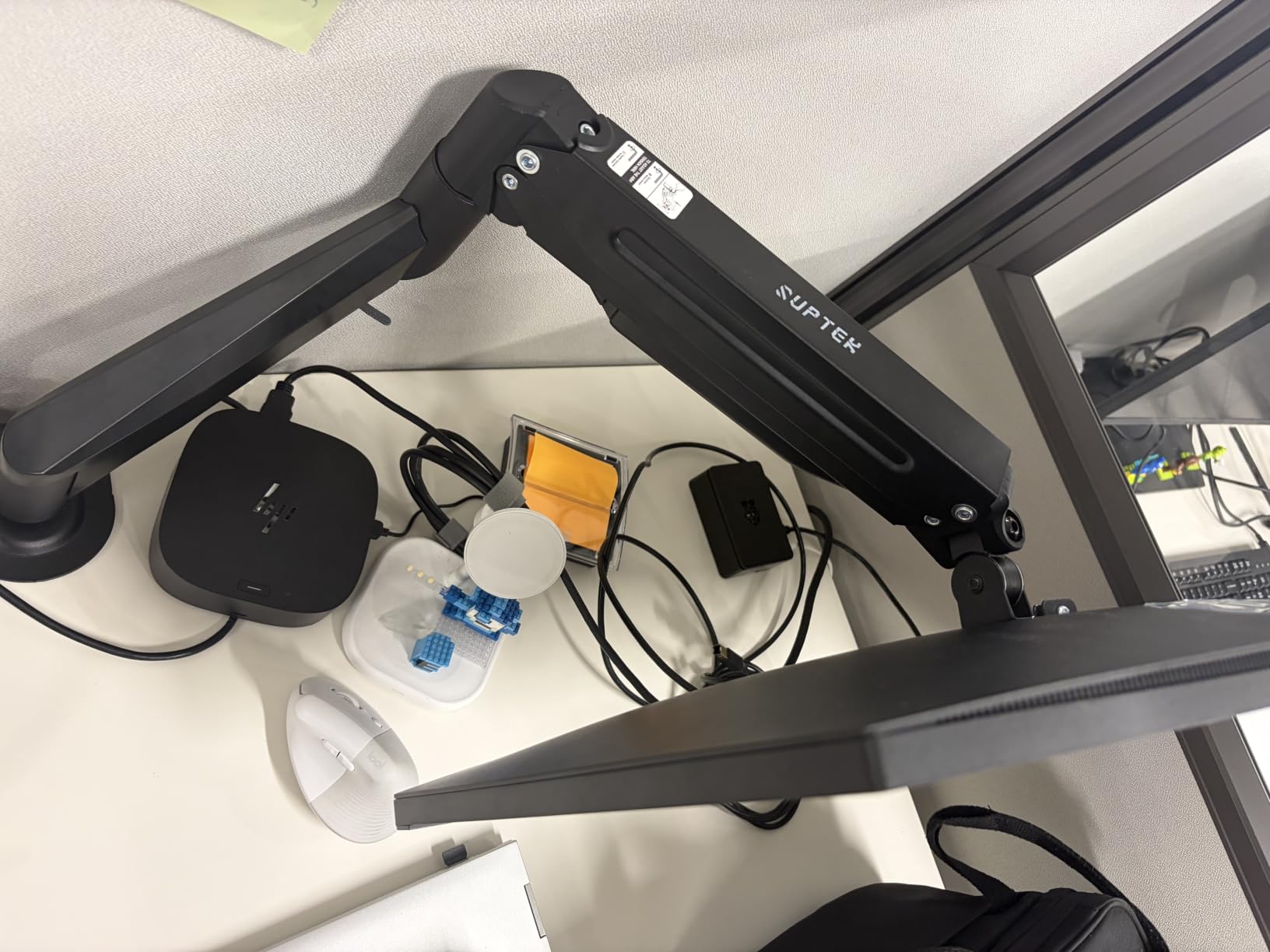
The clamp accepts desktops up to 3.85 inch thick, the thickest window of any arm in this group, and both the tool-free clamp and the grommet option are included. A thick bamboo or solid wood standing desk top will not be a problem here.
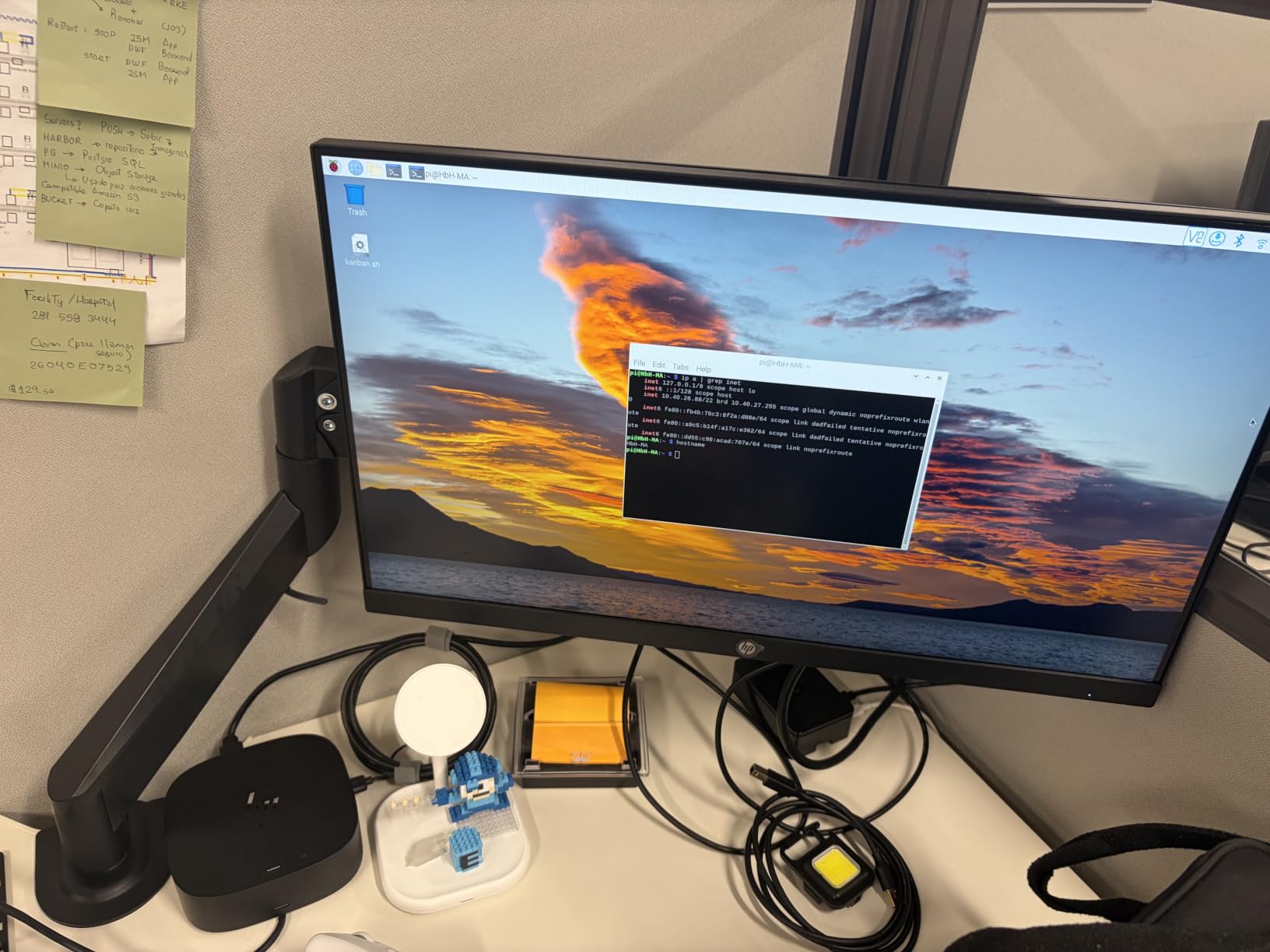
Built-in cable routing runs through the arm, and a metal protective cover shields the mechanism. Owners like the desk space the arm gives back and the cable management that comes with it.
Best on a thick or heavy desk
The 3.85 inch clamp range means a thick solid wood top is fine, which rules out several lighter arms here. The grommet through-hole option is a fallback if your desk edge is awkward.
The 24.25 lb ceiling gives room for a large curved panel without sitting at the very top of the range, and the height adjustment covers a wide standing desk travel range.
Where it is fragile
It wobbles on lighter or less rigid desks, and a single-column standing desk is exactly the case where that shows. Pair it with a sturdy top and a wide base rather than a light desk.
Quality control is inconsistent across reviews, with reports of stripped bolts and missing screws, and the tension adjustment instructions are not intuitive. Inspect the parts before assembly.
12. Acer Dual Monitor Arm – Best for Multiple Layouts
Acer Dual Monitor Arm, Gas Spring VESA Mount Stand for 17-32″ Screens
Two 17-32 inch screens
4.4-19.8 lbs per arm
18.1 inch height lift
Four layouts
Pros
- Gas spring dual arms lift smoothly and stay put without a gas pressure screw
- Each arm holds 17-32 inch monitors from 4.4-19.8 lbs
- 18.1 inch of height adjustment and 21.25 inch of extension
- Full articulation with 360 degree rotation and plus 90 minus 60 degree tilt
- C-clamp or grommet mounting for 0.59-3.15 inch wooden desktops
- Supports dual horizontal stacked or crossed layouts
- Tested through more than 20000 durability tests
Cons
- Only 343 ratings which is the smallest review base here
- Not suitable for glass or plastic desktops
- 1-year manufacturer warranty
- Gas spring tension is factory-set and cannot be adjusted
The layout flexibility is unusual at this level. One mount can carry two screens side by side, one above the other, a large screen with a small one, or a crossed arrangement, which means a single purchase can serve a setup you have not settled on yet.
Each arm holds 4.4 to 19.8 lb screens from 17 to 32 inch, with 18.1 inch of height adjustment and 21.25 inch of extension. On a standing desk, that vertical range is what lets the upper screen find eye level when the desk is fully raised.
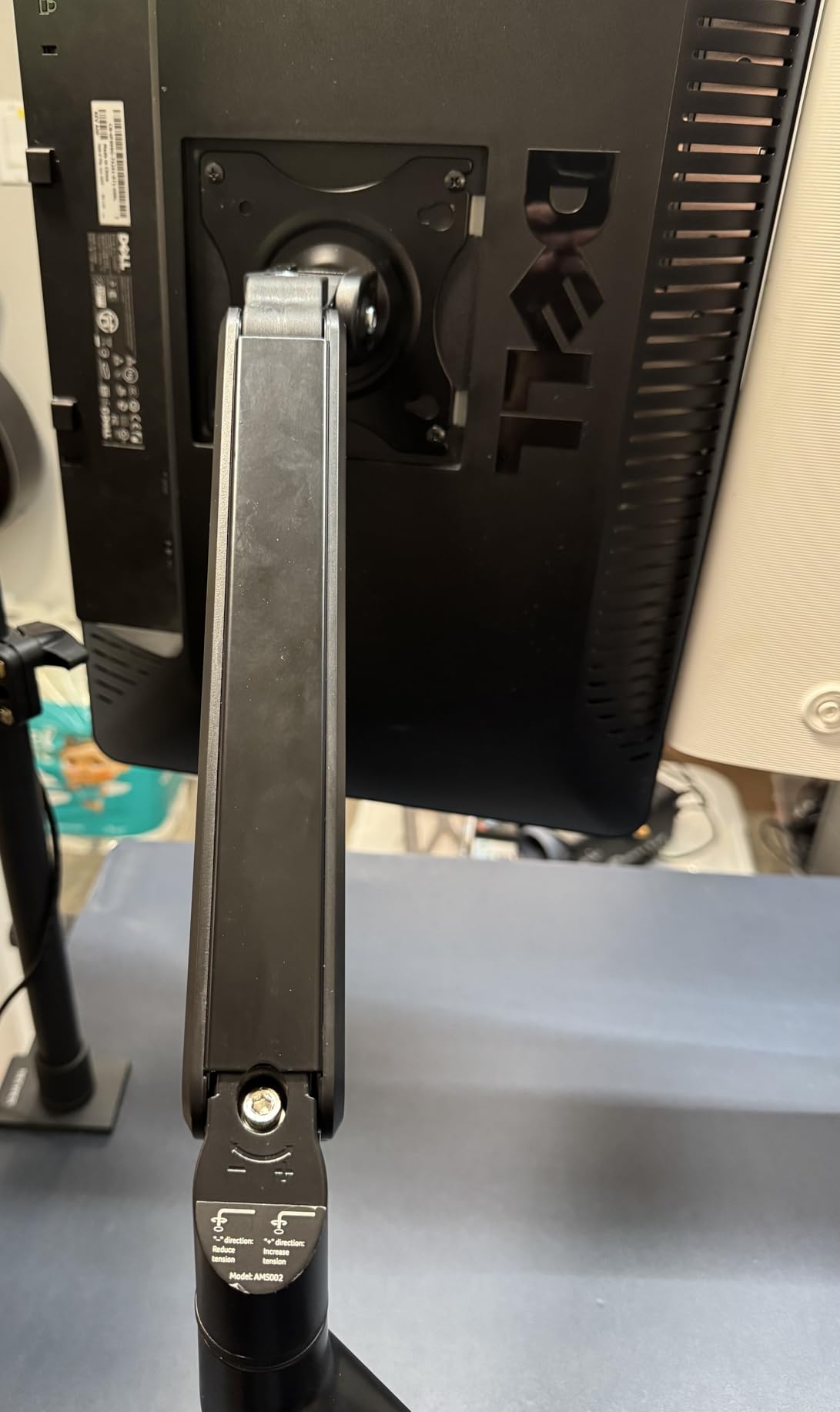
The gas spring is factory-set and cannot be adjusted, so this suits two screens of similar weight. A very light screen beside a heavy one is not a good pairing for a fixed-tension spring.
Hidden cable clips keep wiring out of sight along the arms, and the clamp or grommet base covers wooden desktops between 0.59 and 3.15 inch thick with a grommet hole over 10mm.
Best when your layout is not settled
Rearranging two screens between a side-by-side, stacked, and mixed layout takes minutes with this arm. That is genuinely useful for someone sharing a desk between a focused editing setup and a general working setup.
Twenty-plus thousand durability tests on the gas spring is a reasonable basis for an arm that will be repositioned often rather than installed once and forgotten.
What to weigh up
With only a few hundred ratings, long-term consensus is less established than the other arms here, so buy with a return window in mind. A 1-year manufacturer warranty is also among the shortest in the group.
Wooden desktops only, no glass or plastic, and a fixed spring means the weight range has to be respected on both arms.
Do monitor arms work with standing desks?
Yes, a monitor arm works with a standing desk, and it is close to essential if you alternate between sitting and standing. The arm adds its own vertical lift on top of the desk’s travel, so the screen reaches eye level at both heights instead of sitting at a fixed position. The one condition that matters is the clamp zone: the arm has to grip an area of desktop clear of the lifting column and any crossbar, and your screen weight must fall inside the per-arm load rating rather than the combined figure on the box.
Two things decide whether this works on your specific desk. The first is where the clamp can physically sit. Standing desk lifting columns and support rails often occupy the position an arm would naturally clamp to, and a clamp mounted too close to the column physically prevents the desk from lifting. Measure the rear edge and check the underside before you buy.
The second is vertical lift, and this is the number people misread most often. Manufacturer lift figures are measured from the desktop, not from the floor, so an arm rated for 15 inches of lift does not put a screen 15 inches above the floor. Add it to your desk’s maximum standing height to work out the real top position of the screen.
Cables are the third thing nobody mentions. As the desktop travels up, the display and power cables attached to a screen hanging over that desktop need slack. Without it they pull the screen forward, snag the arm joints, or catch on the moving column. If your arm routes cables internally or includes clips, tie the slack loosely to the post so it moves with the desk.
Wobble is worth thinking about too. A single-column standing desk moves slightly as it travels, and an arm with a top-heavy screen amplifies that. Arms with a dual clamp structure and a wide base platform stay noticeably steadier than single-post designs, which is why the dual arms in this list behave better on lighter desks.
How to match a monitor to an arm in five steps
Getting this right takes about five minutes and avoids most returns.
1. Measure the screen. You need the diagonal size and, more importantly, the actual weight including any mount or arm that stays attached. Most panels in this group fall between 4.4 and 26.4 lb, and the range for each arm is stated per arm.
2. Check the VESA pattern on the back. The two you will meet are 75x75mm and 100x100mm. A screen with a different pattern needs an adapter plate, and the adapter adds weight and offset that the arm was not rated for.
3. Compare per-arm load, not total load. If you run two screens, each one has to fit the per-arm range on its own. A 5 lb screen beside a 22 lb screen defeats an arm with a flattering combined figure.
4. Add the vertical lift figure to your desk’s maximum standing height, then compare the result to your eye level while standing. This is the single check that most roundups skip and the one standing desk owners notice immediately.
5. Confirm the mount hardware. Check whether the clamp thickness range covers your desktop, whether both clamp and grommet hardware are in the box, and whether the underside is clear where the clamp will seat.
Six checks before clamping an arm to a standing desk
Most arm failures on a sit-stand desk are installation problems, not product problems.
1. Clamp zone. Find a section of the rear desktop edge with no lifting column, no motor housing, and no control panel within roughly 6 inches. This is the first thing to rule out.
2. Column clearance. With the arm base in place, run the desk through a full up-and-down cycle. If the base touches the column or the crossbar at any point in the travel, the mount position is wrong.
3. Crossbar interference. Many standing desks have a horizontal support beam under the desktop. A clamp needs a flat, clear seat, and a beam in the way means either a different position or the grommet option.
4. Desktop thickness. Compare your top against the arm’s stated clamp range. Laminate and bamboo tops are usually well inside it, while thick solid wood and some MDF cores sit at the top of it.
5. Underside rails and drawers. A long through-desk bolt or a grommet post can foul a shallow drawer. Measure the clearance under the desktop with the drawer open, not closed.
6. Clamp security through cycles. Once installed, run the desk up and down ten times at full speed. A clamp that creeps needs a re-tighten or a thicker washer stack before you hang a screen on it.
Cable slack and the full sit-stand travel range
No roundup we looked at covers this, and it is a routine source of damage. Your screen is attached to a monitor arm, but it is also attached to the desktop it is clamped to, so the screen and the desktop move together. The cables between them have to take up that slack every time the desk travels.
Leave enough slack to cover the desk’s full travel with a small amount to spare, and route it so the loop hangs below the arm joints rather than above them. Slack that passes over a joint tightens as the desk rises and can slowly pull the screen out of position.
If your arm routes cables through the arm itself, use that path. If it uses clips along the arms and pole, tie the bundle to the post with a soft strap rather than a tight cable tie, so the bundle can slide as the desk moves. Plastic cable ties on a bundle that moves thousands of times will eventually cut into the sheath.
Check the same thing at the column. A cable routed behind the desktop and left slack at the base is the most common cause of a display connector being pulled sideways every time someone raises the desk.
Clamp or grommet on a moving desk
A clamp mount is reversible, needs no drilling, and is the right default for a standing desk. It also lets you move the arm later, which is valuable if you share a desk or change desks. A grommet mount is more rigid and puts less leverage on the desktop edge, but it requires a hole and it permanently changes the top.
Drilling a standing desk top is a real risk, and the desk manufacturer may treat it as damage to the surface. That is the main argument for a clamp, and the reason we would not recommend grommet mounting a desk top you have not checked with the manufacturer first.
Desk material matters. Particleboard and hollow-core tops are common in budget standing desks, and a clamp on a hollow core can crush the panel over time as the desk moves. A solid laminate, bamboo, or veneer top with a plywood core is far more forgiving. The wood-only restrictions on two of the arms here exist for exactly this reason.
Whichever mount you use, the through-bolt or post on a grommet mount needs enough clearance under the desktop to miss a drawer, and the clamp needs a flat seat without a support beam underneath.
Why the premium arms cost more
The price gap between a budget arm and a premium one is large, and most guides leave it unexplained. It comes down to three engineering choices: the constant force mechanism, the material, and the tolerance on the parts that carry load.
A gas spring arm uses a sealed gas cylinder calibrated to a load window, so the arm floats at any height with one hand. A friction arm uses tightened bolts, and friction changes with temperature, wear, and repeated cycling. On a desk that raises and lowers all day, that is a real functional difference rather than a luxury.
Premium arms also use heavier steel and aluminium, tighter pivot tolerances, and Constant Force or fixed-tension technology that is tested rather than adjusted by the user. That is why an Ergotron-class arm can carry a broad 7 to 25 lb range and still hold position for years, while a friction arm needs a hex key every year or so.
Warranty length follows the same logic. A 10-year written warranty with long spare part availability means the manufacturer expects the arm to outlive several desks. A 1-year warranty tells you what they expect about the joints.
Is it worth paying for? If your desk moves daily, you handle a heavy screen, or you cannot tolerate an adjustment that drifts, yes. If your desk is a fixed single screen you never move, a well-built friction arm is entirely adequate.
Frequently Asked Questions
Do monitor arms work with standing desks?
Yes. A monitor arm adds vertical lift on top of the desk’s own travel, so one screen can reach eye level at both sitting and standing height. Two conditions decide whether it works on your desk: the clamp must grip a section of rear edge clear of the lifting column and crossbar, and each screen’s weight must sit inside the per-arm load rating rather than the combined figure printed on the box.
Which dual monitor arms are best for a standing desk?
For two matching mid-weight screens, the VIVO Dual Monitor Desk Mount is the strongest all-round choice, holding two 13-30 inch panels at 22 lbs each on a clamp that fits desktops up to 3.25 inch thick. If your two screens are different weights, the HUANUO FlowLift Dual states a per-arm range of 4.4 to 19.8 lb, which matters more than any combined total. A dual-clamp base also resists the wobble that a moving desk can introduce.
Are monitor arms really worth it?
On a sit-stand desk, usually yes. Without an arm, a monitor positioned at a good seated eye level ends up at waist or chest height when the desk is raised, and you spend the standing session looking down. An arm restores eye-level screen position at both heights, reclaims desktop area under the screens, and lets you change distance and angle through the day. The main exception is a fixed single screen on a desk that never moves.
Why is Ergotron so expensive?
The premium comes from three engineering choices. A constant force mechanism uses a calibrated gas cylinder so the arm floats at any height, while budget arms use friction bolts that drift and need periodic tightening. Premium arms also use heavier metals, tighter pivot tolerances and load ranges tested rather than user-adjusted, and they carry a 10-year warranty with long spare part availability. You are paying for a decade of consistent positioning rather than a one-off purchase.
Our Verdict on the Best Monitor Arms for Standing Desks in 2026
For most people the VIVO Dual Monitor Desk Mount is the right answer. Two screens at up to 22 lbs each, a 3.25 inch clamp capacity, both mounting options in the box, and a 3-year warranty backed by the largest review base in the group. If your two screens differ in weight, step up to the HUANUO FlowLift Dual, whose per-arm range is the more useful specification.
For a single screen, the ELG gas spring arm has the longest reach and the highest rating in this list, while the Ergotron LX is the one to consider if your standing desk travels a long way and you need the screen to reach a genuinely high top position at full standing height. Check the vertical lift figure against your eye level before any of them, because that is the one number that decides whether the setup works for your body.
Whichever arm you choose, measure the clamp zone before you buy, and run the desk through a full cycle with the base in place. If you are still choosing a desk, our roundup of the best standing desks for small spaces covers the frames that pair cleanly with an arm, and our best dual monitor arms for studios goes deeper on arm-only setups.