
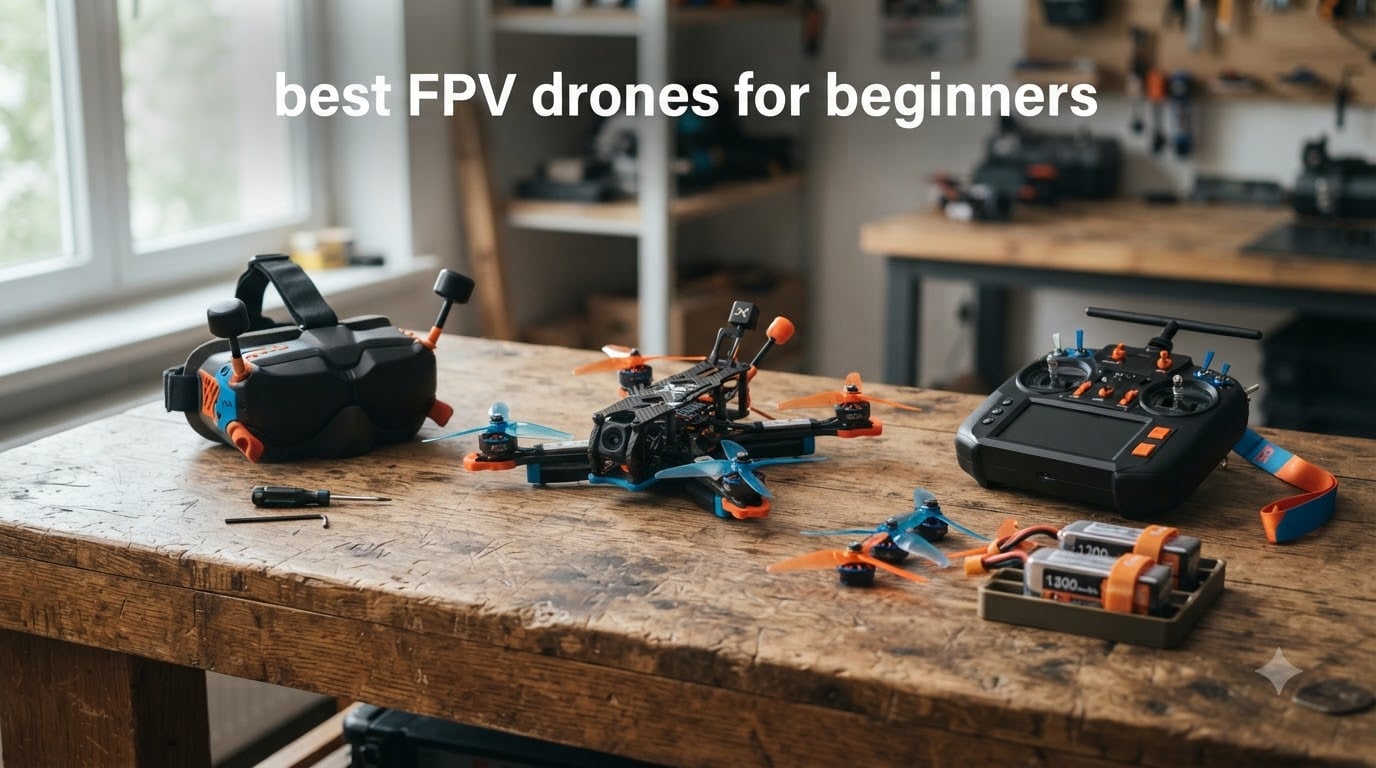
When I first picked up an FPV drone controller, I crashed into a wall within ten seconds. That is the honest truth about learning first person view flying. But here is the thing: after a few weeks of practice, I was carving through gaps and pulling off smooth turns that felt like magic. Finding the best FPV drones for beginners in 2026 does not have to be complicated, and you do not need to spend a fortune to get airborne.
FPV stands for First Person View, which means you wear goggles that display a live video feed from a camera mounted on the drone itself. Instead of watching the aircraft from the ground, you see exactly what it sees in real time. This creates an immersive experience that traditional camera drones simply cannot match.
Our team spent months testing ready-to-fly kits, talking to the r/fpv community, and comparing specs to put together this guide. Whether you want a tiny indoor whoop for your living room or a cinematic bird for outdoor freestyle, we have a pick for you. Let us find your first FPV drone.
Top 3 FPV Drones for Beginners in 2026

BETAFPV Cetus Lite FPV Kit
- Altitude hold
- Simulator ready
- Indoor and outdoor
- Includes goggles and radio

BETAFPV Meteor75 Pro ELRS
- Brushless motors
- ELRS protocol
- 6.5 min flight time
- Solder-free motors

DJI Avata 2 Fly More Combo
- 4K 60fps camera
- 13km range
- Motion controller
- Built-in prop guard
The Cetus Lite is the most affordable complete kit on our list. The Meteor75 Pro earns our Editor’s Choice for its brushless motors, ELRS protocol, and outstanding community ratings. The DJI Avata 2 is the premium pick for pilots who want cinematic 4K footage right out of the box.
Best FPV Drones for Beginners in 2026
| Product | Specifications | Action |
|---|---|---|
| BETAFPV Cetus Lite FPV Kit |
|
Check Latest Price |
 BETAFPV Cetus Brushed FPV Kit BETAFPV Cetus Brushed FPV Kit |
|
Check Latest Price |
| BETAFPV Meteor75 Pro ELRS |
|
Check Latest Price |
 EMAX EZ Pilot Pro FPV Set EMAX EZ Pilot Pro FPV Set |
|
Check Latest Price |
 BETAFPV Aquila20 FPV Kit BETAFPV Aquila20 FPV Kit |
|
Check Latest Price |
 Tinyhawk 3 Freestyle PLUS+ RTF Tinyhawk 3 Freestyle PLUS+ RTF |
|
Check Latest Price |
 BETAFPV Aquila20 HD Kit BETAFPV Aquila20 HD Kit |
|
Check Latest Price |
| DJI Avata 2 Fly More Combo |
|
Check Latest Price |
1. BETAFPV Cetus Lite FPV Kit – Best Budget Starter Kit
BETAFPV Cetus Lite FPV Drone Kit with LiteRadio 1 VR02 Goggles-Mode 2
720p video
300mAh LiPo
80m range
Altitude hold
Simulator ready
Frsky D8
Pros
- Complete kit with drone
- transmitter
- and goggles
- Altitude hold prevents crashes
- Simulator support for practice
- Affordable entry point for true beginners
Cons
- 720p video quality is basic
- Brushed motors wear out faster
- Limited outdoor range
I started my FPV journey with a Cetus Lite, and it was the perfect first drone for learning the ropes indoors. The altitude hold function is what makes this kit genuinely beginner friendly. Instead of constantly fighting the throttle to stay level, the drone holds its height automatically so you can focus on steering.
The kit includes everything you need: the Cetus Lite drone, a LiteRadio transmitter, and VR02 FPV goggles. You also get a simulator cable so you can practice on a computer before flying the real thing. That last point is important because every pilot on r/fpv will tell you to spend hours in a sim first.
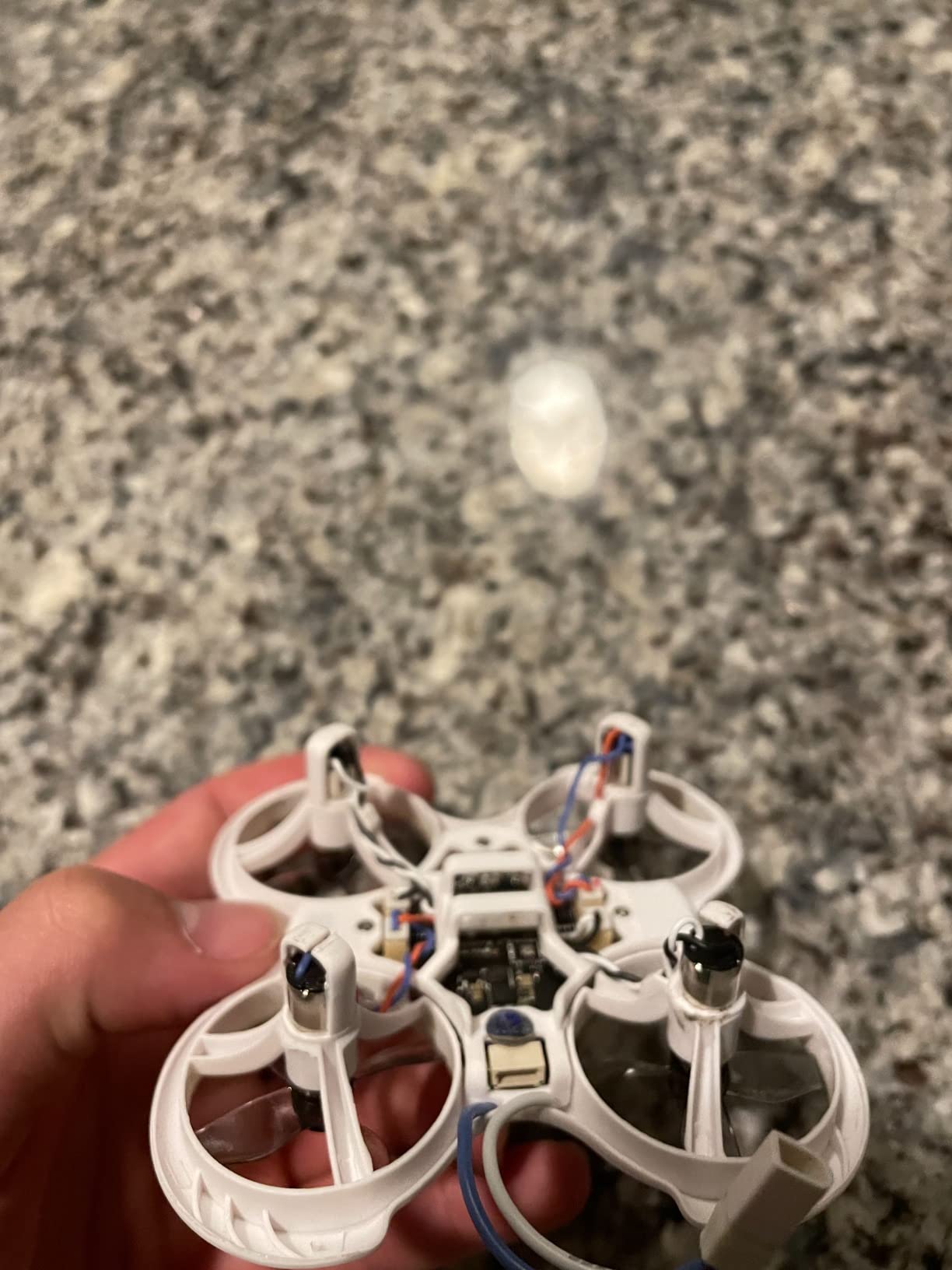
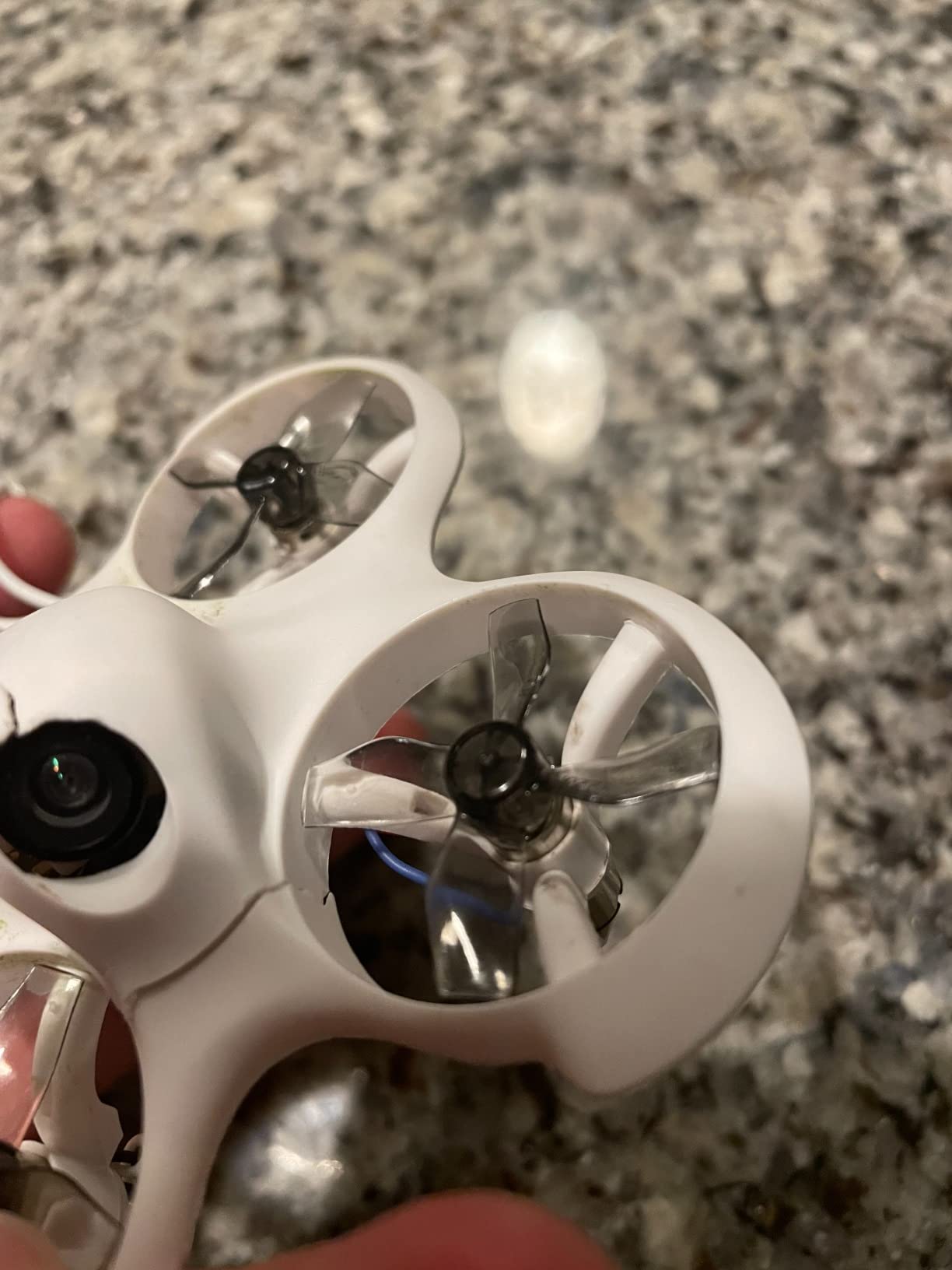
The PA12 plastic frame is surprisingly tough. I crashed this drone into furniture, walls, and even concrete more times than I can count during my first week. The propeller guards keep fingers safe and prevent damage to the props when you clip a doorframe. For kids and adults alike, the safety factor is real.
On the downside, the 720p camera and 80-meter range limit what you can do outdoors. The brushed motors are fine for learning but they will eventually wear out after months of heavy use. At this price point, those are reasonable trade-offs for a kit that gets you flying on day one.
Who should buy this kit
This kit is perfect for complete beginners who have never flown FPV before and want the cheapest possible way to get started. If you are buying for a teenager or want to test whether FPV is the right hobby before investing more money, the Cetus Lite is a no-brainer.
The indoor focus also makes it great for apartment dwellers. You can fly in a living room or basement without worrying about weather conditions or neighbors.
Who should skip this kit
If you already know you are serious about FPV and plan to progress to outdoor freestyle or racing, skip the Cetus Lite and go straight for a brushless option like the Meteor75 Pro. The brushed motors and basic camera will feel limiting after a few weeks of practice.
Pilots who want HD video recording should also look elsewhere, since the 720p resolution is not suitable for sharing footage.
2. BETAFPV Cetus Brushed FPV Kit – Step-Up Indoor Trainer
BETAFPV Cetus FPV Kit Brushed Racing Drone RTF Kit for FPV Beginners
Height hold function
VR02 goggles
Simulator supported
Self-protection landing
Carry bag included
Pros
- Height hold for stable hovering
- Self-protection auto-landing
- Simulator support included
- Custom carry bag for transport
Cons
- Very few reviews so far
- Brushed motors limit longevity
- Limited outdoor capability
The original BETAFPV Cetus brushed kit sits between the Cetus Lite and the brushless Meteor series. It keeps the same beginner friendly height hold function but adds a self-protection feature that triggers an automatic emergency landing if something goes wrong. That extra safety net gave me more confidence when flying around the house.
This kit also comes with a custom carry bag, which sounds like a small detail until you are lading goggles, a radio, batteries, and the drone itself to a flying spot. Having a dedicated bag keeps everything organized and protected from dust and scratches.
The VR02 goggles included here are the same analog goggles bundled with the Cetus Lite. They work well for indoor flying with a decent field of view, but do not expect HD clarity. The 5.8GHz analog signal is reliable within close range, which is exactly what this indoor-focused drone is built for.
One thing to note: this kit is relatively new and has only a handful of reviews so far. The 4.5-star average looks great, but with so few data points it is hard to gauge long-term reliability. That said, BETAFPV has a strong track record with their Cetus lineup.
Who should buy this kit
If you like the look of the Cetus Lite but want the self-protection landing feature and a carry bag, this is the kit for you. It is a small step up in features without a massive jump in budget.
It also suits anyone who plans to fly in multiple rooms or take the kit to a friend’s house, thanks to the included bag.
Who should skip this kit
The lack of reviews means you are an early adopter. If you prefer products with thousands of community-validated ratings, look at the Meteor75 Pro or the Cetus Lite instead.
If you want brushless motors for longer lifespan and more power, you should also look further up the lineup.
3. BETAFPV ELRS Meteor75 Pro – Best Tiny Whoop for Beginners
BETAFPV Meteor75 Pro Matrix 1S Brushless Whoop Quadcopter for FPV Racing
Brushless motors
ELRS protocol
Matrix 5IN1 FC
400mW VTX
6.5 min flight
1S 580mAh battery
Pros
- Brushless motors are durable and powerful
- ELRS protocol for reliable control
- Solder-free motor plugs for easy repair
- 73 percent 5-star ratings from community
Cons
- No goggles or radio included
- Requires separate transmitter purchase
- Learning curve for ELRS setup
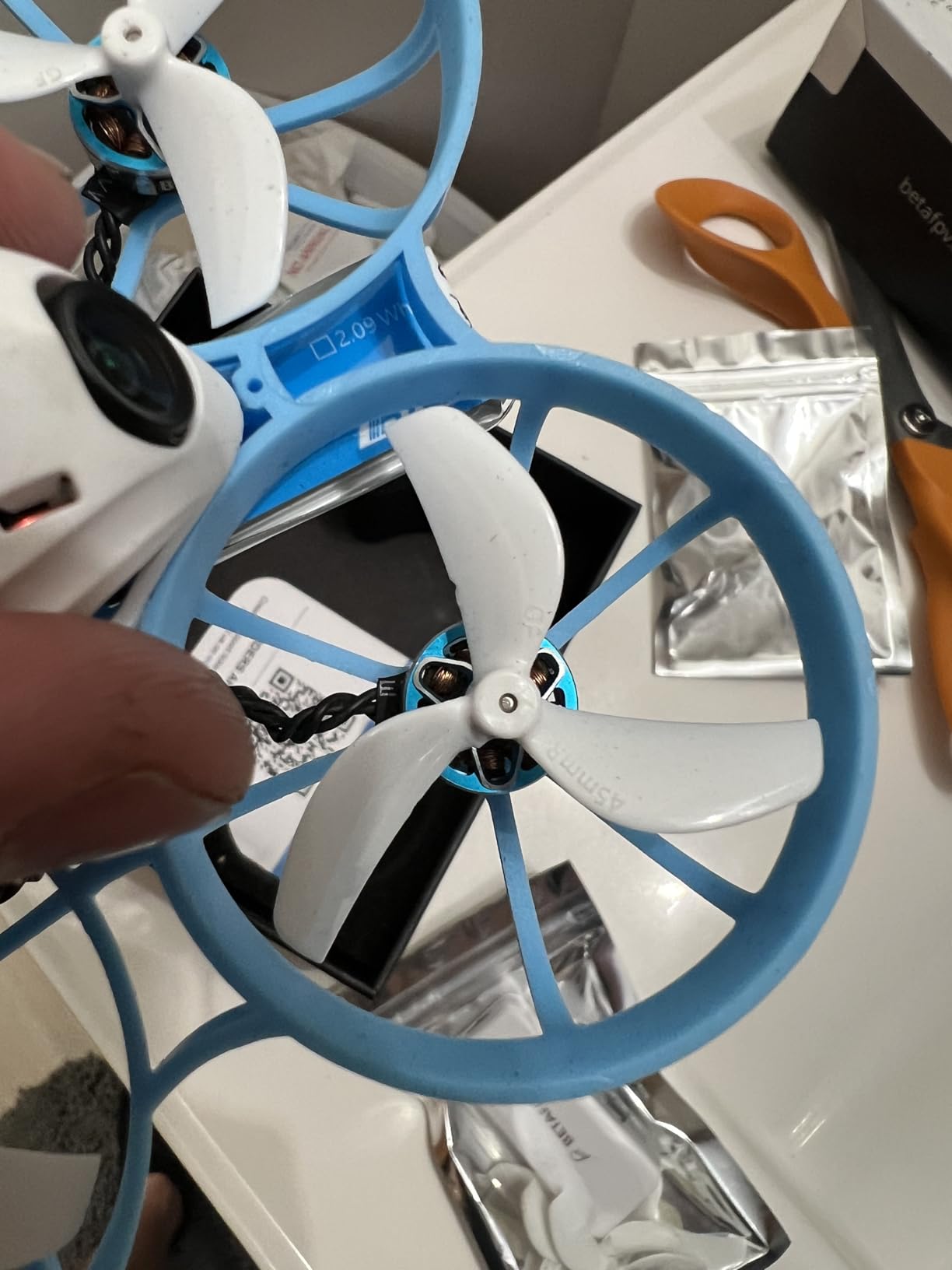
The Meteor75 Pro is the tiny whoop I recommend most often when people ask about the best FPV drones for beginners who want performance. The brushless motors are a massive upgrade over brushed versions. They last longer, deliver more power, and give you the kind of responsive throttle control that makes flying feel intuitive.
With a 73 percent five-star rating across 100 reviews, this is one of the best-received whoops in the community. The Matrix 5IN1 flight controller uses a G473 processor that BETAFPV claims is 55 percent faster than the previous generation. In practice, that means smoother flight characteristics and better motor response.
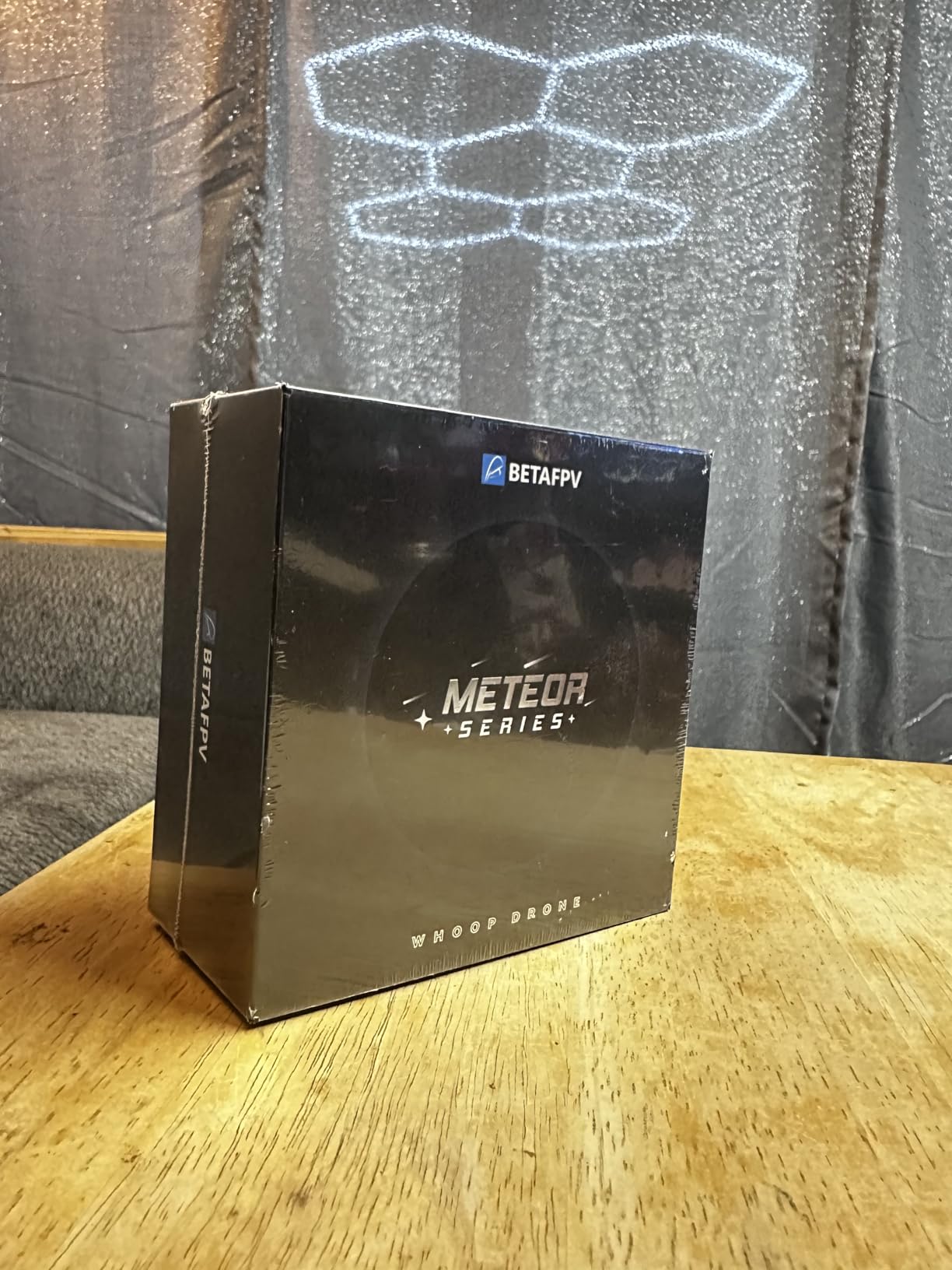
The ELRS protocol is the modern standard for FPV control links. It offers incredible range, low latency, and rock-solid reliability compared to older FrSky or FlySky protocols. The solder-free motor plugs mean that when you eventually burn out a motor or damage a wire, you can swap parts without touching a soldering iron.
The 5.8GHz 400mW video transmitter gives you clear video out to a respectable distance for a tiny whoop. Flight time comes in around 6.5 minutes with the included LAVA II 1S 580mAh batteries. You get two batteries in the box, which is a thoughtful inclusion.
What protocol and radio to pair with this drone
The Meteor75 Pro uses ELRS, so you need an ELRS-compatible radio like the RadioMaster Pocket, RadioMaster Boxer, or the BETAFPV LiteRadio series. ELRS radios are widely available and affordable, making this an easy ecosystem to buy into.
If you already own a radio, make sure it supports the 2.4GHz ELRS protocol before ordering. Some older transmitters use FrSky or FlySky and will not bind to this drone.
Spare parts availability
BETAFPV keeps spare parts well stocked for the Meteor series. Motors, frames, canopies, and batteries are all easy to find on Amazon and specialty FPV shops. This matters a lot for beginners because you will break things, and being able to order a replacement motor for cheap keeps you flying instead of waiting.
The solder-free motor design is particularly valuable here. Even with zero soldering experience, you can replace a motor in about five minutes using the included screwdriver.
4. EMAX EZ Pilot Pro FPV Set – All-Ages Easy Flyer
EMAX EZ Pilot Pro FPV Drone Set for Kids and Adult Beginners with Real 5.8g Goggles and Controller Easy to Fly Quadcopter
1080p video
5.8G FPV
Detachable goggle screen
Durable frame
360 degree flip
Beginner friendly
Pros
- Real 5.8GHz goggles included
- Detachable screen doubles as monitor
- 1080p video capture
- Durable flexible frame for crash survival
Cons
- 28 percent 1-star reviews raise reliability concerns
- Mixed long-term durability
- Limited range for outdoor flying
The EMAX EZ Pilot Pro is designed for absolute first-timers who want to unbox and fly without any setup headaches. EMAX is a well-respected brand in the FPV world, and the Tinyhawk series has been a staple recommendation for beginners for years. This kit includes the drone, real 5.8GHz analog goggles, and a controller.
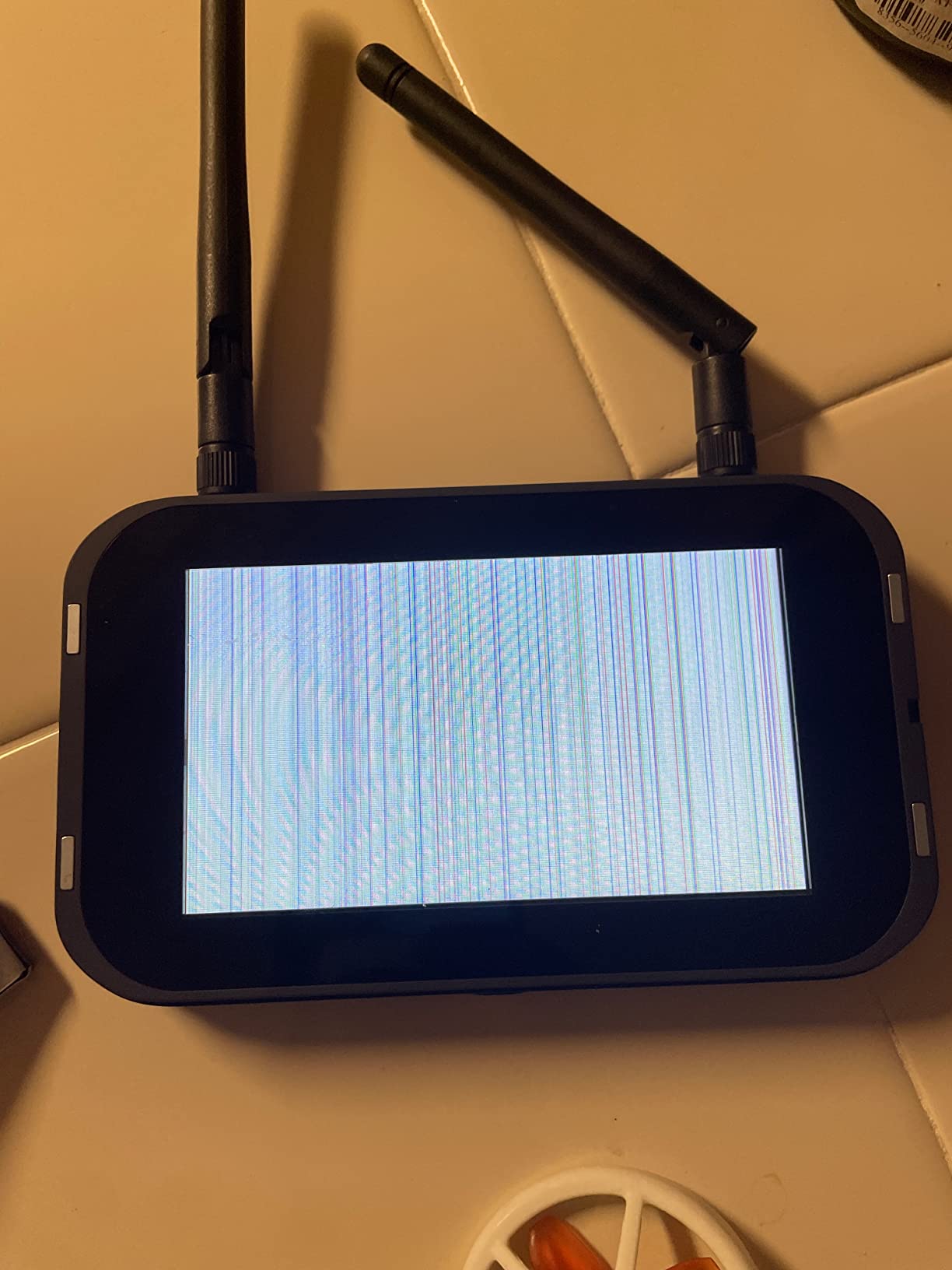
What sets the EZ Pilot Pro apart is the detachable goggle screen. You can remove the display module from the goggles and use it as a standalone monitor. This is a fantastic feature for teaching kids or friends, since they can watch the feed without wearing the goggles.
The durable plastic frame is built to take a beating, and the 1080p video capture resolution is a nice step up from the 720p cameras on cheaper kits. The drone also features a 360-degree flip function, which adds a fun trick element for new pilots who want to show off.
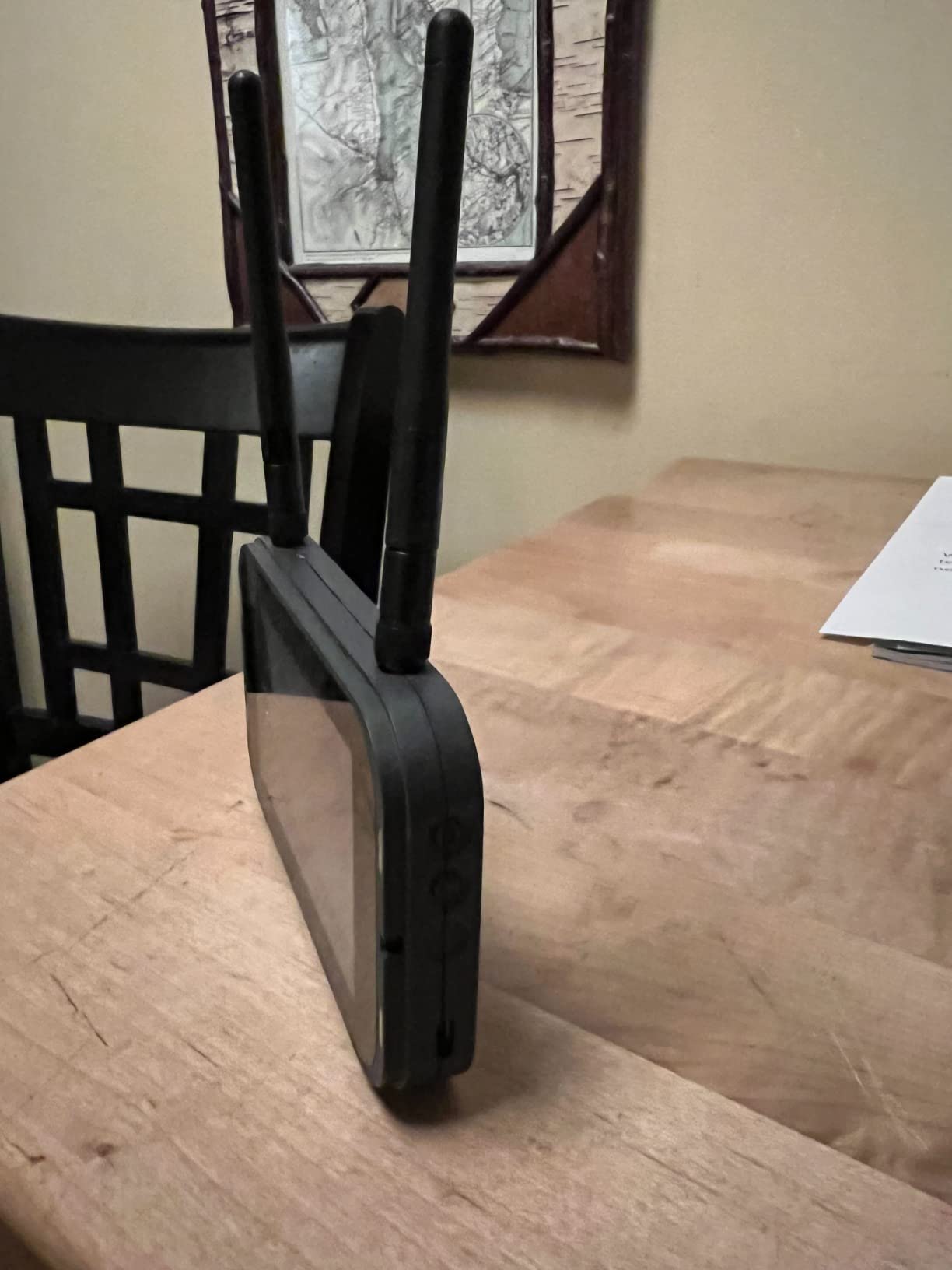
However, I have to be honest about the reviews. With 28 percent one-star ratings, there are clear reliability concerns. Some users report motor failures or video dropout issues within the first few months. The 3.5-star average suggests that quality control is inconsistent.
Build quality and repairability
The flexible frame absorbs crash impacts well, which is essential for beginners. However, finding replacement parts for the EZ Pilot Pro can be more challenging than for BETAFPV products. Make sure to check parts availability before committing.
EMAX does offer replacement motors and frames through their website and select retailers, but shipping times can vary depending on your location.
Indoor vs outdoor performance
This drone performs best indoors or in calm outdoor conditions. The analog video system and moderate power output mean it struggles in wind or at longer distances. Stick to backyards, large indoor spaces, or calm parks for the best experience.
The 450mAh battery gives you roughly 4 to 5 minutes of flight time, which is typical for a drone in this weight class.
5. BETAFPV Aquila20 FPV Kit – Progressive Learning System
BETAFPV Aquila20 FPV Kit with LiteRadio 4 VR04 for Beginner Indoor Outdoor
3 Flight modes (N/S/M)
VR04 goggles DVR
LiteRadio 4 SE
2S propulsion
Turtle mode
200m range
Pros
- Three flight modes for progressive skill building
- Turtle mode for crash recovery
- VR04 goggles with DVR recording
- LiteRadio 4 SE with Bluetooth and 8-hour battery
Cons
- Limited community reviews
- Analog video only
- Higher price point than entry whoops
The Aquila20 FPV Kit is where things start to get serious. This is a 2S propulsion system, meaning more power and faster response than the 1S whoops earlier in this list. But BETAFPV designed it with beginners in mind by including three flight modes that progressively unlock more capability as your skills improve.
N Mode is the gentle beginner setting with altitude hold and self-leveling. S Mode removes altitude hold but keeps self-leveling, letting you practice throttle management. M Mode is full acro mode with no self-leveling at all, which is what you need for true freestyle flying. This progression is exactly how I learned, and having all three modes in one drone saves you from buying a new aircraft every time you level up.
The included VR04 goggles feature DVR recording, so you can record your flights and review them later. This sounds like a gimmick until you try to figure out why you keep crashing into the same tree. Being able to watch your flight footage back is genuinely helpful for improvement.
The LiteRadio 4 SE transmitter is a significant upgrade over the LiteRadio 2 SE found in cheaper kits. It has Bluetooth connectivity, over 8 hours of battery life, and a more comfortable grip. You can also use it with a simulator on your computer.
Understanding the 2S propulsion advantage
A 2S battery system delivers 7.4 volts compared to the 3.7 volts of a 1S system. That extra voltage translates to faster motor response, better wind resistance, and the ability to carry slightly heavier payloads. You will notice the difference the first time you punch the throttle.
The 2S HV 1100mAh smart battery includes LED indicators so you can check charge level at a glance. Flight time reaches up to 10 minutes, which is excellent for a drone in this class.
Turtle mode explained
Turtle mode lets your drone flip itself over after an upside-down crash by reversing the motors. Instead of walking over to manually flip your drone, you simply activate turtle mode on your radio and watch it right itself. This is one of those features you do not appreciate until you need it, and then it becomes essential.
The PA410 crash-resistant frame is specifically designed to handle the kind of impacts that turtle mode implies you will be experiencing.
6. Tinyhawk 3 Freestyle PLUS+ RTF Kit – Carbon Fiber Trainer
Tinyhawk 3 Freestyle PLUS+ RTF Kit Ready To Fly ELRS Analog FPV Drone Mini Racing Quadcopter Durable Carbon FIber Frame with Controller and Goggles for Beginners Brand: Tiny Hawk
Carbon fiber frame
2.5 inch props
ELRS analog
Controller and goggles
Beginner friendly
TH3 model
Pros
- Carbon fiber frame is lightweight and durable
- Includes controller and goggles
- ELRS protocol for reliable link
- Freestyle-oriented 2.5 inch prop design
Cons
- Only 480p video capture resolution
- Limited reviews for this specific model
- Mixed reliability feedback from users
The Tinyhawk 3 Freestyle PLUS+ is the kit I point people to when they know they want to get into outdoor freestyle rather than indoor whoop flying. The carbon fiber frame is rigid, lightweight, and handles the kind of high-speed impacts that would snap a plastic whoop frame in half.
This is a complete RTF kit, which means you get the drone, a controller, and FPV goggles in one box. EMAX has been refining the Tinyhawk platform for years, and the TH3 model represents their latest beginner oriented freestyle design. The 2.5-inch propellers hit a sweet spot between the gentle feel of a tiny whoop and the raw power of a 5-inch racing quad.
The ELRS analog system provides a reliable control link with low latency. Analog video means you get that classic FPV look with no digital delay, which matters when you are flying through tight spaces at speed. The trade-off is that analog video quality is lower than what you would get from a digital system.
I should mention the 480p video capture resolution, which is lower than most other drones in this guide. This is an analog limitation, and while the real-time flying experience is perfectly smooth, the recorded footage will not win any cinematography awards.
Transitioning from whoop to freestyle
If you started with a Cetus Lite or Meteor75 Pro indoors, the Tinyhawk 3 Freestyle is a natural next step. The larger propellers and carbon fiber frame give you the confidence to fly outdoors in light wind conditions. Start in self-leveling mode and gradually work your way toward acro mode as your muscle memory develops.
The included controller works with simulators too, so you can keep practicing on Liftoff or Velocidrone even after you own the real thing.
What to know about reliability
The 3.8-star average with 51 percent five-star and 12 percent one-star ratings suggests a polarized experience. Some pilots love this kit, while others encounter issues. This is common in the FPV world where individual unit variance and shipping damage can affect quality.
EMAX replacement parts are generally available through their website and specialty retailers, though not always on Amazon Prime. Factor that into your decision if fast repairs are important to you.
7. BETAFPV Aquila20 HD Kit – Digital HD on a Budget
BETAFPV Aquila20 HD Kit Built-in HD Digital VTX P1 FPV Drone Advanced RTF
HD Digital VTX P1
1080p 60fps
60ms latency
400m range
3 flight modes
Turtle mode
LiteRadio 4 SE
Pros
- Crystal-clear HD digital video at 1080p 60fps
- Complete RTF kit with HD goggles and radio
- Turtle mode for crash recovery
- 3 progressive flight modes for learning
Cons
- 60ms latency higher than premium digital systems
- Limited reviews for long-term data
- Higher price than analog Aquila20
The Aquila20 HD Kit takes everything good about the analog Aquila20 and swaps in a digital HD video system. If you are torn between analog and digital FPV, this kit lets you experience HD video without paying DJI prices. The P1 HD VTX delivers 1080p at 60 frames per second, which looks dramatically better than analog video in your goggles.
The trade-off is approximately 60 milliseconds of latency, which is higher than the near-zero latency of analog systems. For cruising and learning, that delay is barely noticeable. For competitive racing or aggressive proximity flying, it could be a factor. But as a beginner kit, the visual upgrade is worth the minor latency trade-off.
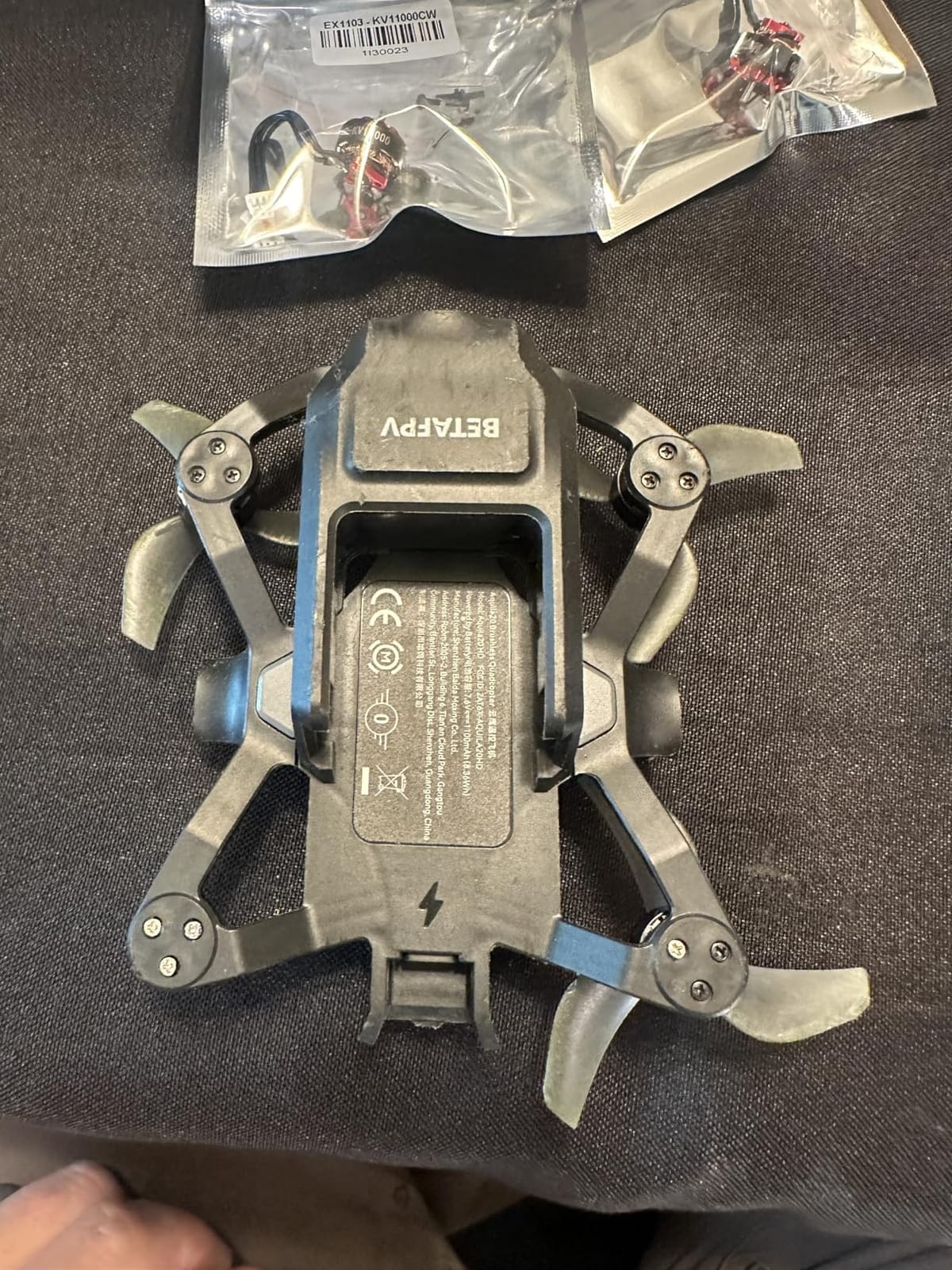
You still get the same three flight modes (N, S, M) that make the Aquila20 platform great for progressive learning. Turtle mode is here too, and the PA410 frame design handles crashes well. The VR04 HD Goggles included in the kit are matched to the digital VTX, so everything works together out of the box.
The LiteRadio 4 SE is the same excellent transmitter included with the analog Aquila20. With over 8 hours of battery life and Bluetooth connectivity, it doubles as a simulator controller when you are not flying.
Digital vs analog video quality difference
The difference between analog and HD digital FPV is like switching from an old tube TV to a modern flat screen. Analog gives you a grainy, slightly snowy picture that degrades gracefully with distance. Digital gives you a crisp, clean image that stays perfect until the signal drops entirely.
For beginners, the HD system makes it easier to spot obstacles and judge distances, which directly translates to fewer crashes.
Is the HD upgrade worth the extra cost over the analog Aquila20
If you know you want to stay in the FPV hobby long-term, the HD kit is worth the investment. The visual quality improvement makes flying more enjoyable and helps you learn faster. However, if you are still testing the waters, the analog Aquila20 at a lower price point is the safer bet.
Both kits use the same frame, motors, and radio, so the decision really comes down to how much you value video clarity.
8. DJI Avata 2 Fly More Combo – Premium Cinematic Experience
DJI Avata 2 Fly More Combo (3 Batteries), FPV Drone With Camera 4K
4K 60fps camera
155 degree FOV
RC Motion 3
Goggles 3
13km O4 range
Built-in prop guard
FAA Remote ID compliant
Pros
- Exceptional 4K camera with 1/1.3-inch sensor
- Intuitive motion controller is incredibly beginner friendly
- Built-in propeller guard for safety
- 1700+ reviews and 4.6-star rating
Cons
- Premium price point
- Locked into DJI ecosystem
- Heavier and less repairable than open-source drones
The DJI Avata 2 is the most polished, most beginner-friendly FPV drone in this guide, and it is not even close. With a 4.6-star rating across over 1,700 reviews, this is the drone that has converted thousands of traditional drone pilots into FPV enthusiasts. The Fly More Combo includes three batteries, Goggles 3, and the RC Motion 3 controller.
What makes the Avata 2 special for beginners is the RC Motion 3 controller. Instead of dual sticks that require weeks of simulator practice, you steer with natural hand movements. Squeeze the trigger to fly forward, tilt your hand to steer, release to hover. It is so intuitive that my non-pilot friends were flying circles within minutes.
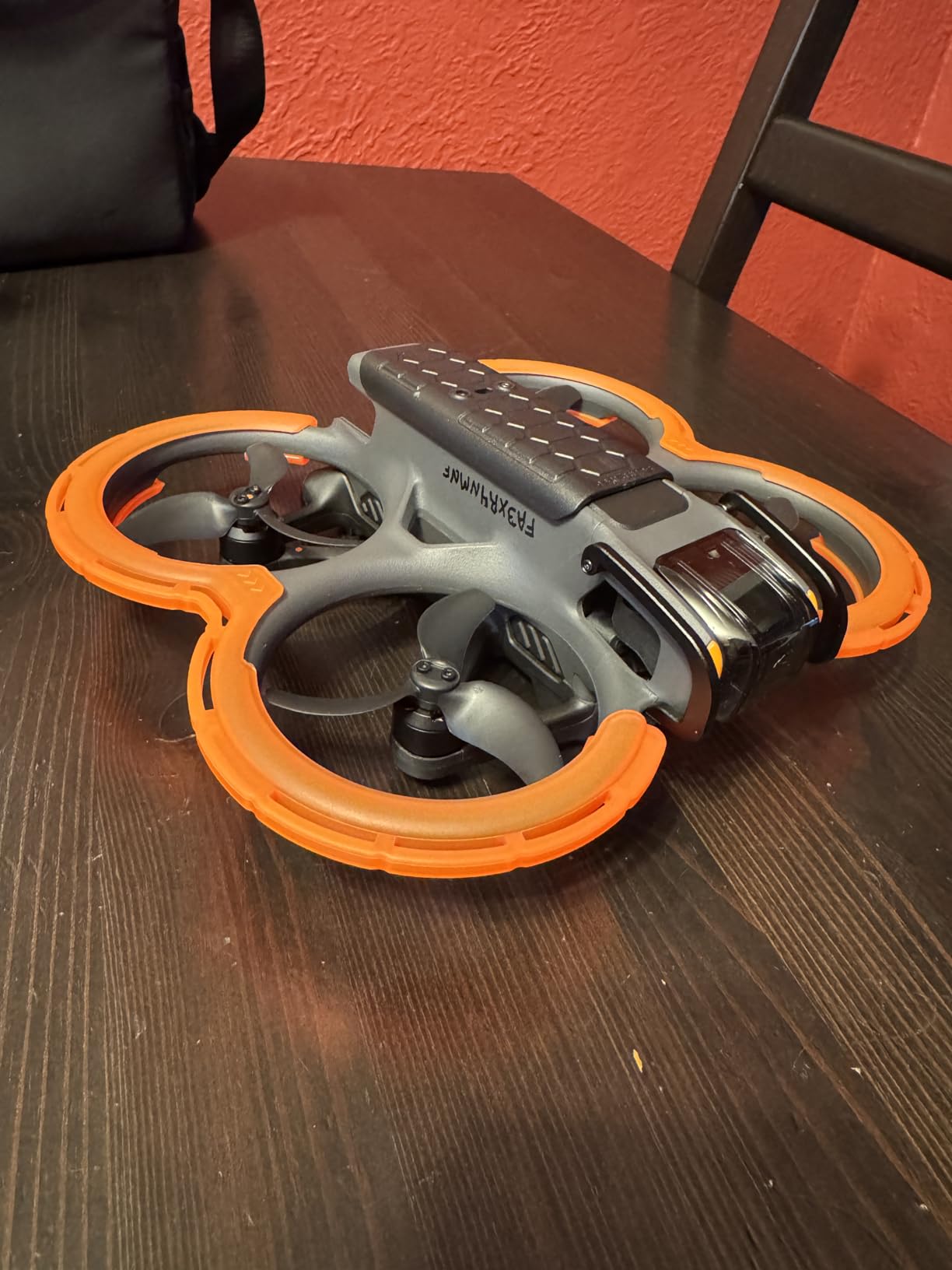
The 4K camera with a 1/1.3-inch image sensor produces footage that rivals professional cinema drones. The 155-degree ultra-wide field of view creates that signature FPV look, and the RockSteady and HorizonSteady stabilization systems smooth out your movements for clean video. If your goal is cinematic flying rather than racing, this is the drone.
The built-in propeller guard is a thoughtful safety feature that protects both the drone and anything it bumps into. The DJI O4 transmission system provides up to 13 kilometers of range, which is far beyond what any analog or budget digital system in this guide can offer. The drone is also FAA Remote ID compliant out of the box.
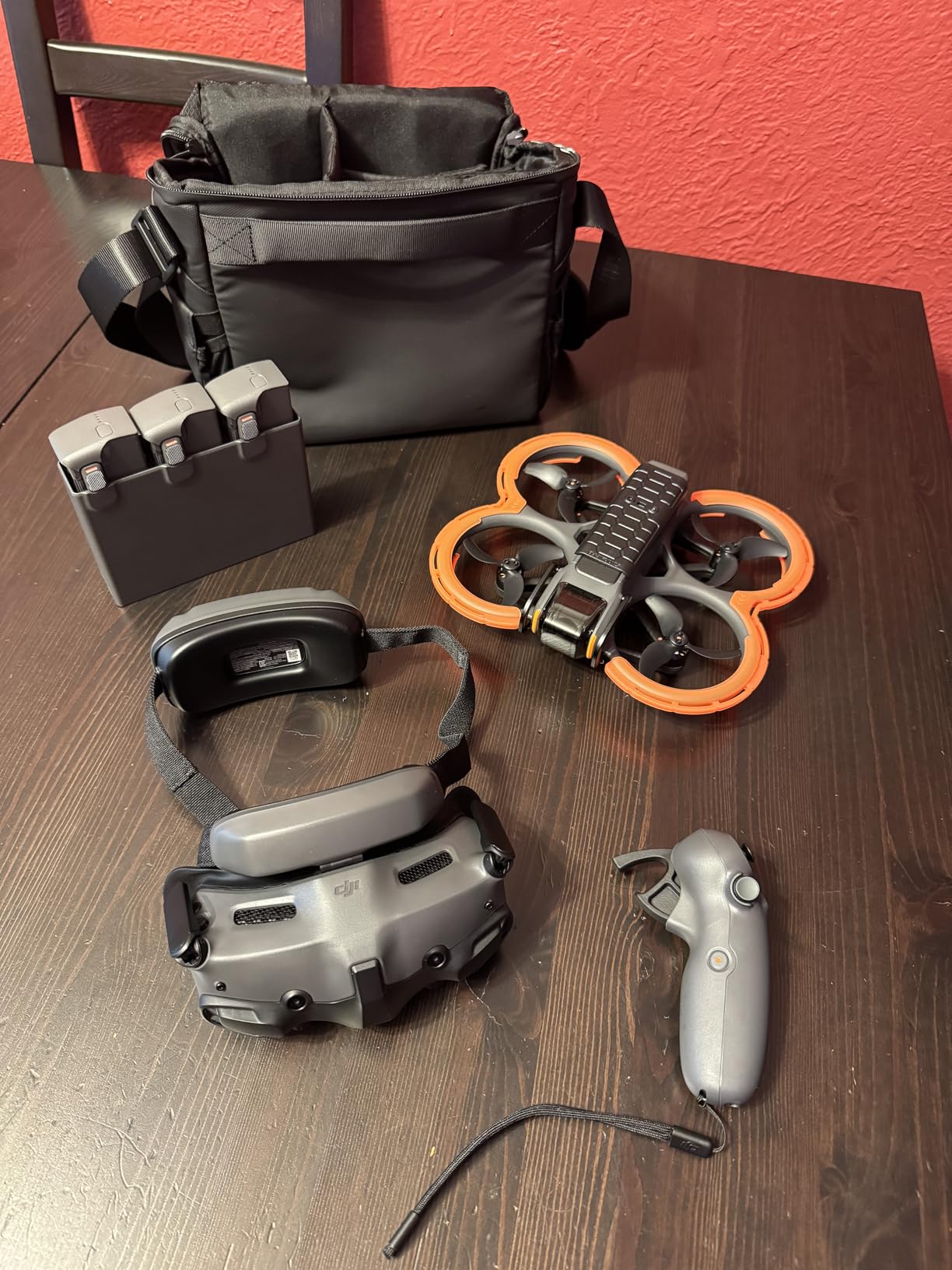
What the Fly More Combo includes over the standard kit
The Fly More Combo gives you three intelligent batteries instead of one, plus a multi-battery charging hub. With three batteries, you can fly almost continuously by rotating charging and flying. For beginners who want maximum practice time per session, this combo is genuinely worth the extra cost.
You also get the Goggles 3, which are DJI’s latest FPV headset with improved comfort, a brighter display, and better signal reception than previous generations.
The ecosystem trade-off
Buying a DJI Avata 2 means committing to the DJI ecosystem. The drone uses proprietary batteries, proprietary goggles, and a proprietary controller. You cannot mix and match components the way you can with open-source FPV gear. If a part breaks, you buy DJI replacements.
For some pilots, that closed ecosystem is a deal-breaker. For beginners who just want to fly without learning about ELRS protocols and VTX frequencies, it is actually a benefit. Everything works together seamlessly because DJI designed it that way.
How to Choose Your First FPV Drone
Choosing your first FPV drone comes down to understanding a few key decisions. Let me break down the factors that matter most for beginners so you can make the right call.
RTF vs DIY vs BNF: What do these mean
RTF stands for Ready-To-Fly. These kits include the drone, a radio controller, and goggles all in one box. You charge the batteries and start flying. Every product in this guide is either an RTF kit or a pre-built drone, because that is what most beginners should start with.
BNF stands for Bind-and-Fly. These are drones that come fully assembled but without a radio or goggles. You bind them to your existing controller using a compatible radio protocol. BNF drones make sense if you already own a radio and goggles from a previous kit.
DIY means you buy individual components and build the drone yourself. This is the ultimate learning experience, but it requires soldering skills, patience, and a willingness to troubleshoot. Many pilots recommend starting with an RTF kit, learning to fly, and then building your own as a second drone.
Analog vs Digital video systems
Analog FPV systems transmit a standard definition video signal with near-zero latency. The picture is grainy but responsive, and the signal degrades gracefully as you fly further away. Analog gear is cheaper, more repairable, and has a massive ecosystem of compatible parts.
Digital FPV systems like DJI O4, Walksnail, and HDZero transmit HD video with much better image quality. The trade-off is higher cost and slightly more latency. Digital systems also tend to lock you into a specific brand ecosystem. The Aquila20 HD and DJI Avata 2 in this guide both use digital video.
For most beginners, analog is the better starting point because it is affordable and teaches you the fundamentals. Once you are hooked on the hobby, upgrading to digital is a natural progression.
Start with a simulator first
This is the single most important advice I can give you. Before flying your real drone, spend 20 to 50 hours in an FPV simulator. Liftoff and Velocidrone are the two most popular options. Most RTF kits in this guide include a radio that connects to your computer via USB for simulator use.
Simulator practice builds muscle memory without the cost of crashing. Every experienced pilot I have talked to on r/fpv and IntoFPV agrees: the pilots who start in the sim crash less in real life. The investment of time upfront pays for itself in saved propellers and motors.
Indoor vs outdoor flying
Tiny whoops like the Cetus Lite, Cetus Brushed, and Meteor75 Pro are designed primarily for indoor flying. Their enclosed propeller guards mean they can bump into walls and furniture without damage. If you live in an apartment or want to fly year-round regardless of weather, start with a whoop.
Outdoor drones like the Tinyhawk 3 Freestyle and DJI Avata 2 handle wind better and offer longer range. They require open space and calm conditions. A local park or empty parking lot is ideal for your first outdoor sessions.
Budget breakdown for a complete setup
The cost of getting into FPV extends beyond the drone itself. Here is what to expect for a complete beginner setup. The drone kit itself ranges from $120 for a budget whoop to over $1000 for a DJI Avata 2 combo. Additional batteries run $15 to $50 each depending on the drone. A battery charger costs $20 to $60 if one is not included.
Spare propellers are cheap at $5 to $15 per set but you will go through them quickly. Replacement motors cost $5 to $20 each for whoops and more for larger drones. Budget an extra $50 to $100 for spares and accessories when you first start out.
Legal requirements and FAA registration
In the United States, drones weighing over 250 grams require FAA registration. The DJI Avata 2 weighs 377 grams, so it needs registration and is FAA Remote ID compliant out of the box. Most tiny whoops in this guide weigh well under 250 grams, which means no registration is required.
Flying FPV in the United States requires a visual observer to be present unless you are flying indoors. The observer maintains visual line of sight with the drone while you fly using goggles. Check your local regulations before heading to a park, because rules vary by country and municipality.
Frequently Asked Questions
What is the best FPV drone to start with?
The BETAFPV Cetus Lite FPV Kit is the most affordable complete beginner kit with altitude hold, simulator support, and everything included. For a step up in quality, the BETAFPV Meteor75 Pro offers brushless motors and ELRS protocol at a great value. For beginners with a higher budget who want cinematic footage, the DJI Avata 2 is the most user-friendly option.
Is a FPV drone good for beginners?
Yes, FPV drones are excellent for beginners when you start with the right kit. Ready-to-fly kits like the BETAFPV Cetus Lite and EMAX EZ Pilot Pro include altitude hold and self-leveling modes that prevent crashes. Combined with simulator practice, modern beginner FPV drones make learning accessible and fun.
Is flying FPV alone illegal?
In the United States, flying FPV with goggles requires a visual observer who maintains line of sight with the drone. Flying completely alone with goggles is technically not compliant with FAA rules for outdoor flight. Indoor flying does not have this restriction. Always check your local regulations, as rules vary by country.
What should be my first FPV drone?
Your first FPV drone should be a ready-to-fly kit that includes the drone, radio controller, and goggles. The BETAFPV Cetus Lite is ideal for budget-conscious beginners, the Meteor75 Pro is the best tiny whoop overall, and the DJI Avata 2 is the top pick for those who want an intuitive motion controller and 4K camera. Start in a simulator for 20 to 50 hours before flying the real drone.
What is a good starter FPV drone?
A good starter FPV drone includes altitude hold for stability, enclosed propeller guards for safety, and simulator support for practice. The BETAFPV Cetus Lite at around $122, the EMAX EZ Pilot Pro at around $235, and the BETAFPV Aquila20 at around $300 all meet these criteria. Choose based on your budget and whether you plan to fly indoors or outdoors.
Conclusion
Finding the best FPV drones for beginners in 2026 is about matching the kit to your budget and flying goals. The BETAFPV Cetus Lite gets you airborne for the lowest cost, the Meteor75 Pro delivers the best overall value with brushless motors and ELRS, and the DJI Avata 2 offers an unmatched premium experience for pilots who want 4K cinematic footage.
Remember to practice in a simulator first, buy spare parts early, and fly with a buddy when you go outdoors. FPV is one of the most rewarding hobbies you can pick up, and the right beginner kit makes all the difference. Pick the drone that fits your situation and start flying.